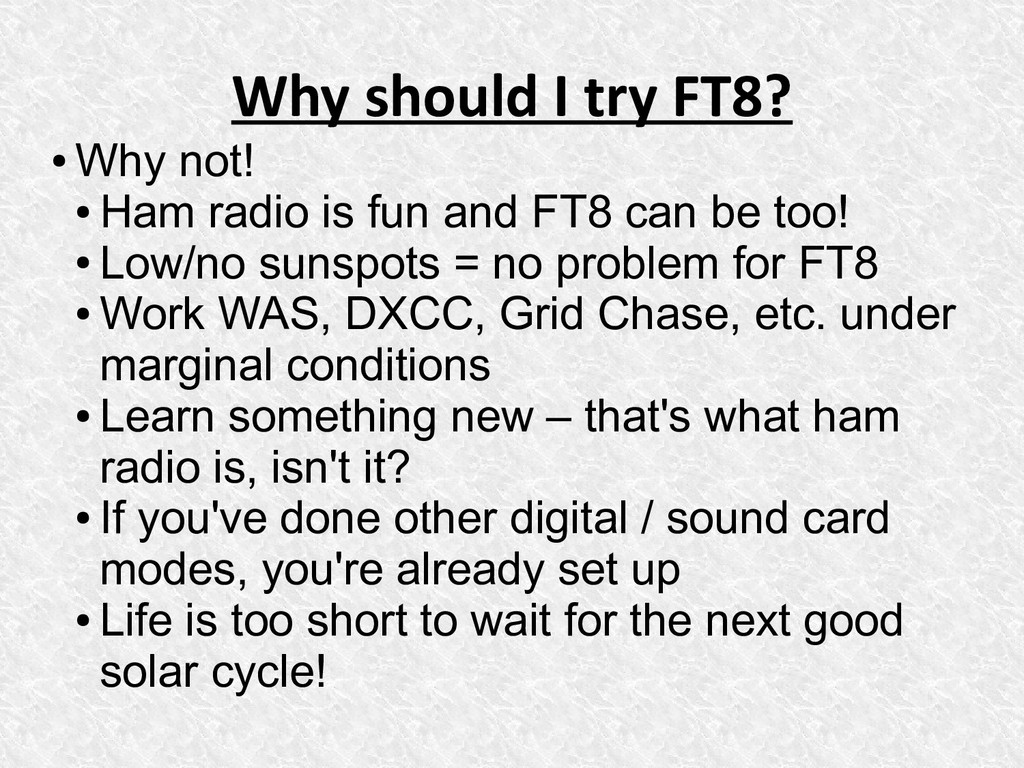
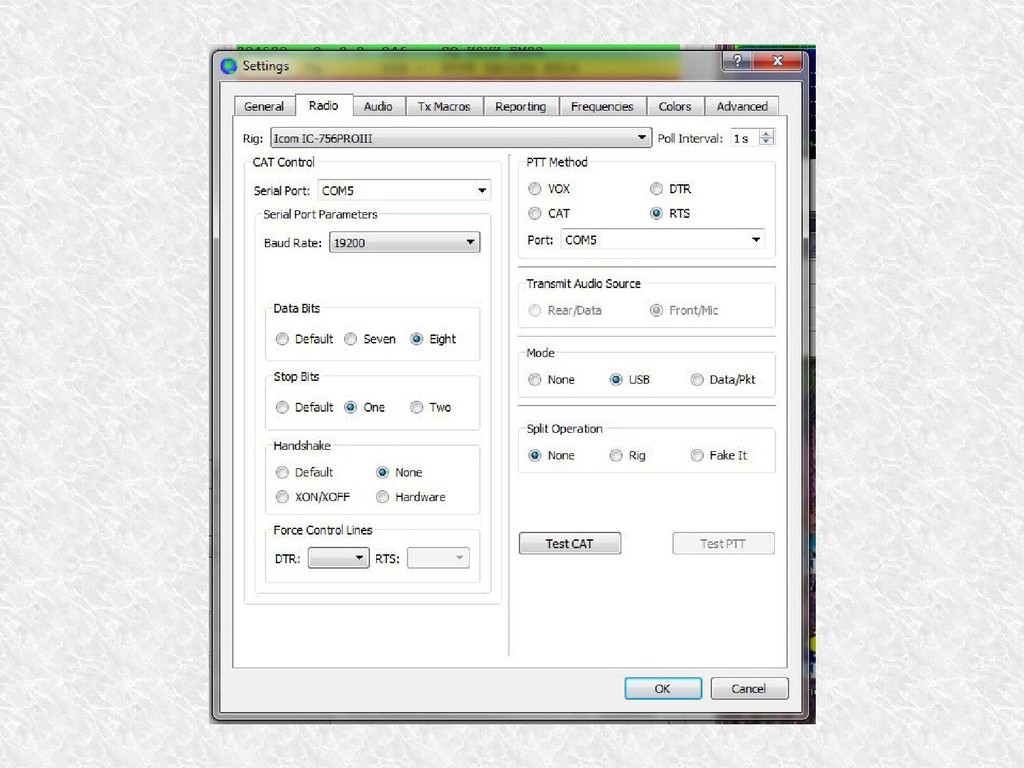
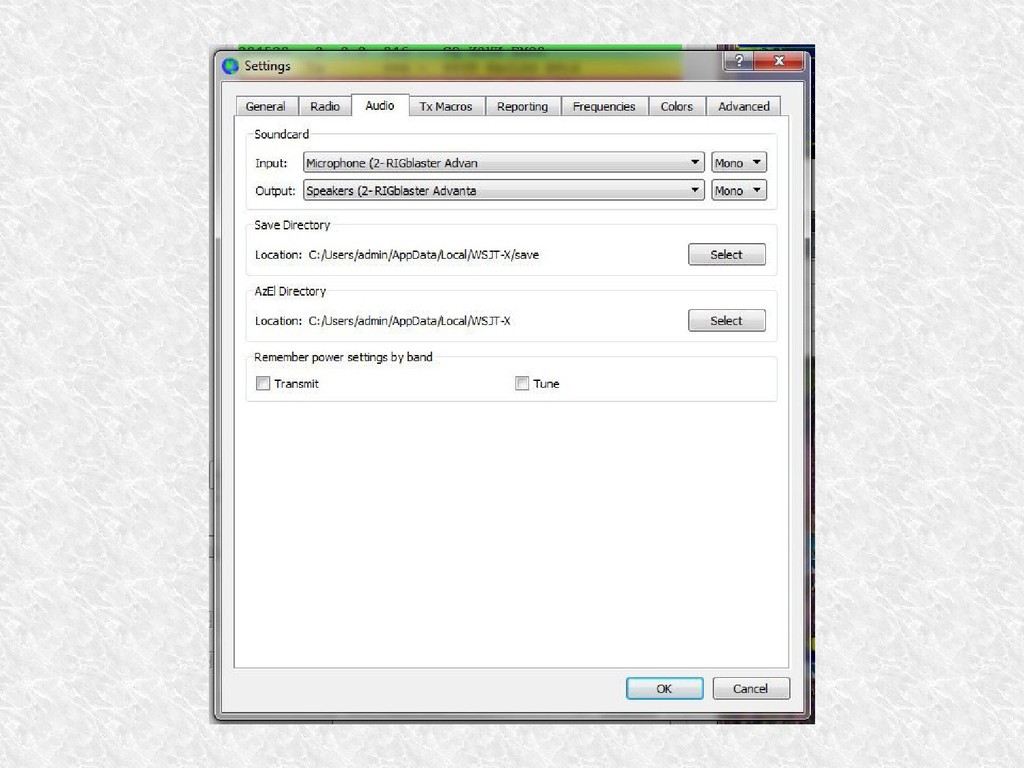
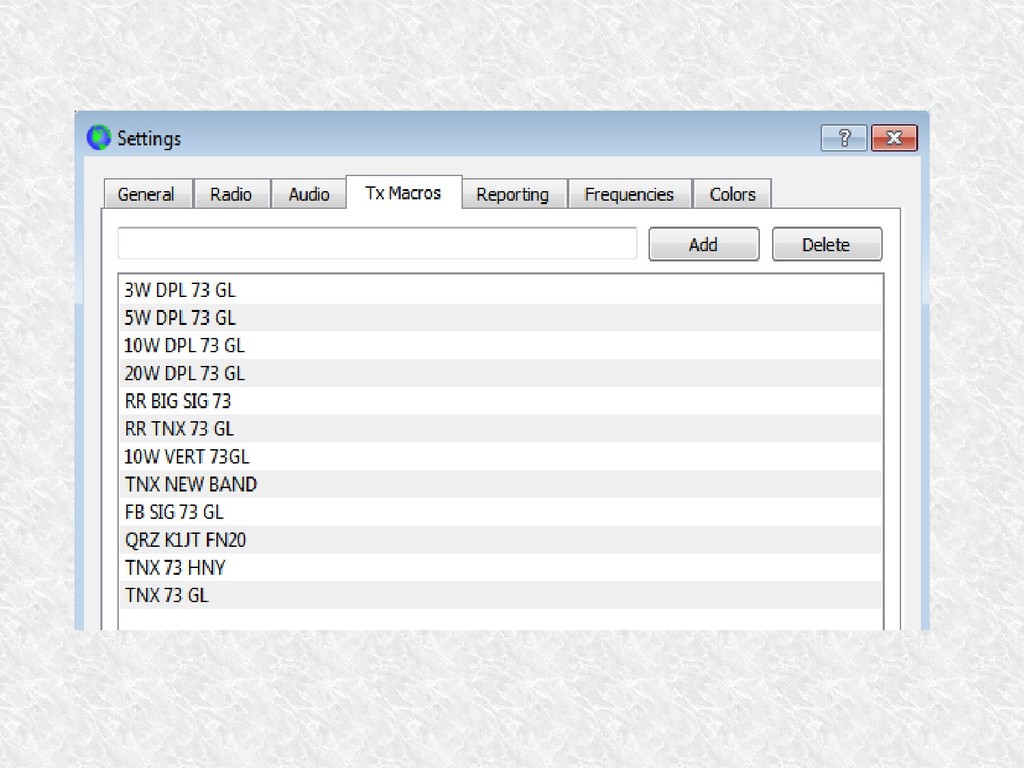
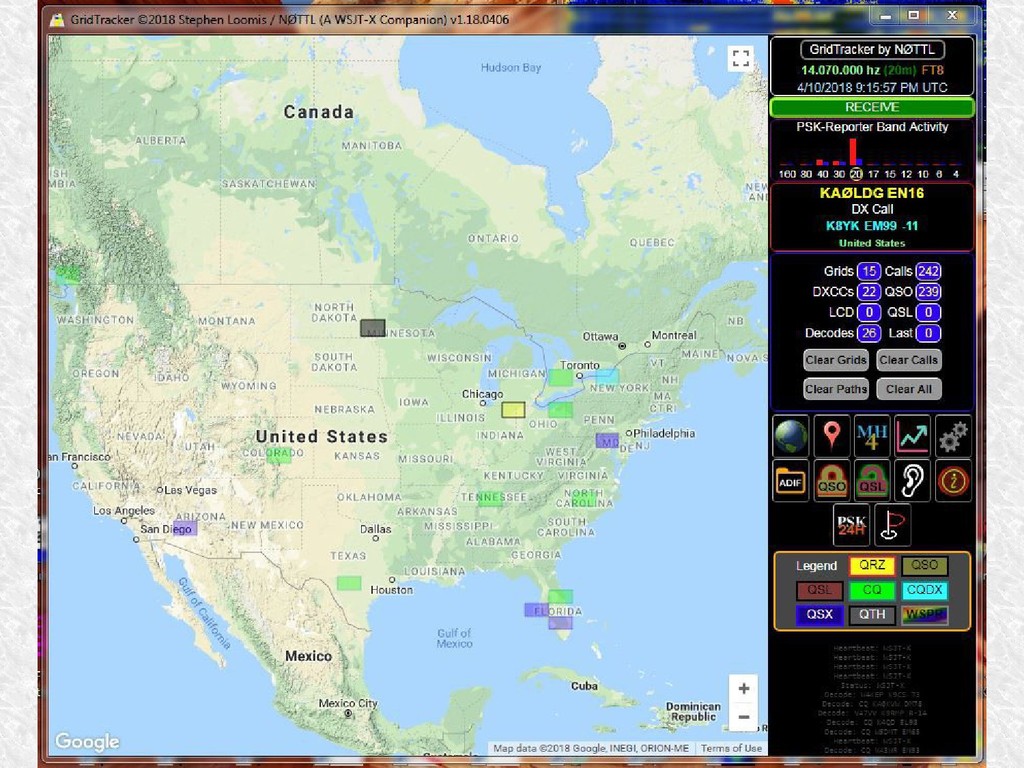
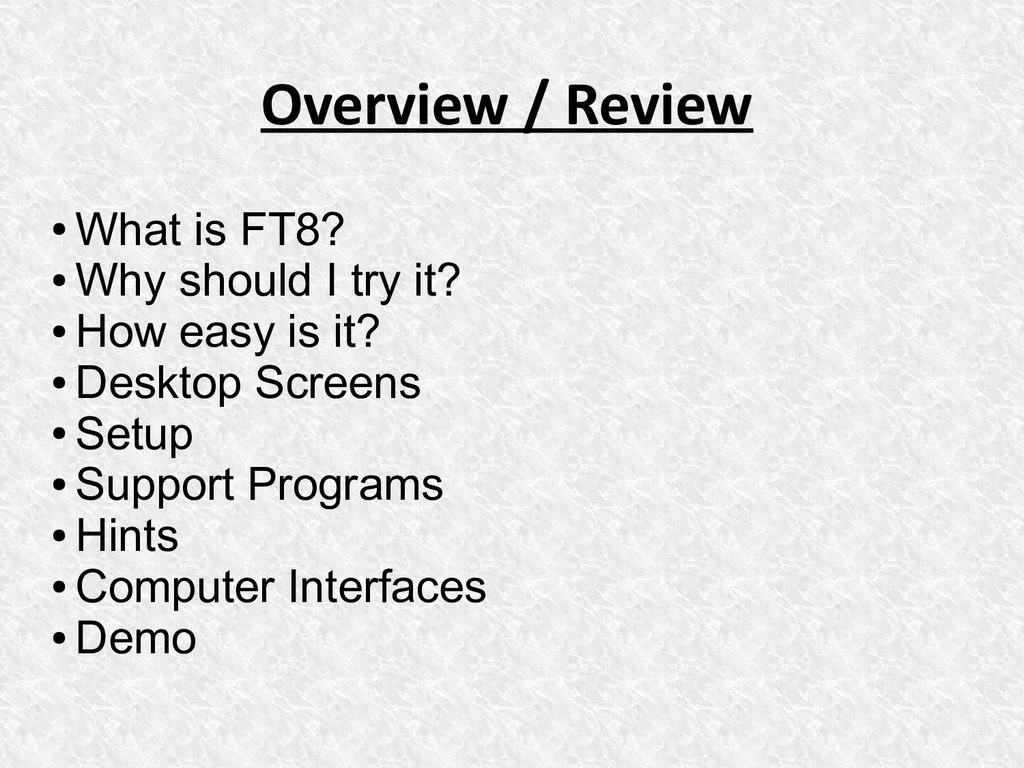
radio is fun and FT8 can be too! • Low/no sunspots = no problem for FT8 • Work WAS, DXCC, Grid Chase, etc. under marginal conditions • Learn something new – that's what ham radio is, isn't it? • If you've done other digital / sound card modes, you're already set up • Life is too short to wait for the next good solar cycle!
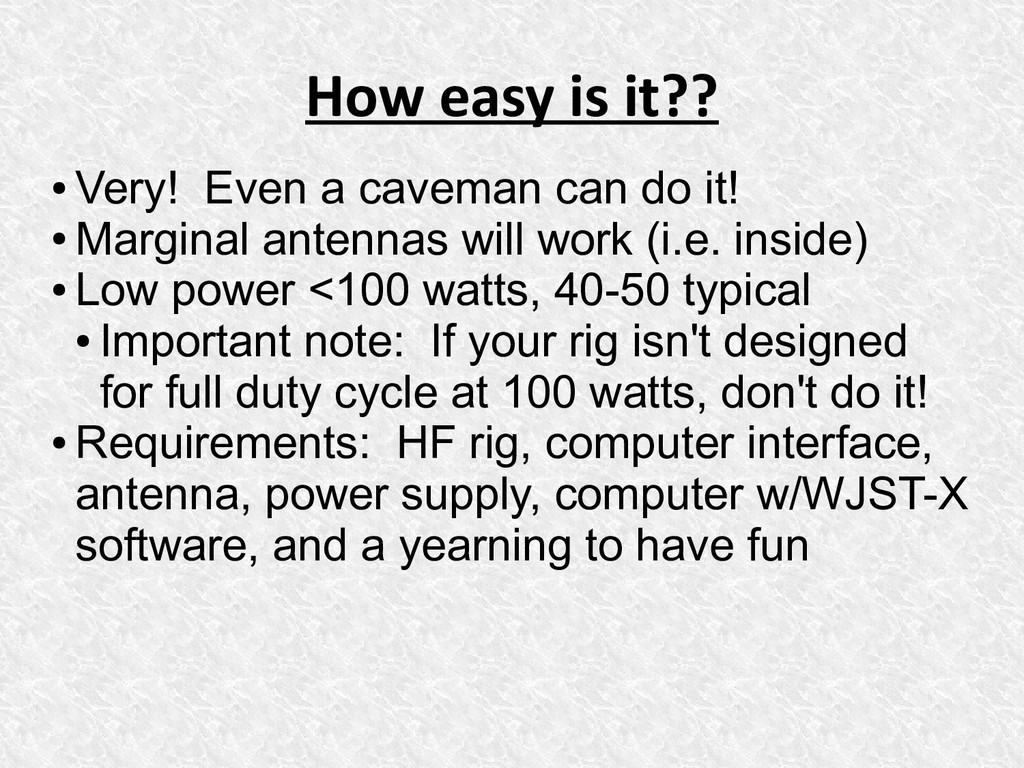
do it! • Marginal antennas will work (i.e. inside) • Low power <100 watts, 40-50 typical • Important note: If your rig isn't designed for full duty cycle at 100 watts, don't do it! • Requirements: HF rig, computer interface, antenna, power supply, computer w/WJST-X software, and a yearning to have fun
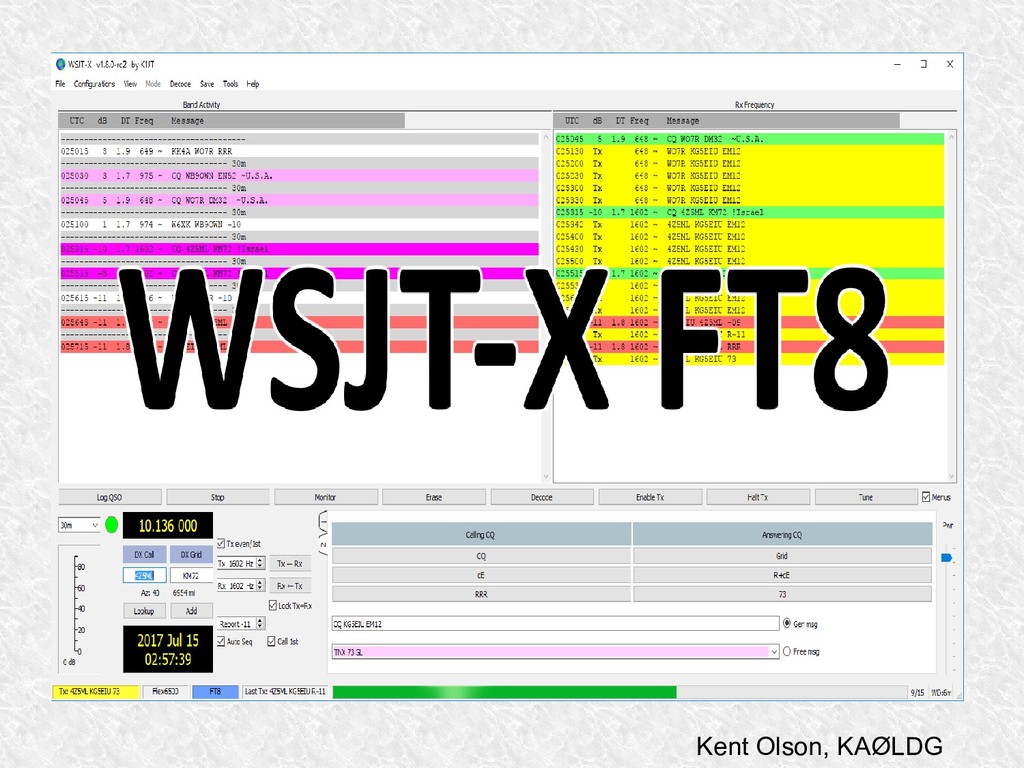
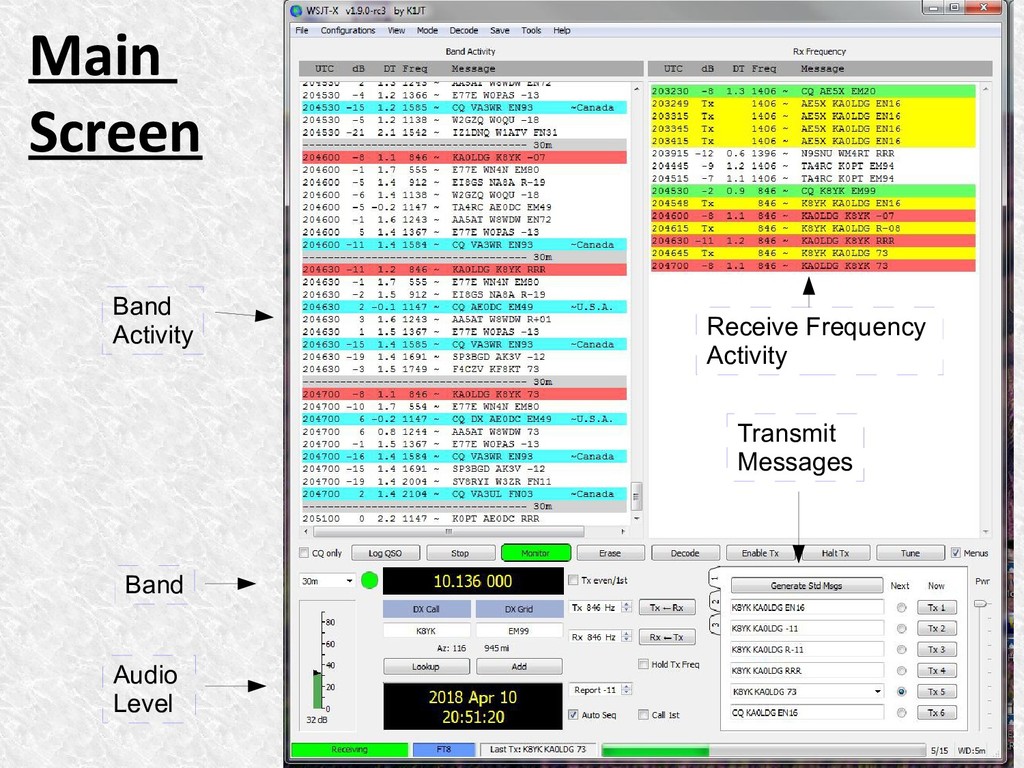
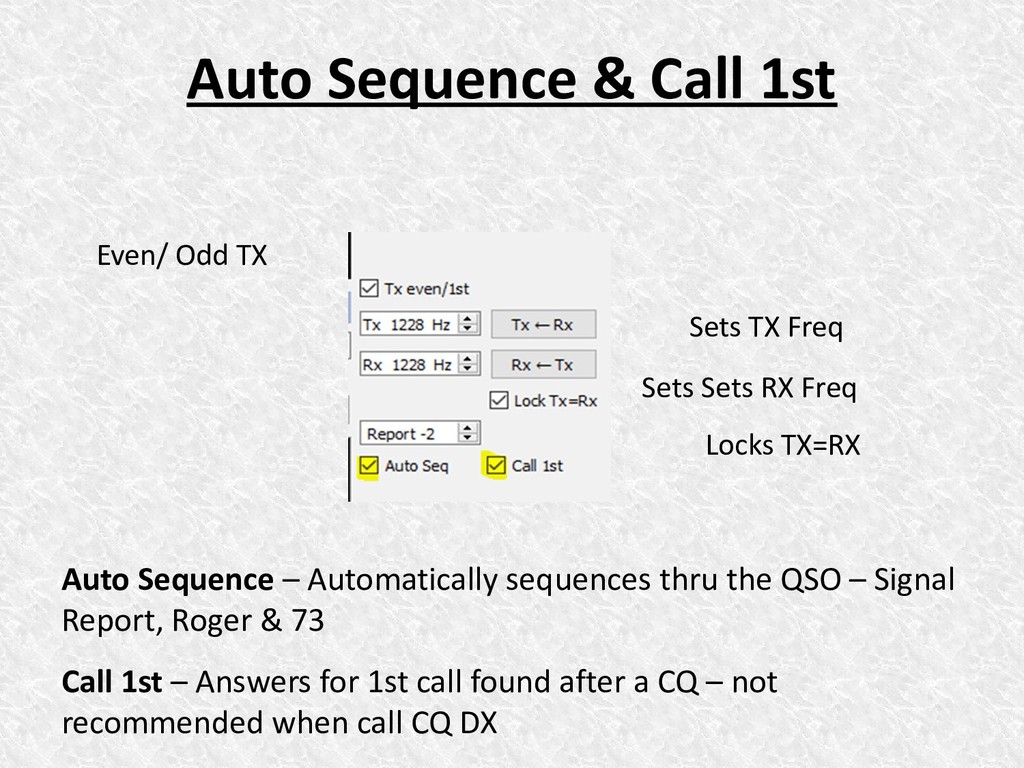
Freq Sets Sets RX Freq Locks TX=RX Auto Sequence – Automatically sequences thru the QSO – Signal Report, Roger & 73 Call 1st – Answers for 1st call found after a CQ – not recommended when call CQ DX
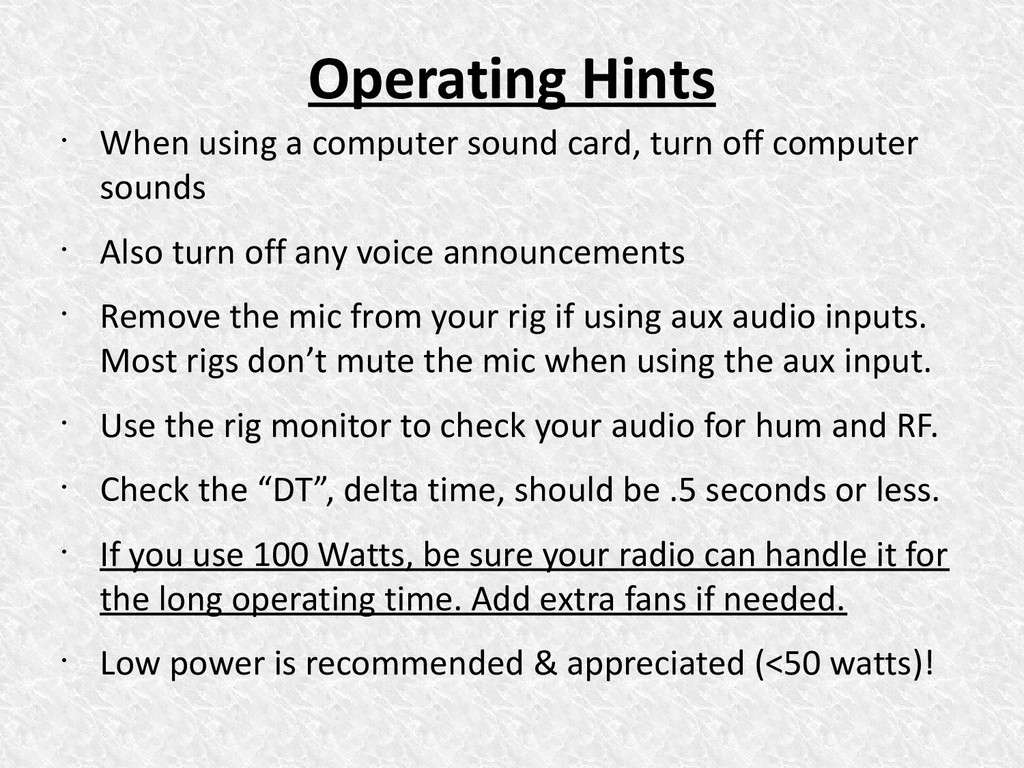
off computer sounds • Also turn off any voice announcements • Remove the mic from your rig if using aux audio inputs. Most rigs don’t mute the mic when using the aux input. • Use the rig monitor to check your audio for hum and RF. • Check the “DT”, delta time, should be .5 seconds or less. • If you use 100 Watts, be sure your radio can handle it for the long operating time. Add extra fans if needed. • Low power is recommended & appreciated (<50 watts)!
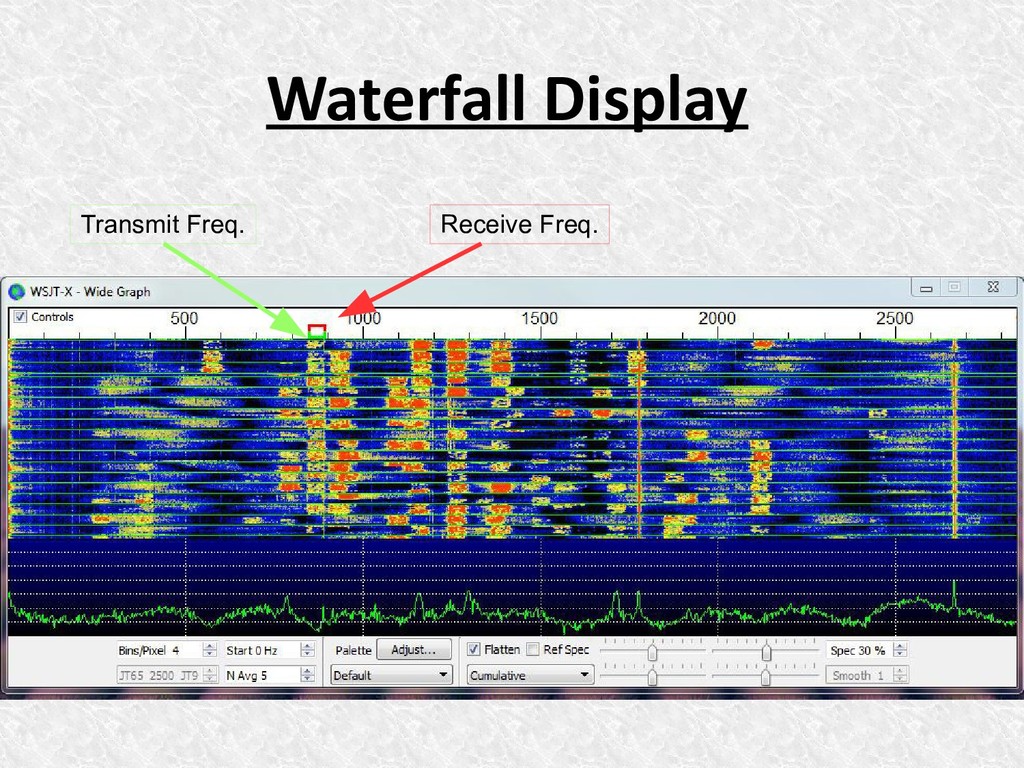
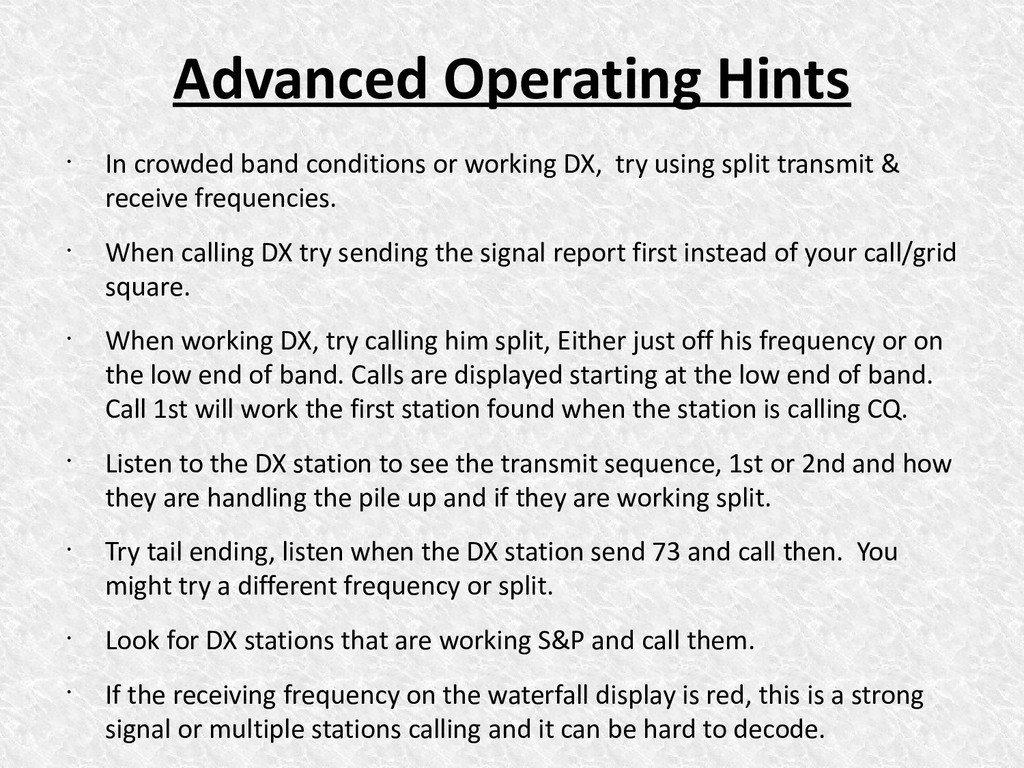
DX, try using split transmit & receive frequencies. • When calling DX try sending the signal report first instead of your call/grid square. • When working DX, try calling him split, Either just off his frequency or on the low end of band. Calls are displayed starting at the low end of band. Call 1st will work the first station found when the station is calling CQ. • Listen to the DX station to see the transmit sequence, 1st or 2nd and how they are handling the pile up and if they are working split. • Try tail ending, listen when the DX station send 73 and call then. You might try a different frequency or split. • Look for DX stations that are working S&P and call them. • If the receiving frequency on the waterfall display is red, this is a strong signal or multiple stations calling and it can be hard to decode.


 akhino
 ymotongpoo
 rfdnxbro
 kaminashi
 codmoninc
 camiha
 takanorip
 syuchimu
 terapyon
 teamlab
 terurou
 holman
 chriscoyier
 sergeychernyshev
 cromwellryan
 aleyda
 inesmontani
 quramy
 mfonobong
 danielanewman
 skipperchong
 davidcarrasco