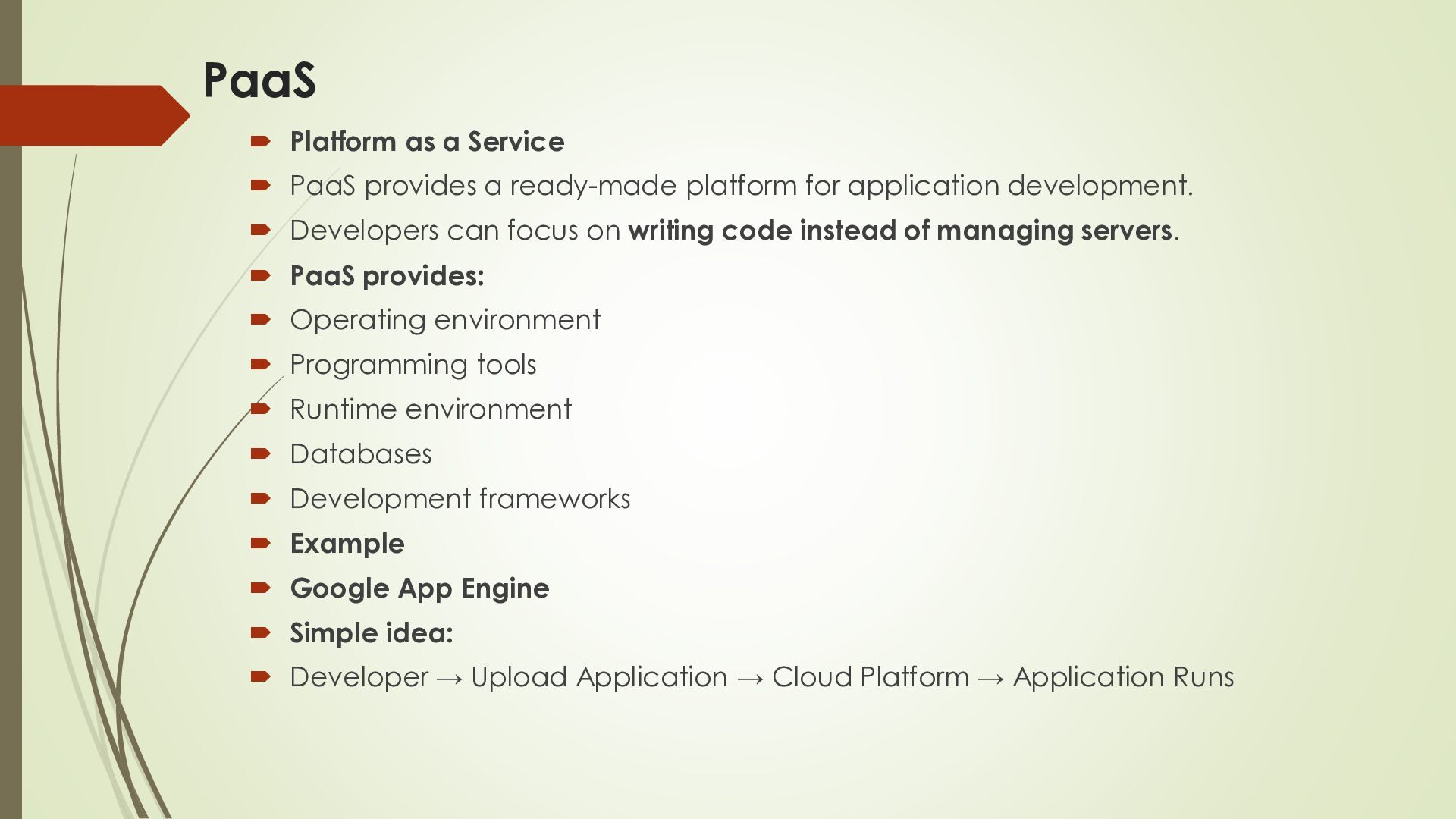
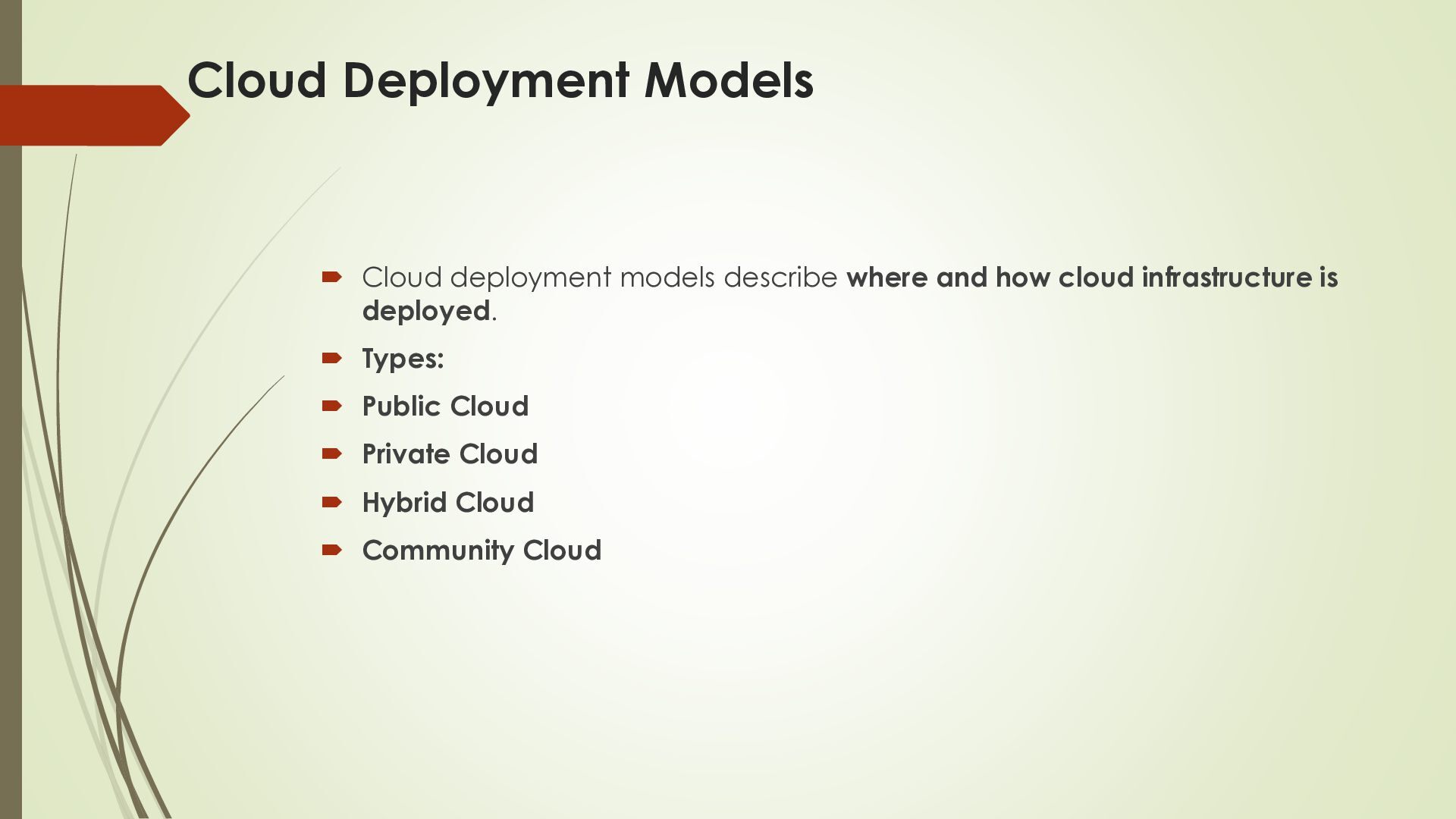
Cloud computing means using computing resources over the Internet whenever they are needed. These resources include: Computing power Storage Databases Networking Software Servers Security services Simple Example When you use Google Drive, you store your files on Google's servers instead of only on your computer.
organizations to: Purchase physical servers Buy storage devices Install software Maintain hardware Hire people for infrastructure management Pay for unused resources Cloud computing solves many of these problems. Benefits Lower infrastructure cost Easy access Flexible resources Fast deployment Easy scalability Automatic updates Backup and recovery Example: If an online shopping website suddenly gets millions of visitors, cloud resources can be increased to handle the additional traffic.
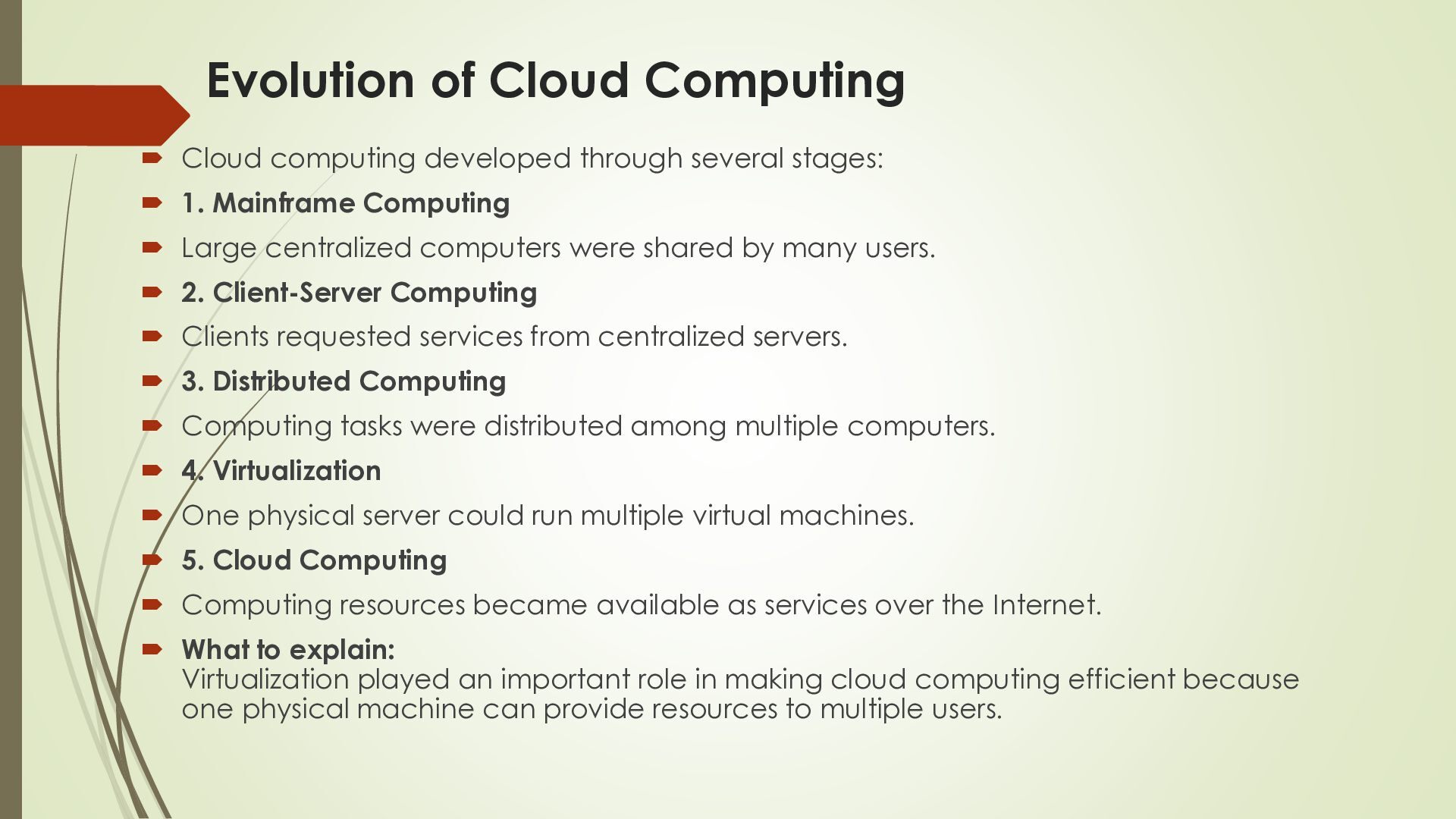
stages: 1. Mainframe Computing Large centralized computers were shared by many users. 2. Client-Server Computing Clients requested services from centralized servers. 3. Distributed Computing Computing tasks were distributed among multiple computers. 4. Virtualization One physical server could run multiple virtual machines. 5. Cloud Computing Computing resources became available as services over the Internet. What to explain: Virtualization played an important role in making cloud computing efficient because one physical machine can provide resources to multiple users.
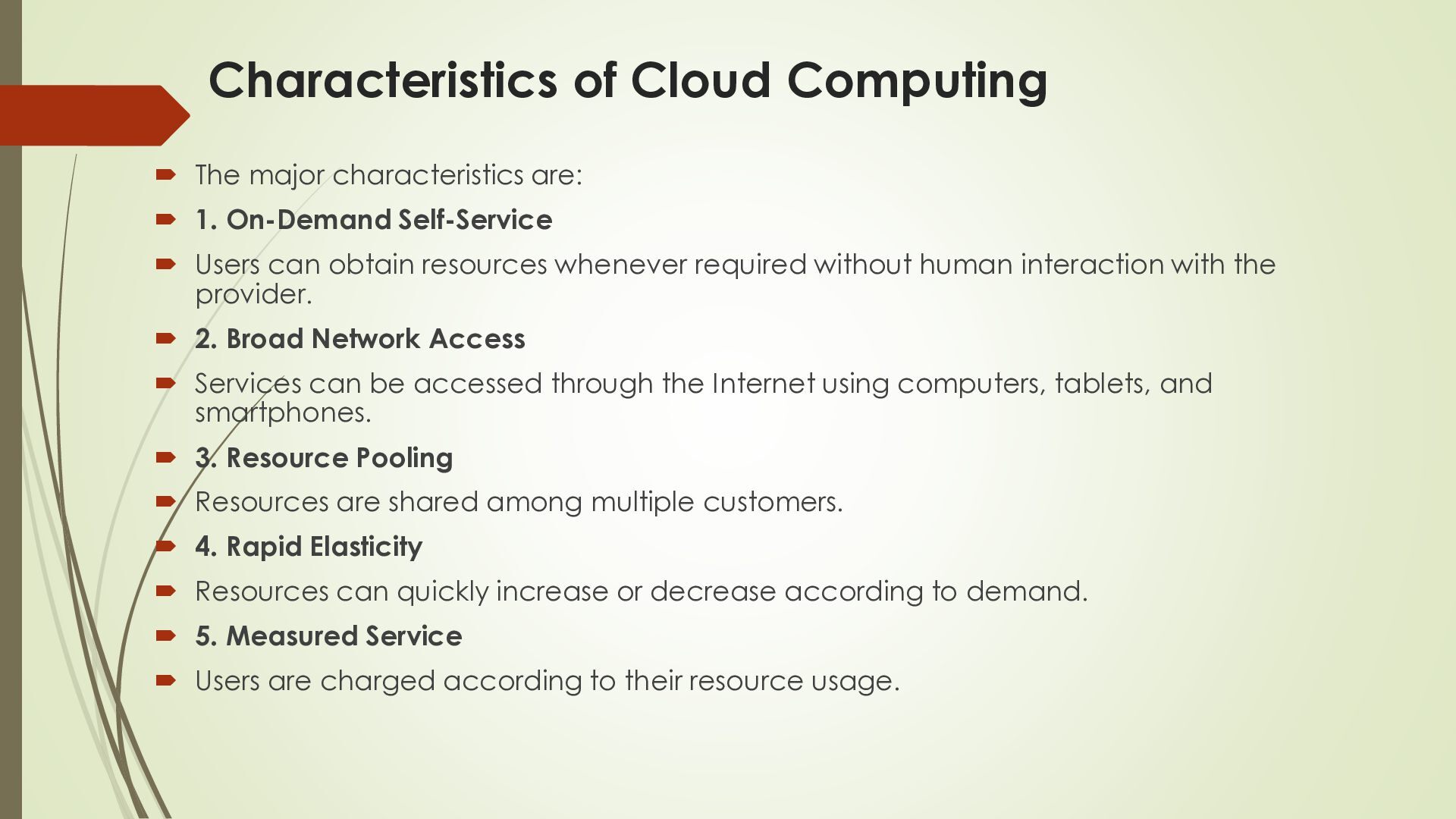
1. On-Demand Self-Service Users can obtain resources whenever required without human interaction with the provider. 2. Broad Network Access Services can be accessed through the Internet using computers, tablets, and smartphones. 3. Resource Pooling Resources are shared among multiple customers. 4. Rapid Elasticity Resources can quickly increase or decrease according to demand. 5. Measured Service Users are charged according to their resource usage.
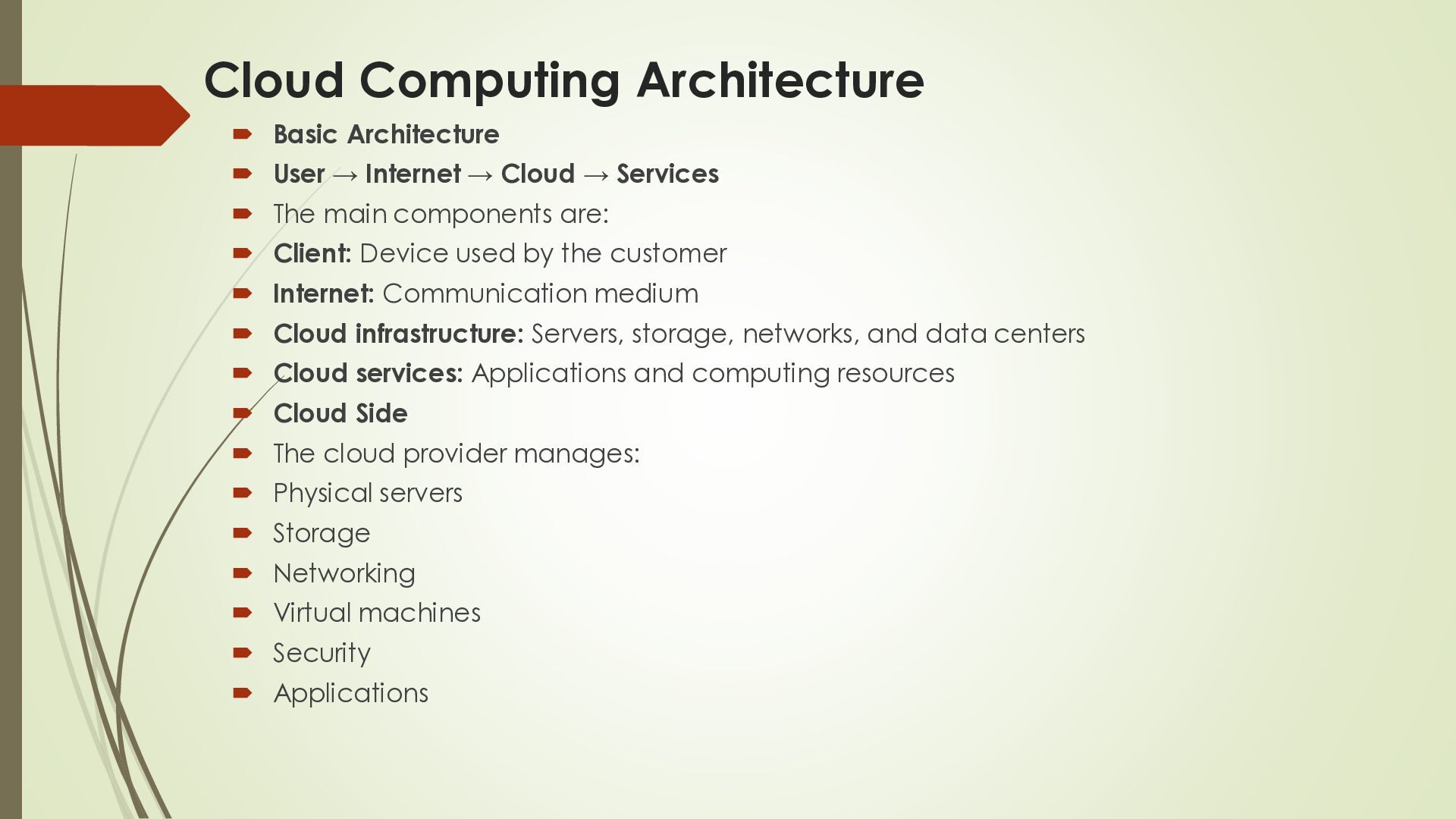
→ Cloud → Services The main components are: Client: Device used by the customer Internet: Communication medium Cloud infrastructure: Servers, storage, networks, and data centers Cloud services: Applications and computing resources Cloud Side The cloud provider manages: Physical servers Storage Networking Virtual machines Security Applications
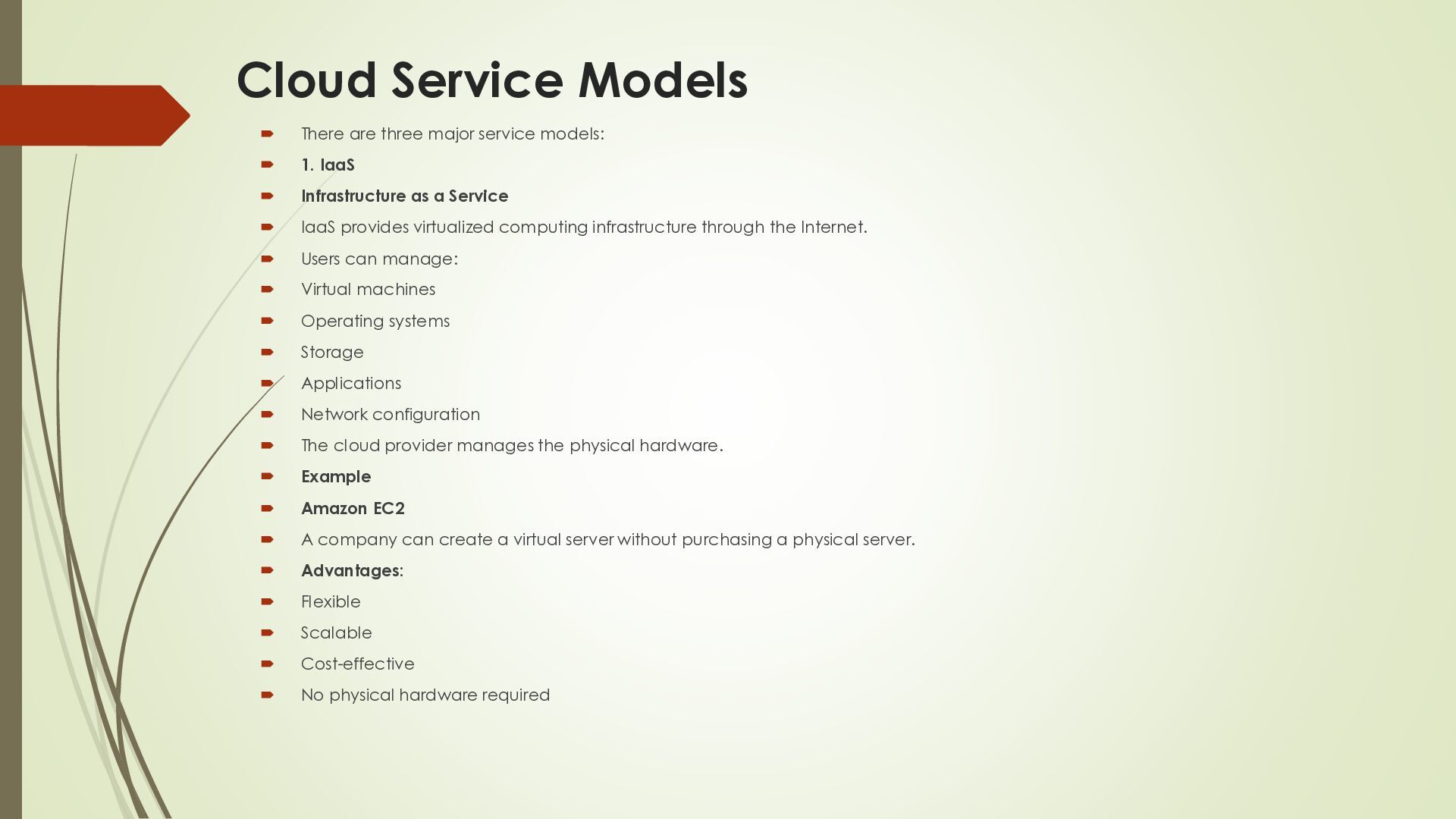
1. IaaS Infrastructure as a Service IaaS provides virtualized computing infrastructure through the Internet. Users can manage: Virtual machines Operating systems Storage Applications Network configuration The cloud provider manages the physical hardware. Example Amazon EC2 A company can create a virtual server without purchasing a physical server. Advantages: Flexible Scalable Cost-effective No physical hardware required
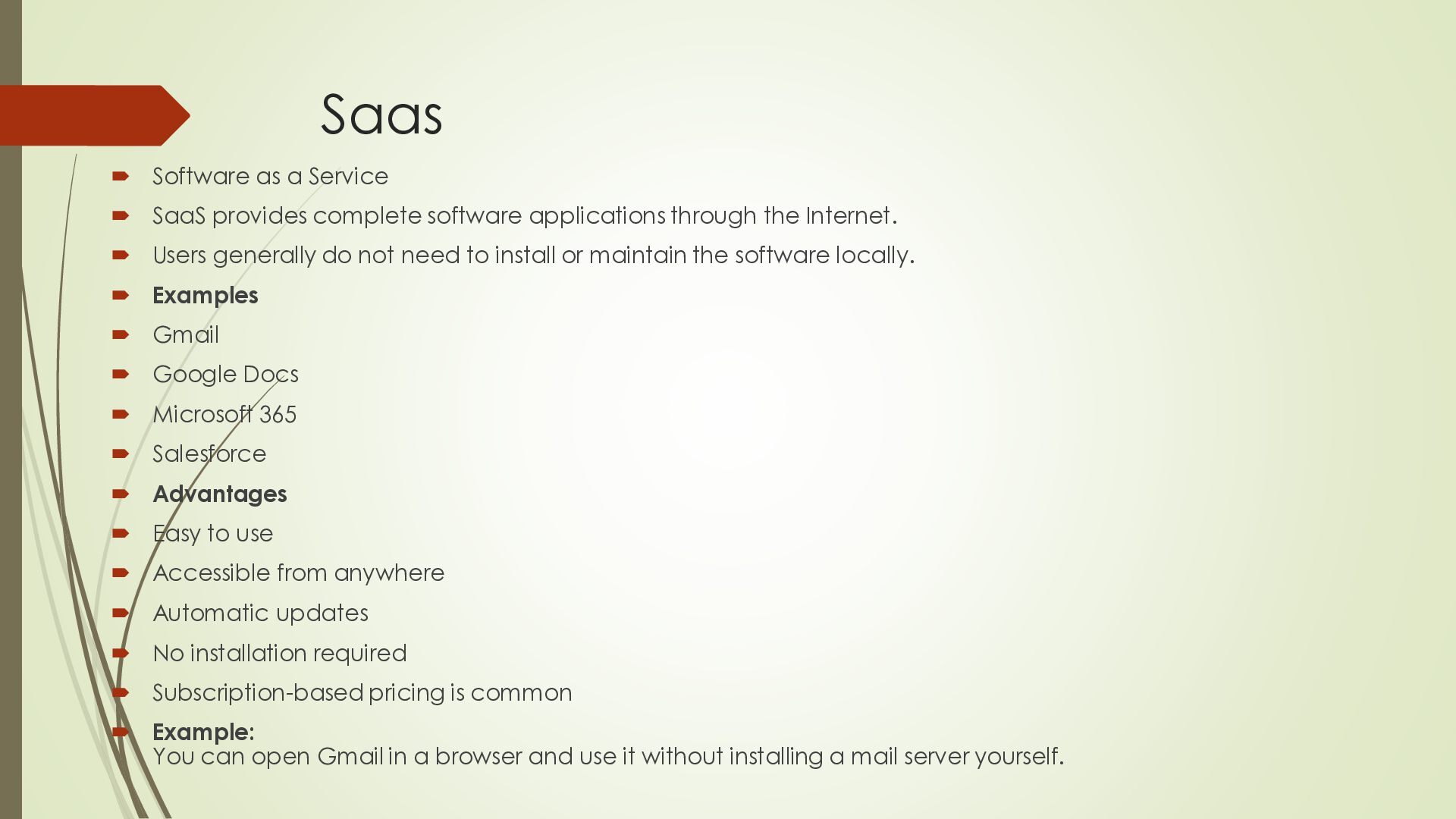
software applications through the Internet. Users generally do not need to install or maintain the software locally. Examples Gmail Google Docs Microsoft 365 Salesforce Advantages Easy to use Accessible from anywhere Automatic updates No installation required Subscription-based pricing is common Example: You can open Gmail in a browser and use it without installing a mail server yourself.
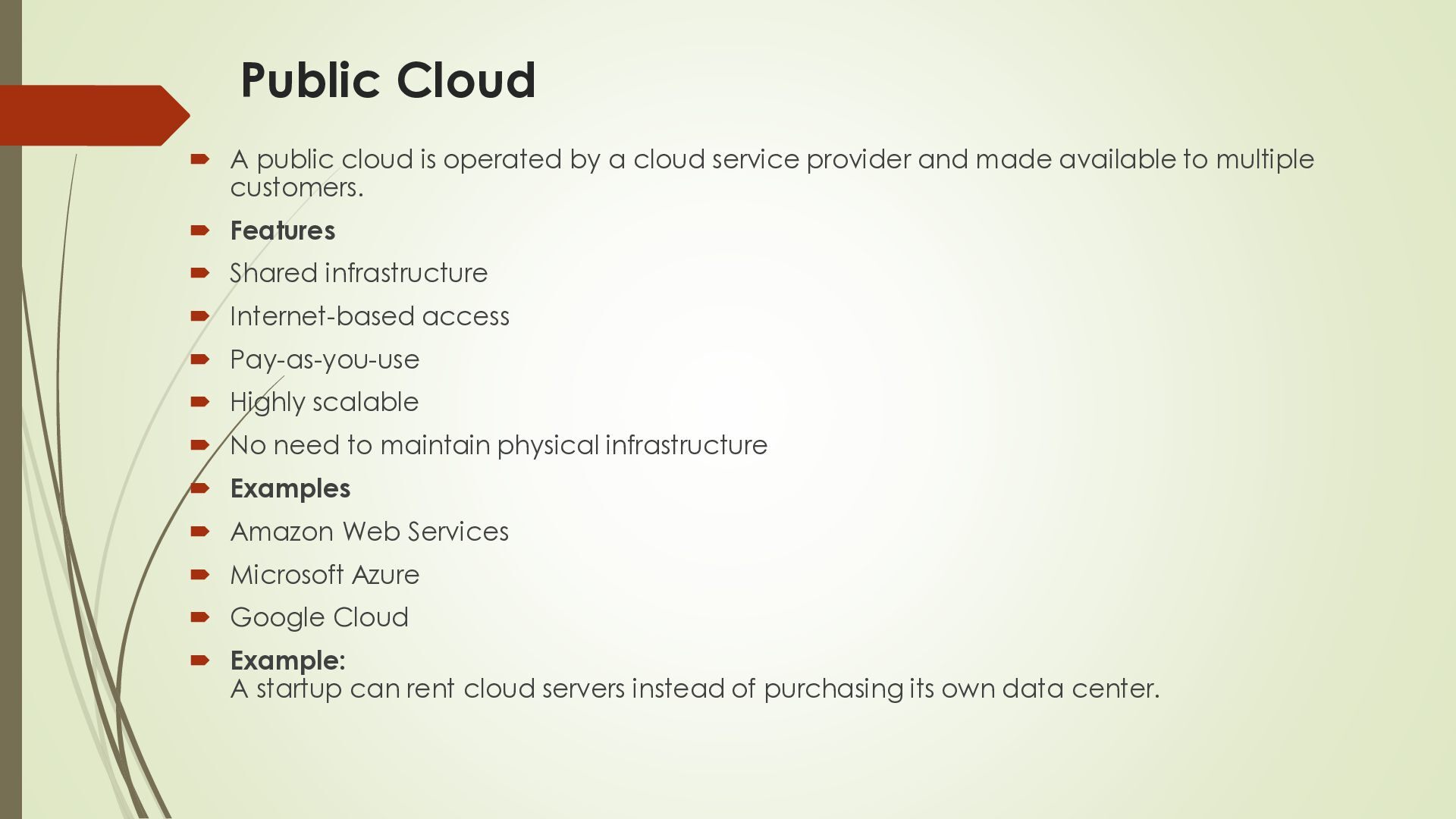
cloud service provider and made available to multiple customers. Features Shared infrastructure Internet-based access Pay-as-you-use Highly scalable No need to maintain physical infrastructure Examples Amazon Web Services Microsoft Azure Google Cloud Example: A startup can rent cloud servers instead of purchasing its own data center.
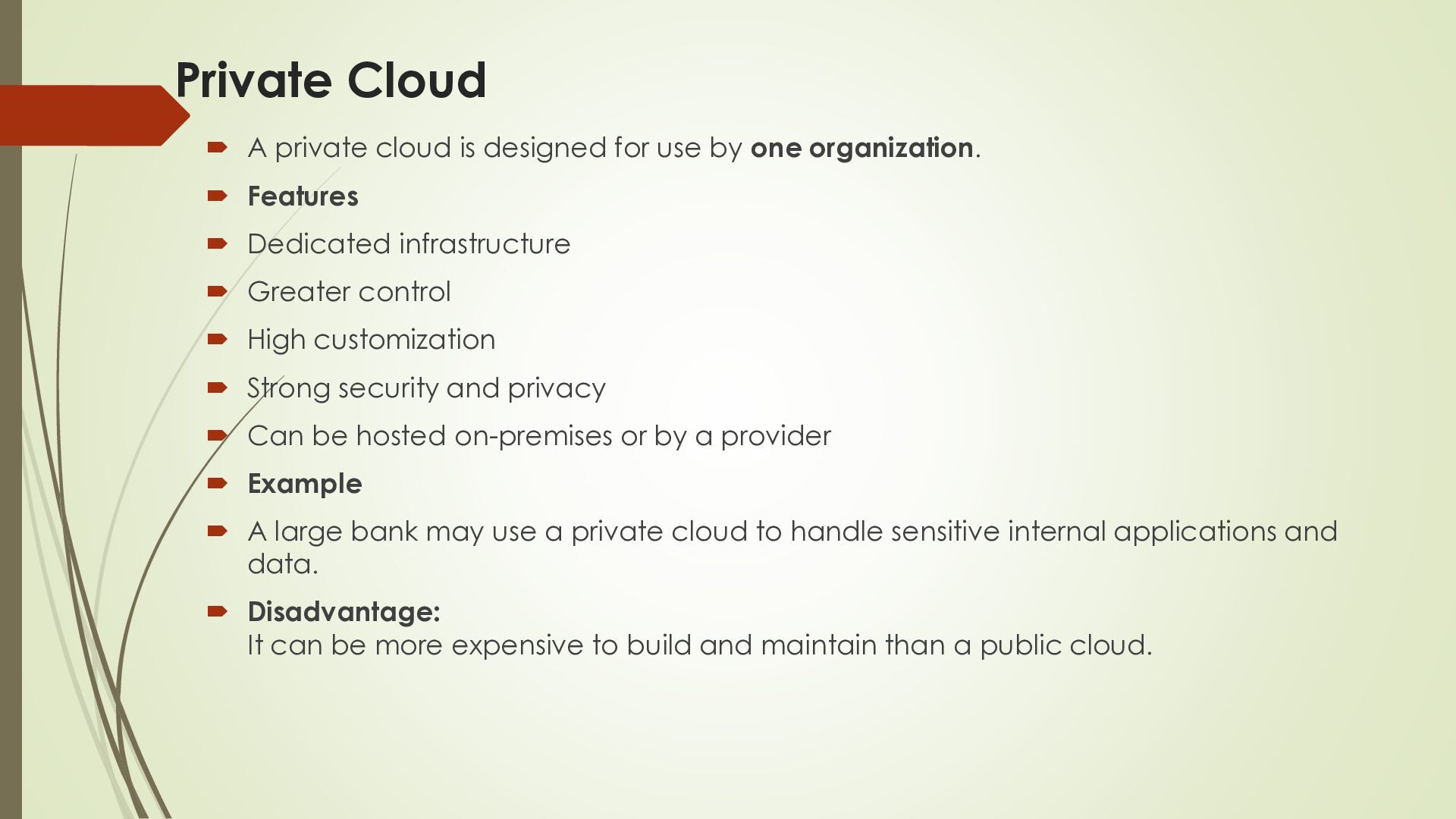
by one organization. Features Dedicated infrastructure Greater control High customization Strong security and privacy Can be hosted on-premises or by a provider Example A large bank may use a private cloud to handle sensitive internal applications and data. Disadvantage: It can be more expensive to build and maintain than a public cloud.
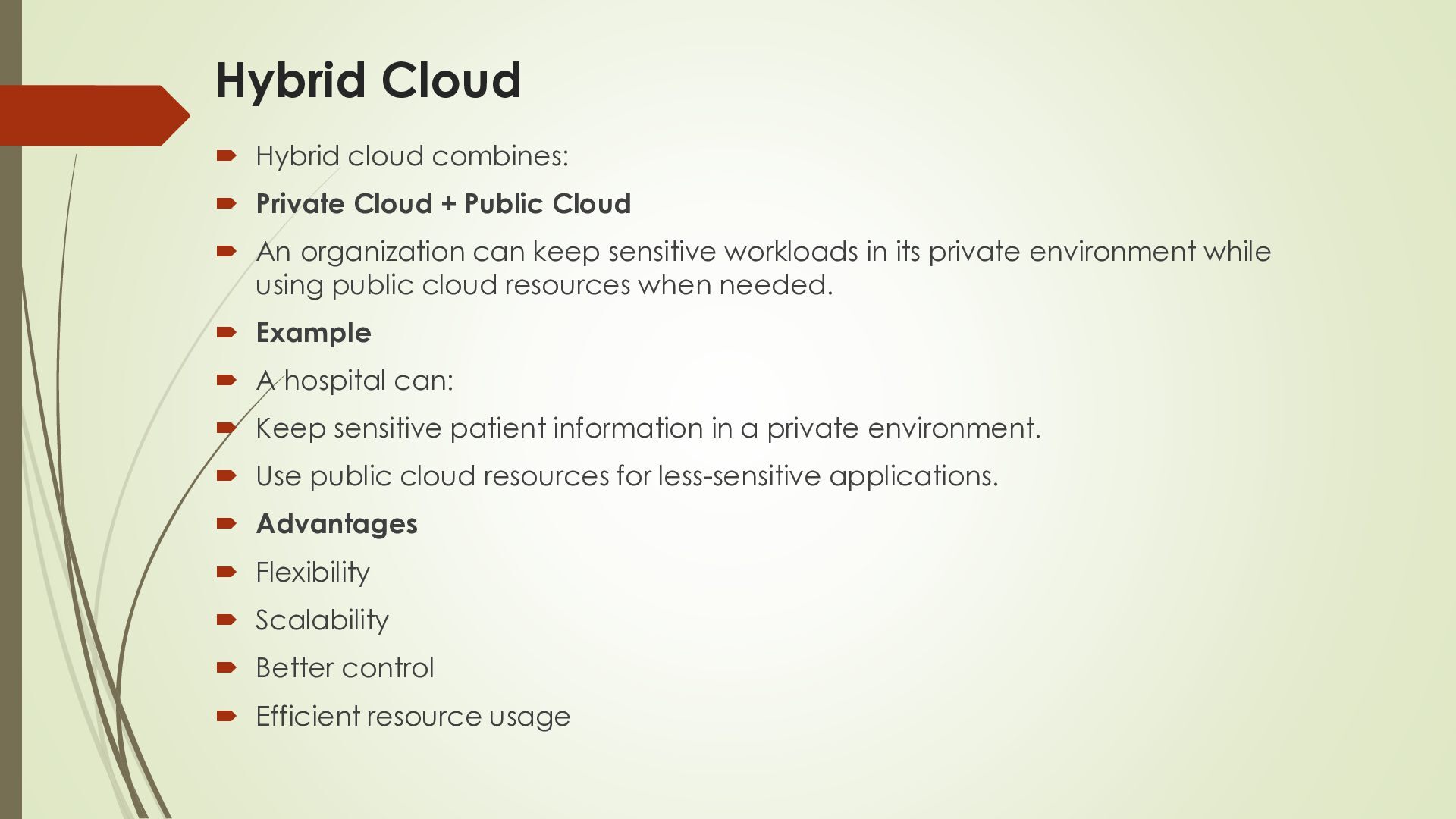
Public Cloud An organization can keep sensitive workloads in its private environment while using public cloud resources when needed. Example A hospital can: Keep sensitive patient information in a private environment. Use public cloud resources for less-sensitive applications. Advantages Flexibility Scalability Better control Efficient resource usage
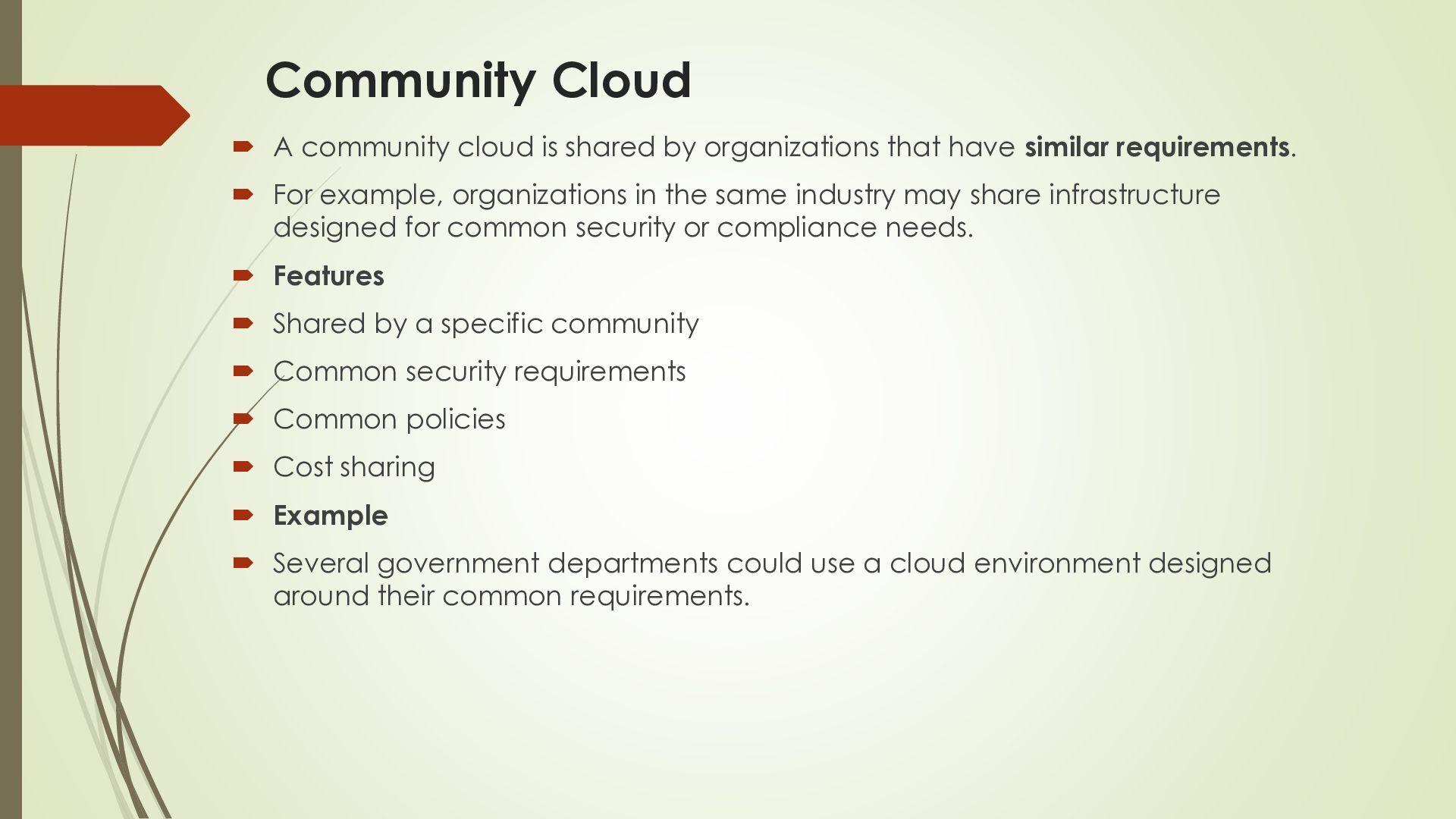
that have similar requirements. For example, organizations in the same industry may share infrastructure designed for common security or compliance needs. Features Shared by a specific community Common security requirements Common policies Cost sharing Example Several government departments could use a cloud environment designed around their common requirements.
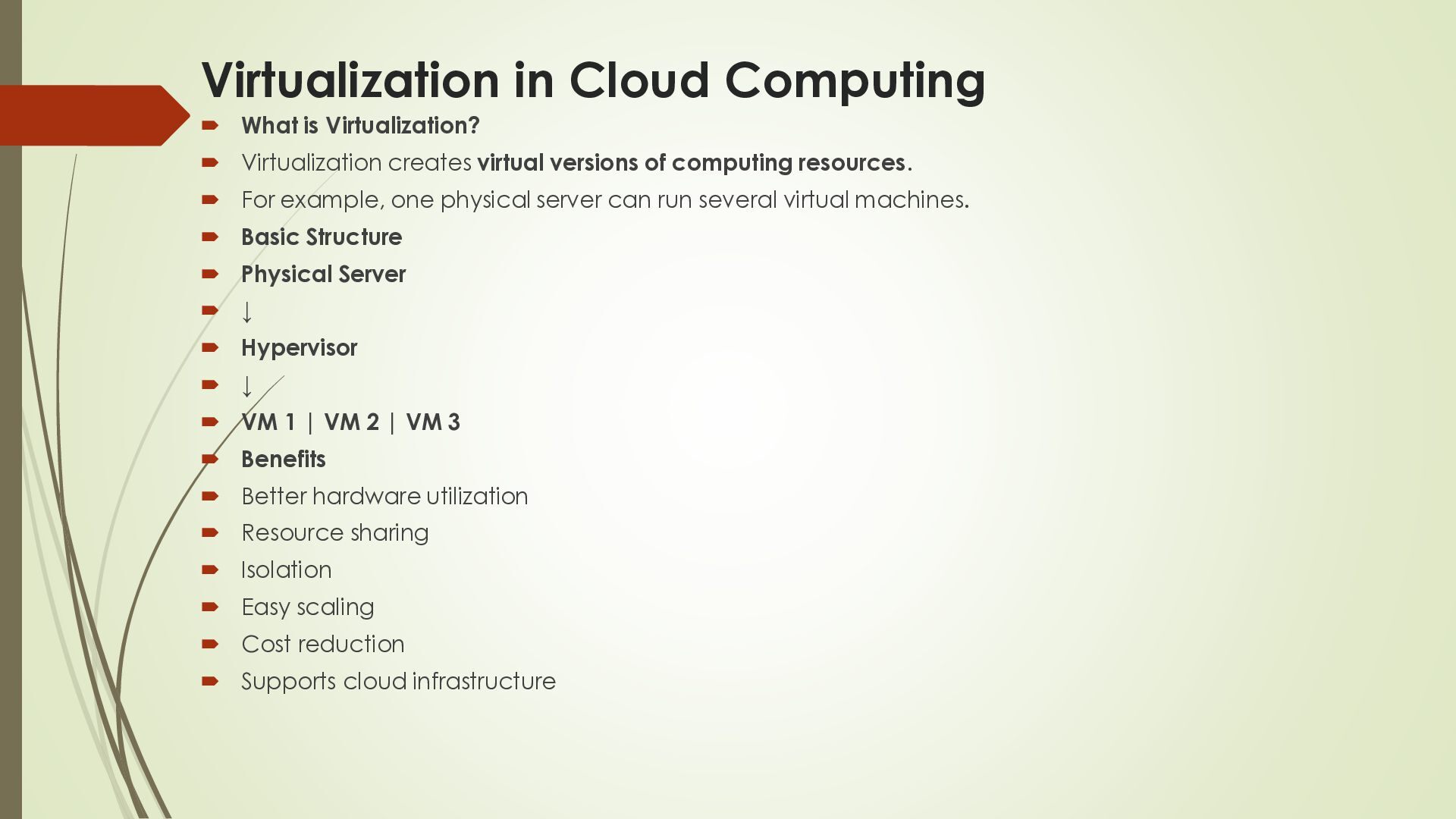
creates virtual versions of computing resources. For example, one physical server can run several virtual machines. Basic Structure Physical Server ↓ Hypervisor ↓ VM 1 | VM 2 | VM 3 Benefits Better hardware utilization Resource sharing Isolation Easy scaling Cost reduction Supports cloud infrastructure
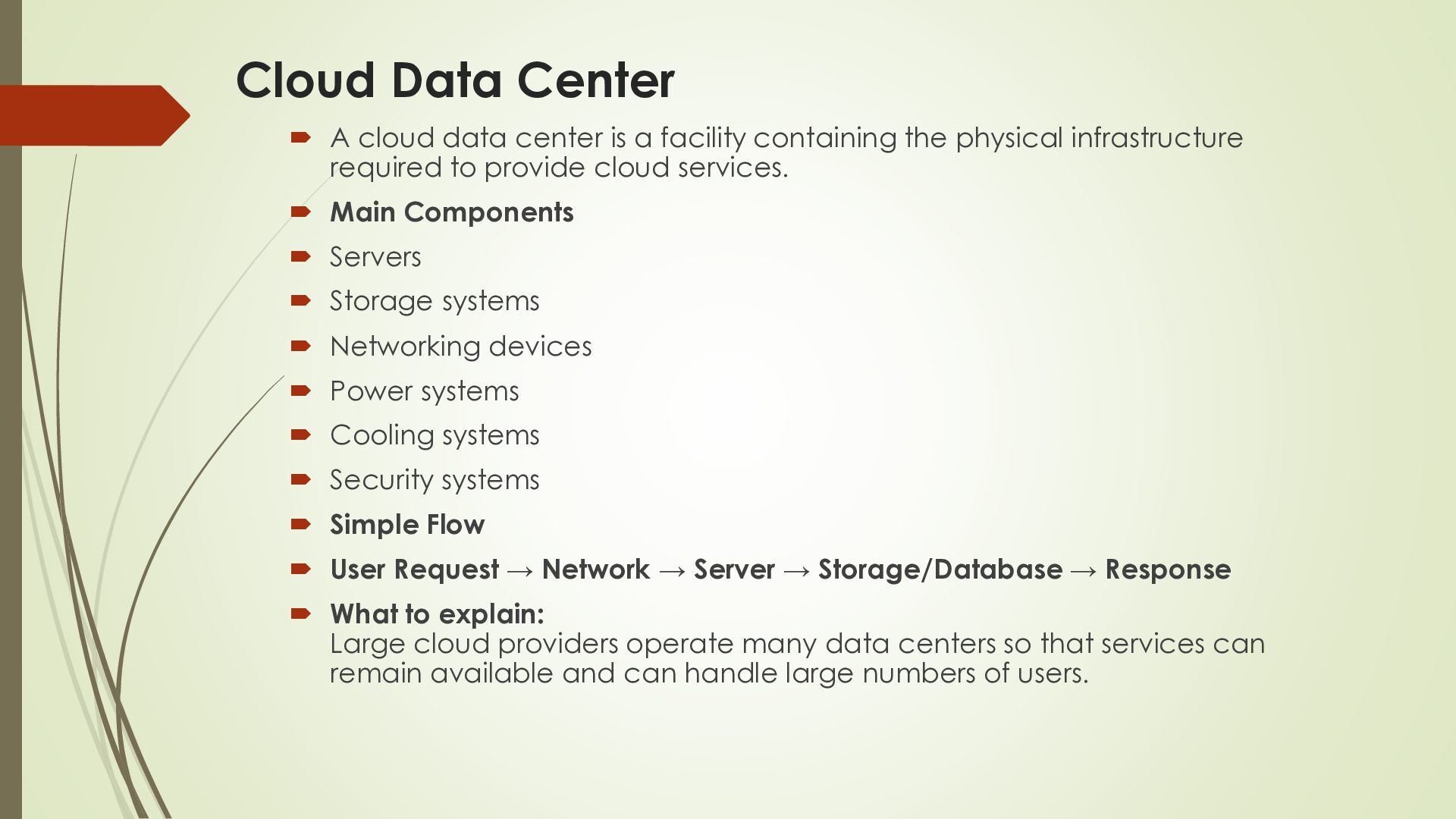
facility containing the physical infrastructure required to provide cloud services. Main Components Servers Storage systems Networking devices Power systems Cooling systems Security systems Simple Flow User Request → Network → Server → Storage/Database → Response What to explain: Large cloud providers operate many data centers so that services can remain available and can handle large numbers of users.
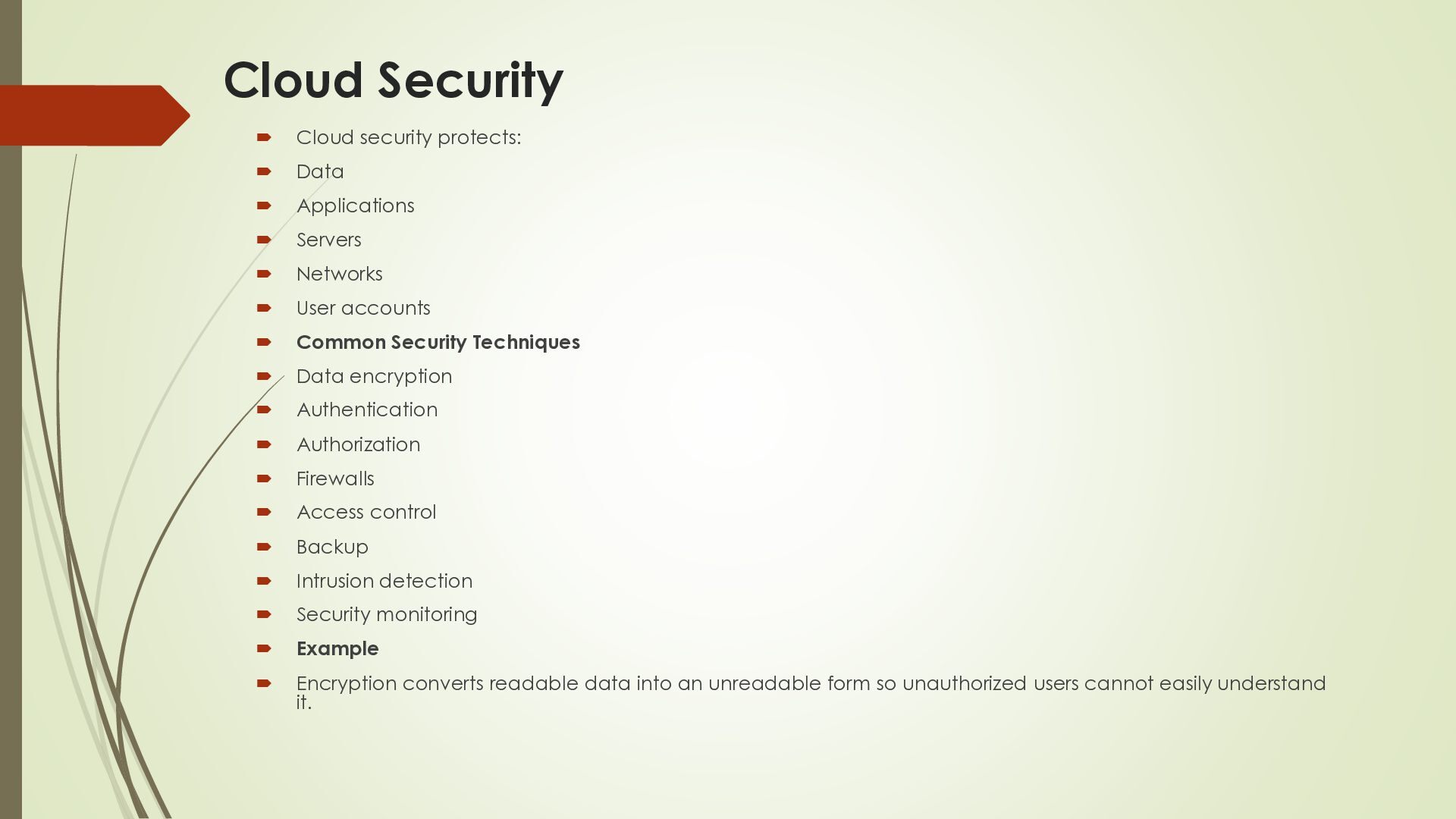
Servers Networks User accounts Common Security Techniques Data encryption Authentication Authorization Firewalls Access control Backup Intrusion detection Security monitoring Example Encryption converts readable data into an unreadable form so unauthorized users cannot easily understand it.
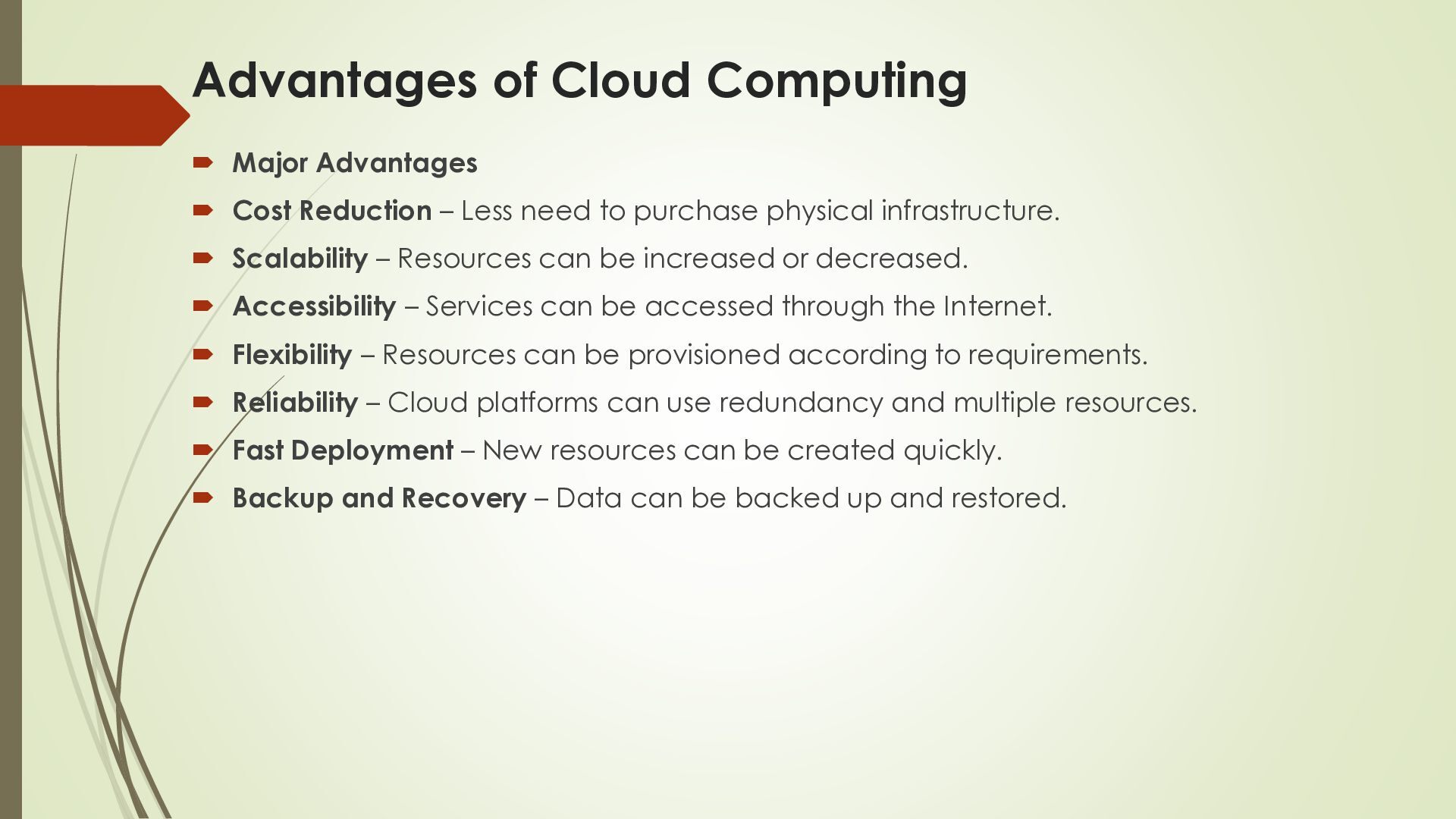
– Less need to purchase physical infrastructure. Scalability – Resources can be increased or decreased. Accessibility – Services can be accessed through the Internet. Flexibility – Resources can be provisioned according to requirements. Reliability – Cloud platforms can use redundancy and multiple resources. Fast Deployment – New resources can be created quickly. Backup and Recovery – Data can be backed up and restored.
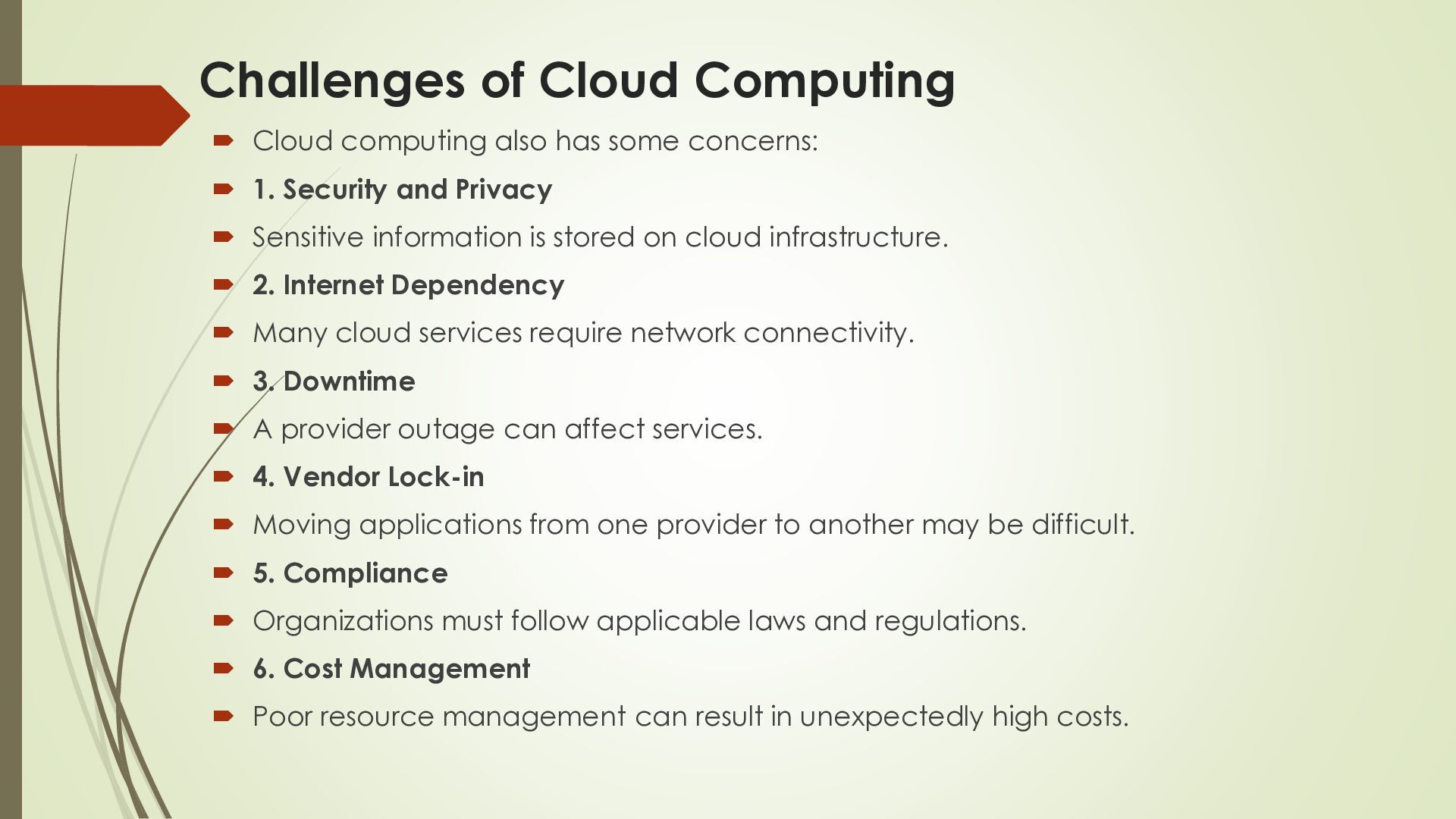
concerns: 1. Security and Privacy Sensitive information is stored on cloud infrastructure. 2. Internet Dependency Many cloud services require network connectivity. 3. Downtime A provider outage can affect services. 4. Vendor Lock-in Moving applications from one provider to another may be difficult. 5. Compliance Organizations must follow applicable laws and regulations. 6. Cost Management Poor resource management can result in unexpectedly high costs.


 rutuja2829
 livdayseo
 joshbly
 reverentgeek
 jonrohan
 gurzu
gurzu
 techseoconnect
 bkeepers
 palkan
 takai
takai
 akademiya2063
 tenderlove
 cassininazir