Upgrade to Pro — share decks privately, control downloads, hide ads and more …

React on the Road

React on the Road

Talk given at Facebook Developer Circles Meetup - Porto Alegre/RS

Avatar for Rodrigo Willrich

Rodrigo Willrich

April 04, 2017

Other Decks in Programming

Transcript

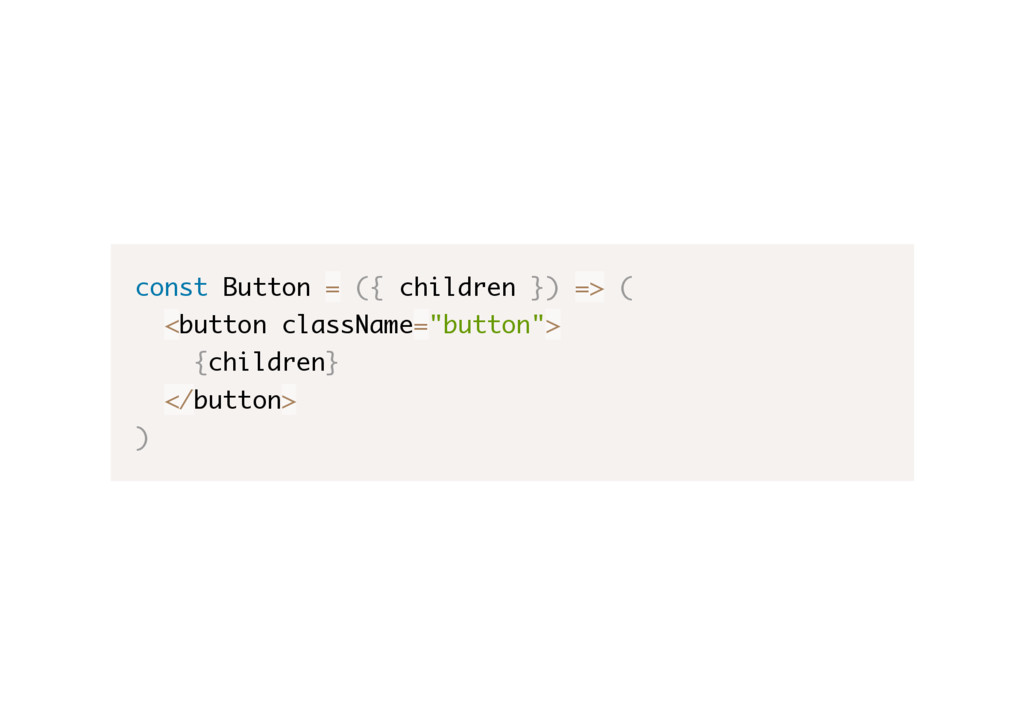
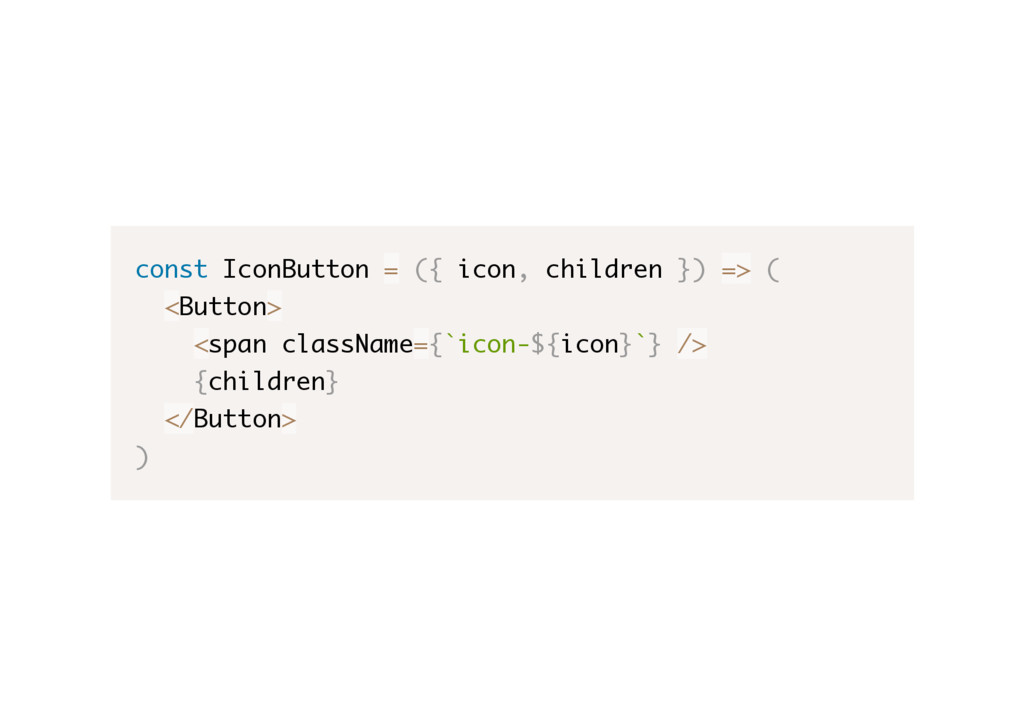
  1. If we need a button with an image on it,

    we can abstract it with an ImageButton component.
  2. const IconButton = ({ icon, children }) => ( <Button>

    <span className={`icon-${icon}`} /> {children} </Button> )
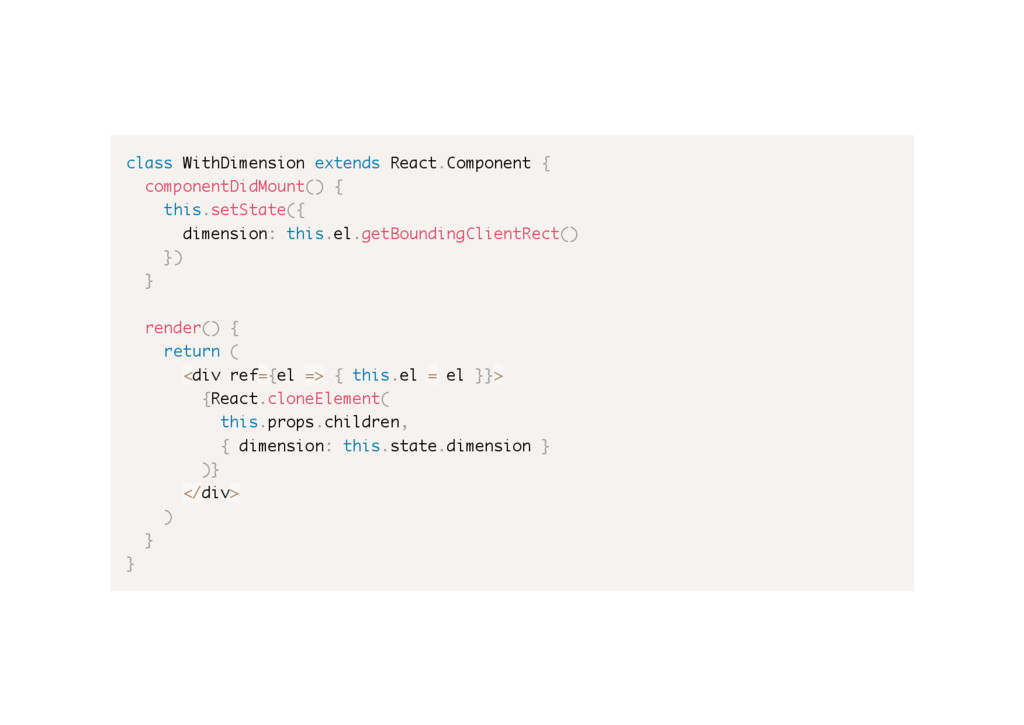
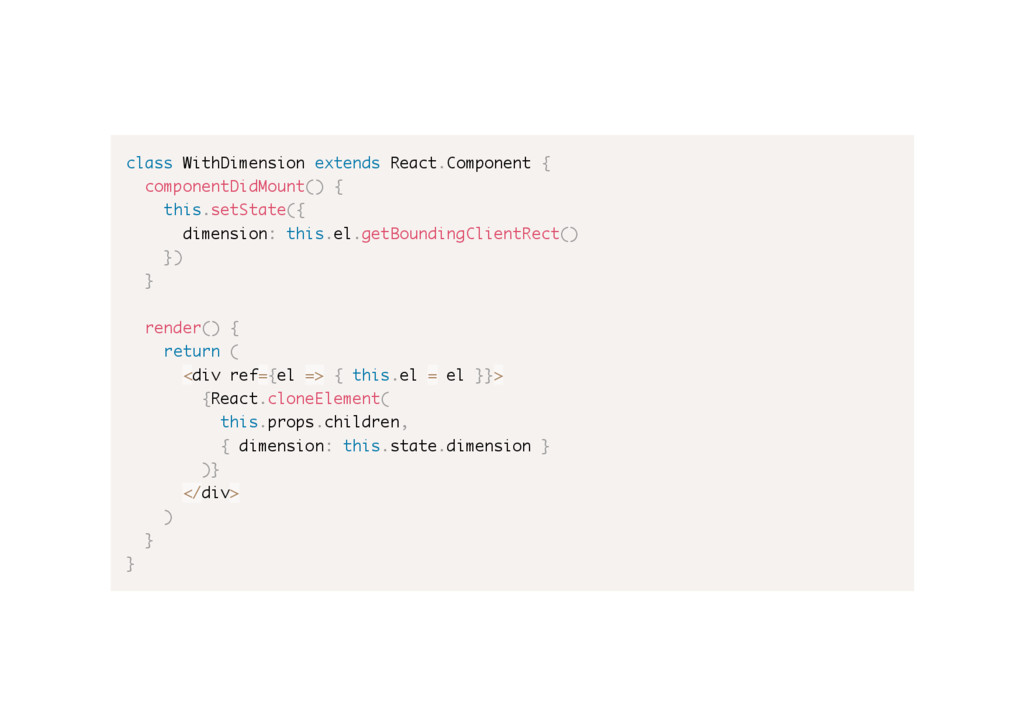
  3. class WithDimension extends React.Component { componentDidMount() { this.setState({ dimension: this.el.getBoundingClientRect()

    }) } render() { return ( <div ref={el => { this.el = el }}> {React.cloneElement( this.props.children, { dimension: this.state.dimension } )} </div> ) } }
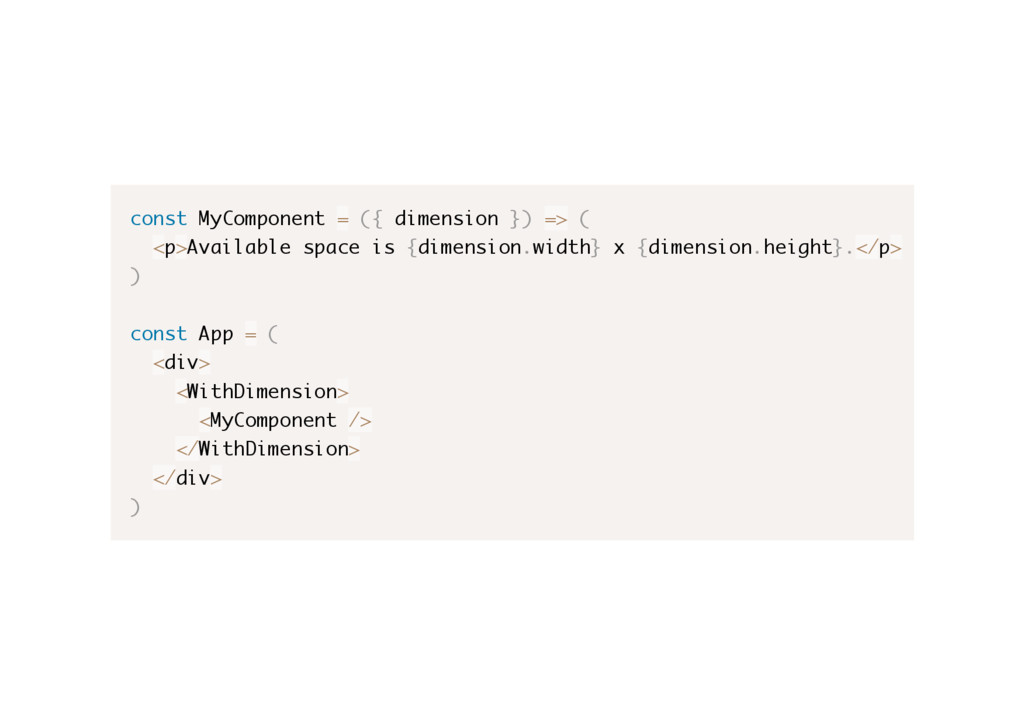
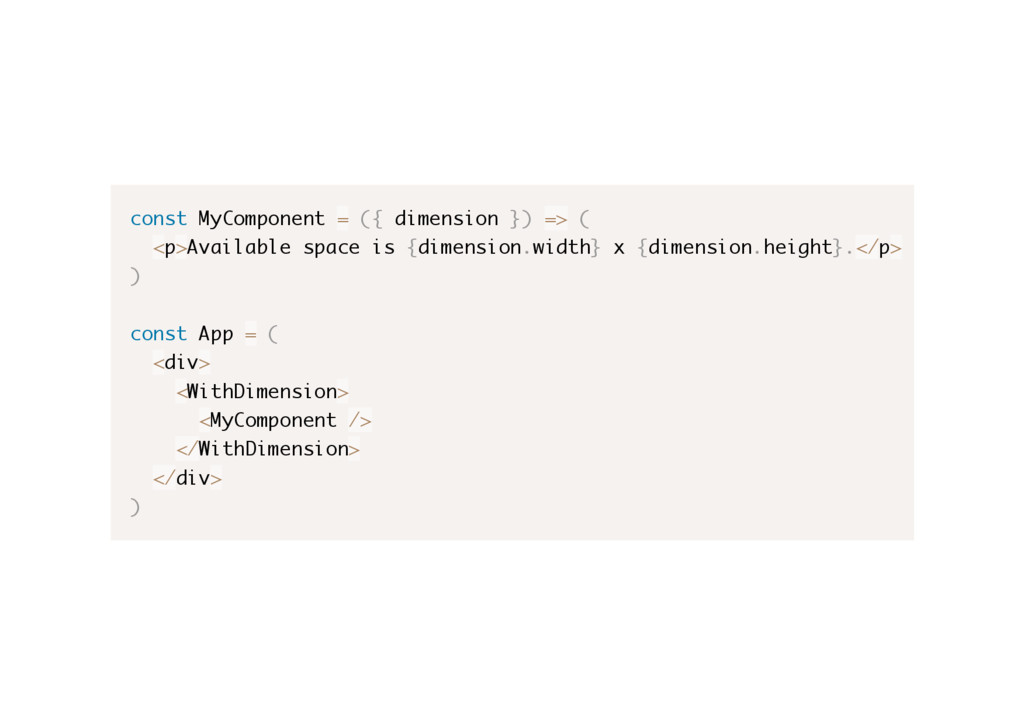
  4. const MyComponent = ({ dimension }) => ( <p>Available space

    is {dimension.width} x {dimension.height}.</p> ) const App = ( <div> <WithDimension> <MyComponent /> </WithDimension> </div> )
  5. A higher-order component (HOC) is an advanced technique in React

    for reusing component logic. - https://facebook.github.io/react/docs/higher-order- components.html
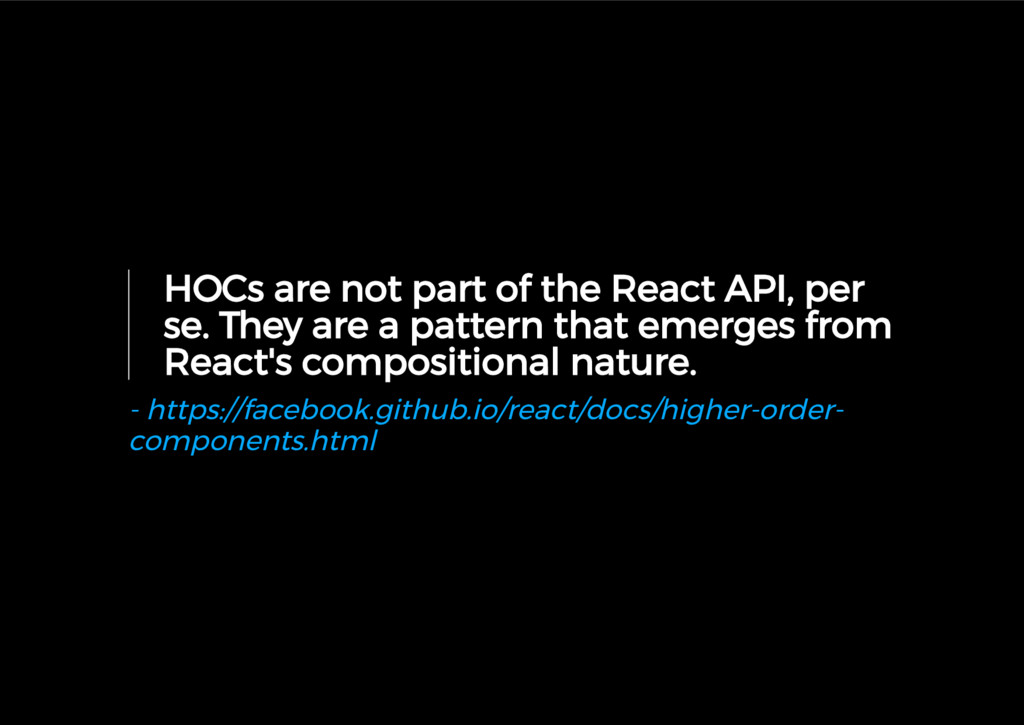
  6. HOCs are not part of the React API, per se.

    They are a pattern that emerges from React's compositional nature. - https://facebook.github.io/react/docs/higher-order- components.html
  7. class WithDimension extends React.Component { componentDidMount() { this.setState({ dimension: this.el.getBoundingClientRect()

    }) } render() { return ( <div ref={el => { this.el = el }}> {React.cloneElement( this.props.children, { dimension: this.state.dimension } )} </div> ) } }
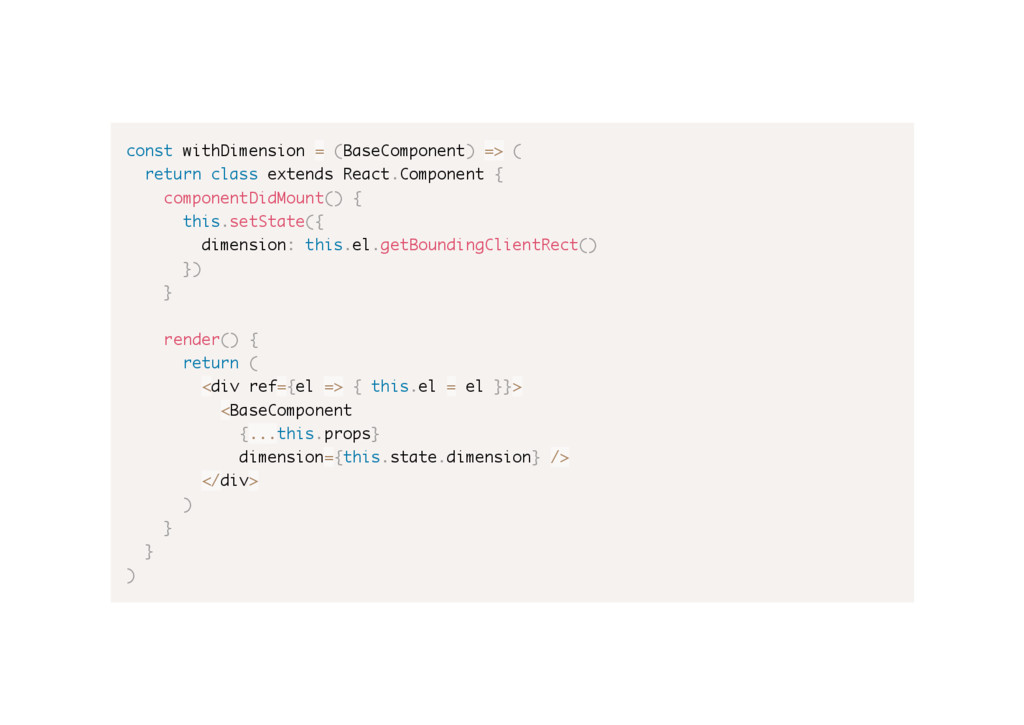
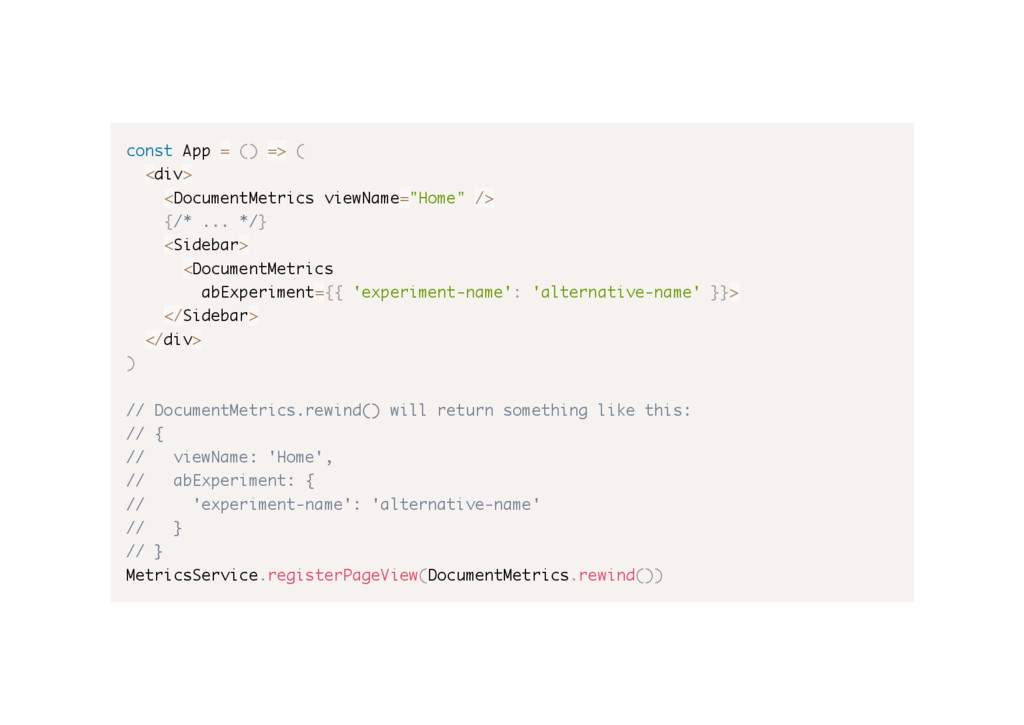
  8. const withDimension = (BaseComponent) => ( return class extends React.Component

    { componentDidMount() { this.setState({ dimension: this.el.getBoundingClientRect() }) } render() { return ( <div ref={el => { this.el = el }}> <BaseComponent {...this.props} dimension={this.state.dimension} /> </div> ) } } )
  9. const MyComponent = ({ dimension }) => ( <p>Available space

    is {dimension.width} x {dimension.height}.</p> ) const App = ( <div> <WithDimension> <MyComponent /> </WithDimension> </div> )
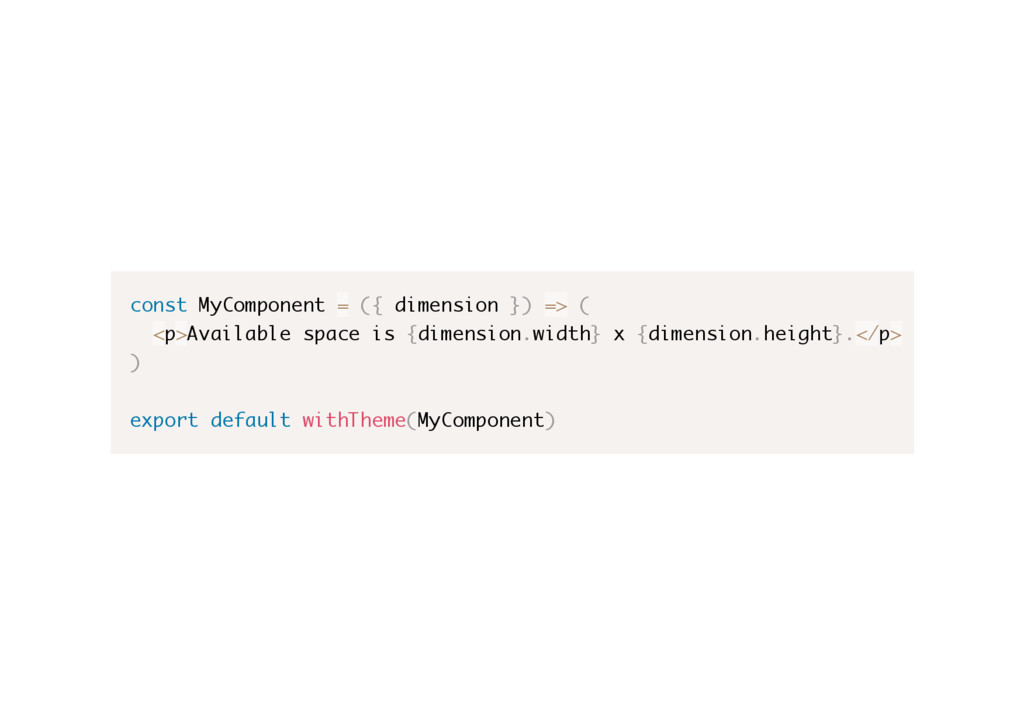
  10. const MyComponent = ({ dimension }) => ( <p>Available space

    is {dimension.width} x {dimension.height}.</p> ) export default withTheme(MyComponent)
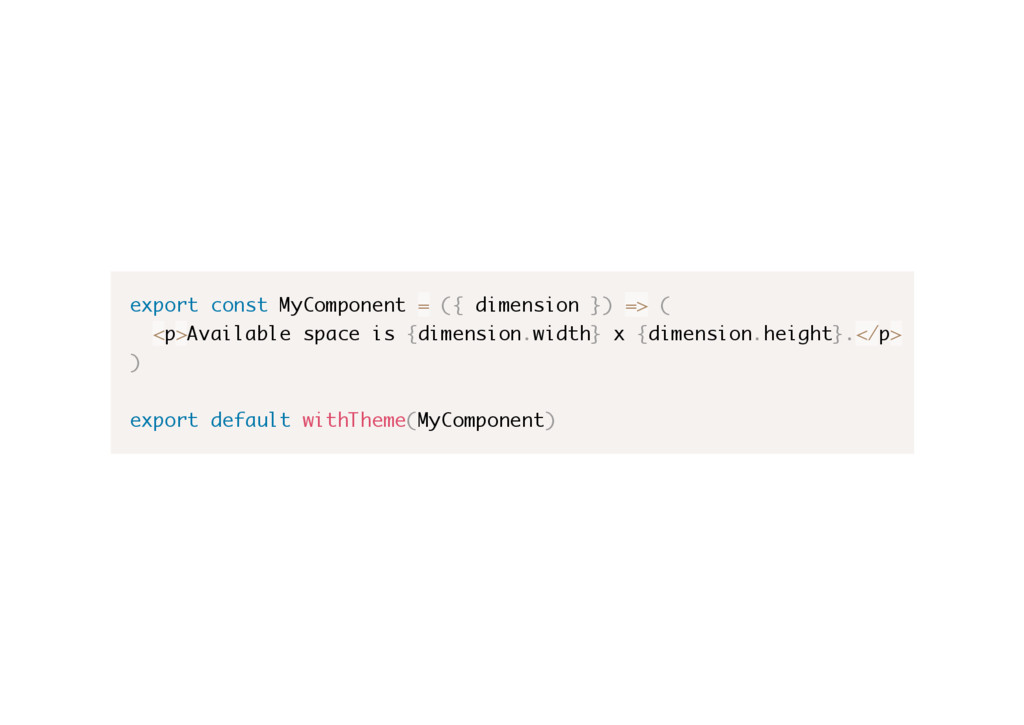
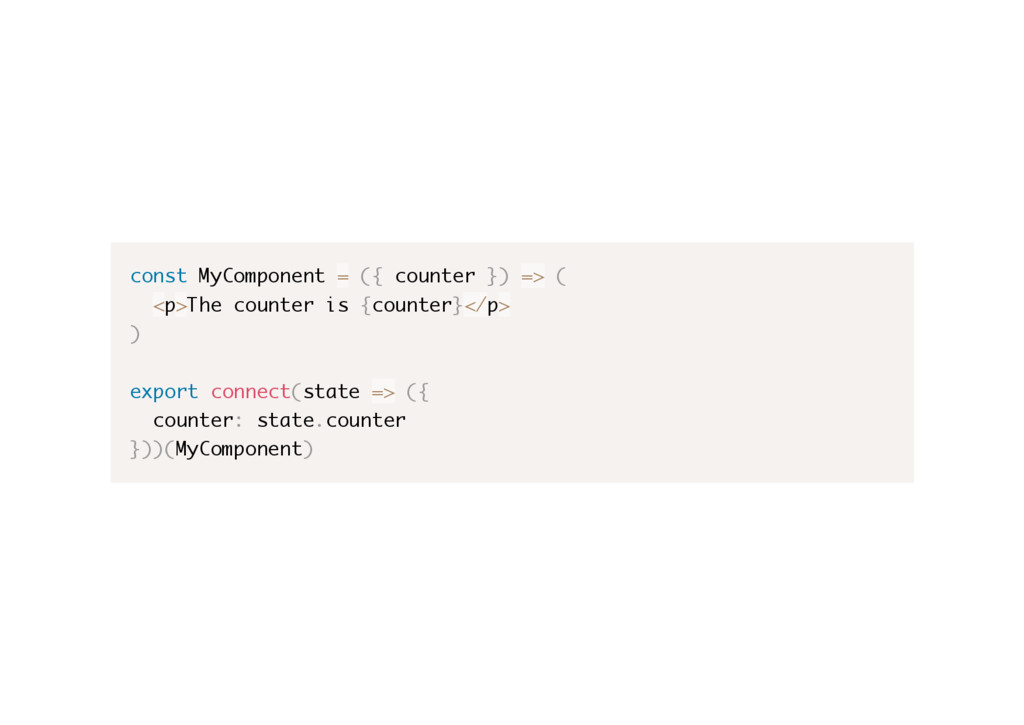
  11. export const MyComponent = ({ dimension }) => ( <p>Available

    space is {dimension.width} x {dimension.height}.</p> ) export default withTheme(MyComponent)
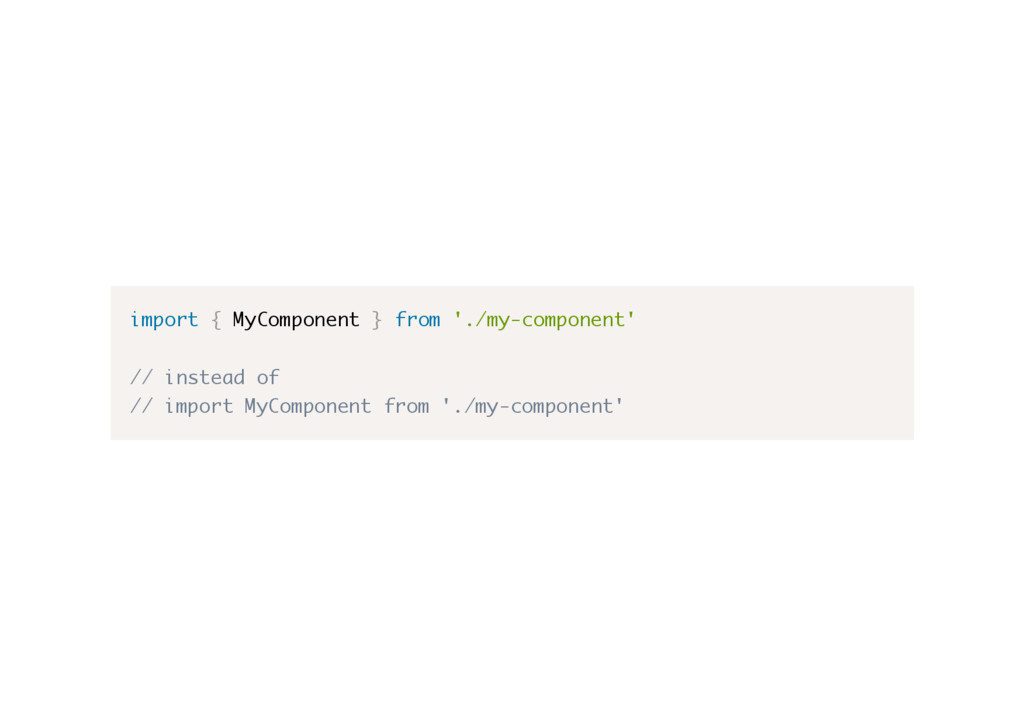
  12. import { MyComponent } from './my-component' // instead of //

    import MyComponent from './my-component'
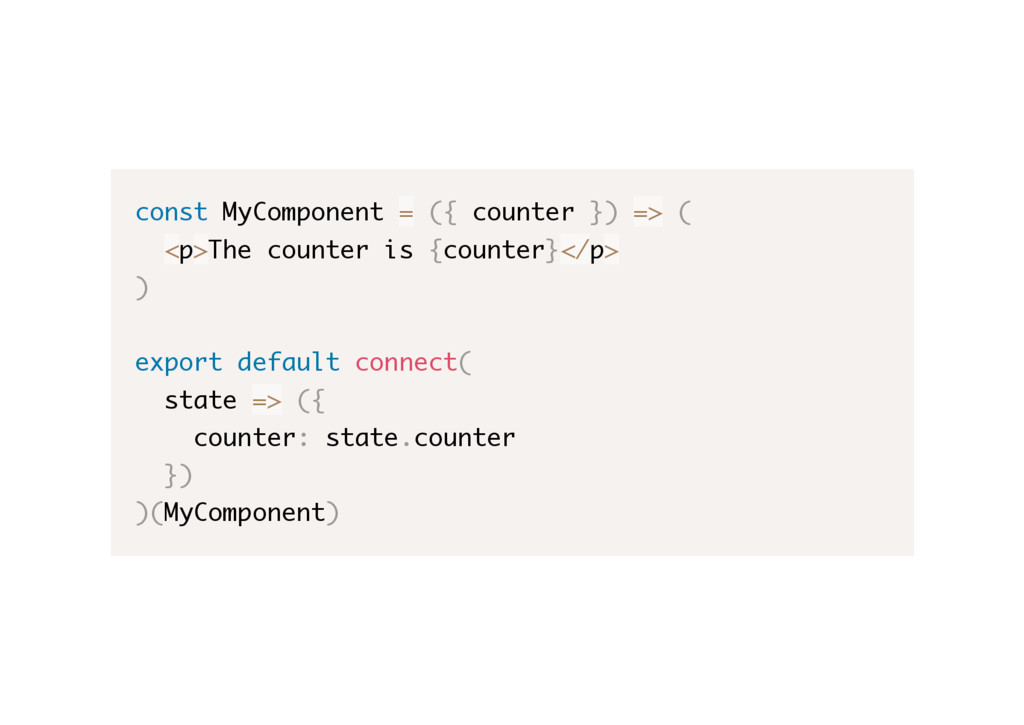
  13. const MyComponent = ({ counter }) => ( <p>The counter

    is {counter}</p> ) export default connect( state => ({ counter: state.counter }) )(MyComponent)
  14. This pattern is so common that there's a library which

    provides a lot of HOCs and tools to assist using and composing them.
  15. Recompose is a React utility belt for function components and

    higher-order components. Think of it like lodash for React. - https://github.com/acdlite/recompose
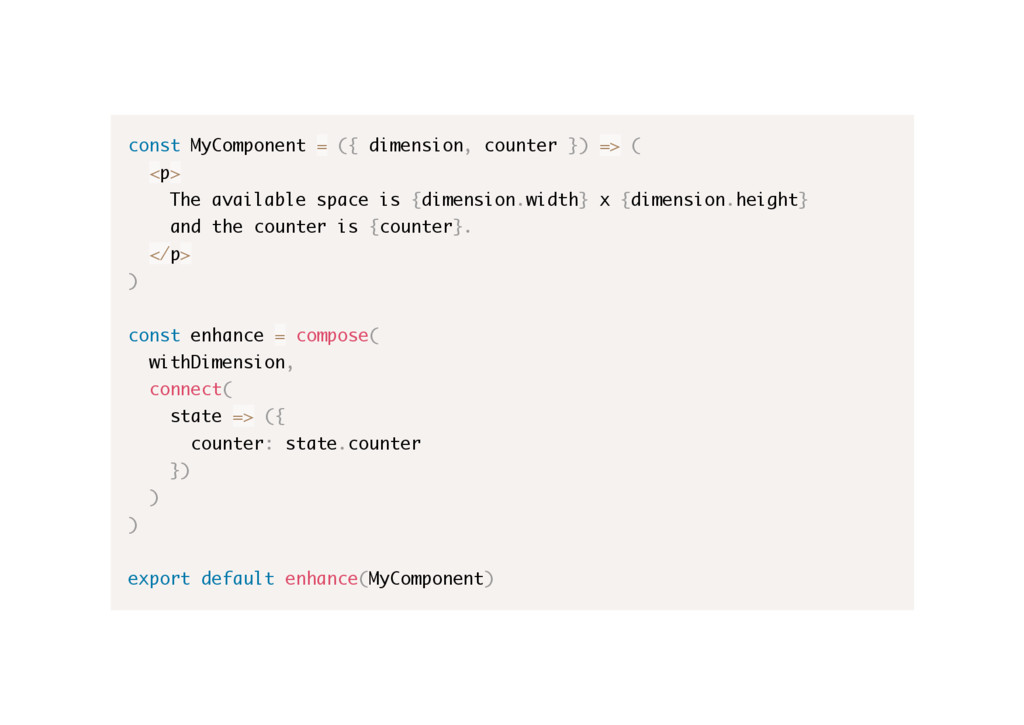
  16. const MyComponent = ({ dimension, counter }) => ( <p>

    The available space is {dimension.width} x {dimension.height} and the counter is {counter}. </p> ) const enhance = compose( withDimension, connect( state => ({ counter: state.counter }) ) ) export default enhance(MyComponent)
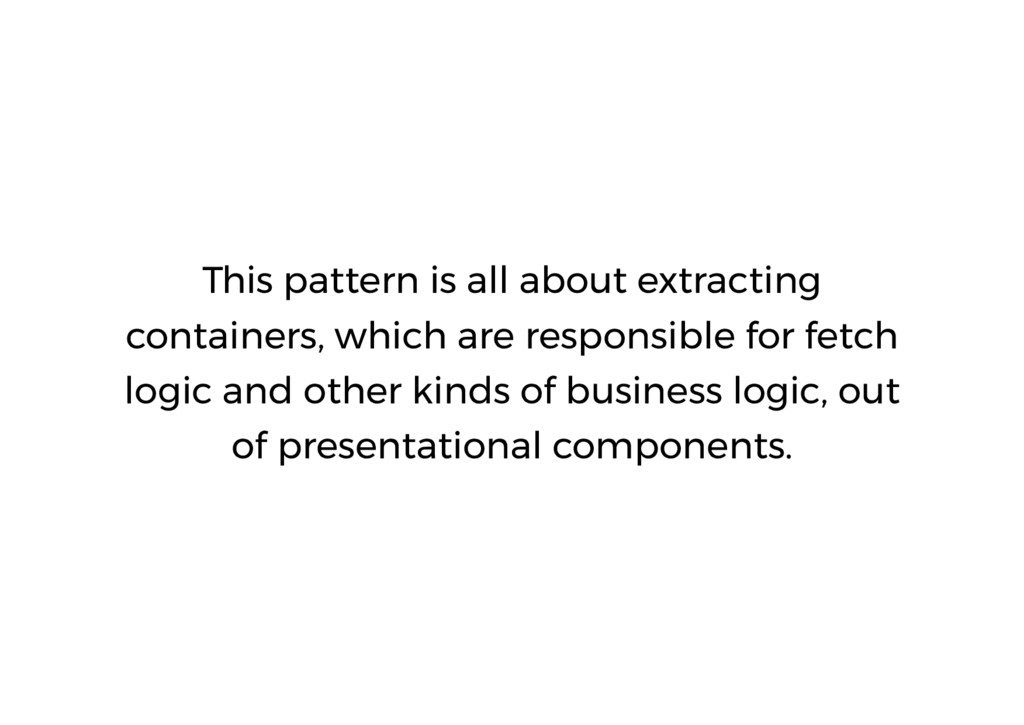
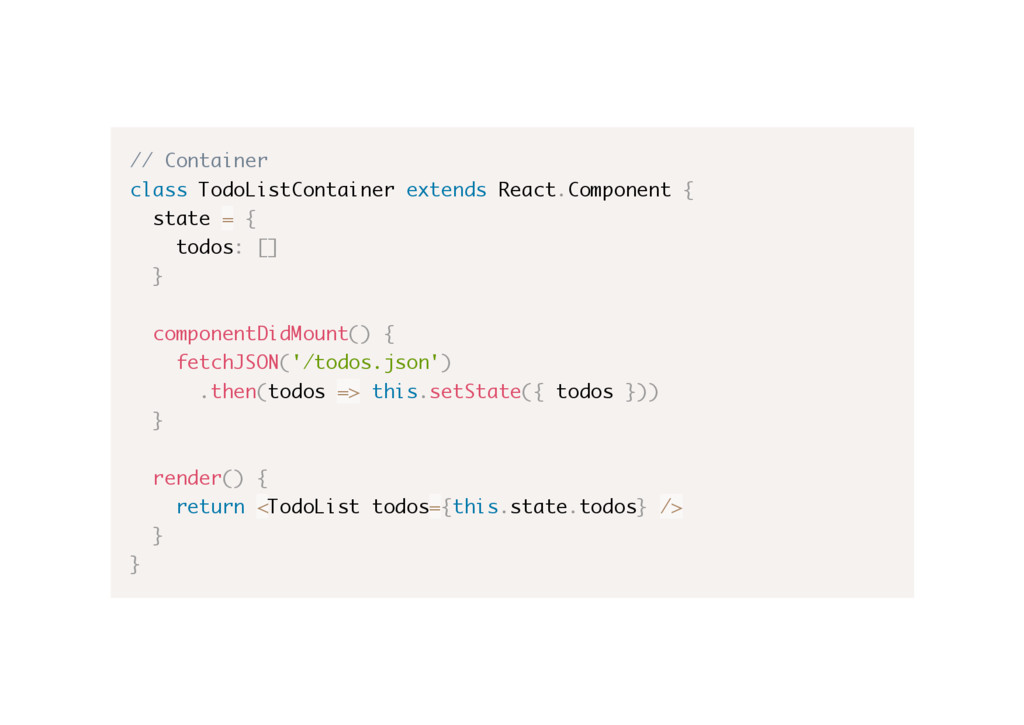
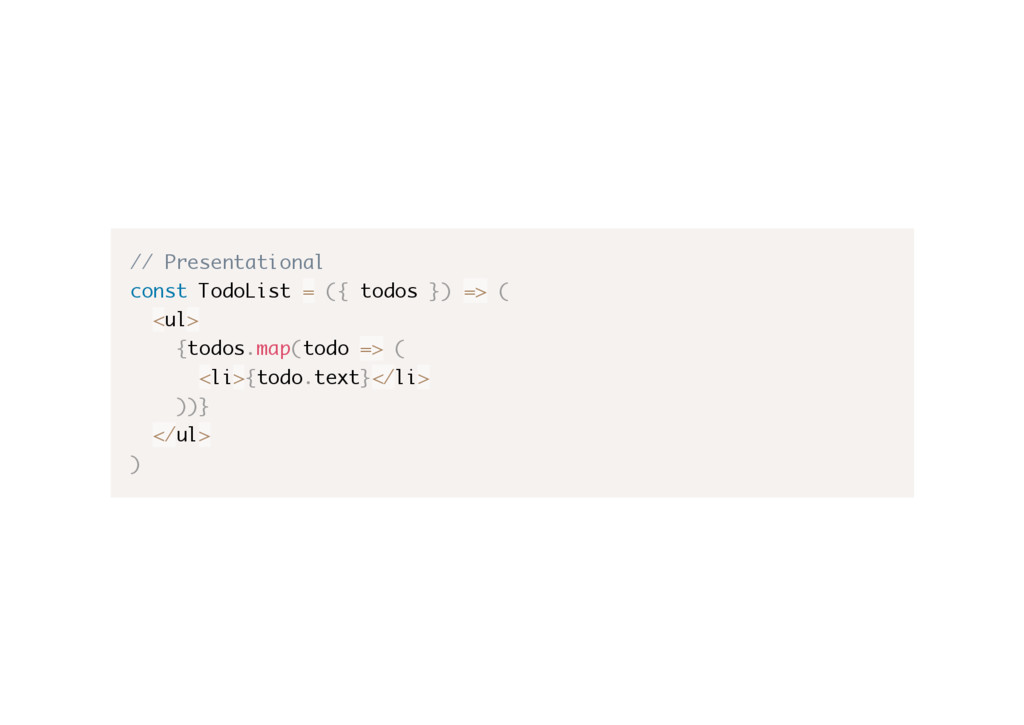
  17. This pattern is all about extracting containers, which are responsible

    for fetch logic and other kinds of business logic, out of presentational components.
  18. class TodoList extends React.Component { state = { todos: []

    } componentDidMount() { fetchJSON('/todos.json') .then(todos => this.setState({ todos })) } render() { return ( <ul> {this.props.state.todos.map(todo => ( <li>{todo.text}</li> ))} </ul> ) } }
  19. // Container class TodoListContainer extends React.Component { state = {

    todos: [] } componentDidMount() { fetchJSON('/todos.json') .then(todos => this.setState({ todos })) } render() { return <TodoList todos={this.state.todos} /> } }
  20. // Presentational const TodoList = ({ todos }) => (

    <ul> {todos.map(todo => ( <li>{todo.text}</li> ))} </ul> )
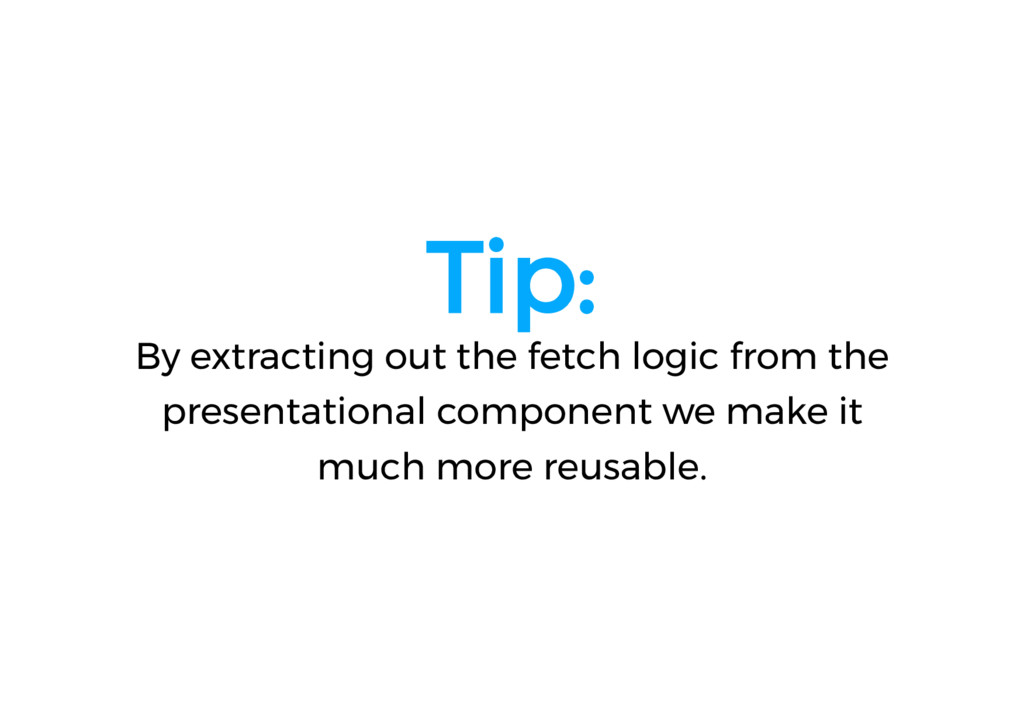
  21. Tip: By extracting out the fetch logic from the presentational

    component we make it much more reusable.
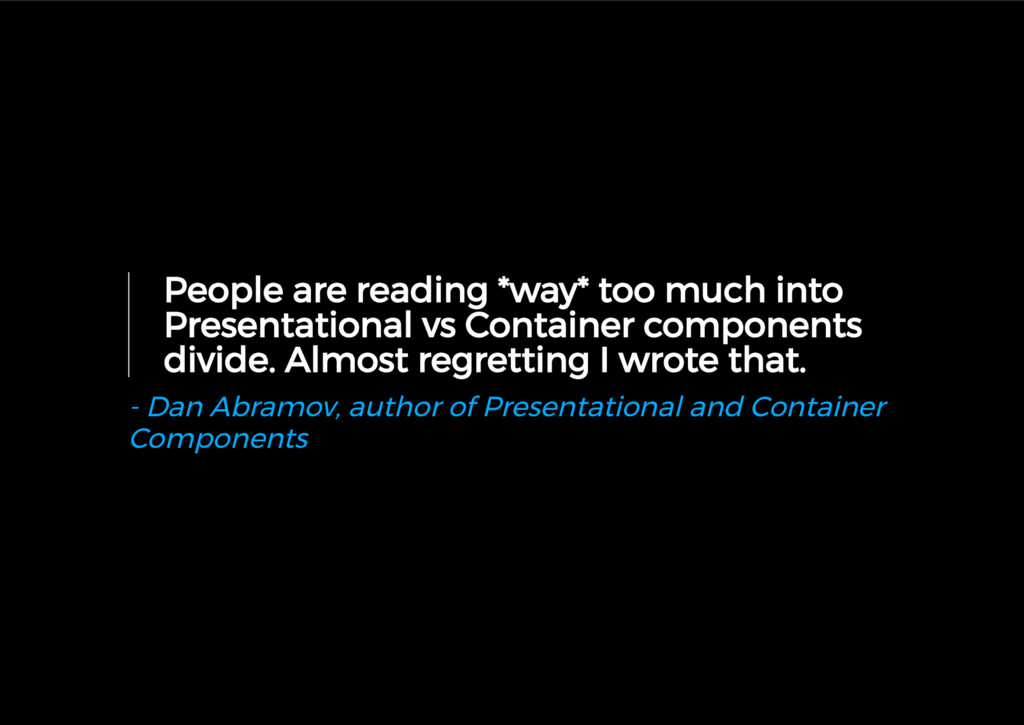
  22. People are reading *way* too much into Presentational vs Container

    components divide. Almost regretting I wrote that. - Dan Abramov, author of Presentational and Container Components
  23. An example of this could be a DocumentMetrics component, which

    sets metrics to be used on the page view, like so:
  24. const App = () => ( <div> <DocumentMetrics viewName="Home" />

    {/* ... */} <Sidebar> <DocumentMetrics abExperiment={{ 'experiment-name': 'alternative-name' }}> </Sidebar> </div> ) // DocumentMetrics.rewind() will return something like this: // { // viewName: 'Home', // abExperiment: { // 'experiment-name': 'alternative-name' // } // } MetricsService.registerPageView(DocumentMetrics.rewind())
  25. Create components whose prop changes map to a global side

    effect. - https://github.com/gaearon/react-side-effect
  26. This pattern is very useful for page cicle things, like

    metrics, meta-tags, page title, etc.
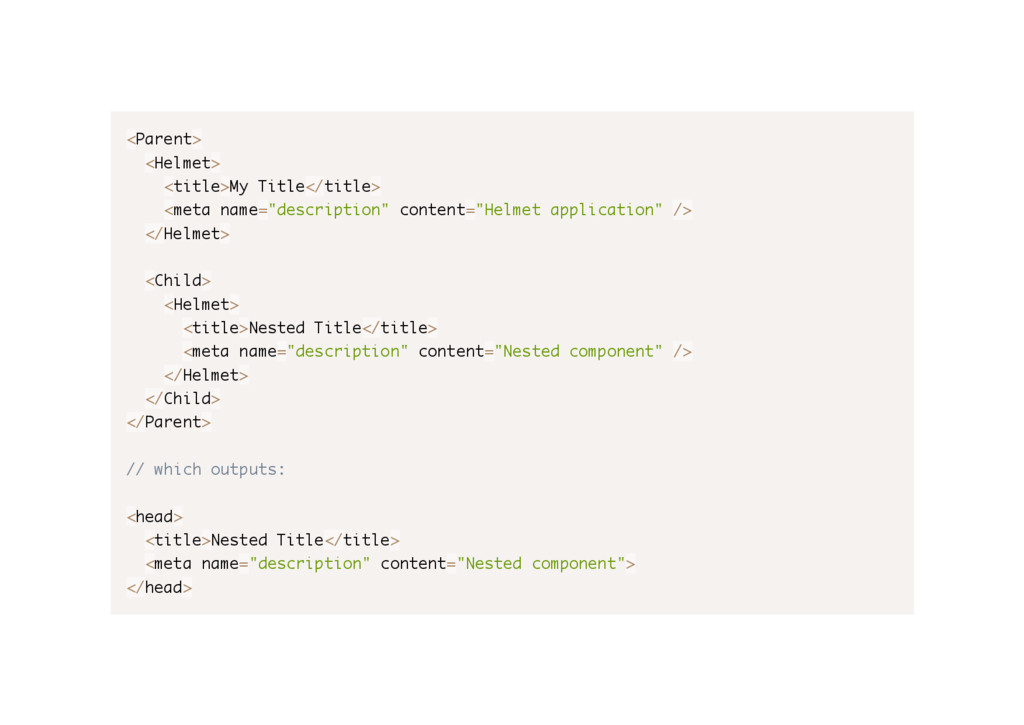
  27. <Parent> <Helmet> <title>My Title</title> <meta name="description" content="Helmet application" /> </Helmet>

    <Child> <Helmet> <title>Nested Title</title> <meta name="description" content="Nested component" /> </Helmet> </Child> </Parent> // which outputs: <head> <title>Nested Title</title> <meta name="description" content="Nested component"> </head>
  28. In some cases, you want to pass data through the

    component tree without having to pass the props down manually at every level. You can do this directly in React with the powerful "context" API. - https://facebook.github.io/react/docs/context.html
  29. const MyComponent = ({ counter }) => ( <p>The counter

    is {counter}</p> ) export connect(state => ({ counter: state.counter }))(MyComponent)
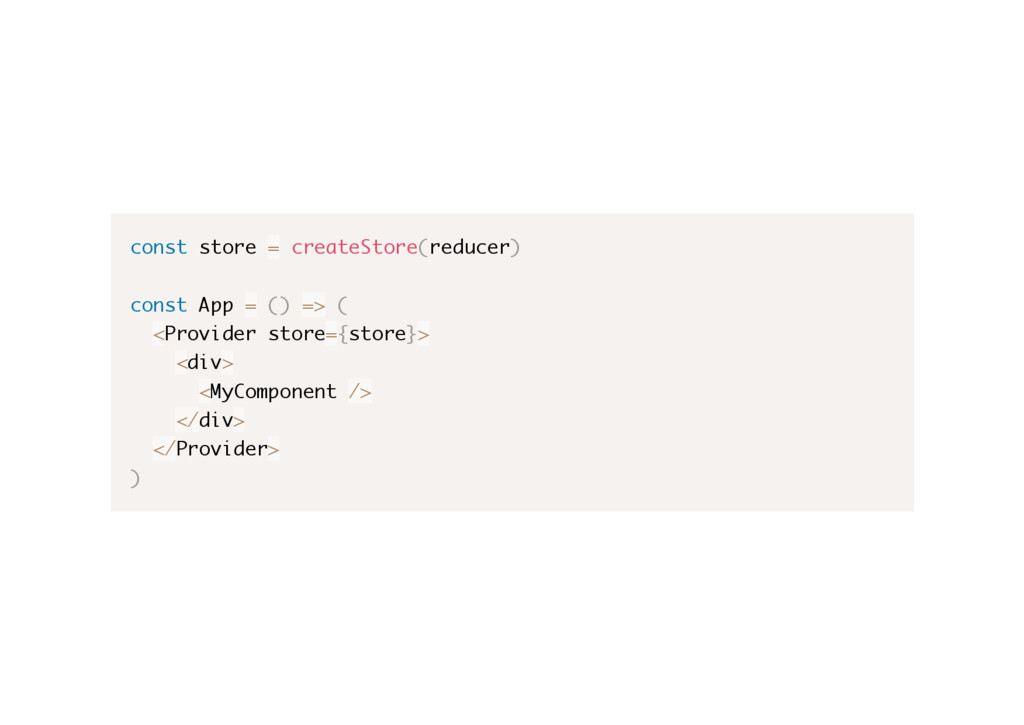
  30. const store = createStore(reducer) const App = () => (

    <Provider store={store}> <div> <MyComponent /> </div> </Provider> )
  31. Let's imagine that we need to provide informations like the

    view and offer name to know were a Link is being rendered.
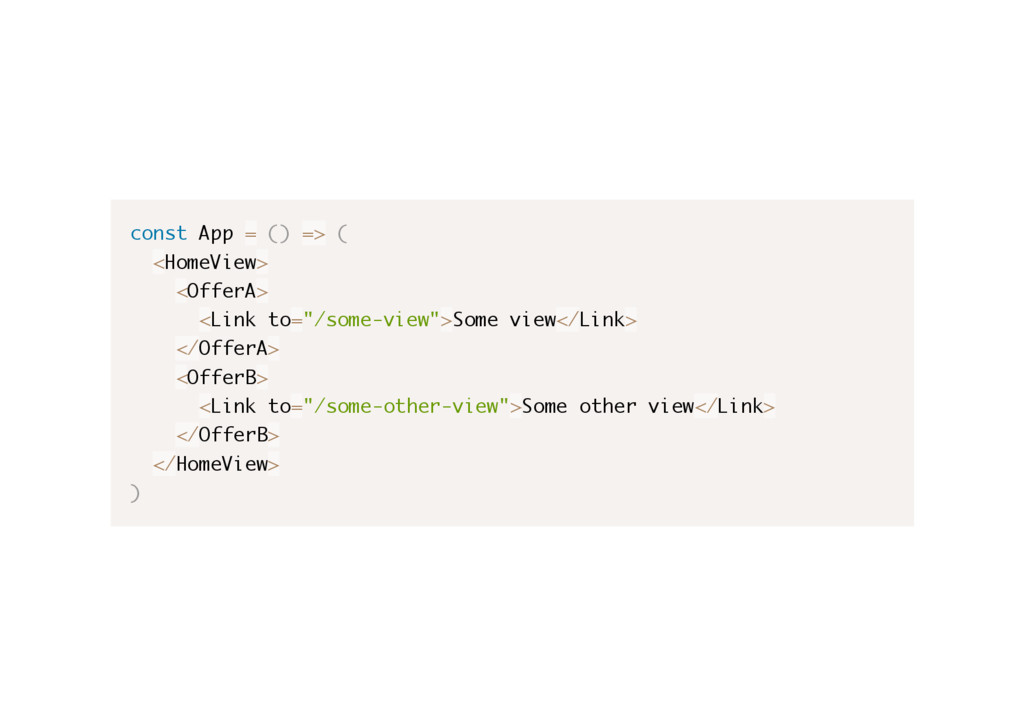
  32. const App = () => ( <HomeView> <OfferA> <Link to="/some-view">Some

    view</Link> </OfferA> <OfferB> <Link to="/some-other-view">Some other view</Link> </OfferB> </HomeView> )
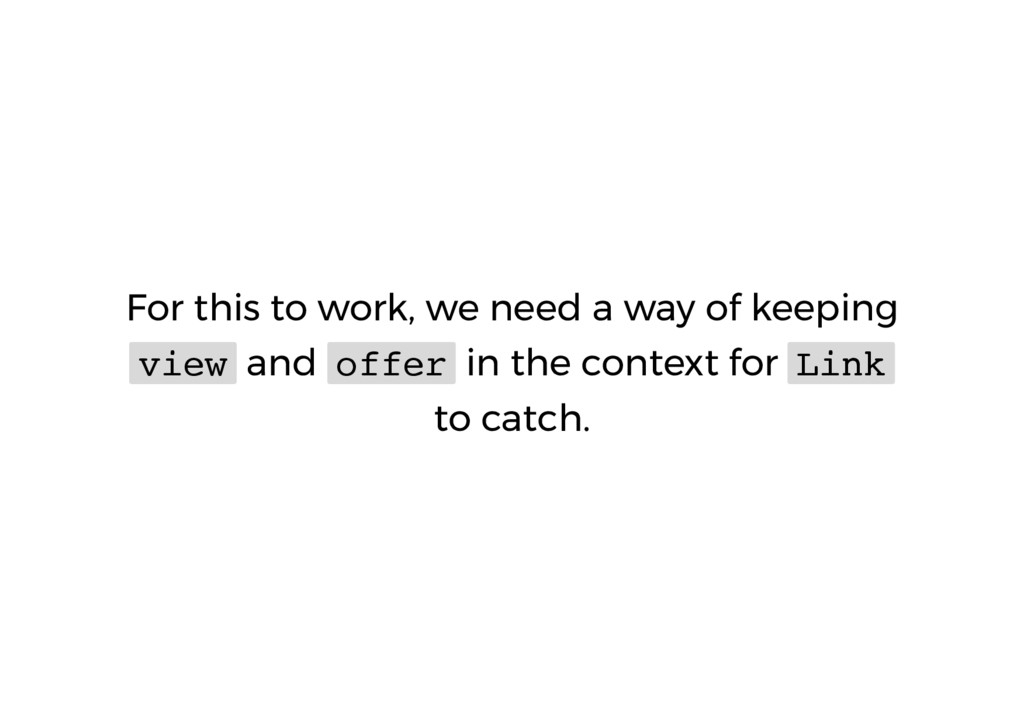
  33. For this to work, we need a way of keeping

    view and offer in the context for Link to catch.
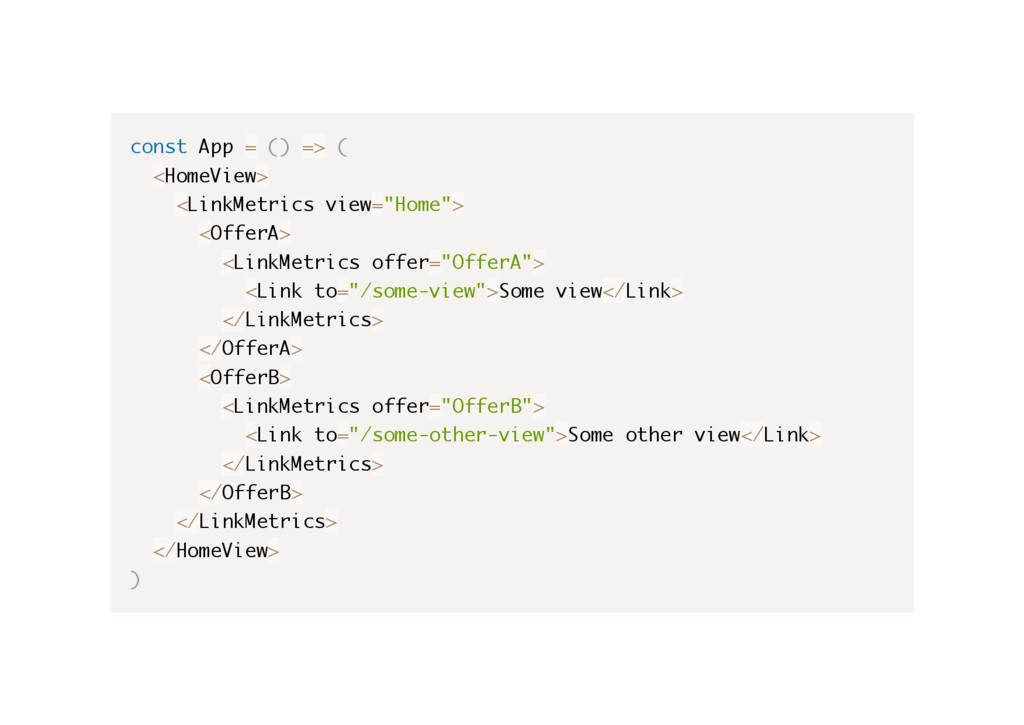
  34. const App = () => ( <HomeView> <LinkMetrics view="Home"> <OfferA>

    <LinkMetrics offer="OfferA"> <Link to="/some-view">Some view</Link> </LinkMetrics> </OfferA> <OfferB> <LinkMetrics offer="OfferB"> <Link to="/some-other-view">Some other view</Link> </LinkMetrics> </OfferB> </LinkMetrics> </HomeView> )
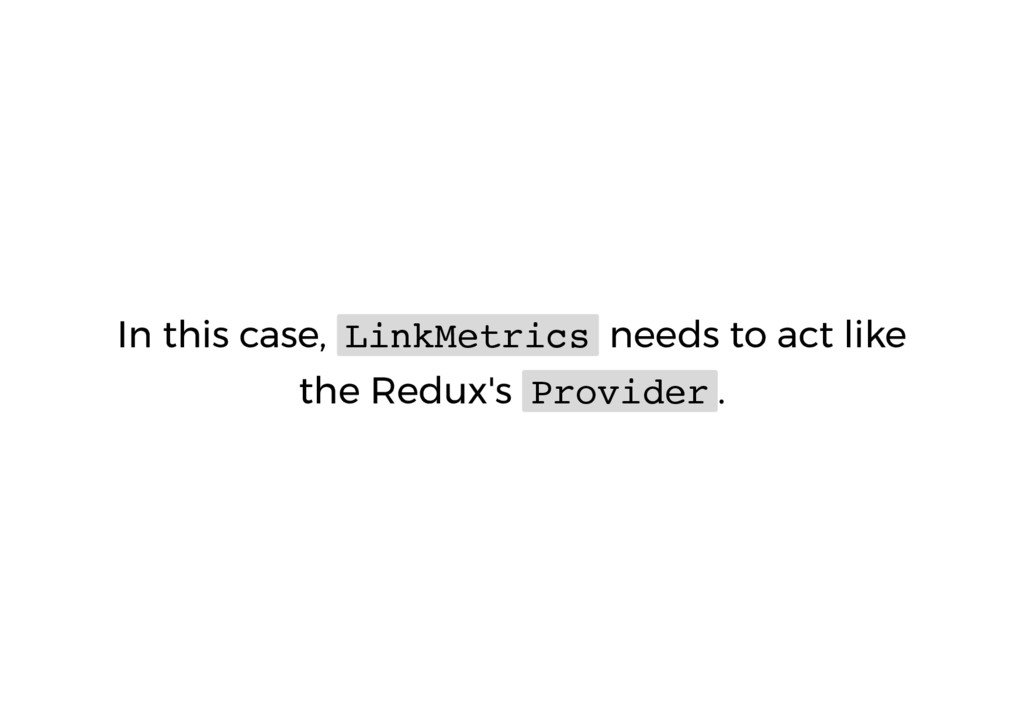
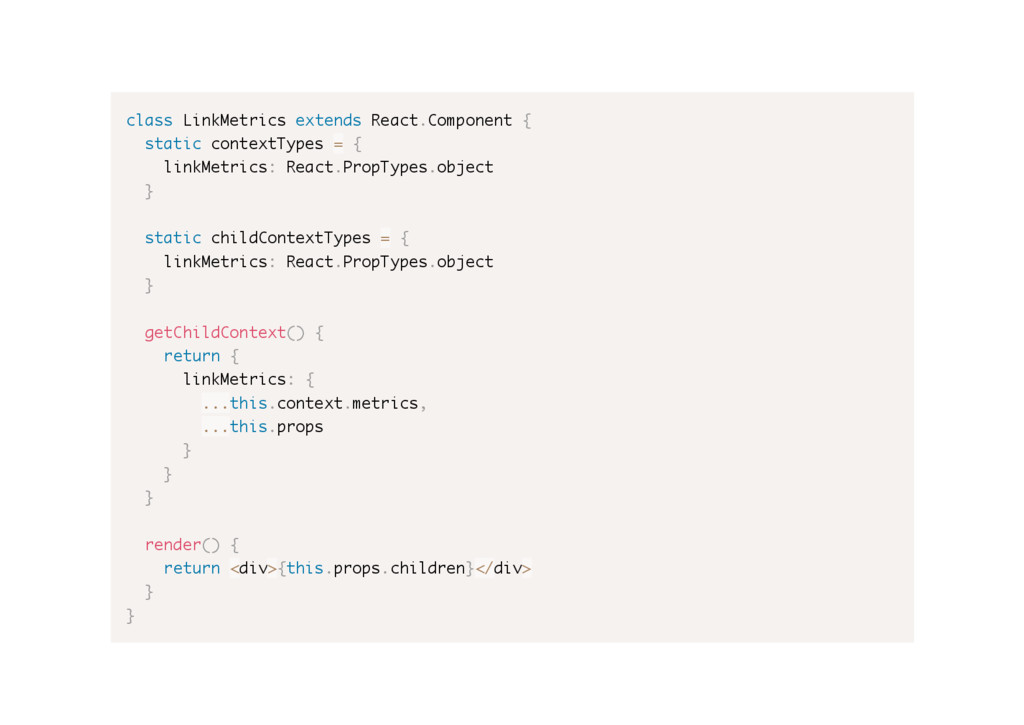
  35. class LinkMetrics extends React.Component { static contextTypes = { linkMetrics:

    React.PropTypes.object } static childContextTypes = { linkMetrics: React.PropTypes.object } getChildContext() { return { linkMetrics: { ...this.context.metrics, ...this.props } } } render() { return <div>{this.props.children}</div> } }
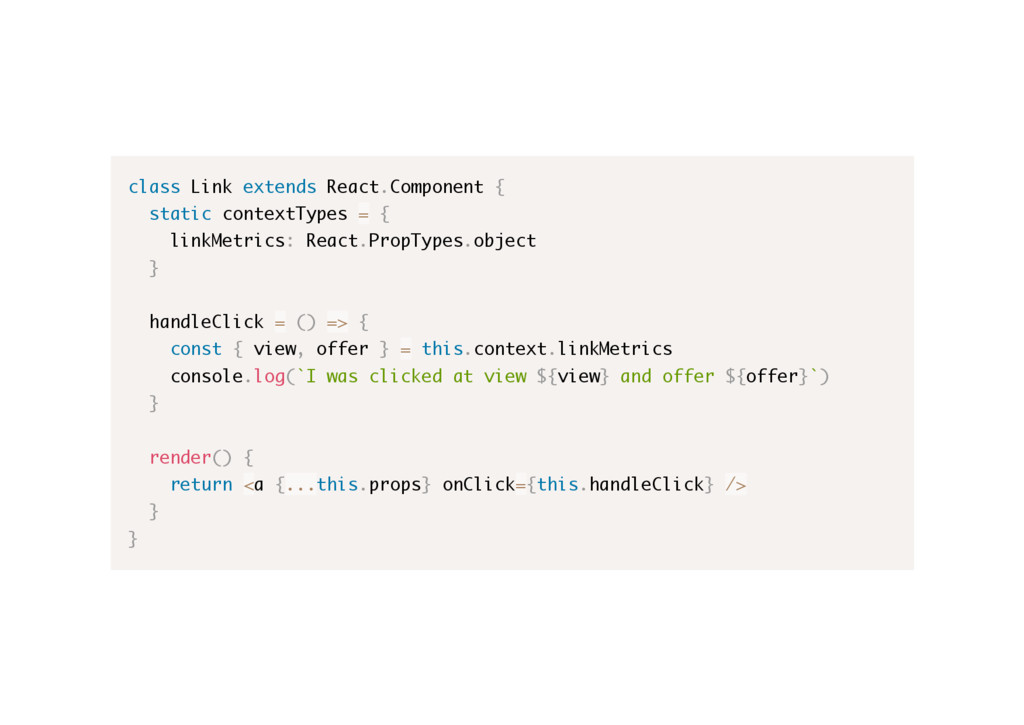
  36. class Link extends React.Component { static contextTypes = { linkMetrics:

    React.PropTypes.object } handleClick = () => { const { view, offer } = this.context.linkMetrics console.log(`I was clicked at view ${view} and offer ${offer}`) } render() { return <a {...this.props} onClick={this.handleClick} /> } }
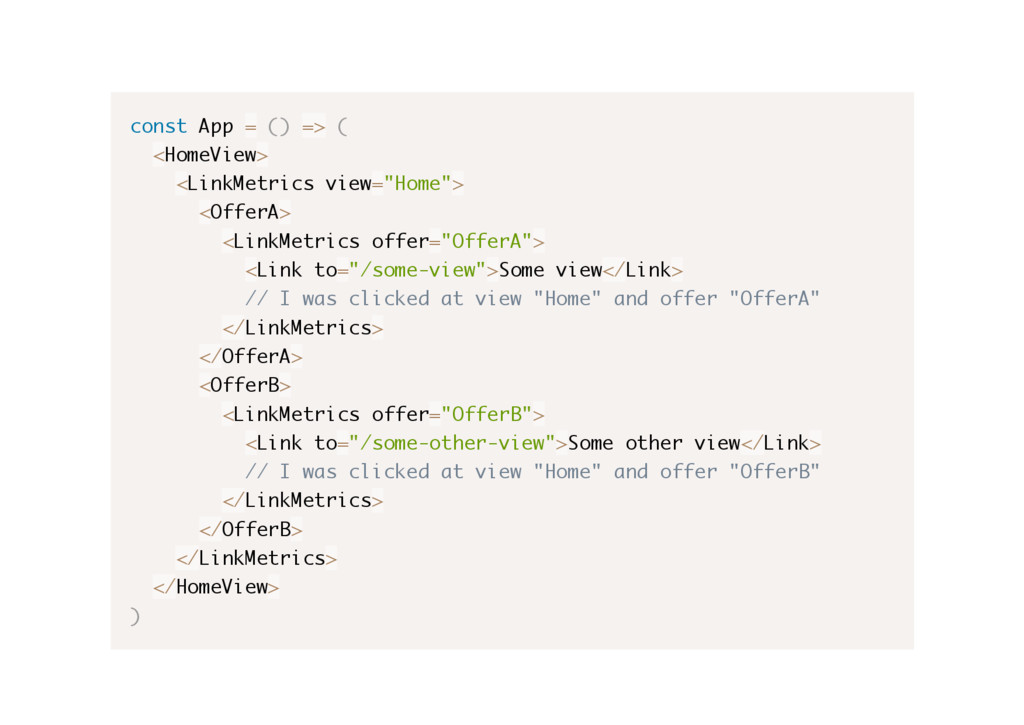
  37. const App = () => ( <HomeView> <LinkMetrics view="Home"> <OfferA>

    <LinkMetrics offer="OfferA"> <Link to="/some-view">Some view</Link> // I was clicked at view "Home" and offer "OfferA" </LinkMetrics> </OfferA> <OfferB> <LinkMetrics offer="OfferB"> <Link to="/some-other-view">Some other view</Link> // I was clicked at view "Home" and offer "OfferB" </LinkMetrics> </OfferB> </LinkMetrics> </HomeView> )
  38. This code I showed to you is pretty close to

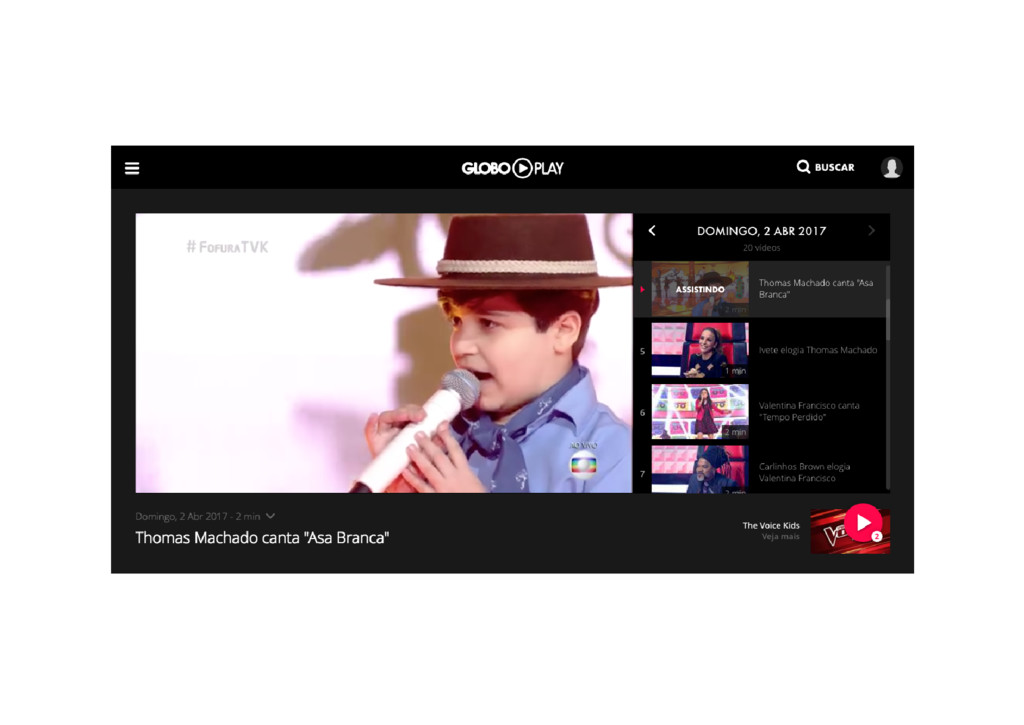
    what we use in production at Globo Play.
  39. Disclaimer: React's Context API is meant to be used responsibly

    and only by advanced users or libraries.