Upgrade to Pro — share decks privately, control downloads, hide ads and more …

Introduction to responsive web design

Sponsored · Your Podcast. Everywhere. Effortlessly. Share. Educate. Inspire. Entertain. You do you. We'll handle the rest. →

Introduction to responsive web design

A beginner's guide to responsive web design.

Avatar for Samuel Blessed Woniowei

Samuel Blessed Woniowei

September 08, 2018

Other Decks in Programming

Transcript

  1. “ Responsive design is not about ‘designing for mobile’. But

    it’s not about ‘designing for the desktop’, either. Rather, it’s about adopting a more flexible, device-agnostic approach “ -Ethan Marcotte Author of Responsive Web Design
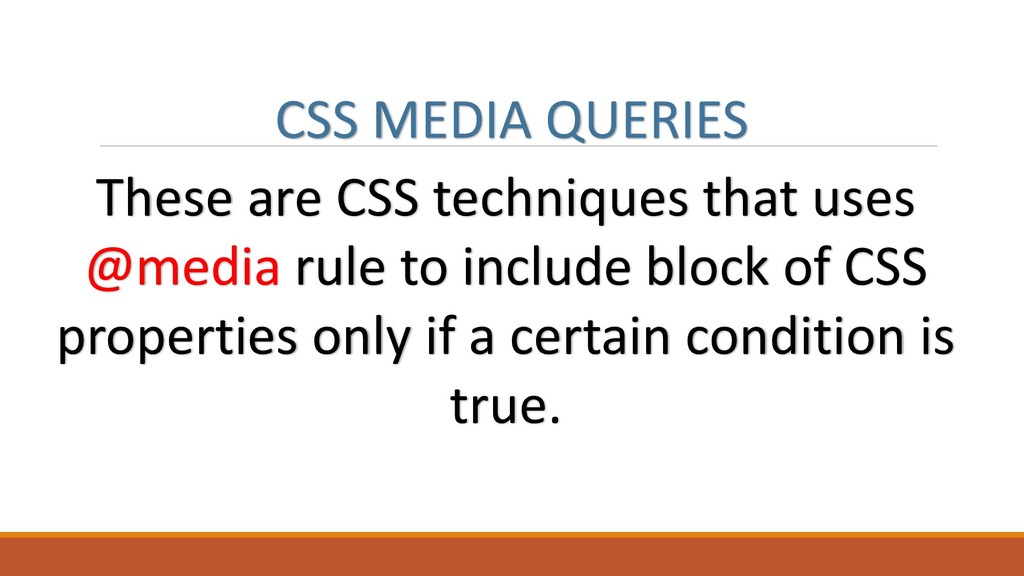
  2. CSS MEDIA QUERIES These are CSS techniques that uses @media

    rule to include block of CSS properties only if a certain condition is true.
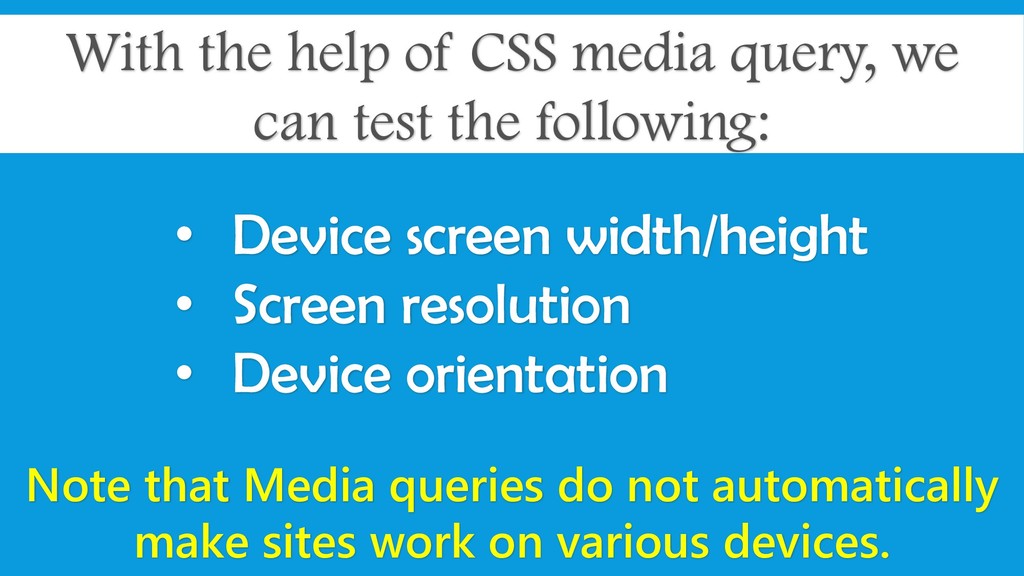
  3. With the help of CSS media query, we can test

    the following: • Device screen width/height • Screen resolution • Device orientation Note that Media queries do not automatically make sites work on various devices.
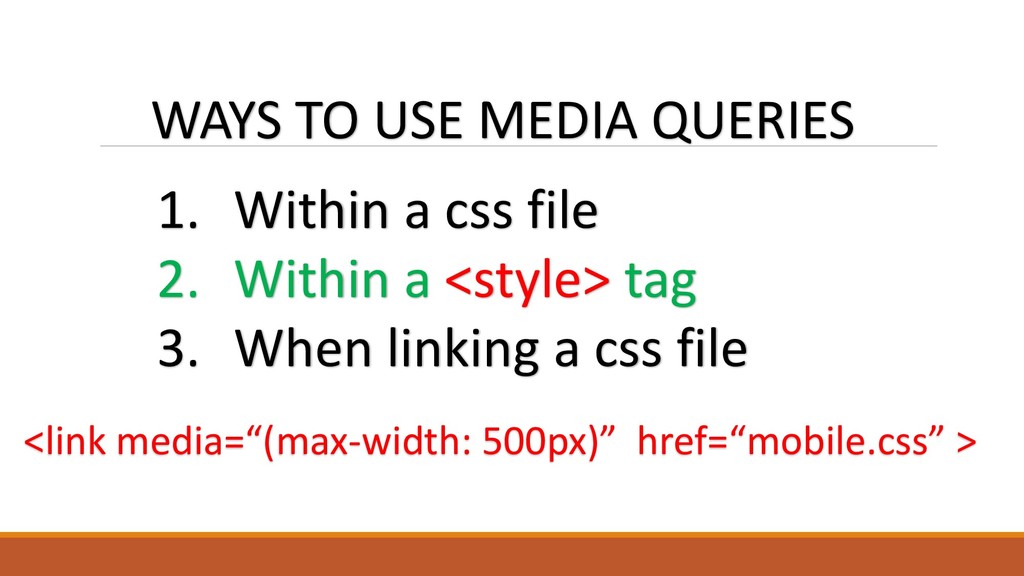
  4. WAYS TO USE MEDIA QUERIES 1. Within a css file

    2. Within a <style> tag 3. When linking a css file <link media=“(max-width: 500px)” href=“mobile.css” >
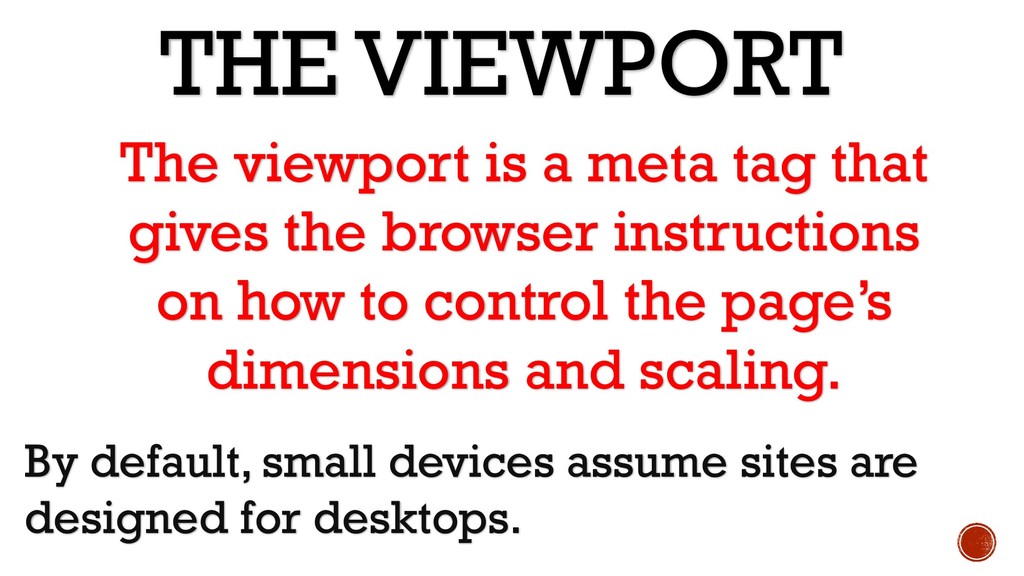
  5. THE VIEWPORT By default, small devices assume sites are designed

    for desktops. The viewport is a meta tag that gives the browser instructions on how to control the page’s dimensions and scaling.
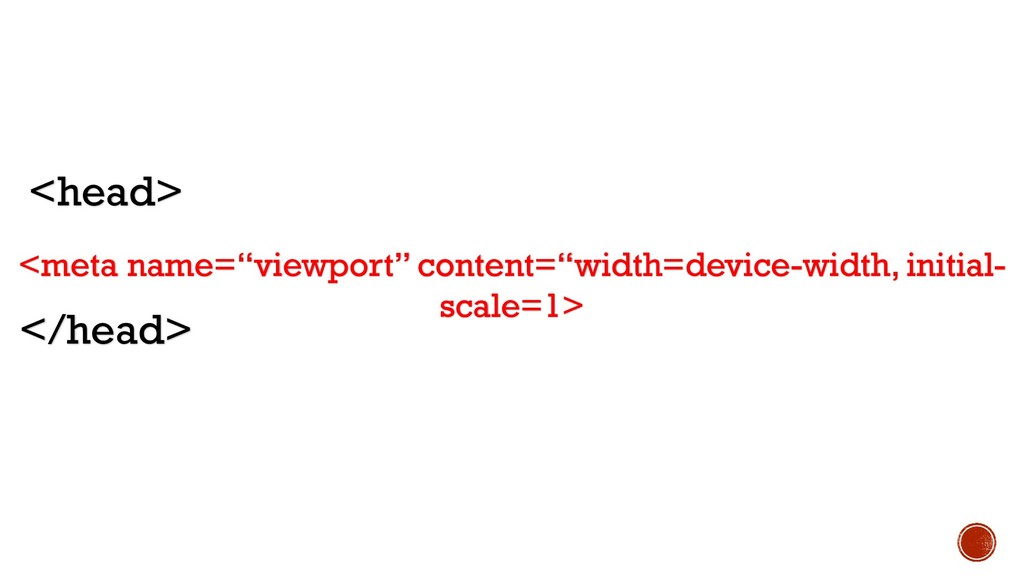
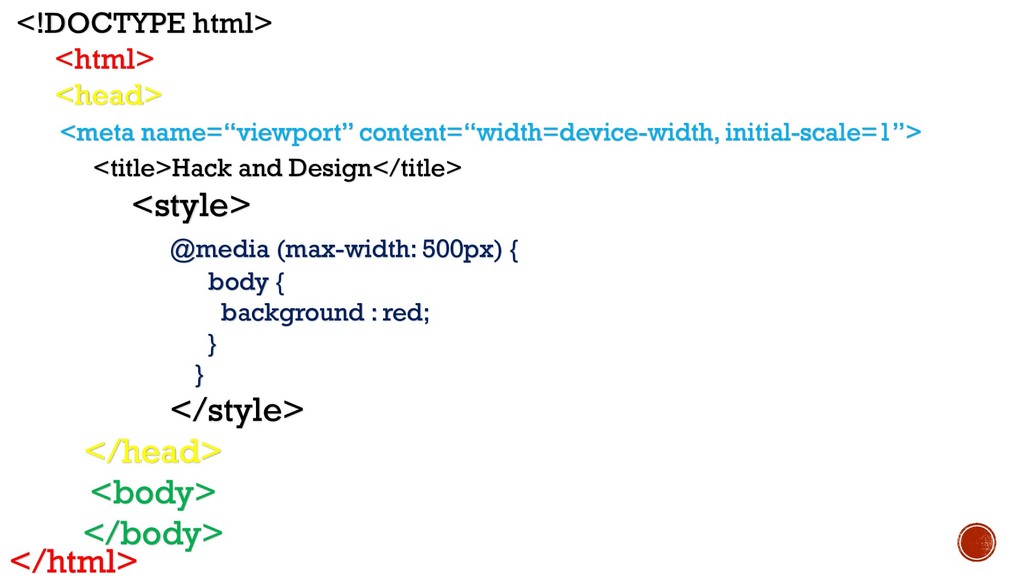
  6. <!DOCTYPE html> <html> <head> <title>Hack and Design</title> <style> @media (max-width:

    500px) { body { background : red; } } </style> </head> <body> </body> </html> <meta name=“viewport” content=“width=device-width, initial-scale=1”>
  7. The whole idea of RWD is that sites should be

    built with a mobile first approach.
  8. • It forces you to focus and prioritize by embracing

    the constraints inherent in mobile design. • It allows you to deliver innovative experiences. BENEFITS OF THINKING MOBILE FIRST
  9. MOBILE FIRST DESIGN TIP Only hide presentational content. (People will

    get frustrated if they can’t find information on mobile if they know it’s on the desktop)
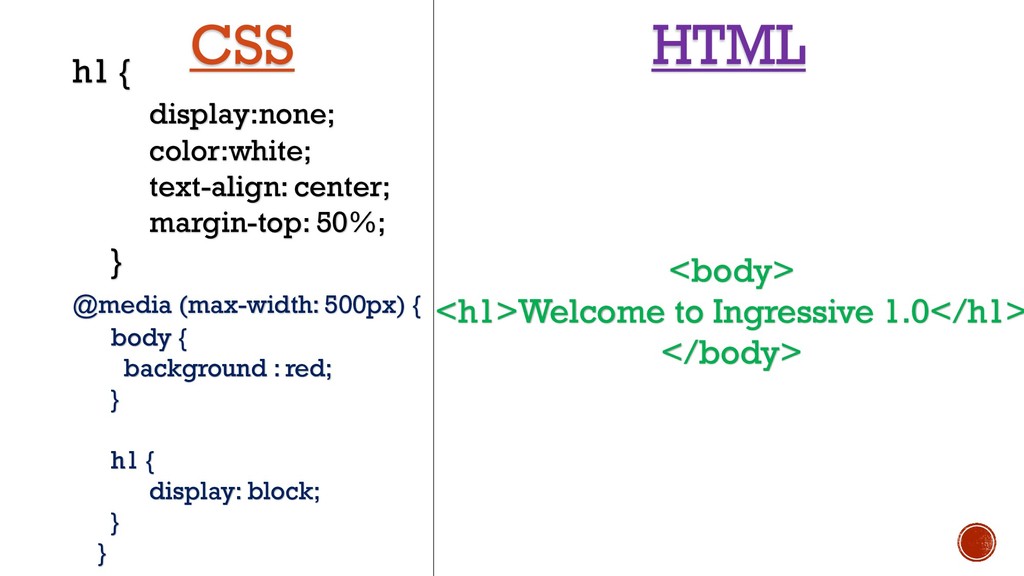
  10. h1 { display:none; color:white; text-align: center; margin-top: 50%; } @media

    (max-width: 500px) { body { background : red; } h1 { display: block; } } <body> <h1>Welcome to Ingressive 1.0</h1> </body> CSS HTML
  11. GRID SYSTEMS Grid systems are a collection of prebuilt CSS

    rules that allow you to apply grid-like layouts to HTML
  12. “ The design process is about designing and prototyping and

    making. When you separate those, I think the final results will suffer. ” - Jonathan Ive