Upgrade to Pro — share decks privately, control downloads, hide ads and more …

Understand Basics of Accessing Android Hardware

Understand Basics of Accessing Android Hardware

Presentation on Understand Basics of Accessing Android Hardware (Camera, Sensor, Bluetooth, Network, Wi-Fi) at Computer Engineering Department, GIDC Degree Engineering college, Abrama.

GIDC Degree organized 5 days STTP on "Android Programming a hands-on approach" sponsored by Gujarat Technological University, during 24th-28th December,2018.

Avatar for SK- Sandip Kalola

SK- Sandip Kalola

December 27, 2018

More Decks by SK- Sandip Kalola

Other Decks in Programming

Transcript

  1. One Week Short Term Training Programme(STTP) on Android Programming a

    hands-on approach Organized by Gujarat Technological University At GIDC Degree Engineering College
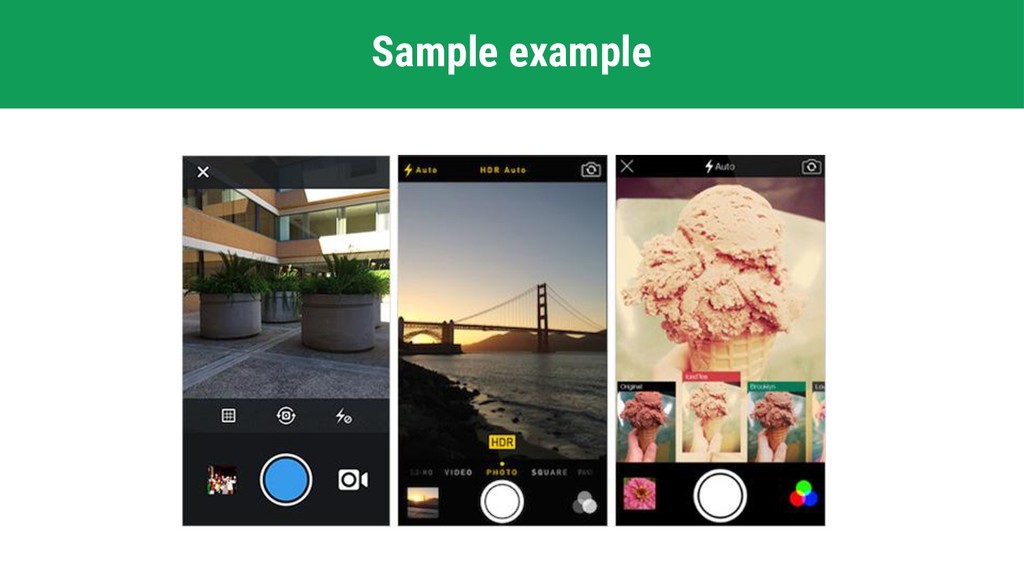
  2. The Android framework includes support for various cameras and camera

    features available on devices, allowing you to capture pictures and videos in your applications. This presentation discusses a quick, simple approach to image and video capture and outlines an advanced approach for creating custom camera experiences for your users. Basics of Camera
  3. Manifest Declarations Before starting development on your application with the

    Camera API, you should make sure your manifest has the appropriate declarations to allow use of camera hardware and other related features.

  4. Cont. Before starting development on your application with the Camera

    API, you should make sure your manifest has the appropriate declarations to allow use of camera hardware and other related features. • Camera Permission
  5. Cont. Before starting development on your application with the Camera

    API, you should make sure your manifest has the appropriate declarations to allow use of camera hardware and other related features. • Camera Permission • Camera Features
  6. Cont. Before starting development on your application with the Camera

    API, you should make sure your manifest has the appropriate declarations to allow use of camera hardware and other related features. • Camera Permission • Camera Features • Storage Permission
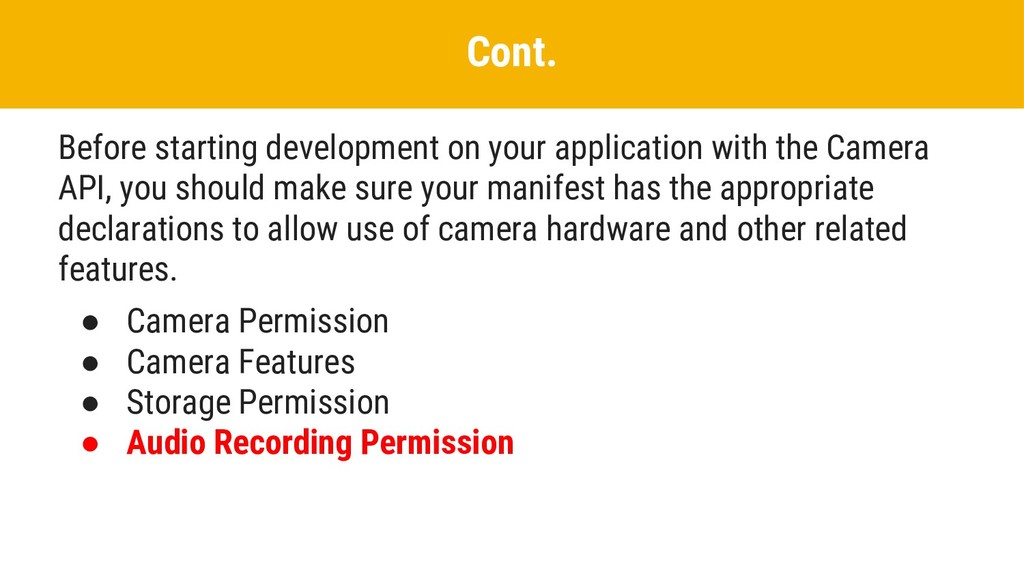
  7. Cont. Before starting development on your application with the Camera

    API, you should make sure your manifest has the appropriate declarations to allow use of camera hardware and other related features. • Camera Permission • Camera Features • Storage Permission • Audio Recording Permission
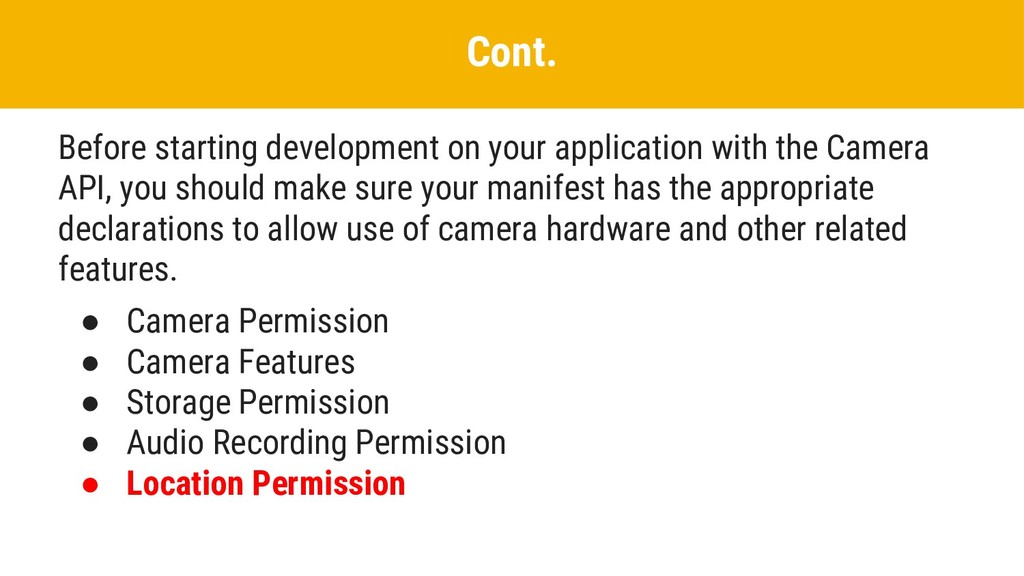
  8. Cont. Before starting development on your application with the Camera

    API, you should make sure your manifest has the appropriate declarations to allow use of camera hardware and other related features. • Camera Permission • Camera Features • Storage Permission • Audio Recording Permission • Location Permission
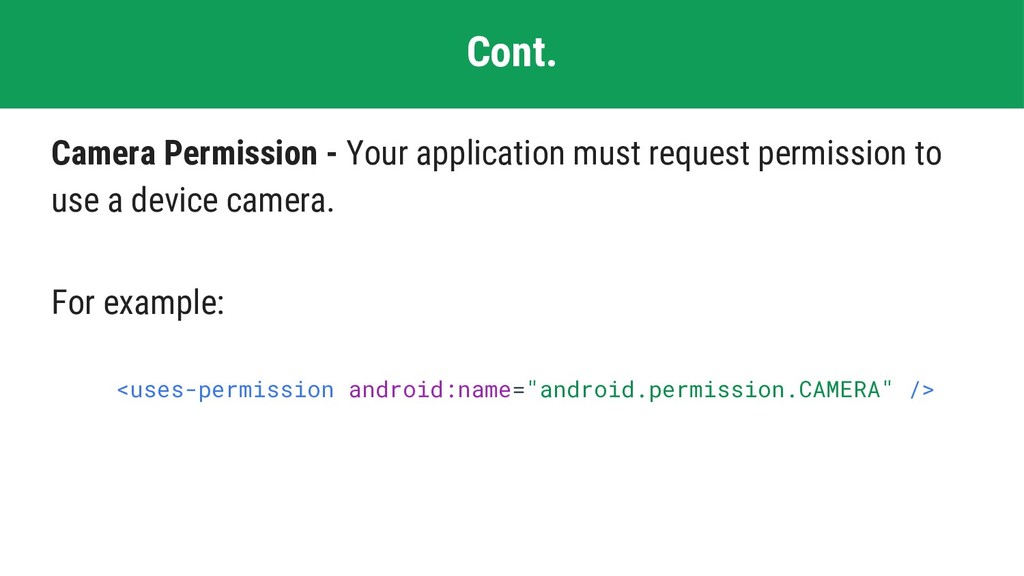
  9. Cont. Camera Permission - Your application must request permission to

    use a device camera. For example: <uses-permission android:name="android.permission.CAMERA" />
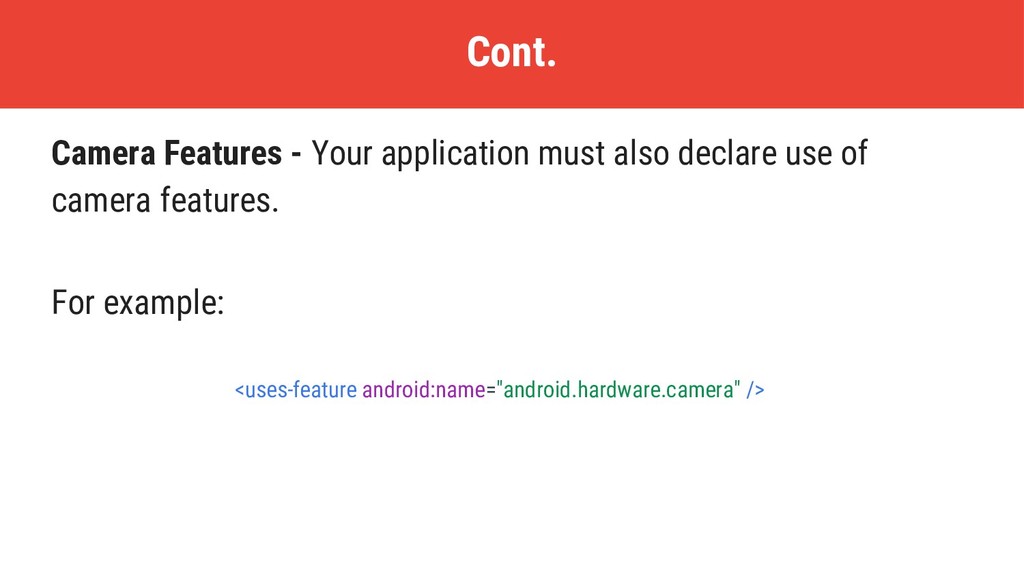
  10. Cont. Camera Features - Your application must also declare use

    of camera features. For example: <uses-feature android:name="android.hardware.camera" />
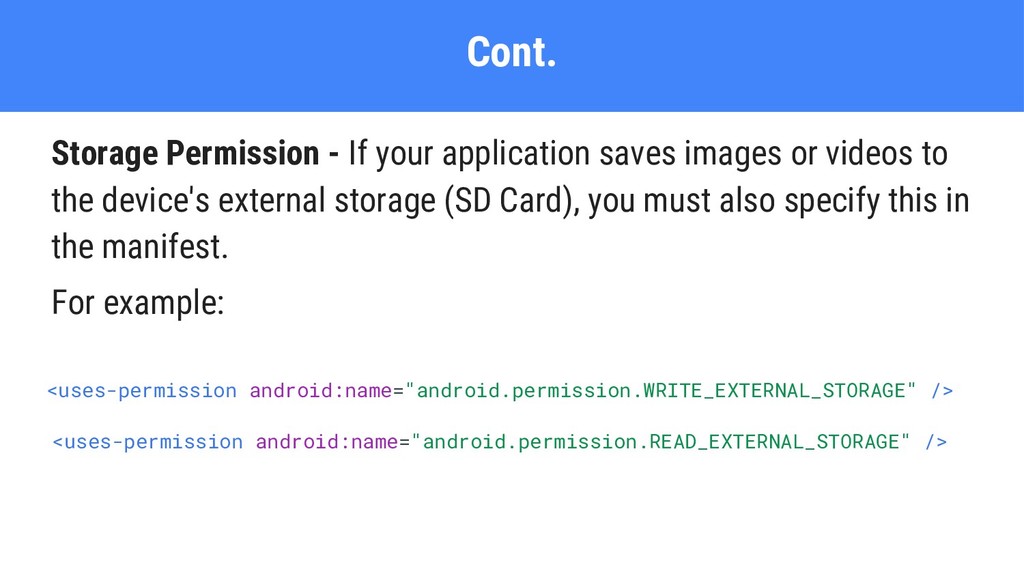
  11. Cont. Storage Permission - If your application saves images or

    videos to the device's external storage (SD Card), you must also specify this in the manifest. For example: <uses-permission android:name="android.permission.WRITE_EXTERNAL_STORAGE" /> <uses-permission android:name="android.permission.READ_EXTERNAL_STORAGE" />
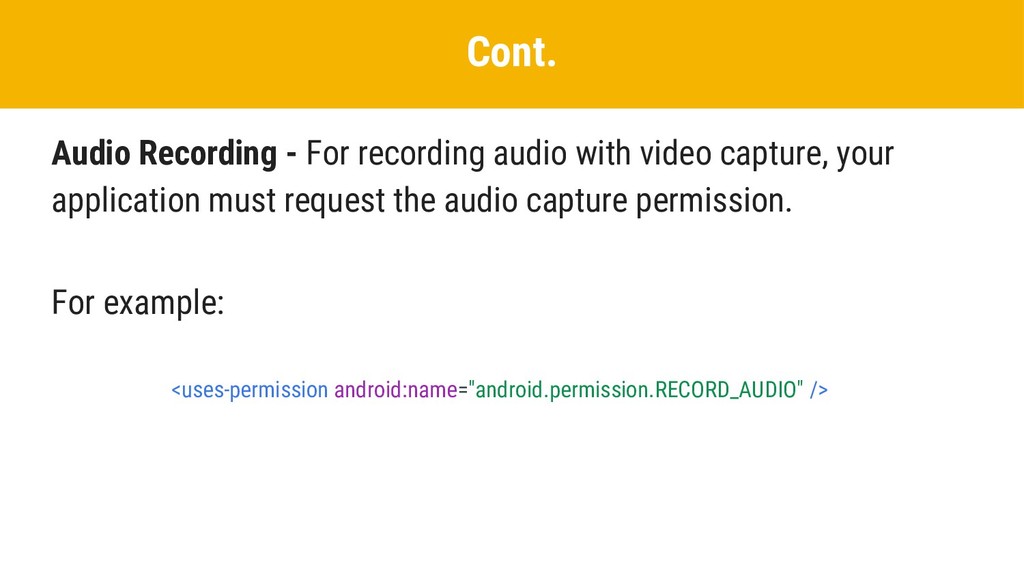
  12. Cont. Audio Recording - For recording audio with video capture,

    your application must request the audio capture permission. For example: <uses-permission android:name="android.permission.RECORD_AUDIO" />
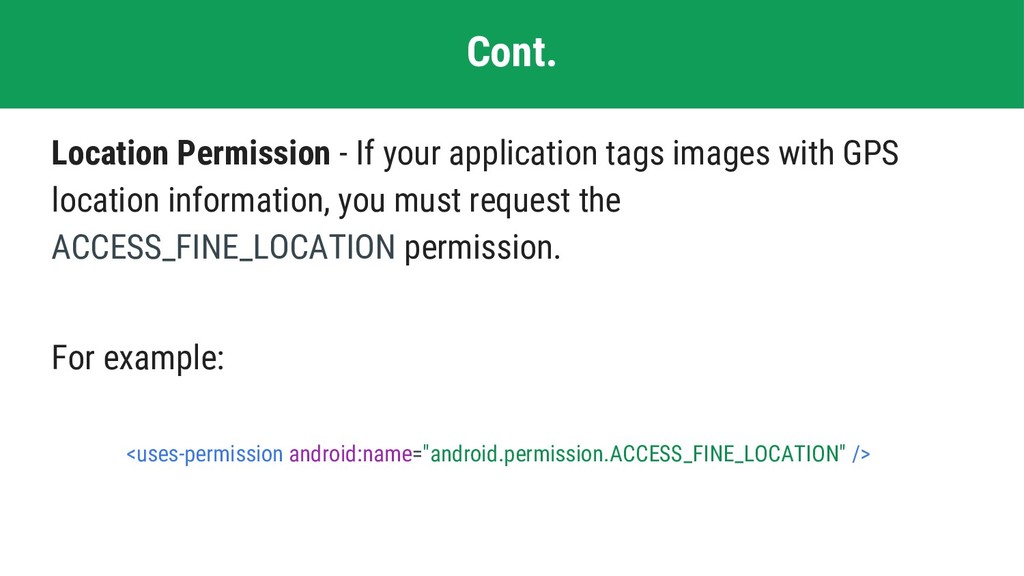
  13. Cont. Location Permission - If your application tags images with

    GPS location information, you must request the ACCESS_FINE_LOCATION permission. For example: <uses-permission android:name="android.permission.ACCESS_FINE_LOCATION" />
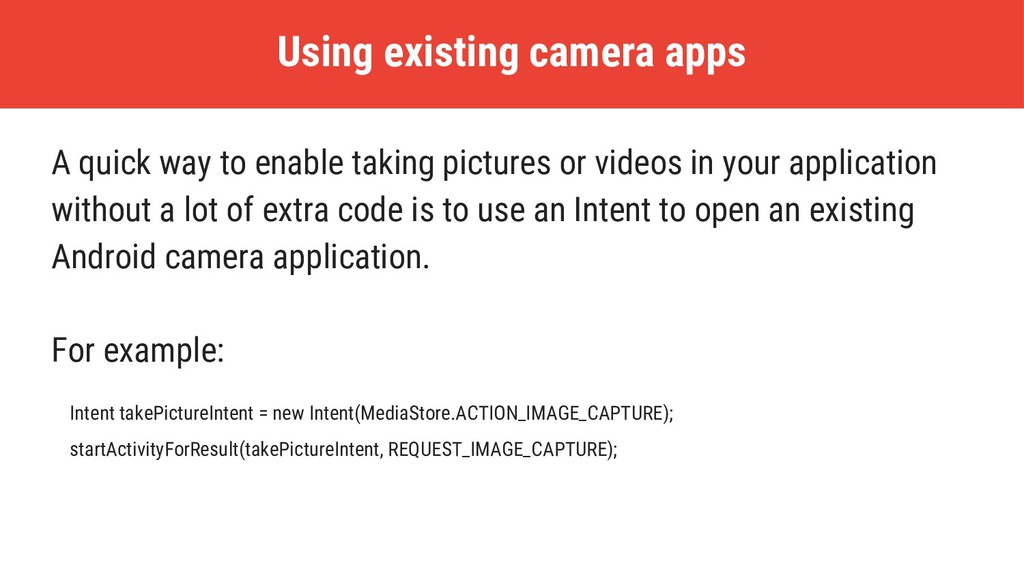
  14. Using existing camera apps A quick way to enable taking

    pictures or videos in your application without a lot of extra code is to use an Intent to open an existing Android camera application. For example: Intent takePictureIntent = new Intent(MediaStore.ACTION_IMAGE_CAPTURE); startActivityForResult(takePictureIntent, REQUEST_IMAGE_CAPTURE);
  15. Building a camera app Some developers may require a camera

    user interface that is customized to the look of their application or provides special features. Writing your own picture-taking code can provide a more compelling experience for your users.
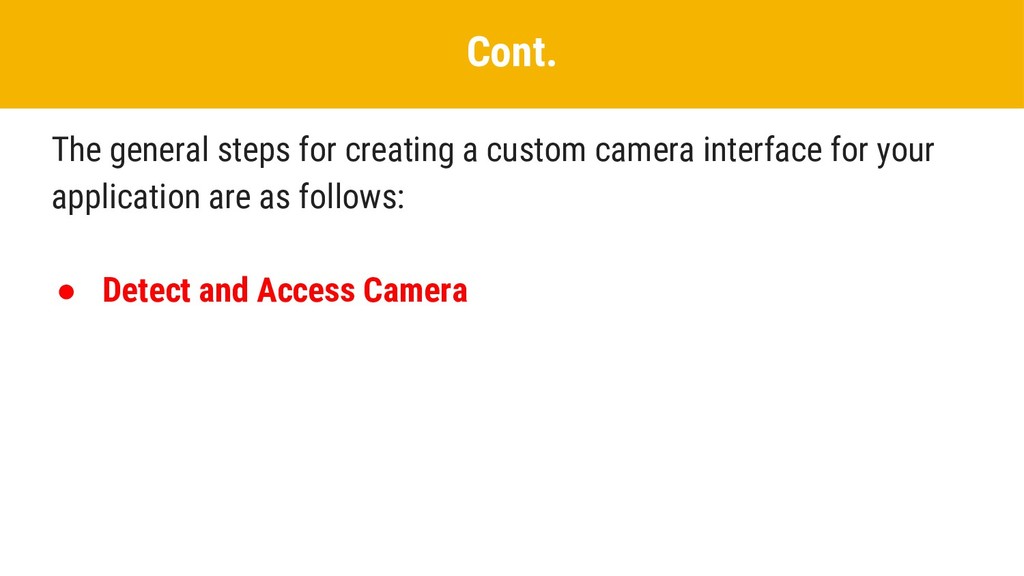
  16. Cont. The general steps for creating a custom camera interface

    for your application are as follows: • Detect and Access Camera
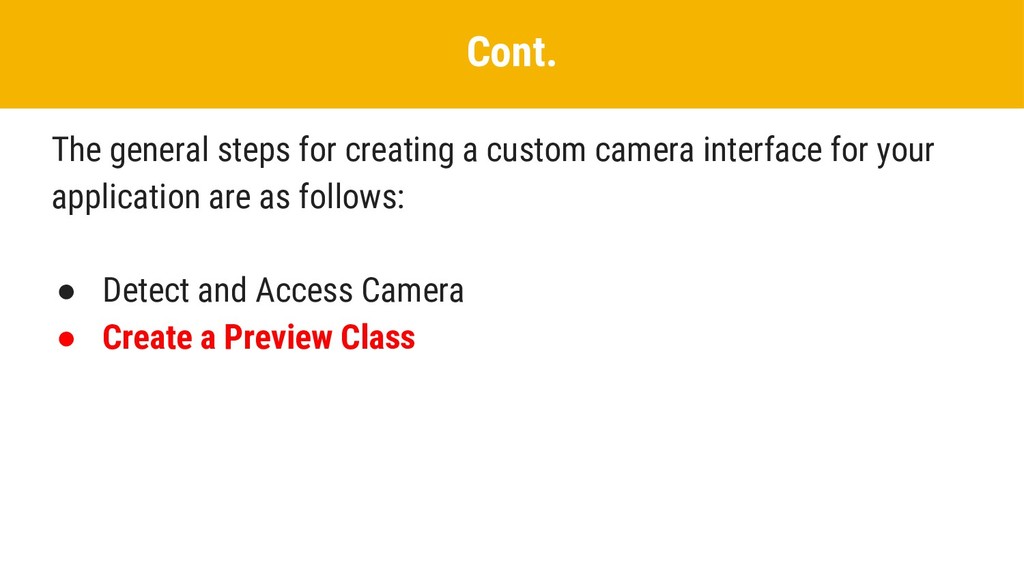
  17. Cont. The general steps for creating a custom camera interface

    for your application are as follows: • Detect and Access Camera • Create a Preview Class
  18. Cont. The general steps for creating a custom camera interface

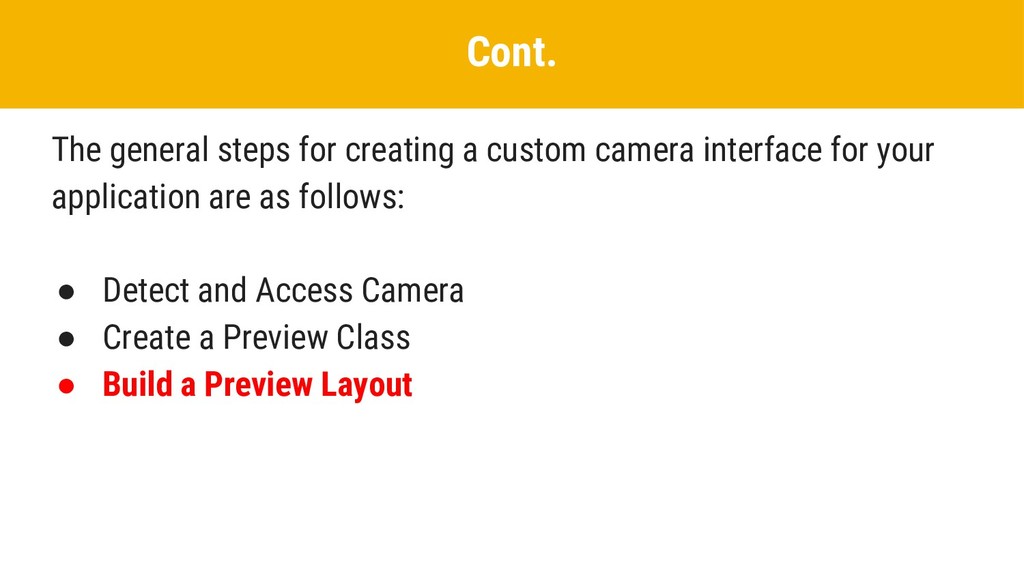
    for your application are as follows: • Detect and Access Camera • Create a Preview Class • Build a Preview Layout
  19. Cont. The general steps for creating a custom camera interface

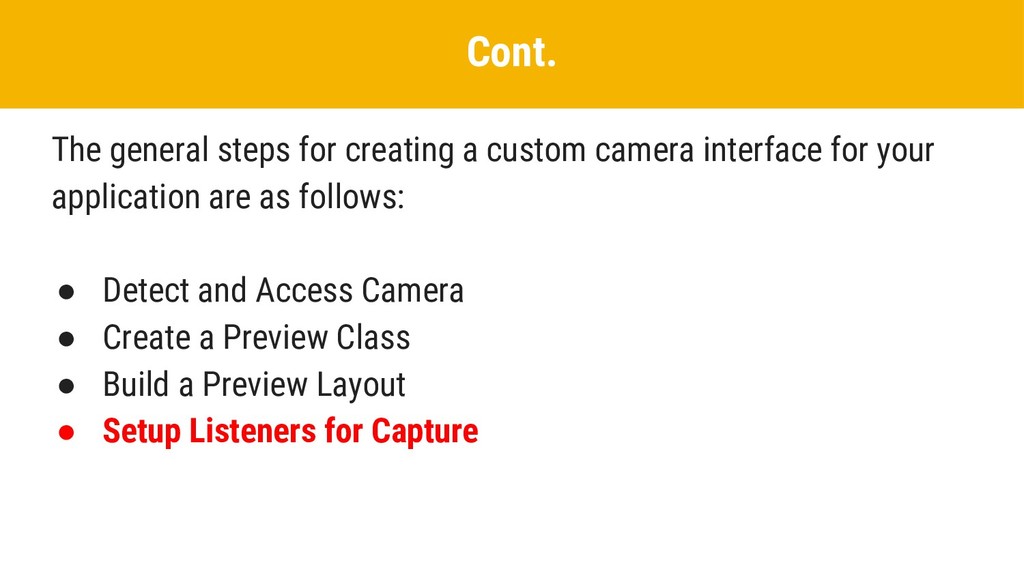
    for your application are as follows: • Detect and Access Camera • Create a Preview Class • Build a Preview Layout • Setup Listeners for Capture
  20. Cont. The general steps for creating a custom camera interface

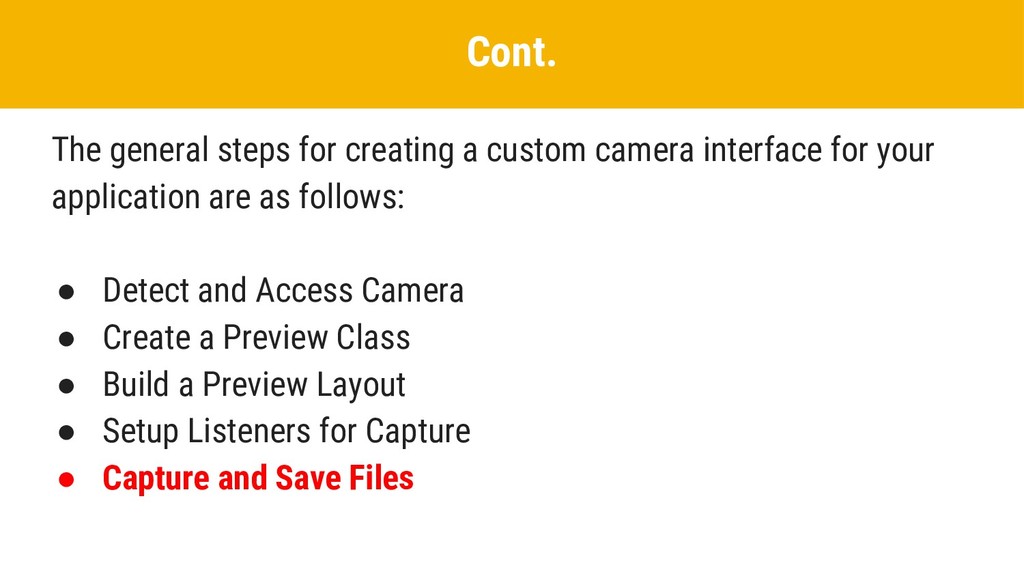
    for your application are as follows: • Detect and Access Camera • Create a Preview Class • Build a Preview Layout • Setup Listeners for Capture • Capture and Save Files
  21. Cont. The general steps for creating a custom camera interface

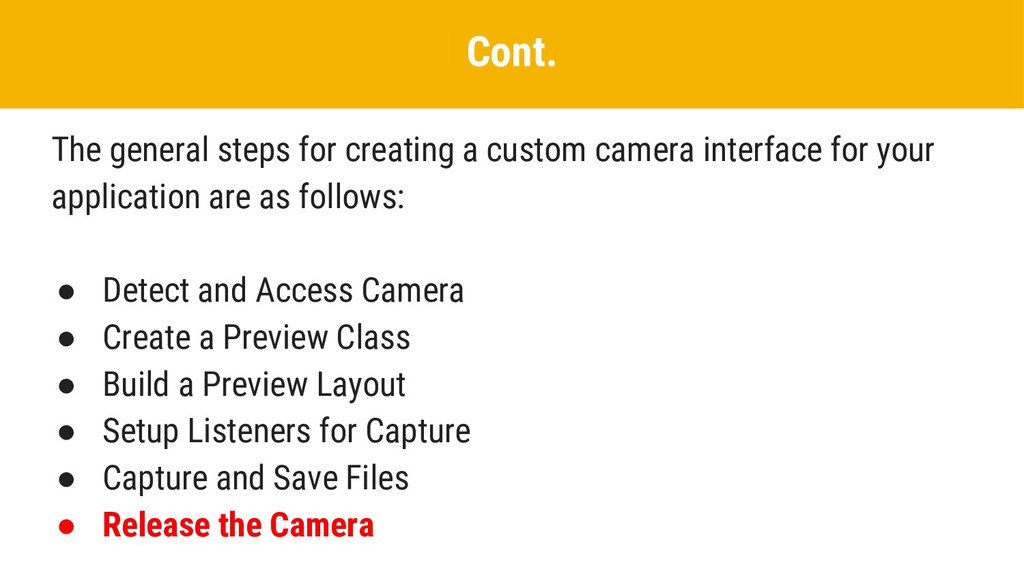
    for your application are as follows: • Detect and Access Camera • Create a Preview Class • Build a Preview Layout • Setup Listeners for Capture • Capture and Save Files • Release the Camera
  22. Bluetooth is a way to send or receive data between

    two different devices. The Android platform includes support for the Bluetooth which allows a device to wirelessly exchange data with other Bluetooth devices. The application framework provides access to the Bluetooth functionality through the Android Bluetooth APIs. Bluetooth
  23. Using the Bluetooth APIs, an Android application can perform the

    following: • Scan for other Bluetooth devices Cont.
  24. Using the Bluetooth APIs, an Android application can perform the

    following: • Scan for other Bluetooth devices • Paired Bluetooth devices Cont.
  25. Using the Bluetooth APIs, an Android application can perform the

    following: • Scan for other Bluetooth devices • Paired Bluetooth devices • Connect to other devices through service discovery Cont.
  26. Using the Bluetooth APIs, an Android application can perform the

    following: • Scan for other Bluetooth devices • Paired Bluetooth devices • Connect to other devices through service discovery • Transfer data to and from other devices Cont.
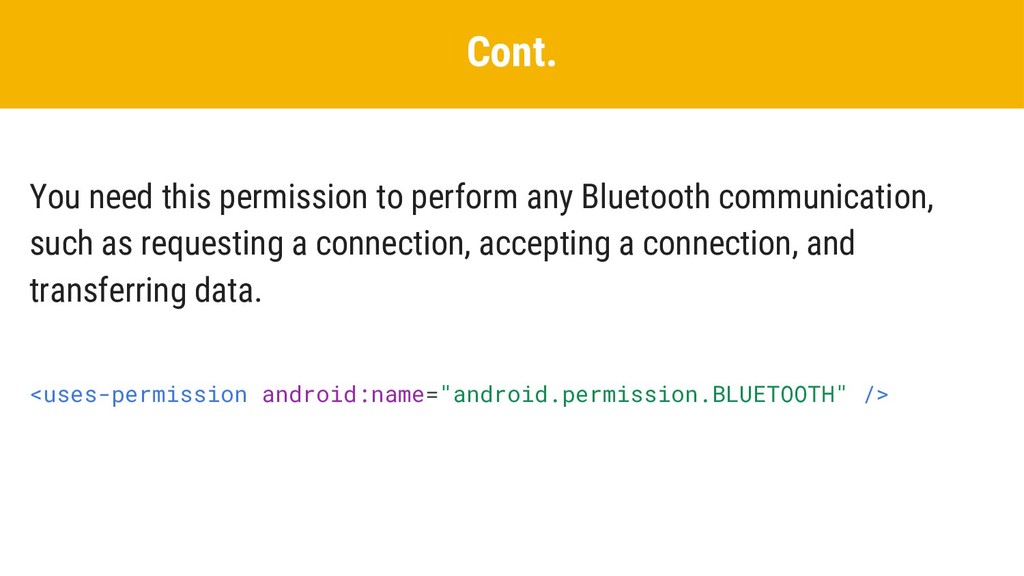
  27. Cont. You need this permission to perform any Bluetooth communication,

    such as requesting a connection, accepting a connection, and transferring data. <uses-permission android:name="android.permission.BLUETOOTH" />
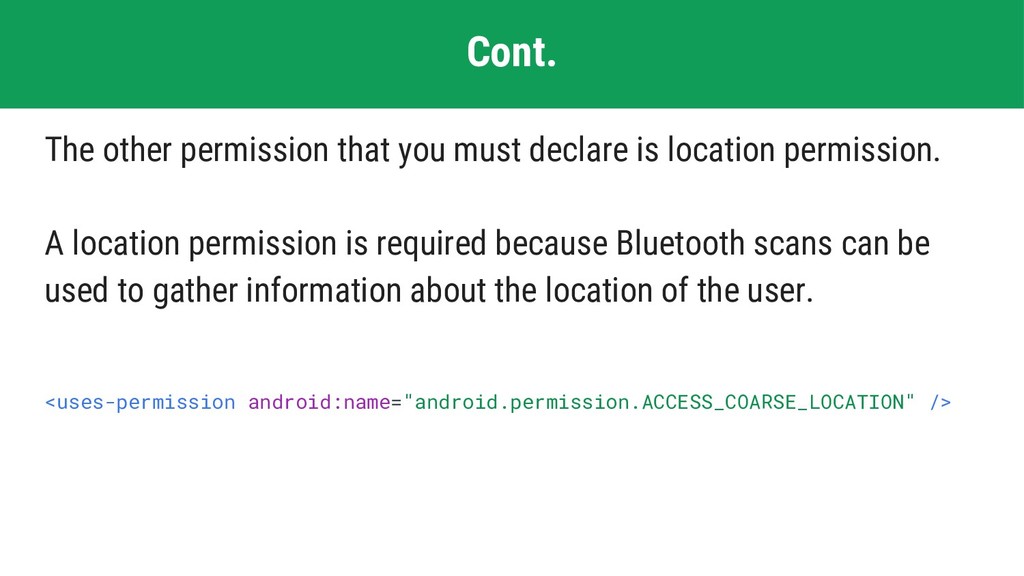
  28. Cont. The other permission that you must declare is location

    permission. A location permission is required because Bluetooth scans can be used to gather information about the location of the user. <uses-permission android:name="android.permission.ACCESS_COARSE_LOCATION" />
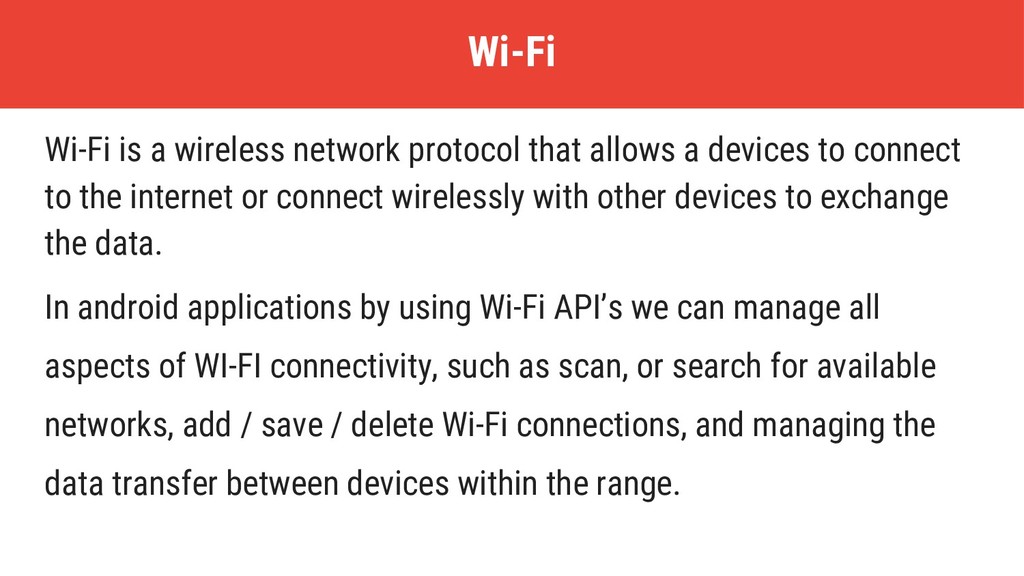
  29. Wi-Fi is a wireless network protocol that allows a devices

    to connect to the internet or connect wirelessly with other devices to exchange the data. In android applications by using Wi-Fi API’s we can manage all aspects of WI-FI connectivity, such as scan, or search for available networks, add / save / delete Wi-Fi connections, and managing the data transfer between devices within the range. Wi-Fi
  30. By using android Wi-Fi API’s in android applications, we can

    perform following functionalities. Cont.
  31. By using android Wi-Fi API’s in android applications, we can

    perform following functionalities. • Scan for the available Wi-Fi networks within the range Cont.
  32. By using android Wi-Fi API’s in android applications, we can

    perform following functionalities. • Scan for the available Wi-Fi networks within the range • Allow devices to connect to the internet Cont.
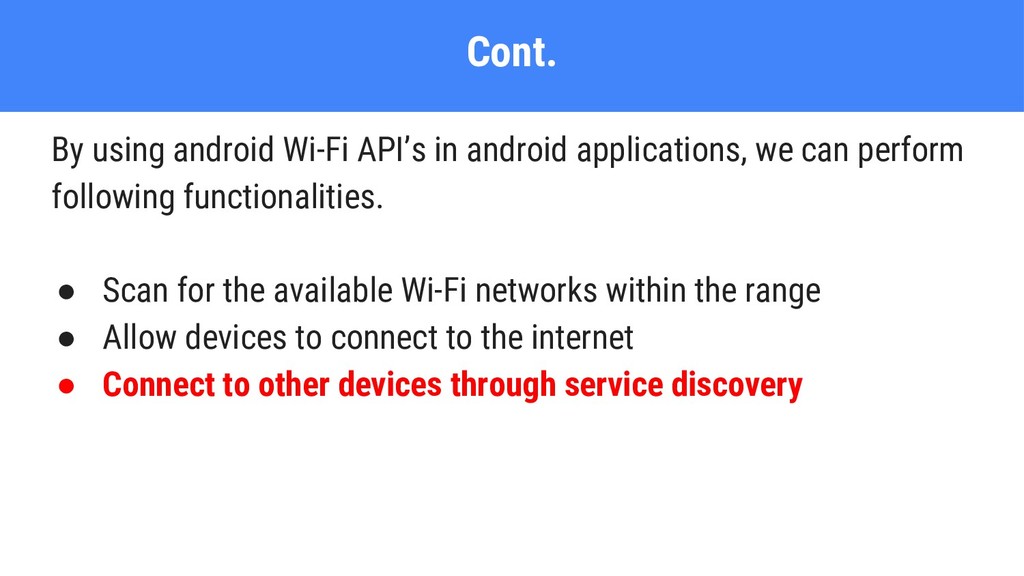
  33. By using android Wi-Fi API’s in android applications, we can

    perform following functionalities. • Scan for the available Wi-Fi networks within the range • Allow devices to connect to the internet • Connect to other devices through service discovery Cont.
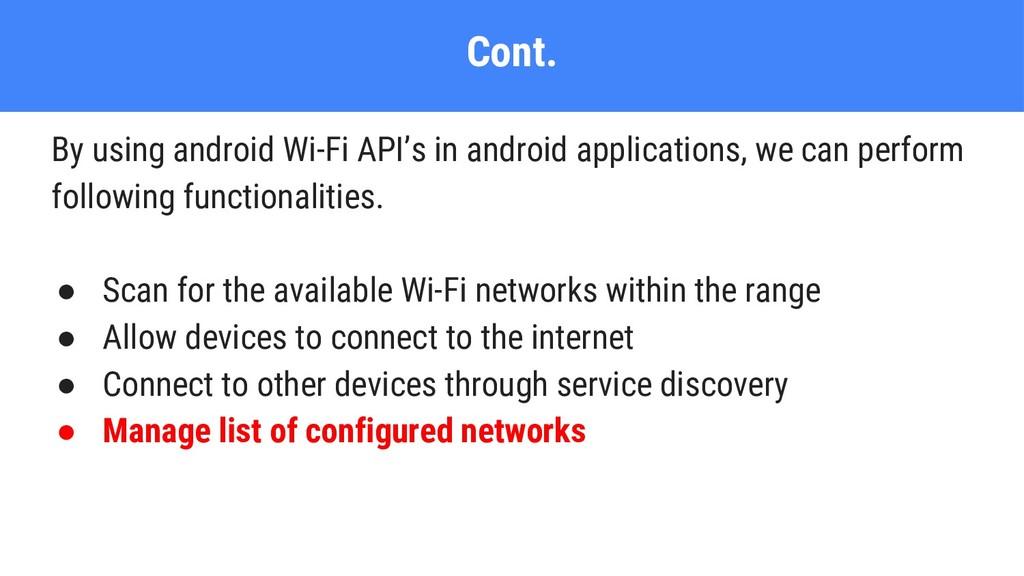
  34. By using android Wi-Fi API’s in android applications, we can

    perform following functionalities. • Scan for the available Wi-Fi networks within the range • Allow devices to connect to the internet • Connect to other devices through service discovery • Manage list of configured networks Cont.
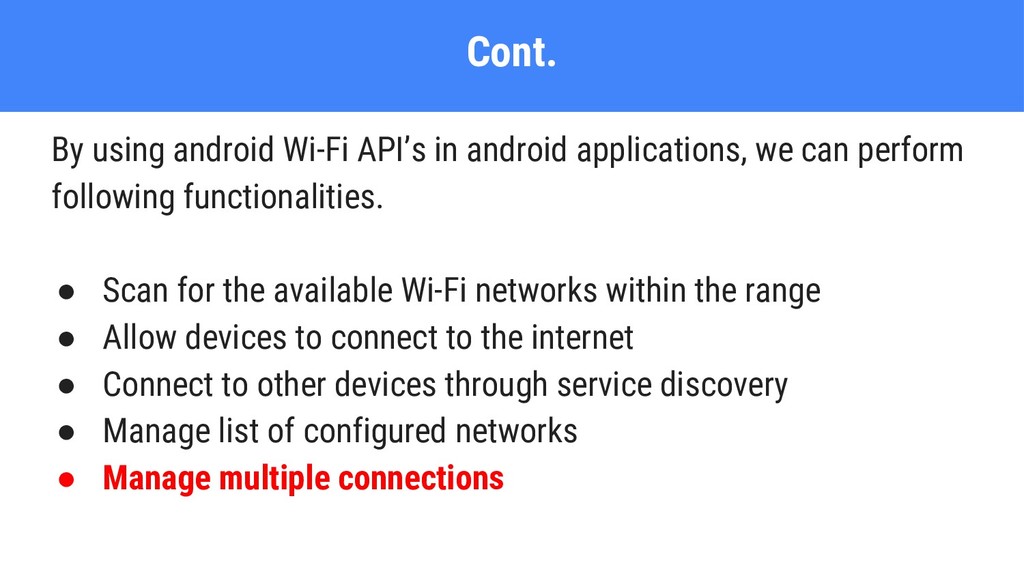
  35. By using android Wi-Fi API’s in android applications, we can

    perform following functionalities. • Scan for the available Wi-Fi networks within the range • Allow devices to connect to the internet • Connect to other devices through service discovery • Manage list of configured networks • Manage multiple connections Cont.
  36. Generally, most of the android devices have a built-in sensors

    to measure motion, orientation and various environmental conditions. These sensors will provide a raw data with high accuracy and are useful to monitor three-dimensional device movement or positioning or monitor changes in the ambient environment near a device. Sensors
  37. The android mainly supports a three categories of sensors: •

    Motion Sensors These sensors are useful to measure acceleration forces and rotational forces along three axes. This category includes accelerometers, gravity sensors, gyroscopes, and rotational vector sensors. Cont.
  38. The android mainly supports a three categories of sensors: •

    Motion Sensors • Environmental Sensors These sensors are useful to measure various environmental parameters, such as ambient air temperature and pressure, illumination, and humidity. This category includes barometers, photometers, and thermometers. Cont.
  39. The android mainly supports a three categories of sensors: •

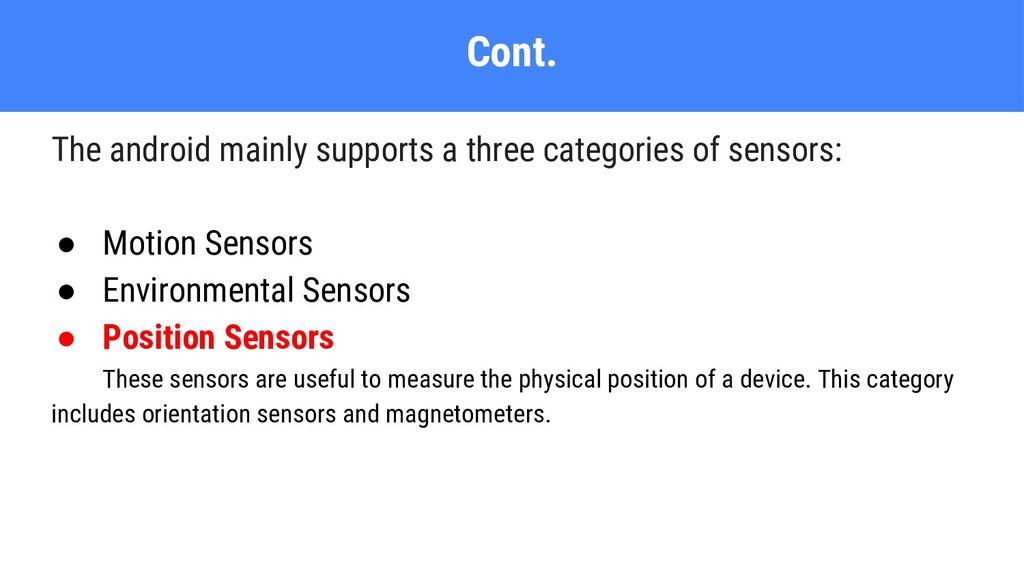
    Motion Sensors • Environmental Sensors • Position Sensors These sensors are useful to measure the physical position of a device. This category includes orientation sensors and magnetometers. Cont.
  40. Android provided a framework called sensor framework to access all

    the sensors available on device and to get all the raw sensor data. Cont.
  41. Android provided a framework called sensor framework to access all

    the sensors available on device and to get all the raw sensor data. • It lists all the available sensors on the device Cont.
  42. Android provided a framework called sensor framework to access all

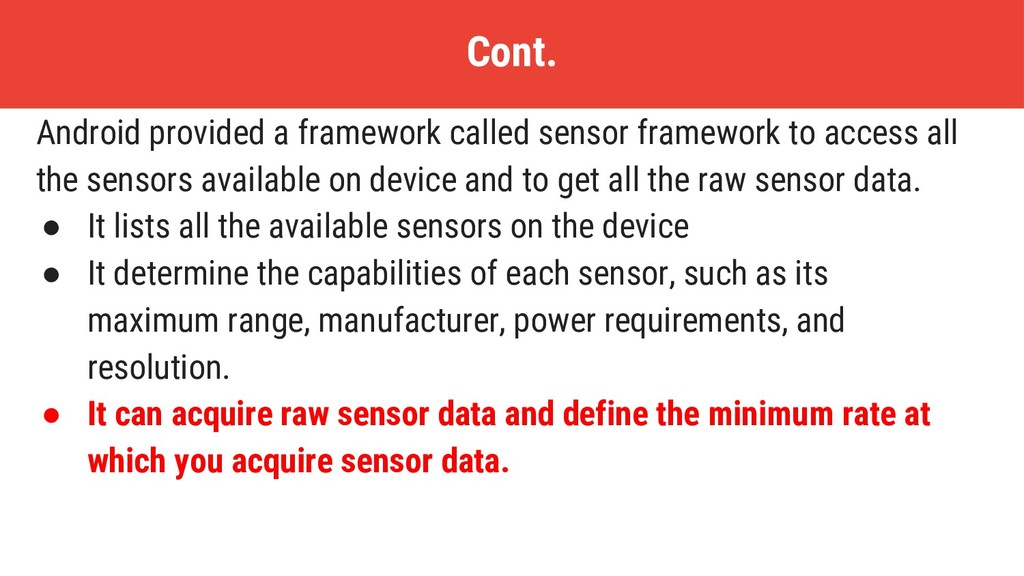
    the sensors available on device and to get all the raw sensor data. • It lists all the available sensors on the device • It determine the capabilities of each sensor, such as its maximum range, manufacturer, power requirements, and resolution. Cont.
  43. Android provided a framework called sensor framework to access all

    the sensors available on device and to get all the raw sensor data. • It lists all the available sensors on the device • It determine the capabilities of each sensor, such as its maximum range, manufacturer, power requirements, and resolution. • It can acquire raw sensor data and define the minimum rate at which you acquire sensor data. Cont.
  44. Android provided a framework called sensor framework to access all

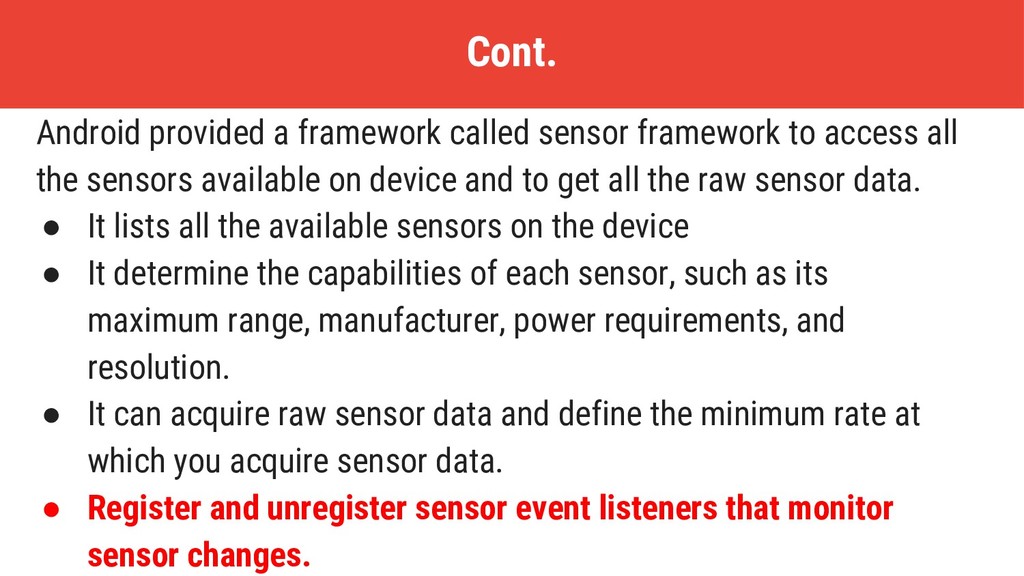
    the sensors available on device and to get all the raw sensor data. • It lists all the available sensors on the device • It determine the capabilities of each sensor, such as its maximum range, manufacturer, power requirements, and resolution. • It can acquire raw sensor data and define the minimum rate at which you acquire sensor data. • Register and unregister sensor event listeners that monitor sensor changes. Cont.
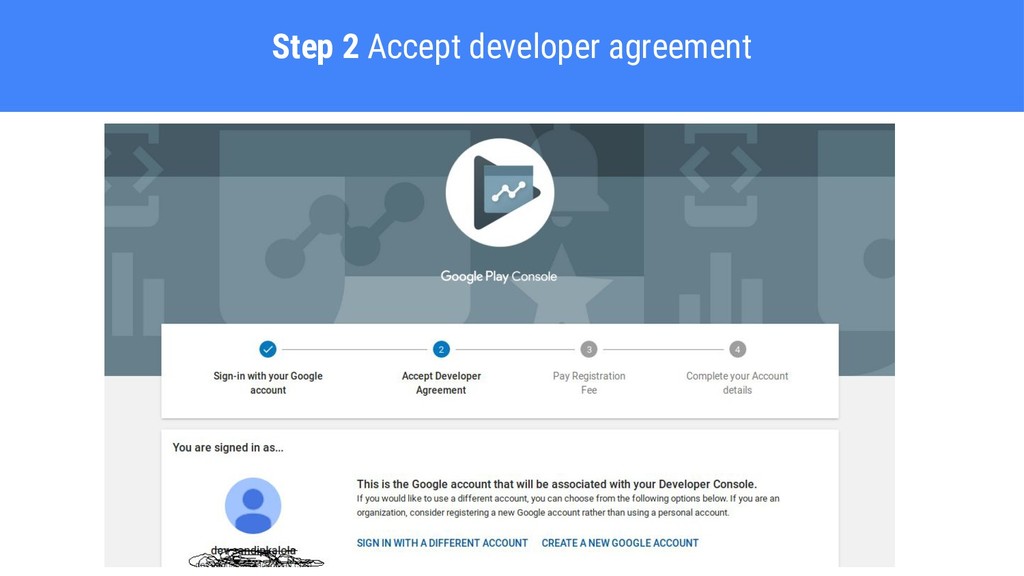
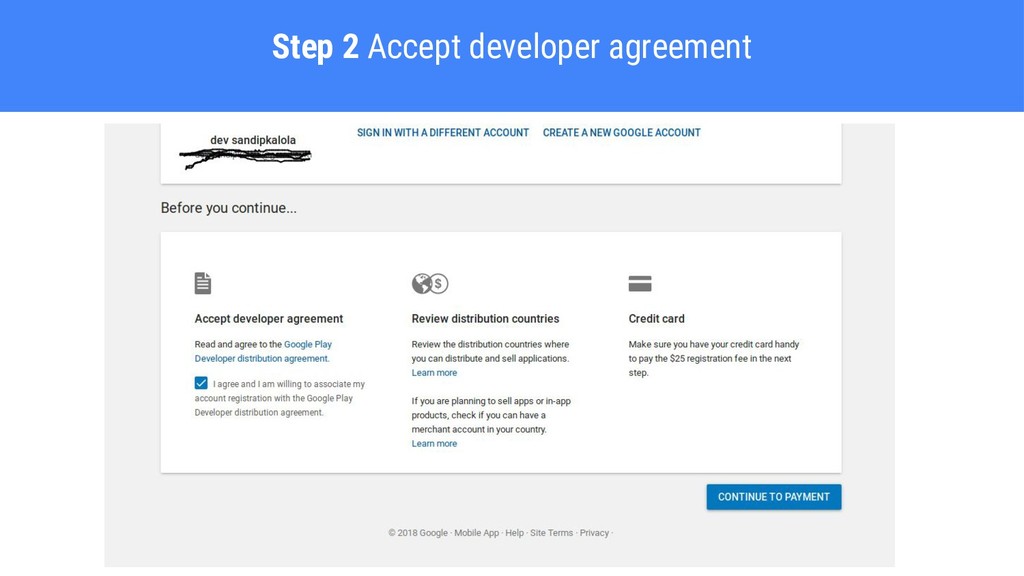
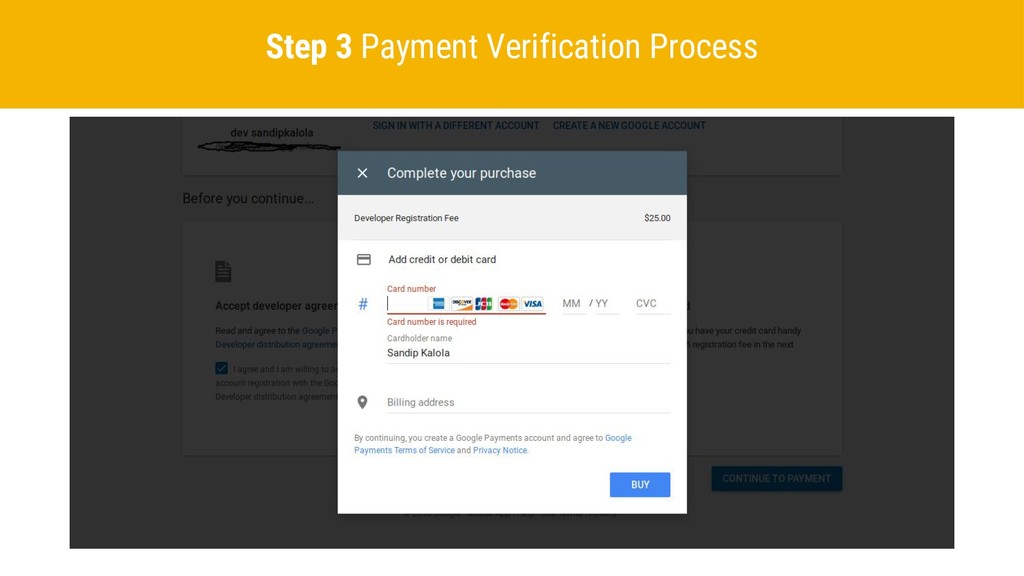
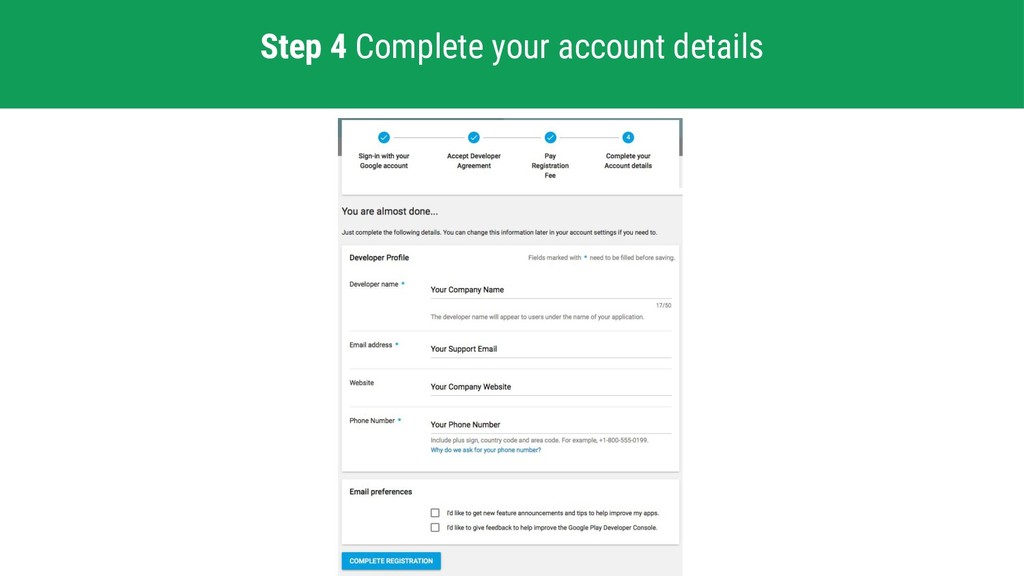
  45. Here are quick steps to prepare your mobile application for

    publishing in the Google Play Store. • Google Play Publisher Account Registration
  46. Here are quick steps to prepare your mobile application for

    publishing in the Google Play Store. • Google Play Publisher Account Registration • Google Payments Merchant Account (for paid apps or in-app products)
  47. Here are quick steps to prepare your mobile application for

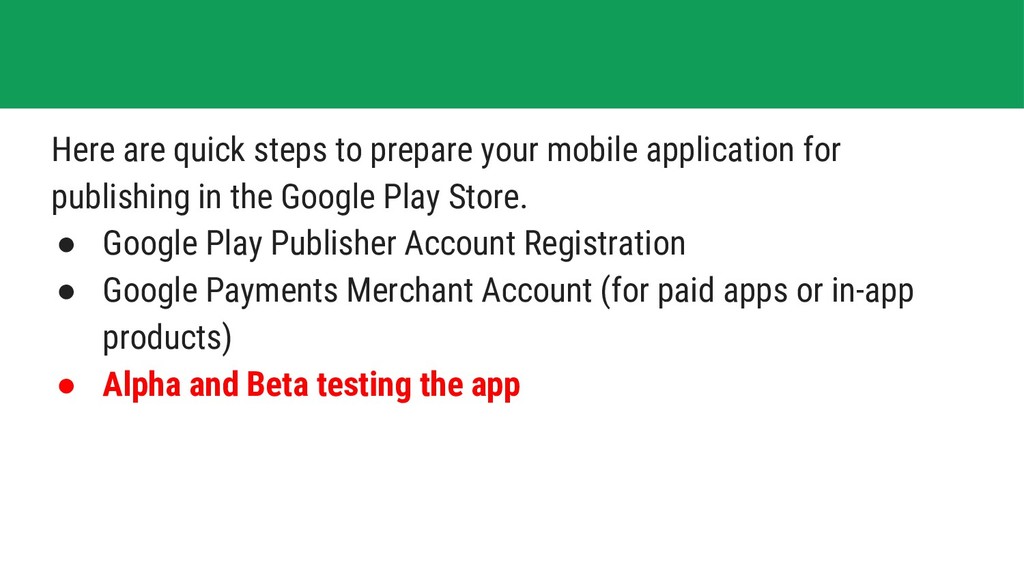
    publishing in the Google Play Store. • Google Play Publisher Account Registration • Google Payments Merchant Account (for paid apps or in-app products) • Alpha and Beta testing the app
  48. Here are quick steps to prepare your mobile application for

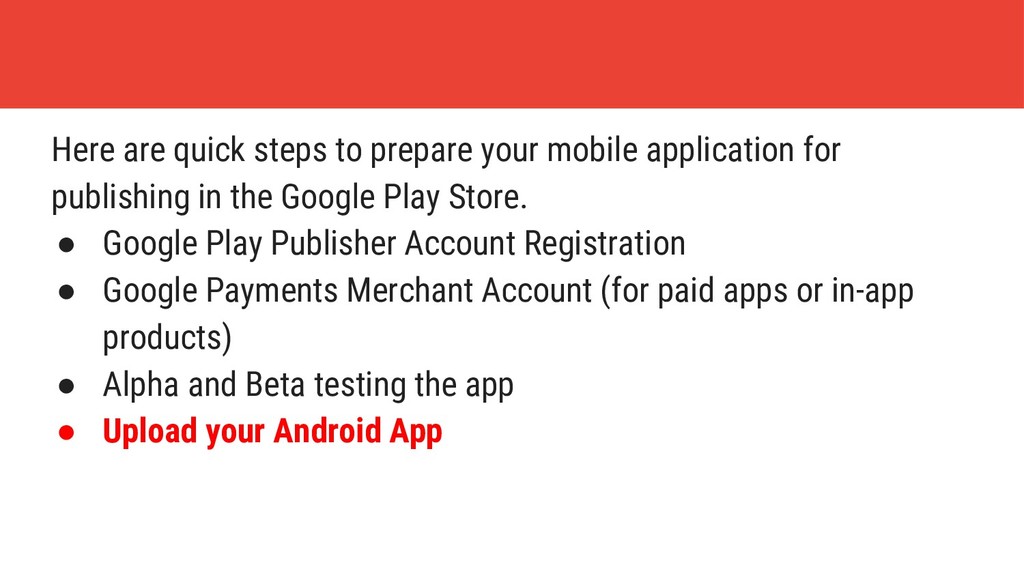
    publishing in the Google Play Store. • Google Play Publisher Account Registration • Google Payments Merchant Account (for paid apps or in-app products) • Alpha and Beta testing the app • Upload your Android App
  49. Here are quick steps to prepare your mobile application for

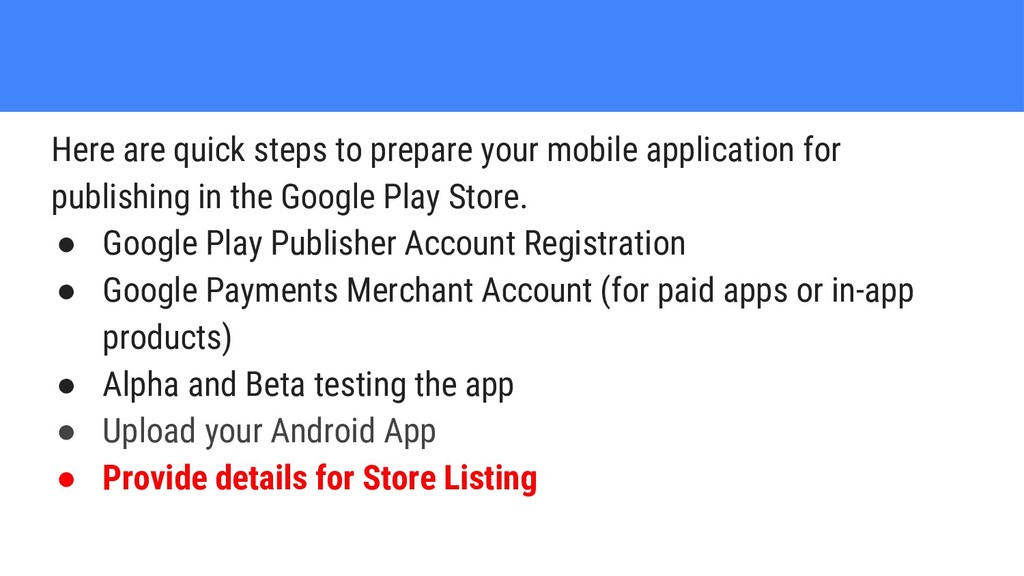
    publishing in the Google Play Store. • Google Play Publisher Account Registration • Google Payments Merchant Account (for paid apps or in-app products) • Alpha and Beta testing the app • Upload your Android App • Provide details for Store Listing
  50. Here are quick steps to prepare your mobile application for

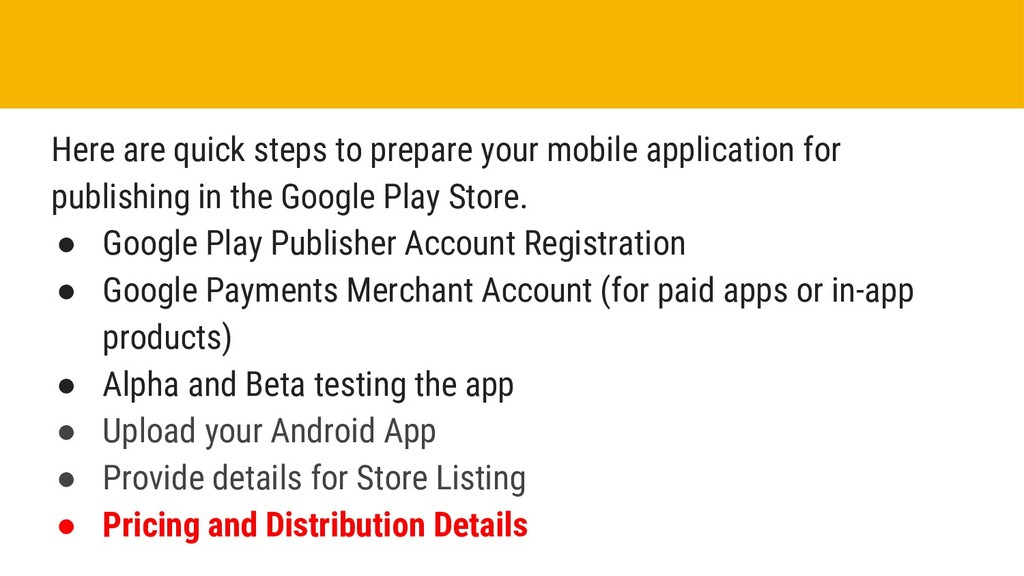
    publishing in the Google Play Store. • Google Play Publisher Account Registration • Google Payments Merchant Account (for paid apps or in-app products) • Alpha and Beta testing the app • Upload your Android App • Provide details for Store Listing • Pricing and Distribution Details
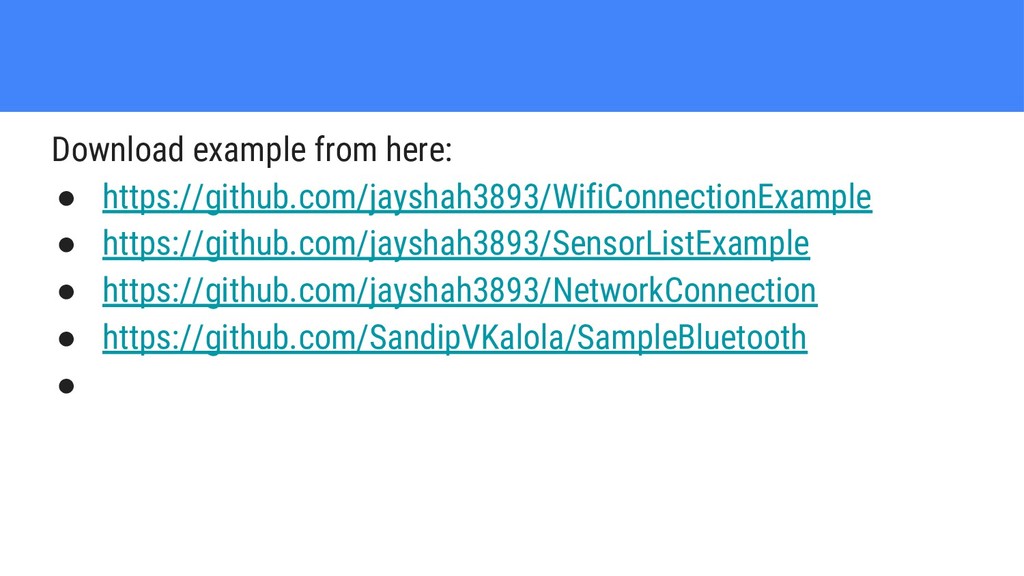
  51. References • https://developer.android.com/guide/topics/media/camera • https://developer.android.com/guide/topics/connectivity/bluetooth • https://tenor.com/ • https://play.google.com/apps/publish/ •

    https://www.tutlane.com/tutorial/android/android-sensors-with-examples • https://www.tutlane.com/tutorial/android/android-wifi-with-examples