Upgrade to Pro — share decks privately, control downloads, hide ads and more …

Android Things - Overview and deep dive

Android Things - Overview and deep dive

Avatar for Sanjay

Sanjay

May 20, 2017

Other Decks in Technology

Transcript

  1. - What is IoT? - Overview of Android Things and

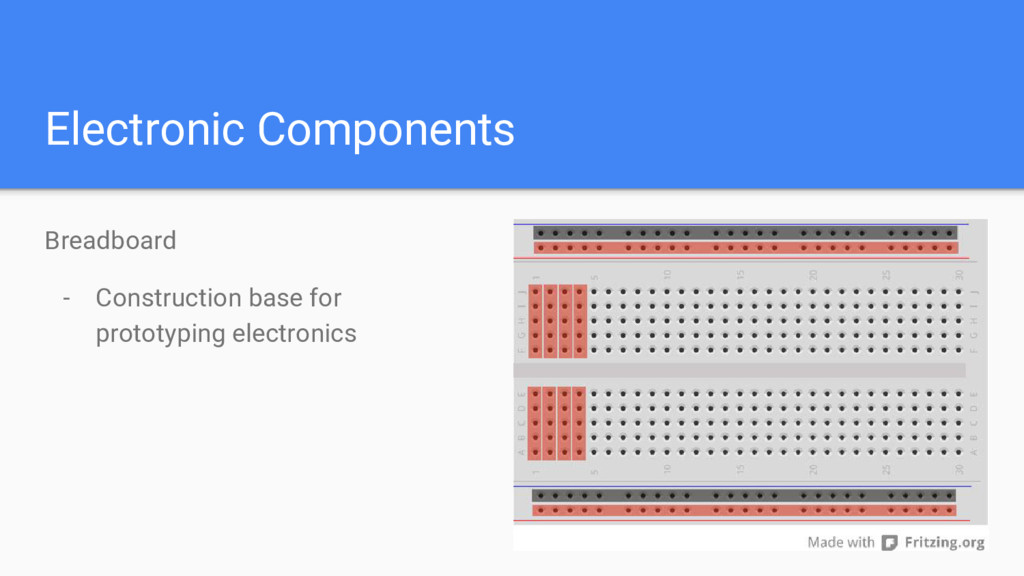
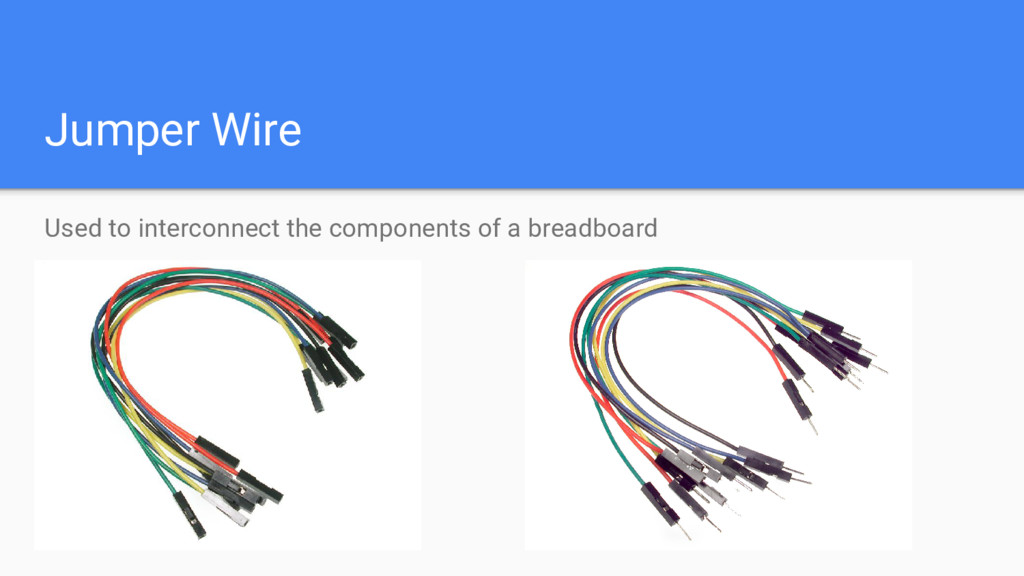
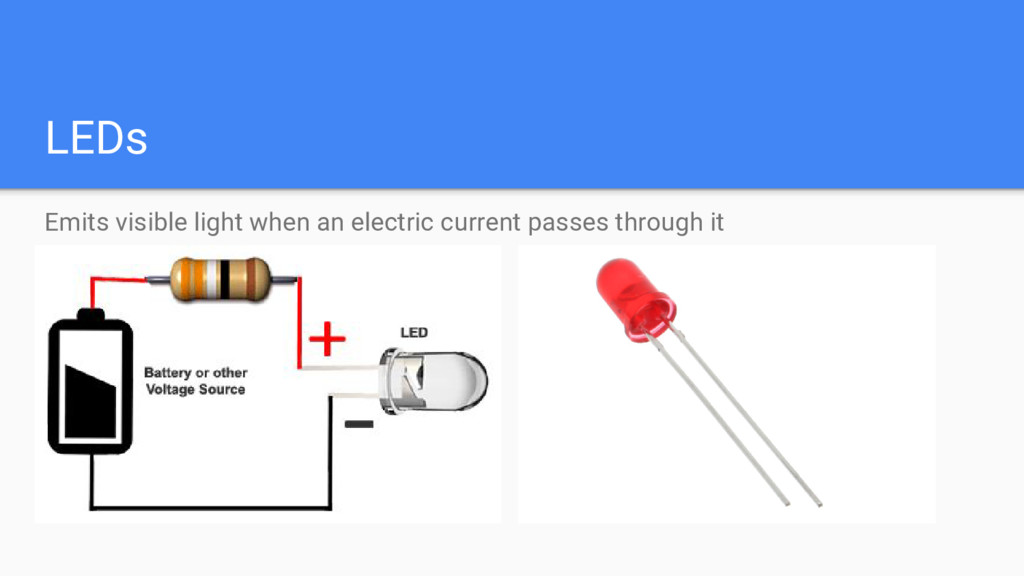
    Road Map. - Which Boards are available? - Flashing Android things. - What hardware components are used and it's overview (LED, Relay, BreadBoards, etc.). Agenda
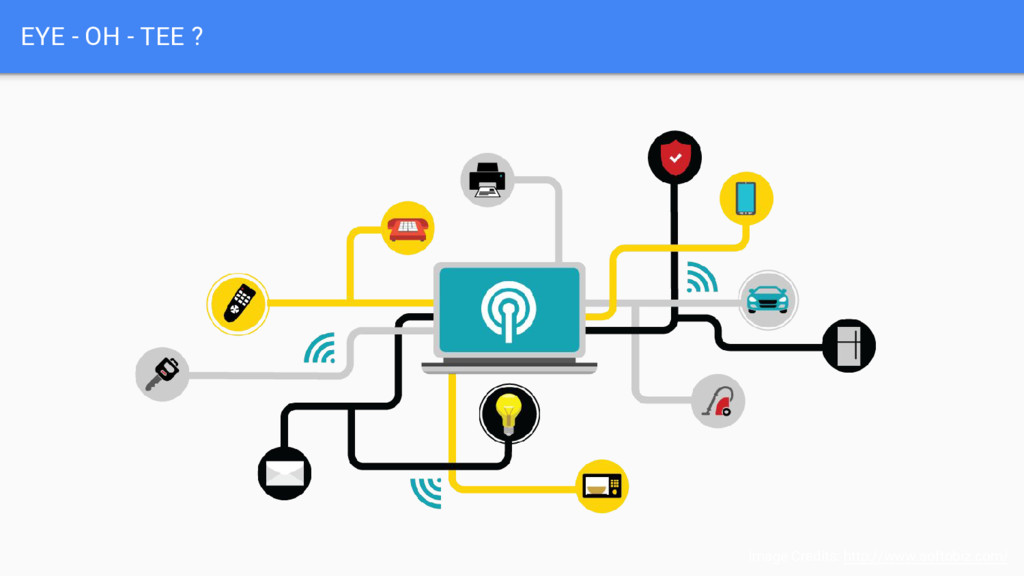
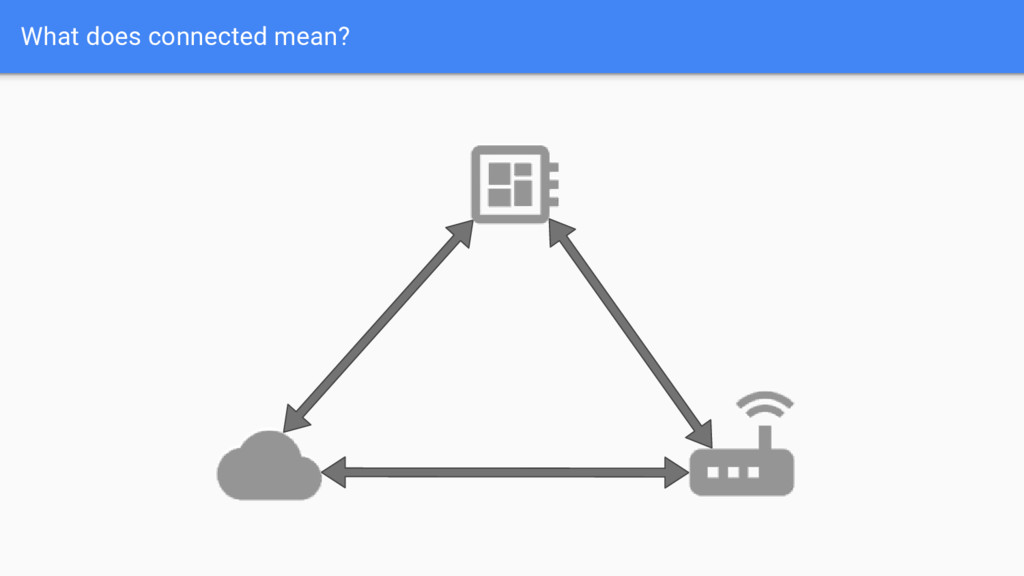
  2. Let’s Define IoT It is an idea of building smart

    connected devices Devices that - Are smart - Are Programmable - We can run some application on them - Are Connected
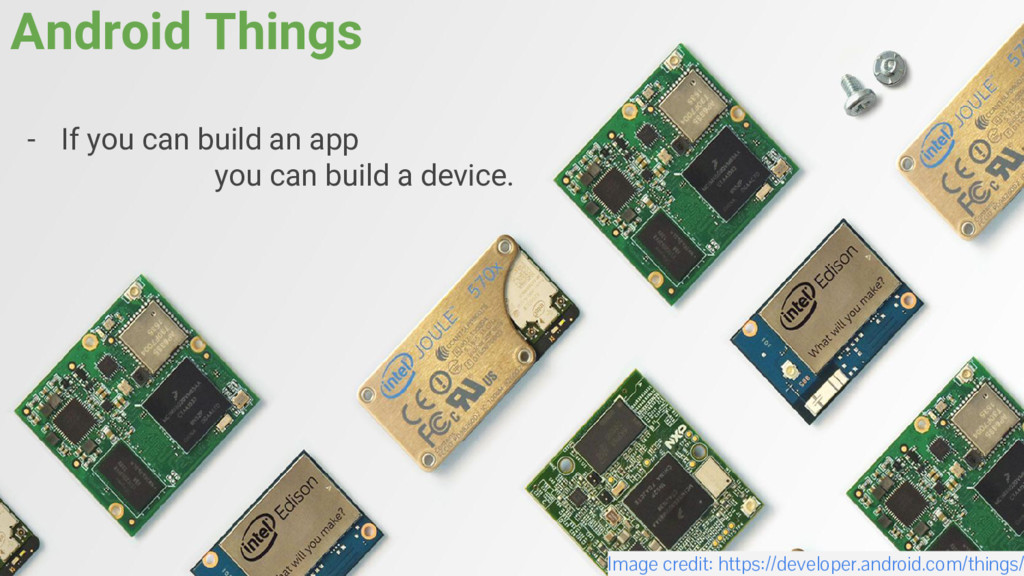
  3. Android Things - If you can build an app you

    can build a device. Image credit: https://developer.android.com/things/
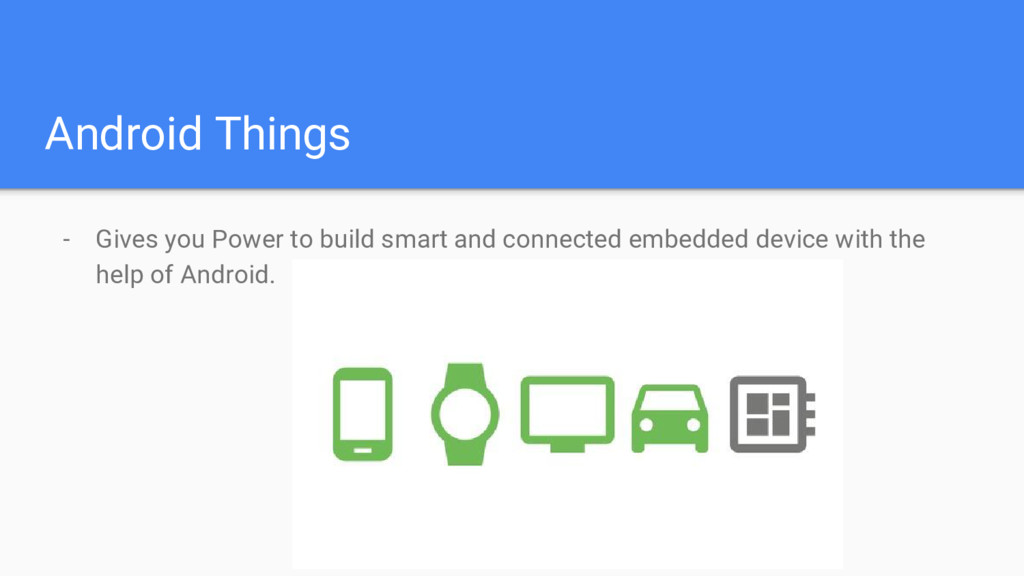
  4. Android Things - Gives you Power to build smart and

    connected embedded device with the help of Android.
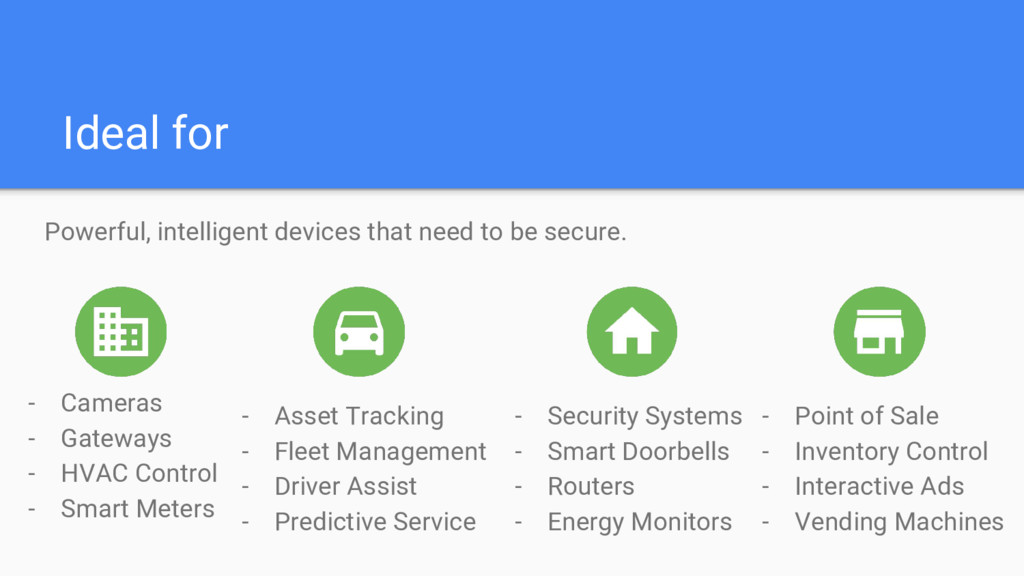
  5. Ideal for Powerful, intelligent devices that need to be secure.

    - Cameras - Gateways - HVAC Control - Smart Meters - Asset Tracking - Fleet Management - Driver Assist - Predictive Service - Security Systems - Smart Doorbells - Routers - Energy Monitors - Point of Sale - Inventory Control - Interactive Ads - Vending Machines
  6. Roadmap - Announced as Brillo at I/O 2015 - Brillo

    used C++ as the primary development environment - December 2016 re-branded as Android Things - Android Things targets all Java developers with or without mobile development experience
  7. Why Android Things? - Leverage existing tools - New APIs

    for IoT devices - Low level communication APIs - High level drivers for sensors, displays - OTA update support - The OS, security updates and your own apps
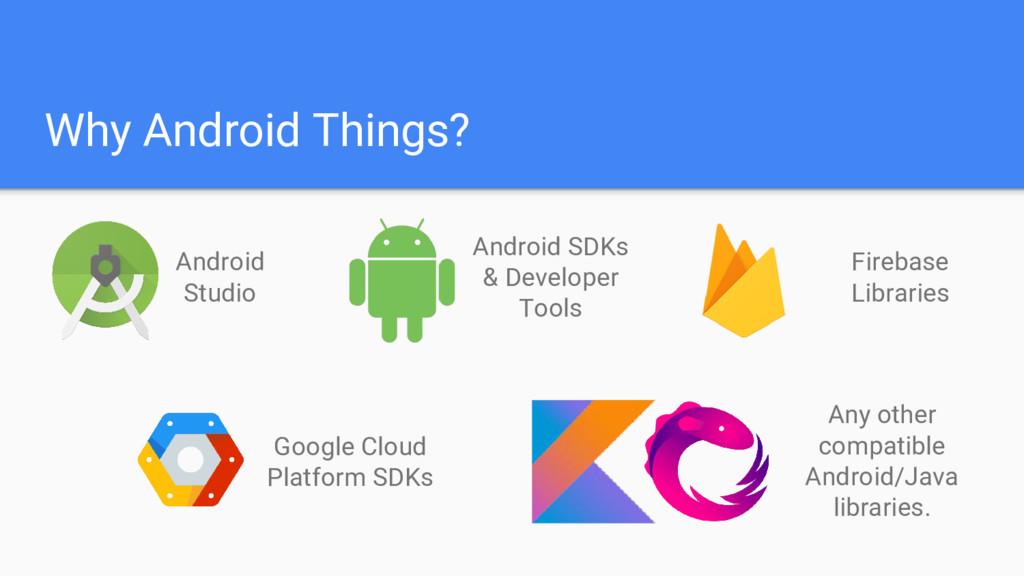
  8. Why Android Things? Android Studio Android SDKs & Developer Tools

    Firebase Libraries Google Cloud Platform SDKs Any other compatible Android/Java libraries.
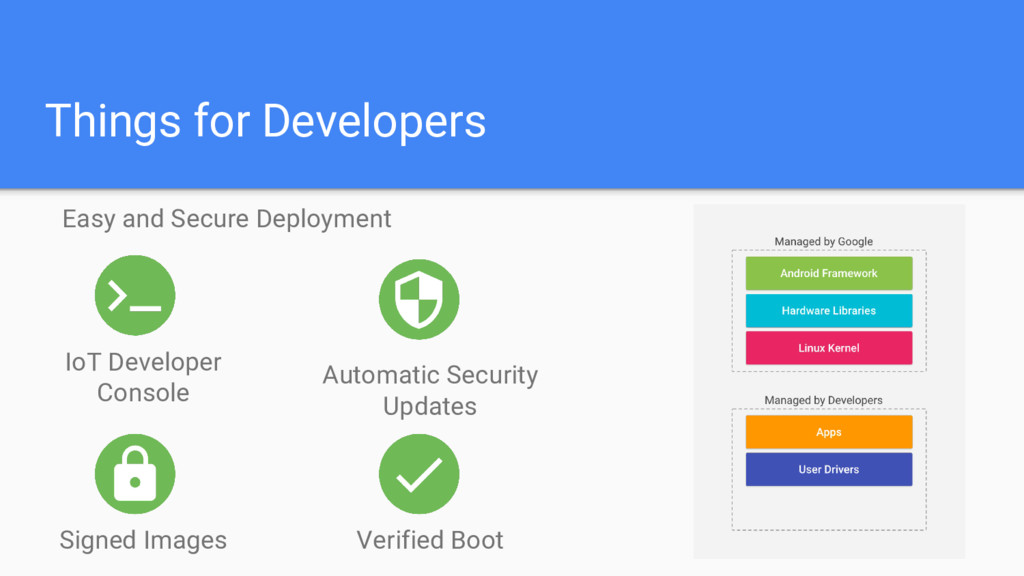
  9. Things for Developers Easy and Secure Deployment Verified Boot IoT

    Developer Console Signed Images Automatic Security Updates
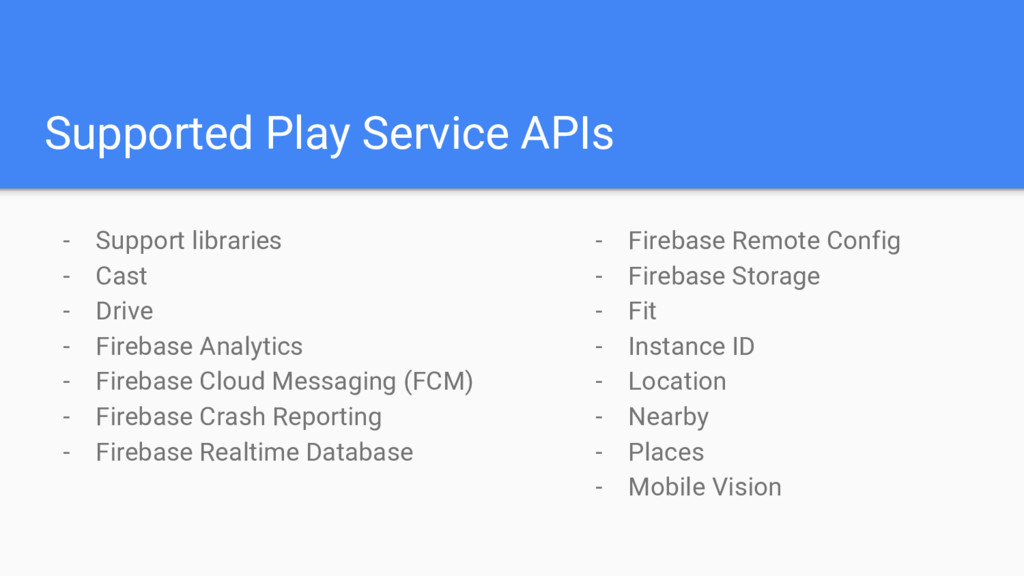
  10. Supported Play Service APIs - Support libraries - Cast -

    Drive - Firebase Analytics - Firebase Cloud Messaging (FCM) - Firebase Crash Reporting - Firebase Realtime Database - Firebase Remote Config - Firebase Storage - Fit - Instance ID - Location - Nearby - Places - Mobile Vision
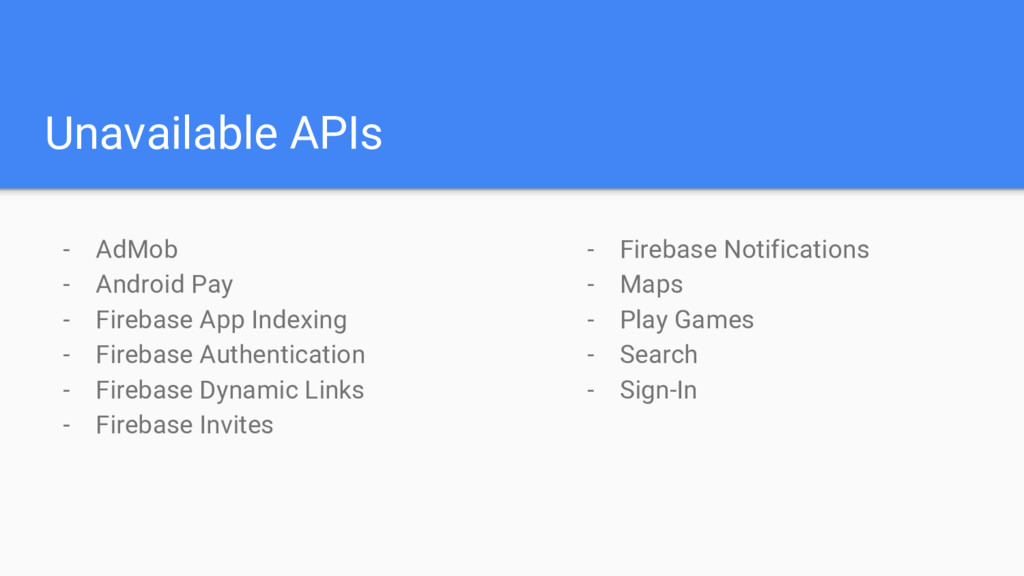
  11. Unavailable APIs - AdMob - Android Pay - Firebase App

    Indexing - Firebase Authentication - Firebase Dynamic Links - Firebase Invites - Firebase Notifications - Maps - Play Games - Search - Sign-In
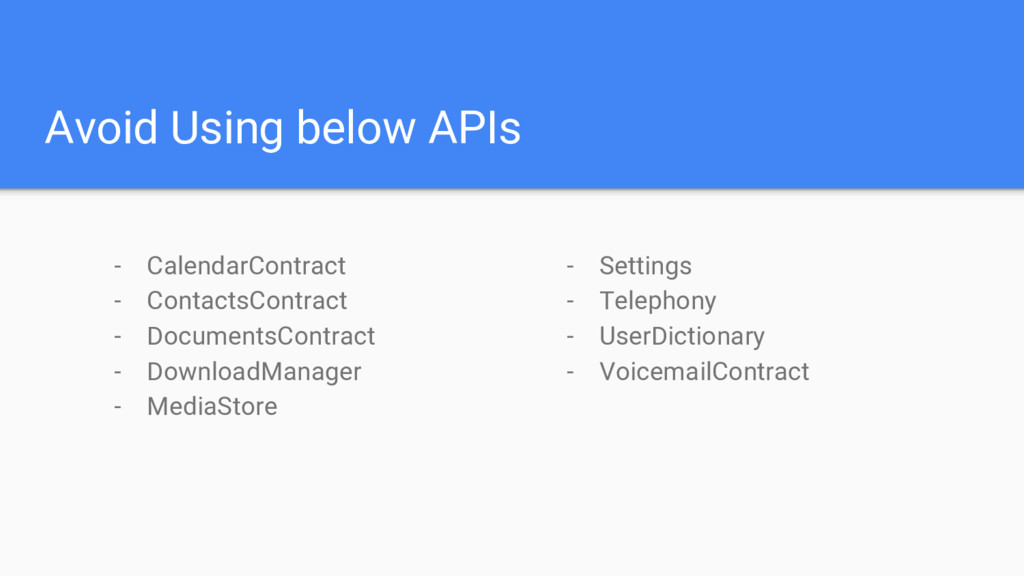
  12. Avoid Using below APIs - CalendarContract - ContactsContract - DocumentsContract

    - DownloadManager - MediaStore - Settings - Telephony - UserDictionary - VoicemailContract
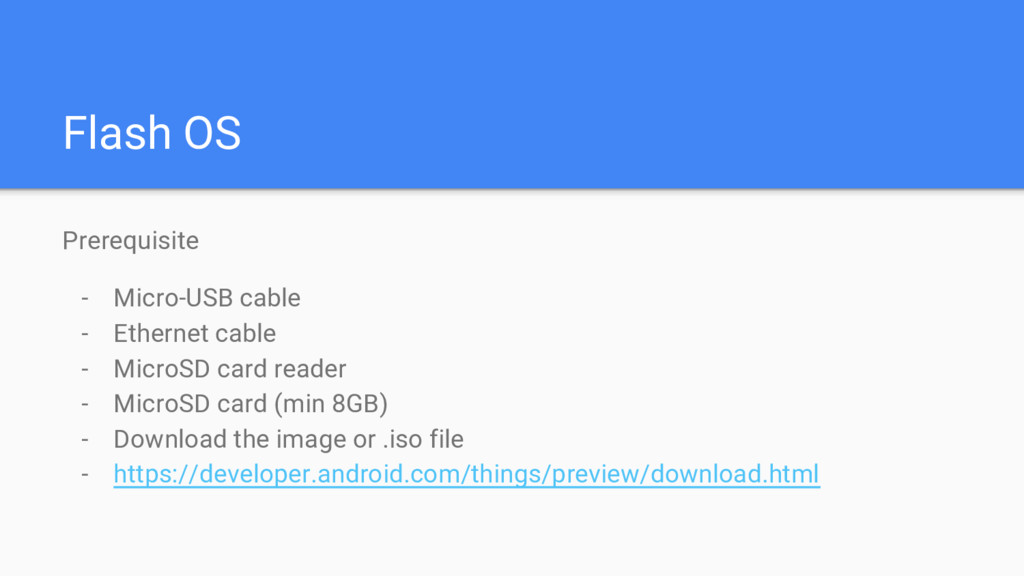
  13. Flash OS Prerequisite - Micro-USB cable - Ethernet cable -

    MicroSD card reader - MicroSD card (min 8GB) - Download the image or .iso file - https://developer.android.com/things/preview/download.html
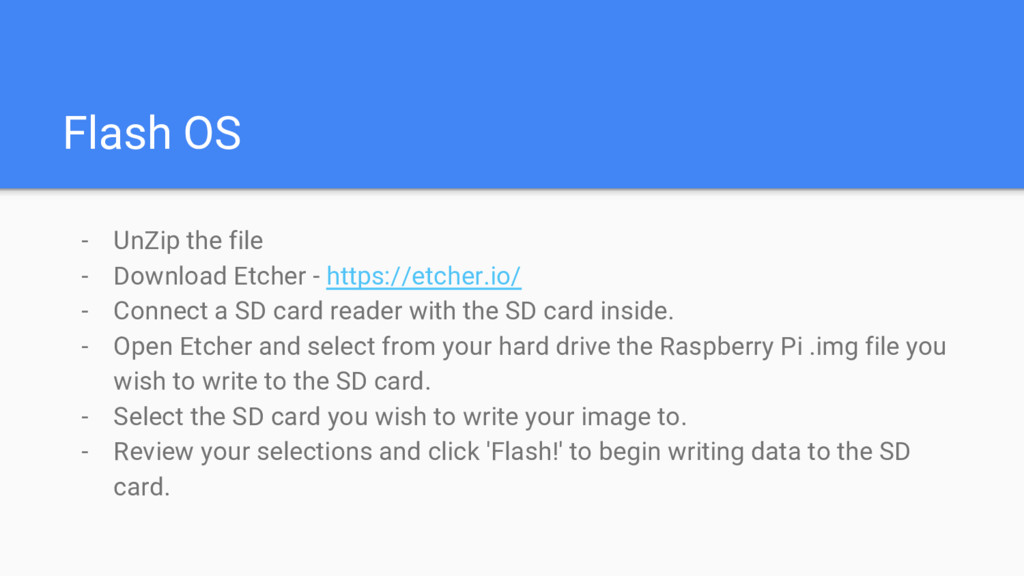
  14. Flash OS - UnZip the file - Download Etcher -

    https://etcher.io/ - Connect a SD card reader with the SD card inside. - Open Etcher and select from your hard drive the Raspberry Pi .img file you wish to write to the SD card. - Select the SD card you wish to write your image to. - Review your selections and click 'Flash!' to begin writing data to the SD card.
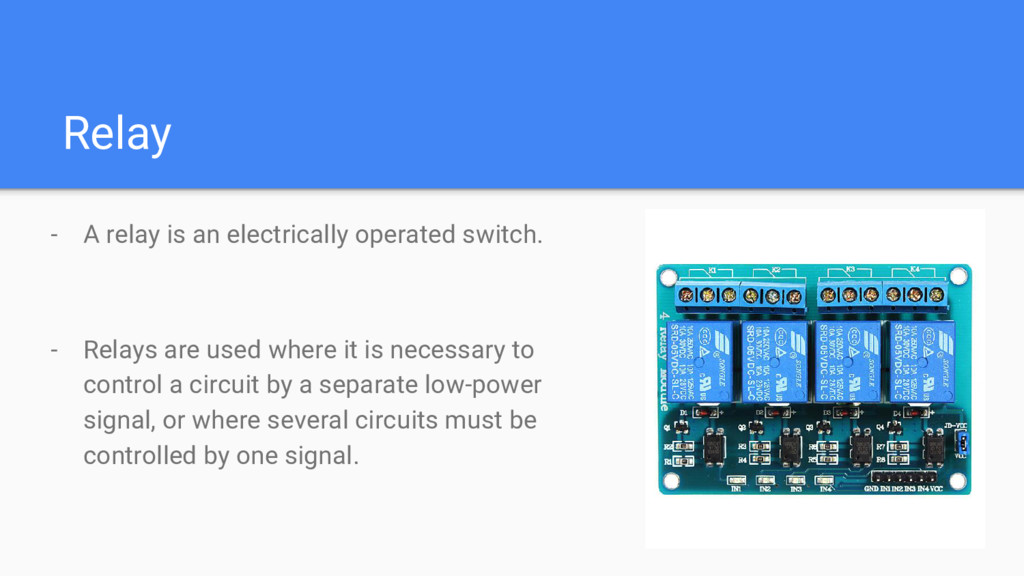
  15. Relay - A relay is an electrically operated switch. -

    Relays are used where it is necessary to control a circuit by a separate low-power signal, or where several circuits must be controlled by one signal.