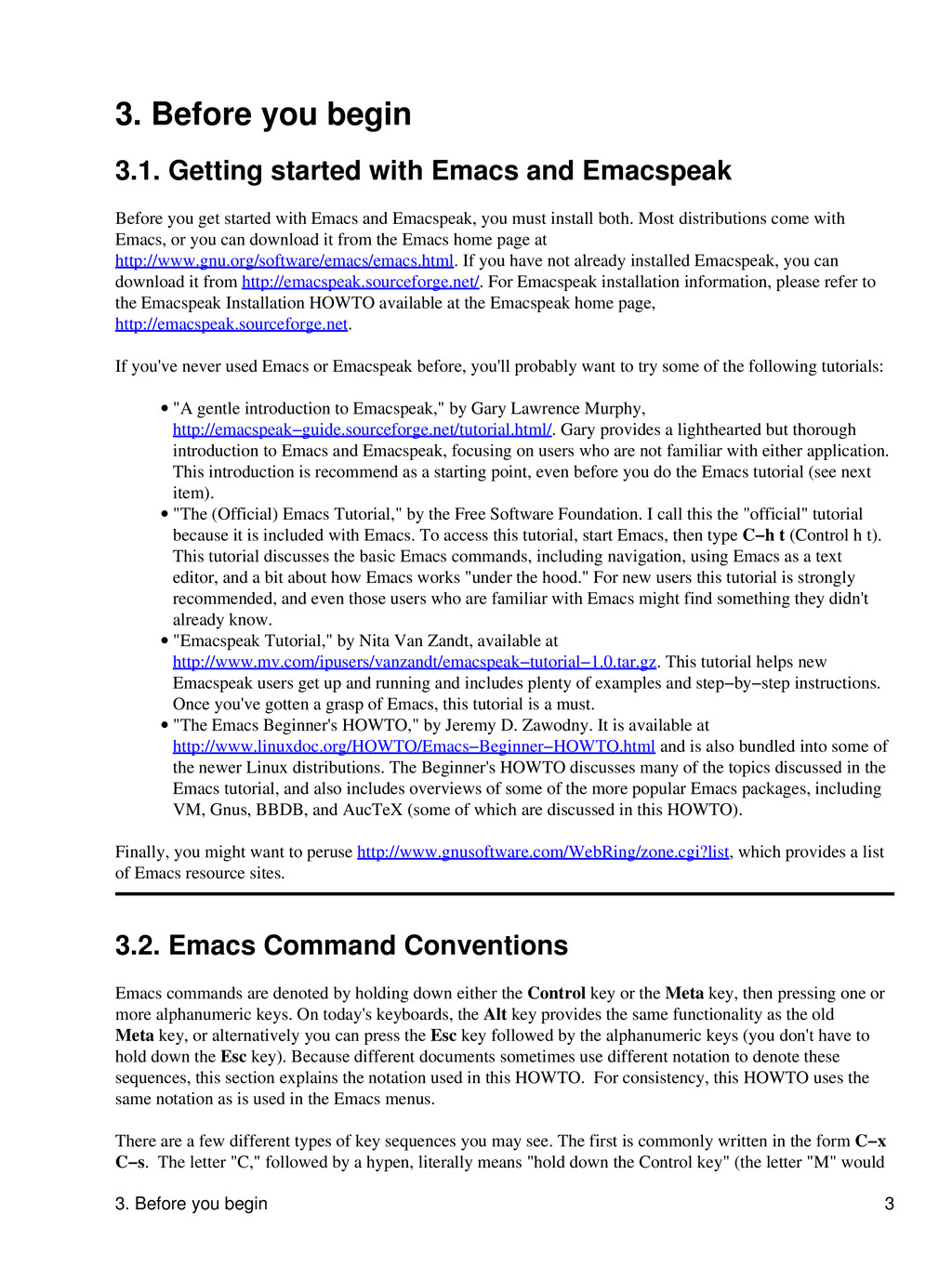
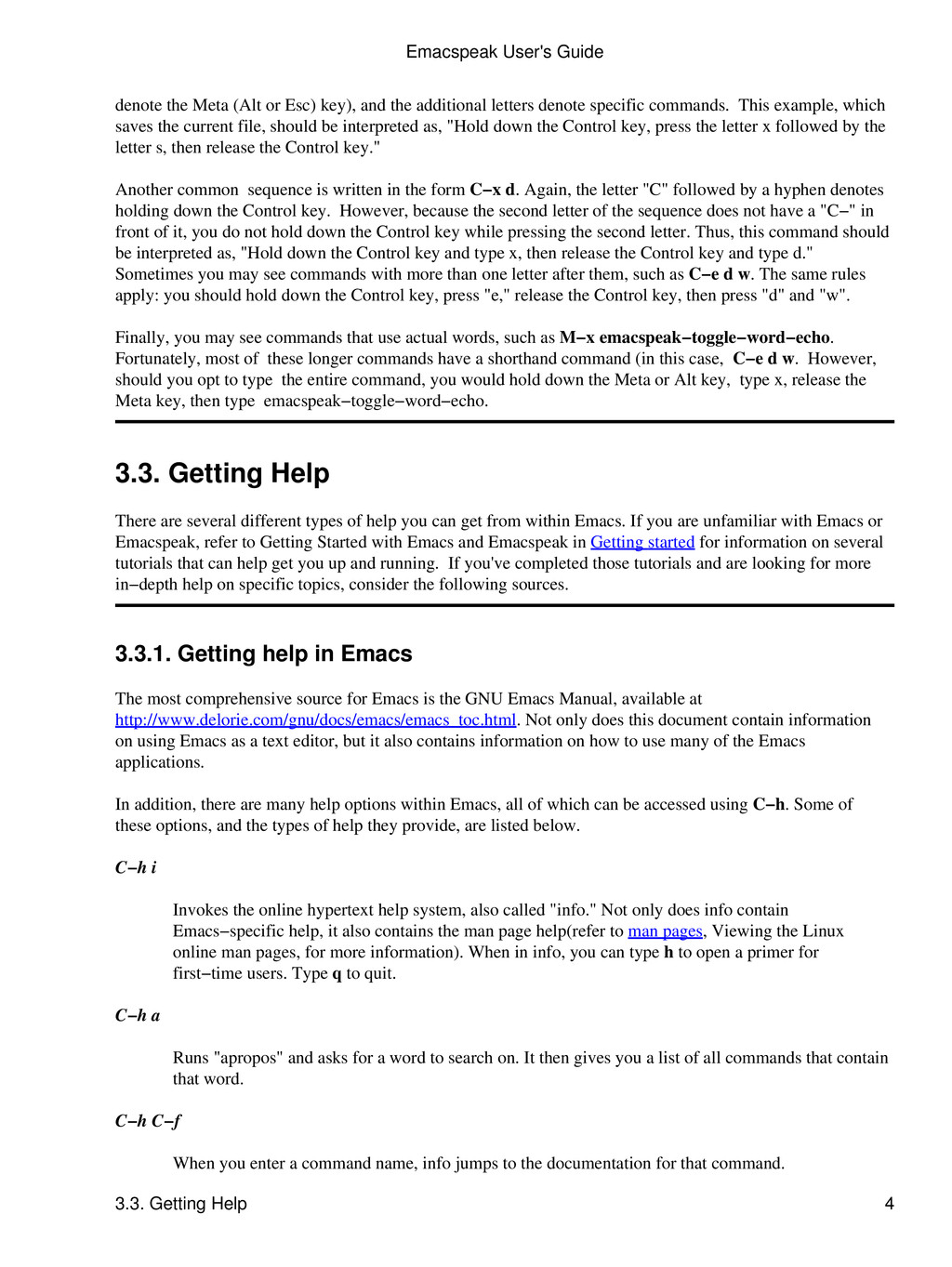
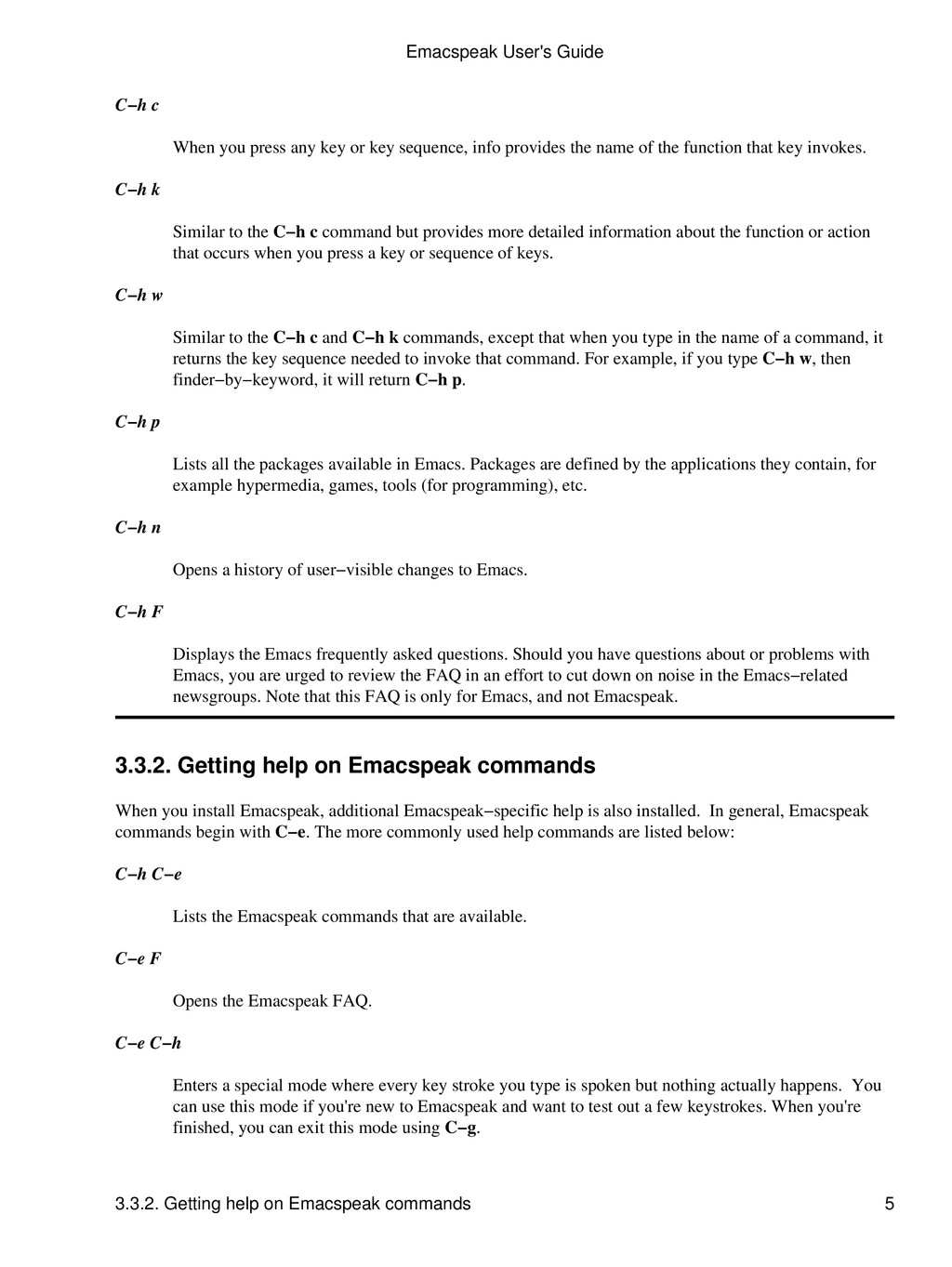
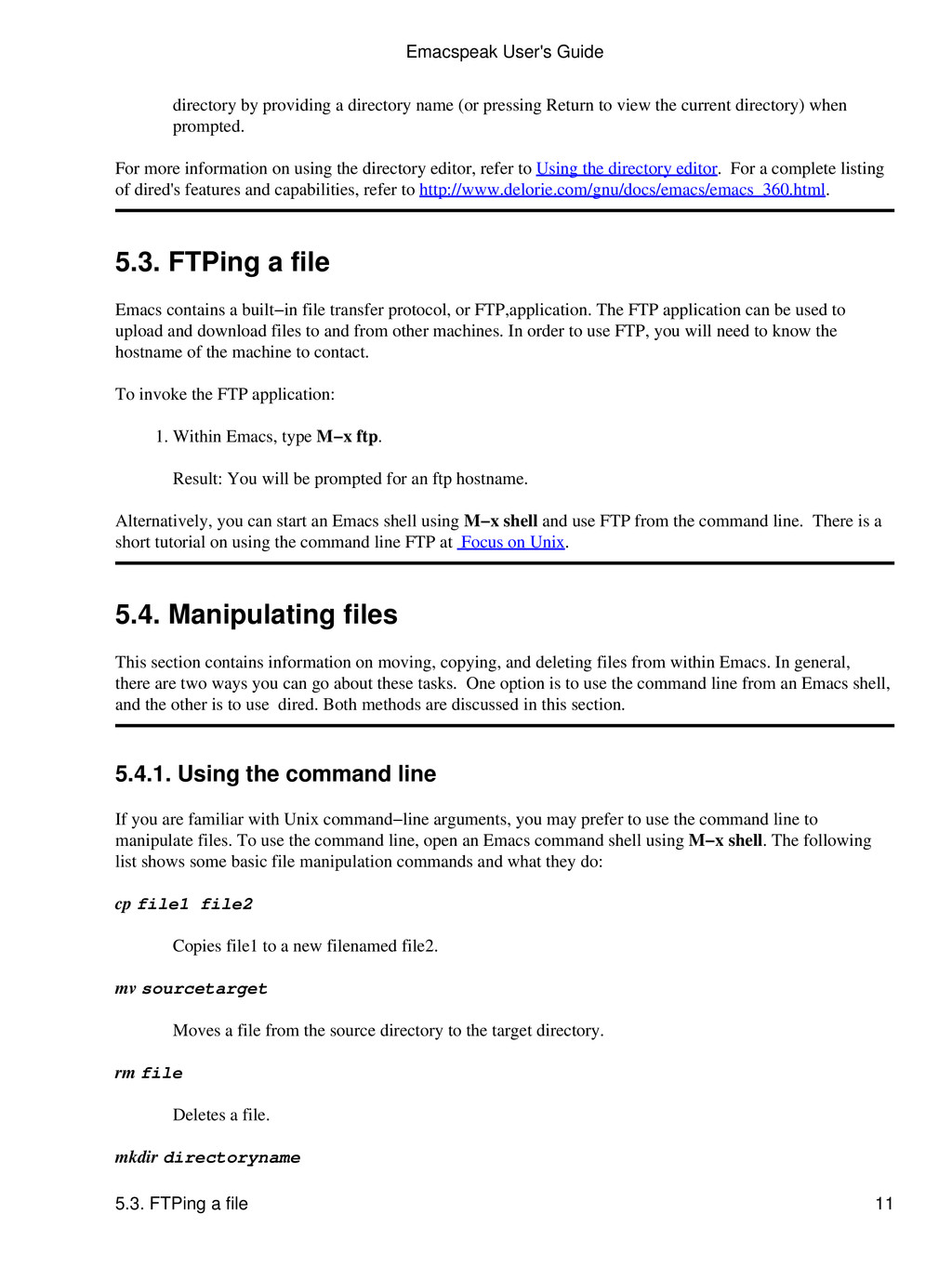
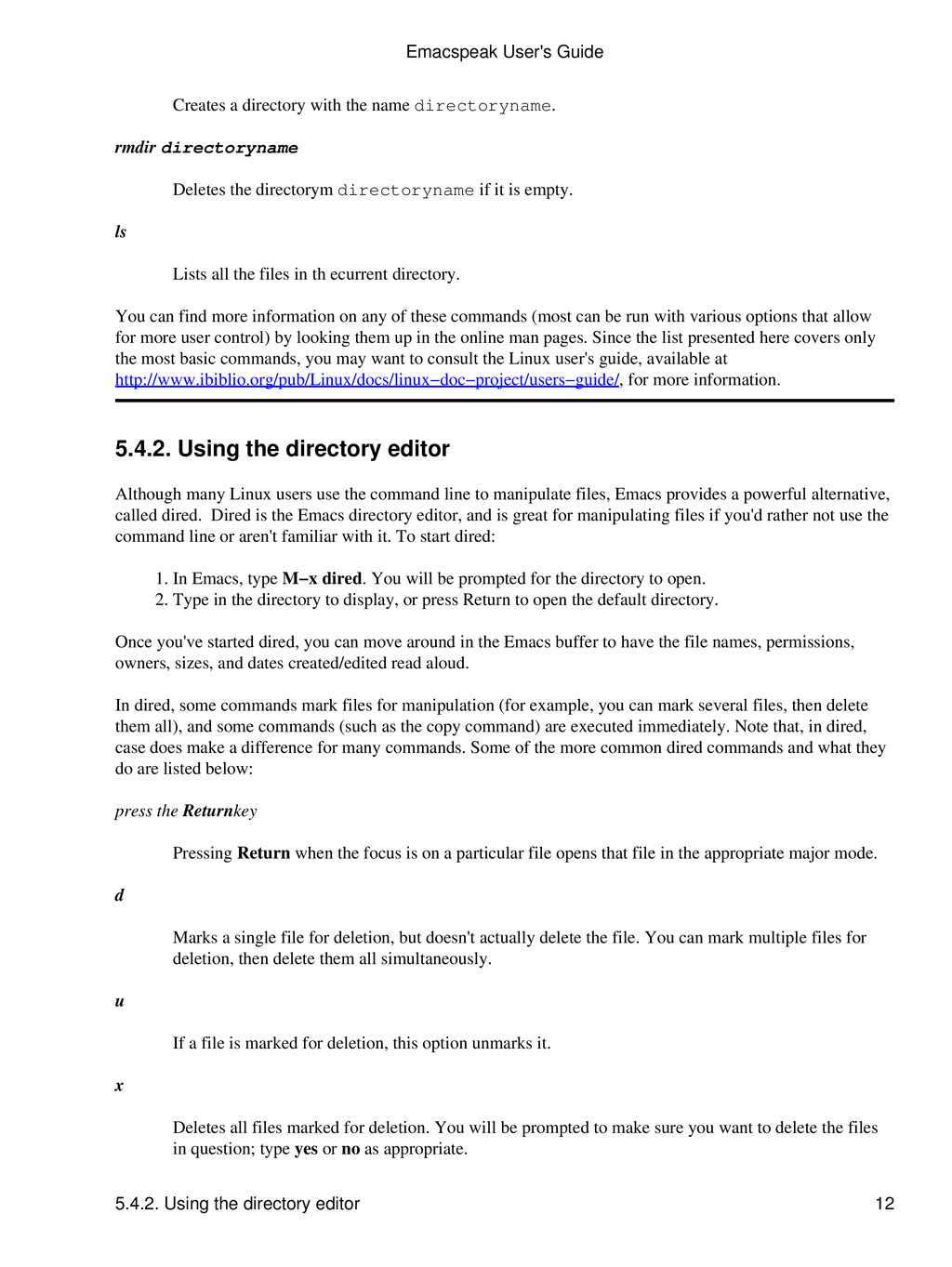
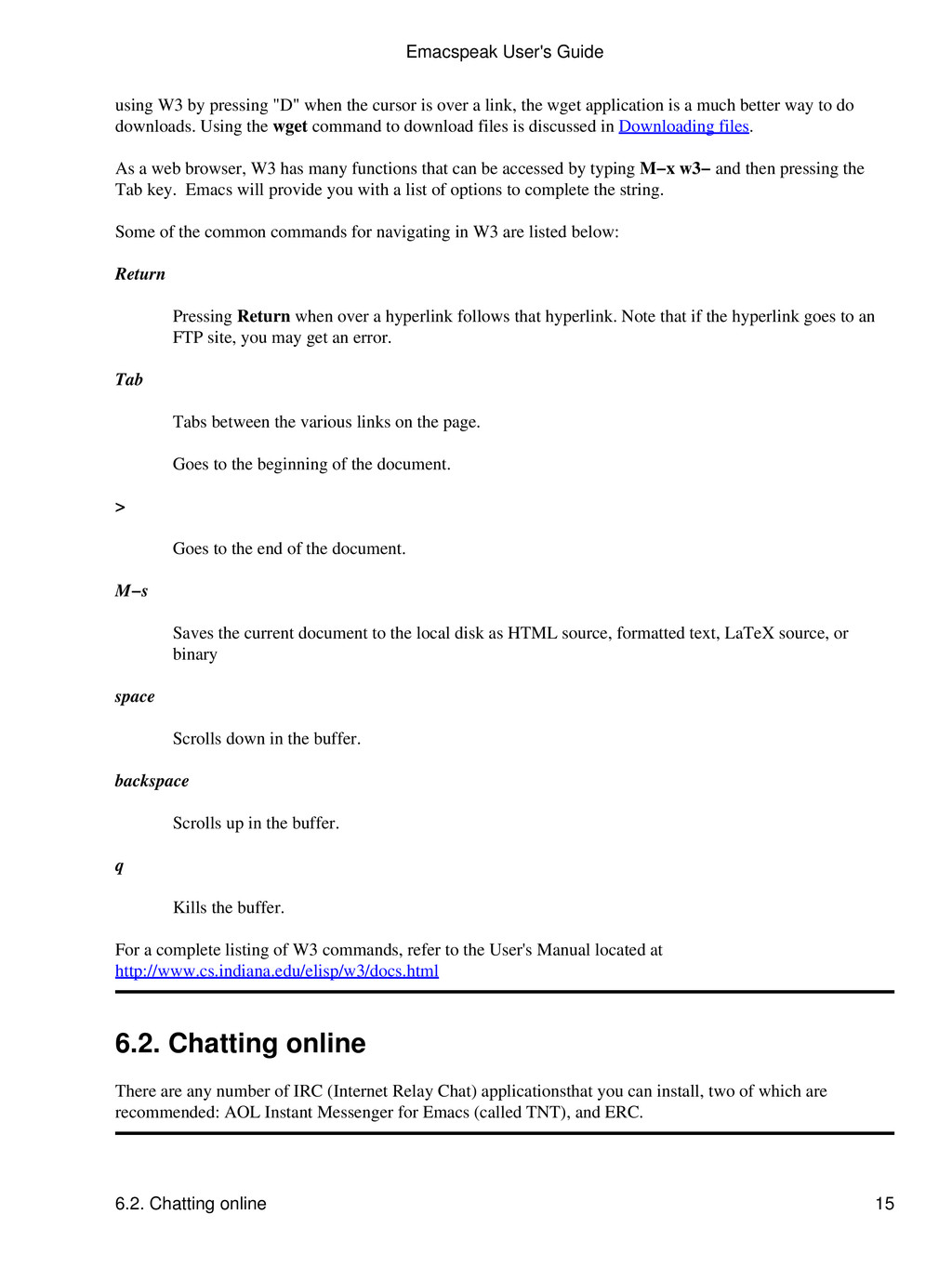
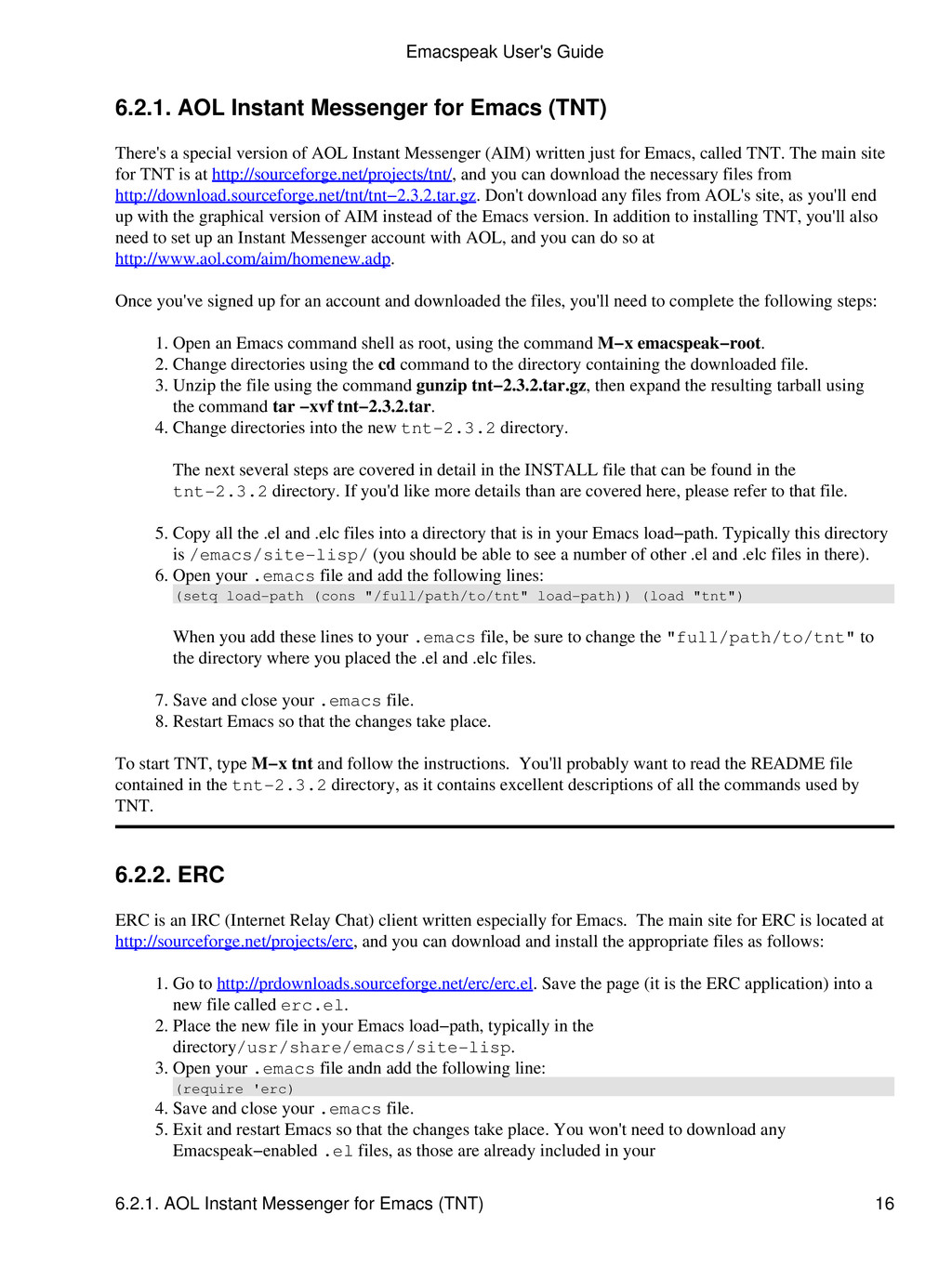
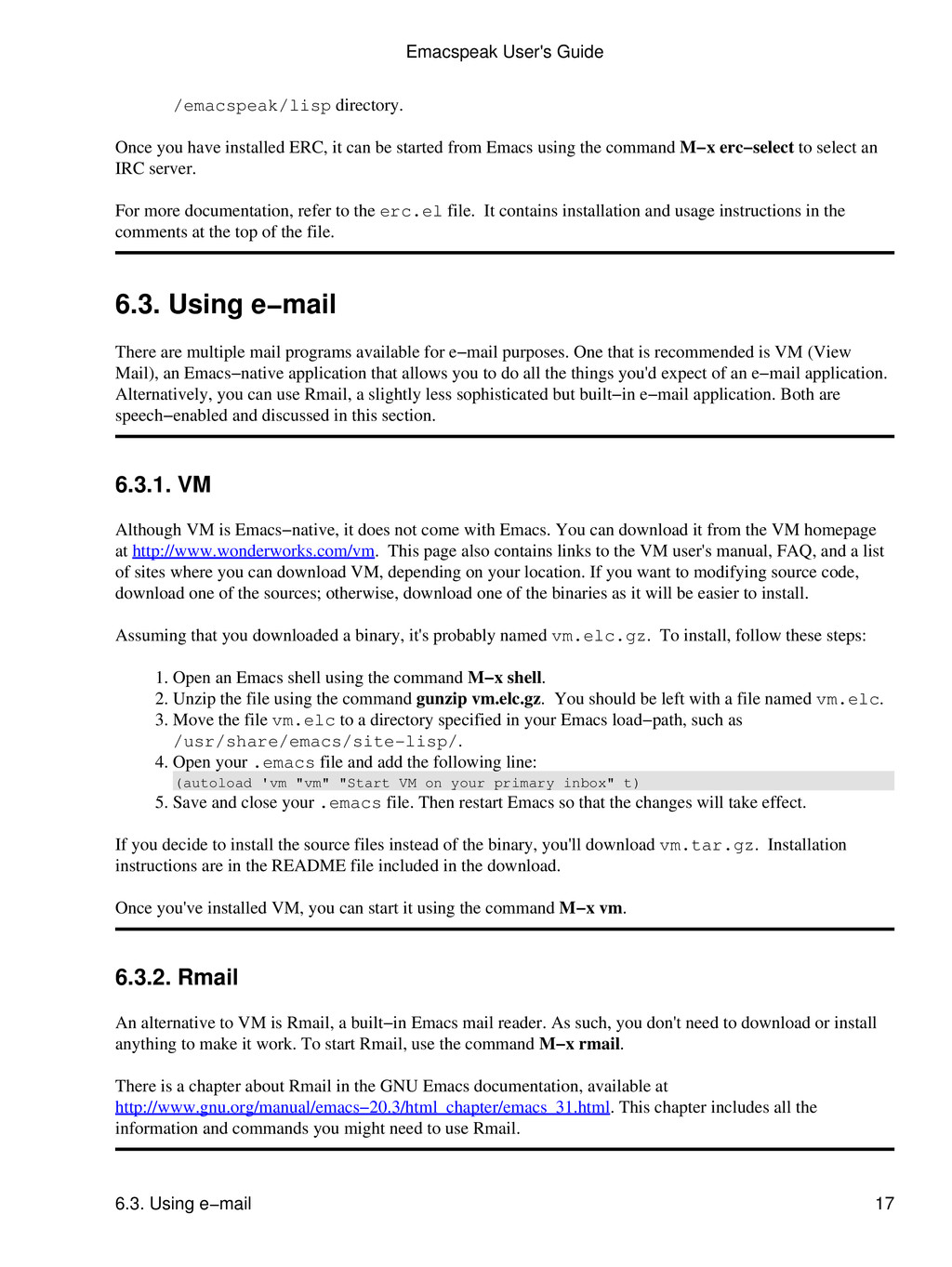
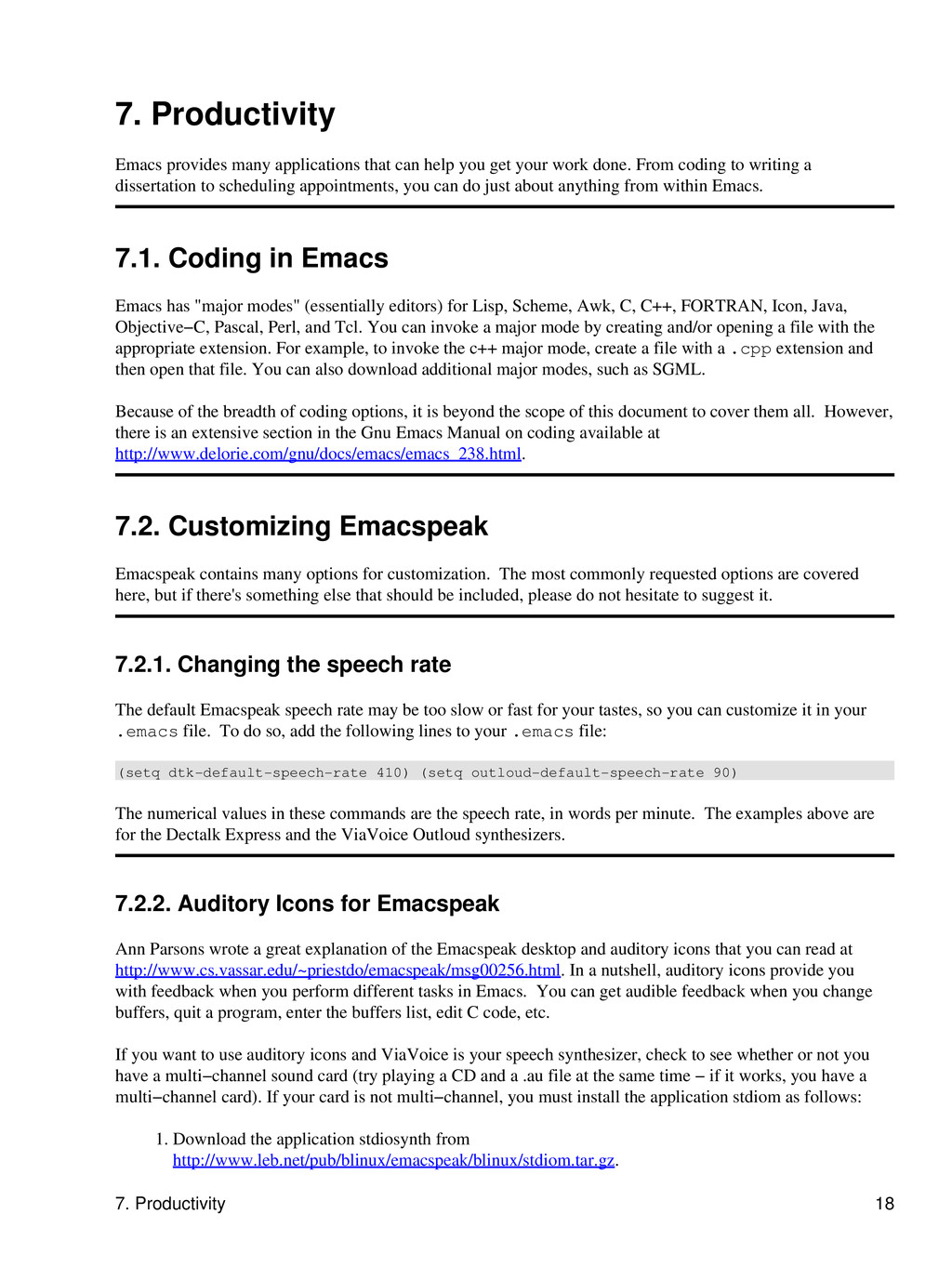
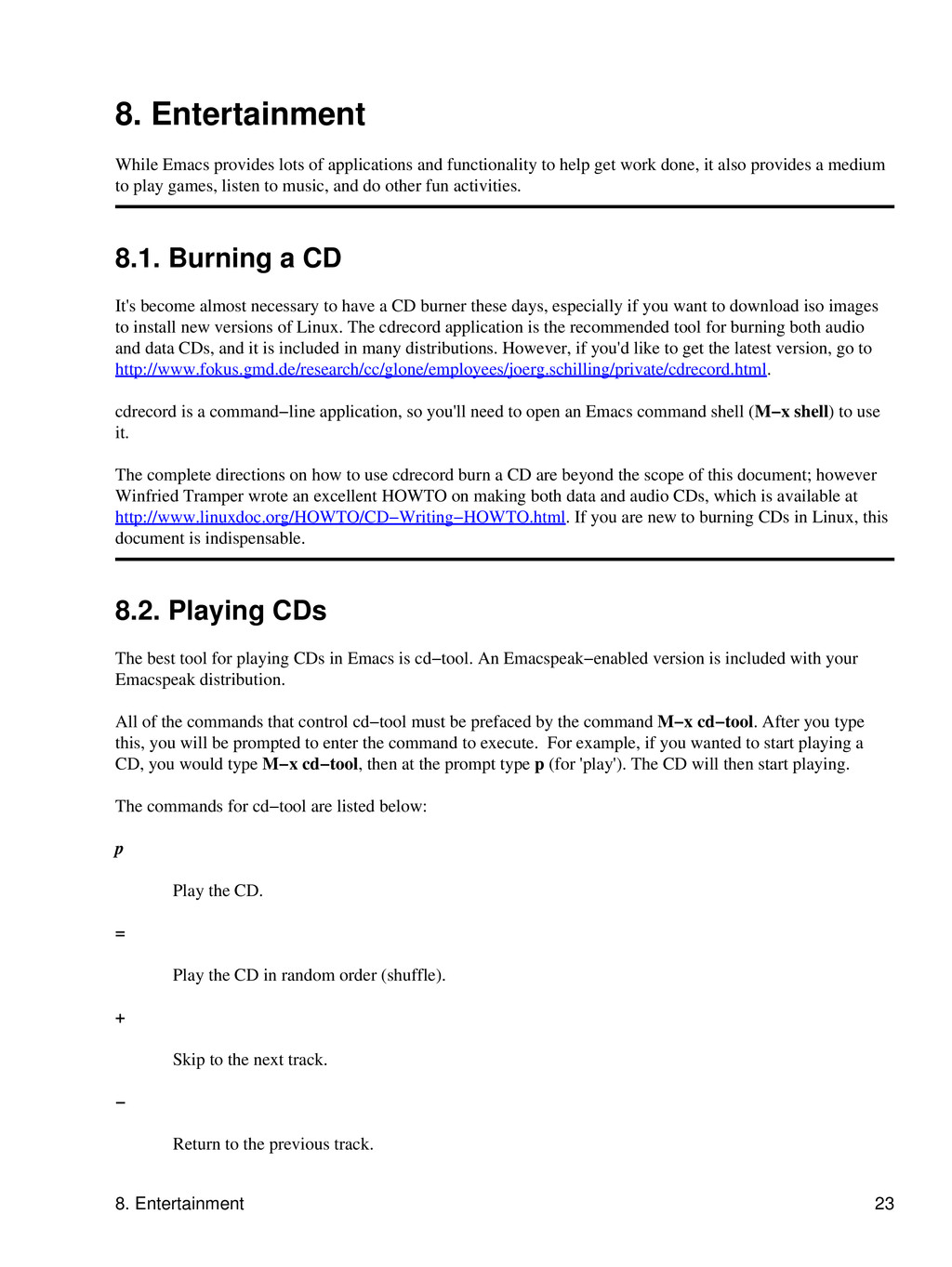
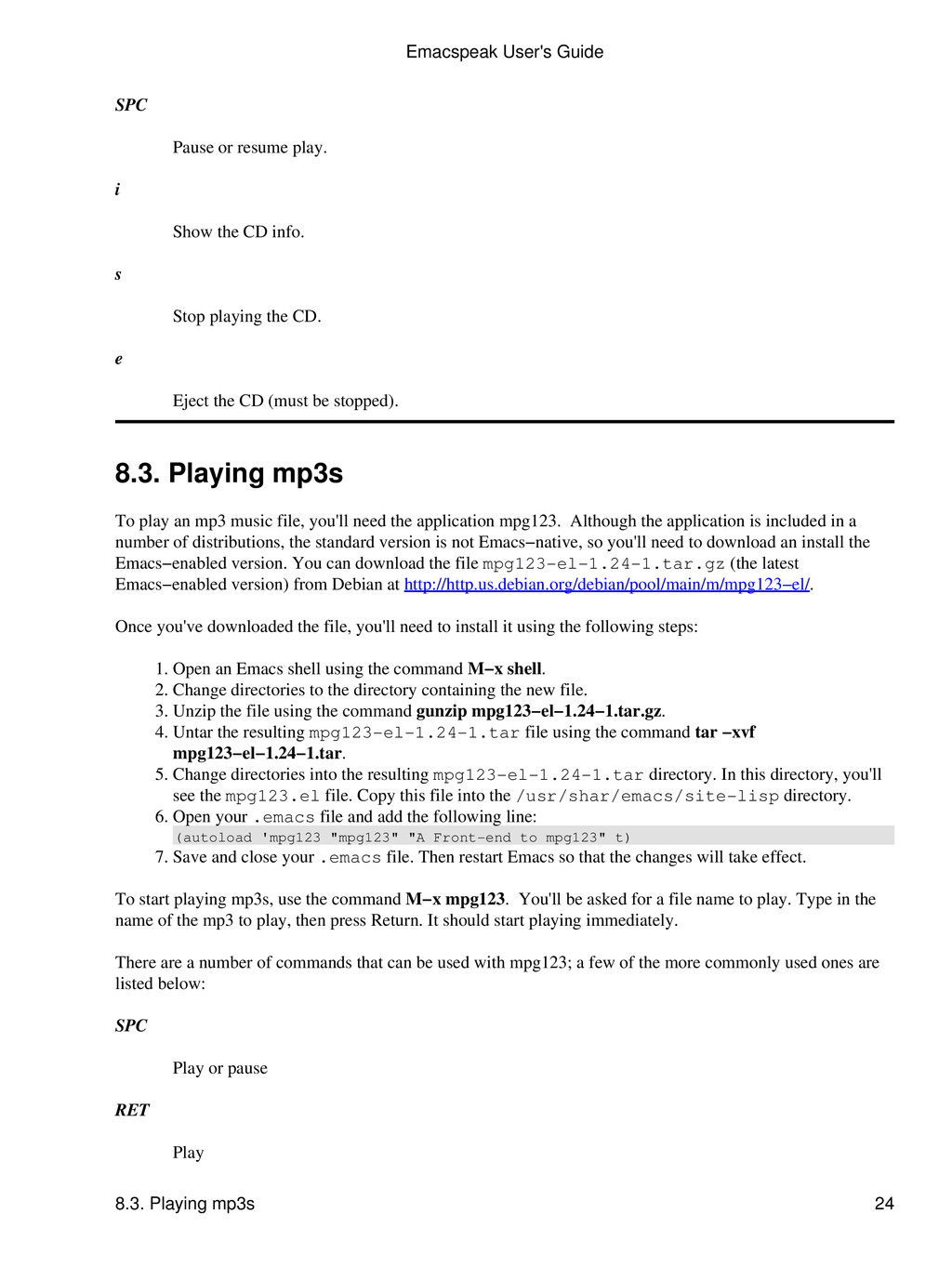
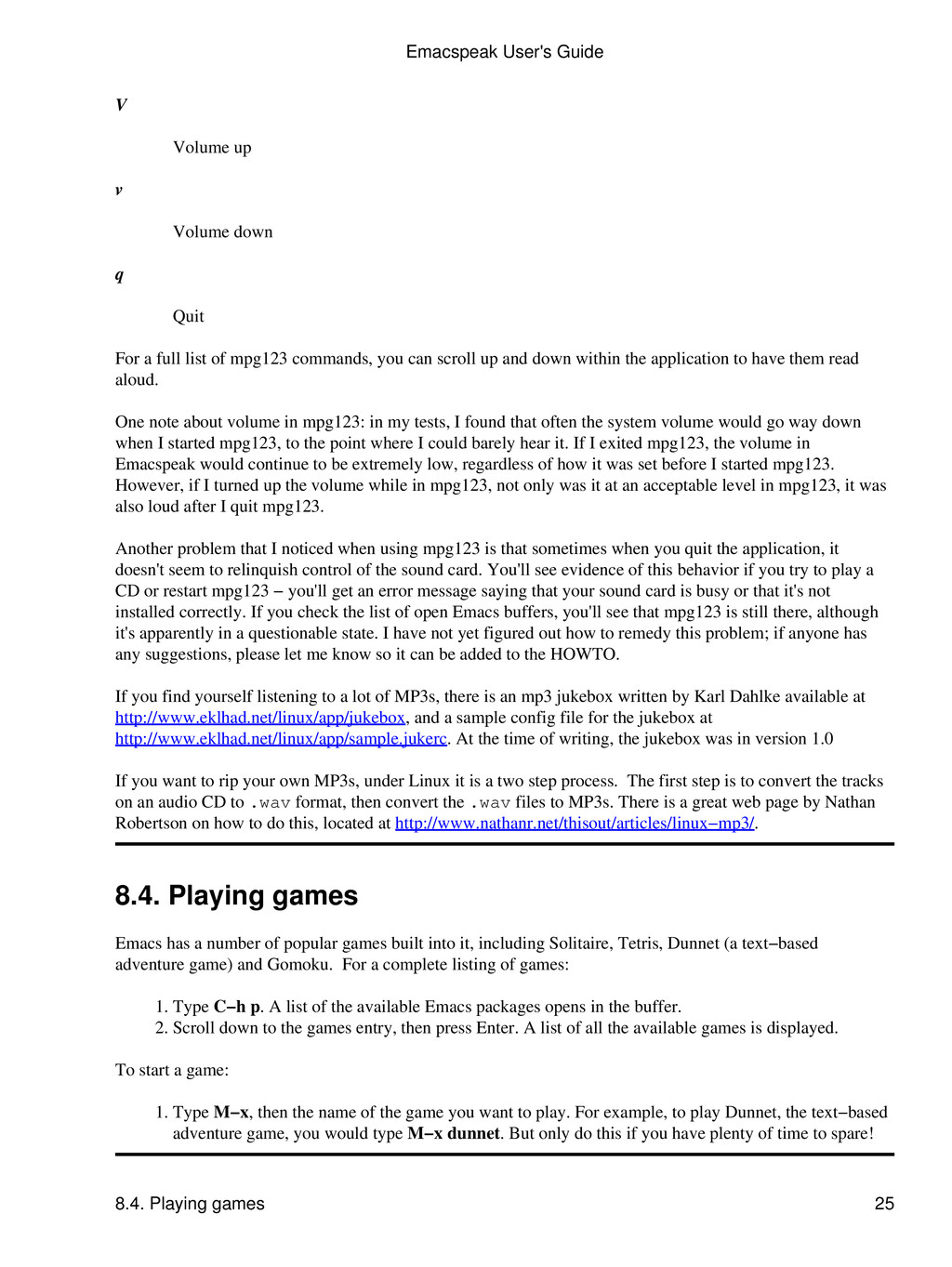
letters denote specific commands. This example, which saves the current file, should be interpreted as, "Hold down the Control key, press the letter x followed by the letter s, then release the Control key." Another common sequence is written in the form C−x d. Again, the letter "C" followed by a hyphen denotes holding down the Control key. However, because the second letter of the sequence does not have a "C−" in front of it, you do not hold down the Control key while pressing the second letter. Thus, this command should be interpreted as, "Hold down the Control key and type x, then release the Control key and type d." Sometimes you may see commands with more than one letter after them, such as C−e d w. The same rules apply: you should hold down the Control key, press "e," release the Control key, then press "d" and "w". Finally, you may see commands that use actual words, such as M−x emacspeak−toggle−word−echo. Fortunately, most of these longer commands have a shorthand command (in this case, C−e d w. However, should you opt to type the entire command, you would hold down the Meta or Alt key, type x, release the Meta key, then type emacspeak−toggle−word−echo. 3.3. Getting Help There are several different types of help you can get from within Emacs. If you are unfamiliar with Emacs or Emacspeak, refer to Getting Started with Emacs and Emacspeak in Getting started for information on several tutorials that can help get you up and running. If you've completed those tutorials and are looking for more in−depth help on specific topics, consider the following sources. 3.3.1. Getting help in Emacs The most comprehensive source for Emacs is the GNU Emacs Manual, available at http://www.delorie.com/gnu/docs/emacs/emacs_toc.html. Not only does this document contain information on using Emacs as a text editor, but it also contains information on how to use many of the Emacs applications. In addition, there are many help options within Emacs, all of which can be accessed using C−h. Some of these options, and the types of help they provide, are listed below. C−h i Invokes the online hypertext help system, also called "info." Not only does info contain Emacs−specific help, it also contains the man page help(refer to man pages, Viewing the Linux online man pages, for more information). When in info, you can type h to open a primer for first−time users. Type q to quit. C−h a Runs "apropos" and asks for a word to search on. It then gives you a list of all commands that contain that word. C−h C−f When you enter a command name, info jumps to the documentation for that command. Emacspeak User's Guide 3.3. Getting Help 4

 Your Podcast. Everywhere. Effortlessly.
Share. Educate. Inspire. Entertain. You do you. We'll handle the rest.
→
Your Podcast. Everywhere. Effortlessly.
Share. Educate. Inspire. Entertain. You do you. We'll handle the rest.
→


 marcelosomers
 hannesfritz
 samanthasiow
 frankvandijk
 katarinadahlin
 holman
 gurzu
gurzu
 joshbly
 danielanewman
 lara
lara
 szymonslowik
 aleyda