Understanding User Authentication in Cyber Secu...

Understanding User Authentication in Cyber Security
In the physical world, security begins with a boundary. A bank locks its cash in a heavy steel vault, an office building employs guards to check badges at the turnstile, and individuals secure their homes with a physical key. In the digital landscape, however, boundaries are invisible, global, and highly fluid. There are no physical walls protecting data pipelines, corporate cloud infrastructure, or personal banking portals. Instead, cyber security relies on a logical gatekeeper to maintain order and prevent unauthorized intrusion. This critical baseline defense mechanism is user authentication.
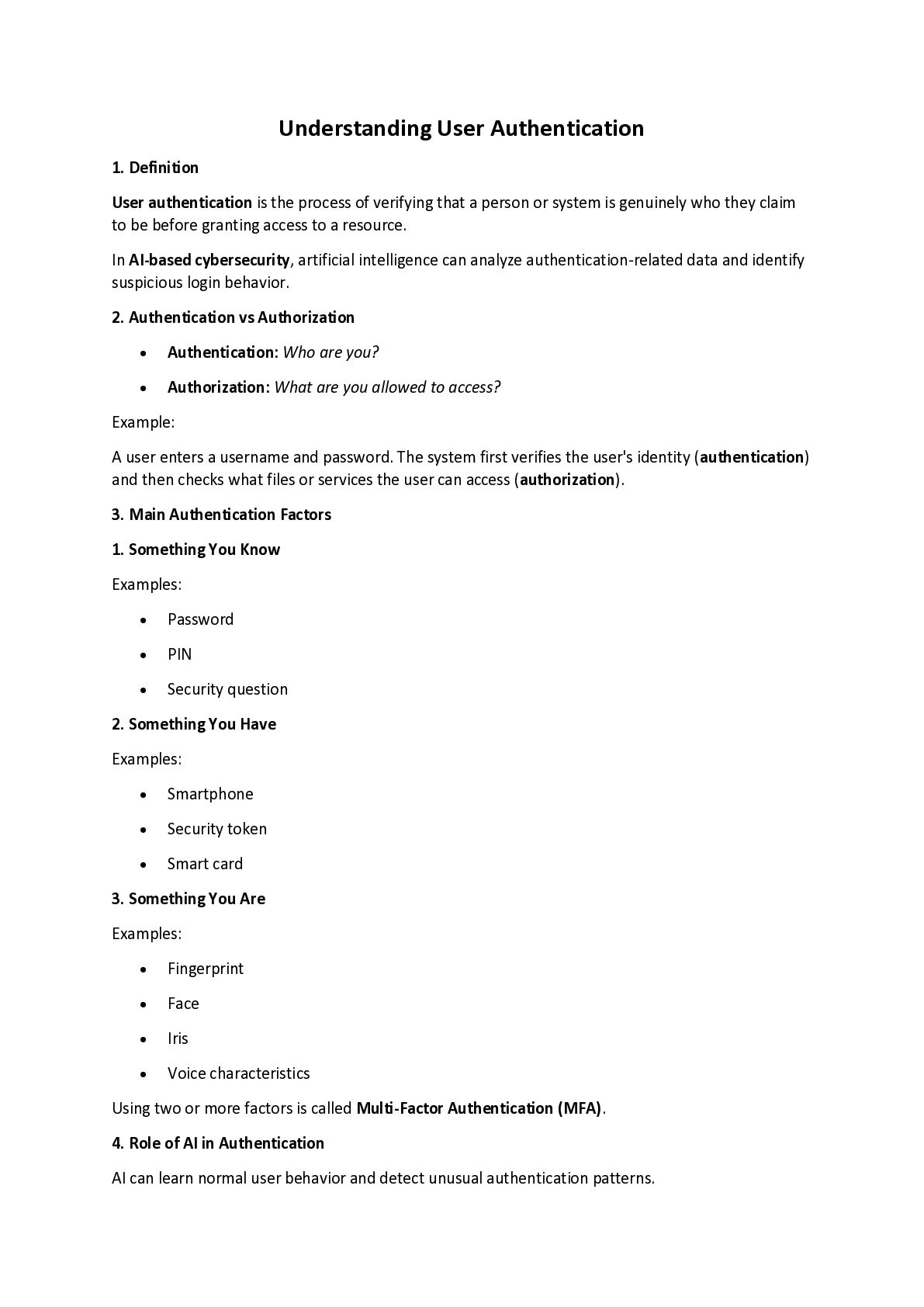
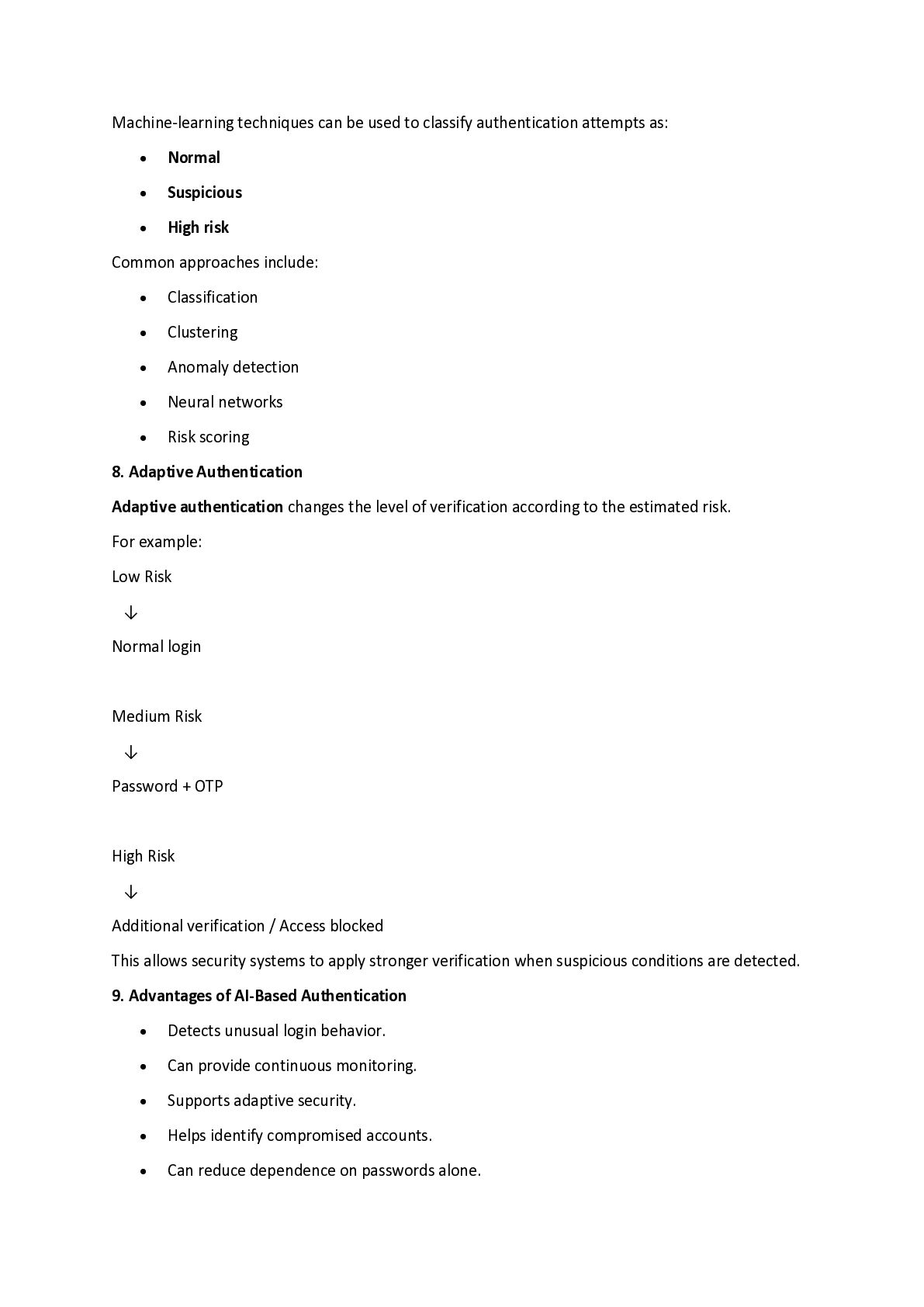
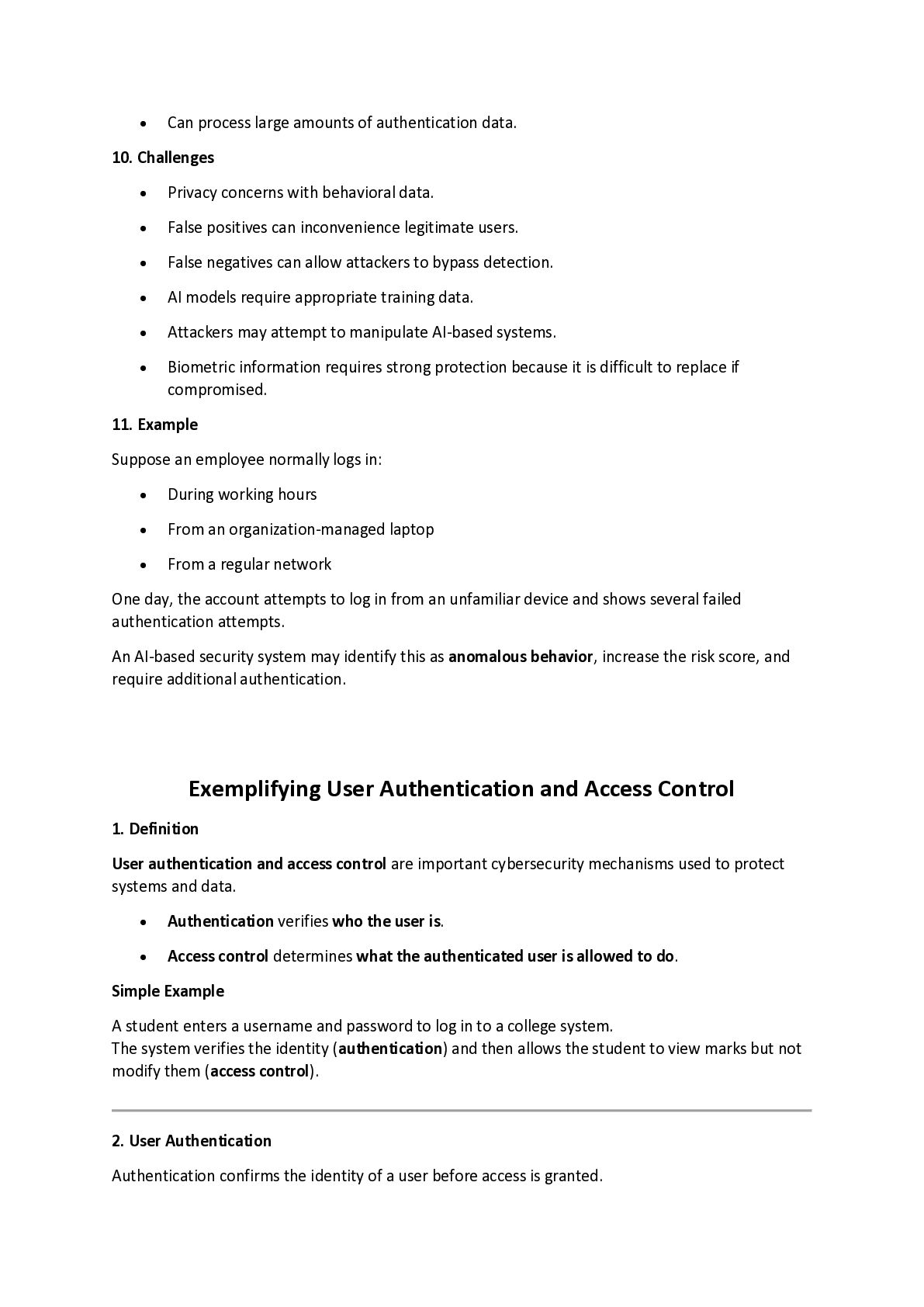
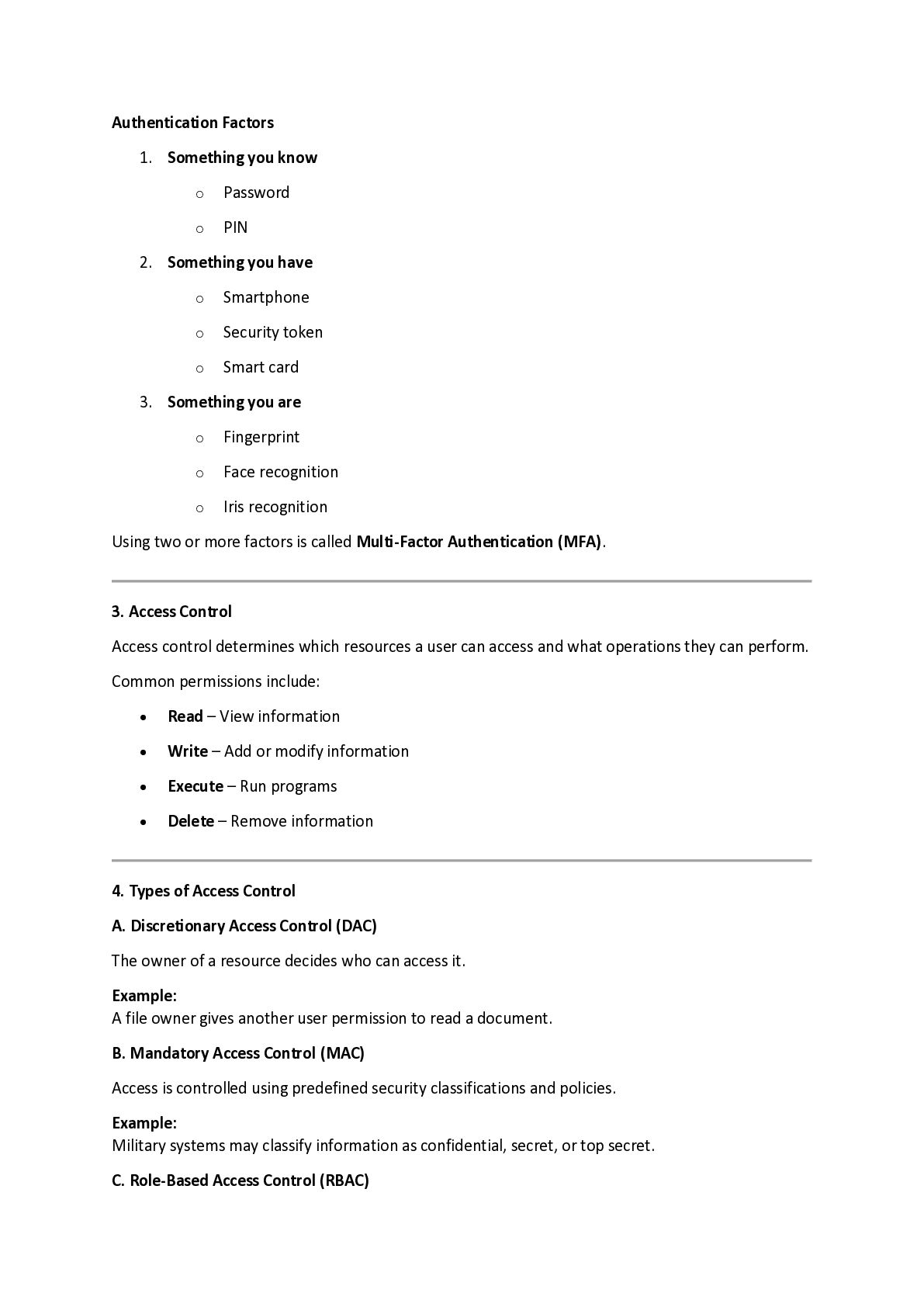
User authentication is the fundamental cryptographic and procedural process of verifying that an entity—whether a human operator, an automated software bot, or a networked device—is exactly who or what it claims to be. It is the definitive process of proving identity before granted entry into a secure system. Without rigorous authentication protocols, digital systems would remain entirely open to the public, rendering concepts like data privacy, regulatory compliance, and system integrity completely obsolete. As cyber threats scale in sophistication, understanding the mechanisms, vulnerabilities, and future trajectories of user authentication is paramount for modern technical infrastructure.
The Three Pillars: Factors of Authentication
To prove an identity in a digital space, an authentication system must challenge the user to provide evidence. Historically, security architects categorized this evidence into three distinct "factors" of authentication. The core rule of robust security design dictates that true verification should rely on a combination of these elements rather than a single point of failure.
1. Something You Know (Knowledge Factor)
The knowledge factor is the oldest and most widely recognized method of digital identity verification. It relies on secret information stored in the user’s memory that matches the records inside the authenticating database.
• Passwords and Passphrases: Strings of alphanumeric characters and symbols chosen by the user.
• Personal Identification Numbers (PINs): Short numeric sequences frequently used for local device access or financial terminals.
• Secret Questions: Pre-configured questions regarding personal history, such as a mother's maiden name or a first pet.
While highly scalable and cost-effective, the knowledge factor is structurally fragile. Humans are notoriously poor at generating complex, randomized strings, leading to weak, easily guessable passwords or recycled credentials across multiple digital platforms.
2. Something You Have (Possession Factor)
The possession factor introduces a physical or decoupled digital object into the loop, requiring the user to prove they have physical custody of a specific item.
• Hardware Tokens: Dedicated physical key fobs or USB devices (such as YubiKeys) that utilize public-key cryptography or generate time-based cryptographic codes.
• Software Authenticators: Mobile applications (like Google Authenticator or Microsoft Authenticator) that generate Time-Based One-Time Passwords (TOTP) valid for only 30 to 60 seconds.
• SMS/Email Verification: Short codes transmitted out-of-band to a registered phone number or email address.
Possession factors dramatically increase security because an attacker living halfway across the globe cannot easily intercept a physical token sitting on a user’s desk.
3. Something You Are (Inherence Factor)
The inherence factor leverages the unique biological and behavioral characteristics of the human user. This is commonly known as biometric authentication.
• Anatomical Biometrics: Fingerprint patterns, facial geometry (such as Apple’s FaceID), and iris or retina structures.
• Behavioral Biometrics: Uniquely identifiable human habits, including keystroke dynamics (the rhythm and speed of typing), voice modulation, and signature dynamics.
Inherence factors offer seamless convenience and are exceptionally difficult to replicate or forge. However, they introduce profound privacy concerns; unlike a compromised password, a user cannot simply reset or alter their biological fingerprint if the biometric database suffers a breach.

 rasagy
 rkendrick25
 oripsolob
 cromwellryan
 michaelherold
 kimpetersen
 bethany
 aleyda
 portentint
 helenjbeal
 addyosmani
 akashhashmi