Upgrade to Pro — share decks privately, control downloads, hide ads and more …

Nulls Brawl Kaze – Features, Gameplay and Andro...

stephanie
October 30, 2026

Nulls Brawl Kaze – Features, Gameplay and Android Guide

Explore Nulls Brawl Kaze, its gameplay experience, available features, character abilities, and Android installation information. This presentation introduces players to the Kaze-themed experience, explains important gameplay elements, and provides useful information for users interested in exploring Nulls Brawl.
Learn about:
Nulls Brawl Kaze gameplay and features
Kaze character overview
Game modes and available content
Android installation information
Helpful tips for new players
This is an independent informational resource and is not affiliated with or endorsed by Supercell.

stephanie

October 30, 2026

Transcript

5 slides
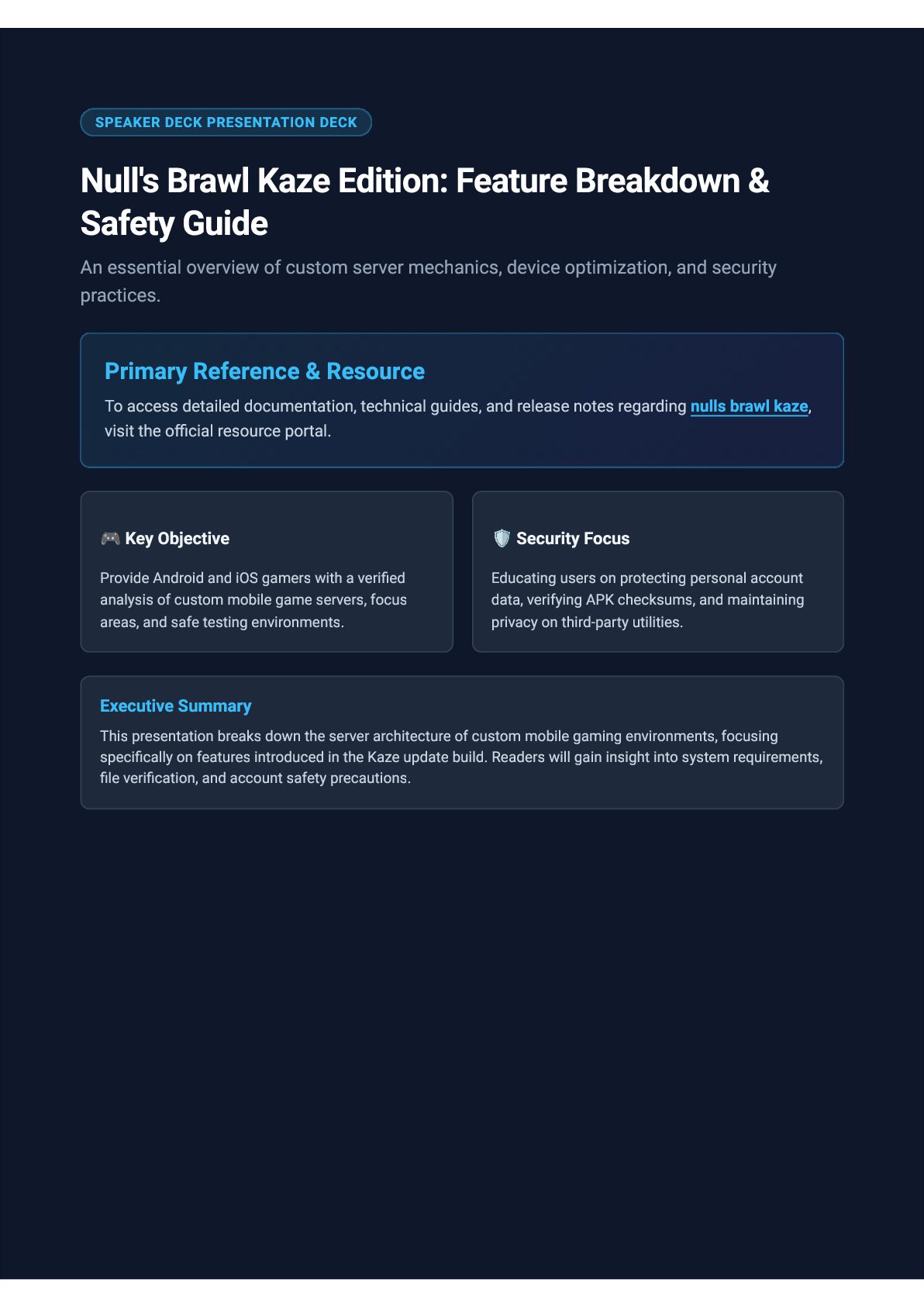
  1. SPEAKER DECK PRESENTATION DECK Null's Brawl Kaze Edition: Feature Breakdown

    & Safety Guide An essential overview of custom server mechanics, device optimization, and security practices. Primary Reference & Resource To access detailed documentation, technical guides, and release notes regarding nulls brawl kaze, visit the official resource portal. 🎮 Key Objective 🛡️ Security Focus Provide Android and iOS gamers with a verified Educating users on protecting personal account analysis of custom mobile game servers, focus data, verifying APK checksums, and maintaining areas, and safe testing environments. privacy on third-party utilities. Executive Summary This presentation breaks down the server architecture of custom mobile gaming environments, focusing specifically on features introduced in the Kaze update build. Readers will gain insight into system requirements, file verification, and account safety precautions.
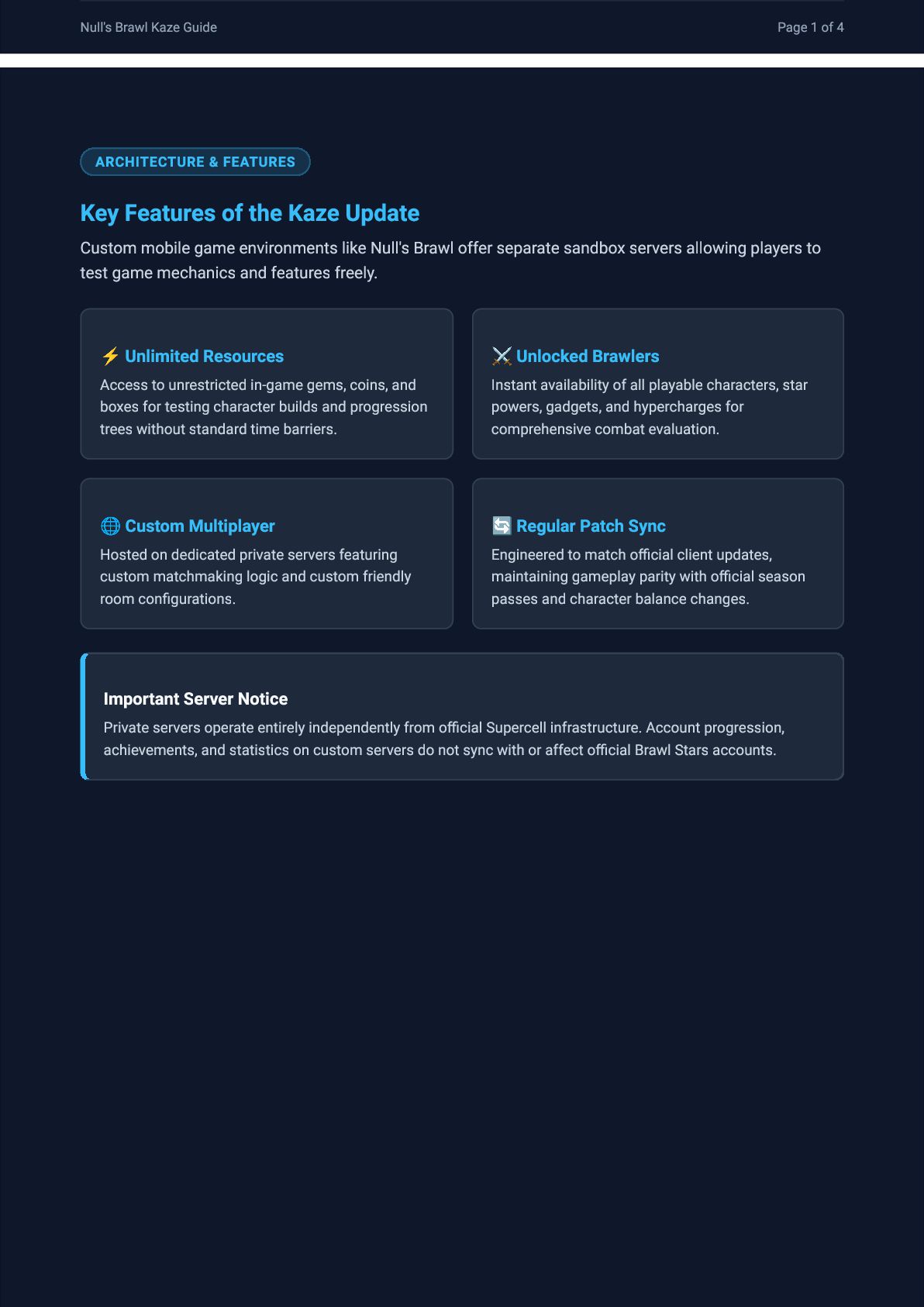
  2. Null's Brawl Kaze Guide Page 1 of 4 ARCHITECTURE &

    FEATURES Key Features of the Kaze Update Custom mobile game environments like Null's Brawl offer separate sandbox servers allowing players to test game mechanics and features freely. ⚡ Unlimited Resources ⚔️ Unlocked Brawlers Access to unrestricted in-game gems, coins, and Instant availability of all playable characters, star boxes for testing character builds and progression powers, gadgets, and hypercharges for trees without standard time barriers. comprehensive combat evaluation. 🌐 🔄 Custom Multiplayer Regular Patch Sync Hosted on dedicated private servers featuring Engineered to match official client updates, custom matchmaking logic and custom friendly maintaining gameplay parity with official season room configurations. passes and character balance changes. Important Server Notice Private servers operate entirely independently from official Supercell infrastructure. Account progression, achievements, and statistics on custom servers do not sync with or affect official Brawl Stars accounts.
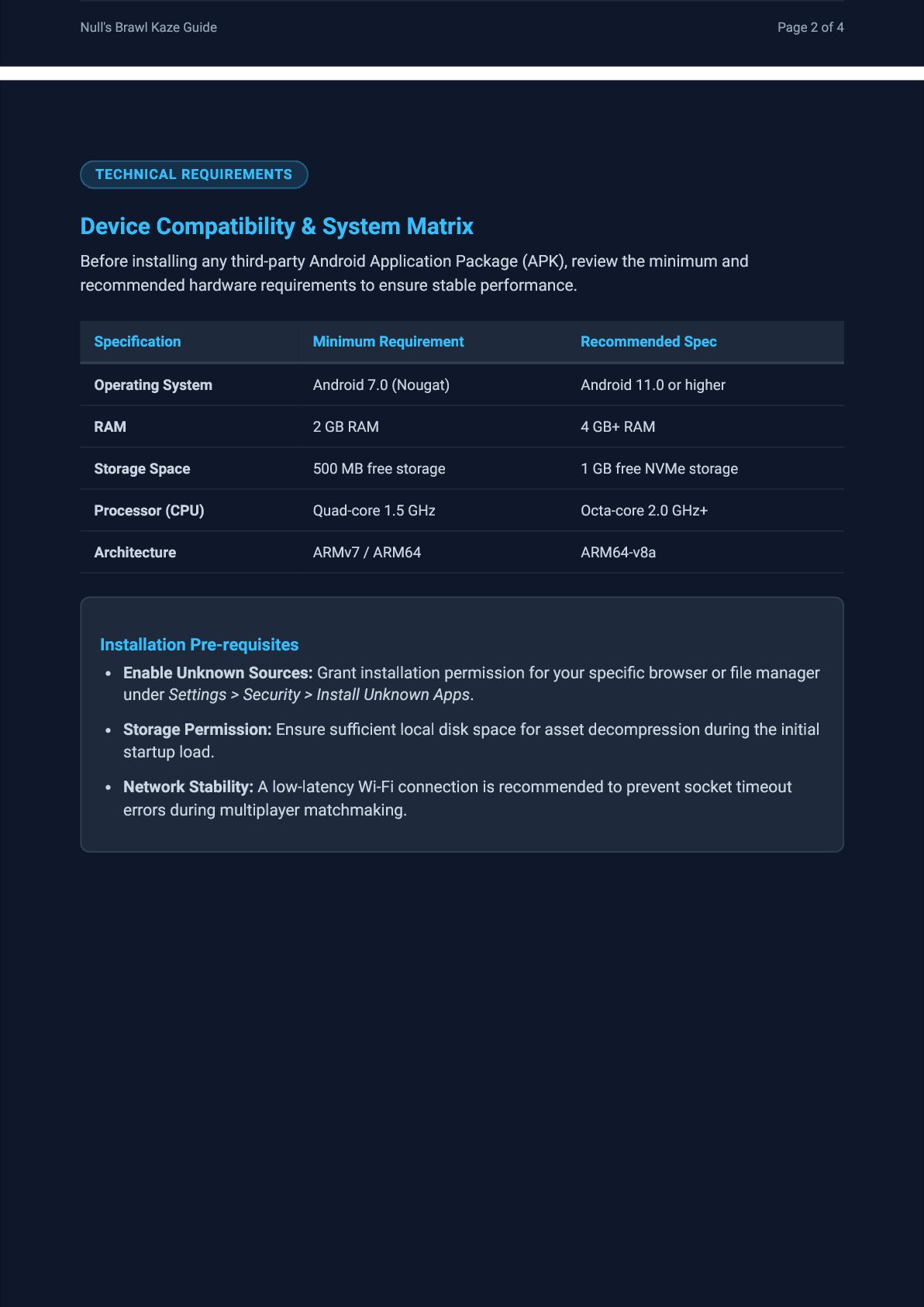
  3. Null's Brawl Kaze Guide Page 2 of 4 TECHNICAL REQUIREMENTS

    Device Compatibility & System Matrix Before installing any third-party Android Application Package (APK), review the minimum and recommended hardware requirements to ensure stable performance. Specification Minimum Requirement Recommended Spec Operating System Android 7.0 (Nougat) Android 11.0 or higher RAM 2 GB RAM 4 GB+ RAM Storage Space 500 MB free storage 1 GB free NVMe storage Processor (CPU) Quad-core 1.5 GHz Octa-core 2.0 GHz+ Architecture ARMv7 / ARM64 ARM64-v8a Installation Pre-requisites Enable Unknown Sources: Grant installation permission for your specific browser or file manager under Settings > Security > Install Unknown Apps. Storage Permission: Ensure sufficient local disk space for asset decompression during the initial startup load. Network Stability: A low-latency Wi-Fi connection is recommended to prevent socket timeout errors during multiplayer matchmaking.
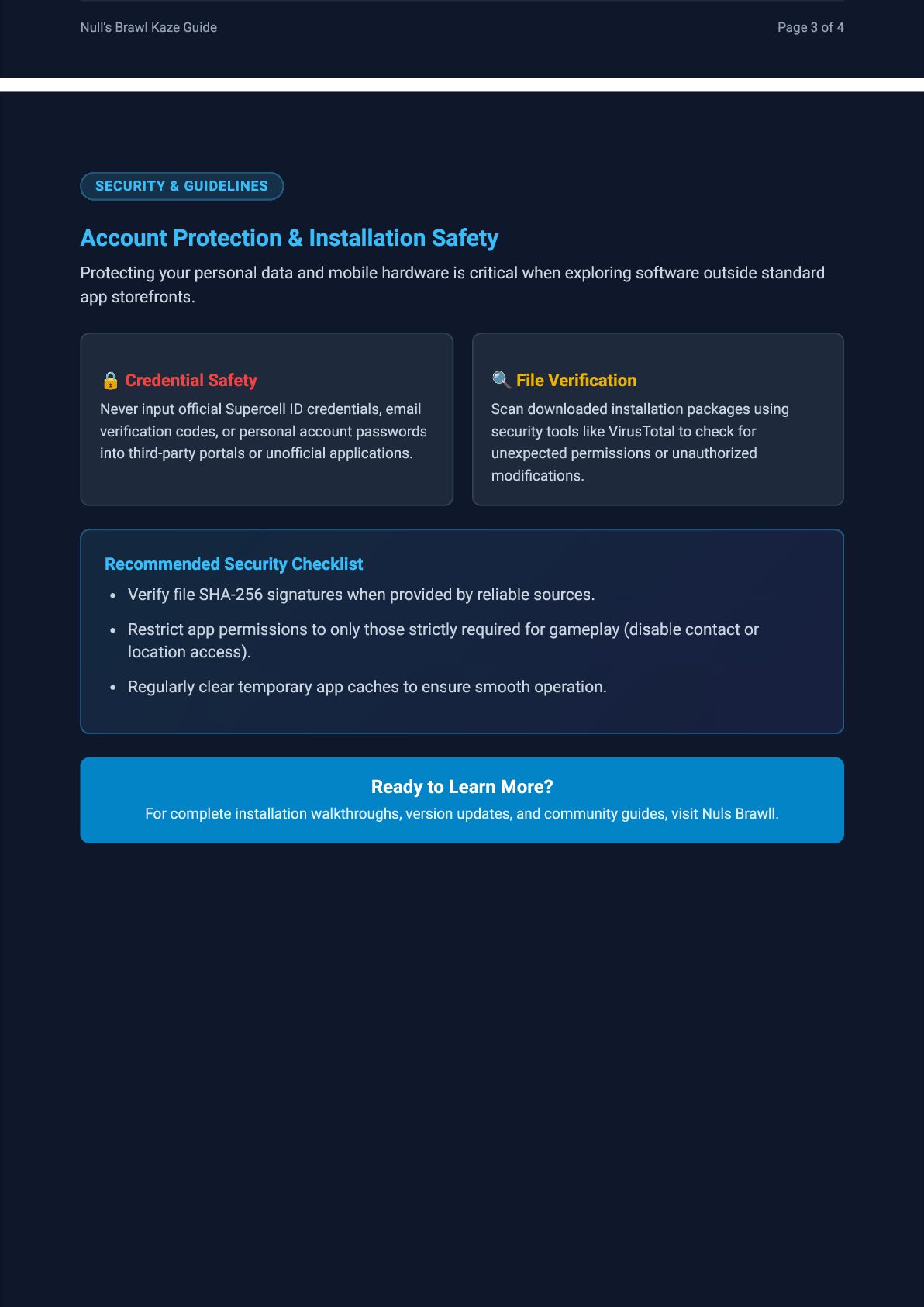
  4. Null's Brawl Kaze Guide Page 3 of 4 SECURITY &

    GUIDELINES Account Protection & Installation Safety Protecting your personal data and mobile hardware is critical when exploring software outside standard app storefronts. 🔒 🔍 Credential Safety File Verification Never input official Supercell ID credentials, email Scan downloaded installation packages using verification codes, or personal account passwords security tools like VirusTotal to check for into third-party portals or unofficial applications. unexpected permissions or unauthorized modifications. Recommended Security Checklist Verify file SHA-256 signatures when provided by reliable sources. Restrict app permissions to only those strictly required for gameplay (disable contact or location access). Regularly clear temporary app caches to ensure smooth operation. Ready to Learn More? For complete installation walkthroughs, version updates, and community guides, visit Nuls Brawll.

Other Decks in Technology