Upgrade to Pro — share decks privately, control downloads, hide ads and more …

Speaking Eloquent Eloquently

Sponsored · Your Podcast. Everywhere. Effortlessly. Share. Educate. Inspire. Entertain. You do you. We'll handle the rest.

Speaking Eloquent Eloquently

Getting the most out of your eloquent models.
Eloquent is an ORM, it is the default in Laravel applications

Avatar for Stephen Afam-Osemene

Stephen Afam-Osemene

July 29, 2017
Tweet

Other Decks in Programming

Transcript

  1. THINKING ELOQUENTLY Eloquent is not just a fancy way of

    specifying the table for the Query Builder
  2. Data manupulation belongs in the Model A model should completely

    define a unit of DATA THINKING ELOQUENTLY
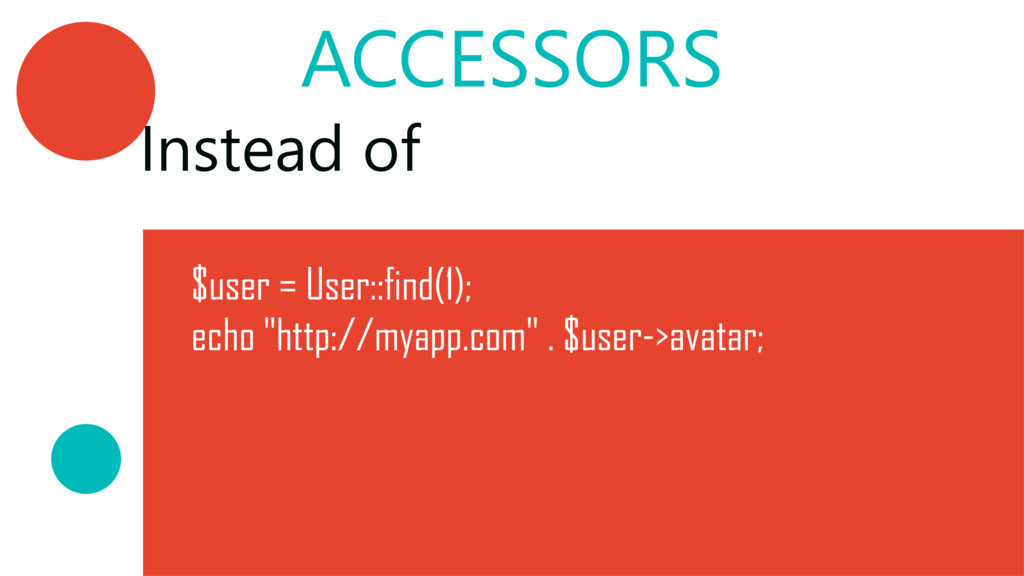
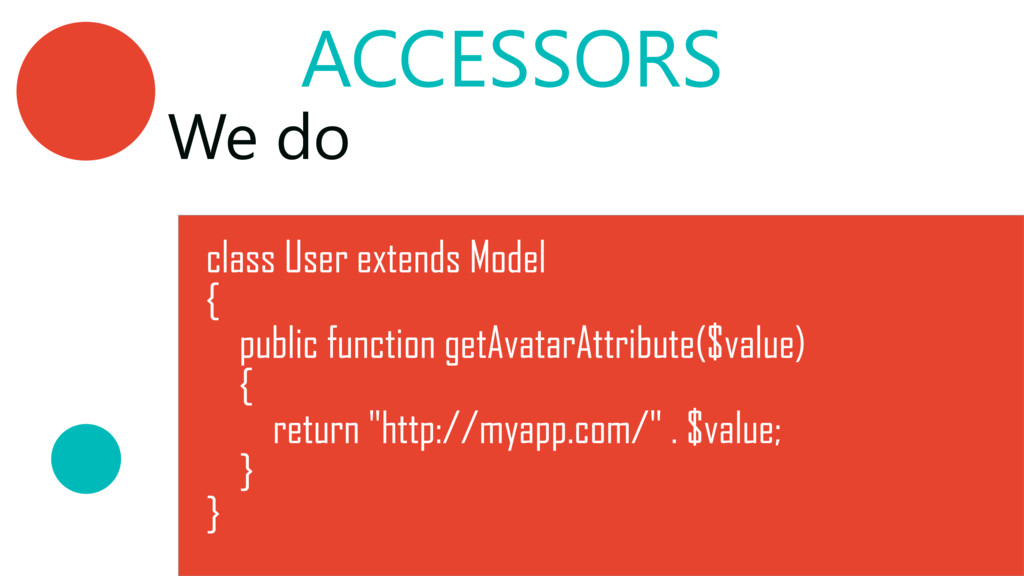
  3. ACCESSORS We do class User extends Model { public function

    getAvatarAttribute($value) { return "http://myapp.com/" . $value; } }
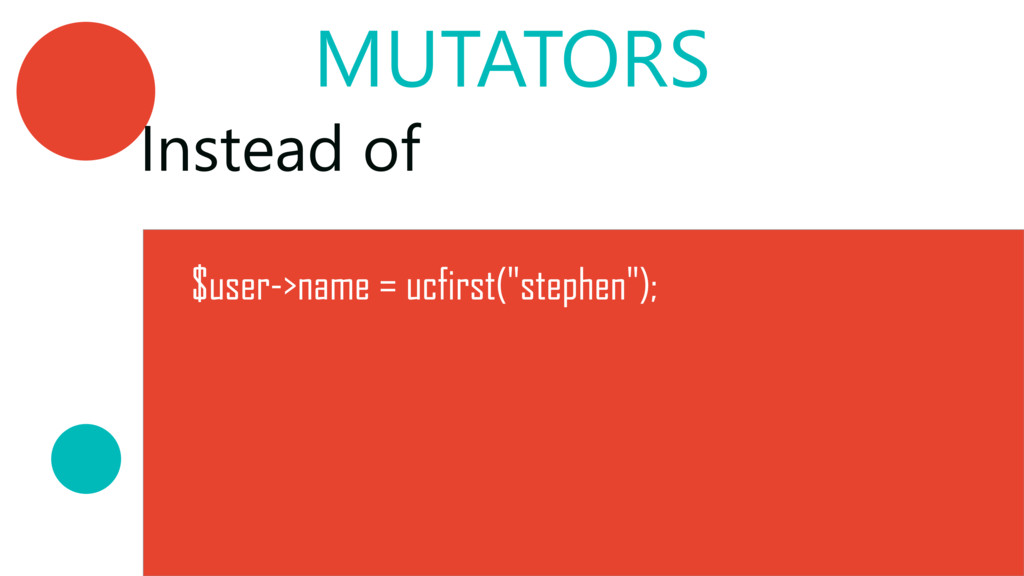
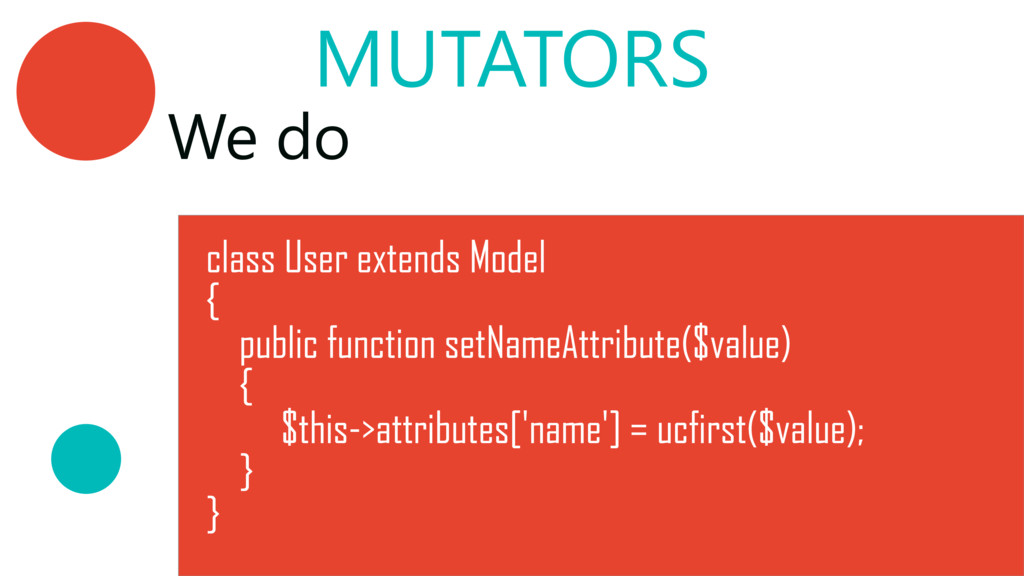
  4. We do class User extends Model { public function setNameAttribute($value)

    { $this‐>attributes['name'] = ucfirst($value); } } MUTATORS
  5. SCOPES ‐ LOCAL Local scopes are specific to the model.

    Although, we can always extend the class ;‐﴿
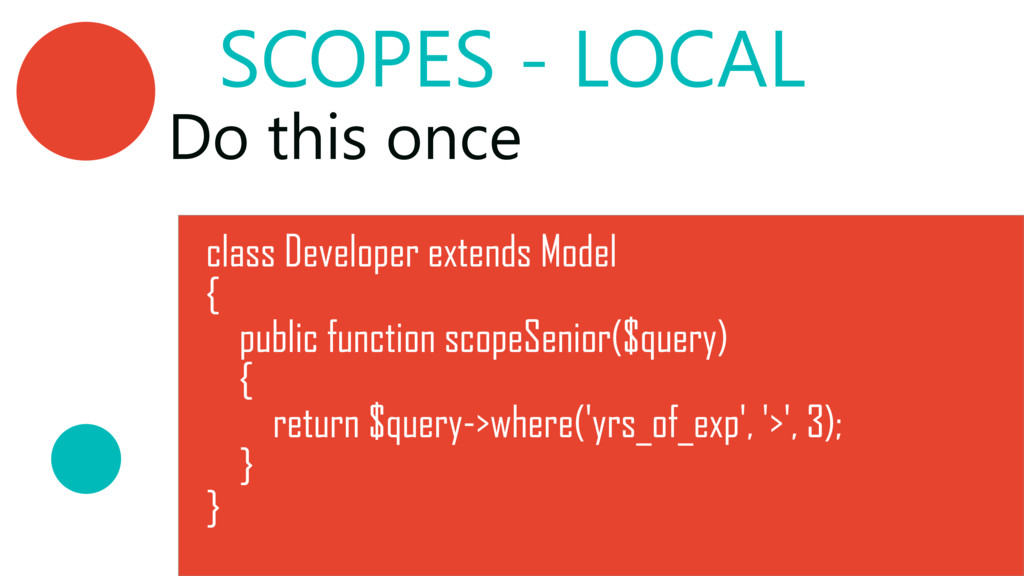
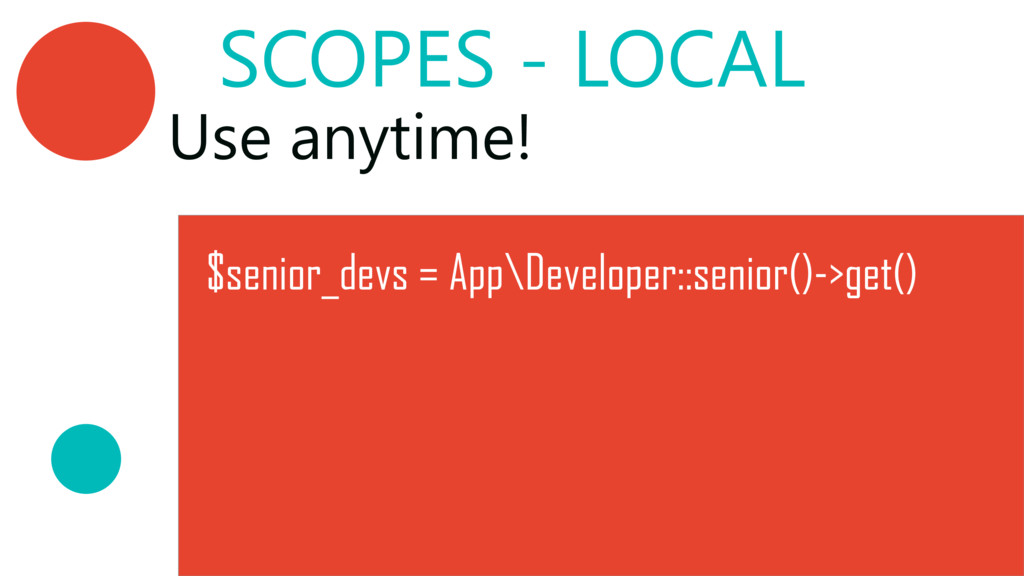
  6. SCOPES ‐ LOCAL Do this once class Developer extends Model

    { public function scopeSenior($query) { return $query‐>where('yrs_of_exp', '>', 3); } }
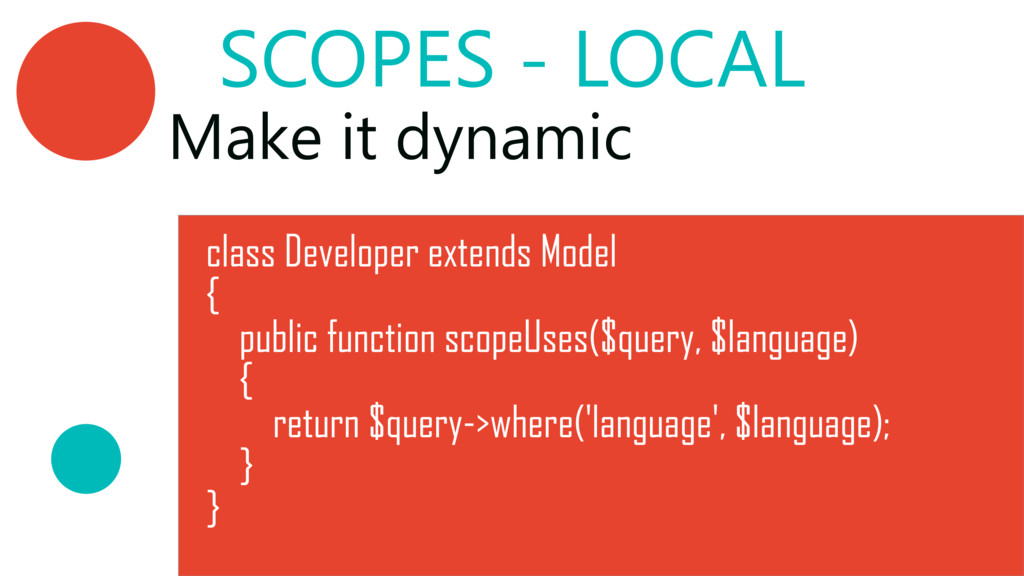
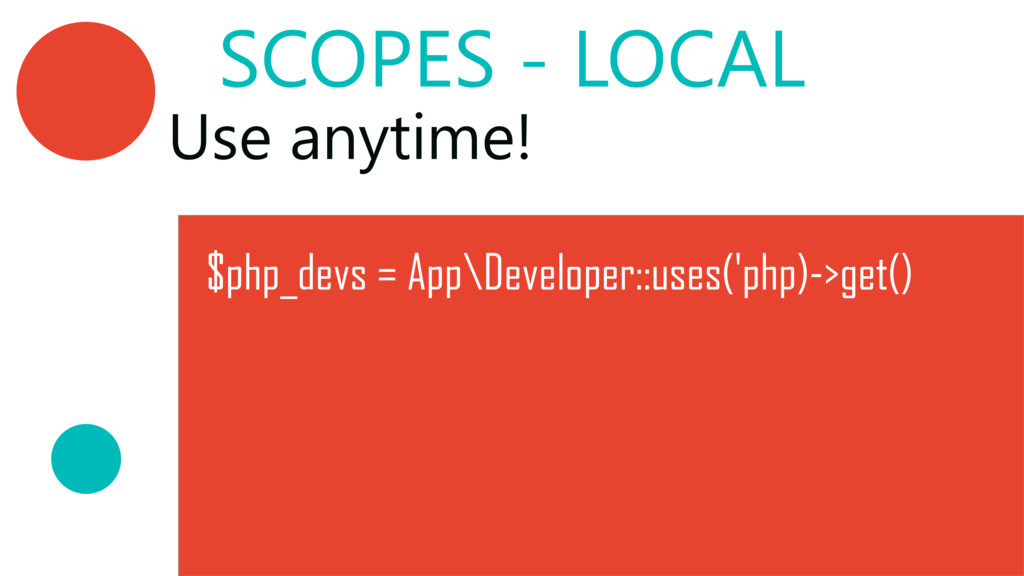
  7. SCOPES ‐ LOCAL class Developer extends Model { public function

    scopeUses($query, $language) { return $query‐>where('language', $language); } } Make it dynamic
  8. SCOPES ‐ GLOBAL We can define a scope that will

    be applied to all queries by our Model
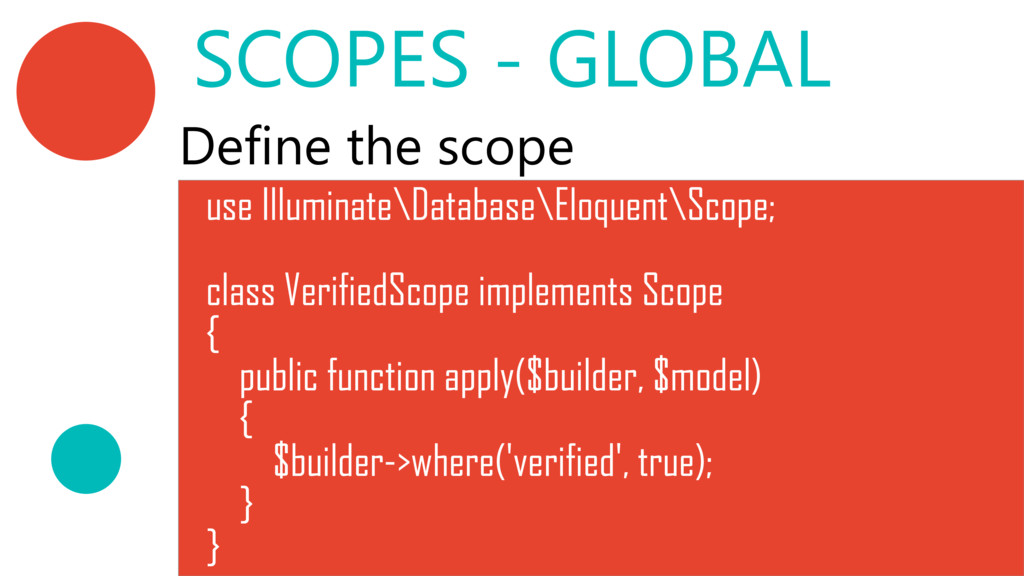
  9. SCOPES ‐ GLOBAL use Illuminate\Database\Eloquent\Scope; class VerifiedScope implements Scope {

    public function apply($builder, $model) { $builder‐>where('verified', true); } } Define the scope
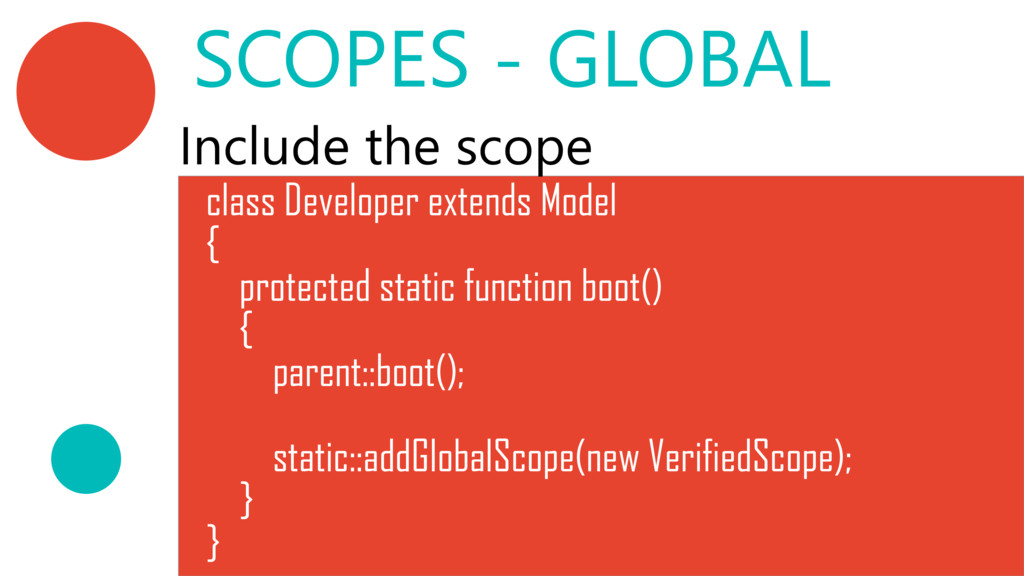
  10. class Developer extends Model { protected static function boot() {

    parent::boot(); static::addGlobalScope(new VerifiedScope); } } SCOPES ‐ GLOBAL Include the scope
  11. SCOPES ‐ GLOBAL Now all queries from our Developer model

    will retrieve only verified entries.
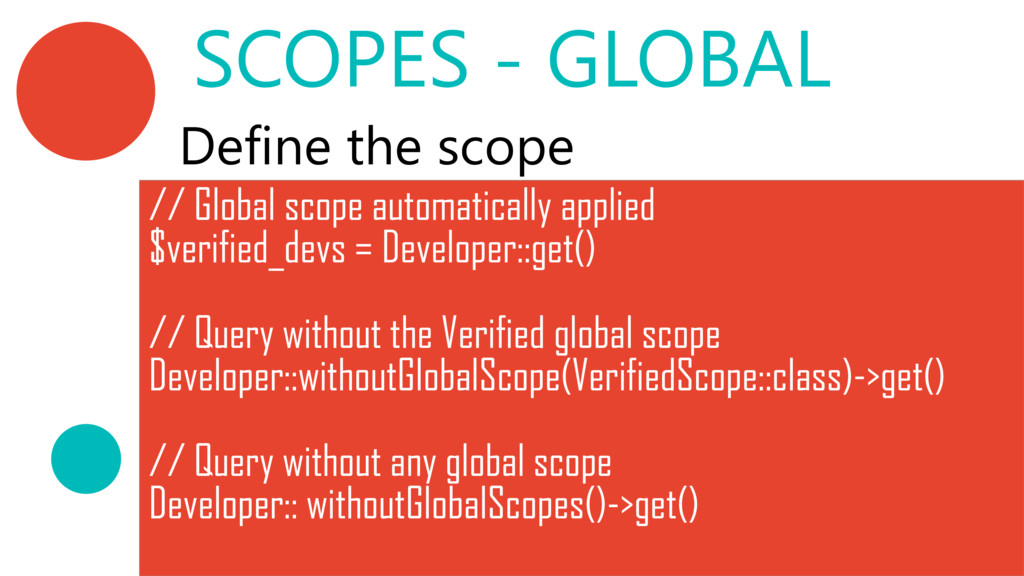
  12. SCOPES ‐ GLOBAL // Global scope automatically applied $verified_devs =

    Developer::get() // Query without the Verified global scope Developer::withoutGlobalScope(VerifiedScope::class)‐>get() // Query without any global scope Developer:: withoutGlobalScopes()‐>get() Define the scope
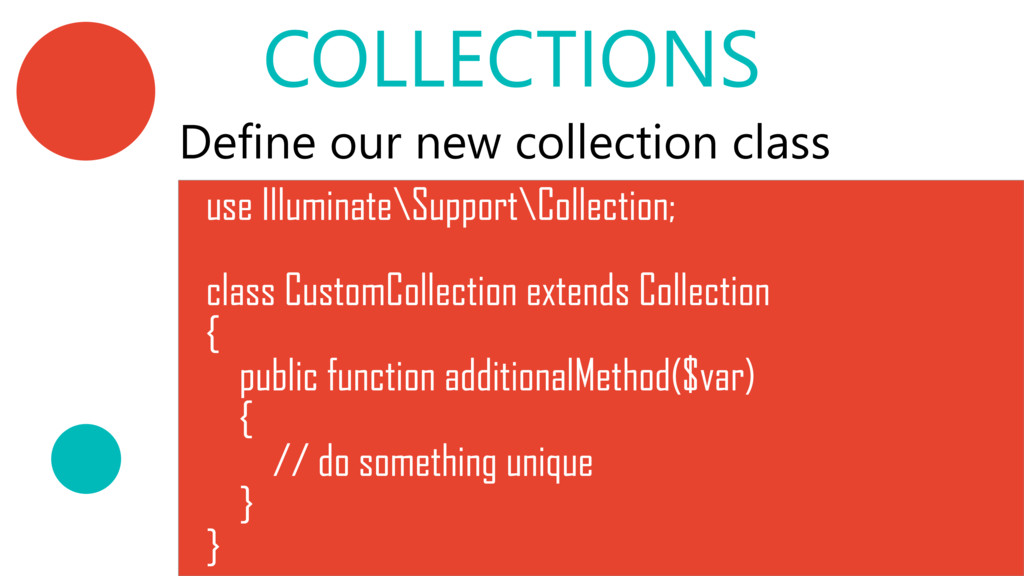
  13. COLLECTIONS use Illuminate\Support\Collection; class CustomCollection extends Collection { public function

    additionalMethod($var) { // do something unique } } Define our new collection class
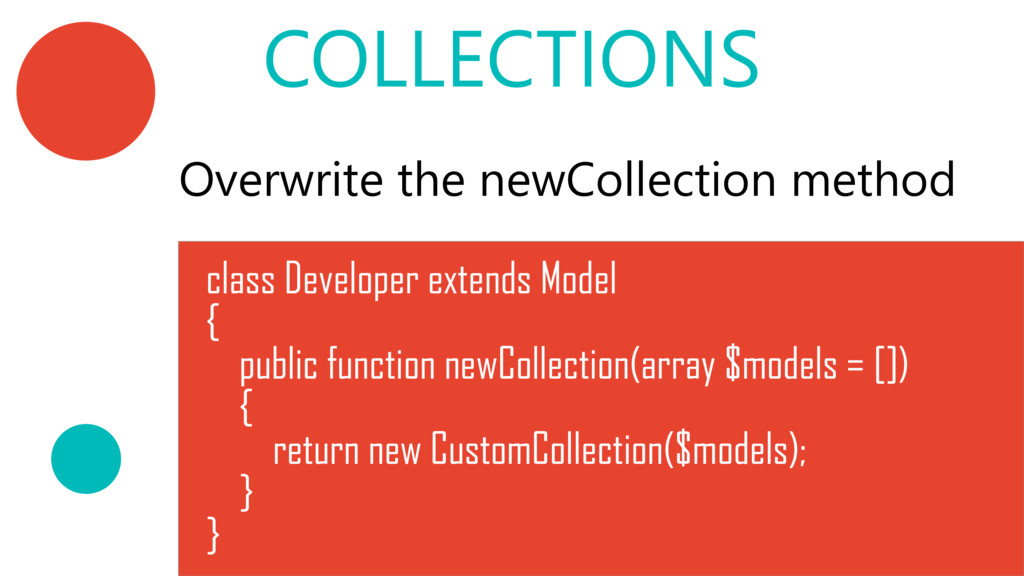
  14. COLLECTIONS Overwrite the newCollection method class Developer extends Model {

    public function newCollection(array $models = []) { return new CustomCollection($models); } }
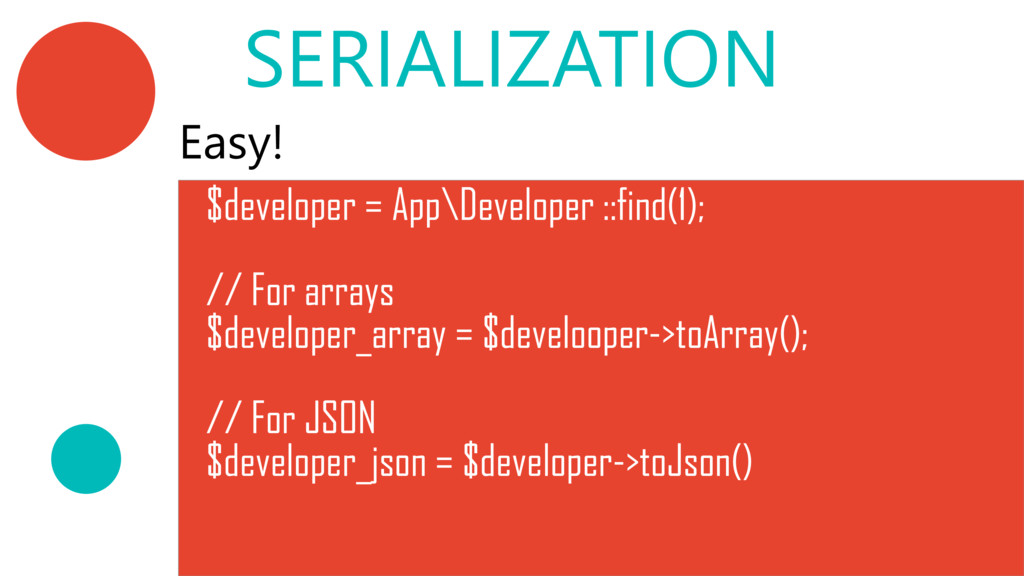
  15. SERIALIZATION Easy! $developer = App\Developer ::find(1); // For arrays $developer_array

    = $develooper‐>toArray(); // For JSON $developer_json = $developer‐>toJson()
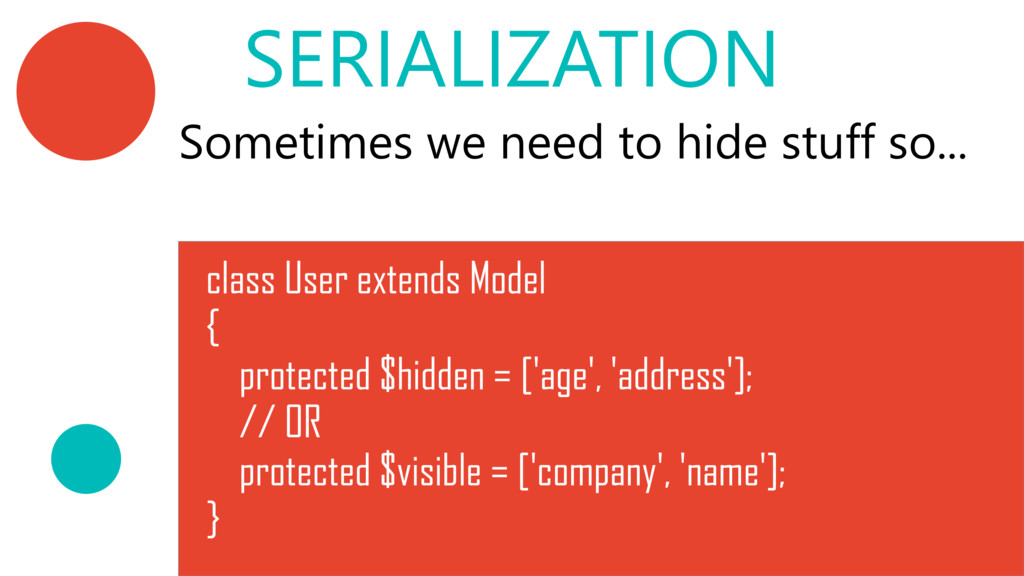
  16. Sometimes we need to hide stuff so... SERIALIZATION class User

    extends Model { protected $hidden = ['age', 'address']; // OR protected $visible = ['company', 'name']; }
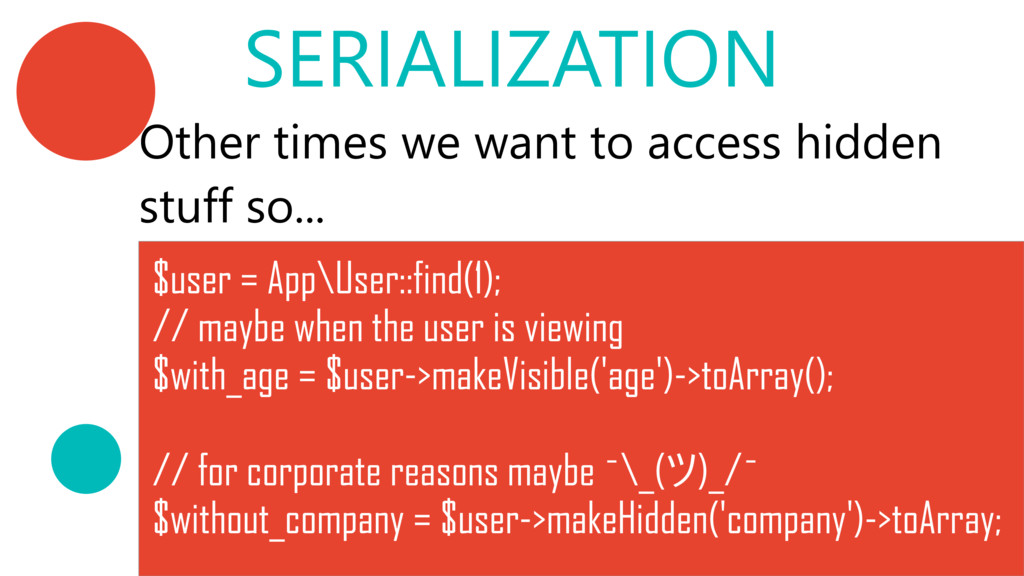
  17. Other times we want to access hidden stuff so... SERIALIZATION

    $user = App\User::find(1); // maybe when the user is viewing $with_age = $user‐>makeVisible('age')‐>toArray(); // for corporate reasons maybe ˉ\_(ツ)_/ˉ $without_company = $user‐>makeHidden('company')‐>toArray;
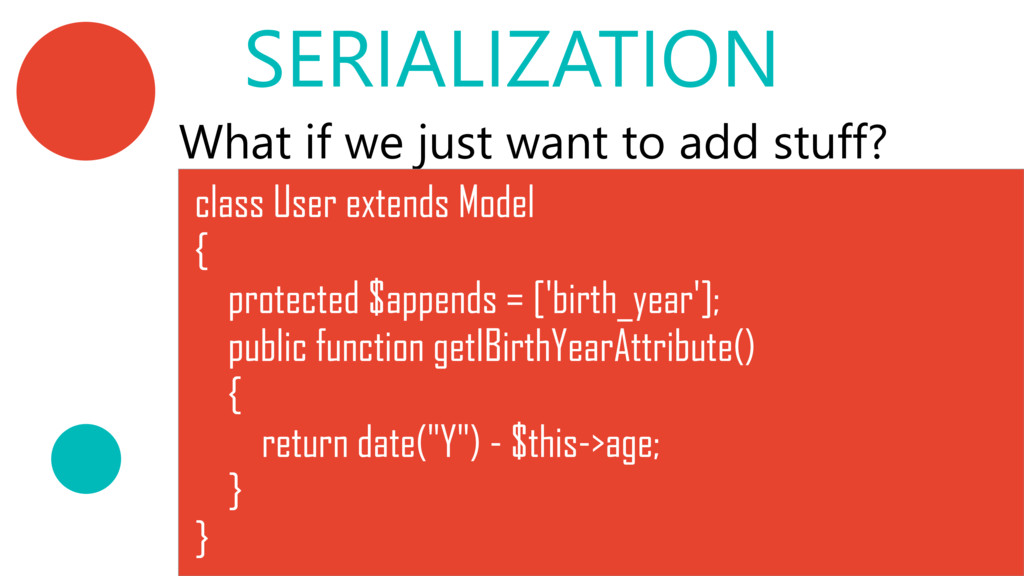
  18. What if we just want to add stuff? SERIALIZATION class

    User extends Model { protected $appends = ['birth_year']; public function getIBirthYearAttribute() { return date("Y") ‐ $this‐>age; } }
  19. EVENTS & OBSERVERS Laravel events are a great way to

    subscribe and listen for various events that occur in our application. https://laravel.com/docs/5.4/events
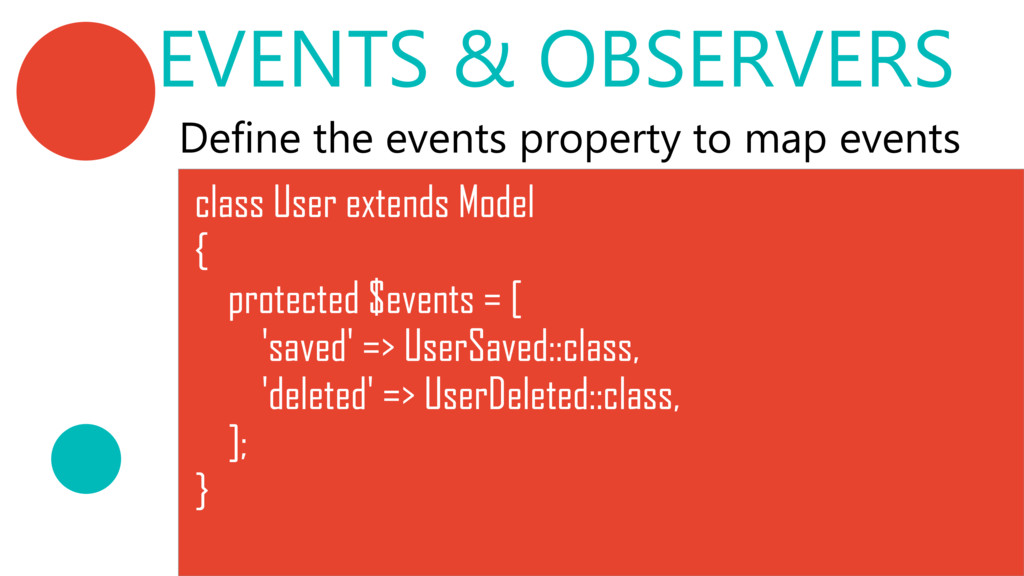
  20. EVENTS & OBSERVERS Define the events property to map events

    class User extends Model { protected $events = [ 'saved' => UserSaved::class, 'deleted' => UserDeleted::class, ]; }
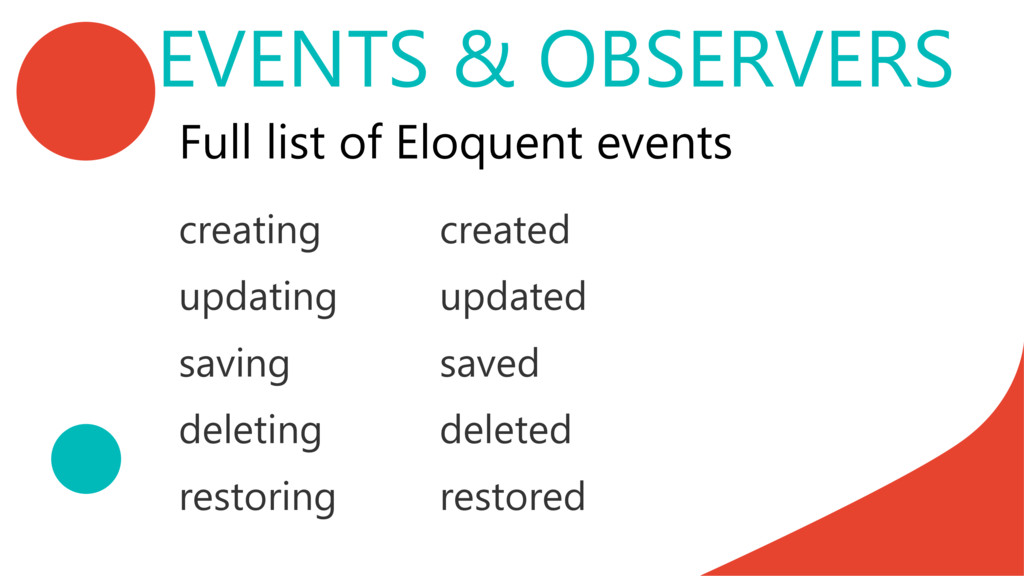
  21. EVENTS & OBSERVERS Full list of Eloquent events creating created

    updating updated saving saved deleting deleted restoring restored
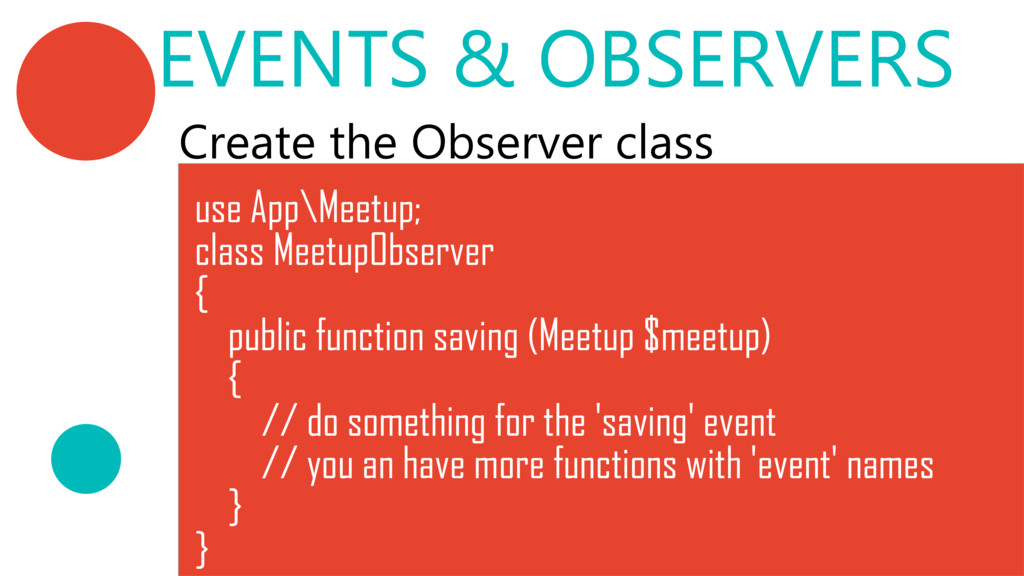
  22. EVENTS & OBSERVERS Create the Observer class use App\Meetup; class

    MeetupObserver { public function saving (Meetup $meetup) { // do something for the 'saving' event // you an have more functions with 'event' names } }
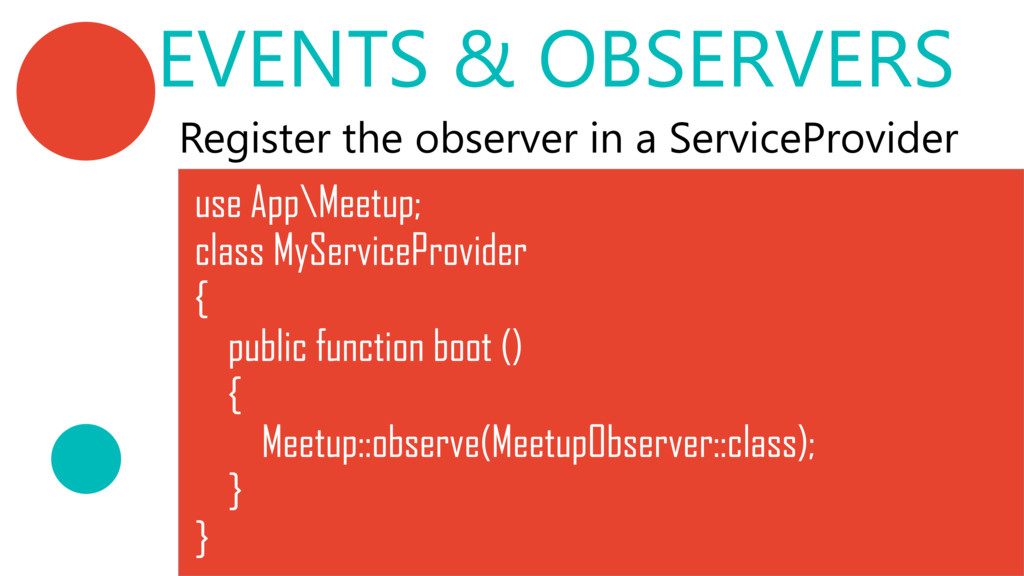
  23. EVENTS & OBSERVERS Register the observer in a ServiceProvider use

    App\Meetup; class MyServiceProvider { public function boot () { Meetup::observe(MeetupObserver::class); } }
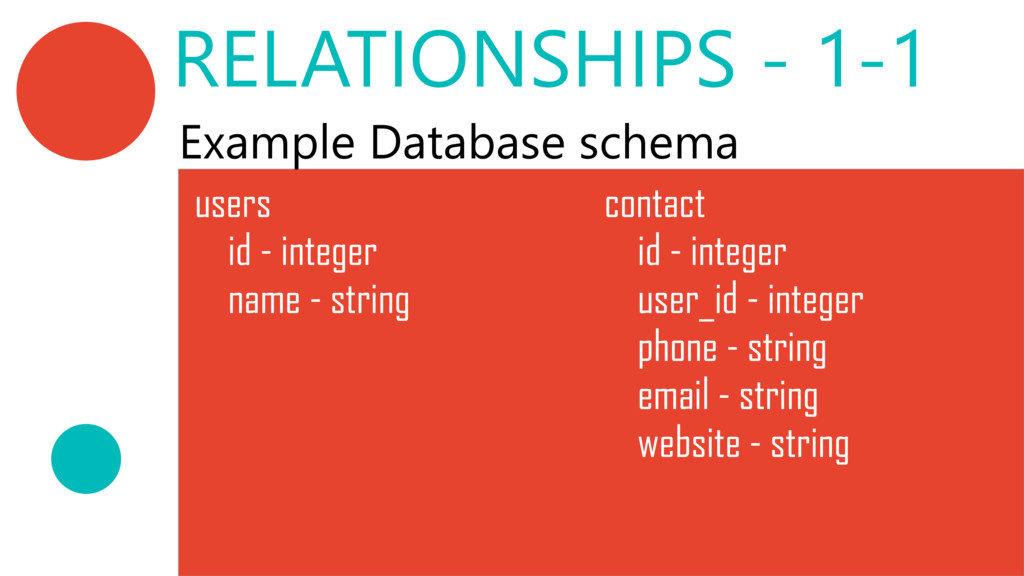
  24. users id ‐ integer name ‐ string contact id ‐

    integer user_id ‐ integer phone ‐ string email ‐ string website ‐ string Example Database schema RELATIONSHIPS ‐ 1‐1
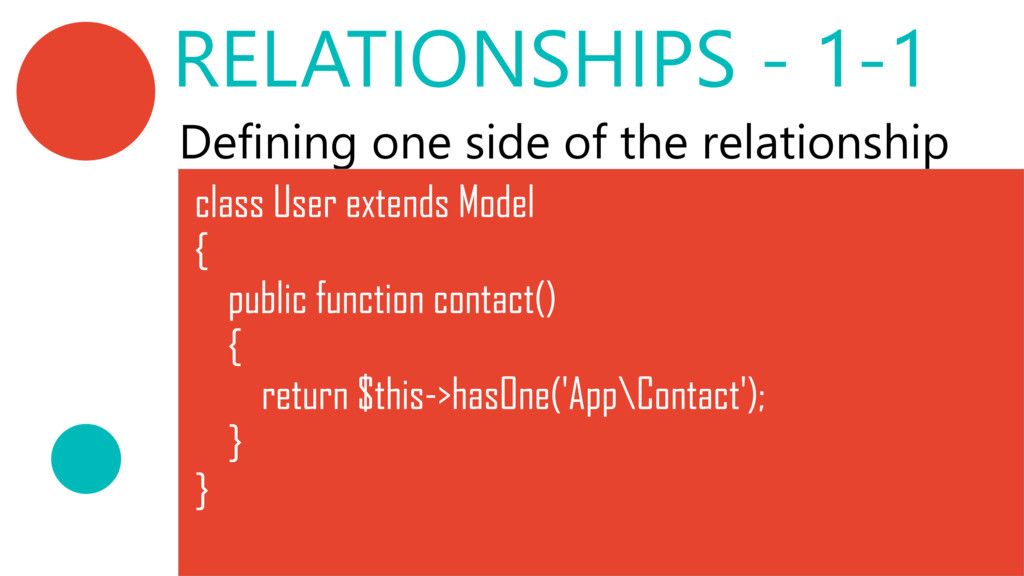
  25. Defining one side of the relationship class User extends Model

    { public function contact() { return $this‐>hasOne('App\Contact'); } } RELATIONSHIPS ‐ 1‐1
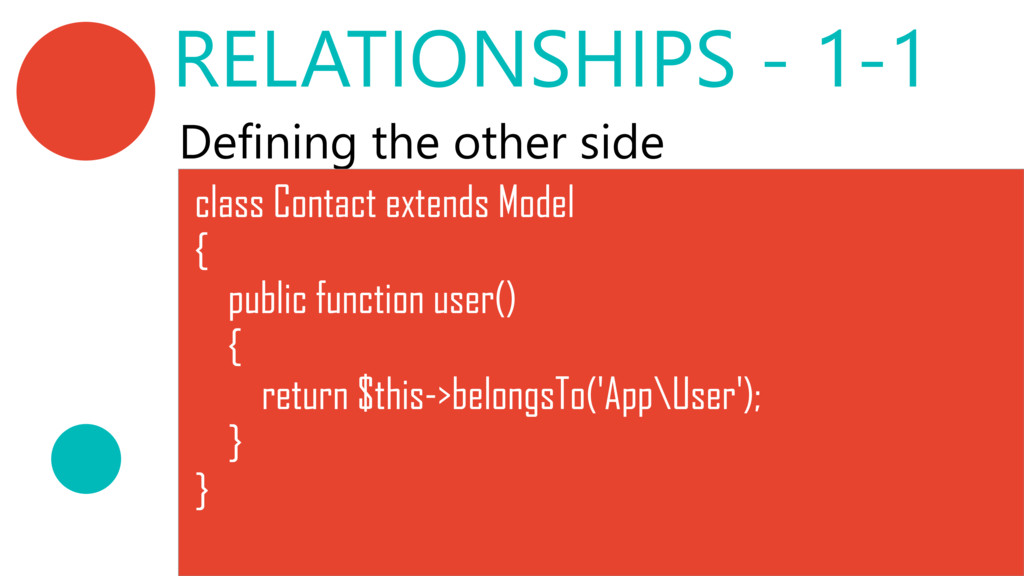
  26. Defining the other side class Contact extends Model { public

    function user() { return $this‐>belongsTo('App\User'); } } RELATIONSHIPS ‐ 1‐1
  27. $user = App\User::find(1); // Instead of $contact = App\Contact::select('contacts.*') ‐>where('user_id',

    '=', $user‐>id) ‐>first(); // We do $contact = $user‐>contact; RELATIONSHIPS ‐ 1‐1
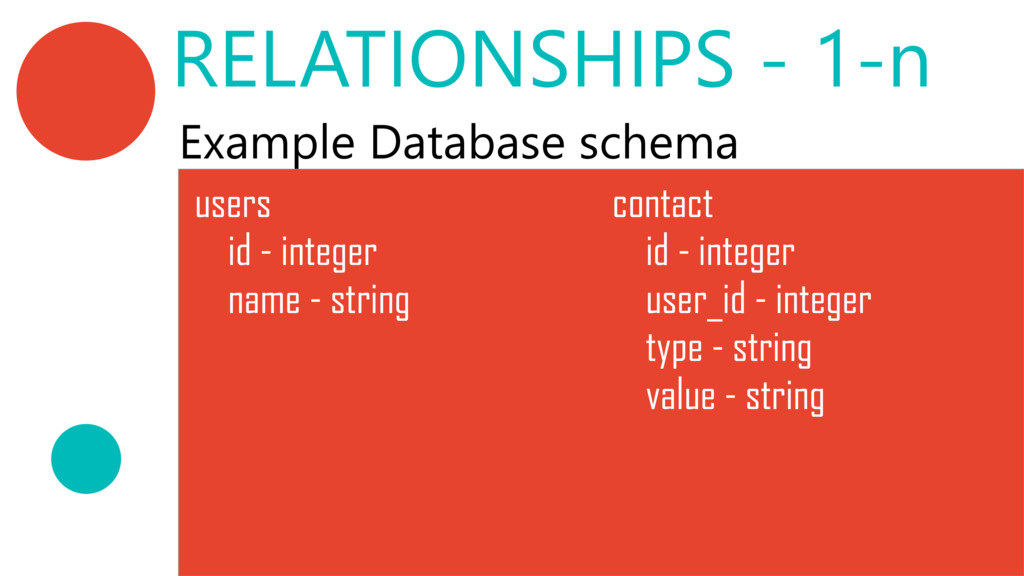
  28. Example Database schema users id ‐ integer name ‐ string

    contact id ‐ integer user_id ‐ integer type ‐ string value ‐ string RELATIONSHIPS ‐ 1‐n
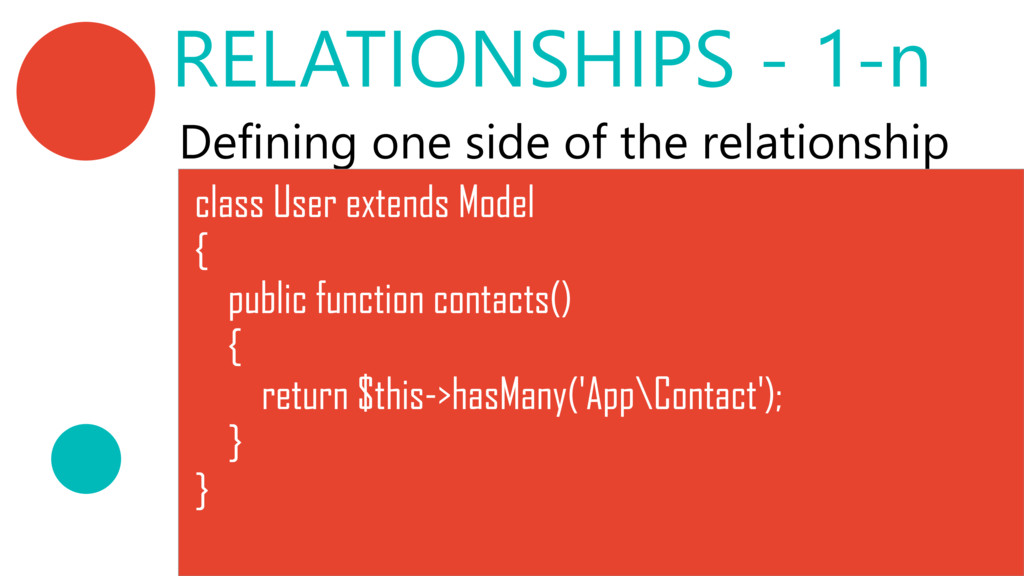
  29. Defining one side of the relationship class User extends Model

    { public function contacts() { return $this‐>hasMany('App\Contact'); } } RELATIONSHIPS ‐ 1‐n
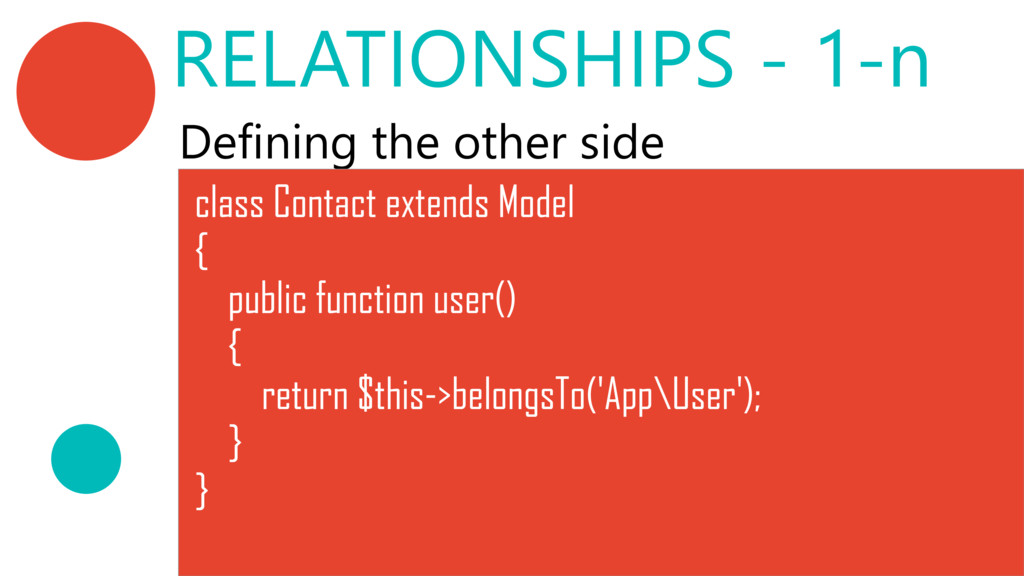
  30. Defining the other side class Contact extends Model { public

    function user() { return $this‐>belongsTo('App\User'); } } RELATIONSHIPS ‐ 1‐n
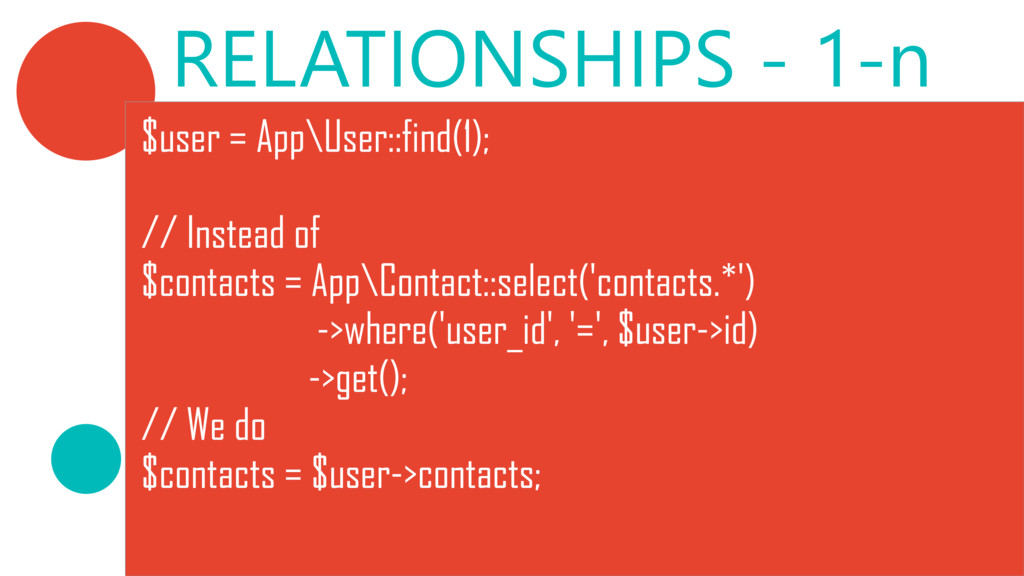
  31. RELATIONSHIPS ‐ 1‐n $user = App\User::find(1); // Instead of $contacts

    = App\Contact::select('contacts.*') ‐>where('user_id', '=', $user‐>id) ‐>get(); // We do $contacts = $user‐>contacts;
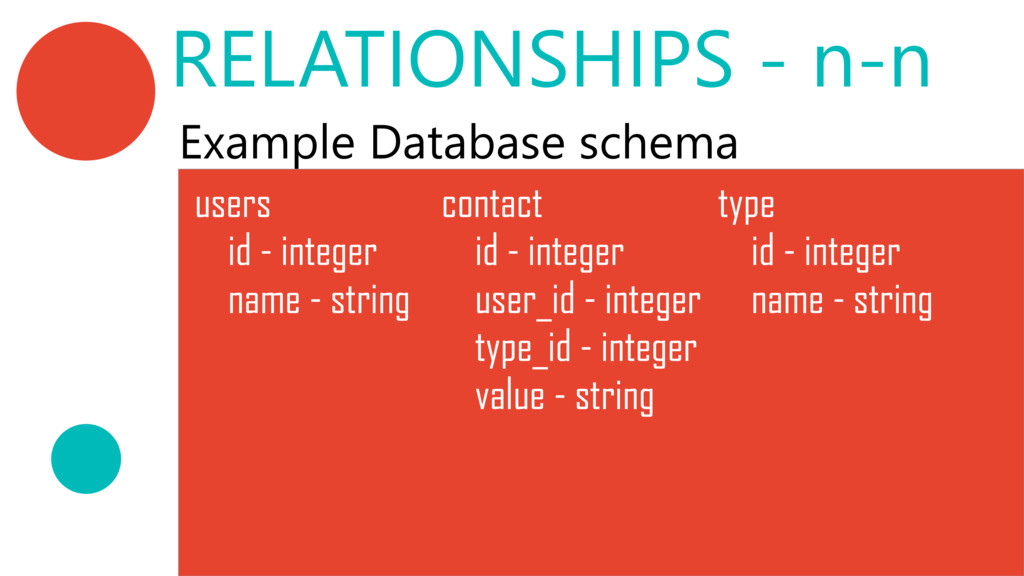
  32. Example Database schema users id ‐ integer name ‐ string

    contact id ‐ integer user_id ‐ integer type_id ‐ integer value ‐ string type id ‐ integer name ‐ string RELATIONSHIPS ‐ n‐n
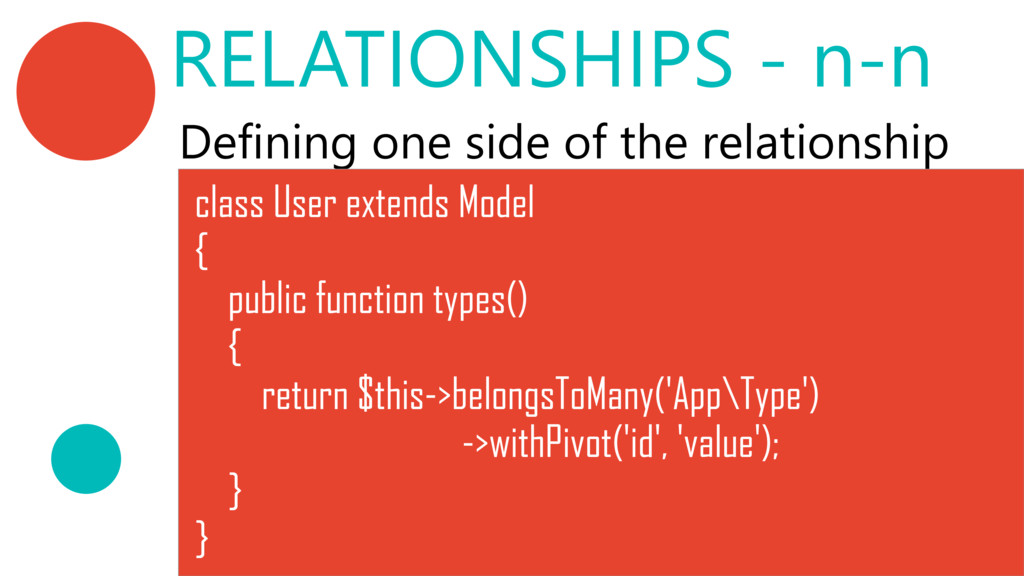
  33. Defining one side of the relationship class User extends Model

    { public function types() { return $this‐>belongsToMany('App\Type') ‐>withPivot('id', 'value'); } } RELATIONSHIPS ‐ n‐n
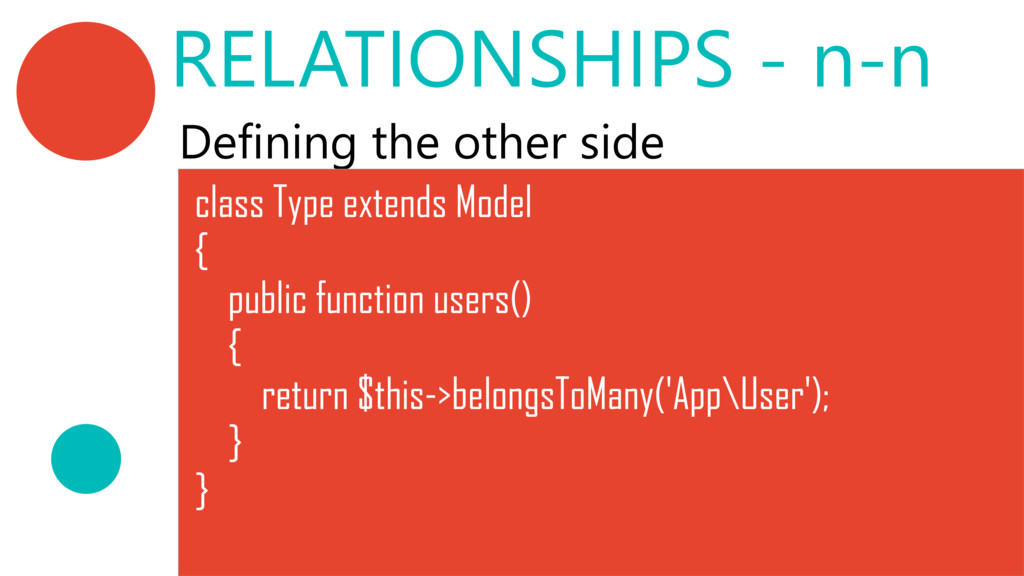
  34. Defining the other side class Type extends Model { public

    function users() { return $this‐>belongsToMany('App\User'); } } RELATIONSHIPS ‐ n‐n
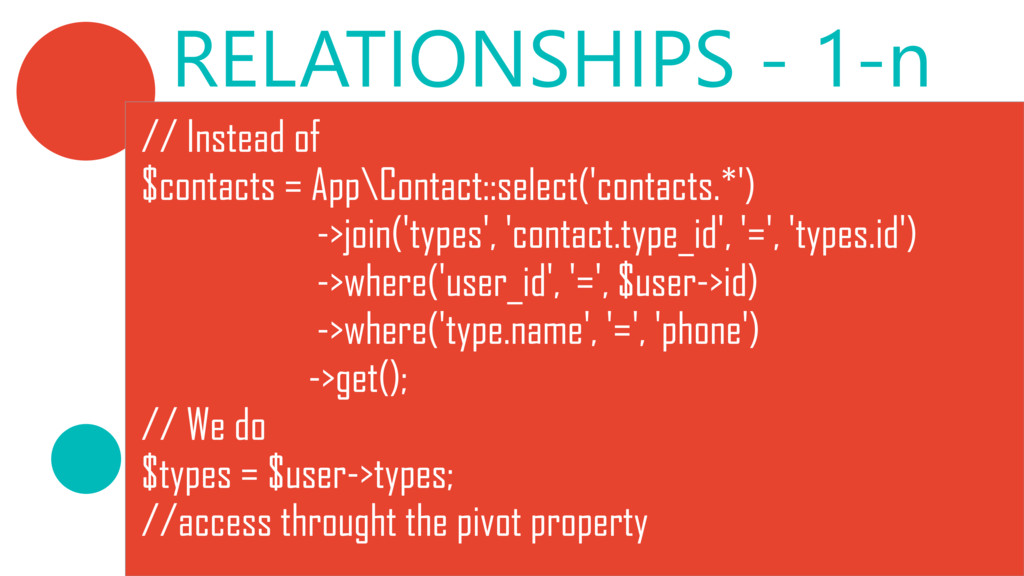
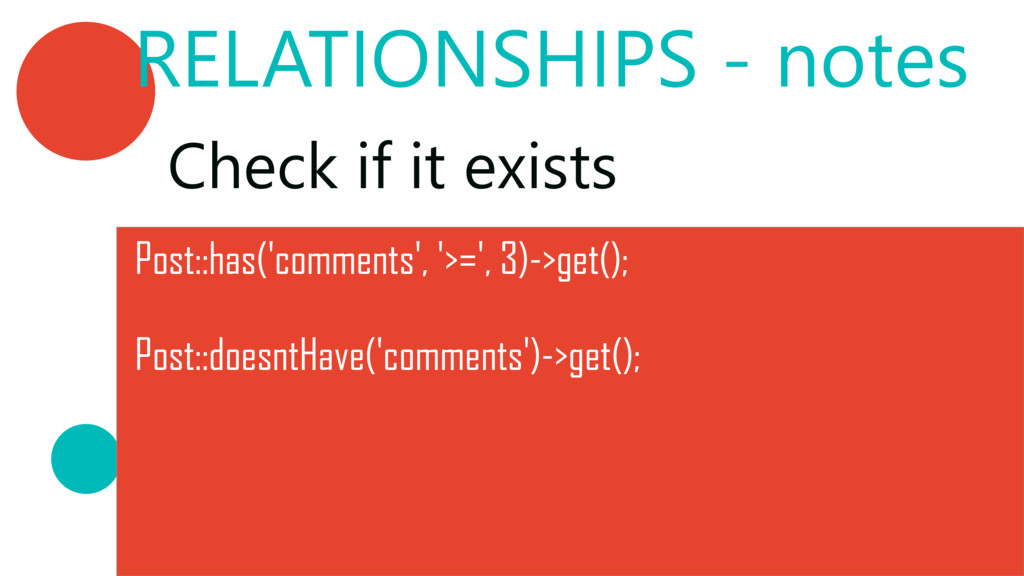
  35. RELATIONSHIPS ‐ 1‐n // Instead of $contacts = App\Contact::select('contacts.*') ‐>join('types',

    'contact.type_id', '=', 'types.id') ‐>where('user_id', '=', $user‐>id) ‐>where('type.name', '=', 'phone') ‐>get(); // We do $types = $user‐>types; //access throught the pivot property
  36. RELATIONSHIPS ‐ distant Distant relations can be accessed easily by

    using the hasManyThrough﴾﴿ relationship
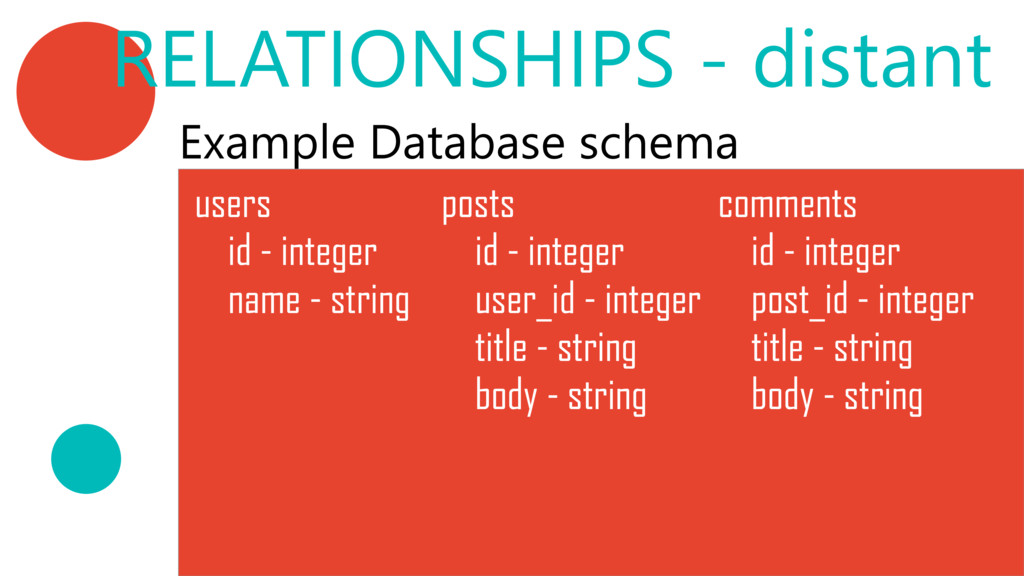
  37. Example Database schema users id ‐ integer name ‐ string

    posts id ‐ integer user_id ‐ integer title ‐ string body ‐ string comments id ‐ integer post_id ‐ integer title ‐ string body ‐ string RELATIONSHIPS ‐ distant
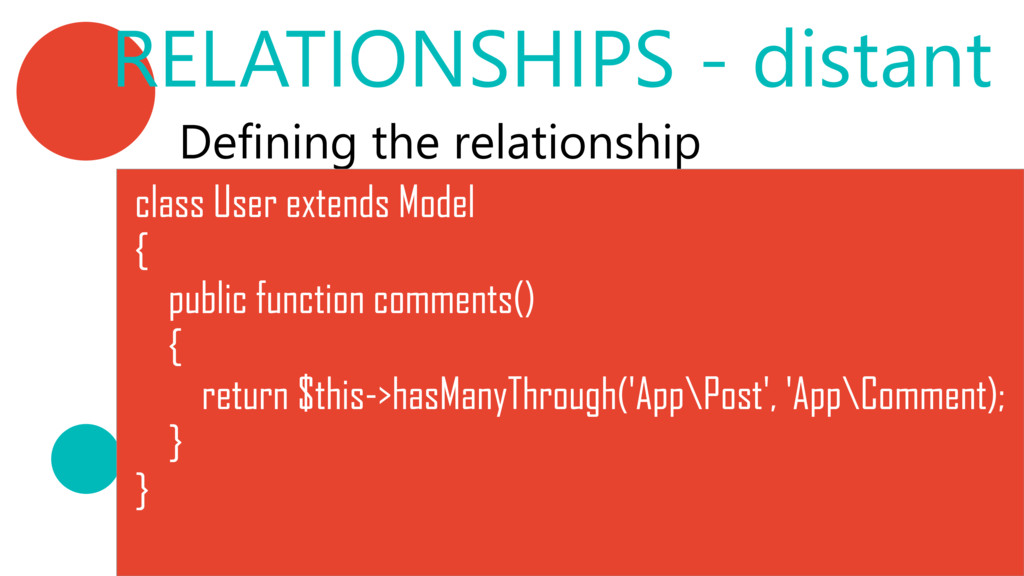
  38. Defining the relationship class User extends Model { public function

    comments() { return $this‐>hasManyThrough('App\Post', 'App\Comment); } } RELATIONSHIPS ‐ distant
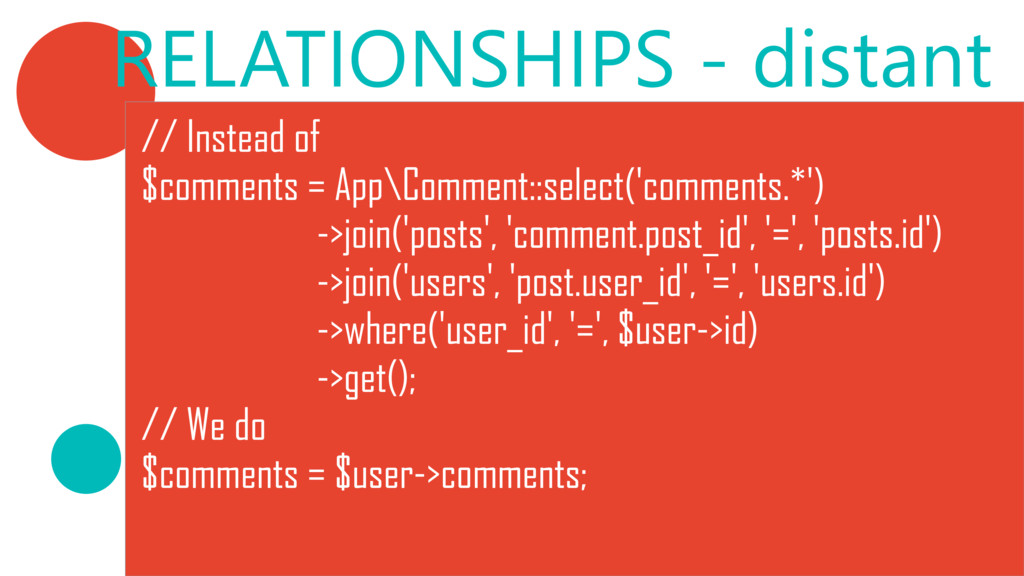
  39. // Instead of $comments = App\Comment::select('comments.*') ‐>join('posts', 'comment.post_id', '=', 'posts.id')

    ‐>join('users', 'post.user_id', '=', 'users.id') ‐>where('user_id', '=', $user‐>id) ‐>get(); // We do $comments = $user‐>comments; RELATIONSHIPS ‐ distant
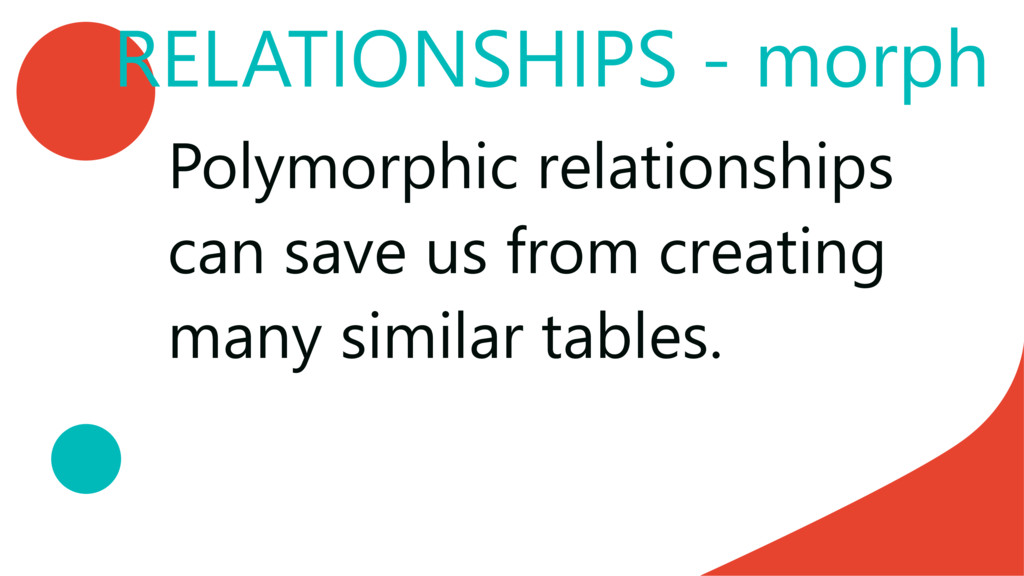
  40. RELATIONSHIPS ‐ morph We can allow more than one model
    to relate with our model. Many applications
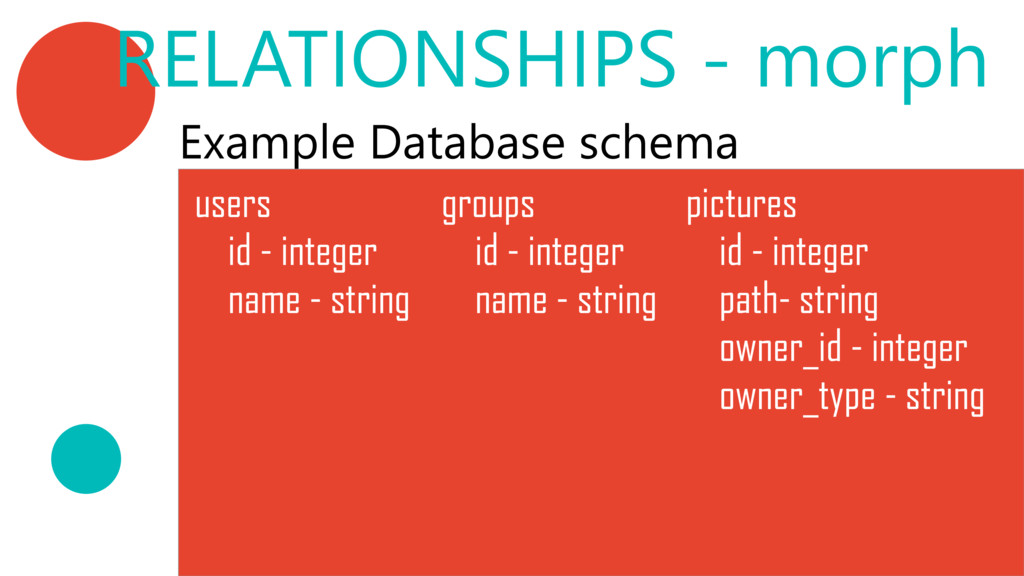
  41. Example Database schema users id ‐ integer name ‐ string

    groups id ‐ integer name ‐ string pictures id ‐ integer path‐ string owner_id ‐ integer owner_type ‐ string RELATIONSHIPS ‐ morph
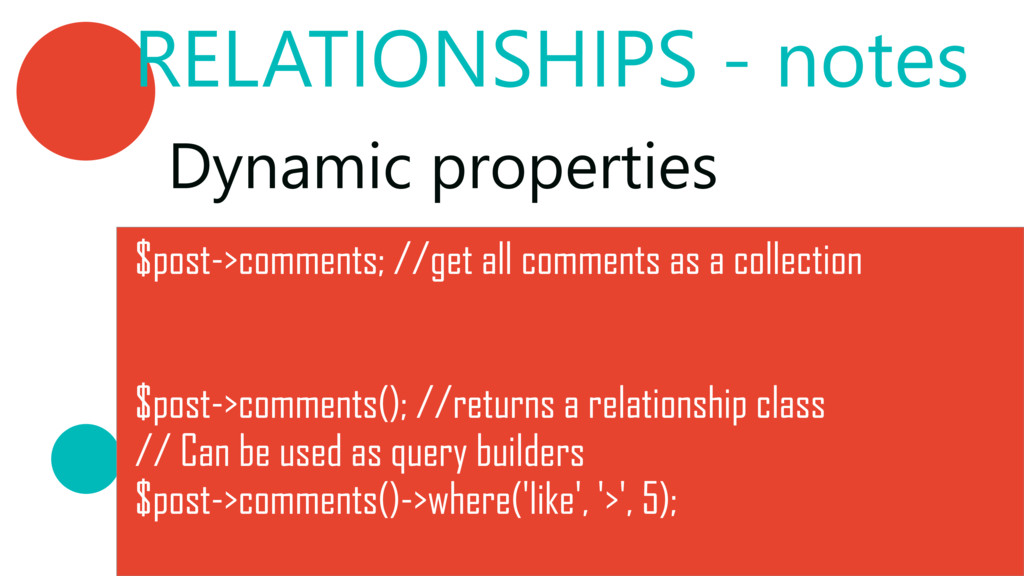
  42. RELATIONSHIPS ‐ notes Dynamic properties $post‐>comments; //get all comments as

    a collection $post‐>comments(); //returns a relationship class // Can be used as query builders $post‐>comments()‐>where('like', '>', 5);
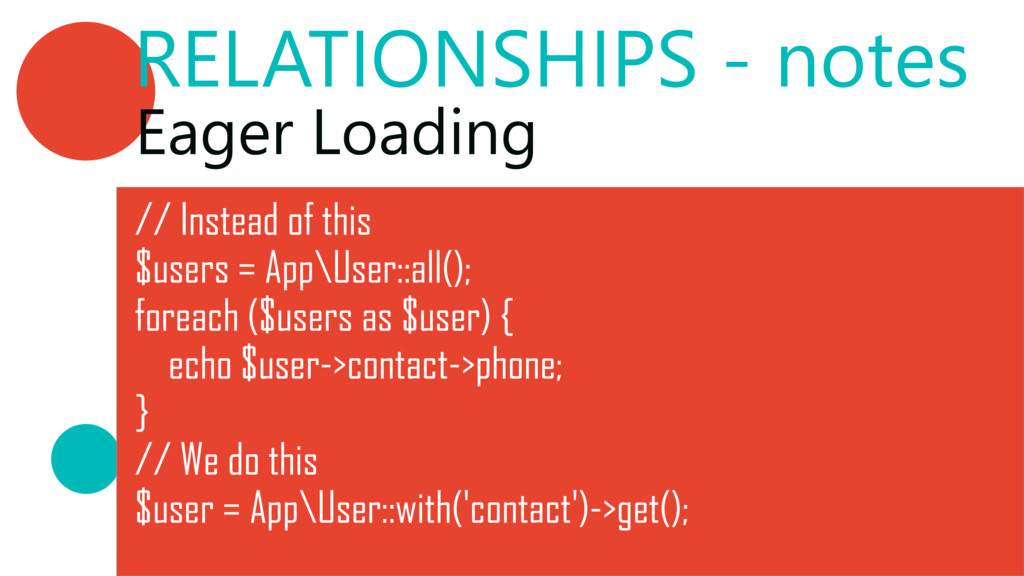
  43. RELATIONSHIPS ‐ notes Eager Loading // Instead of this $users

    = App\User::all(); foreach ($users as $user) { echo $user‐>contact‐>phone; } // We do this $user = App\User::with('contact')‐>get();
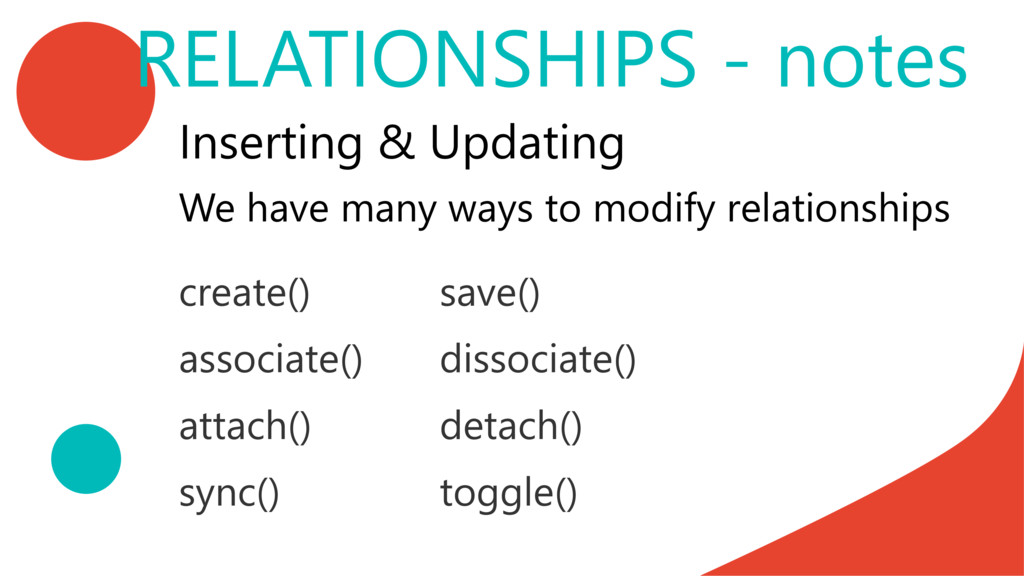
  44. Inserting & Updating create﴾﴿ save﴾﴿ associate﴾﴿ dissociate﴾﴿ attach﴾﴿ detach﴾﴿ sync﴾﴿

    toggle﴾﴿ RELATIONSHIPS ‐ notes We have many ways to modify relationships