• Introduce a new technology • Present a product in sale and more … But the most important thing is to deliver those stuff to the listeners correctly and efficiently 3
How much time you have for presentation? • What key ideas you want to deliver? 6 Slides How to Arrange the Structure? How to Address Your Ideas? How to Compose Each Slide? Speech How to Lead the Listeners?
When You Try to Browse a Web Page with a URL?” • Please take 30 seconds to think about the slide structure • Assume that you have enough time to present as you wish • The listeners are college students who have no networking knowledge 7 Slides How to Arrange the Structure? How to Address Your Ideas? How to Compose Each Slide? Speech How to Lead the Listeners?
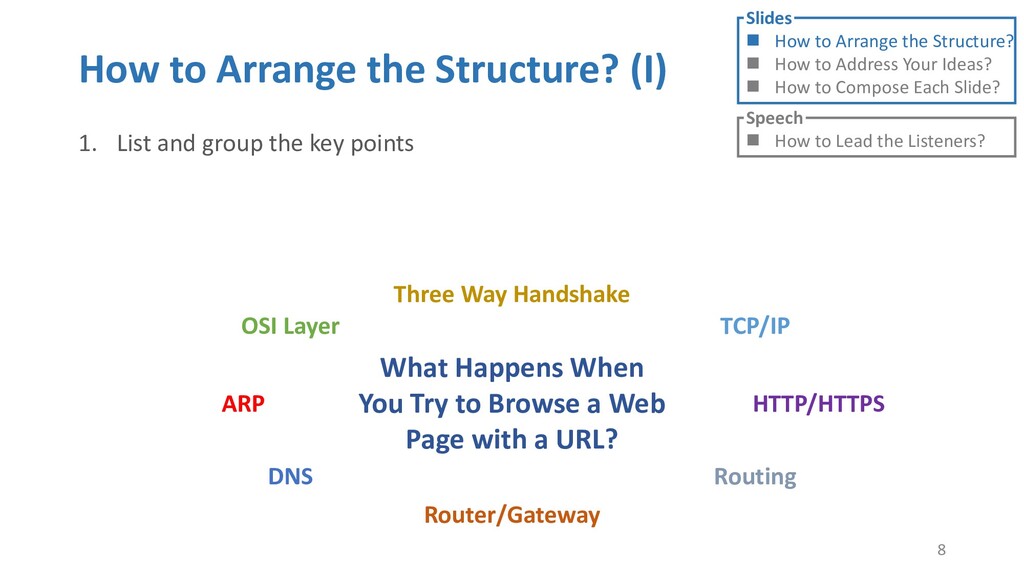
the key points 8 Slides How to Arrange the Structure? How to Address Your Ideas? How to Compose Each Slide? Speech How to Lead the Listeners? What Happens When You Try to Browse a Web Page with a URL? OSI Layer ARP DNS Router/Gateway TCP/IP Three Way Handshake HTTP/HTTPS Routing
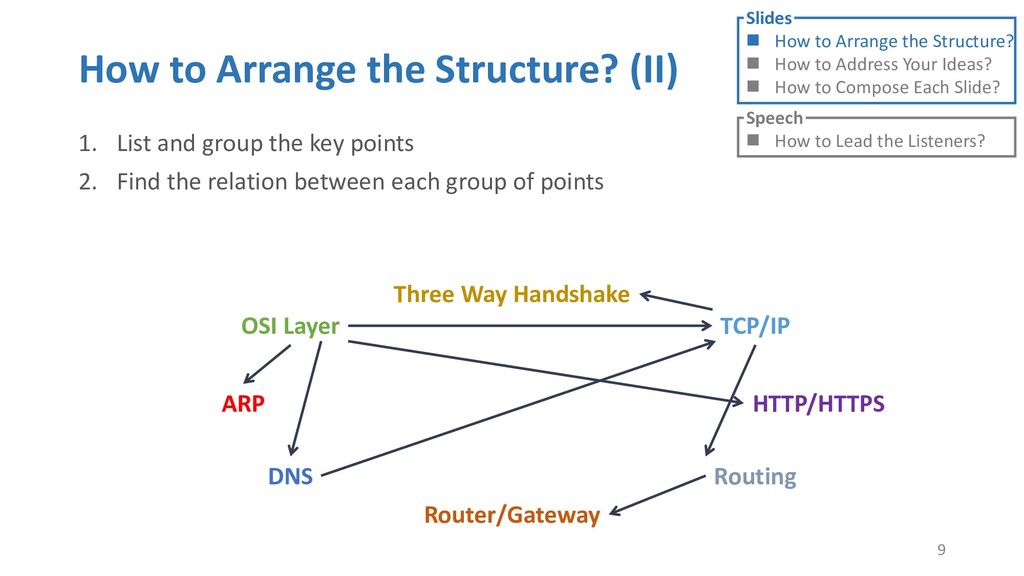
the key points 2. Find the relation between each group of points 9 Slides How to Arrange the Structure? How to Address Your Ideas? How to Compose Each Slide? Speech How to Lead the Listeners? OSI Layer ARP DNS Router/Gateway TCP/IP Three Way Handshake HTTP/HTTPS Routing
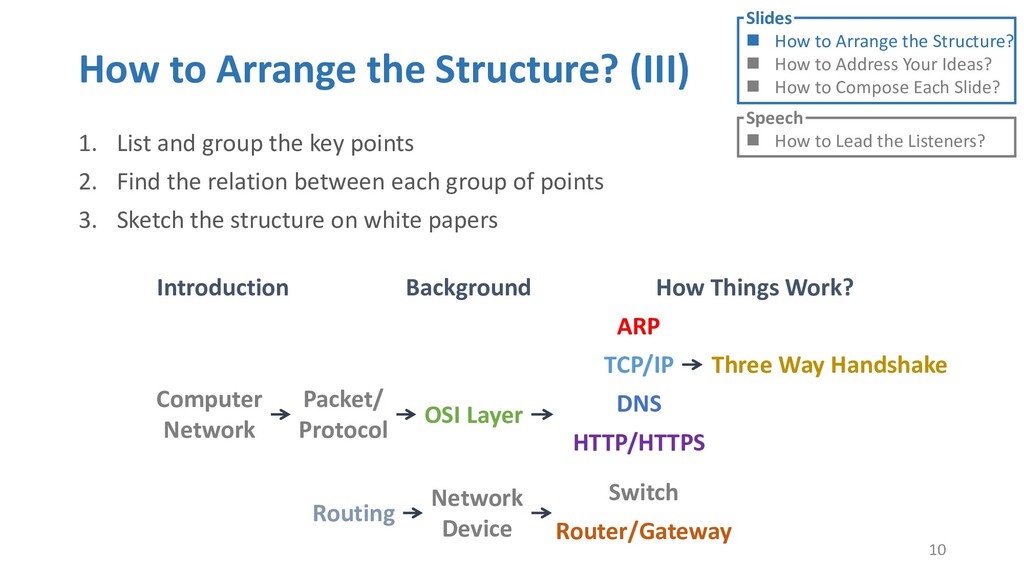
the key points 2. Find the relation between each group of points 3. Sketch the structure on white papers 10 Slides How to Arrange the Structure? How to Address Your Ideas? How to Compose Each Slide? Speech How to Lead the Listeners? Introduction Background How Things Work? Packet/ Protocol Computer Network OSI Layer ARP TCP/IP HTTP/HTTPS DNS Switch Router/Gateway Network Device Routing Three Way Handshake
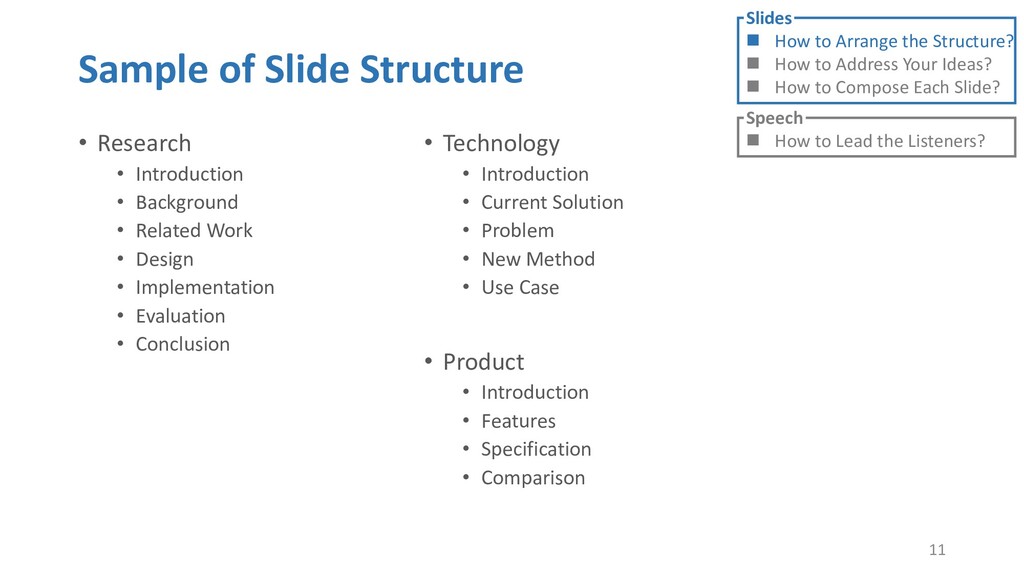
• Related Work • Design • Implementation • Evaluation • Conclusion 11 Slides How to Arrange the Structure? How to Address Your Ideas? How to Compose Each Slide? Speech How to Lead the Listeners? • Technology • Introduction • Current Solution • Problem • New Method • Use Case • Product • Introduction • Features • Specification • Comparison
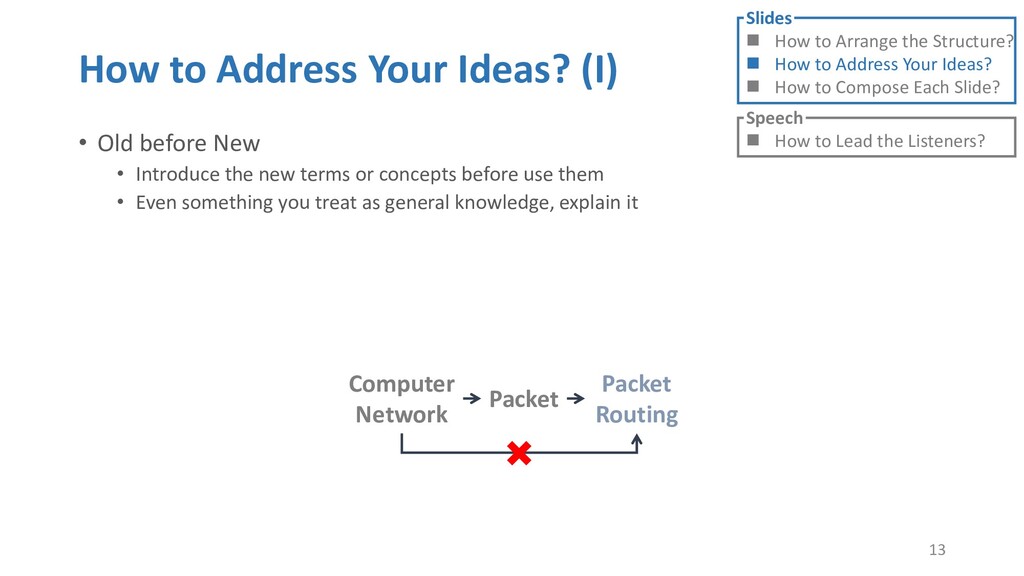
• Introduce the new terms or concepts before use them • Even something you treat as general knowledge, explain it 13 Slides How to Arrange the Structure? How to Address Your Ideas? How to Compose Each Slide? Speech How to Lead the Listeners? Computer Network Packet Routing Packet
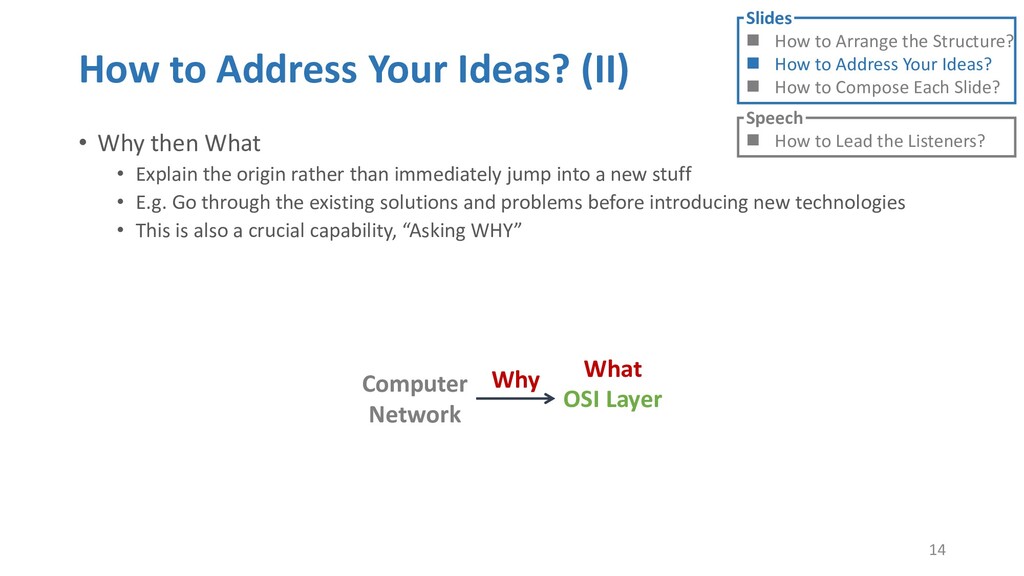
• Explain the origin rather than immediately jump into a new stuff • E.g. Go through the existing solutions and problems before introducing new technologies • This is also a crucial capability, “Asking WHY” 14 Slides How to Arrange the Structure? How to Address Your Ideas? How to Compose Each Slide? Speech How to Lead the Listeners? Computer Network OSI Layer Why What
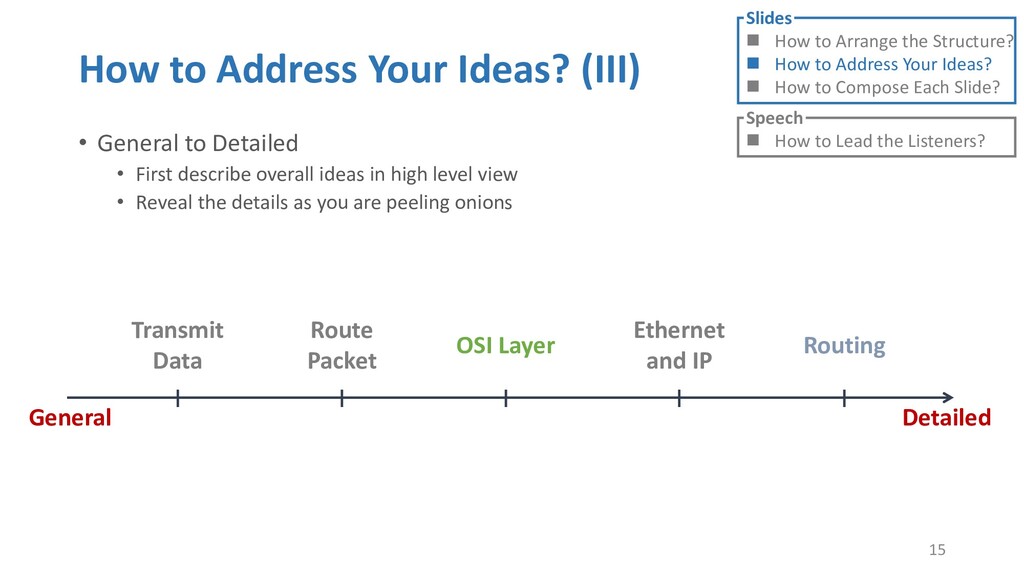
• First describe overall ideas in high level view • Reveal the details as you are peeling onions 15 Slides How to Arrange the Structure? How to Address Your Ideas? How to Compose Each Slide? Speech How to Lead the Listeners? Transmit Data Route Packet OSI Layer Ethernet and IP Routing General Detailed
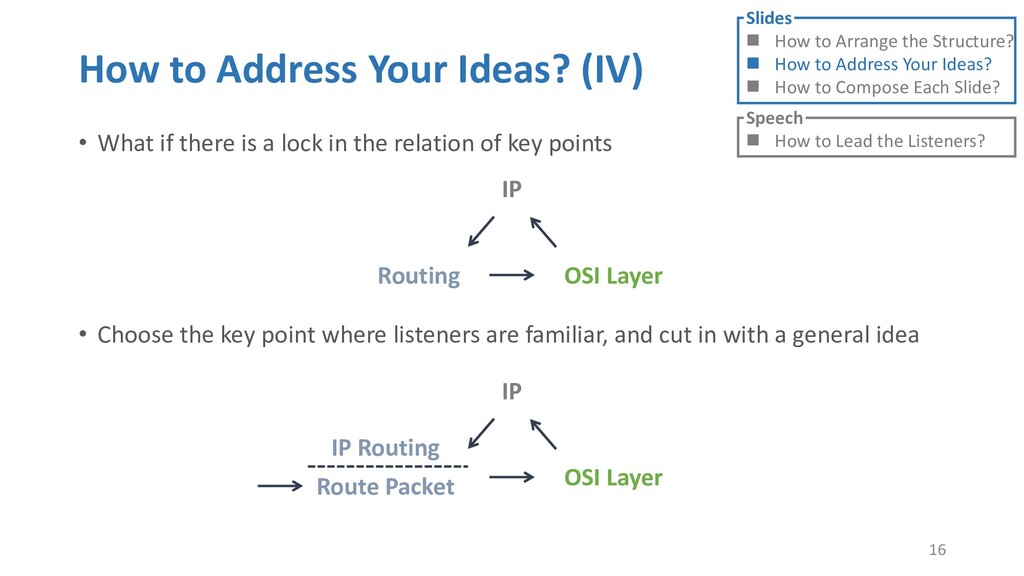
is a lock in the relation of key points • Choose the key point where listeners are familiar, and cut in with a general idea 16 Slides How to Arrange the Structure? How to Address Your Ideas? How to Compose Each Slide? Speech How to Lead the Listeners? OSI Layer Routing IP OSI Layer IP IP Routing Route Packet
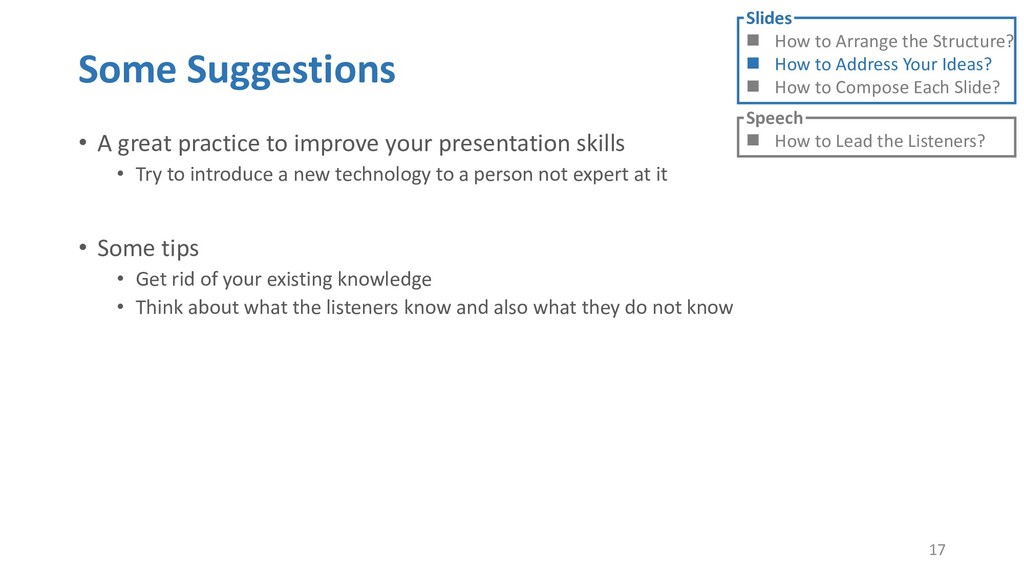
skills • Try to introduce a new technology to a person not expert at it • Some tips • Get rid of your existing knowledge • Think about what the listeners know and also what they do not know 17 Slides How to Arrange the Structure? How to Address Your Ideas? How to Compose Each Slide? Speech How to Lead the Listeners?
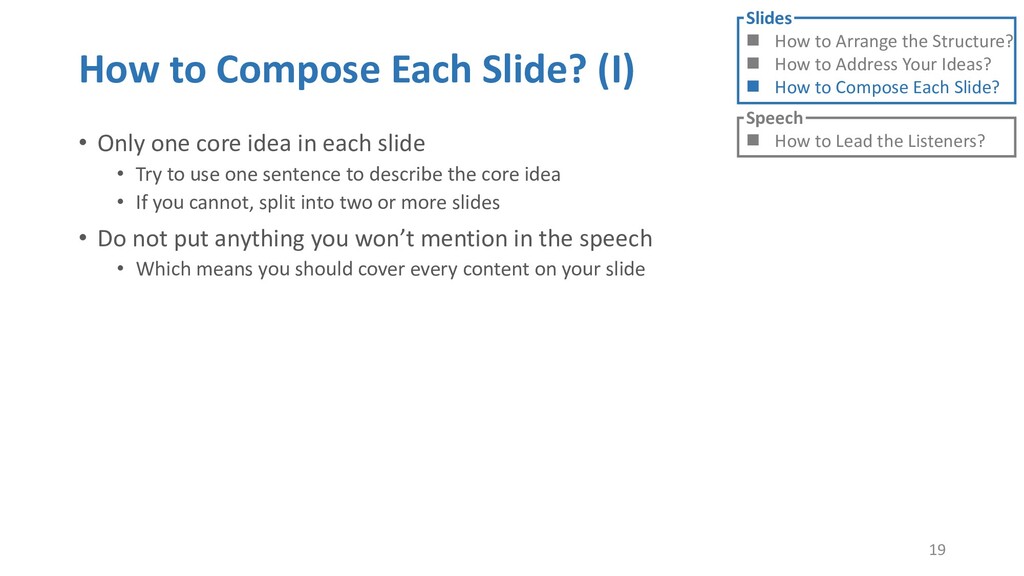
idea in each slide • Try to use one sentence to describe the core idea • If you cannot, split into two or more slides • Do not put anything you won’t mention in the speech • Which means you should cover every content on your slide 19 Slides How to Arrange the Structure? How to Address Your Ideas? How to Compose Each Slide? Speech How to Lead the Listeners?
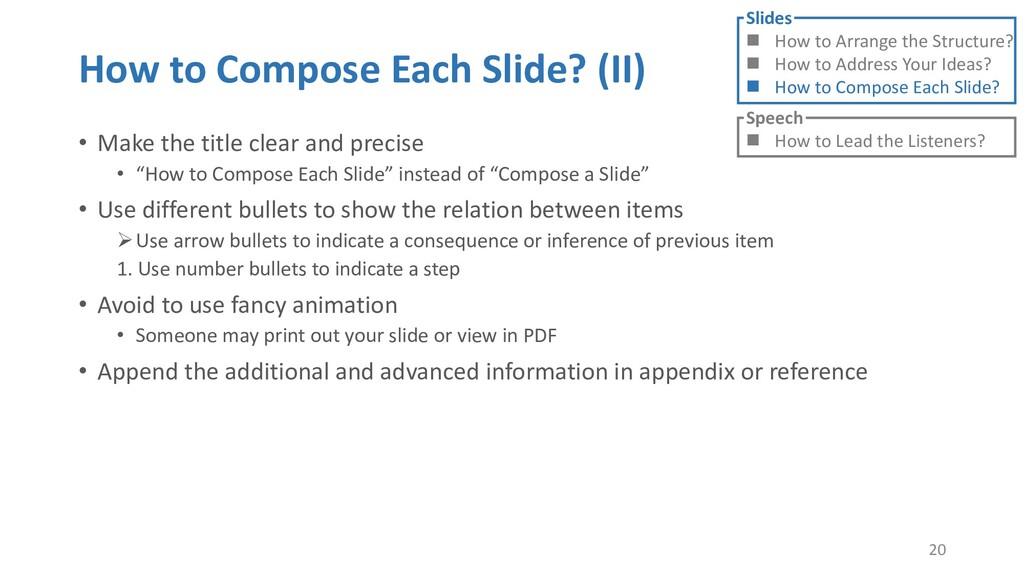
clear and precise • “How to Compose Each Slide” instead of “Compose a Slide” • Use different bullets to show the relation between items Use arrow bullets to indicate a consequence or inference of previous item 1. Use number bullets to indicate a step • Avoid to use fancy animation • Someone may print out your slide or view in PDF • Append the additional and advanced information in appendix or reference 20 Slides How to Arrange the Structure? How to Address Your Ideas? How to Compose Each Slide? Speech How to Lead the Listeners?
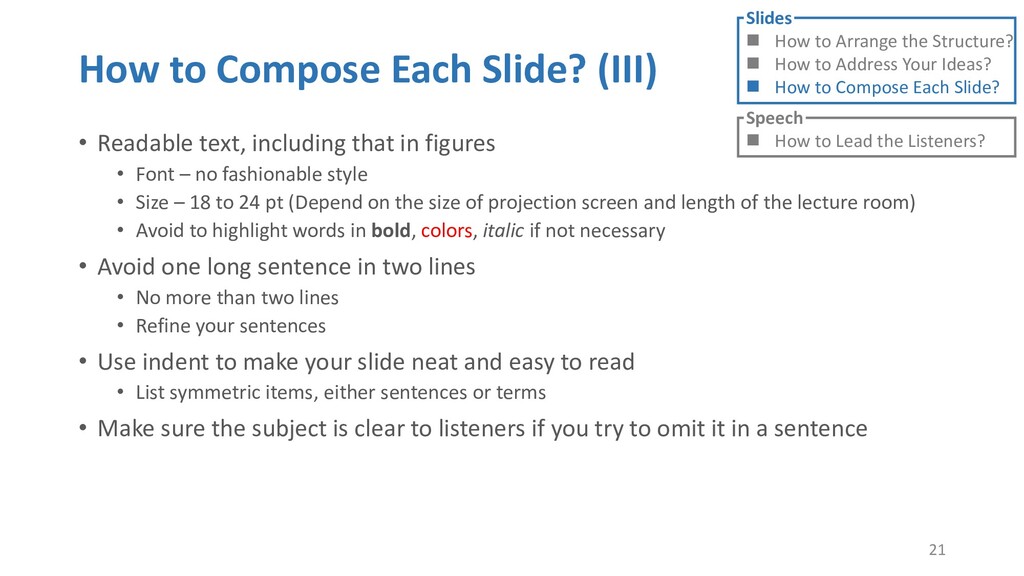
that in figures • Font – no fashionable style • Size – 18 to 24 pt (Depend on the size of projection screen and length of the lecture room) • Avoid to highlight words in bold, colors, italic if not necessary • Avoid one long sentence in two lines • No more than two lines • Refine your sentences • Use indent to make your slide neat and easy to read • List symmetric items, either sentences or terms • Make sure the subject is clear to listeners if you try to omit it in a sentence 21 Slides How to Arrange the Structure? How to Address Your Ideas? How to Compose Each Slide? Speech How to Lead the Listeners?
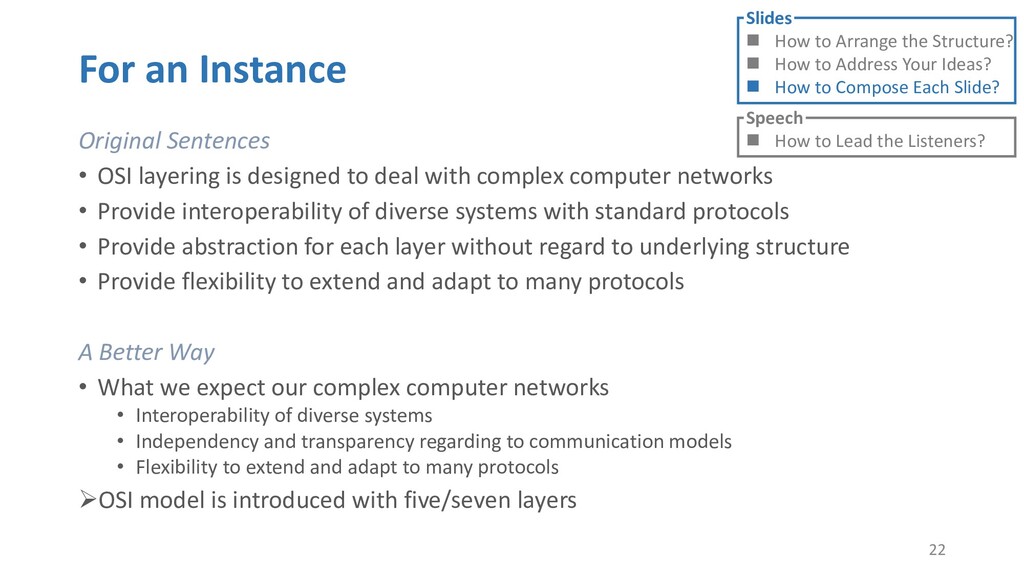
to deal with complex computer networks • Provide interoperability of diverse systems with standard protocols • Provide abstraction for each layer without regard to underlying structure • Provide flexibility to extend and adapt to many protocols A Better Way • What we expect our complex computer networks • Interoperability of diverse systems • Independency and transparency regarding to communication models • Flexibility to extend and adapt to many protocols OSI model is introduced with five/seven layers 22 Slides How to Arrange the Structure? How to Address Your Ideas? How to Compose Each Slide? Speech How to Lead the Listeners?
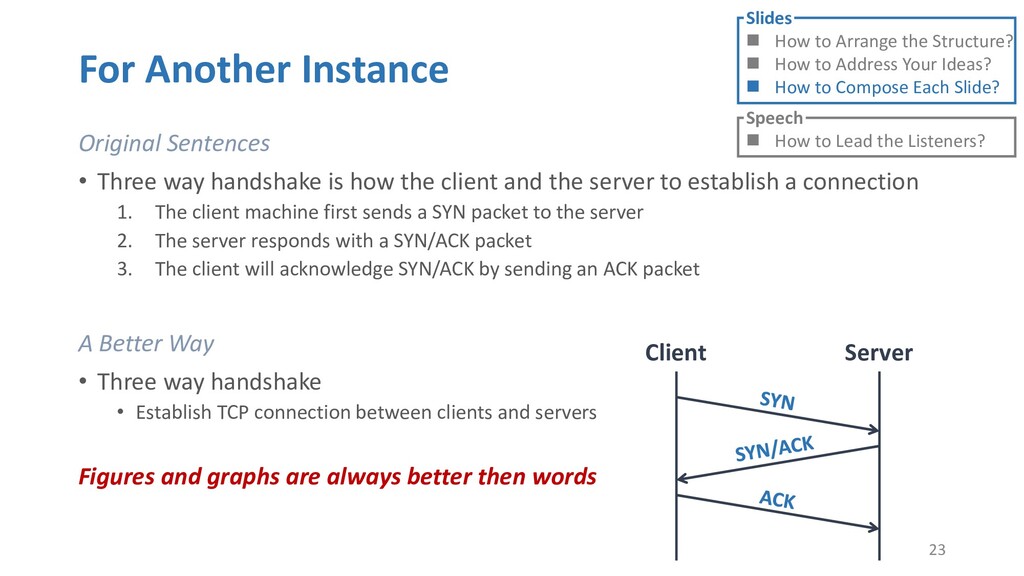
how the client and the server to establish a connection 1. The client machine first sends a SYN packet to the server 2. The server responds with a SYN/ACK packet 3. The client will acknowledge SYN/ACK by sending an ACK packet A Better Way • Three way handshake • Establish TCP connection between clients and servers Figures and graphs are always better then words 23 Slides How to Arrange the Structure? How to Address Your Ideas? How to Compose Each Slide? Speech How to Lead the Listeners? Client Server
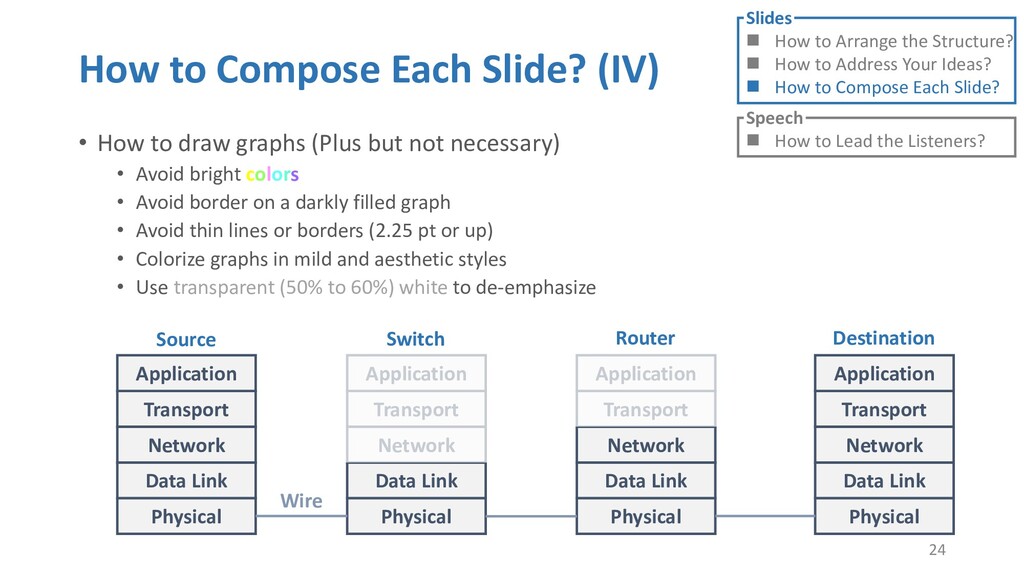
graphs (Plus but not necessary) • Avoid bright colors • Avoid border on a darkly filled graph • Avoid thin lines or borders (2.25 pt or up) • Colorize graphs in mild and aesthetic styles • Use transparent (50% to 60%) white to de-emphasize 24 Slides How to Arrange the Structure? How to Address Your Ideas? How to Compose Each Slide? Speech How to Lead the Listeners? Physical Data Link Network Transport Application Physical Data Link Network Transport Application Physical Data Link Network Transport Application Physical Data Link Network Transport Application Source Switch Router Destination Wire
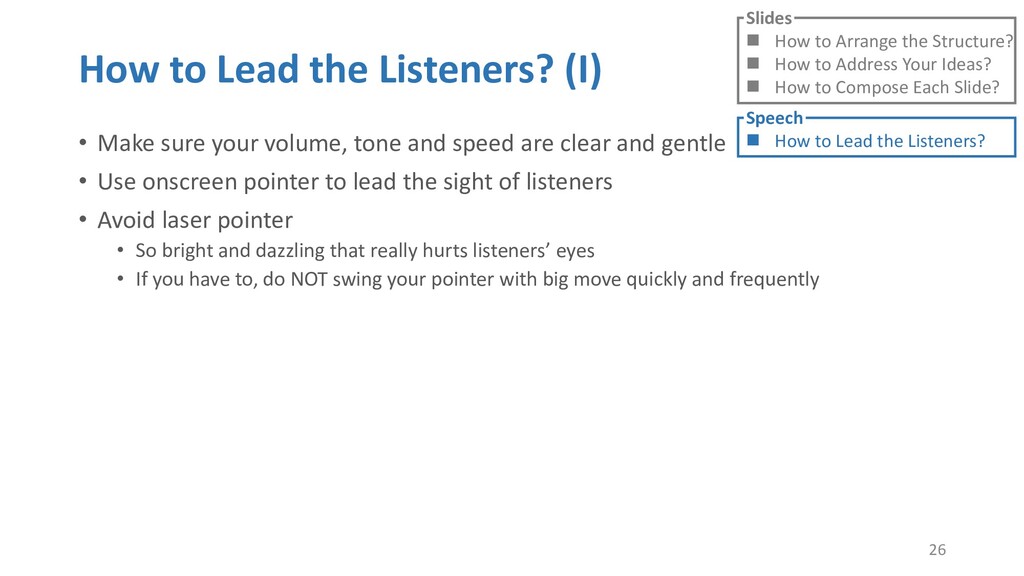
volume, tone and speed are clear and gentle • Use onscreen pointer to lead the sight of listeners • Avoid laser pointer • So bright and dazzling that really hurts listeners’ eyes • If you have to, do NOT swing your pointer with big move quickly and frequently 26 Slides How to Arrange the Structure? How to Address Your Ideas? How to Compose Each Slide? Speech How to Lead the Listeners?
or jump into contents in later slides • Just focus on the core idea in the current slide • Otherwise, the listener would be misleading and confused • If someone asks, reply with “That’s a good question. But please keep in mind and we’ll dive into it later.” • Use transition between slides • Keep the listeners following your steps • E.g. “After talking about …, then I would like to introduce …” • Quick recap and summary to strengthen listeners’ understanding • E.g. “So far we have great understanding of …” 27 Slides How to Arrange the Structure? How to Address Your Ideas? How to Compose Each Slide? Speech How to Lead the Listeners?
upper left to bottom right • Figure 1. Title of figure 2. X and Y axis, title and unit 3. What figure shows 4. Inference 28 Slides How to Arrange the Structure? How to Address Your Ideas? How to Compose Each Slide? Speech How to Lead the Listeners?
presentation in your mind 29 Slides How to Arrange the Structure? How to Address Your Ideas? How to Compose Each Slide? Speech How to Lead the Listeners?


 steven30801
 kekekenta
 hiola
hiola
 terasawat
 eller86
 ytapples613
 juanmartin2026
 ainischool
 signer
 bvr7352
 cbtlibrary
 masakiokuda
 chrislema
 paigeccino
 mfonobong
 codingconduct
 akosma
 ryanjones
 iamctodd
 cassininazir
 hatefulcrawdad
 nmsamuel
 marcelosomers