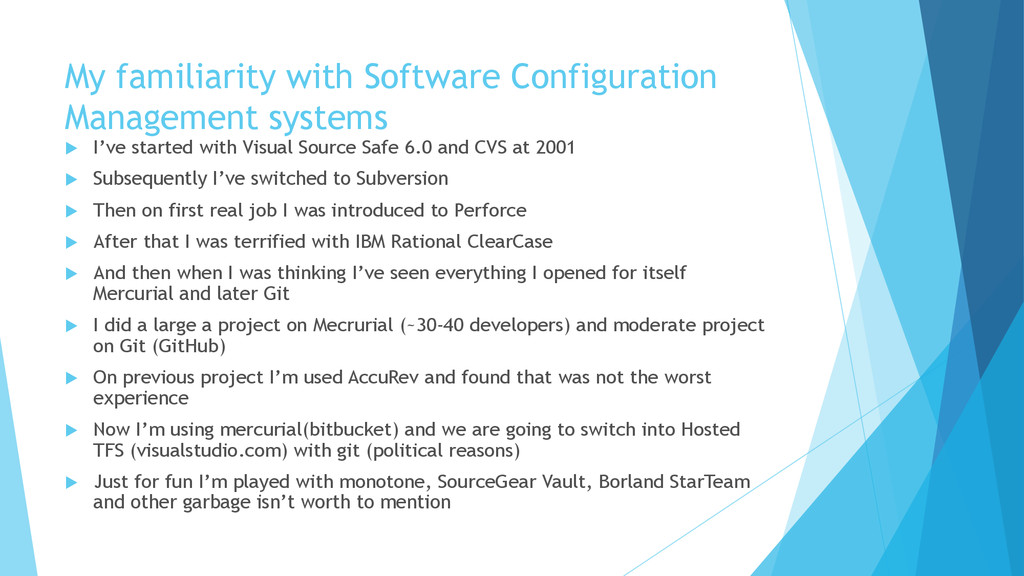
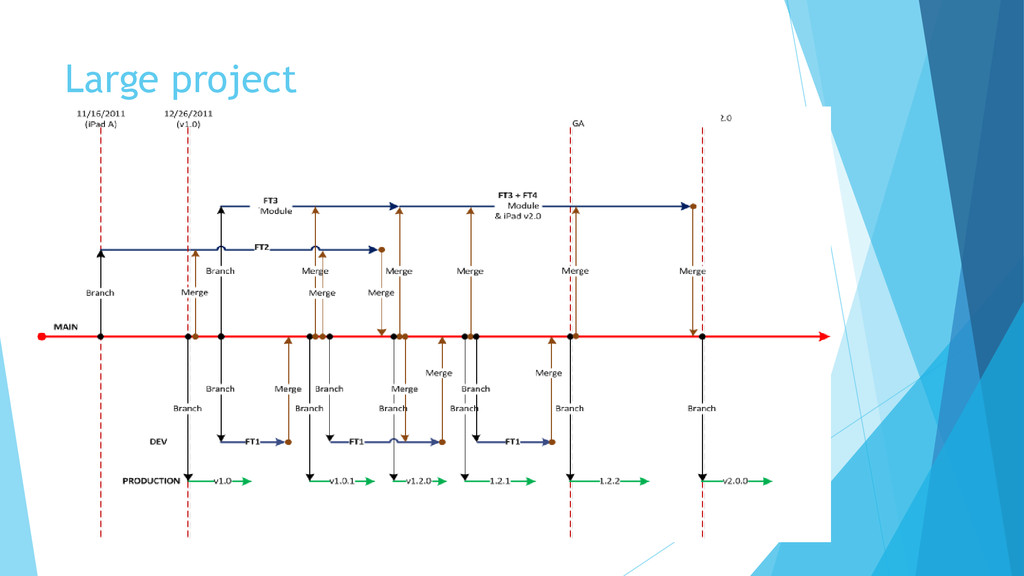
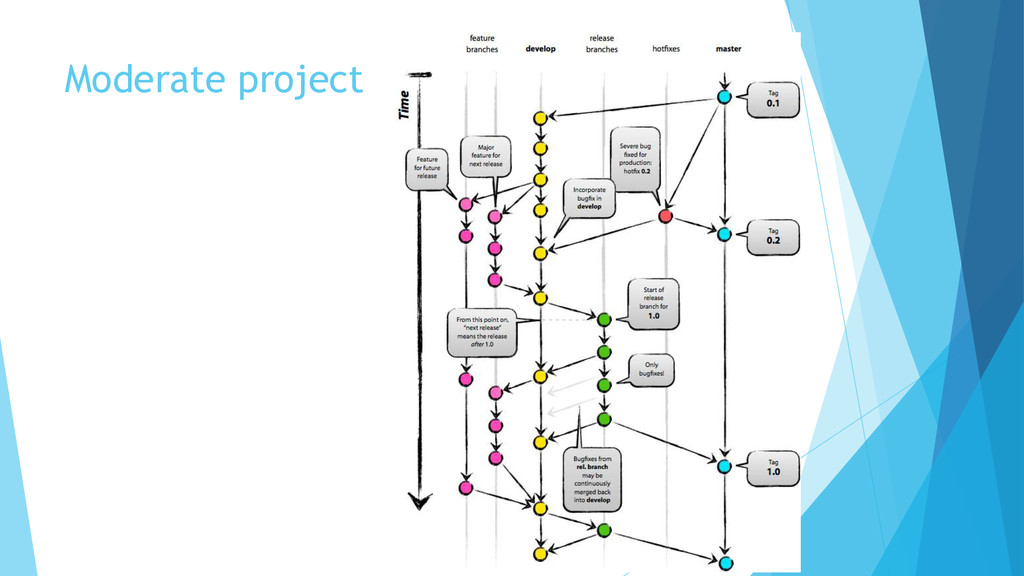
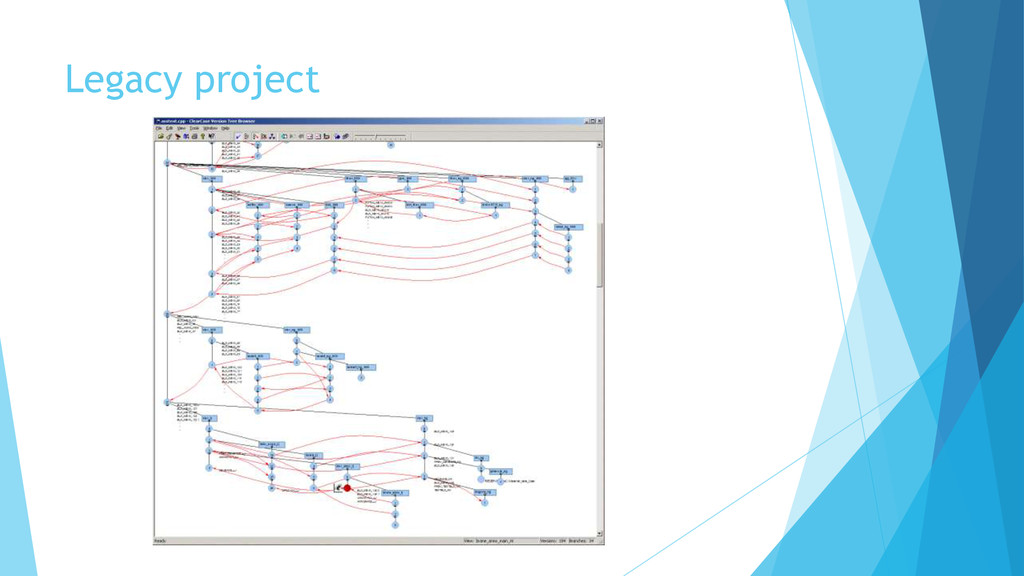
with Visual Source Safe 6.0 and CVS at 2001 Subsequently I’ve switched to Subversion Then on first real job I was introduced to Perforce After that I was terrified with IBM Rational ClearCase And then when I was thinking I’ve seen everything I opened for itself Mercurial and later Git I did a large a project on Mecrurial (~30-40 developers) and moderate project on Git (GitHub) On previous project I’m used AccuRev and found that was not the worst experience Now I’m using mercurial(bitbucket) and we are going to switch into Hosted TFS (visualstudio.com) with git (political reasons) Just for fun I’m played with monotone, SourceGear Vault, Borland StarTeam and other garbage isn’t worth to mention
Software Configuration Management is to establish and maintain the integrity of the products of the software project throughout the project's software life cycle. Software Configuration Management involves identifying configuration items for the software project, controlling these configuration items and changes to them, and recording and reporting status and change activity for these configuration items [SEI 2000a].
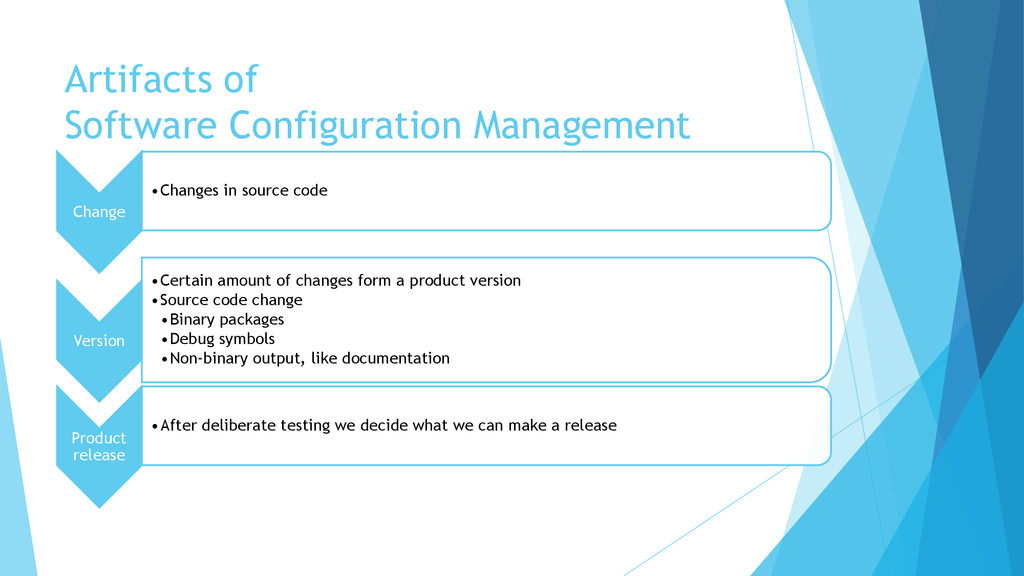
Version •Certain amount of changes form a product version •Source code change •Binary packages •Debug symbols •Non-binary output, like documentation Product release •After deliberate testing we decide what we can make a release
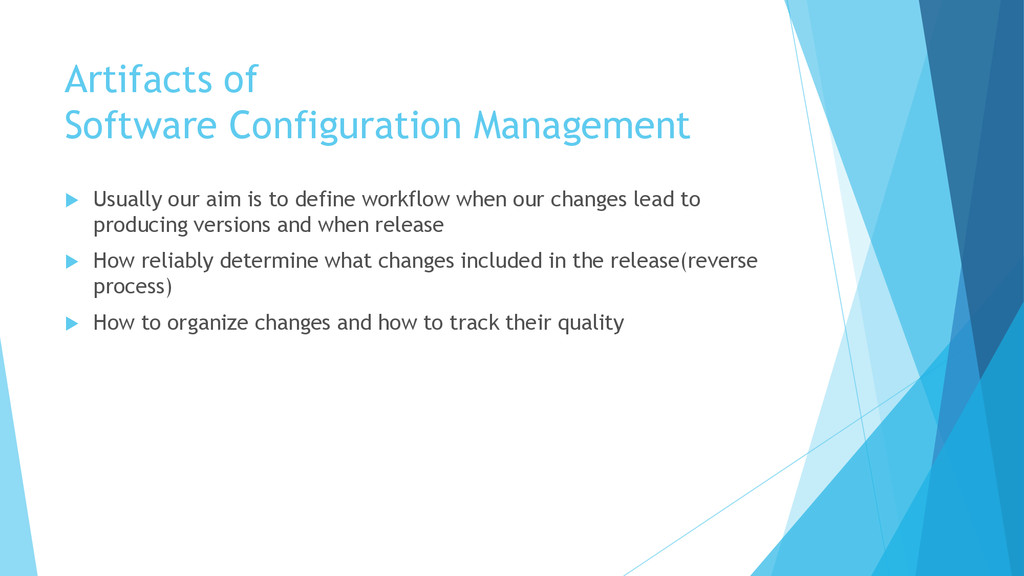
to define workflow when our changes lead to producing versions and when release How reliably determine what changes included in the release(reverse process) How to organize changes and how to track their quality
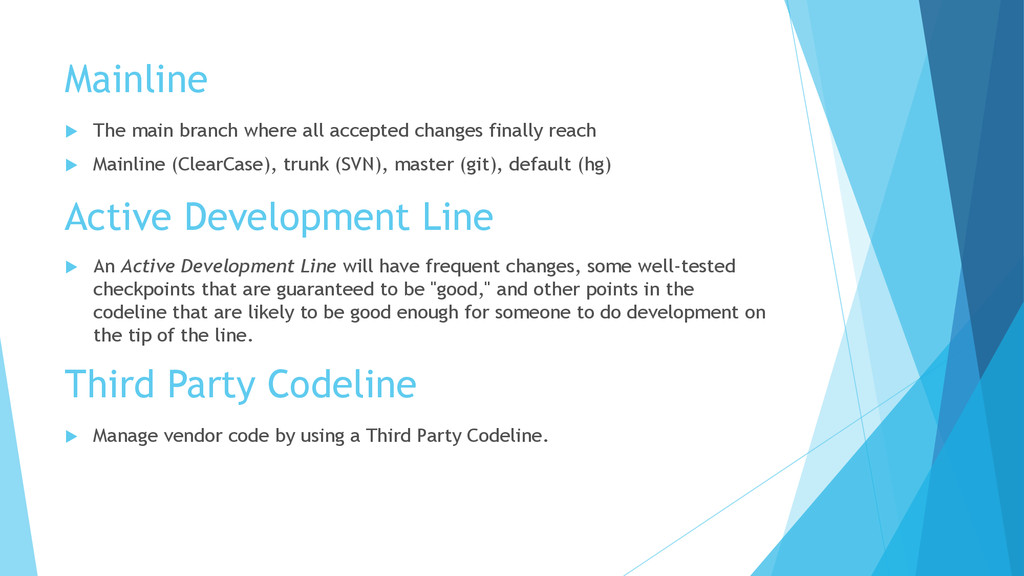
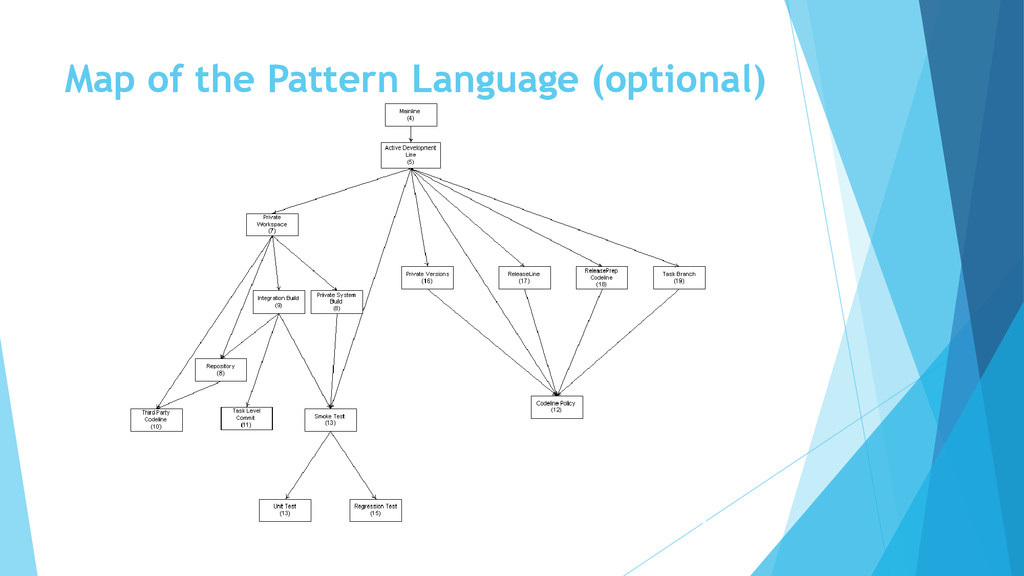
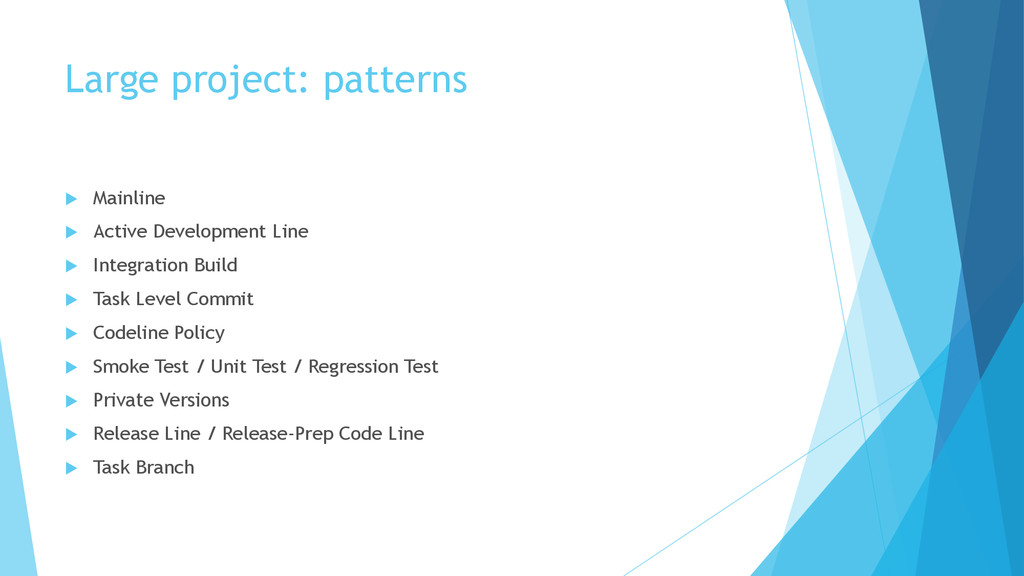
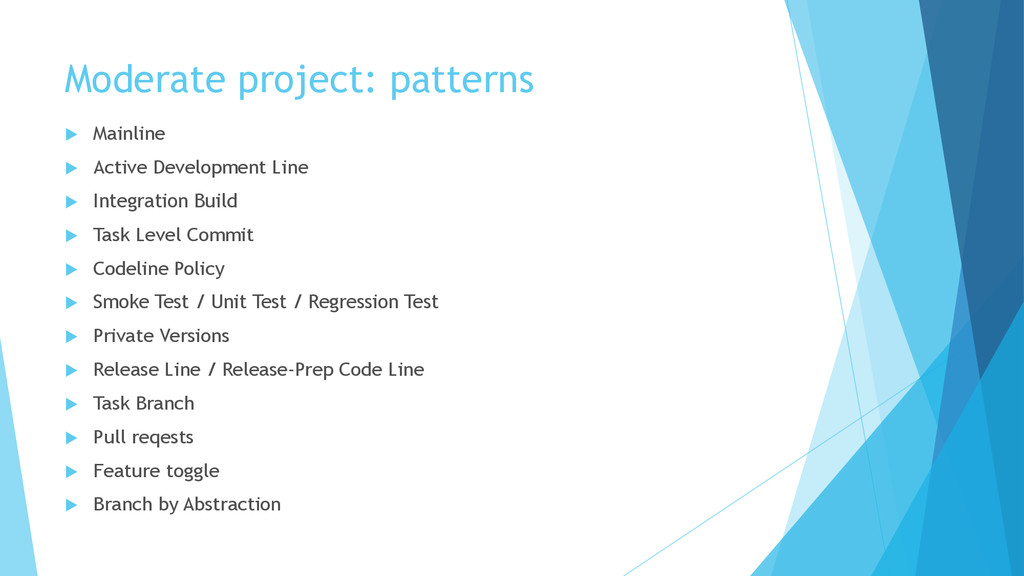
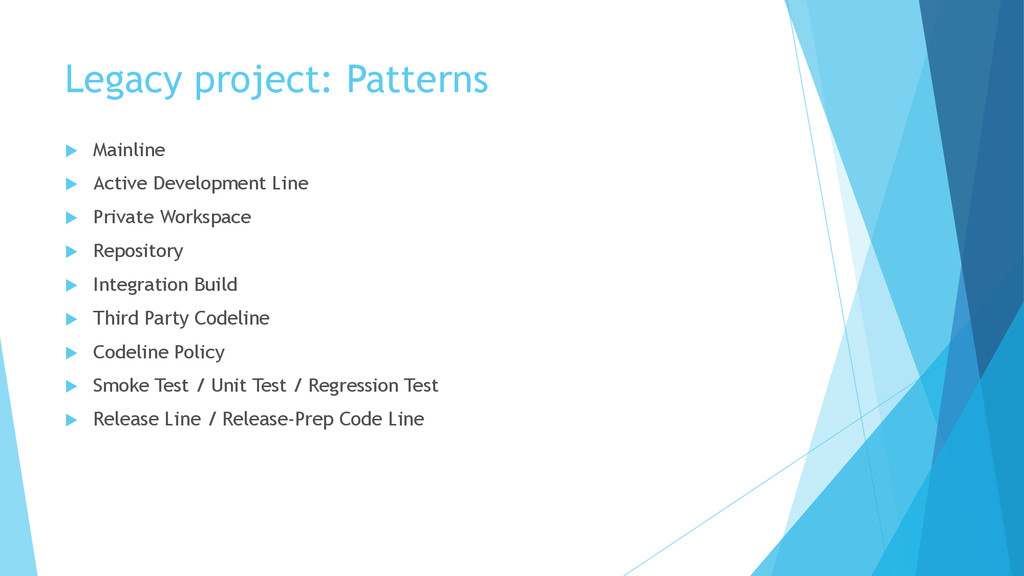
reach Mainline (ClearCase), trunk (SVN), master (git), default (hg) Active Development Line An Active Development Line will have frequent changes, some well-tested checkpoints that are guaranteed to be "good," and other points in the codeline that are likely to be good enough for someone to do development on the tip of the line. Third Party Codeline Manage vendor code by using a Third Party Codeline.
developer will made a changes. You would like to work with latest changes, but you also want to control when you start working with other developers’ changes. Workspaces on: Perforce/Accurev/ClearCase/TFS vs SVN/Git/Hg Repository Set up a new workspace by populating it from a Repository that contains everything that you need.
a developer, to insulate yourself from external changes to your environment. But your changes need to work with the rest of the system too. To verify this, you need to build the system consistently, including building with your changes. TFS (Gated Check-Ins), TeamCity (Delayed commit) Integration Build All developers work in their own Private Workspace so that they can control when they see other changes. This helps individual developers make progress, but in many workspaces people are making independent changes that must integrate together, and the whole system must build reliably. This pattern addresses mechanisms for helping ensure that the code for a system always builds.
rules for each codeline to suit its purpose. Create a Codeline Policy to help developers decide when to check in code to a codeline and what procedures to follow before a checkin on each codeline. Task Level Commit Organize source code changes by task-oriented units of work. This pattern discusses how to balance the needs for stability, speed, and atomicity.
make a change by running a Smoke Test. Unit Test Verify that a module still works after you make a change by running a Unit Test. Regression Test Ensure that existing code doesn't get worse as you make other improvements by running a Regression Test.
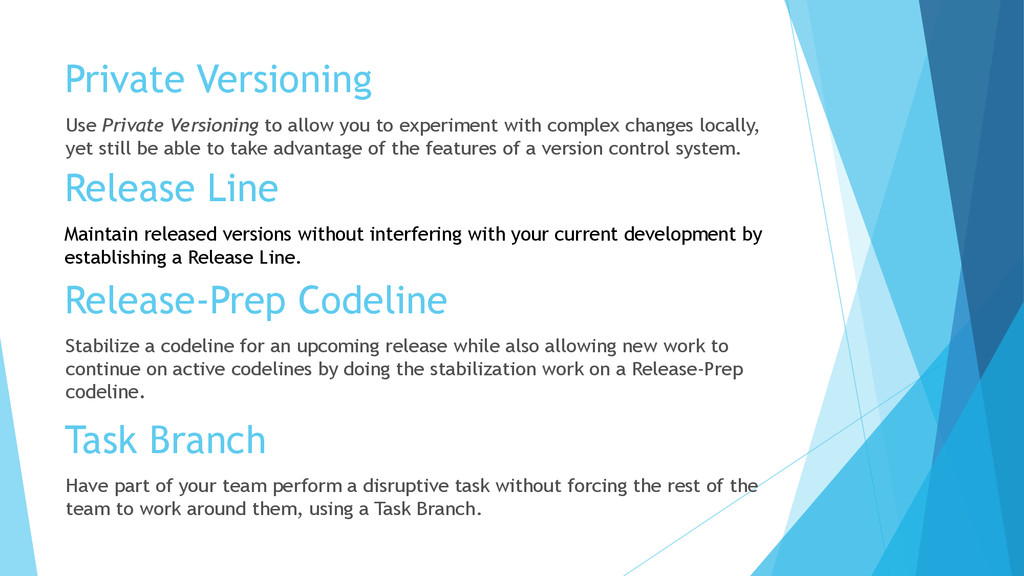
with complex changes locally, yet still be able to take advantage of the features of a version control system. Release Line Maintain released versions without interfering with your current development by establishing a Release Line. Release-Prep Codeline Stabilize a codeline for an upcoming release while also allowing new work to continue on active codelines by doing the stabilization work on a Release-Prep codeline. Task Branch Have part of your team perform a disruptive task without forcing the rest of the team to work around them, using a Task Branch.
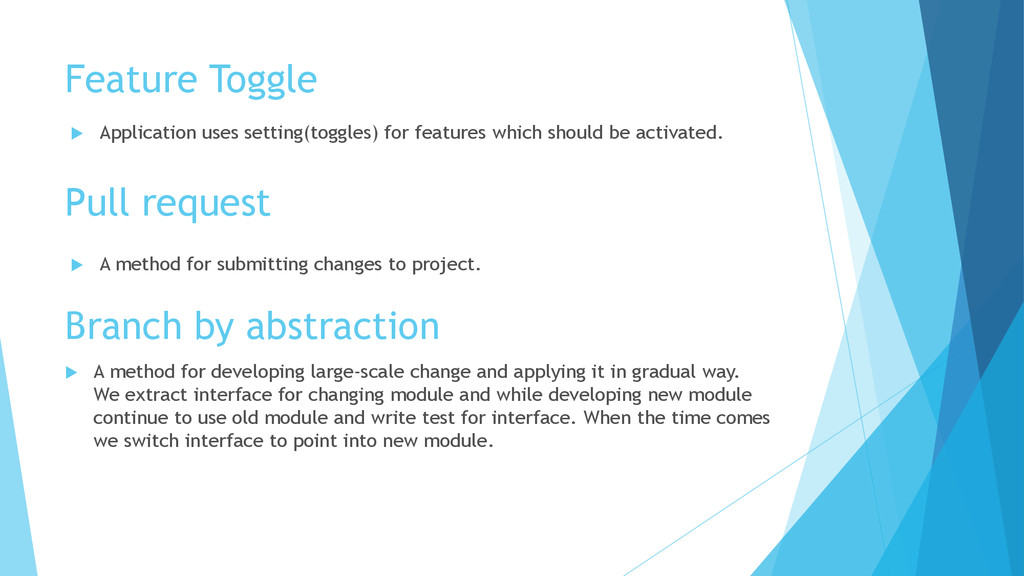
be activated. Pull request A method for submitting changes to project. Branch by abstraction A method for developing large-scale change and applying it in gradual way. We extract interface for changing module and while developing new module continue to use old module and write test for interface. When the time comes we switch interface to point into new module.
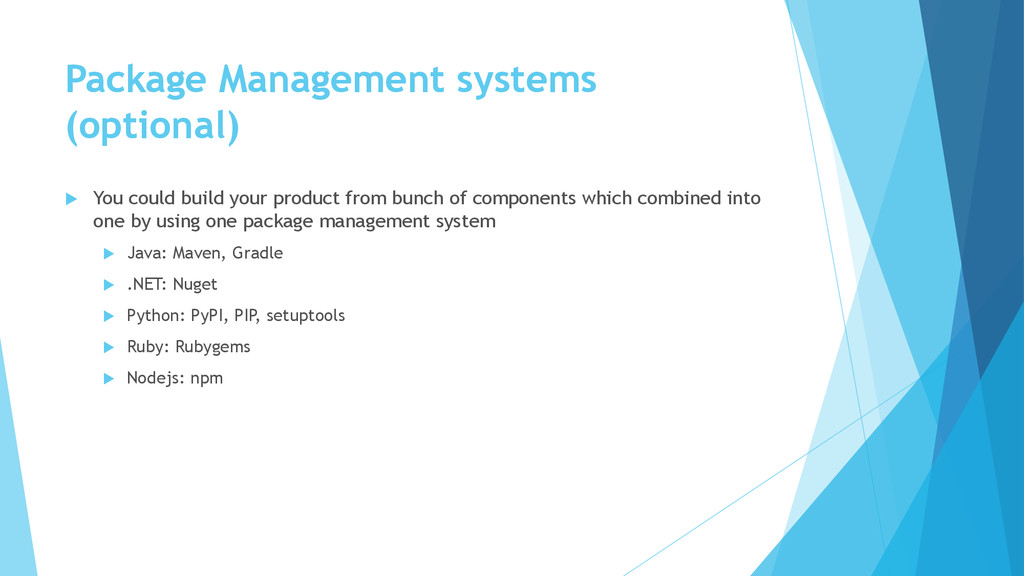
from bunch of components which combined into one by using one package management system Java: Maven, Gradle .NET: Nuget Python: PyPI, PIP, setuptools Ruby: Rubygems Nodejs: npm
Private Workspace Repository Integration Build Third Party Codeline Codeline Policy Smoke Test / Unit Test / Regression Test Release Line / Release-Prep Code Line
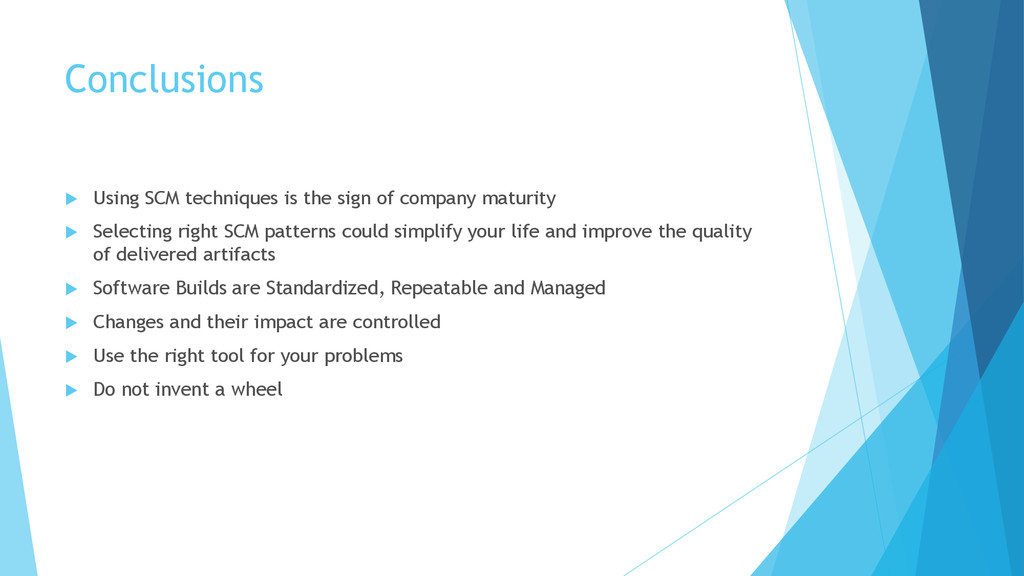
maturity Selecting right SCM patterns could simplify your life and improve the quality of delivered artifacts Software Builds are Standardized, Repeatable and Managed Changes and their impact are controlled Use the right tool for your problems Do not invent a wheel
Integration 2. A successful Git branching model 3. Mercurial Workflows 4. http://www.cmcrossroads.com/ 5. Configuration Management Best Practices: Practical Methods that Work in the Real World


 stoune
 kentarofujii
 ivry_presentationmaterials
 takanorip
 moznion
 greenmidori
 ezaki
ezaki
 onk
onk
 riyaamemiya
 teamlab
 sansantech
 endonanana
 satoshi7
 eileencodes
 jakevdp
 axbom
axbom
 kimpetersen
 bryan
bryan
 thoeni
 ipullrank
 rkendrick25
 szymonslowik
 destraynor
 danielanewman
 thekraken