Upgrade to Pro — share decks privately, control downloads, hide ads and more …

Getting started in Cyber Security

Sponsored · Your Podcast. Everywhere. Effortlessly. Share. Educate. Inspire. Entertain. You do you. We'll handle the rest. →
Avatar for Sudhakar Sudhakar
July 11, 2021
130

Getting started in Cyber Security

This talk covers about how we can get started into cybersecurity and various career options available .

Presented at OWASP Tiruvallur chapter.

Follow and Share!

Reach me at:
Facebook
Instagram
Twitter
Linkedin

Avatar for Sudhakar

Sudhakar

July 11, 2021

Transcript

  1. The content, information, opinions, and viewpoints are purely for educational

    purposes. Any violation can lead to the enforcement of laws. Don’t use this without proper guidance and knowledge. DISCLAIMER
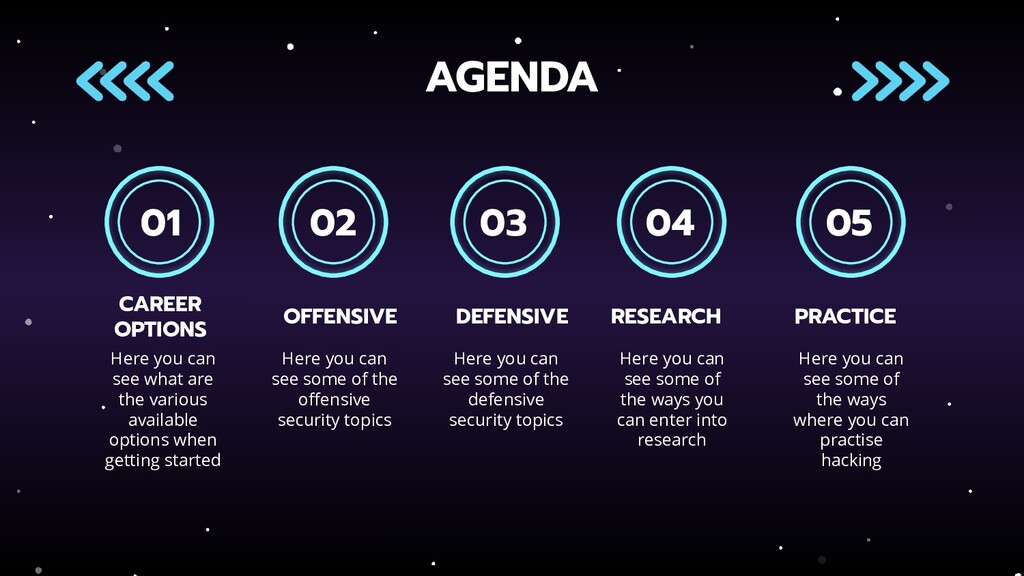
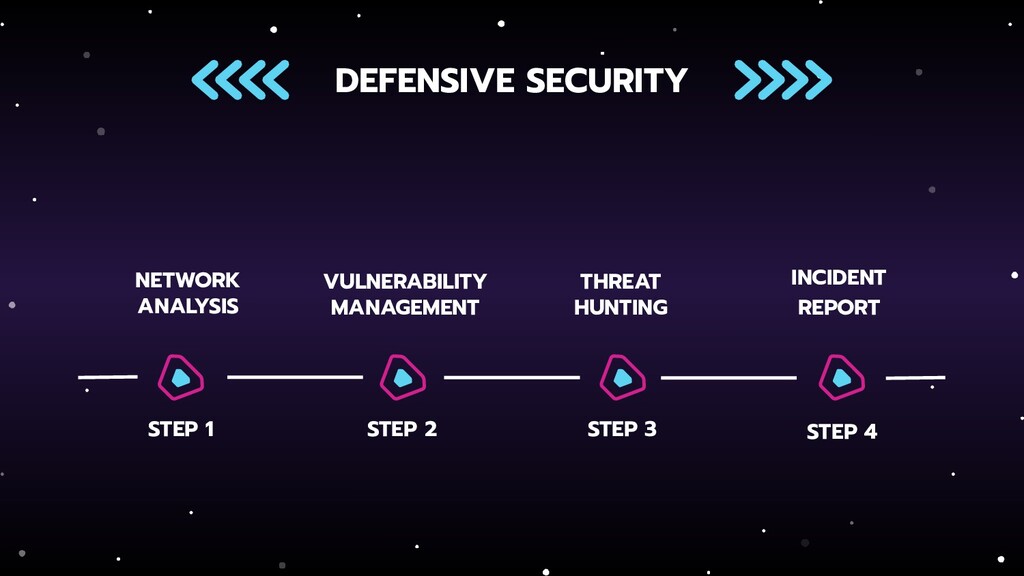
  2. AGENDA CAREER OPTIONS OFFENSIVE DEFENSIVE RESEARCH Here you can see

    what are the various available options when getting started Here you can see some of the offensive security topics Here you can see some of the defensive security topics Here you can see some of the ways you can enter into research 01 02 03 04 PRACTICE Here you can see some of the ways where you can practise hacking 05
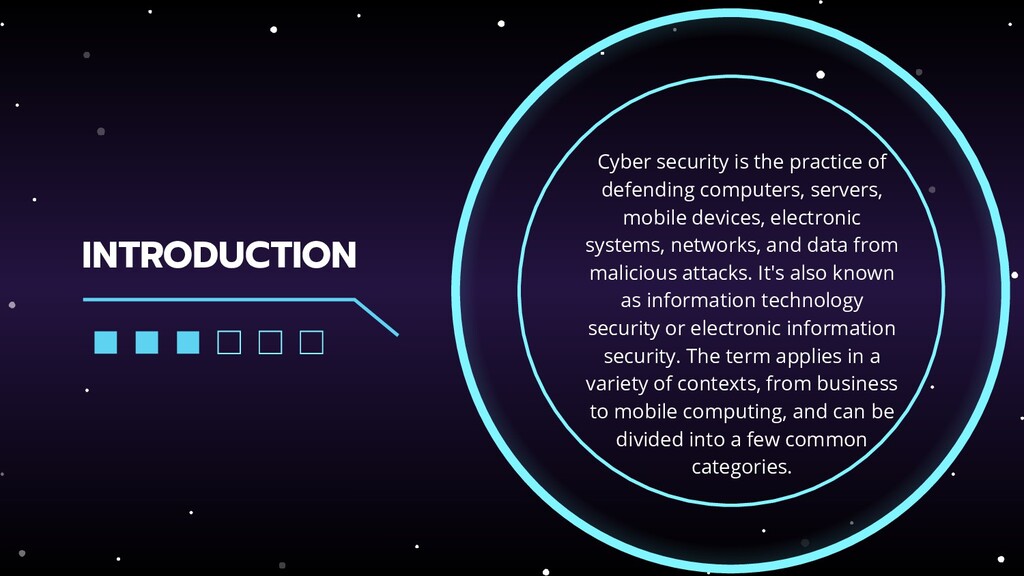
  3. INTRODUCTION Cyber security is the practice of defending computers, servers,

    mobile devices, electronic systems, networks, and data from malicious attacks. It's also known as information technology security or electronic information security. The term applies in a variety of contexts, from business to mobile computing, and can be divided into a few common categories.
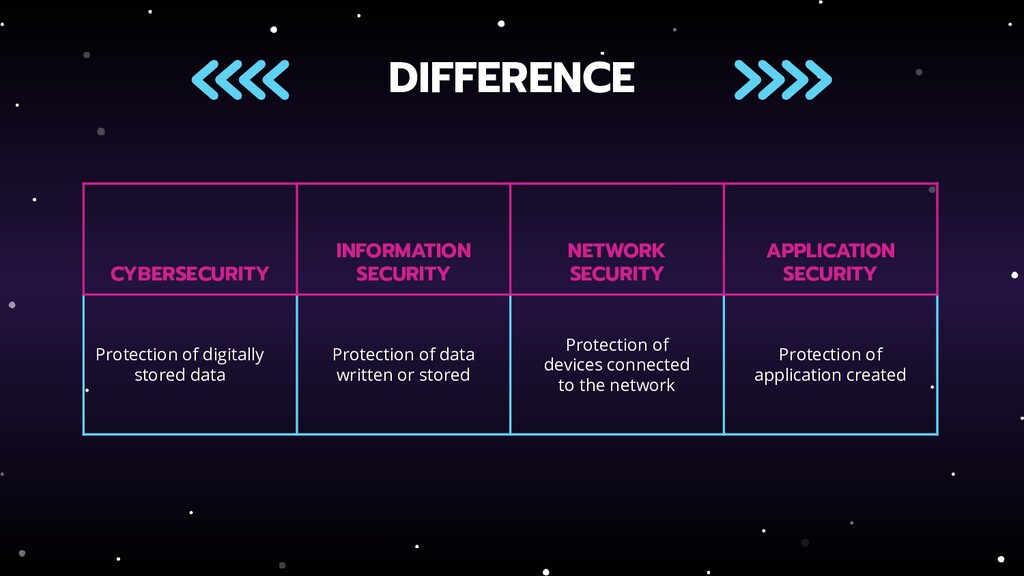
  4. CYBERSECURITY INFORMATION SECURITY NETWORK SECURITY APPLICATION SECURITY Protection of digitally

    stored data Protection of data written or stored Protection of devices connected to the network Protection of application created DIFFERENCE
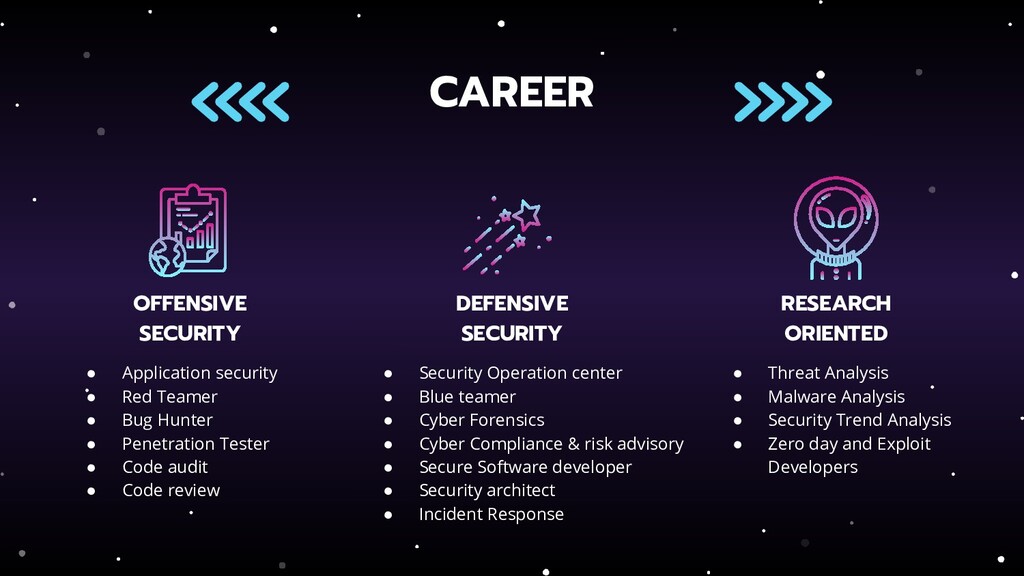
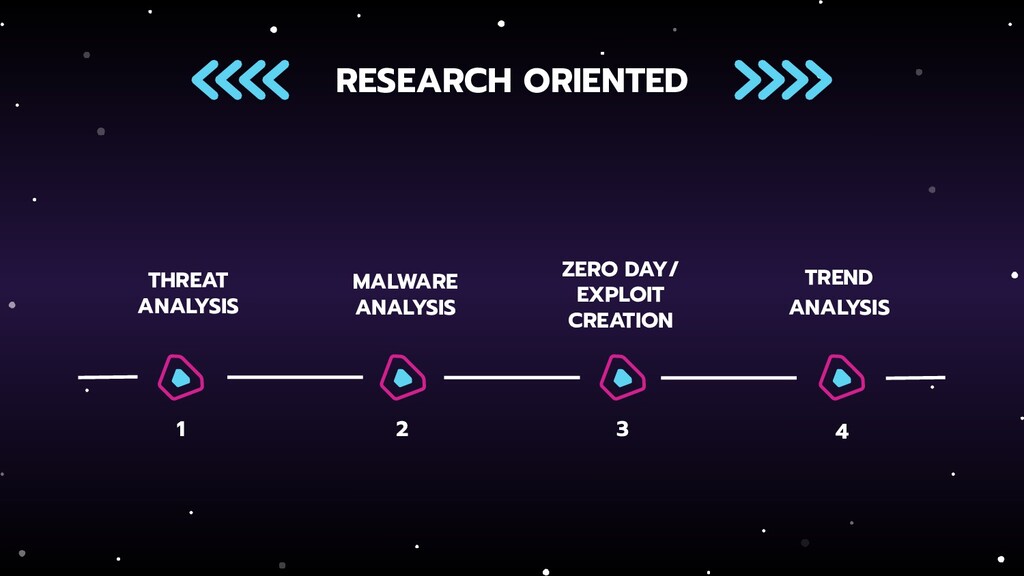
  5. CAREER OFFENSIVE SECURITY DEFENSIVE SECURITY RESEARCH ORIENTED • Application security

    • Red Teamer • Bug Hunter • Penetration Tester • Code audit • Code review • Security Operation center • Blue teamer • Cyber Forensics • Cyber Compliance & risk advisory • Secure Software developer • Security architect • Incident Response • Threat Analysis • Malware Analysis • Security Trend Analysis • Zero day and Exploit Developers
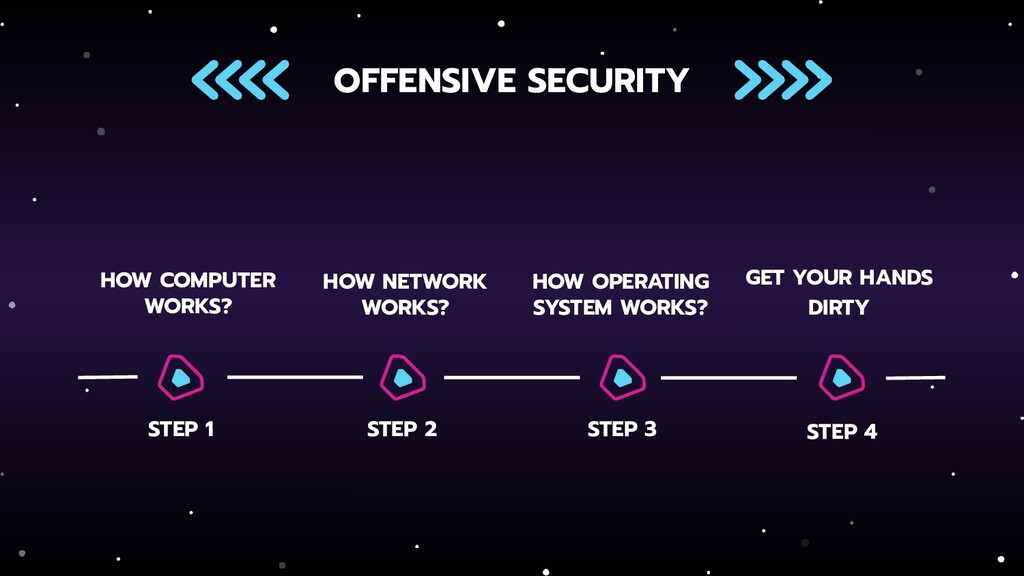
  6. HOW COMPUTER WORKS? HOW NETWORK WORKS? HOW OPERATING SYSTEM WORKS?

    OFFENSIVE SECURITY STEP 2 STEP 3 STEP 4 STEP 1 GET YOUR HANDS DIRTY
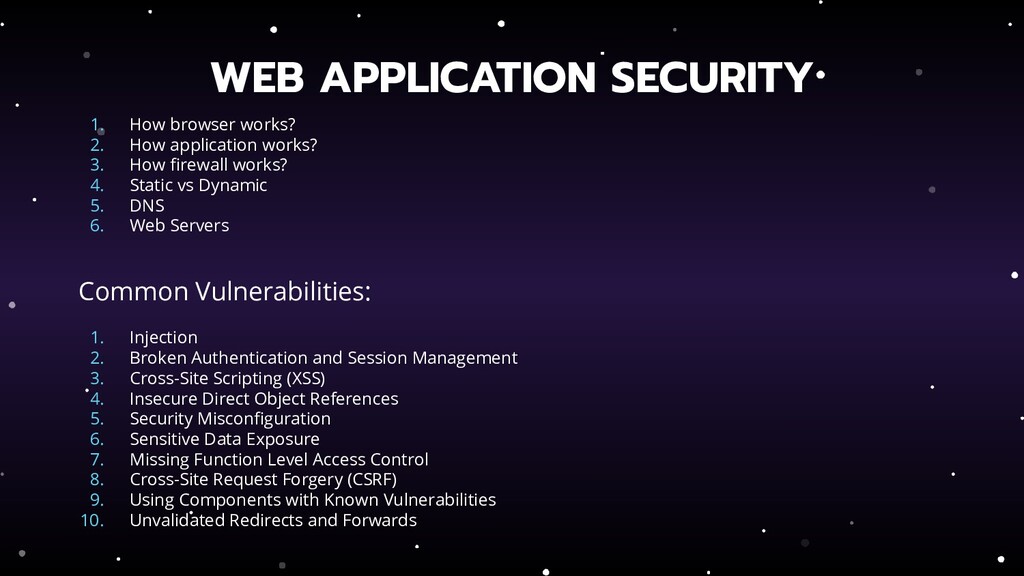
  7. 1. How browser works? 2. How application works? 3. How

    firewall works? 4. Static vs Dynamic 5. DNS 6. Web Servers Common Vulnerabilities: 1. Injection 2. Broken Authentication and Session Management 3. Cross-Site Scripting (XSS) 4. Insecure Direct Object References 5. Security Misconfiguration 6. Sensitive Data Exposure 7. Missing Function Level Access Control 8. Cross-Site Request Forgery (CSRF) 9. Using Components with Known Vulnerabilities 10. Unvalidated Redirects and Forwards WEB APPLICATION SECURITY
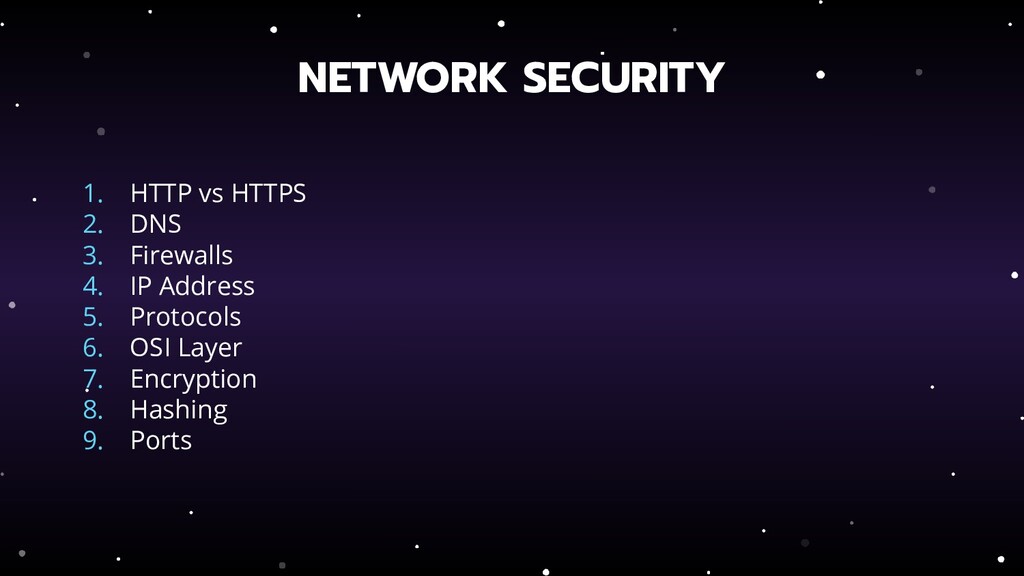
  8. 1. HTTP vs HTTPS 2. DNS 3. Firewalls 4. IP

    Address 5. Protocols 6. OSI Layer 7. Encryption 8. Hashing 9. Ports NETWORK SECURITY
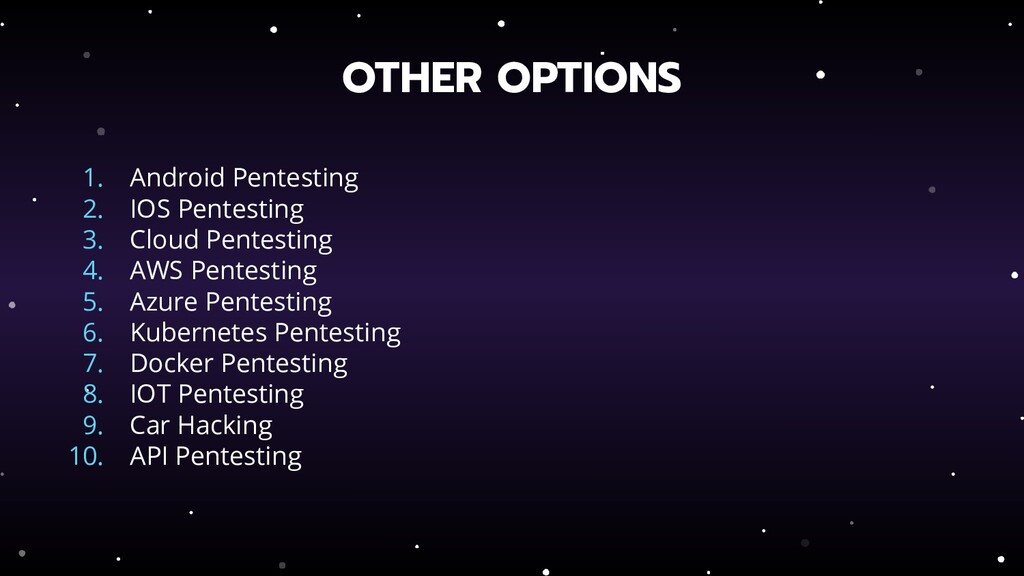
  9. 1. Android Pentesting 2. IOS Pentesting 3. Cloud Pentesting 4.

    AWS Pentesting 5. Azure Pentesting 6. Kubernetes Pentesting 7. Docker Pentesting 8. IOT Pentesting 9. Car Hacking 10. API Pentesting OTHER OPTIONS
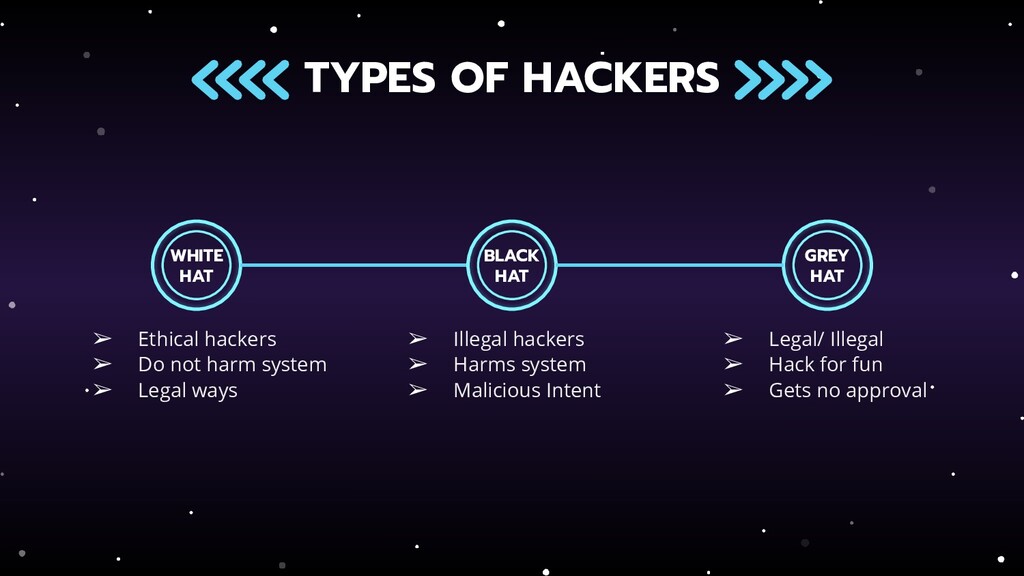
  10. TYPES OF HACKERS WHITE HAT BLACK HAT GREY HAT ➢

    Illegal hackers ➢ Harms system ➢ Malicious Intent ➢ Legal/ Illegal ➢ Hack for fun ➢ Gets no approval ➢ Ethical hackers ➢ Do not harm system ➢ Legal ways
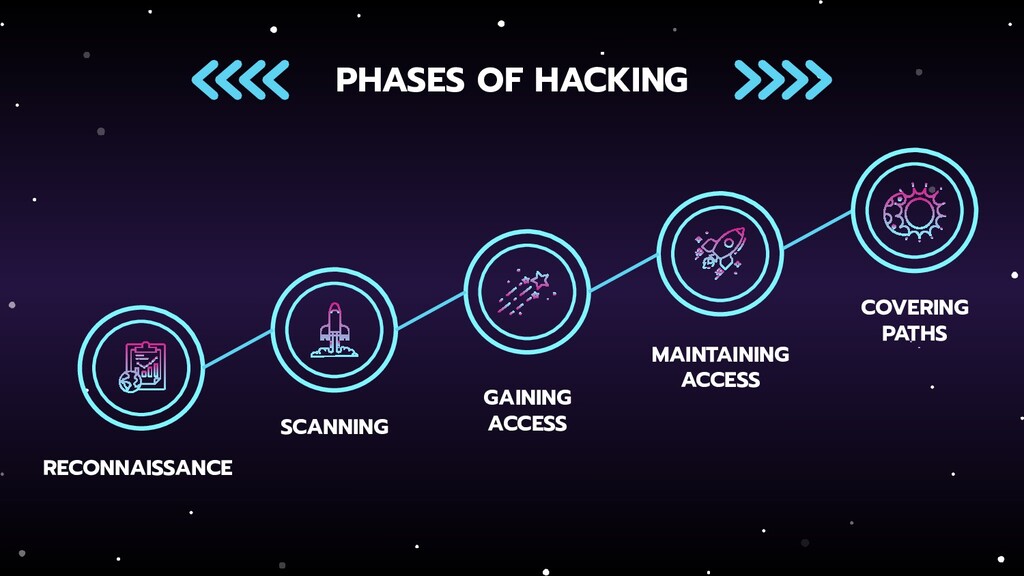
  11. RECONNAISSANCE ❖ Find information about the target ❖ Using OSINT

    to gather information ❖ Arranging the informations gathered ❖ Sources to gather information
  12. SCANNING ❖ Identifying quick path to enter ❖ Scan for

    ports ❖ Scan for vulnerabilities ❖ Mapping the network
  13. GAINING ACCESS ❖ Using the information gathered ❖ Using the

    scanned information ❖ Gaining access to the system
  14. MAINTAINING ACCESS ❖ Using Trojans, Rootkits or other malicious files

    ❖ Maintaining access until the goal is achieved
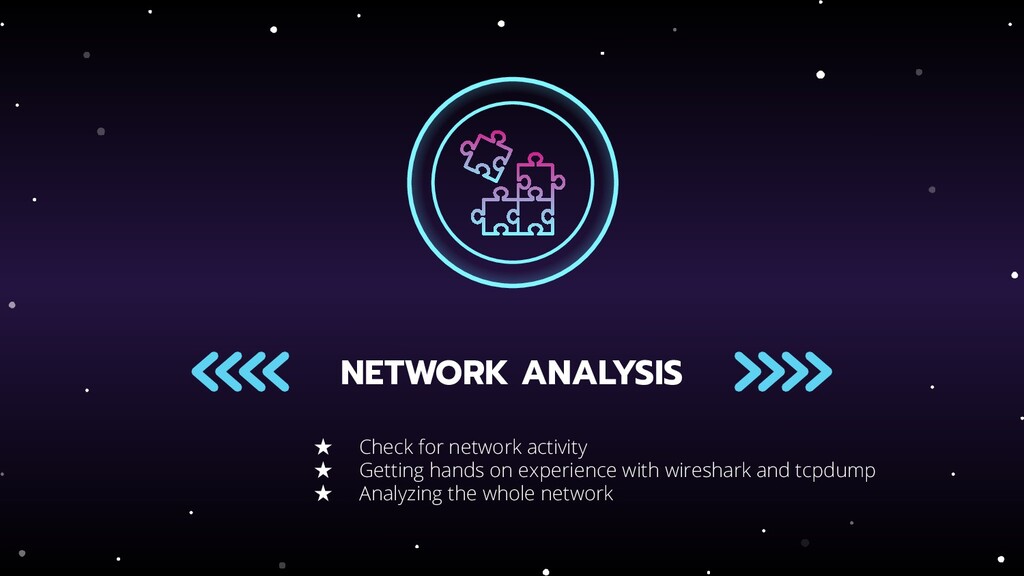
  15. NETWORK ANALYSIS ★ Check for network activity ★ Getting hands

    on experience with wireshark and tcpdump ★ Analyzing the whole network
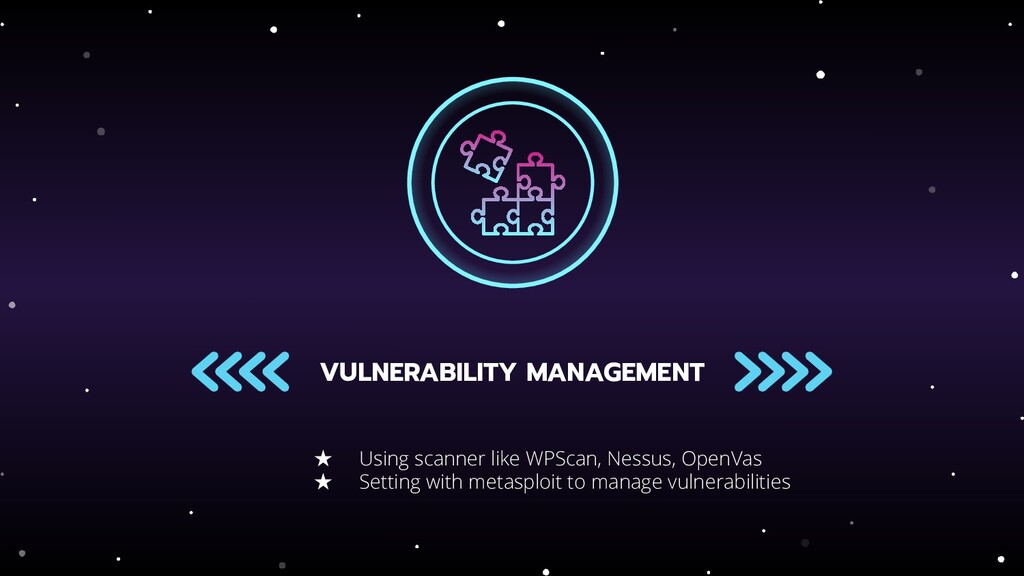
  16. VULNERABILITY MANAGEMENT ★ Using scanner like WPScan, Nessus, OpenVas ★

    Setting with metasploit to manage vulnerabilities
  17. INCIDENT REPORT ★ Reporting the whole incident happened ★ Making

    the incidents clear ★ Making the responses clear
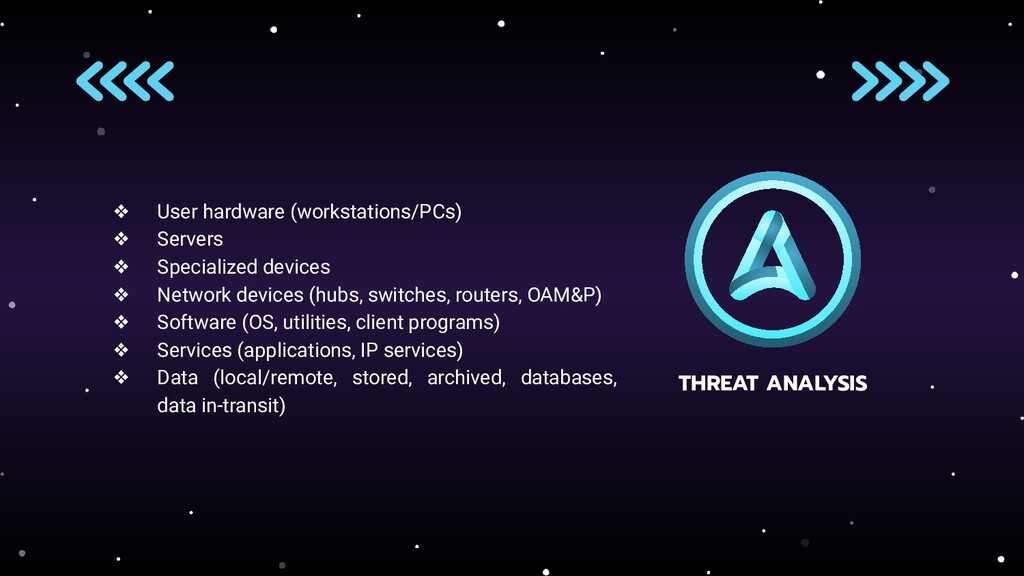
  18. THREAT ANALYSIS ❖ User hardware (workstations/PCs) ❖ Servers ❖ Specialized

    devices ❖ Network devices (hubs, switches, routers, OAM&P) ❖ Software (OS, utilities, client programs) ❖ Services (applications, IP services) ❖ Data (local/remote, stored, archived, databases, data in-transit)
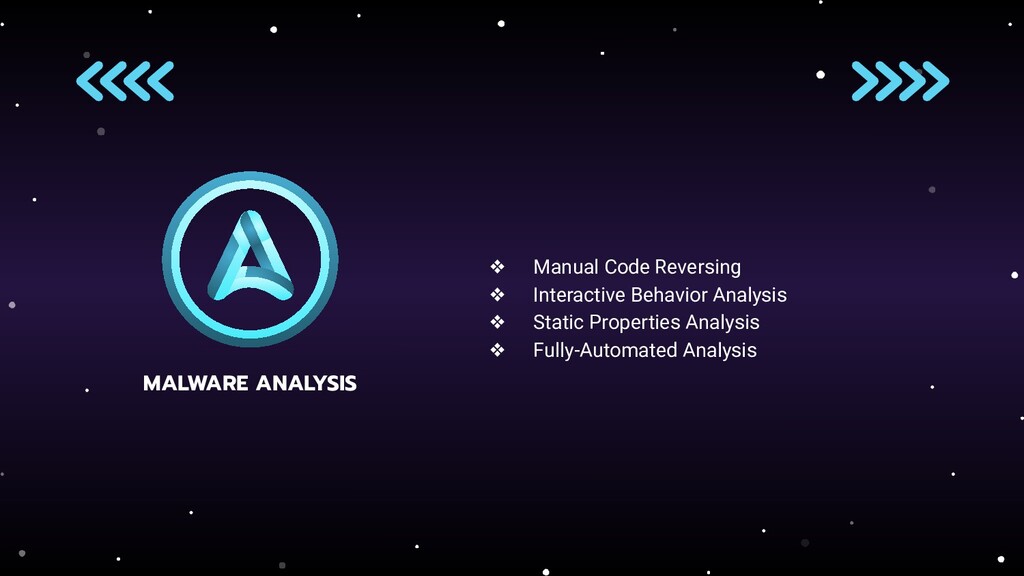
  19. MALWARE ANALYSIS ❖ Manual Code Reversing ❖ Interactive Behavior Analysis

    ❖ Static Properties Analysis ❖ Fully-Automated Analysis
  20. SECURITY TREND ANALYSIS ❖ Analysing what is the trend happening

    ❖ Risks involved ❖ Enhance cybersecurity efforts
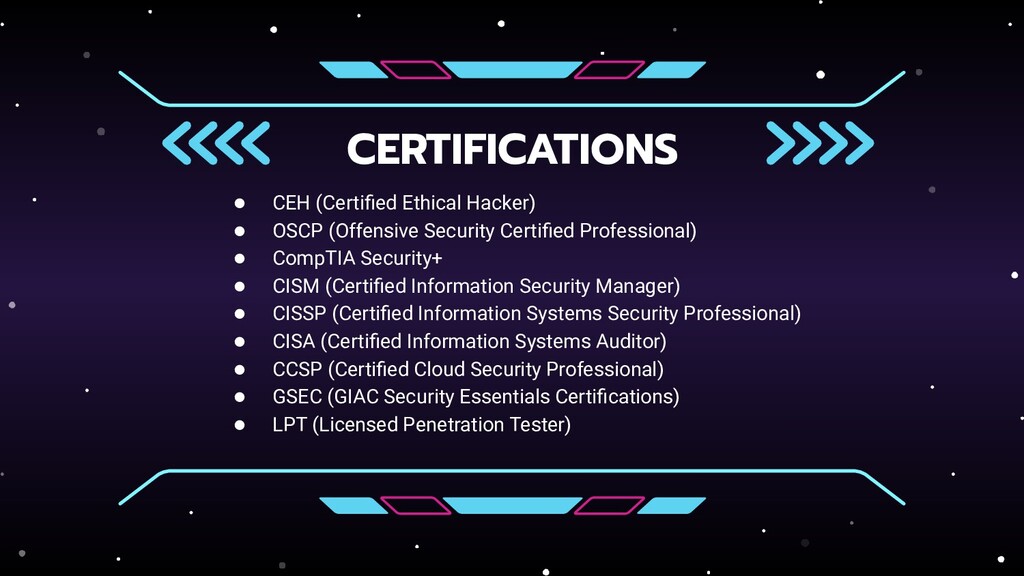
  21. CERTIFICATIONS • CEH (Certified Ethical Hacker) • OSCP (Offensive Security

    Certified Professional) • CompTIA Security+ • CISM (Certified Information Security Manager) • CISSP (Certified Information Systems Security Professional) • CISA (Certified Information Systems Auditor) • CCSP (Certified Cloud Security Professional) • GSEC (GIAC Security Essentials Certifications) • LPT (Licensed Penetration Tester)
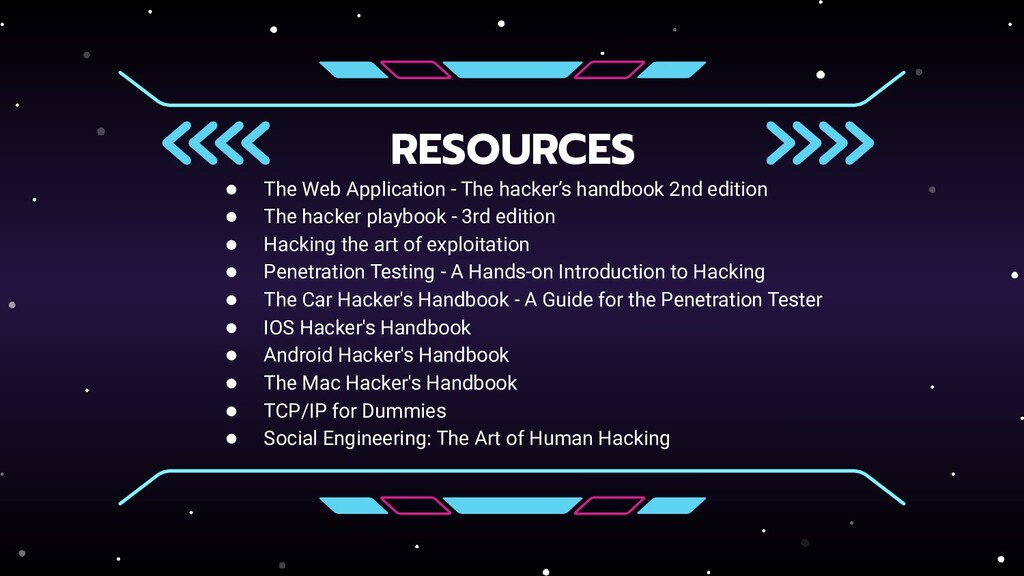
  22. RESOURCES • The Web Application - The hacker’s handbook 2nd

    edition • The hacker playbook - 3rd edition • Hacking the art of exploitation • Penetration Testing - A Hands-on Introduction to Hacking • The Car Hacker's Handbook - A Guide for the Penetration Tester • IOS Hacker's Handbook • Android Hacker's Handbook • The Mac Hacker's Handbook • TCP/IP for Dummies • Social Engineering: The Art of Human Hacking
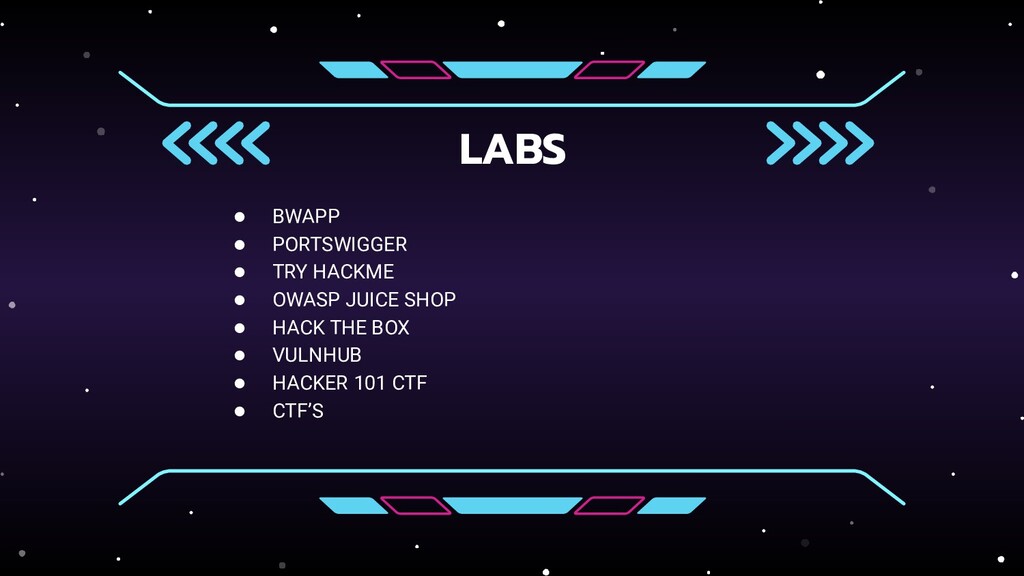
  23. LABS • BWAPP • PORTSWIGGER • TRY HACKME • OWASP

    JUICE SHOP • HACK THE BOX • VULNHUB • HACKER 101 CTF • CTF’S
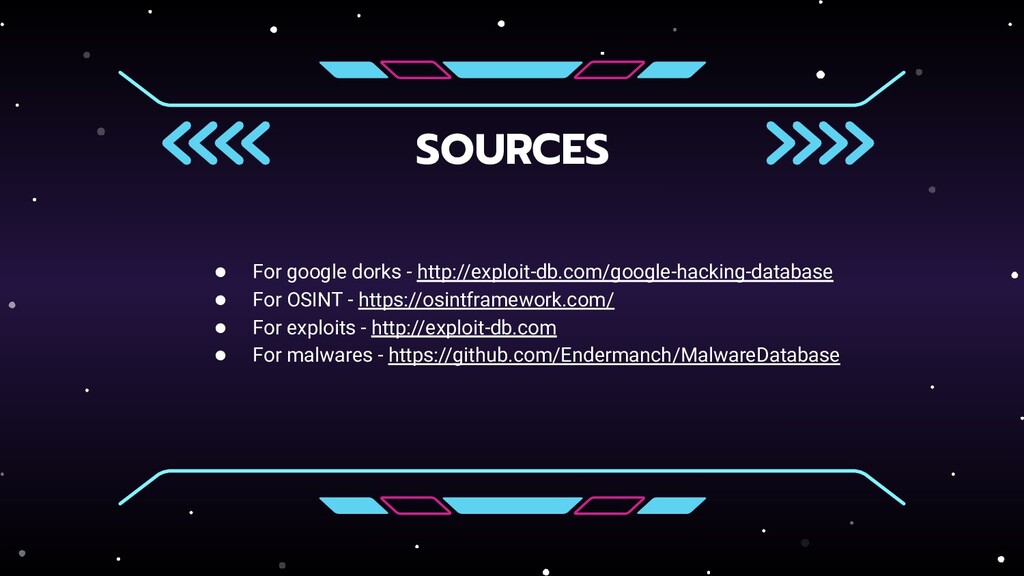
  24. SOURCES • For google dorks - http://exploit-db.com/google-hacking-database • For OSINT

    - https://osintframework.com/ • For exploits - http://exploit-db.com • For malwares - https://github.com/Endermanch/MalwareDatabase