Upgrade to Pro
— share decks privately, control downloads, hide ads and more …
Speaker Deck
Sign up for free
Menu
Search
Features
All features
Private URLs
Password Protection
Custom URLS
Scheduled publishing
Remove Branding
Restrict embedding
Deck Collections
Notes
Features
All features
Private URLs
Password Protection
Custom URLS
Scheduled publishing
Remove Branding
Restrict embedding
Deck Collections
Notes
Explore
Featured decks
Featured speakers
Programming
Technology
Storyboards
Explore
Featured decks
Featured speakers
Programming
Technology
Storyboards
Pricing
Search
Sign in
Sign up for free
1A116223 諸見里貴世
Search
Sponsored
·
Your Podcast. Everywhere. Effortlessly.
Share. Educate. Inspire. Entertain. You do you. We'll handle the rest.
→
TakaseM
June 22, 2016
190
0
Share
Embed
Copy iframe code
Copy JS code
Copy link
Start on current slide
1A116223 諸見里貴世
授業課題
TakaseM
June 22, 2016
More Decks by TakaseM
See All by TakaseM
森川直樹
takasemoro
0
93
諸見里貴世
takasemoro
0
170
Featured
See All Featured
Chasing Engaging Ingredients in Design
codingconduct
0
360
The Impact of AI in SEO - AI Overviews June 2024 Edition
aleyda
6
1.2k
The World Runs on Bad Software
bkeepers
PRO
72
12k
Designing for humans not robots
tammielis
254
26k
Exploring anti-patterns in Rails
aemeredith
4
540
Ethics towards AI in product and experience design
skipperchong
2
440
Efficient Content Optimization with Google Search Console & Apps Script
katarinadahlin
PRO
1
930
GitHub's CSS Performance
jonrohan
1033
470k
The Psychology of Web Performance [Beyond Tellerrand 2023]
tammyeverts
49
3.6k
Pawsitive SEO: Lessons from My Dog (and Many Mistakes) on Thriving as a Consultant in the Age of AI
davidcarrasco
0
260
コードの90%をAIが書く世界で何が待っているのか / What awaits us in a world where 90% of the code is written by AI
rkaga
63
46k
Leading Effective Engineering Teams in the AI Era
addyosmani
9
2.7k
Transcript
マッピング作業のマニュアル 1A116223 諸⾒⾥貴世
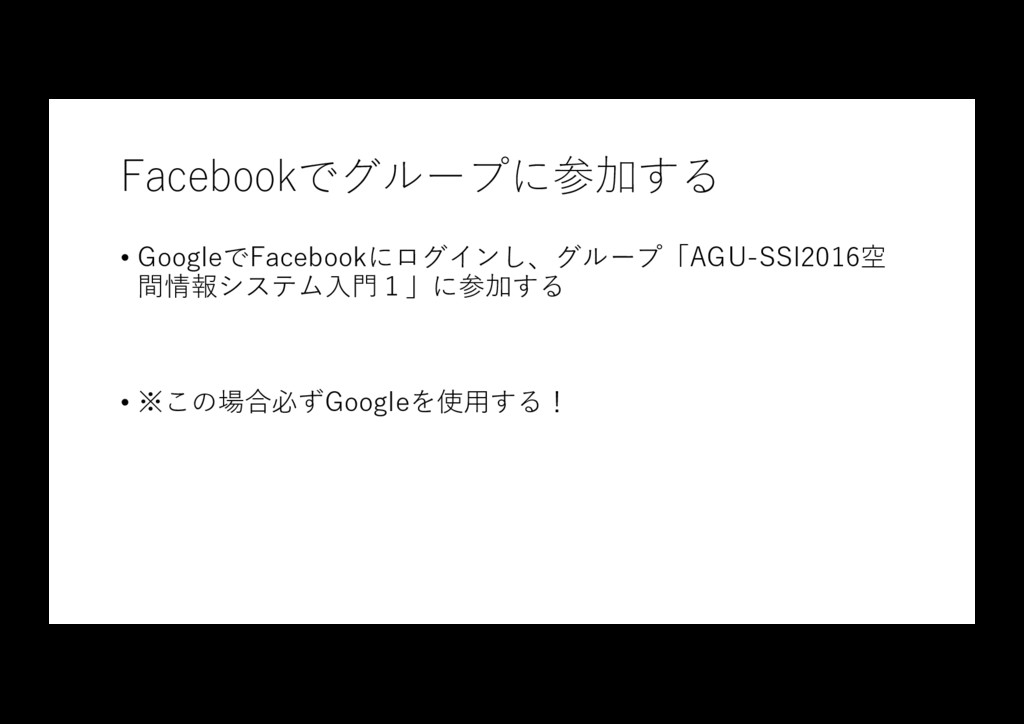
Facebookでグループに参加する • GoogleでFacebookにログインし、グループ「AGU-SSI2016空 間情報システム⼊⾨1」に参加する • ※この場合必ずGoogleを使⽤する!
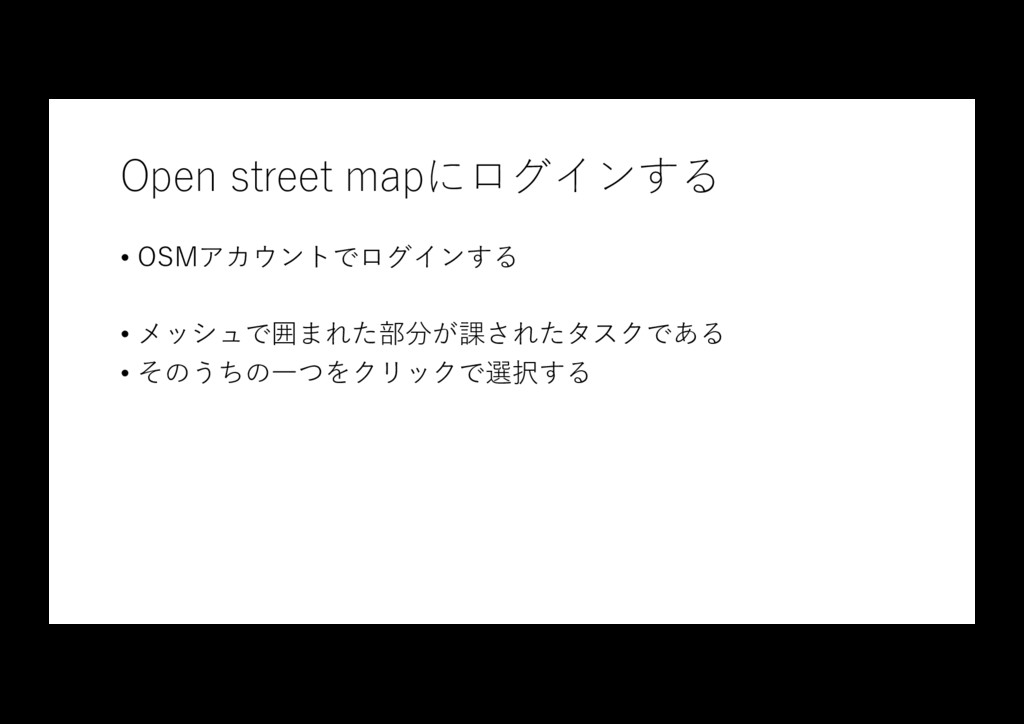
Open street mapにログインする • OSMアカウントでログインする • メッシュで囲まれた部分が課されたタスクである • そのうちの⼀つをクリックで選択する
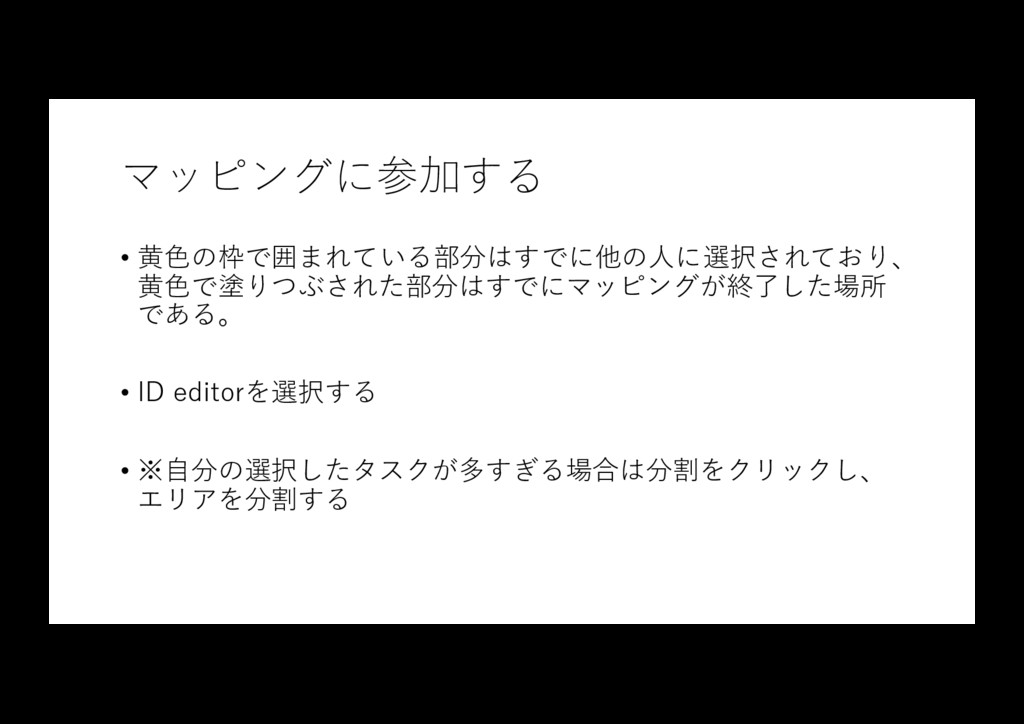
マッピングに参加する • ⻩⾊の枠で囲まれている部分はすでに他の⼈に選択されており、 ⻩⾊で塗りつぶされた部分はすでにマッピングが終了した場所 である。 • ID editorを選択する • ※⾃分の選択したタスクが多すぎる場合は分割をクリックし、
エリアを分割する
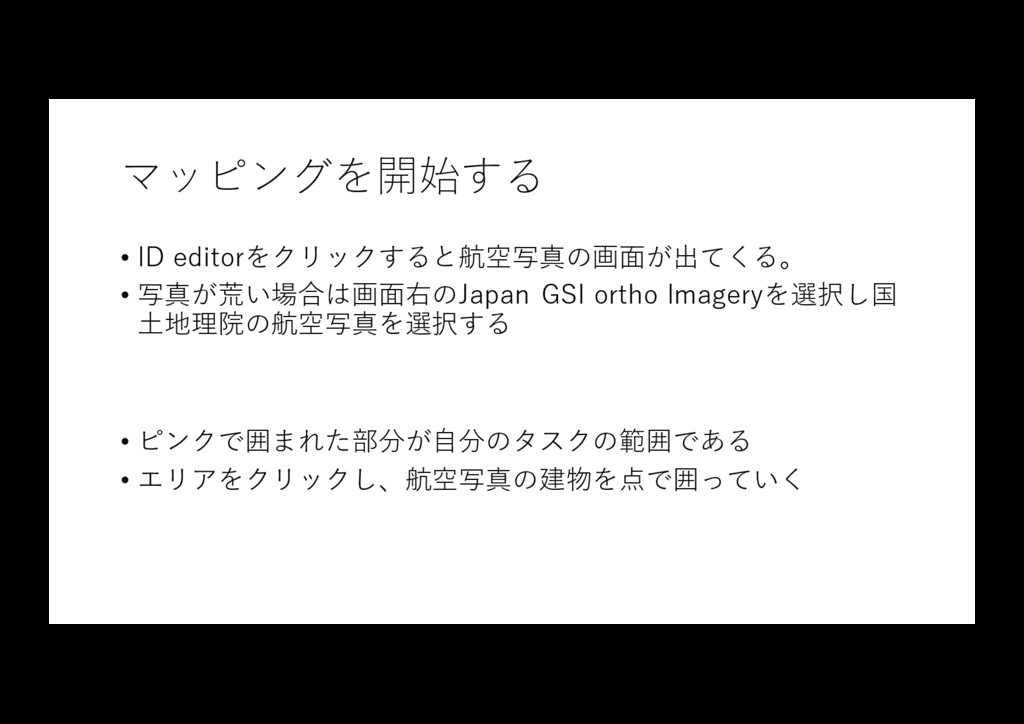
マッピングを開始する • ID editorをクリックすると航空写真の画⾯が出てくる。 • 写真が荒い場合は画⾯右のJapan GSI ortho Imageryを選択し国 ⼟地理院の航空写真を選択する
• ピンクで囲まれた部分が⾃分のタスクの範囲である • エリアをクリックし、航空写真の建物を点で囲っていく
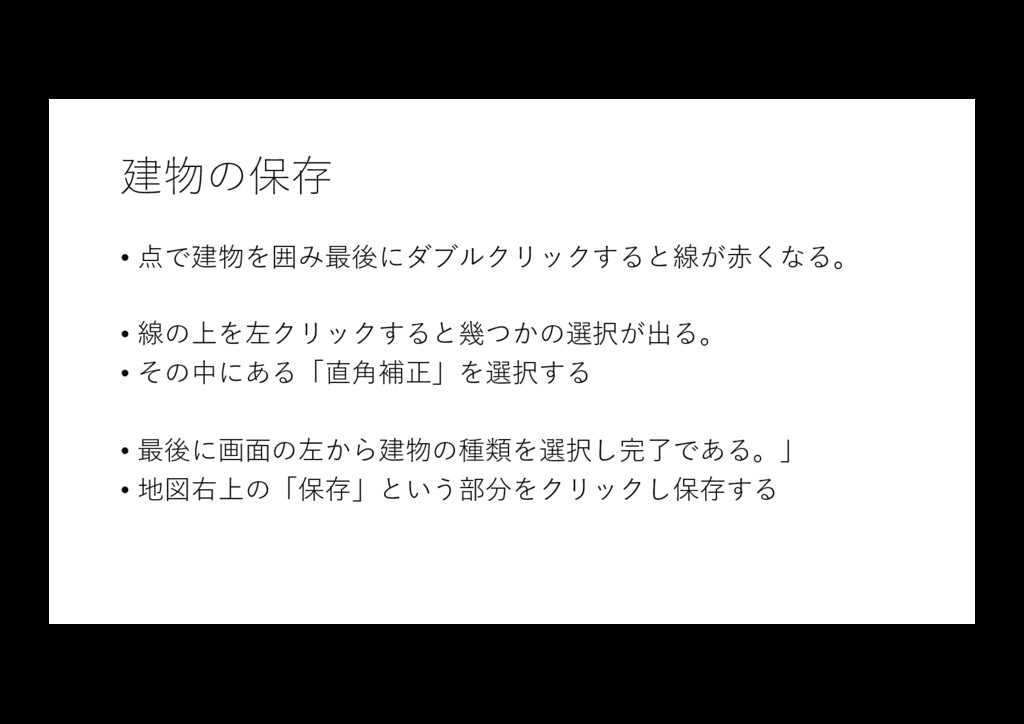
建物の保存 • 点で建物を囲み最後にダブルクリックすると線が⾚くなる。 • 線の上を左クリックすると幾つかの選択が出る。 • その中にある「直⾓補正」を選択する • 最後に画⾯の左から建物の種類を選択し完了である。」 •
地図右上の「保存」という部分をクリックし保存する
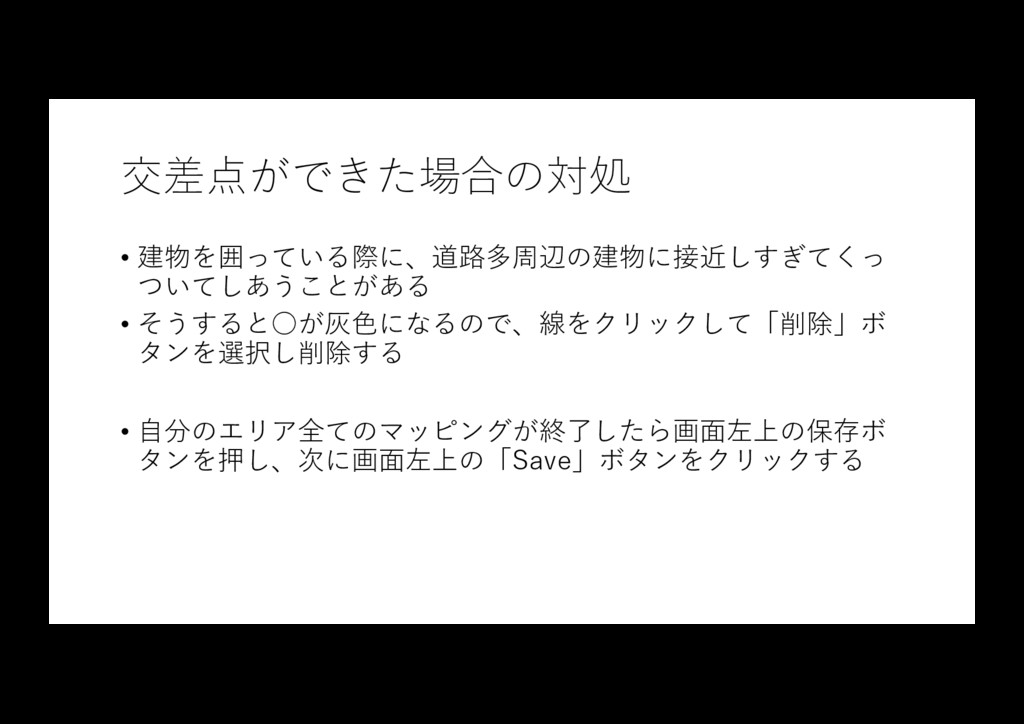
交差点ができた場合の対処 • 建物を囲っている際に、道路多周辺の建物に接近しすぎてくっ ついてしあうことがある • そうすると◦が灰⾊になるので、線をクリックして「削除」ボ タンを選択し削除する • ⾃分のエリア全てのマッピングが終了したら画⾯左上の保存ボ タンを押し、次に画⾯左上の「Save」ボタンをクリックする
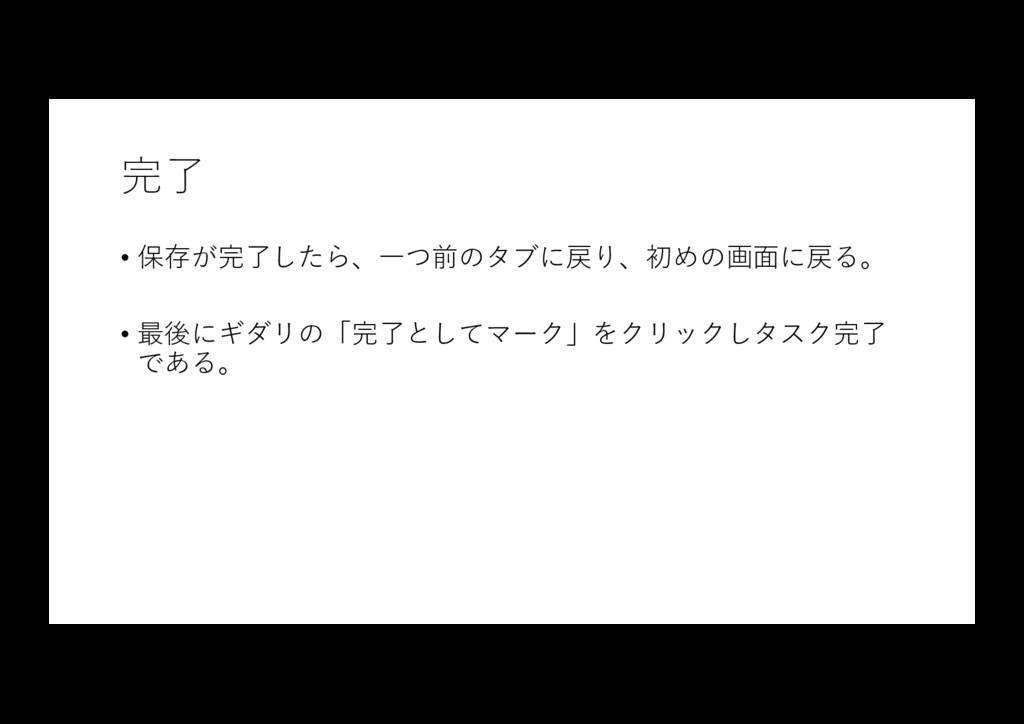
完了 • 保存が完了したら、⼀つ前のタブに戻り、初めの画⾯に戻る。 • 最後にギダリの「完了としてマーク」をクリックしタスク完了 である。


 takasemoro
 codingconduct
 aleyda
 bkeepers
 tammielis
 aemeredith
 skipperchong
 katarinadahlin
 jonrohan
 tammyeverts
 davidcarrasco
 rkaga
rkaga
 addyosmani