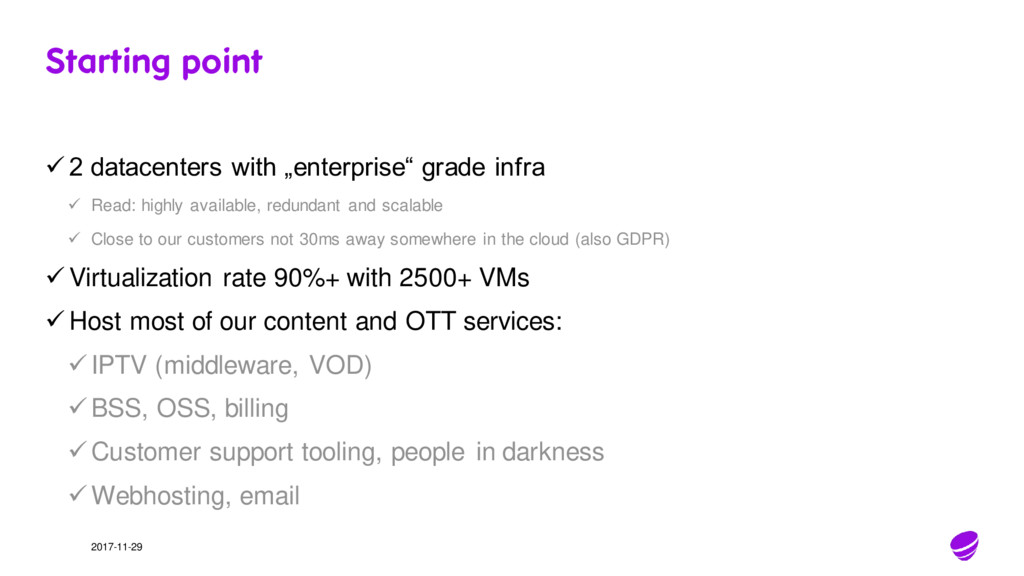
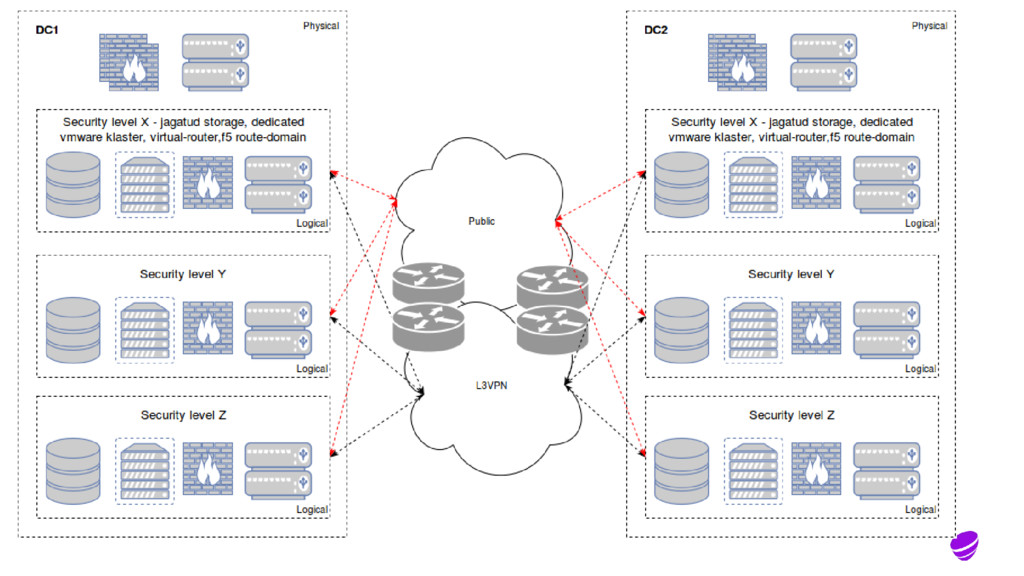
Read: highly available, redundant and scalable Close to our customers not 30ms away somewhere in the cloud (also GDPR) Virtualization rate 90%+ with 2500+ VMs Host most of our content and OTT services: IPTV (middleware, VOD) BSS, OSS, billing Customer support tooling, people in darkness Webhosting, email
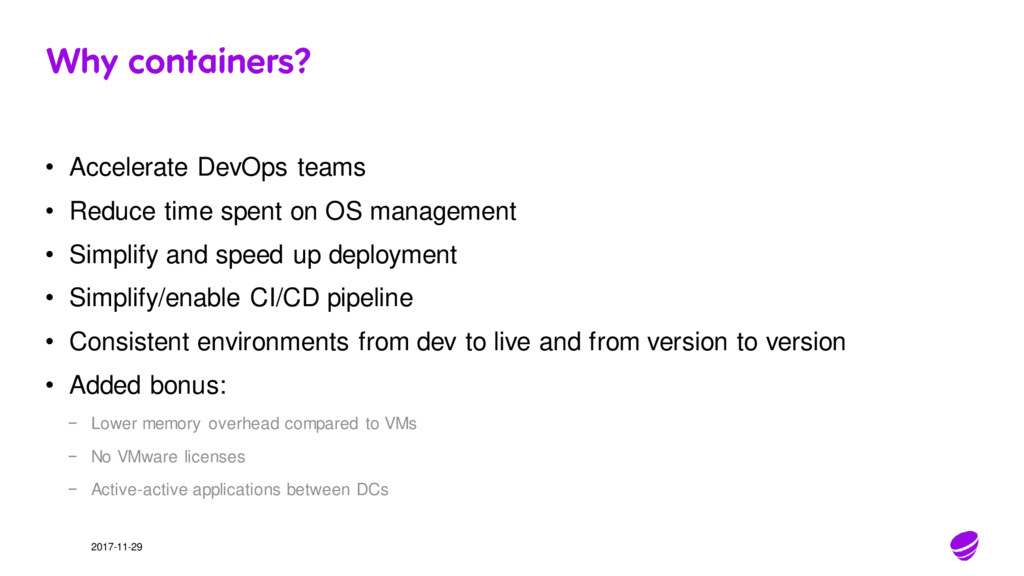
spent on OS management • Simplify and speed up deployment • Simplify/enable CI/CD pipeline • Consistent environments from dev to live and from version to version • Added bonus: − Lower memory overhead compared to VMs − No VMware licenses − Active-active applications between DCs
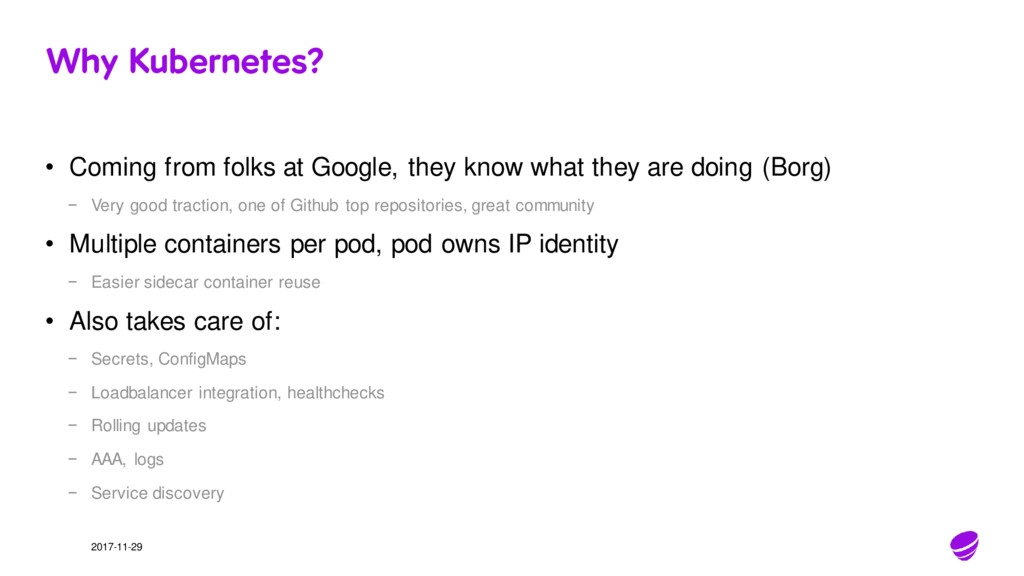
know what they are doing (Borg) − Very good traction, one of Github top repositories, great community • Multiple containers per pod, pod owns IP identity − Easier sidecar container reuse • Also takes care of: − Secrets, ConfigMaps − Loadbalancer integration, healthchecks − Rolling updates − AAA, logs − Service discovery
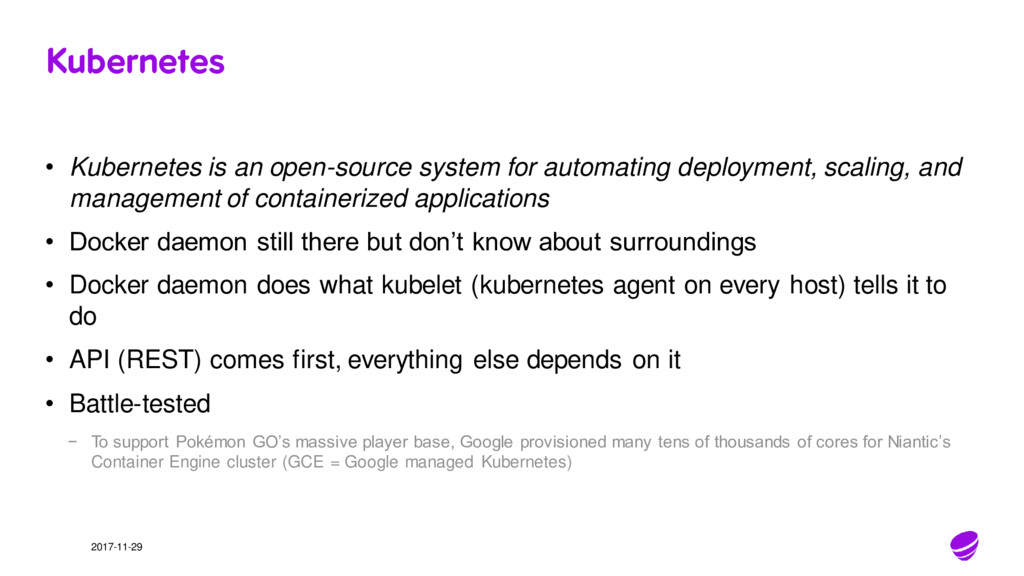
deployment, scaling, and management of containerized applications • Docker daemon still there but don’t know about surroundings • Docker daemon does what kubelet (kubernetes agent on every host) tells it to do • API (REST) comes first, everything else depends on it • Battle-tested − To support Pokémon GO’s massive player base, Google provisioned many tens of thousands of cores for Niantic’s Container Engine cluster (GCE = Google managed Kubernetes)
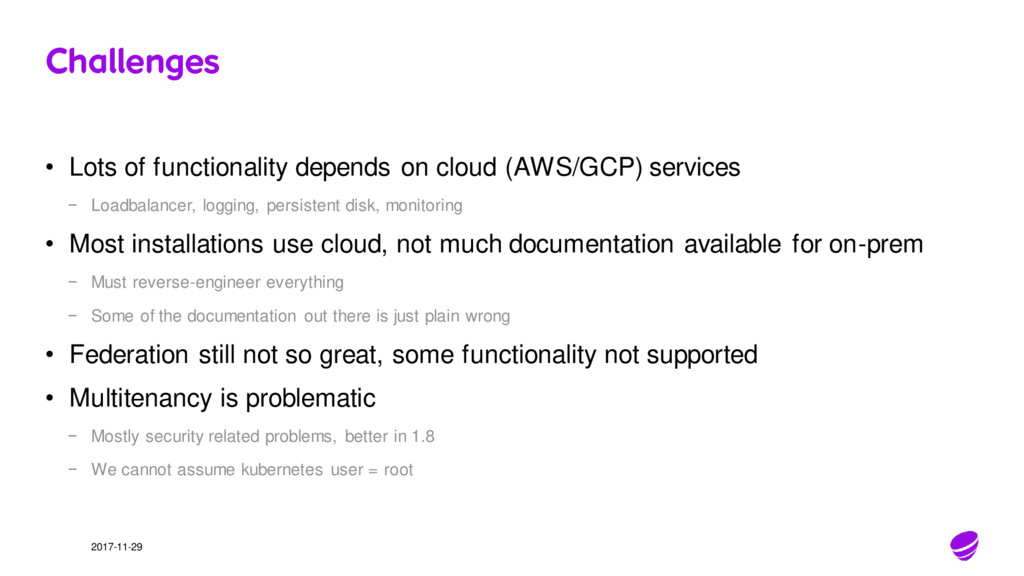
services − Loadbalancer, logging, persistent disk, monitoring • Most installations use cloud, not much documentation available for on-prem − Must reverse-engineer everything − Some of the documentation out there is just plain wrong • Federation still not so great, some functionality not supported • Multitenancy is problematic − Mostly security related problems, better in 1.8 − We cannot assume kubernetes user = root
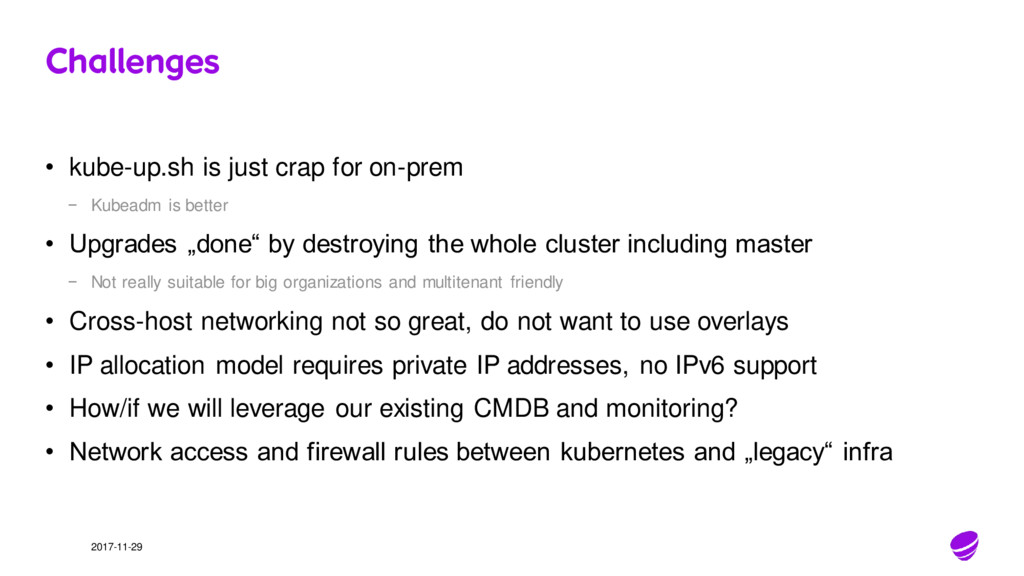
Kubeadm is better • Upgrades „done“ by destroying the whole cluster including master − Not really suitable for big organizations and multitenant friendly • Cross-host networking not so great, do not want to use overlays • IP allocation model requires private IP addresses, no IPv6 support • How/if we will leverage our existing CMDB and monitoring? • Network access and firewall rules between kubernetes and „legacy“ infra
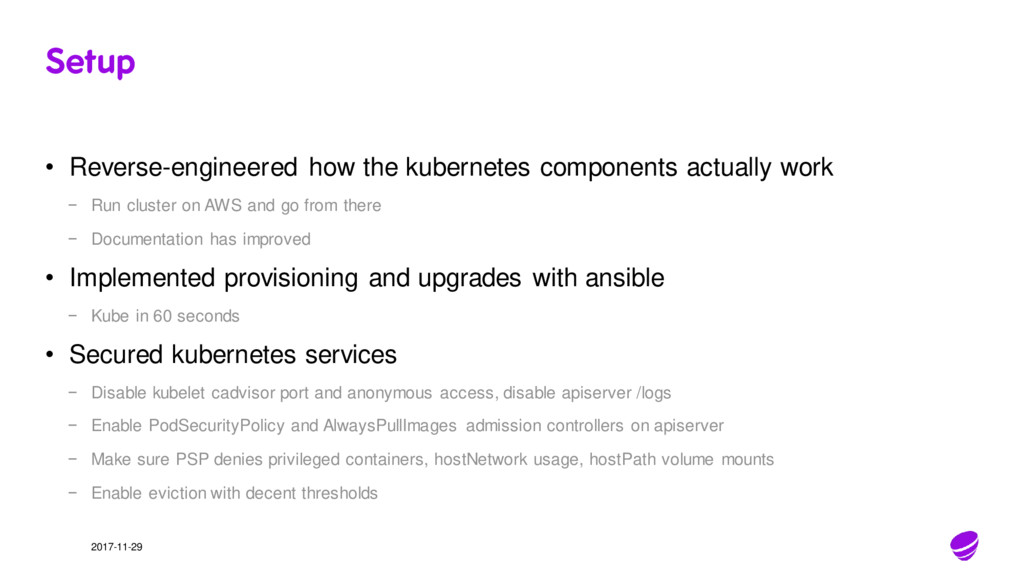
− Run cluster on AWS and go from there − Documentation has improved • Implemented provisioning and upgrades with ansible − Kube in 60 seconds • Secured kubernetes services − Disable kubelet cadvisor port and anonymous access, disable apiserver /logs − Enable PodSecurityPolicy and AlwaysPullImages admission controllers on apiserver − Make sure PSP denies privileged containers, hostNetwork usage, hostPath volume mounts − Enable eviction with decent thresholds
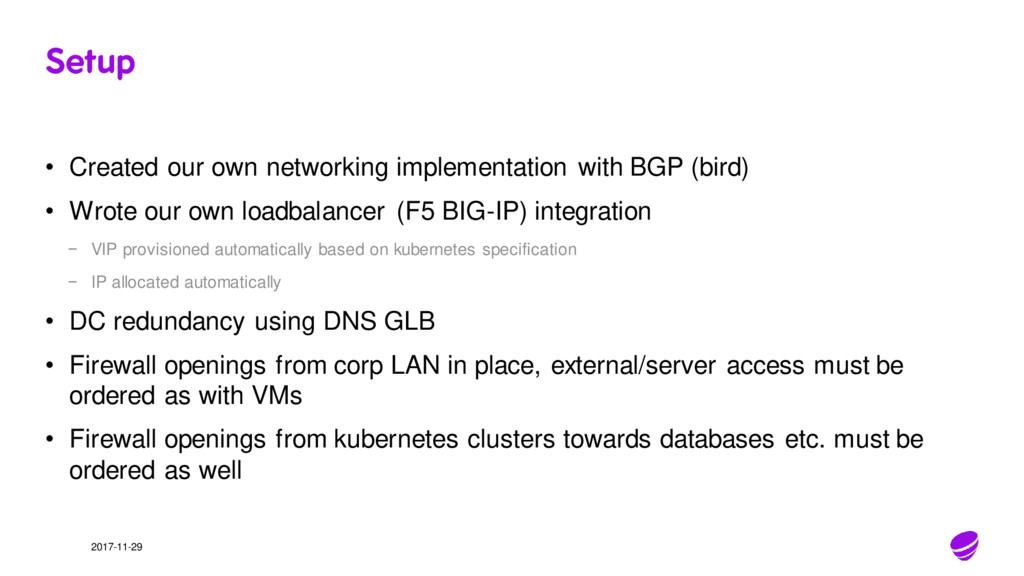
(bird) • Wrote our own loadbalancer (F5 BIG-IP) integration − VIP provisioned automatically based on kubernetes specification − IP allocated automatically • DC redundancy using DNS GLB • Firewall openings from corp LAN in place, external/server access must be ordered as with VMs • Firewall openings from kubernetes clusters towards databases etc. must be ordered as well
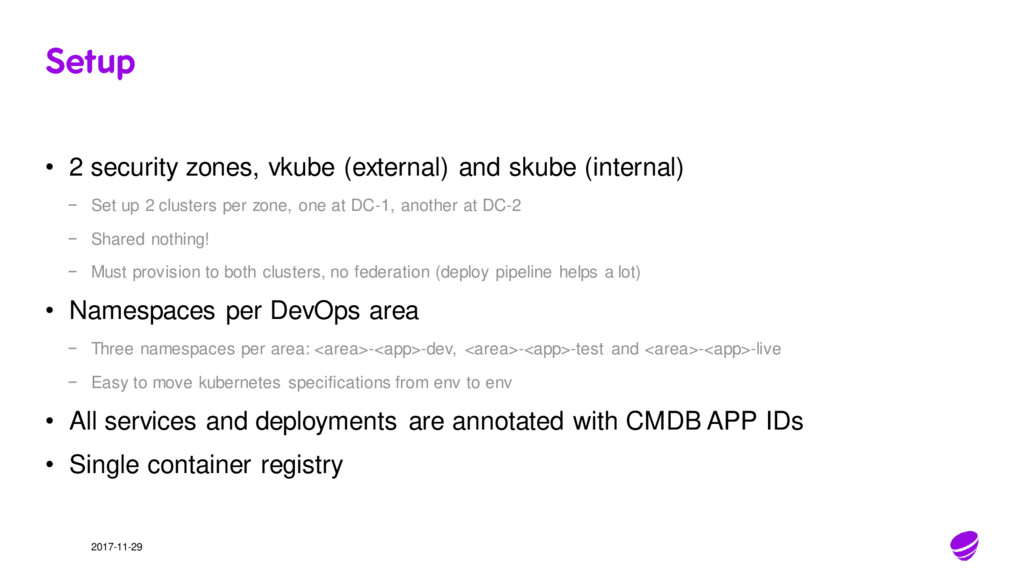
(internal) − Set up 2 clusters per zone, one at DC-1, another at DC-2 − Shared nothing! − Must provision to both clusters, no federation (deploy pipeline helps a lot) • Namespaces per DevOps area − Three namespaces per area: <area>-<app>-dev, <area>-<app>-test and <area>-<app>-live − Easy to move kubernetes specifications from env to env • All services and deployments are annotated with CMDB APP IDs • Single container registry
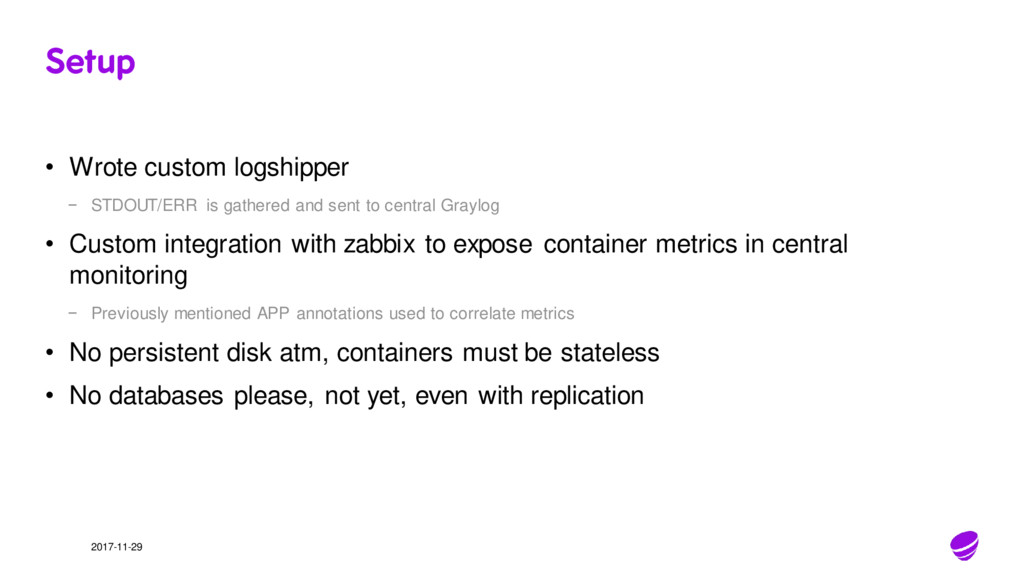
and sent to central Graylog • Custom integration with zabbix to expose container metrics in central monitoring − Previously mentioned APP annotations used to correlate metrics • No persistent disk atm, containers must be stateless • No databases please, not yet, even with replication
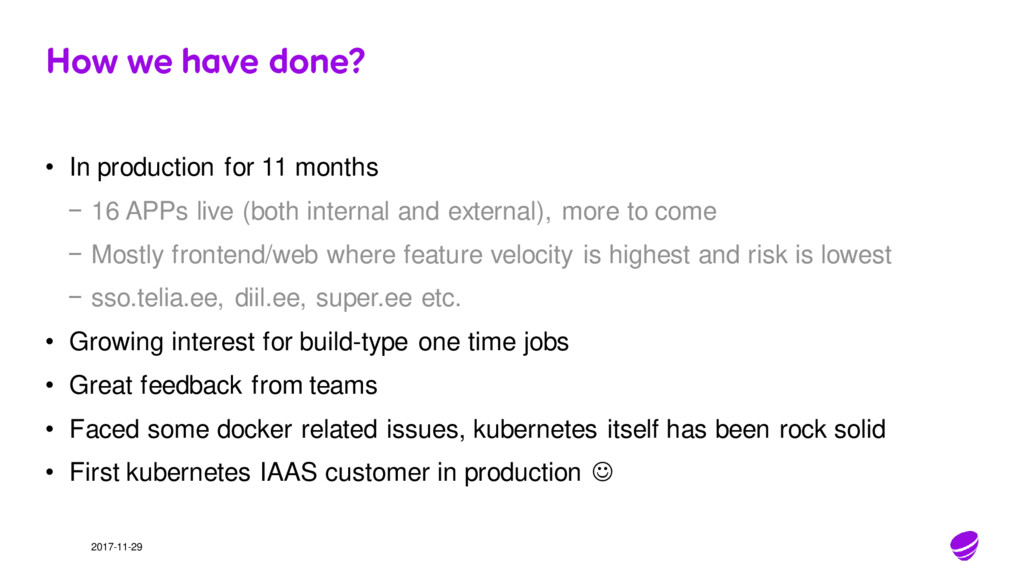
months − 16 APPs live (both internal and external), more to come − Mostly frontend/web where feature velocity is highest and risk is lowest − sso.telia.ee, diil.ee, super.ee etc. • Growing interest for build-type one time jobs • Great feedback from teams • Faced some docker related issues, kubernetes itself has been rock solid • First kubernetes IAAS customer in production


 takanorip
 iktakahiro
 keeg
keeg
 occhi
occhi
 riyaamemiya
 sh_fk2
 kentarofujii
 genda
genda
 codmoninc
 ivry_presentationmaterials
 shumei_ito
 raygrieselhuber
 nonsquared
 rasmusluckow
 reverentgeek
 nikkihalliwell
 chikuwait
 holman
 cassininazir
 ipullrank
 notwaldorf
 mfonobong