Upgrade to Pro
— share decks privately, control downloads, hide ads and more …
Speaker Deck
Sign up for free
Menu
Search
Features
All features
Private URLs
Password Protection
Custom URLS
Scheduled publishing
Remove Branding
Restrict embedding
Deck Collections
Notes
Features
All features
Private URLs
Password Protection
Custom URLS
Scheduled publishing
Remove Branding
Restrict embedding
Deck Collections
Notes
Explore
Featured decks
Featured speakers
Programming
Technology
Storyboards
Explore
Featured decks
Featured speakers
Programming
Technology
Storyboards
Pricing
Search
Sign in
Sign up for free
ピッてやるとシュッてなるやつを作った話
Search
tera
November 04, 2017
270
0
Share
Embed
Copy iframe code
Copy JS code
Copy link
Start on current slide
ピッてやるとシュッてなるやつを作った話
2017年度 SRC OB発表会で話したやつです
tera
November 04, 2017
More Decks by tera
See All by tera
Pythonを読む
tera
0
230
importを理解したかった
tera
0
670
RustでShell作ろう
tera
0
970
HTTPをしゃべろう~Firefoxになるために~
tera
0
270
Featured
See All Featured
Why You Should Never Use an ORM
jnunemaker
PRO
61
10k
Embracing the Ebb and Flow
colly
88
5.2k
Intergalactic Javascript Robots from Outer Space
tanoku
273
28k
Scaling GitHub
holman
464
140k
No one is an island. Learnings from fostering a developers community.
thoeni
21
3.9k
Leadership Guide Workshop - DevTernity 2021
reverentgeek
1
400
brightonSEO & MeasureFest 2025 - Winning Strategies for Black Friday CRO & PPC - Christian Goodrich
cargoodrich
3
870
実際に使うSQLの書き方 徹底解説 / pgcon21j-tutorial
soudai
PRO
203
77k
HTML-Aware ERB: The Path to Reactive Rendering @ RubyCon 2026, Rimini, Italy
marcoroth
5
830
Believing is Seeing
oripsolob
1
250
Effective software design: The role of men in debugging patriarchy in IT @ Voxxed Days AMS
baasie
1
570
Why Your Marketing Sucks and What You Can Do About It - Sophie Logan
marketingsoph
0
430
Transcript
隠居宣言
自己紹介 • SRC プログラミング班 • PythonとかRustとかで遊んでいる • IQが3 • 17生が強すぎる
• 隠居します • Twitter: @tera_3939
ピッとするとシュッてなるやつを 作った話
事の始まり
秋葉原はラジオデパート
None
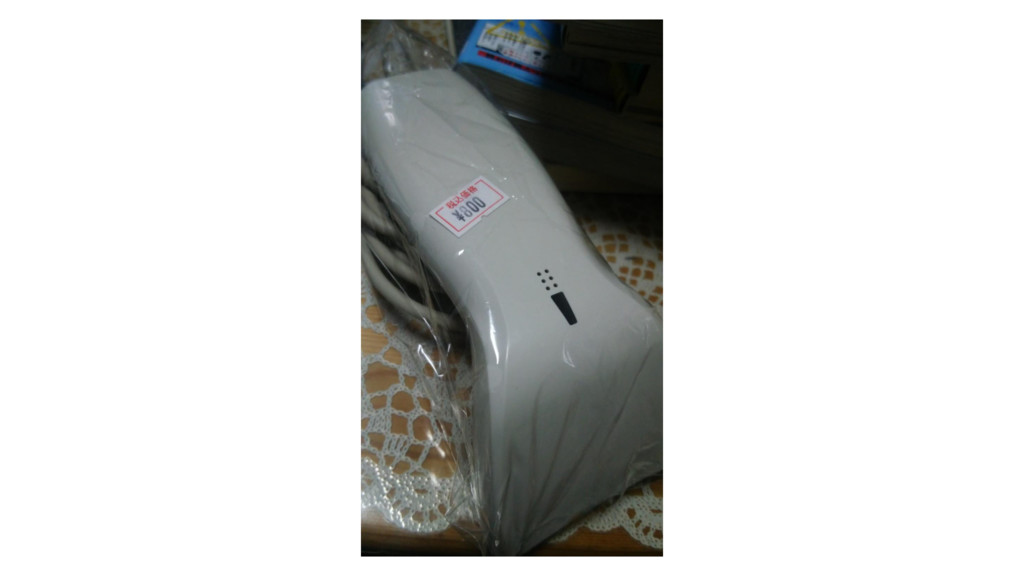
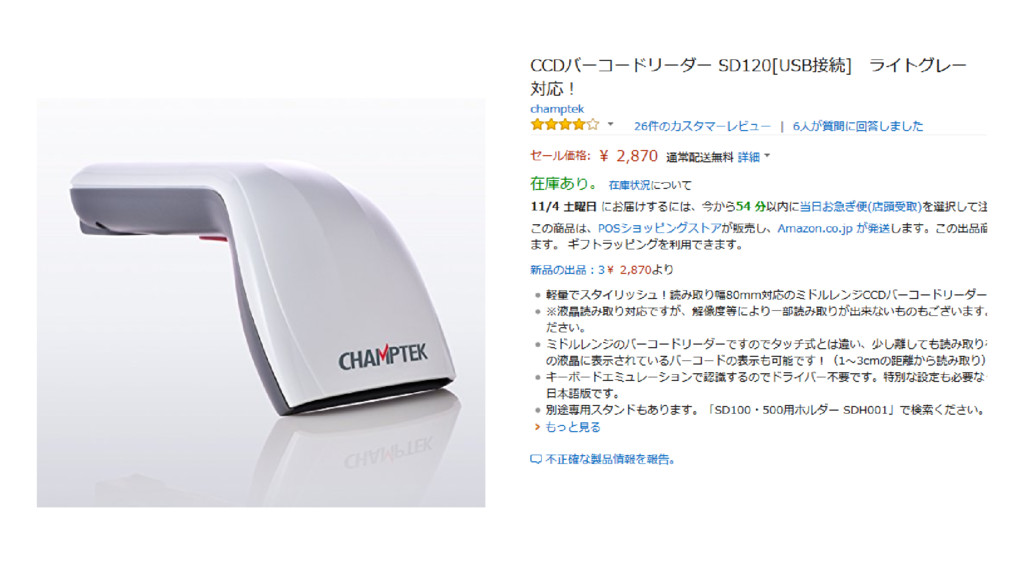
800円で バーコードリーダーが売ってる!
None
None
これは買うしかない(買った)
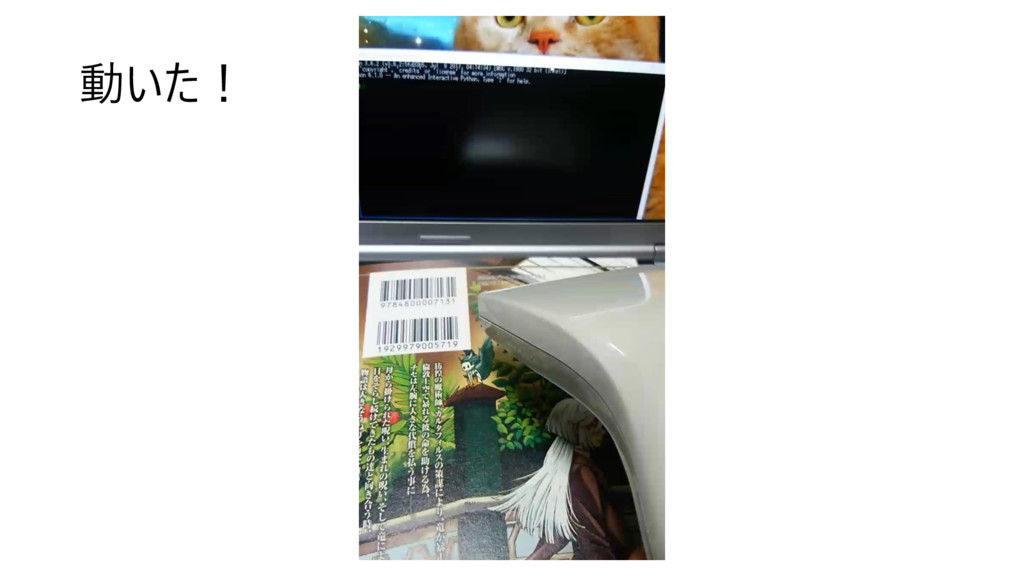
でもこれ動くか……?
動いた!
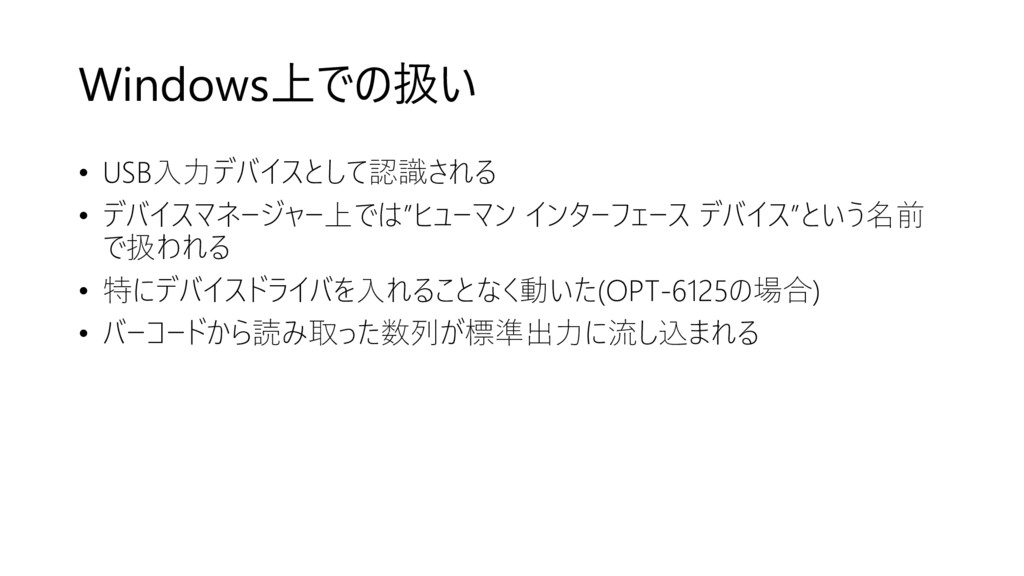
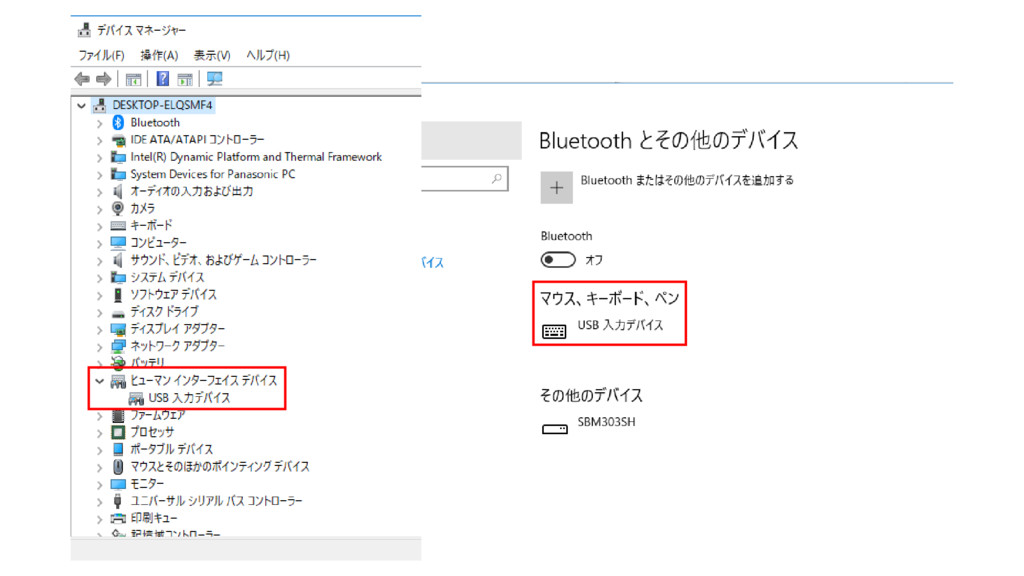
Windows上での扱い • USB入力デバイスとして認識される • デバイスマネージャー上では”ヒューマン インターフェース デバイス”という名前 で扱われる • 特にデバイスドライバを入れることなく動いた(OPT-6125の場合)
• バーコードから読み取った数列が標準出力に流し込まれる
None
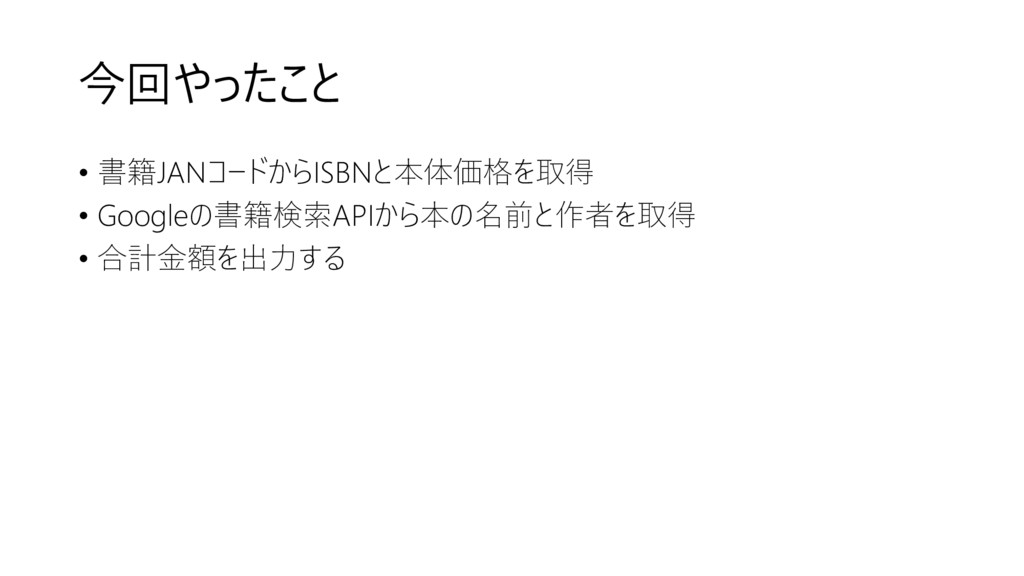
今回やったこと • 書籍JANコードからISBNと本体価格を取得 • Googleの書籍検索APIから本の名前と作者を取得 • 合計金額を出力する
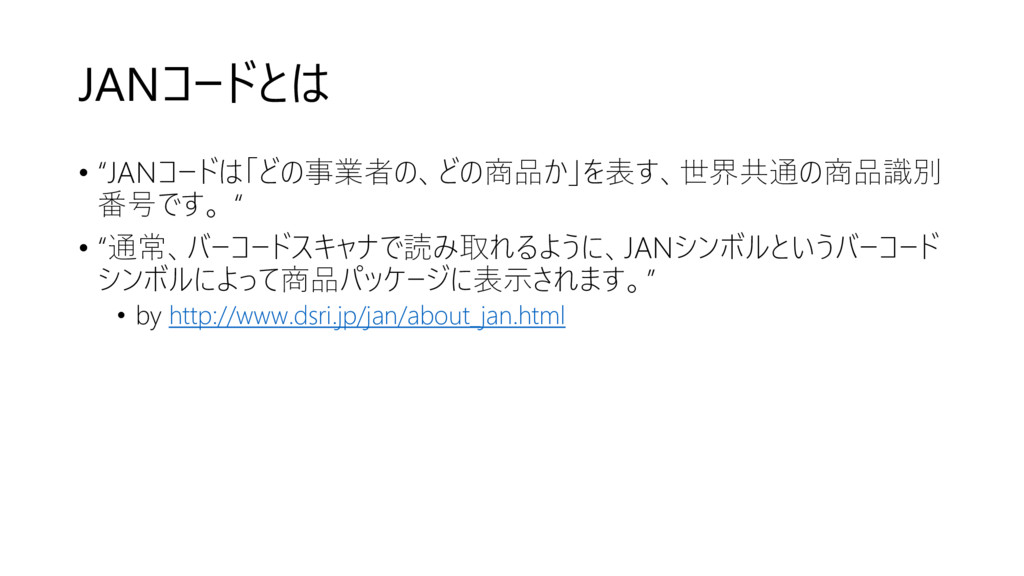
JANコードとは • “JANコードは「どの事業者の、どの商品か」を表す、世界共通の商品識別 番号です。 “ • “通常、バーコードスキャナで読み取れるように、JANシンボルというバーコード シンボルによって商品パッケージに表示されます。” • by
http://www.dsri.jp/jan/about_jan.html
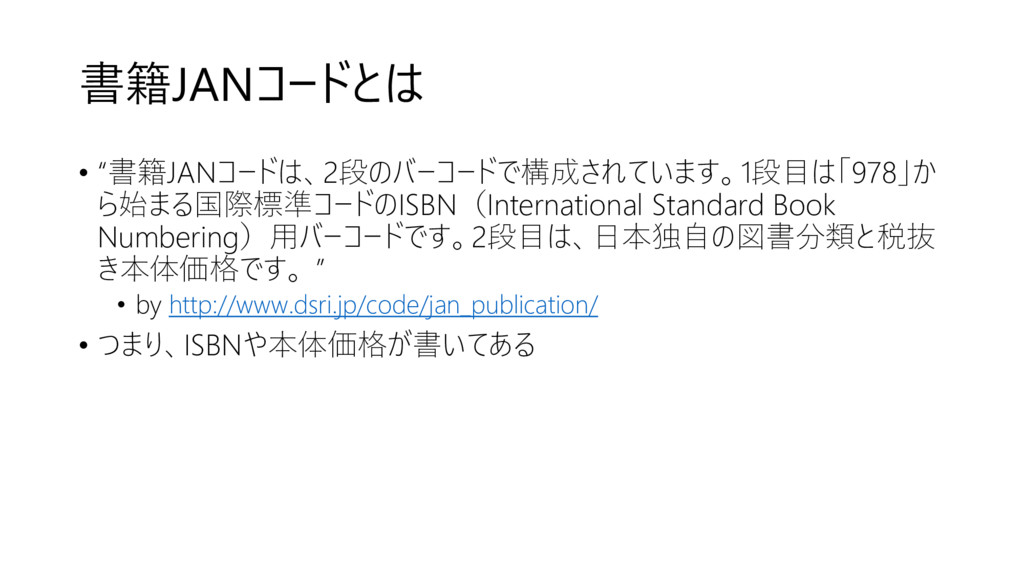
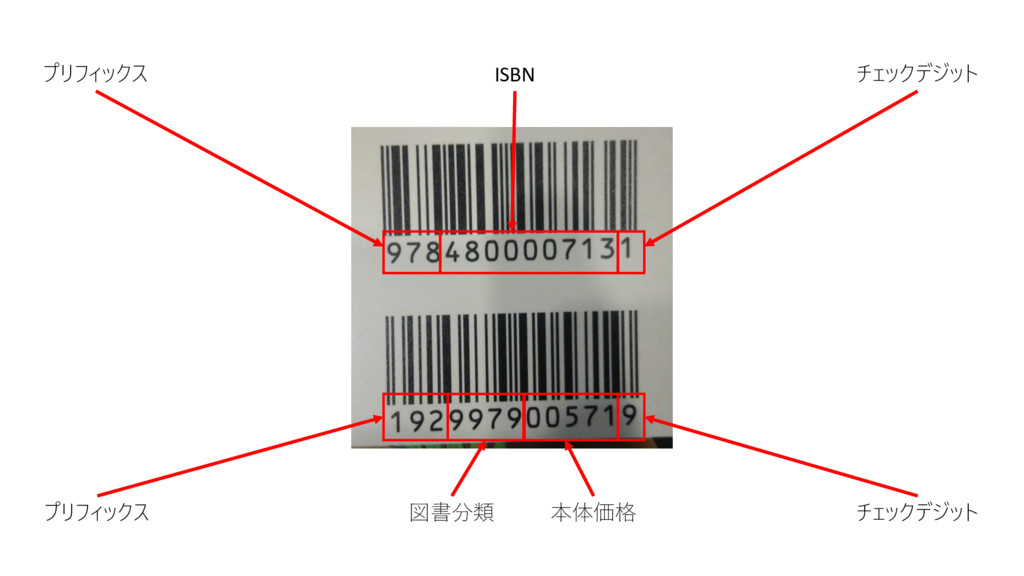
書籍JANコードとは • “書籍JANコードは、2段のバーコードで構成されています。1段目は「978」か ら始まる国際標準コードのISBN(International Standard Book Numbering)用バーコードです。2段目は、日本独自の図書分類と税抜 き本体価格です。 ” •
by http://www.dsri.jp/code/jan_publication/ • つまり、ISBNや本体価格が書いてある
プリフィックス ISBN チェックデジット プリフィックス 図書分類 本体価格 チェックデジット
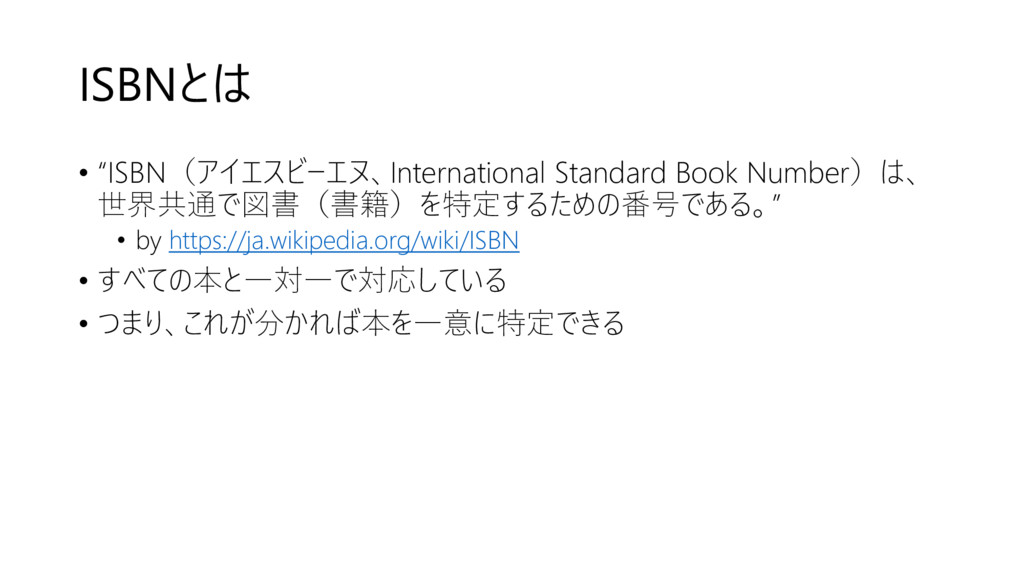
ISBNとは • “ISBN(アイエスビーエヌ、International Standard Book Number)は、 世界共通で図書(書籍)を特定するための番号である。” • by https://ja.wikipedia.org/wiki/ISBN
• すべての本と一対一で対応している • つまり、これが分かれば本を一意に特定できる
JANコードをピッてすると • ISBNと本体価格がわかる!!
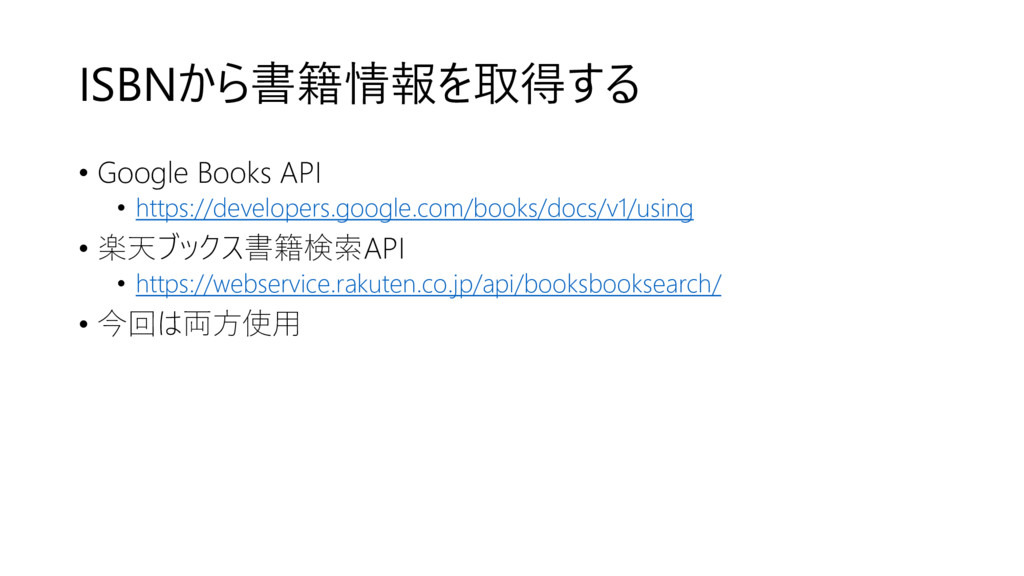
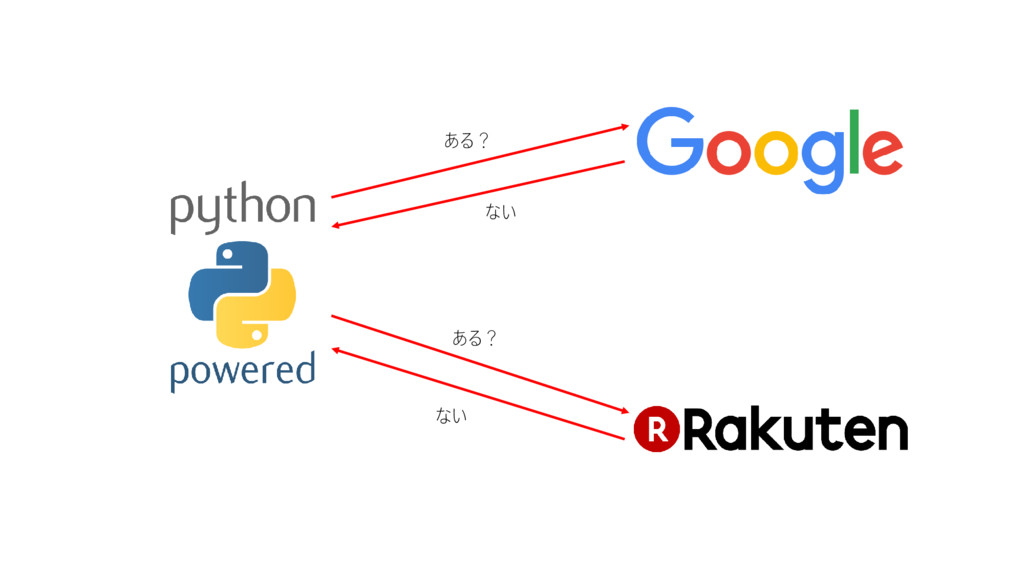
ISBNから書籍情報を取得する • Google Books API • https://developers.google.com/books/docs/v1/using • 楽天ブックス書籍検索API •
https://webservice.rakuten.co.jp/api/booksbooksearch/ • 今回は両方使用
ある? ない ない ある?


 tera
tera
 jnunemaker
 colly
colly
 tanoku
 holman
 thoeni
 reverentgeek
.jpg) cargoodrich
cargoodrich
 soudai
 marcoroth
 oripsolob
 baasie
 marketingsoph