Share
Embed
CI/CD for mobile done right
The talk given on Mobile Optimized 2017 Conference, describing our way of moving away from a build system based on Jenkins with dedicated build slaves, to tightly coupled Gitlab with Docker containers and VMWare Virtual Machines as it's runners.
tgrf
July 14, 2017
Transcript
39 slides
-
agenda ✱ Why to bother? ✱ GitLab for the rescue
✱ Encapsulating with Fastlane ✱ Virtualise everything ✱ Limitations -
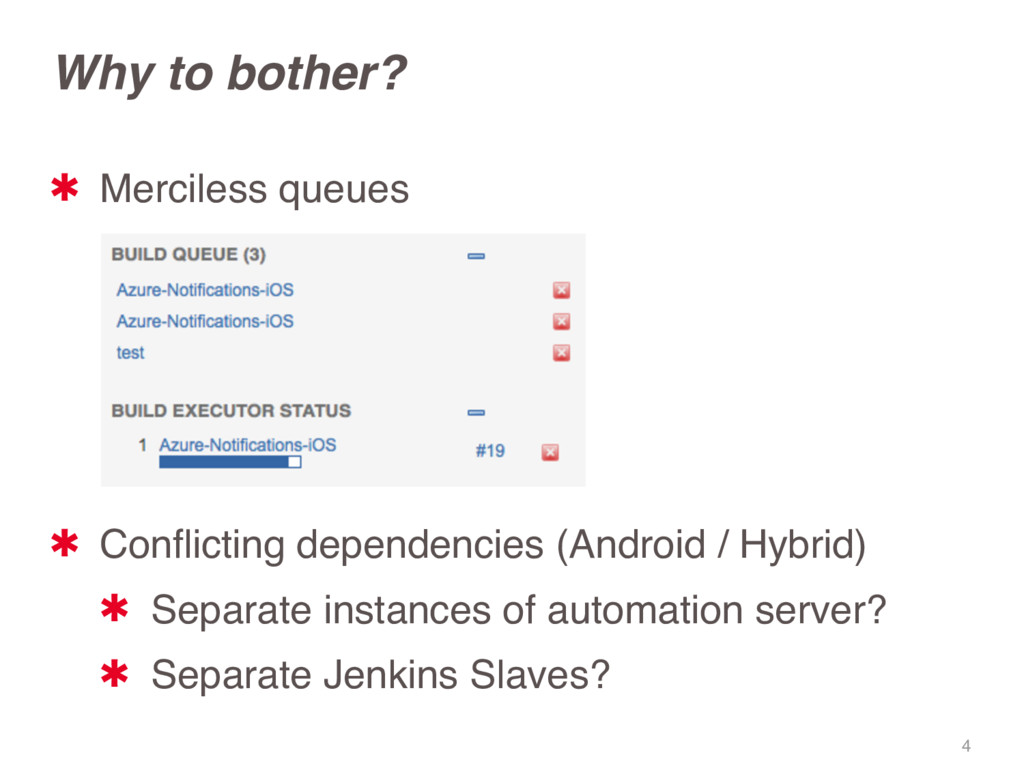
✱ Merciless queues ✱ Conflicting
dependencies (Android / Hybrid) ✱ Separate instances of automation server? ✱ Separate Jenkins Slaves? Why to bother? 4 -
✱ Error-prone Jenkins-Slaves linking methods: ✱ JNLP launchers ✱ Java
Web Start ✱ Command execution on the master ✱ Keychains and provisioning profiles injection: ✱ Sharing credentials with Slaves? ✱ Storing PP and certificates manually on master? Why to bother? 5 -
✱ Signing issues with Xcode (valid PP and certs): [12:27:12]:
Unlocking keychain at path: /workspace/test/jenkins-enterprise.keychain [12:27:12]: Set code signing identity: "iPhone Distribution: MyDistribution". (…) ❌ error: Task failed with exit 1 signal 0 { ** ARCHIVE FAILED ** The following build commands failed: CopySwiftLibs derivedData/Build/Intermediates/ ArchiveIntermediates/test/ InstallationBuildProductsLocation/Applications/test.app (1 failure) [12:35:18]: Exit status: 65 Why to bother? 8 -
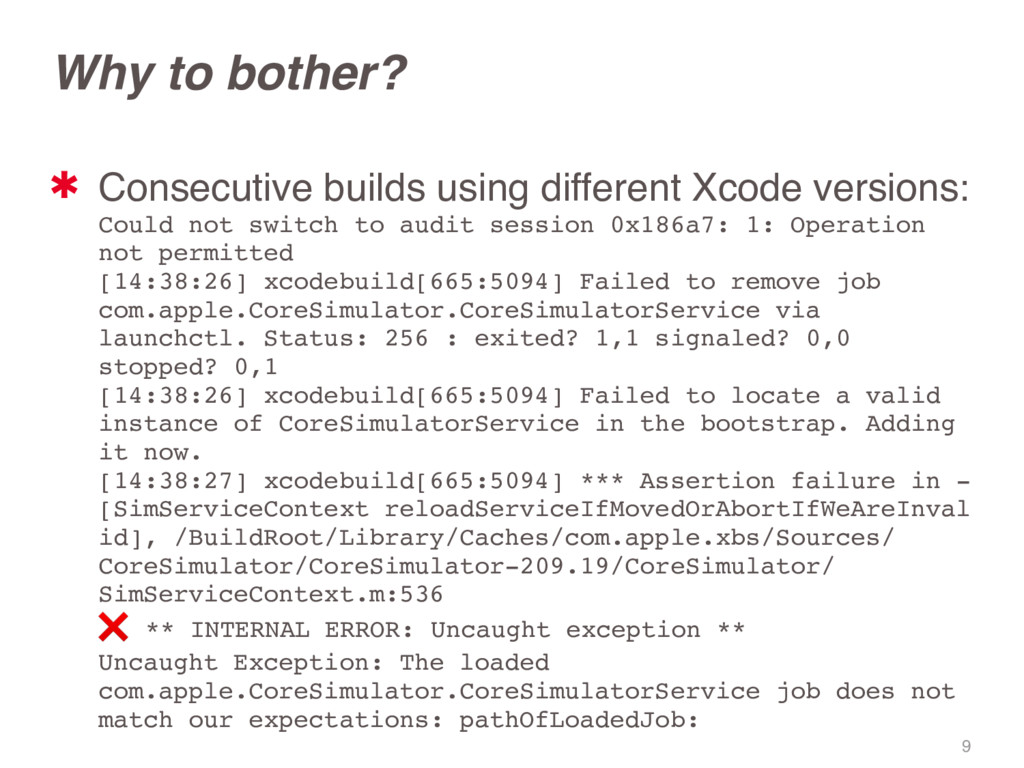
✱ Consecutive builds using different Xcode versions: Could not switch
to audit session 0x186a7: 1: Operation not permitted [14:38:26] xcodebuild[665:5094] Failed to remove job com.apple.CoreSimulator.CoreSimulatorService via launchctl. Status: 256 : exited? 1,1 signaled? 0,0 stopped? 0,1 [14:38:26] xcodebuild[665:5094] Failed to locate a valid instance of CoreSimulatorService in the bootstrap. Adding it now. [14:38:27] xcodebuild[665:5094] *** Assertion failure in - [SimServiceContext reloadServiceIfMovedOrAbortIfWeAreInval id], /BuildRoot/Library/Caches/com.apple.xbs/Sources/ CoreSimulator/CoreSimulator-209.19/CoreSimulator/ SimServiceContext.m:536 ❌ ** INTERNAL ERROR: Uncaught exception ** Uncaught Exception: The loaded com.apple.CoreSimulator.CoreSimulatorService job does not match our expectations: pathOfLoadedJob: Why to bother? 9 -

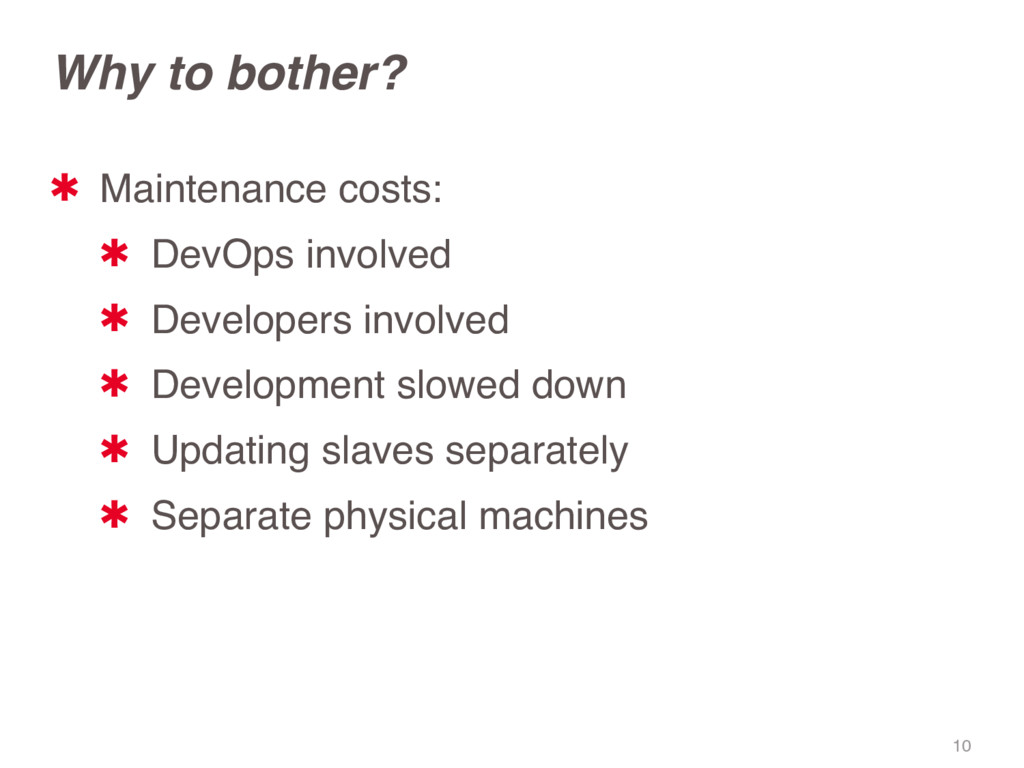
✱ Maintenance costs: ✱ DevOps involved ✱ Developers involved ✱
Development slowed down ✱ Updating slaves separately ✱ Separate physical machines Why to bother? 10 -
✱ Maintenance costs: ✱ DevOps involved ✱ Developers involved ✱
Development slowed down ✱ Updating slaves separately ✱ Separate physical machines ✱ Why not to solve it with a self-contained CI/CD system? Why to bother? 11 -
✱ Community Edition (free of charge) ✱ Enterprise Edition ✱
Paid per user ✱ Supported open source ✱ Available as hosted GitLab.com or githost.io service ✱ GitLab Runners ✱ Covering almost whole development process GitLab for the rescue 13 -
✱ Covering almost whole development process: ✱ Issue tracker and
board ✱ Repository management ✱ Merge requests ✱ Code review and diff tools ✱ CI (testing) ✱ Autoscaling runners GitLab for the rescue 14 -
✱ Covering almost whole development process: ✱ App reviews ✱
CI/CD pipelines (automatic and manual deployment) ✱ Container registry ✱ Contributor analytics ✱ Release cycle analytics ✱ Performance monitoring GitLab for the rescue 15 -
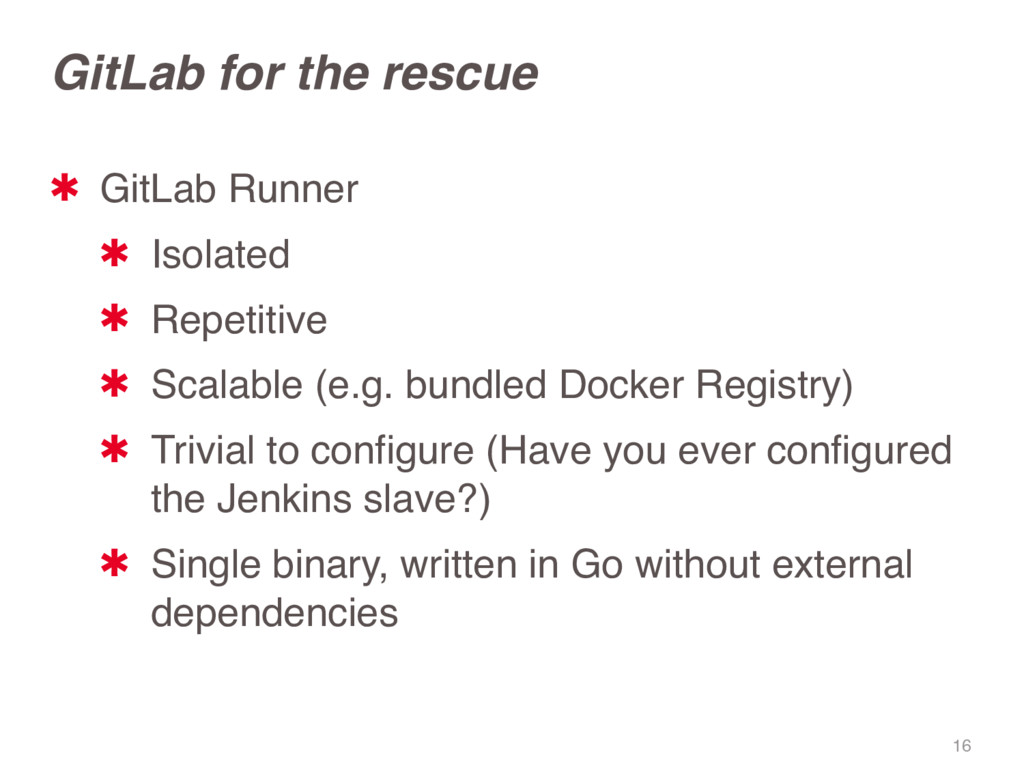
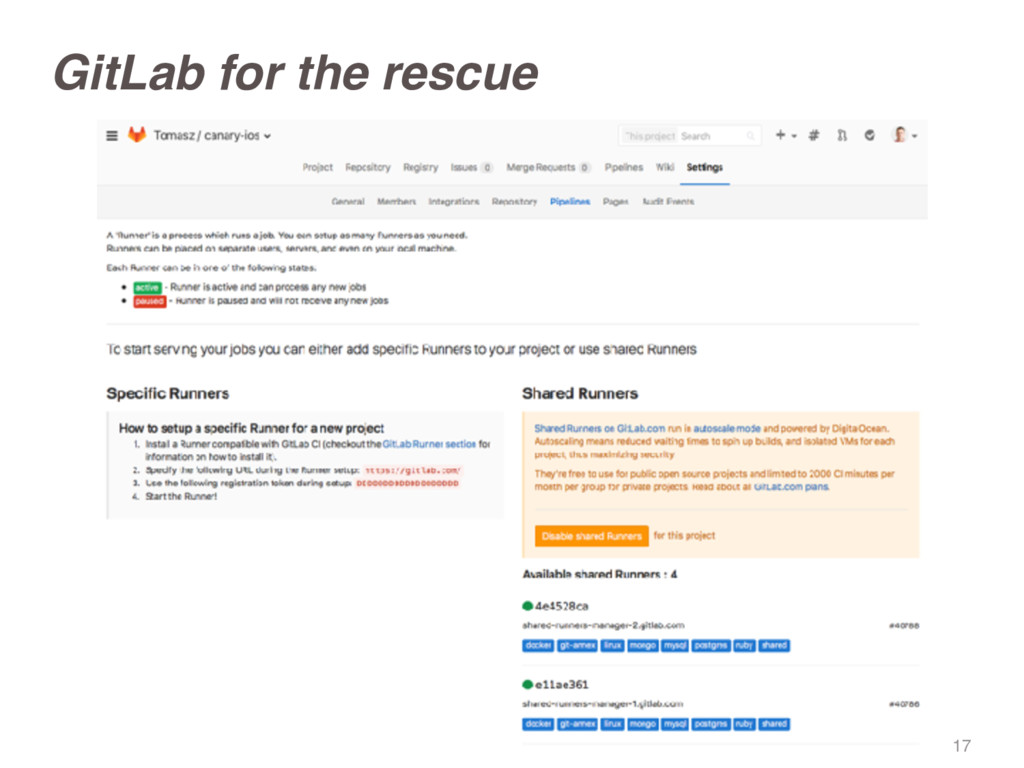
✱ GitLab Runner ✱ Isolated ✱ Repetitive ✱ Scalable (e.g.
bundled Docker Registry) ✱ Trivial to configure (Have you ever configured the Jenkins slave?) ✱ Single binary, written in Go without external dependencies GitLab for the rescue 16 -
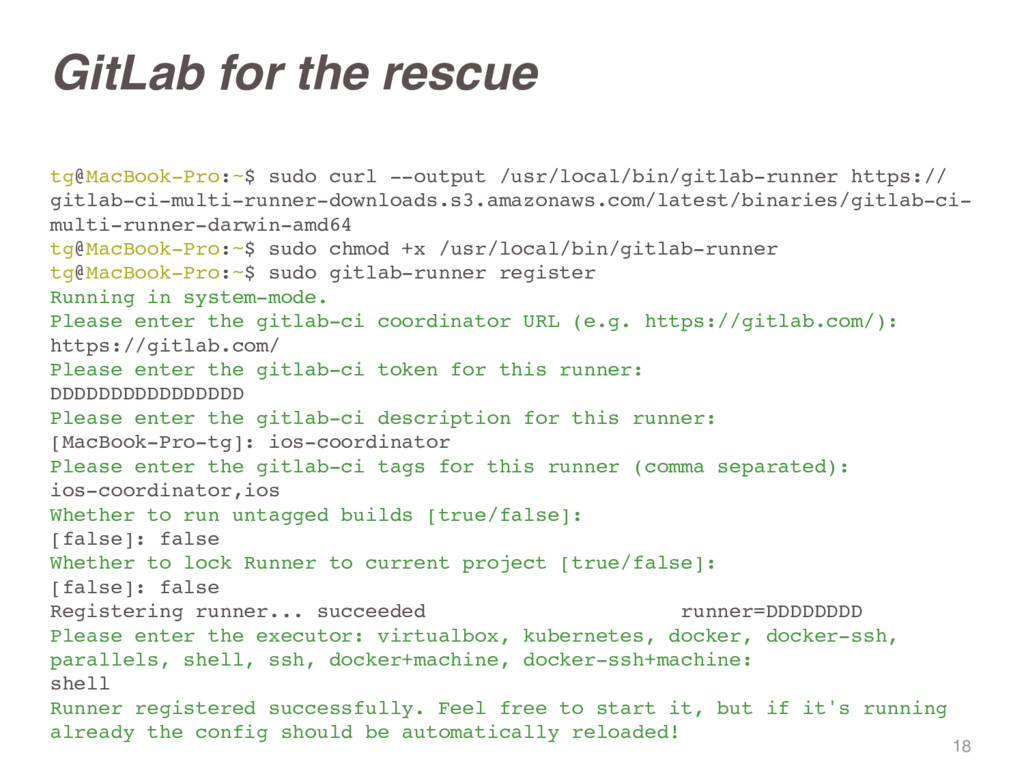
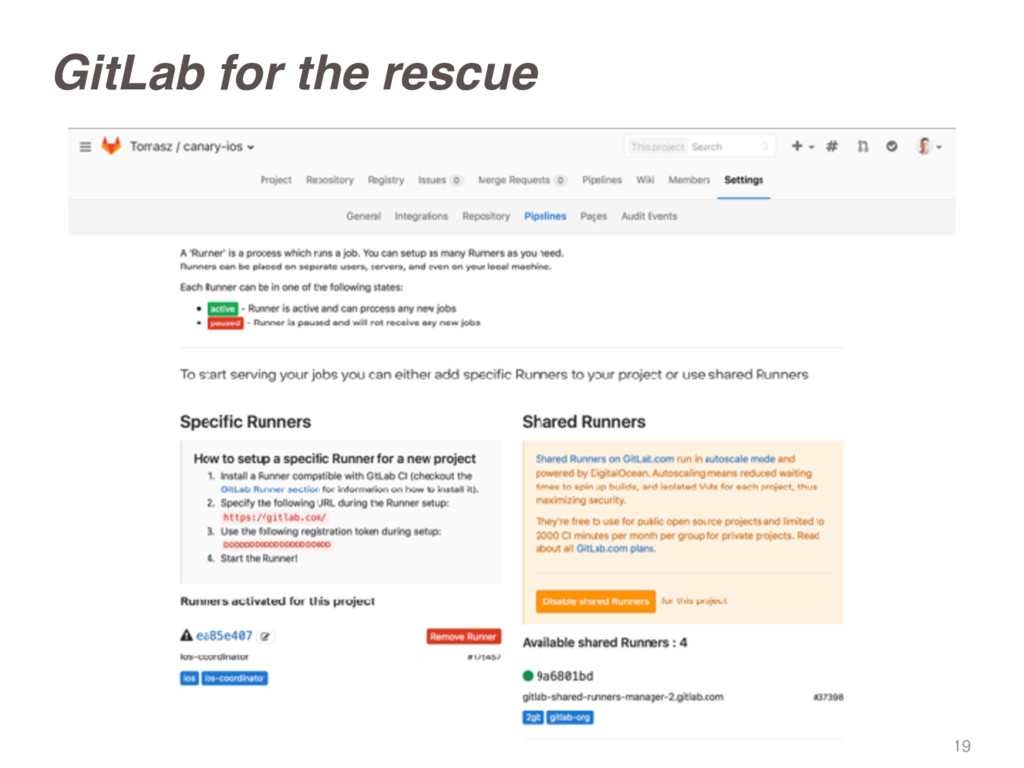
tg@MacBook-Pro:~$ sudo curl --output /usr/local/bin/gitlab-runner https:// gitlab-ci-multi-runner-downloads.s3.amazonaws.com/latest/binaries/gitlab-ci- multi-runner-darwin-amd64 tg@MacBook-Pro:~$ sudo
chmod +x /usr/local/bin/gitlab-runner tg@MacBook-Pro:~$ sudo gitlab-runner register Running in system-mode. Please enter the gitlab-ci coordinator URL (e.g. https://gitlab.com/): https://gitlab.com/ Please enter the gitlab-ci token for this runner: DDDDDDDDDDDDDDDD Please enter the gitlab-ci description for this runner: [MacBook-Pro-tg]: ios-coordinator Please enter the gitlab-ci tags for this runner (comma separated): ios-coordinator,ios Whether to run untagged builds [true/false]: [false]: false Whether to lock Runner to current project [true/false]: [false]: false Registering runner... succeeded runner=DDDDDDDD Please enter the executor: virtualbox, kubernetes, docker, docker-ssh, parallels, shell, ssh, docker+machine, docker-ssh+machine: shell Runner registered successfully. Feel free to start it, but if it's running already the config should be automatically reloaded! GitLab for the rescue 18 -
✱ Jobs can be run: ✱ locally (on physical and
virtual machines) ✱ using Docker containers ✱ using Docker containers and executing job over SSH ✱ using Docker containers with autoscaling on different clouds and virtualisation hypervisors ✱ connecting to remote SSH server GitLab for the rescue 20 via: https://docs.gitlab.com/runner/ -
✱ Automation for mobile development ✱ Chain of actions for
: ✱ Running tests of iOS and macOS apps ✱ Handling certificates and provisioning profiles ✱ Building apps (encapsulating xcodebuild) ✱ Handling whole iTunesConnect flow Encapsulating with Fastlane 22 -
✱ Handling whole iTunesConnect flow ✱ Creating new apps on
iTC and Developer Portal ✱ Automating taking localised screenshots on variety of devices ✱ Uploading binaries, metadata and screenshots to iTC Encapsulating with Fastlane 23 -
✱ Automation for mobile development ✱ Actions for : ✱
Encapsulating Gradle tasks within Fastfile ✱ Single interface for both platforms ✱ Automating taking localised screenshots on variety of devices ✱ Uploading binaries, metadata and screenshots to Google Play Encapsulating with Fastlane 24 -
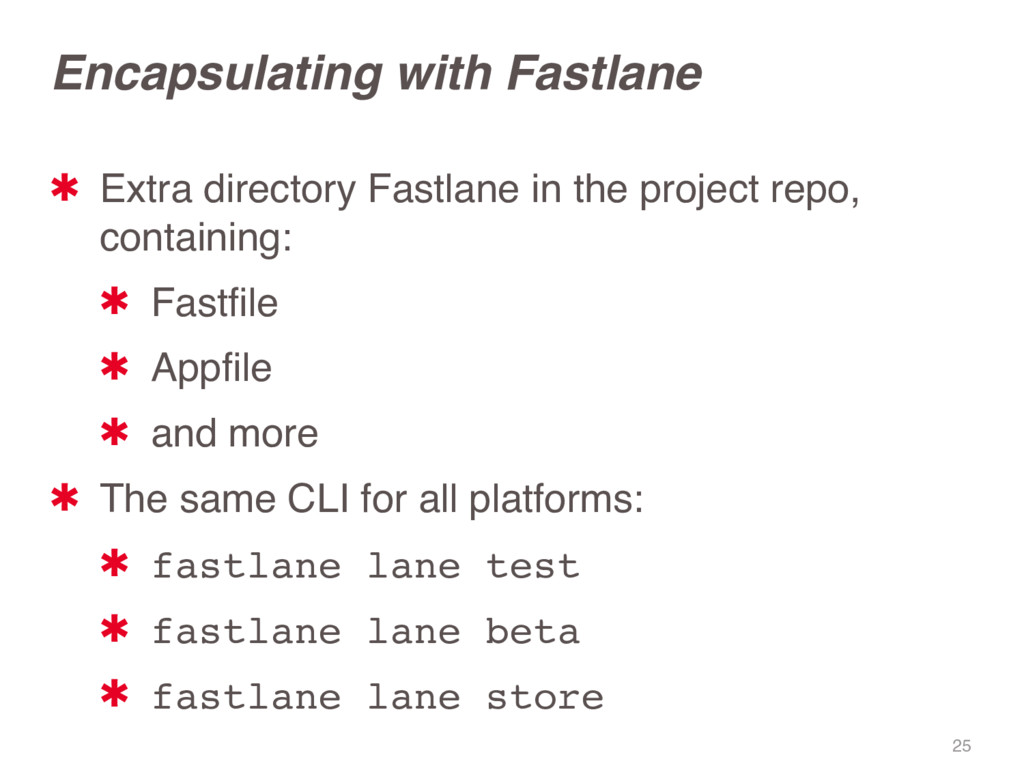
✱ Extra directory Fastlane in the project repo, containing: ✱
Fastfile ✱ Appfile ✱ and more ✱ The same CLI for all platforms: ✱ fastlane lane test ✱ fastlane lane beta ✱ fastlane lane store Encapsulating with Fastlane 25 -
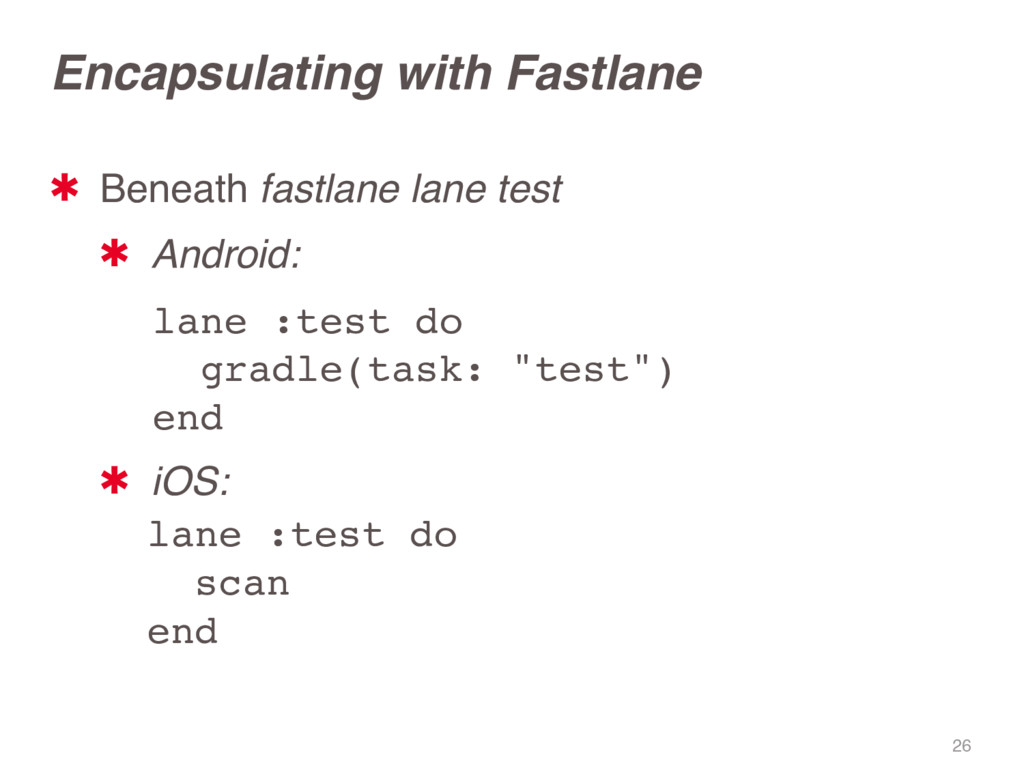
Encapsulating with Fastlane 26 lane :test do scan end ✱
Beneath fastlane lane test ✱ Android: lane :test do gradle(task: "test") end ✱ iOS: -
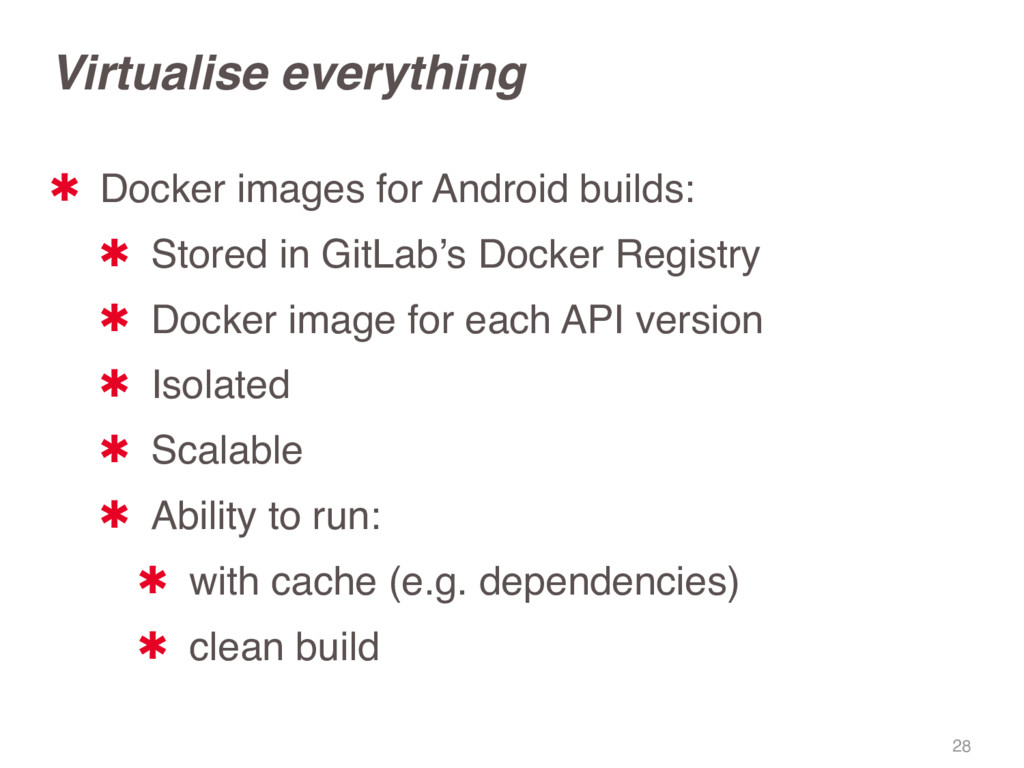
✱ Docker images for Android builds: ✱ Stored in GitLab’s
Docker Registry ✱ Docker image for each API version ✱ Isolated ✱ Scalable ✱ Ability to run: ✱ with cache (e.g. dependencies) ✱ clean build Virtualise everything 28 -
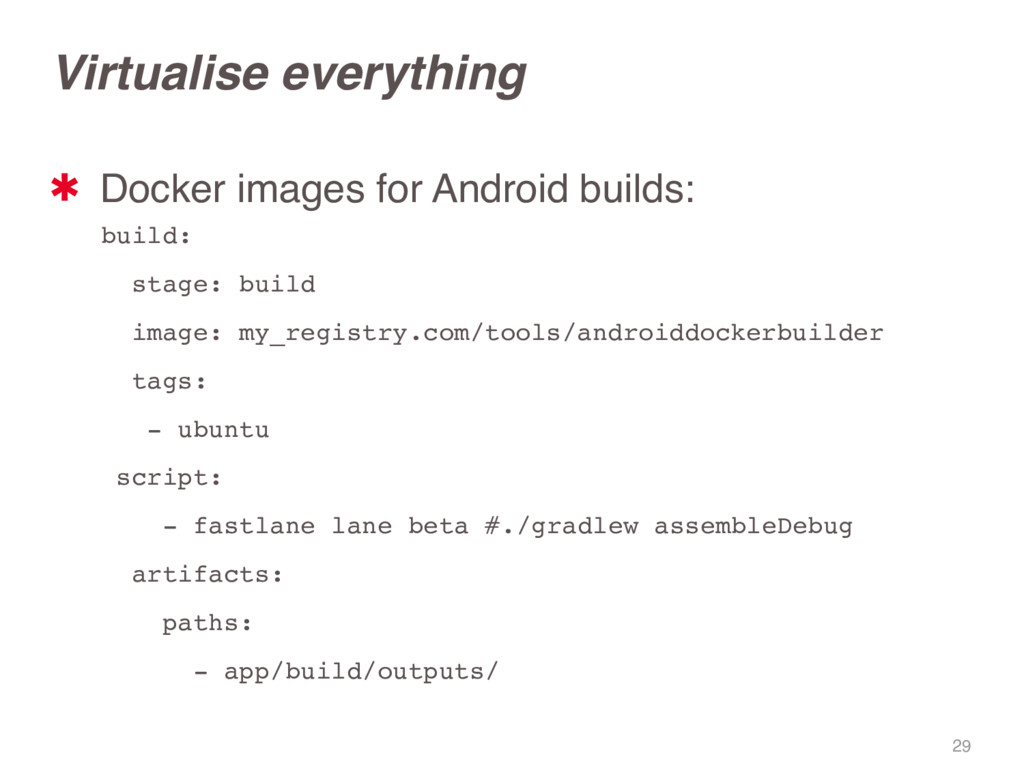
✱ Docker images for Android builds: Virtualise everything 29 build:
stage: build image: my_registry.com/tools/androiddockerbuilder tags: - ubuntu script: - fastlane lane beta #./gradlew assembleDebug artifacts: paths: - app/build/outputs/ -
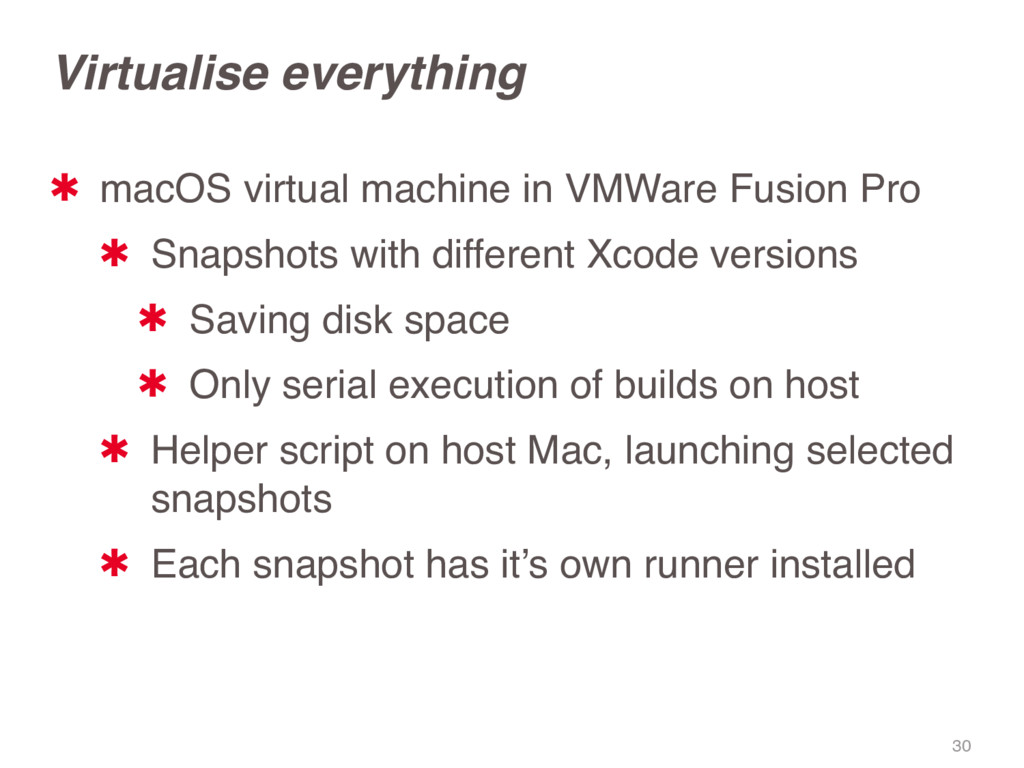
✱ macOS virtual machine in VMWare Fusion Pro ✱ Snapshots
with different Xcode versions ✱ Saving disk space ✱ Only serial execution of builds on host ✱ Helper script on host Mac, launching selected snapshots ✱ Each snapshot has it’s own runner installed Virtualise everything 30 -
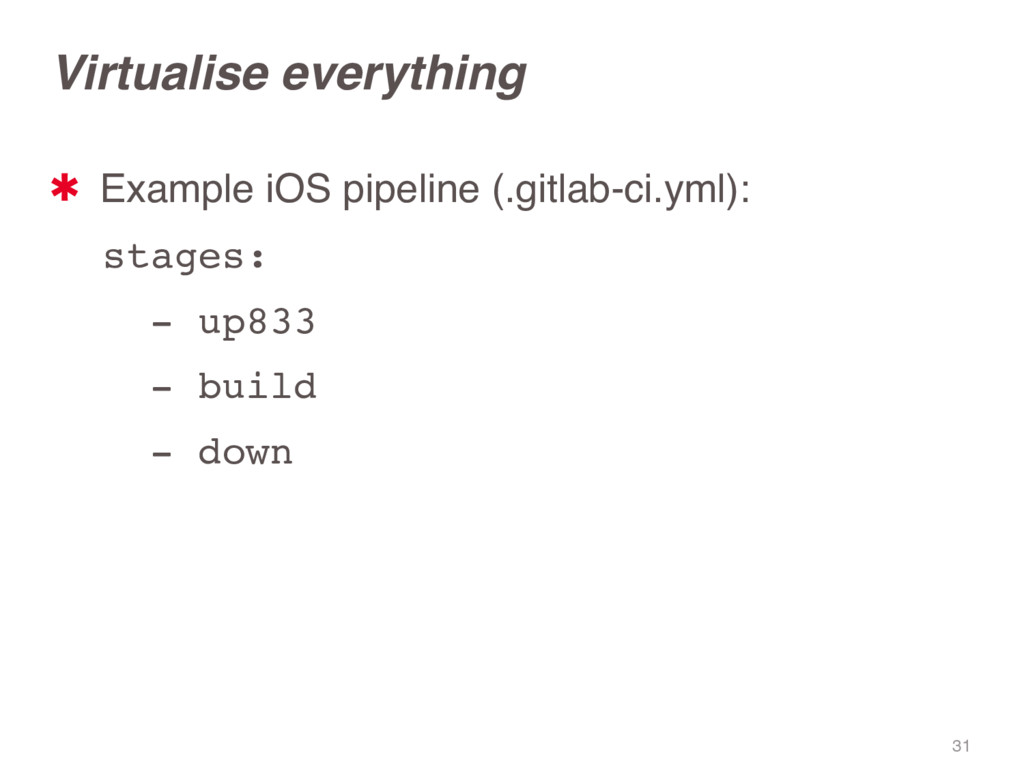
✱ Example iOS pipeline (.gitlab-ci.yml): Virtualise everything 31 stages: -
up833 - build - down -
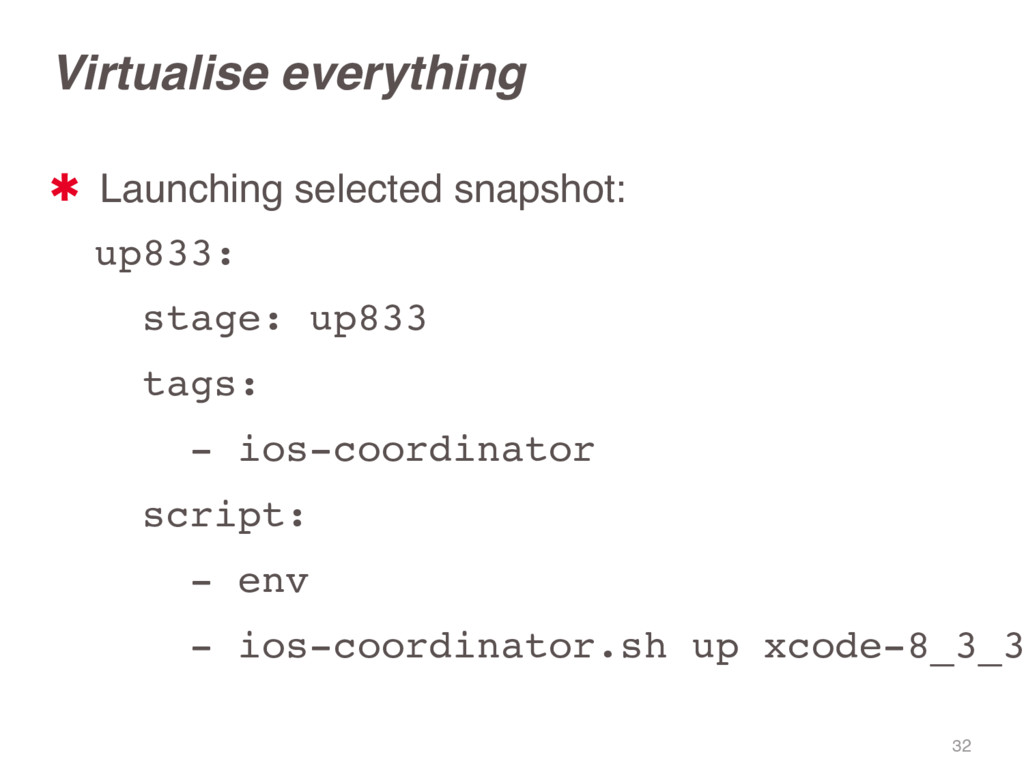
✱ Launching selected snapshot: Virtualise everything 32 up833: stage: up833
tags: - ios-coordinator script: - env - ios-coordinator.sh up xcode-8_3_3 -
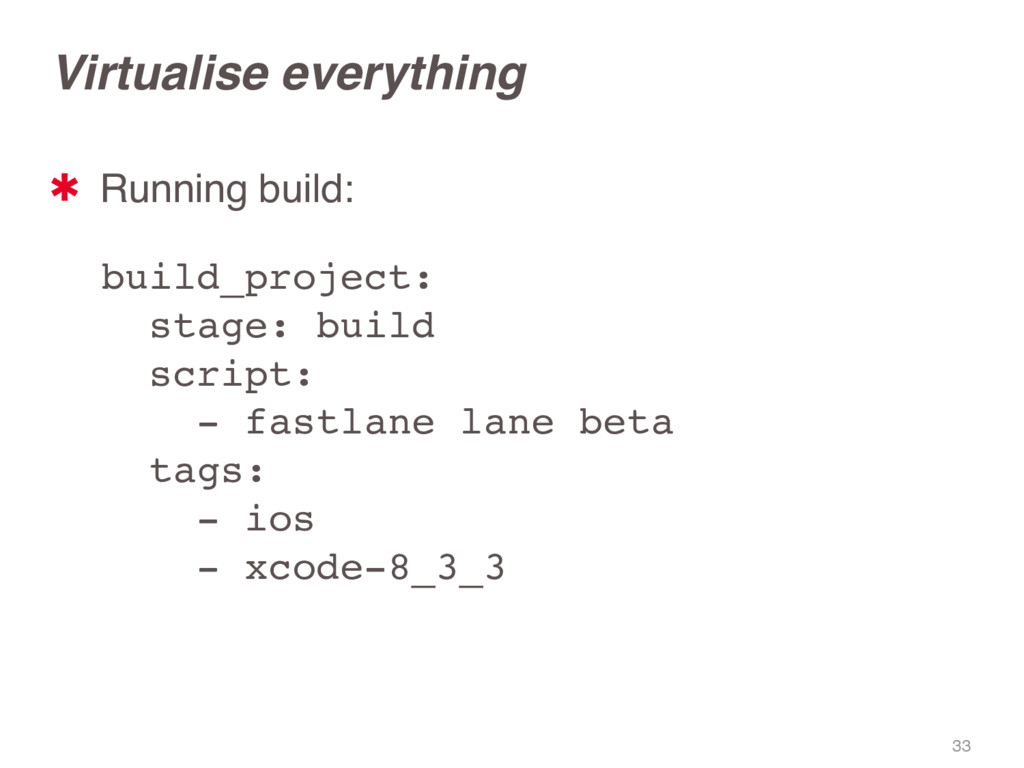
✱ Running build: Virtualise everything 33 build_project: stage: build script:
- fastlane lane beta tags: - ios - xcode-8_3_3 -
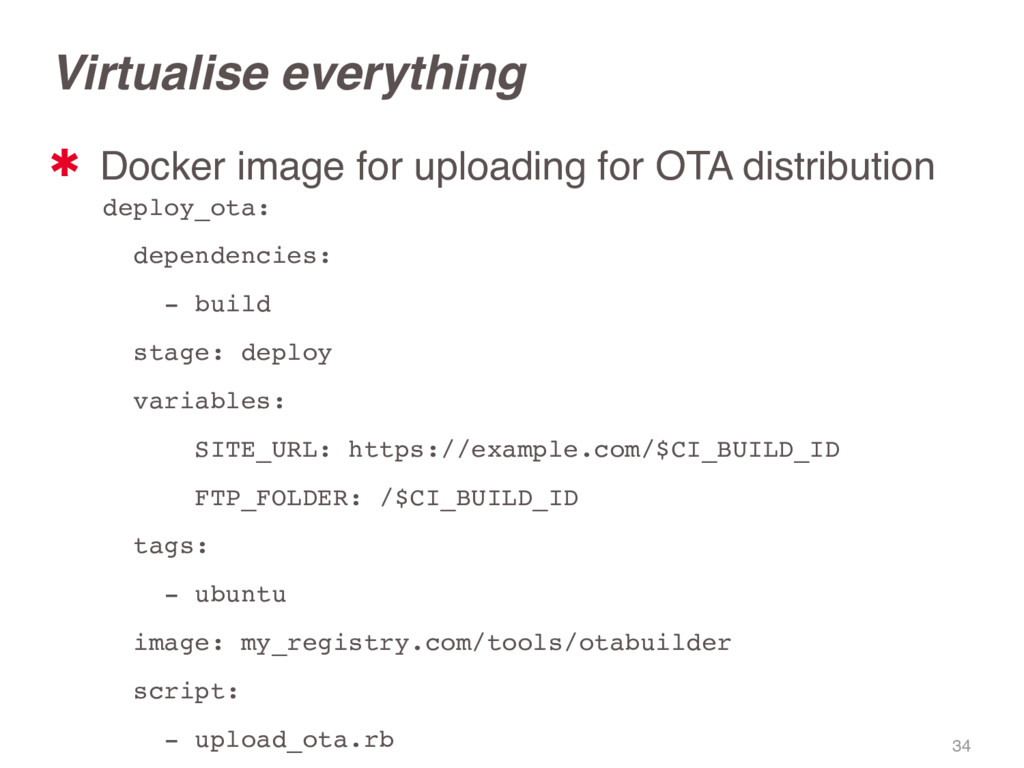
✱ Docker image for uploading for OTA distribution Virtualise everything
34 deploy_ota: dependencies: - build stage: deploy variables: SITE_URL: https://example.com/$CI_BUILD_ID FTP_FOLDER: /$CI_BUILD_ID tags: - ubuntu image: my_registry.com/tools/otabuilder script: - upload_ota.rb -
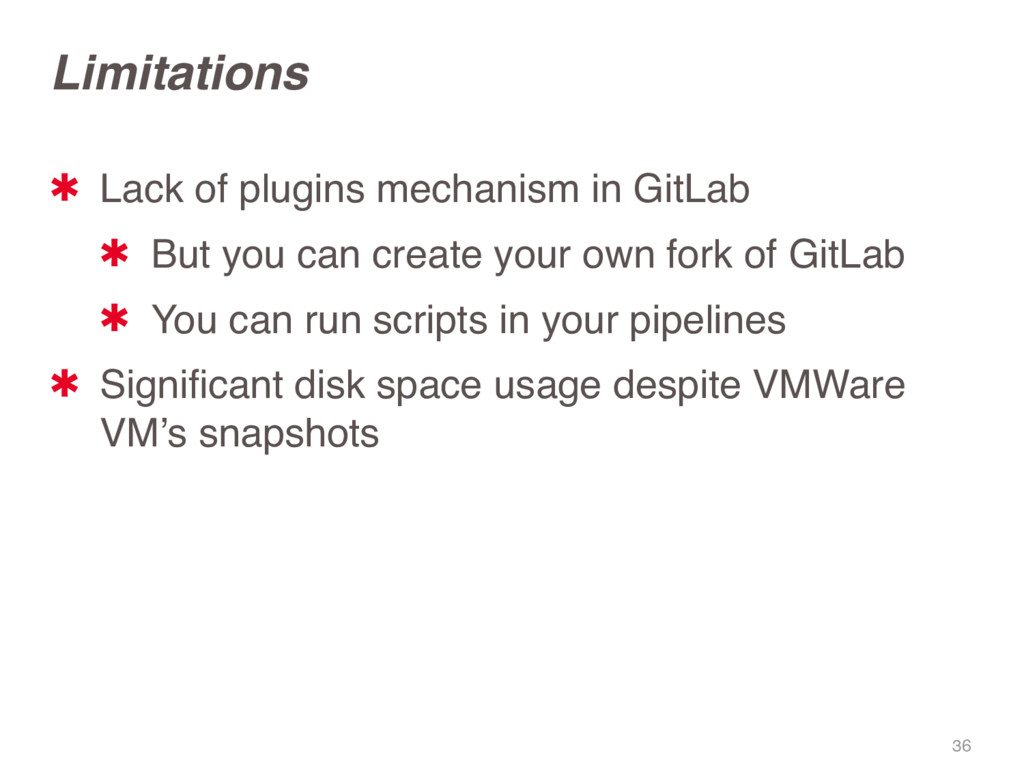
✱ Lack of plugins mechanism in GitLab ✱ But you
can create your own fork of GitLab ✱ You can run scripts in your pipelines ✱ Significant disk space usage despite VMWare VM’s snapshots Limitations 36