Upgrade to Pro
— share decks privately, control downloads, hide ads and more …
Speaker Deck
Sign up for free
Menu
Search
Features
All features
Private URLs
Password Protection
Custom URLS
Scheduled publishing
Remove Branding
Restrict embedding
Deck Collections
Notes
Features
All features
Private URLs
Password Protection
Custom URLS
Scheduled publishing
Remove Branding
Restrict embedding
Deck Collections
Notes
Explore
Featured decks
Featured speakers
Programming
Technology
Storyboards
Explore
Featured decks
Featured speakers
Programming
Technology
Storyboards
Pricing
Search
Sign in
Sign up for free
マッピング作業のマニュアル
Search
Sponsored
·
Your Podcast. Everywhere. Effortlessly.
Share. Educate. Inspire. Entertain. You do you. We'll handle the rest.
→
theayano
June 16, 2016
140
0
Share
Embed
Copy iframe code
Copy JS code
Copy link
Start on current slide
マッピング作業のマニュアル
theayano
June 16, 2016
More Decks by theayano
See All by theayano
ayano
theayano
0
38
大津綾乃
theayano
0
73
Featured
See All Featured
Joys of Absence: A Defence of Solitary Play
codingconduct
1
550
[RailsConf 2023 Opening Keynote] The Magic of Rails
eileencodes
31
10k
Information Architects: The Missing Link in Design Systems
soysaucechin
1
1.2k
Navigating Algorithm Shifts & AI Overviews - #SMXNext
aleyda
1
1.7k
Unsuck your backbone
ammeep
672
58k
Sam Torres - BigQuery for SEOs
techseoconnect
PRO
0
580
Leading Effective Engineering Teams in the AI Era
addyosmani
9
2.7k
Understanding Cognitive Biases in Performance Measurement
bluesmoon
32
3.1k
Helping Users Find Their Own Way: Creating Modern Search Experiences
danielanewman
31
3.4k
From π to Pie charts
rasagy
1
400
Writing Fast Ruby
sferik
630
63k
Technical Leadership for Architectural Decision Making
baasie
3
600
Transcript
マッピング作業のマニュアル ~ Tasking Manager ~ 大津綾乃 1A116045
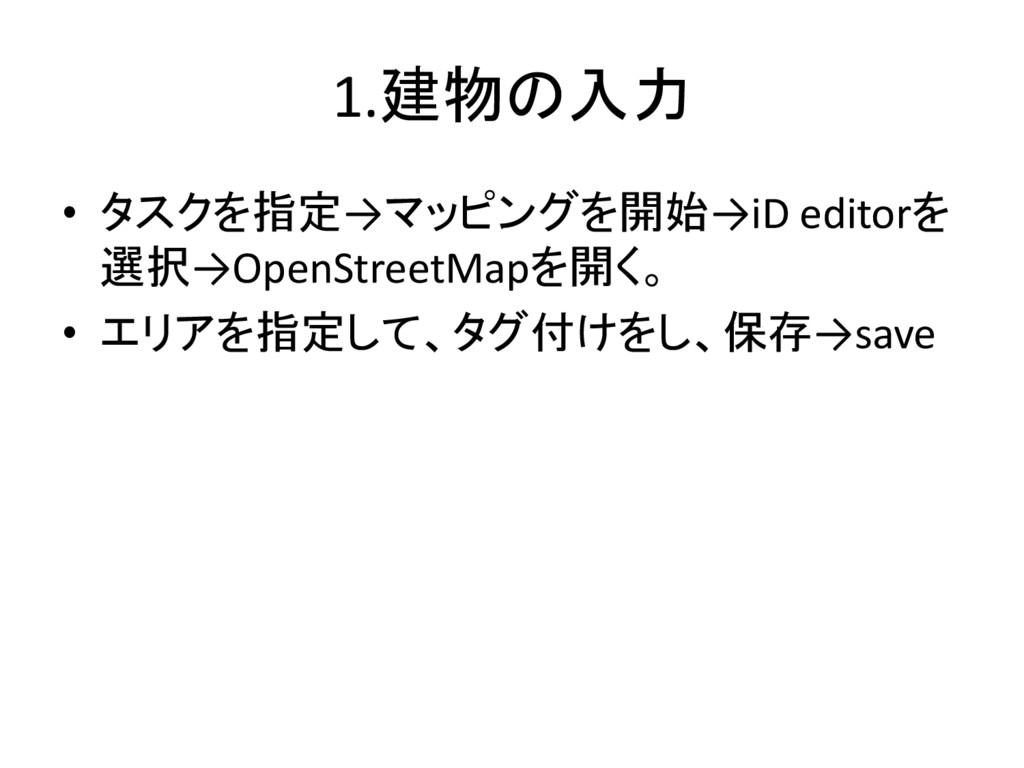
1.建物の入力 • タスクを指定→マッピングを開始→iD editorを 選択→OpenStreetMapを開く。 • エリアを指定して、タグ付けをし、保存→save
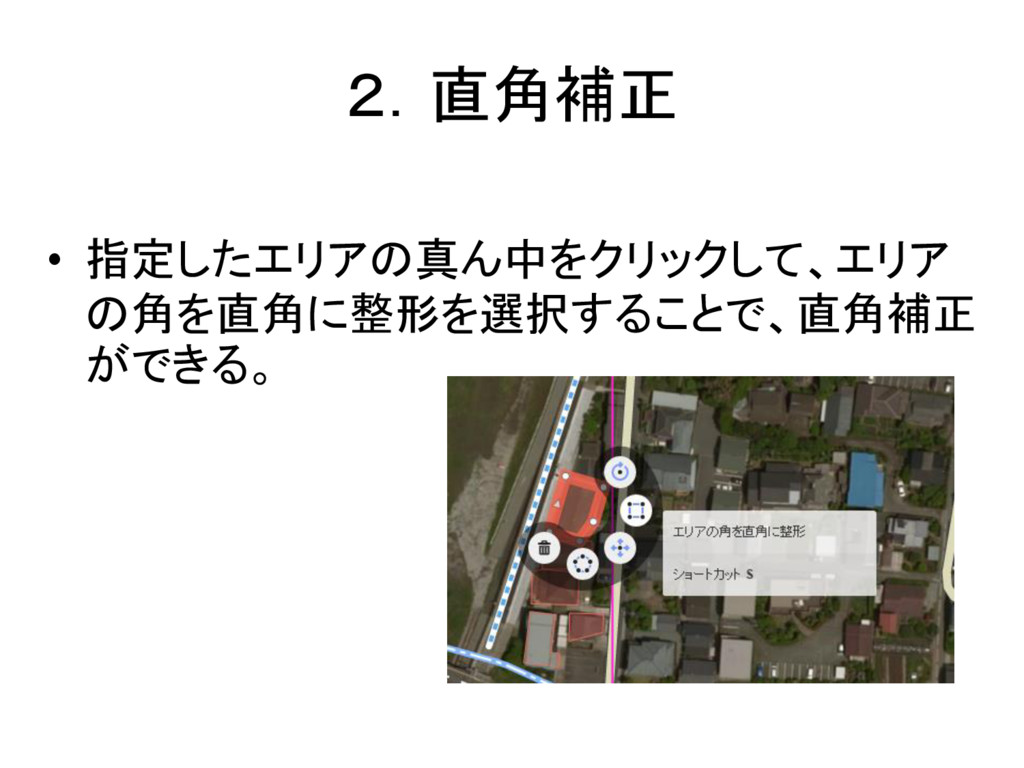
2.直角補正 • 指定したエリアの真ん中をクリックして、エリア の角を直角に整形を選択することで、直角補正 ができる。
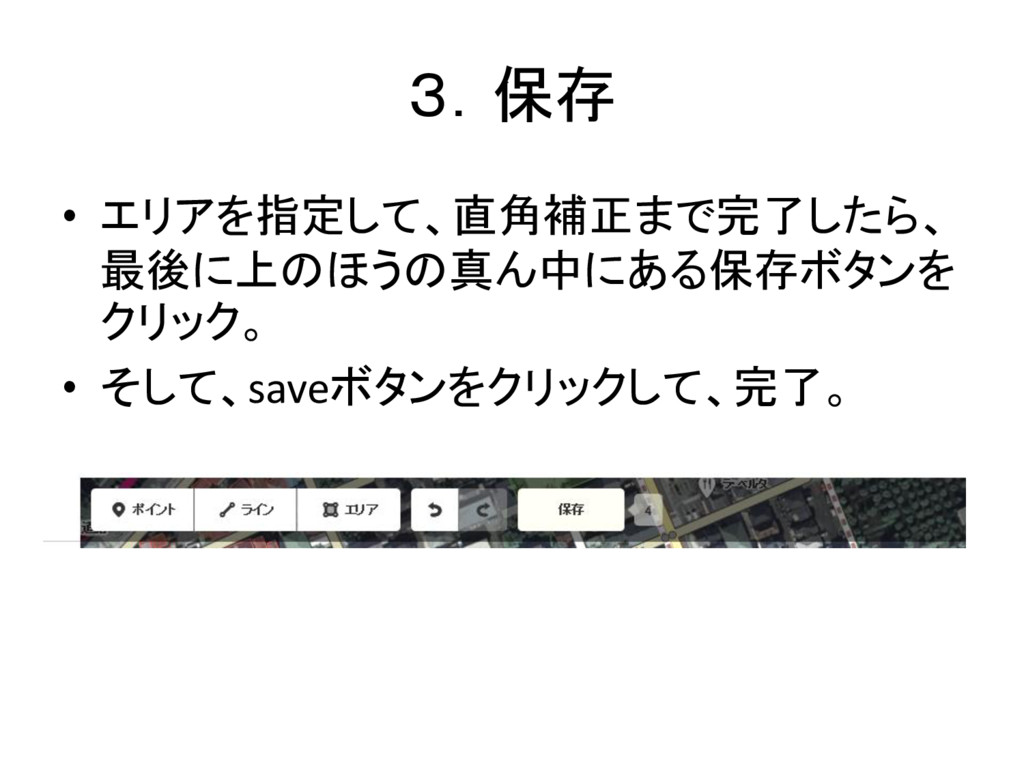
3.保存 • エリアを指定して、直角補正まで完了したら、 最後に上のほうの真ん中にある保存ボタンを クリック。 • そして、saveボタンをクリックして、完了。
4.修正 • 修正したい場合は、もう一度作成した建物を クリックすることで出来る。
5.交差点作った場合の対処法 • オブジェクトを完全に削除をクリック。
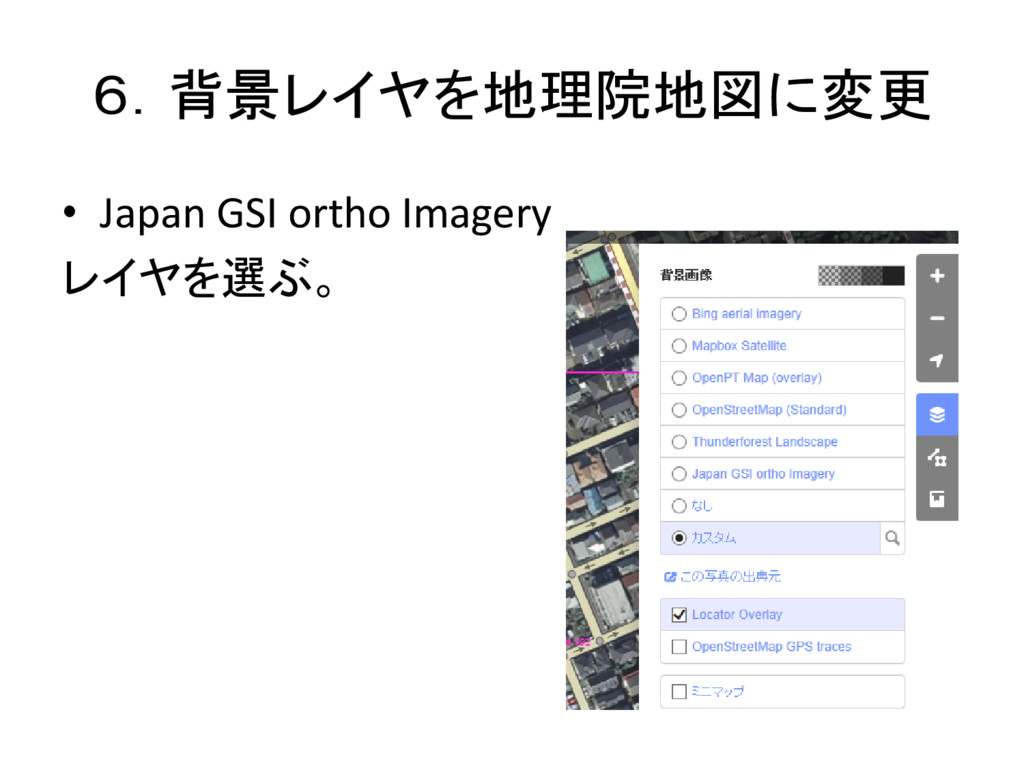
6.背景レイヤを地理院地図に変更 • Japan GSI ortho Imagery レイヤを選ぶ。
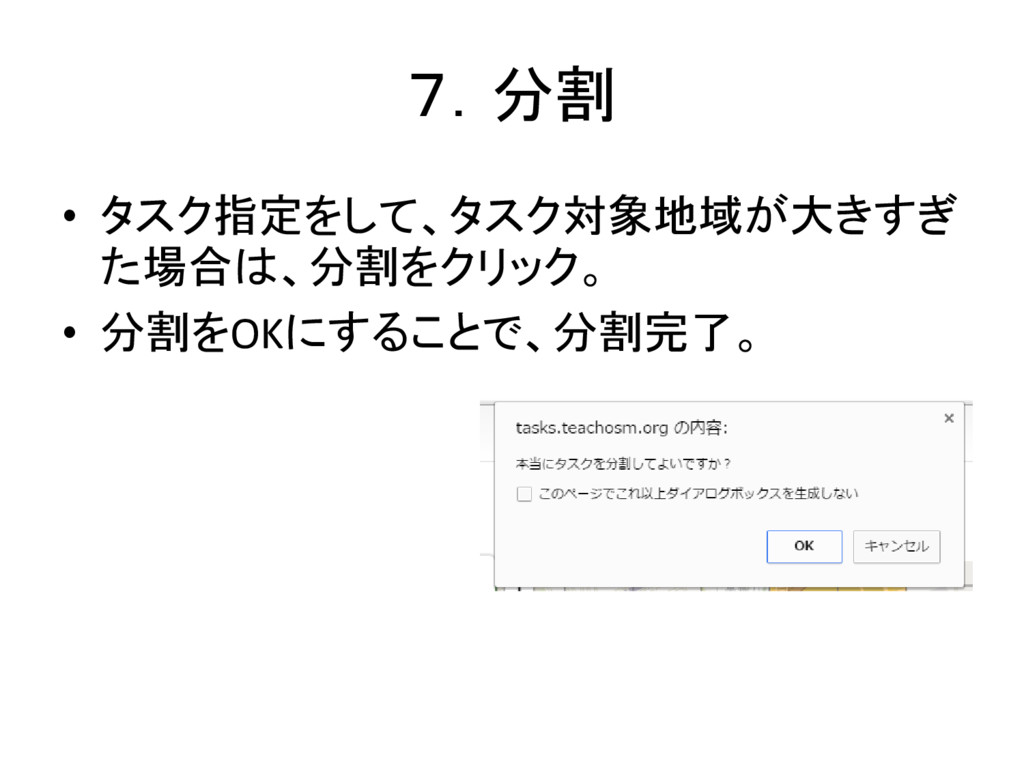
7.分割 • タスク指定をして、タスク対象地域が大きすぎ た場合は、分割をクリック。 • 分割をOKにすることで、分割完了。
8.タスク完了 • 完了としてマークをクリックすることで、作業 完了。


 theayano
 codingconduct
 eileencodes
 soysaucechin
 aleyda
 ammeep
 techseoconnect
 addyosmani
 bluesmoon
 danielanewman
 rasagy
 sferik
 baasie