Upgrade to PRO for Only $50/Year—Limited-Time Offer! 🔥

Laravel 4 Logging - Adding Sentry & HipChat

Laravel 4 Logging - Adding Sentry & HipChat

Avatar for Tim Groeneveld

Tim Groeneveld

September 08, 2014
Tweet

More Decks by Tim Groeneveld

Other Decks in Programming

Transcript

  1. A note on logging levels The logger provides the seven

    logging levels defined in RFC 5424: debug, info, notice, warning, error, critical, and alert.
  2. The “Log” Facade • Facades provide a "static" interface to

    classes that are available in the application's IoC container. • Laravel ships with many facades. Laravel "facades" serve as "static proxies" to underlying classes. • “Log” is one of these Facades.
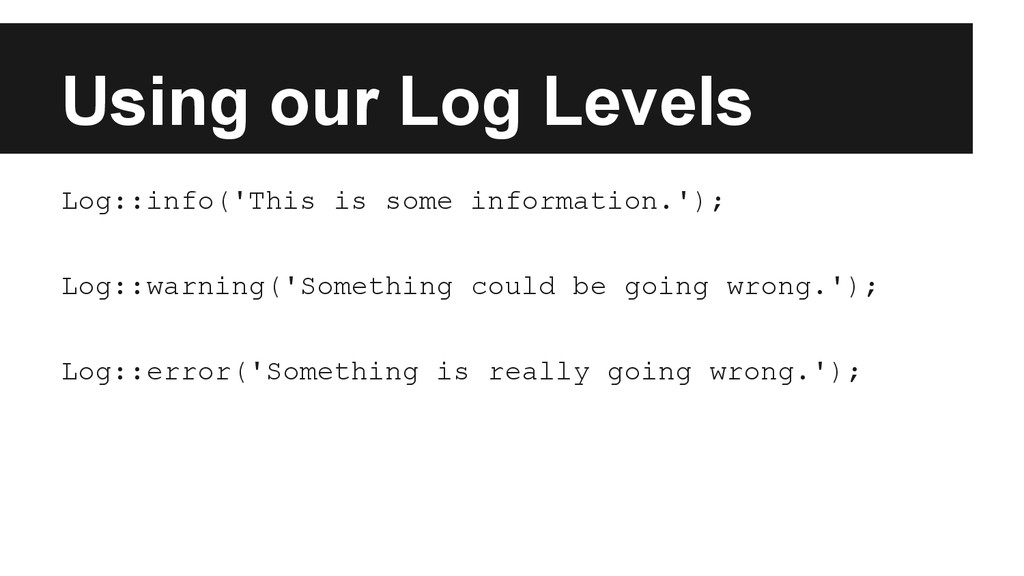
  3. Using our Log Levels Log::info('This is some information.'); Log::warning('Something could

    be going wrong.'); Log::error('Something is really going wrong.');
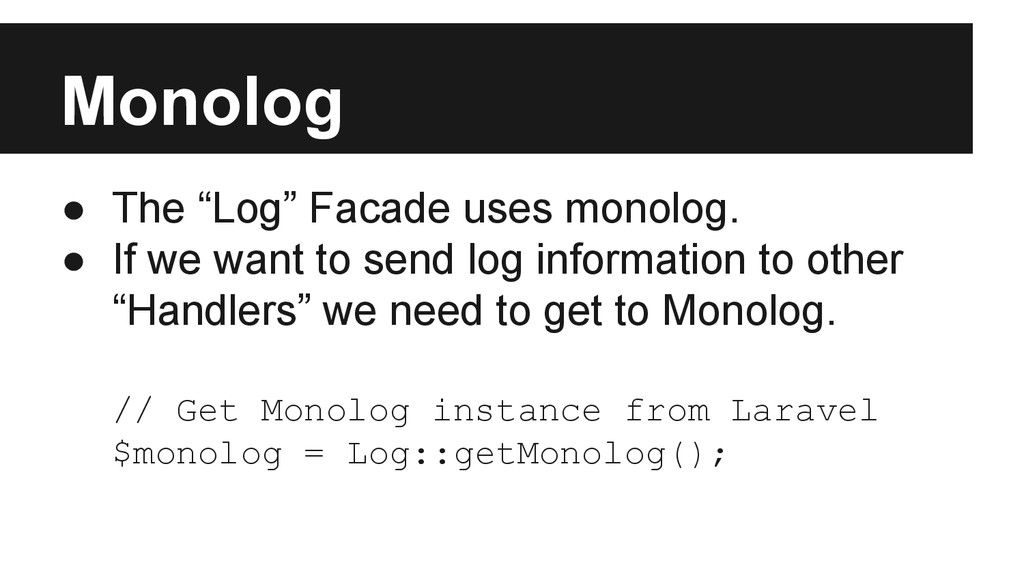
  4. Monolog • The “Log” Facade uses monolog. • If we

    want to send log information to other “Handlers” we need to get to Monolog. // Get Monolog instance from Laravel $monolog = Log::getMonolog();
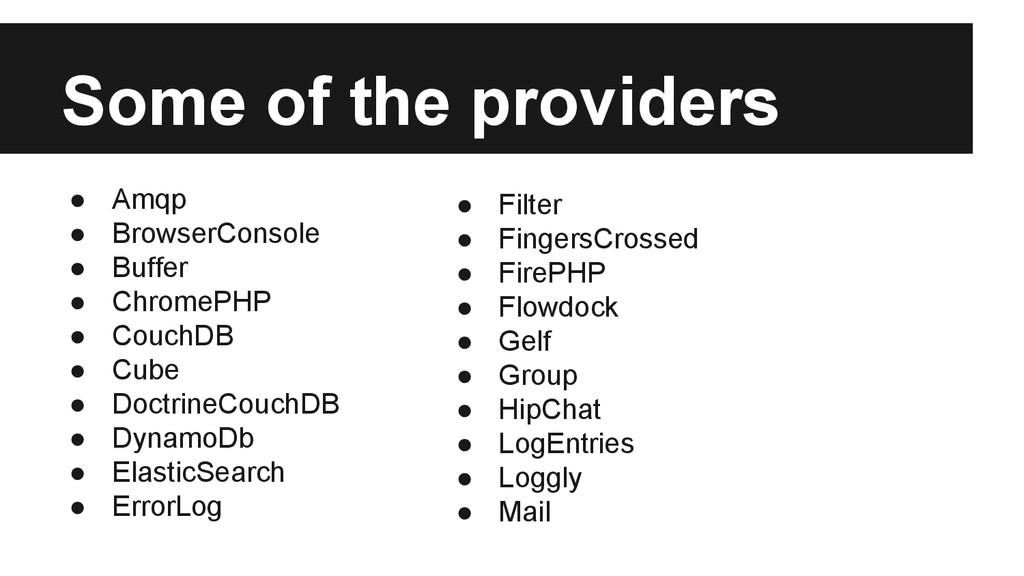
  5. Some of the providers • Amqp • BrowserConsole • Buffer

    • ChromePHP • CouchDB • Cube • DoctrineCouchDB • DynamoDb • ElasticSearch • ErrorLog • Filter • FingersCrossed • FirePHP • Flowdock • Gelf • Group • HipChat • LogEntries • Loggly • Mail
  6. Adding a new Provider • If we want to send

    log information to other “Handlers” we need to get to Monolog.
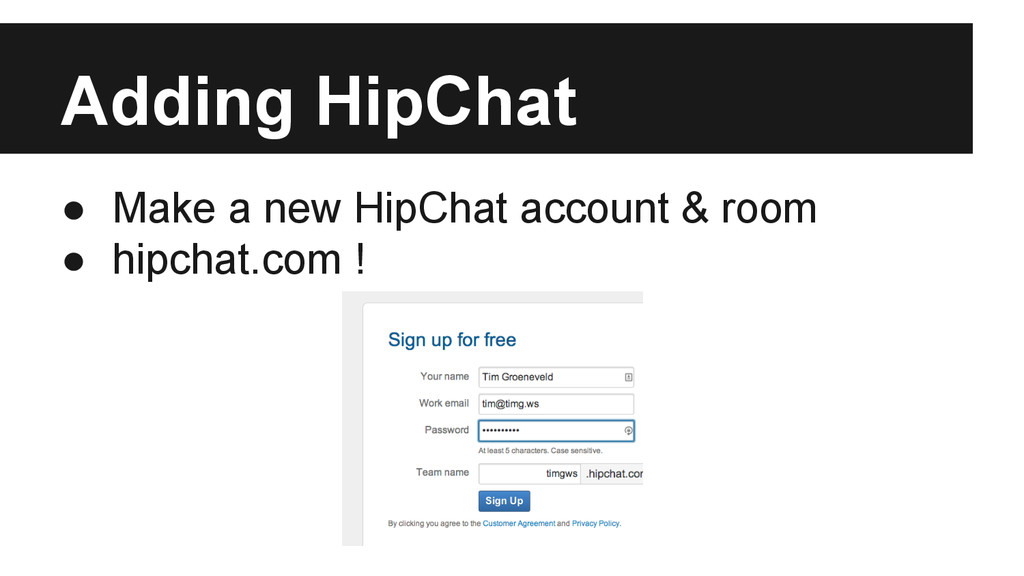
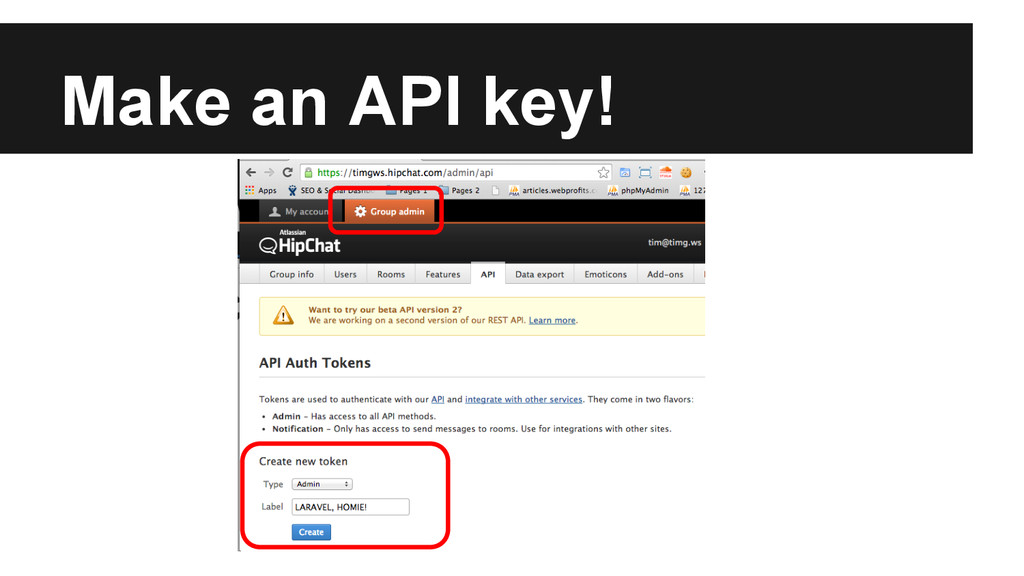
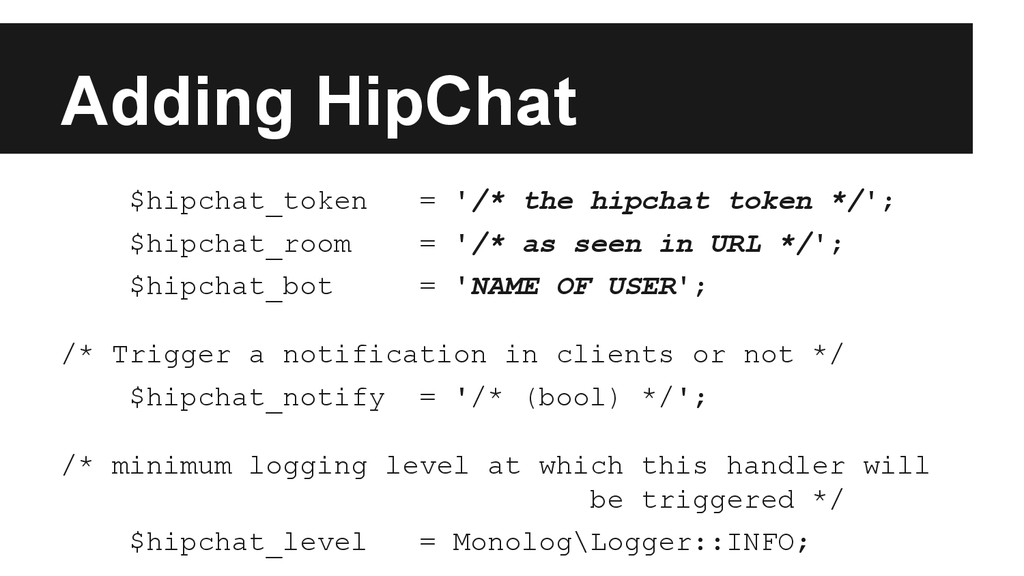
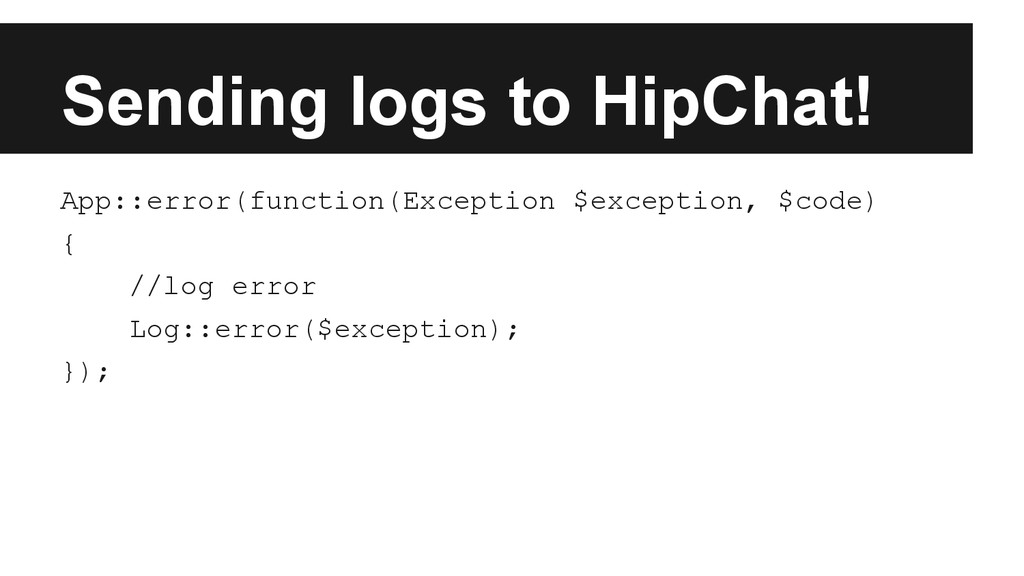
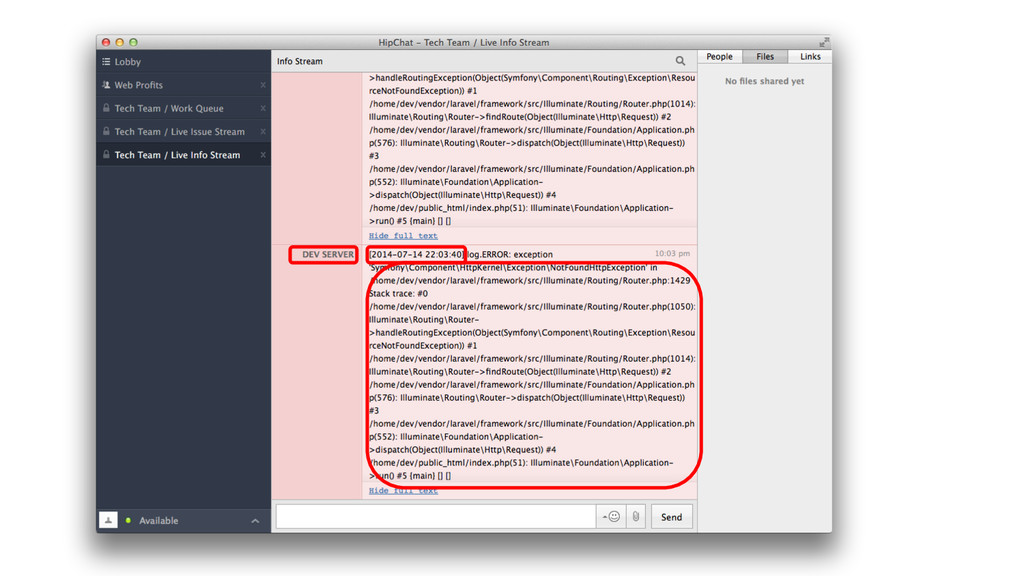
  7. Adding HipChat $hipchat_token = '/* the hipchat token */'; $hipchat_room

    = '/* as seen in URL */'; $hipchat_bot = 'NAME OF USER'; /* Trigger a notification in clients or not */ $hipchat_notify = '/* (bool) */'; /* minimum logging level at which this handler will be triggered */ $hipchat_level = Monolog\Logger::INFO;
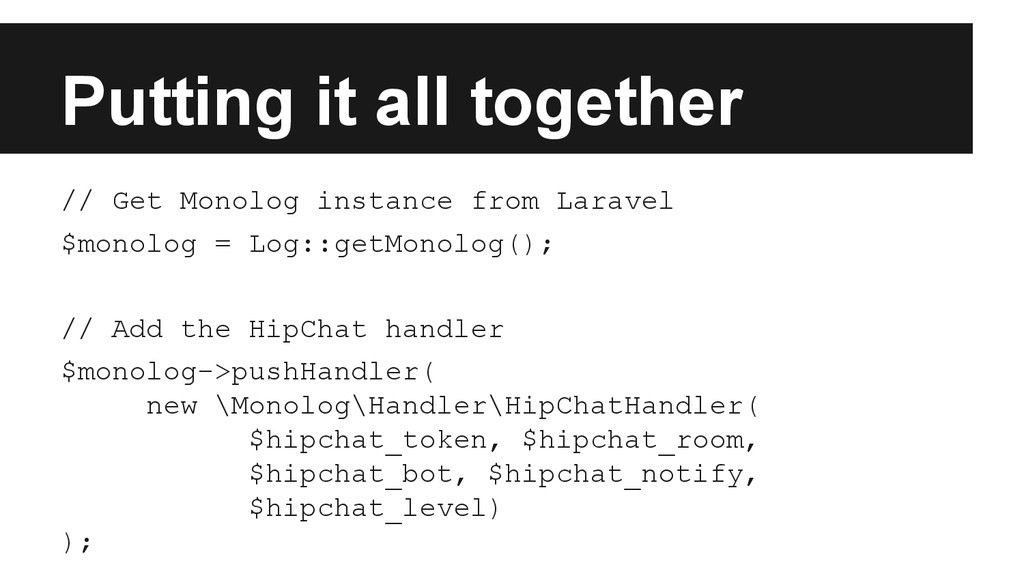
  8. Putting it all together // Get Monolog instance from Laravel

    $monolog = Log::getMonolog(); // Add the HipChat handler $monolog->pushHandler( new \Monolog\Handler\HipChatHandler( $hipchat_token, $hipchat_room, $hipchat_bot, $hipchat_notify, $hipchat_level) );
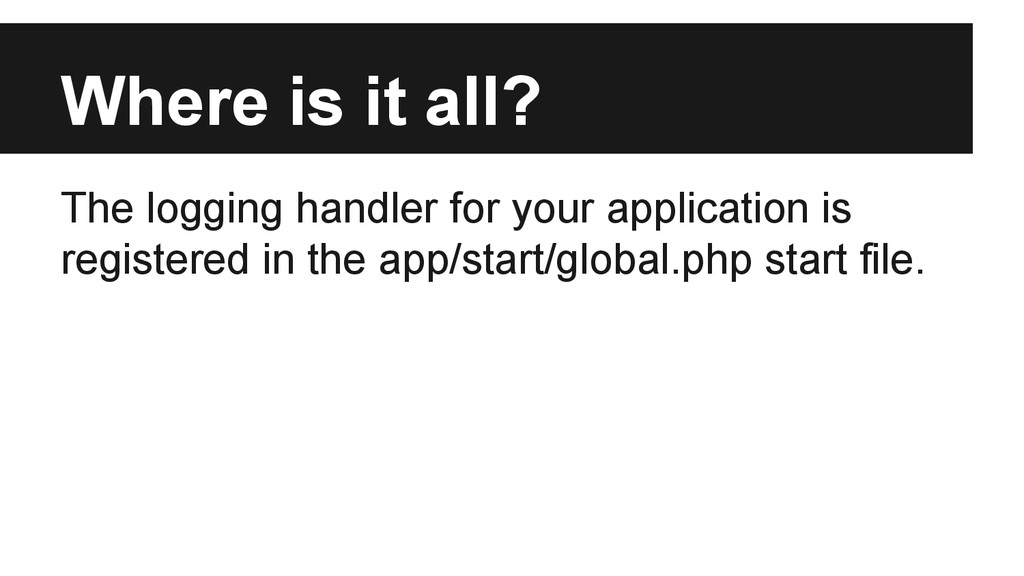
  9. Where is it all? The logging handler for your application

    is registered in the app/start/global.php start file.
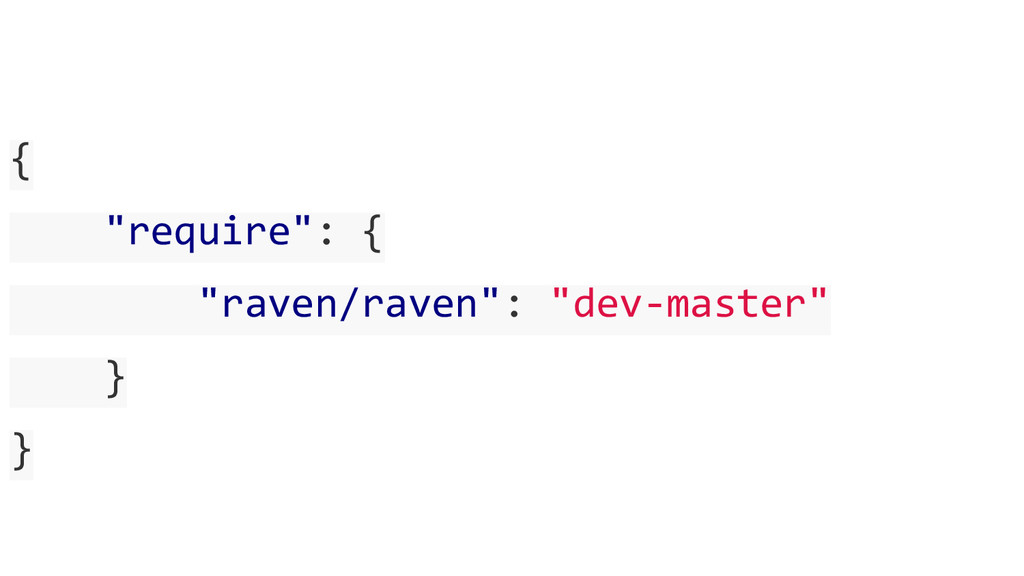
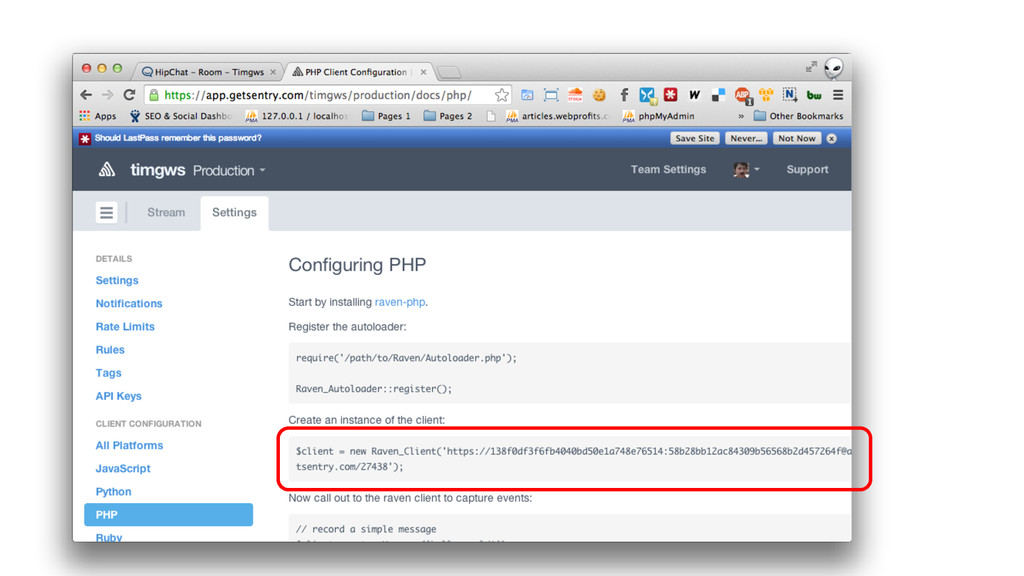
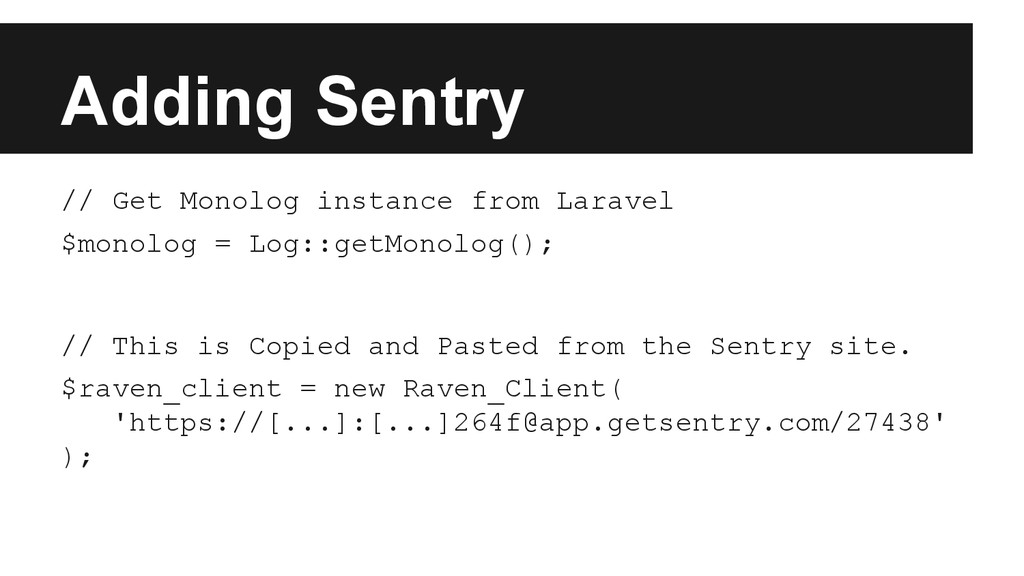
  10. Adding Sentry // Get Monolog instance from Laravel $monolog =

    Log::getMonolog(); // This is Copied and Pasted from the Sentry site. $raven_client = new Raven_Client( 'https://[...]:[...][email protected]/27438' );
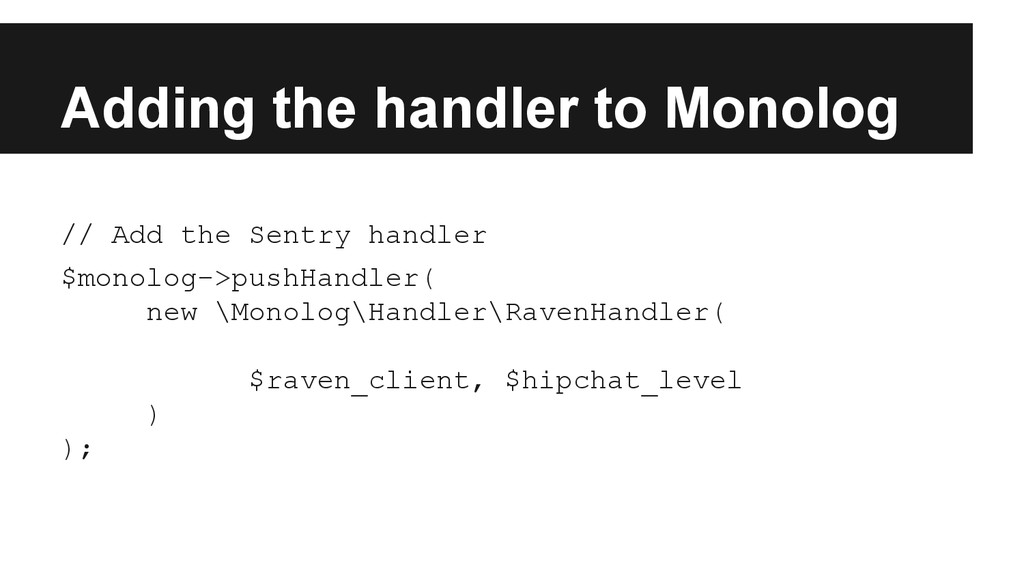
  11. Adding the handler to Monolog // Add the Sentry handler

    $monolog->pushHandler( new \Monolog\Handler\RavenHandler( $raven_client, $hipchat_level ) );