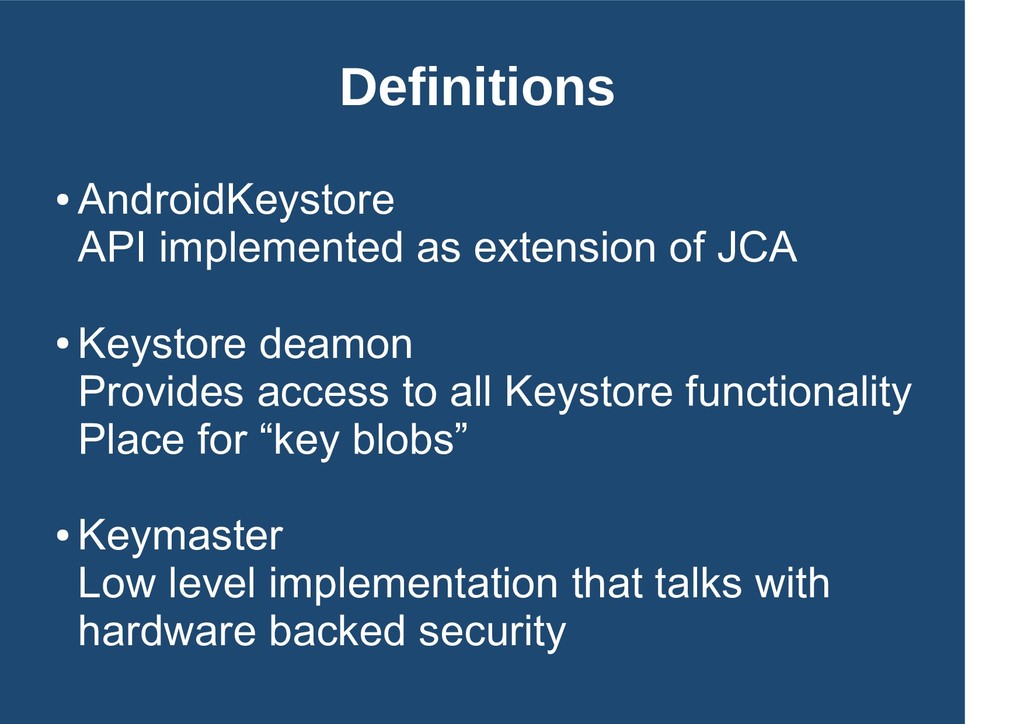
Keystore deamon Provides access to all Keystore functionality Place for “key blobs” • Keymaster Low level implementation that talks with hardware backed security
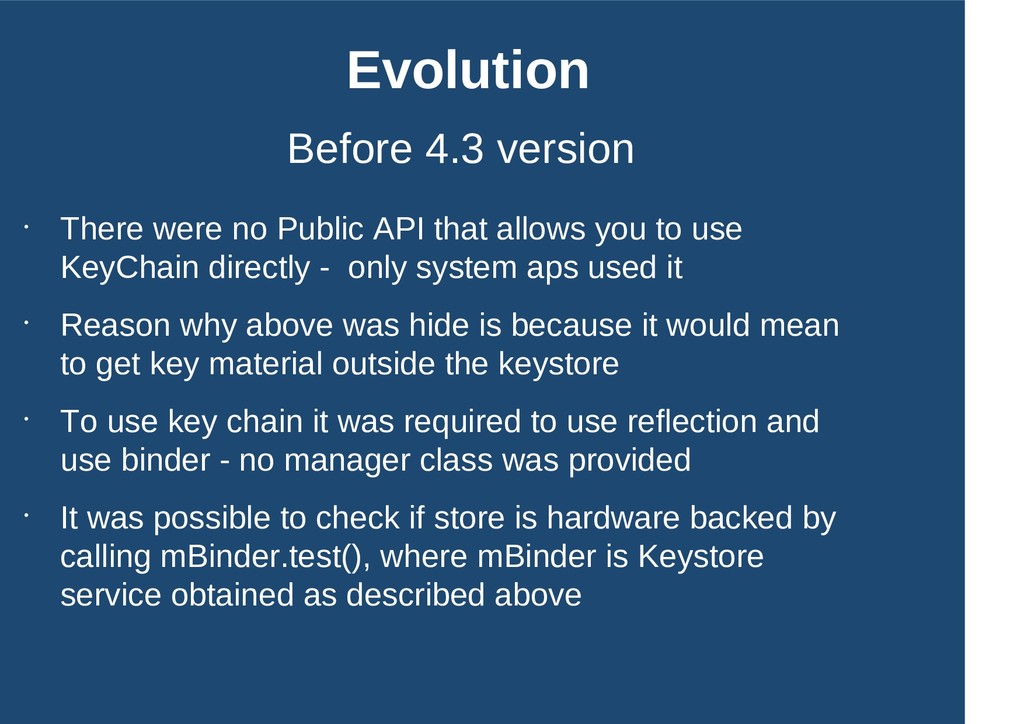
that allows you to use KeyChain directly - only system aps used it • Reason why above was hide is because it would mean to get key material outside the keystore • To use key chain it was required to use reflection and use binder - no manager class was provided • It was possible to check if store is hardware backed by calling mBinder.test(), where mBinder is Keystore service obtained as described above
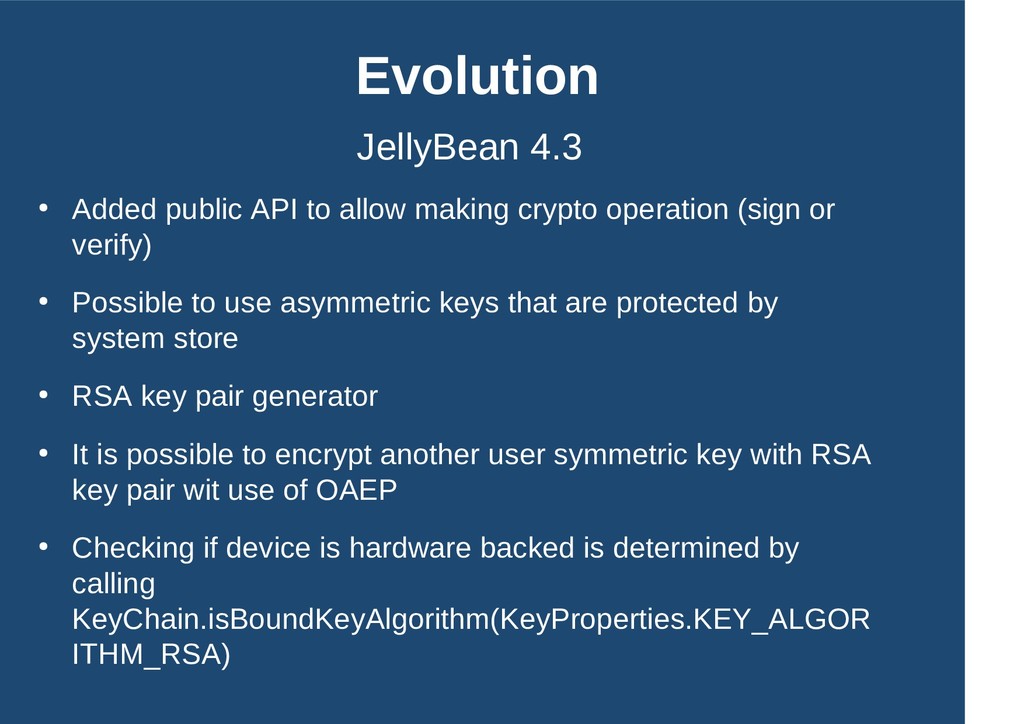
crypto operation (sign or verify) • Possible to use asymmetric keys that are protected by system store • RSA key pair generator • It is possible to encrypt another user symmetric key with RSA key pair wit use of OAEP • Checking if device is hardware backed is determined by calling KeyChain.isBoundKeyAlgorithm(KeyProperties.KEY_ALGOR ITHM_RSA)
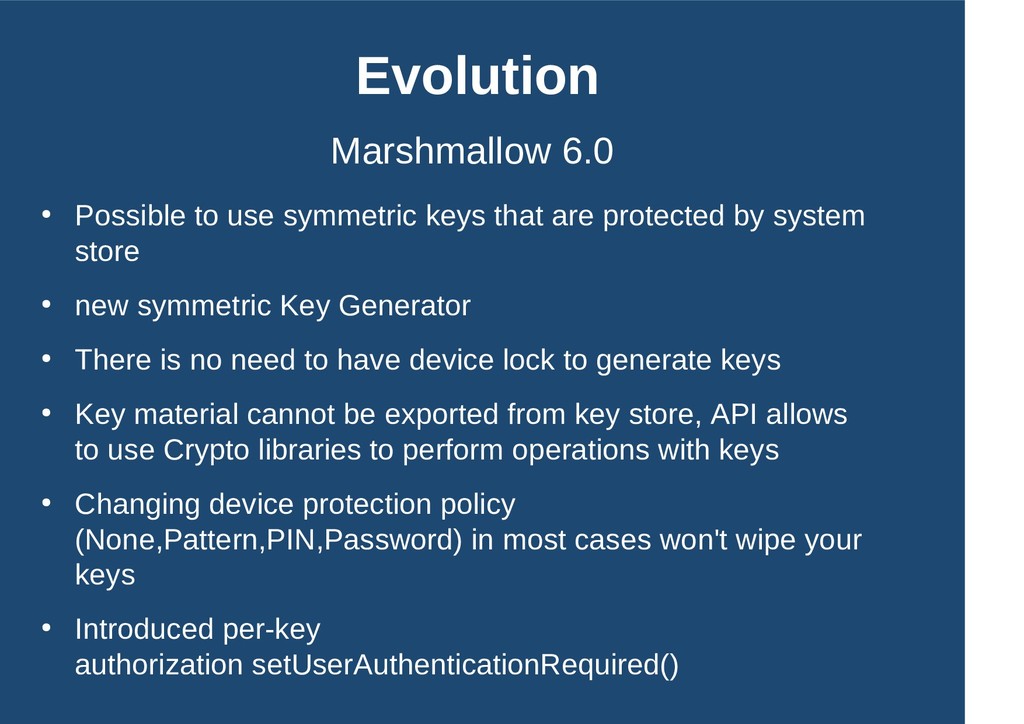
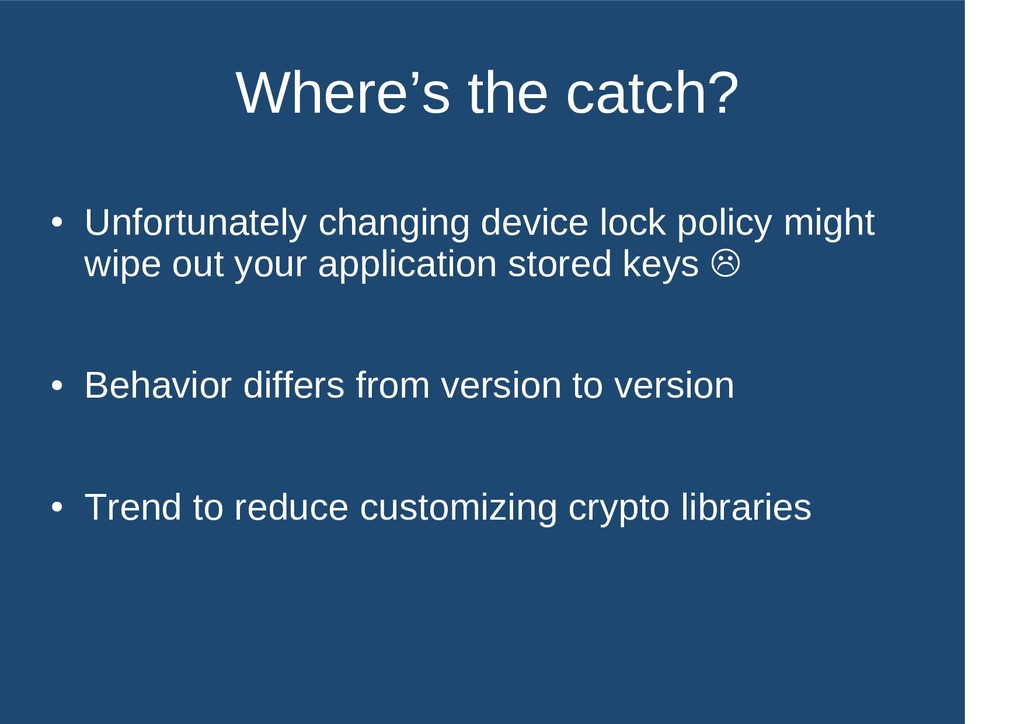
are protected by system store • new symmetric Key Generator • There is no need to have device lock to generate keys • Key material cannot be exported from key store, API allows to use Crypto libraries to perform operations with keys • Changing device protection policy (None,Pattern,PIN,Password) in most cases won't wipe your keys • Introduced per-key authorization setUserAuthenticationRequired()
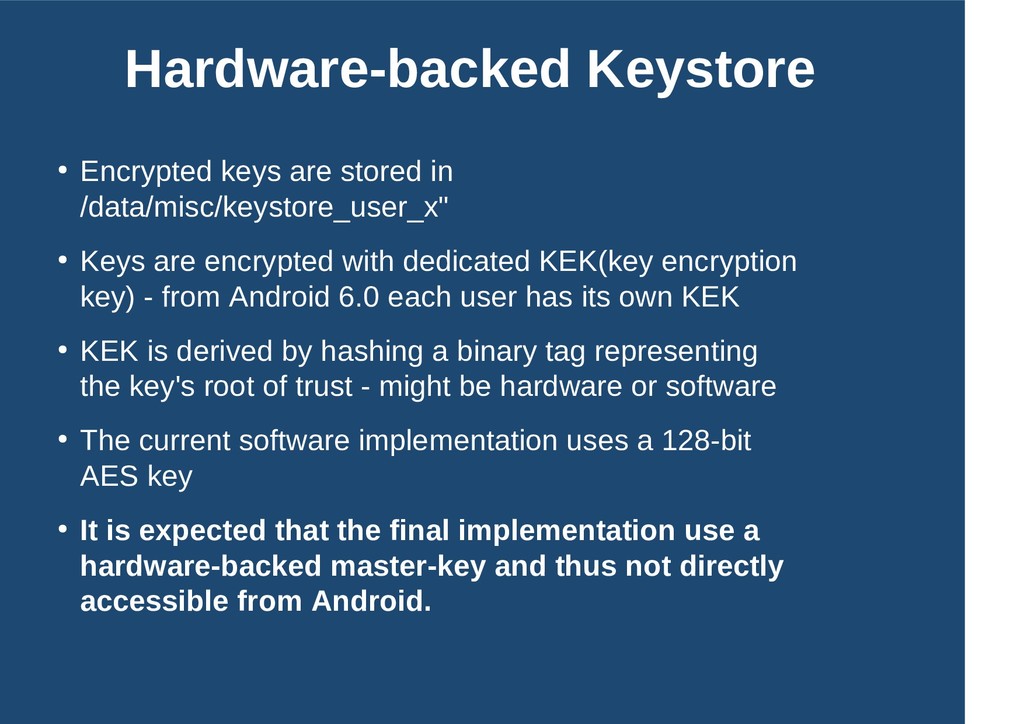
Keys are encrypted with dedicated KEK(key encryption key) - from Android 6.0 each user has its own KEK • KEK is derived by hashing a binary tag representing the key's root of trust - might be hardware or software • The current software implementation uses a 128-bit AES key • It is expected that the final implementation use a hardware-backed master-key and thus not directly accessible from Android.


 hiracky16
 rfdnxbro
 kworkdev
 shugo
shugo
 carta_engineering
 kaminashi
 riyaamemiya
 namiki64
 takahashim
 odashi
 recruitengineers
 kentarofujii
 bcantrill
 pwiseman
 addyosmani
 427marketing
 aleyda
 chrisshort
 shpigford
 jacobian
 axbom
axbom
 badams
 baasie