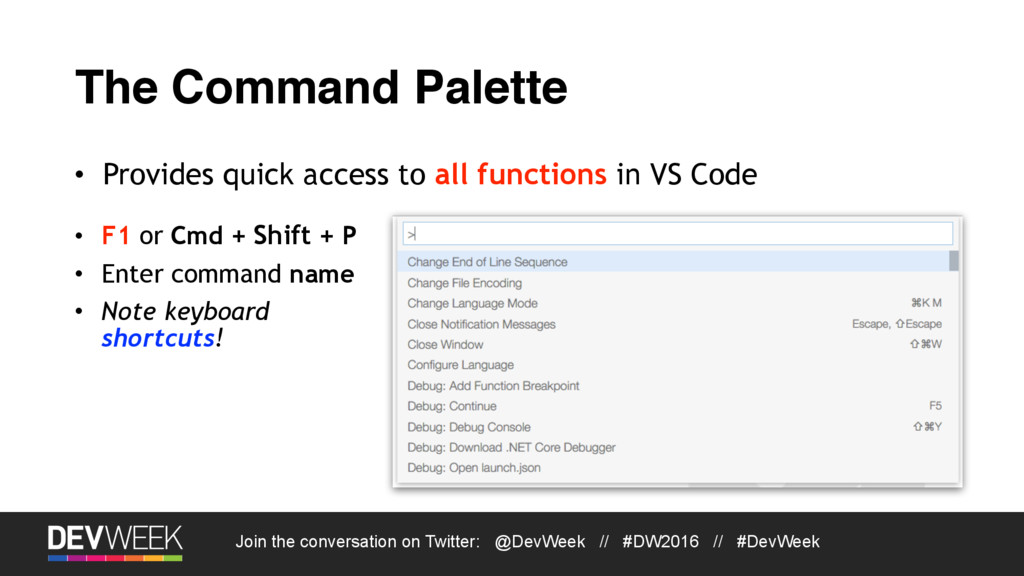
Join the conversation on Twitter: @DevWeek // #DW2016 // #DevWeek Having Fun with Visual Studio Code Anthony Sneed Twitter: @tonysneed Email: [email protected]
About Me • Status: Married, three children • Locations: Los Angeles, Dallas, Slovakia • Blog: blog.tonysneed.com • Open Source Frameworks: Trackable Entities, Simple MVVM Toolkit Join the conversation on Twitter: @DevWeek // #DW2016 // #DevWeek wintellect.com kliant.com globalknowledge.com
Agenda • What is Visual Studio Code? • Languages and Features • Using the Command Palette • Navigation, code editing, running tasks • Git integration and version control • Node and C# Debugging
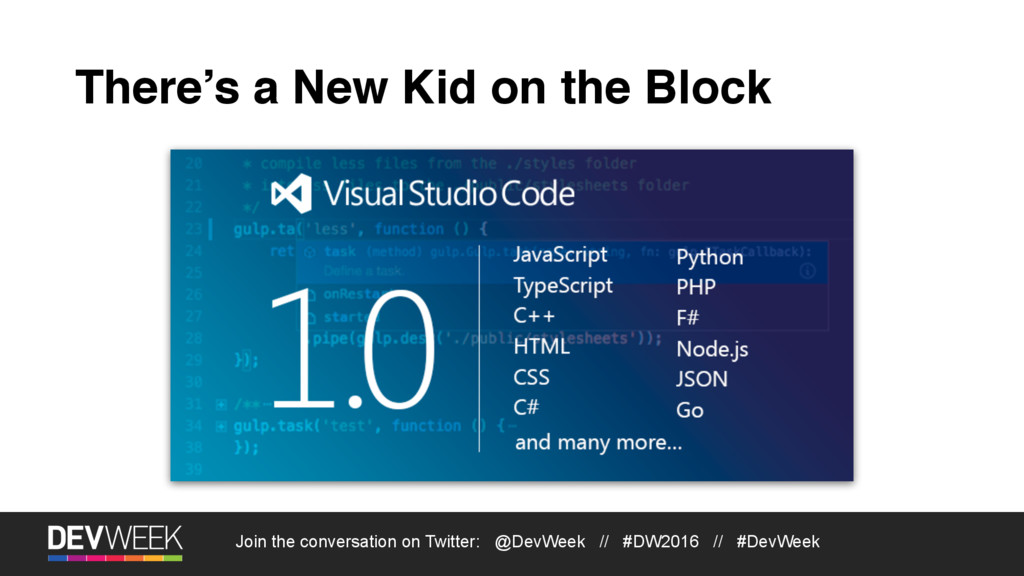
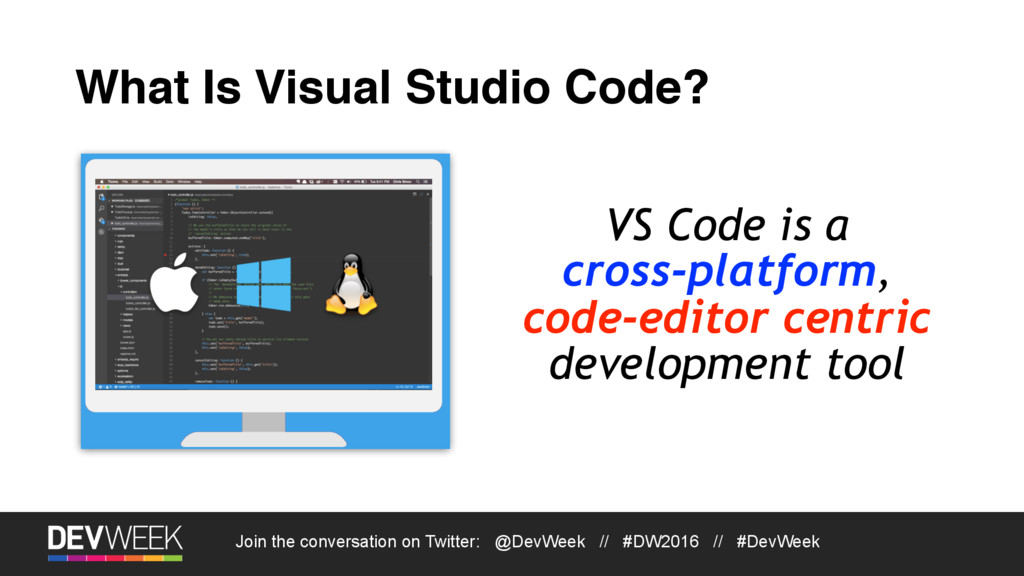
VS Code Architecture • Written in TypeScript • Built on the GitHub Electron Shell • Based on Node.js and Chromium • Runs cross-platform on Windows, Mac OS X, Linux • Leverages several tool services • TypeScript, Roslyn C# Compiler Service • Visual Studio debugging engine
Why VS Code? • Lightweight, blazing fast • Cross-platform - Windows, OS X, Linux • Customizable, extensible • It’s a real code-editor • Syntax highlighting • Bracket matching • Auto indent • Code snippets
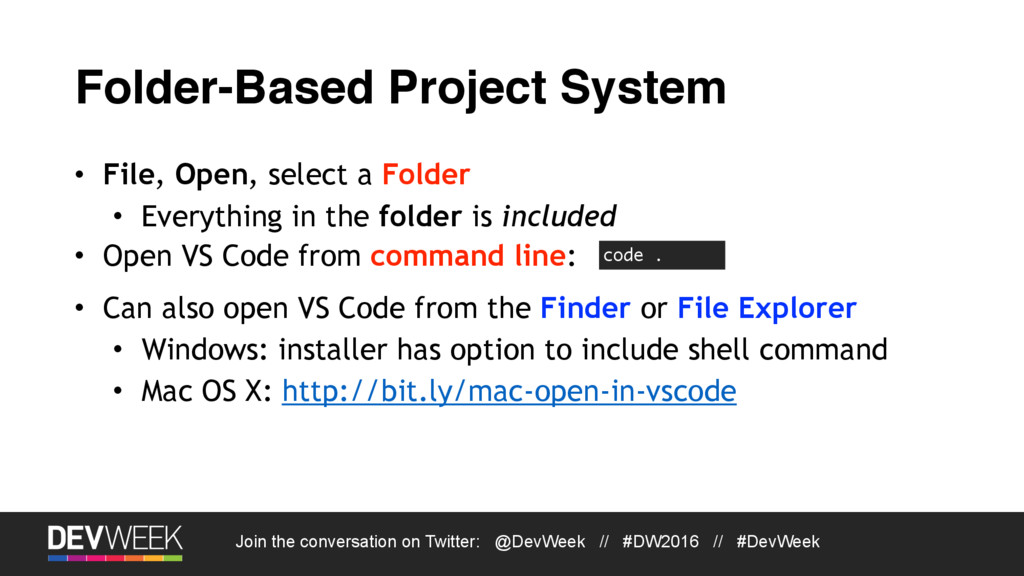
Folder-Based Project System • File, Open, select a Folder • Everything in the folder is included code . • Open VS Code from command line: • Can also open VS Code from the Finder or File Explorer • Windows: installer has option to include shell command • Mac OS X: http://bit.ly/mac-open-in-vscode
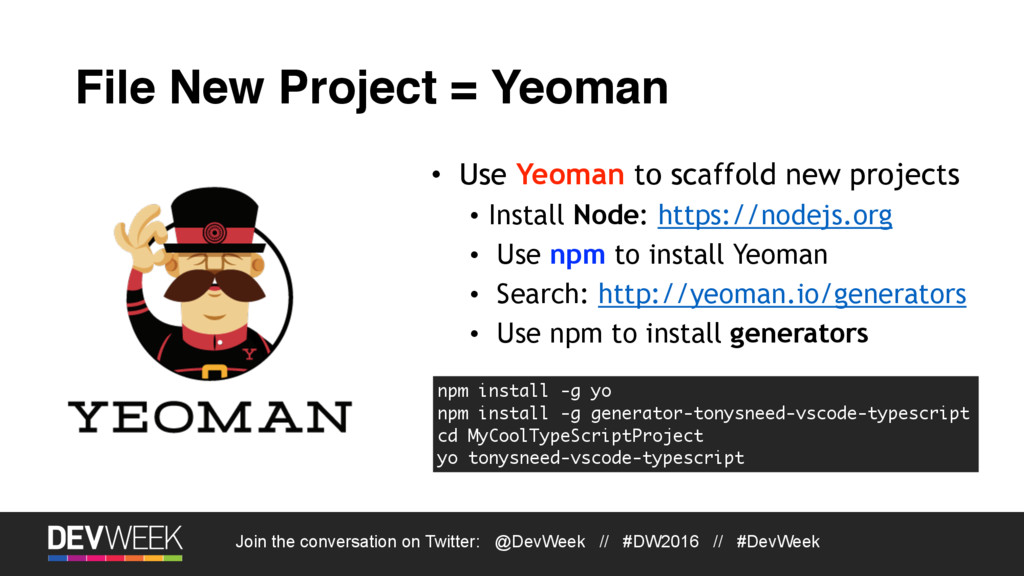
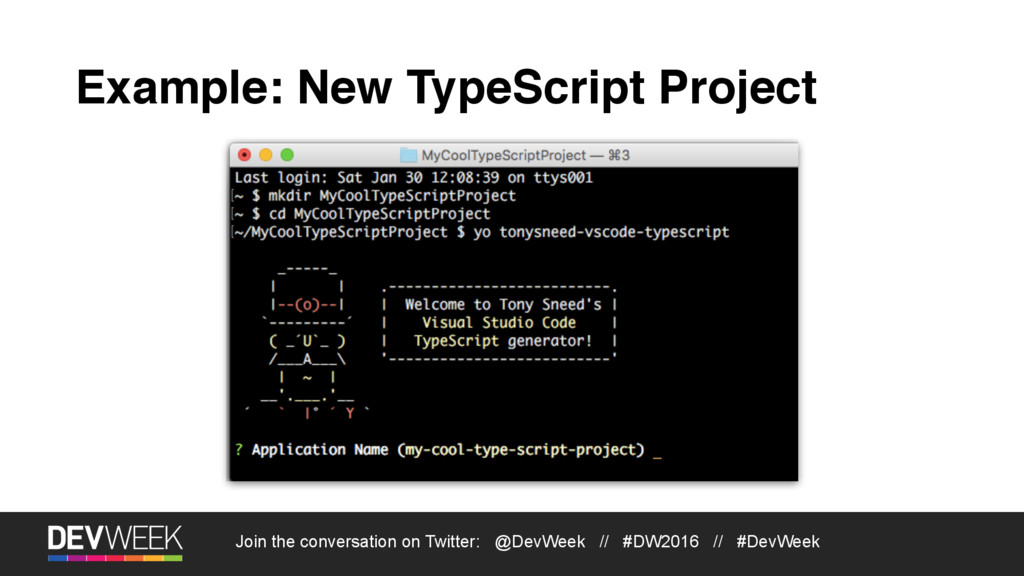
File New Project = Yeoman • Use Yeoman to scaffold new projects • Install Node: https://nodejs.org • Use npm to install Yeoman • Search: http://yeoman.io/generators • Use npm to install generators npm install -g yo npm install -g generator-tonysneed-vscode-typescript cd MyCoolTypeScriptProject yo tonysneed-vscode-typescript
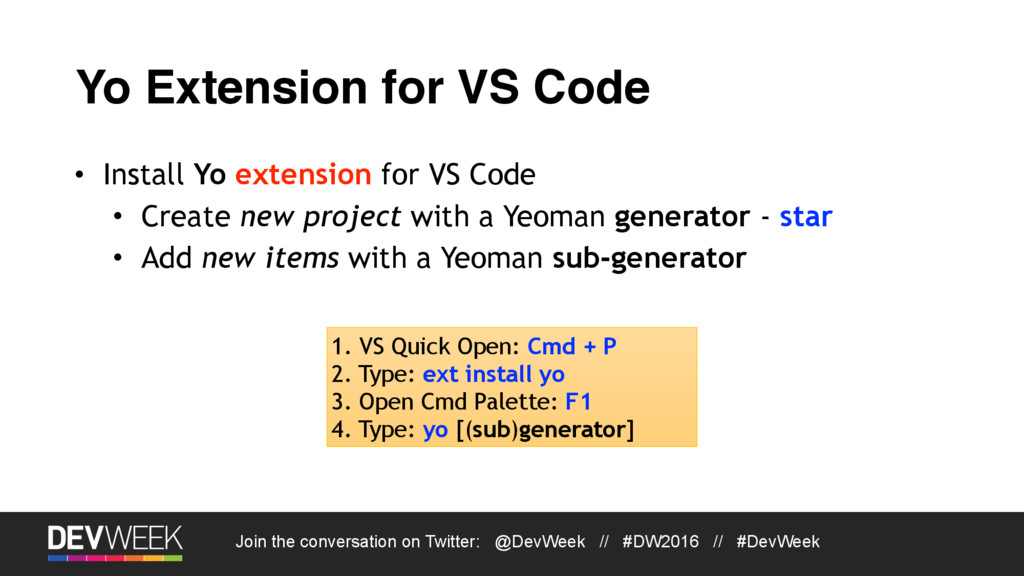
Yo Extension for VS Code • Install Yo extension for VS Code • Create new project with a Yeoman generator - star • Add new items with a Yeoman sub-generator 1. VS Quick Open: Cmd + P 2. Type: ext install yo 3. Open Cmd Palette: F1 4. Type: yo [(sub)generator]
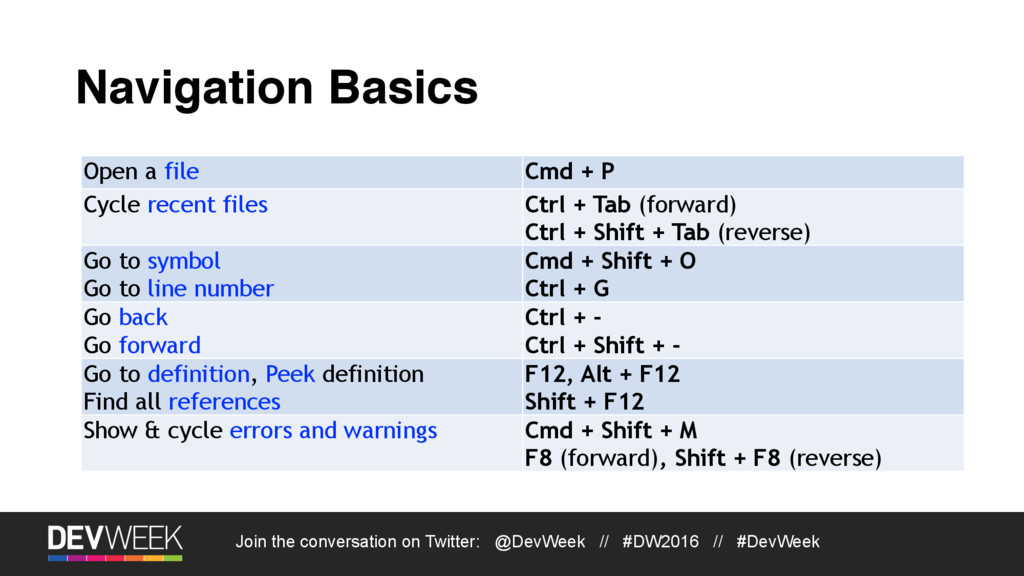
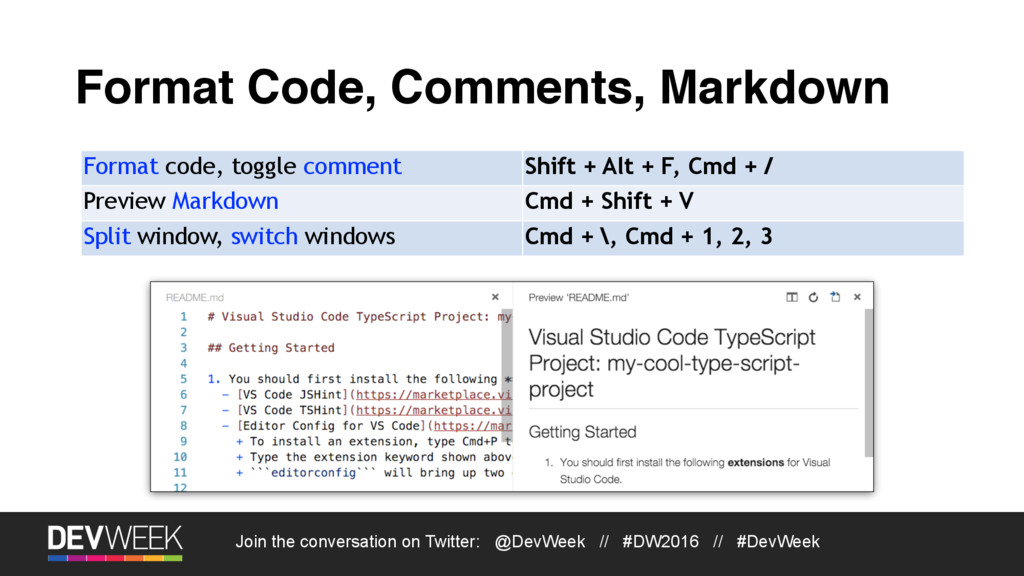
Navigation Basics Open a file Cmd + P Cycle recent files Ctrl + Tab (forward) Ctrl + Shift + Tab (reverse) Go to symbol Go to line number Cmd + Shift + O Ctrl + G Go back Go forward Ctrl + - Ctrl + Shift + - Go to definition, Peek definition Find all references F12, Alt + F12 Shift + F12 Show & cycle errors and warnings Cmd + Shift + M F8 (forward), Shift + F8 (reverse)
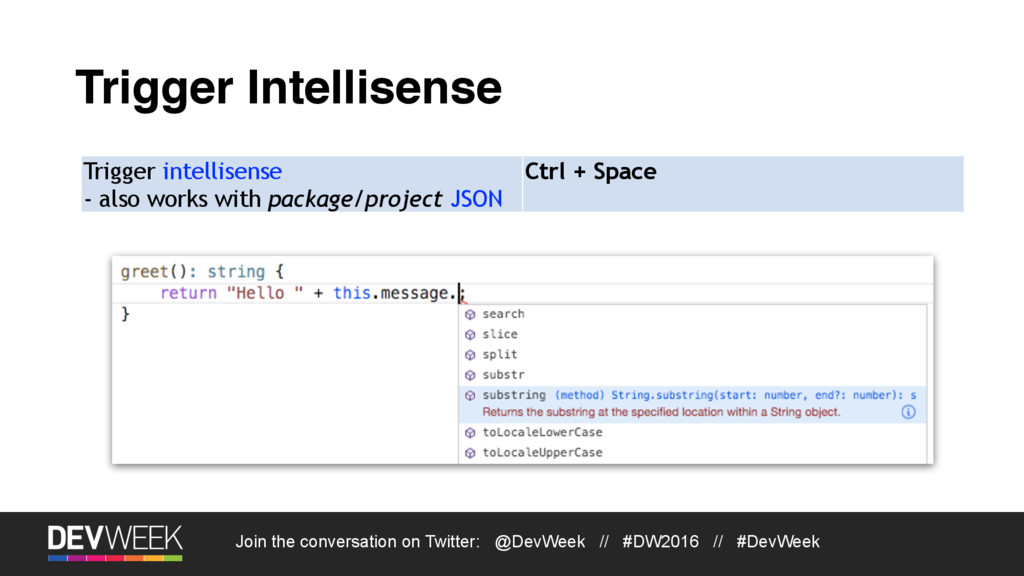
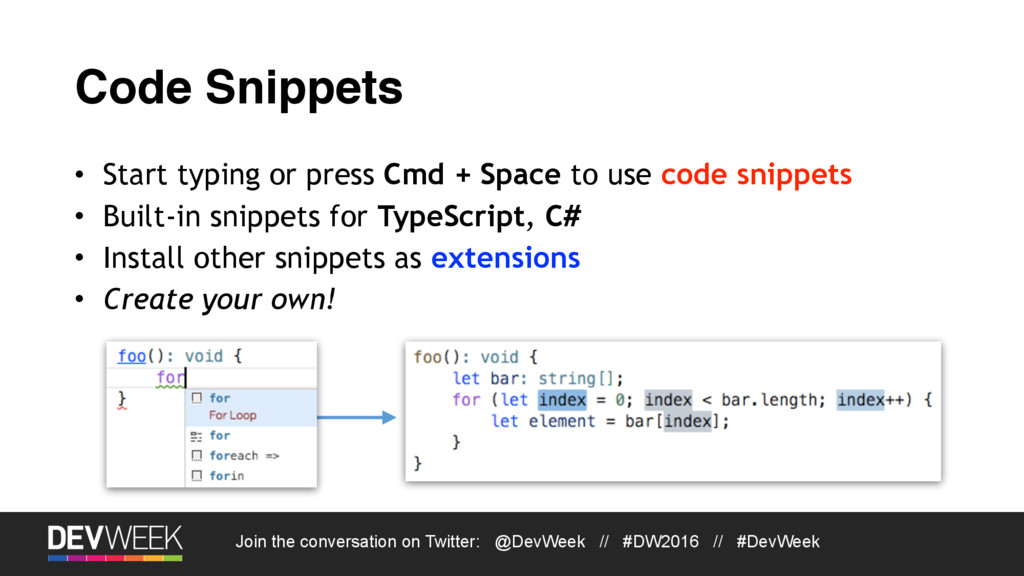
Code Snippets • Start typing or press Cmd + Space to use code snippets • Built-in snippets for TypeScript, C# • Install other snippets as extensions • Create your own!
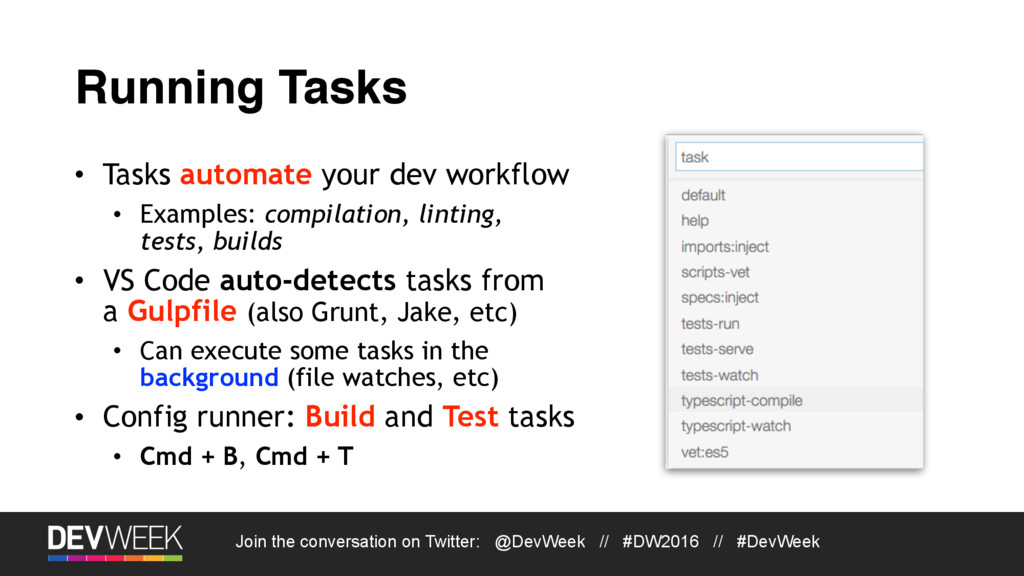
Running Tasks • Tasks automate your dev workflow • Examples: compilation, linting, tests, builds • VS Code auto-detects tasks from a Gulpfile (also Grunt, Jake, etc) • Can execute some tasks in the background (file watches, etc) • Config runner: Build and Test tasks • Cmd + B, Cmd + T
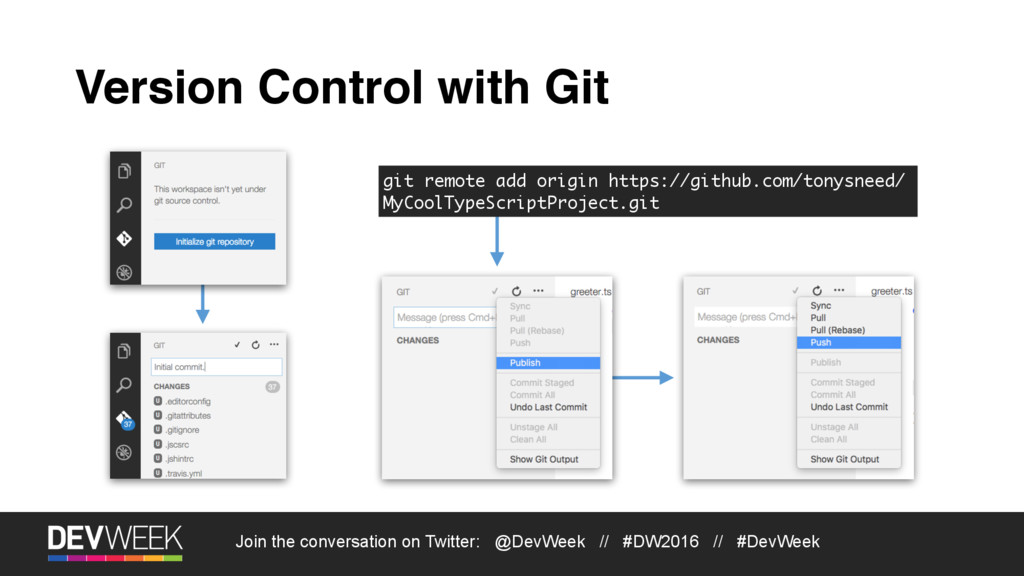
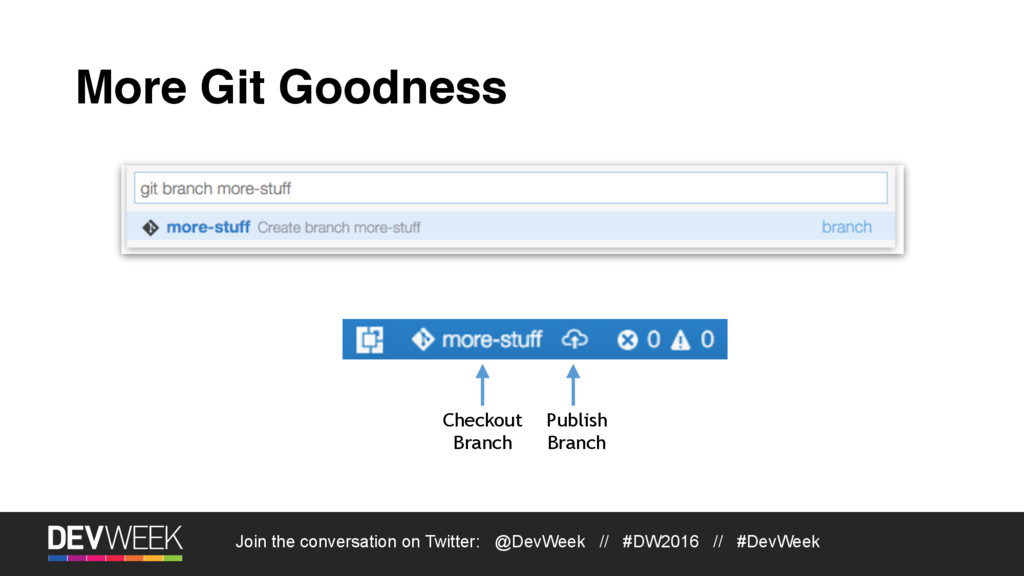
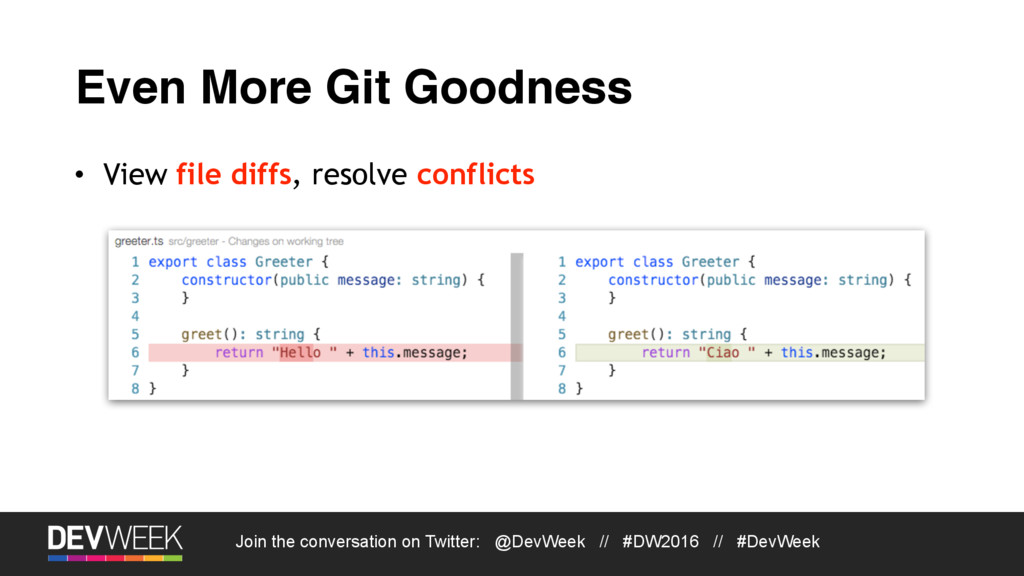
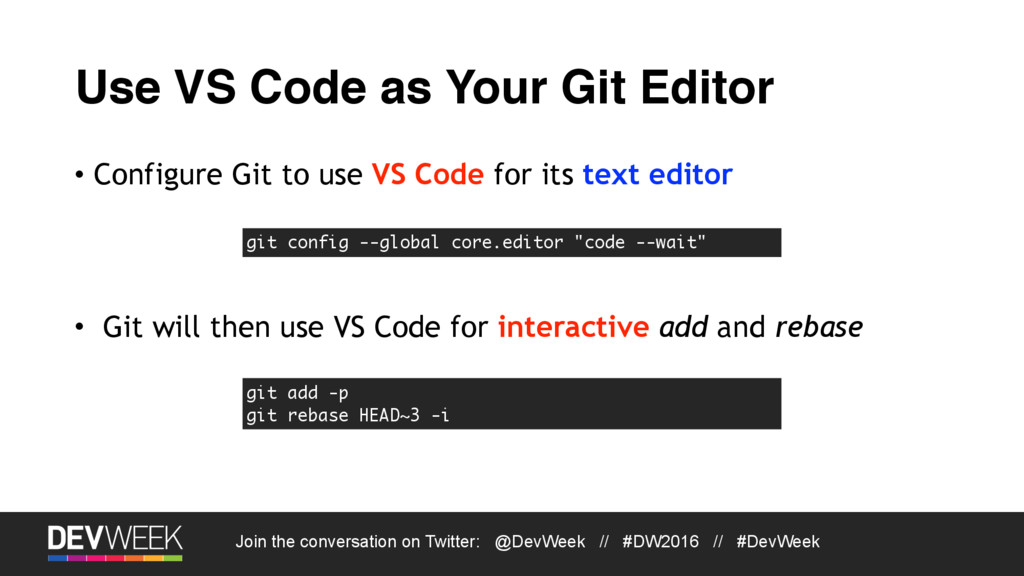
Use VS Code as Your Git Editor • Configure Git to use VS Code for its text editor git config --global core.editor "code --wait" • Git will then use VS Code for interactive add and rebase git add -p git rebase HEAD~3 -i
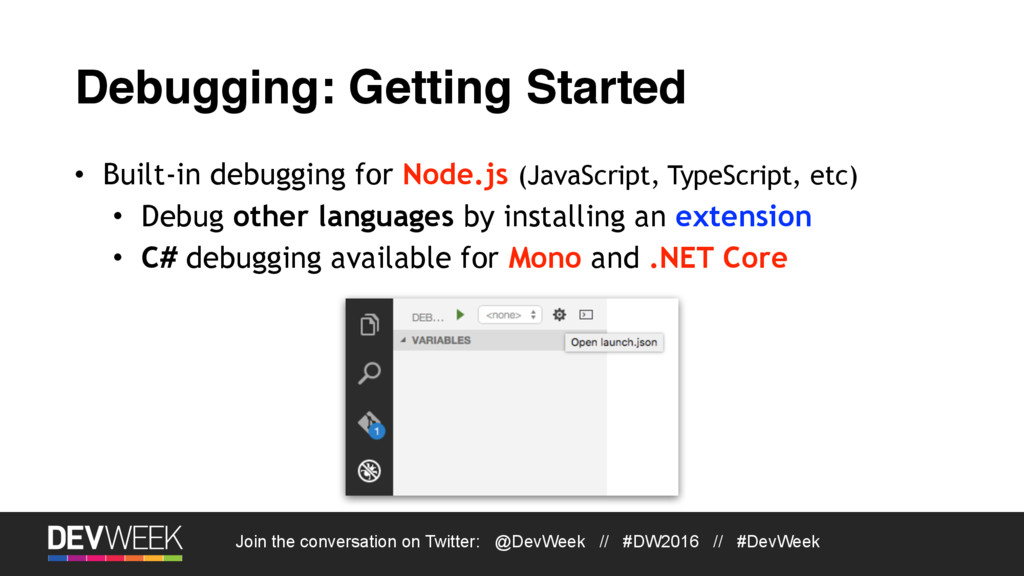
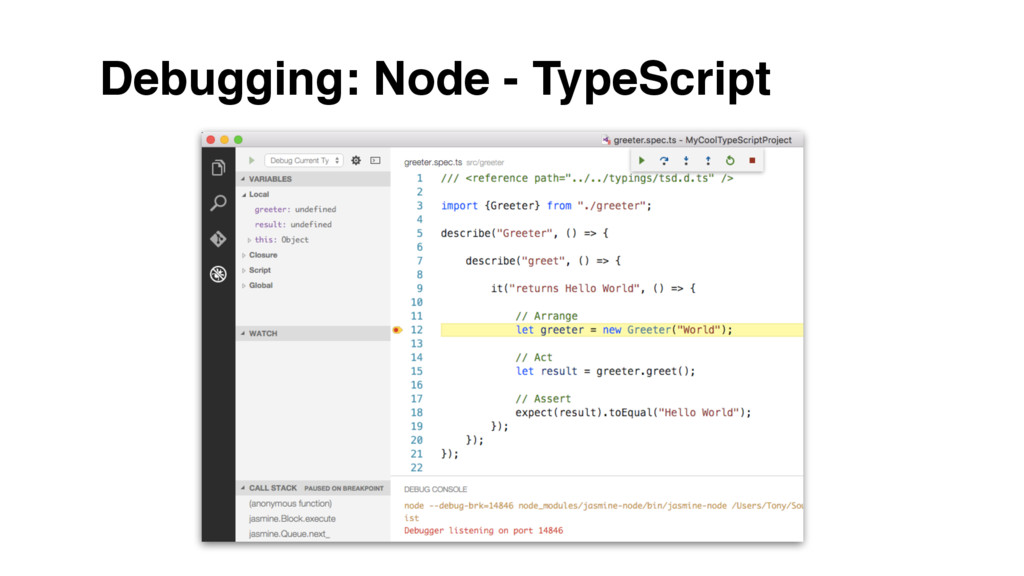
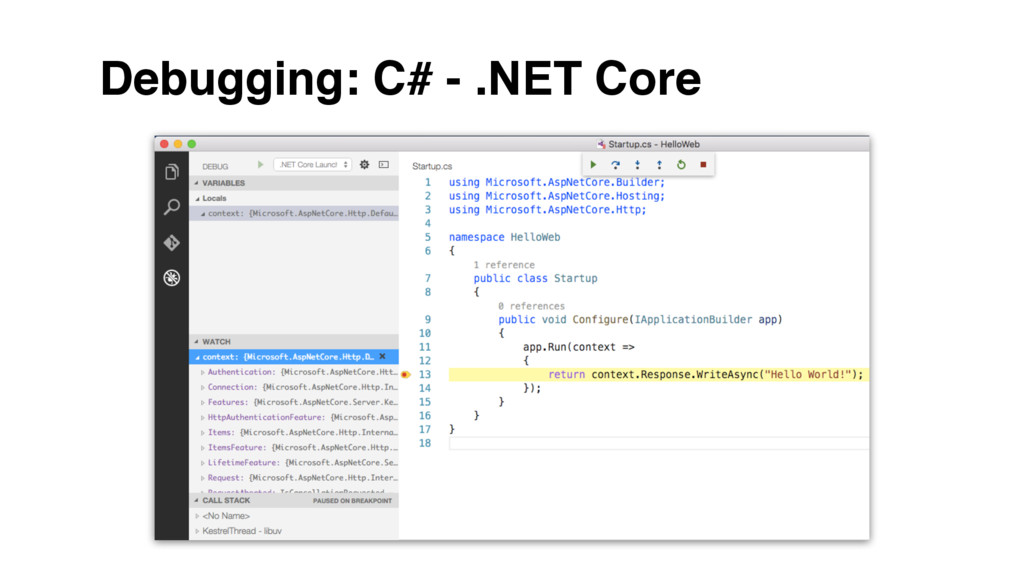
Debugging: Getting Started • Built-in debugging for Node.js (JavaScript, TypeScript, etc) • Debug other languages by installing an extension • C# debugging available for Mono and .NET Core

 SiteGround - Reliable hosting with speed, security, and support you can count on.


 tonysneed
 namiki64
 ykanoh
 shogo4131
 terapyon
 pfn
pfn
 keeg
keeg
 jtakeda
 tomokusaba
 jyouryuusui
 willnet
 greenmidori
 genda
genda
 tanoku
 garrettdimon
 lara
lara
 eileencodes
 techseoconnect
 uxyall
 malarkey
 jonoalderson
 irinanazarova
 axbom
axbom
 coloredviolet
 marcelosomers