Upgrade to Pro — share decks privately, control downloads, hide ads and more …

mcp-gen: Instantly Generate TypeScript MCP Serv...

mcp-gen: Instantly Generate TypeScript MCP Servers from OpenAPI Specs

Tired of spending 1-2 days writing boilerplate to connect an API to Claude Desktop? mcp-gen reads your OpenAPI 3.0 spec and generates a complete TypeScript MCP server in 30 seconds — with Zod validation, error handling, auth patterns, and LLM-friendly tool descriptions all built in.

In this presentation, we'll cover:

Why MCP servers are painful to build manually
What mcp-gen does and how it works
Quick start, CLI reference, and auth patterns
Generated server structure and connecting to Claude Desktop
Supported OpenAPI features and known limitations

Avatar for Tosin Akinosho

Tosin Akinosho

April 08, 2026

More Decks by Tosin Akinosho

Other Decks in Technology

Transcript

  1. mcp-gen — Turn any API into an MCP server in

    30 seconds. OpenAPI 3.0 spec → TypeScript MCP server. Zero boilerplate. tosincraft.gumroad.com/l/niamyk
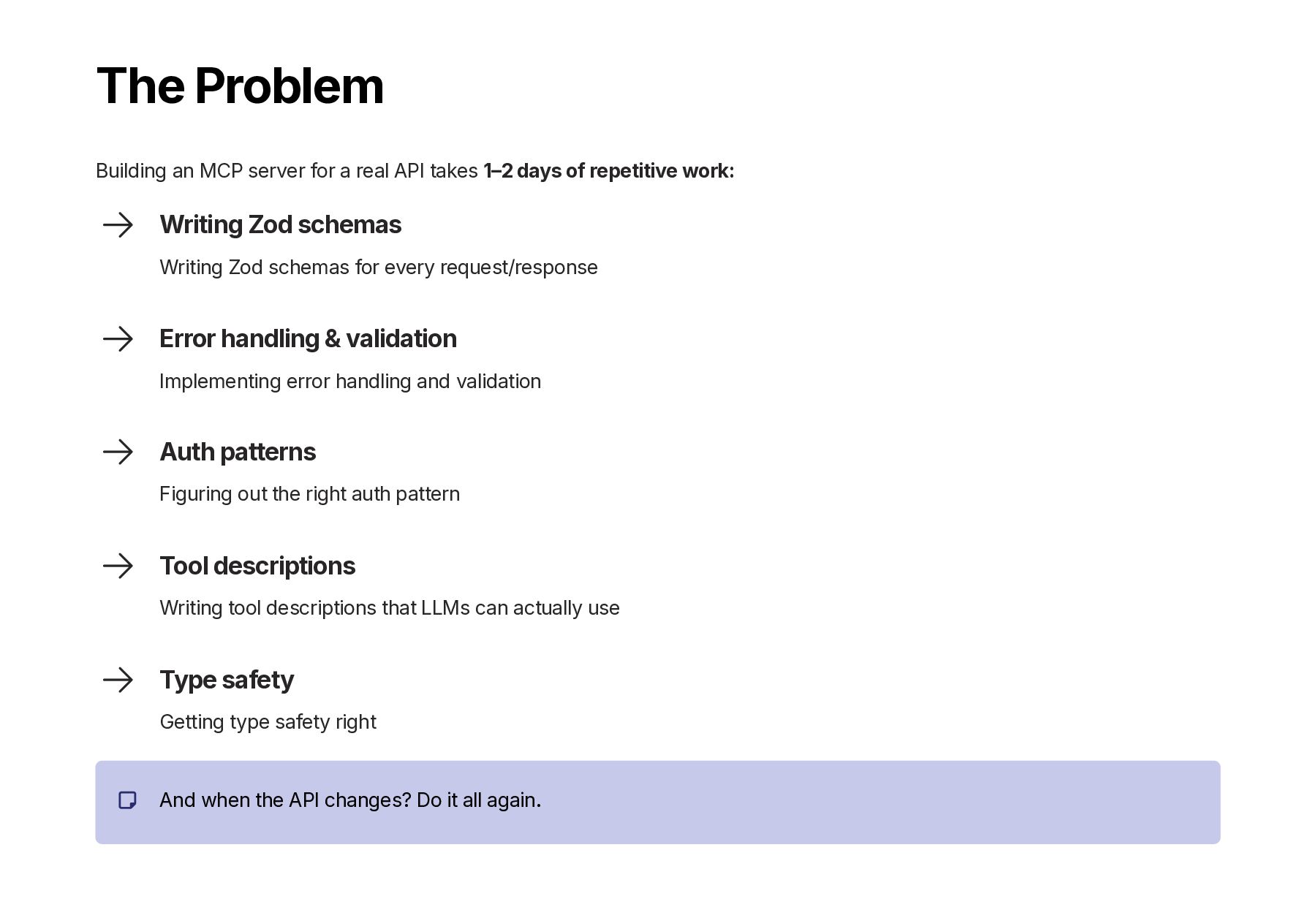
  2. The Problem Building an MCP server for a real API

    takes 1–2 days of repetitive work: Writing Zod schemas Writing Zod schemas for every request/response Error handling & validation Implementing error handling and validation Auth patterns Figuring out the right auth pattern Tool descriptions Writing tool descriptions that LLMs can actually use Type safety Getting type safety right And when the API changes? Do it all again.
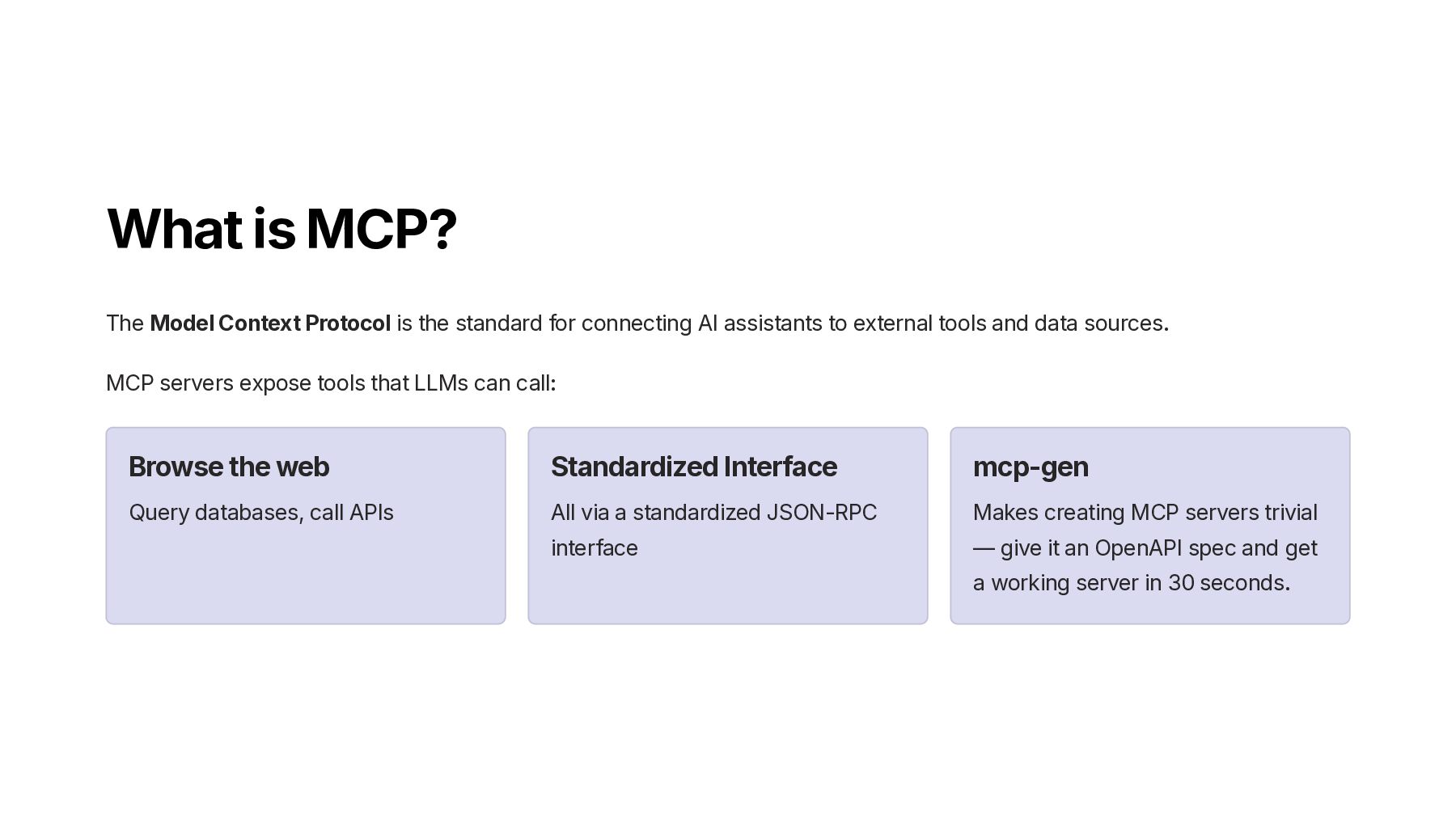
  3. What is MCP? The Model Context Protocol is the standard

    for connecting AI assistants to external tools and data sources. MCP servers expose tools that LLMs can call: Browse the web Query databases, call APIs Standardized Interface All via a standardized JSON-RPC interface mcp-gen Makes creating MCP servers trivial — give it an OpenAPI spec and get a working server in 30 seconds.
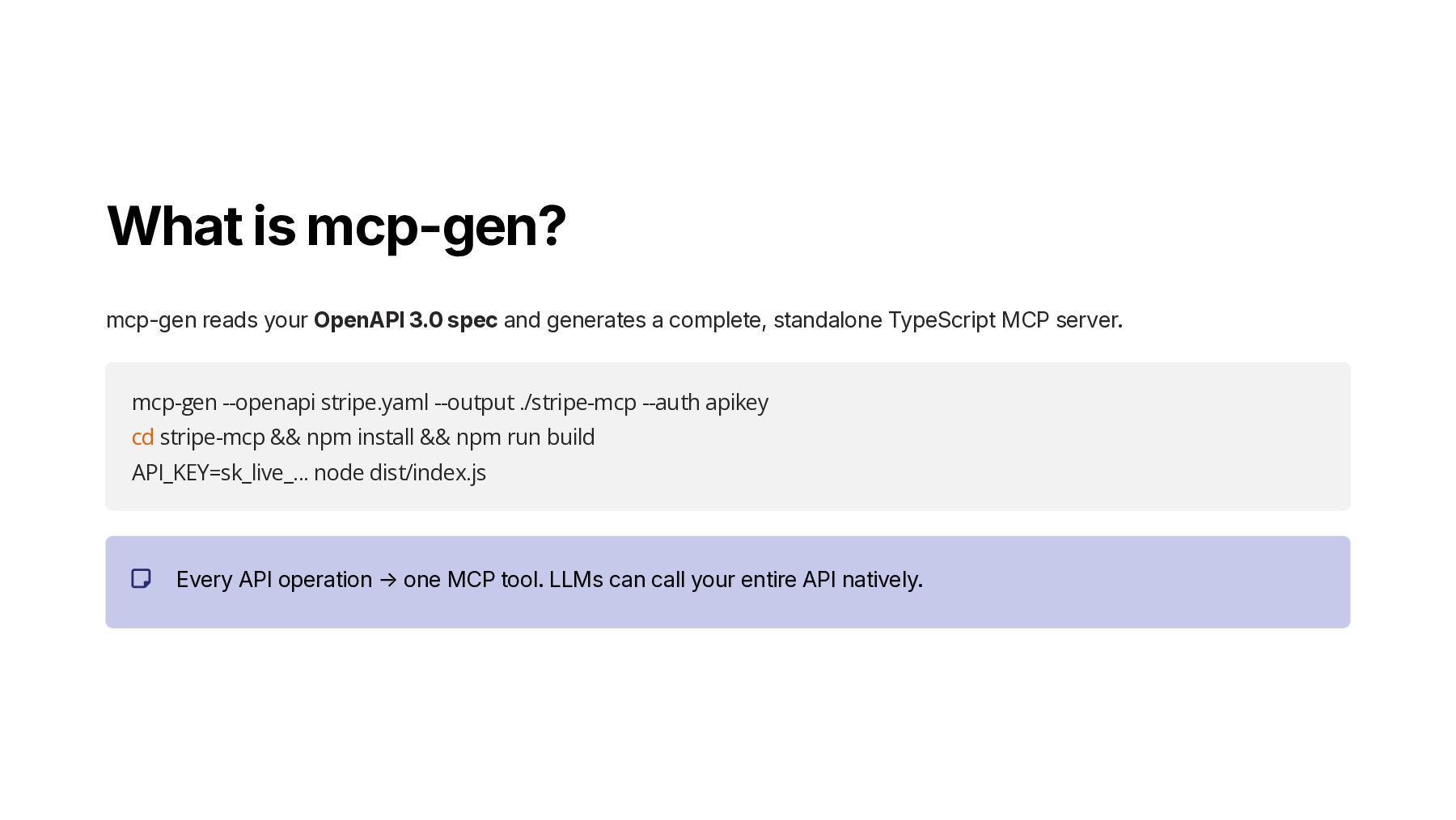
  4. What is mcp-gen? mcp-gen reads your OpenAPI 3.0 spec and

    generates a complete, standalone TypeScript MCP server. mcp-gen --openapi stripe.yaml --output ./stripe-mcp --auth apikey cd stripe-mcp && npm install && npm run build API_KEY=sk_live_... node dist/index.js Every API operation → one MCP tool. LLMs can call your entire API natively.
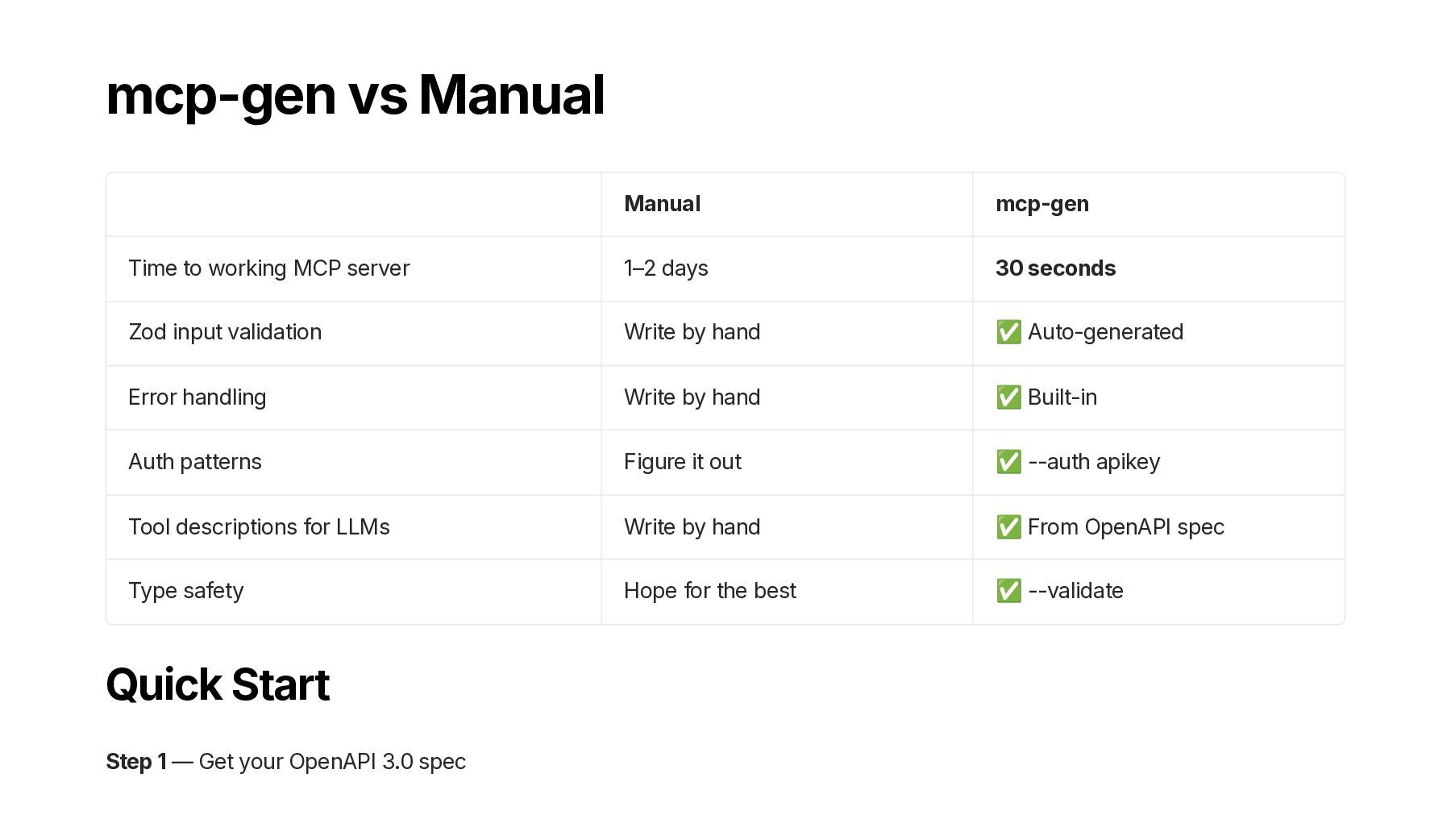
  5. mcp-gen vs Manual Manual mcp-gen Time to working MCP server

    1–2 days 30 seconds Zod input validation Write by hand ✅ Auto-generated Error handling Write by hand ✅ Built-in Auth patterns Figure it out ✅ --auth apikey Tool descriptions for LLMs Write by hand ✅ From OpenAPI spec Type safety Hope for the best ✅ --validate Quick Start Step 1 — Get your OpenAPI 3.0 spec
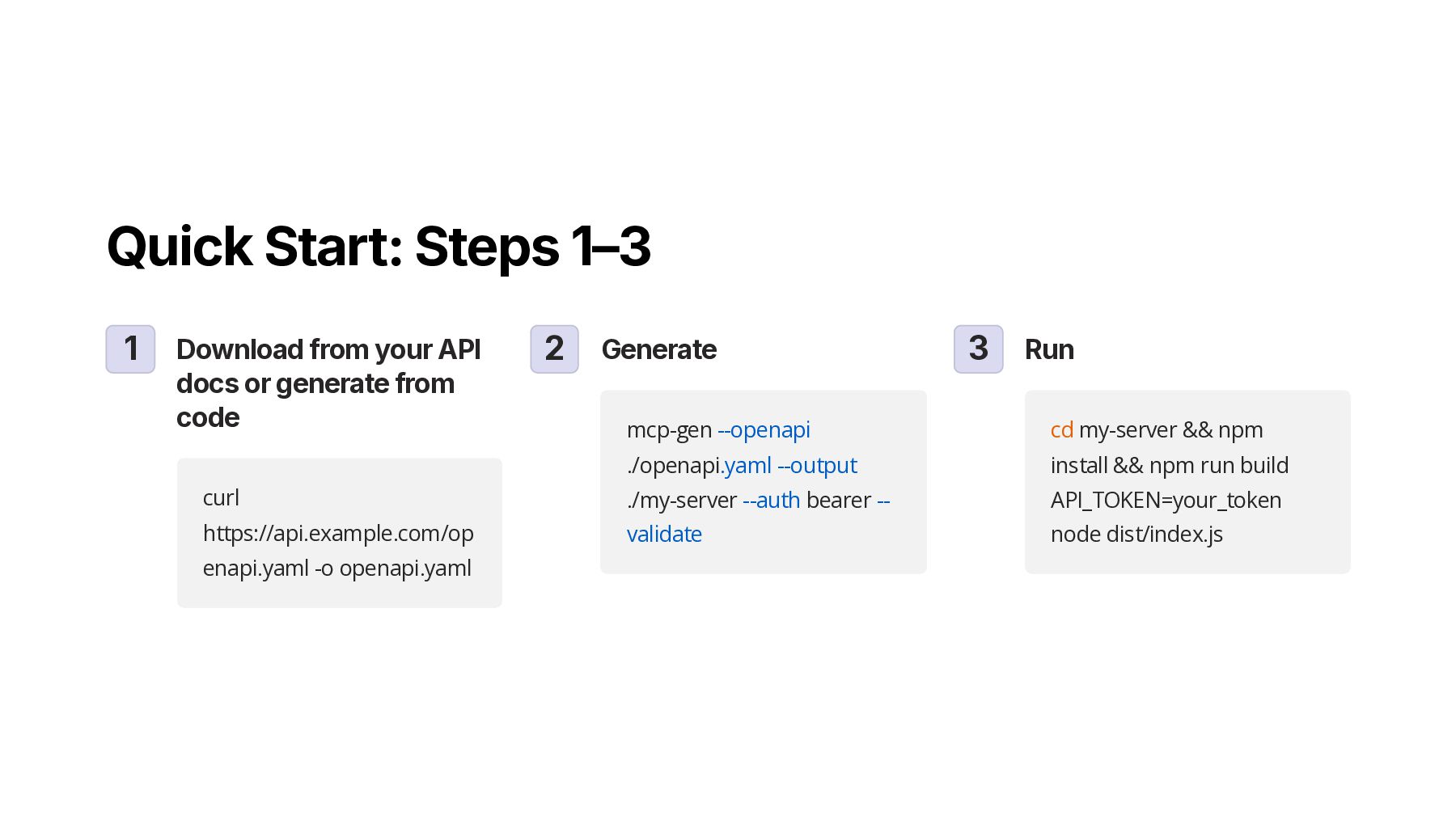
  6. Quick Start: Steps 1–3 1 Download from your API docs

    or generate from code curl https://api.example.com/op enapi.yaml -o openapi.yaml 2 Generate mcp-gen --openapi ./openapi.yaml --output ./my-server --auth bearer -- validate 3 Run cd my-server && npm install && npm run build API_TOKEN=your_token node dist/index.js
  7. CLI Reference & Generated Server Structure CLI Options mcp-gen [options]

    --openapi OpenAPI 3.0 spec (YAML or JSON) [required] --output Output directory [required] --auth apikey | bearer | none [default: apikey] --auth-header Header name for apikey auth [default: X-API-Key] --filter Comma-separated tags to include [default: all] --overwrite Overwrite existing output --validate Type-check and verify generated code -V, --version Show version -h, --help Show help Auth Patterns API Key (--auth apikey) mcp-gen --openapi api.yaml --output ./server --auth apikey --auth-header "X-API-Key" API_KEY=sk_live_... node dist/index.js Bearer Token (--auth bearer) mcp-gen --openapi api.yaml --output ./server --auth bearer API_TOKEN=your_token node dist/index.js No Auth (--auth none) mcp-gen --openapi api.yaml --output ./server --auth none node dist/index.js Generated Server Structure my-mcp-server/ ├── src/ │ ├── index.ts # MCP server entrypoint │ ├── tools/ │ │ ├── index.ts # Barrel export │ │ └── {operation}.ts # One file per API operation │ └── auth.ts # Auth + base URL + timeout config ├── package.json ├── tsconfig.json └── README.md # Auto-generated docs Each tools/*.ts file has Zod validation, structured errors, timeout, and a User-Agent header.
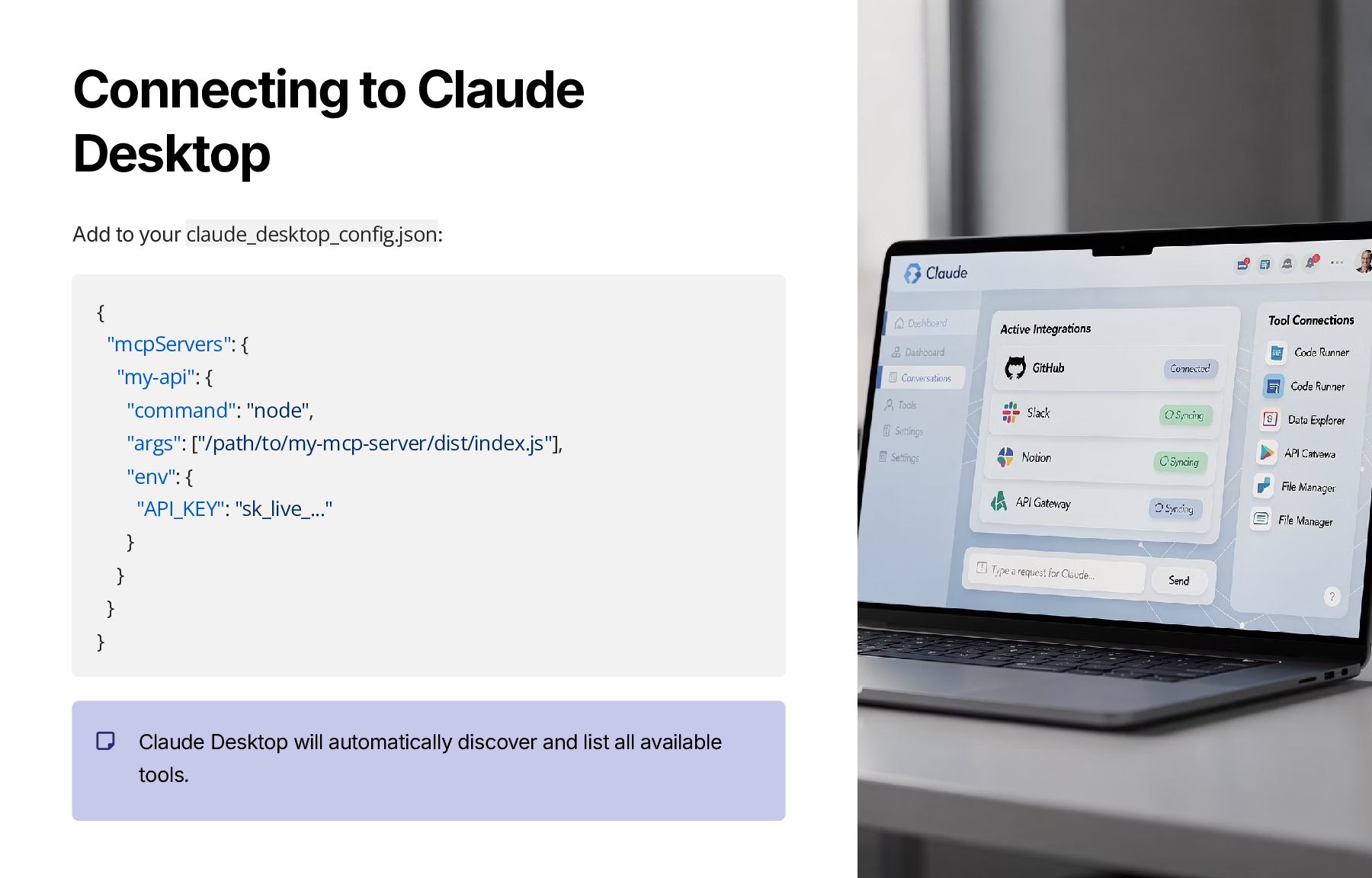
  8. Connecting to Claude Desktop Add to your claude_desktop_config.json: { "mcpServers":

    { "my-api": { "command": "node", "args": ["/path/to/my-mcp-server/dist/index.js"], "env": { "API_KEY": "sk_live_..." } } } } Claude Desktop will automatically discover and list all available tools.
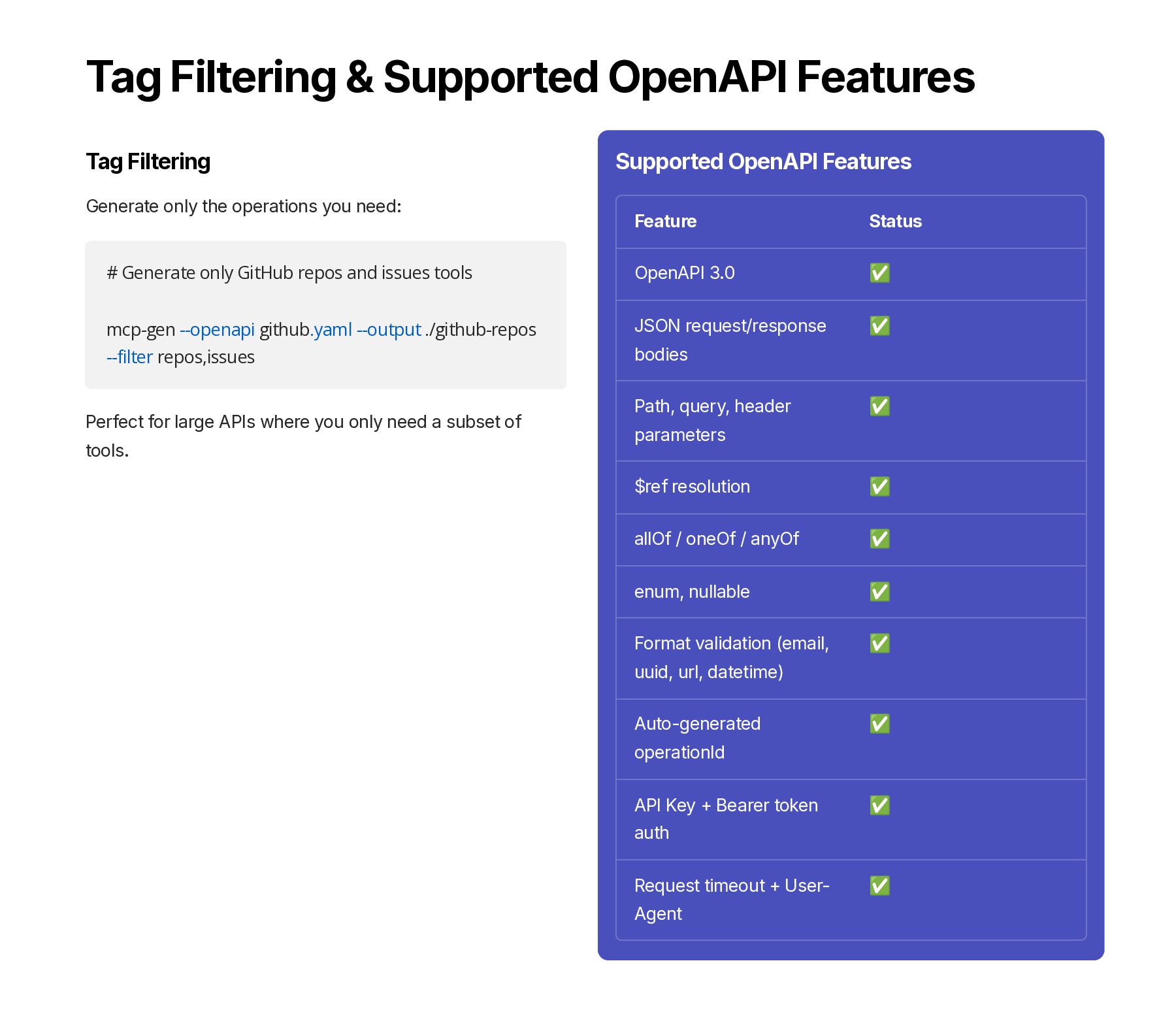
  9. Tag Filtering & Supported OpenAPI Features Tag Filtering Generate only

    the operations you need: # Generate only GitHub repos and issues tools mcp-gen --openapi github.yaml --output ./github-repos --filter repos,issues Perfect for large APIs where you only need a subset of tools. Supported OpenAPI Features Feature Status OpenAPI 3.0 ✅ JSON request/response bodies ✅ Path, query, header parameters ✅ $ref resolution ✅ allOf / oneOf / anyOf ✅ enum, nullable ✅ Format validation (email, uuid, url, datetime) ✅ Auto-generated operationId ✅ API Key + Bearer token auth ✅ Request timeout + User- Agent ✅
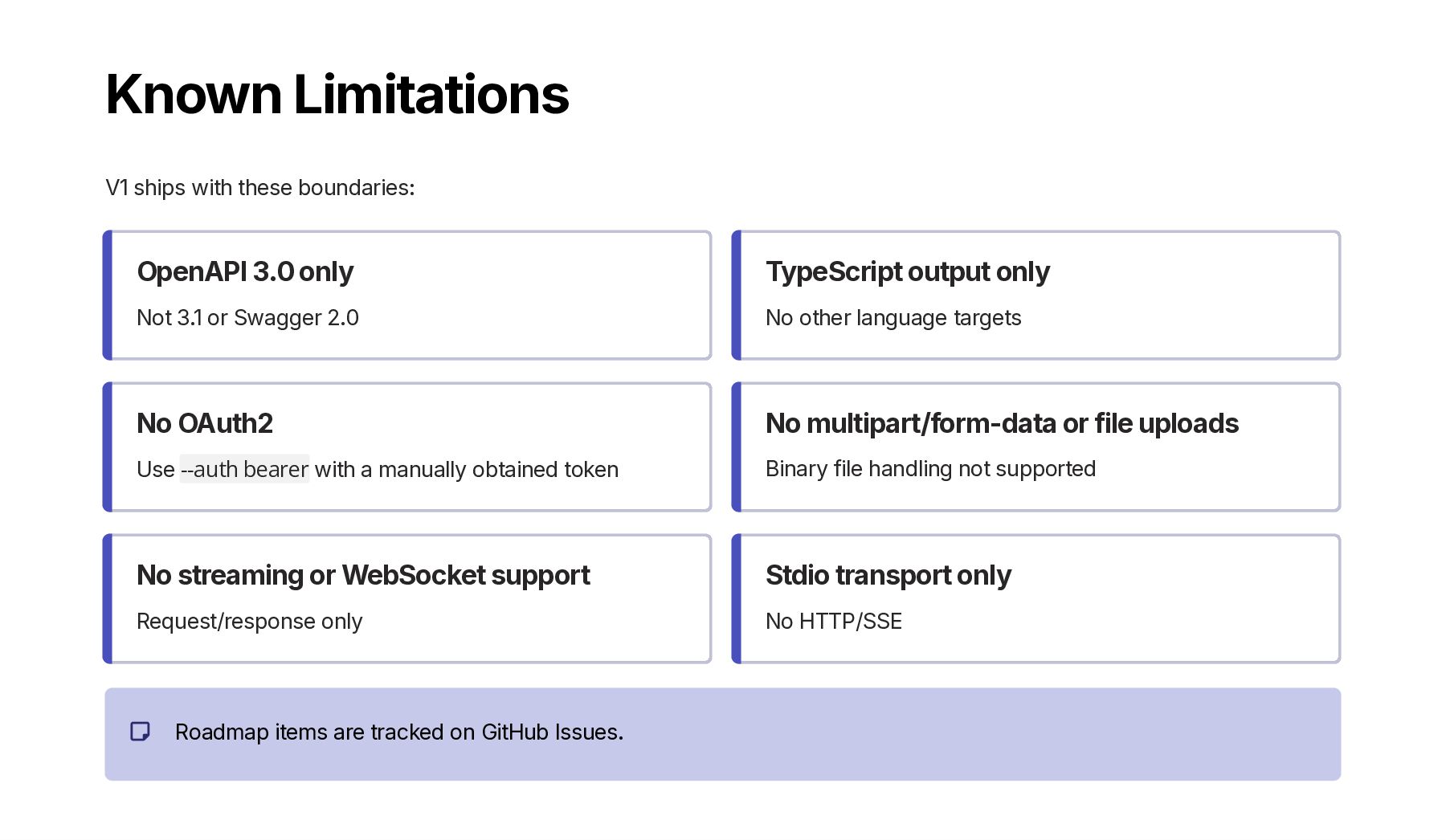
  10. Known Limitations V1 ships with these boundaries: OpenAPI 3.0 only

    Not 3.1 or Swagger 2.0 TypeScript output only No other language targets No OAuth2 Use --auth bearer with a manually obtained token No multipart/form-data or file uploads Binary file handling not supported No streaming or WebSocket support Request/response only Stdio transport only No HTTP/SSE Roadmap items are tracked on GitHub Issues.
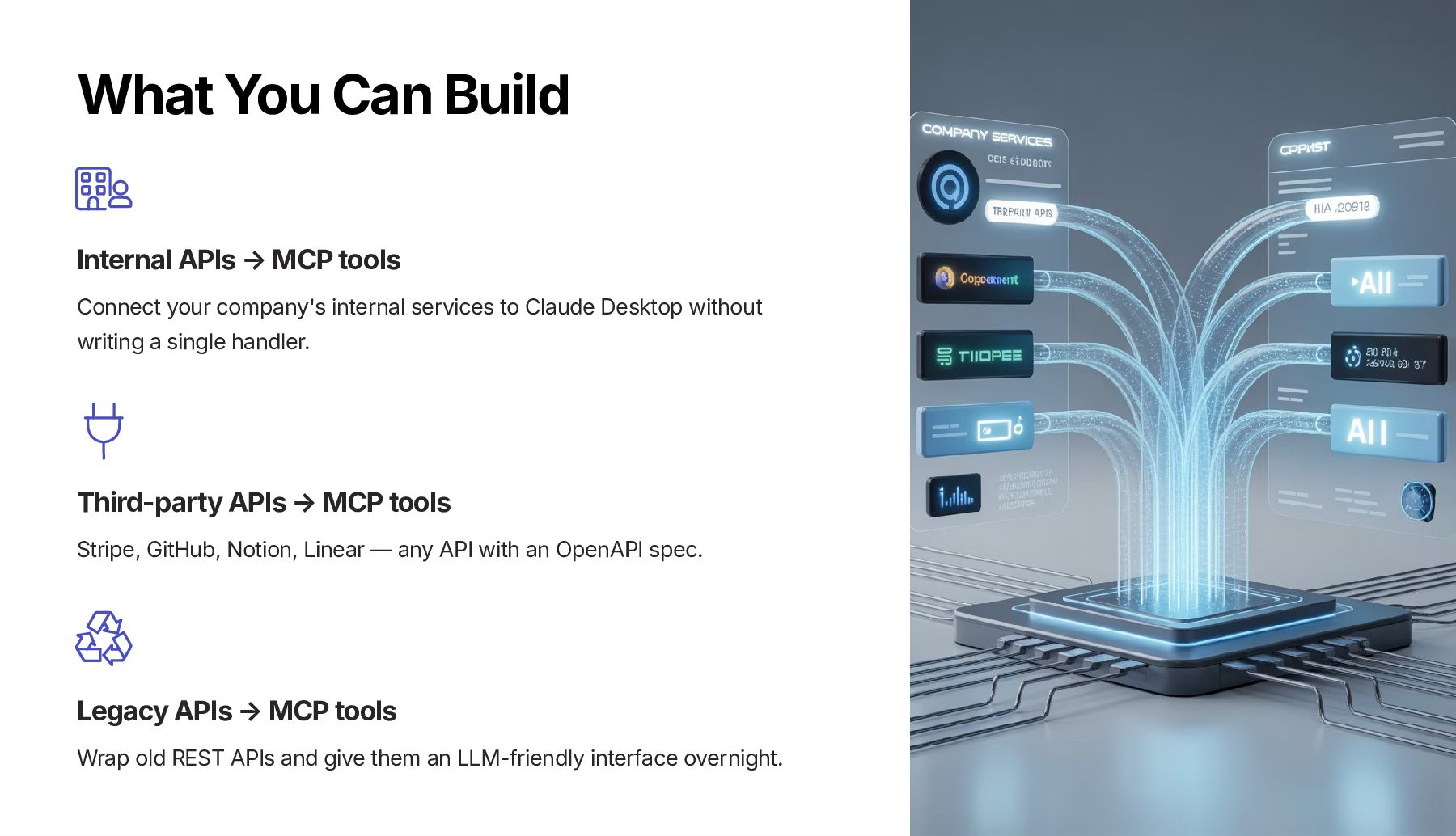
  11. What You Can Build Internal APIs → MCP tools Connect

    your company's internal services to Claude Desktop without writing a single handler. Third-party APIs → MCP tools Stripe, GitHub, Notion, Linear — any API with an OpenAPI spec. Legacy APIs → MCP tools Wrap old REST APIs and give them an LLM-friendly interface overnight.
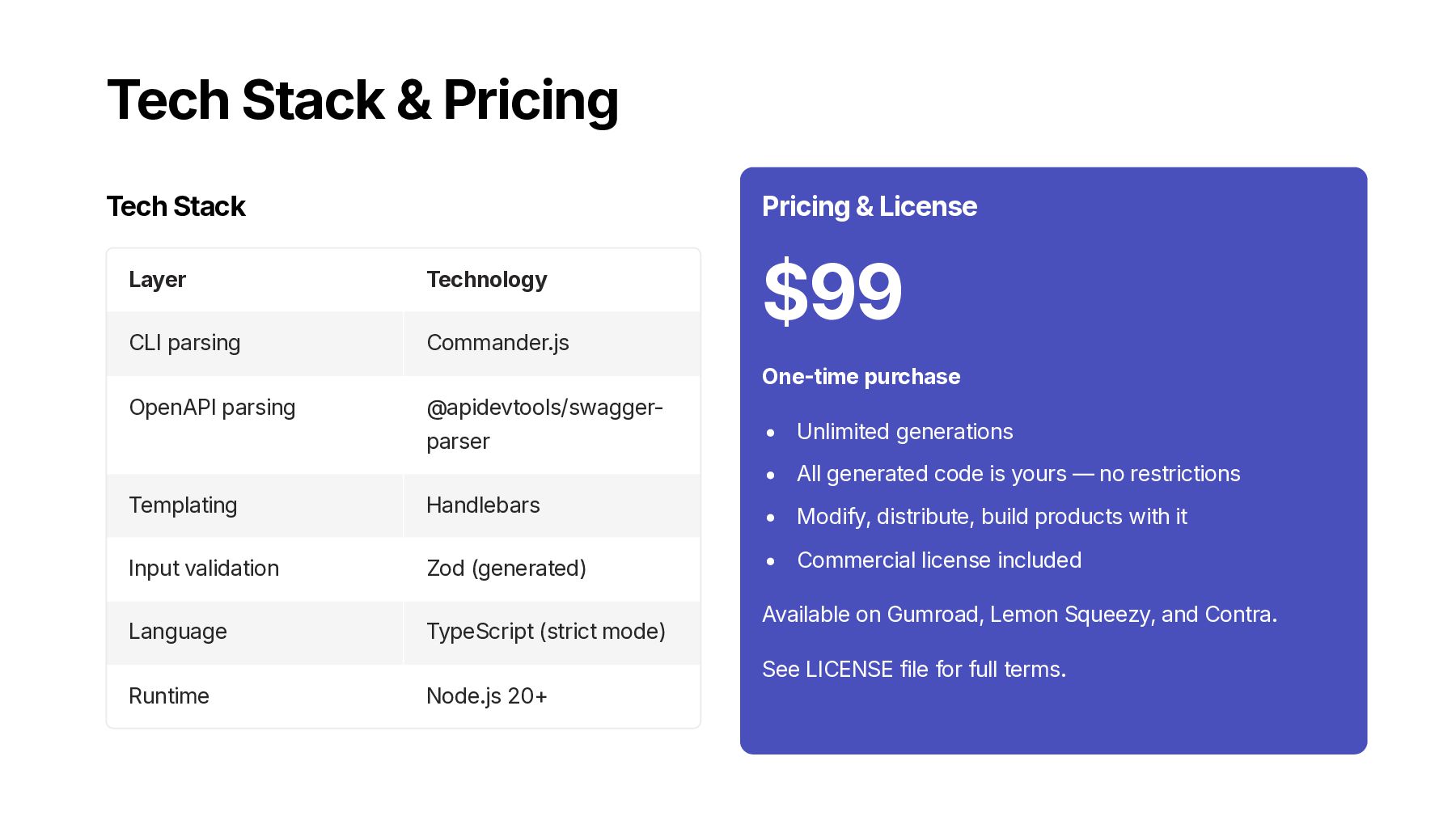
  12. Tech Stack & Pricing Tech Stack Layer Technology CLI parsing

    Commander.js OpenAPI parsing @apidevtools/swagger- parser Templating Handlebars Input validation Zod (generated) Language TypeScript (strict mode) Runtime Node.js 20+ Pricing & License $99 One-time purchase Unlimited generations All generated code is yours — no restrictions Modify, distribute, build products with it Commercial license included Available on Gumroad, Lemon Squeezy, and Contra. See LICENSE file for full terms.
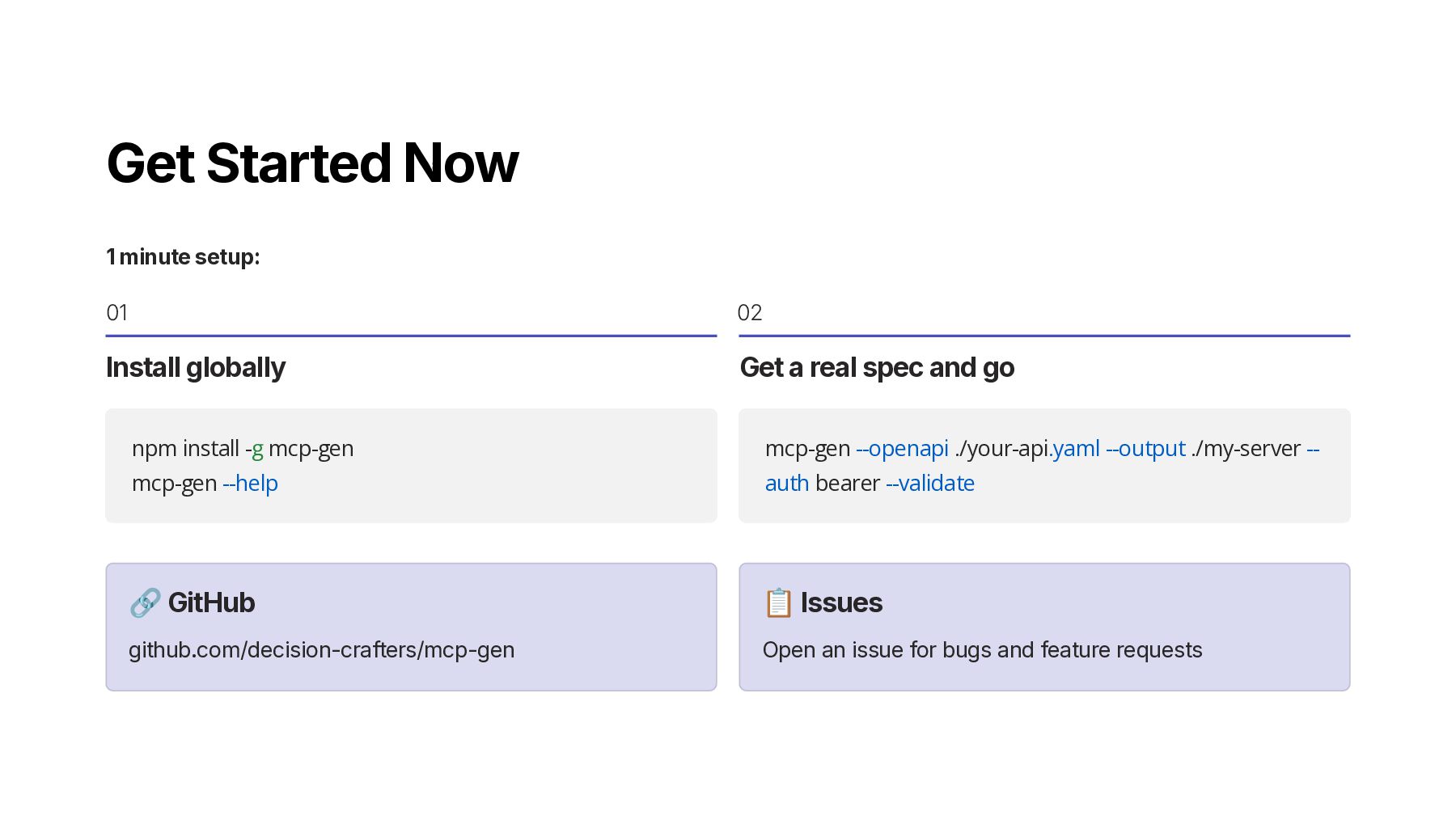
  13. Get Started Now 1 minute setup: 01 Install globally npm

    install -g mcp-gen mcp-gen --help 02 Get a real spec and go mcp-gen --openapi ./your-api.yaml --output ./my-server -- auth bearer --validate 🔗 GitHub github.com/decision-crafters/mcp-gen 📋 Issues Open an issue for bugs and feature requests
  14. Thank You mcp-gen — from API spec to MCP server

    in 30 seconds. tosincraft.gumroad.com/l/niamyk