Upgrade to Pro — share decks privately, control downloads, hide ads and more …

Beyond Vibe Coding: Architecting the Future of ...

Beyond Vibe Coding: Architecting the Future of Mobile Apps with AI Agents

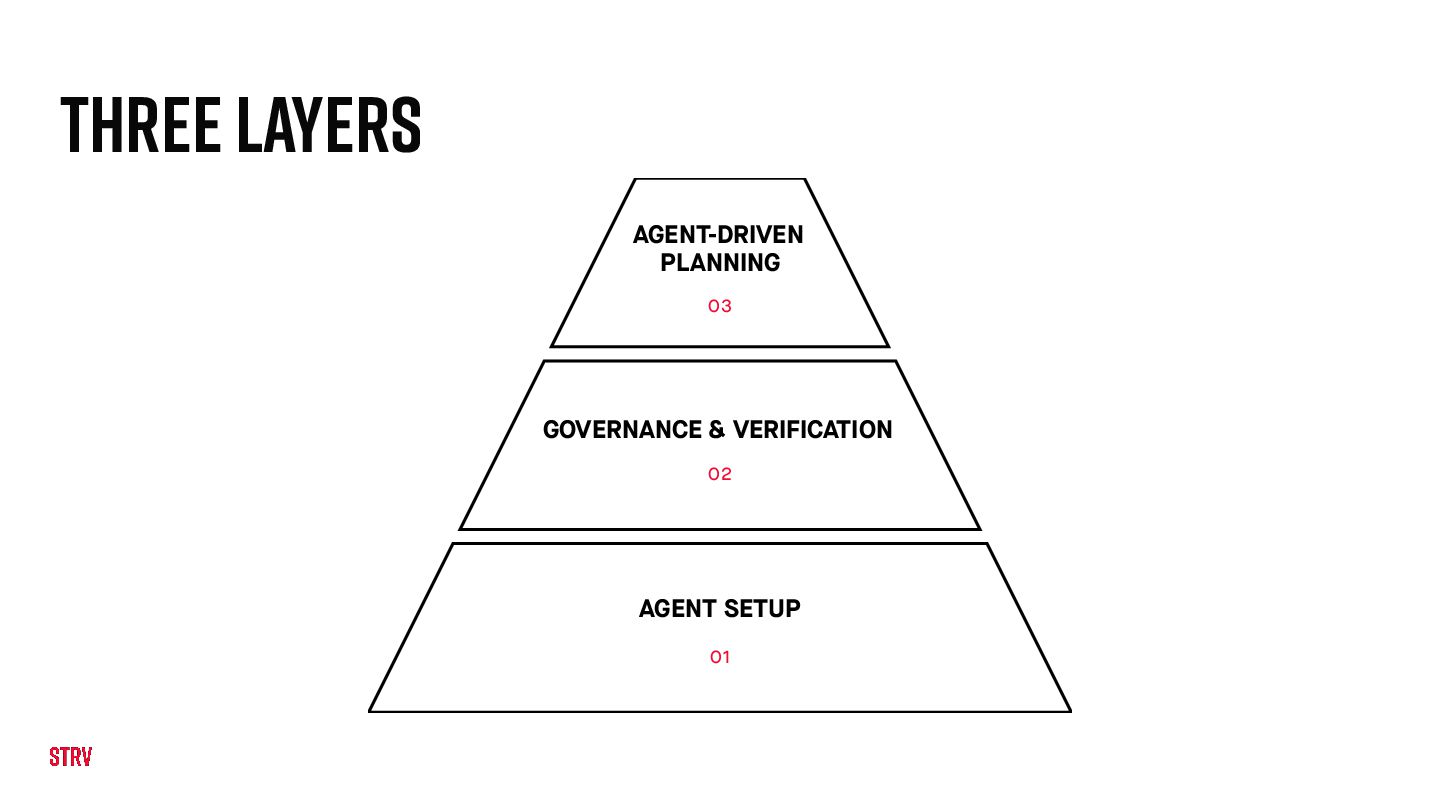
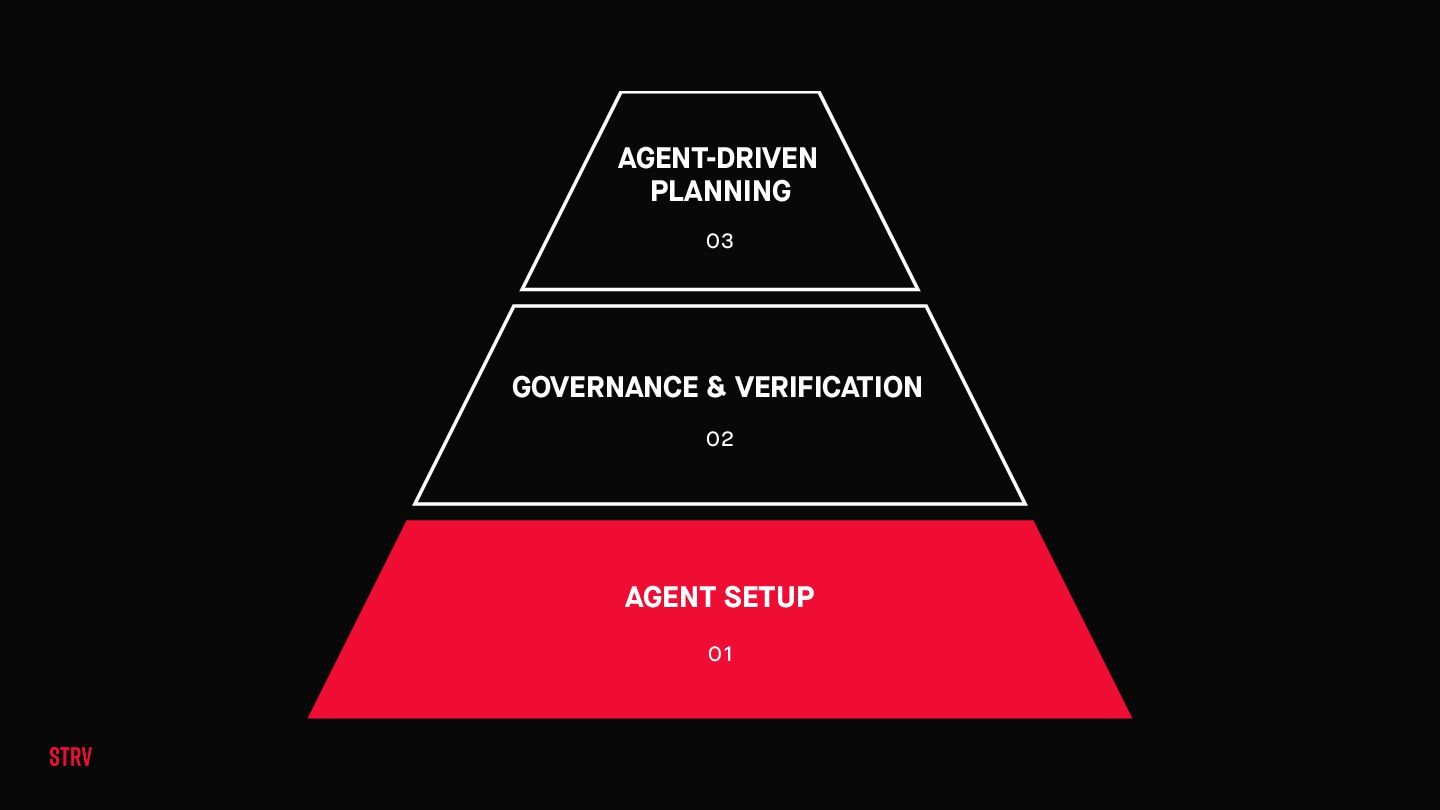
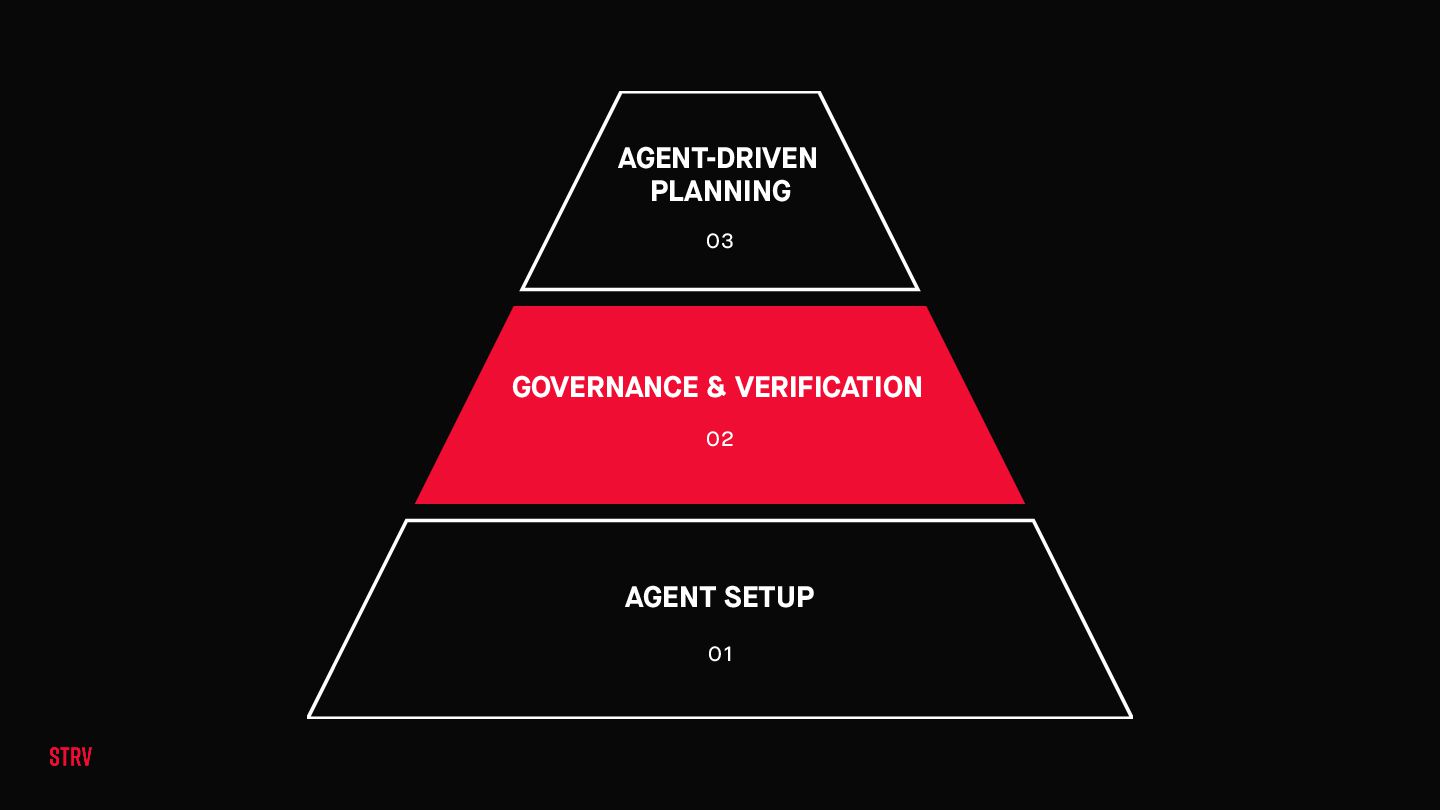
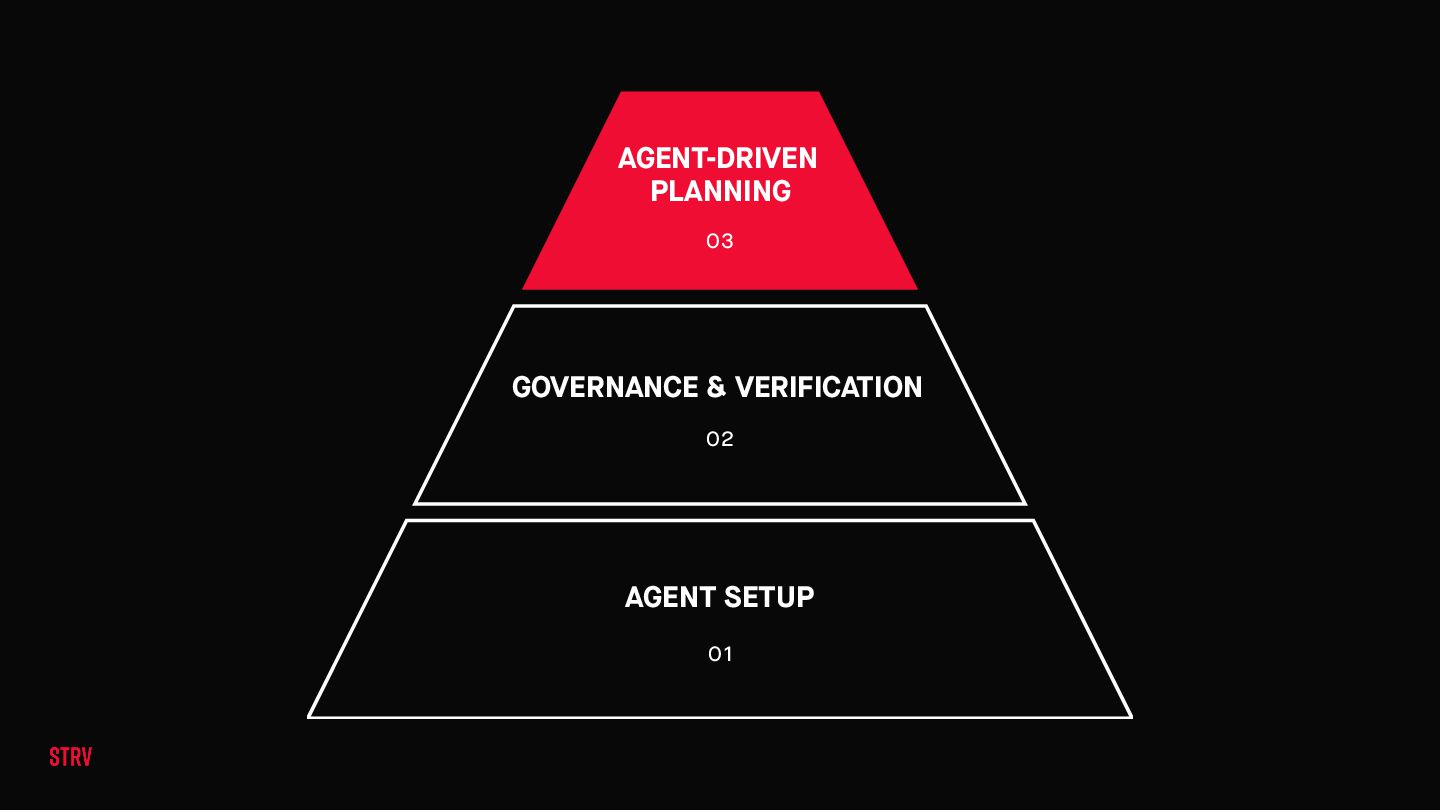
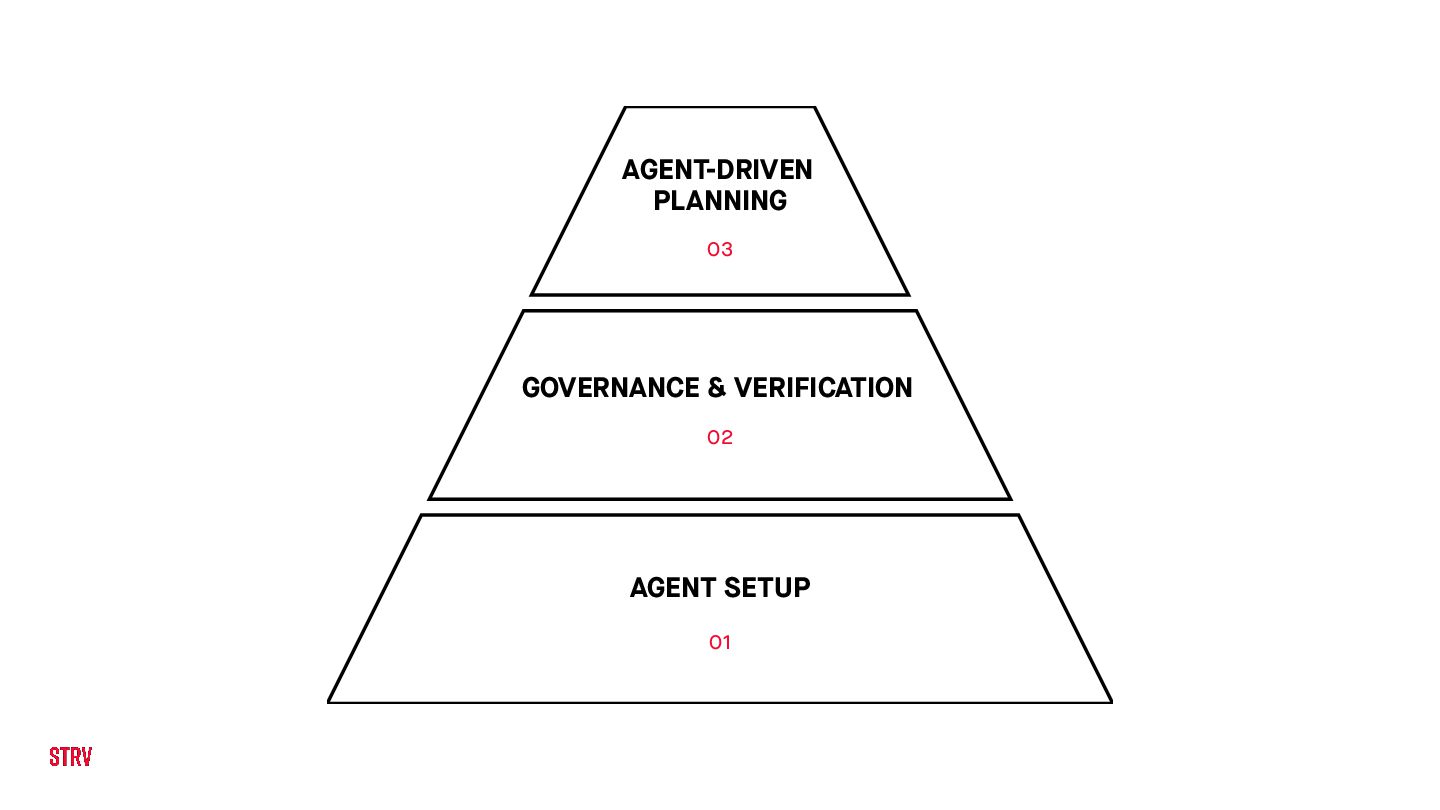
A three-layer framework for shipping production mobile apps with AI coding agents — Agent Setup, Governance & Verification, and Agent-Driven Planning.

Avatar for Tomas Parizek

Tomas Parizek

May 06, 2026

More Decks by Tomas Parizek

Other Decks in Technology
Transcript

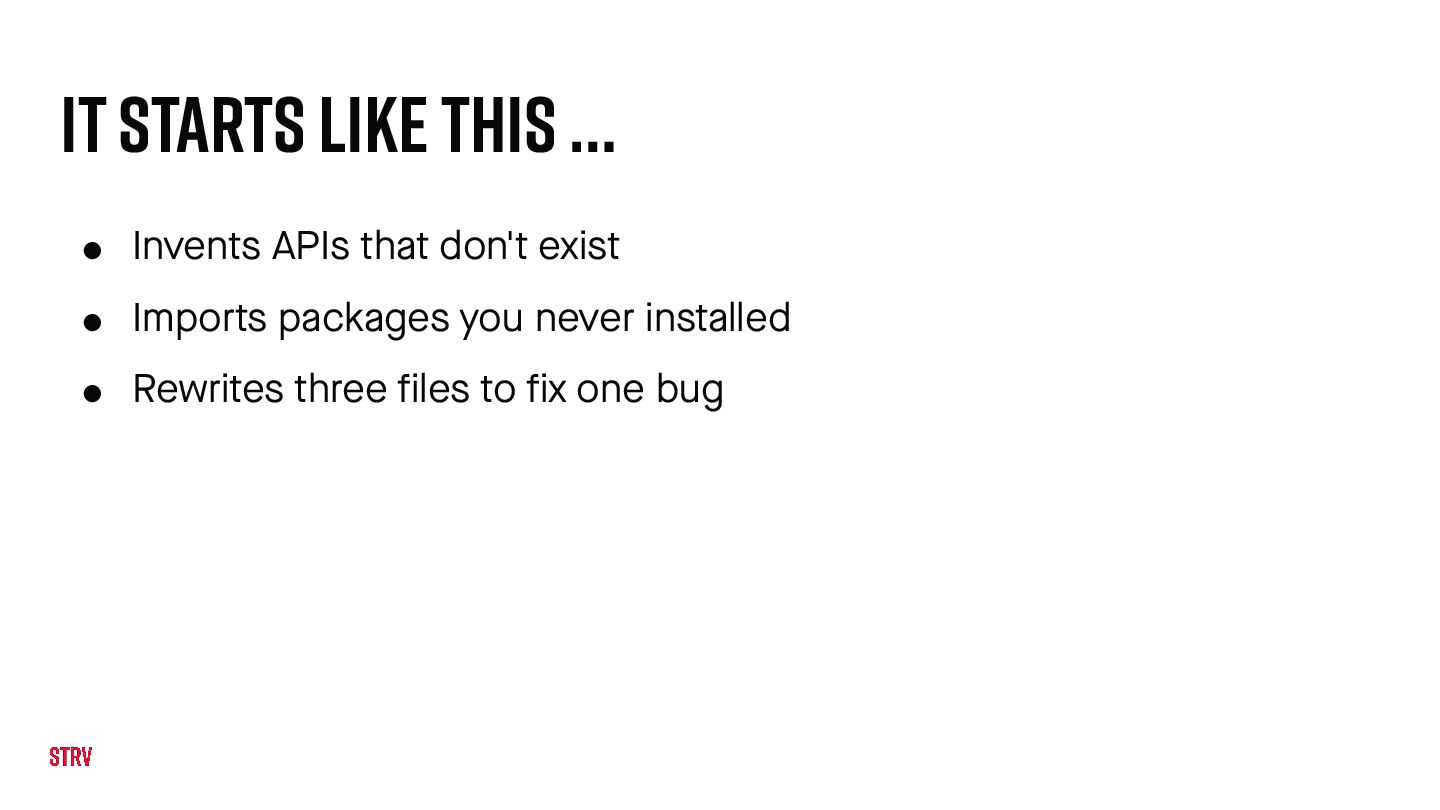
  1. It starts like this … • Invents APIs that don't

    exist • Imports packages you never installed • Rewrites three files to fix one bug
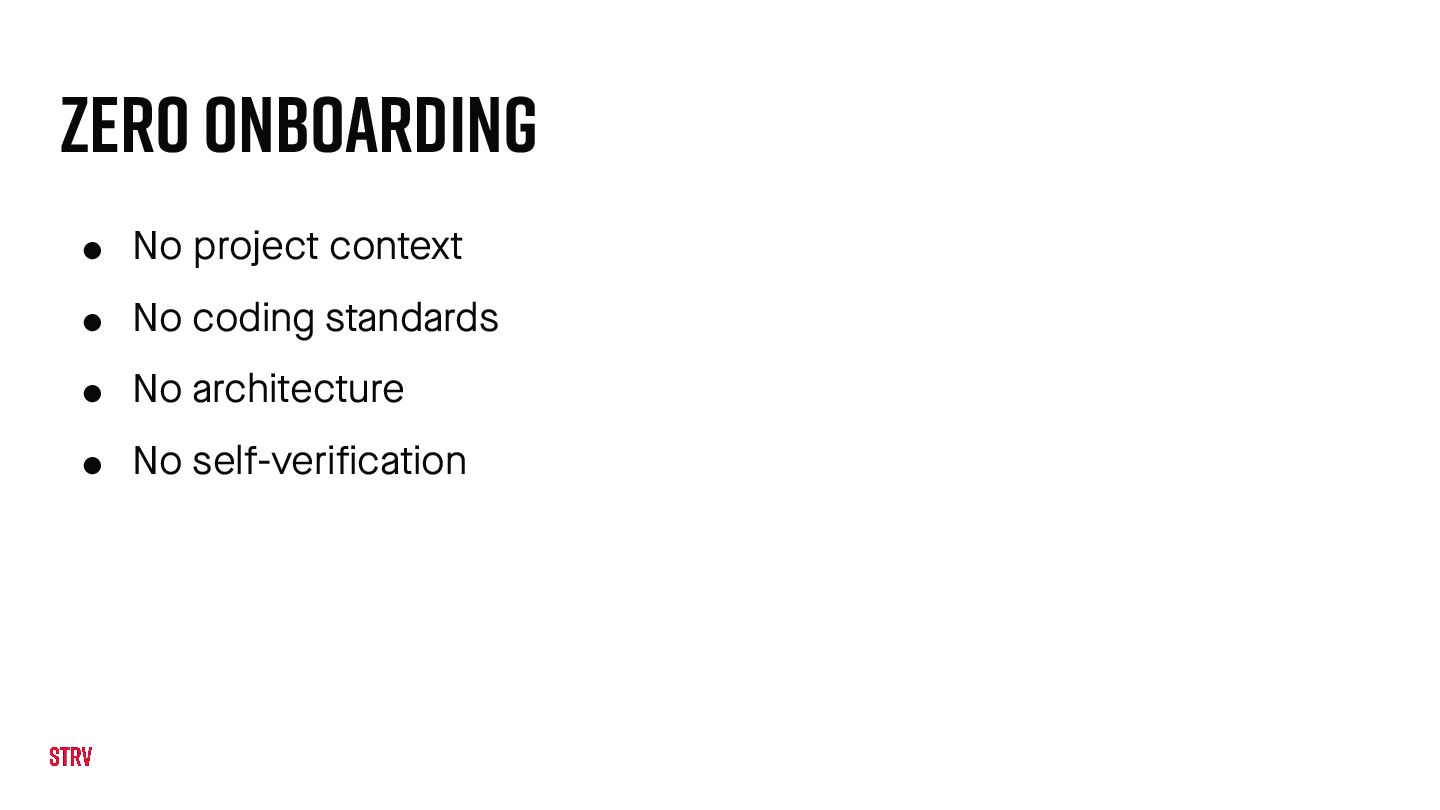
  2. Zero Onboarding • No project context • No coding standards

    • No architecture • No self-verification
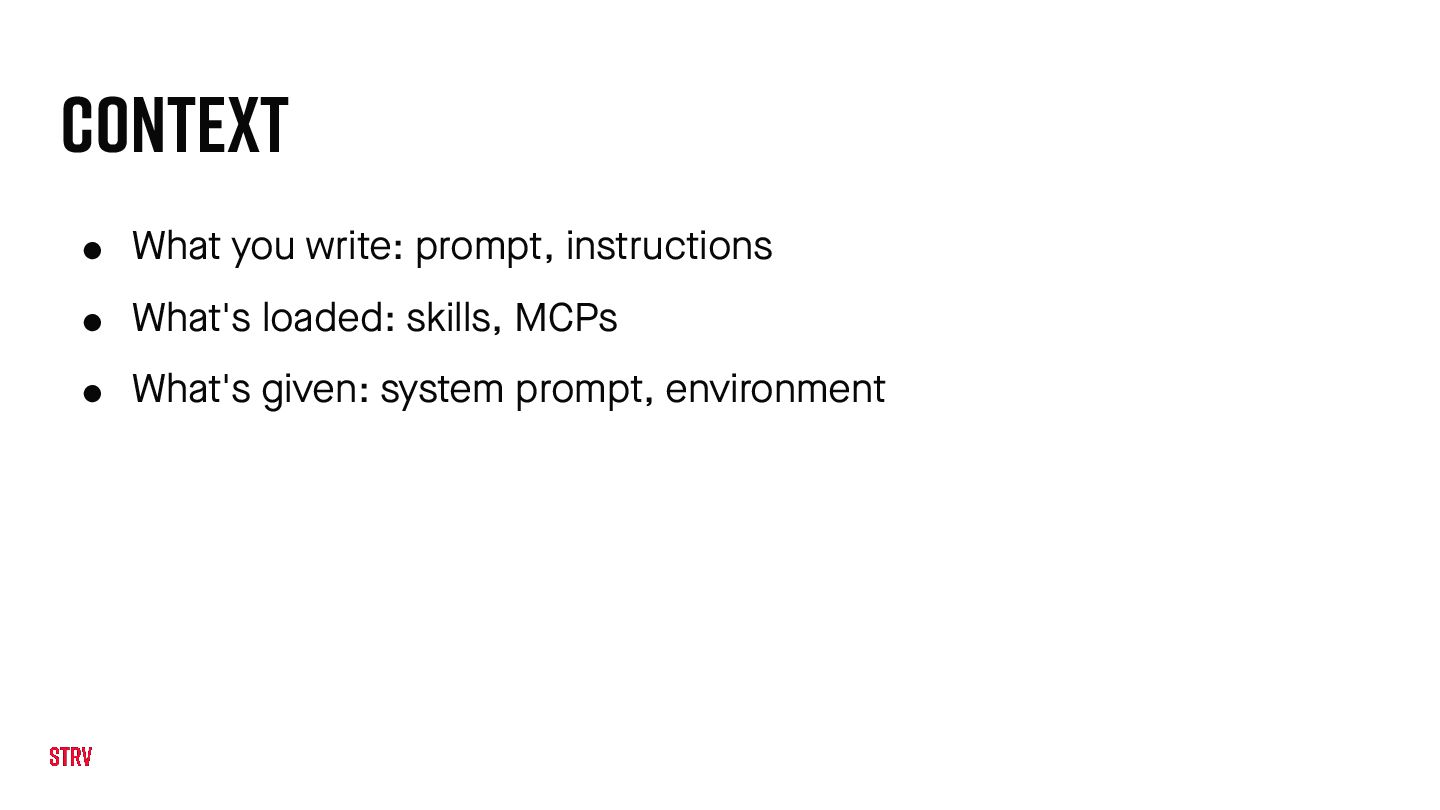
  3. Context • What you write: prompt, instructions • What's loaded:

    skills, MCPs • What's given: system prompt, environment
  4. Onboarding the Agent • Who the agent is • What

    the project looks like • What it must always do
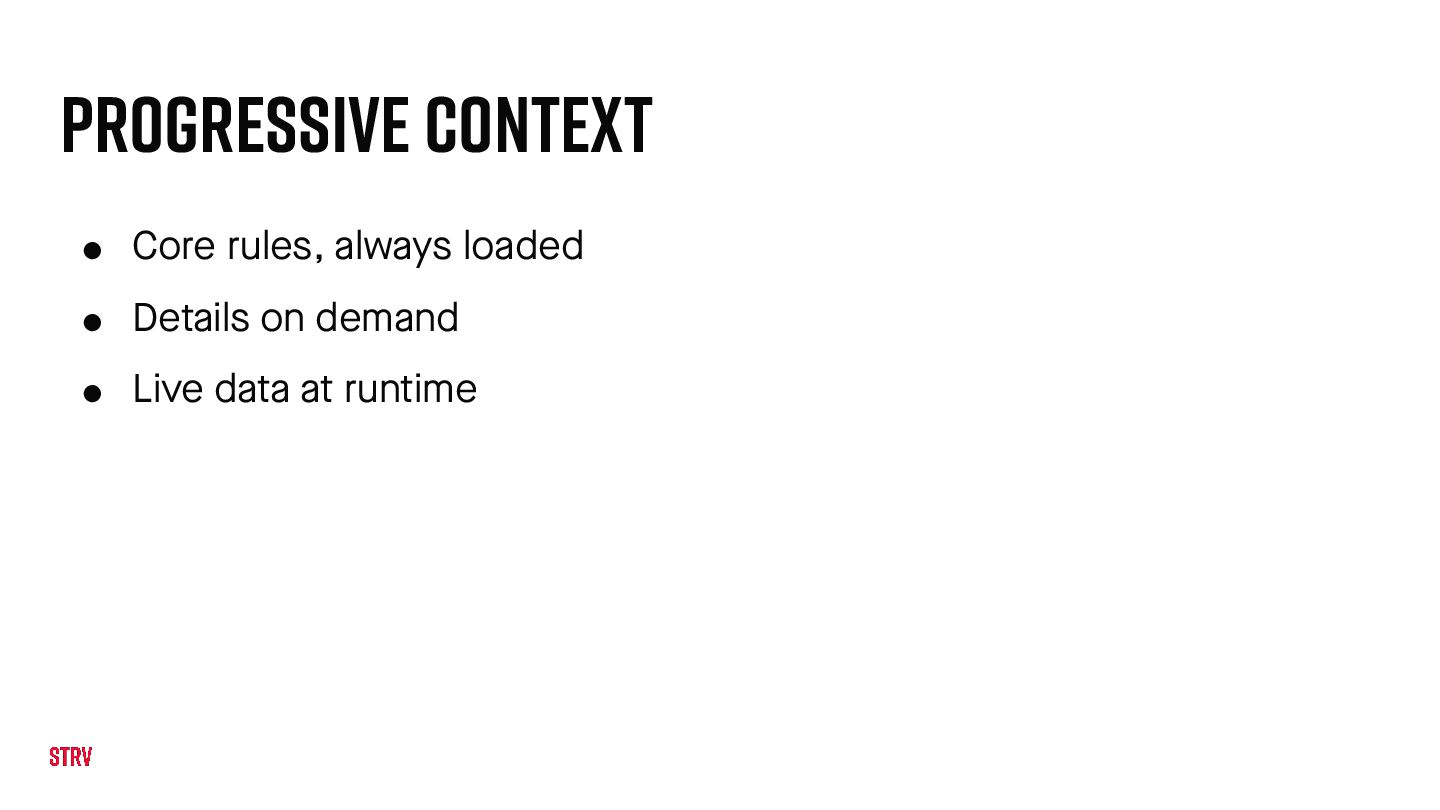
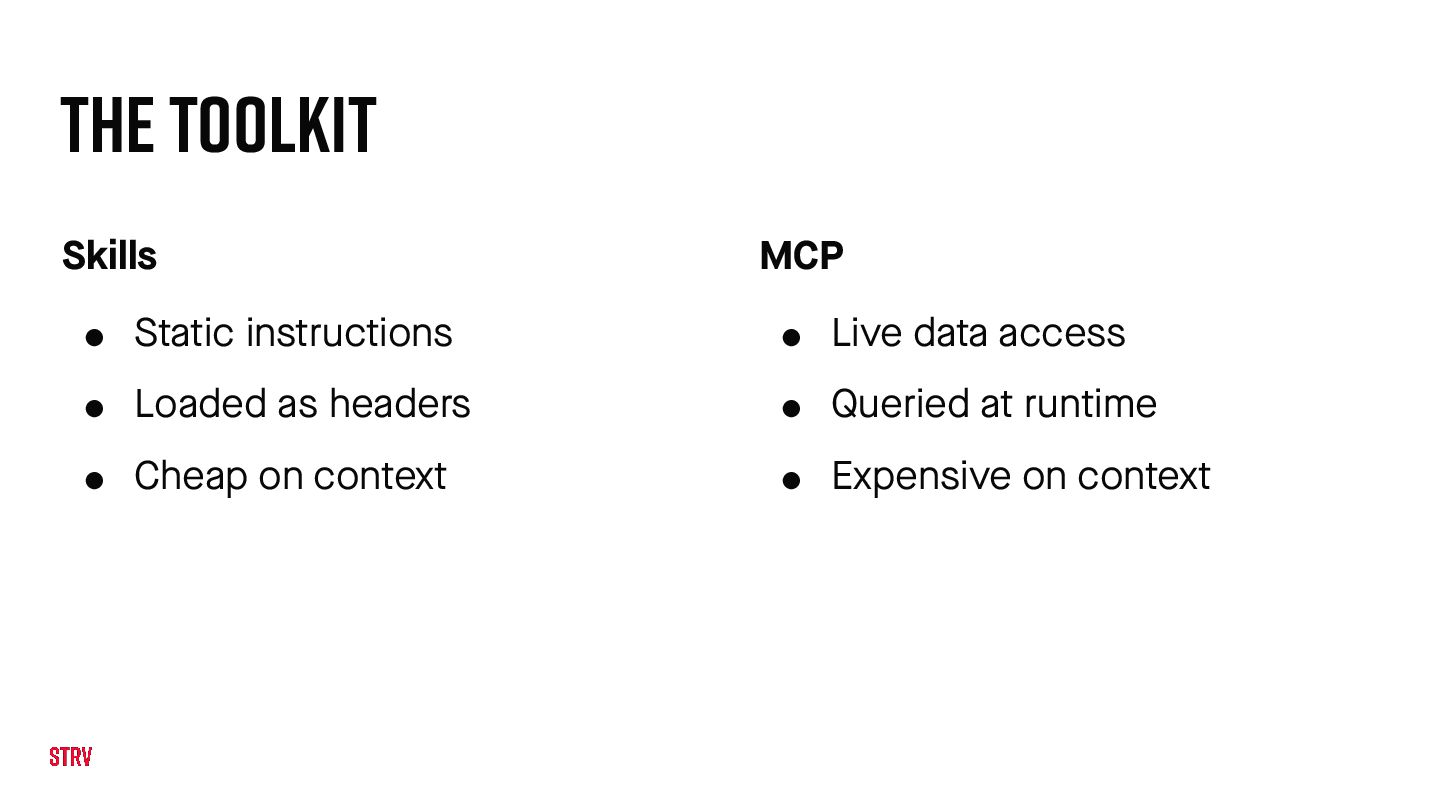
  5. The Toolkit Skills • Static instructions • Loaded as headers

    • Cheap on context MCP • Live data access • Queried at runtime • Expensive on context
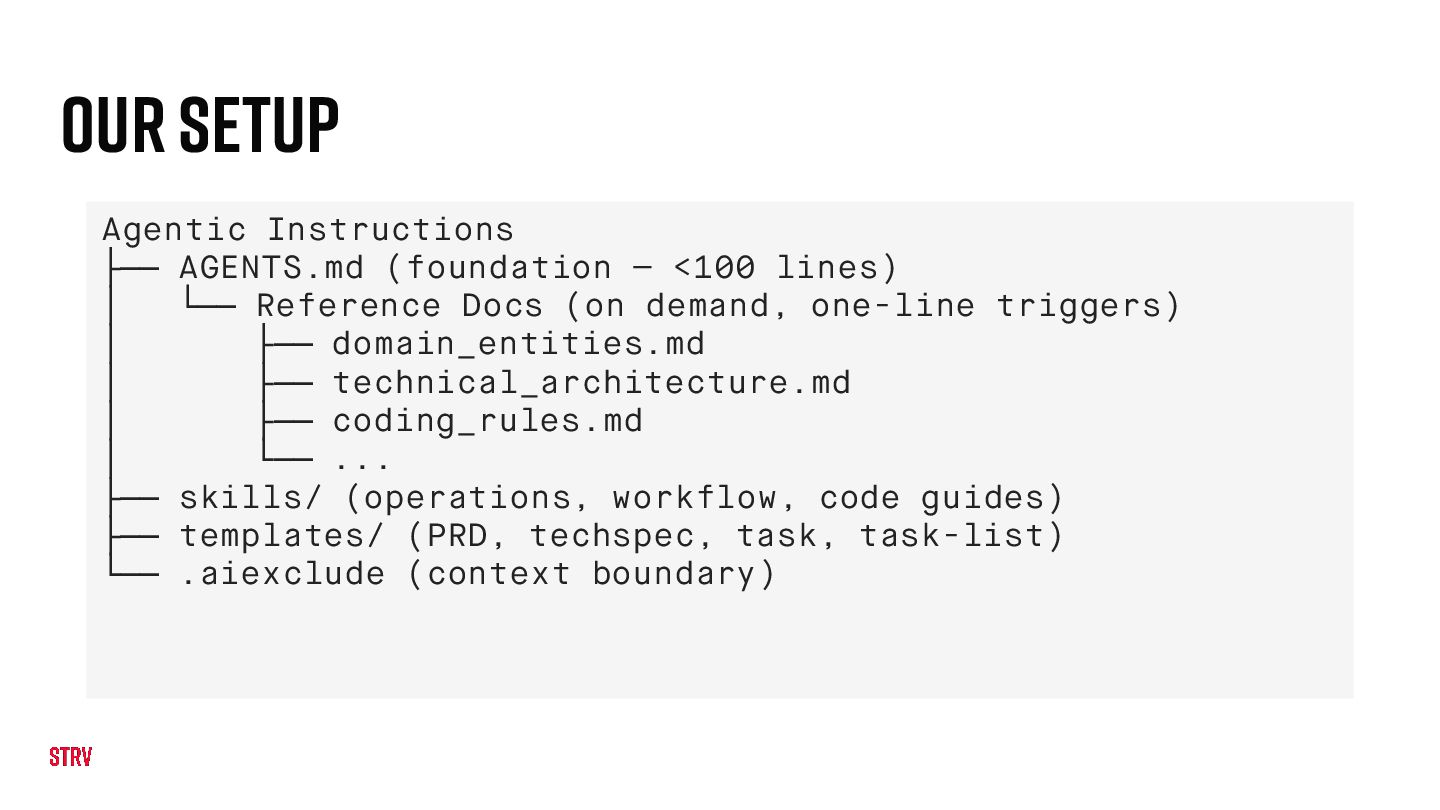
  6. Our Setup Agentic Instructions ├── AGENTS.md (foundation — <100 lines)

    │ └── Reference Docs (on demand, one-line triggers) │ ├── domain_entities.md │ ├── technical_architecture.md │ ├── coding_rules.md │ └── ... ├── skills/ (operations, workflow, code guides) ├── templates/ (PRD, techspec, task, task-list) └── .aiexclude (context boundary)
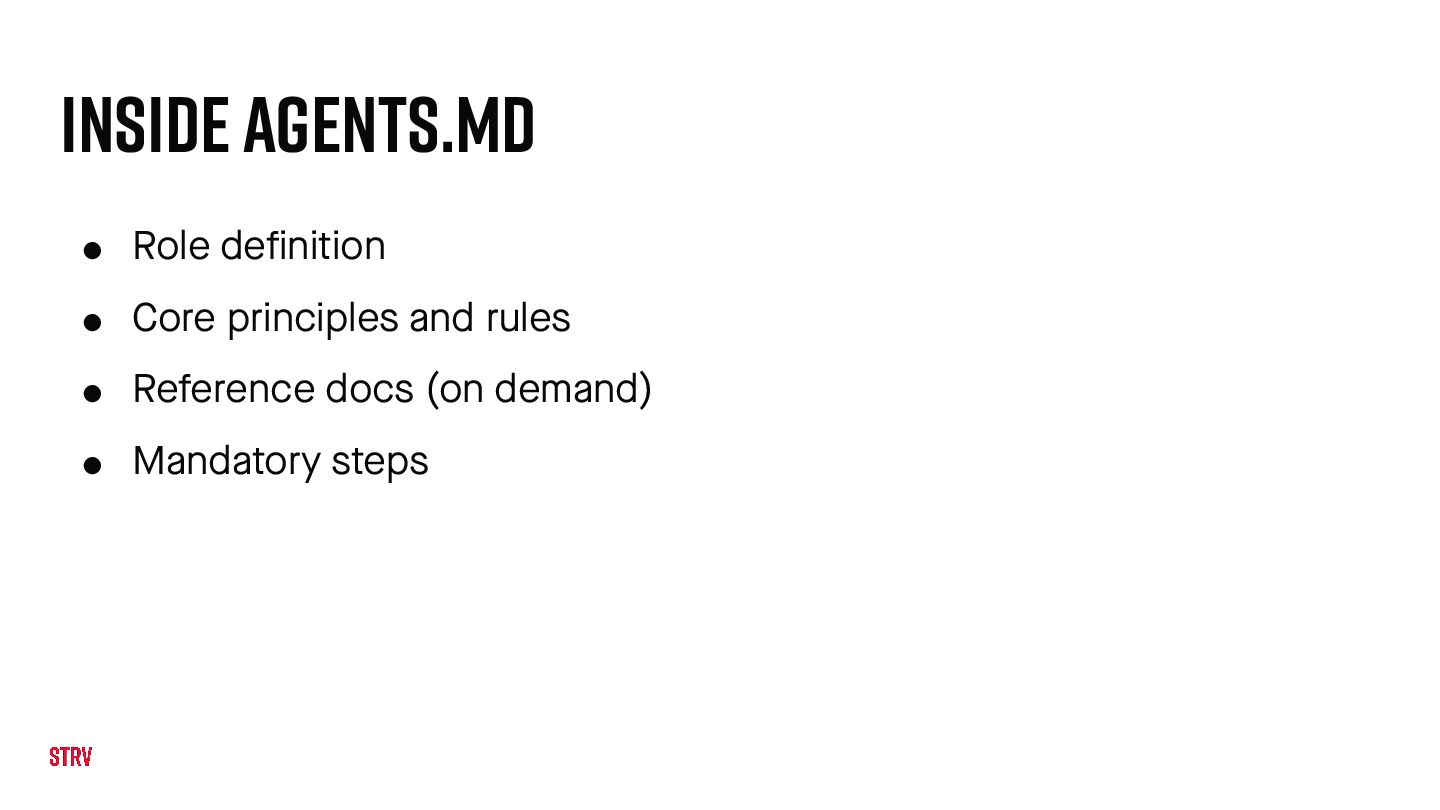
  7. Inside AGENTS.md • Role definition • Core principles and rules

    • Reference docs (on demand) • Mandatory steps
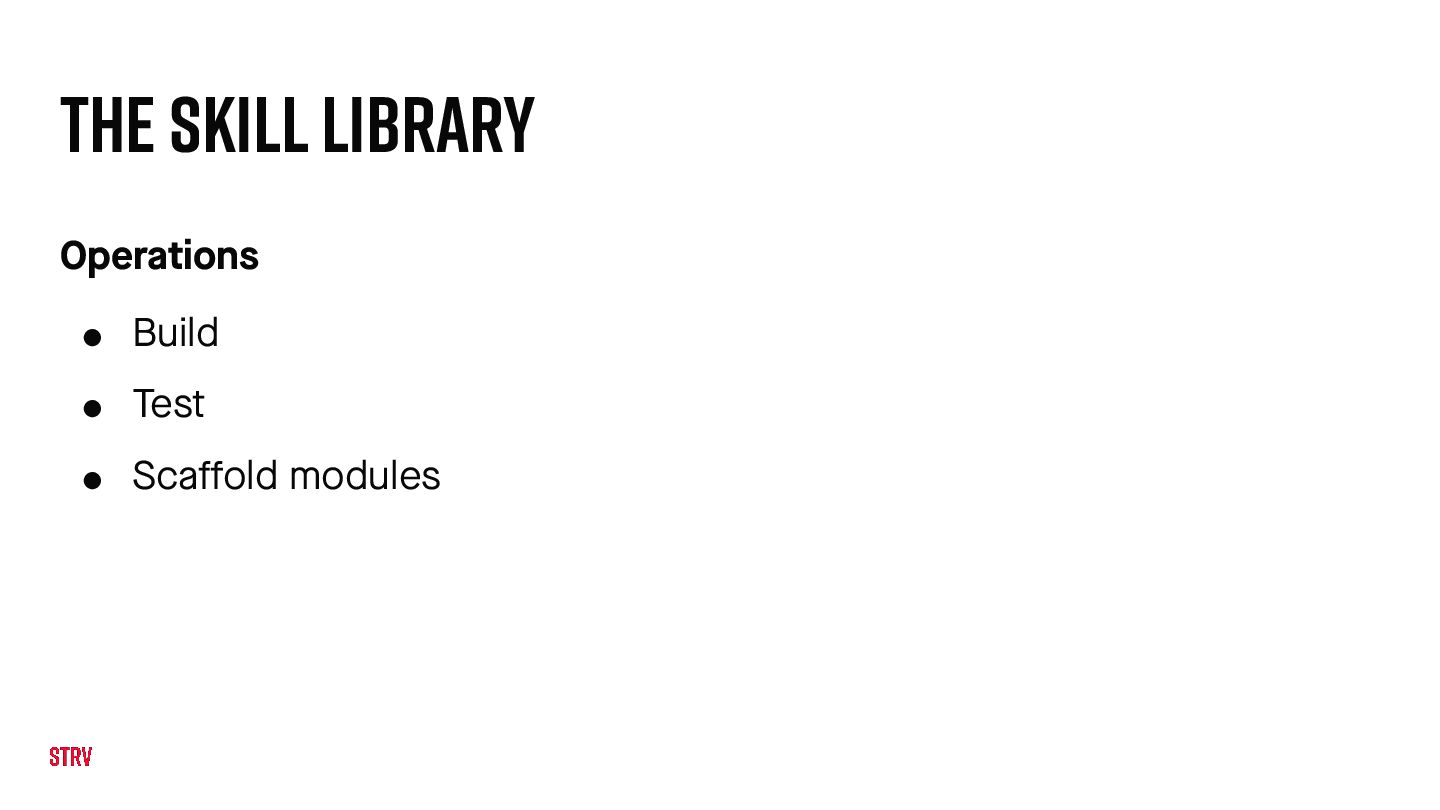
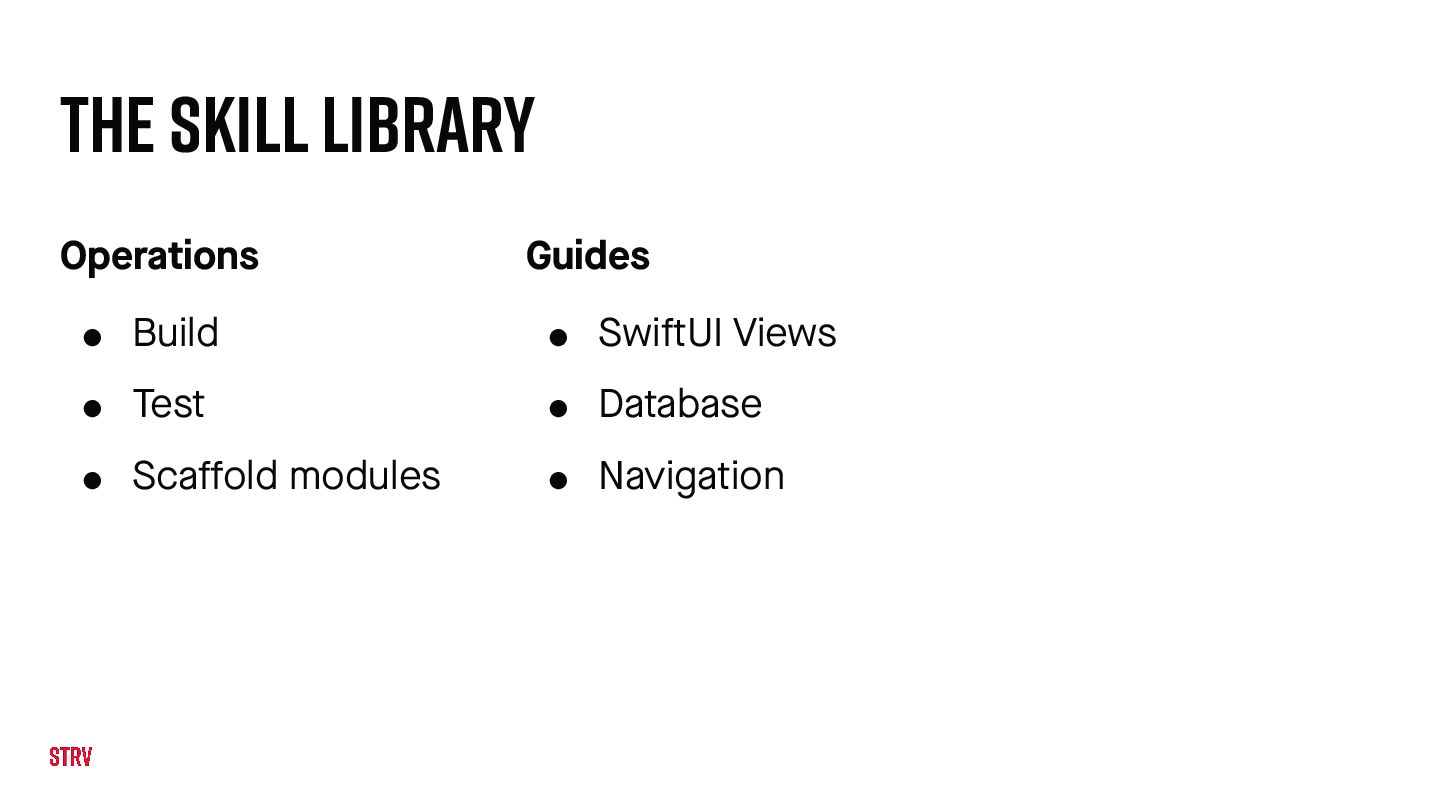
  8. The Skill Library Operations • Build • Test • Sca

    f fold modules Guides • Swi f tUI Views • Database • Navigation
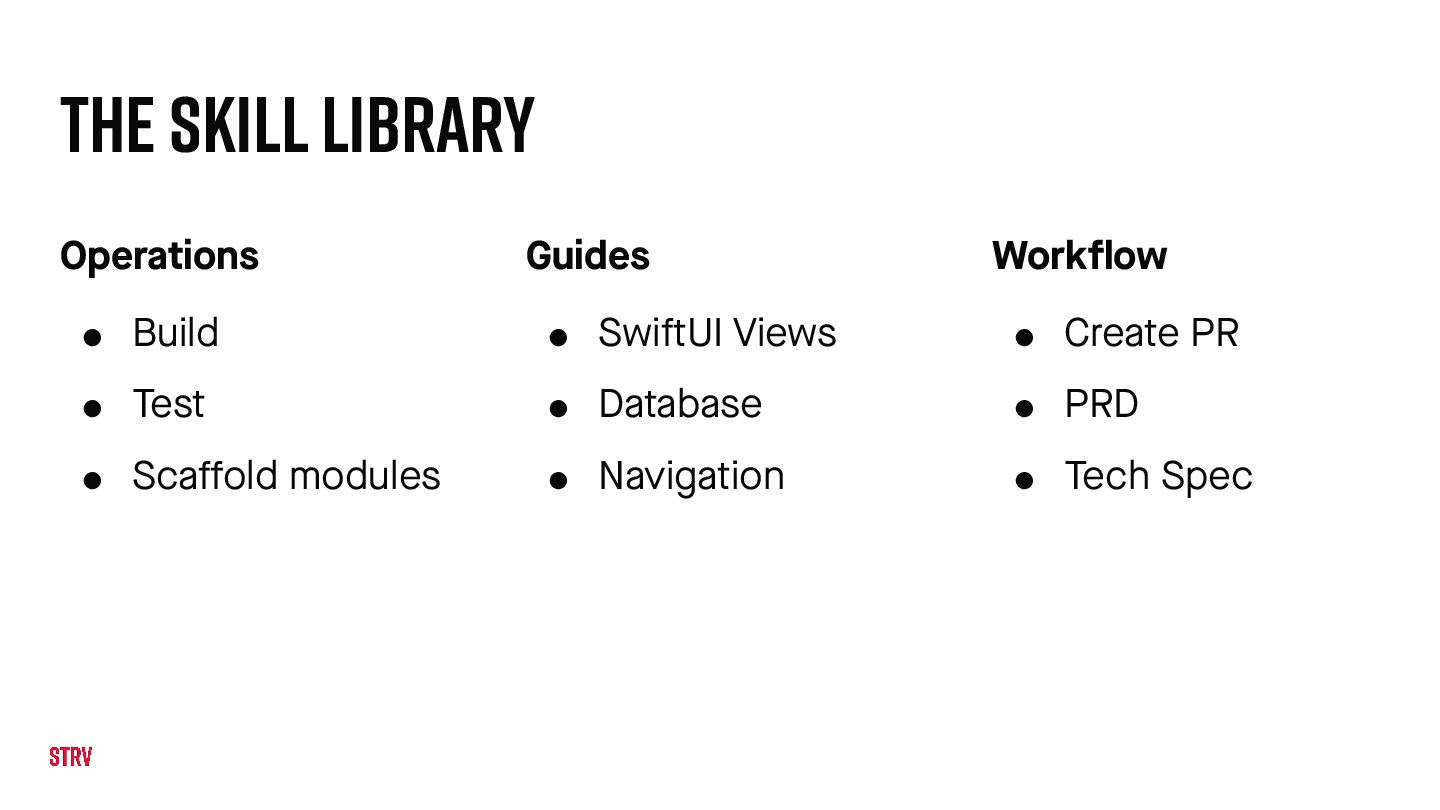
  9. The Skill Library Operations • Build • Test • Sca

    f fold modules Guides • Swi f tUI Views • Database • Navigation Workflow • Create PR • PRD • Tech Spec
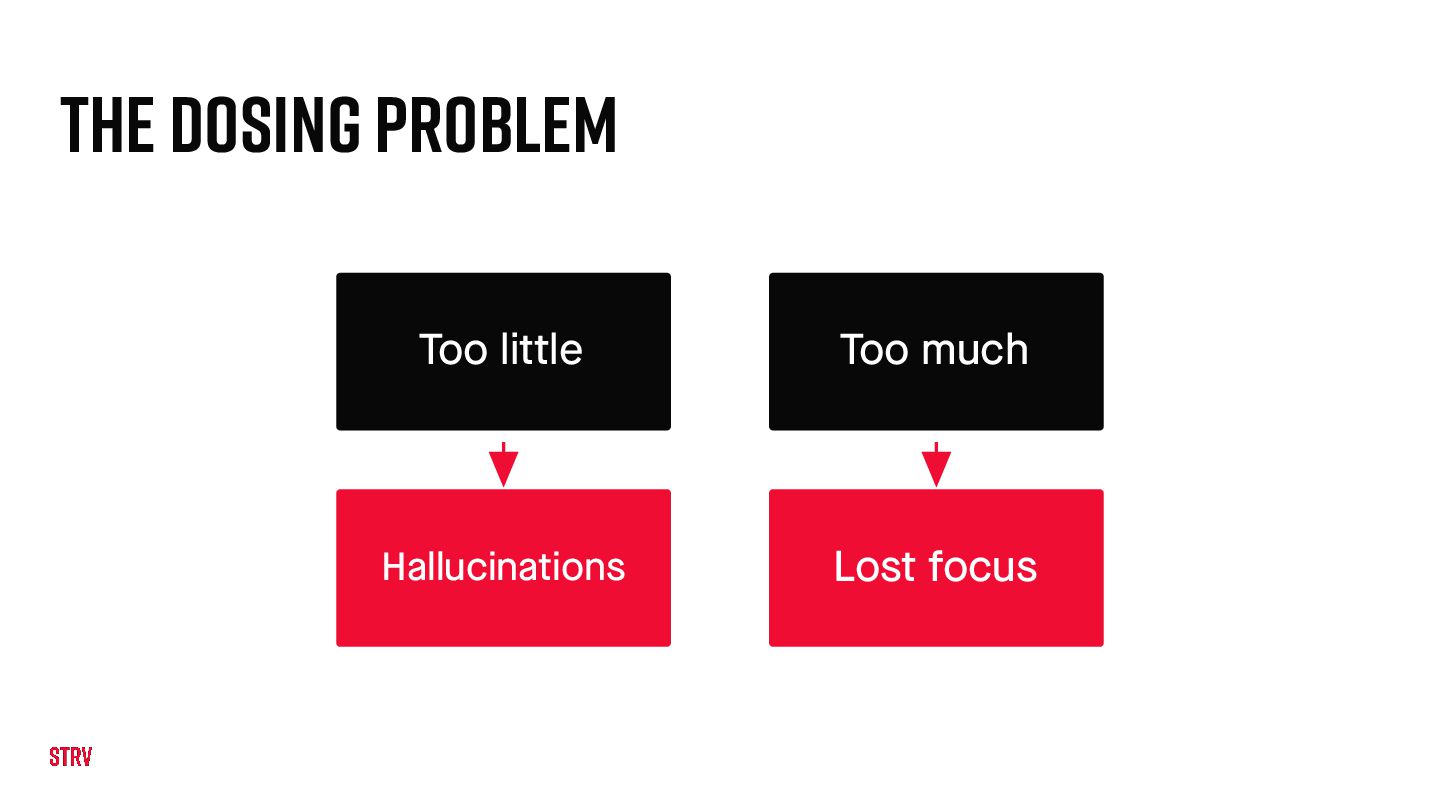
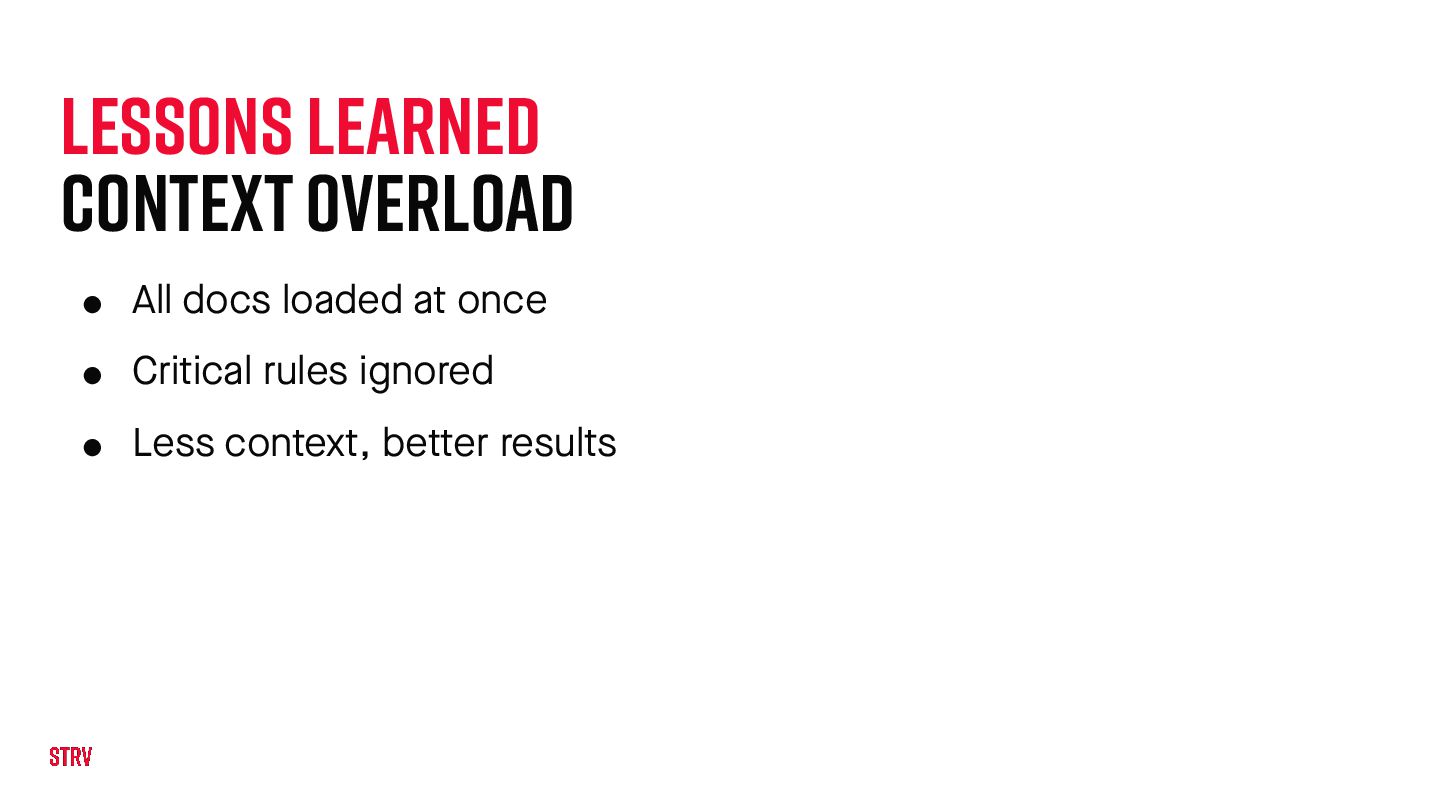
  10. Lessons learned Context Overload • All docs loaded at once

    • Critical rules ignored • Less context, be t ter results
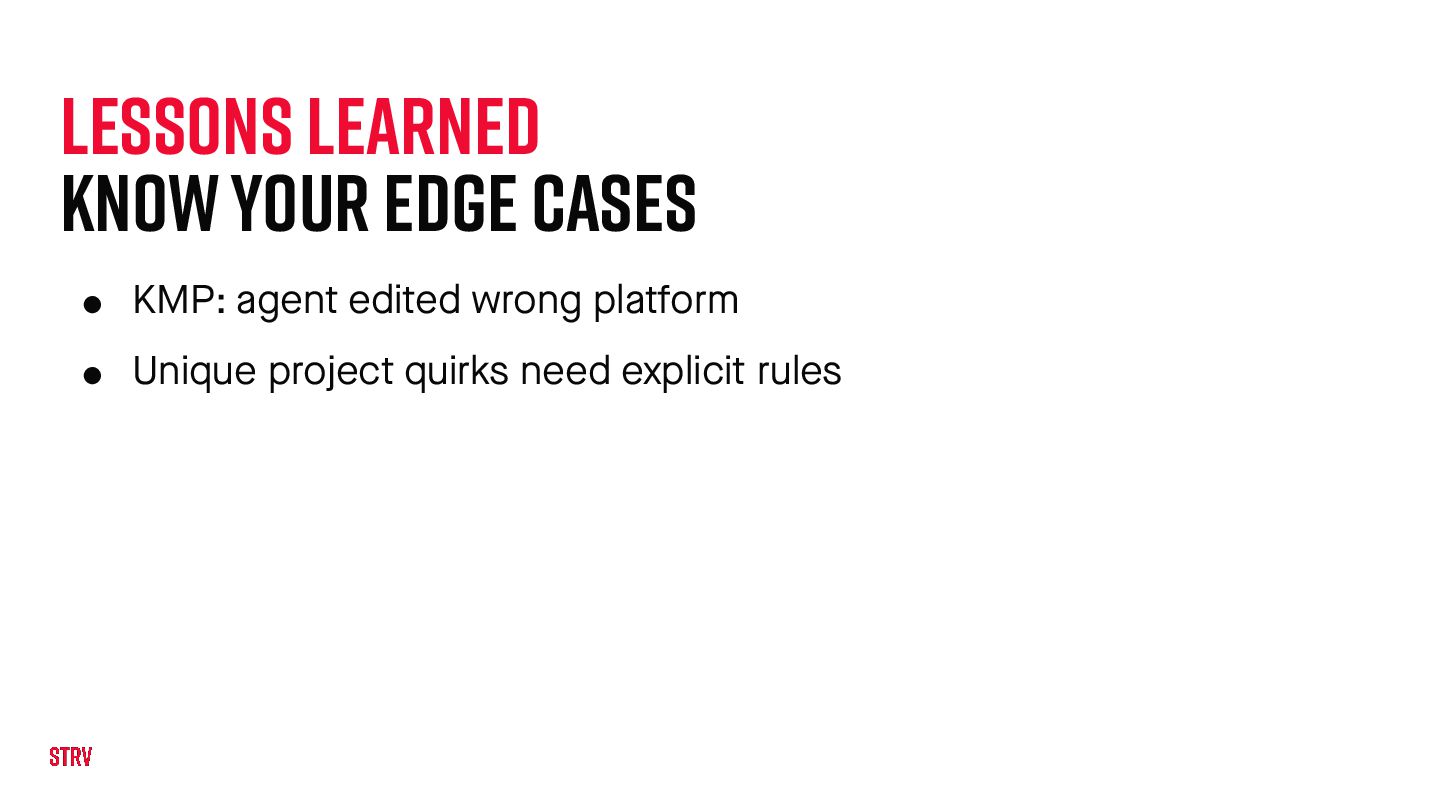
  11. Lessons learned Know Your Edge Cases • KMP: agent edited

    wrong pla t form • Unique project quirks need explicit rules
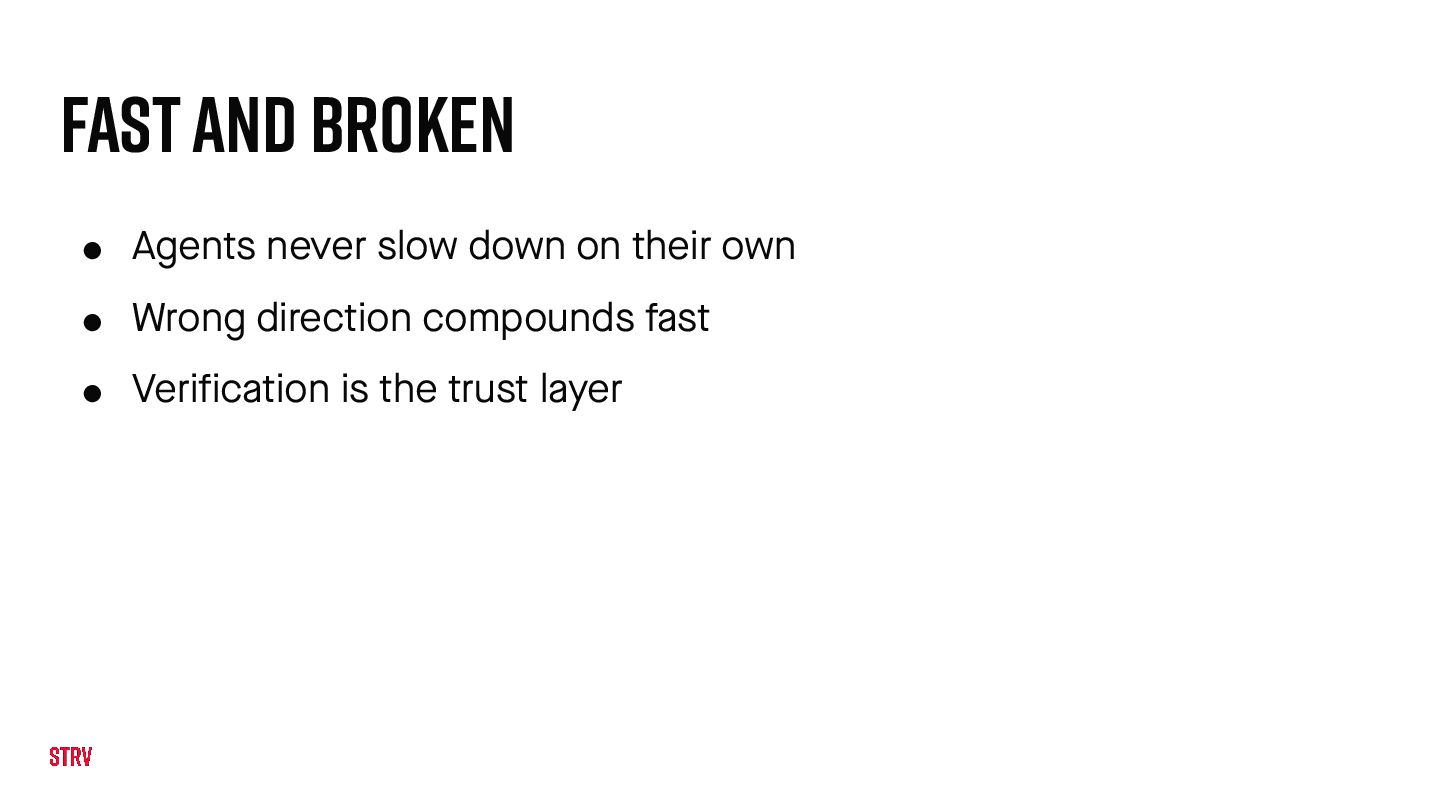
  12. Fast and broken • Agents never slow down on their

    own • Wrong direction compounds fast • Verification is the trust layer
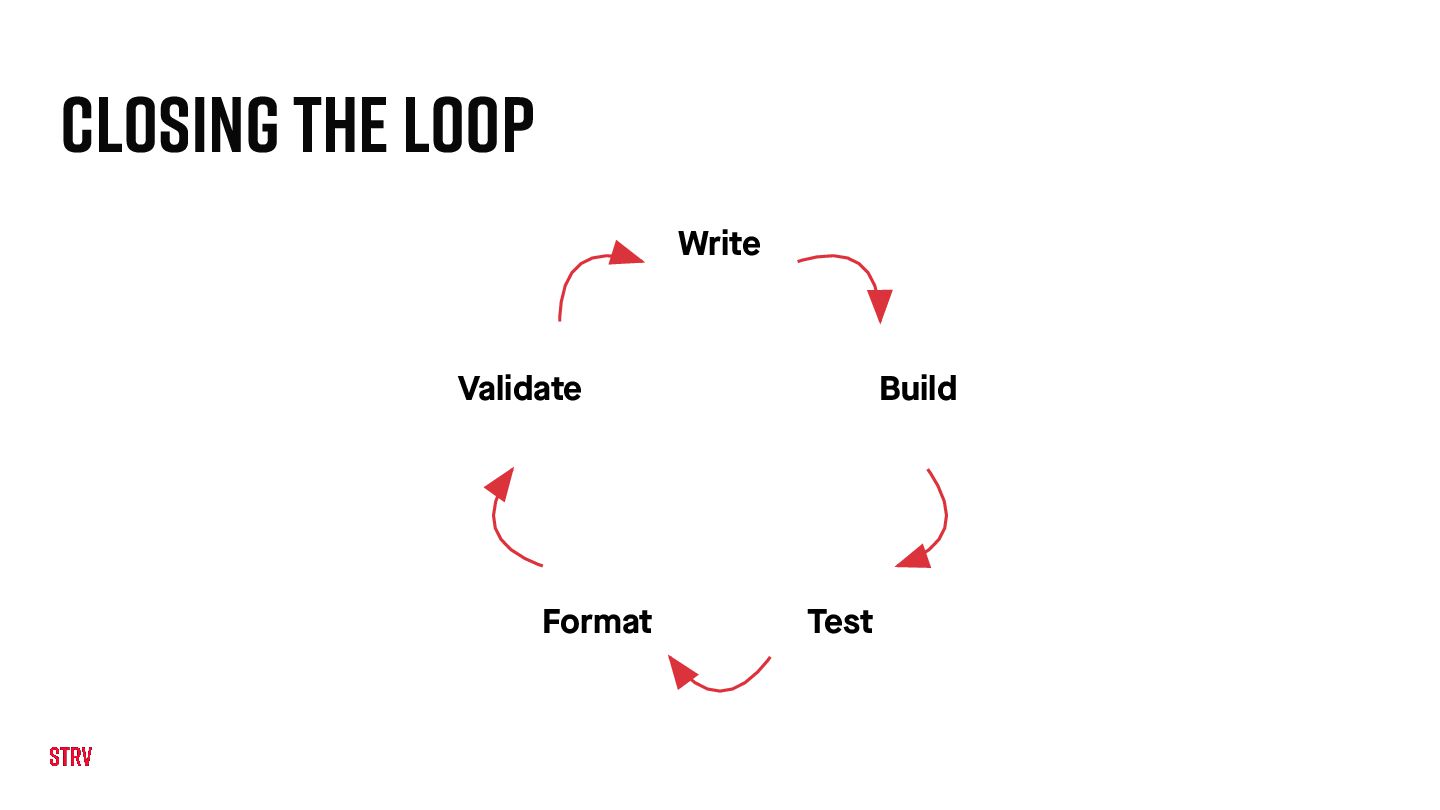
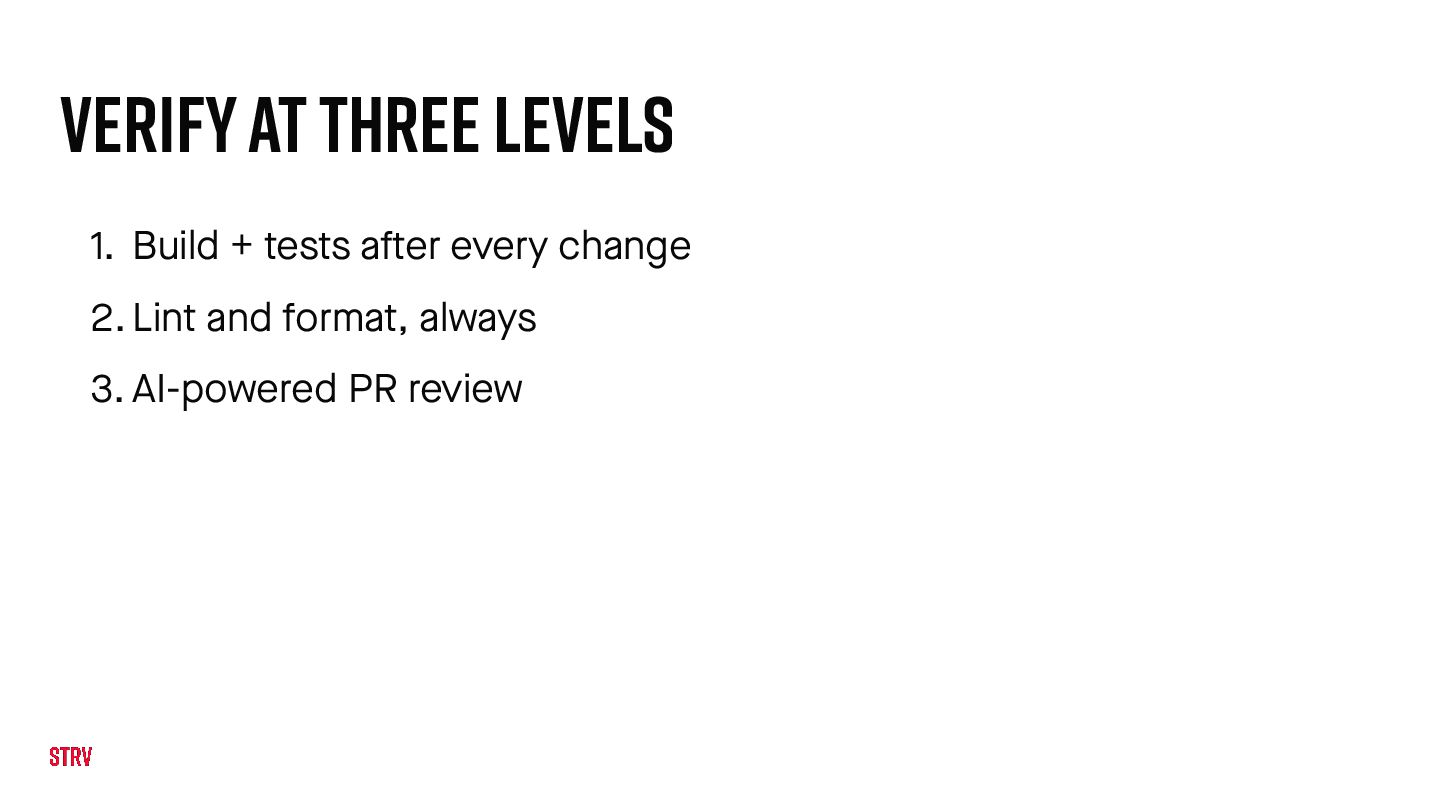
  13. VERIFY AT THREE LEVELS 1. Build + tests a f

    ter every change 2. Lint and format, always 3. AI-powered PR review
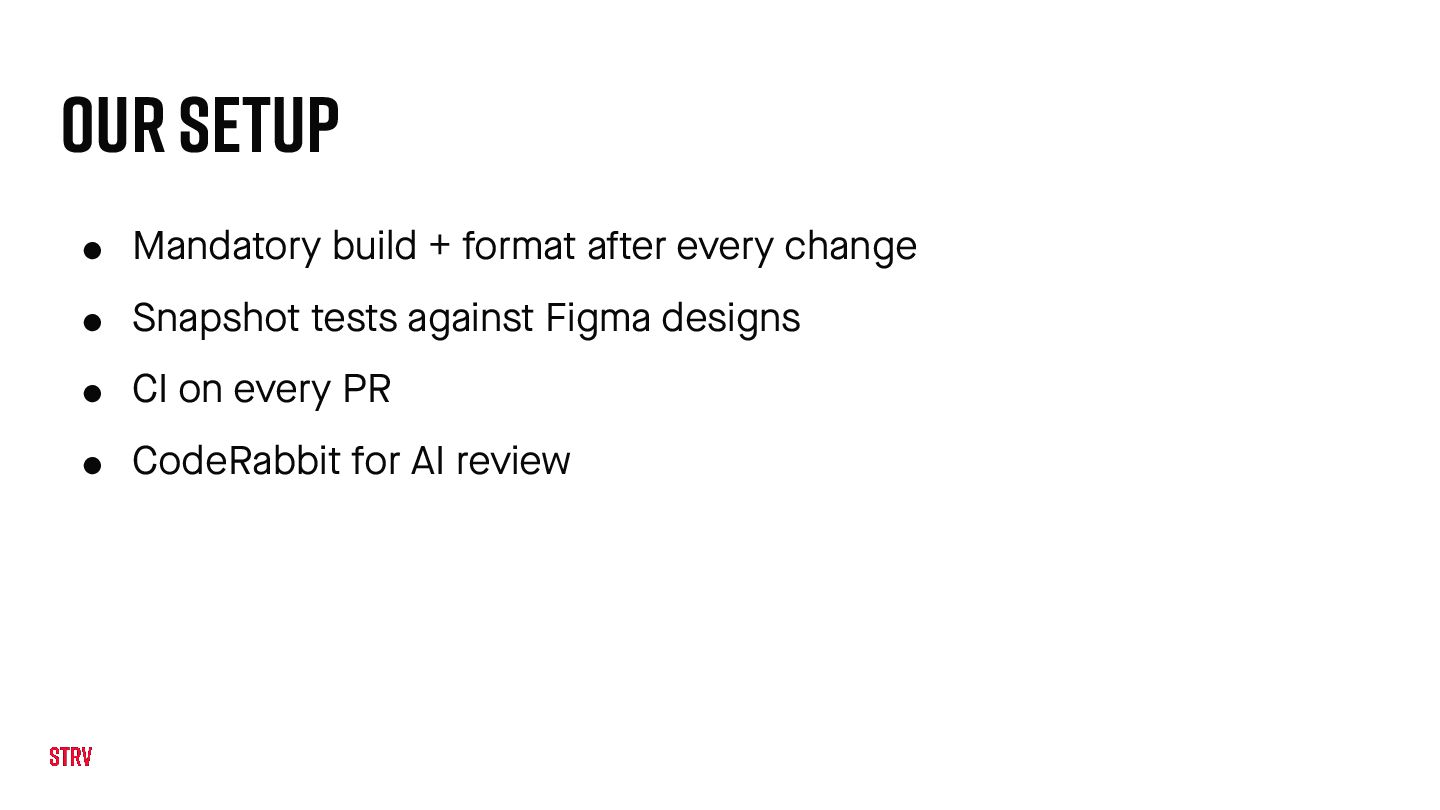
  14. Our Setup • Mandatory build + format a f ter

    every change • Snapshot tests against Figma designs • CI on every PR • CodeRabbit for AI review
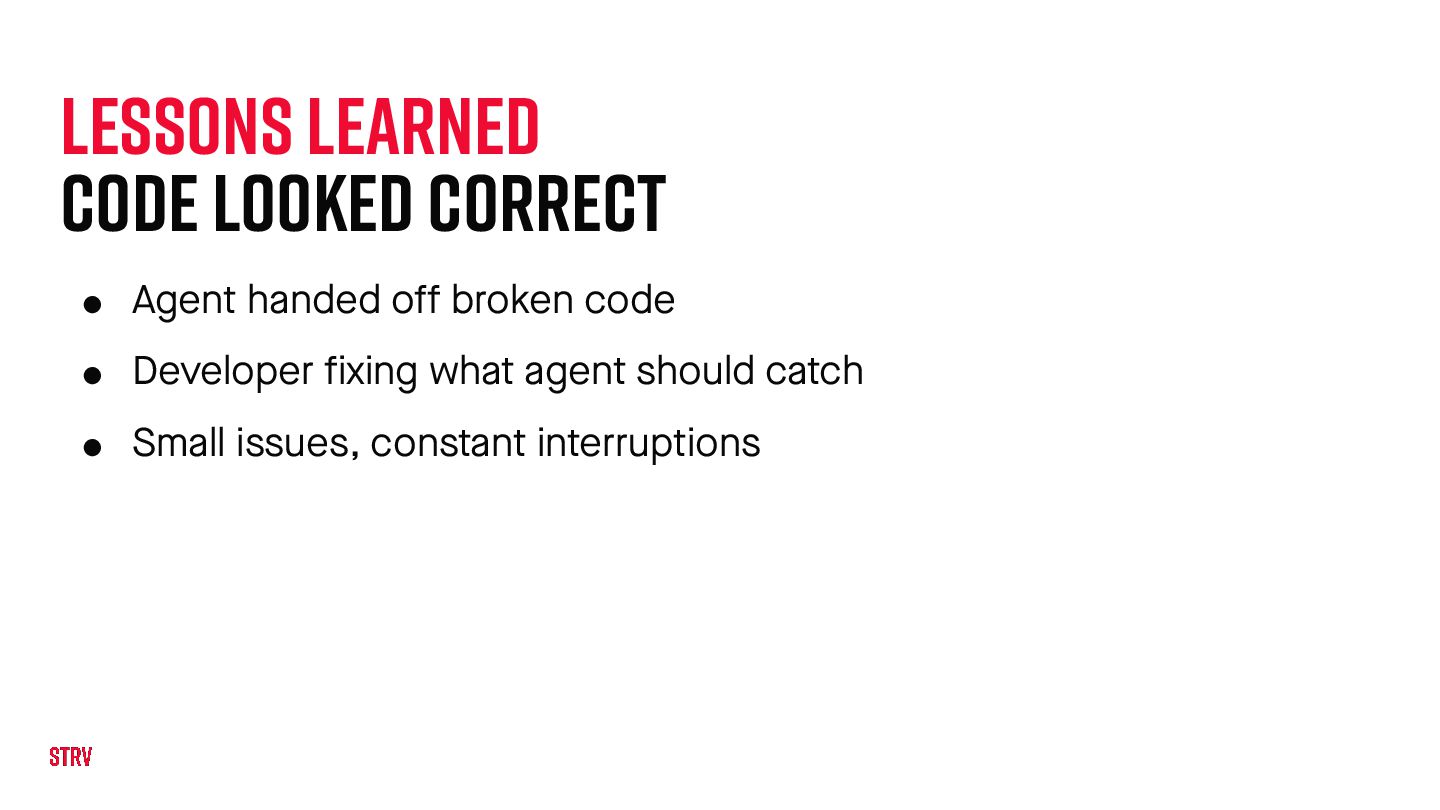
  15. Lessons learned code Looked Correct • Agent handed o f

    f broken code • Developer fixing what agent should catch • Small issues, constant interruptions
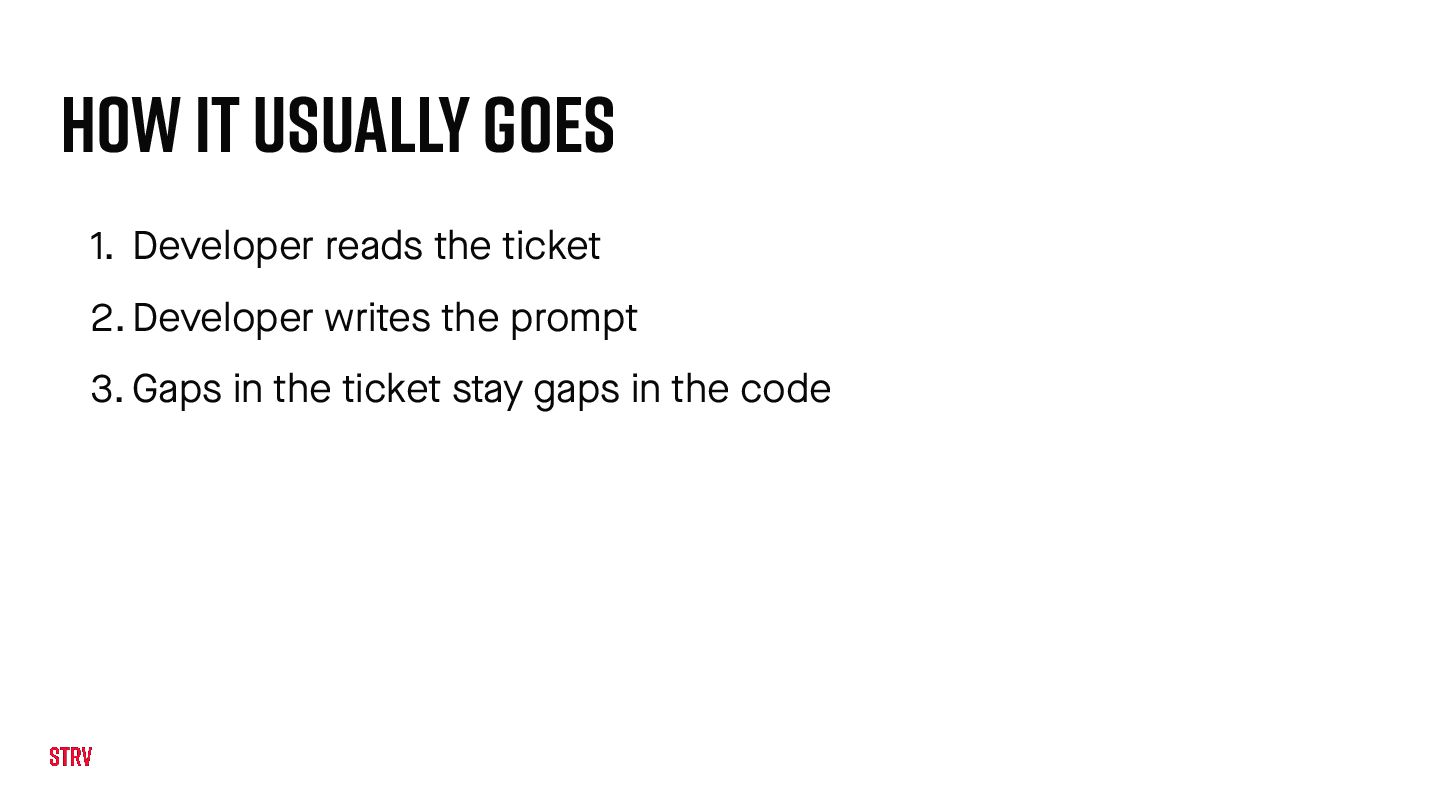
  16. How It Usually Goes 1. Developer reads the ticket 2.

    Developer writes the prompt 3. Gaps in the ticket stay gaps in the code
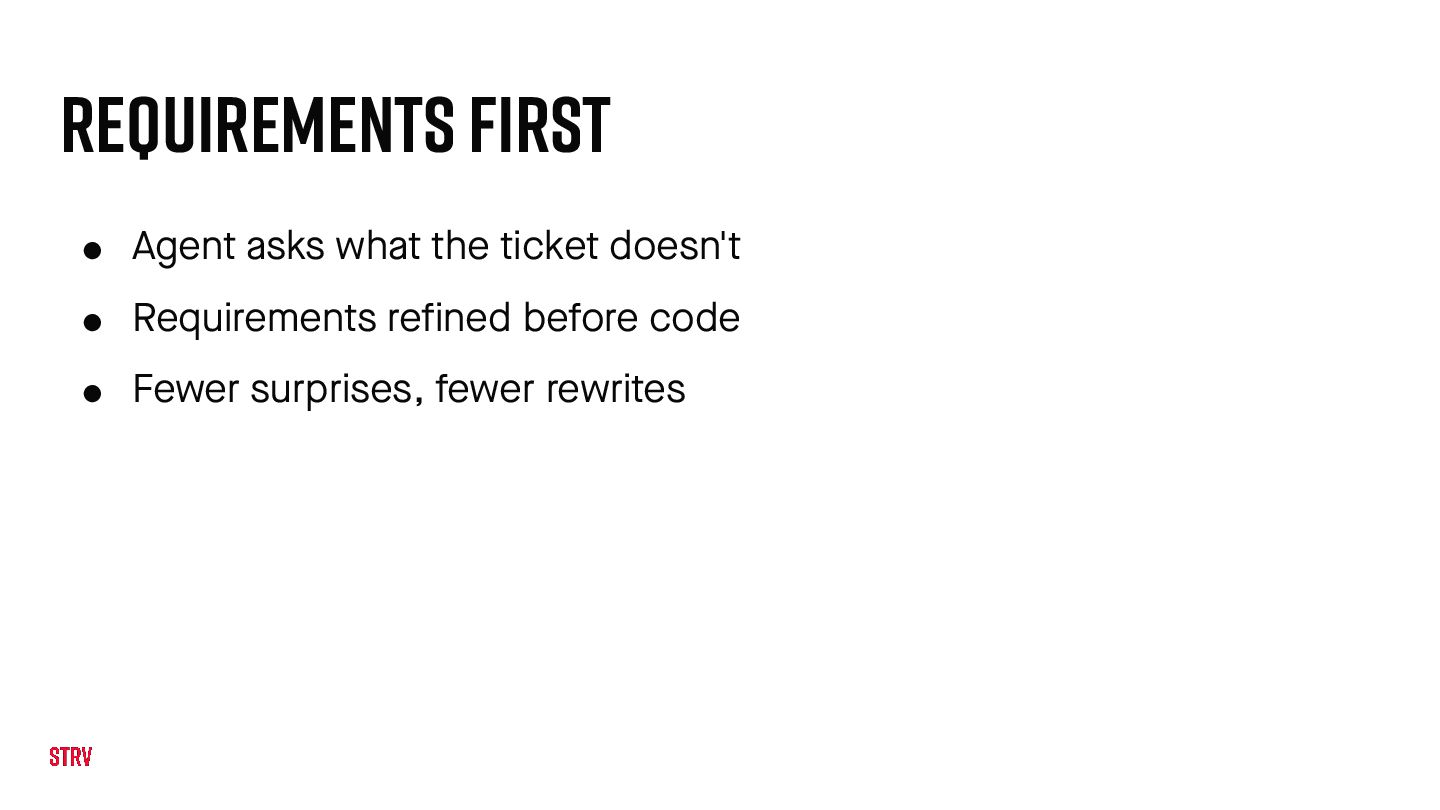
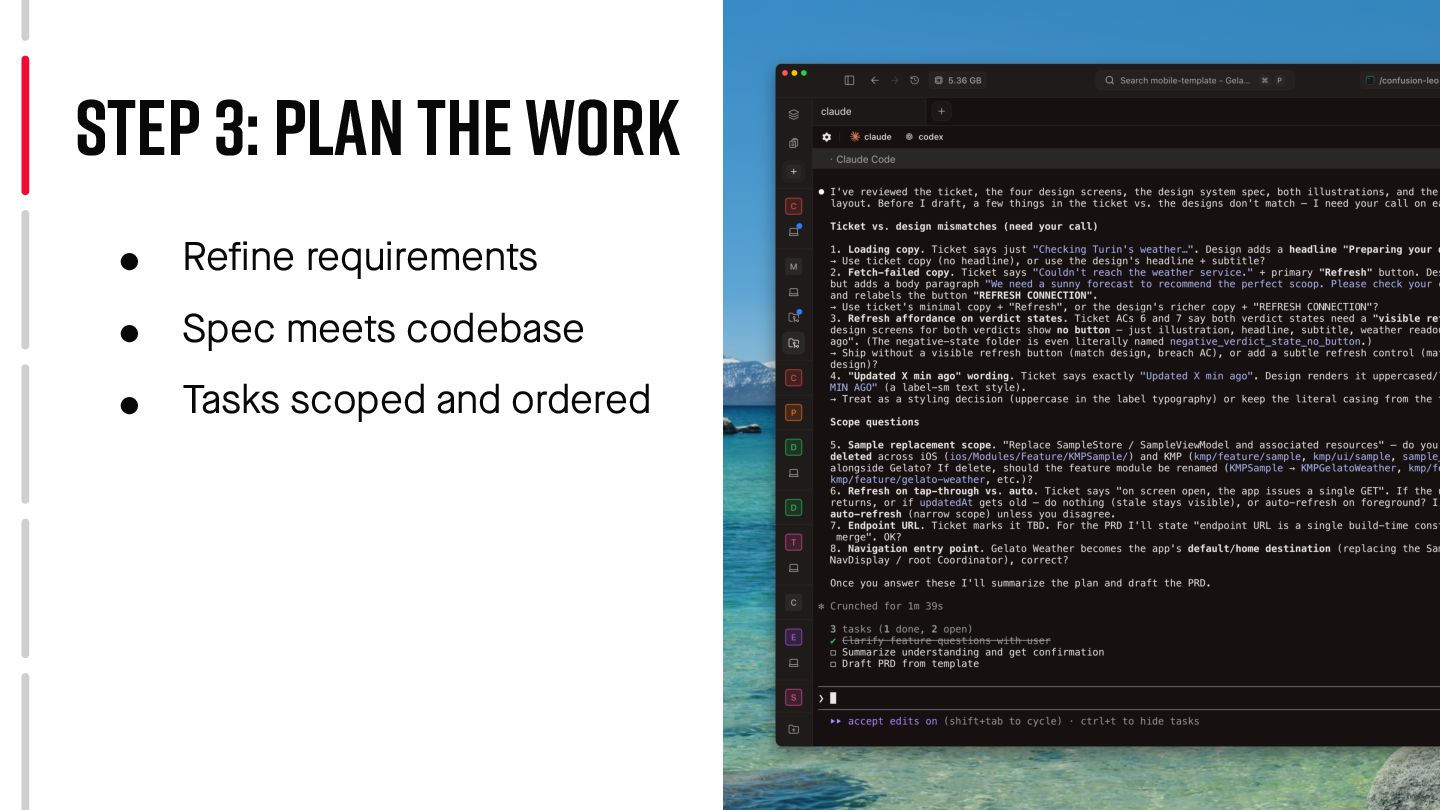
  17. Requirements First • Agent asks what the ticket doesn't •

    Requirements refined before code • Fewer surprises, fewer rewrites
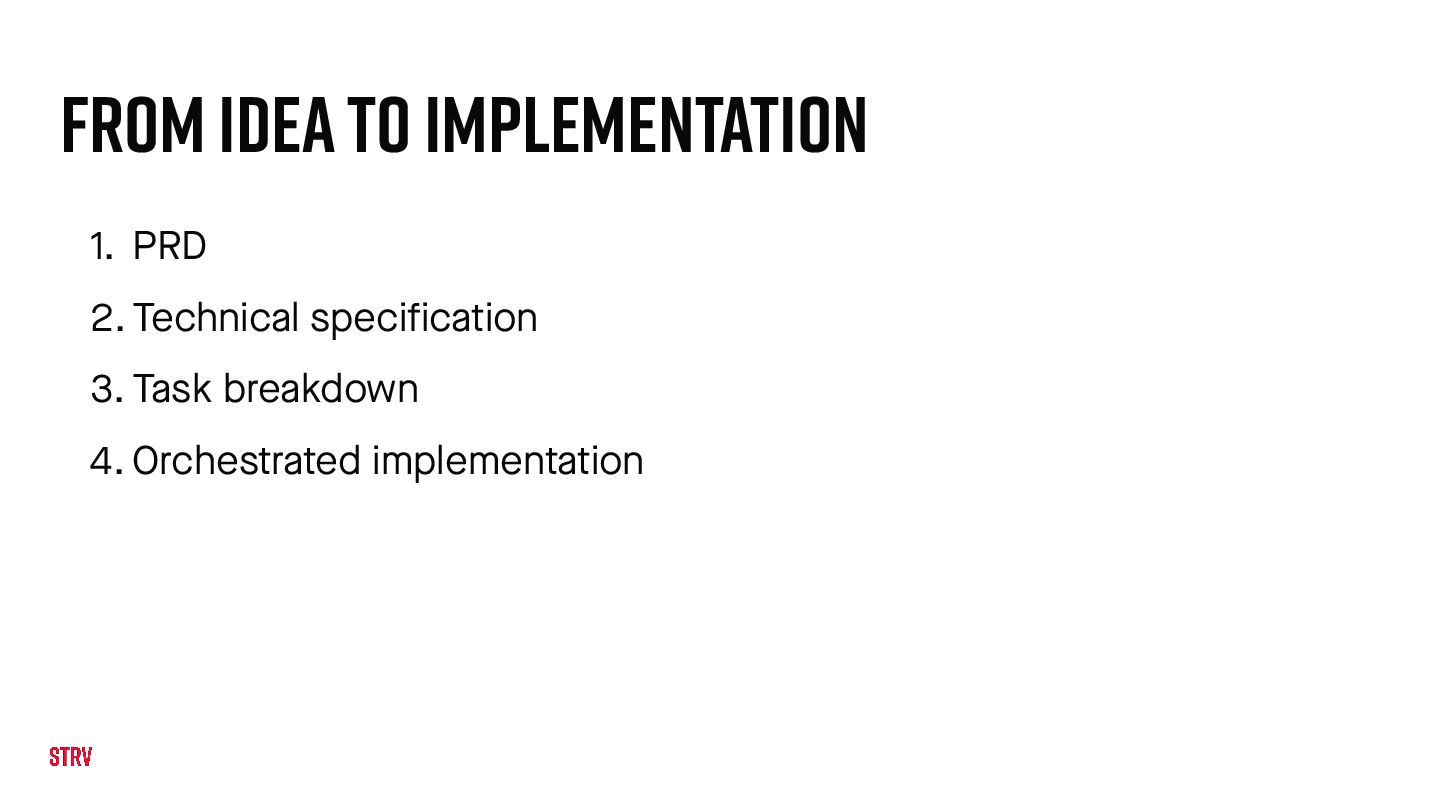
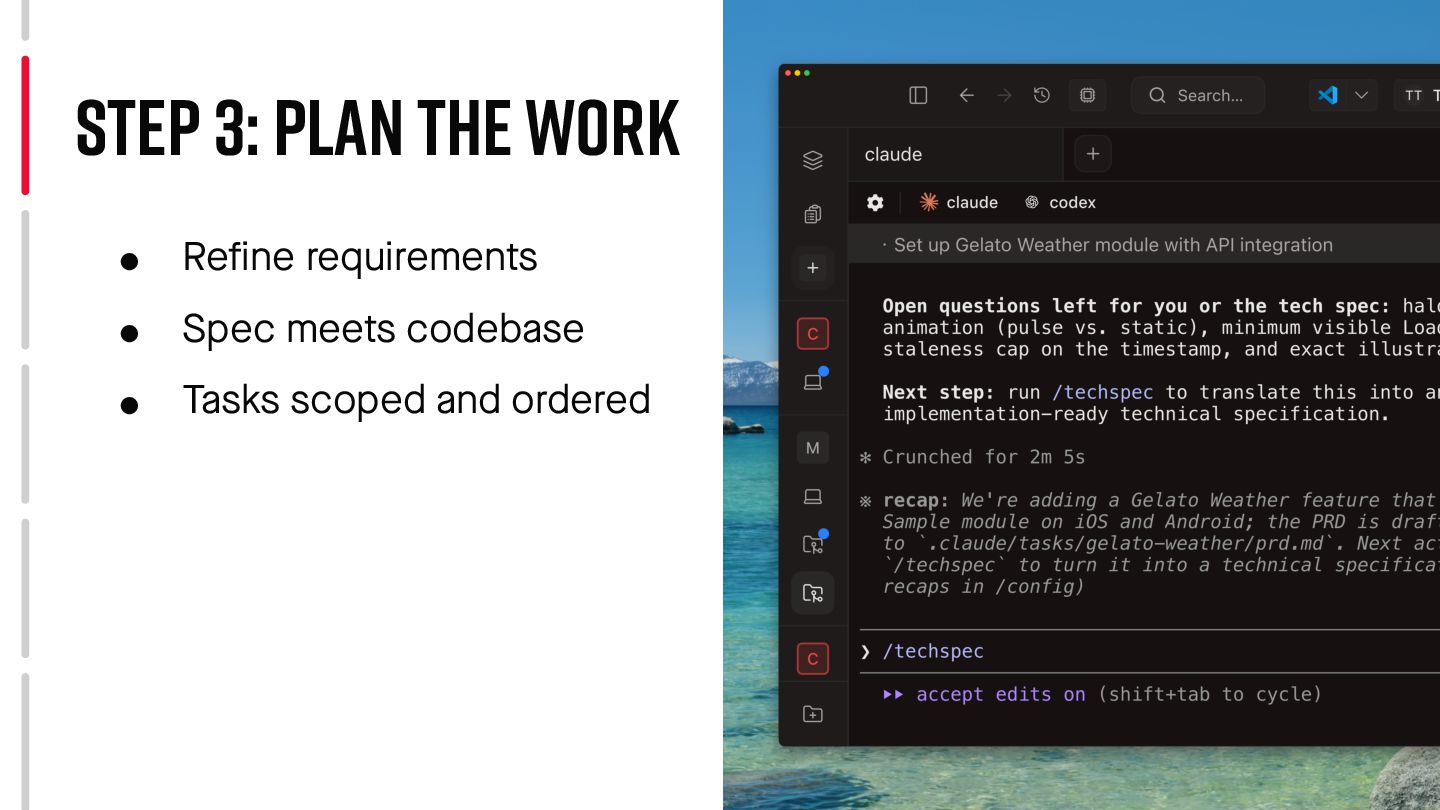
  18. From Idea to Implementation 1. PRD 2. Technical specification 3.

    Task breakdown 4. Orchestrated implementation
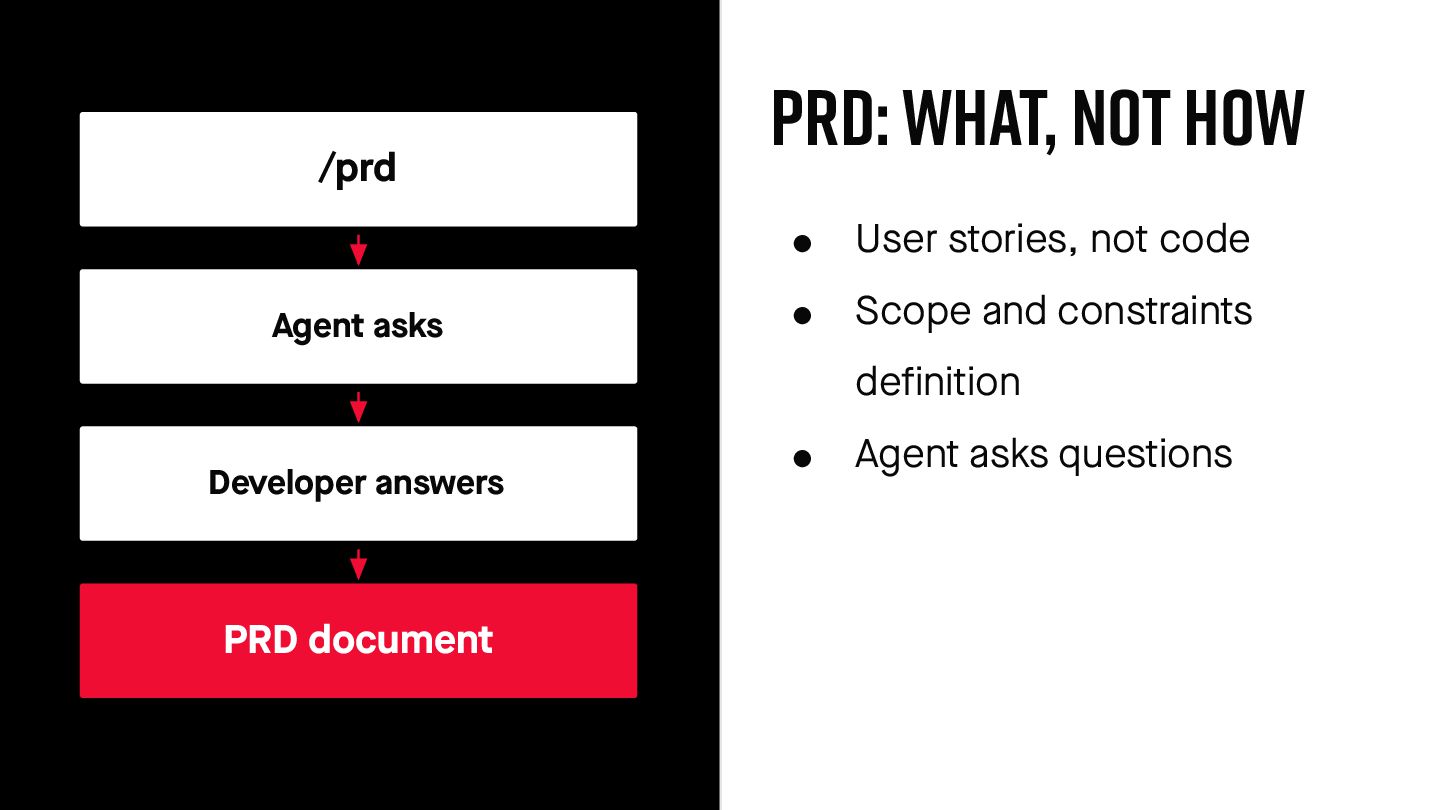
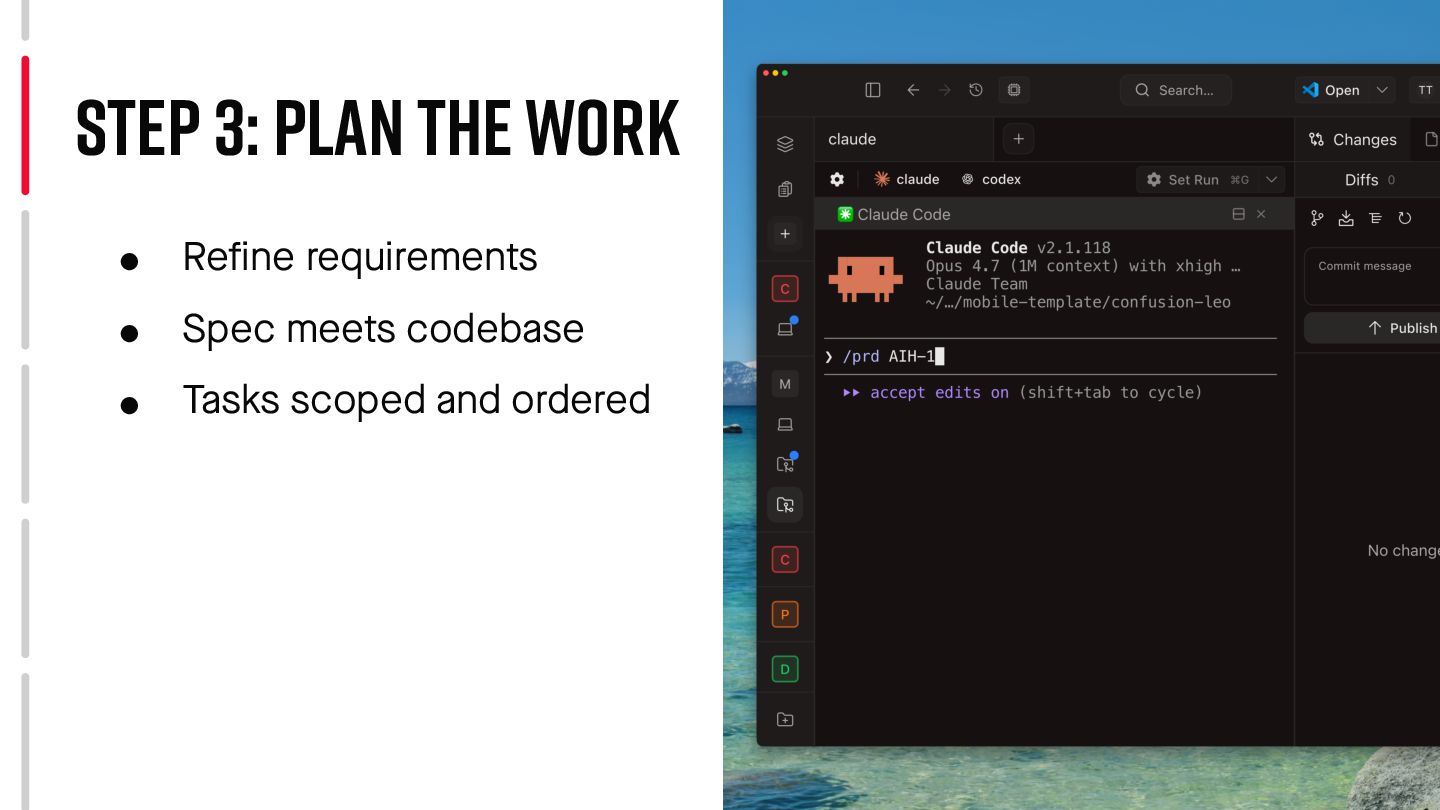
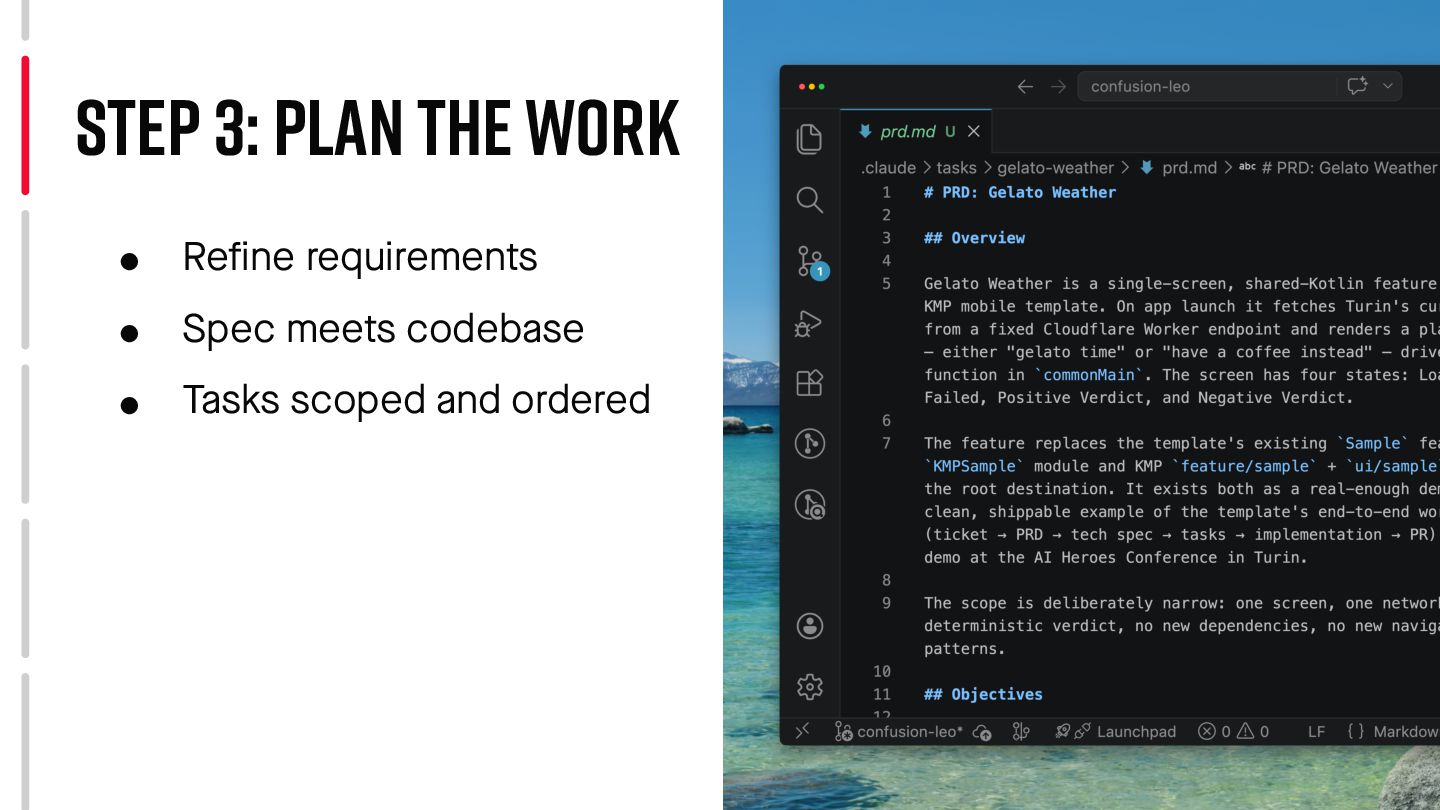
  19. PRD: WHAT, NOT HOW • User stories, not code •

    Scope and constraints definition • Agent asks questions /prd Agent asks Developer answers PRD document
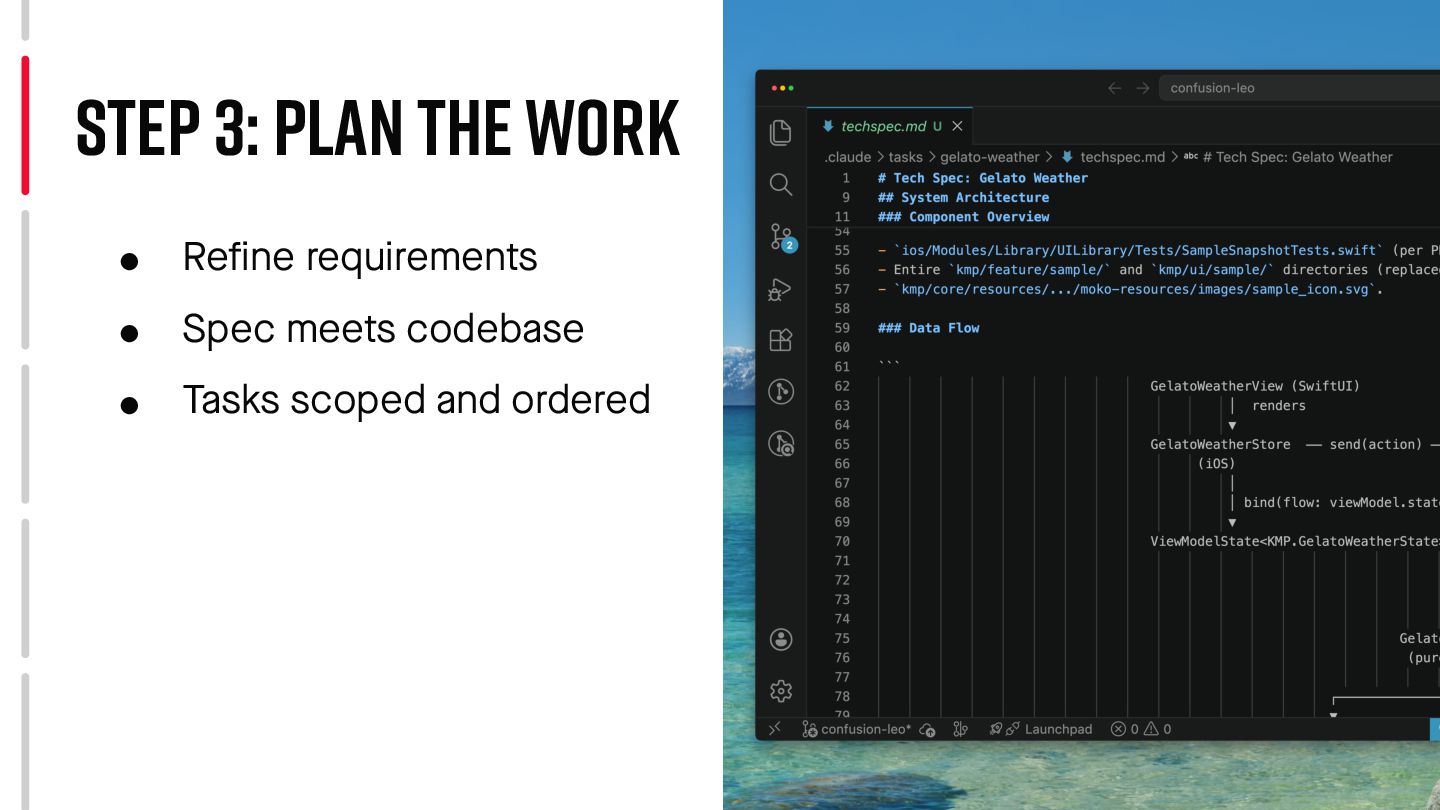
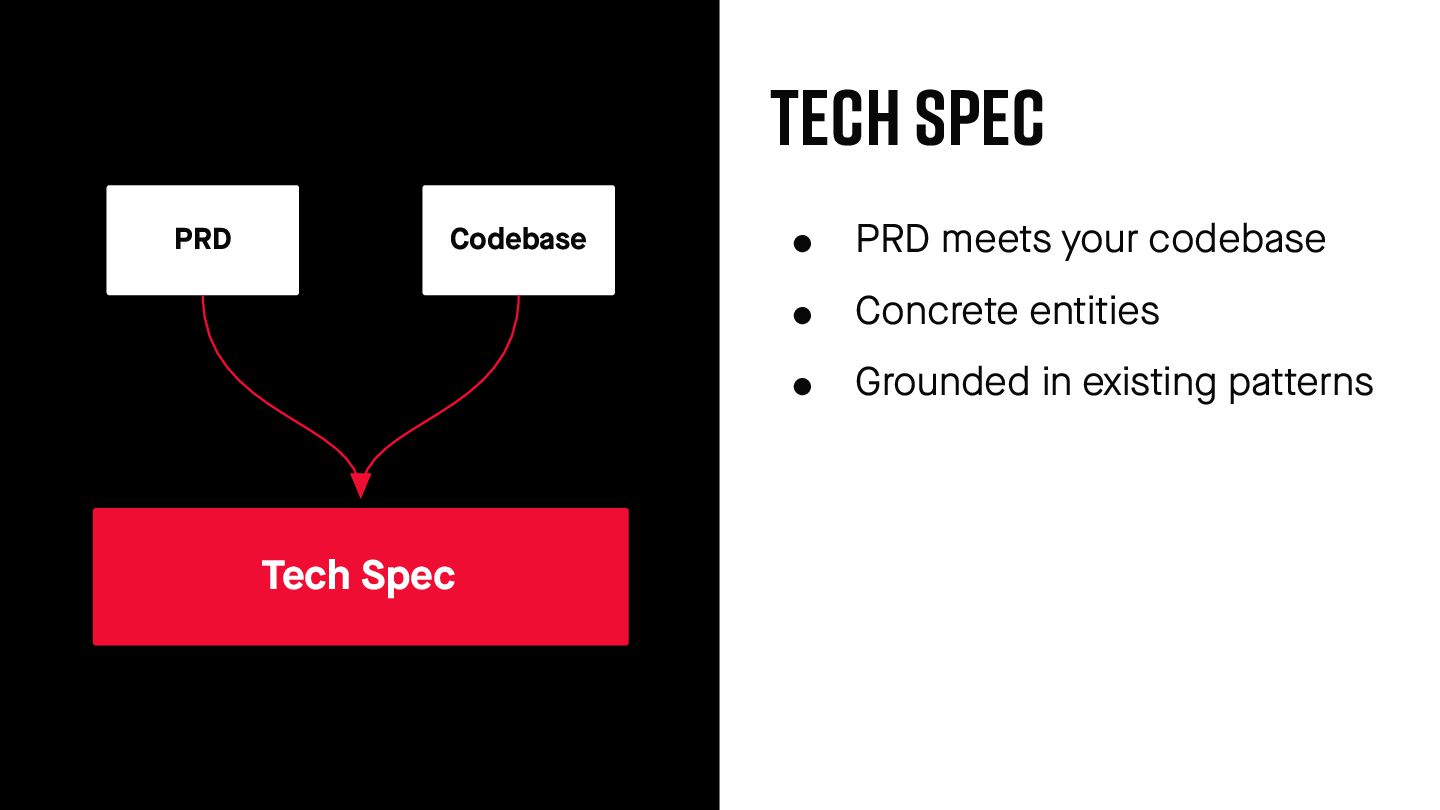
  20. Tech Spec • PRD meets your codebase • Concrete entities

    • Grounded in existing pa t terns PRD Codebase Tech Spec
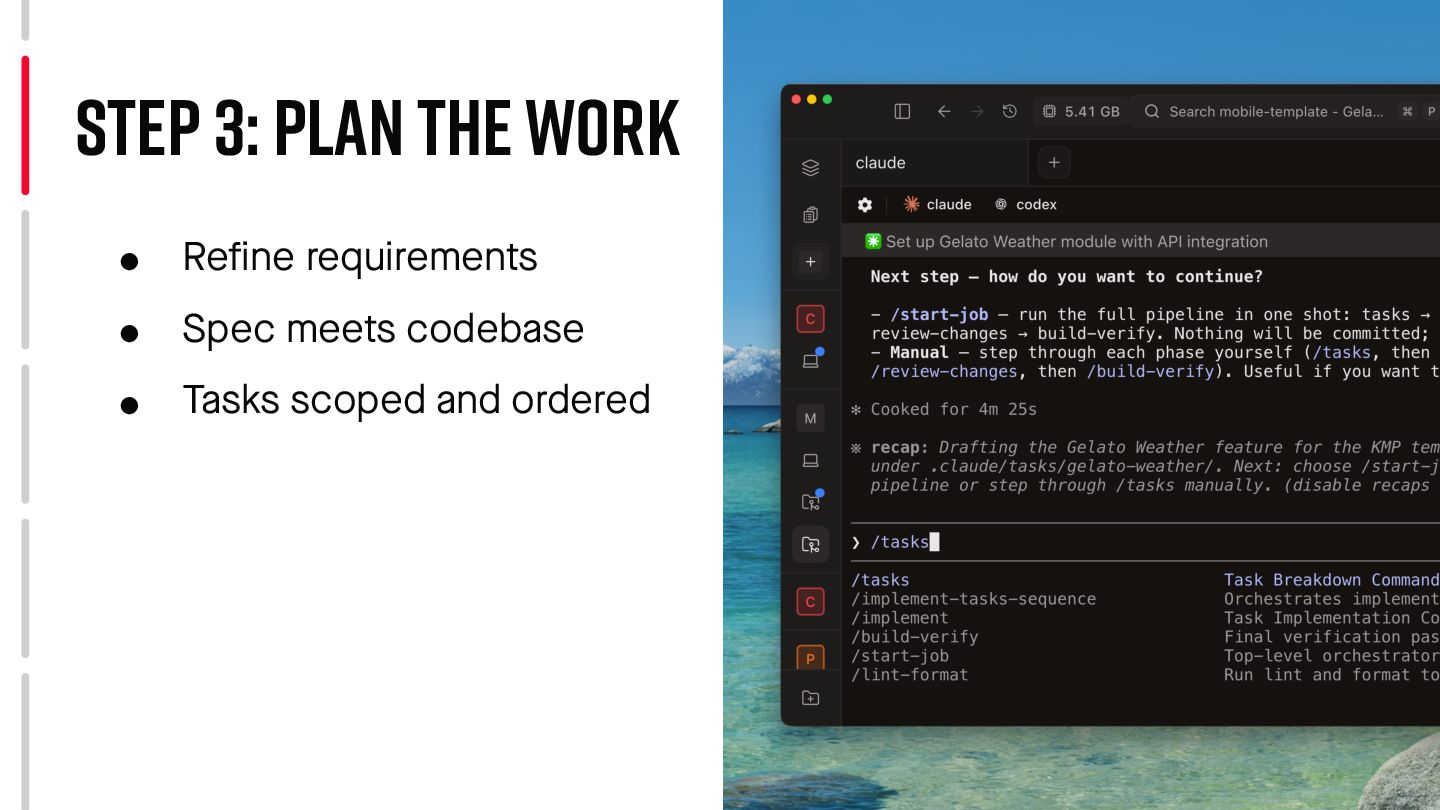
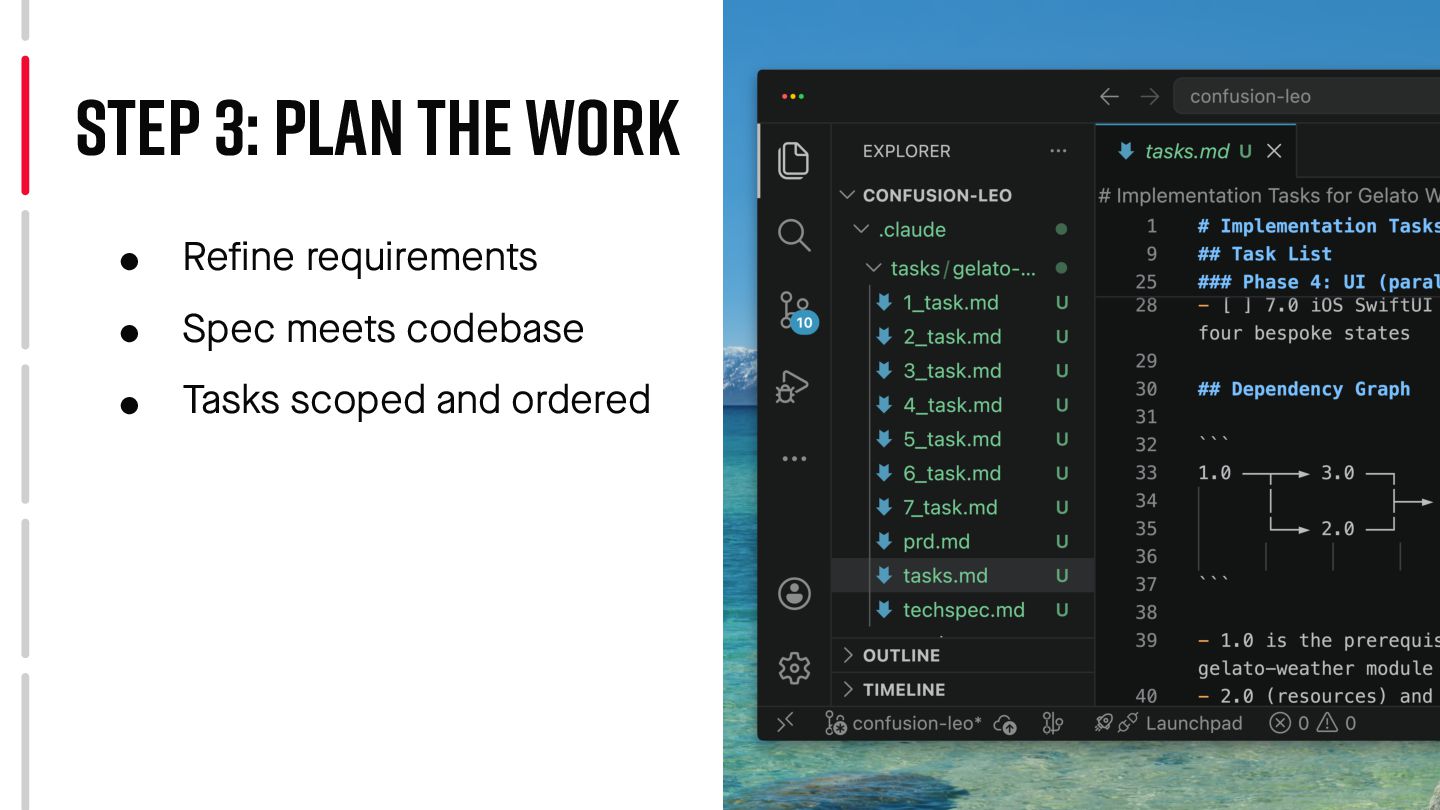
  21. Task breakdown • Tech spec broken into steps • Dependency

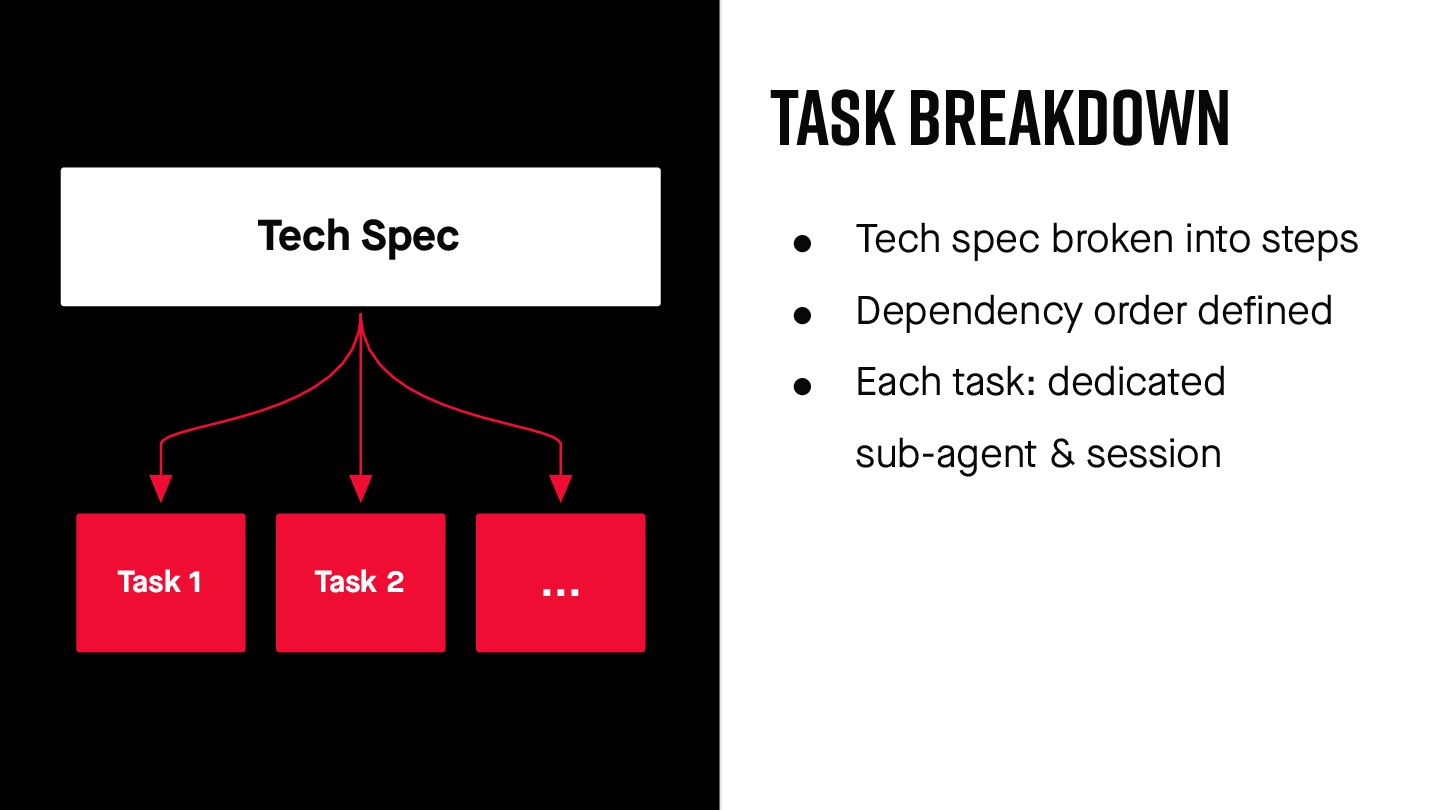
    order defined • Each task: dedicated sub-agent & session Tech Spec Task 1 Task 2 ...
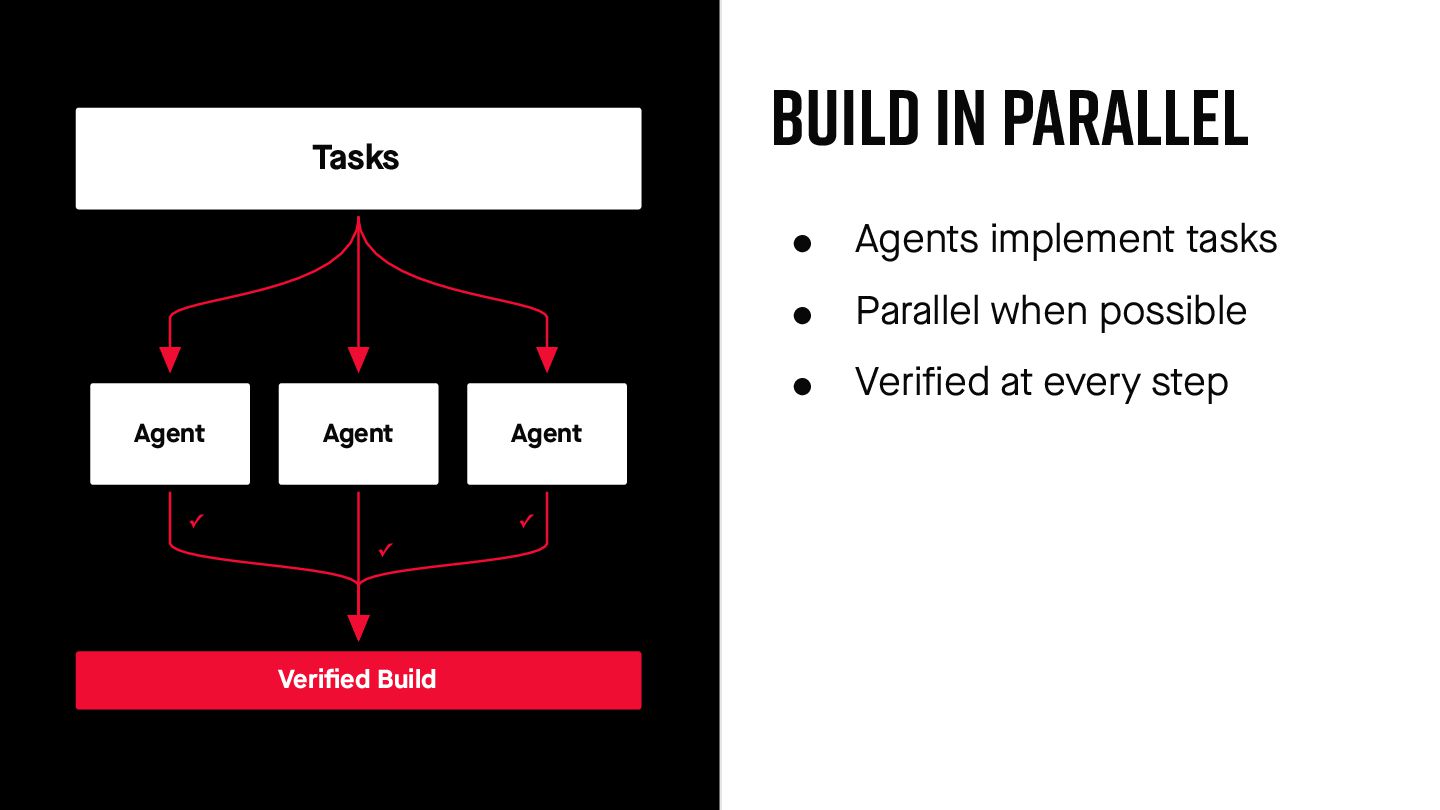
  22. Build in parallel • Agents implement tasks • Parallel when

    possible • Verified at every step Tasks Agent Agent Agent ✓ ✓ ✓ Verified Build
  23. Lessons learned Skipped the Requirements • Jumped from ticket to

    code • Agent built what was asked, not what was needed
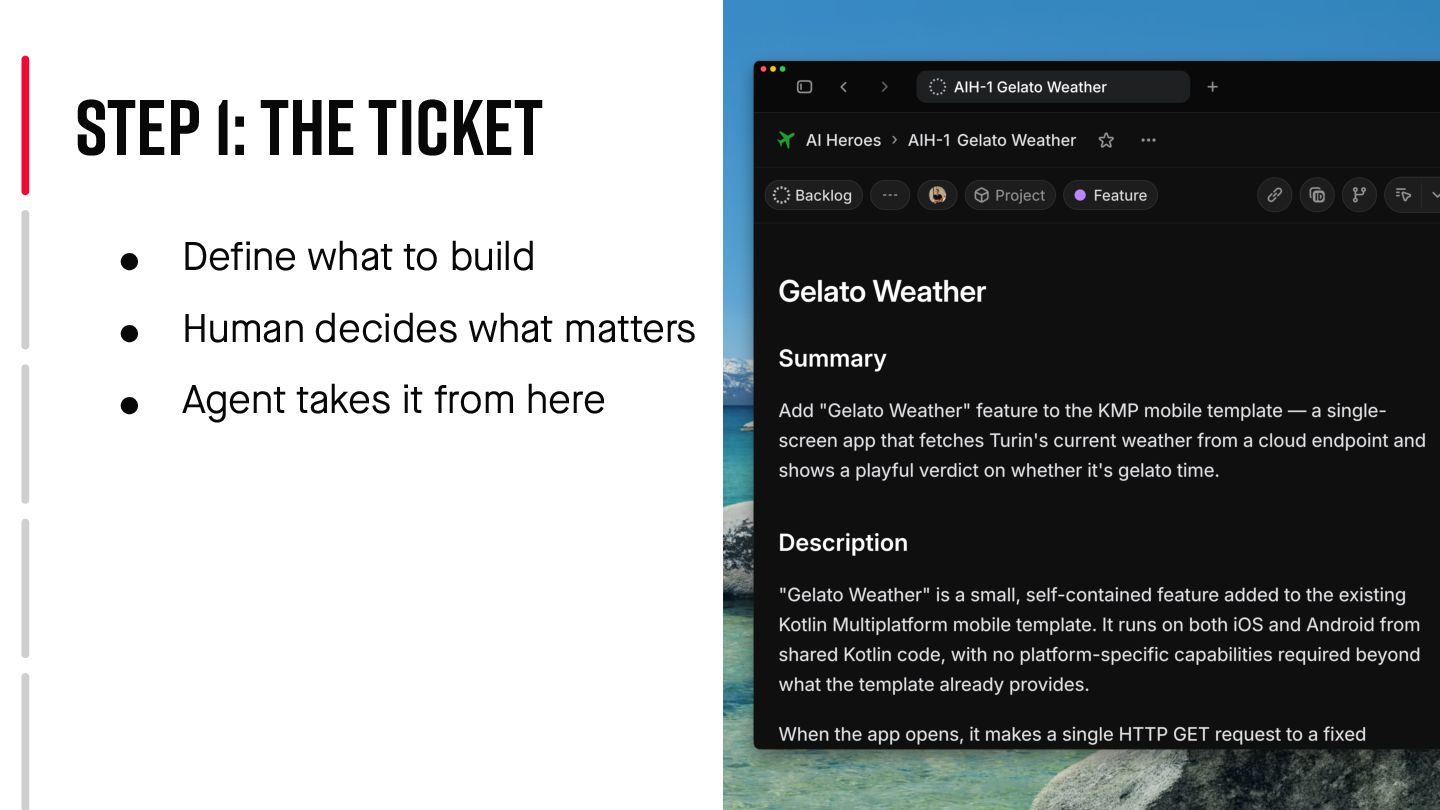
  24. • Define what to build • Human decides what ma

    t ters • Agent takes it from here Step 1: The Ticket
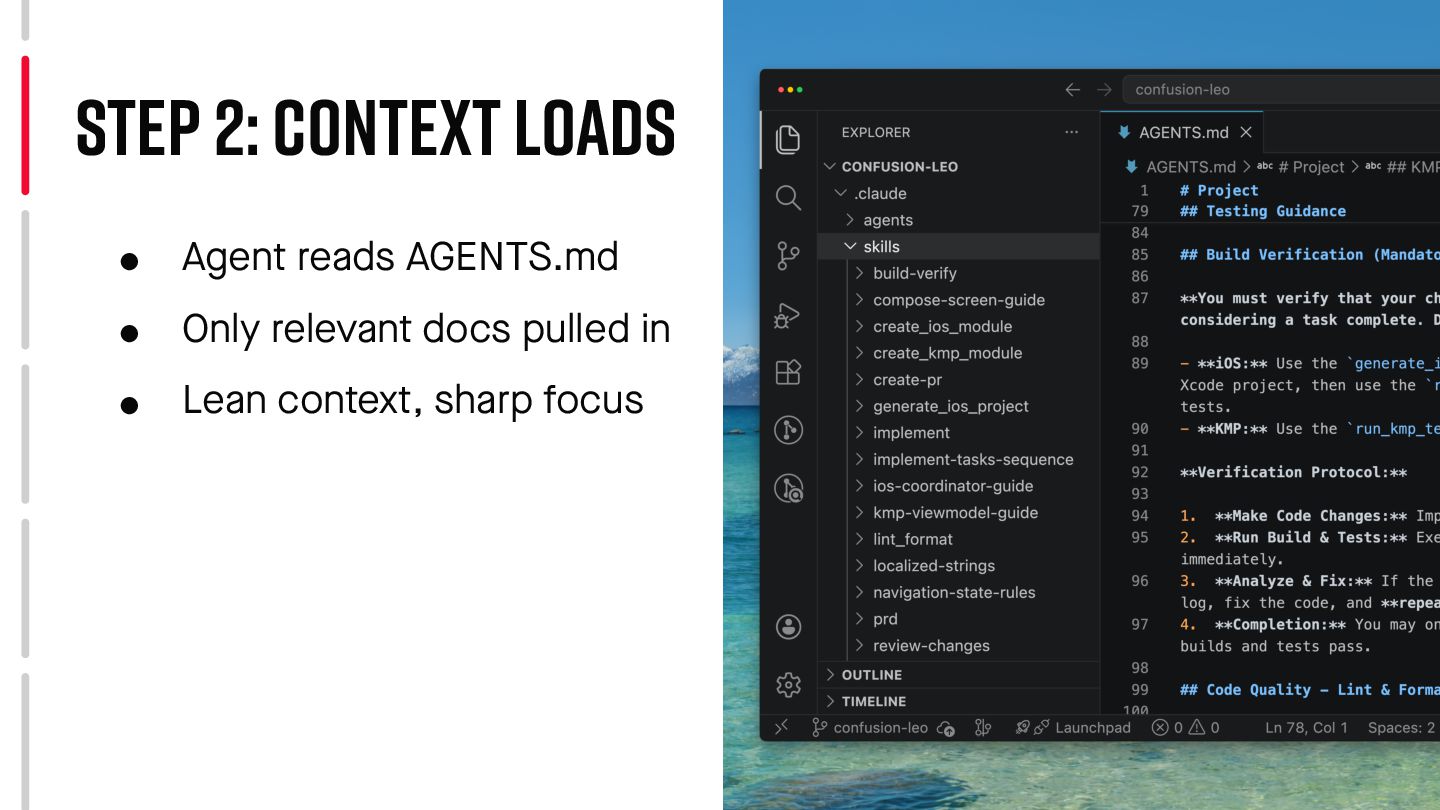
  25. • Agent reads AGENTS.md • Only relevant docs pulled in

    • Lean context, sharp focus Step 2: Context Loads
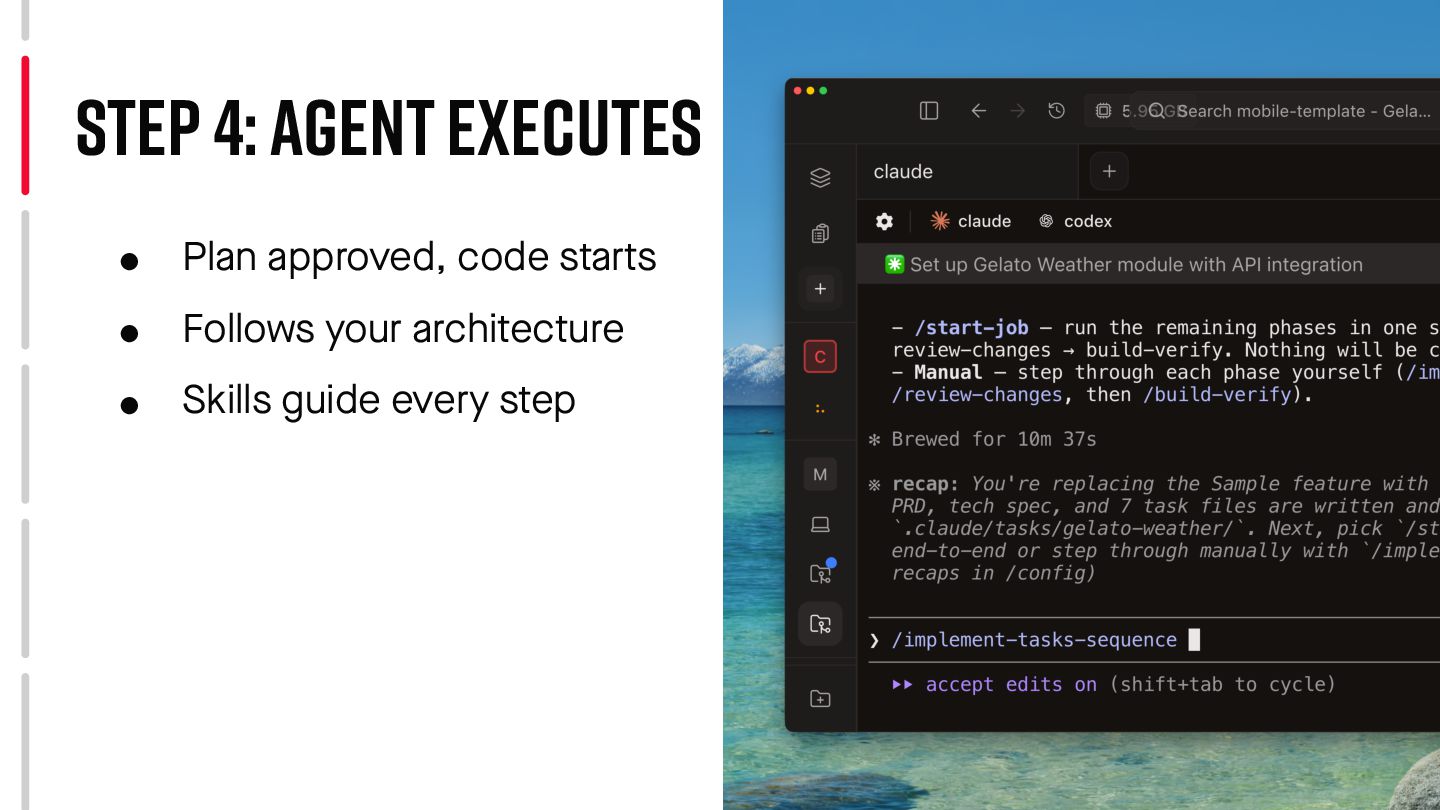
  26. • Plan approved, code starts • Follows your architecture •

    Skills guide every step Step 4: Agent Executes
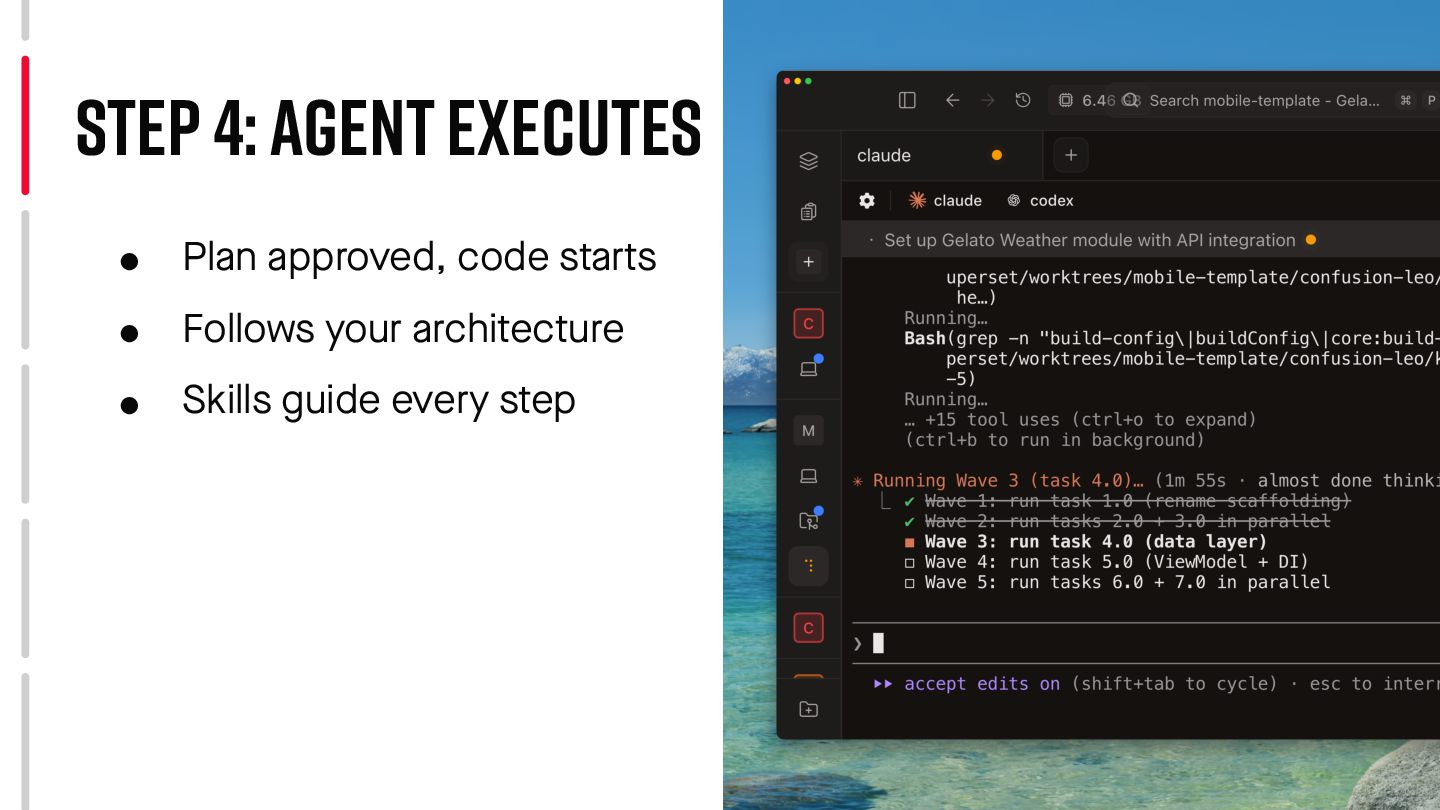
  27. • Plan approved, code starts • Follows your architecture •

    Skills guide every step Step 4: Agent Executes
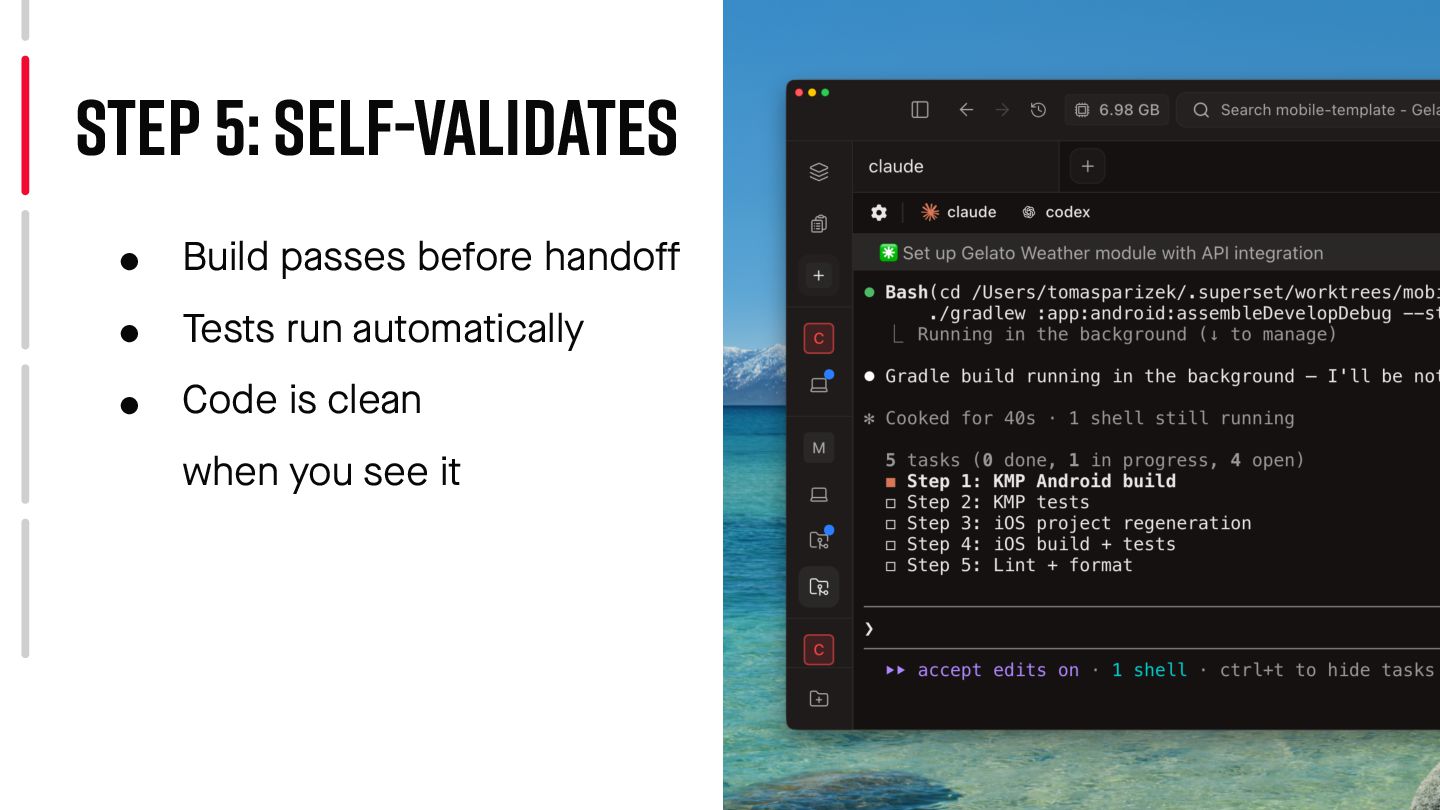
  28. • Build passes before hando f f • Tests run

    automatically • Code is clean when you see it Step 5: Self-Validates
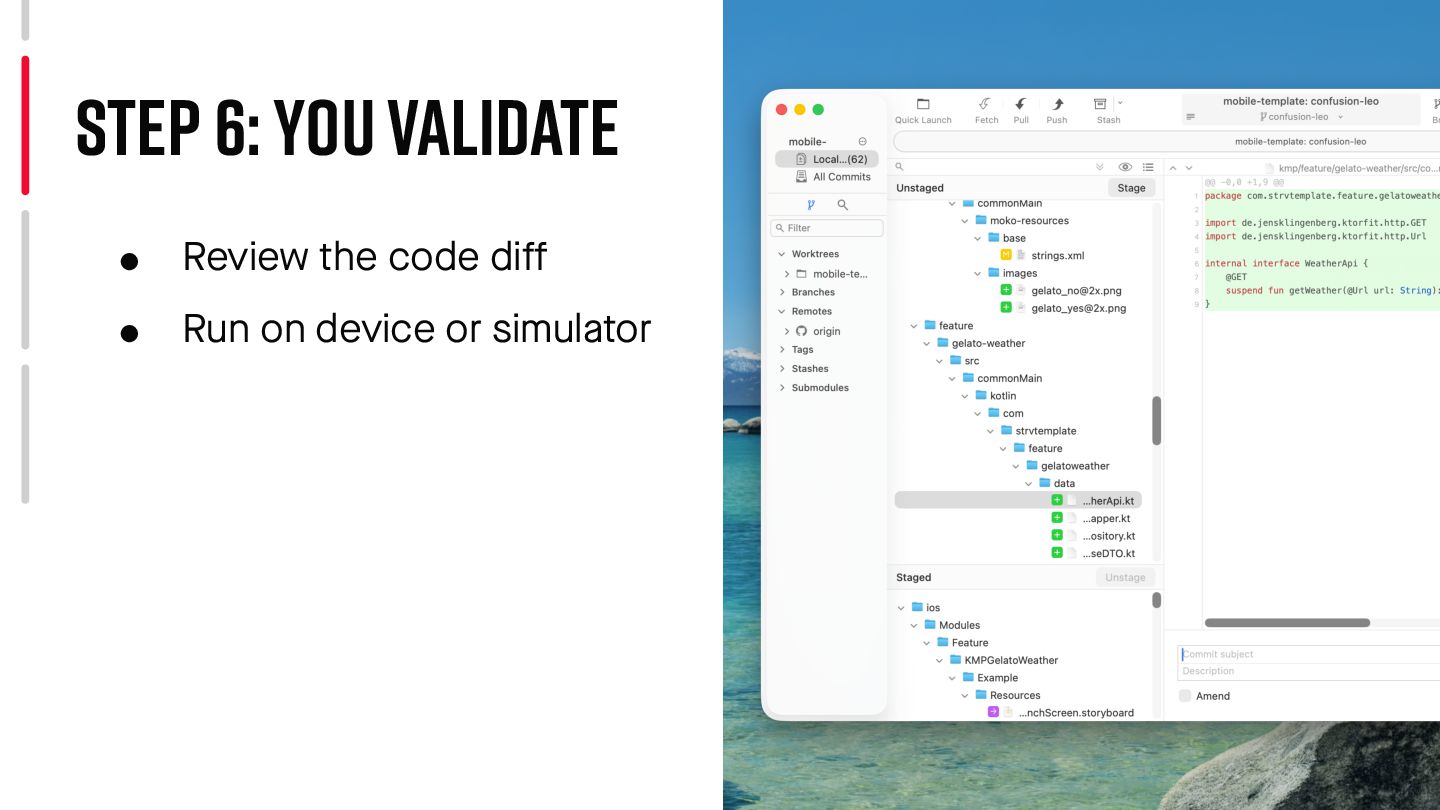
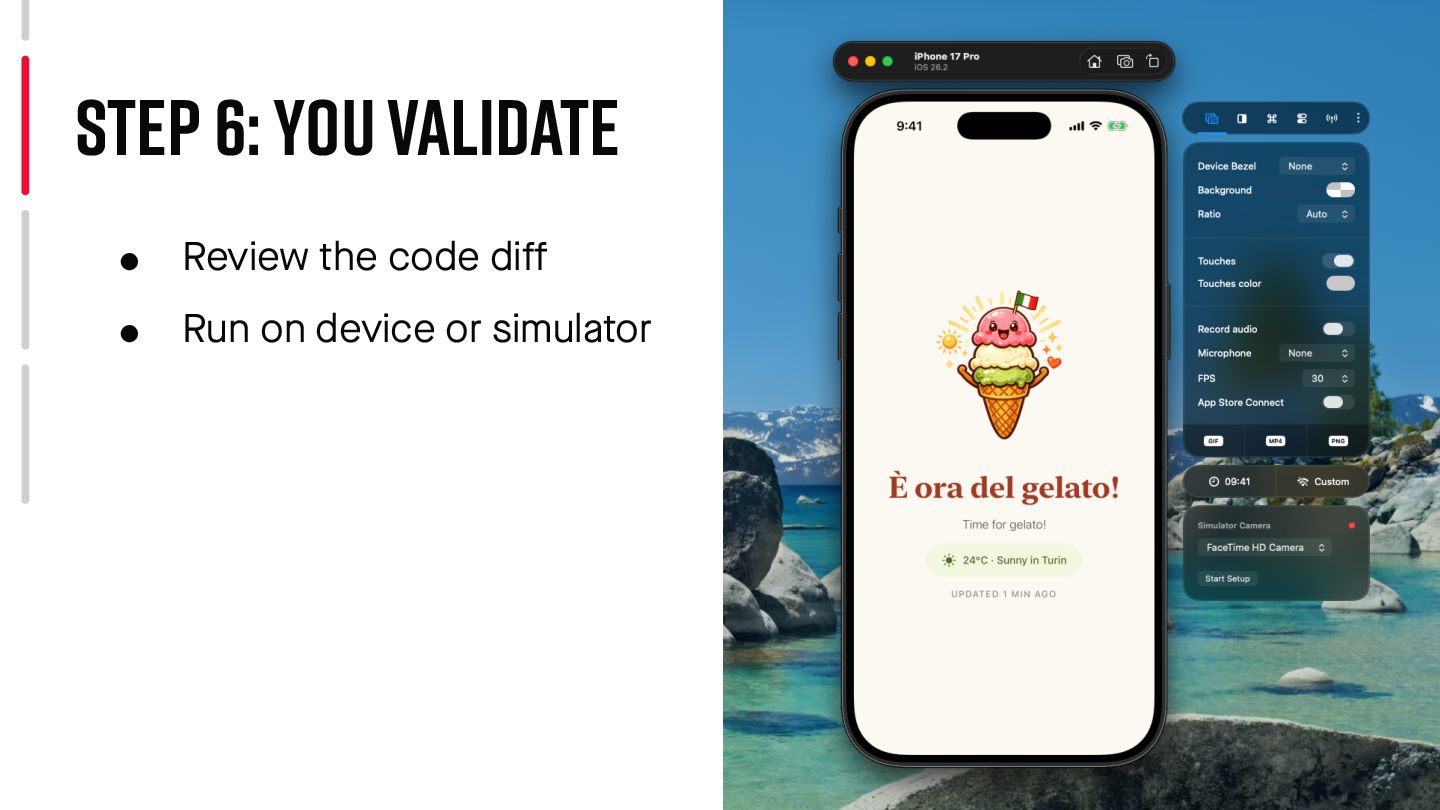
  29. • Review the code di f f • Run on

    device or simulator Step 6: you Validate
  30. • Review the code di f f • Run on

    device or simulator Step 6: you Validate
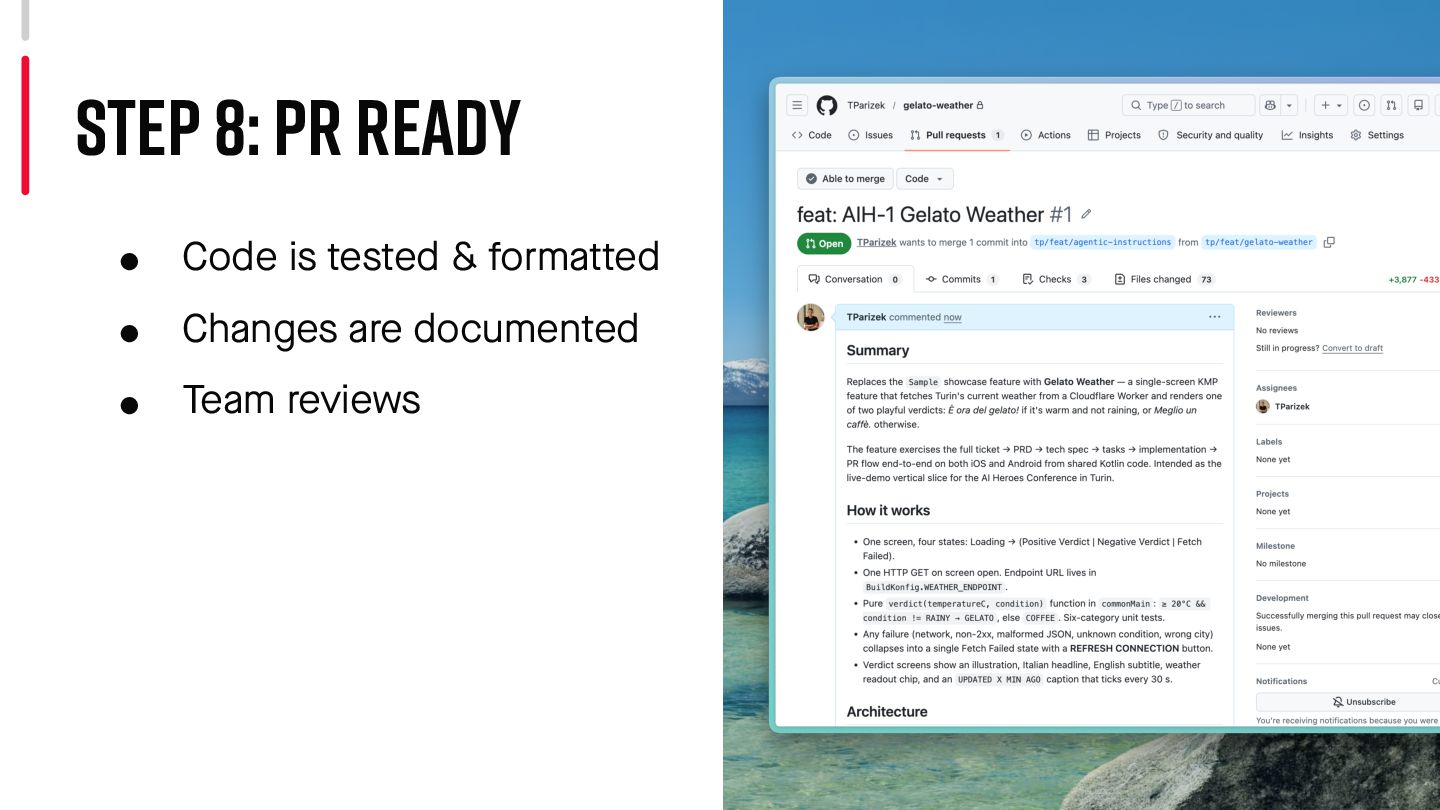
  31. • Code is tested & forma t ted • Changes

    are documented • Team reviews Step 8: PR Ready
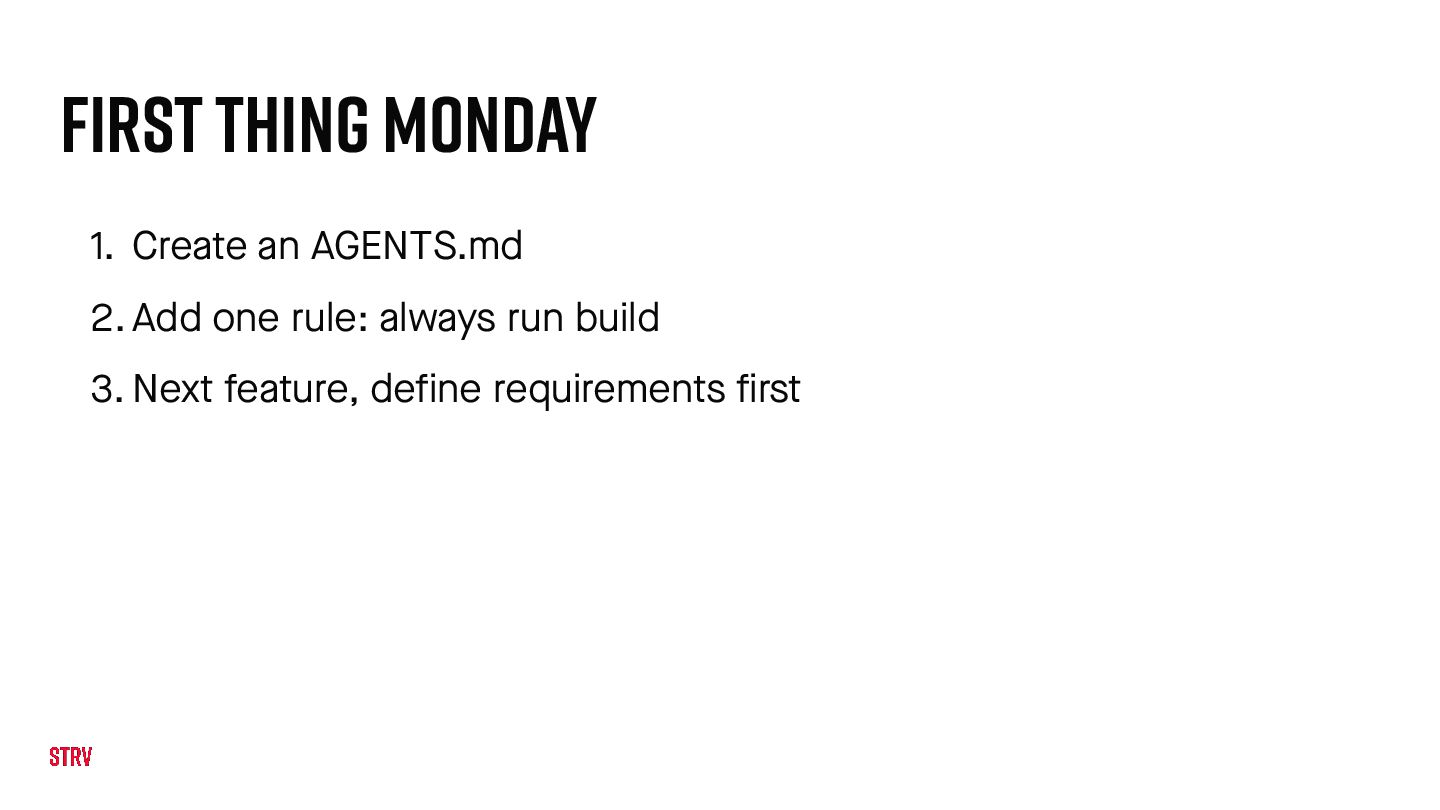
  32. first thing Monday 1. Create an AGENTS.md 2. Add one

    rule: always run build 3. Next feature, define requirements first
  33. Agents run fast. Your job is to point them the

    right way. One layer at a time. h t tps://tomasparizek.com/talks/aiheroes-2026/ h t tps://www.linkedin.com/in/tomas-parizek/ h t tps://www.strv.com/