Upgrade to Pro — share decks privately, control downloads, hide ads and more …

Building scalable data pipelines using Kinesis ...

Sponsored · Ship Features Fearlessly Turn features on and off without deploys. Used by thousands of Ruby developers. →
Avatar for Ujj Ujj
February 10, 2015

Building scalable data pipelines using Kinesis and Esper

We live in a world where the volume of data generated and collected is constantly growing. A robust data pipeline is the backbone of any data centric product.

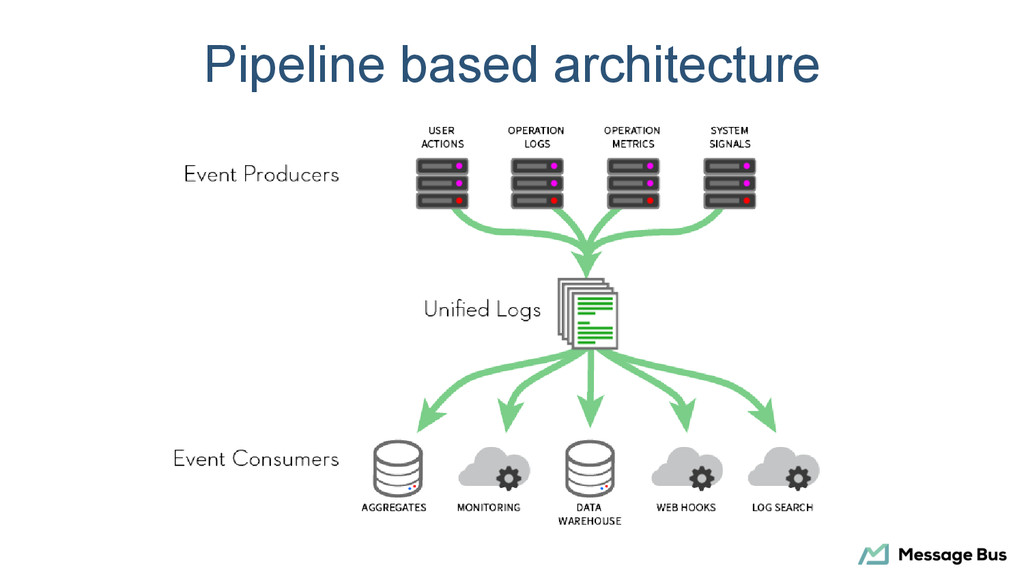
At Message Bus we have built a high throughput data pipeline that has very low operational overhead, scales under load and helps us iterate fast.

This talk will guide you through strategies for event collection, aggregation, complex event processing, and signaling.

Avatar for Ujj

Ujj

February 10, 2015

Other Decks in Technology

Transcript

  1. About Message Bus • Recipient signals provide insights • View

    into messaging performance • Doing it right at scale
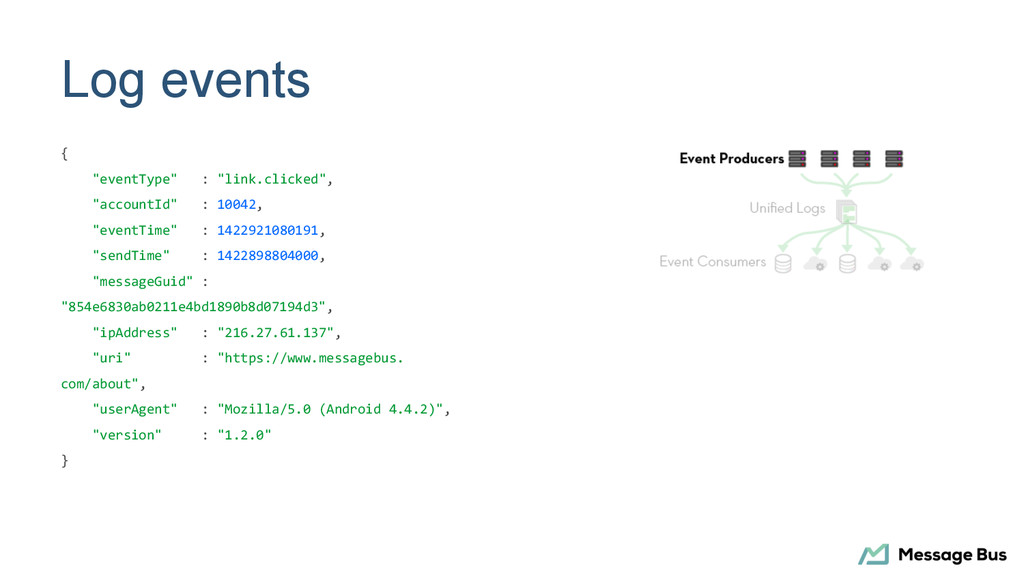
  2. Log events { "eventType" : "link.clicked", "accountId" : 10042, "eventTime"

    : 1422921080191, "sendTime" : 1422898804000, "messageGuid" : "854e6830ab0211e4bd1890b8d07194d3", "ipAddress" : "216.27.61.137", "uri" : "https://www.messagebus. com/about", "userAgent" : "Mozilla/5.0 (Android 4.4.2)", "version" : "1.2.0" }
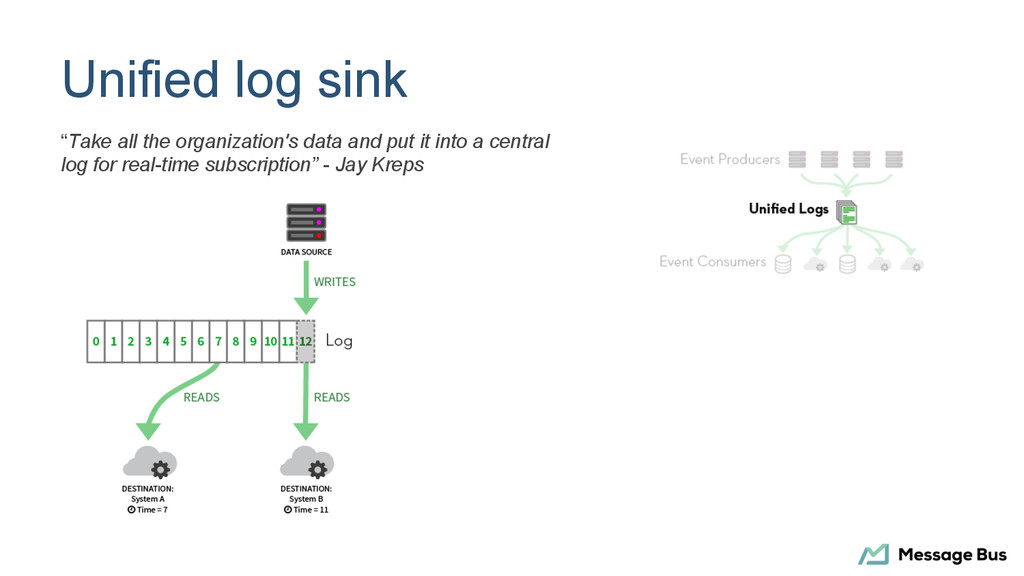
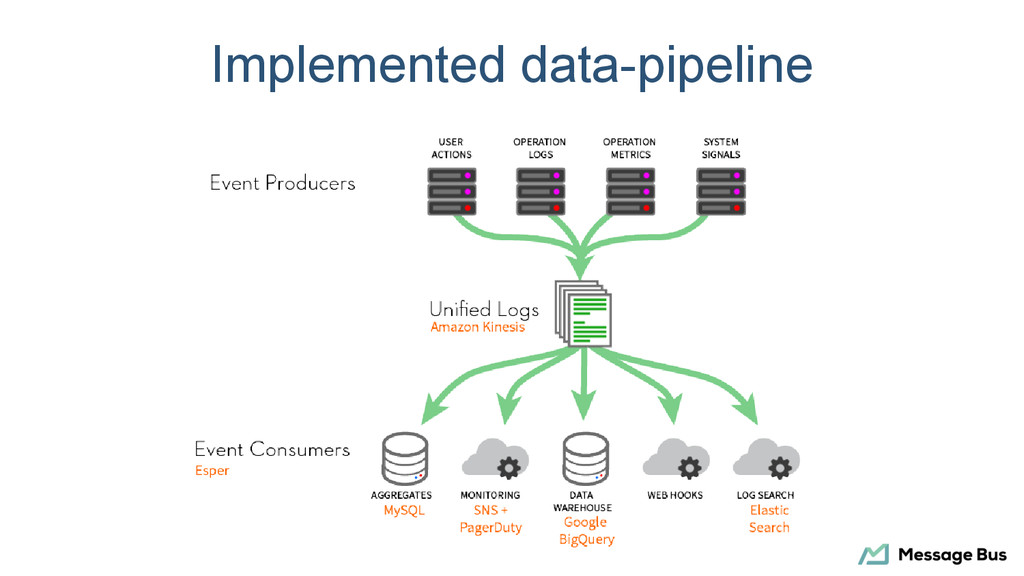
  3. Unified log sink “Take all the organization's data and put

    it into a central log for real-time subscription” - Jay Kreps
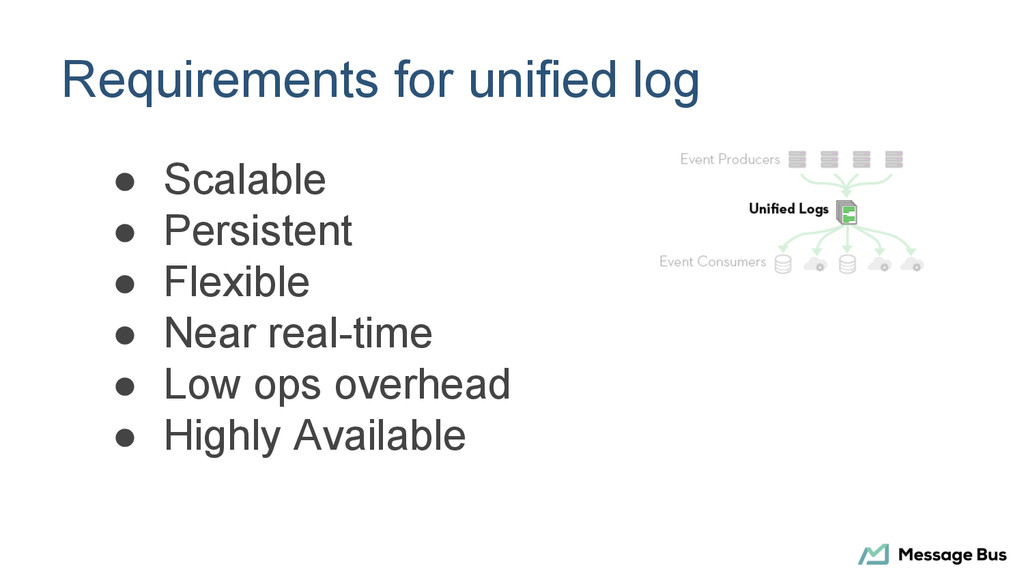
  4. Requirements for unified log • Scalable • Persistent • Flexible

    • Near real-time • Low ops overhead • Highly Available
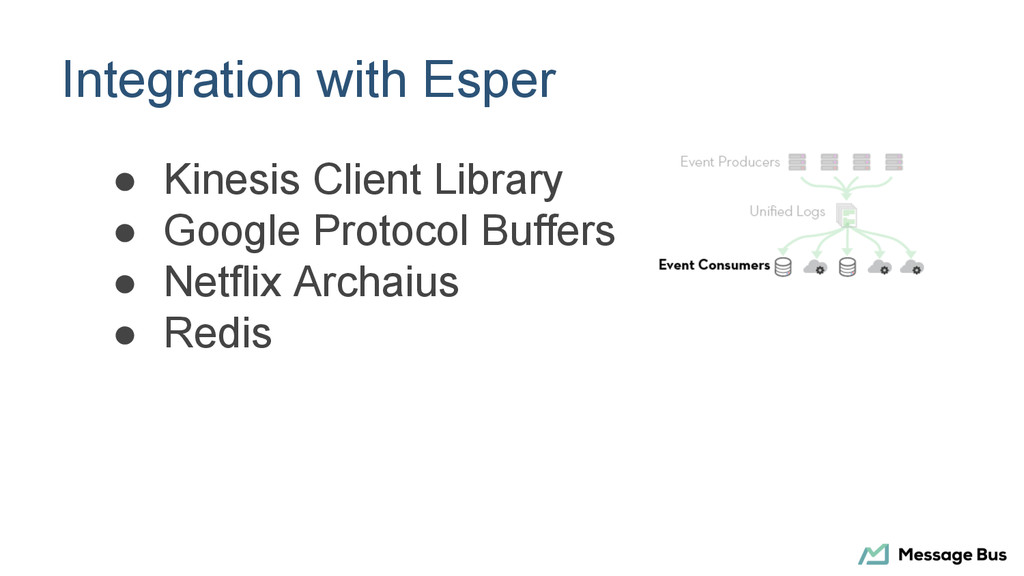
  5. Integration with Amazon Kinesis • 50KB records • Use putRecords

    • Monitor errors • Use KCL • Sharding
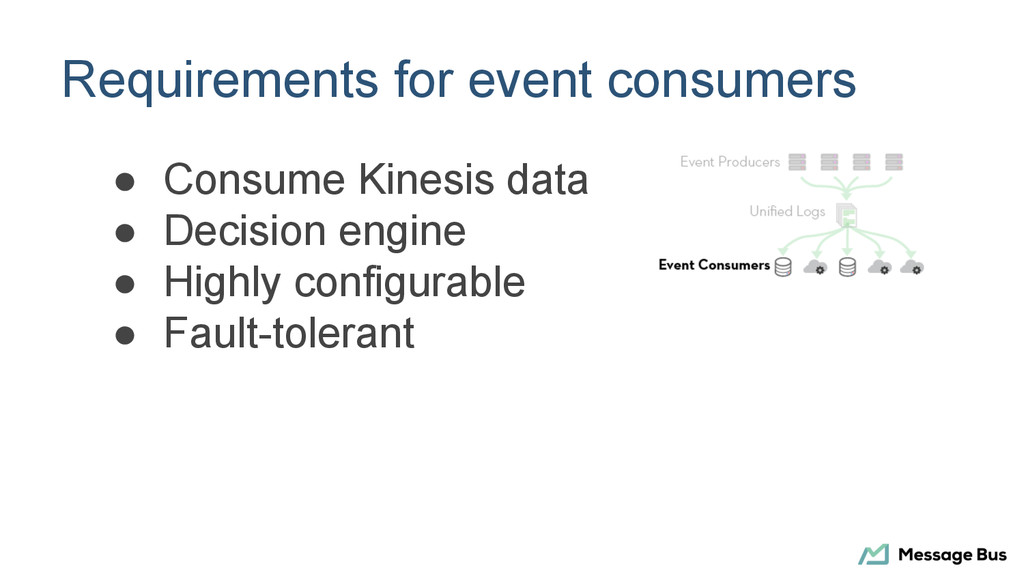
  6. Requirements for event consumers • Consume Kinesis data • Decision

    engine • Highly configurable • Fault-tolerant
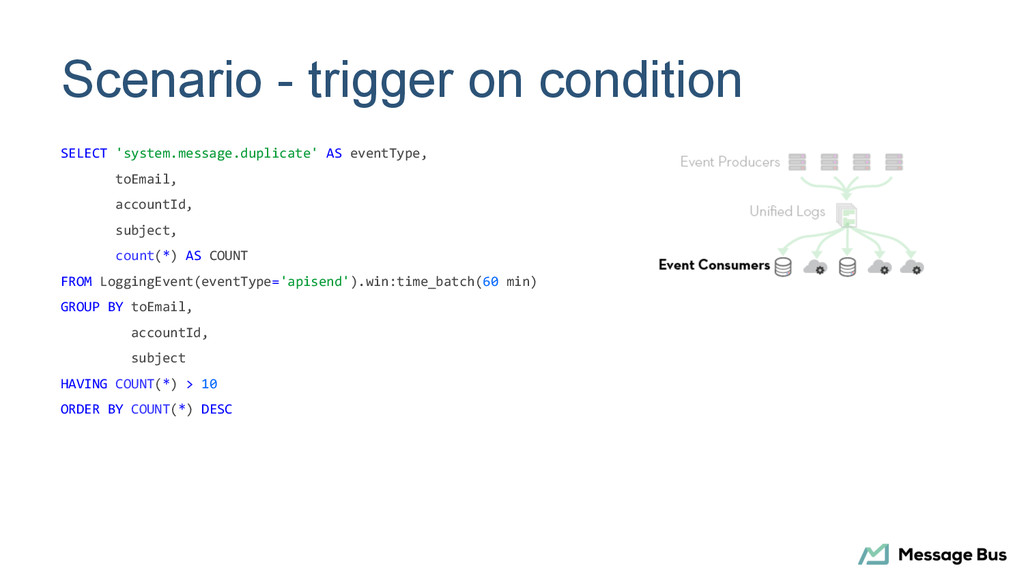
  7. Scenario - trigger on condition SELECT 'system.message.duplicate' AS eventType, toEmail,

    accountId, subject, count(*) AS COUNT FROM LoggingEvent(eventType='apisend').win:time_batch(60 min) GROUP BY toEmail, accountId, subject HAVING COUNT(*) > 10 ORDER BY COUNT(*) DESC
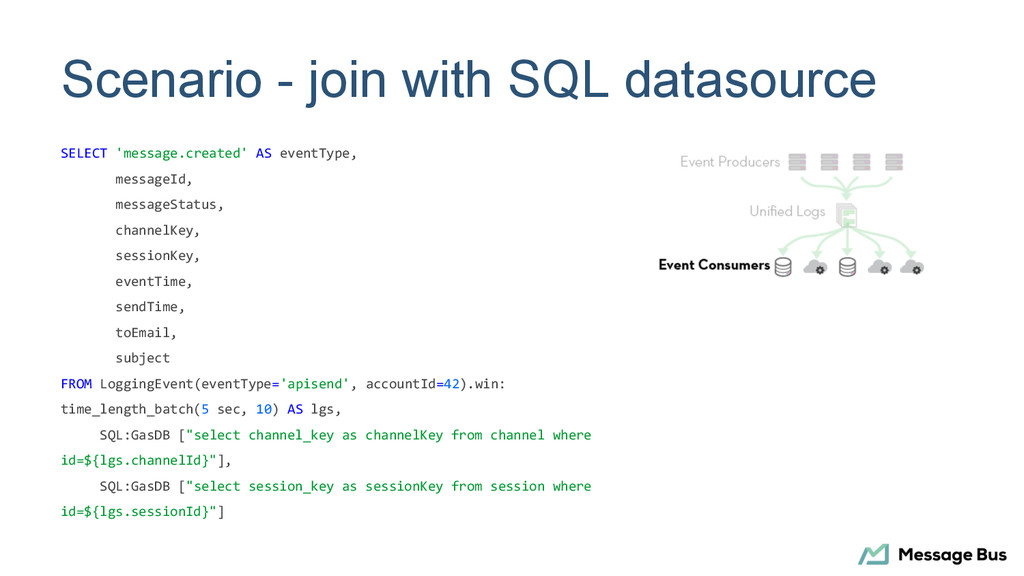
  8. Scenario - join with SQL datasource SELECT 'message.created' AS eventType,

    messageId, messageStatus, channelKey, sessionKey, eventTime, sendTime, toEmail, subject FROM LoggingEvent(eventType='apisend', accountId=42).win: time_length_batch(5 sec, 10) AS lgs, SQL:GasDB ["select channel_key as channelKey from channel where id=${lgs.channelId}"], SQL:GasDB ["select session_key as sessionKey from session where id=${lgs.sessionId}"]
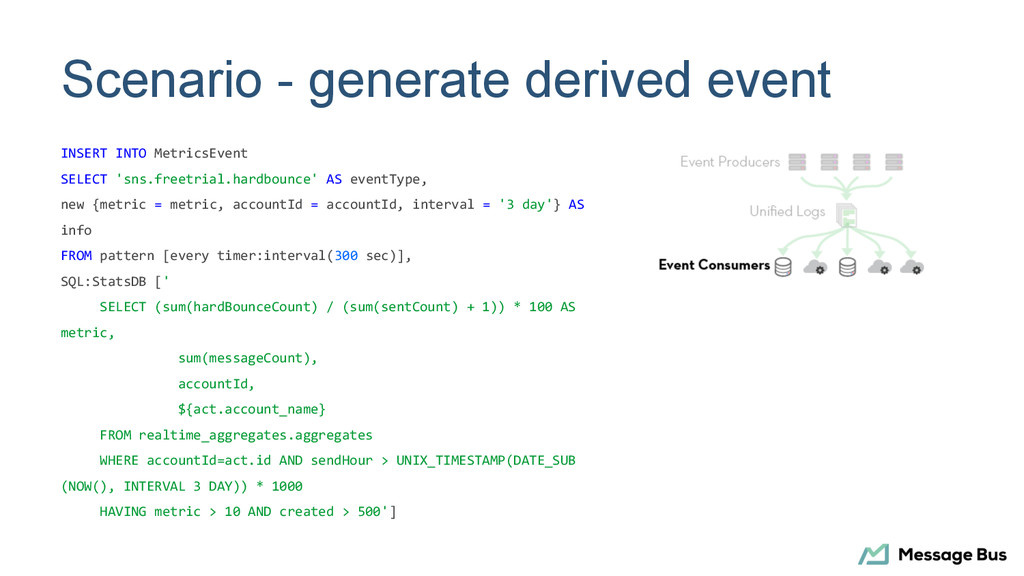
  9. Scenario - generate derived event INSERT INTO MetricsEvent SELECT 'sns.freetrial.hardbounce'

    AS eventType, new {metric = metric, accountId = accountId, interval = '3 day'} AS info FROM pattern [every timer:interval(300 sec)], SQL:StatsDB [' SELECT (sum(hardBounceCount) / (sum(sentCount) + 1)) * 100 AS metric, sum(messageCount), accountId, ${act.account_name} FROM realtime_aggregates.aggregates WHERE accountId=act.id AND sendHour > UNIX_TIMESTAMP(DATE_SUB (NOW(), INTERVAL 3 DAY)) * 1000 HAVING metric > 10 AND created > 500']