Upgrade to Pro — share decks privately, control downloads, hide ads and more …

Introduction to Game Programming

Sponsored · Your Podcast. Everywhere. Effortlessly. Share. Educate. Inspire. Entertain. You do you. We'll handle the rest. →
Avatar for Upamanyu Das Upamanyu Das
September 22, 2016

Introduction to Game Programming

The talk session on Game Programming using Python & PyGame at Pycon India 2016. JNU Convention Centre, New Delhi.

Avatar for Upamanyu Das

Upamanyu Das

September 22, 2016

Other Decks in Programming

Transcript

  1. Me Reviews for Upamanyu: “He’s awesome.” — Upamanyu’s mom “I’ve

    dated worse.” — Upamanyu’s girlfriend “Who?” — Tim Cook “STOP CALLING ME.” — Wil Shipley Designer / Developer Website – upamanyu.in Same Mindset /das.upamanyu /upamanyudas @cloudstudio
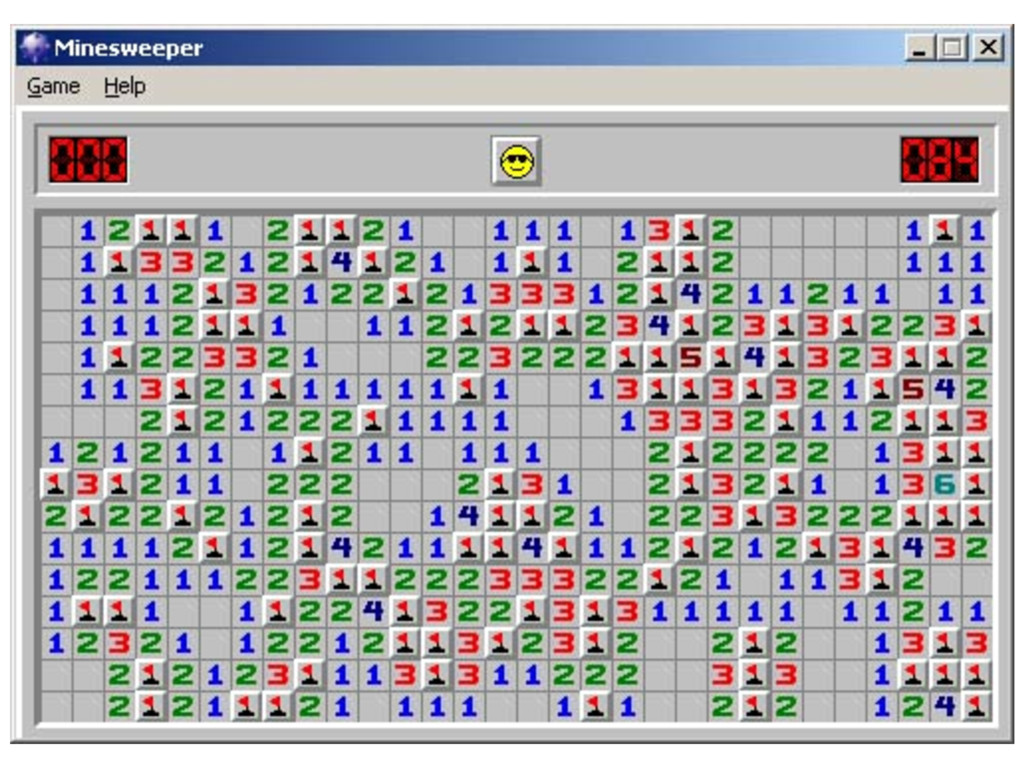
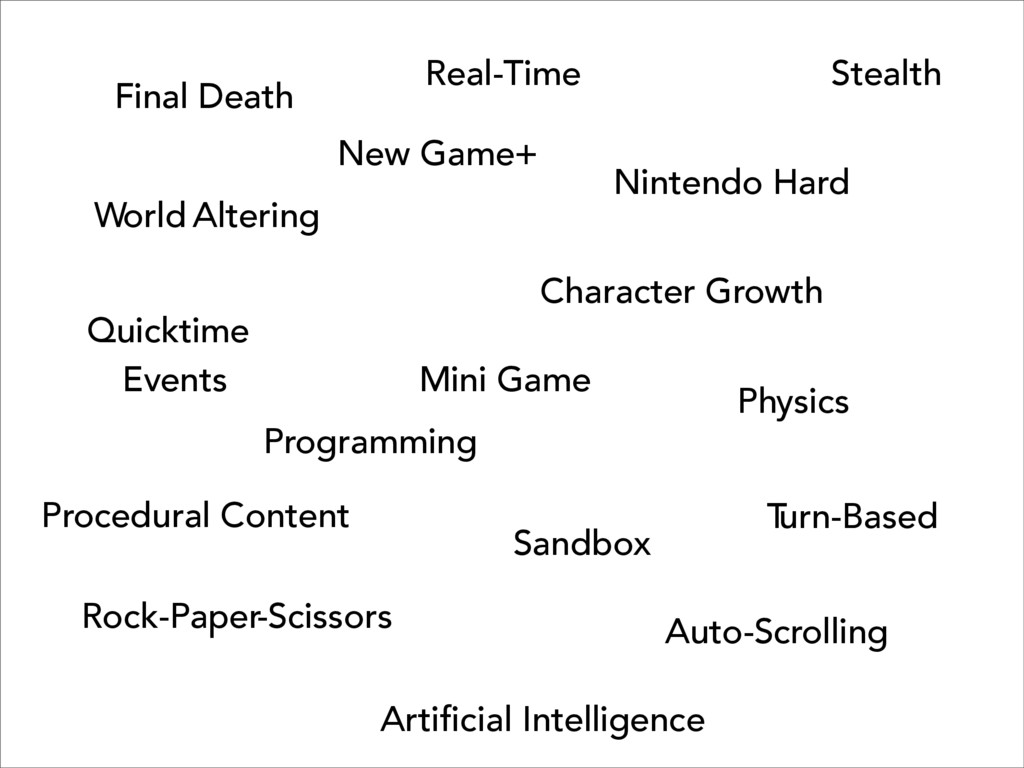
  2. Final Death Nintendo Hard Mini Game Programming Procedural Content Rock-Paper-Scissors

    Auto-Scrolling Quicktime Events Physics Stealth Sandbox New Game+ World Altering Character Growth Real-Time Artificial Intelligence T urn-Based
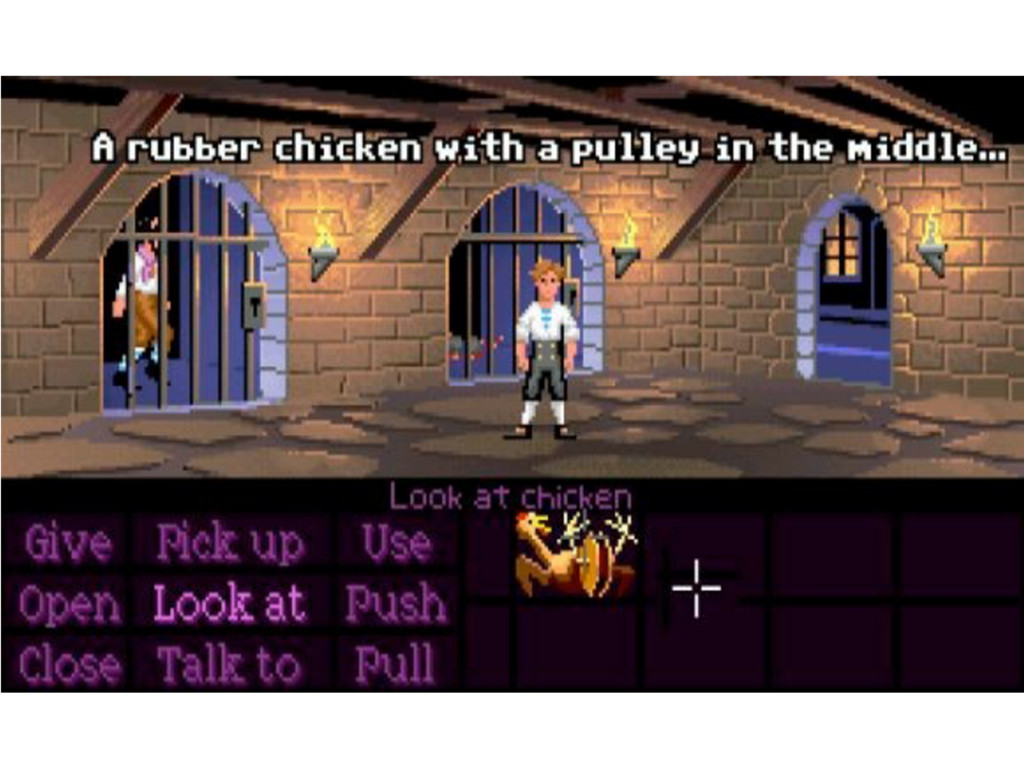
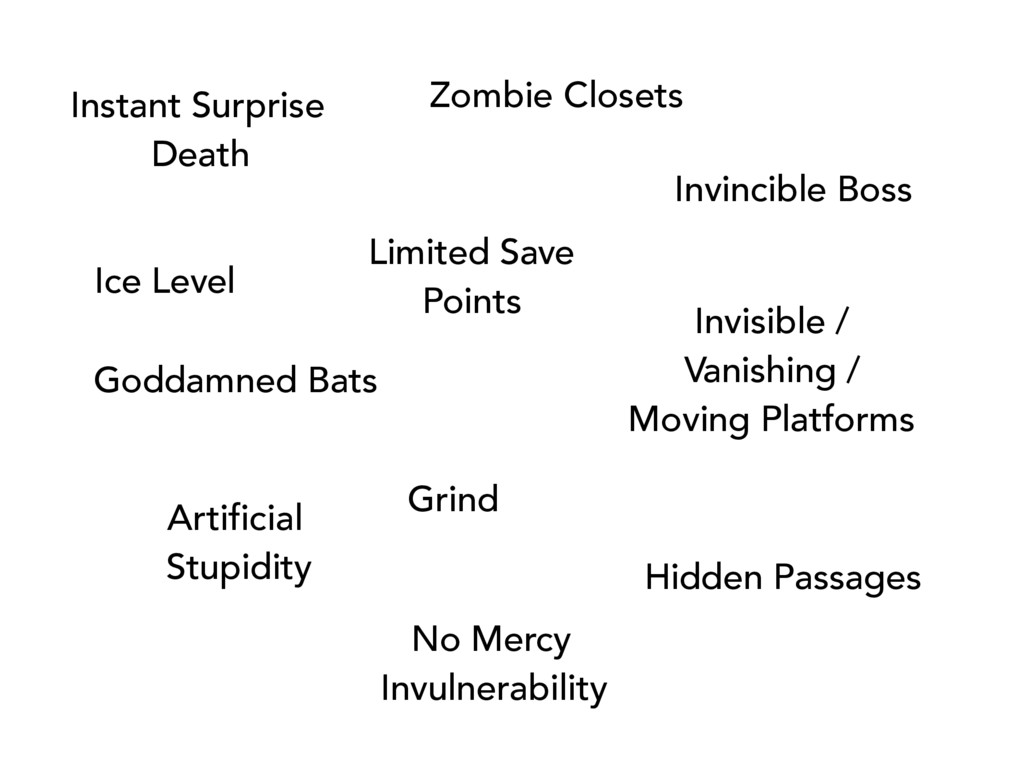
  3. Instant Surprise Death Invisible / Vanishing / Moving Platforms Invincible

    Boss Ice Level Goddamned Bats Hidden Passages Artificial Stupidity No Mercy Invulnerability Zombie Closets Limited Save Points Grind
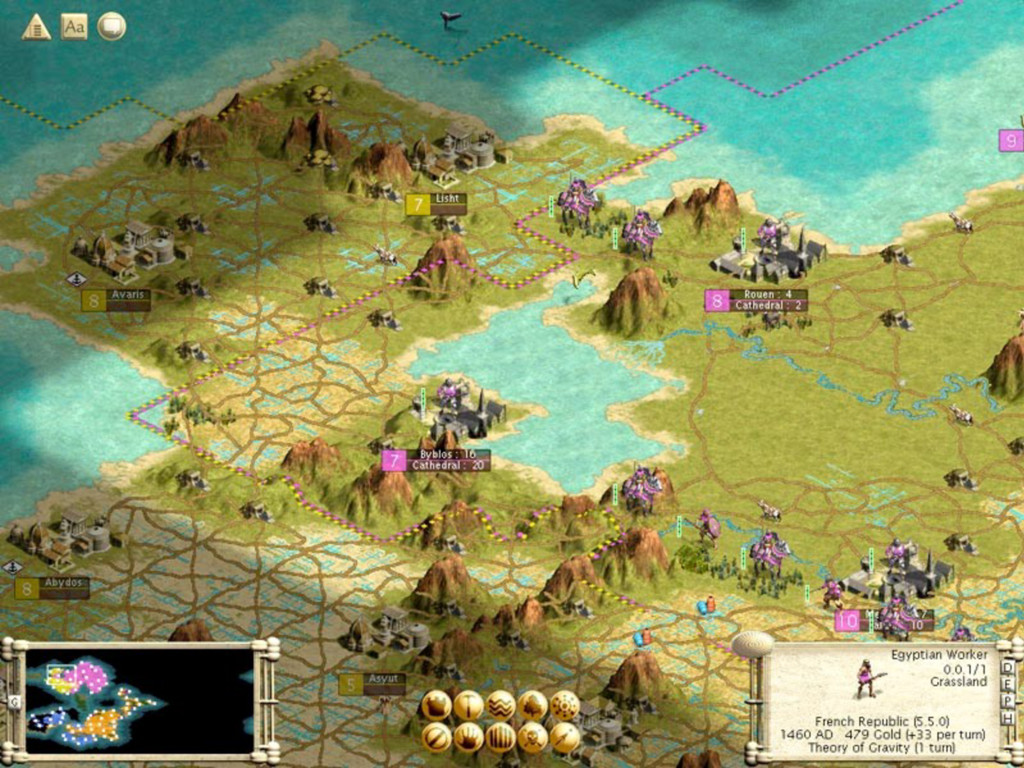
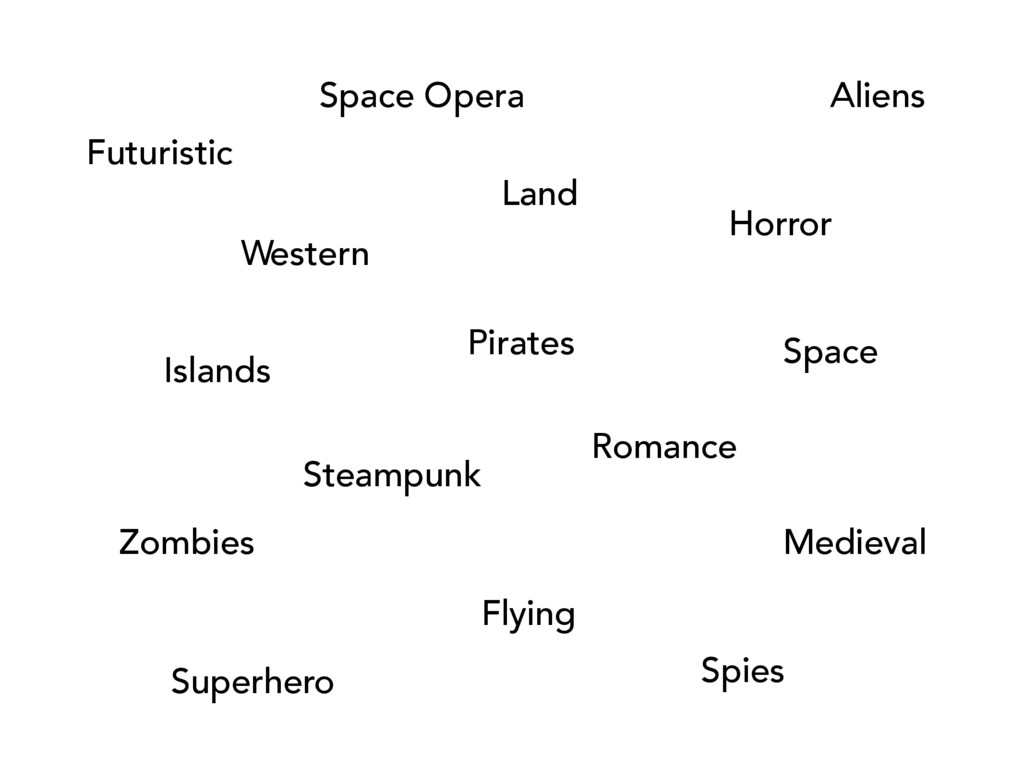
  4. Aliens Zombies Pirates Medieval Futuristic Space Islands Land Flying Horror

    Romance Western Space Opera Spies Superhero Steampunk
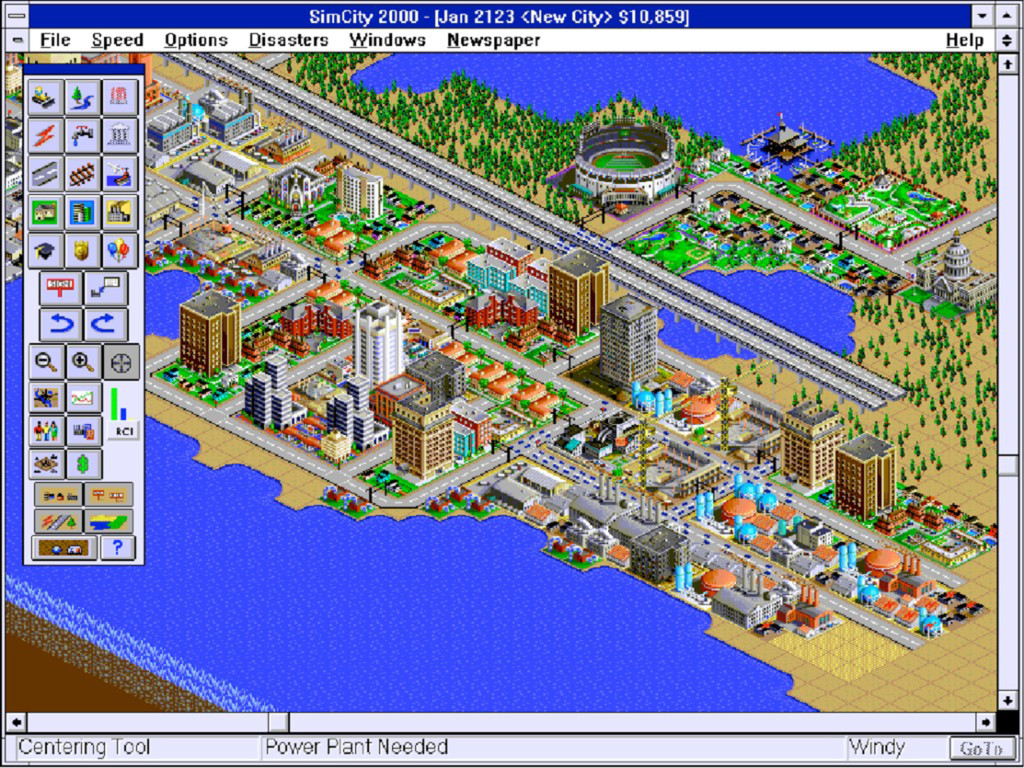
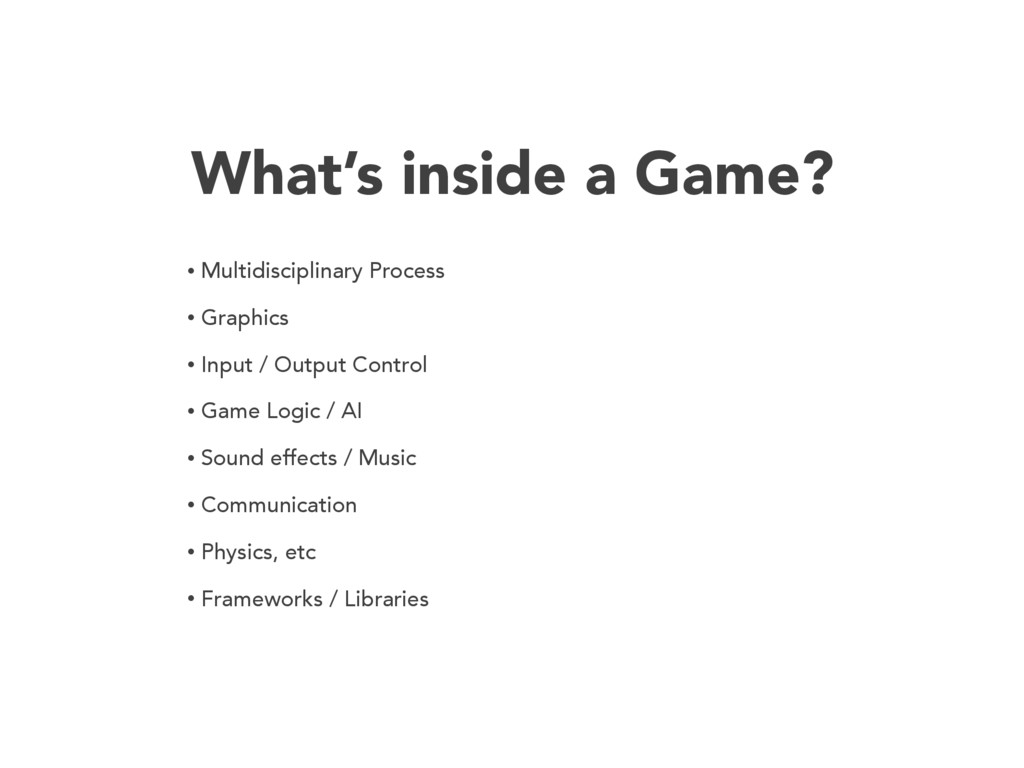
  5. What’s inside a Game? • Multidisciplinary Process • Graphics •

    Input / Output Control • Game Logic / AI • Sound effects / Music • Communication • Physics, etc • Frameworks / Libraries
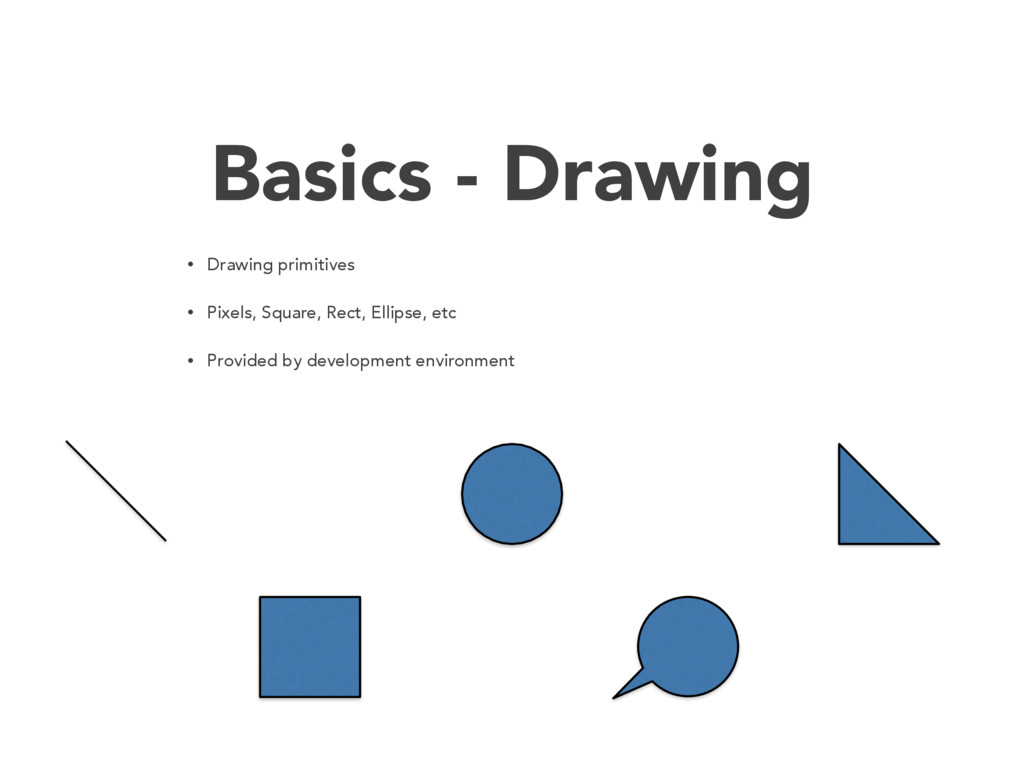
  6. Basics - Drawing • Drawing primitives • Pixels, Square, Rect,

    Ellipse, etc • Provided by development environment
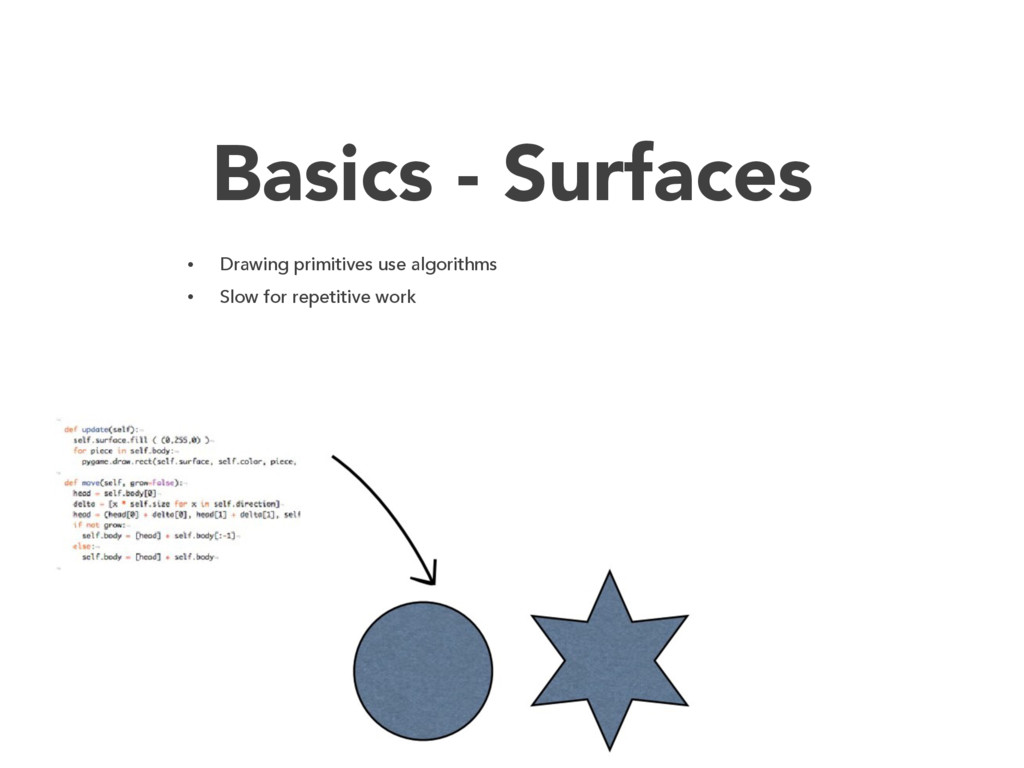
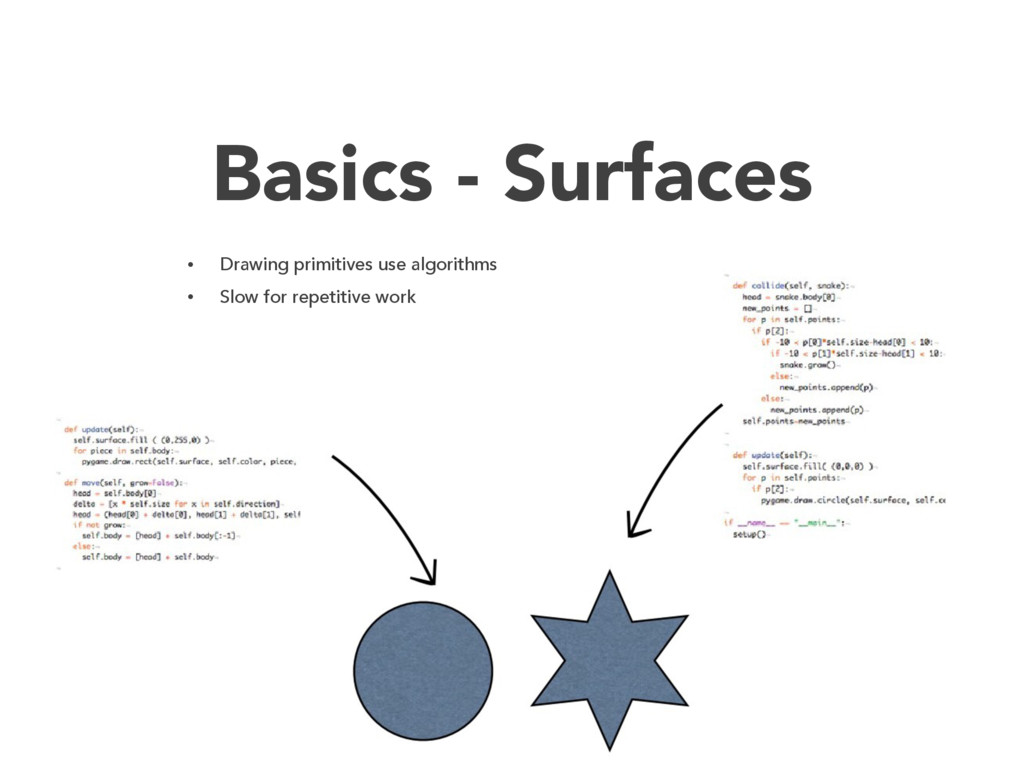
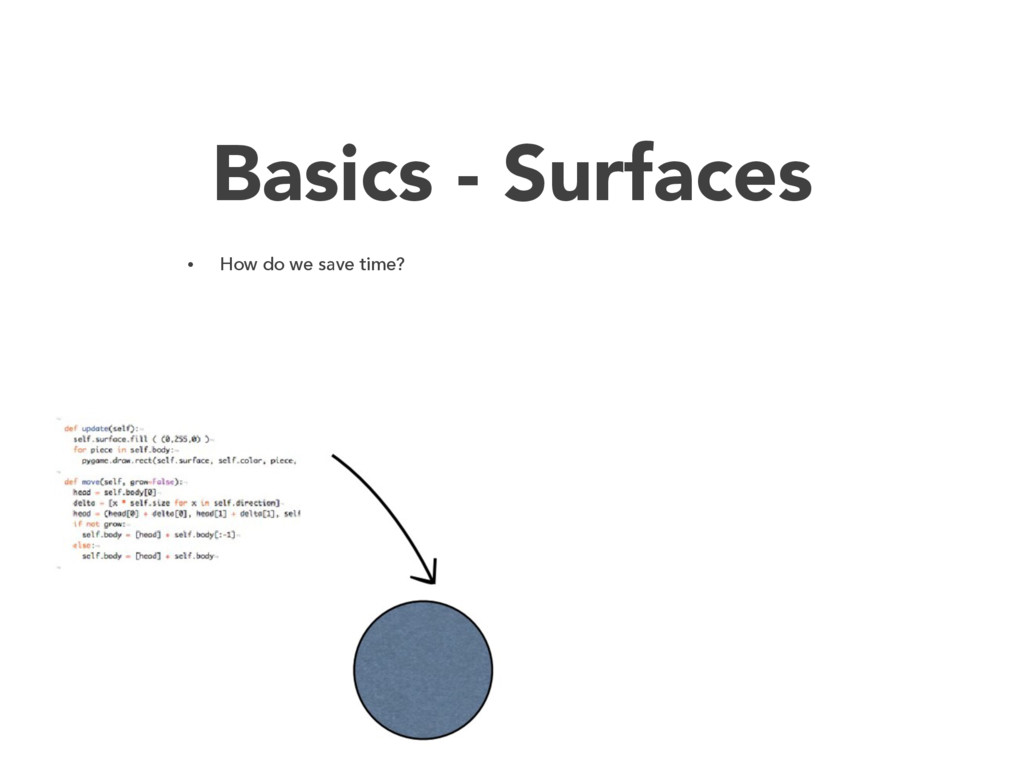
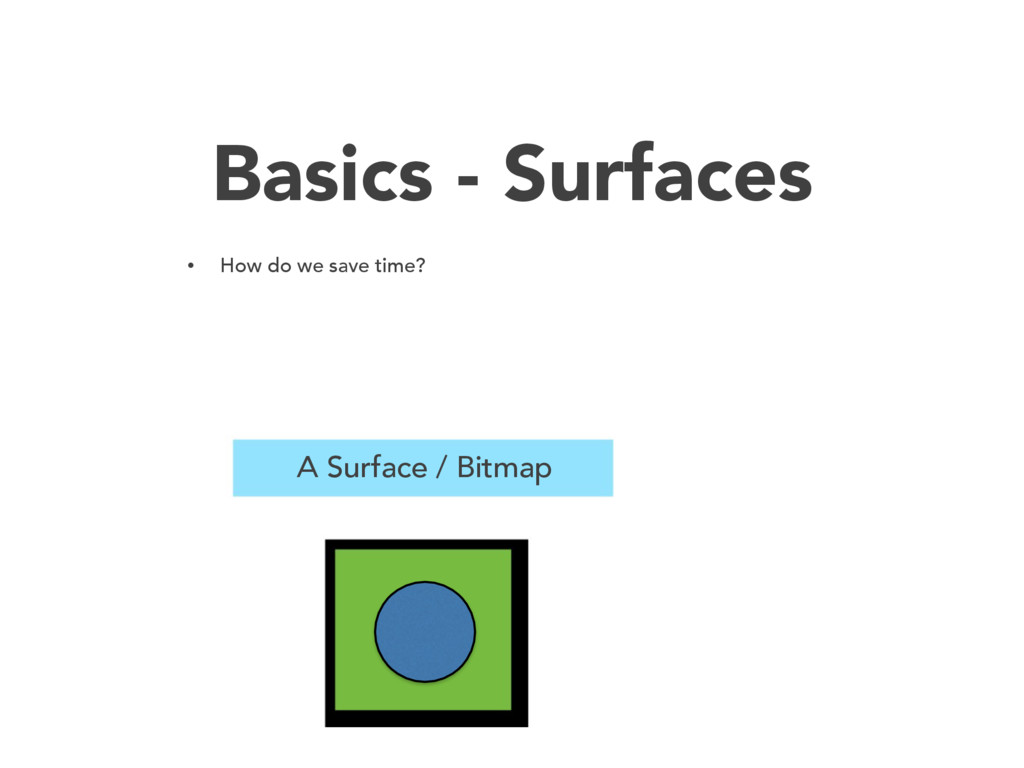
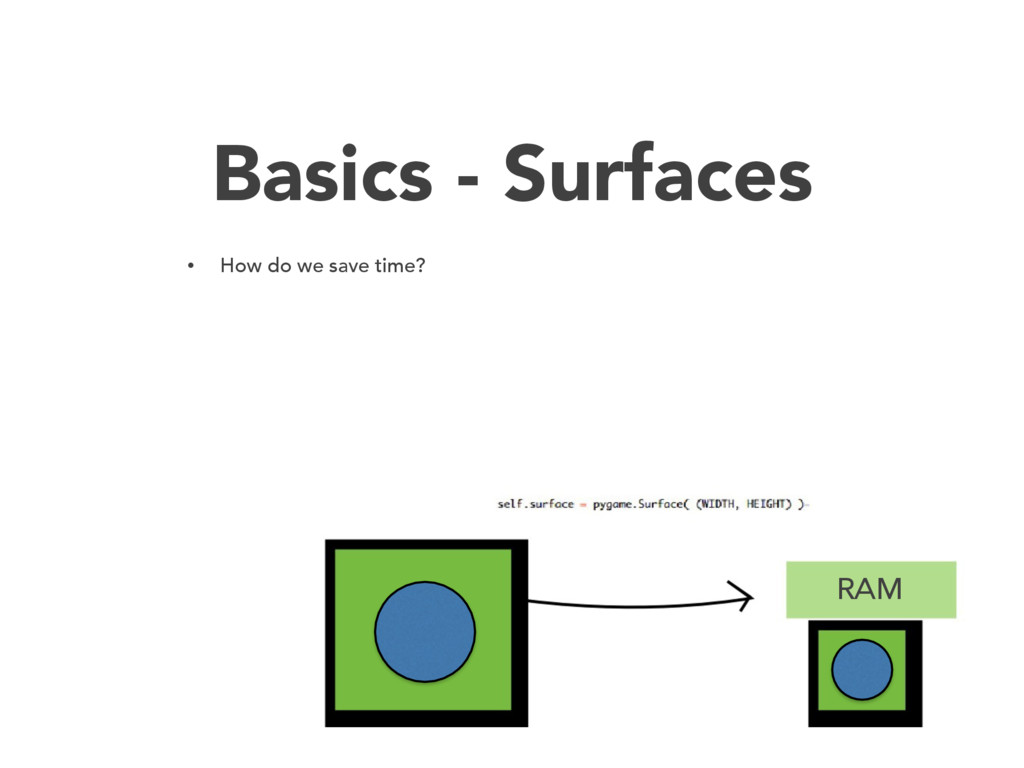
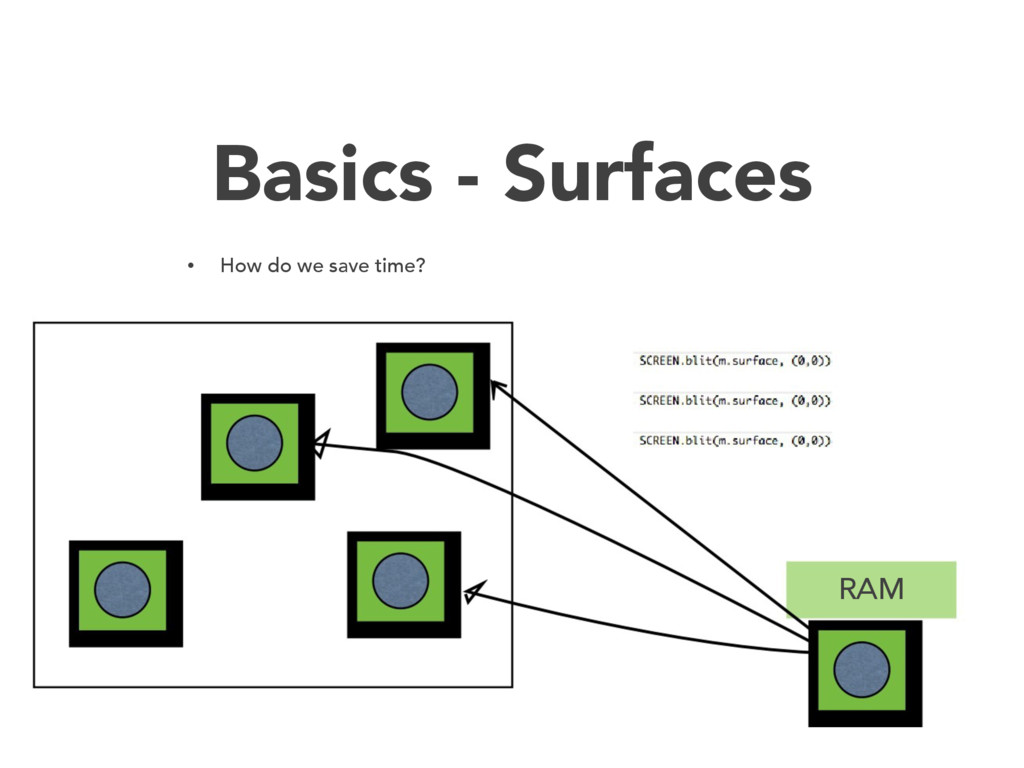
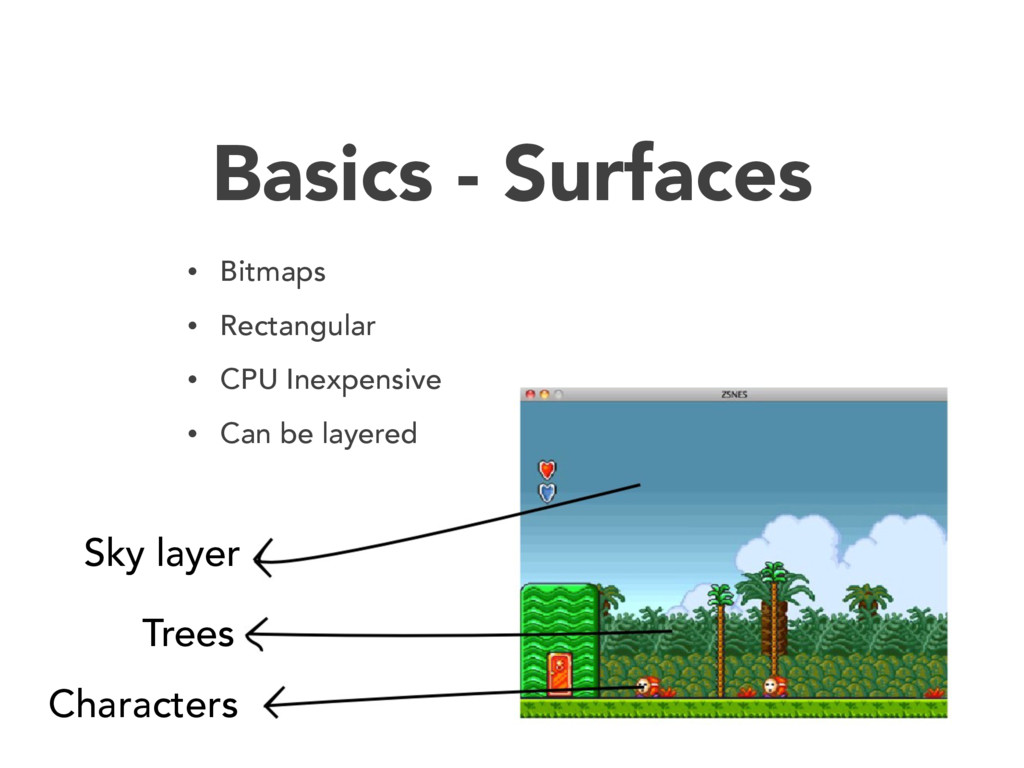
  7. Basics - Surfaces • Bitmaps • Rectangular • CPU Inexpensive

    • Can be layered Sky layer Trees Characters
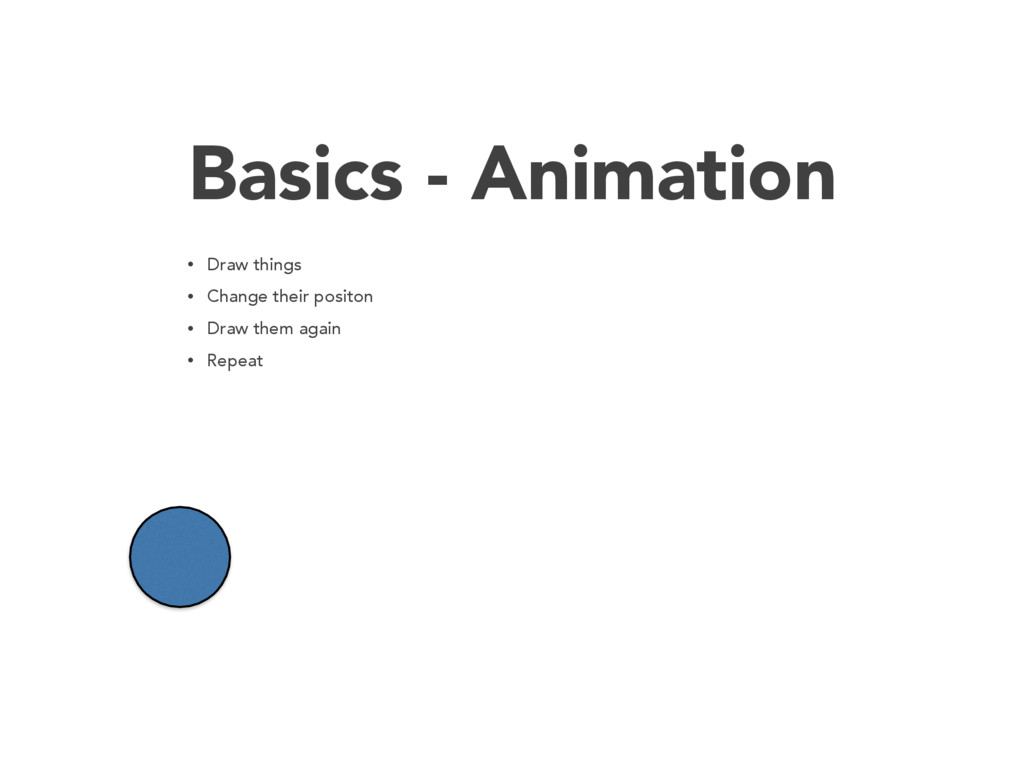
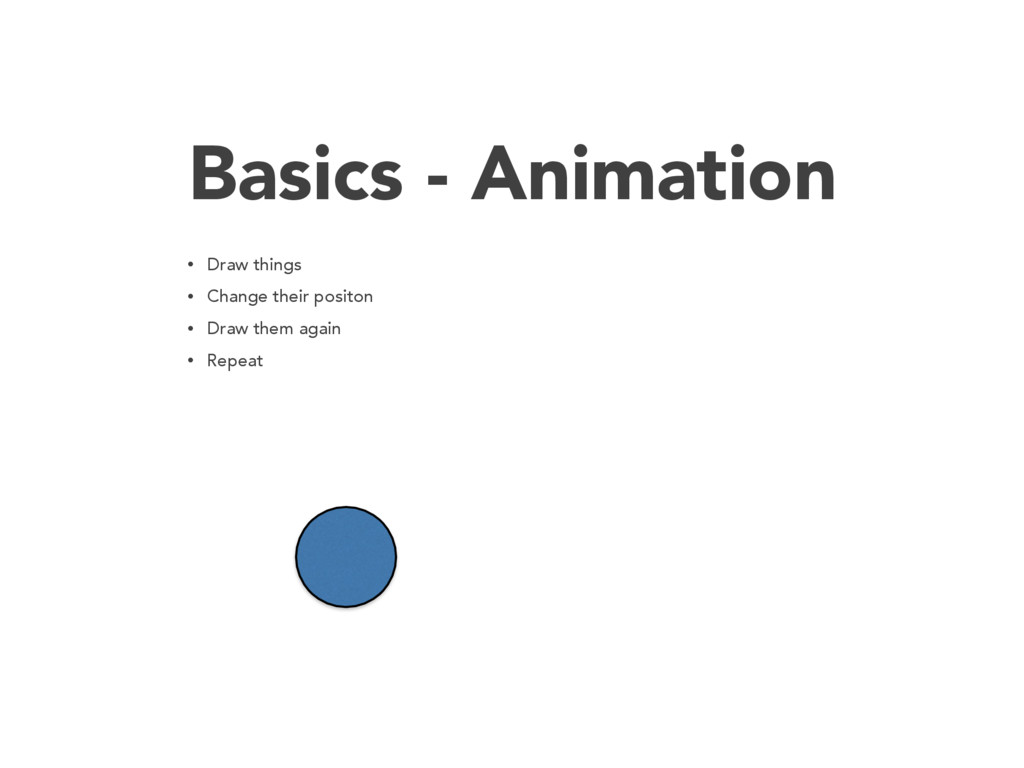
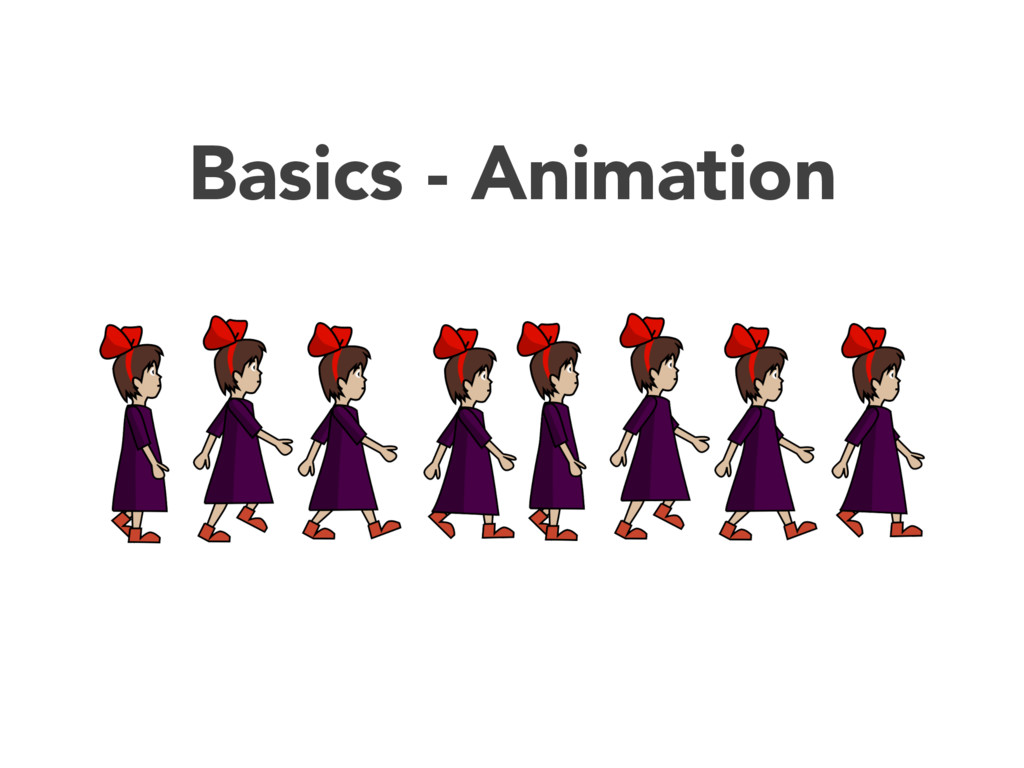
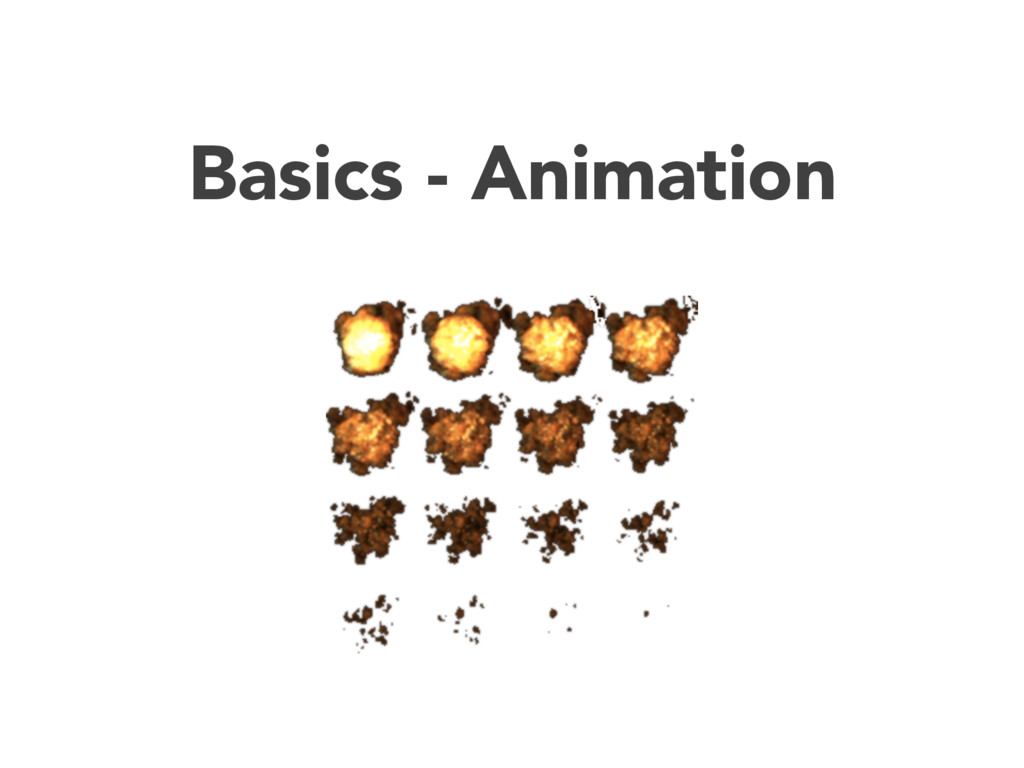
  8. Basics - Animation Again! • Monitors have refresh rate •

    Can’t draw so many surfaces on live screen • How do we make it smooth? • How do we sync?
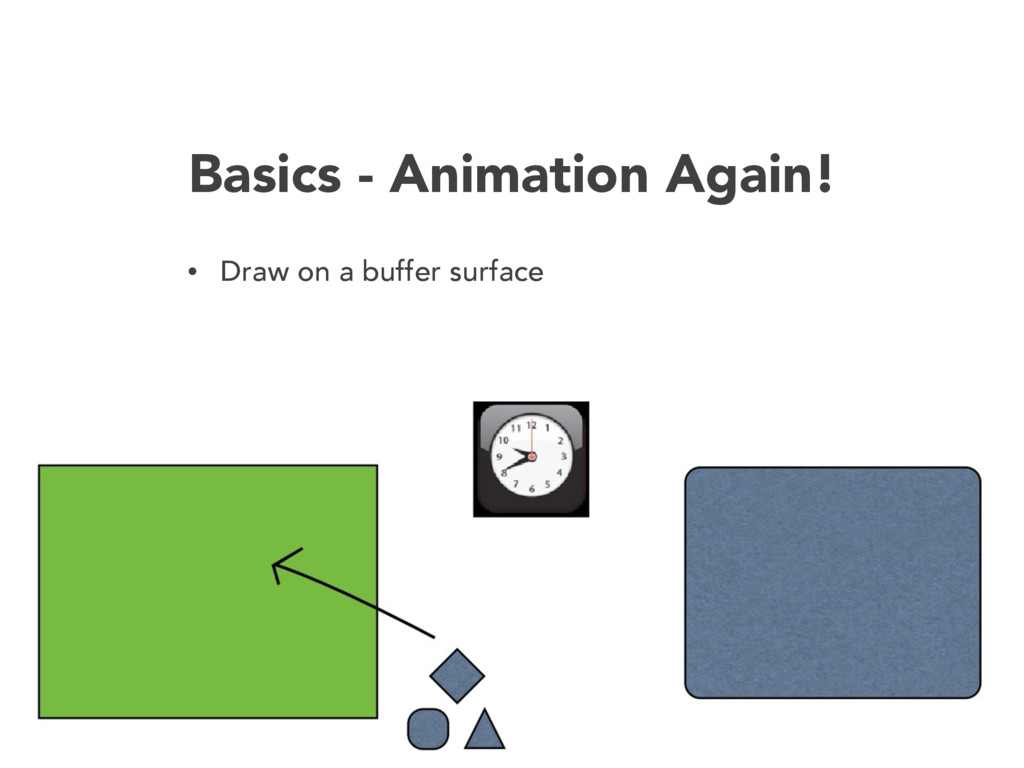
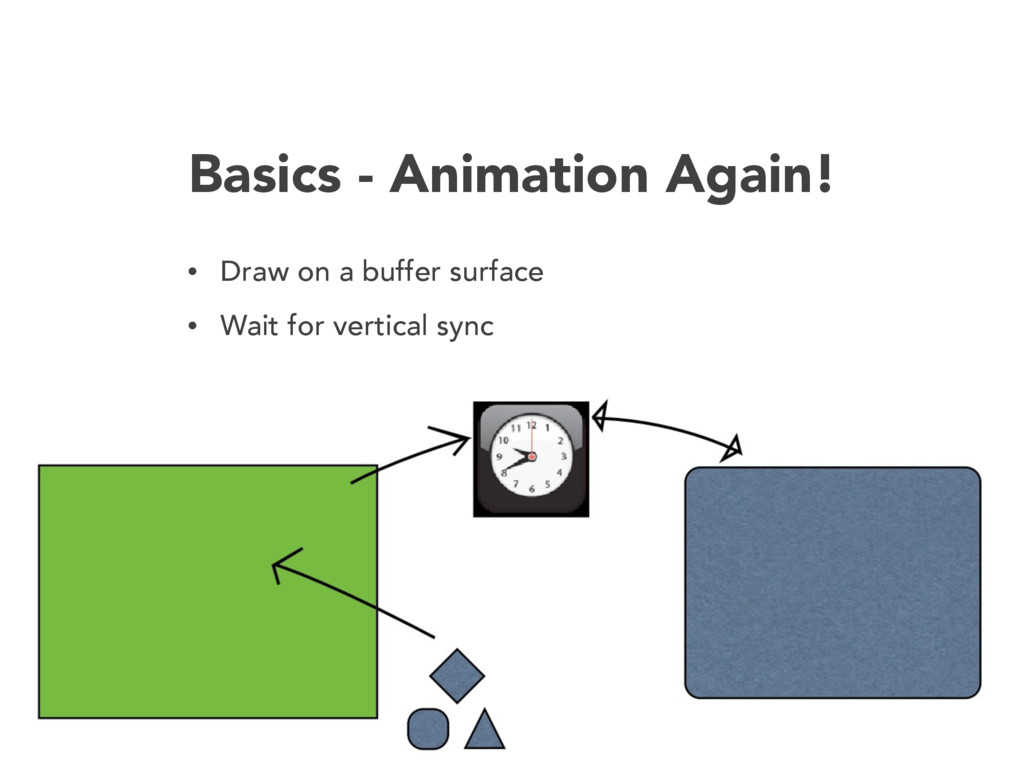
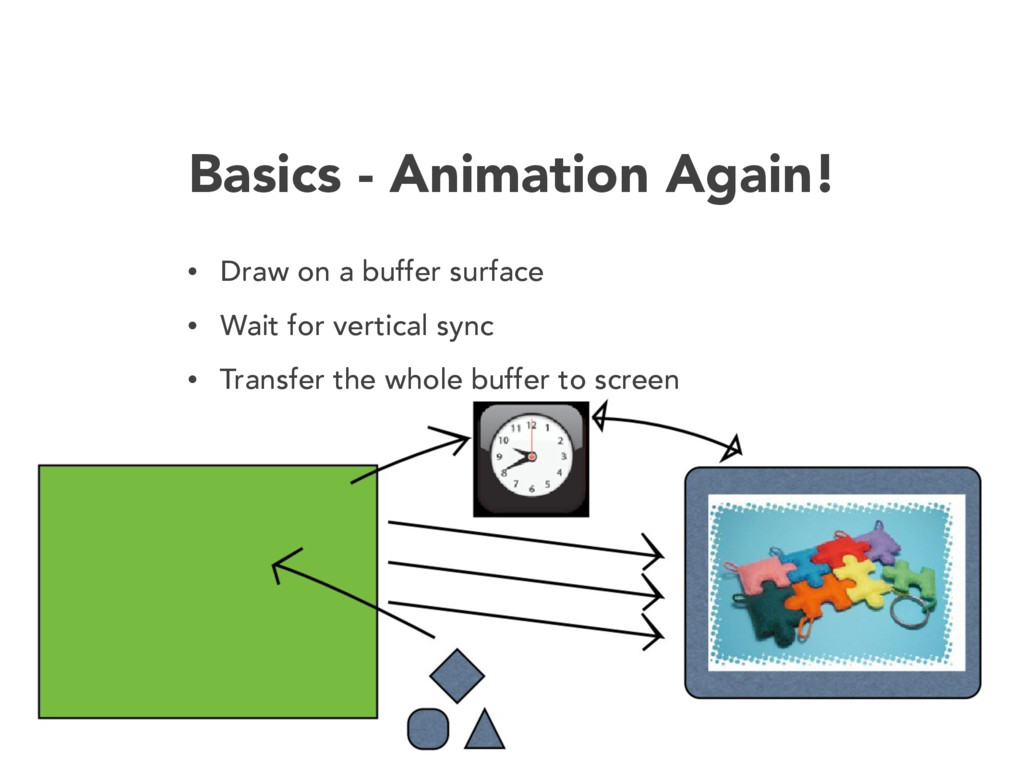
  9. Basics - Animation Again! • Draw on a buffer surface

    • Wait for vertical sync • Transfer the whole buffer to screen
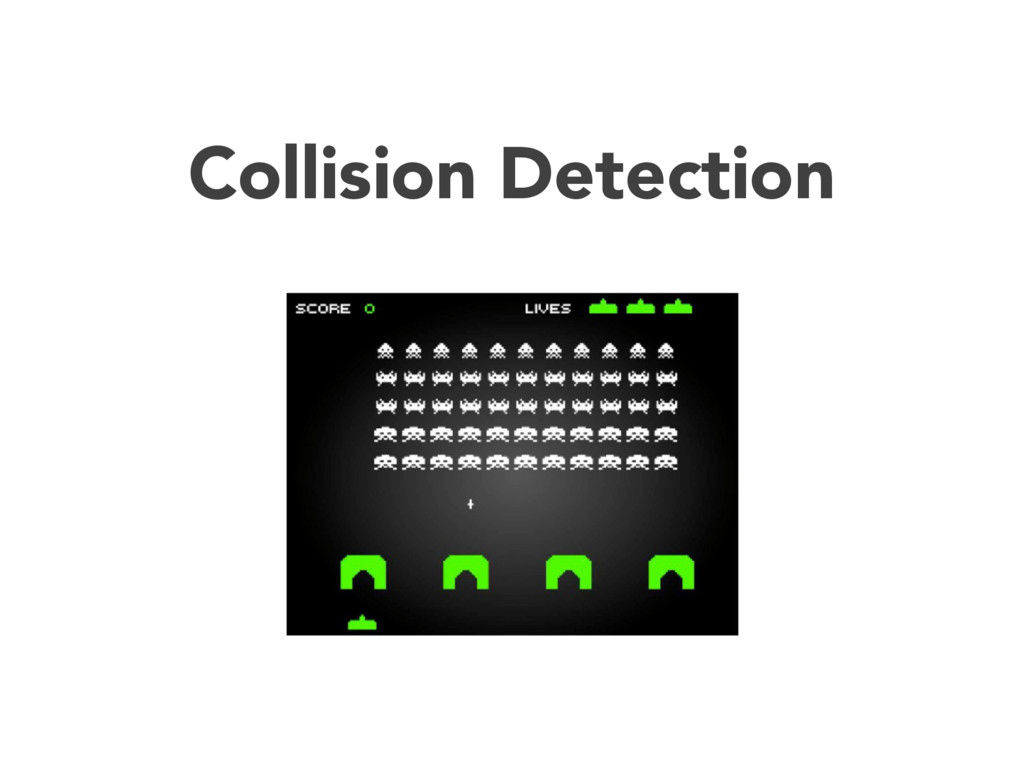
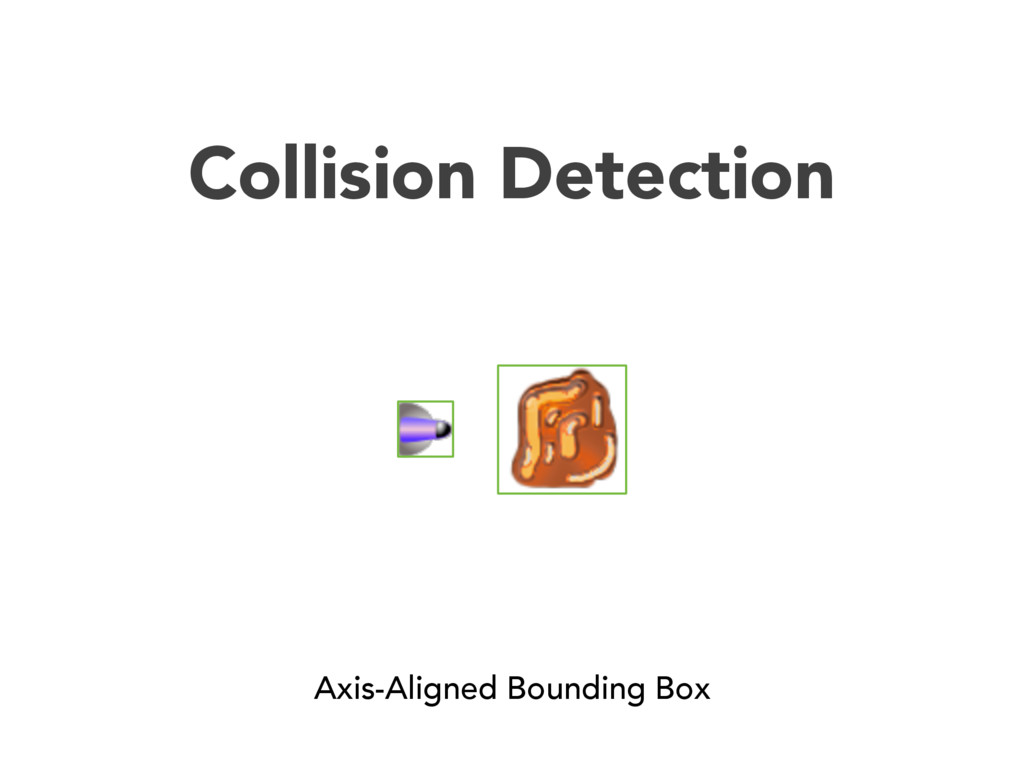
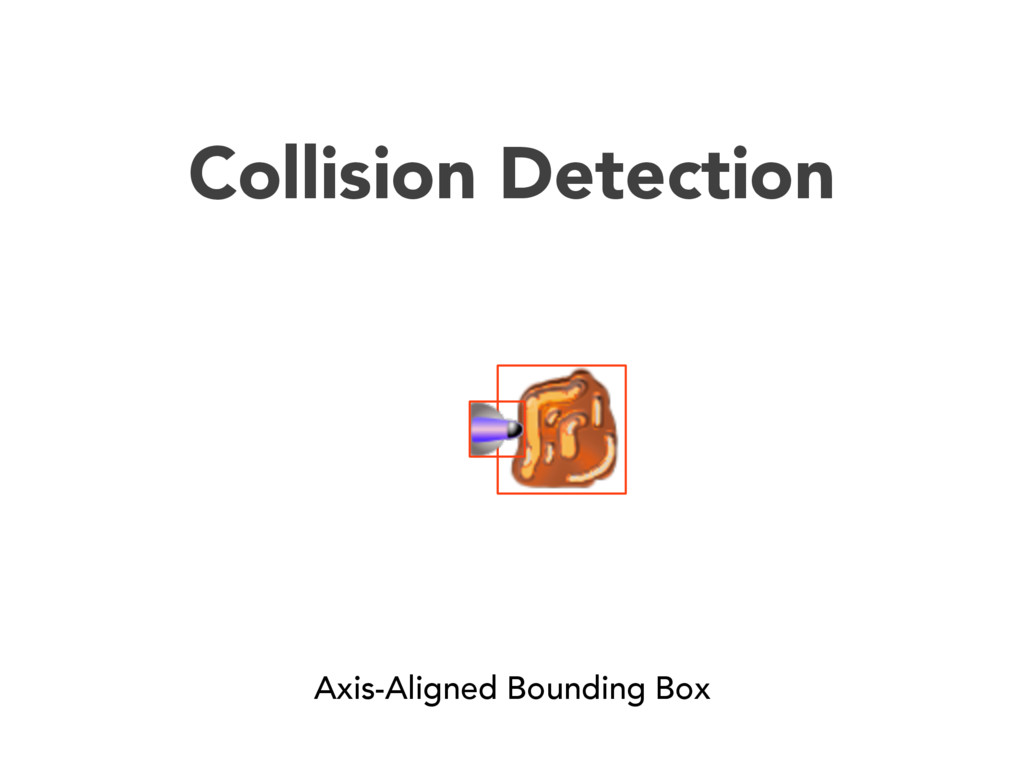
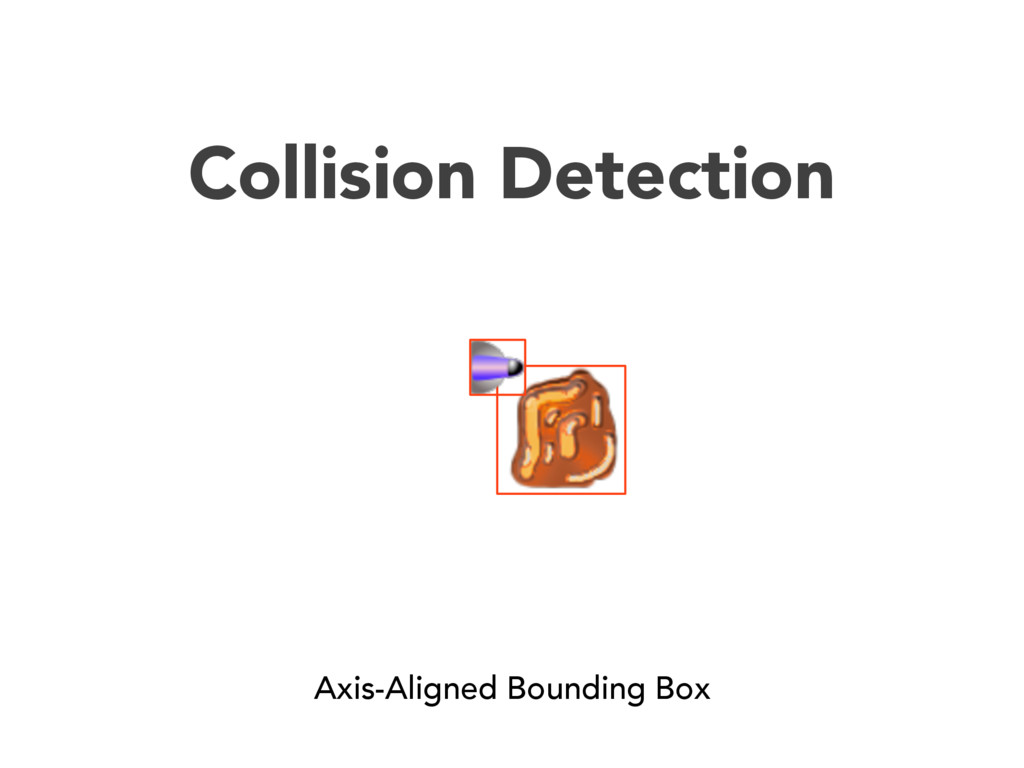
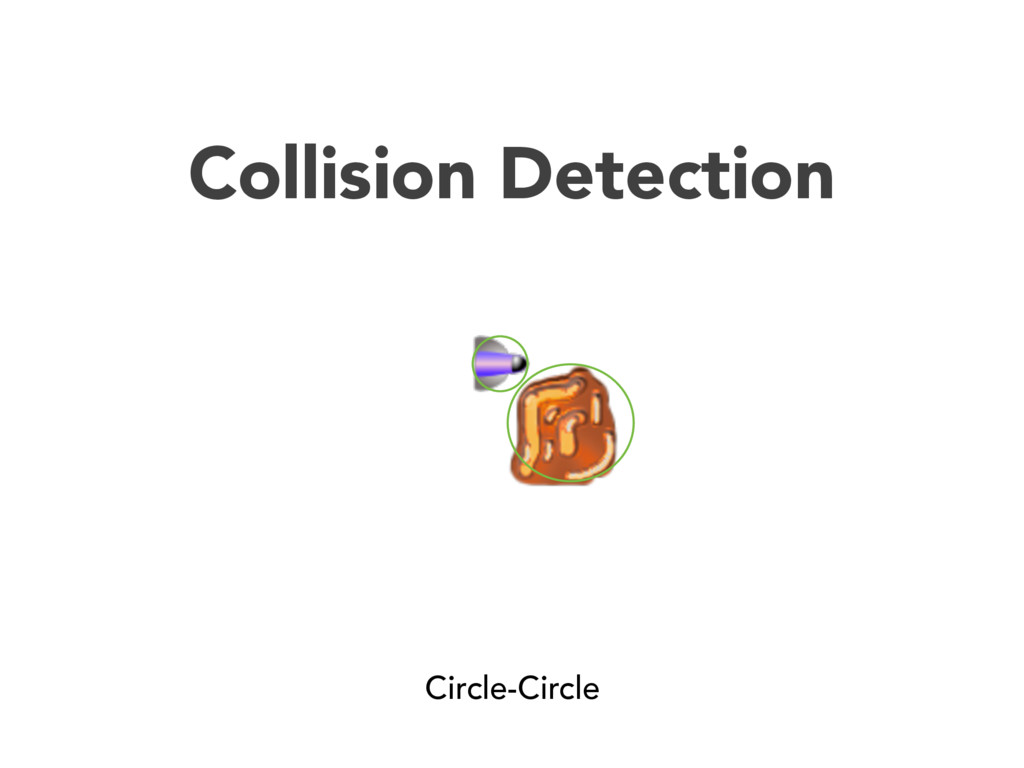
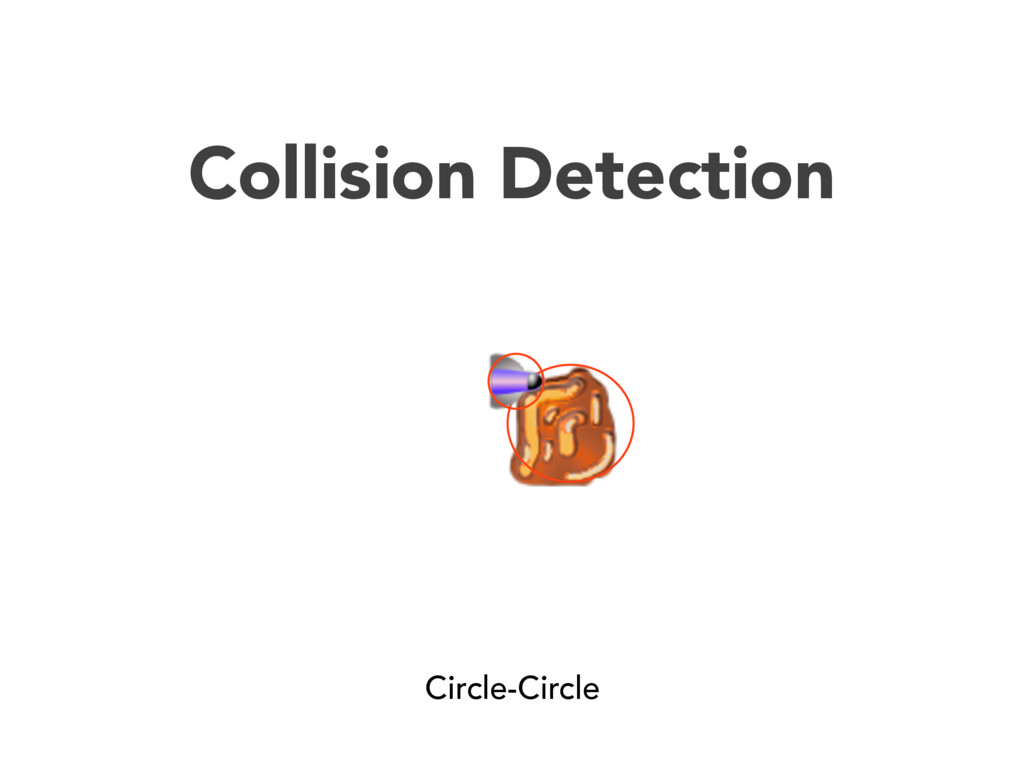
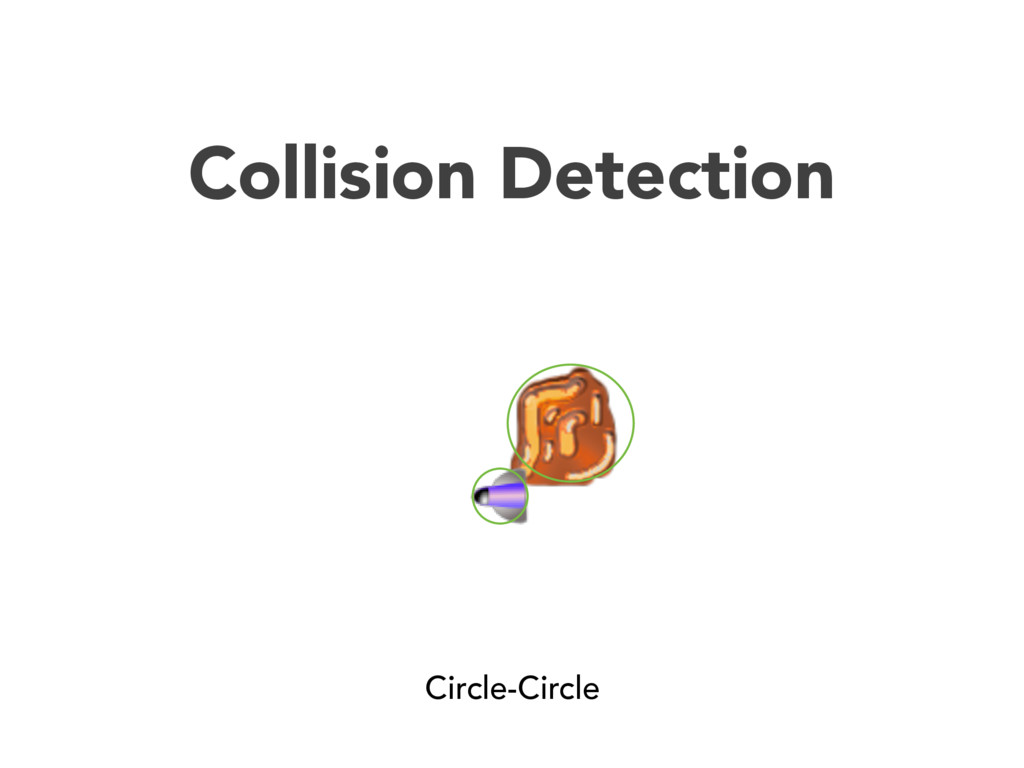
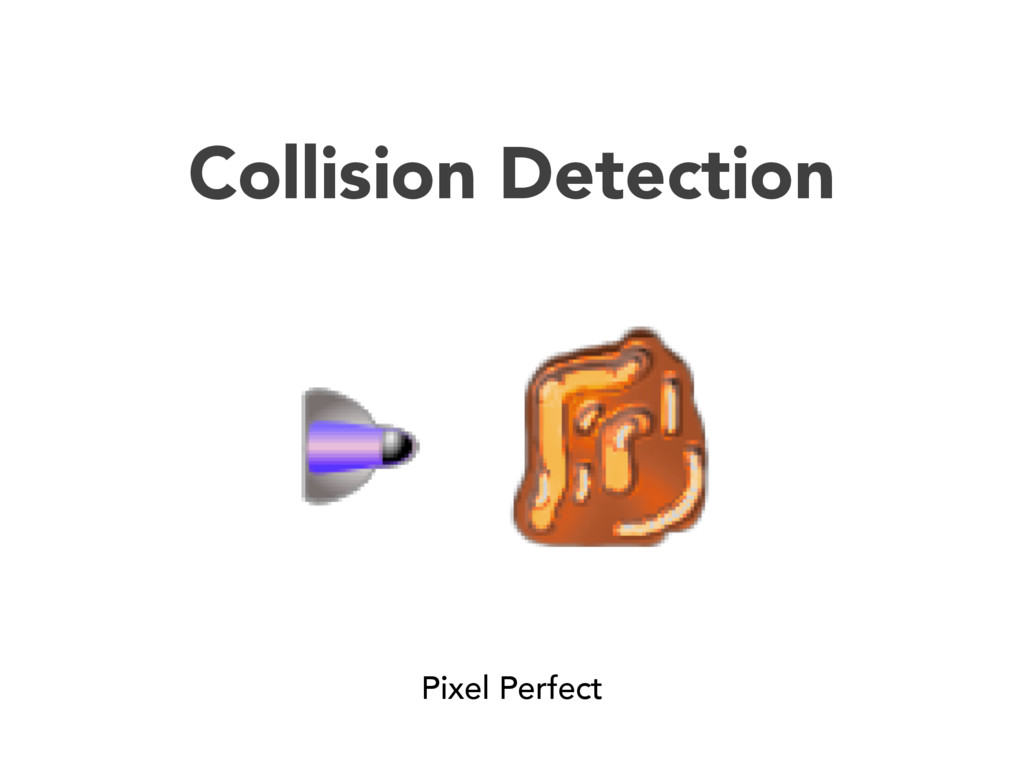
  10. Collision Detection Hash Map d = {(42,42): [ship], (43, 42):

    [ship], (44, 42): ship, … (52, 45): [asteroid], (53, 45): [asteroid], ...}
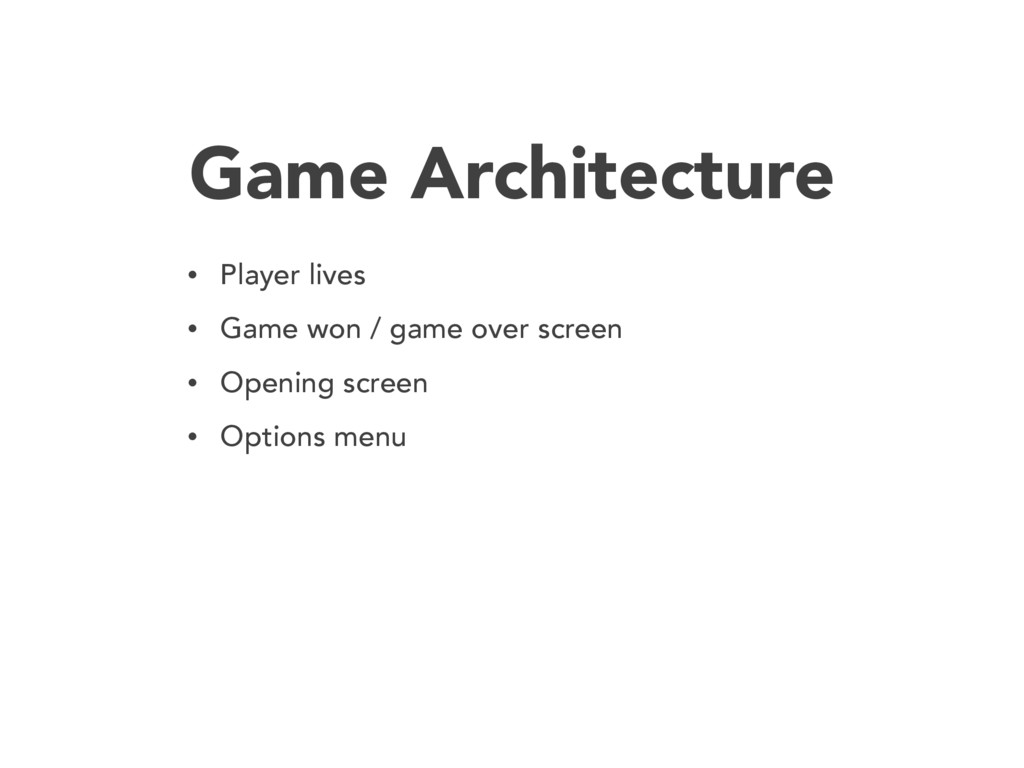
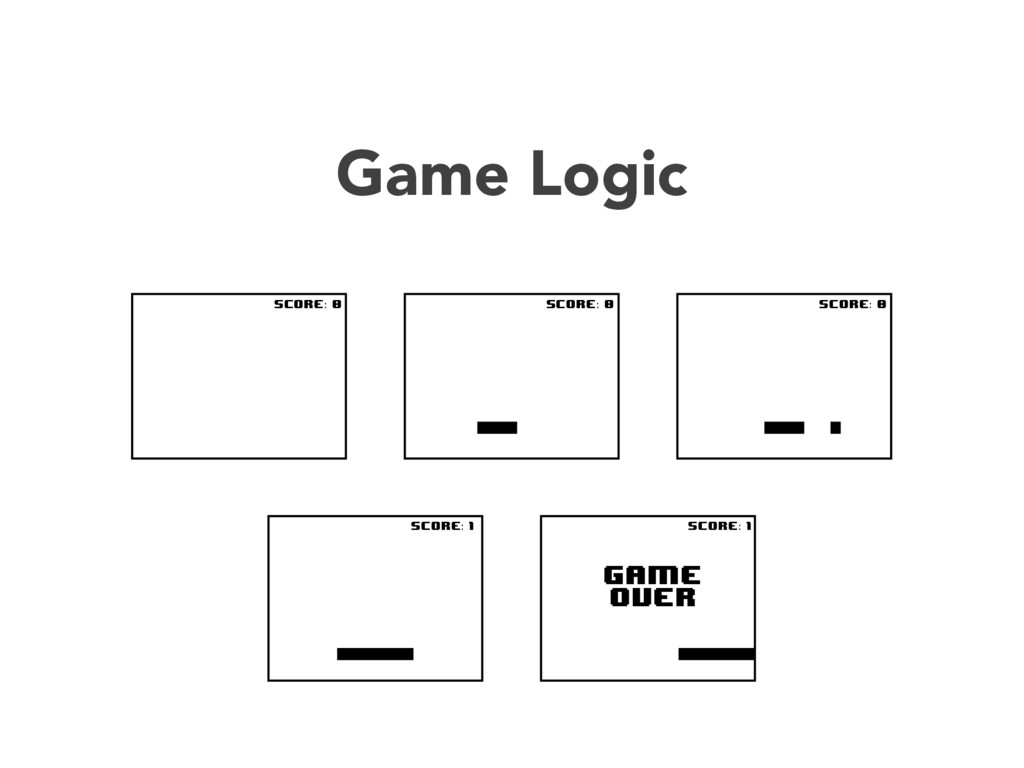
  11. Game Architecture • Player lives • Game won / game

    over screen • Opening screen • Options menu
  12. Pygame is a Python wrapper around the SDL library (Simple

    DirectMedia Layer) with a few unique libraries with an emphasis on game programming, written by Pete Shinners. http://pygame.org/
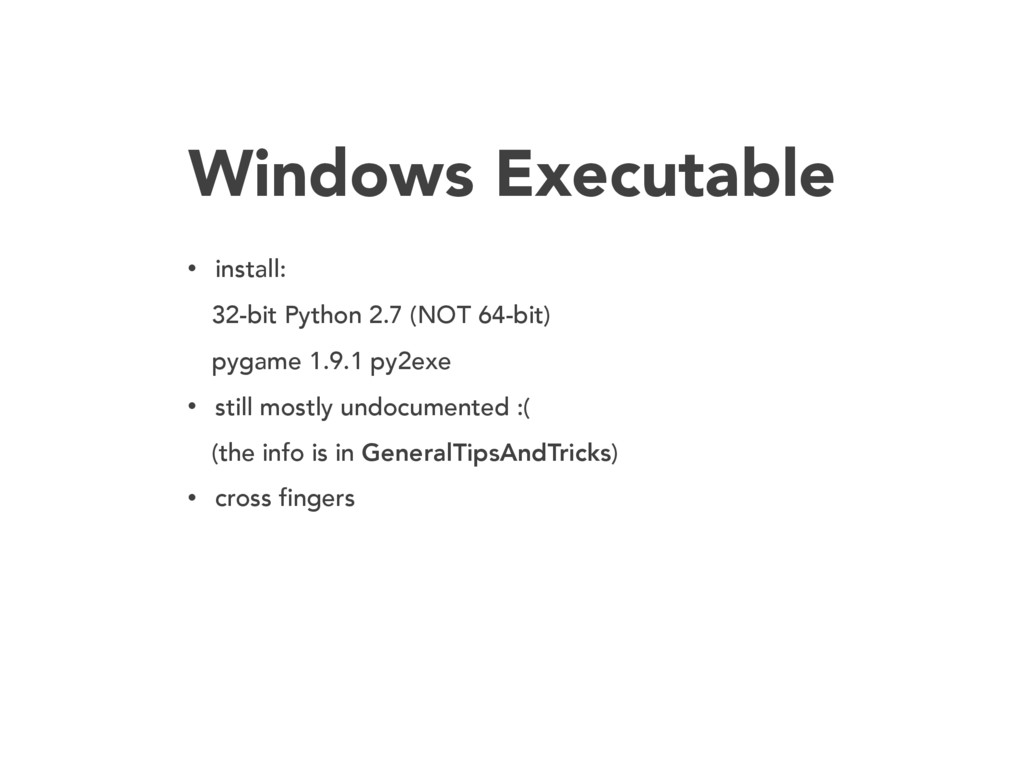
  13. Windows Executable • install: 32-bit Python 2.7 (NOT 64-bit) pygame

    1.9.1 py2exe • still mostly undocumented :( (the info is in GeneralTipsAndTricks) • cross fingers
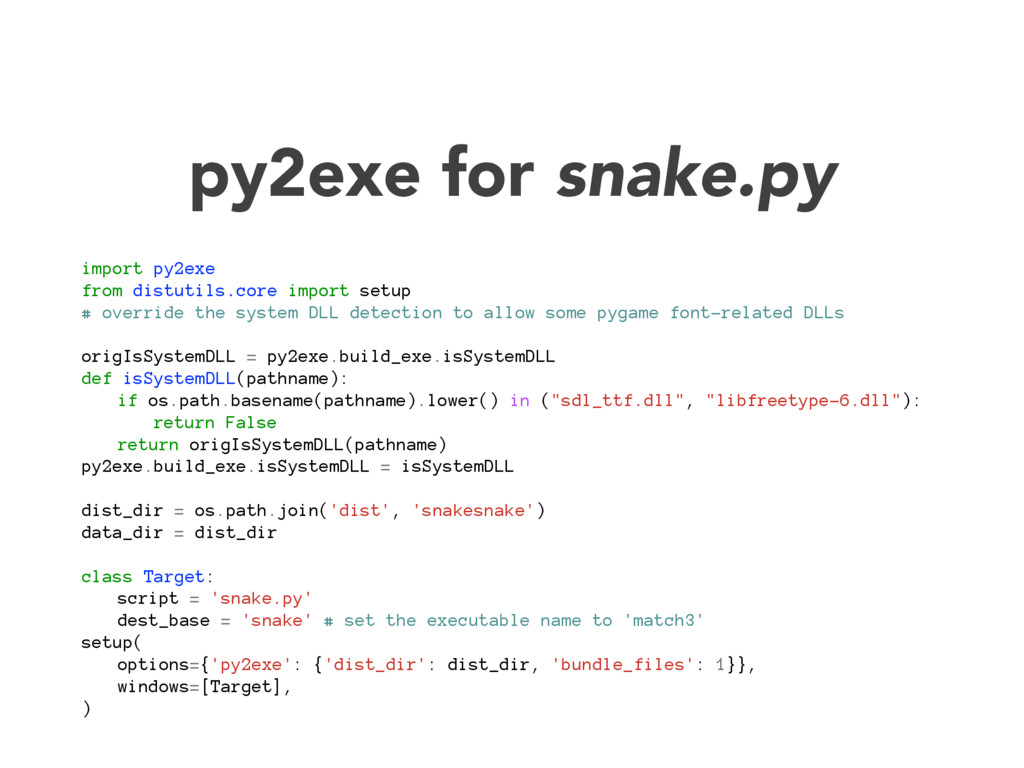
  14. py2exe for snake.py import py2exe from distutils.core import setup #

    override the system DLL detection to allow some pygame font-related DLLs origIsSystemDLL = py2exe.build_exe.isSystemDLL def isSystemDLL(pathname): if os.path.basename(pathname).lower() in ("sdl_ttf.dll", "libfreetype-6.dll"): return False return origIsSystemDLL(pathname) py2exe.build_exe.isSystemDLL = isSystemDLL dist_dir = os.path.join('dist', 'snakesnake') data_dir = dist_dir class Target: script = 'snake.py' dest_base = 'snake' # set the executable name to 'match3' setup( options={'py2exe': {'dist_dir': dist_dir, 'bundle_files': 1}}, windows=[Target], )
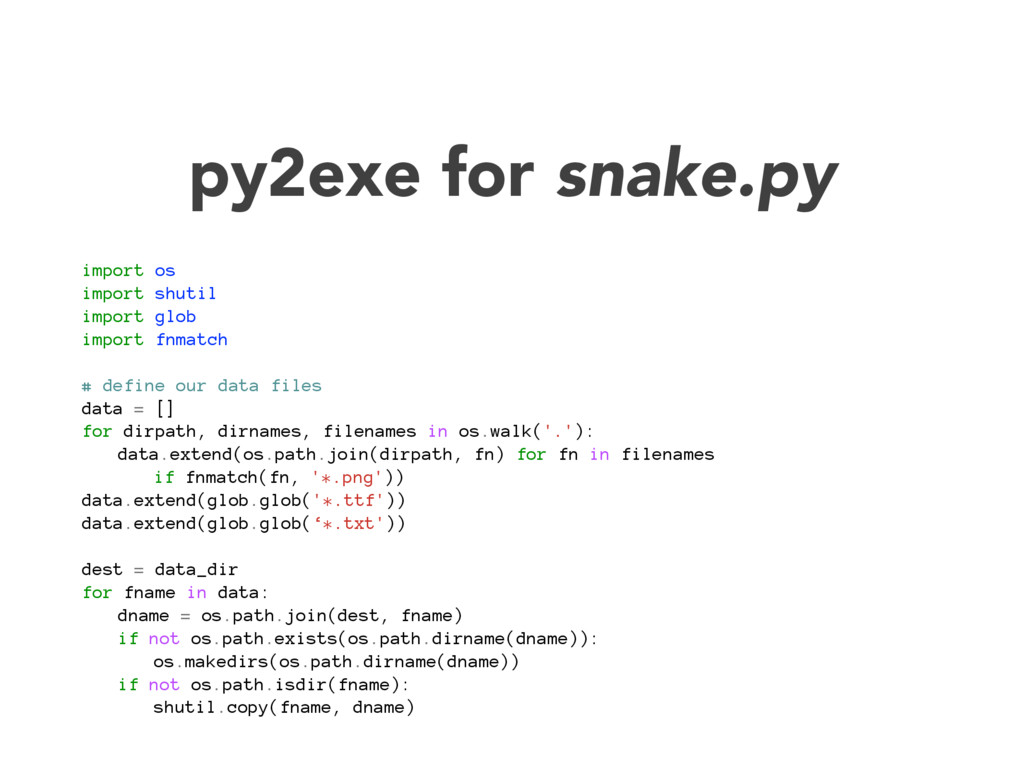
  15. py2exe for snake.py import os import shutil import glob import

    fnmatch # define our data files data = [] for dirpath, dirnames, filenames in os.walk('.'): data.extend(os.path.join(dirpath, fn) for fn in filenames if fnmatch(fn, '*.png')) data.extend(glob.glob('*.ttf')) data.extend(glob.glob(‘*.txt')) dest = data_dir for fname in data: dname = os.path.join(dest, fname) if not os.path.exists(os.path.dirname(dname)): os.makedirs(os.path.dirname(dname)) if not os.path.isdir(fname): shutil.copy(fname, dname)
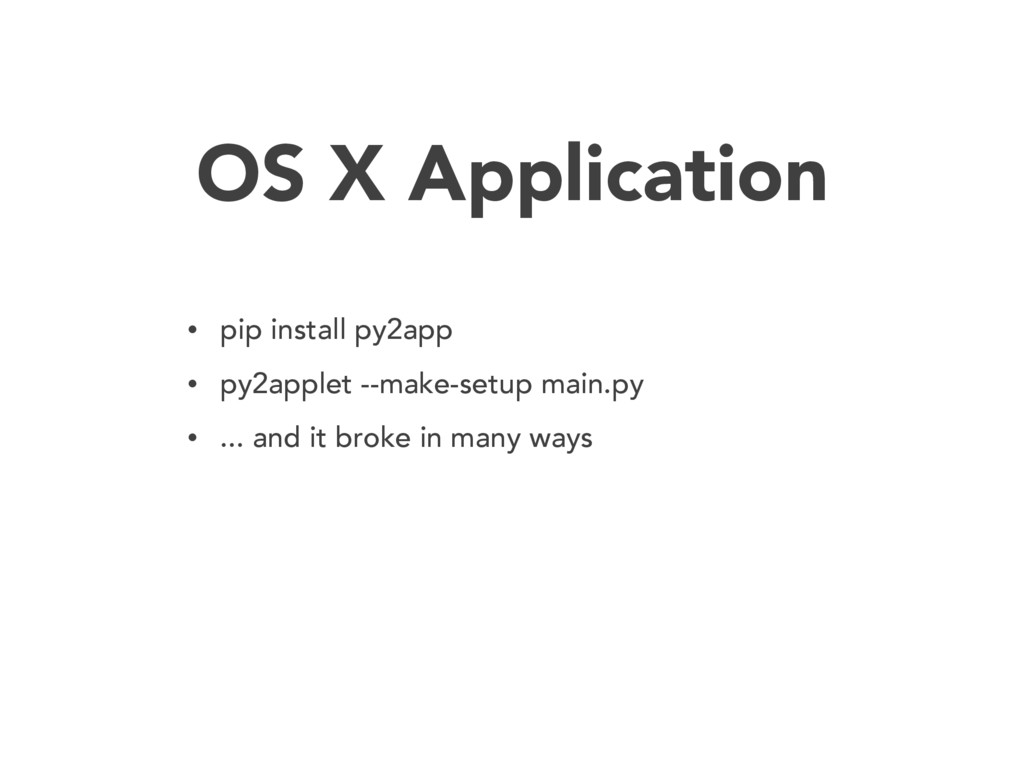
  16. OS X Application • pip install py2app • py2applet --make-setup

    main.py • ... and it broke in many ways
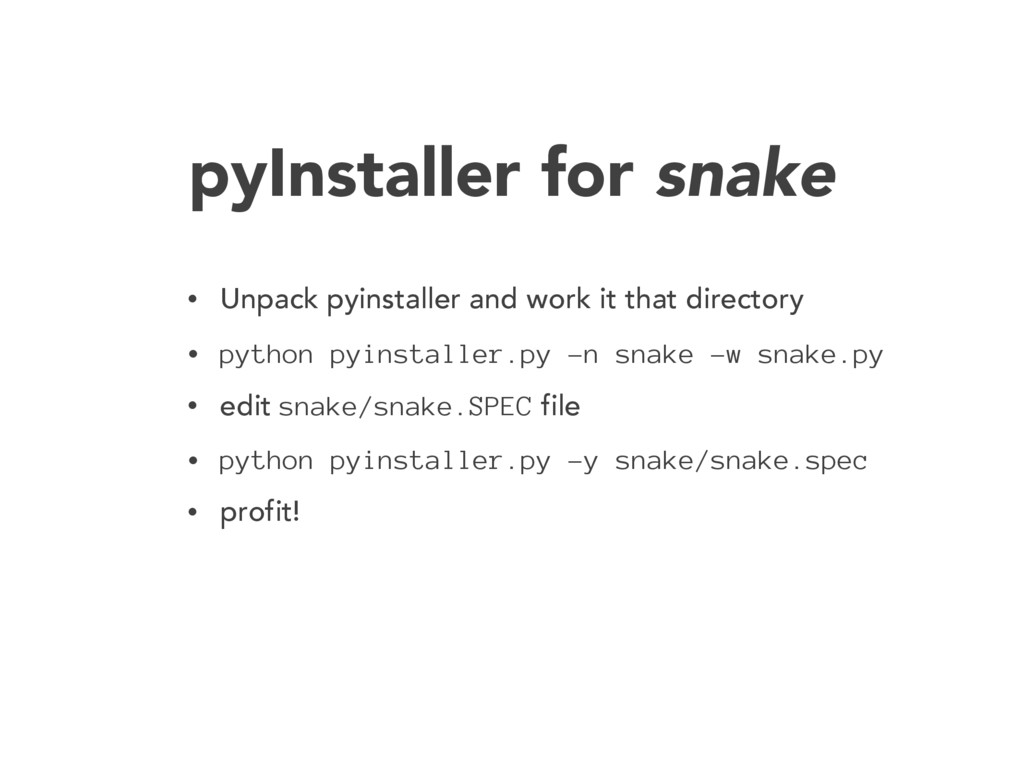
  17. pyInstaller for snake • Unpack pyinstaller and work it that

    directory • python pyinstaller.py -n snake -w snake.py • edit snake/snake.SPEC file • python pyinstaller.py -y snake/snake.spec • profit!
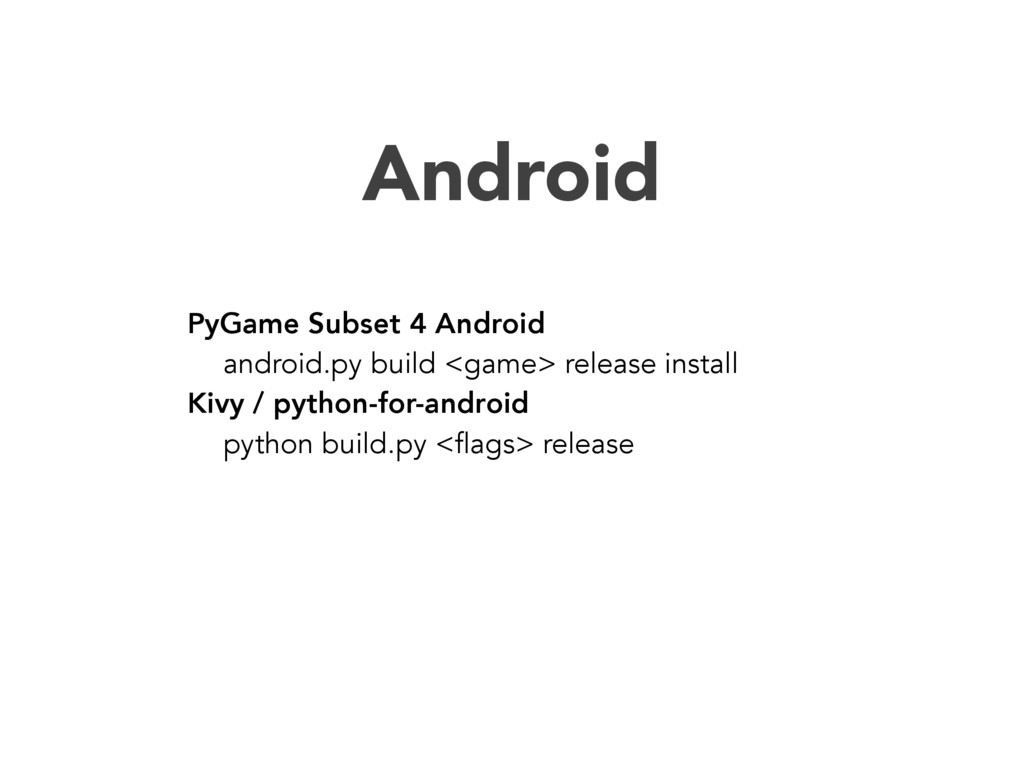
  18. Android PyGame Subset 4 Android android.py build <game> release install

    Kivy / python-for-android python build.py <flags> release
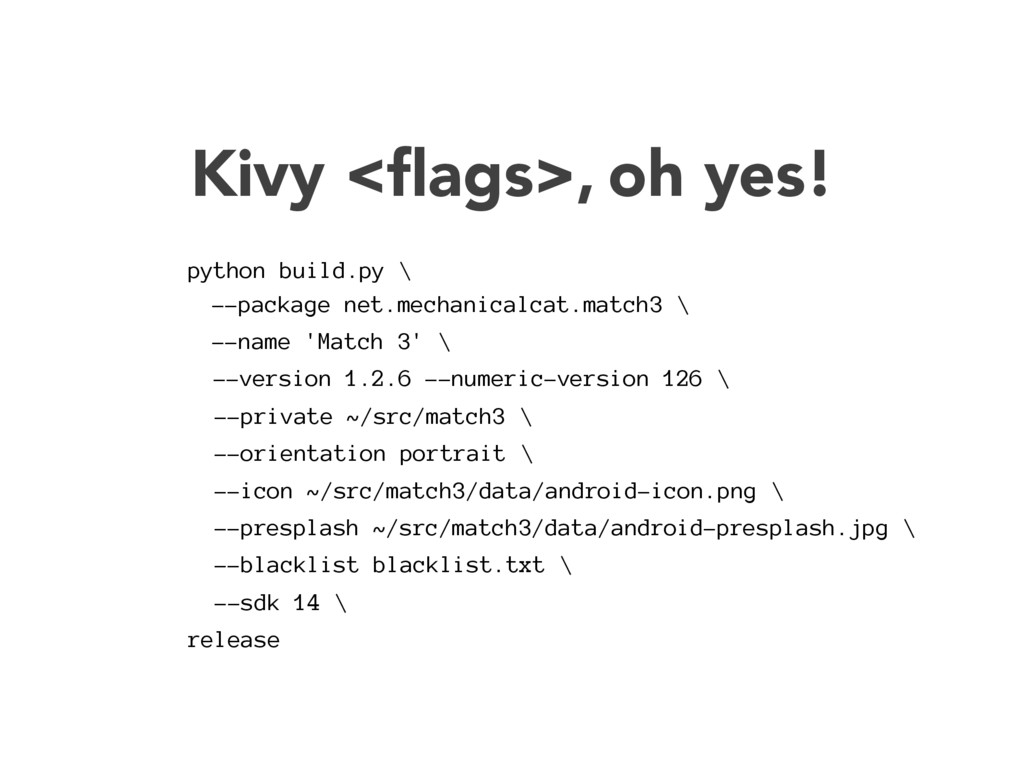
  19. Kivy <flags>, oh yes! python build.py \ --package net.mechanicalcat.match3 \

    --name 'Match 3' \ --version 1.2.6 --numeric-version 126 \ --private ~/src/match3 \ --orientation portrait \ --icon ~/src/match3/data/android-icon.png \ --presplash ~/src/match3/data/android-presplash.jpg \ --blacklist blacklist.txt \ --sdk 14 \ release