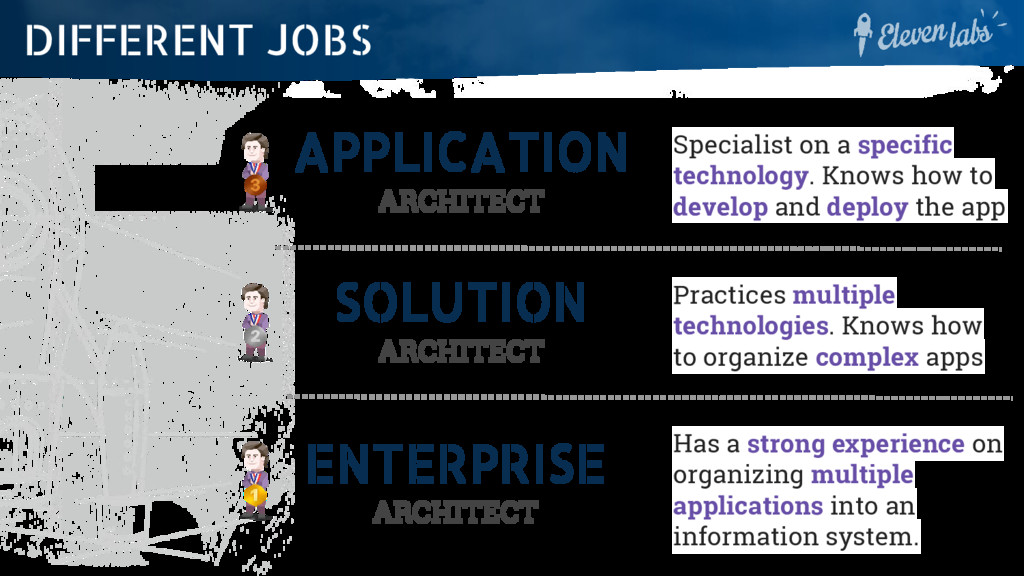
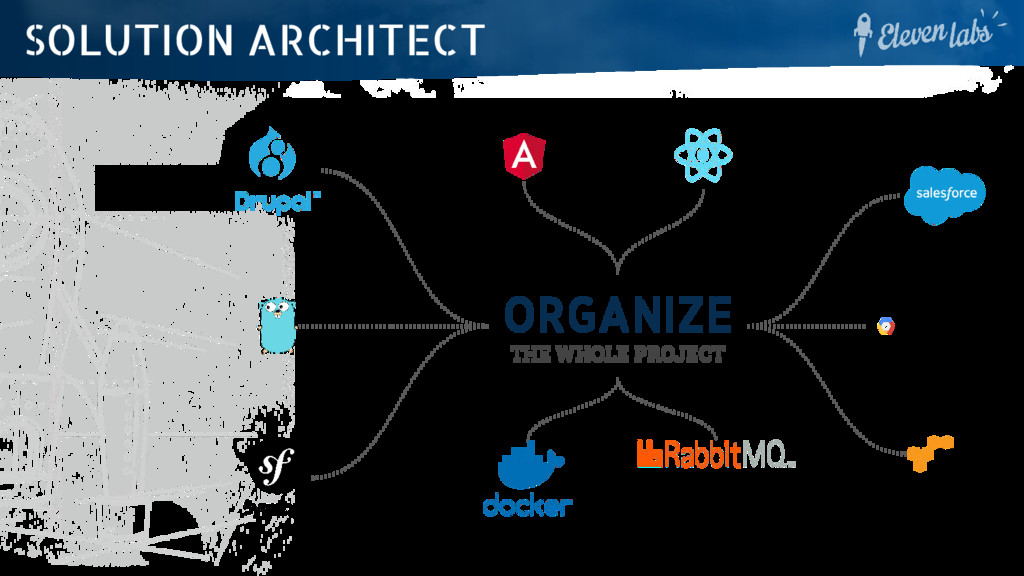
develop and deploy the app SOLUTION ARCHITECT Practices multiple technologies. Knows how to organize complex apps ENTERPRISE ARCHITECT Has a strong experience on organizing multiple applications into an information system. DIFFERENT JOBS
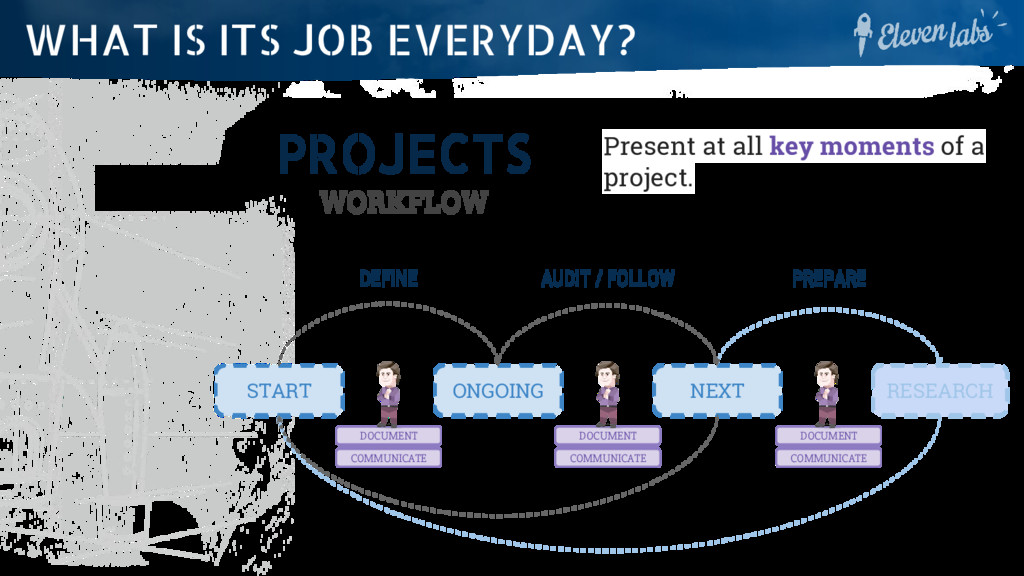
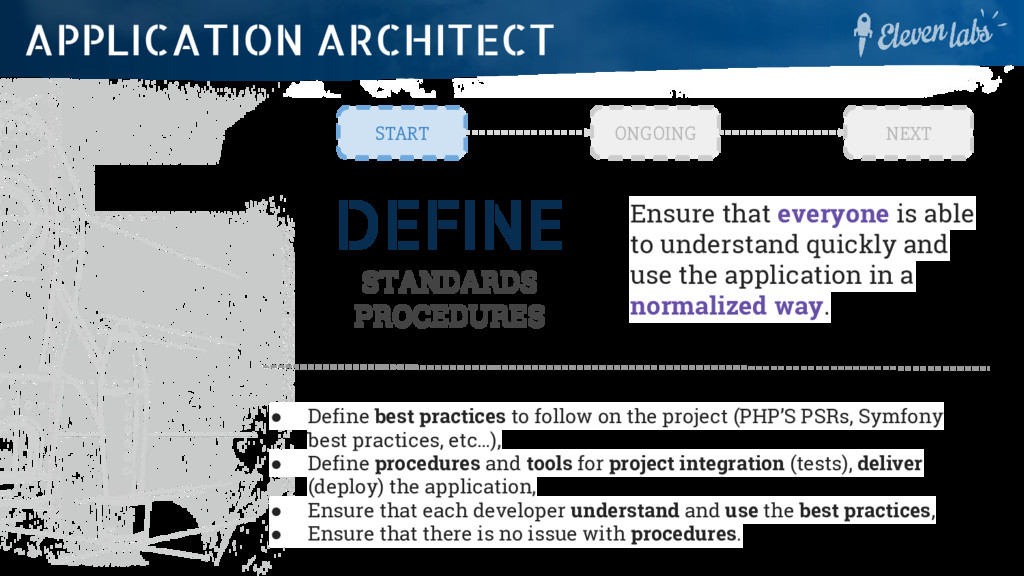
quickly and use the application in a normalized way. • Define best practices to follow on the project (PHP’S PSRs, Symfony best practices, etc…), • Define procedures and tools for project integration (tests), deliver (deploy) the application, • Ensure that each developer understand and use the best practices, • Ensure that there is no issue with procedures. START ONGOING NEXT APPLICATION ARCHITECT
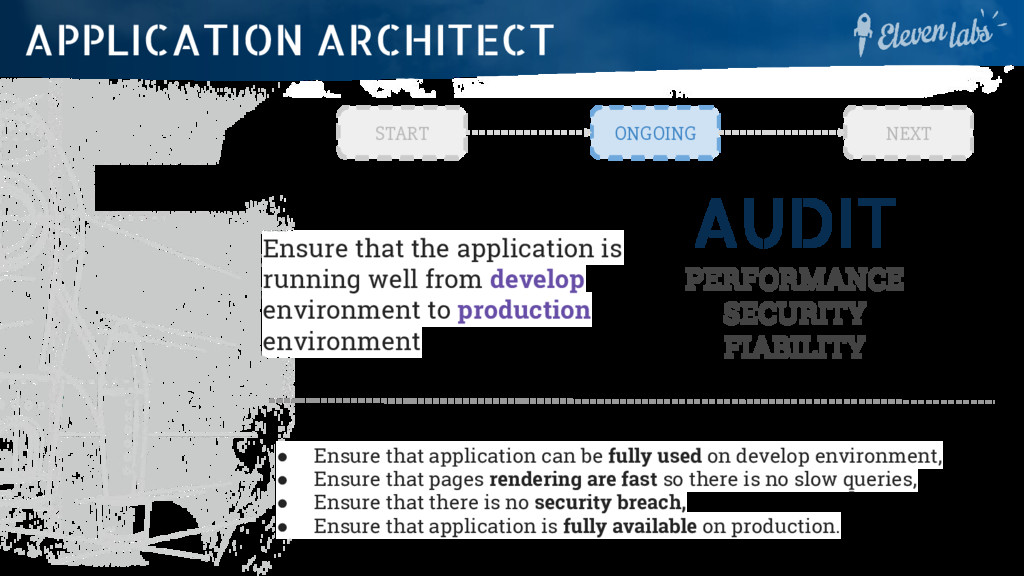
well from develop environment to production environment • Ensure that application can be fully used on develop environment, • Ensure that pages rendering are fast so there is no slow queries, • Ensure that there is no security breach, • Ensure that application is fully available on production. START ONGOING NEXT APPLICATION ARCHITECT
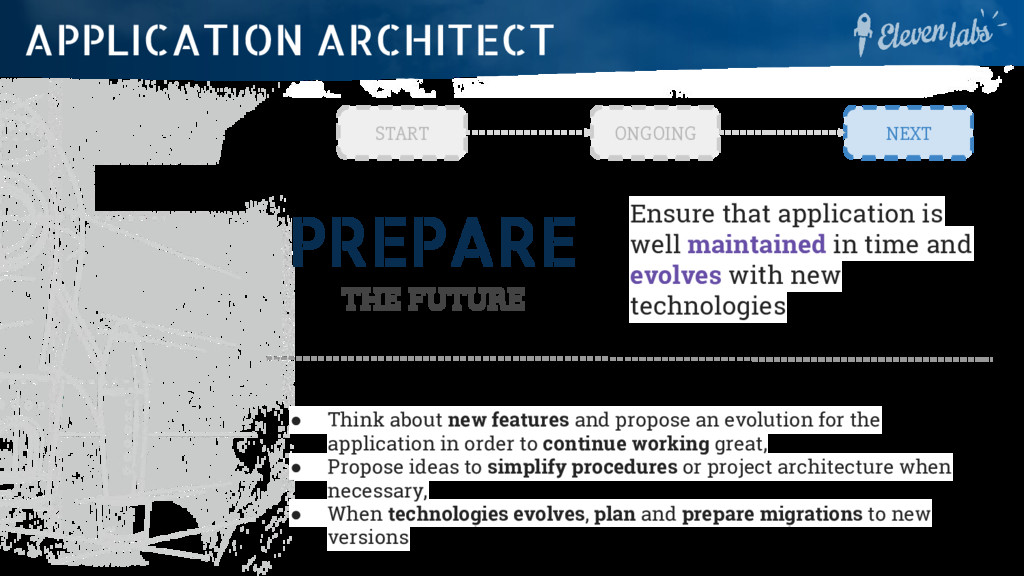
time and evolves with new technologies • Think about new features and propose an evolution for the application in order to continue working great, • Propose ideas to simplify procedures or project architecture when necessary, • When technologies evolves, plan and prepare migrations to new versions START ONGOING NEXT APPLICATION ARCHITECT
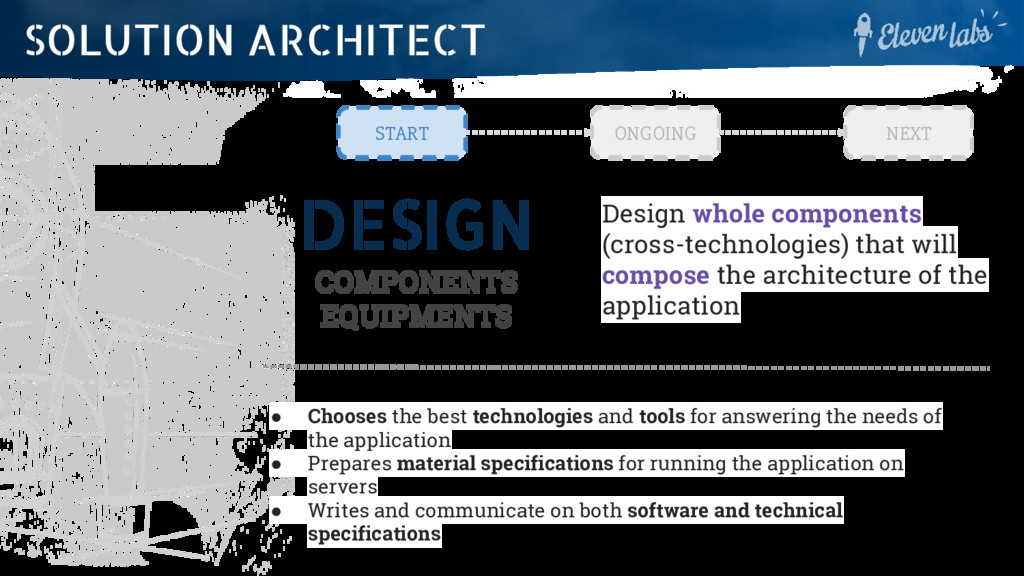
the architecture of the application • Chooses the best technologies and tools for answering the needs of the application • Prepares material specifications for running the application on servers • Writes and communicate on both software and technical specifications START ONGOING NEXT SOLUTION ARCHITECT
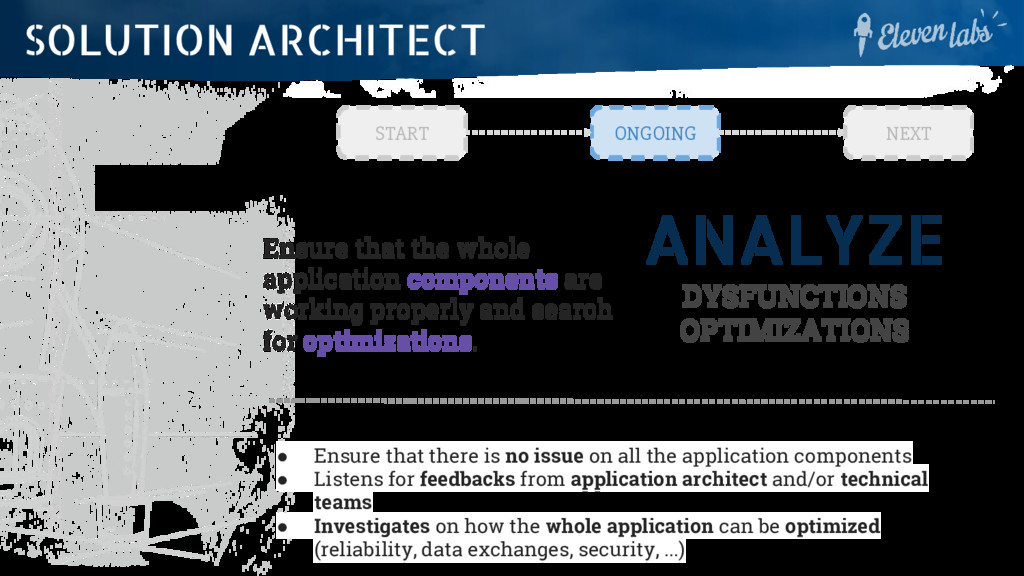
working properly and search for optimizations. • Ensure that there is no issue on all the application components • Listens for feedbacks from application architect and/or technical teams • Investigates on how the whole application can be optimized (reliability, data exchanges, security, ...) START ONGOING NEXT SOLUTION ARCHITECT
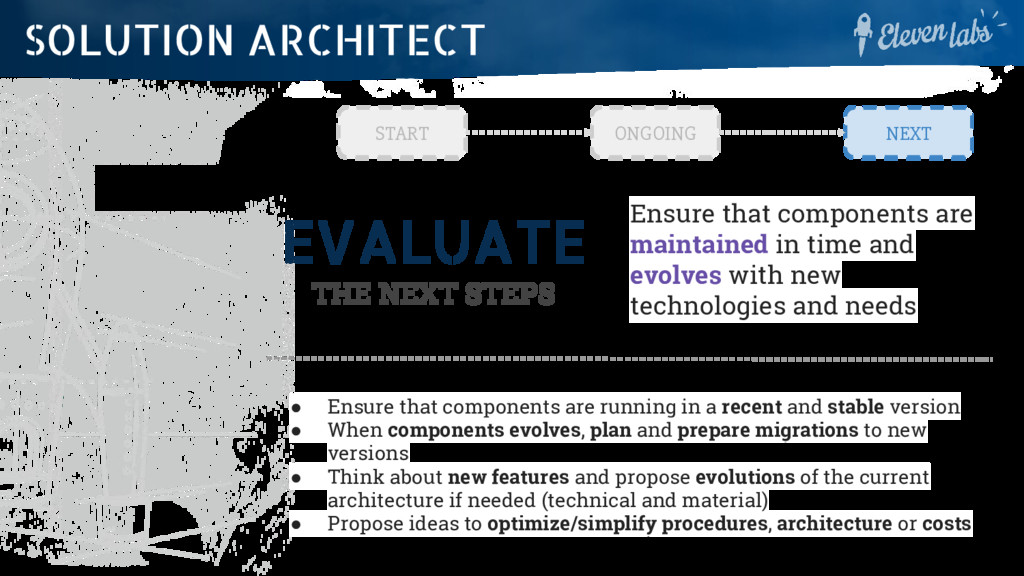
time and evolves with new technologies and needs • Ensure that components are running in a recent and stable version • When components evolves, plan and prepare migrations to new versions • Think about new features and propose evolutions of the current architecture if needed (technical and material) • Propose ideas to optimize/simplify procedures, architecture or costs START ONGOING NEXT SOLUTION ARCHITECT
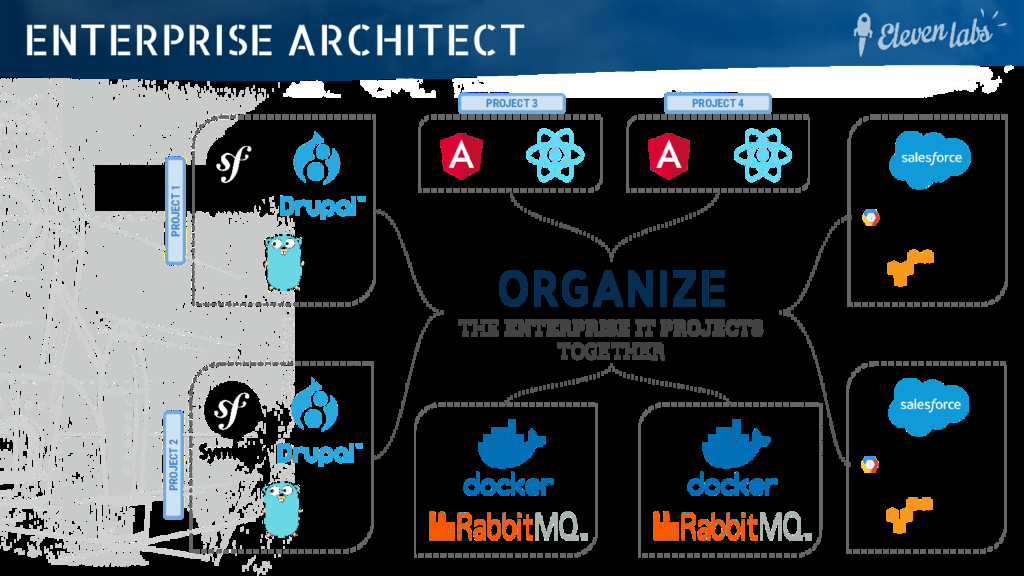
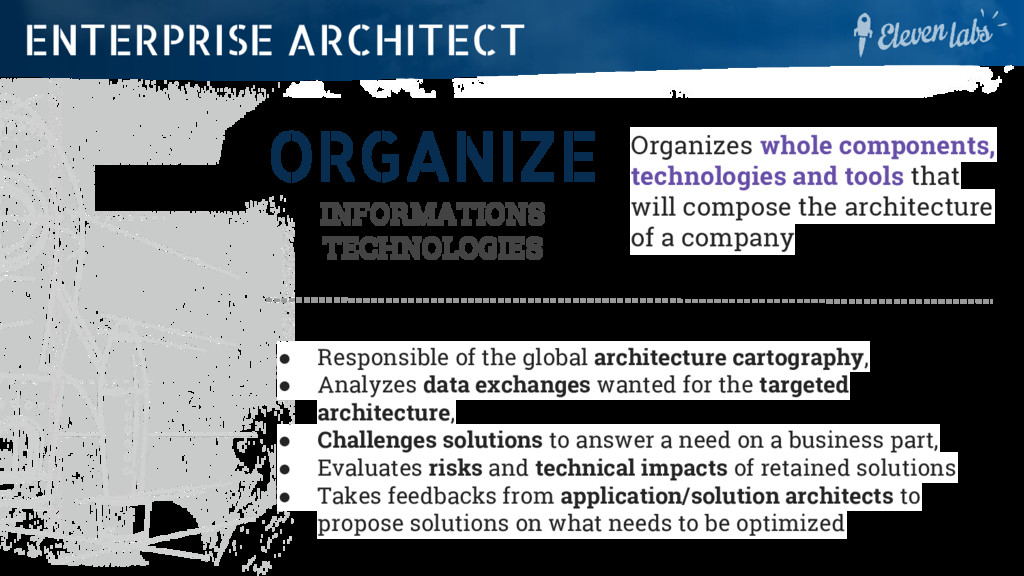
will compose the architecture of a company • Responsible of the global architecture cartography, • Analyzes data exchanges wanted for the targeted architecture, • Challenges solutions to answer a need on a business part, • Evaluates risks and technical impacts of retained solutions • Takes feedbacks from application/solution architects to propose solutions on what needs to be optimized ENTERPRISE ARCHITECT
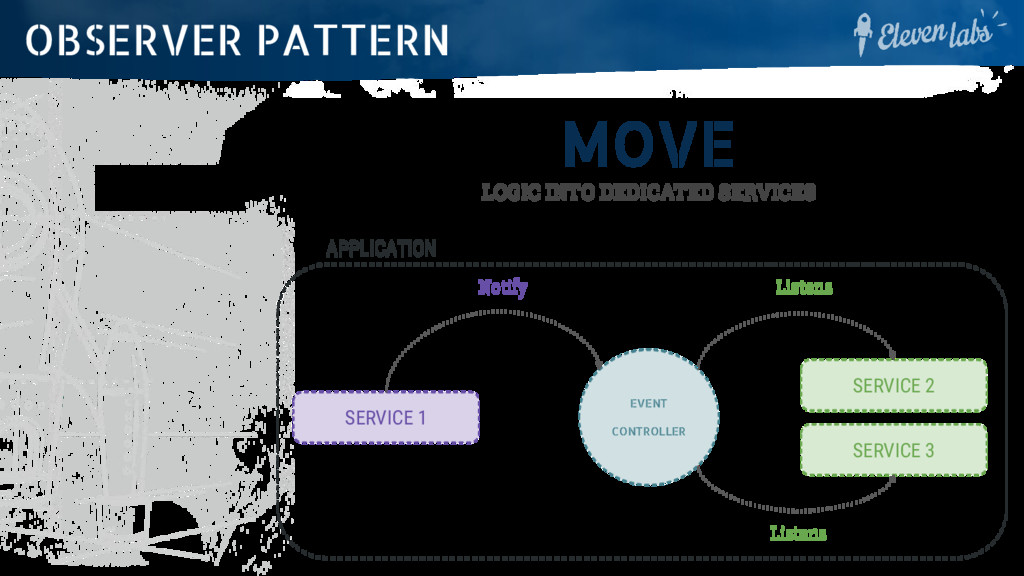
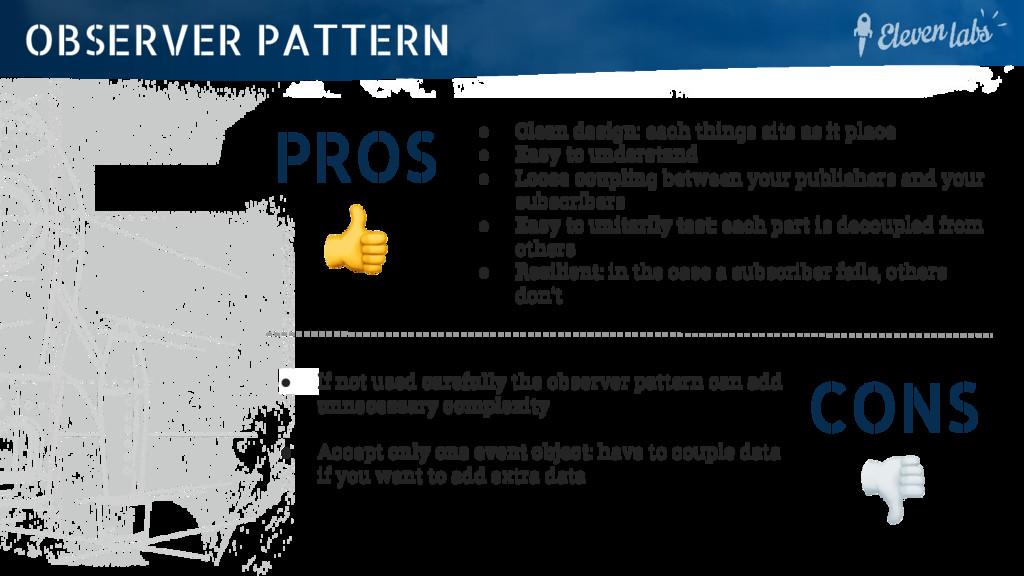
• Easy to understand • Loose coupling between your publishers and your subscribers • Easy to unitarily test: each part is decoupled from others • Resilient: in the case a subscriber fails, others don’t OBSERVER PATTERN CONS • If not used carefully the observer pattern can add unnecessary complexity • Accept only one event object: have to couple data if you want to add extra data
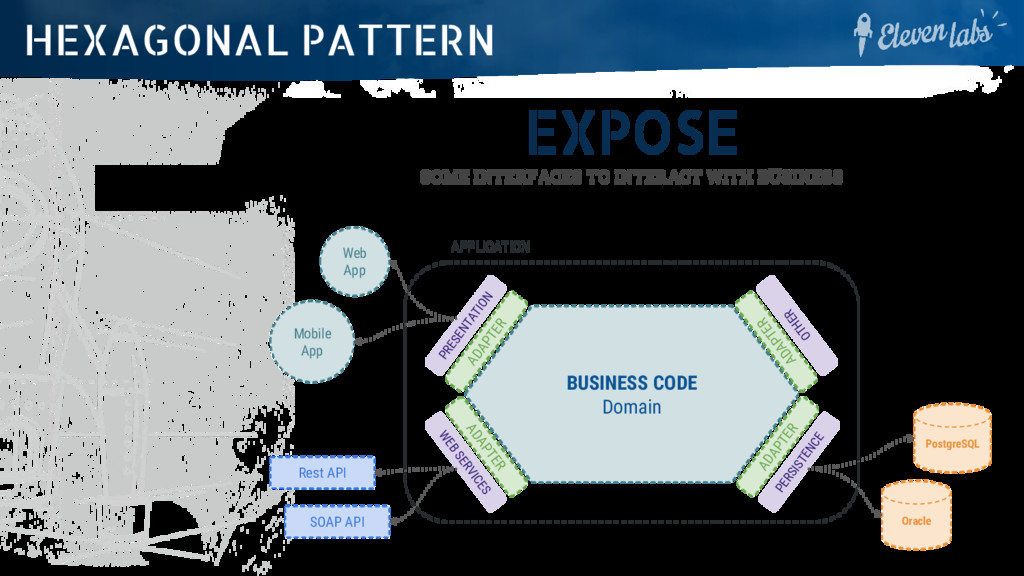
BUSINESS CODE Domain ADAPTER ADAPTER ADAPTER ADAPTER PRESENTATION PERSISTENCE PostgreSQL Oracle Web App Mobile App WEB SERVICES Rest API SOAP API OTHER
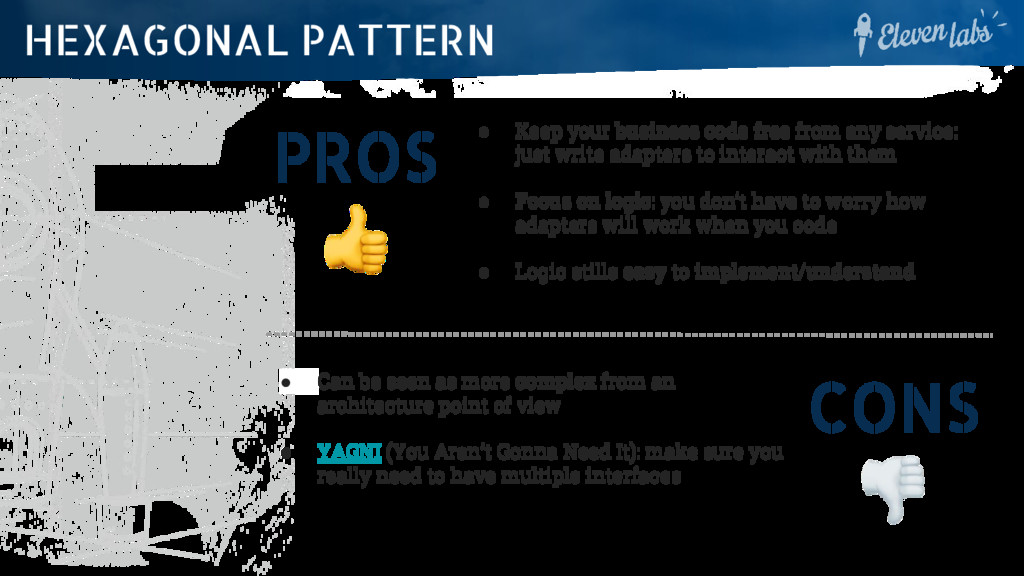
just write adapters to interact with them • Focus on logic: you don’t have to worry how adapters will work when you code • Logic stills easy to implement/understand HEXAGONAL PATTERN CONS • Can be seen as more complex from an architecture point of view • YAGNI (You Aren’t Gonna Need It): make sure you really need to have multiple interfaces
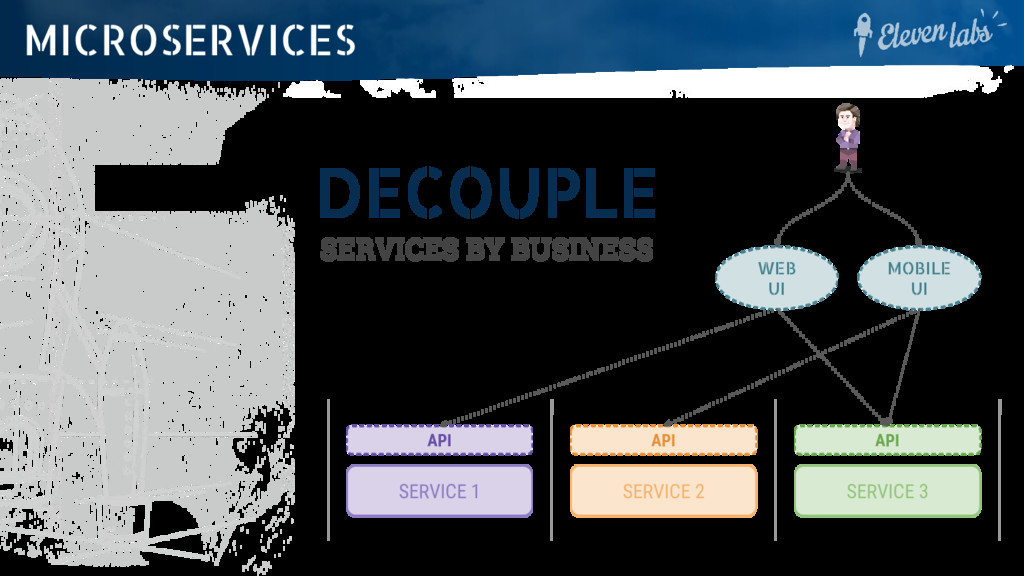
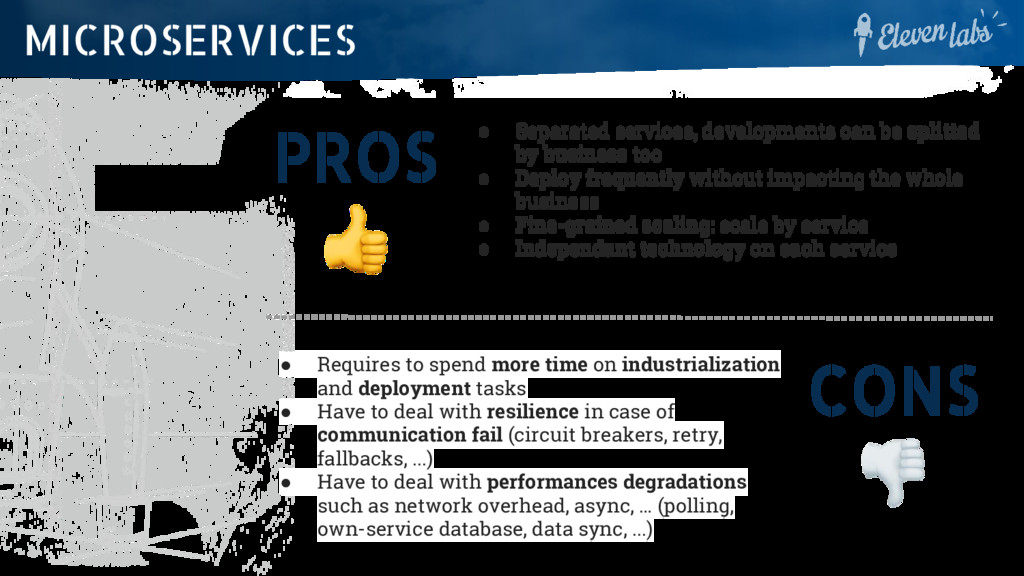
too • Deploy frequently without impacting the whole business • Fine-grained scaling: scale by service • Independant technology on each service MICROSERVICES CONS • Requires to spend more time on industrialization and deployment tasks • Have to deal with resilience in case of communication fail (circuit breakers, retry, fallbacks, ...) • Have to deal with performances degradations such as network overhead, async, … (polling, own-service database, data sync, ...)
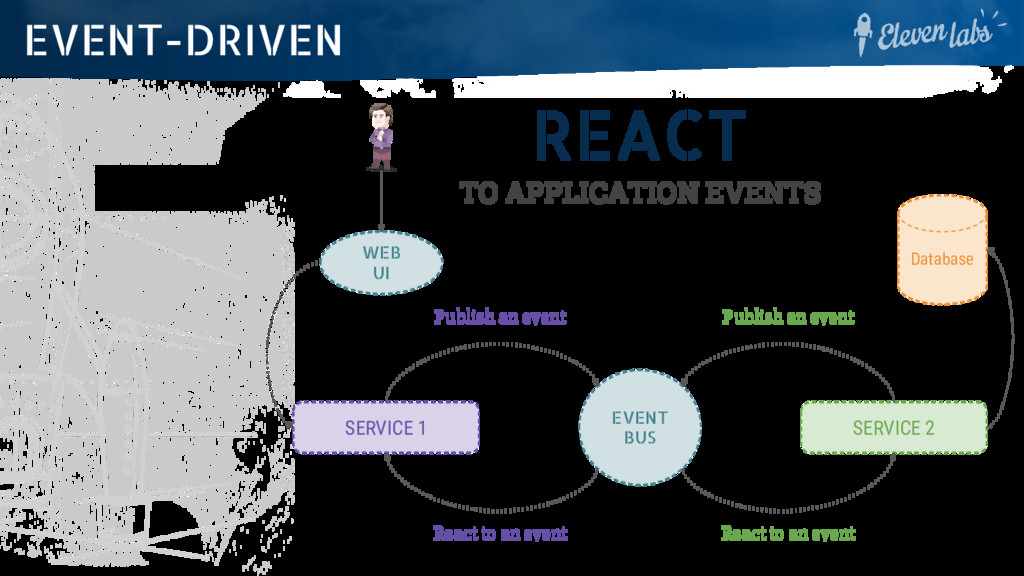
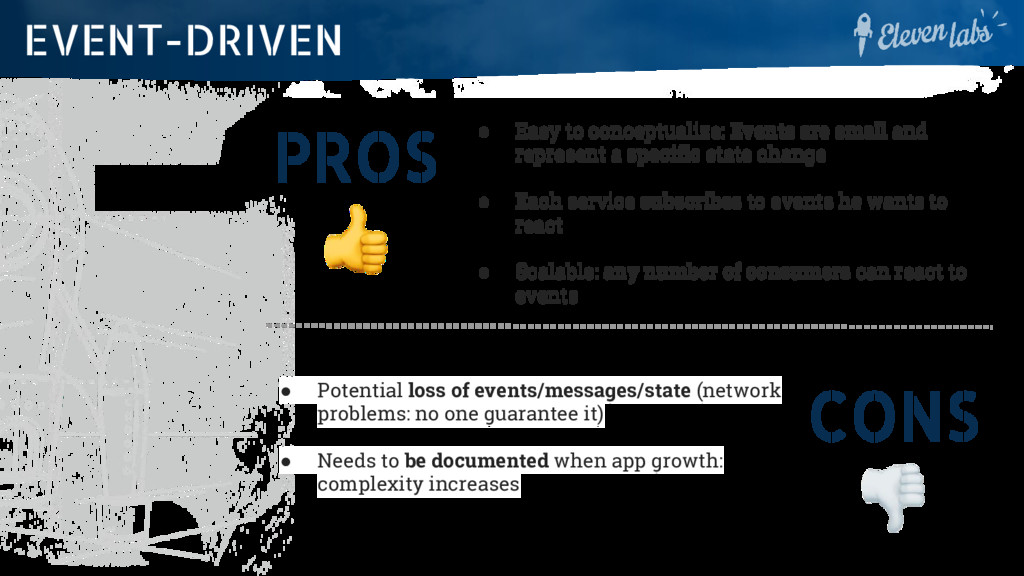
a specific state change • Each service subscribes to events he wants to react • Scalable: any number of consumers can react to events EVENT-DRIVEN CONS • Potential loss of events/messages/state (network problems: no one guarantee it) • Needs to be documented when app growth: complexity increases
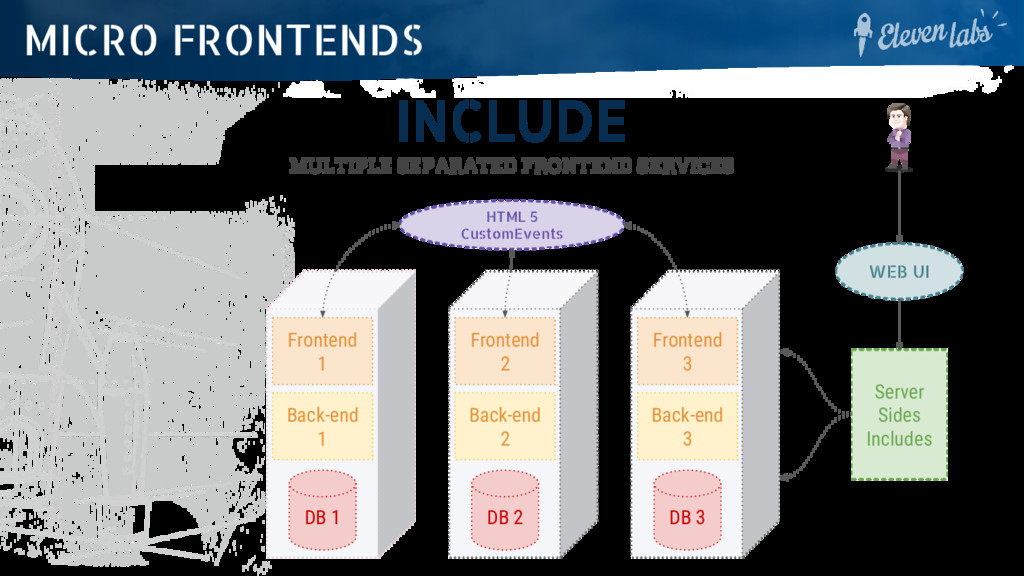
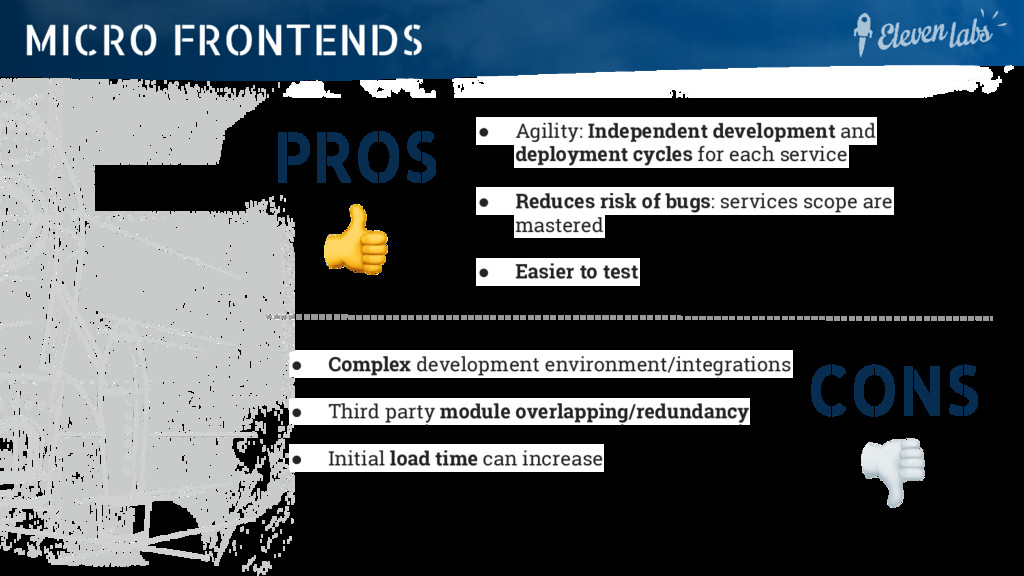
service • Reduces risk of bugs: services scope are mastered • Easier to test MICRO FRONTENDS CONS • Complex development environment/integrations • Third party module overlapping/redundancy • Initial load time can increase
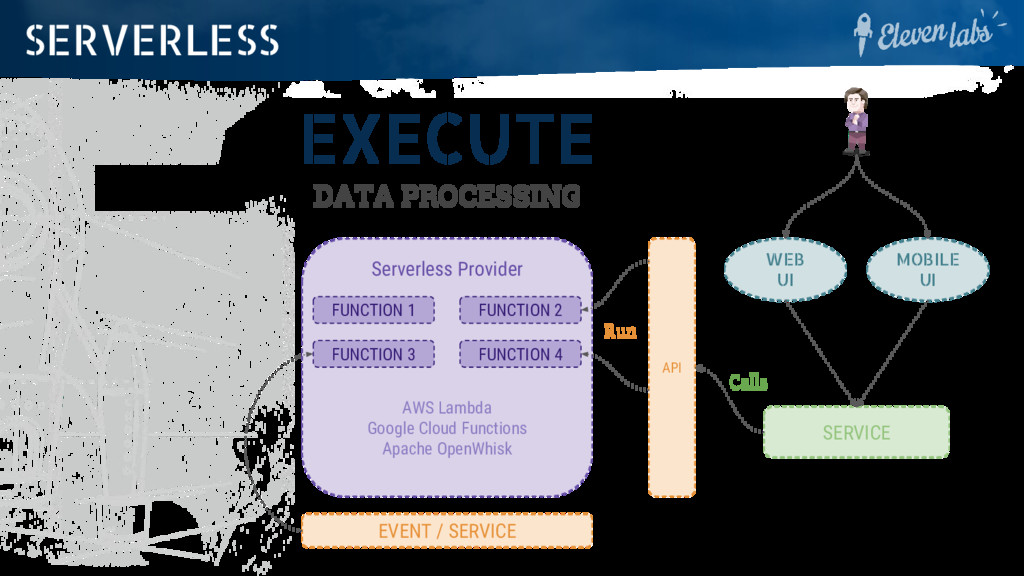
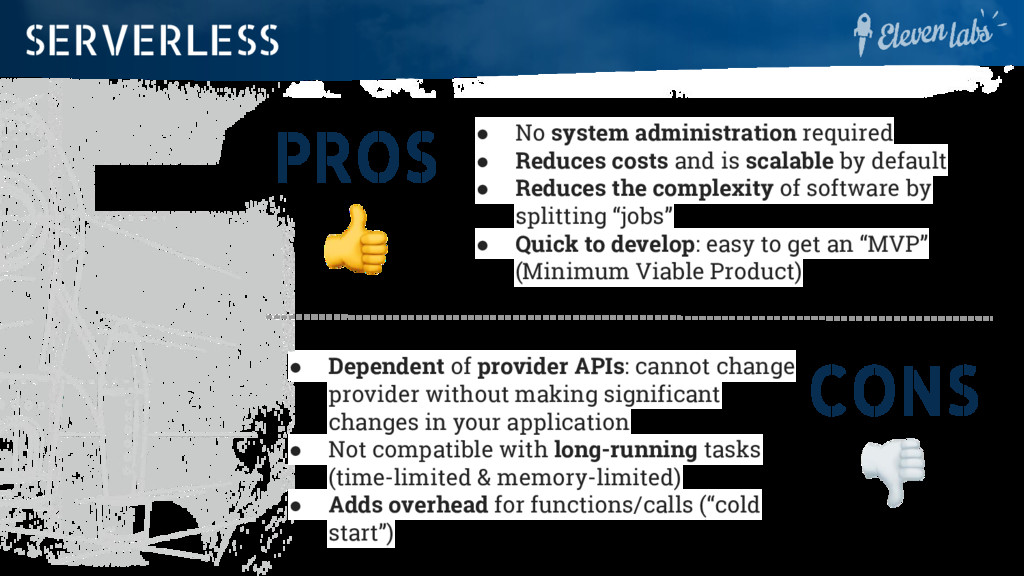
is scalable by default • Reduces the complexity of software by splitting “jobs” • Quick to develop: easy to get an “MVP” (Minimum Viable Product) SERVERLESS CONS • Dependent of provider APIs: cannot change provider without making significant changes in your application • Not compatible with long-running tasks (time-limited & memory-limited) • Adds overhead for functions/calls (“cold start”)
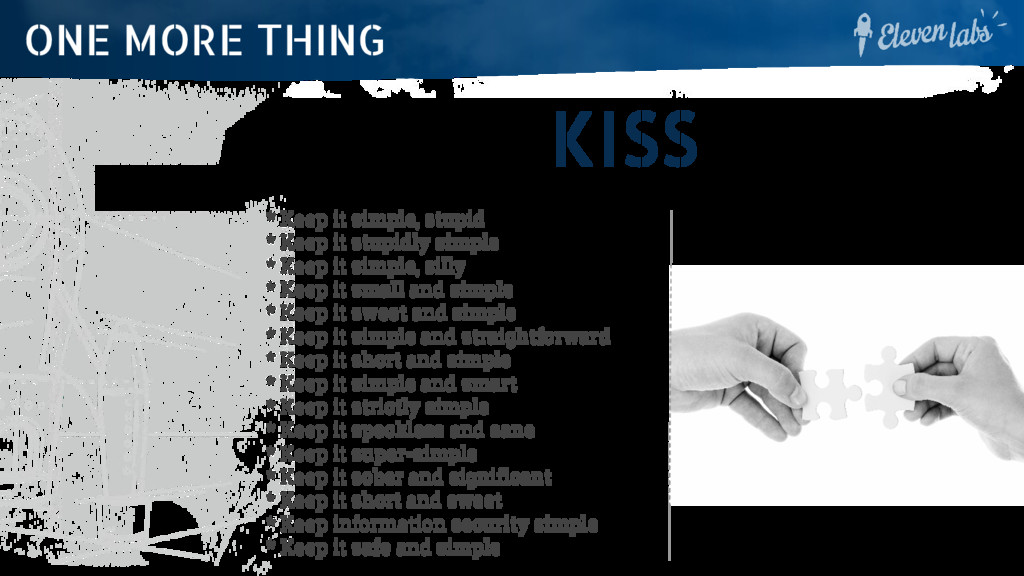
Keep it stupidly simple * Keep it simple, silly * Keep it small and simple * Keep it sweet and simple * Keep it simple and straightforward * Keep it short and simple * Keep it simple and smart * Keep it strictly simple * Keep it speckless and sane * Keep it super-simple * Keep it sober and significant * Keep it short and sweet * Keep information security simple * Keep it safe and simple


 raspython3
 teamlab
 occhi
occhi
 4o1sobblue
 takahashim
 terurou
 yamanoku
 pfn
pfn
 kentapapa
 kworkdev
 daidaidai
 yazm
yazm
 techseoconnect
 katarinadahlin
 tanoku
 bluesmoon
 axbom
axbom
 cassininazir
 varn
varn
 eileencodes
 jonyablonski
 lauravandoore
 csswizardry
 danielanewman