Upgrade to Pro — share decks privately, control downloads, hide ads and more …

Navigating Complex Document History in Collabor...

Sponsored · Your Podcast. Everywhere. Effortlessly. Share. Educate. Inspire. Entertain. You do you. We'll handle the rest.
Avatar for Miklos V Miklos V
April 28, 2026
0

Navigating Complex Document History in Collabora Online Writer

Avatar for Miklos V

Miklos V

April 28, 2026

More Decks by Miklos V

Transcript

  1. 2/12 Navigating document history and branching without losing your mind

    Interdependent tracked changes improvements in Writer
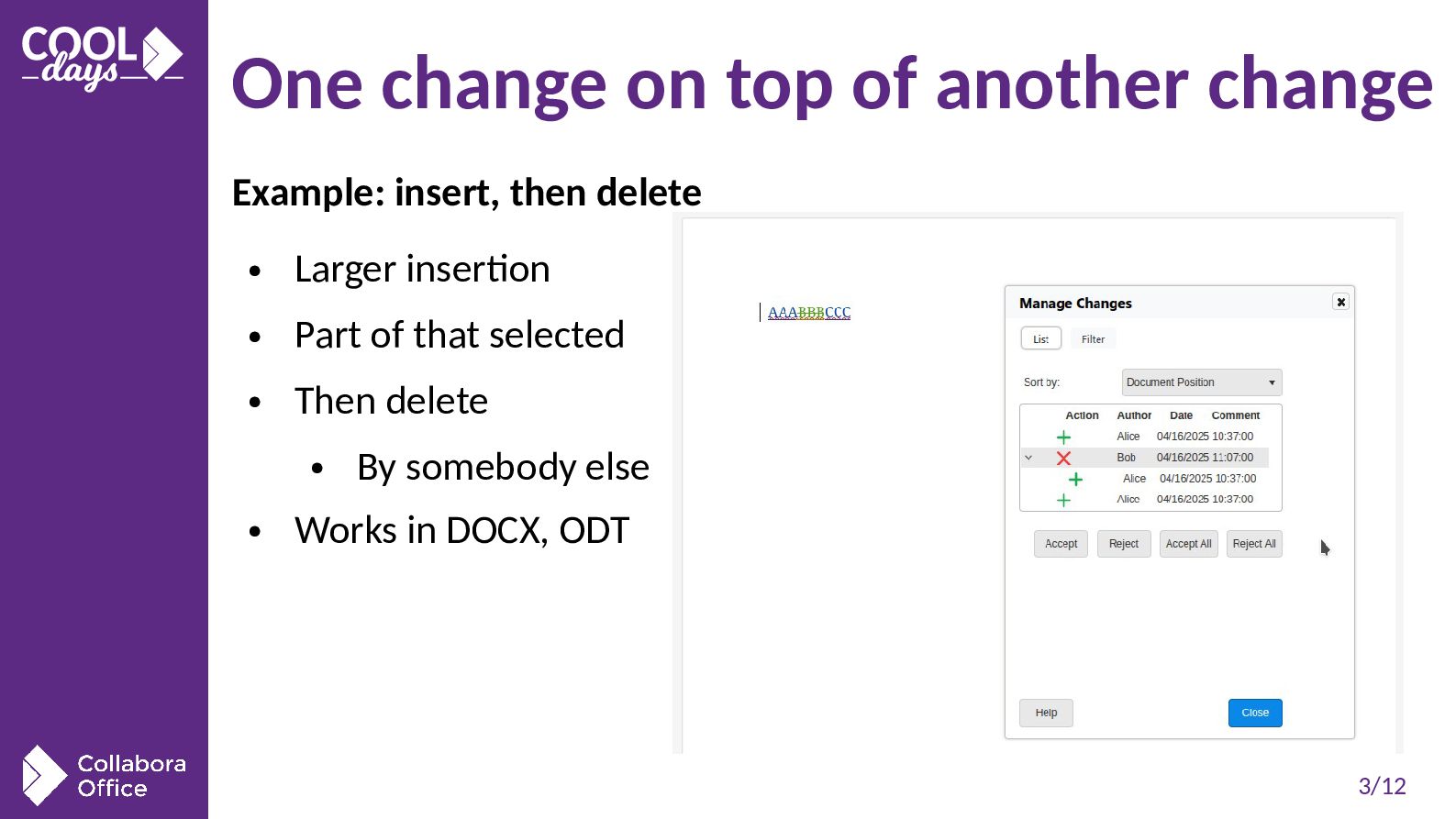
  2. 3/12 One change on top of another change Example: insert,

    then delete • Larger insertion • Part of that selected • Then delete • By somebody else • Works in DOCX, ODT
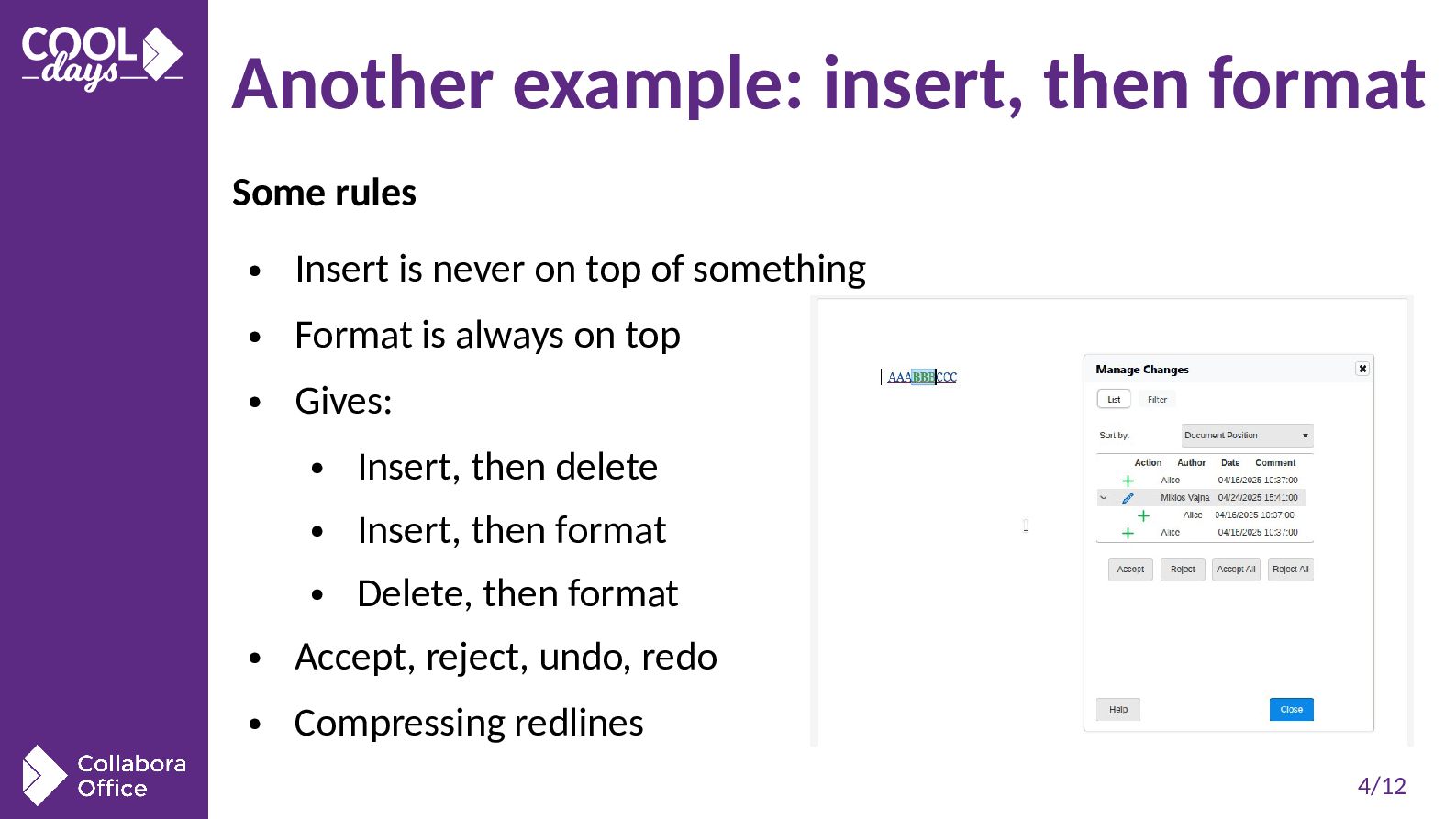
  3. 4/12 Another example: insert, then format Some rules • Insert

    is never on top of something • Format is always on top • Gives: • Insert, then delete • Insert, then format • Delete, then format • Accept, reject, undo, redo • Compressing redlines
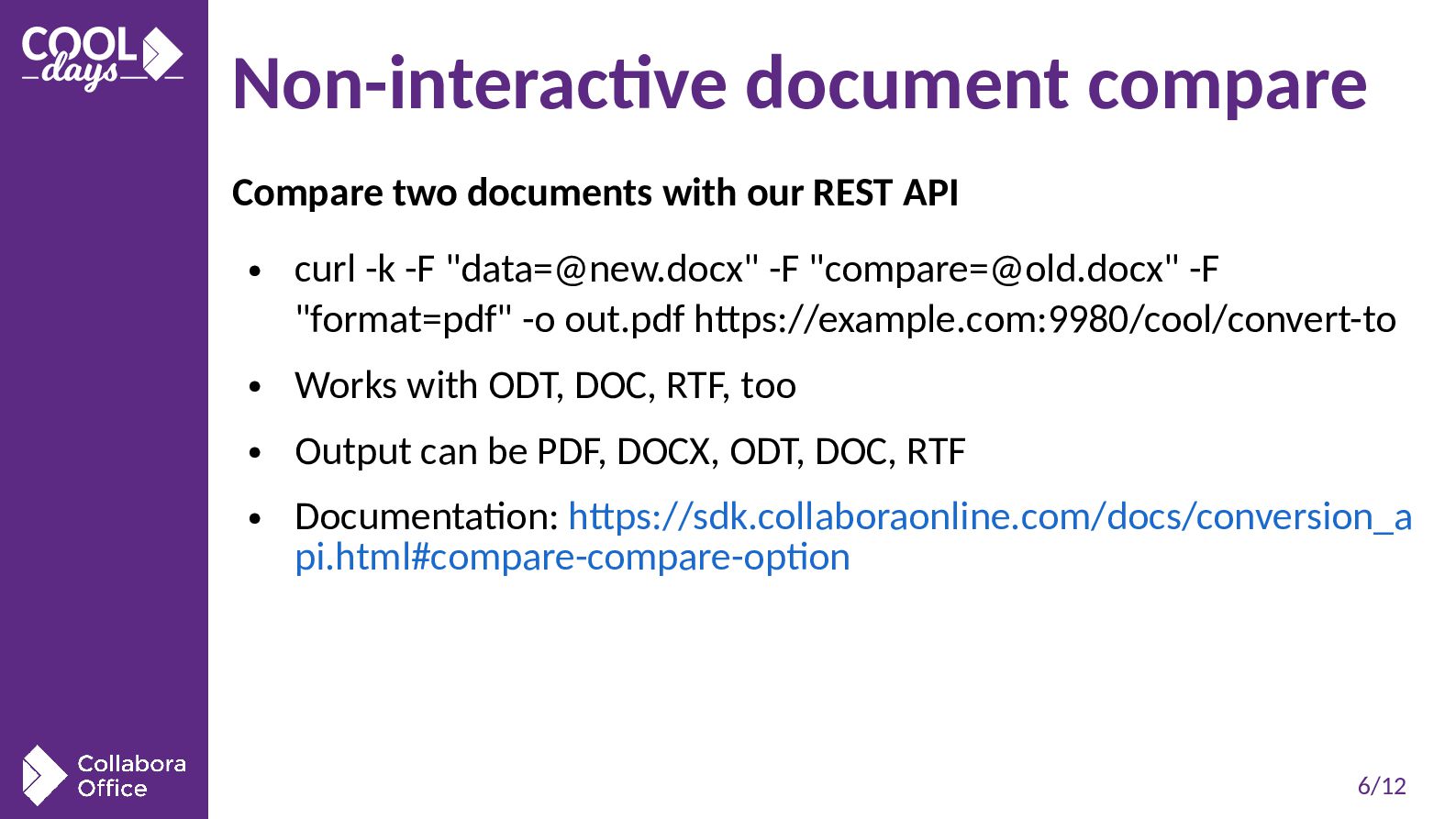
  4. 6/12 Non-interactive document compare Compare two documents with our REST

    API • curl -k -F "[email protected]" -F "[email protected]" -F "format=pdf" -o out.pdf https://example.com:9980/cool/convert-to • Works with ODT, DOC, RTF, too • Output can be PDF, DOCX, ODT, DOC, RTF • Documentation: https://sdk.collaboraonline.com/docs/conversion_a pi.html#compare-compare-option
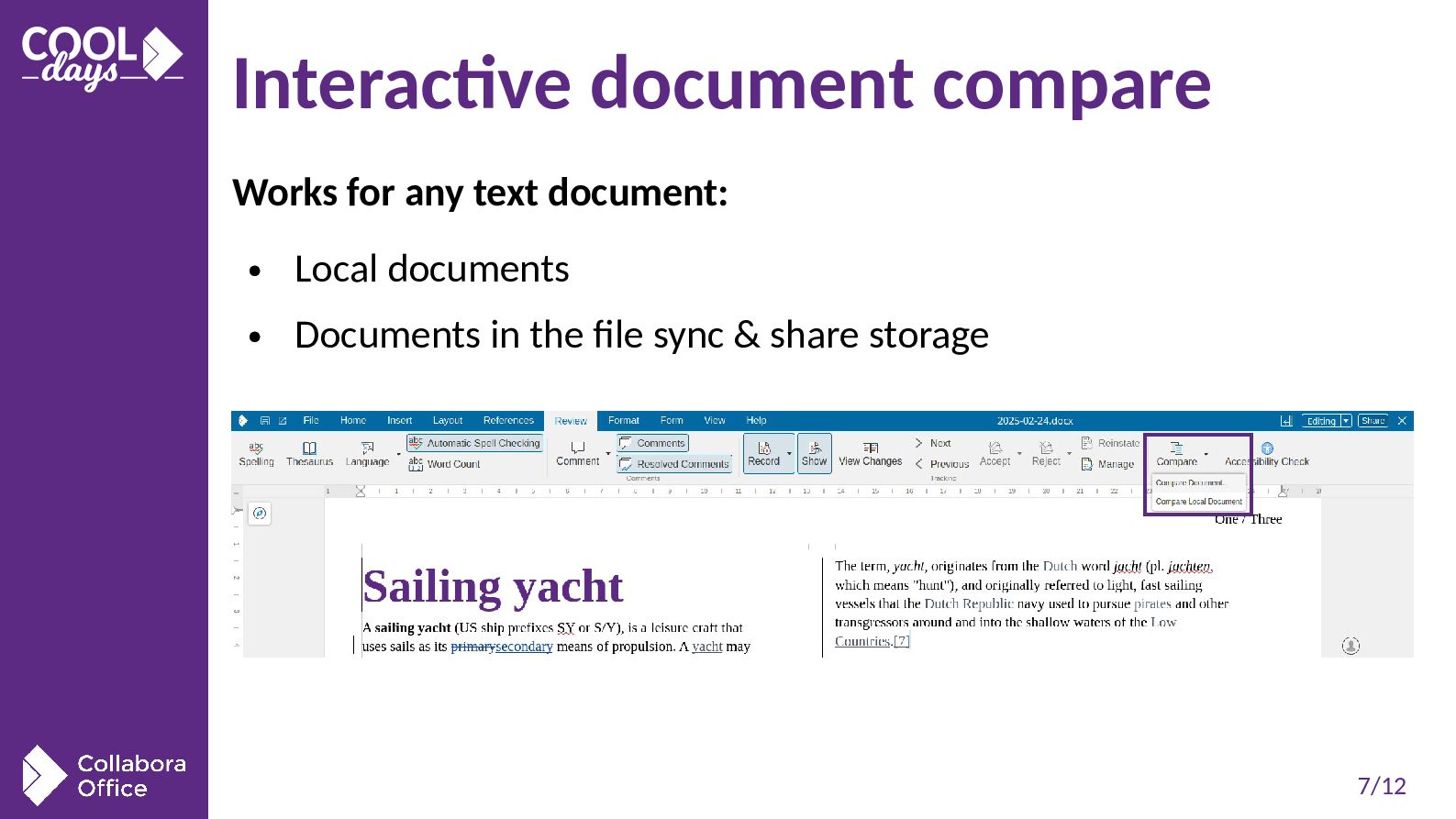
  5. 7/12 Interactive document compare Works for any text document: •

    Local documents • Documents in the file sync & share storage
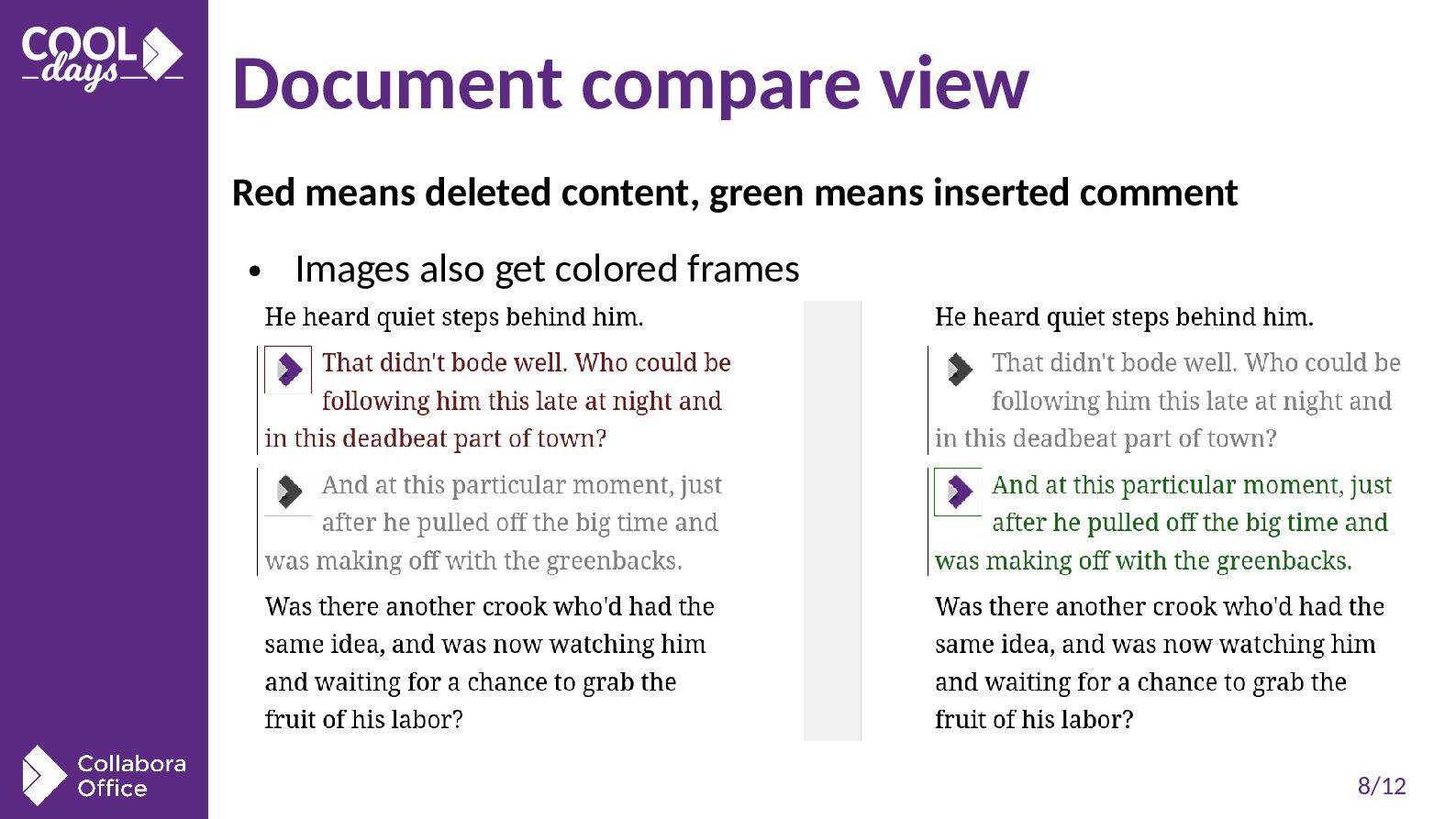
  6. 8/12 Document compare view Red means deleted content, green means

    inserted comment • Images also get colored frames
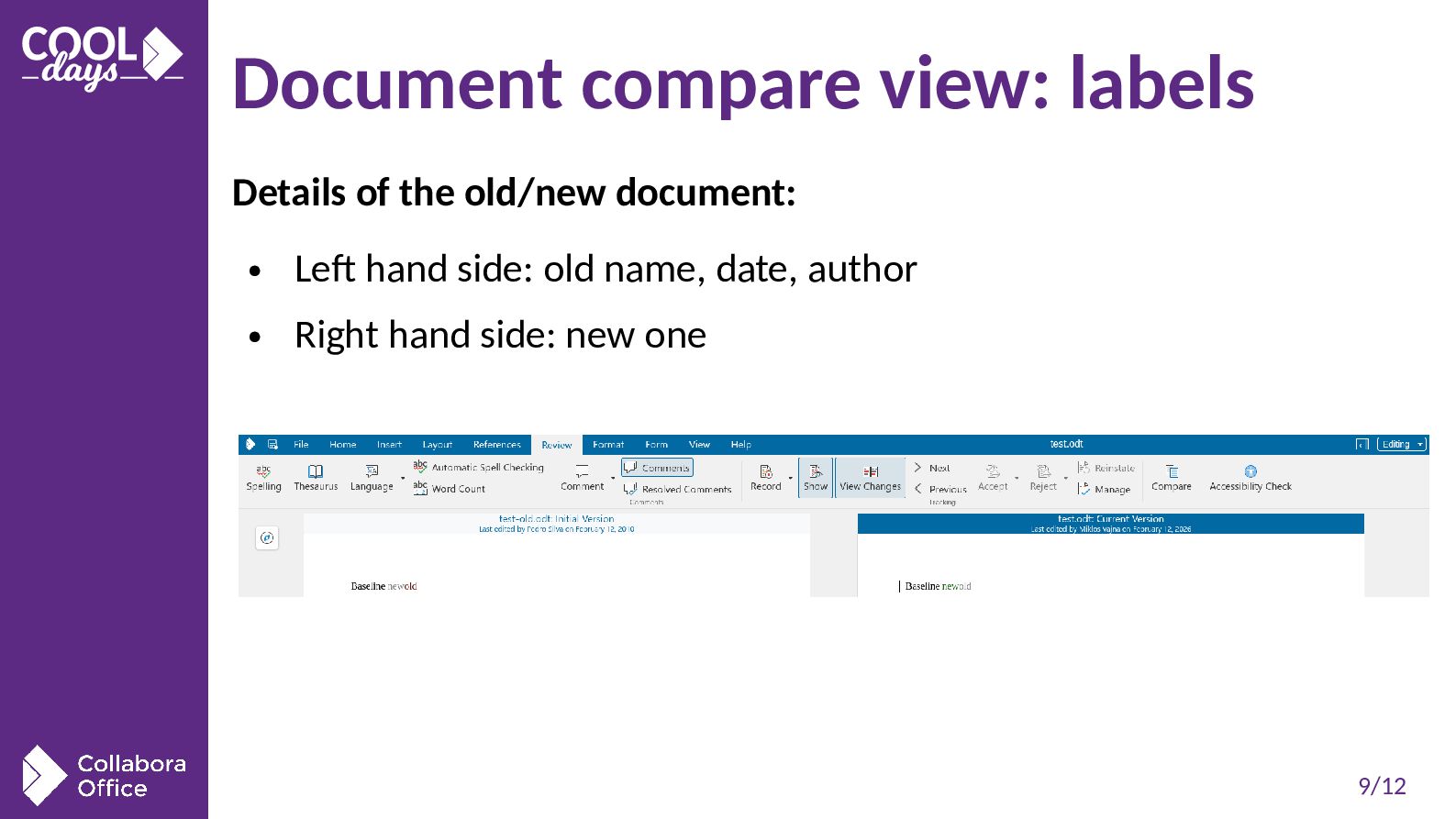
  7. 9/12 Document compare view: labels Details of the old/new document:

    • Left hand side: old name, date, author • Right hand side: new one
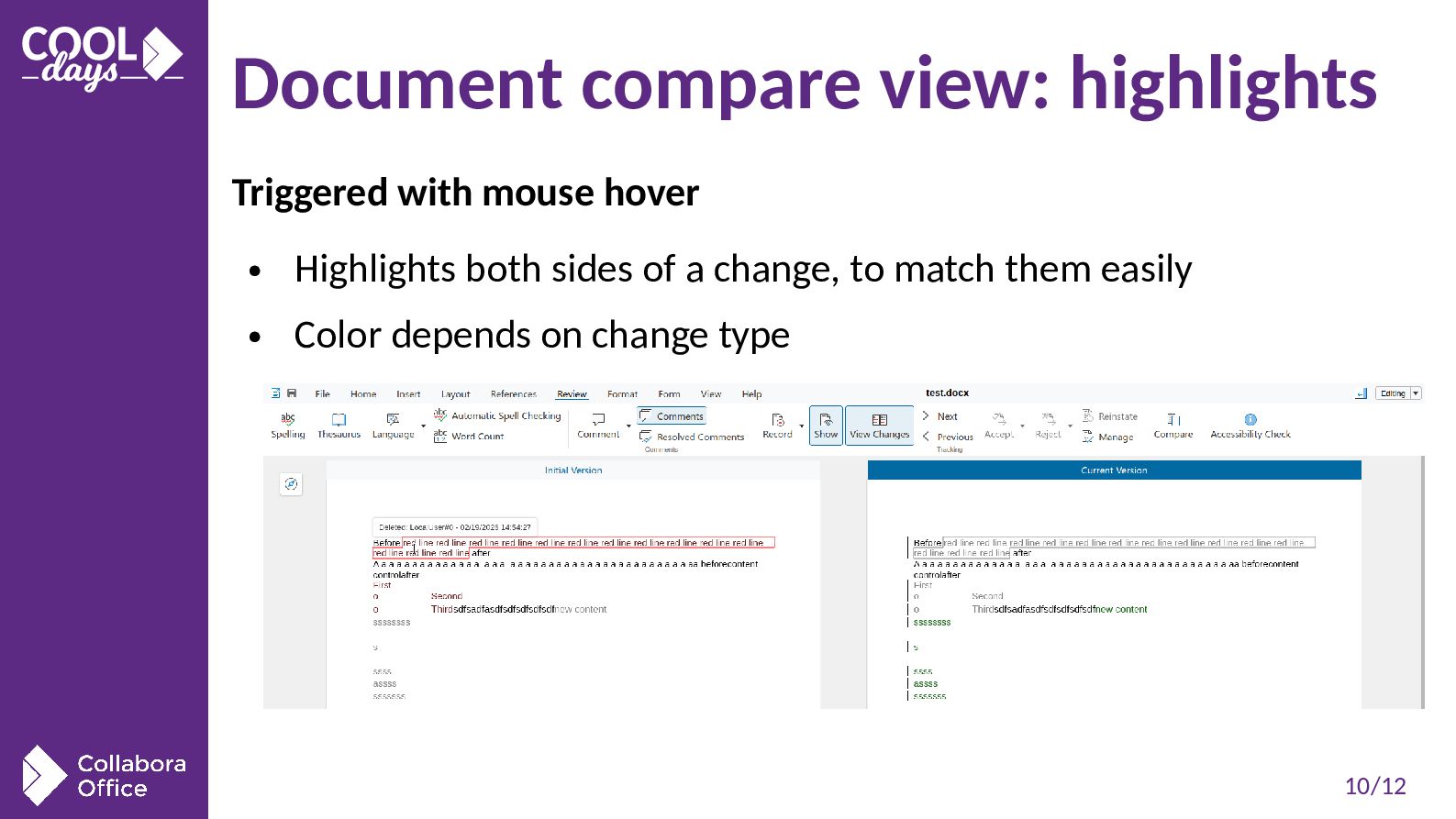
  8. 10/12 Document compare view: highlights Triggered with mouse hover •

    Highlights both sides of a change, to match them easily • Color depends on change type
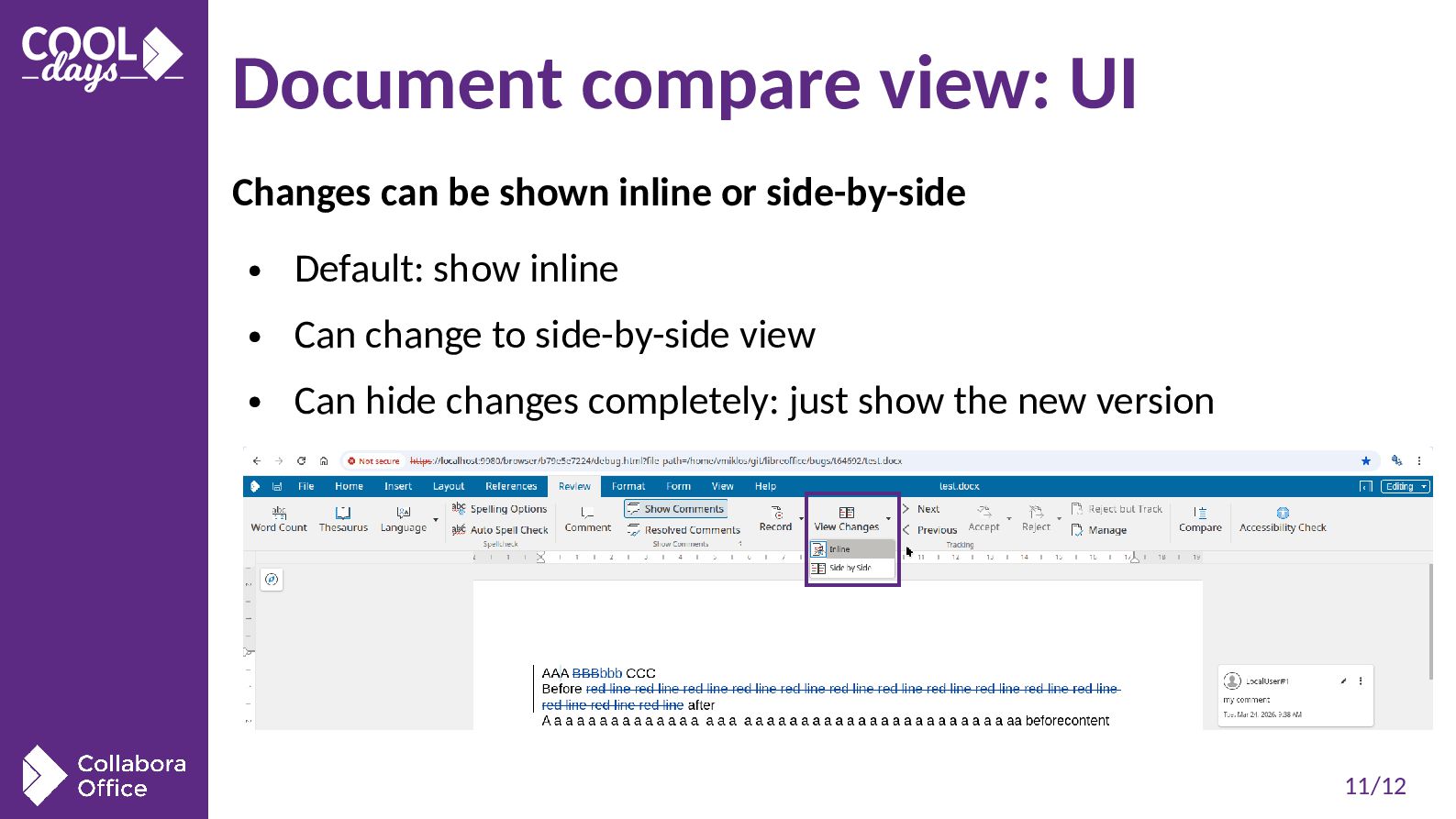
  9. 11/12 Document compare view: UI Changes can be shown inline

    or side-by-side • Default: show inline • Can change to side-by-side view • Can hide changes completely: just show the new version
  10. 12/12 Summary COOL Writer supports interdependent changes and side-by-side view

    • Interdependent changes help editing an already change-tracked document • Reinstate: reuse deleted text as an insert that you can edit • Side-by-side compare view • Useful if you’re not trained how to map underline/strike- through to change types • API + UI for comparing documents for any text file • All major use-cases covered • Available in Collabora Online 25.04