Upgrade to Pro — share decks privately, control downloads, hide ads and more …

Merged pasting in Collabora Online Writer

Sponsored · Your Podcast. Everywhere. Effortlessly. Share. Educate. Inspire. Entertain. You do you. We'll handle the rest. →
Miklos V
November 20, 2026
0

Merged pasting in Collabora Online Writer

Miklos V

November 20, 2026

Transcript

21 slides
  1. Agenda  What merged paste is and why it exists

     How users get it, and the parameter behind it  What is kept from the source: characters, paragraphs, structure, lists  How the paste position's formatting wins  How it is built in Writer core, and the Impress side 2
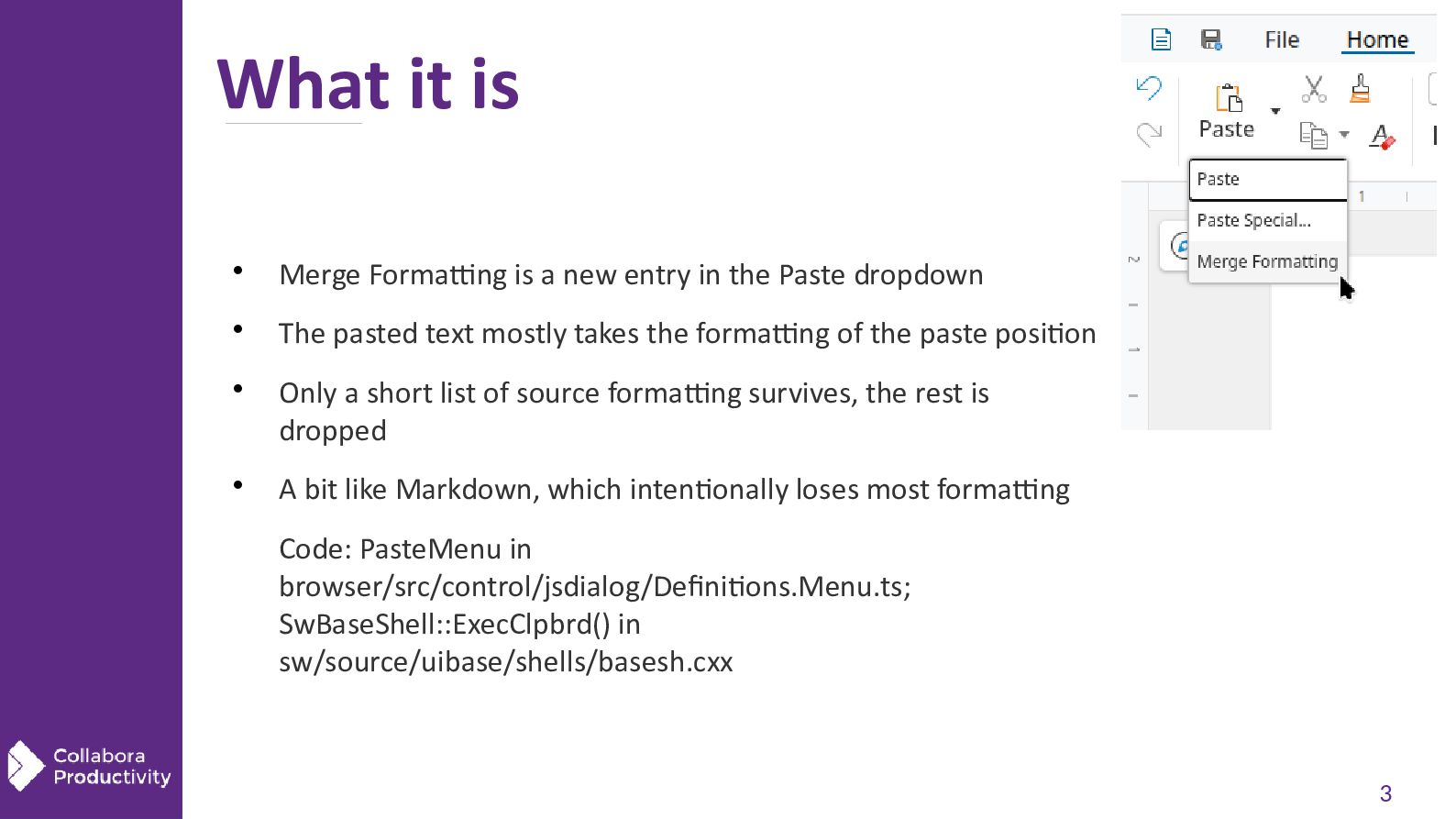
  2. What it is  Merge Formatting is a new entry

    in the Paste dropdown  The pasted text mostly takes the formatting of the paste position   Only a short list of source formatting survives, the rest is dropped A bit like Markdown, which intentionally loses most formatting Code: PasteMenu in browser/src/control/jsdialog/Definitions.Menu.ts; SwBaseShell::ExecClpbrd() in sw/source/uibase/shells/basesh.cxx 3
  3. Why it exists  Users paste rich text from browsers

    and mail clients  The source fonts, sizes and colors rarely match the target document  Many users remove the pasted direct formatting right after pasting  Merged paste does that cleanup at paste time, keeping the formatting that carries meaning Code: rationale in commit f19438dd9174 (cool#16219 engine sw: add an initial merged paste mode) 4
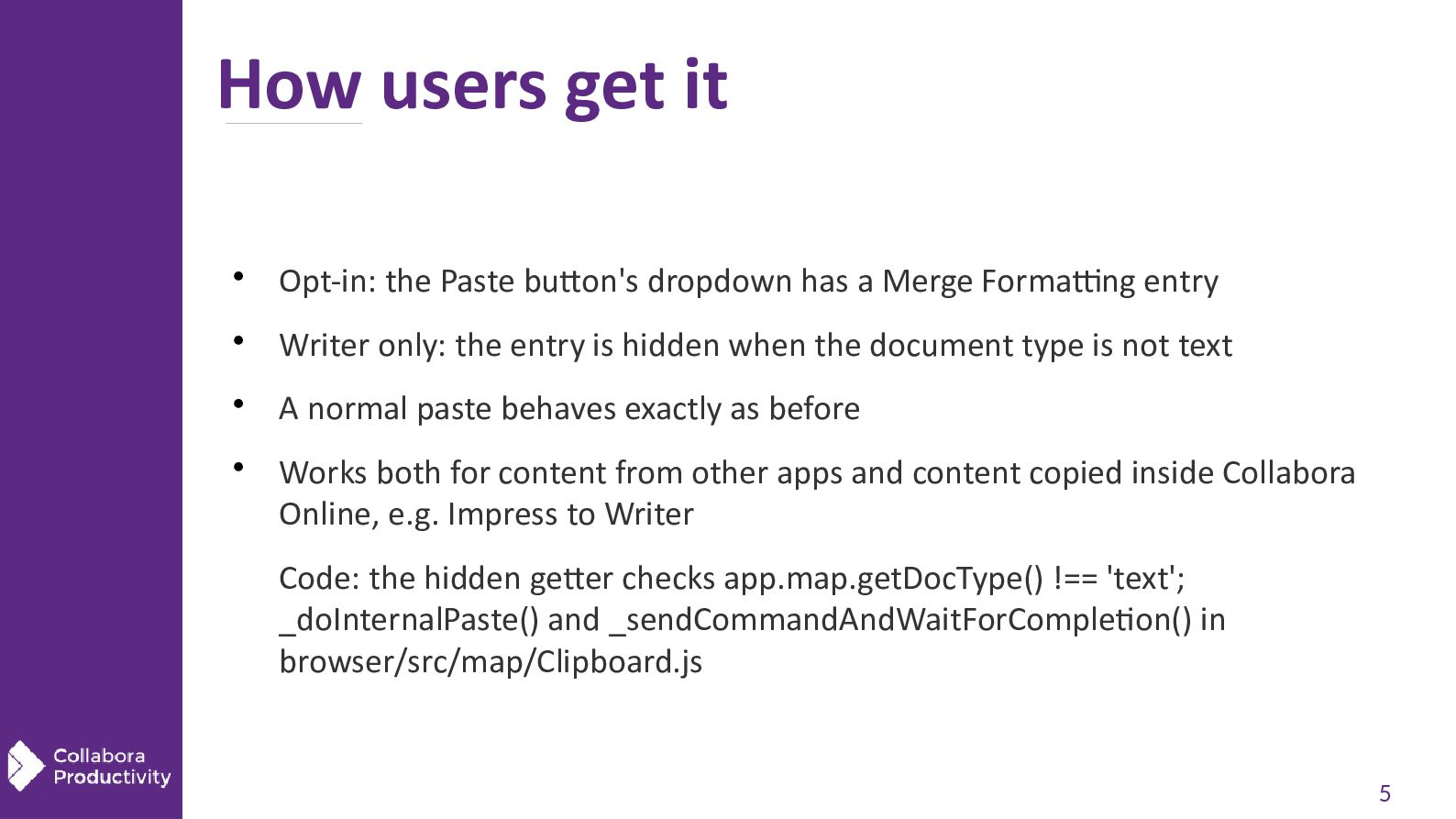
  4. How users get it  Opt-in: the Paste button's dropdown

    has a Merge Formatting entry  Writer only: the entry is hidden when the document type is not text  A normal paste behaves exactly as before  Works both for content from other apps and content copied inside Collabora Online, e.g. Impress to Writer Code: the hidden getter checks app.map.getDocType() !== 'text'; _doInternalPaste() and _sendCommandAndWaitForCompletion() in browser/src/map/Clipboard.js 5
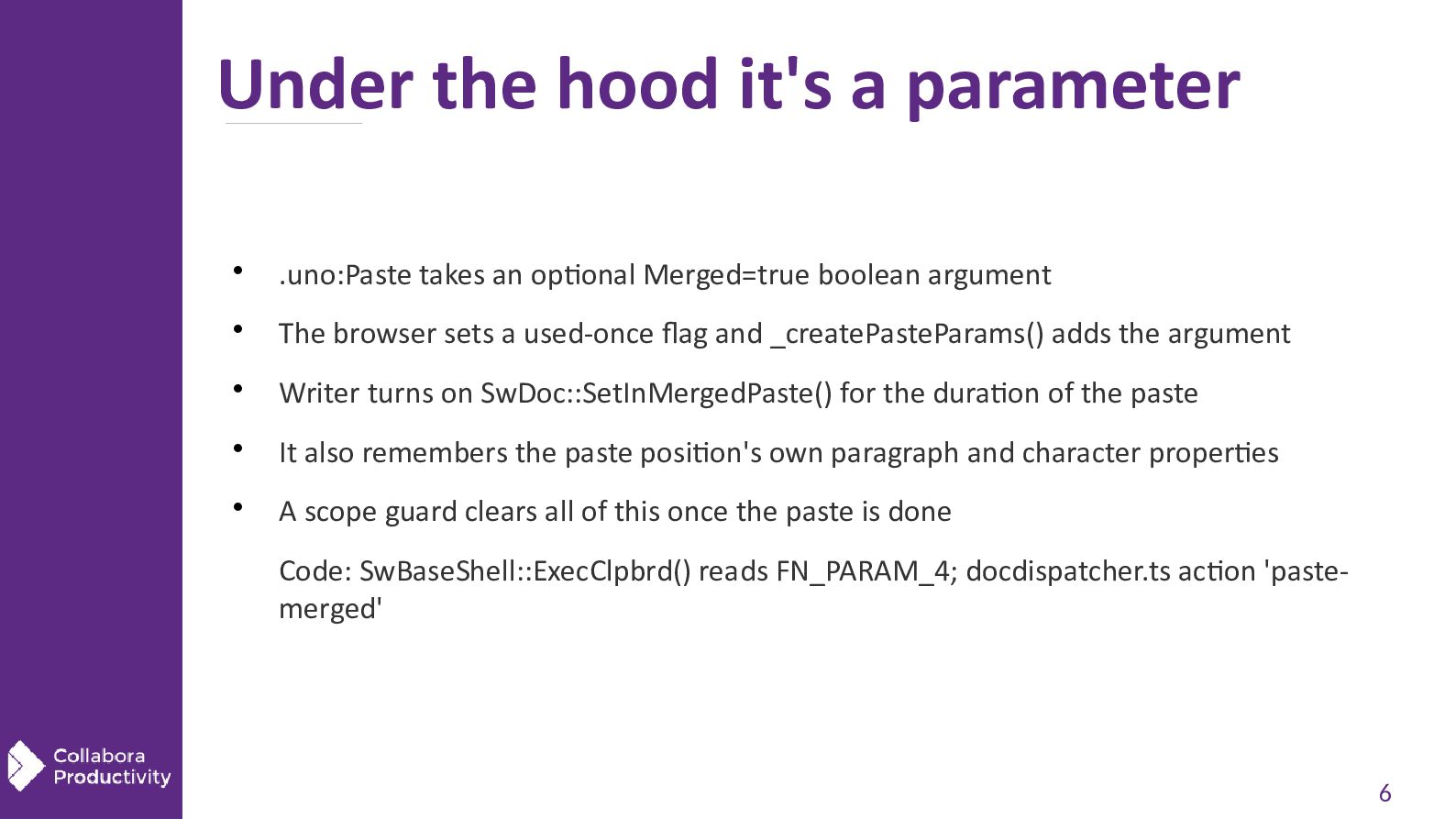
  5. Under the hood it's a parameter  .uno:Paste takes an

    optional Merged=true boolean argument  The browser sets a used-once flag and _createPasteParams() adds the argument  Writer turns on SwDoc::SetInMergedPaste() for the duration of the paste  It also remembers the paste position's own paragraph and character properties  A scope guard clears all of this once the paste is done Code: SwBaseShell::ExecClpbrd() reads FN_PARAM_4; docdispatcher.ts action 'pastemerged' 6
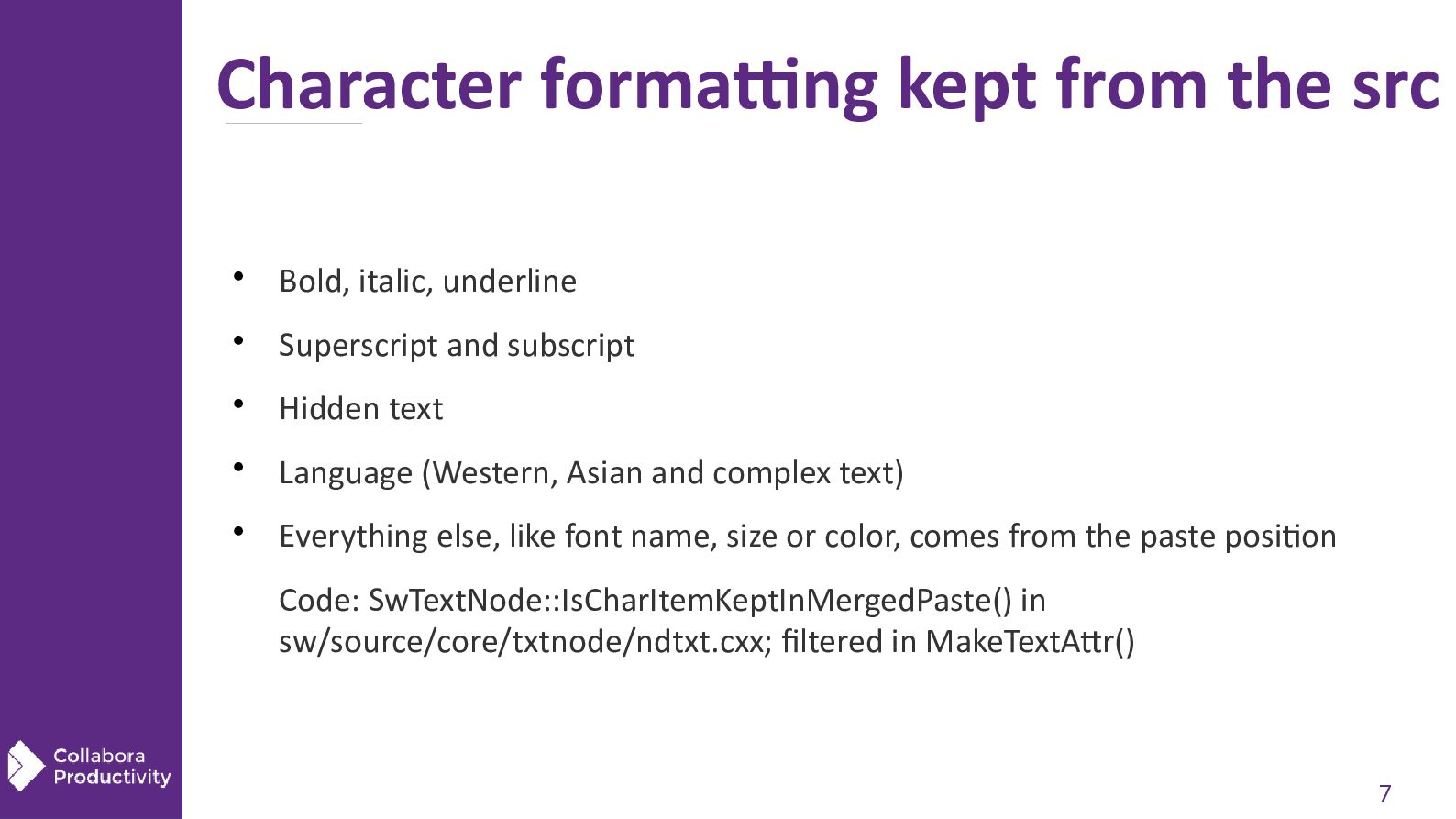
  6. Character formatting kept from the src  Bold, italic, underline

     Superscript and subscript  Hidden text  Language (Western, Asian and complex text)  Everything else, like font name, size or color, comes from the paste position Code: SwTextNode::IsCharItemKeptInMergedPaste() in sw/source/core/txtnode/ndtxt.cxx; filtered in MakeTextAttr() 7
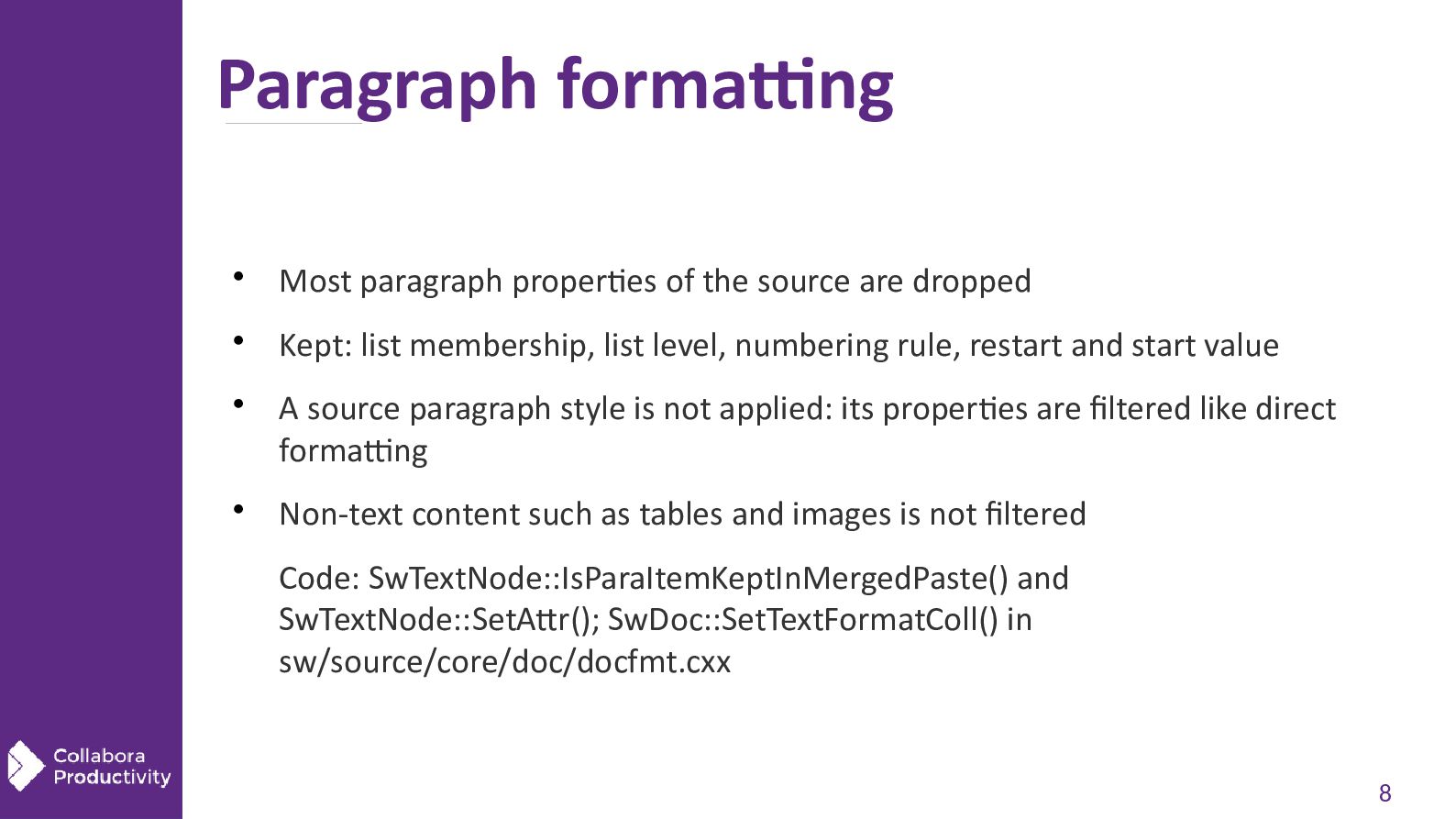
  7. Paragraph formatting  Most paragraph properties of the source are

    dropped  Kept: list membership, list level, numbering rule, restart and start value   A source paragraph style is not applied: its properties are filtered like direct formatting Non-text content such as tables and images is not filtered Code: SwTextNode::IsParaItemKeptInMergedPaste() and SwTextNode::SetAttr(); SwDoc::SetTextFormatColl() in sw/source/core/doc/docfmt.cxx 8
  8. Outside char and para properties  Lists: the numbering rule

    and the level are kept  Tables: kept; the text in their cells is filtered like any other text  Headings: Heading 1 to 10 styles are kept, so the outline level survives  The paragraph after a heading gets the paste position's paragraph style  Roughly what Markdown would keep Code: IsHeadingFormatId() and GetMergedPasteOrigDestNode() in SwDoc::SetTextFormatColl() 9
  9. Lists keep their type, not their look  Kept: the

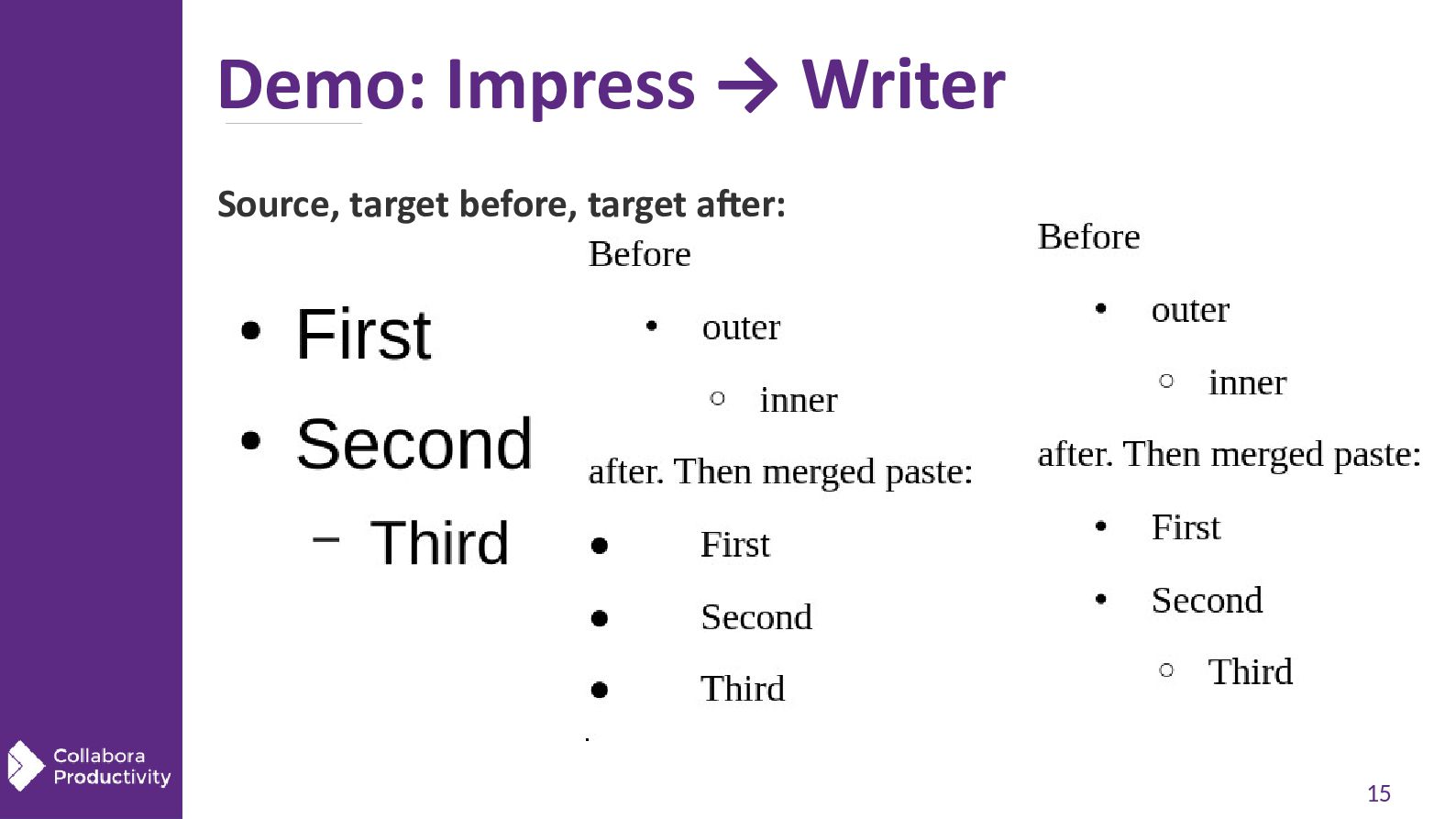
    numbering type, e.g. arabic numbers vs bullets, and the level  Numbered lists also keep their start value and number format  Bullet lists get Writer's default bullet for that level  Indents come from Writer's defaults, as for a list created in the UI  RTF paste no longer creates or overwrites a named list style like WWNum1 Code: SwNumRule::Set() and ApplyDefaultLabelAlignmentIndents() in sw/source/core/doc/number.cxx 10
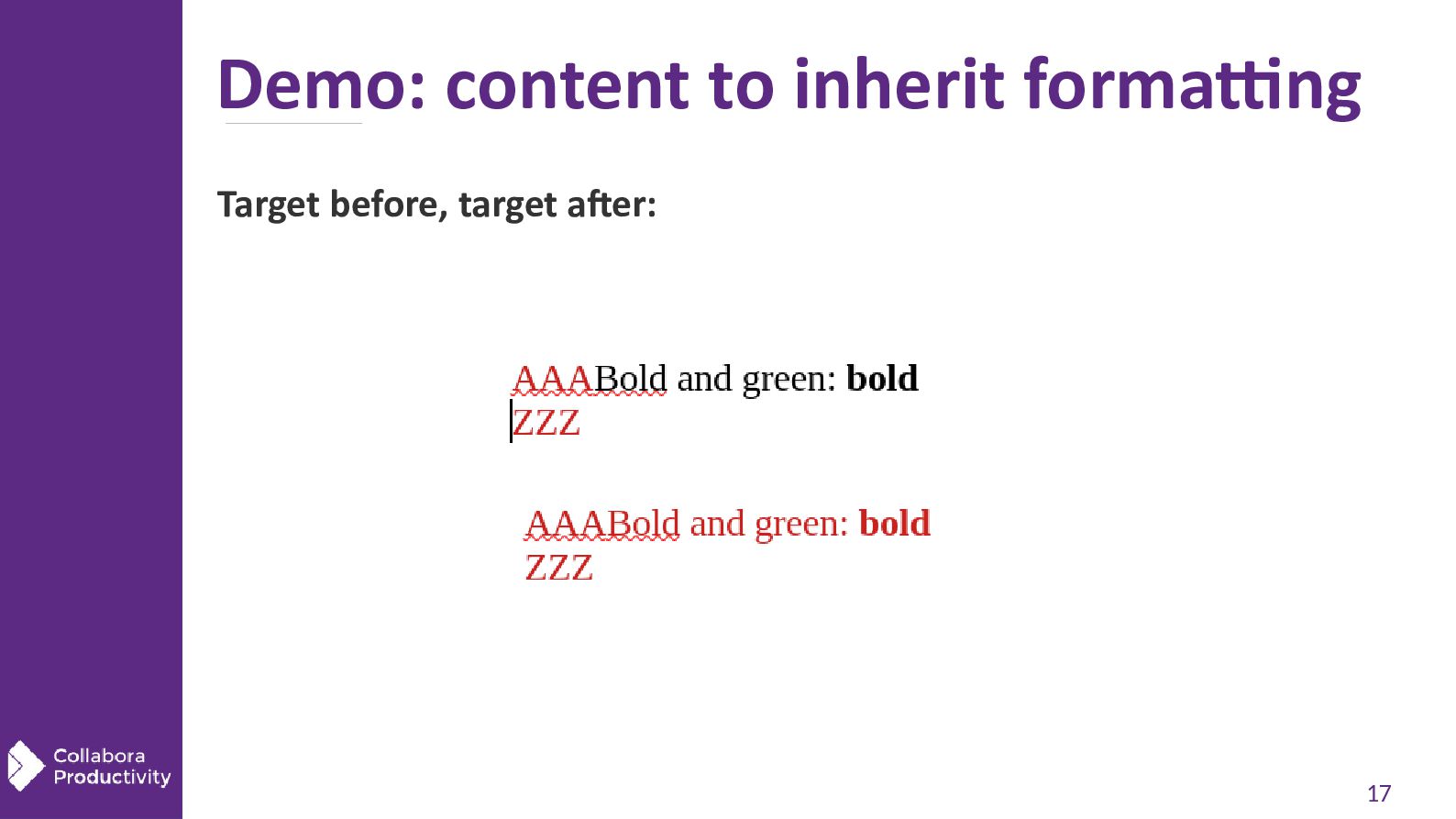
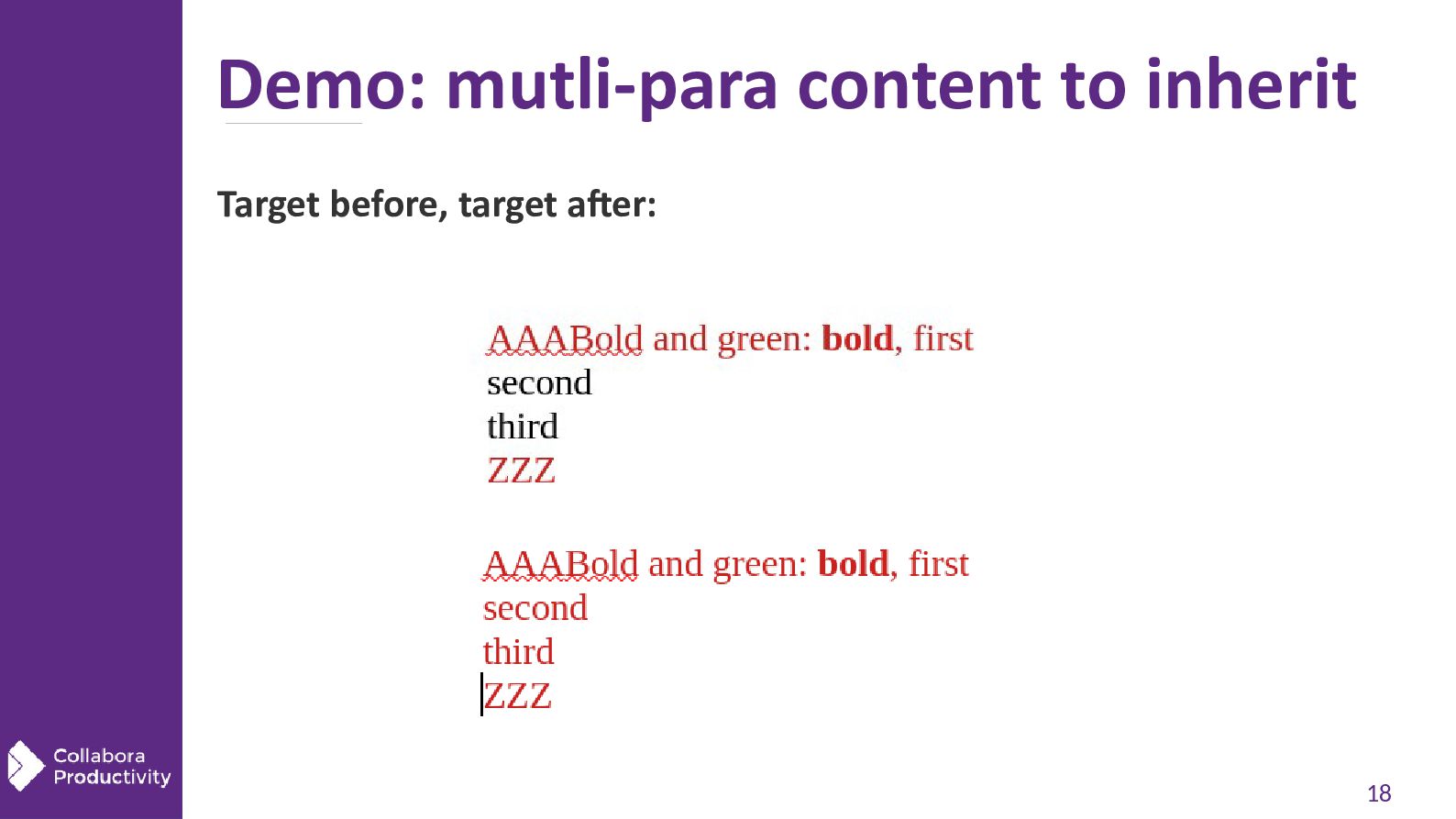
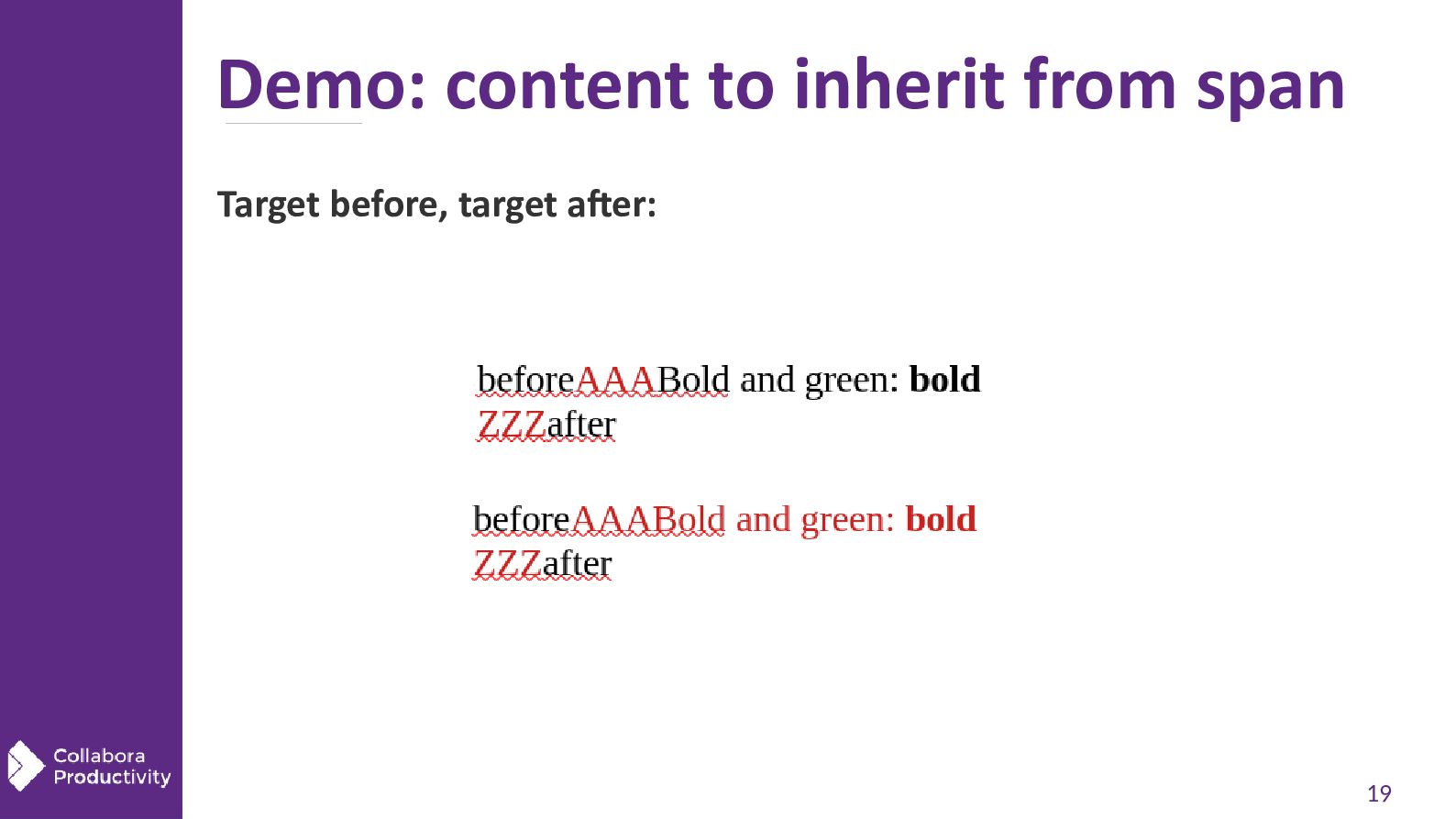
  10. Pasted text picks up the ctx formatting  Example: red

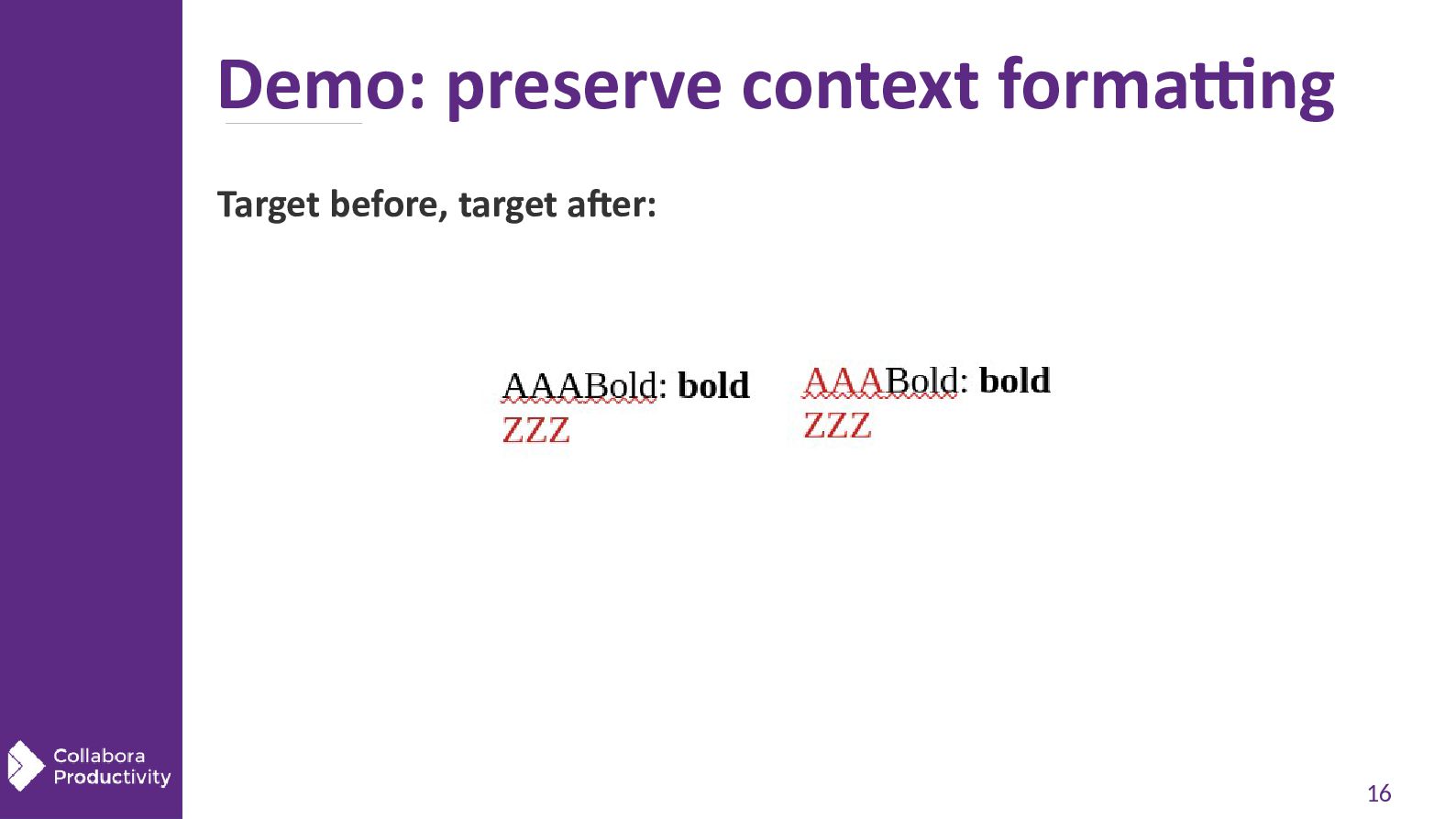
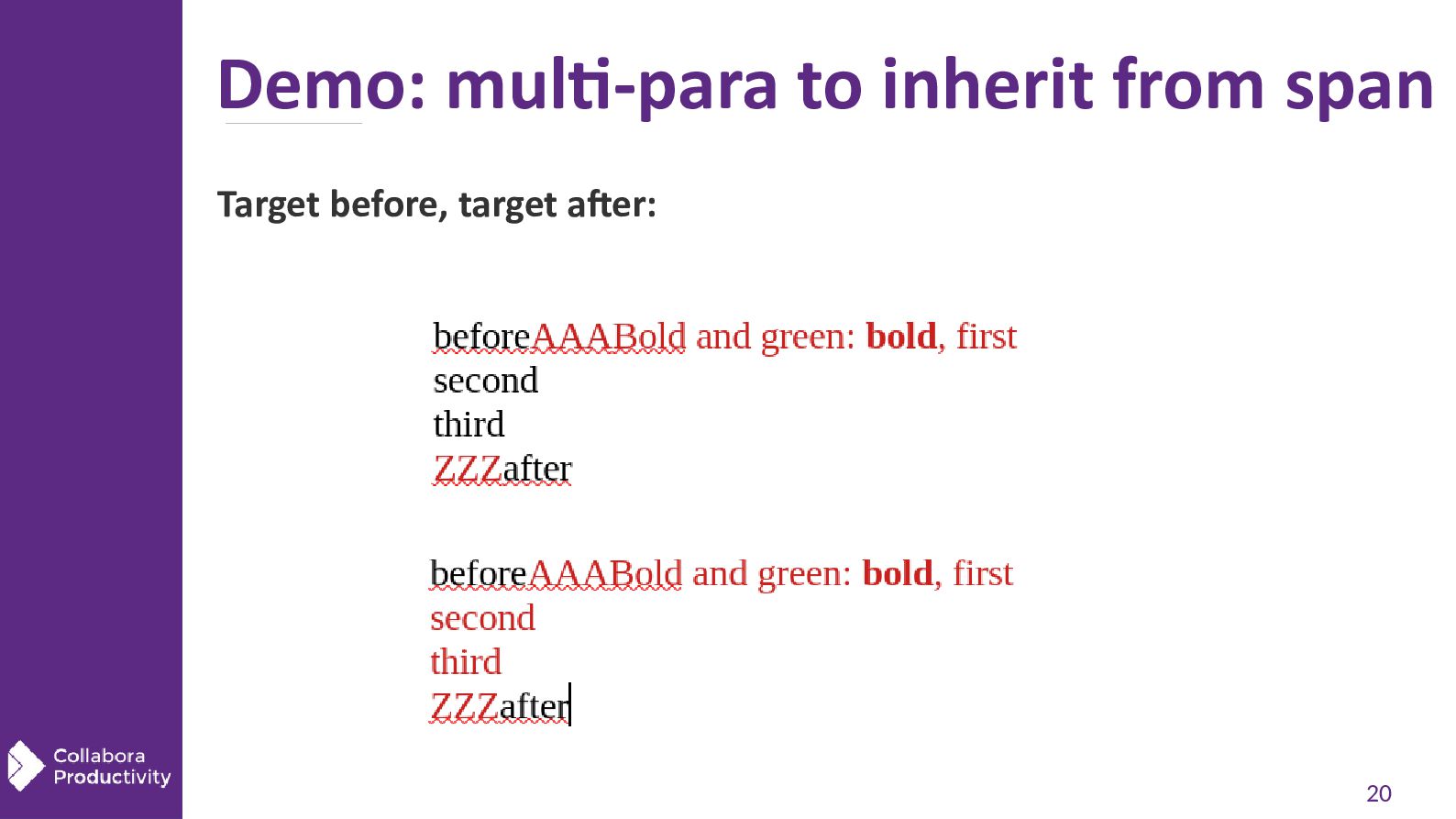
    + bold text pasted into green text results in bold + green  Bold is on the kept list, red is not, green comes from the paste position   Works when the paste position's formatting is on the paragraph or on the characters at the cursor Works for multi-paragraph pastes too, not just the first paragraph Code: MakeTextAttr() in thints.cxx puts GetMergedPasteParaAttrs() and GetMergedPasteCharAttrs() on each pasted run 11
  11. The text around the cursor is protected   The

    import wants an empty paragraph to work in So the paragraph at the cursor is split twice, then joined back after the import  Split and join are Writer core's own work: they opt out of the filter  The text before and after the paste position keeps its formatting Code: Reader::StartPaste() in shellio.cxx; SwHTMLParser::CallParser(); SwTextNode::CutImpl() passes oInMergedPaste=false 12
  12. Design choice: core, not filters   The filtering lives

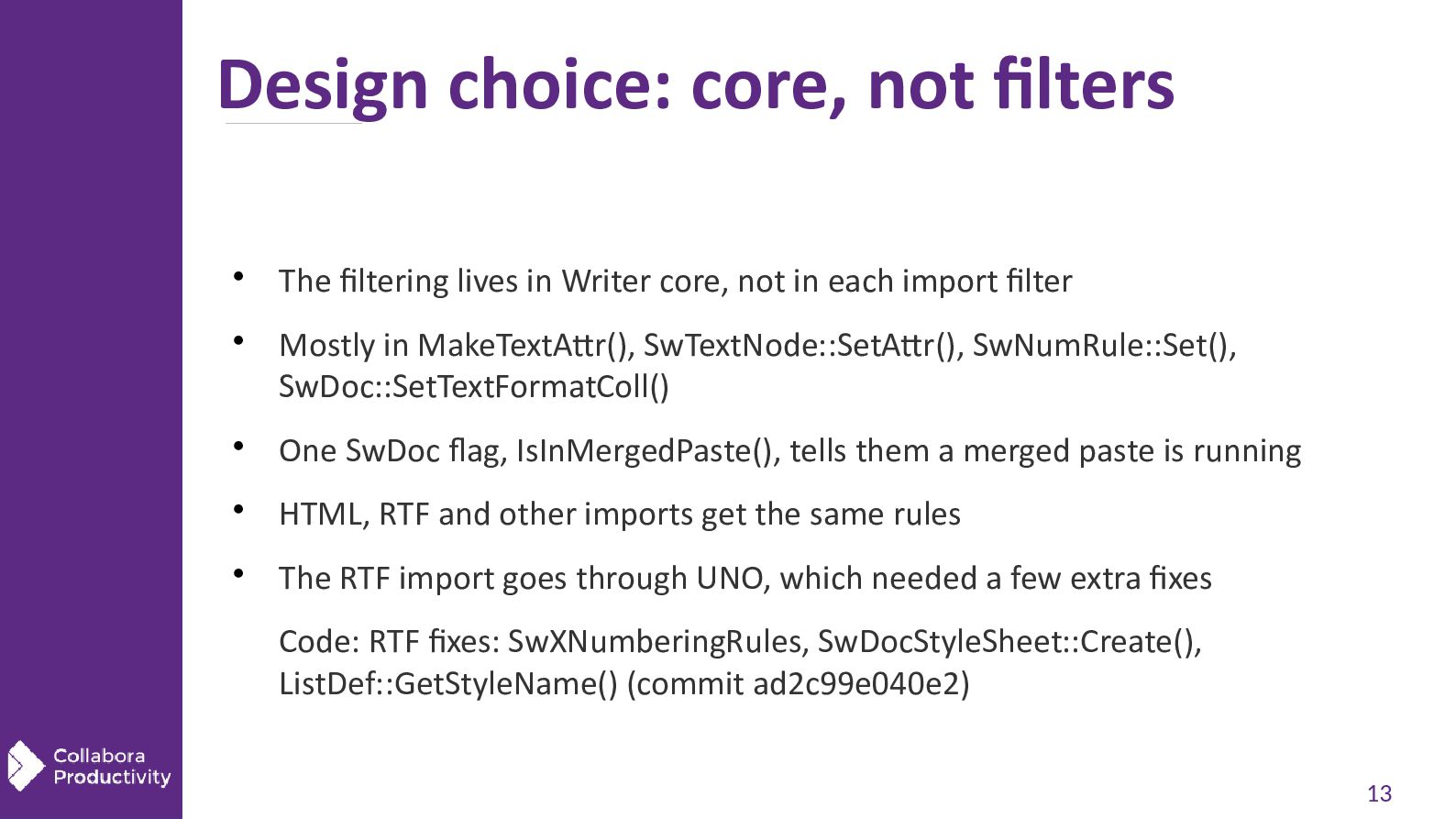
    in Writer core, not in each import filter Mostly in MakeTextAttr(), SwTextNode::SetAttr(), SwNumRule::Set(), SwDoc::SetTextFormatColl()  One SwDoc flag, IsInMergedPaste(), tells them a merged paste is running  HTML, RTF and other imports get the same rules  The RTF import goes through UNO, which needed a few extra fixes Code: RTF fixes: SwXNumberingRules, SwDocStyleSheet::Create(), ListDef::GetStyleName() (commit ad2c99e040e2) 13
  13. Impress needed fixes on export   Impress text writes

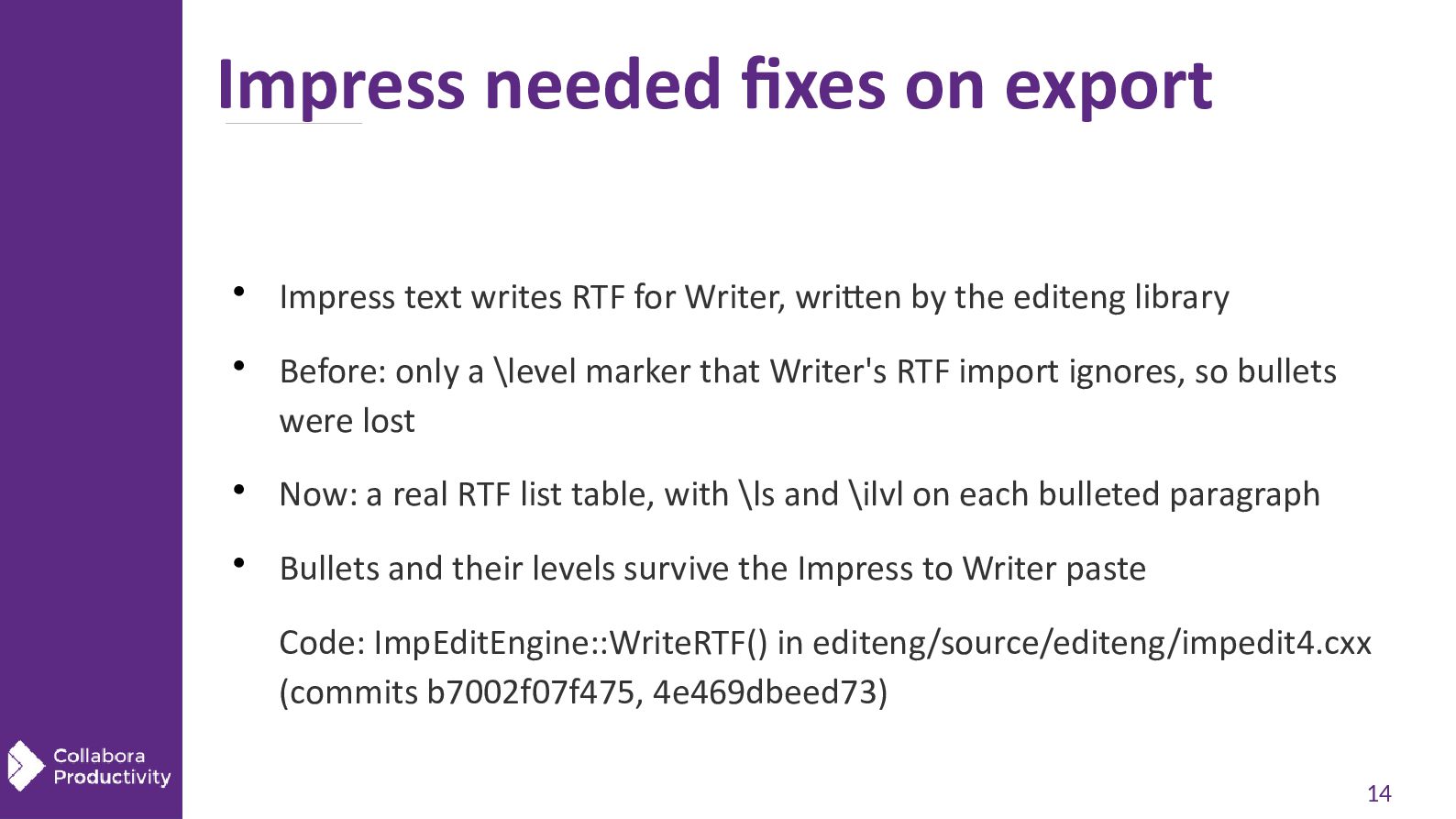
    RTF for Writer, written by the editeng library Before: only a \level marker that Writer's RTF import ignores, so bullets were lost  Now: a real RTF list table, with \ls and \ilvl on each bulleted paragraph  Bullets and their levels survive the Impress to Writer paste Code: ImpEditEngine::WriteRTF() in editeng/source/editeng/impedit4.cxx (commits b7002f07f475, 4e469dbeed73) 14
  14. Summary  Merge Formatting: paste that mostly takes the formatting

    of the paste position  Opt-in and Writer only (for now), via .uno:Paste with Merged=true  Kept: bold, italic, underline and a few more; lists, tables and headings  Dropped: fonts, sizes, colors and most paragraph formatting of the source  Built once in Writer core, so every import filter benefits  Shipping in Collabora Online 26.04  Get involved: https://collaboraonline.github.io/post/build-code/ 21