Design University of Wisconsin Eau Claire, USA 2010-2011 department of Graphic Design Women’s studies 2015-2016 Center for Women’s Studies, Belgrade work @Namics Belgrade as UI/UX Designer [email protected]
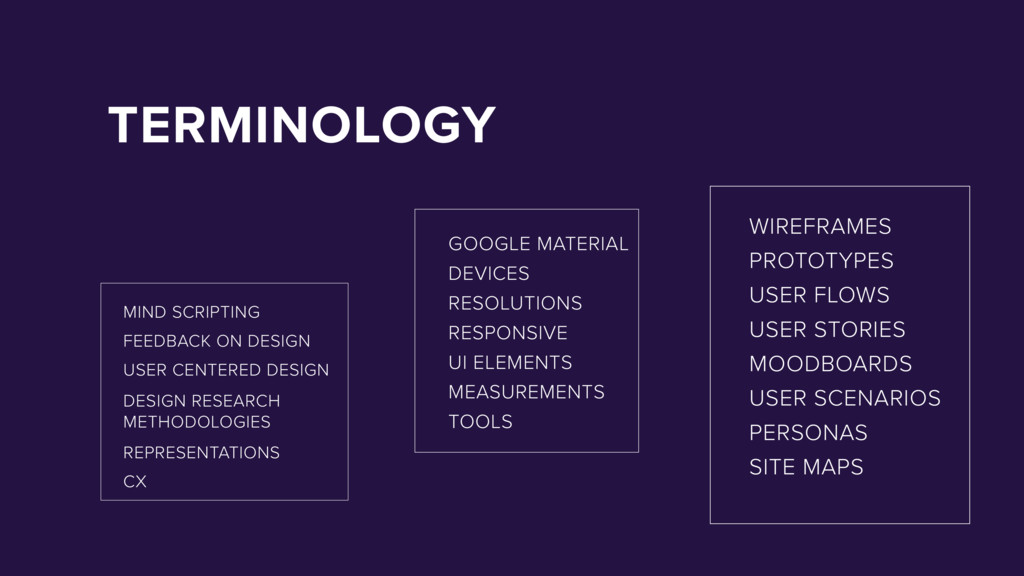
WIREFRAMES PROTOTYPES MOODBOARDS DESIGN RESEARCH METHODOLOGIES REPRESENTATIONS CX USER CENTERED DESIGN FEEDBACK ON DESIGN MIND SCRIPTING TOOLS MEASUREMENTS RESPONSIVE RESOLUTIONS GOOGLE MATERIAL DEVICES UI ELEMENTS
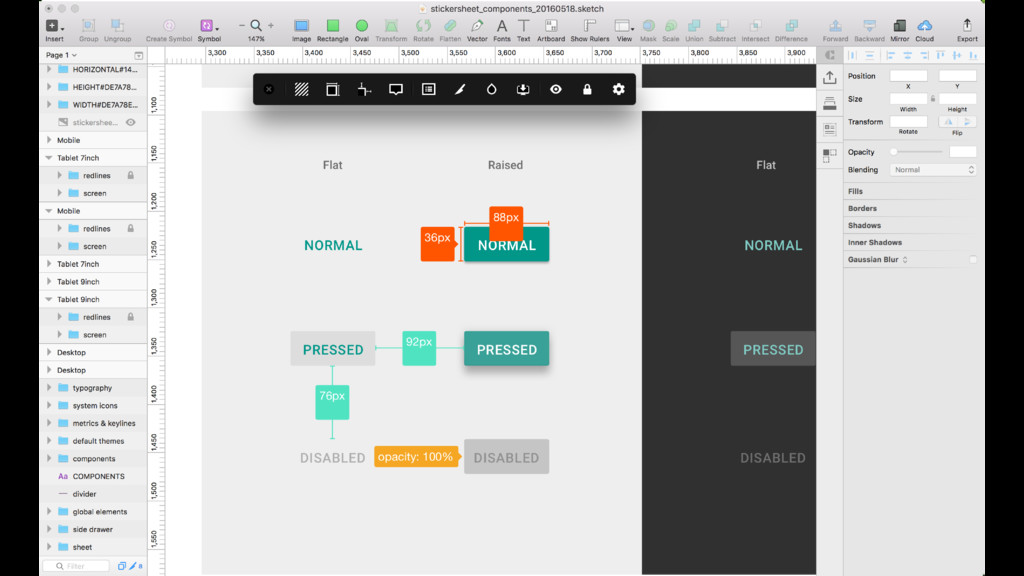
users might need to do and ensuring that the interface has elements that are easy to access, understand, and use to facilitate those actions. UI brings together concepts from interaction design, visual design, and information architecture. https://www.usability.gov/what-and-why/user-interface-design.html https://www.usability.gov/how-to-and-tools/methods/user-interface-elements.html
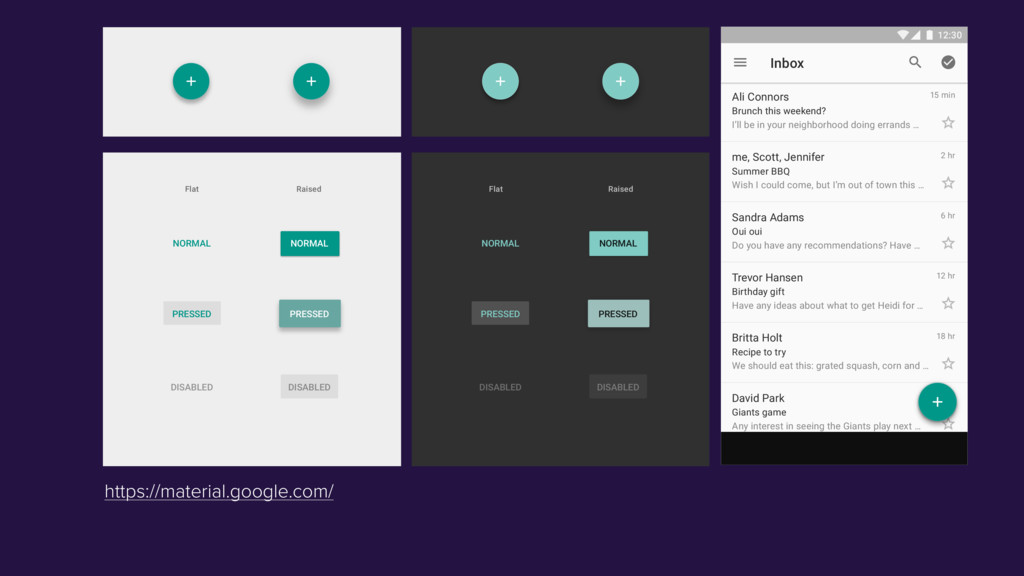
PRESSED NORMAL NORMAL PRESSED DISABLED PRESSED NORMAL Ali Connors Brunch this weekend? I’ll be in your neighborhood doing errands … Summer BBQ Wish I could come, but I’m out of town this … Oui oui Do you have any recommendations? Have … Birthday gift Have any ideas about what to get Heidi for … Recipe to try We should eat this: grated squash, corn and … Giants game Any interest in seeing the Giants play next … me, Scott, Jennifer Sandra Adams Trevor Hansen Britta Holt David Park 15 min 2 hr 6 hr 12 hr 18 hr 21 hr Inbox 12:30
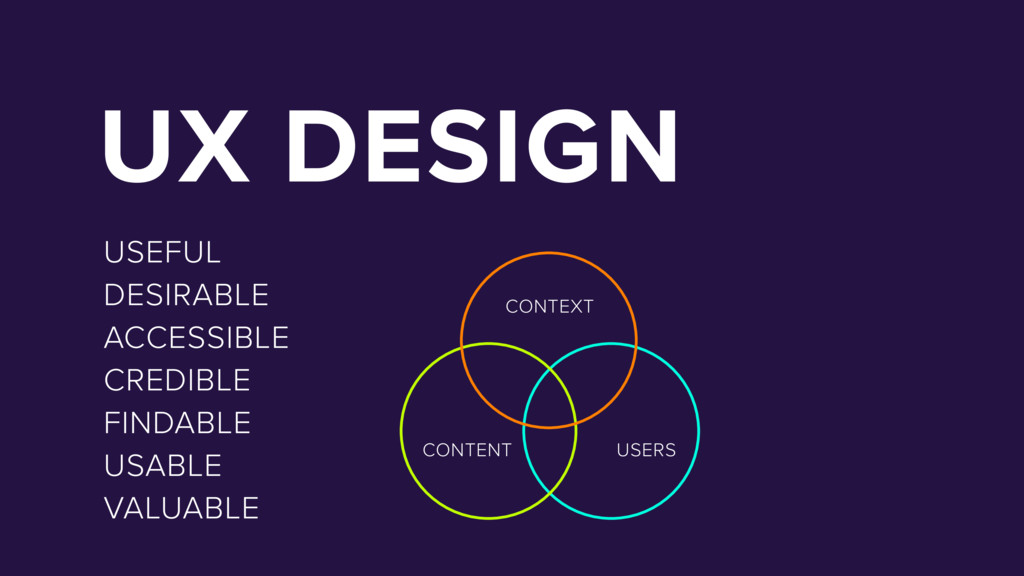
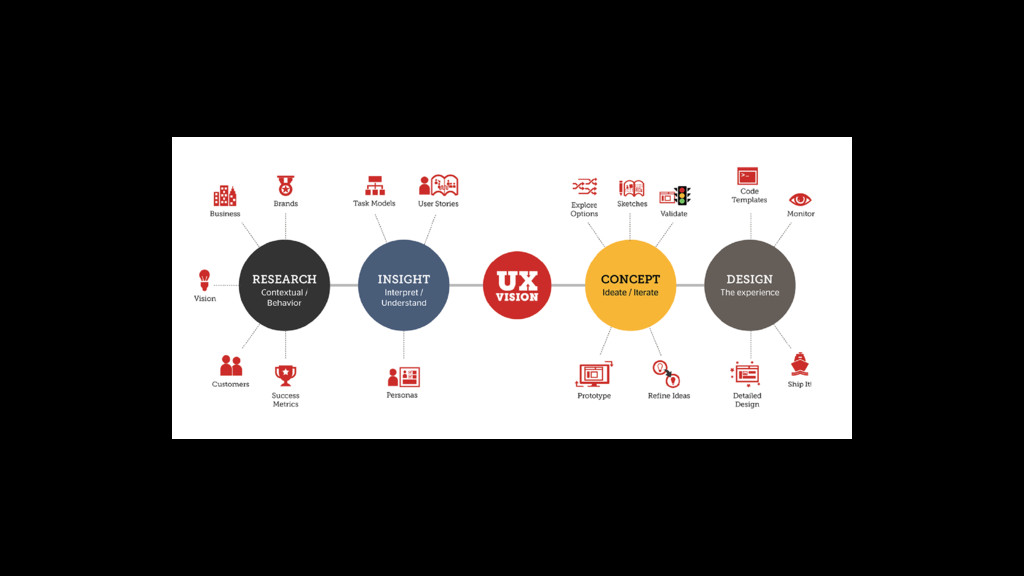
understanding of users, what they need, what they value, their abilities, and also their limitations. It also takes into account the business goals and objectives of the group managing the project. UX best practices promote improving the quality of the user’s interaction with and perceptions of your product and any related services. https://www.usability.gov/what-and-why/user-experience.html https://www.usability.gov/what-and-why/visual-design.html
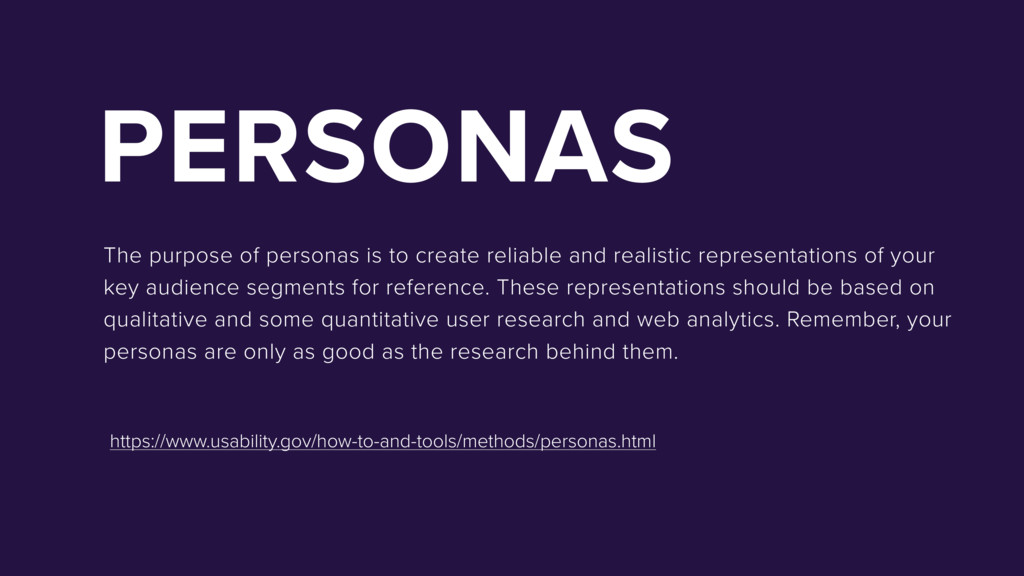
realistic representations of your key audience segments for reference. These representations should be based on qualitative and some quantitative user research and web analytics. Remember, your personas are only as good as the research behind them. https://www.usability.gov/how-to-and-tools/methods/personas.html
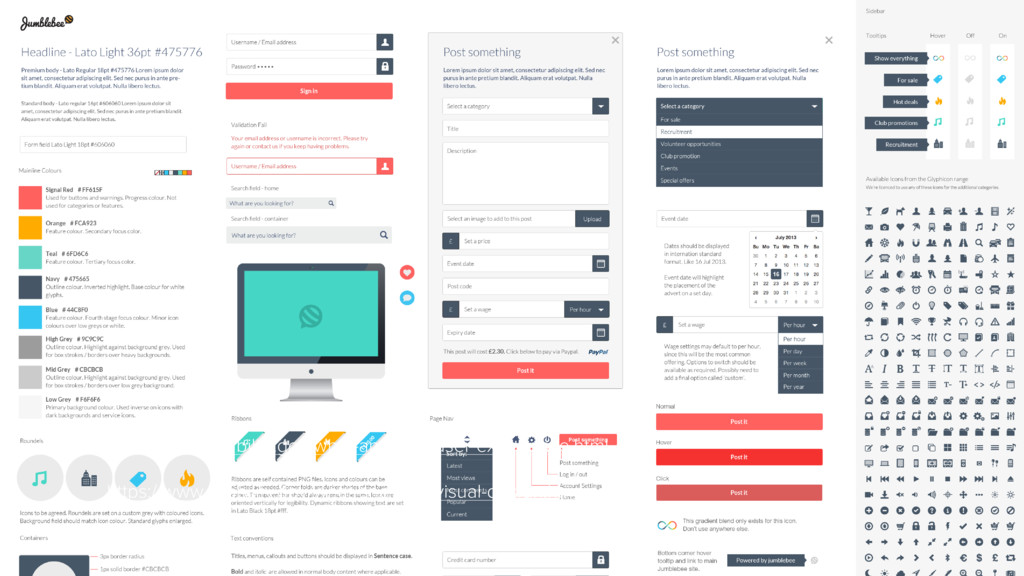
their digital and o ine entities. Because they are living documents, they provide enough structure without strangling creativity. A style guide is a comprehensive document that keeps track of all the repeating elements for a project, ranging from branding rules down to the amount of beveling for call-to-action buttons. Style guides also often reference rules and suggested practices, including dos and don’ts. On a more holistic level, they’re also a great place to state motives and missions statements for a company.
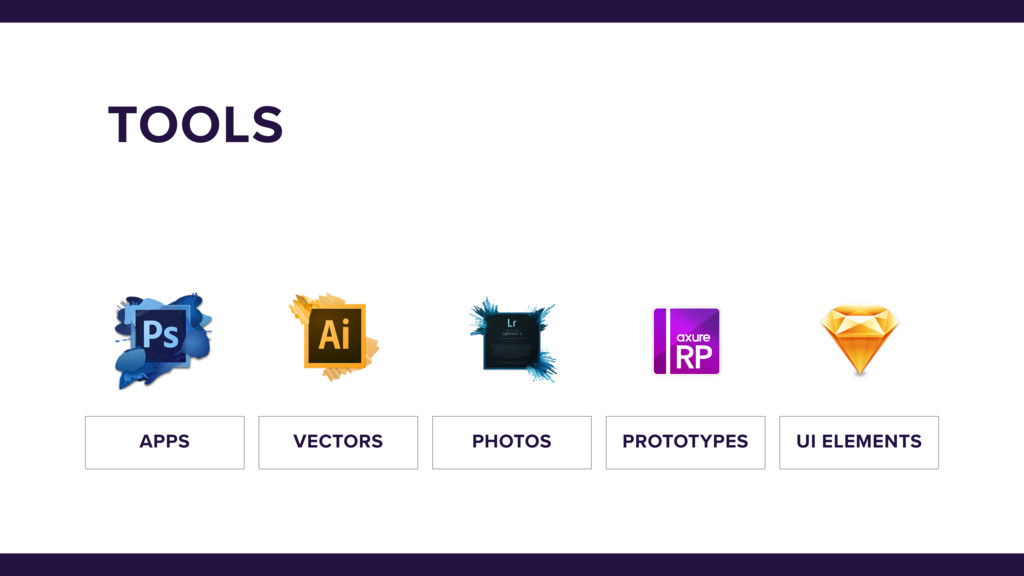
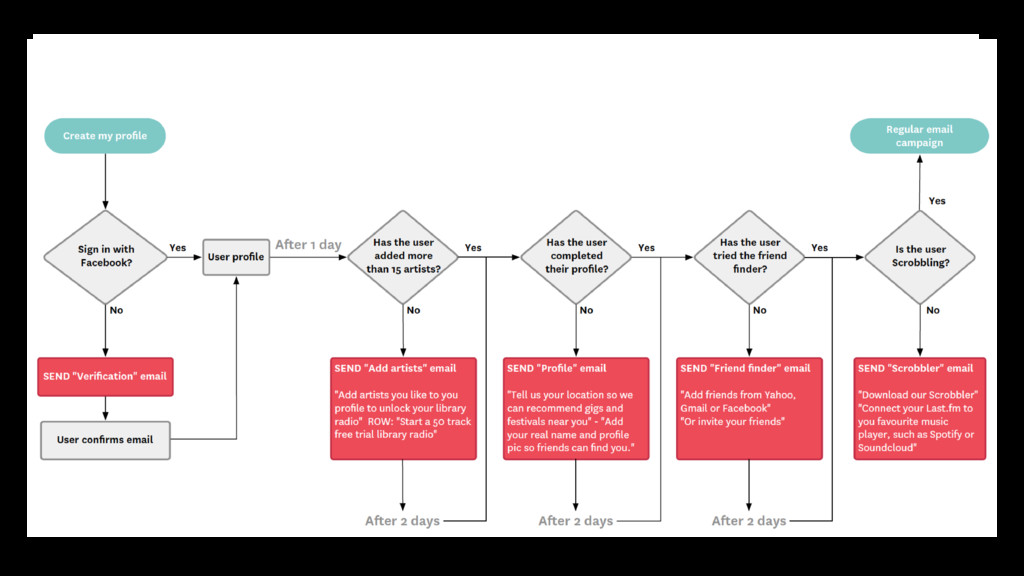
the paths users take through a product. It can bean actual map or just a simple line drawing that depicts the ways users navigate through a product. You can use any of the wireframing softwares available such as Axure, Sketch or Balsamiq to make these. Combined with task analysis, user flows give you a clear picture of how to create the easiest paths for users to complete goals.
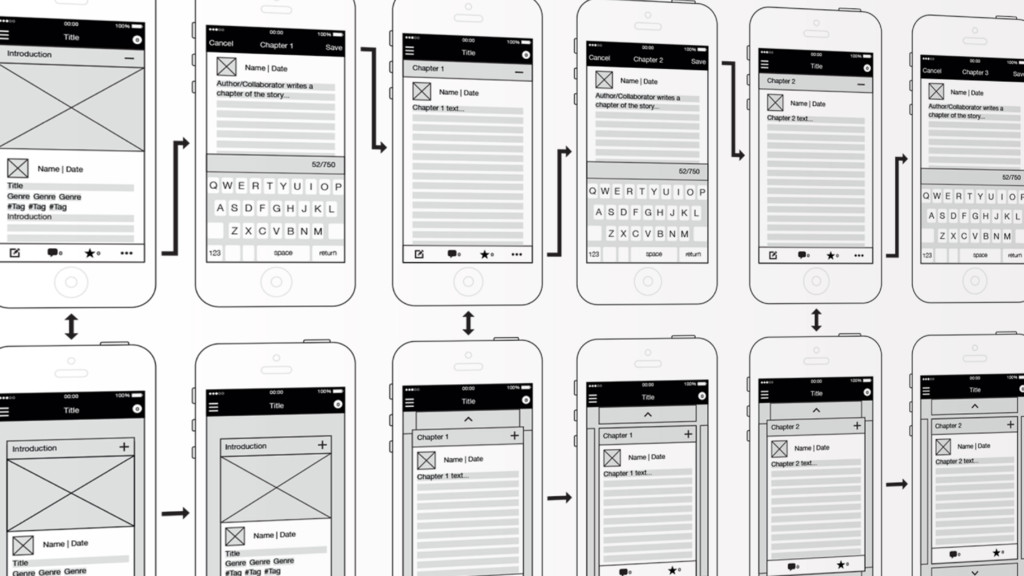
interface that specifically focuses on space allocation and prioritization of content, functionalities available, and intended behaviors. For these reasons, wireframes typically do not include any styling, color, or graphics. Wireframes also help establish relationships between a website’s various templates. https://www.usability.gov/how-to-and-tools/methods/wireframing.html
that allows you to explore your ideas and show the intention behind a feature or the overall design concept to users before investing time and money into development. A prototype can be anything from paper drawings (low-fidelity) to something that allows click-through of a few pieces of content to a fully functioning site (high-fidelity). https://www.usability.gov/how-to-and-tools/methods/prototyping.html


 webbootcamp
 ssmedikasda
 juanmartin2026
 sciencetokyo
 pawan_pharm
 terasawat
 fmarot
 2720japanoke
 yoshimura_datam
 cbtlibrary
 spring_aki
 dugsong
 addyosmani
 productmarketing
 morganepeng
 colly
colly
 sergeychernyshev
 axbom
axbom
 aleyda
 csswizardry
 lynnandtonic
 minecr
 eileencodes



![[email protected] http://ninkovicdesign.wixsite.com/aleksandraninkovic](https://files.speakerdeck.com/presentations/85362f47a0c44d9aa03cb8f4287f4c3f/slide_19.jpg)