Upgrade to Pro — share decks privately, control downloads, hide ads and more …

Rango: Databases made easy

Rango: Databases made easy

Rango is a package that makes it easy to use relational databases directly from R and without a line of SQL (an Object Relational Mapper in tech-speak).Rango creates joins automatically and optimizes where possible, the same code works on multiple database back-ends.

Avatar for Willem Ligtenberg

Willem Ligtenberg

October 13, 2015

More Decks by Willem Ligtenberg

Other Decks in Programming

Transcript

  1. Willem Ligtenberg Company: Interests: Social Media: Open Analytics · parallel

    computing (ROpenCL) network theory databases performance improvement · · · · @wligtenberg +wligtenberg · · 2/25
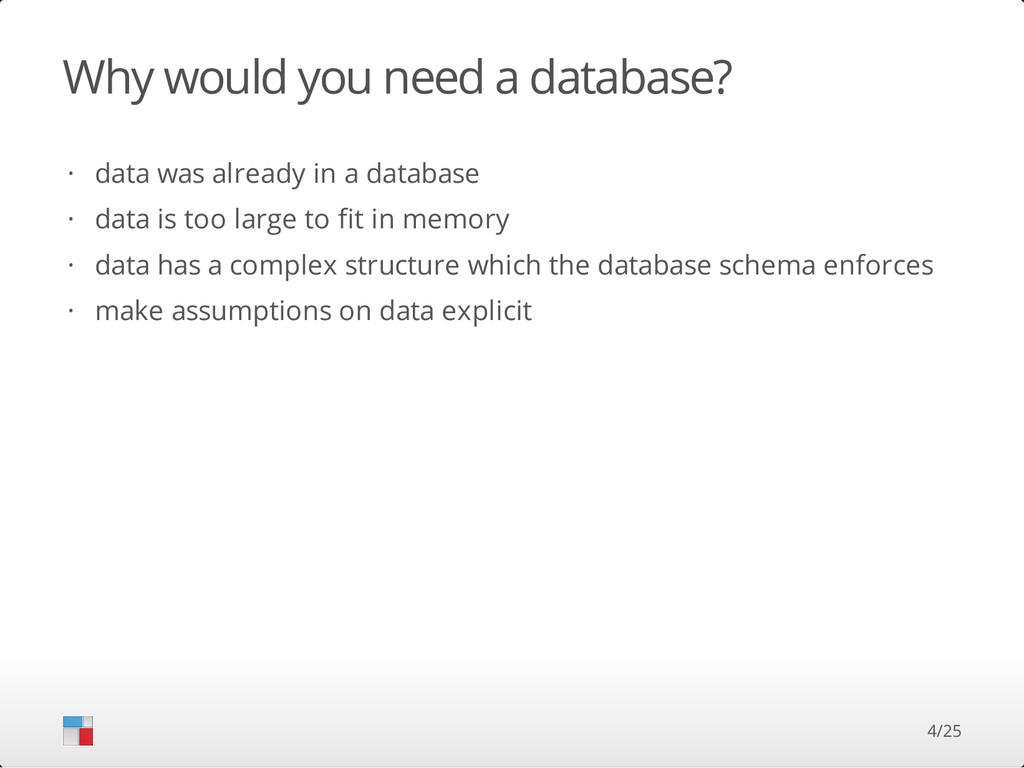
  2. Why would you need a database? data was already in

    a database data is too large to fit in memory data has a complex structure which the database schema enforces make assumptions on data explicit · · · · 4/25
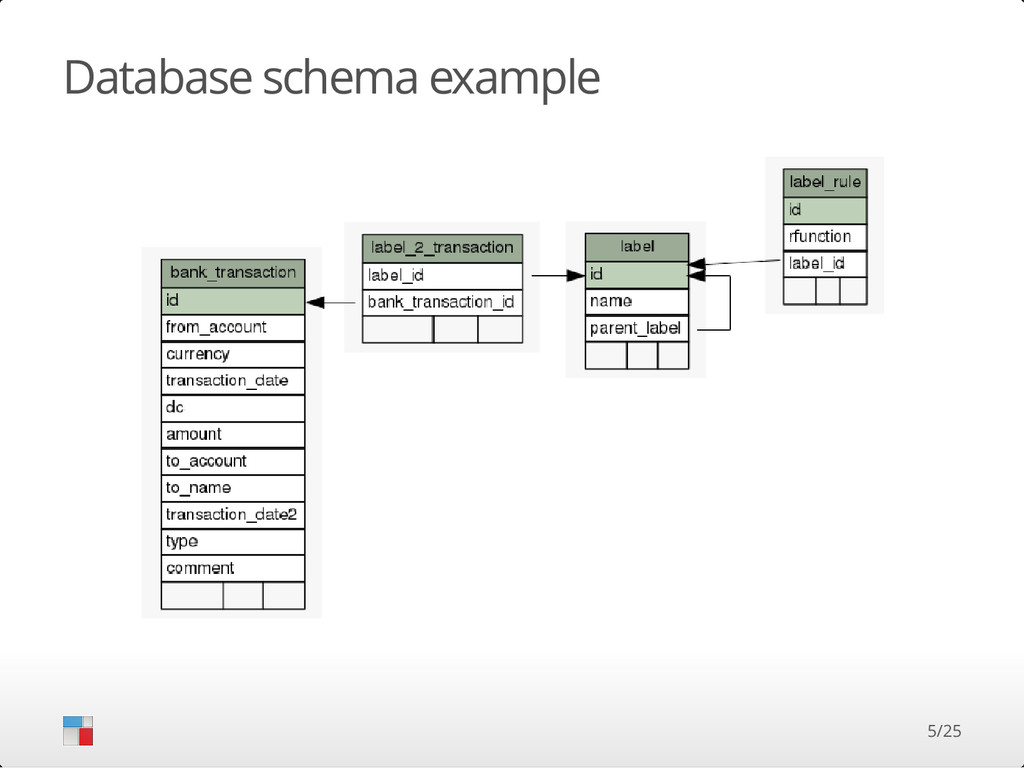
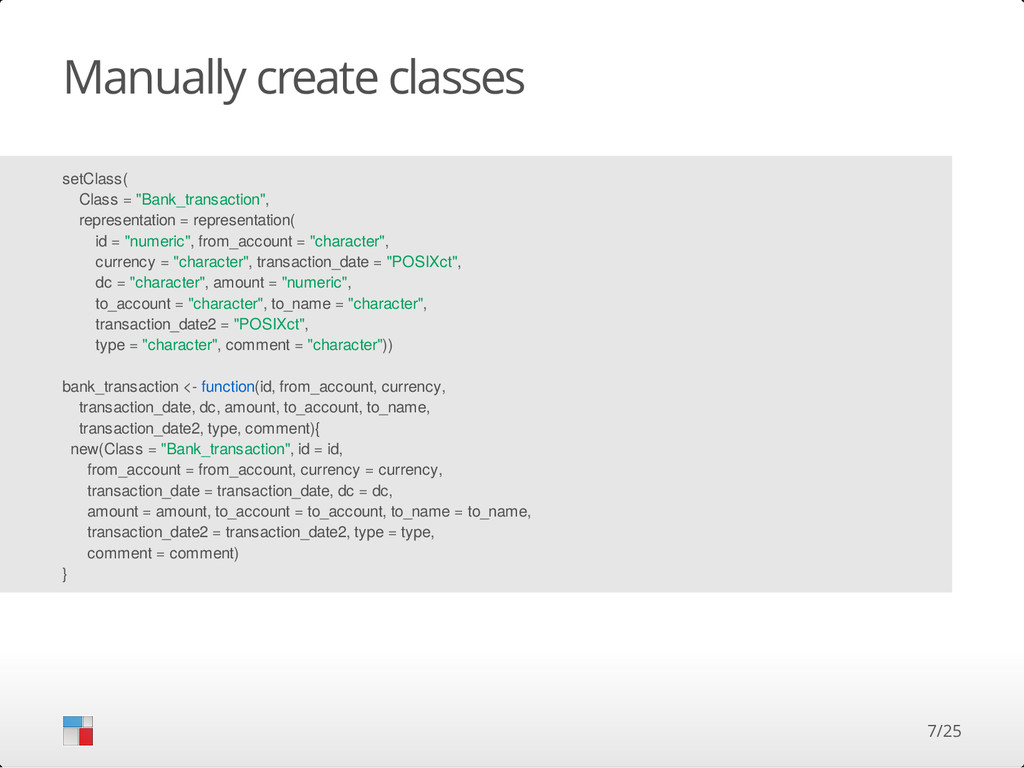
  3. Manually create classes setClass( Class = "Bank_transaction", representation = representation(

    id = "numeric", from_account = "character", currency = "character", transaction_date = "POSIXct", dc = "character", amount = "numeric", to_account = "character", to_name = "character", transaction_date2 = "POSIXct", type = "character", comment = "character")) bank_transaction <- function(id, from_account, currency, transaction_date, dc, amount, to_account, to_name, transaction_date2, type, comment){ new(Class = "Bank_transaction", id = id, from_account = from_account, currency = currency, transaction_date = transaction_date, dc = dc, amount = amount, to_account = to_account, to_name = to_name, transaction_date2 = transaction_date2, type = type, comment = comment) } 7/25
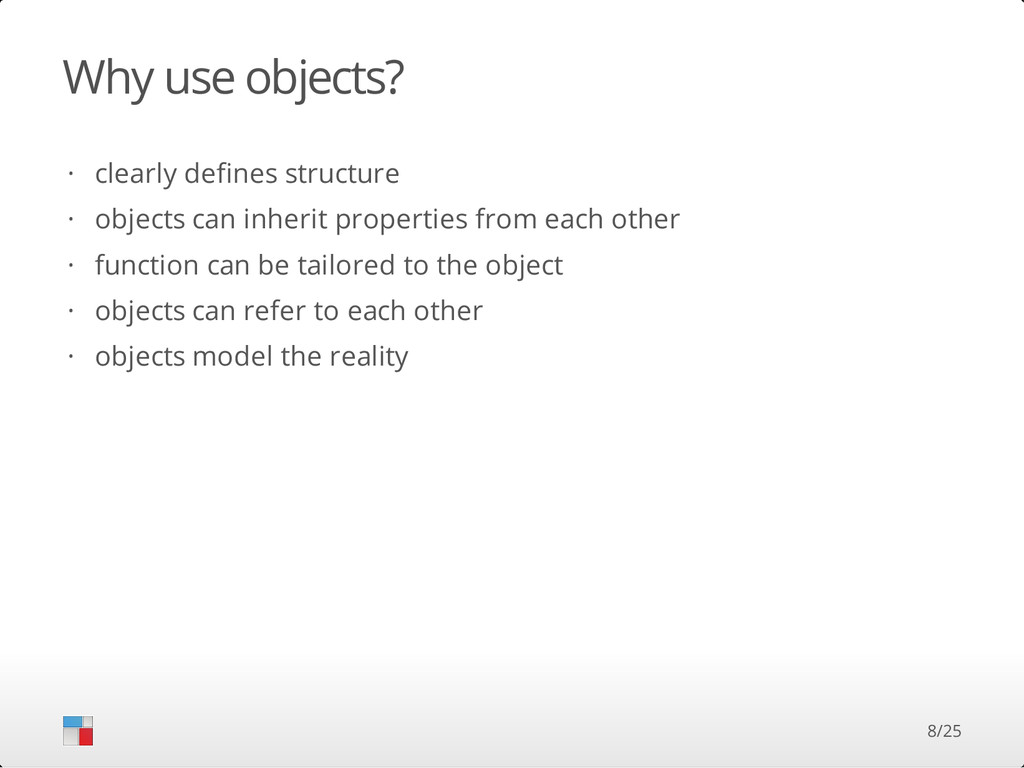
  4. Why use objects? clearly defines structure objects can inherit properties

    from each other function can be tailored to the object objects can refer to each other objects model the reality · · · · · 8/25
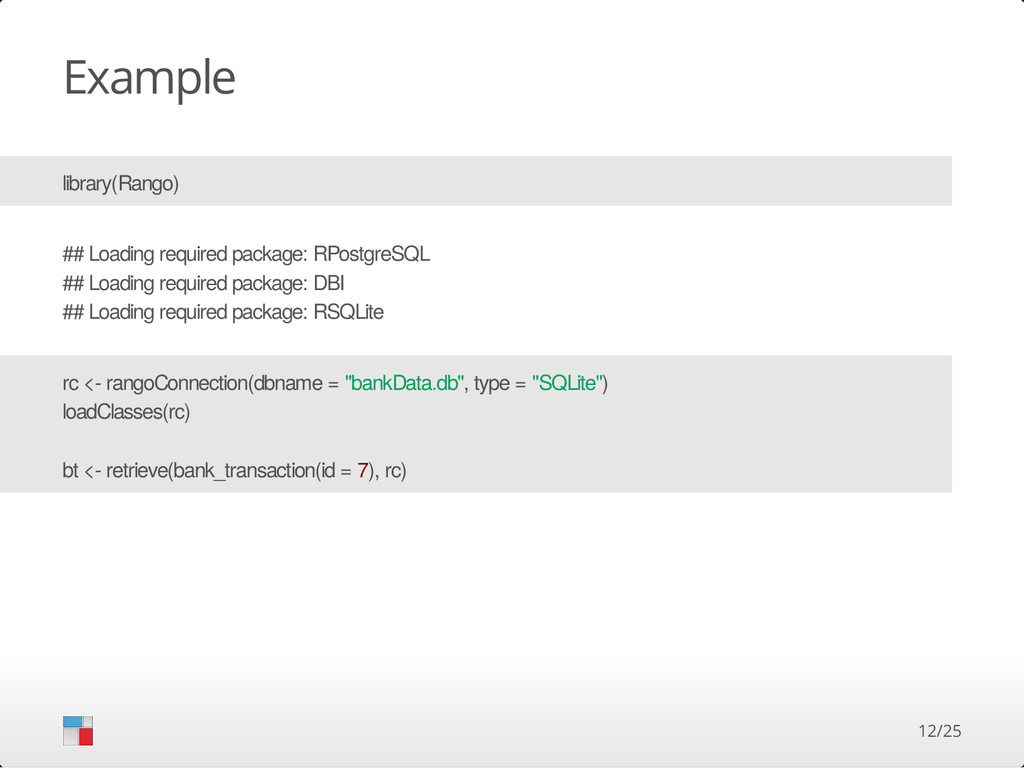
  5. Example library(Rango) ## Loading required package: RPostgreSQL ## Loading required

    package: DBI ## Loading required package: RSQLite rc <- rangoConnection(dbname = "bankData.db", type = "SQLite") loadClasses(rc) bt <- retrieve(bank_transaction(id = 7), rc) 12/25
  6. Example str(bt) ## Formal class 'Bank_transaction' [package "Rango"] with 12

    slots ## ..@ rangoBookKeeping :List of 2 ## .. ..$ retrieved: logi TRUE ## .. ..$ dbc :Formal class 'RangoSQLiteConnection' [package "Rango"] with 4 slots ## .. .. .. ..@ dbname : chr "bankData.db" ## .. .. .. ..@ con :Formal class 'SQLiteConnection' [package "RSQLite"] with 5 slots ## .. .. .. .. .. ..@ Id :<externalptr> ## .. .. .. .. .. ..@ dbname : chr "bankData.db" ## .. .. .. .. .. ..@ loadable.extensions: logi TRUE ## .. .. .. .. .. ..@ flags : int 6 ## .. .. .. .. .. ..@ vfs : chr "" ## .. .. .. ..@ objectCache:<environment: 0x7f1757190d88> ## .. .. .. ..@ cache : logi FALSE ## ..@ id : num 7 ## ..@ from_account : chr "NL86RABO0129739596" ## ..@ currency : chr "EUR" ## ..@ transaction_date : chr "20130307" ## ..@ dc : chr "D" ## ..@ amount : num 2.07 ## ..@ to_account : chr(0) ## ..@ to_name : chr(0) ## ..@ transaction_date2: chr "20130307" ## ..@ type : chr "ba" ## ..@ comment : chr "ALBERT HEIJN 1645 TILBURG Betaalautomaat 18:25 pasnr. 007" 13/25
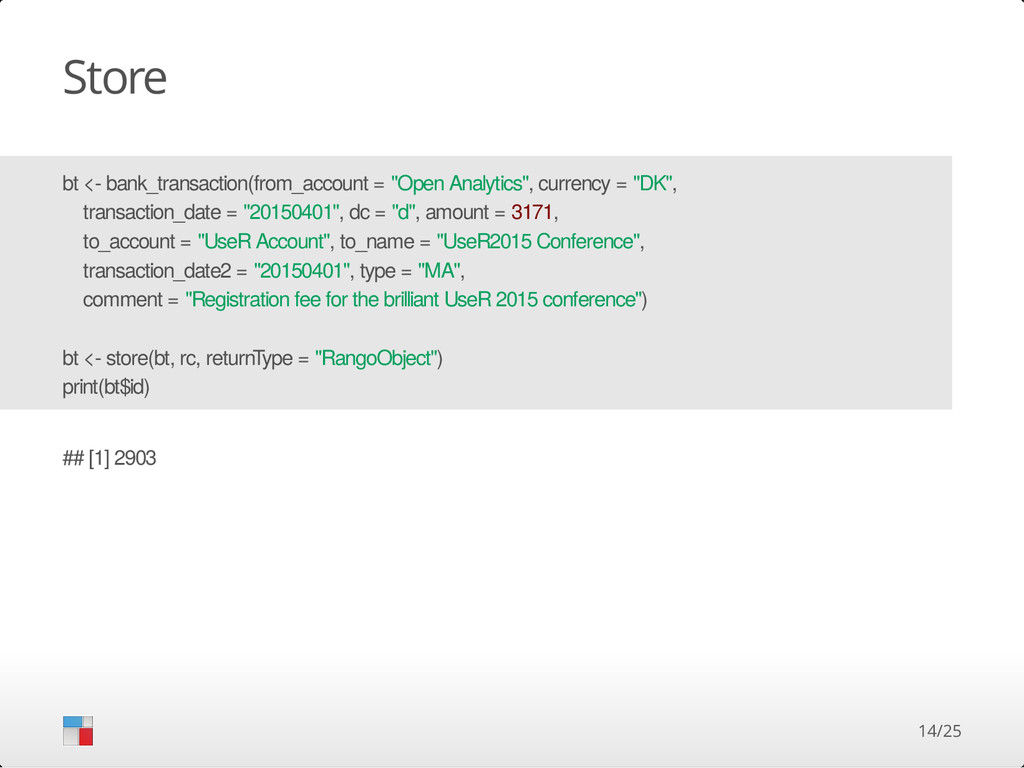
  7. Store bt <- bank_transaction(from_account = "Open Analytics", currency = "DK",

    transaction_date = "20150401", dc = "d", amount = 3171, to_account = "UseR Account", to_name = "UseR2015 Conference", transaction_date2 = "20150401", type = "MA", comment = "Registration fee for the brilliant UseR 2015 conference") bt <- store(bt, rc, returnType = "RangoObject") print(bt$id) ## [1] 2903 14/25
  8. Retrieve tmp <- retrieve(bank_transaction(id %<=% 5), rc) print(length(tmp)) ## [1]

    5 tmp2 <- retrieve(bank_transaction(id %<=>% c(5,6)), rc) print(length(tmp2)) ## [1] 2 tmp3 <- retrieve(bank_transaction(to_name %like% "%UseR2015%"), rc) print(length(tmp3)) ## [1] 1 15/25
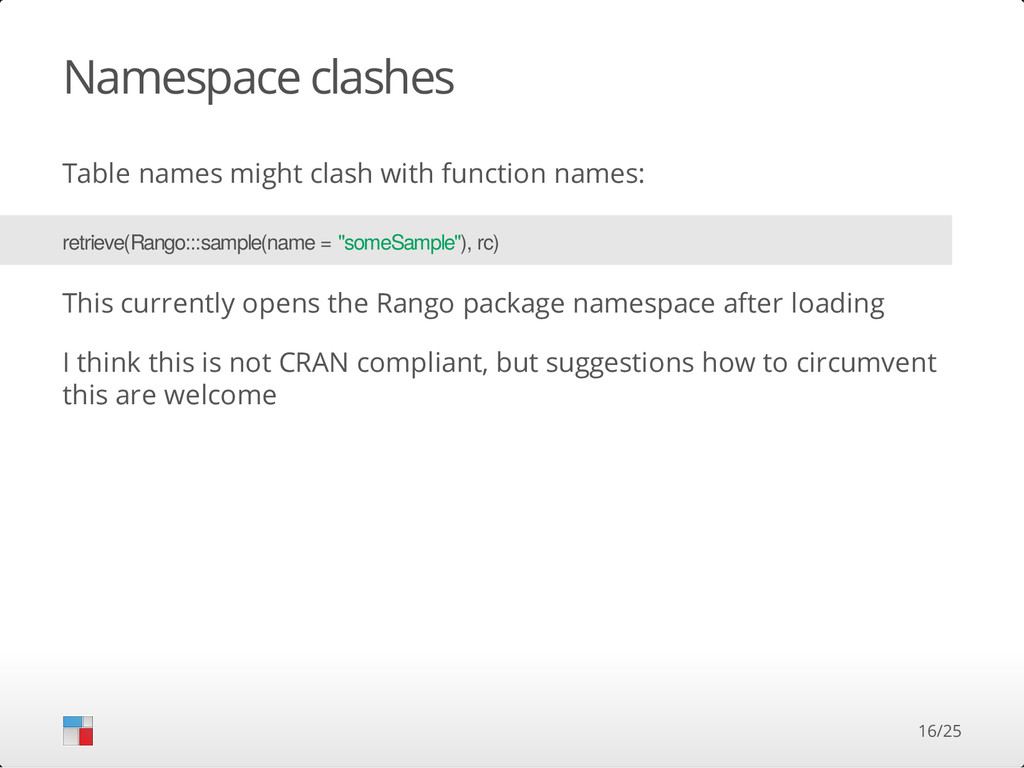
  9. Namespace clashes Table names might clash with function names: This

    currently opens the Rango package namespace after loading I think this is not CRAN compliant, but suggestions how to circumvent this are welcome retrieve(Rango:::sample(name = "someSample"), rc) 16/25
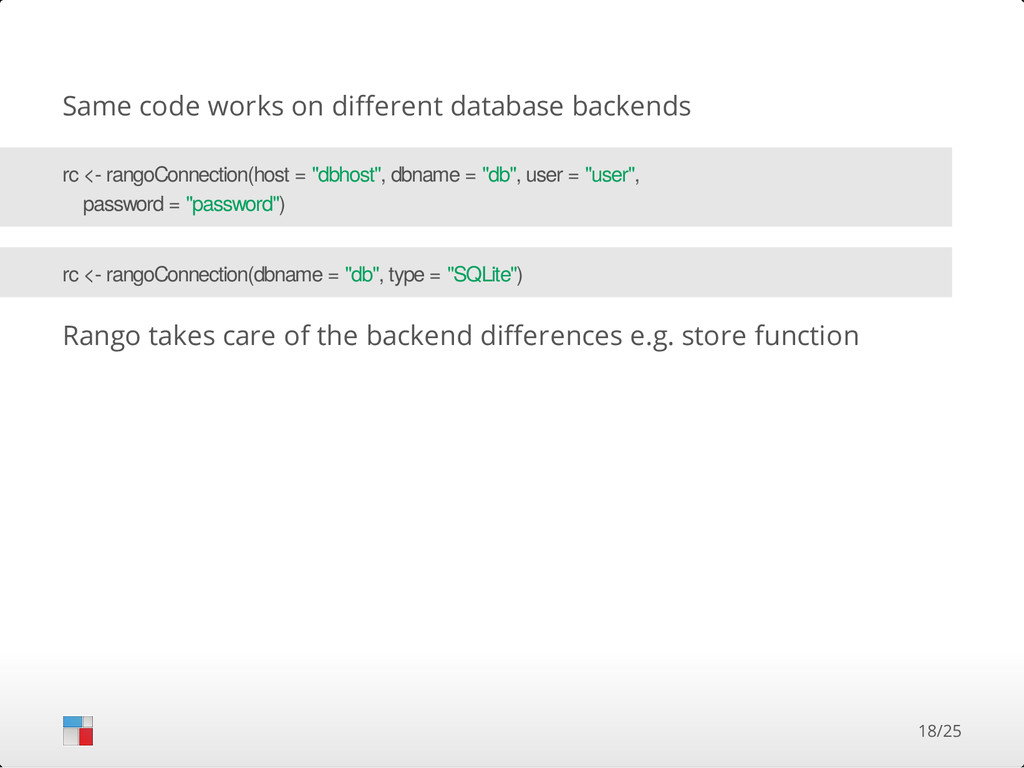
  10. Same code works on different database backends Rango takes care

    of the backend differences e.g. store function rc <- rangoConnection(host = "dbhost", dbname = "db", user = "user", password = "password") rc <- rangoConnection(dbname = "db", type = "SQLite") 18/25
  11. See what Rango is doing library(logging) rc <- rangoConnection(dbname =

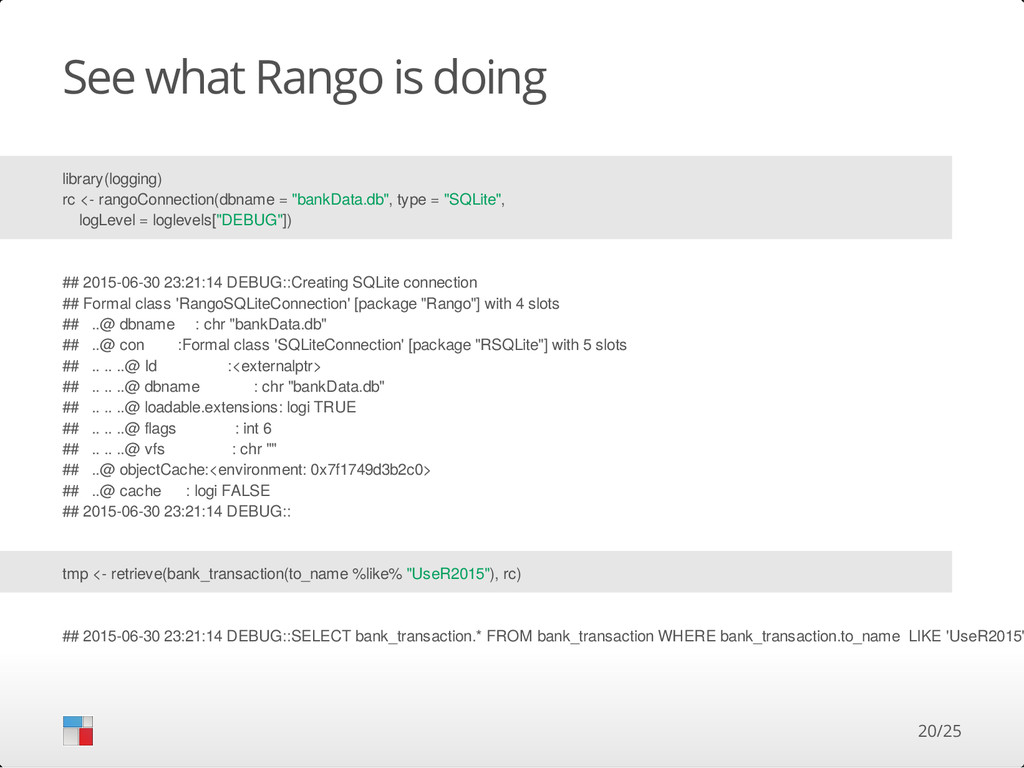
    "bankData.db", type = "SQLite", logLevel = loglevels["DEBUG"]) ## 2015-06-30 23:21:14 DEBUG::Creating SQLite connection ## Formal class 'RangoSQLiteConnection' [package "Rango"] with 4 slots ## ..@ dbname : chr "bankData.db" ## ..@ con :Formal class 'SQLiteConnection' [package "RSQLite"] with 5 slots ## .. .. ..@ Id :<externalptr> ## .. .. ..@ dbname : chr "bankData.db" ## .. .. ..@ loadable.extensions: logi TRUE ## .. .. ..@ flags : int 6 ## .. .. ..@ vfs : chr "" ## ..@ objectCache:<environment: 0x7f1749d3b2c0> ## ..@ cache : logi FALSE ## 2015-06-30 23:21:14 DEBUG:: tmp <- retrieve(bank_transaction(to_name %like% "UseR2015"), rc) ## 2015-06-30 23:21:14 DEBUG::SELECT bank_transaction.* FROM bank_transaction WHERE bank_transaction.to_name LIKE 'UseR2015' 20/25
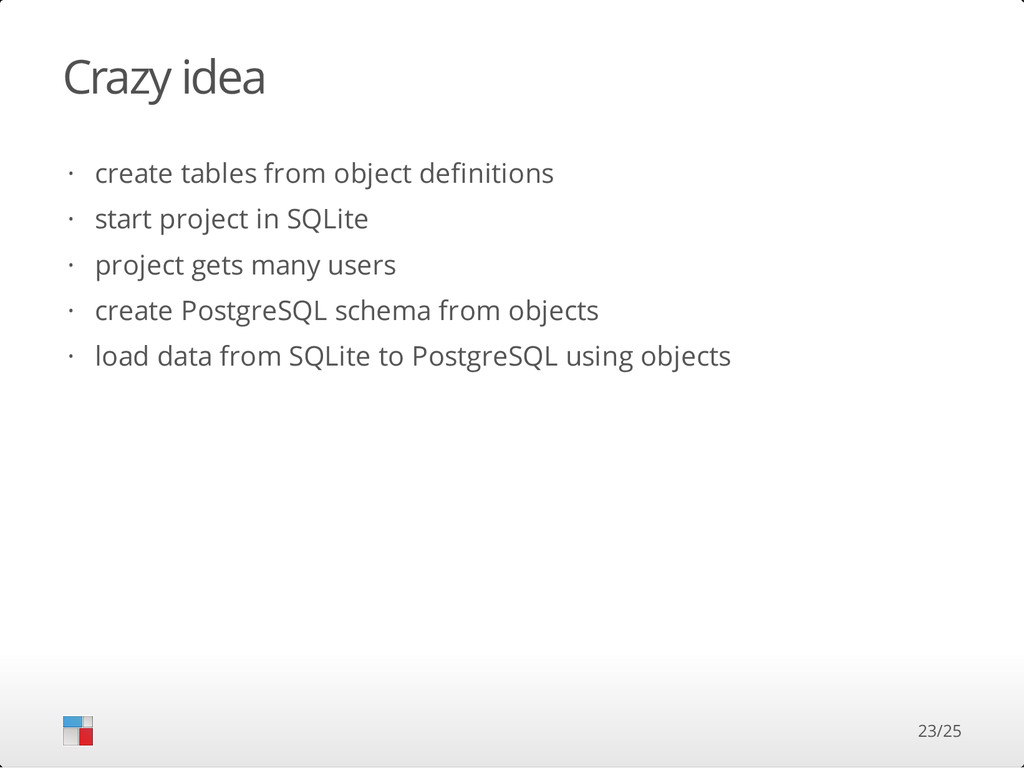
  12. Crazy idea create tables from object definitions start project in

    SQLite project gets many users create PostgreSQL schema from objects load data from SQLite to PostgreSQL using objects · · · · · 23/25