Upgrade to Pro — share decks privately, control downloads, hide ads and more …

Data Visualisation with R Workshop

Sponsored · SiteGround - Reliable hosting with speed, security, and support you can count on. →
Avatar for Xavier A Xavier A
January 29, 2020

Data Visualisation with R Workshop

Slides for the introduction part of the "Data Visualisation with R" Workshop at Applied Machine Learning Days 2020

Avatar for Xavier A

Xavier A

January 29, 2020

Other Decks in Programming

Transcript

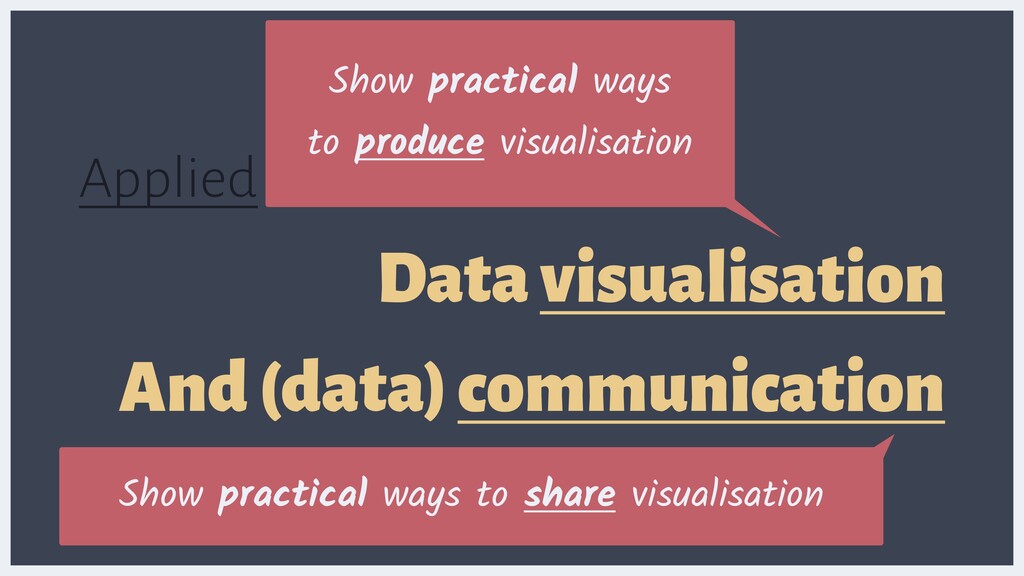
  1. Applied Data Science Data visualisation And (data) communication Show practical

    ways to share visualisation Show practical ways to produce visualisation Show practical ways to share visualisation
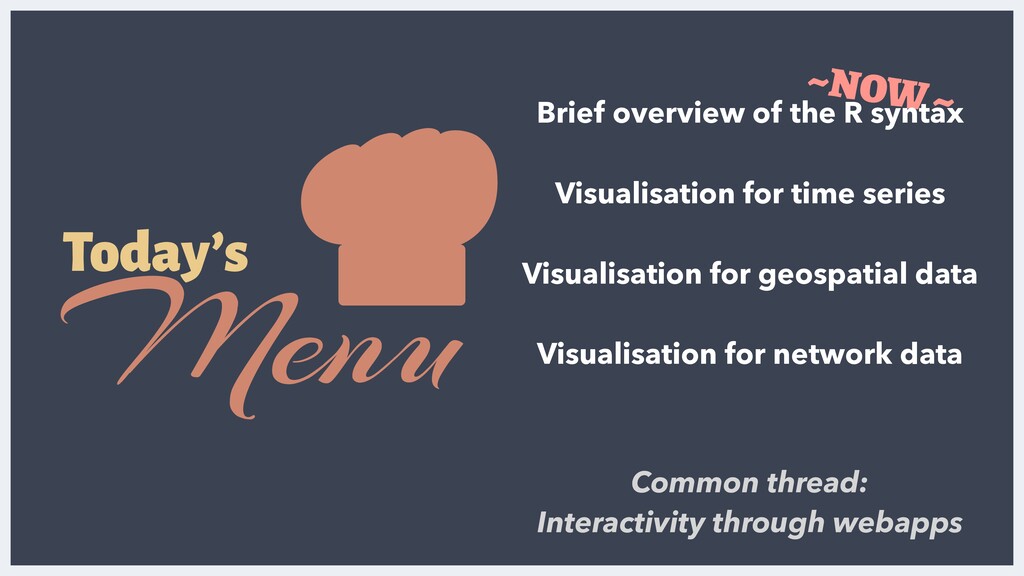
  2. Today’s Menu Visualisation for time series Visualisation for geospatial data

    Visualisation for network data Common thread: Interactivity through webapps ~NOW ~ Brief overview of the R syntax
  3. It isn’t a comprehensive workshop about visualisation in R, let

    alone the R ecosystem… WHAT THIS WORKSHOP ISN’T
  4. It isn’t a comprehensive workshop about {ggplot2}, let alone the

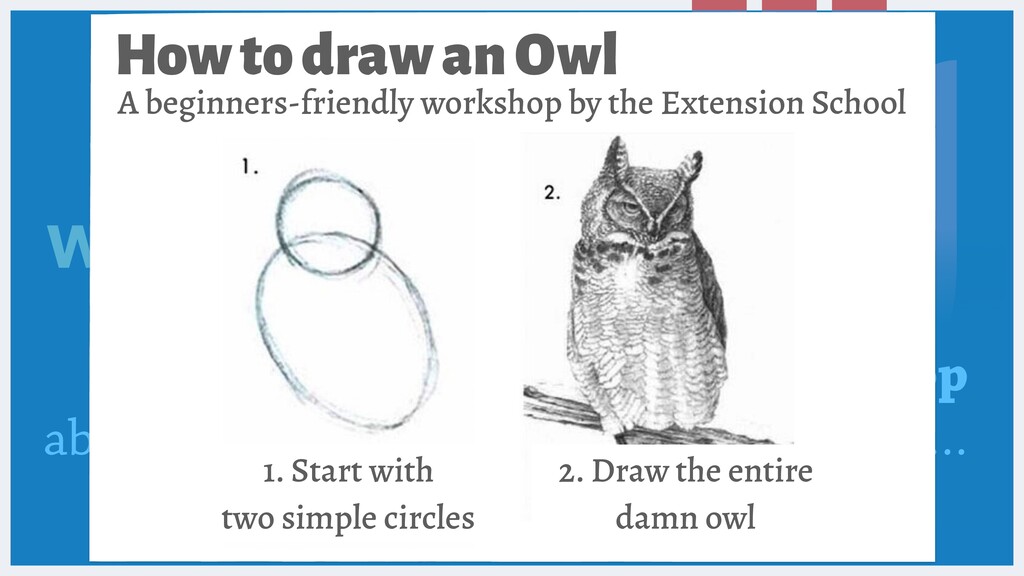
    R ecosystem… WHAT THIS WORKSHOP ISN’T How to draw an Owl 2. Draw the entire damn owl A beginners-friendly workshop by the Extension School 1. Start with 
 two simple circles
  5. THIS IS SIMPLY A BIRD EYE VIEW Let’s peek under

    the hood of modern visualisation in R
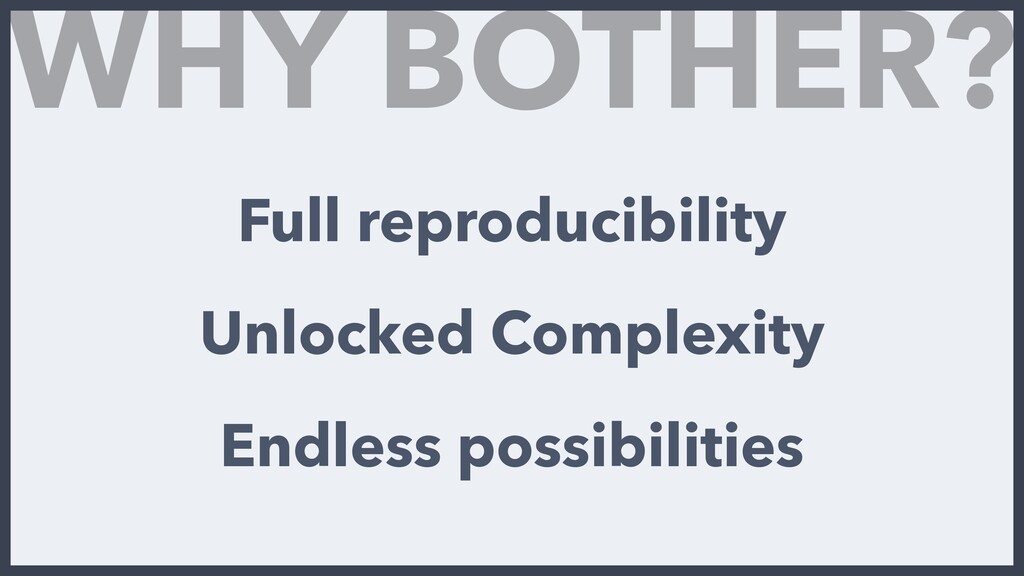
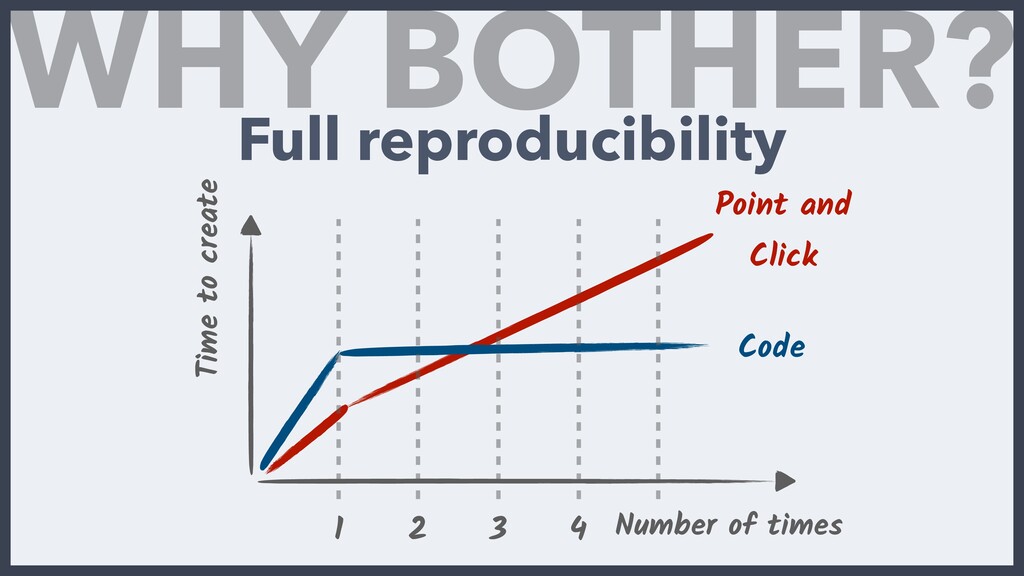
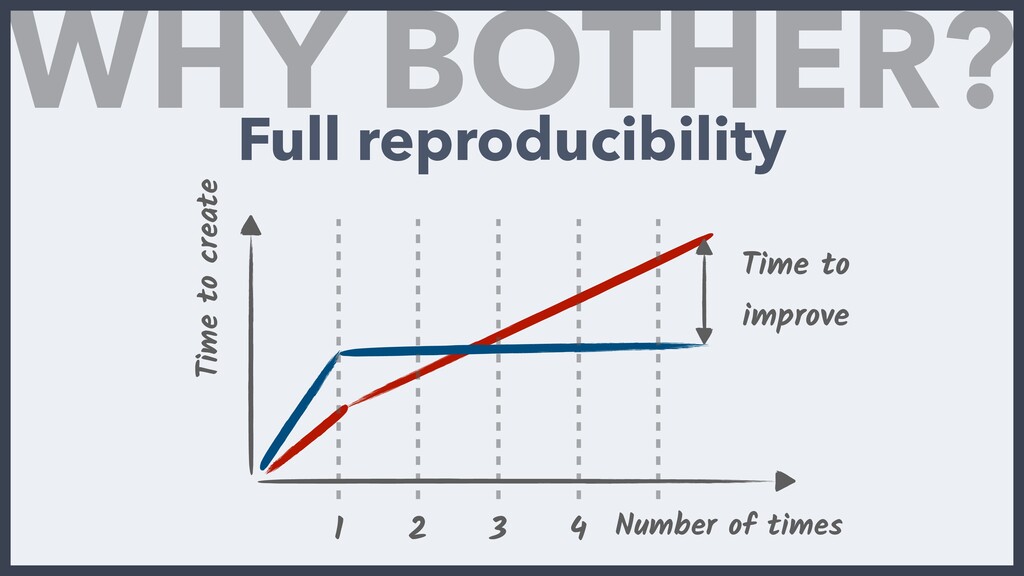
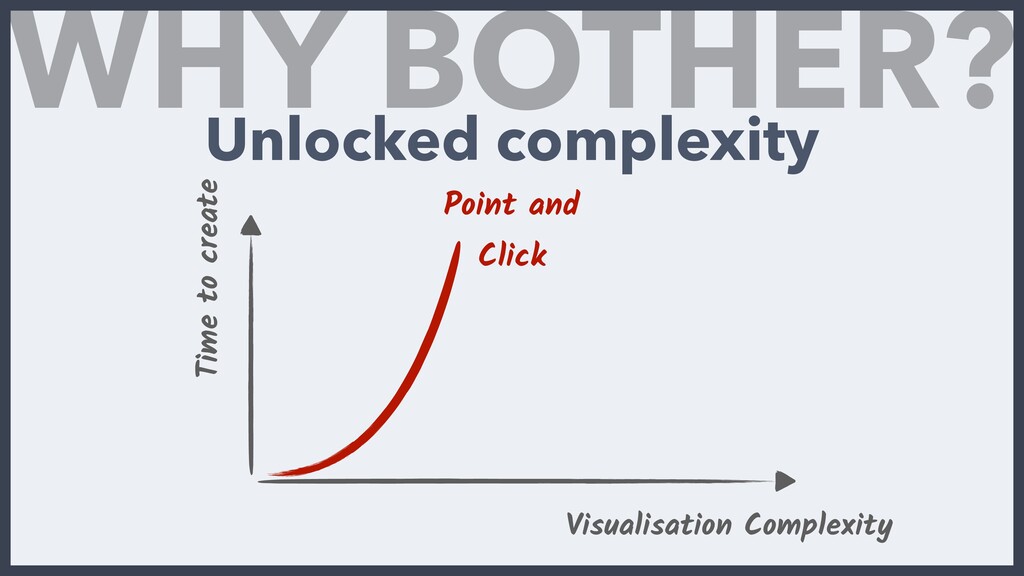
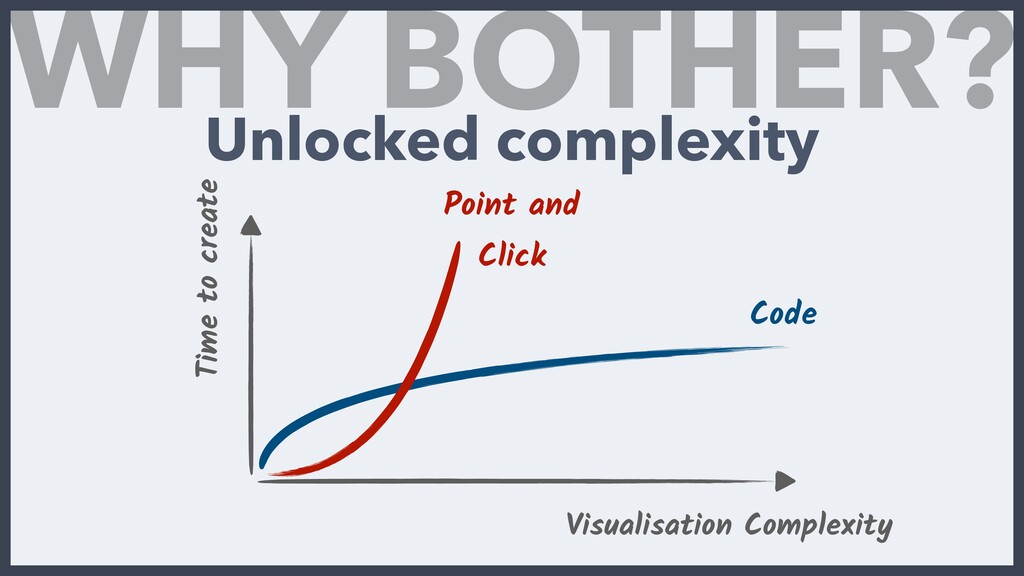
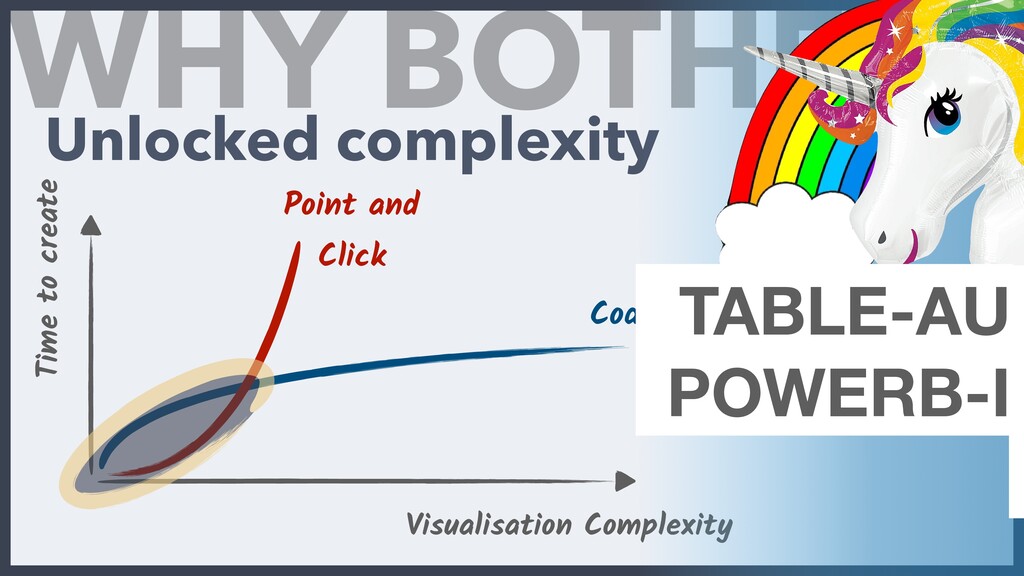
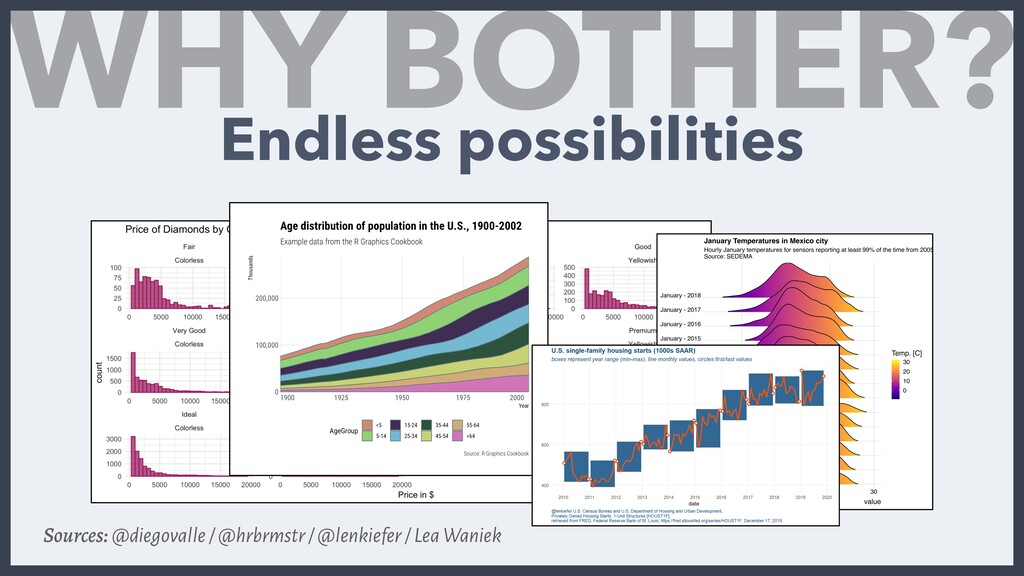
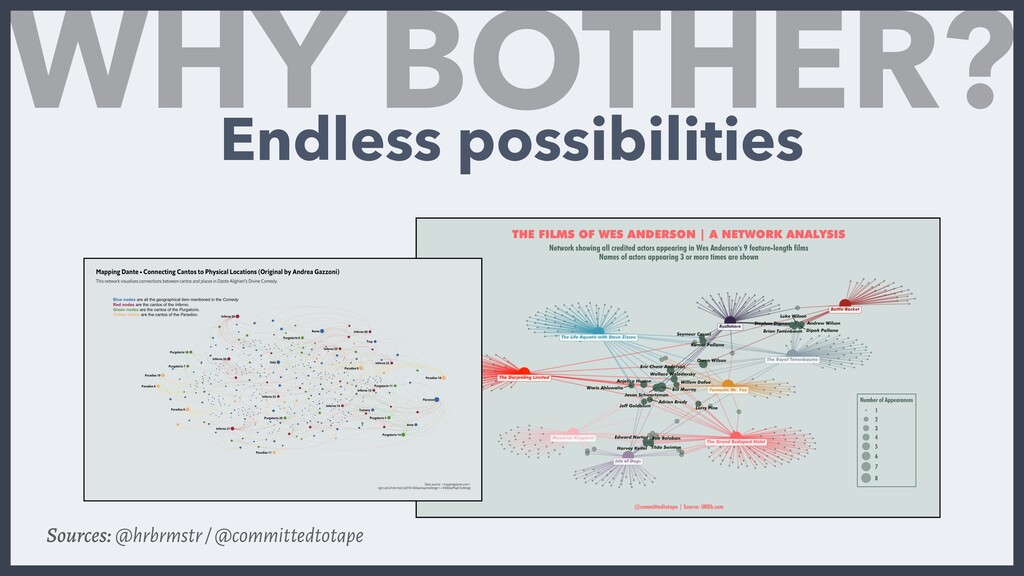
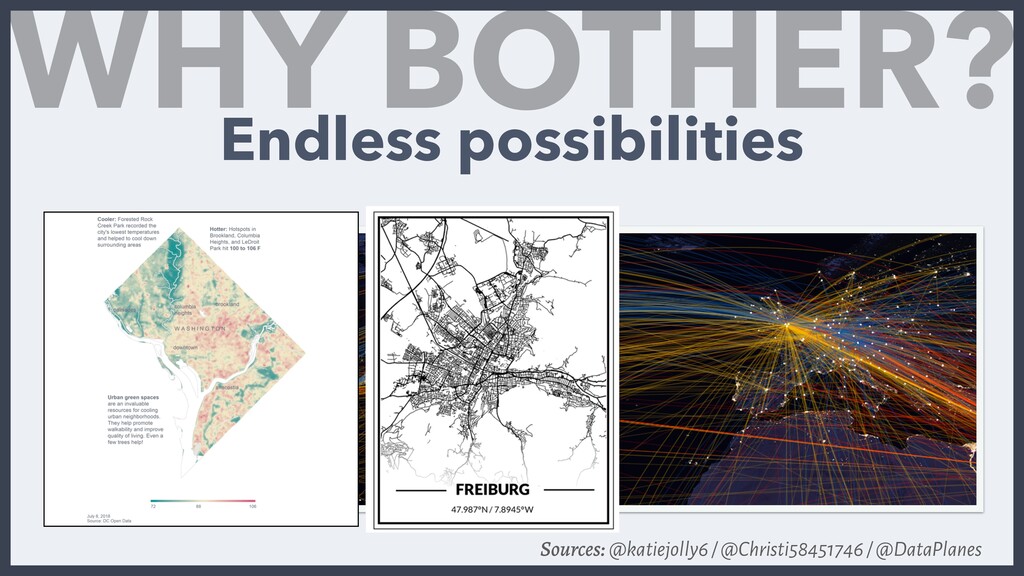
  6. WHY BOTHER? Time to create Visualisation Complexity Code Point and

    Click Unlocked complexity TABLE-AU POWERB-I - -
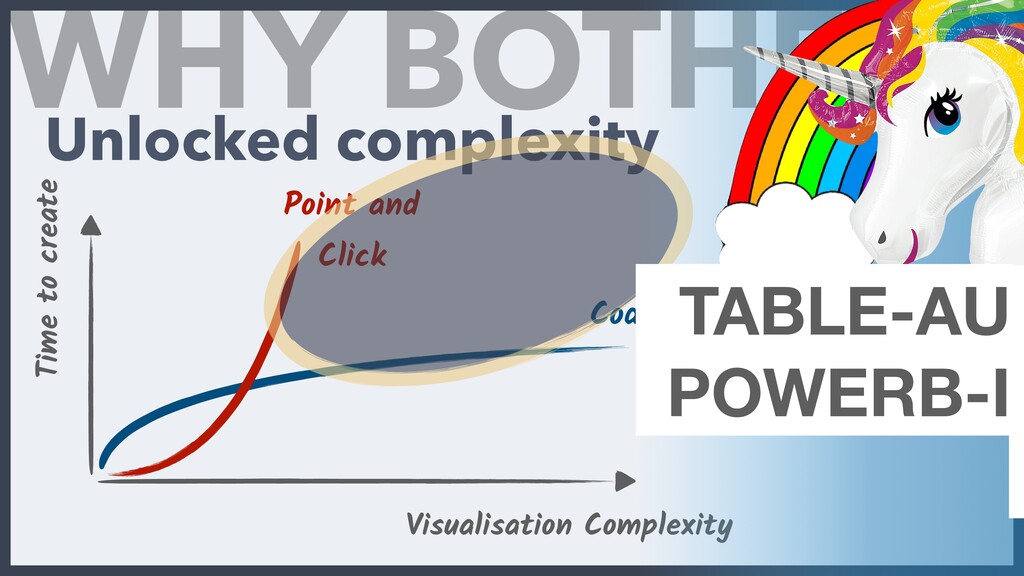
  7. WHY BOTHER? Time to create Visualisation Complexity Code Point and

    Click Unlocked complexity TABLE-AU POWERB-I - -
  8. AN EXAMPLE WITH DPLYR A R package giving you a

    Toolbox for common data manipulation
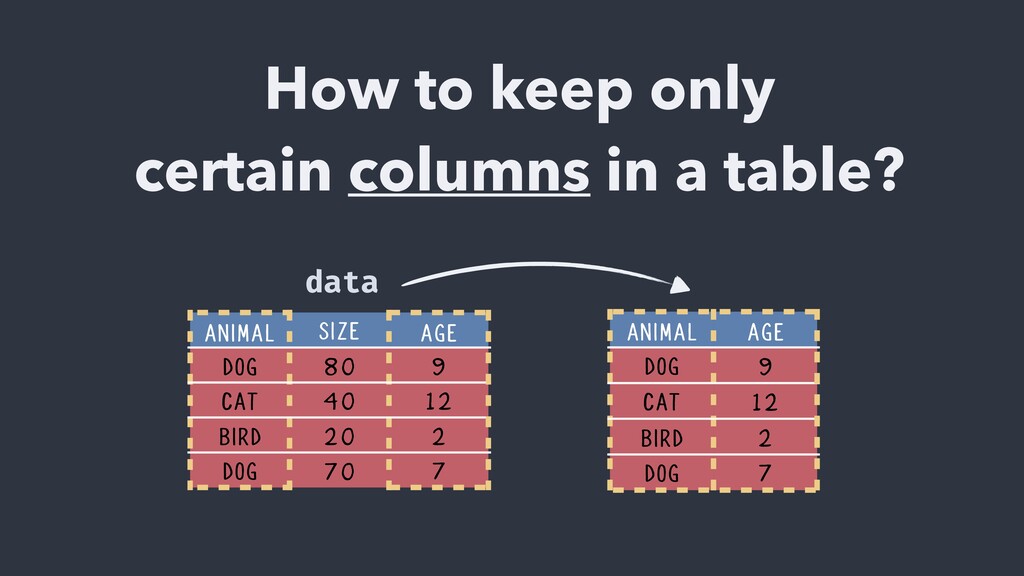
  9. How to keep only certain columns in a table? ANIMAL

    AGE DOG 9 CAT 12 BIRD 2 DOG 7 ANIMAL SIZE AGE DOG 80 9 CAT 40 12 BIRD 20 2 DOG 70 7 data
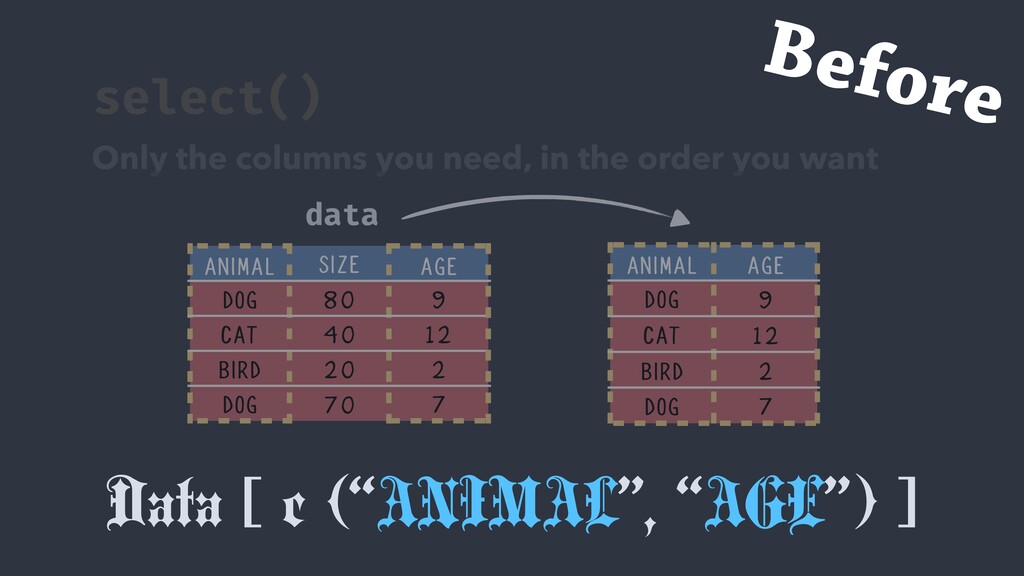
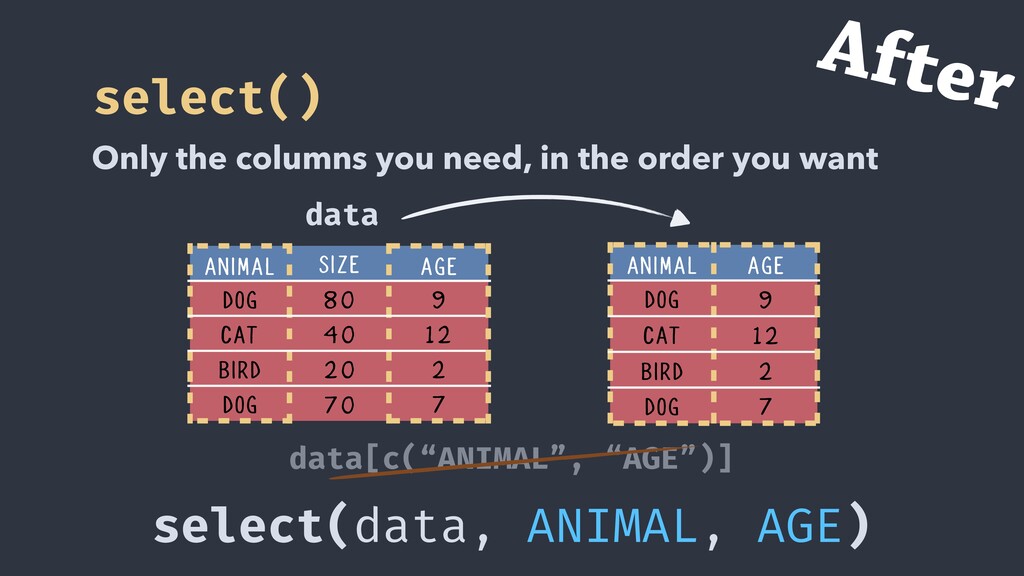
  10. data[c(“ANIMAL”, “AGE”)] ANIMAL AGE DOG 9 CAT 12 BIRD 2

    DOG 7 ANIMAL SIZE AGE DOG 80 9 CAT 40 12 BIRD 20 2 DOG 70 7 data select() Only the columns you need, in the order you want Before
  11. ANIMAL AGE DOG 9 CAT 12 BIRD 2 DOG 7

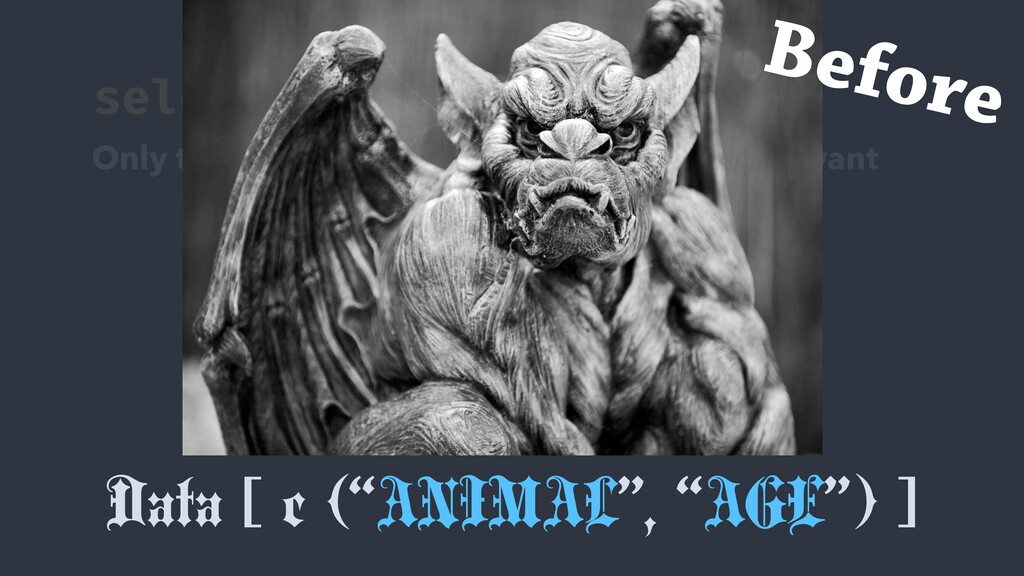
    Data [ c (“ANIMAL”, “AGE”) ] ANIMAL SIZE AGE DOG 80 9 CAT 40 12 BIRD 20 2 DOG 70 7 data select() Only the columns you need, in the order you want Before
  12. ANIMAL AGE DOG 9 CAT 12 BIRD 2 DOG 7

    Data [ c (“ANIMAL”, “AGE”) ] ANIMAL C2 AGE DOG 9 CAT 12 BIRD 2 DOG 7 df select() Only the columns you need, in the order you want Before
  13. select(data, ANIMAL, AGE) select() Only the columns you need, in

    the order you want After data[c(“ANIMAL”, “AGE”)] ANIMAL AGE DOG 9 CAT 12 BIRD 2 DOG 7 ANIMAL SIZE AGE DOG 80 9 CAT 40 12 BIRD 20 2 DOG 70 7 data
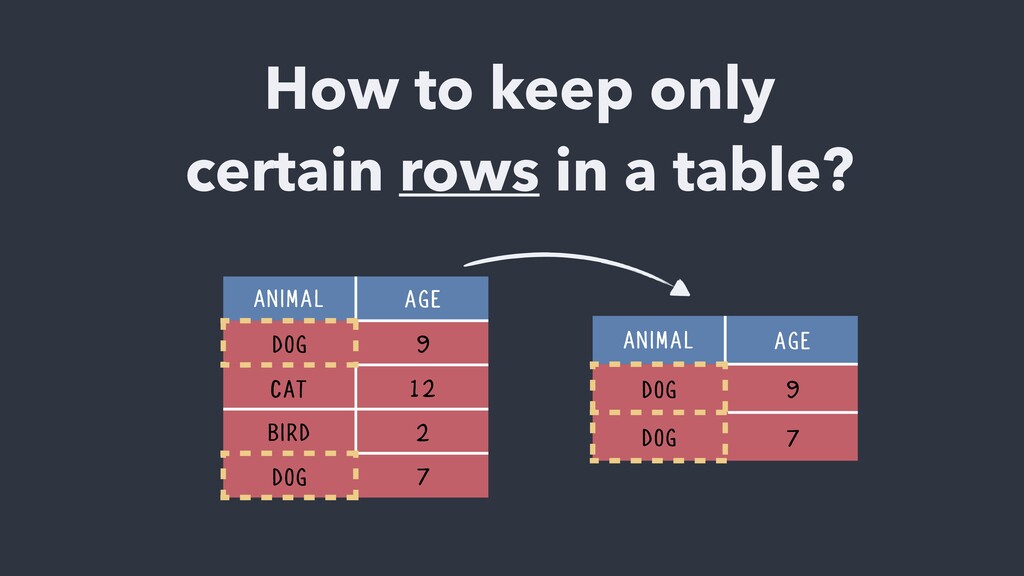
  14. How to keep only certain rows in a table? ANIMAL

    AGE DOG 9 CAT 12 BIRD 2 DOG 7 ANIMAL AGE DOG 9 DOG 7
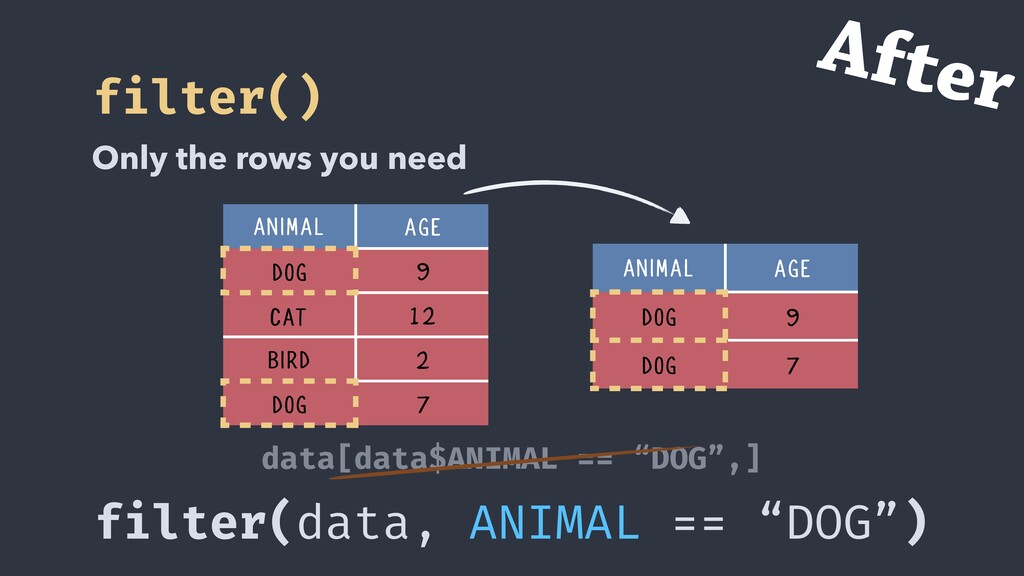
  15. data[data$ANIMAL == “DOG”,] filter() Only the rows you need ANIMAL

    AGE DOG 9 CAT 12 BIRD 2 DOG 7 ANIMAL AGE DOG 9 DOG 7 Before
  16. filter(data, ANIMAL == “DOG”) filter() Only the rows you need

    data[data$ANIMAL == “DOG”,] ANIMAL AGE DOG 9 CAT 12 BIRD 2 DOG 7 ANIMAL AGE DOG 9 DOG 7 After
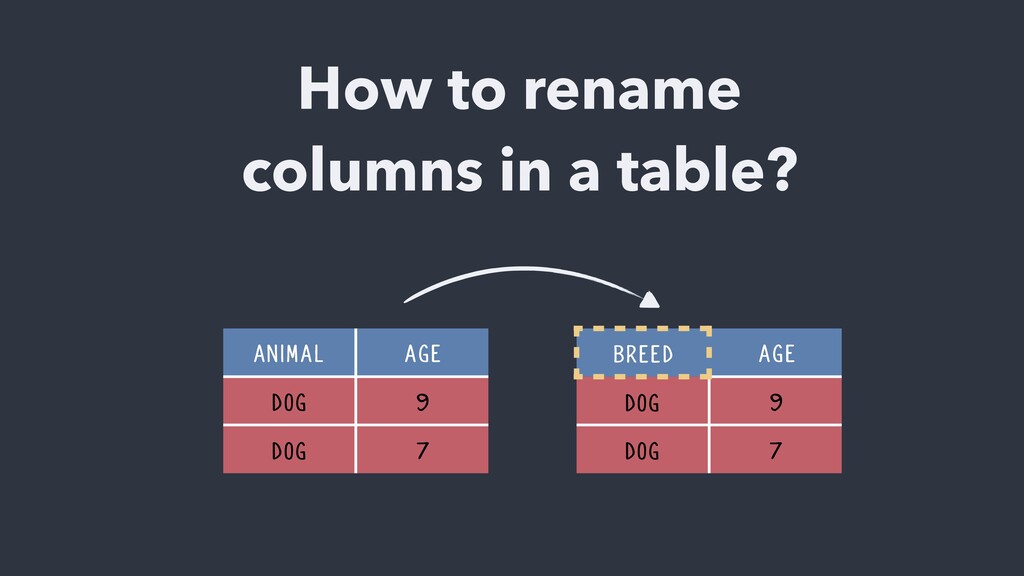
  17. How to rename columns in a table? ANIMAL AGE DOG

    9 DOG 7 BREED AGE DOG 9 DOG 7
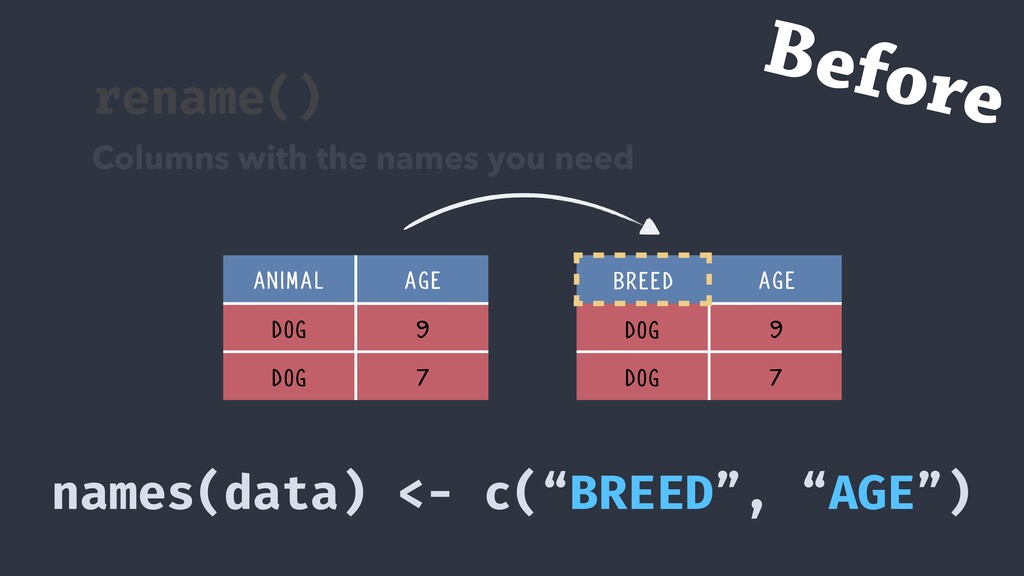
  18. rename() Columns with the names you need names(data) <- c(“BREED”,

    “AGE”) ANIMAL AGE DOG 9 DOG 7 BREED AGE DOG 9 DOG 7 Before
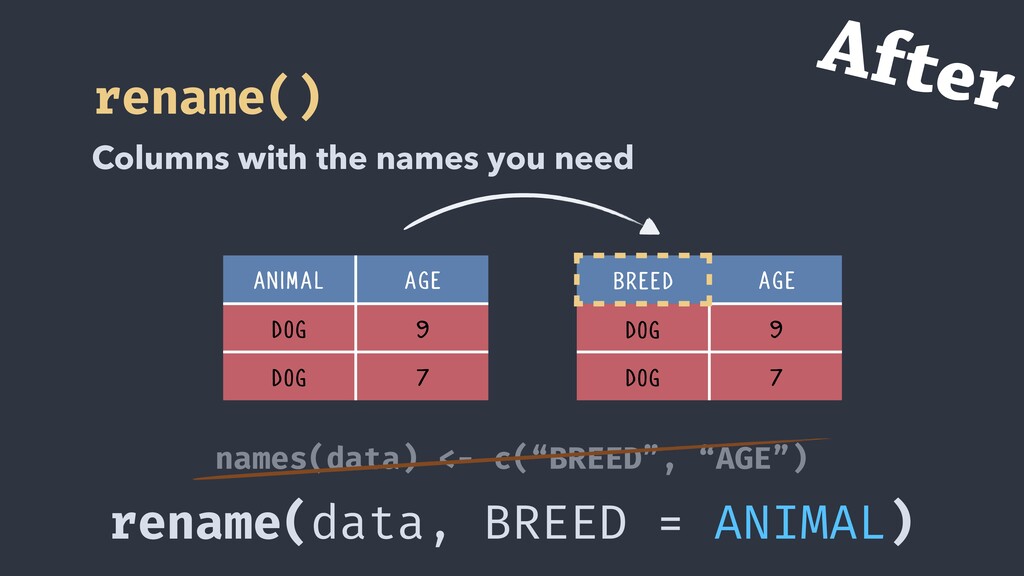
  19. rename(data, BREED = ANIMAL) rename() Columns with the names you

    need names(data) <- c(“BREED”, “AGE”) ANIMAL AGE DOG 9 DOG 7 BREED AGE DOG 9 DOG 7 After
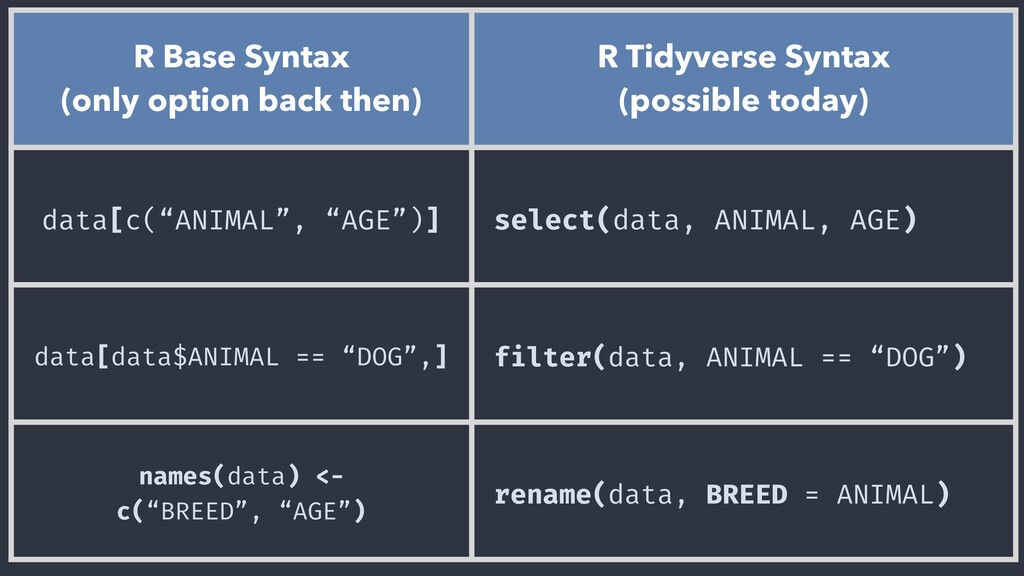
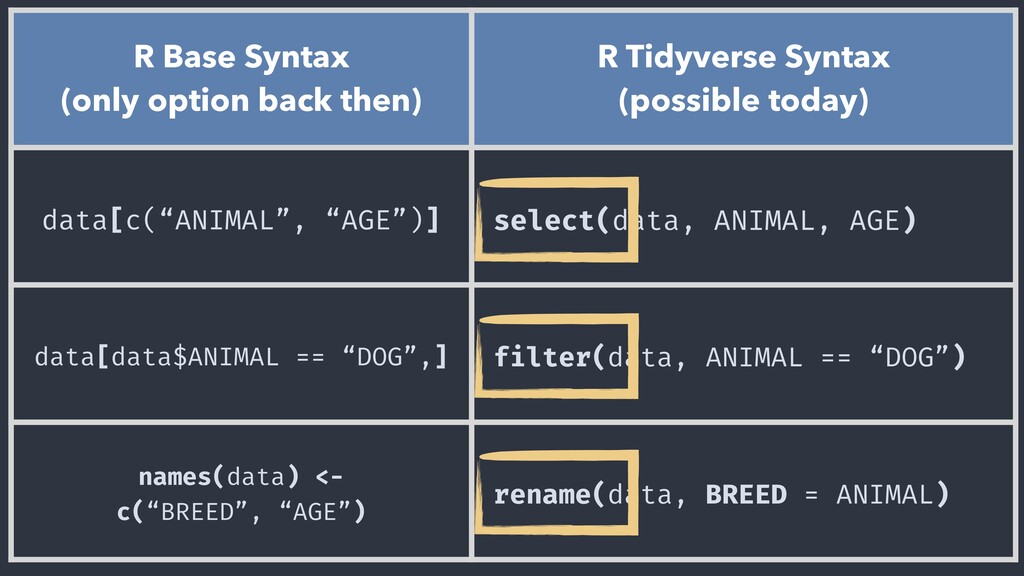
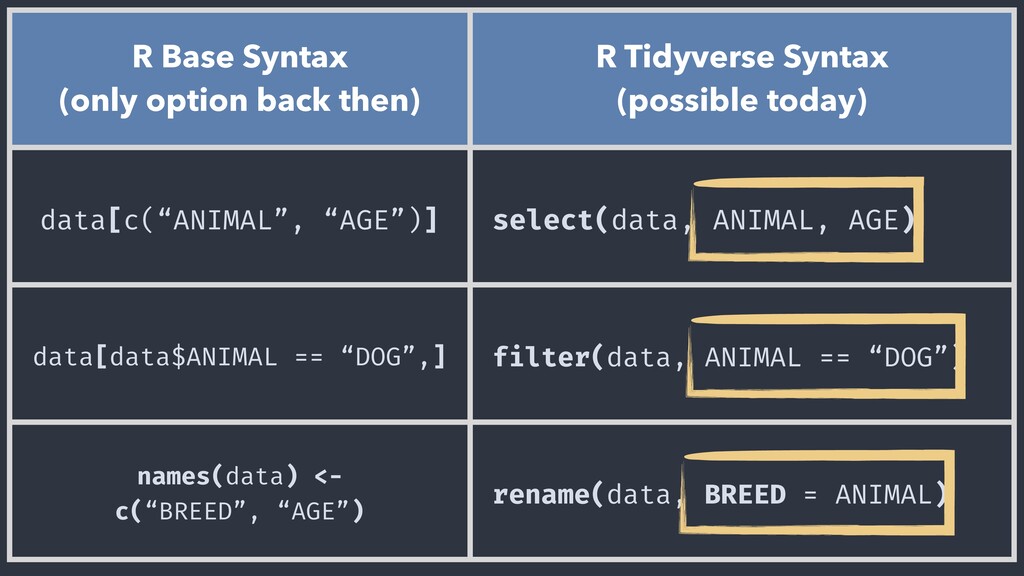
  20. R Base Syntax (only option back then) R Tidyverse Syntax

    (possible today) data[c(“ANIMAL”, “AGE”)] select(data, ANIMAL, AGE) data[data$ANIMAL == “DOG”,] filter(data, ANIMAL == “DOG”) names(data) <- c(“BREED”, “AGE”) rename(data, BREED = ANIMAL)
  21. R Base Syntax (only option back then) R Tidyverse Syntax

    (possible today) data[c(“ANIMAL”, “AGE”)] select(data, ANIMAL, AGE) data[data$ANIMAL == “DOG”,] filter(data, ANIMAL == “DOG”) names(data) <- c(“BREED”, “AGE”) rename(data, BREED = ANIMAL)
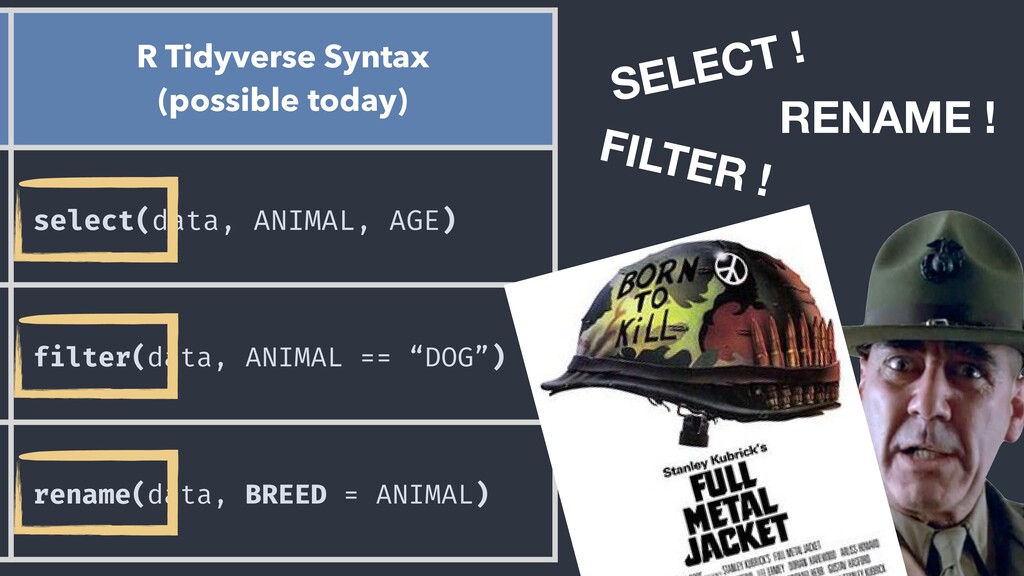
  22. SELECT ! FILTER ! RENAME ! FULL DATA KET R

    Tidyverse Syntax (possible today) select(data, ANIMAL, AGE) filter(data, ANIMAL == “DOG”) rename(data, BREED = ANIMAL)
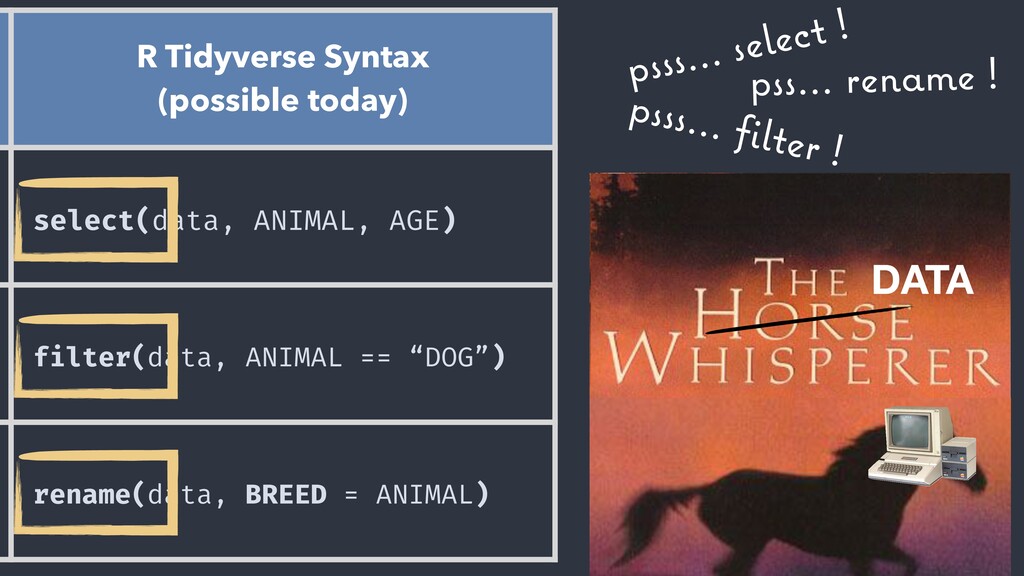
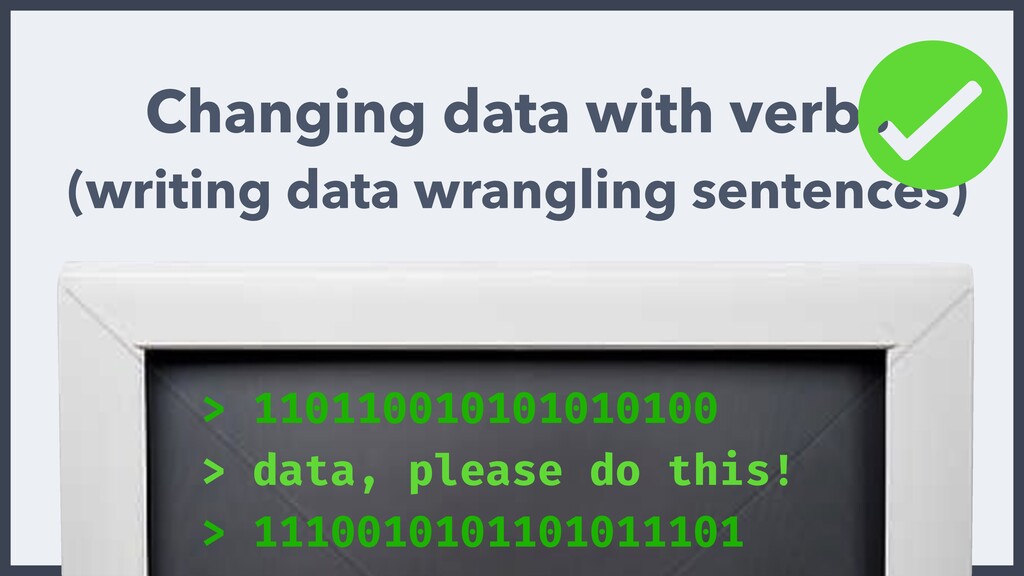
  23. psss… select ! psss… filter ! pss… rename ! DATA

    R Tidyverse Syntax (possible today) select(data, ANIMAL, AGE) filter(data, ANIMAL == “DOG”) rename(data, BREED = ANIMAL)
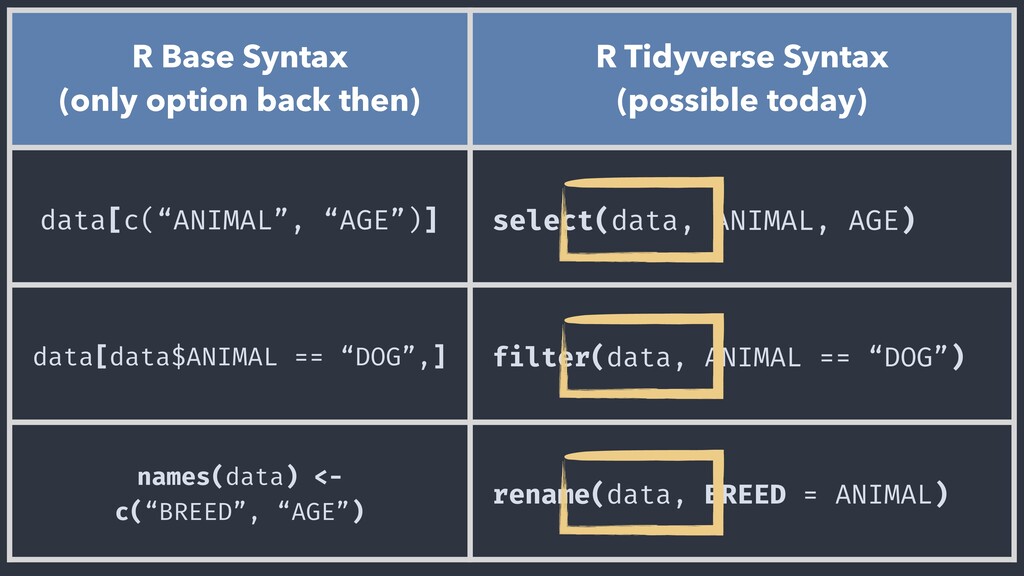
  24. R Base Syntax (only option back then) R Tidyverse Syntax

    (possible today) data[c(“ANIMAL”, “AGE”)] select(data, ANIMAL, AGE) data[data$ANIMAL == “DOG”,] filter(data, ANIMAL == “DOG”) names(data) <- c(“BREED”, “AGE”) rename(data, BREED = ANIMAL)
  25. R Base Syntax (only option back then) R Tidyverse Syntax

    (possible today) data[c(“ANIMAL”, “AGE”)] select(data, ANIMAL, AGE) data[data$ANIMAL == “DOG”,] filter(data, ANIMAL == “DOG”) names(data) <- c(“BREED”, “AGE”) rename(data, BREED = ANIMAL)
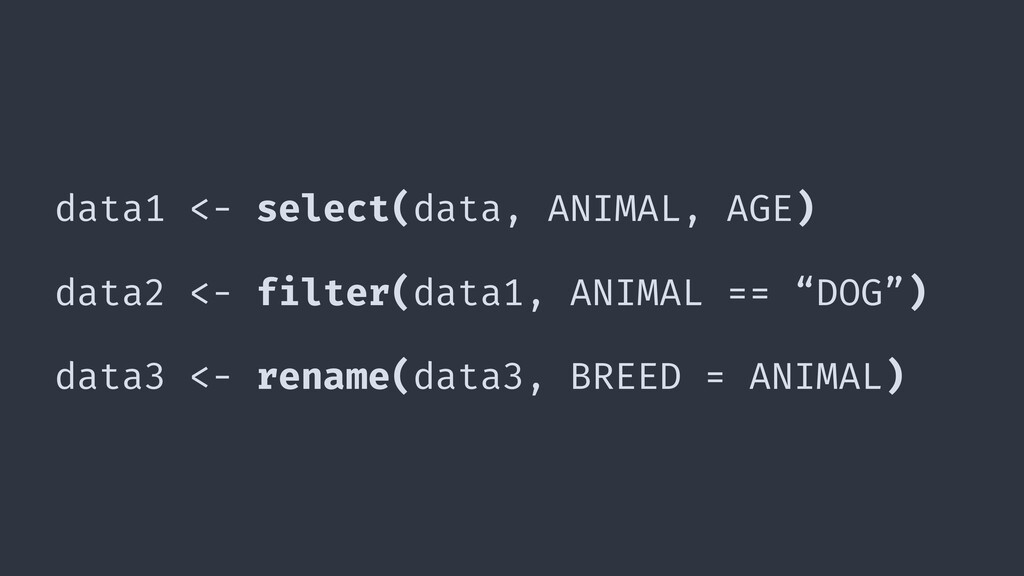
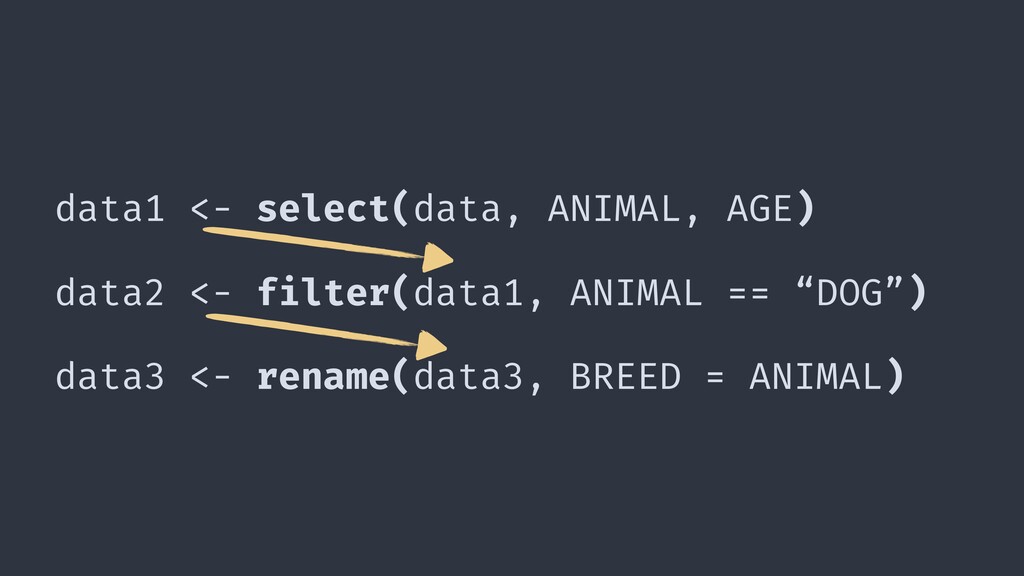
  26. data1 <- select(data, ANIMAL, AGE) data2 <- filter(data1, ANIMAL ==

    “DOG”) data3 <- rename(data3, BREED = ANIMAL)
  27. data1 <- select(data, ANIMAL, AGE) data2 <- filter(data1, ANIMAL ==

    “DOG”) data3 <- rename(data3, BREED = ANIMAL)
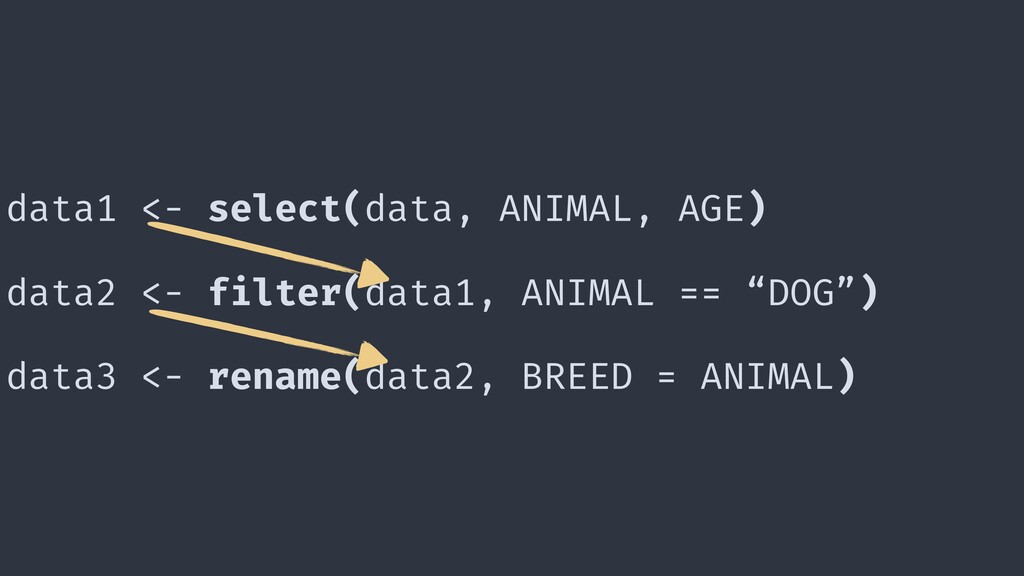
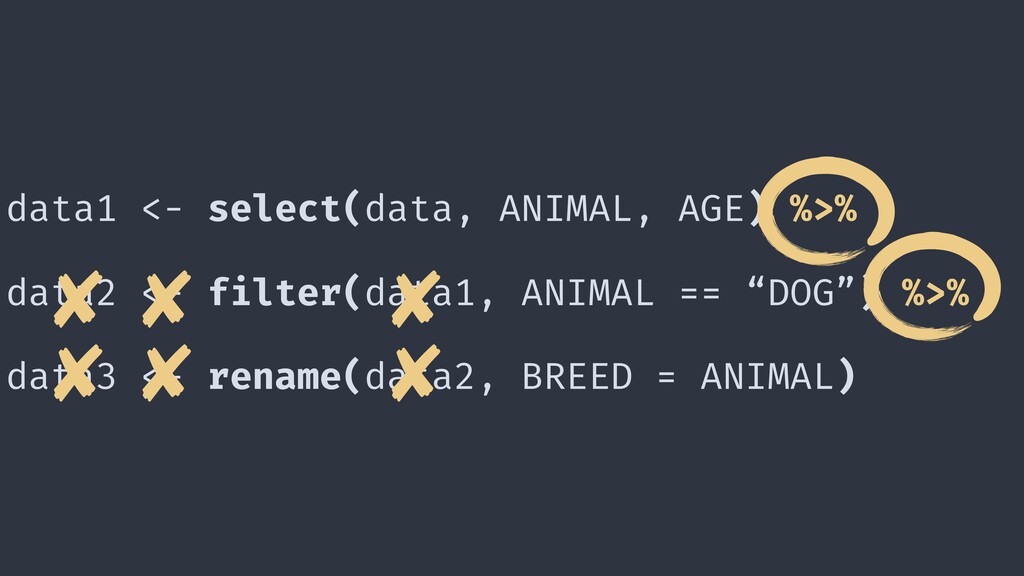
  28. data1 <- select(data, ANIMAL, AGE) data2 <- filter(data1, ANIMAL ==

    “DOG”) data3 <- rename(data2, BREED = ANIMAL)
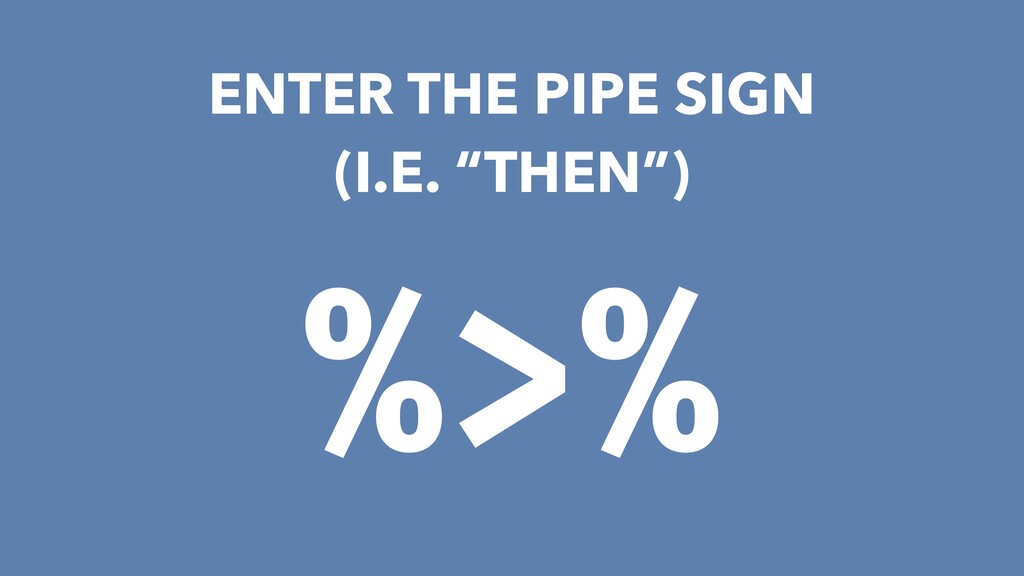
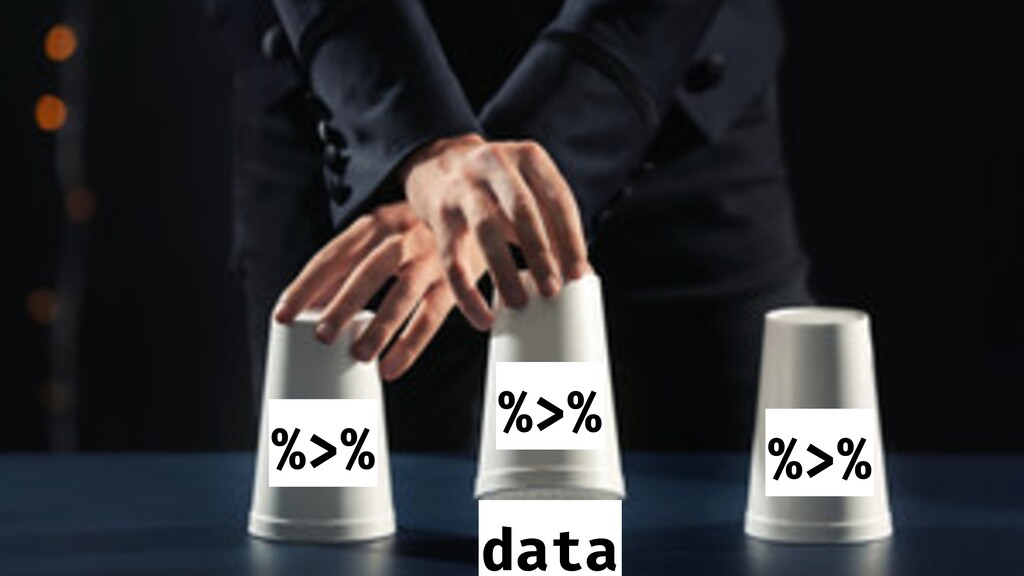
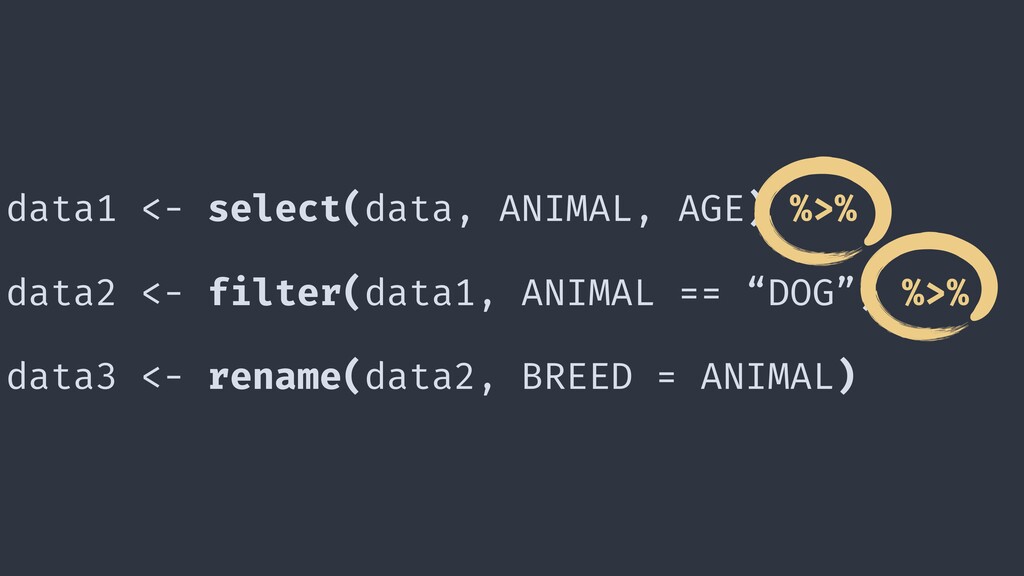
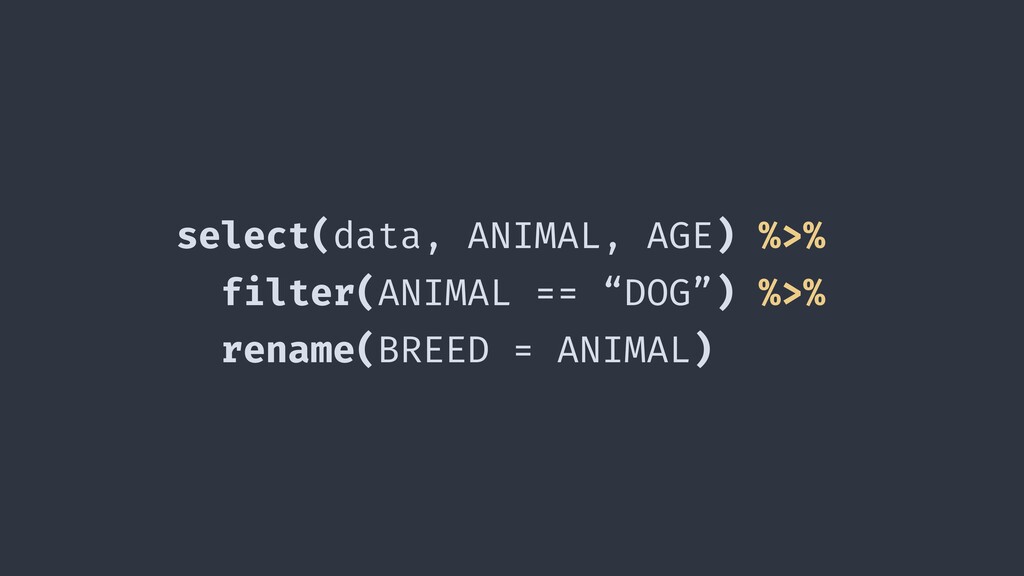
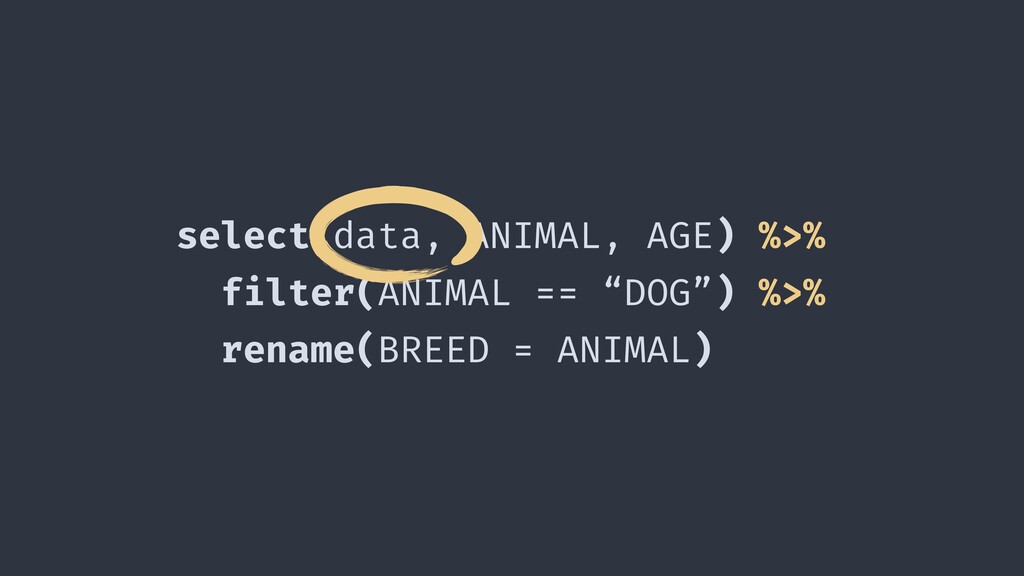
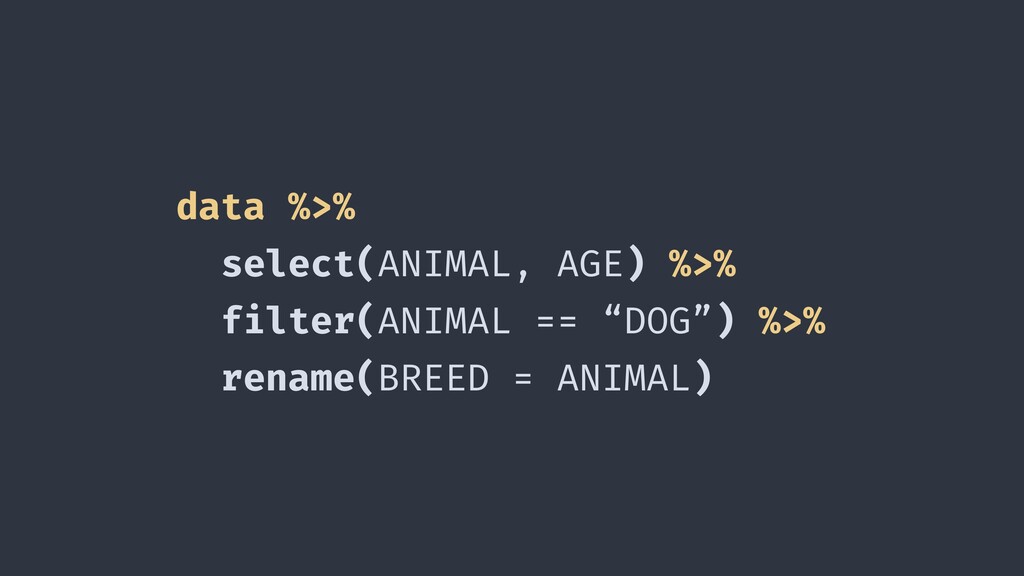
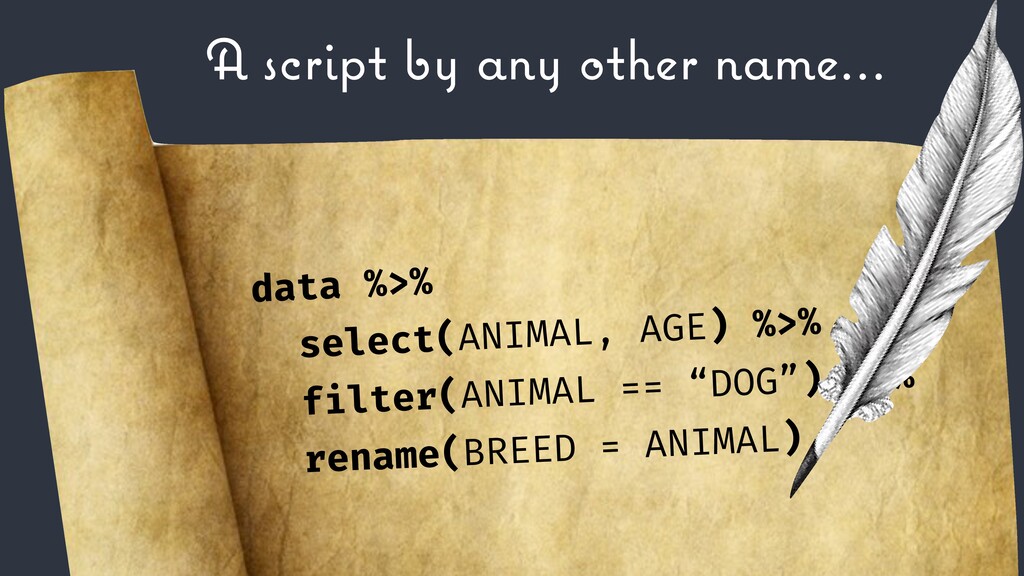
  29. data1 <- select(data, ANIMAL, AGE) %>% data2 <- filter(data1, ANIMAL

    == “DOG”) %>% data3 <- rename(data2, BREED = ANIMAL)
  30. data1 <- select(data, ANIMAL, AGE) %>% data2 <- filter(data1, ANIMAL

    == “DOG”) %>% data3 <- rename(data2, BREED = ANIMAL)
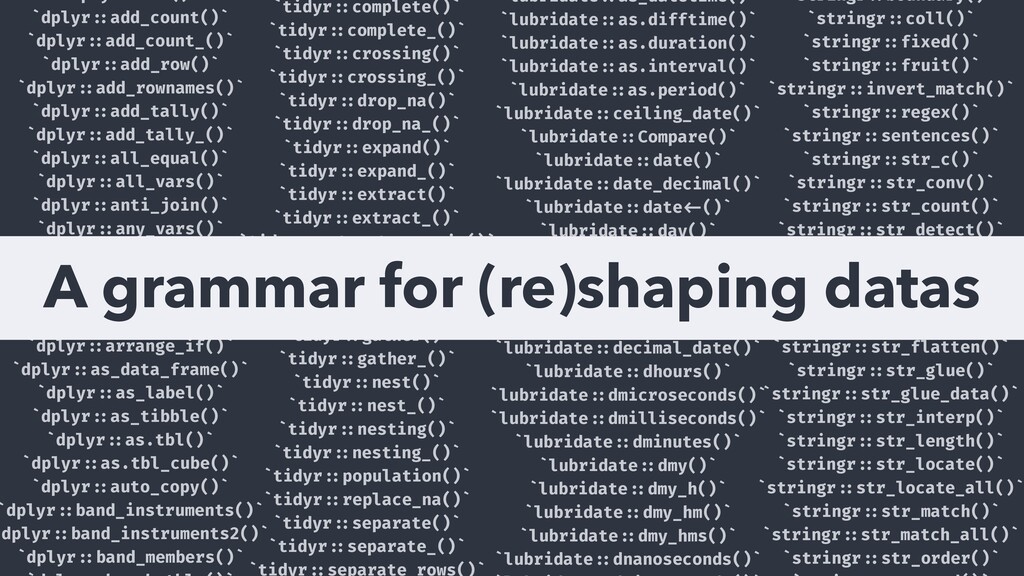
  31. `dplyr!::add_count()` `dplyr!::add_count_()` `dplyr!::add_row()` `dplyr!::add_rownames()` `dplyr!::add_tally()` `dplyr!::add_tally_()` `dplyr!::all_equal()` `dplyr!::all_vars()` `dplyr!::anti_join()` `dplyr!::any_vars()`

    `dplyr!::arrange()` `dplyr!::arrange_()` `dplyr!::arrange_all()` `dplyr!::arrange_at()` `dplyr!::arrange_if()` `dplyr!::as_data_frame()` `dplyr!::as_label()` `dplyr!::as_tibble()` `dplyr!::as.tbl()` `dplyr!::as.tbl_cube()` `dplyr!::auto_copy()` `dplyr!::band_instruments()` `dplyr!::band_instruments2()` `dplyr!::band_members()` `tidyr!::complete()` `tidyr!::complete_()` `tidyr!::crossing()` `tidyr!::crossing_()` `tidyr!::drop_na()` `tidyr!::drop_na_()` `tidyr!::expand()` `tidyr!::expand_()` `tidyr!::extract()` `tidyr!::extract_()` `tidyr!::extract_numeric()` `tidyr!::fill()` `tidyr!::fill_()` `tidyr!::full_seq()` `tidyr!::gather()` `tidyr!::gather_()` `tidyr!::nest()` `tidyr!::nest_()` `tidyr!::nesting()` `tidyr!::nesting_()` `tidyr!::population()` `tidyr!::replace_na()` `tidyr!::separate()` `tidyr!::separate_()` `tidyr!::separate_rows()` `lubridate!::as_datetime()` `lubridate!::as.difftime()` `lubridate!::as.duration()` `lubridate!::as.interval()` `lubridate!::as.period()` `lubridate!::ceiling_date()` `lubridate!::Compare()` `lubridate!::date()` `lubridate!::date_decimal()` `lubridate!::date!<-()` `lubridate!::day()` `lubridate!::day!<-()` `lubridate!::days()` `lubridate!::days_in_month()` `lubridate!::ddays()` `lubridate!::decimal_date()` `lubridate!::dhours()` `lubridate!::dmicroseconds()` `lubridate!::dmilliseconds()` `lubridate!::dminutes()` `lubridate!::dmy()` `lubridate!::dmy_h()` `lubridate!::dmy_hm()` `lubridate!::dmy_hms()` `lubridate!::dnanoseconds()` `stringr!::boundary()` `stringr!::coll()` `stringr!::fixed()` `stringr!::fruit()` `stringr!::invert_match()` `stringr!::regex()` `stringr!::sentences()` `stringr!::str_c()` `stringr!::str_conv()` `stringr!::str_count()` `stringr!::str_detect()` `stringr!::str_dup()` `stringr!::str_ends()` `stringr!::str_extract()` `stringr!::str_extract_all()` `stringr!::str_flatten()` `stringr!::str_glue()` `stringr!::str_glue_data()` `stringr!::str_interp()` `stringr!::str_length()` `stringr!::str_locate()` `stringr!::str_locate_all()` `stringr!::str_match()` `stringr!::str_match_all()` `stringr!::str_order()` A grammar for (re)shaping datas
  32. AN EXAMPLE WITH DPLYR A R package giving you a

    Toolbox for common data manipulation
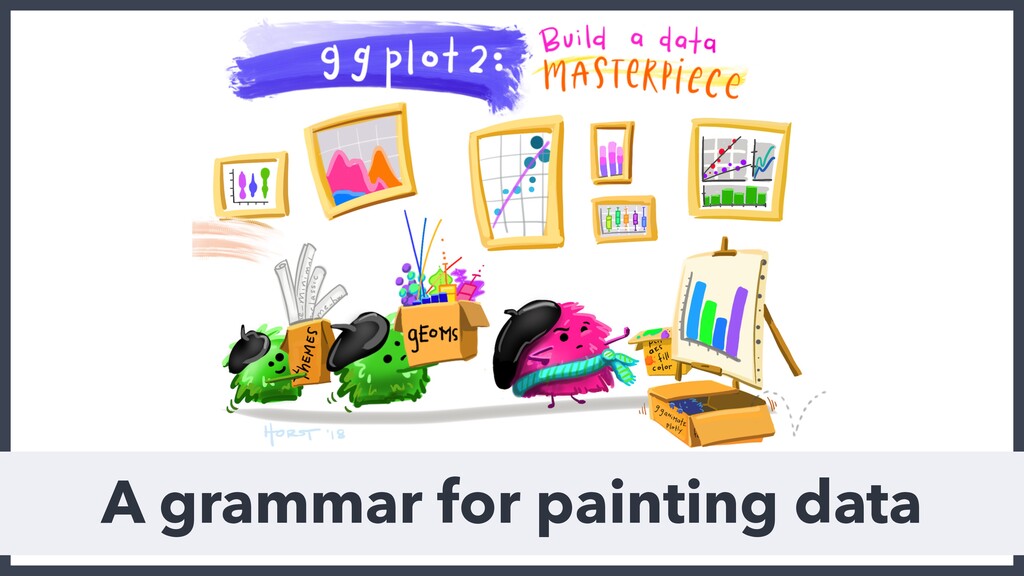
  33. AN EXAMPLE WITH GGPLOT2 A R package giving you a

    system for declaratively creating graphics
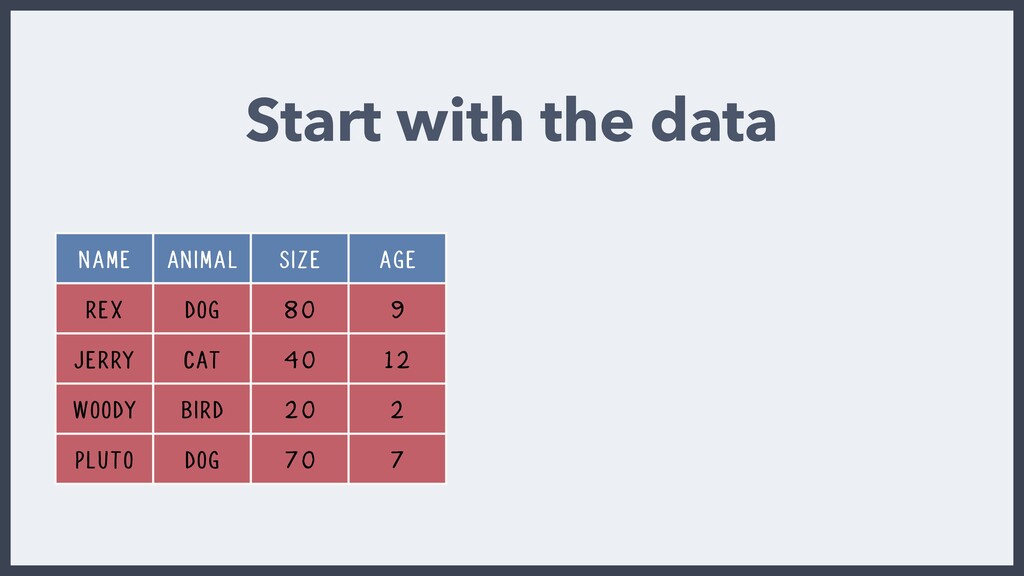
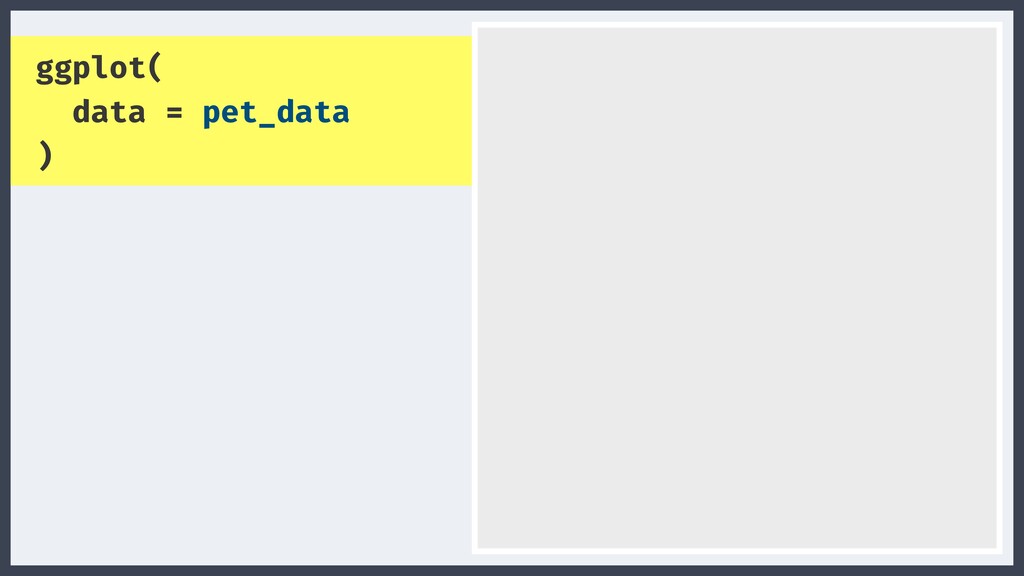
  34. Start with the data NAME ANIMAL SIZE AGE REX DOG

    80 9 JERRY CAT 40 12 WOODY BIRD 20 2 PLUTO DOG 70 7
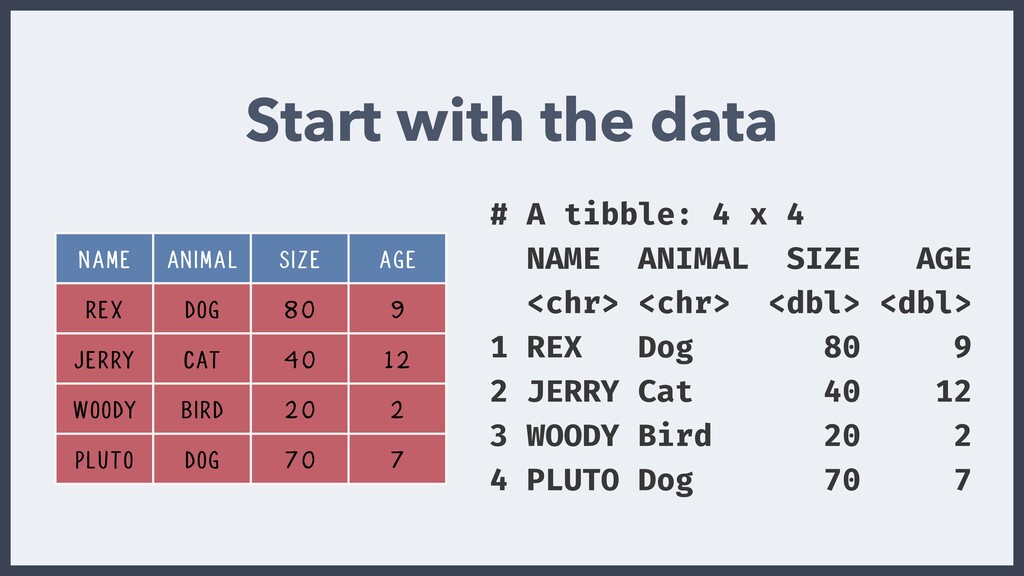
  35. NAME ANIMAL SIZE AGE REX DOG 80 9 JERRY CAT

    40 12 WOODY BIRD 20 2 PLUTO DOG 70 7 Start with the data # A tibble: 4 x 4 NAME ANIMAL SIZE AGE <chr> <chr> <dbl> <dbl> 1 REX Dog 80 9 2 JERRY Cat 40 12 3 WOODY Bird 20 2 4 PLUTO Dog 70 7
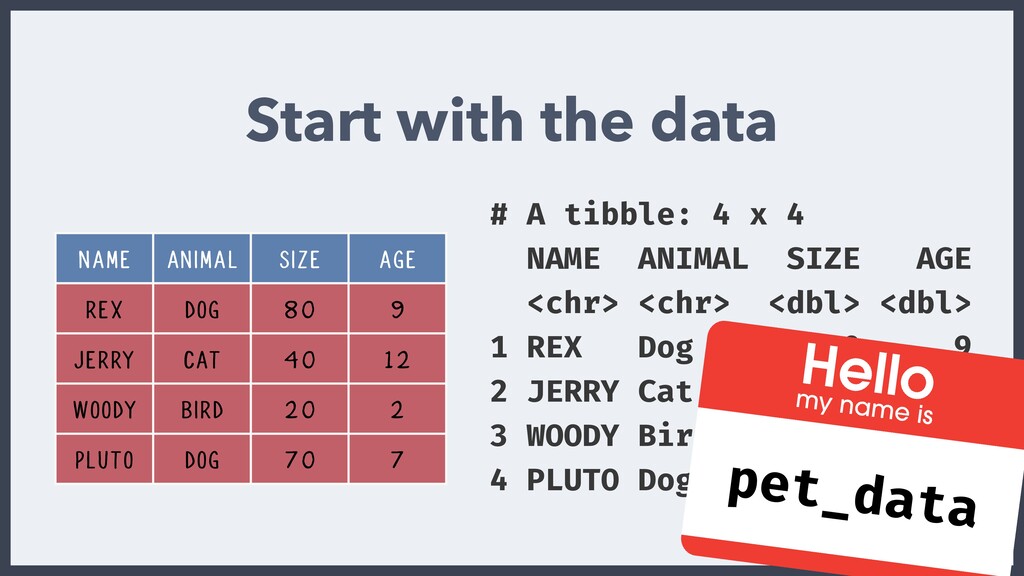
  36. Start with the data # A tibble: 4 x 4

    NAME ANIMAL SIZE AGE <chr> <chr> <dbl> <dbl> 1 REX Dog 80 9 2 JERRY Cat 40 12 3 WOODY Bird 20 2 4 PLUTO Dog 70 7 pet_data NAME ANIMAL SIZE AGE REX DOG 80 9 JERRY CAT 40 12 WOODY BIRD 20 2 PLUTO DOG 70 7
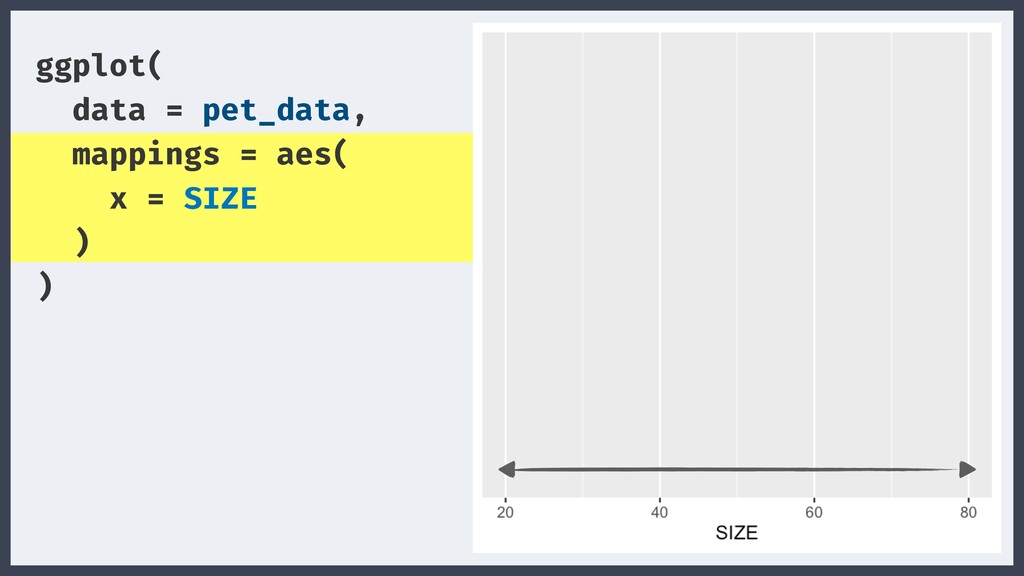
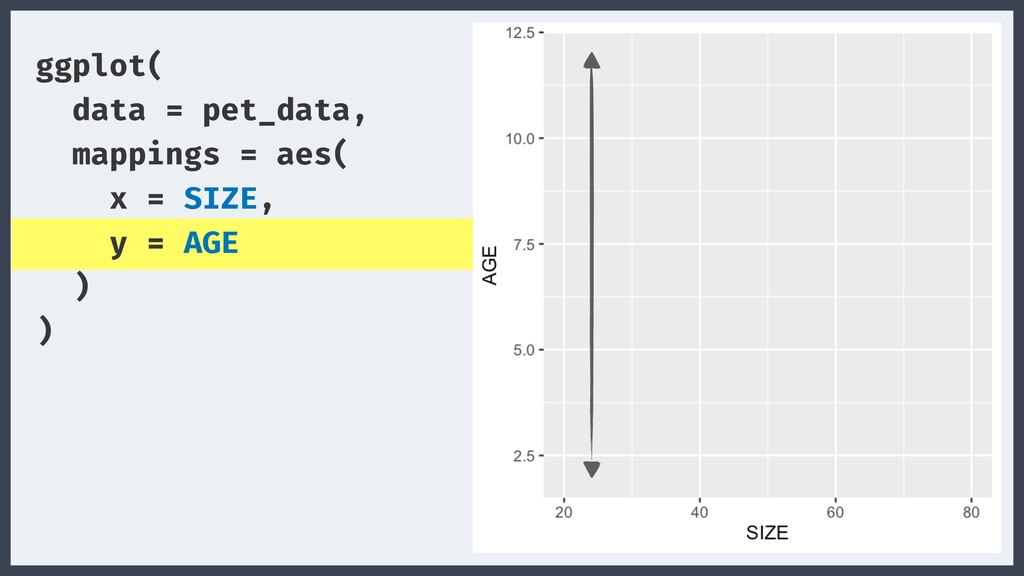
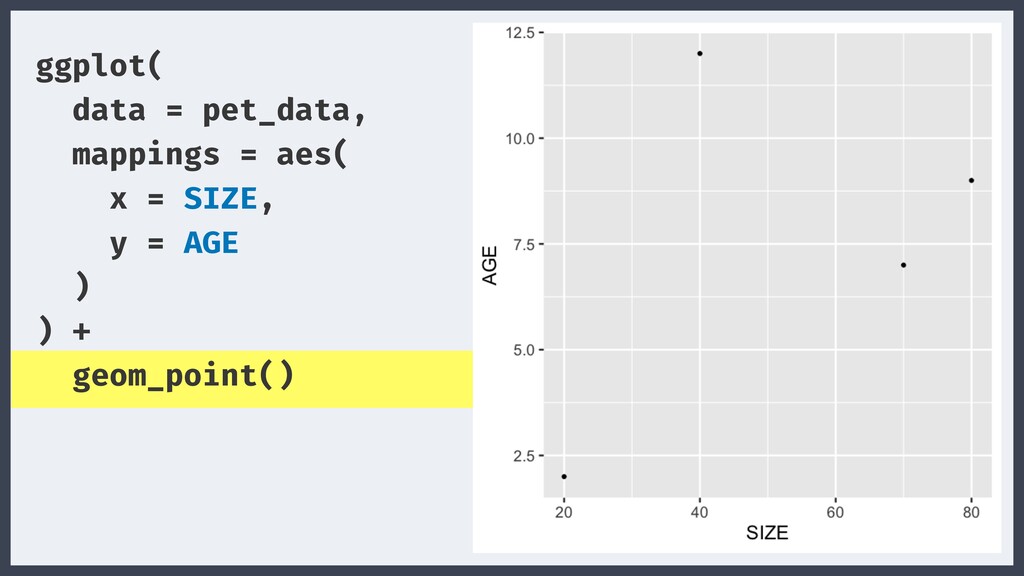
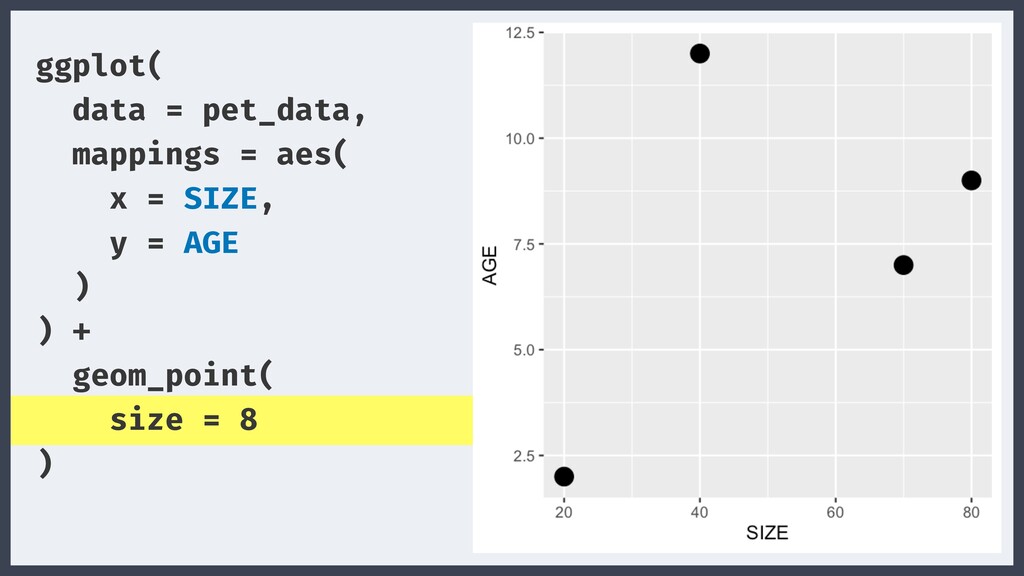
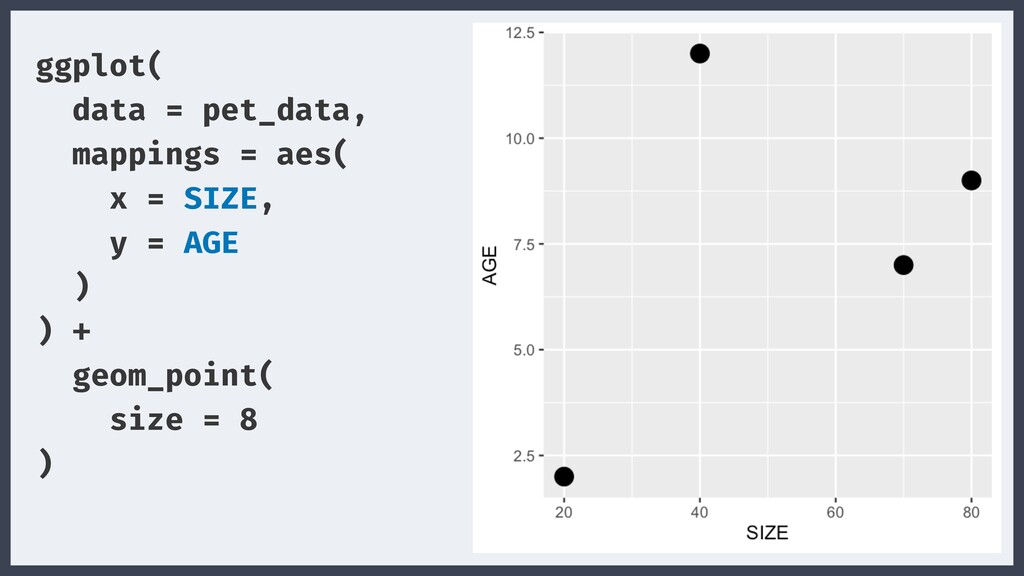
  37. ggplot( data = pet_data, mappings = aes( x = SIZE,

    y = AGE ) ) + geom_point( size = 8 )
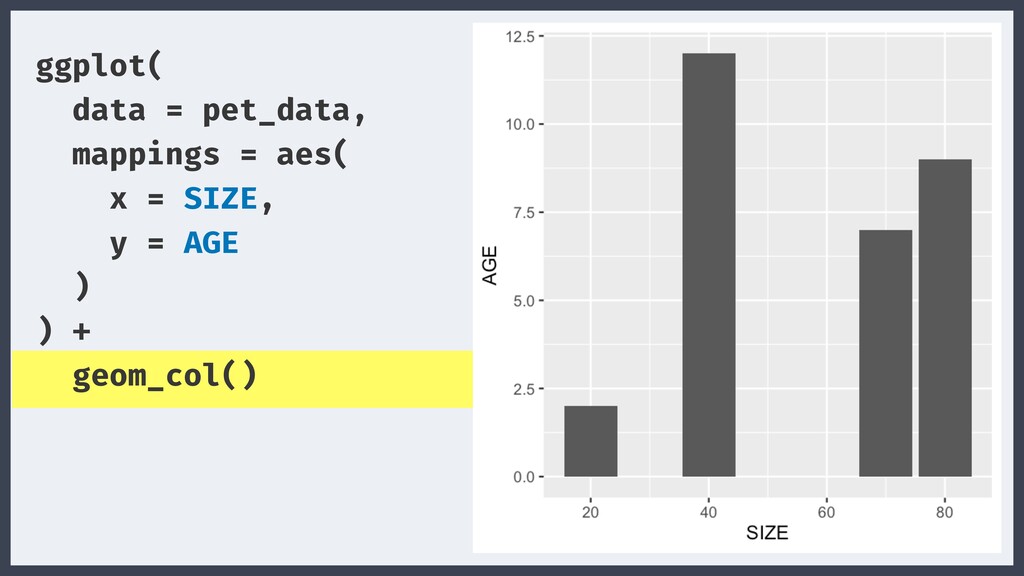
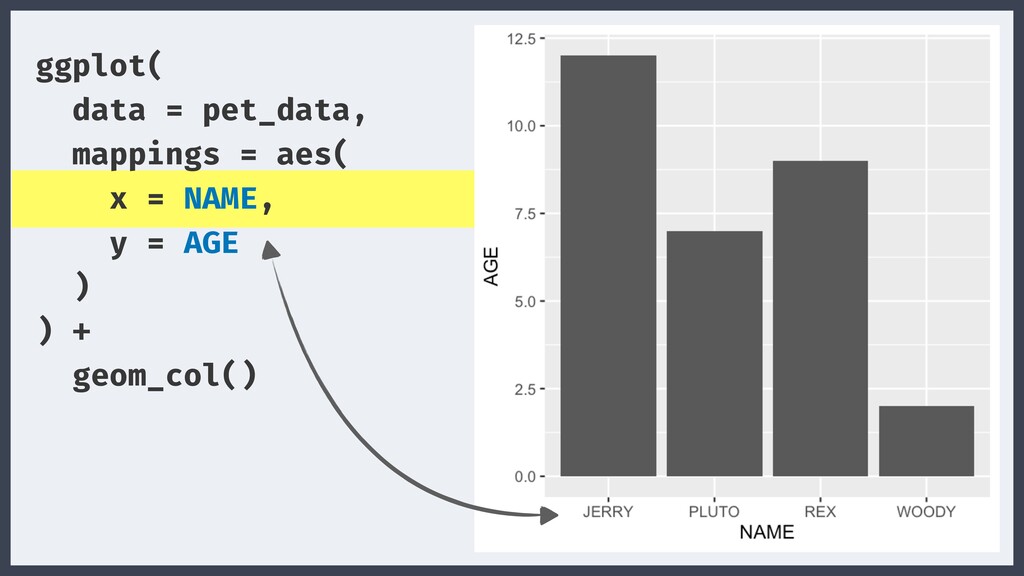
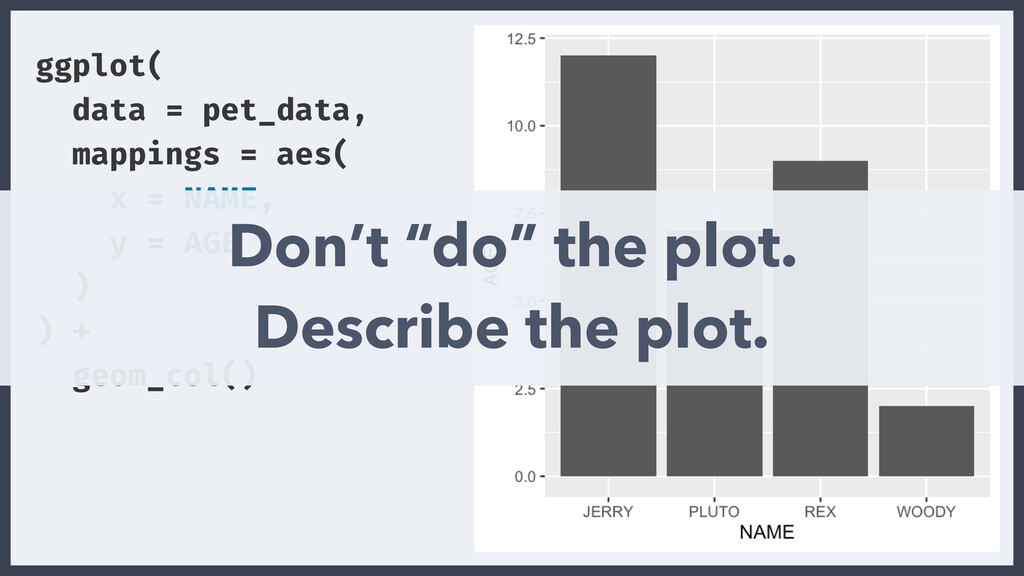
  38. ggplot( data = pet_data, mappings = aes( x = NAME,

    y = AGE ) ) + geom_col() Don’t “do” the plot. Describe the plot.
  39. ggplot( data = pet_data, mappings = aes( x = SIZE,

    y = AGE ) ) + geom_point( size = 8 )
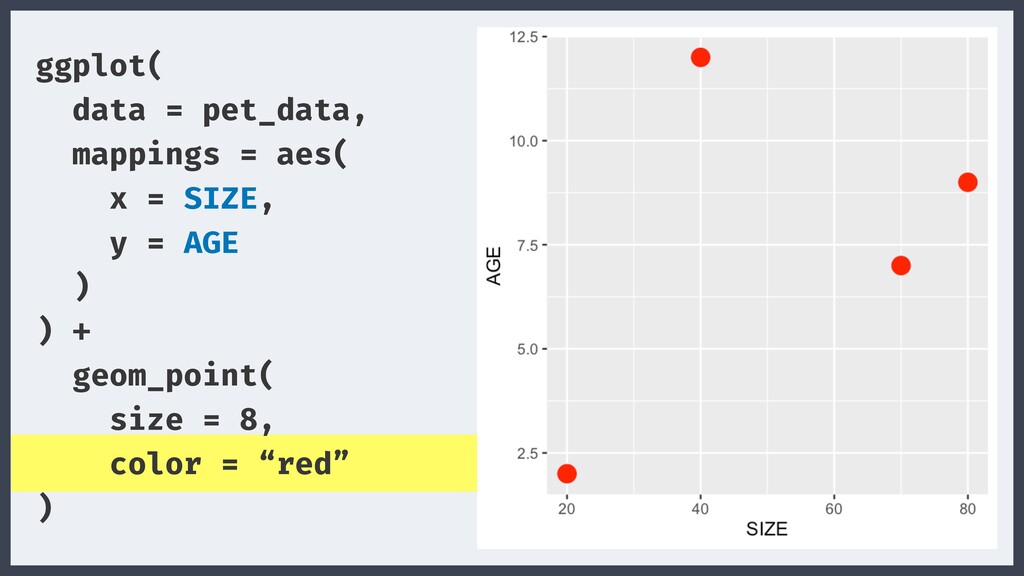
  40. ggplot( data = pet_data, mappings = aes( x = SIZE,

    y = AGE ) ) + geom_point( size = 8, color = “red” )
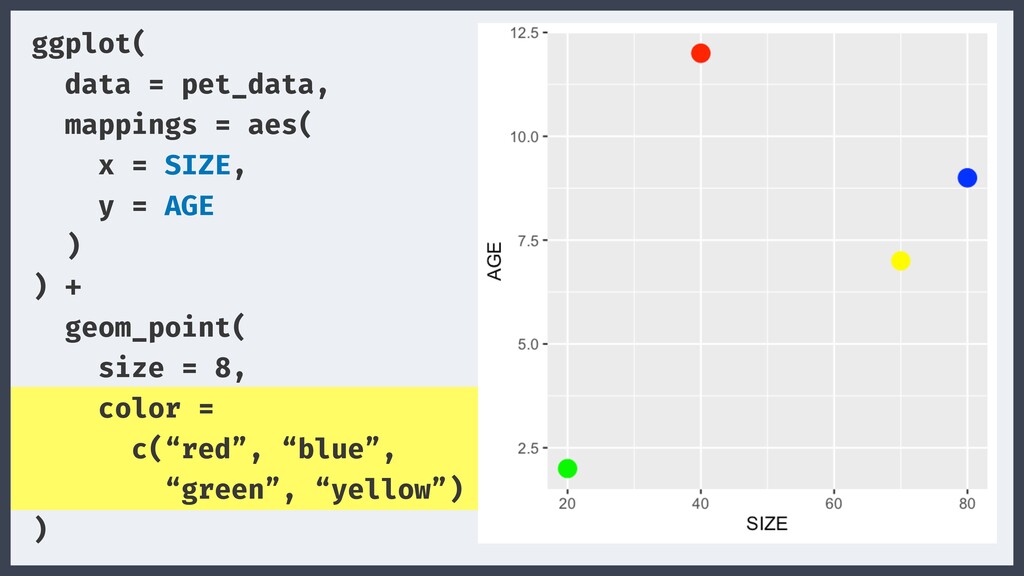
  41. ggplot( data = pet_data, mappings = aes( x = SIZE,

    y = AGE ) ) + geom_point( size = 8, color = c(“red”, “blue”, “green”, “yellow”) )
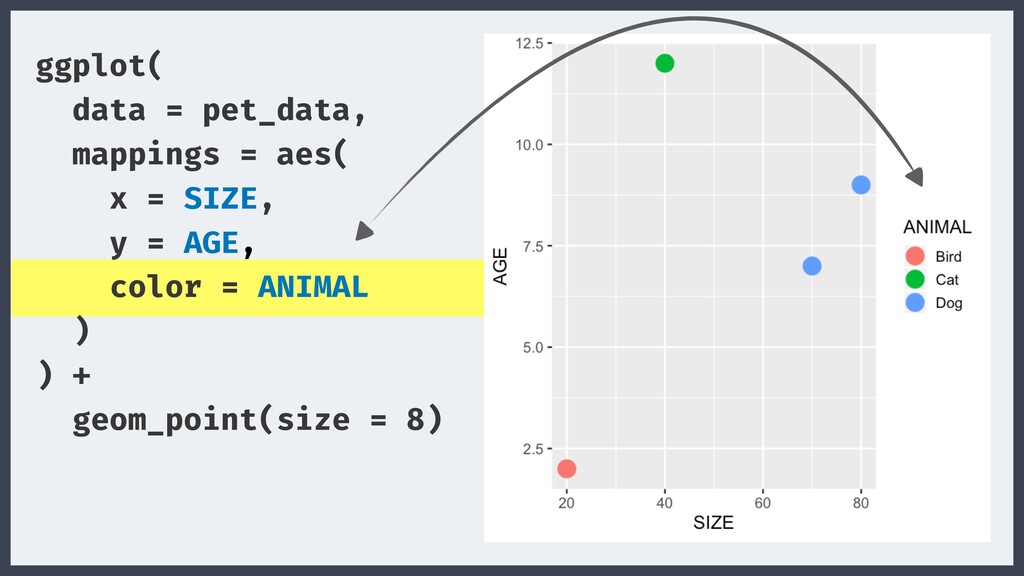
  42. ggplot( data = pet_data, mappings = aes( x = SIZE,

    y = AGE, color = ANIMAL ) ) + geom_point(size = 8)
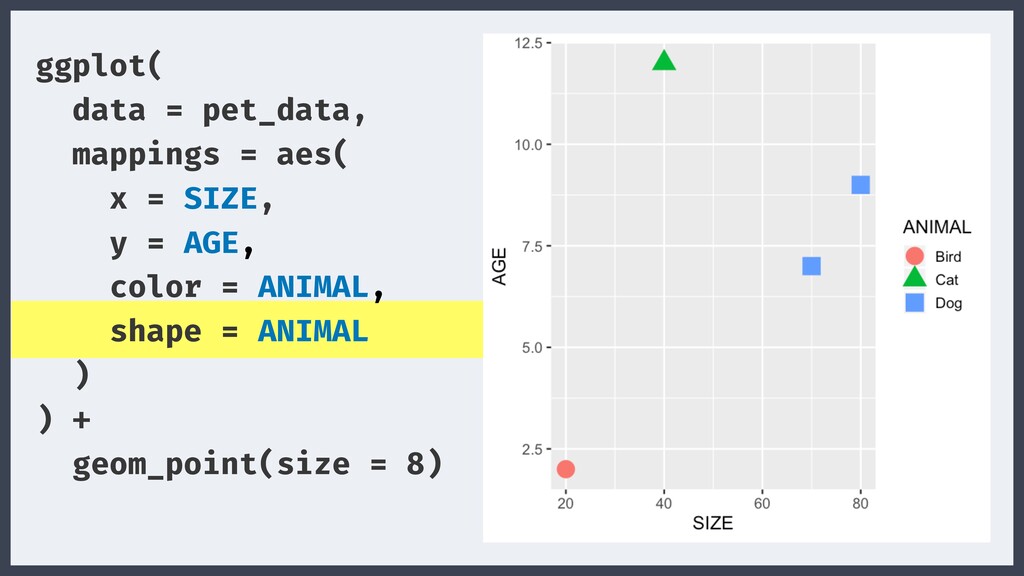
  43. ggplot( data = pet_data, mappings = aes( x = SIZE,

    y = AGE, color = ANIMAL, shape = ANIMAL ) ) + geom_point(size = 8)
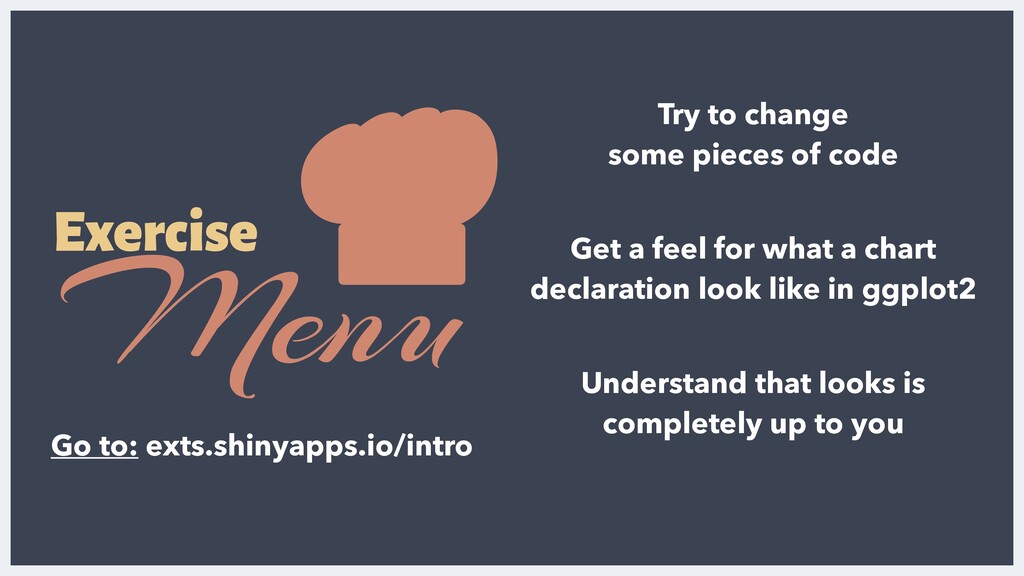
  44. Exercise Menu Try to change some pieces of code Get

    a feel for what a chart declaration look like in ggplot2 Understand that looks is completely up to you Go to: exts.shinyapps.io/intro