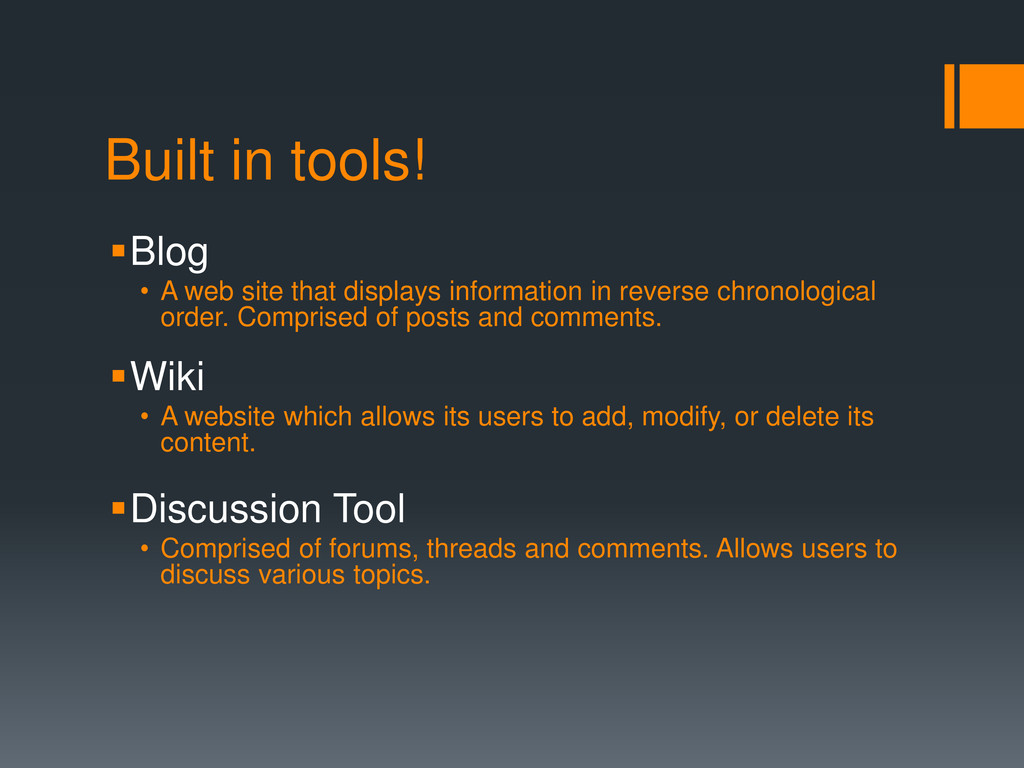
information in reverse chronological order. Comprised of posts and comments. Wiki • A website which allows its users to add, modify, or delete its content. Discussion Tool • Comprised of forums, threads and comments. Allows users to discuss various topics.
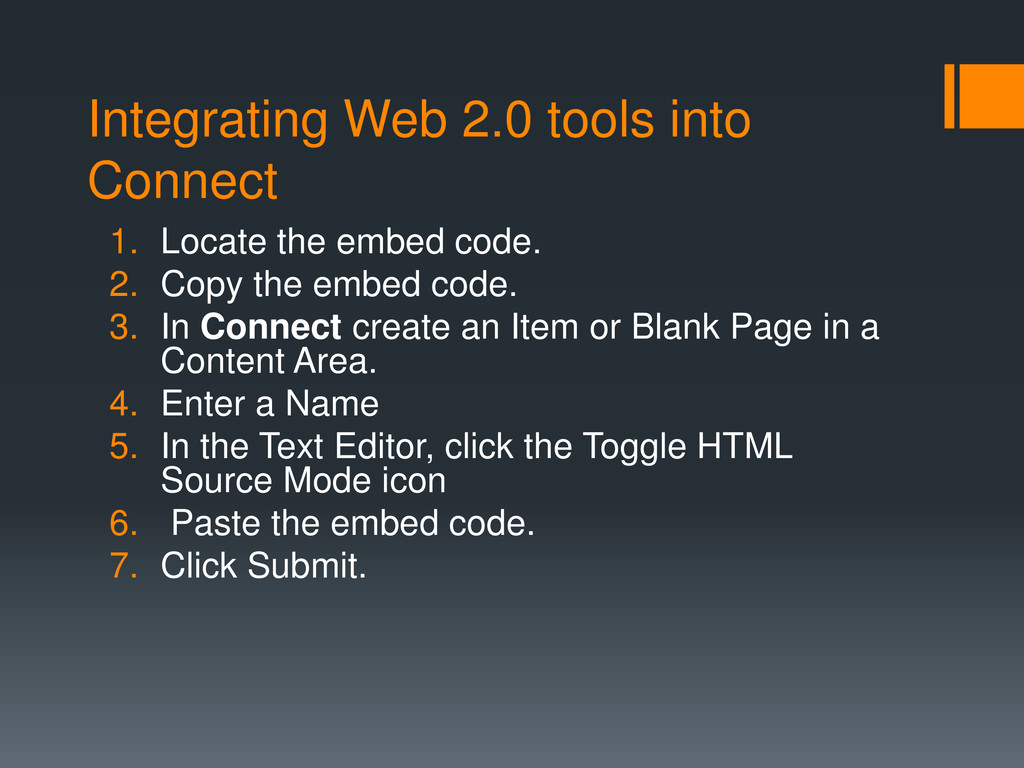
code. 2. Copy the embed code. 3. In Connect create an Item or Blank Page in a Content Area. 4. Enter a Name 5. In the Text Editor, click the Toggle HTML Source Mode icon 6. Paste the embed code. 7. Click Submit.
Voice Authoring Tool.. Voice Boards. Synchronous Sessions can be facilitated with the Virtual Classroom Option. This is not working correctly at this time but a ticket has been submitted to have the problems addressed.


 uchi8977
 signer
 arnoknobbe
 akiraasano
 masakiokuda
 robintux
 hiola
hiola
 bvr7352
 juanmartin2026
 coderdojojapan
 reverentgeek
 jdejongh
.jpg) cargoodrich
cargoodrich
 coloredviolet
 sarafernandez
 kimpetersen
 mlcsv
mlcsv
 garrettdimon
 lauravandoore
 axbom
axbom
 frankvandijk
 shpigford