Upgrade to Pro
— share decks privately, control downloads, hide ads and more …
Speaker Deck
Sign up for free
Menu
Search
Features
All features
Private URLs
Password Protection
Custom URLS
Scheduled publishing
Remove Branding
Restrict embedding
Deck Collections
Notes
Features
All features
Private URLs
Password Protection
Custom URLS
Scheduled publishing
Remove Branding
Restrict embedding
Deck Collections
Notes
Explore
Featured decks
Featured speakers
Programming
Technology
Storyboards
Explore
Featured decks
Featured speakers
Programming
Technology
Storyboards
Pricing
Search
Sign in
Sign up for free
マニュアル
Search
Yukino Shirota
July 14, 2016
77
0
Share
Embed
Copy iframe code
Copy JS code
Copy link
Start on current slide
マニュアル
Yukino Shirota
July 14, 2016
More Decks by Yukino Shirota
See All by Yukino Shirota
6月16日課題
yukino
0
39
Featured
See All Featured
CoffeeScript is Beautiful & I Never Want to Write Plain JavaScript Again
sstephenson
162
16k
Building Applications with DynamoDB
mza
96
7.2k
SEO for Brand Visibility & Recognition
aleyda
0
4.8k
The Cult of Friendly URLs
andyhume
79
7k
DevOps and Value Stream Thinking: Enabling flow, efficiency and business value
helenjbeal
2
410
Leveraging LLMs for student feedback in introductory data science courses - posit::conf(2025)
minecr
1
440
[Rails World 2023 - Day 1 Closing Keynote] - The Magic of Rails
eileencodes
38
3.1k
Believing is Seeing
oripsolob
1
240
Site-Speed That Sticks
csswizardry
13
1.6k
svc-hook: hooking system calls on ARM64 by binary rewriting
retrage
2
630
Impact Scores and Hybrid Strategies: The future of link building
tamaranovitovic
0
460
How to Grow Your eCommerce with AI & Automation
katarinadahlin
PRO
2
330
Transcript
Overpass の方法 1A116117 城田 由紀乃
PokemonGo • PokemonGoのPokestopに採用されそうな対象 を選ぶ。 例) 神社、お寺、モニュメントなど
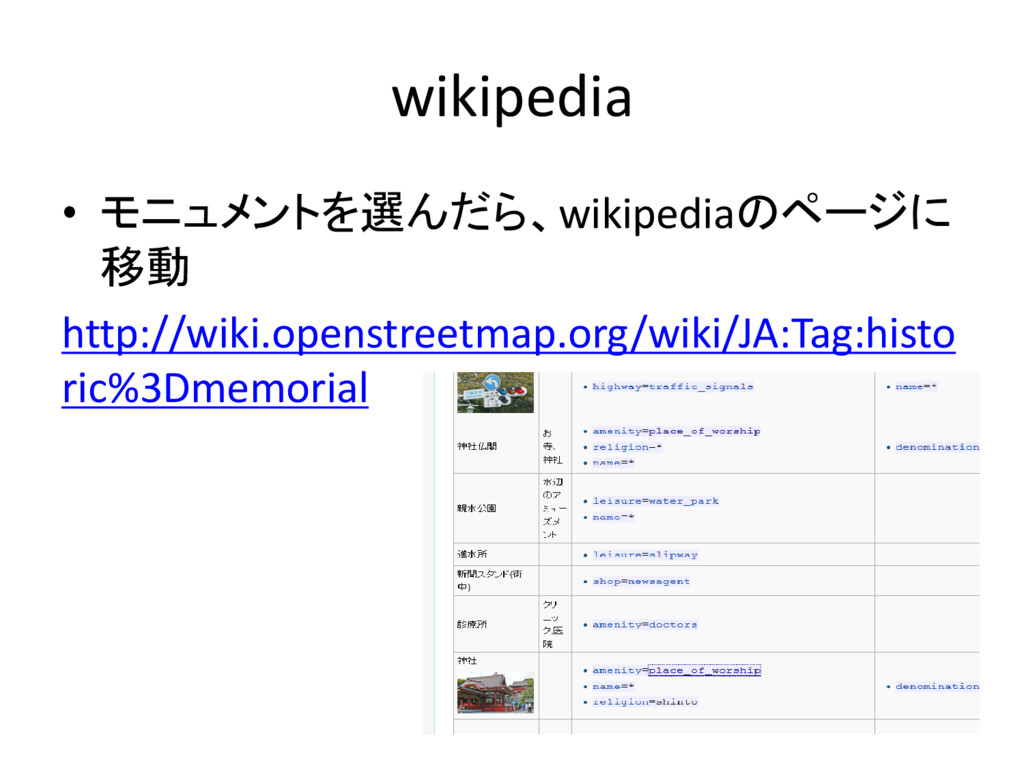
wikipedia • モニュメントを選んだら、wikipediaのページに 移動 http://wiki.openstreetmap.org/wiki/JA:Tag:histo ric%3Dmemorial
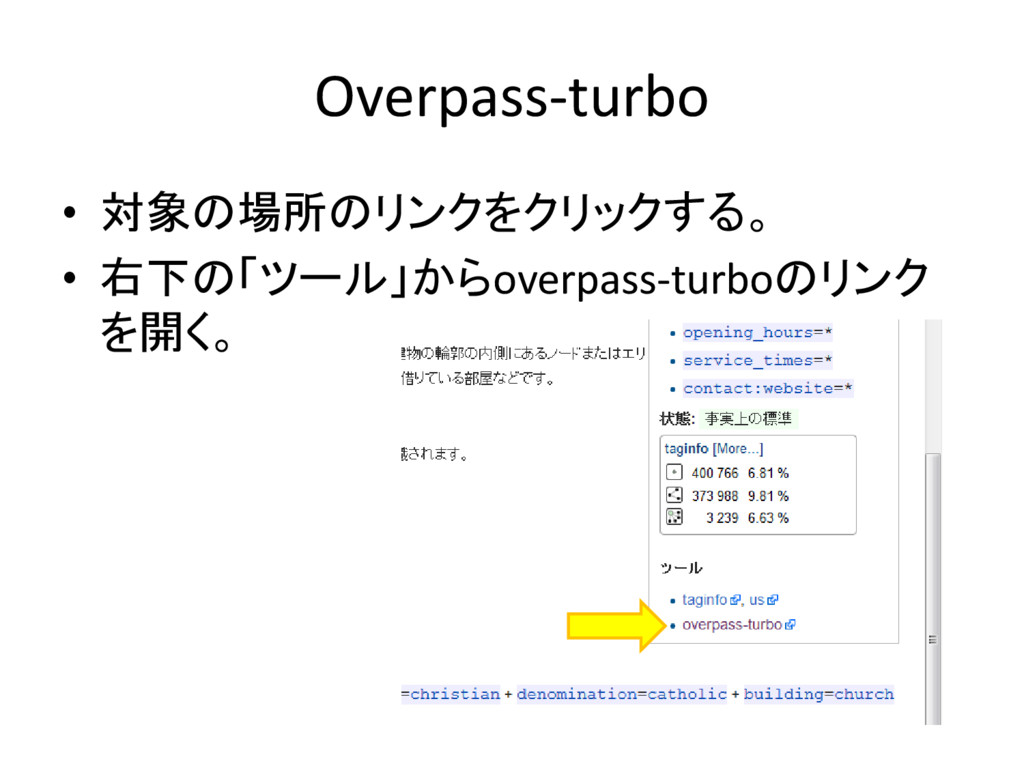
Overpass-turbo • 対象の場所のリンクをクリックする。 • 右下の「ツール」からoverpass-turboのリンク を開く。
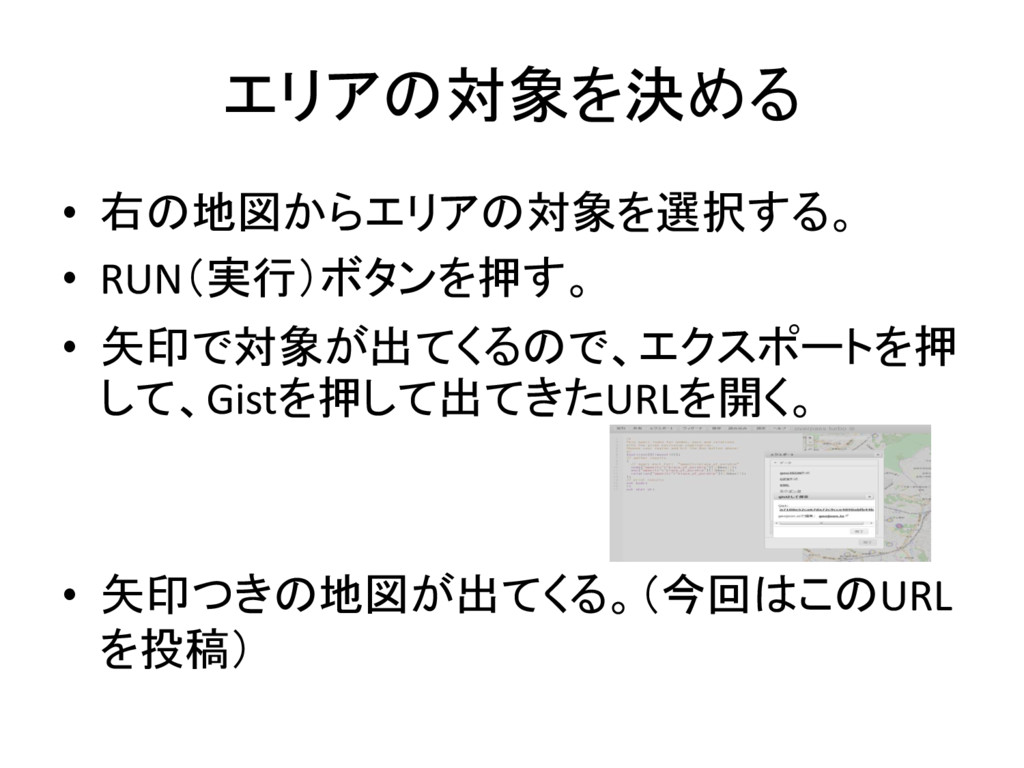
エリアの対象を決める • 右の地図からエリアの対象を選択する。 • RUN(実行)ボタンを押す。 • 矢印で対象が出てくるので、エクスポートを押 して、Gistを押して出てきたURLを開く。 • 矢印つきの地図が出てくる。(今回はこのURL
を投稿)


 yukino
 sstephenson
 mza
mza
 aleyda
 andyhume
.png) helenjbeal
helenjbeal
 minecr
 eileencodes
 oripsolob
 csswizardry
 retrage
 tamaranovitovic
 katarinadahlin