Upgrade to Pro
— share decks privately, control downloads, hide ads and more …
Speaker Deck
Sign up for free
Menu
Search
Features
All features
Private URLs
Password Protection
Custom URLS
Scheduled publishing
Remove Branding
Restrict embedding
Deck Collections
Notes
Features
All features
Private URLs
Password Protection
Custom URLS
Scheduled publishing
Remove Branding
Restrict embedding
Deck Collections
Notes
Explore
Featured decks
Featured speakers
Programming
Technology
Storyboards
Explore
Featured decks
Featured speakers
Programming
Technology
Storyboards
Pricing
Search
Sign in
Sign up for free
從 Library 到 Framewrok
Search
Yume
October 17, 2025
12
0
Share
Embed
Copy iframe code
Copy JS code
Copy link
Start on current slide
從 Library 到 Framewrok
Yume
October 17, 2025
Featured
See All Featured
Max Prin - Stacking Signals: How International SEO Comes Together (And Falls Apart)
techseoconnect
PRO
0
490
We Are The Robots
honzajavorek
0
400
HDC tutorial
michielstock
2
960
Neural Spatial Audio Processing for Sound Field Analysis and Control
skoyamalab
0
570
Producing Creativity
orderedlist
PRO
348
41k
Leo the Paperboy
mayatellez
10
2.4k
Building Applications with DynamoDB
mza
96
7.2k
jQuery: Nuts, Bolts and Bling
dougneiner
66
8.6k
The browser strikes back
jonoalderson
0
1.8k
Primal Persuasion: How to Engage the Brain for Learning That Lasts
tmiket
0
500
Practical Tips for Bootstrapping Information Extraction Pipelines
honnibal
25
2.1k
Why Your Marketing Sucks and What You Can Do About It - Sophie Logan
marketingsoph
0
430
Transcript
從 Library 到 Framewrok 1
GCC與編譯過程 2
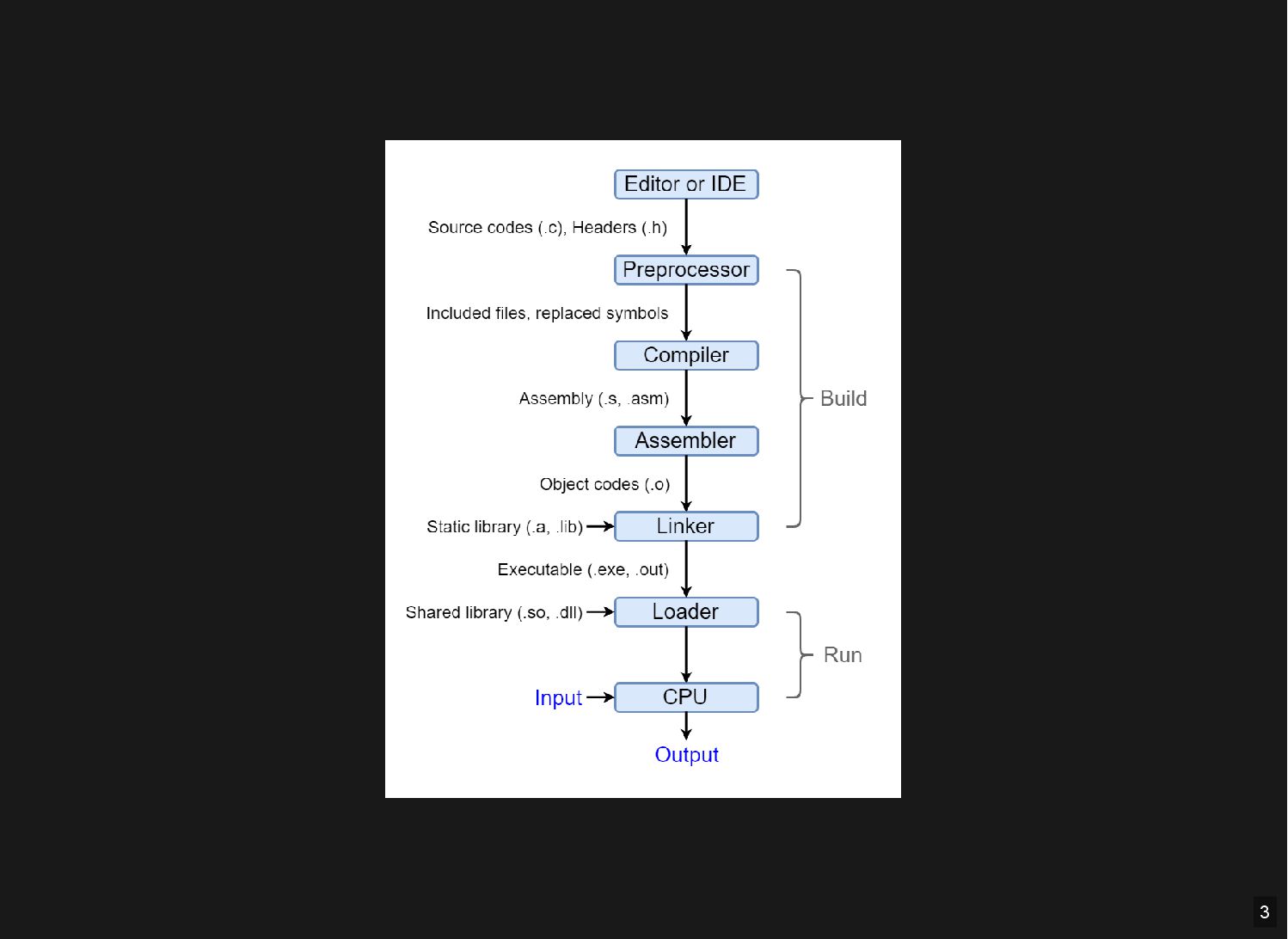
3
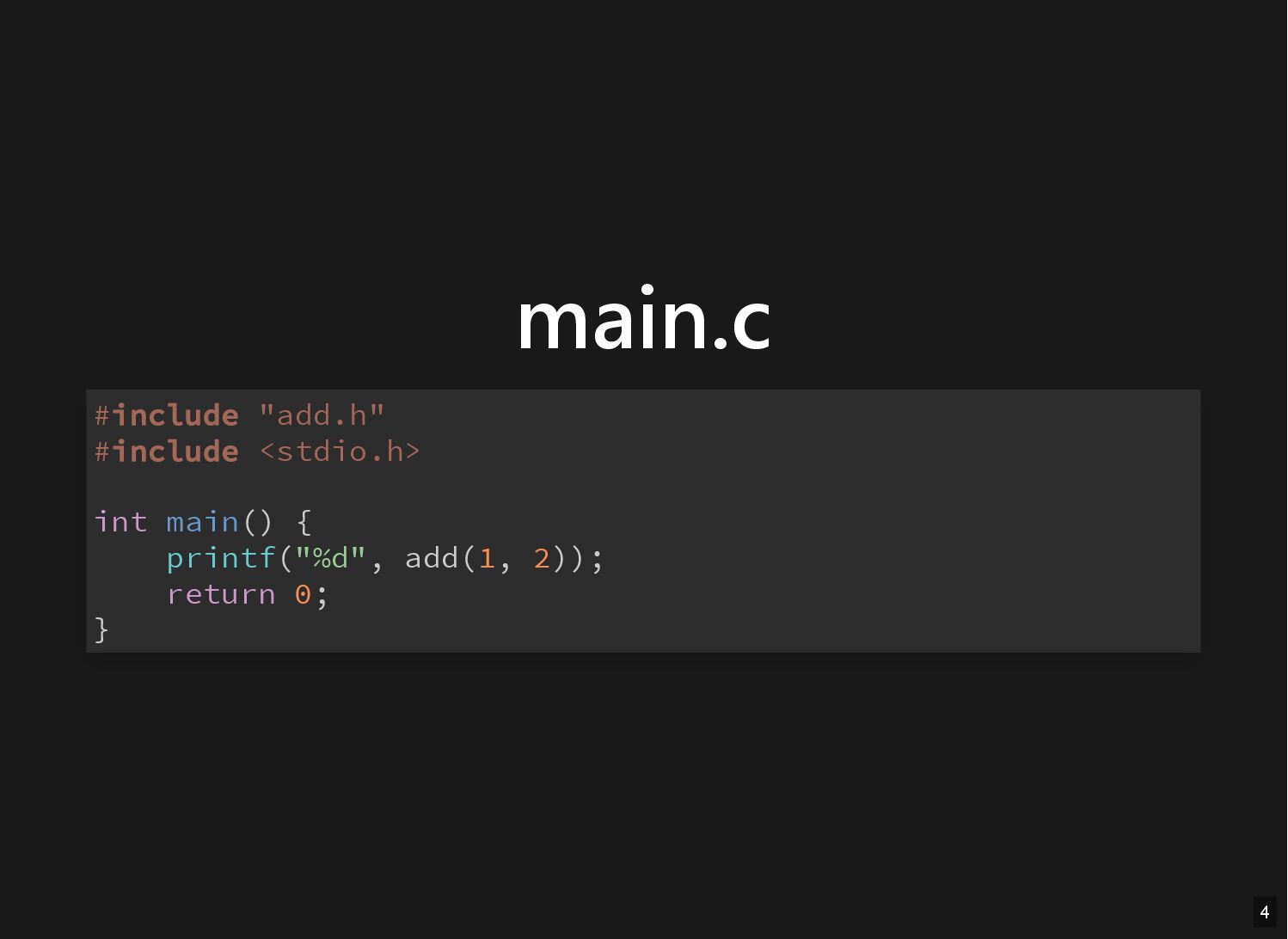
main.c #include "add.h" #include <stdio.h> int main() { printf("%d", add(1,
2)); return 0; } 4
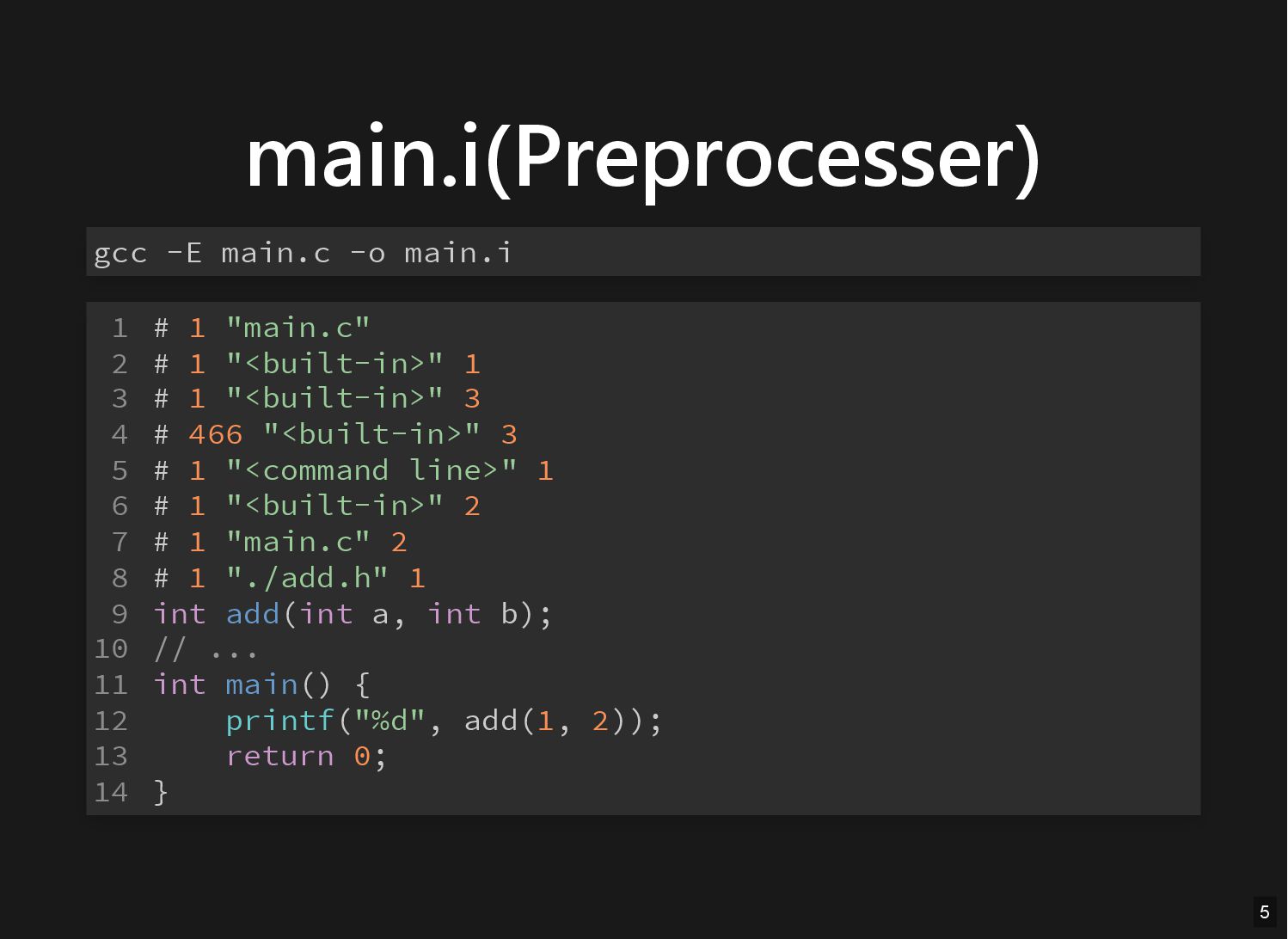
main.i(Preprocesser) gcc -E main.c -o main.i # 1 "main.c" #
1 "<built-in>" 1 # 1 "<built-in>" 3 # 466 "<built-in>" 3 # 1 "<command line>" 1 # 1 "<built-in>" 2 # 1 "main.c" 2 # 1 "./add.h" 1 int add(int a, int b); // ... int main() { printf("%d", add(1, 2)); return 0; } 1 2 3 4 5 6 7 8 9 10 11 12 13 14 5
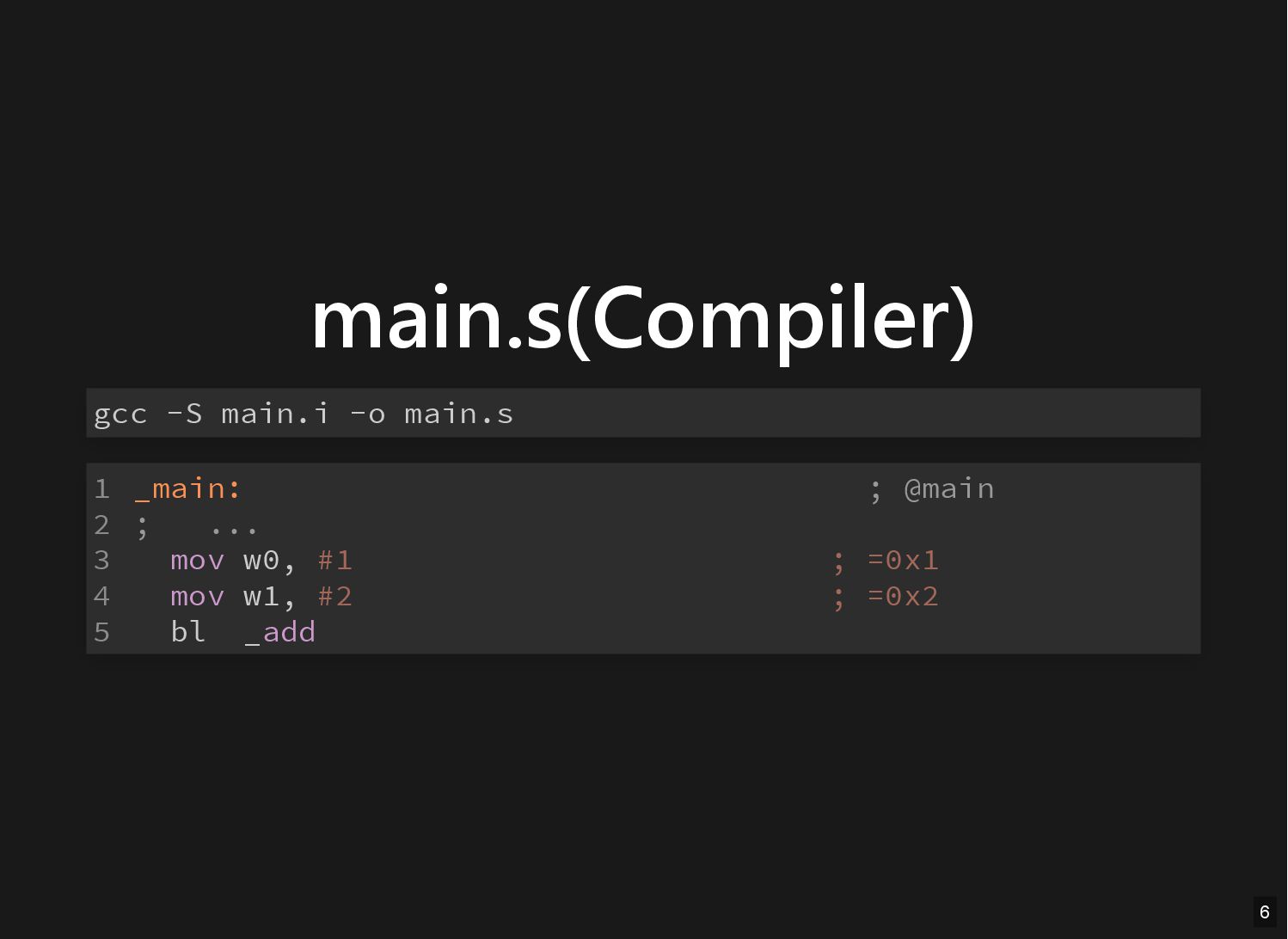
main.s(Compiler) gcc -S main.i -o main.s _main: ; @main ;
... mov w0, #1 ; =0x1 mov w1, #2 ; =0x2 bl _add 1 2 3 4 5 6
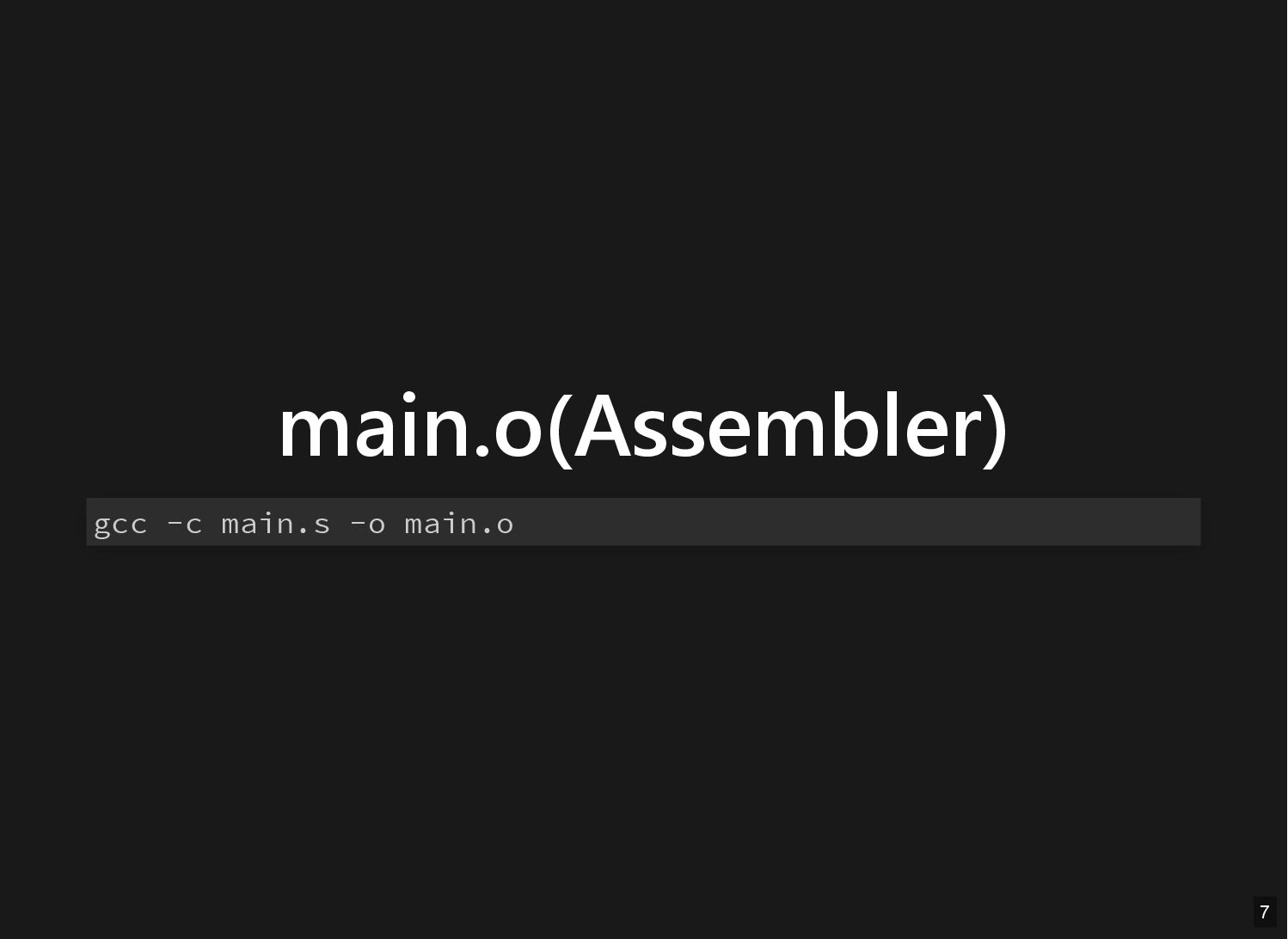
main.o(Assembler) gcc -c main.s -o main.o 7
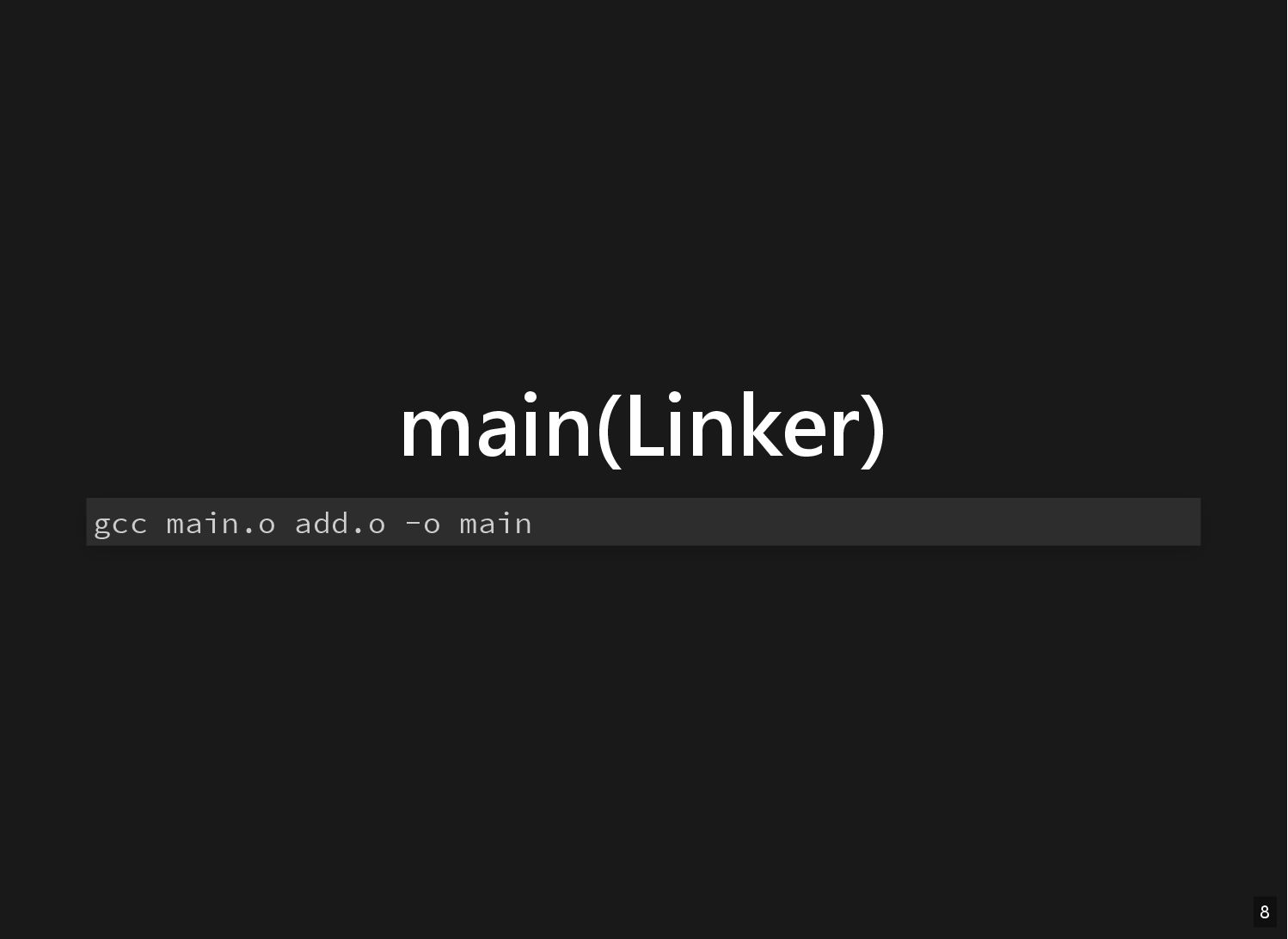
main(Linker) gcc main.o add.o -o main 8
Inside object file 9
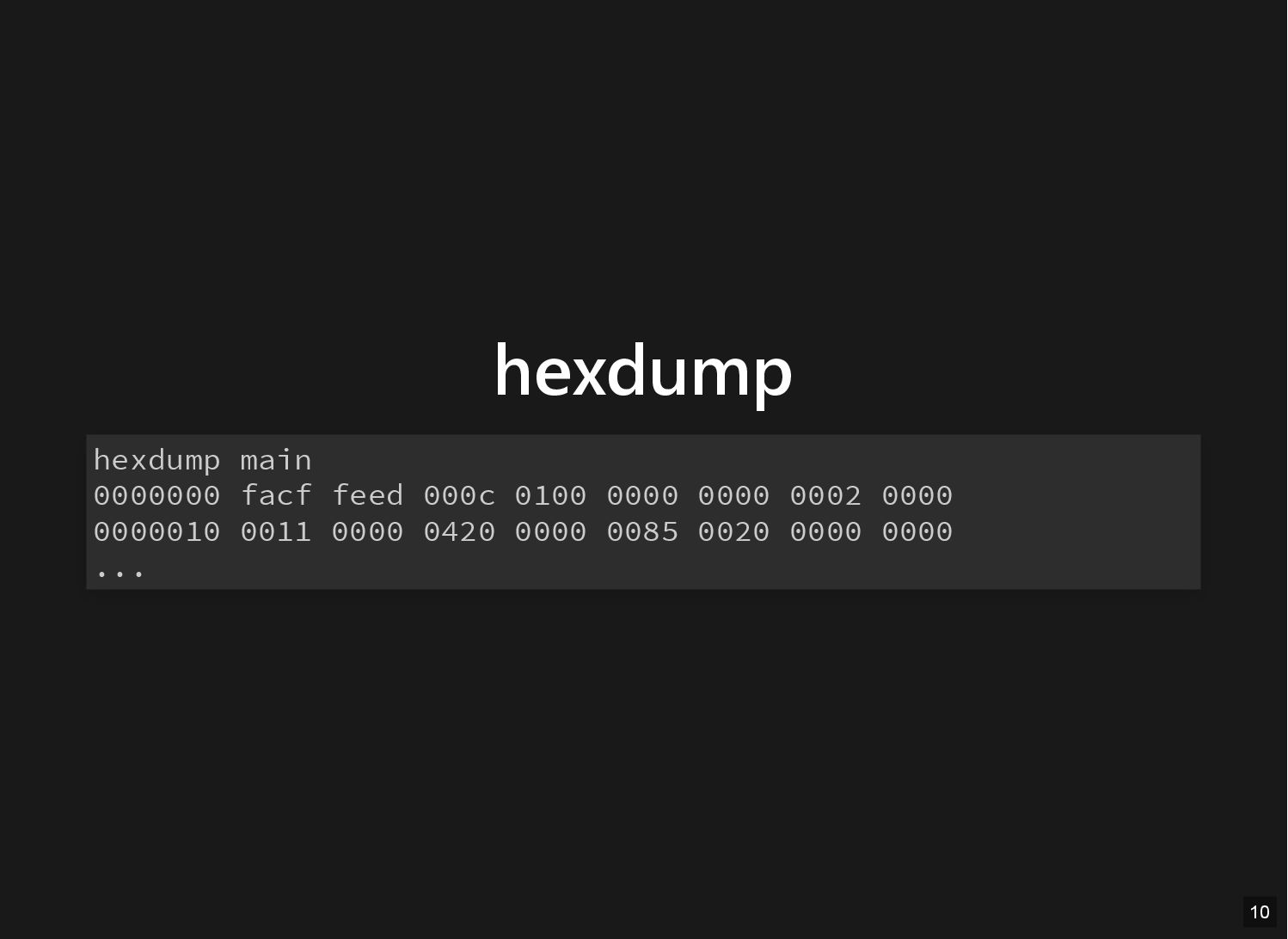
hexdump hexdump main 0000000 facf feed 000c 0100 0000 0000
0002 0000 0000010 0011 0000 0420 0000 0085 0020 0000 0000 ... 10
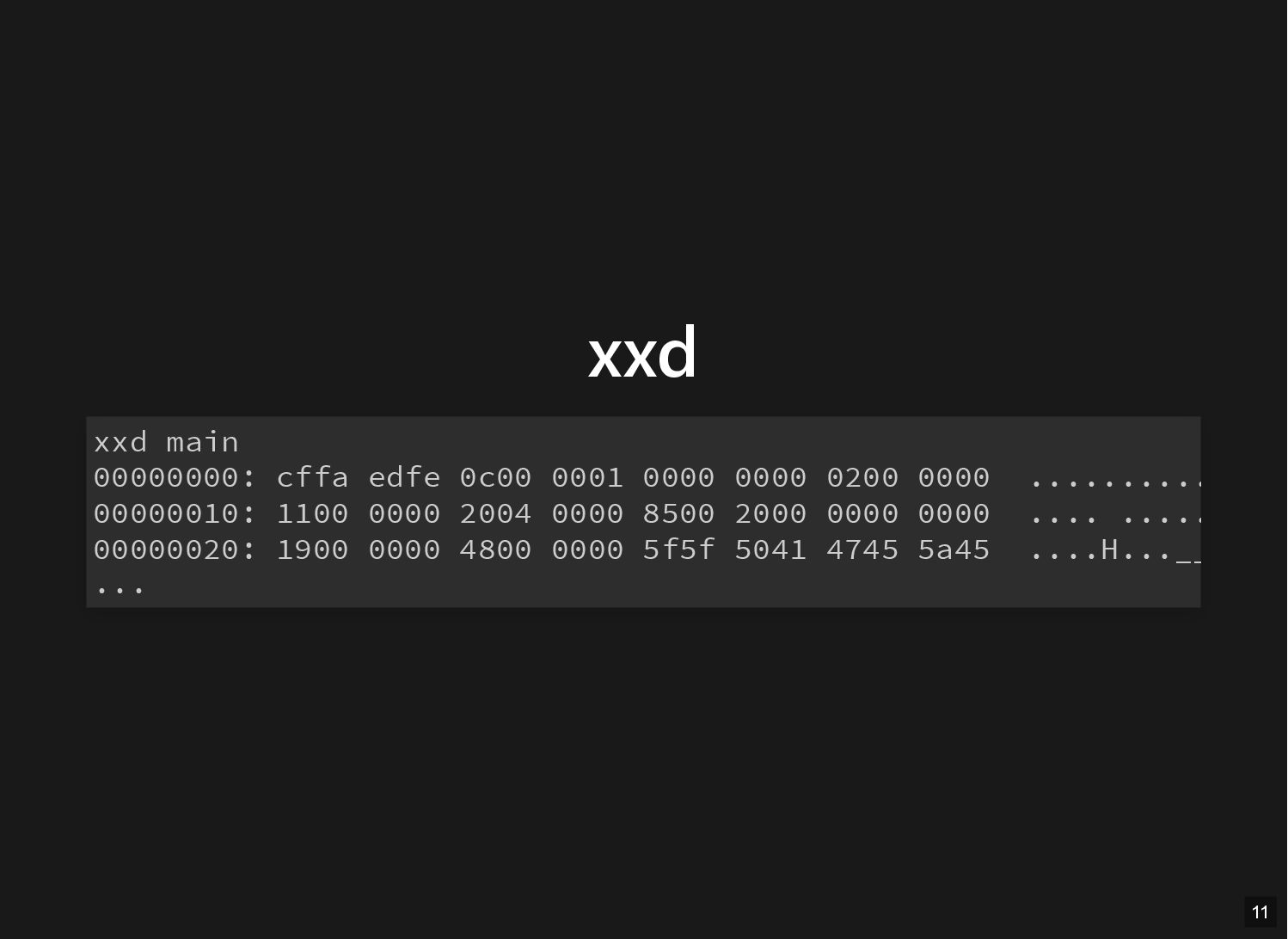
xxd xxd main 00000000: cffa edfe 0c00 0001 0000 0000
0200 0000 .......... 00000010: 1100 0000 2004 0000 8500 2000 0000 0000 .... ..... 00000020: 1900 0000 4800 0000 5f5f 5041 4745 5a45 ....H...__ ... 11
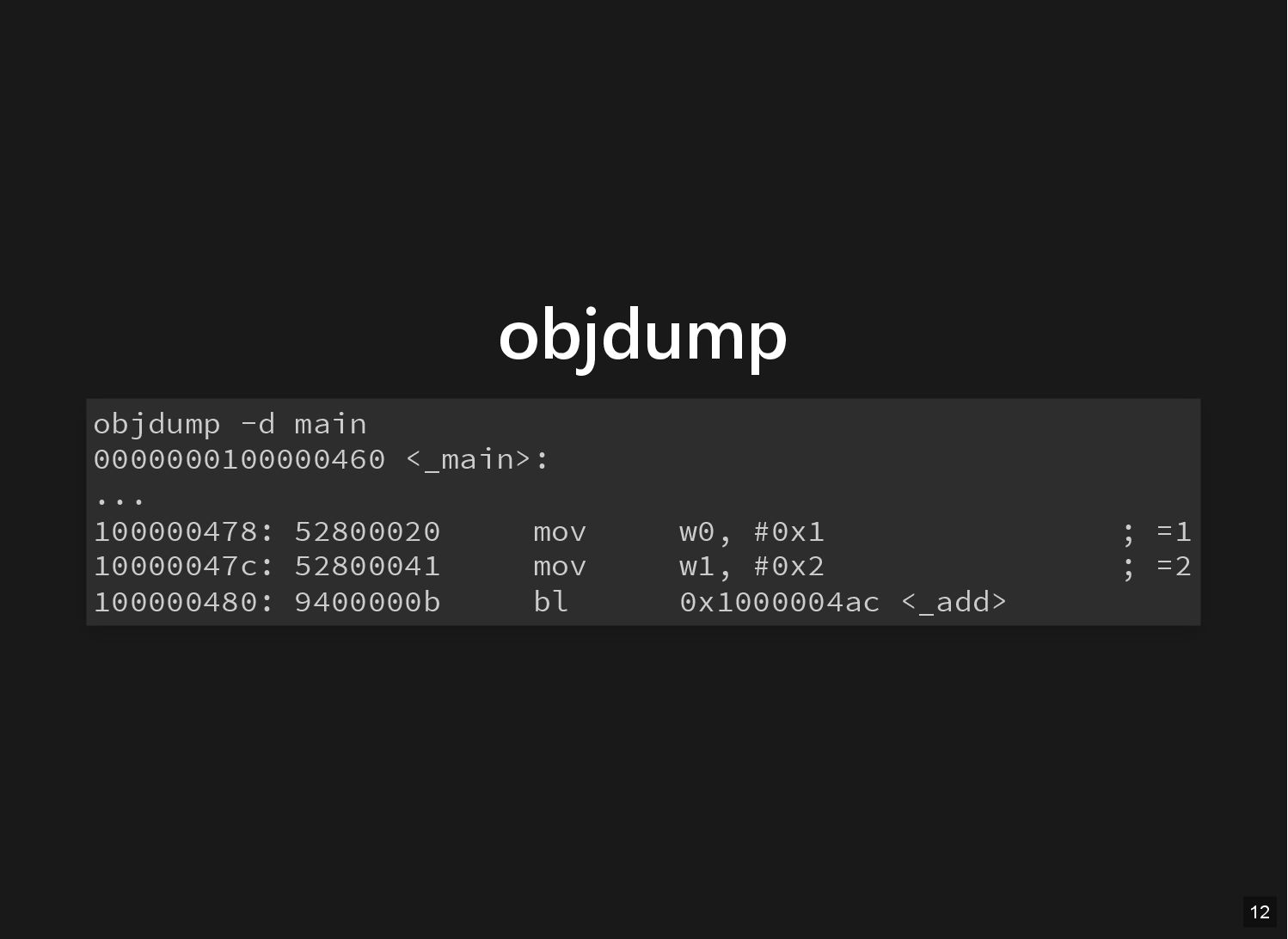
objdump objdump -d main 0000000100000460 <_main>: ... 100000478: 52800020 mov
w0, #0x1 ; =1 10000047c: 52800041 mov w1, #0x2 ; =2 100000480: 9400000b bl 0x1000004ac <_add> 12
Static Library 13
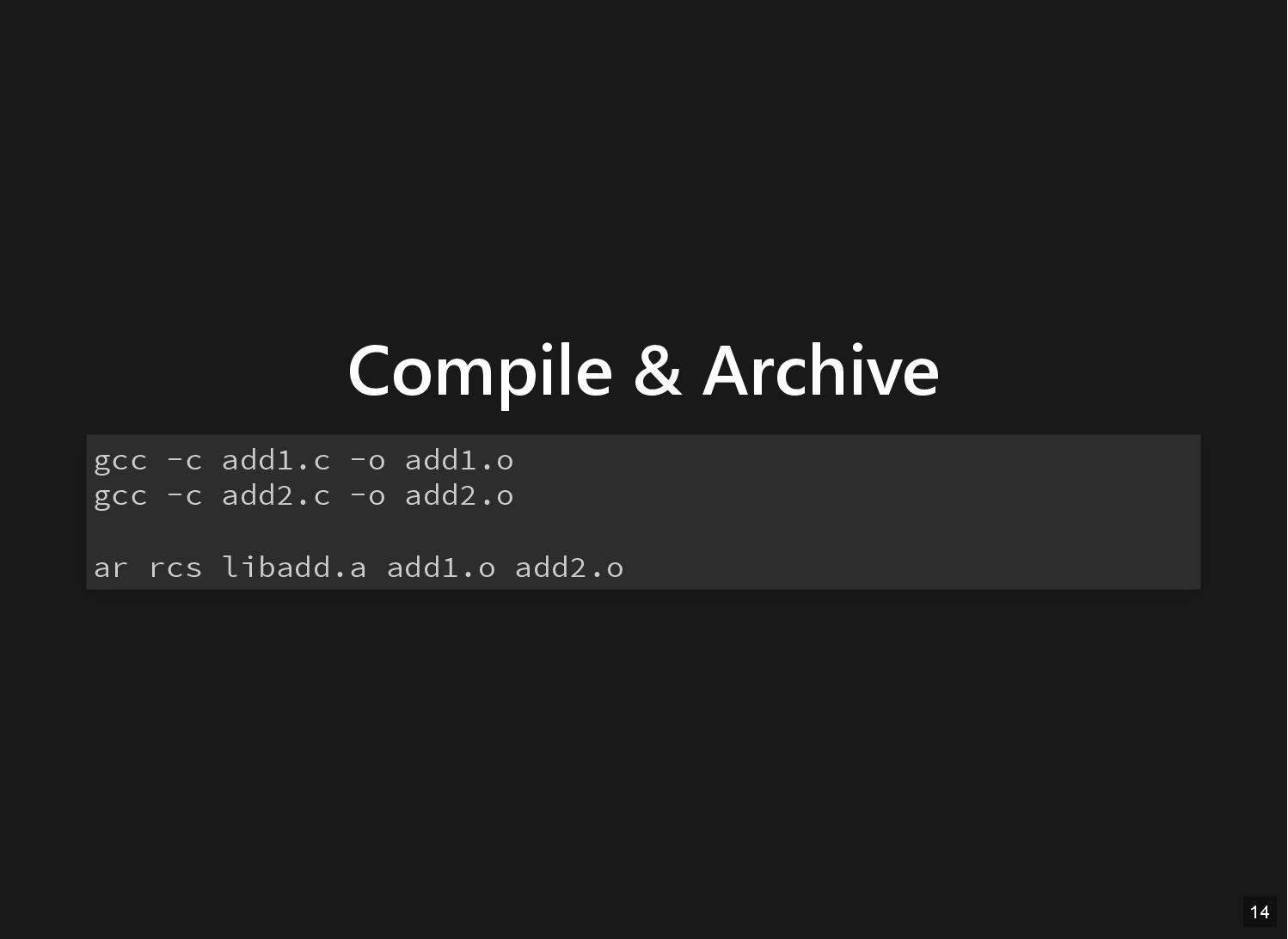
Compile & Archive gcc -c add1.c -o add1.o gcc -c
add2.c -o add2.o ar rcs libadd.a add1.o add2.o 14
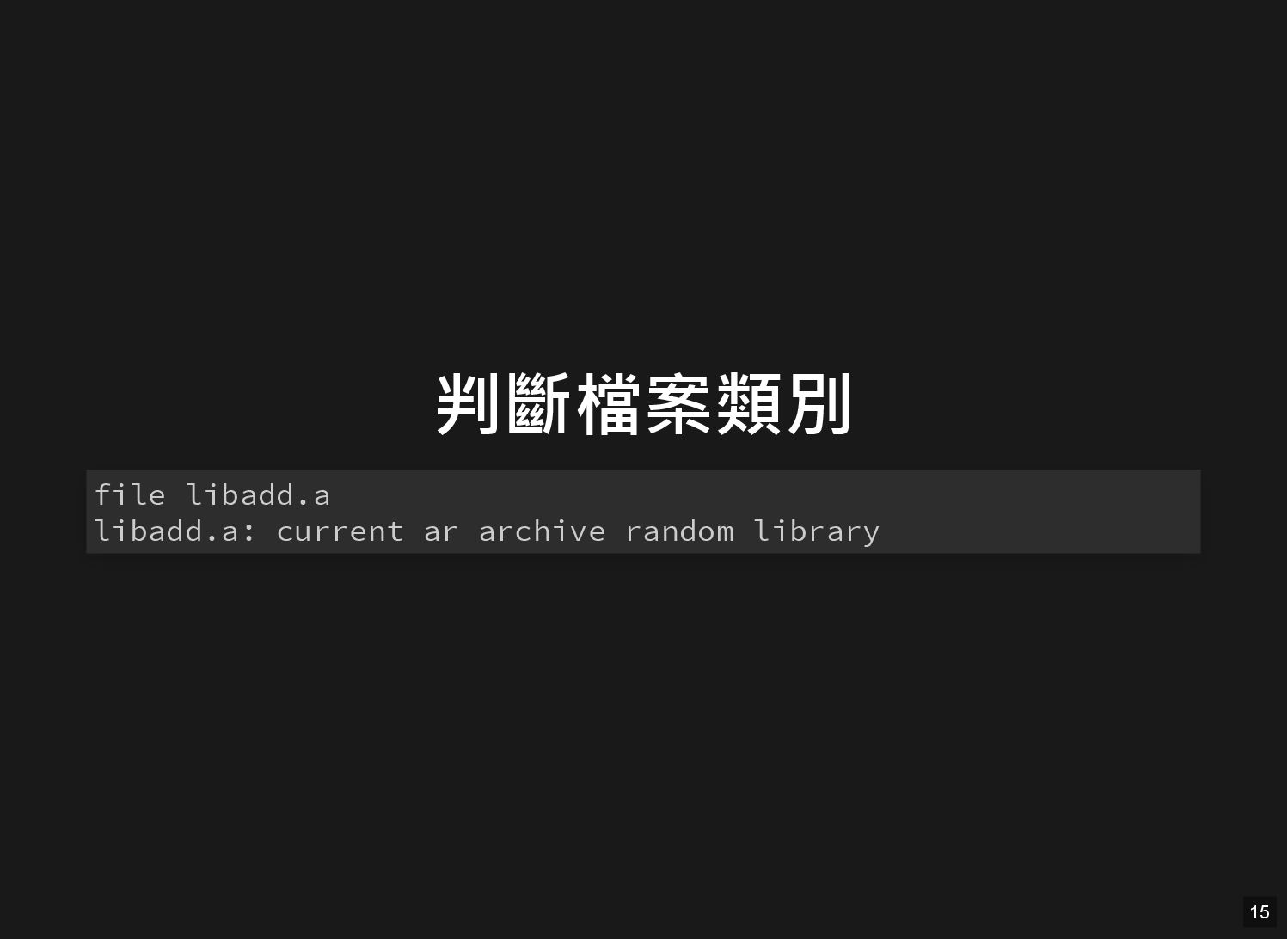
判斷檔案類別 file libadd.a libadd.a: current ar archive random library 15
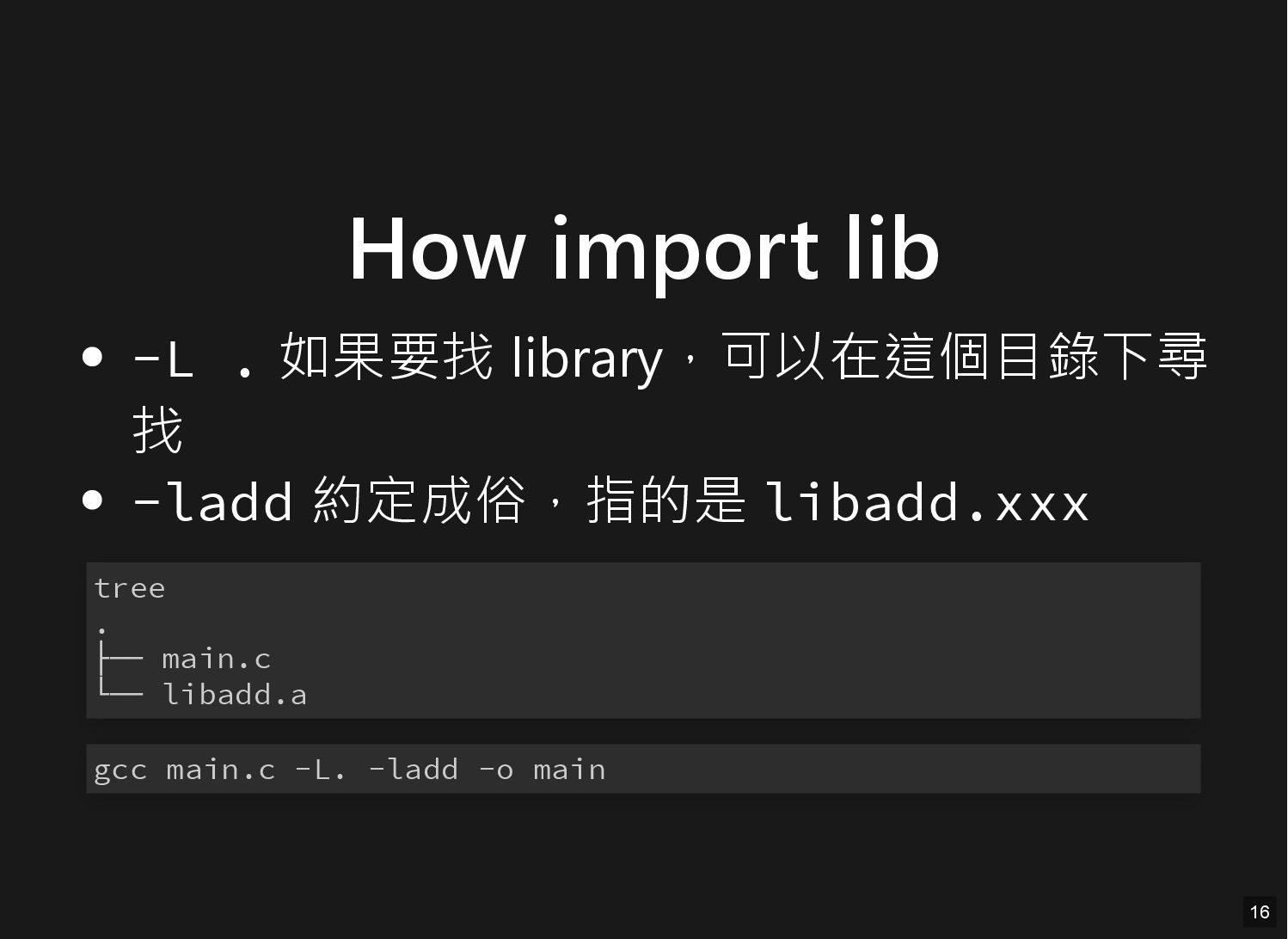
How import lib -L . 如果要找 library,可以在這個目錄下尋 找 -ladd 約定成俗,指的是
libadd.xxx tree . ├── main.c └── libadd.a gcc main.c -L. -ladd -o main 16
Dynamic Library 17
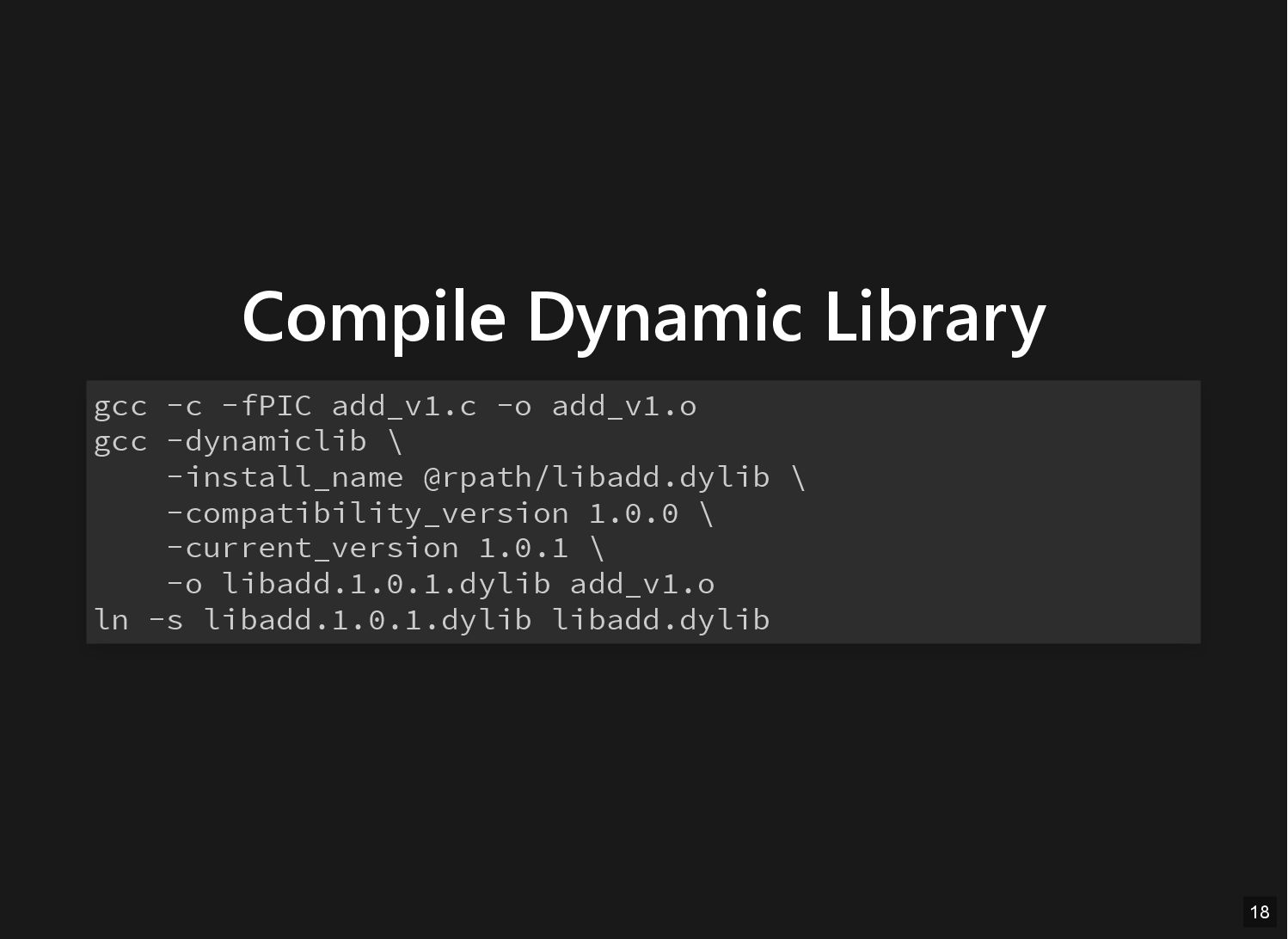
Compile Dynamic Library gcc -c -fPIC add_v1.c -o add_v1.o gcc
-dynamiclib \ -install_name @rpath/libadd.dylib \ -compatibility_version 1.0.0 \ -current_version 1.0.1 \ -o libadd.1.0.1.dylib add_v1.o ln -s libadd.1.0.1.dylib libadd.dylib 18
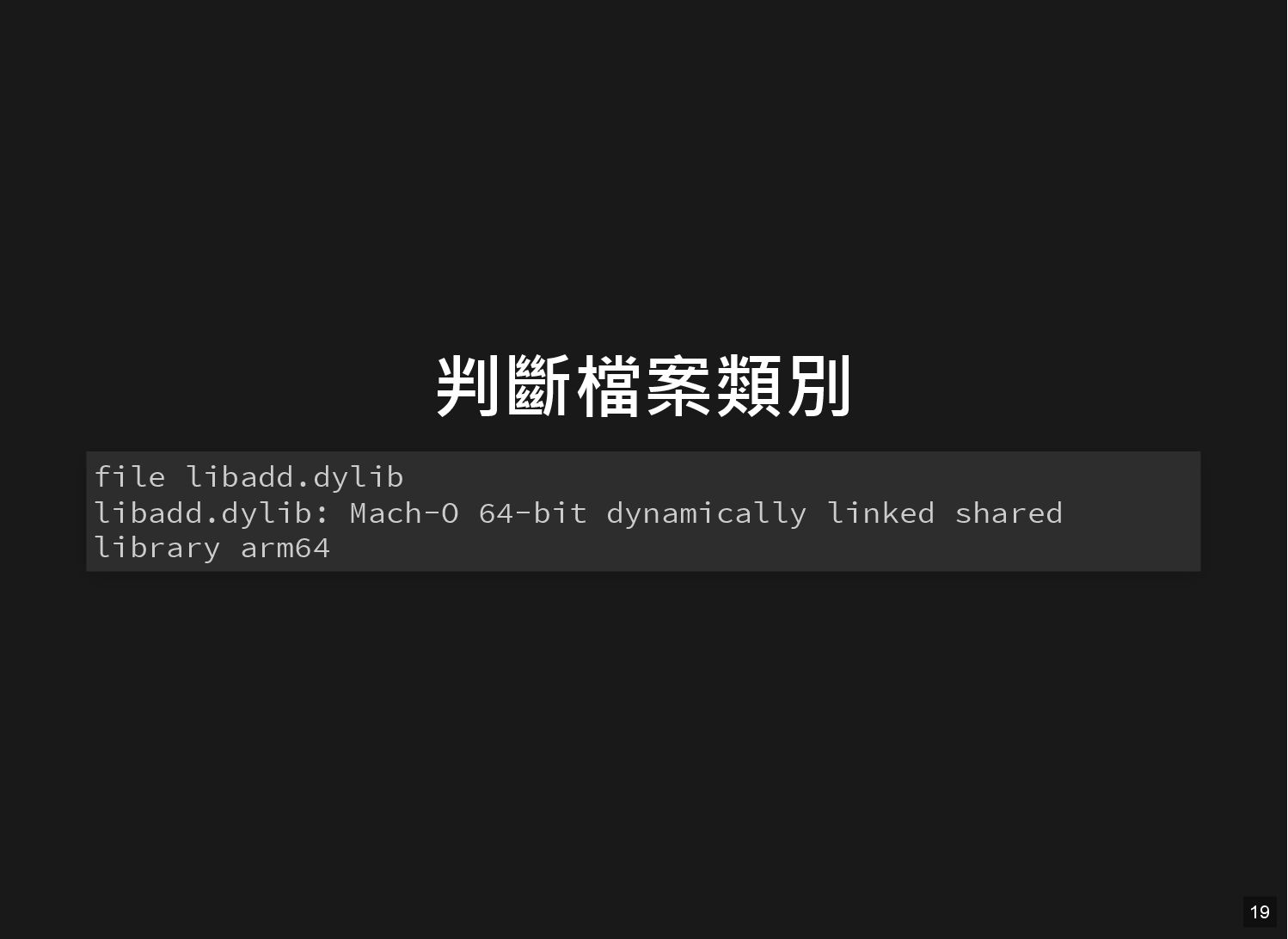
判斷檔案類別 file libadd.dylib libadd.dylib: Mach-O 64-bit dynamically linked shared library
arm64 19
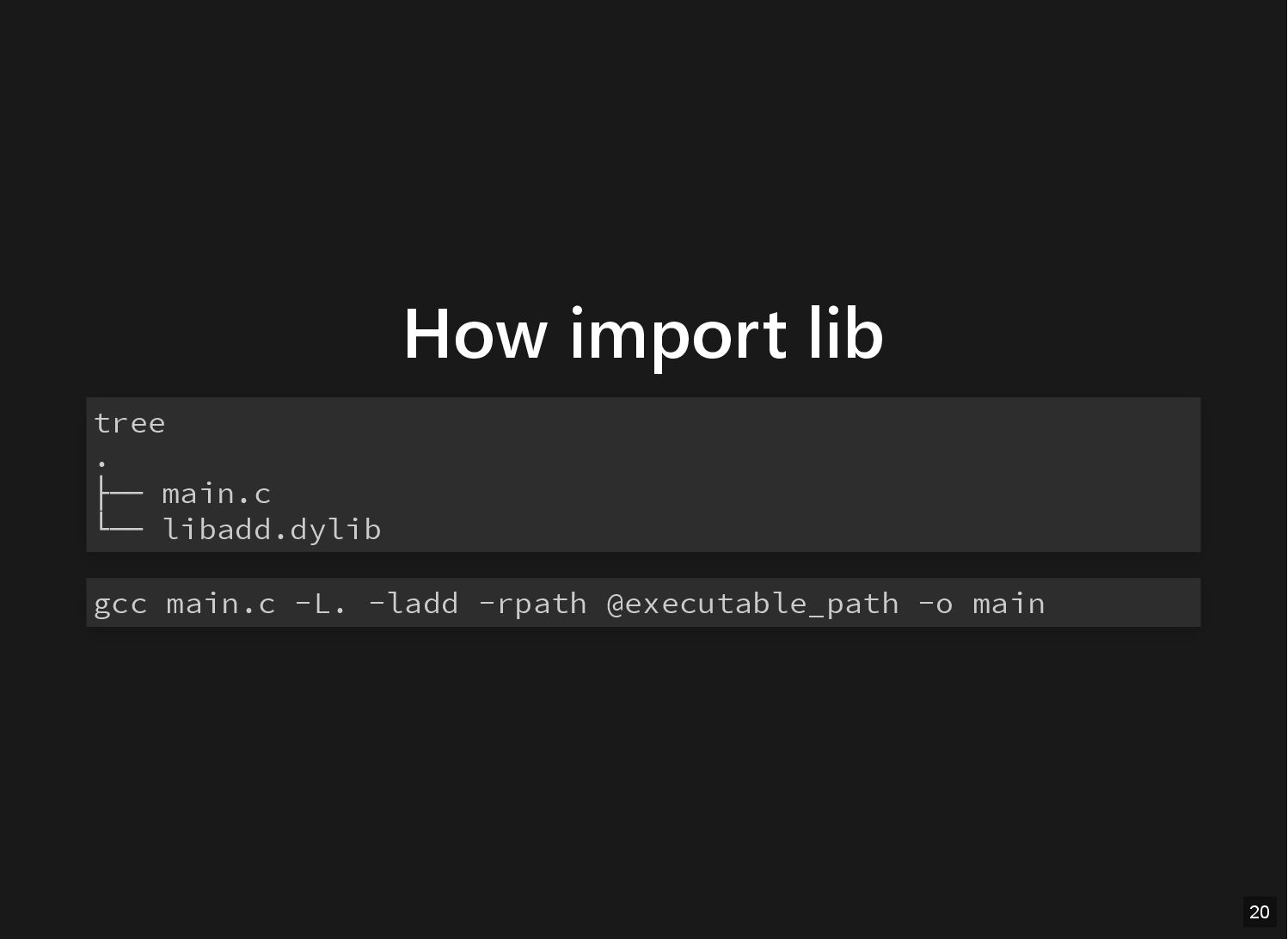
How import lib tree . ├── main.c └── libadd.dylib gcc
main.c -L. -ladd -rpath @executable_path -o main 20
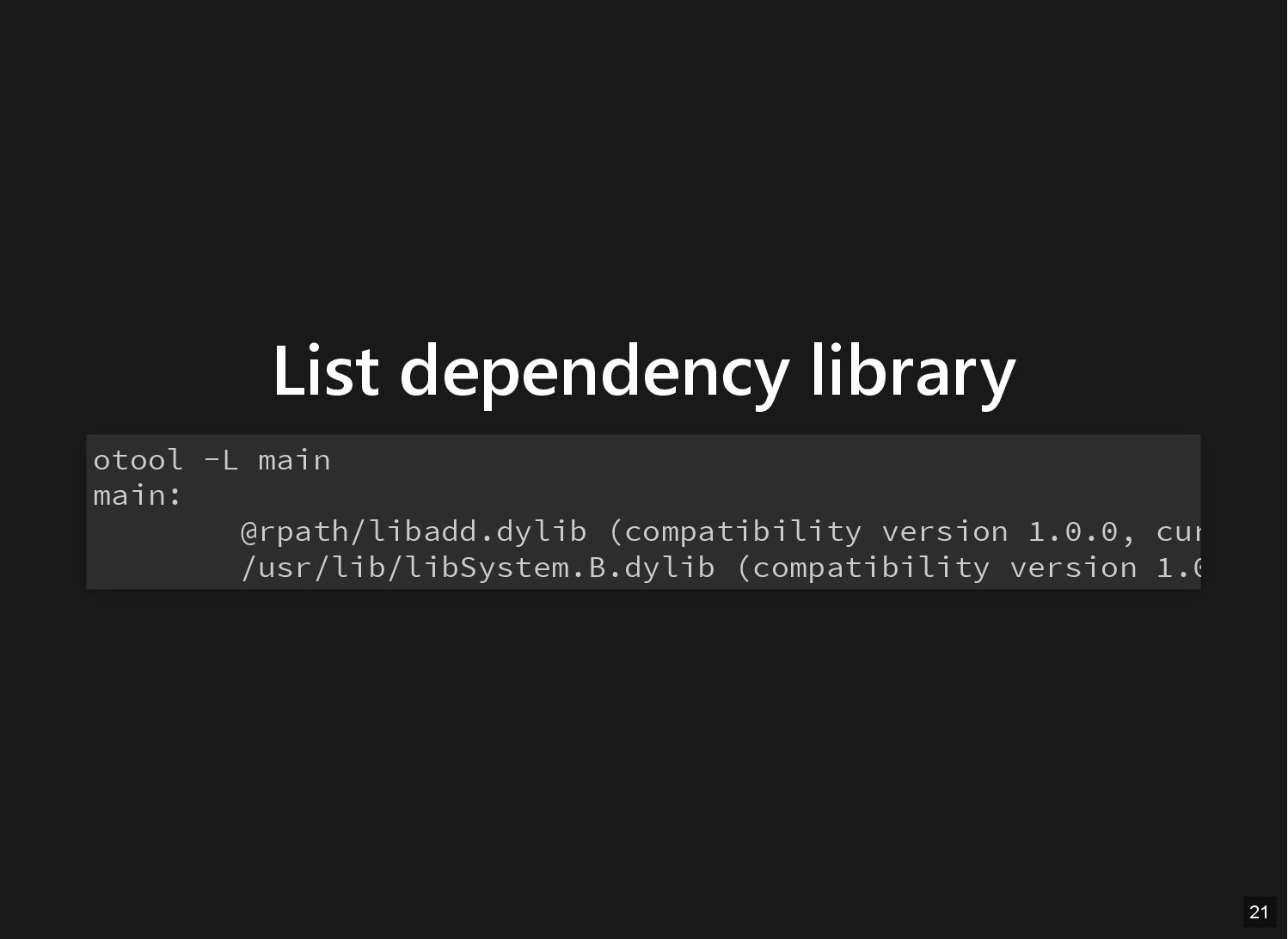
List dependency library otool -L main main: @rpath/libadd.dylib (compatibility version
1.0.0, cur /usr/lib/libSystem.B.dylib (compatibility version 1.0 21
Miss library tree . ├── main.c └── main ./main dyld[54511]:
Library not loaded: @rpath libadd.dylib Referenced from: 1CE279C9 B4A2 385F 8FC4 8148B5229C66 .../dynamic main Reason: tried: .../dynamic libadd.dylib' (no such file), .../dynamic libadd.dylib' (no such file) zsh: abort ./main / < - - - - > / / / / / / 22
How to import your library 23
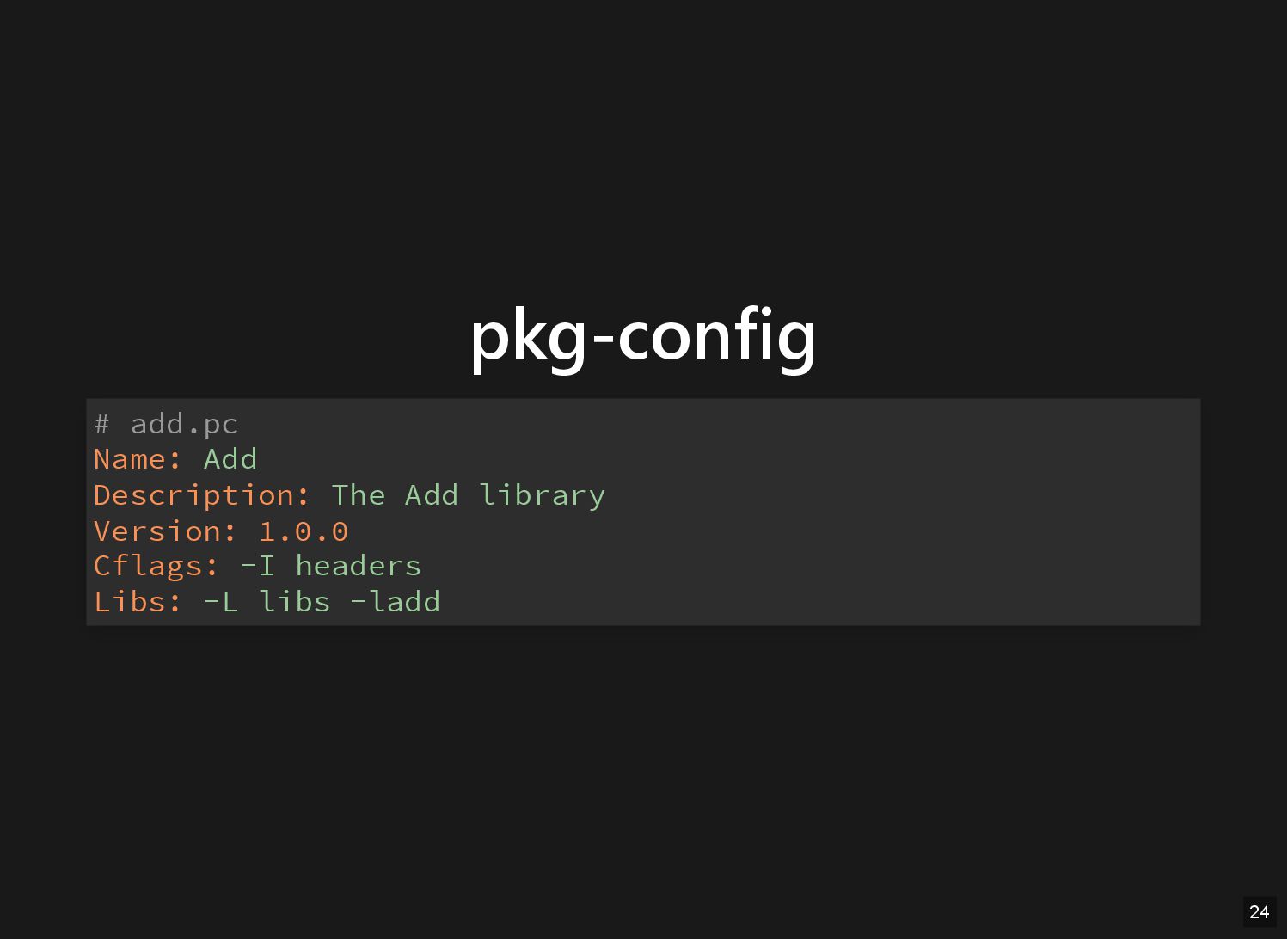
pkg-config # add.pc Name: Add Description: The Add library Version:
1.0.0 Cflags: -I headers Libs: -L libs -ladd 24
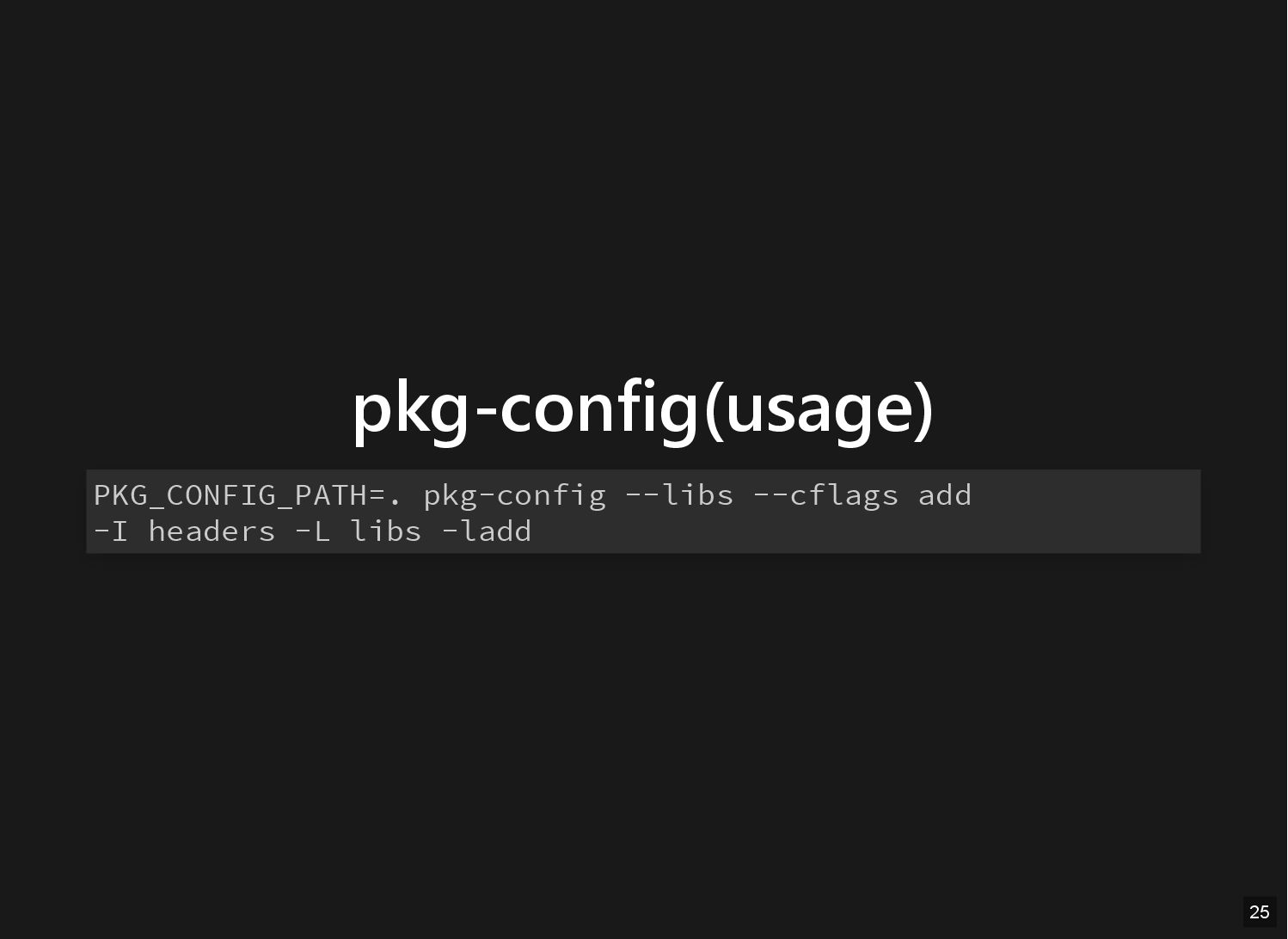
pkg-config(usage) PKG_CONFIG_PATH=. pkg-config --libs --cflags add -I headers -L libs
-ladd 25
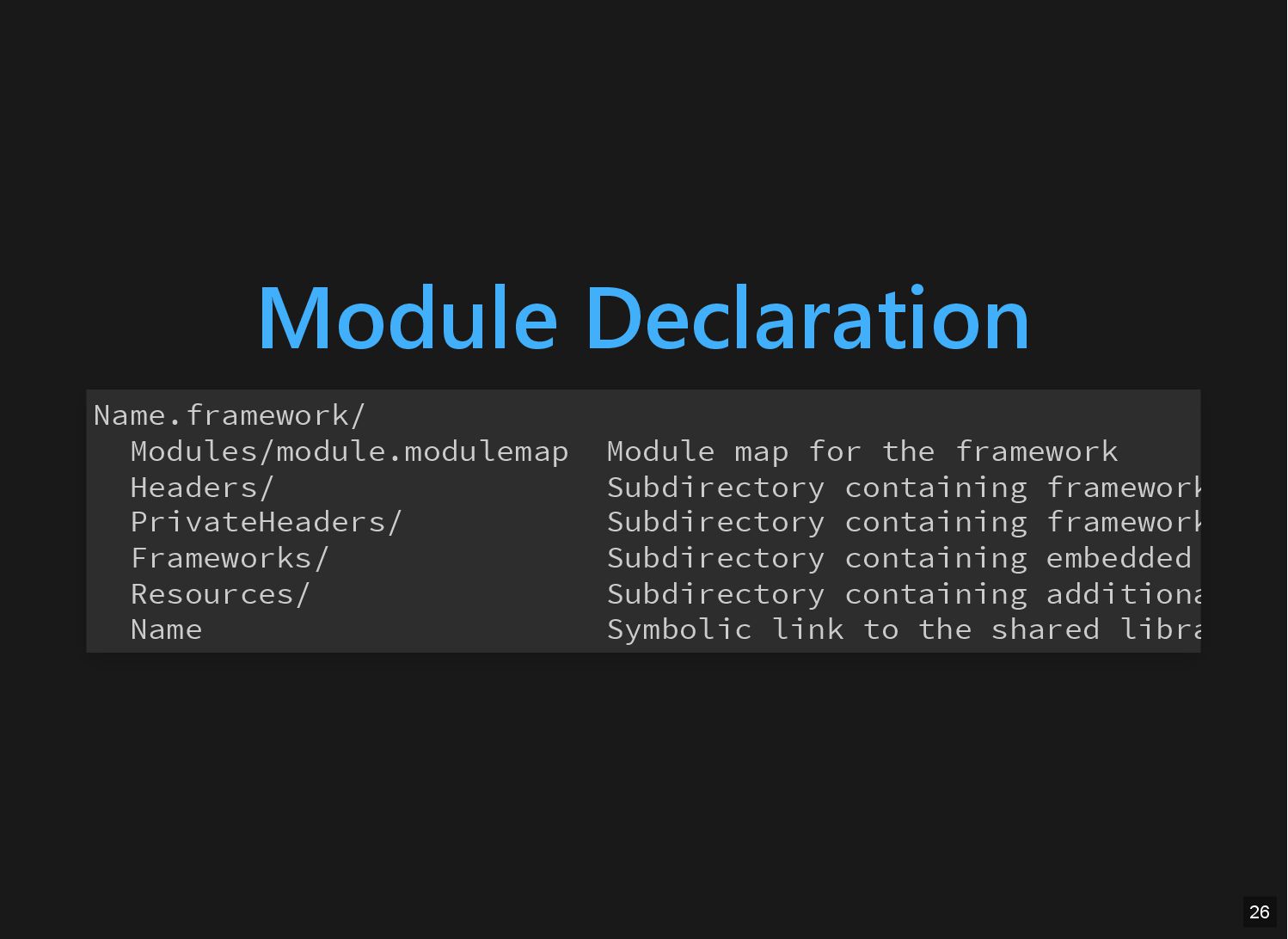
Module Declaration Name.framework/ Modules/module.modulemap Module map for the framework Headers/
Subdirectory containing framework PrivateHeaders/ Subdirectory containing framework Frameworks/ Subdirectory containing embedded Resources/ Subdirectory containing additiona Name Symbolic link to the shared libra 26
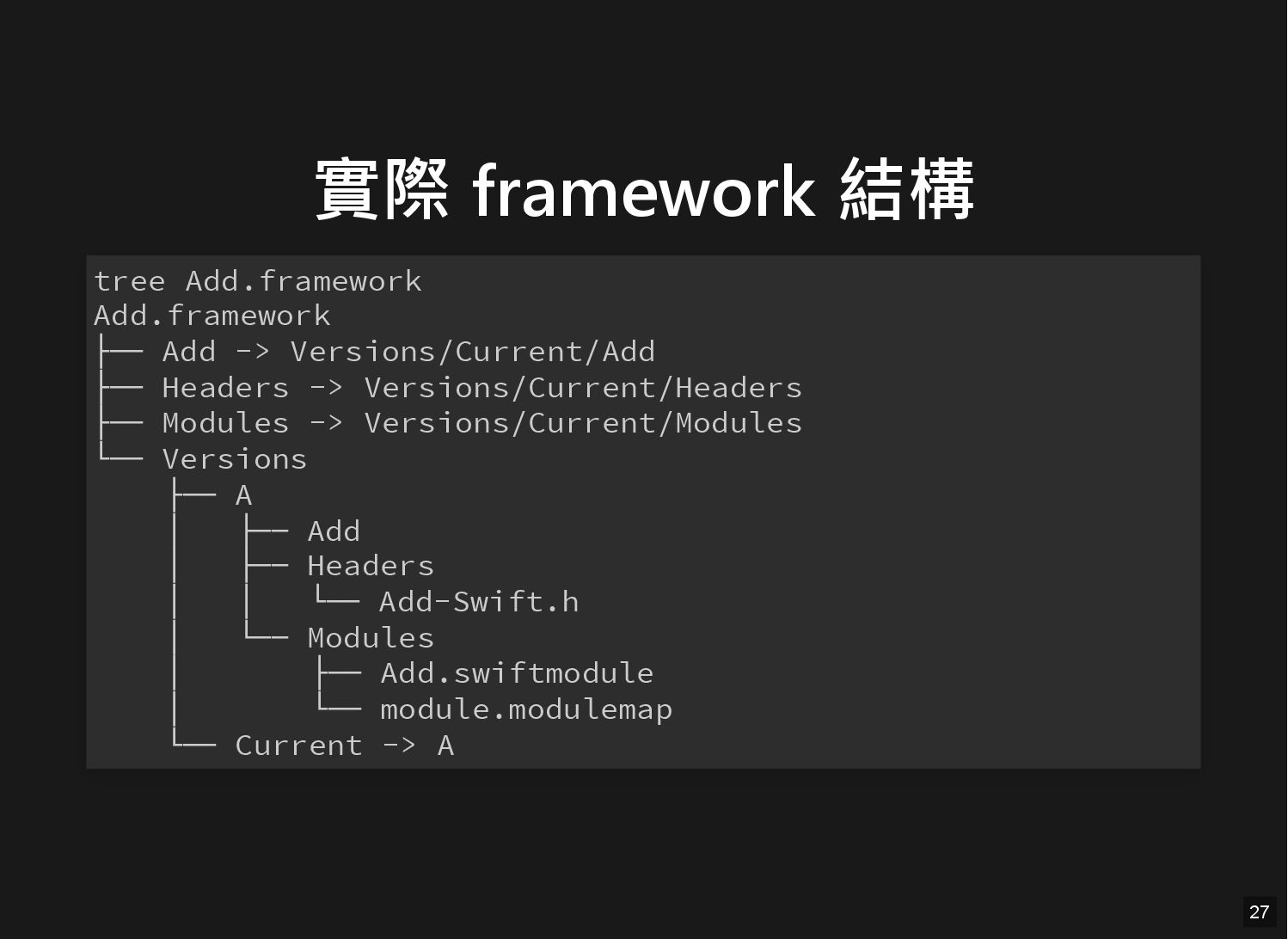
實際 framework 結構 tree Add.framework Add.framework ├── Add -> Versions/Current/Add
├── Headers -> Versions/Current/Headers ├── Modules -> Versions/Current/Modules └── Versions ├── A │ ├── Add │ ├── Headers │ │ └── Add-Swift.h │ └── Modules │ ├── Add.swiftmodule │ └── module.modulemap └── Current -> A 27
Framework 有什麼 28
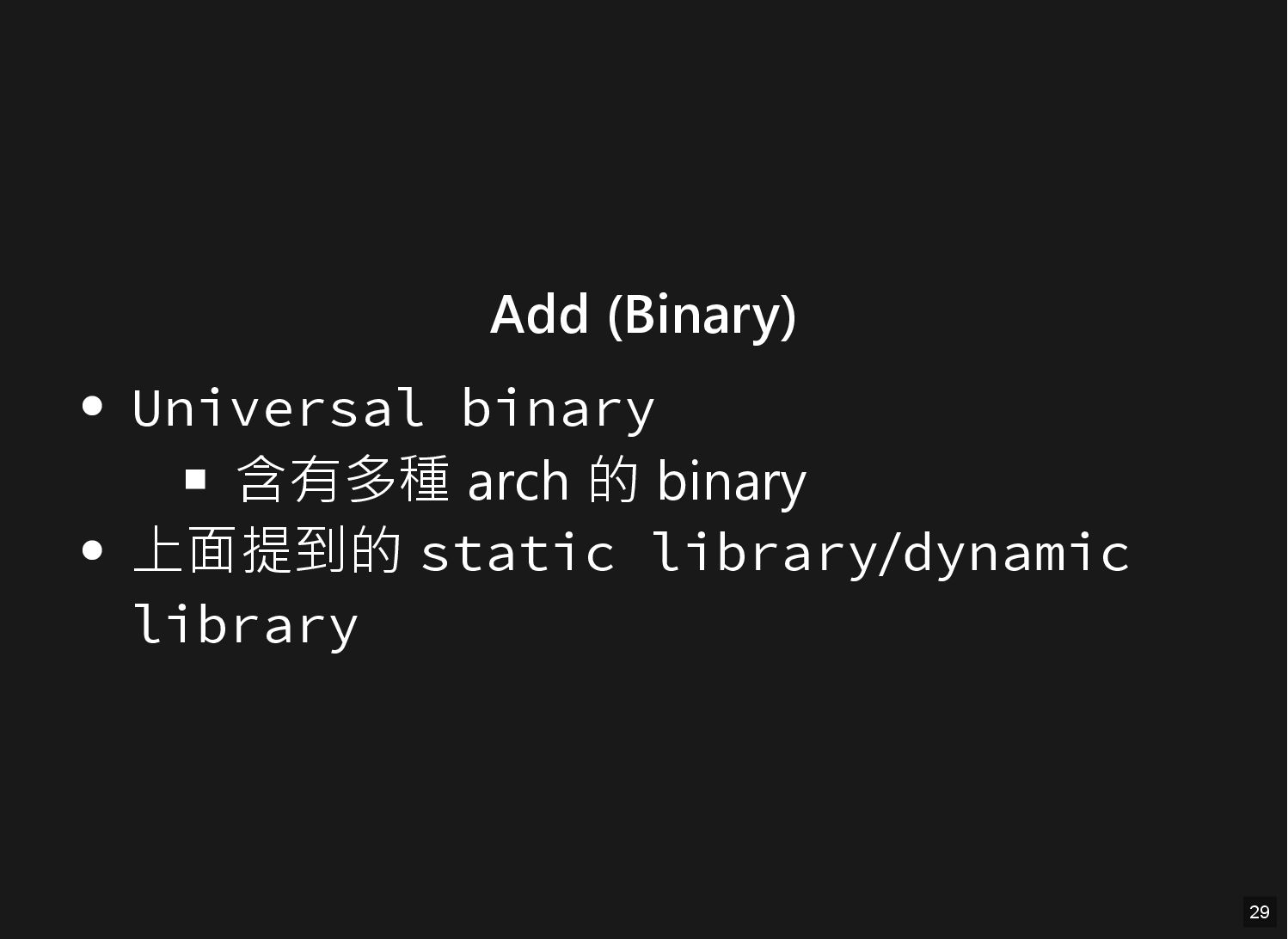
Add (Binary) Universal binary 含有多種 arch 的 binary 上面提到的 static
library/dynamic library 29
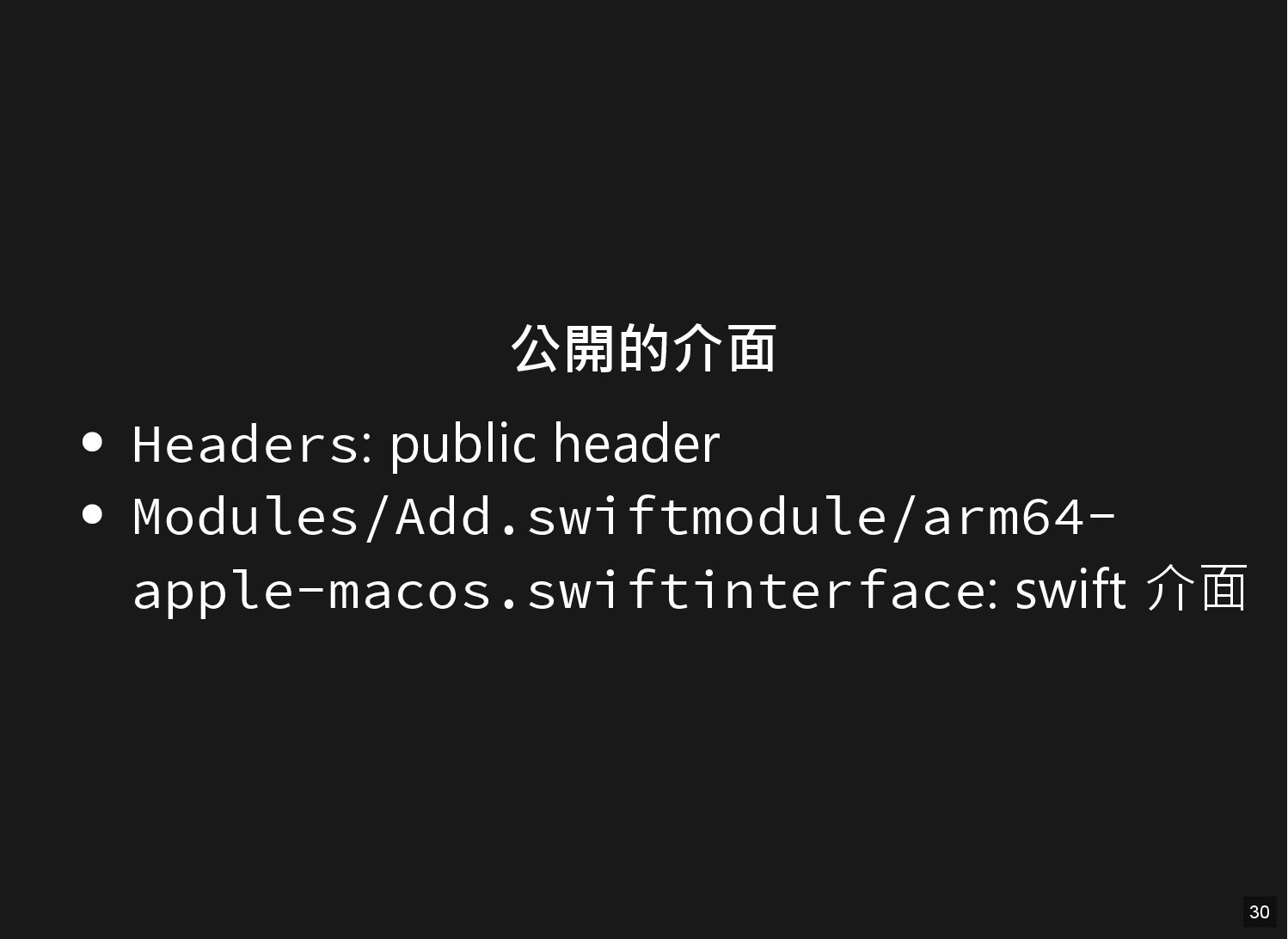
公開的介面 Headers: public header Modules/Add.swiftmodule/arm64- apple-macos.swiftinterface: swift 介面 30
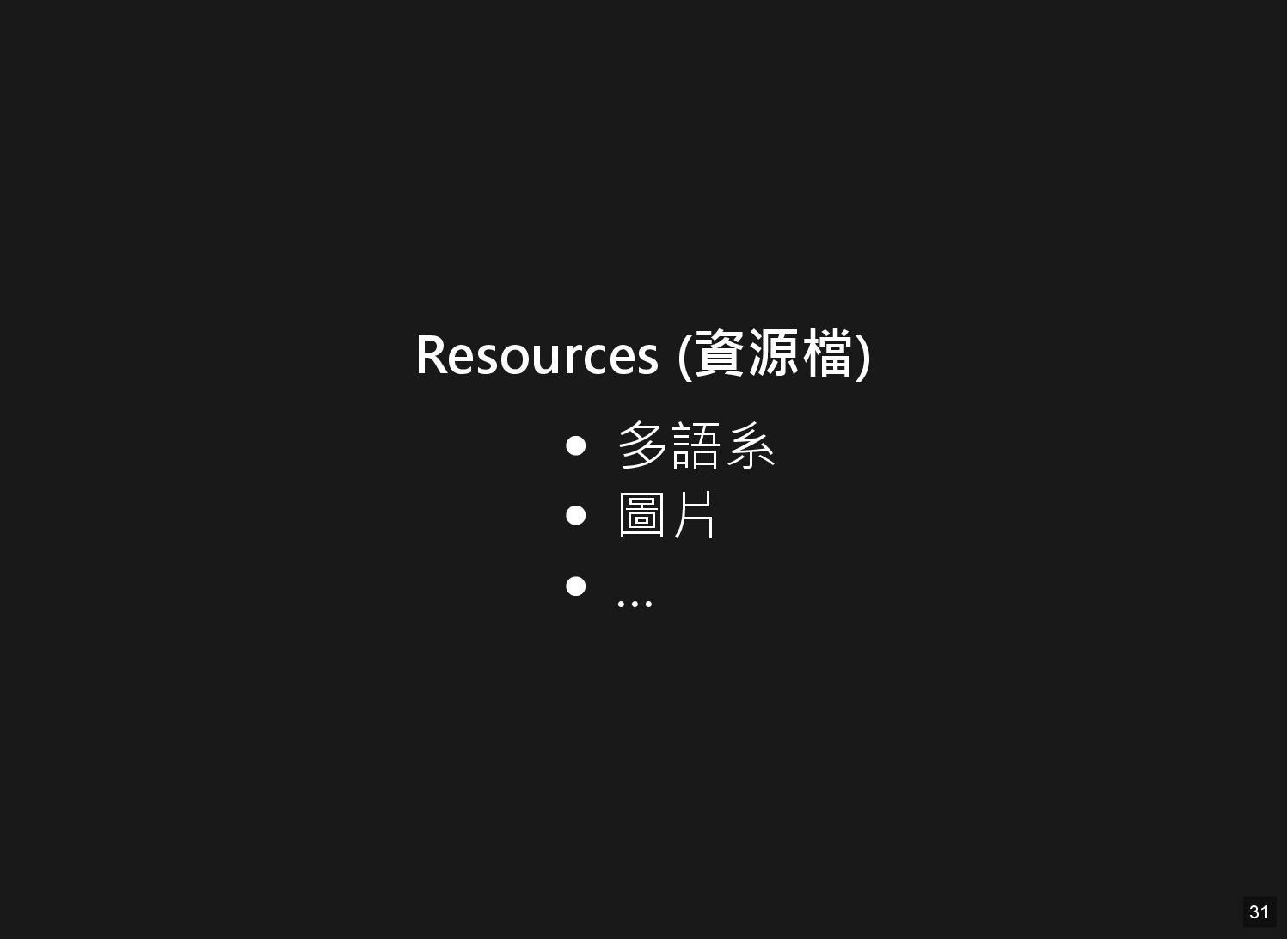
Resources (資源檔) 多語系 圖片 … 31
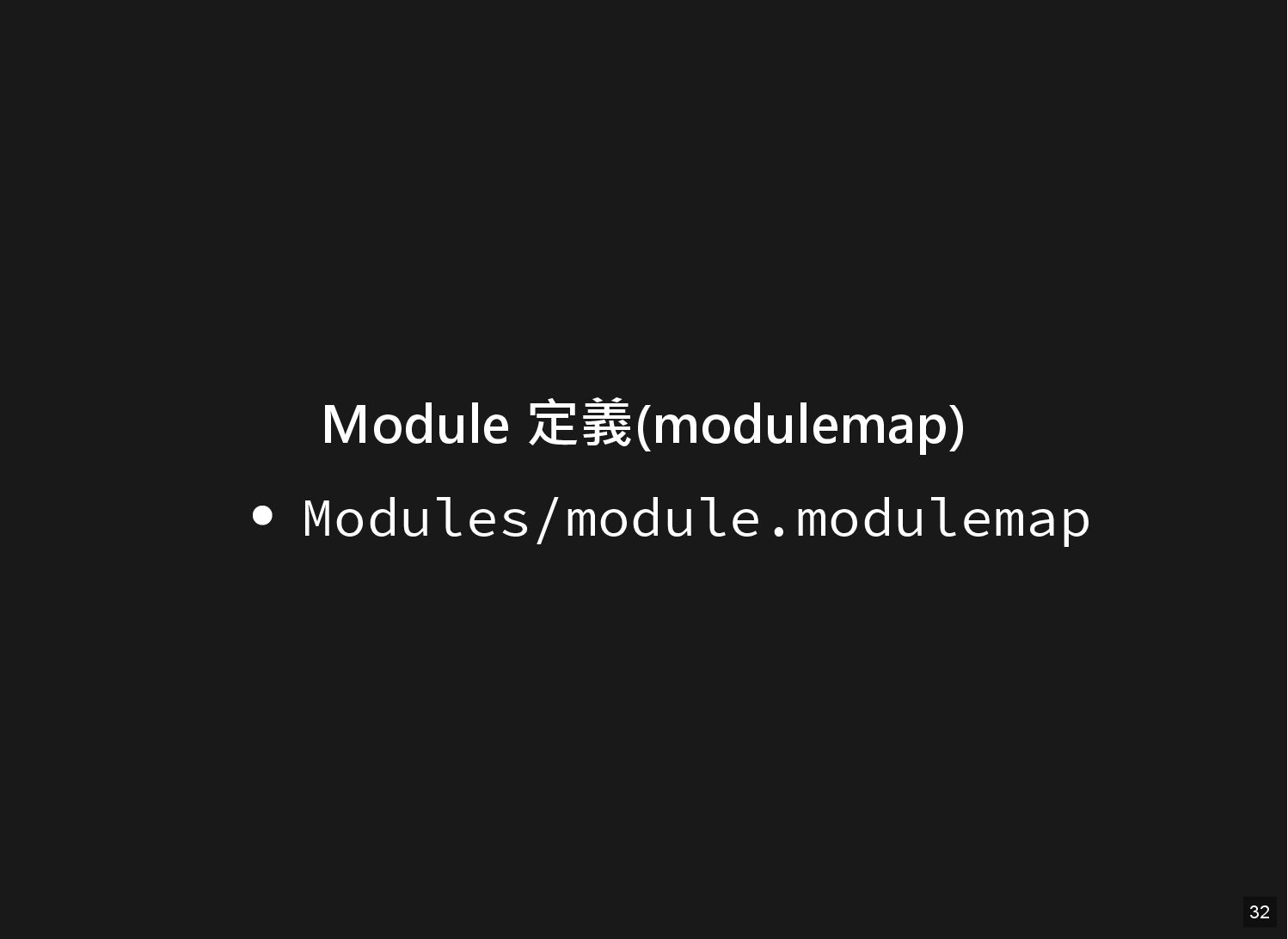
Module 定義(modulemap) Modules/module.modulemap 32
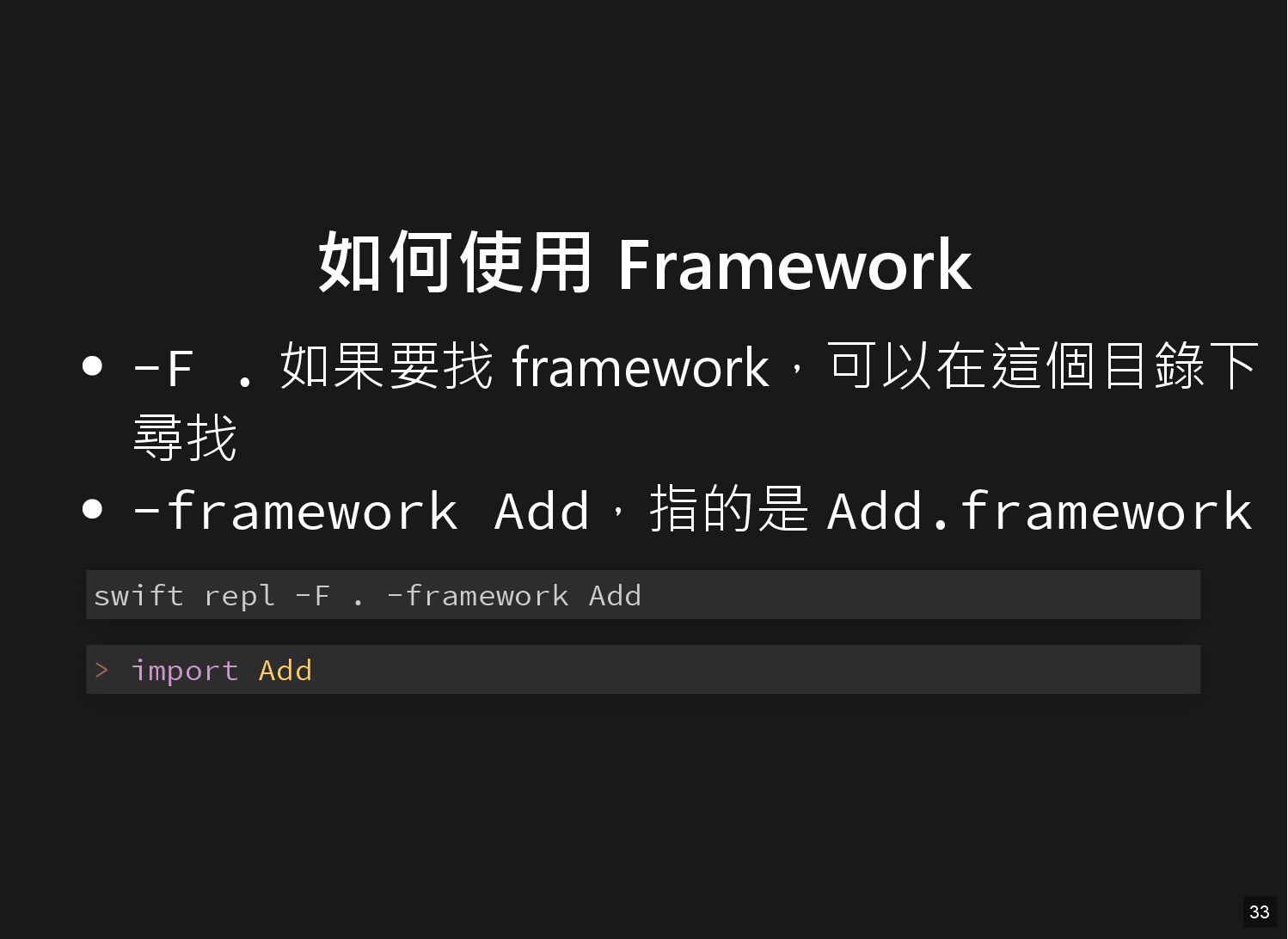
如何使用 Framework -F . 如果要找 framework,可以在這個目錄下 尋找 -framework Add,指的是 Add.framework
swift repl -F . -framework Add > import Add 33
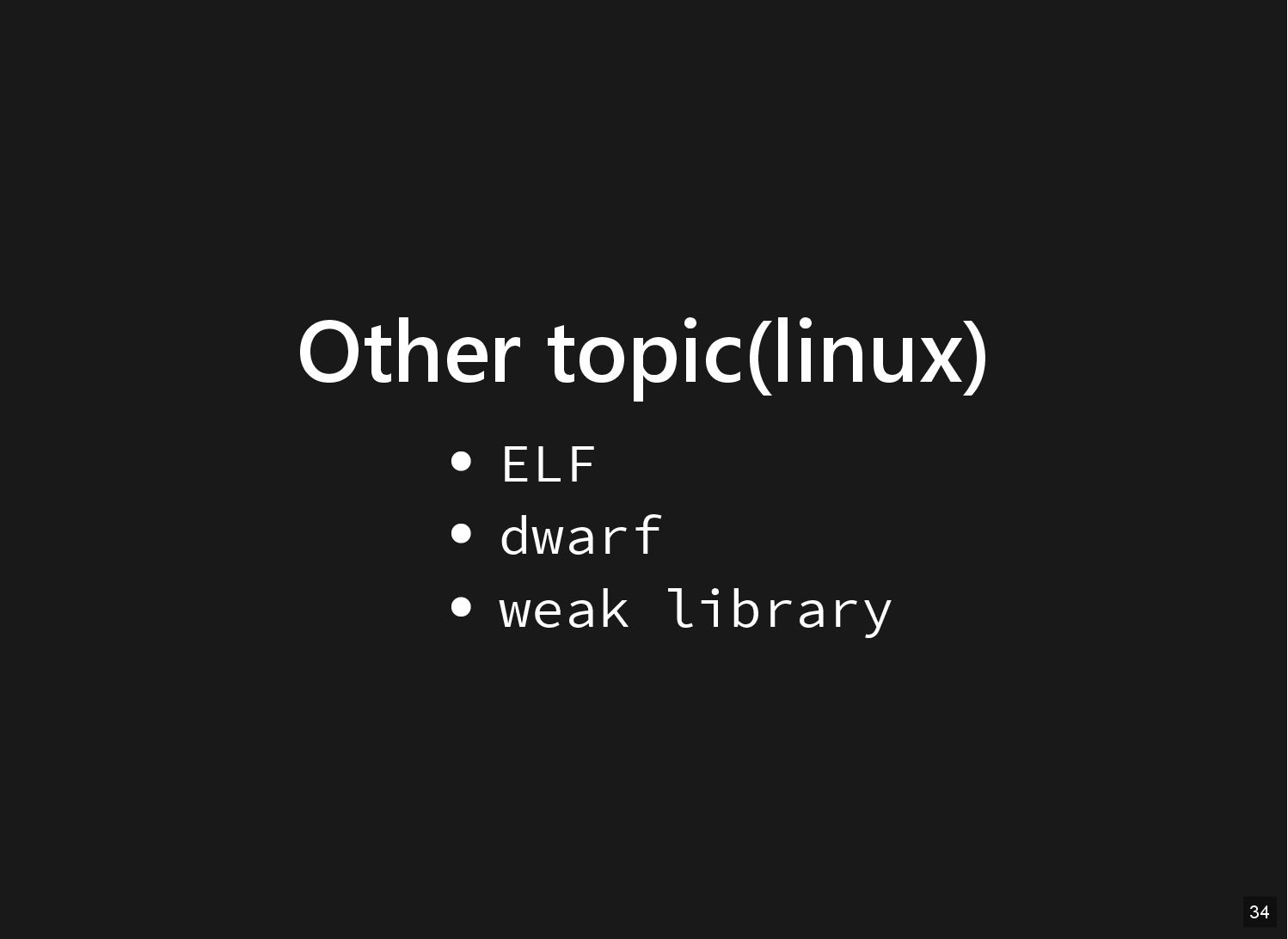
Other topic(linux) ELF dwarf weak library 34
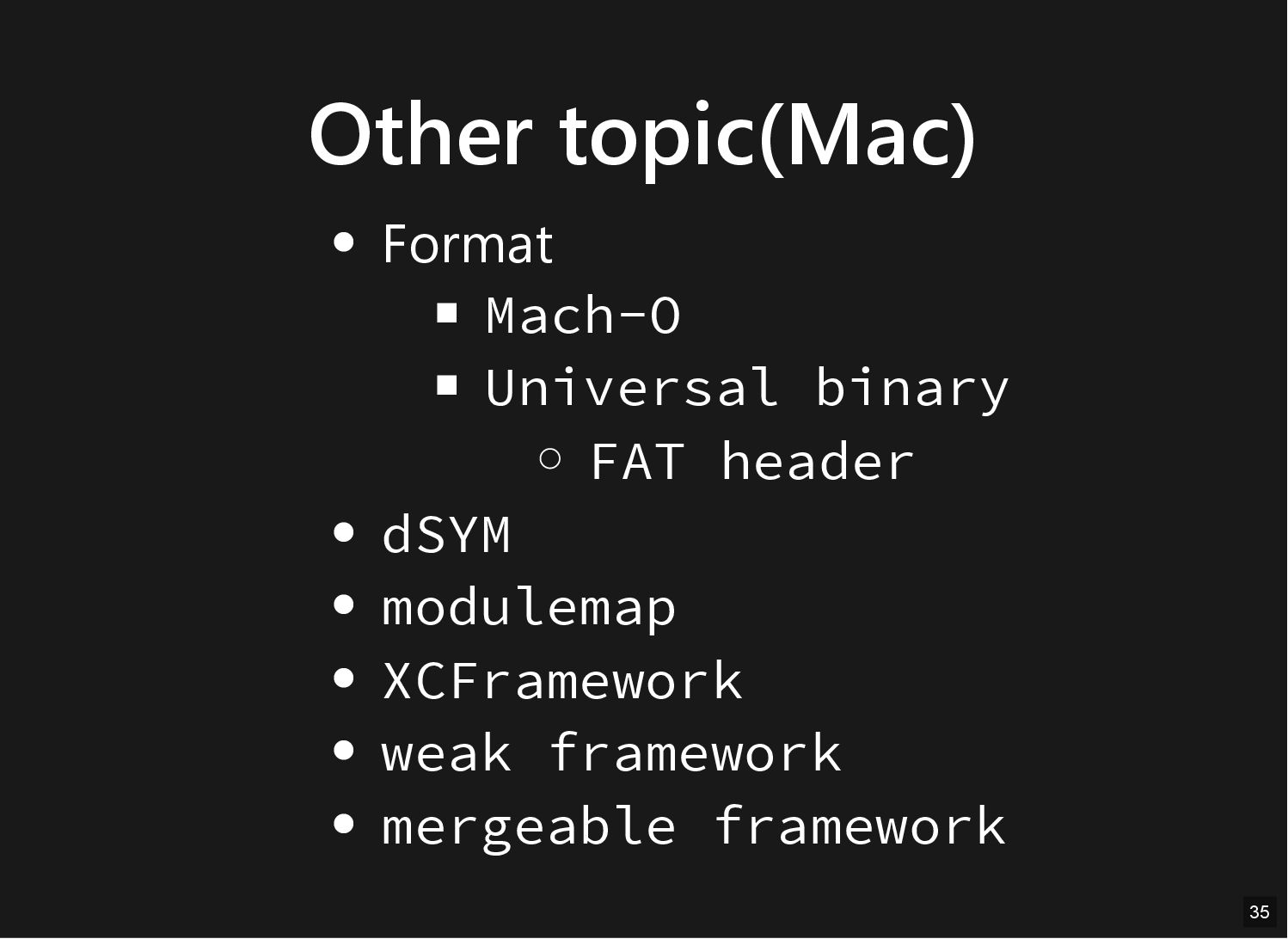
Other topic(Mac) Format Mach-O Universal binary FAT header dSYM modulemap
XCFramework weak framework mergeable framework 35


 techseoconnect
 honzajavorek
 michielstock
 skoyamalab
 orderedlist
 mayatellez
 mza
mza
 dougneiner
 jonoalderson
 tmiket
 honnibal
 marketingsoph


![Miss library tree . ├── main.c └── main ./main dyld[54511]:](https://files.speakerdeck.com/presentations/868c5c1f46ba4d63aaab7cbe668cf86e/slide_21.jpg)