Upgrade to Pro
— share decks privately, control downloads, hide ads and more …
Speaker Deck
Sign up for free
Menu
Search
Features
All features
Private URLs
Password Protection
Custom URLS
Scheduled publishing
Remove Branding
Restrict embedding
Deck Collections
Notes
Features
All features
Private URLs
Password Protection
Custom URLS
Scheduled publishing
Remove Branding
Restrict embedding
Deck Collections
Notes
Explore
Featured decks
Featured speakers
Programming
Technology
Storyboards
Explore
Featured decks
Featured speakers
Programming
Technology
Storyboards
Pricing
Search
Sign in
Sign up for free
LLMでBang( バング)検索
Search
Sponsored
·
Your Podcast. Everywhere. Effortlessly.
Share. Educate. Inspire. Entertain. You do you. We'll handle the rest.
→
yuyays
June 14, 2025
130
0
Share
Embed
Copy iframe code
Copy JS code
Copy link
Start on current slide
LLMでBang( バング)検索
yuyays
June 14, 2025
More Decks by yuyays
See All by yuyays
racket言語解説
yuyays
0
130
akarenga_june.pdf
yuyays
0
99
快適なWeb体験を
yuyays
0
17
Vibe codingと私はバイブするん?
yuyays
0
24
Webレンダリングの変化とどれ使うん
yuyays
0
110
Featured
See All Featured
Efficient Content Optimization with Google Search Console & Apps Script
katarinadahlin
PRO
1
900
Sam Torres - BigQuery for SEOs
techseoconnect
PRO
0
560
StorybookのUI Testing Handbookを読んだ
zakiyama
31
6.9k
GraphQLとの向き合い方2022年版
quramy
50
15k
What's in a price? How to price your products and services
michaelherold
247
13k
Bash Introduction
62gerente
615
220k
WCS-LA-2024
lcolladotor
0
840
Become a Pro
speakerdeck
PRO
31
6.3k
Design and Strategy: How to Deal with People Who Don’t "Get" Design
morganepeng
133
20k
[RailsConf 2023 Opening Keynote] The Magic of Rails
eileencodes
31
10k
Improving Core Web Vitals using Speculation Rules API
sergeychernyshev
21
1.6k
Building AI with AI
inesmontani
PRO
1
1.3k
Transcript
LLM でバング (BANG) 検索 (!) しよう @AGI fukuoka 6th meetup
by @yuyays
目次 • バング検索とはなにか • 使い方 • メリットデメリット
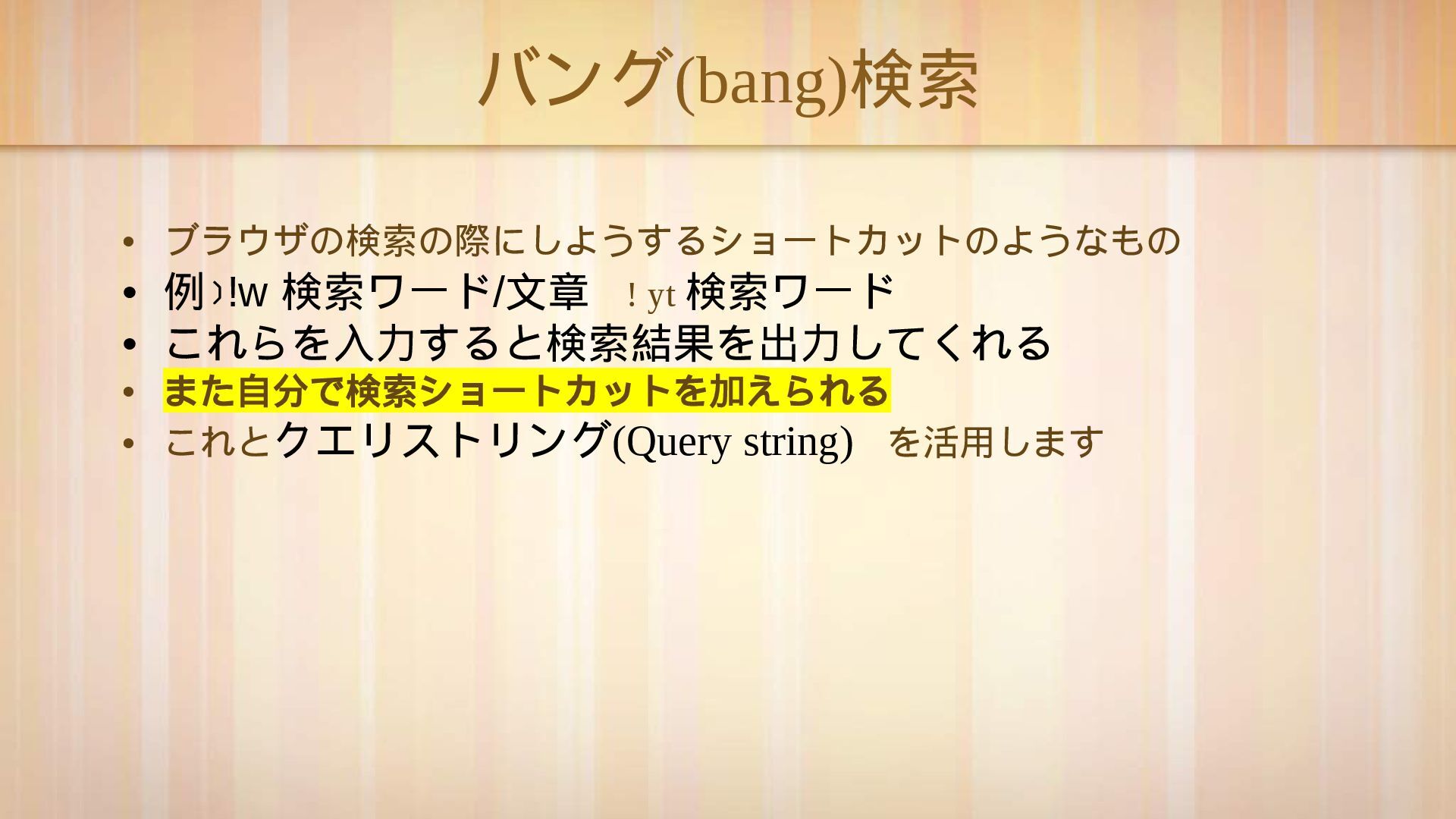
バング (bang) 検索 • ブラウザの検索の際にしようするショ ー トカットのようなもの • 例)!w 検索ワ
ー ド / 文章 ! yt 検索ワ ー ド • これらを入力すると検索結果を出力してくれる • また自分で検索ショ ー トカットを加えられる • これとクエリストリング (Query string) を活用します
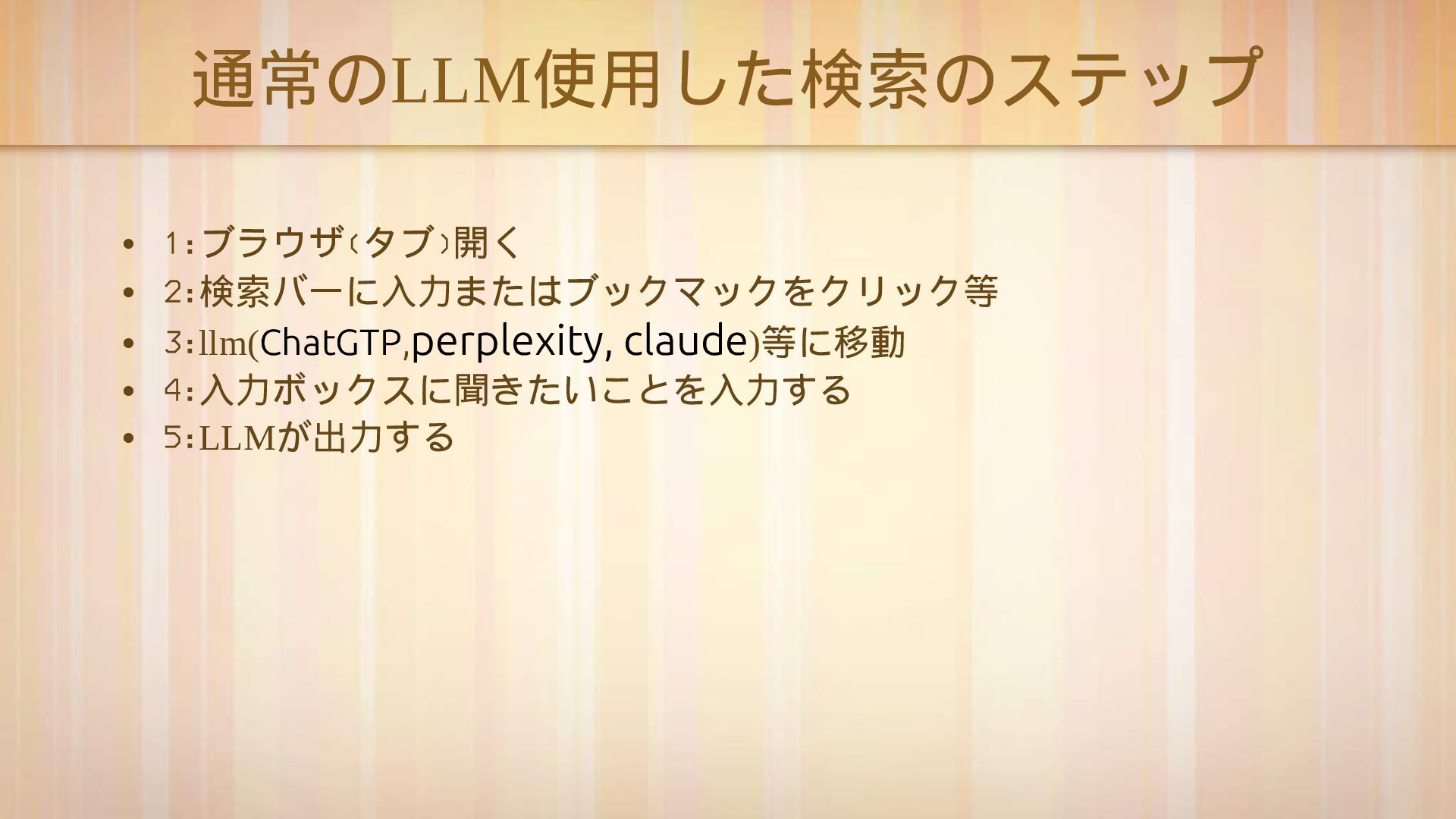
通常の LLM 使用した検索のステップ • 1:ブラウザ(タブ)開く • 2:検索バ ー に入力またはブックマックをクリック等 •
3:llm(ChatGTP,perplexity, claude) 等に移動 • 4:入力ボックスに聞きたいことを入力する • 5:LLM が出力する
これはステップがかかって面倒くさい
なので LLM のプロバイダをバング検索を 加えたいと思います
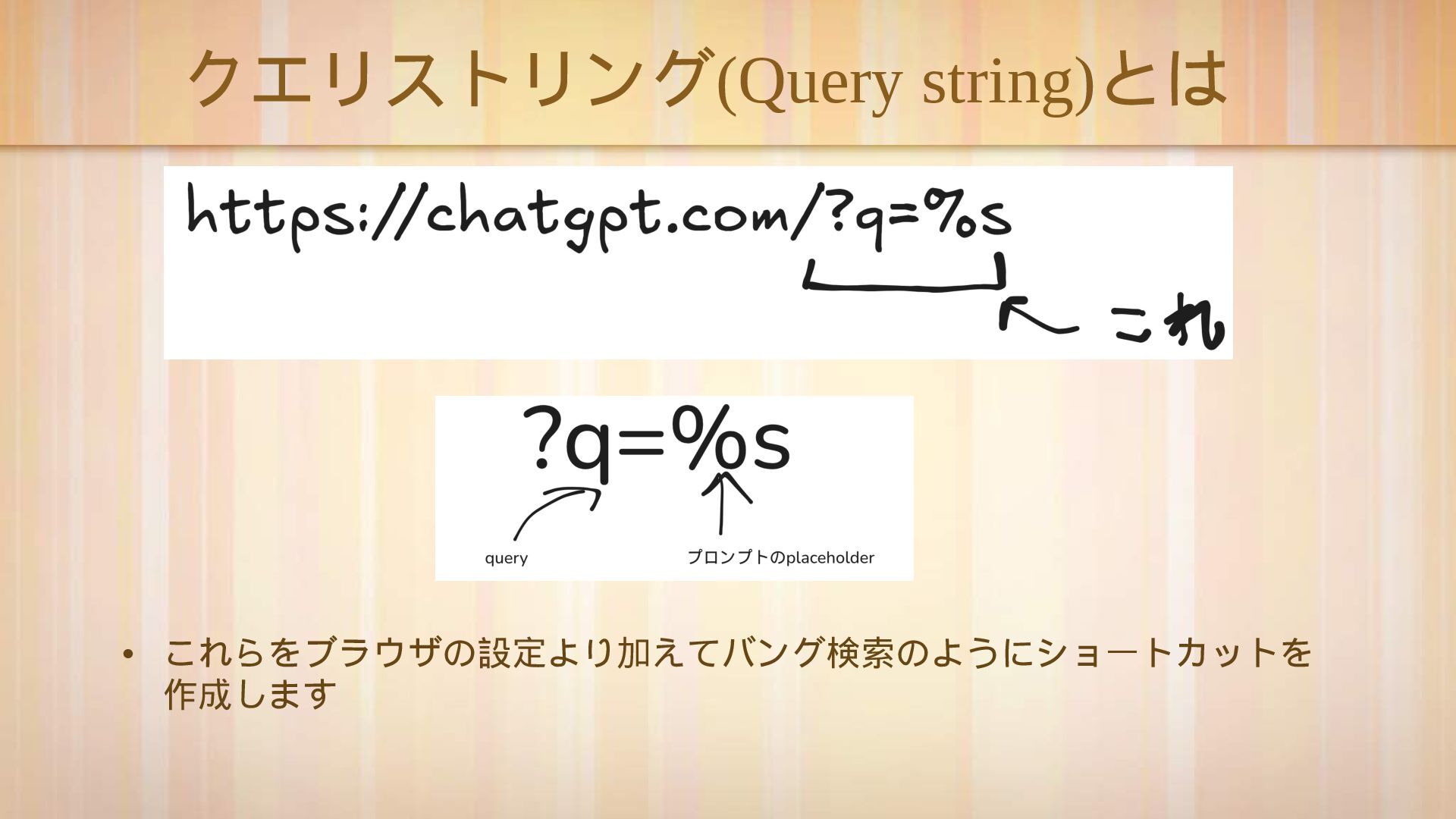
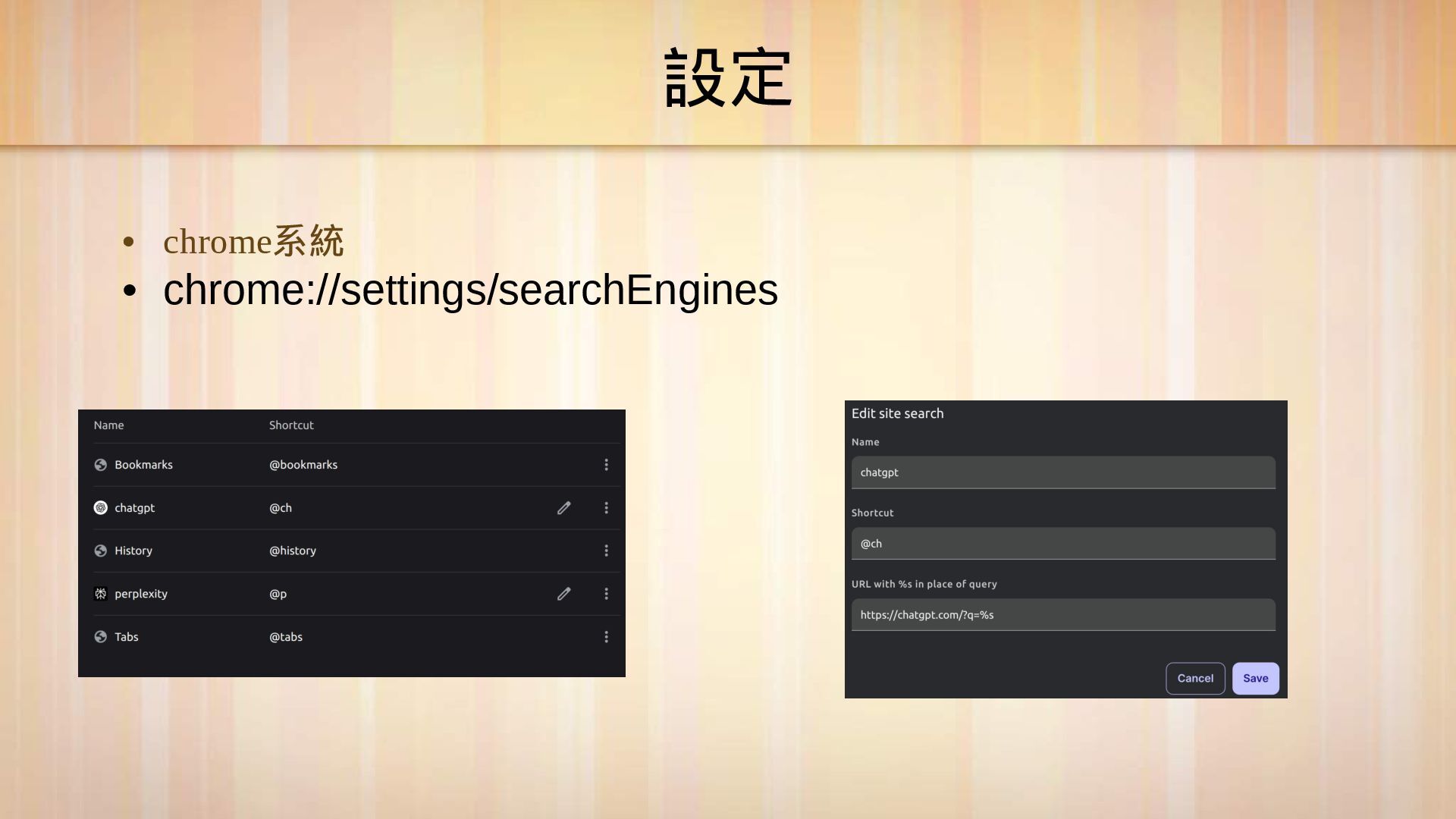
クエリストリング (Query string) とは • これらをブラウザの設定より加えてバング検索のようにショ ー トカットを 作成します
デモ
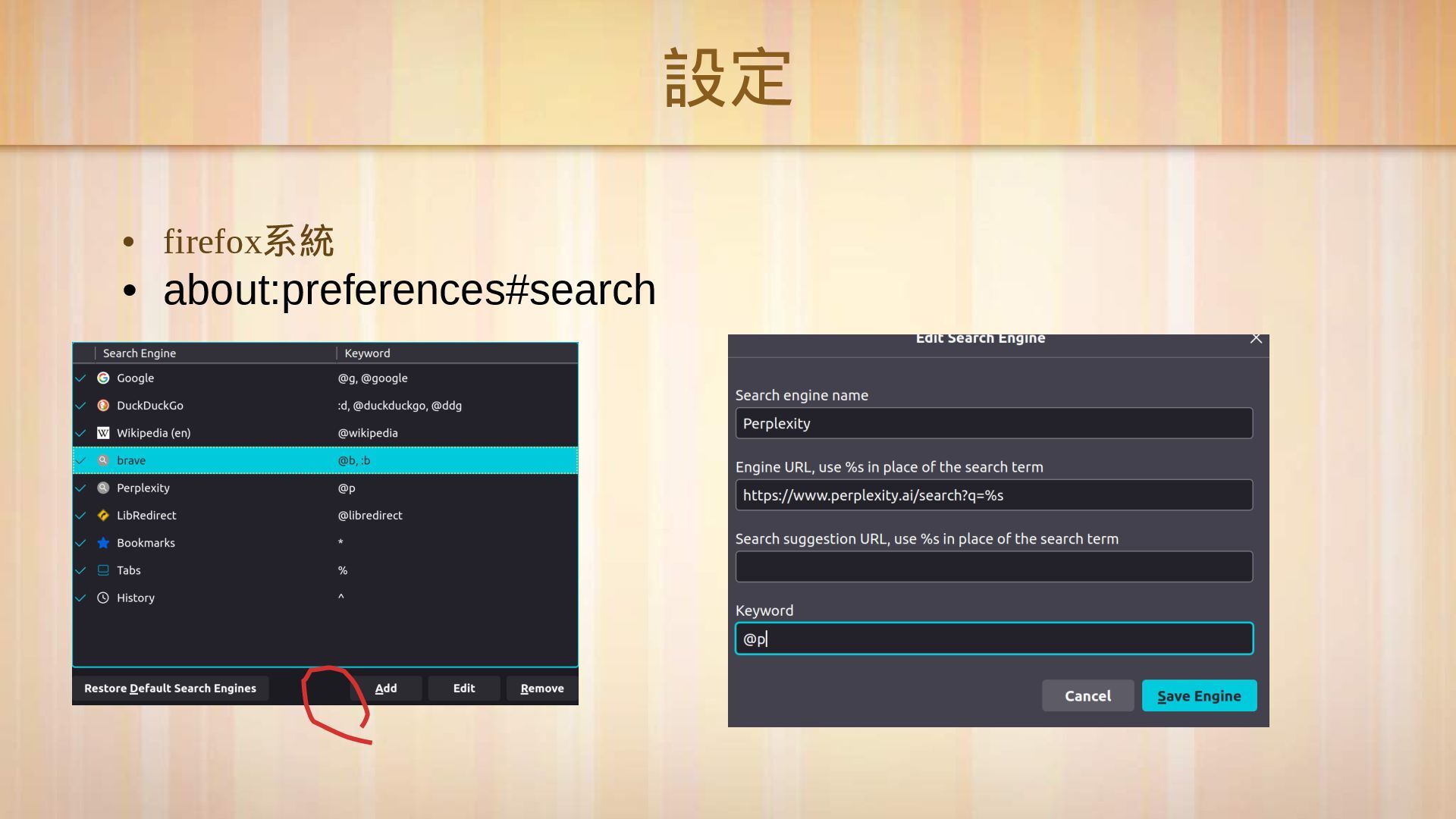
設定 • firefox 系統 • about:preferences#search
設定 • chrome 系統 • chrome://settings/searchEngines
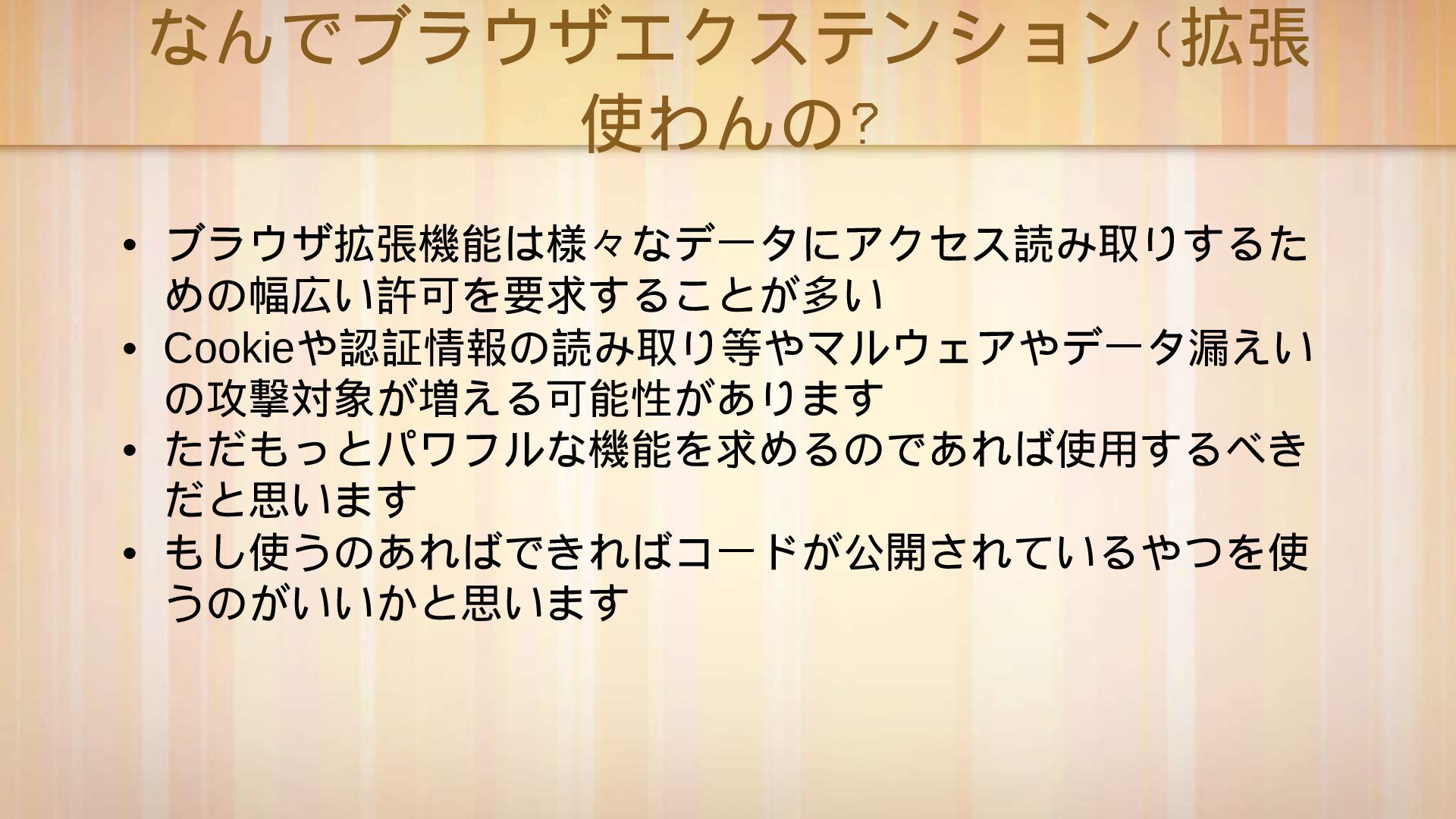
なんでブラウザエクステンション(拡張 使わんの? • ブラウザ拡張機能は様 々 なデ ー タにアクセス読み取りするた めの幅広い許可を要求することが多い •
Cookie や認証情報の読み取り等やマルウェアやデ ー タ漏えい の攻撃対象が増える可能性があります • ただもっとパワフルな機能を求めるのであれば使用するべき だと思います • もし使うのあればできればコ ー ドが公開されているやつを使 うのがいいかと思います
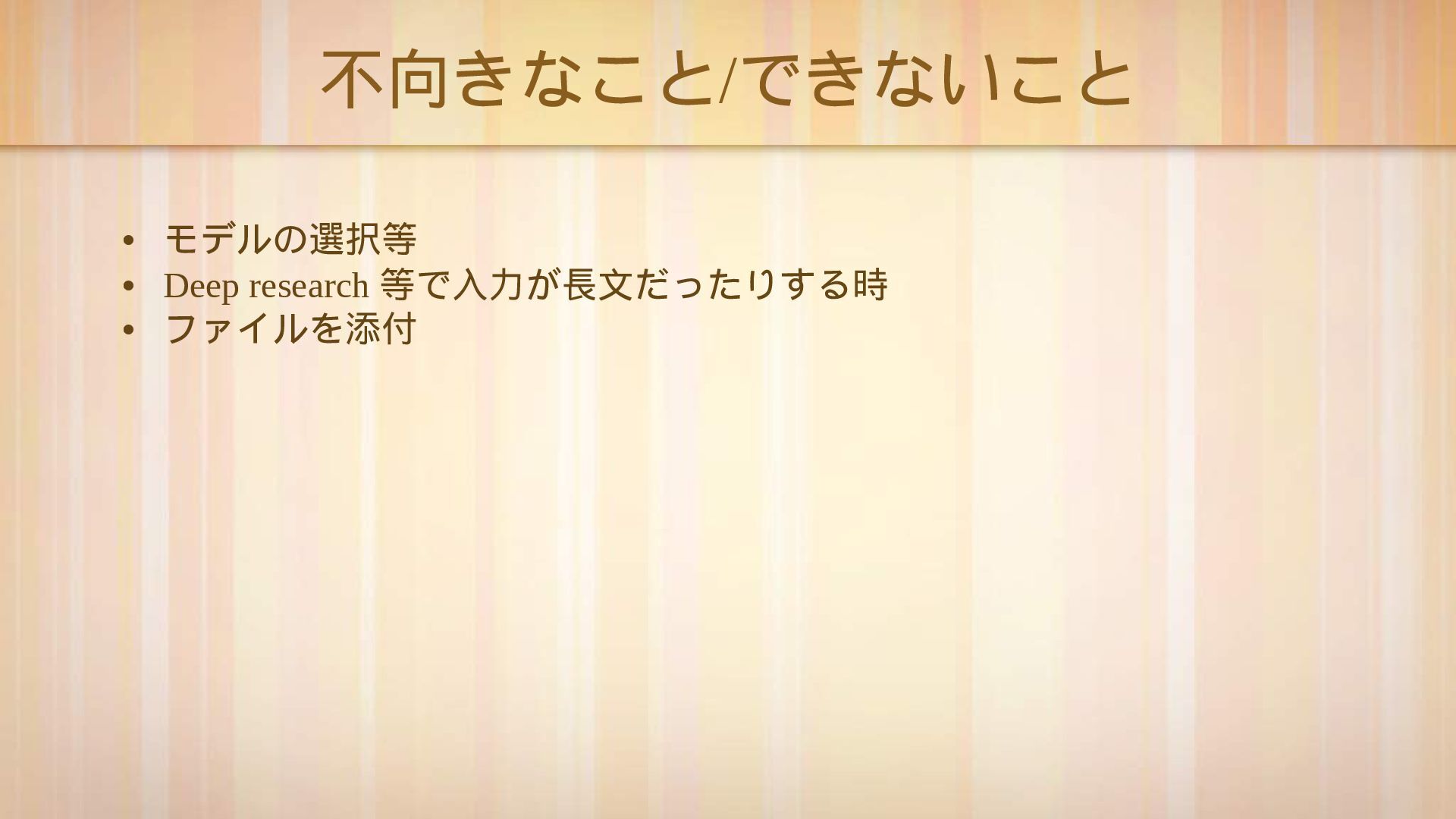
不向きなこと / できないこと • モデルの選択等 • Deep research 等で入力が長文だったりする時 •
ファイルを添付
• もしなにかショ ー トカット等やこんなのができるよなどがあったら教え てほしいです
• 使ったクエリ • https://chatgpt.com/?q=%s • https://www.perplexity.ai/search?q=%s ありがとうございました


 yuyays
 katarinadahlin
 techseoconnect
 zakiyama
 quramy
 michaelherold
 62gerente
 lcolladotor
 speakerdeck
 morganepeng
 eileencodes
 sergeychernyshev
 inesmontani