10 Marks CA-II: 10 Marks Practical: CA-I: 15 Marks CA-II: 15 Marks Mid Semester Exam: 30 Marks End Semester Exam: 50 Marks End Semester Exam (POE): 20 Marks
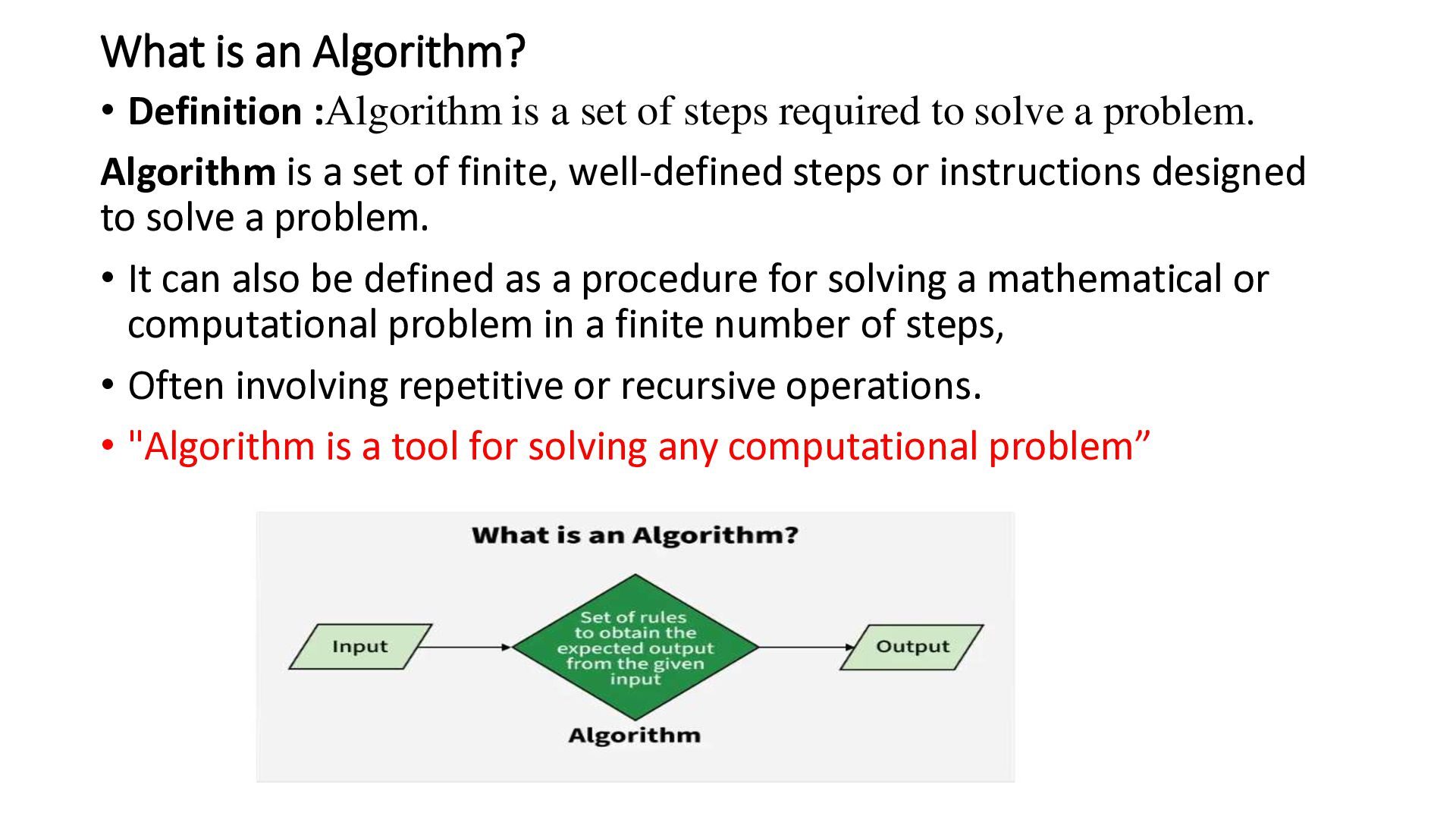
of steps required to solve a problem. Algorithm is a set of finite, well-defined steps or instructions designed to solve a problem. • It can also be defined as a procedure for solving a mathematical or computational problem in a finite number of steps, • Often involving repetitive or recursive operations. • "Algorithm is a tool for solving any computational problem”
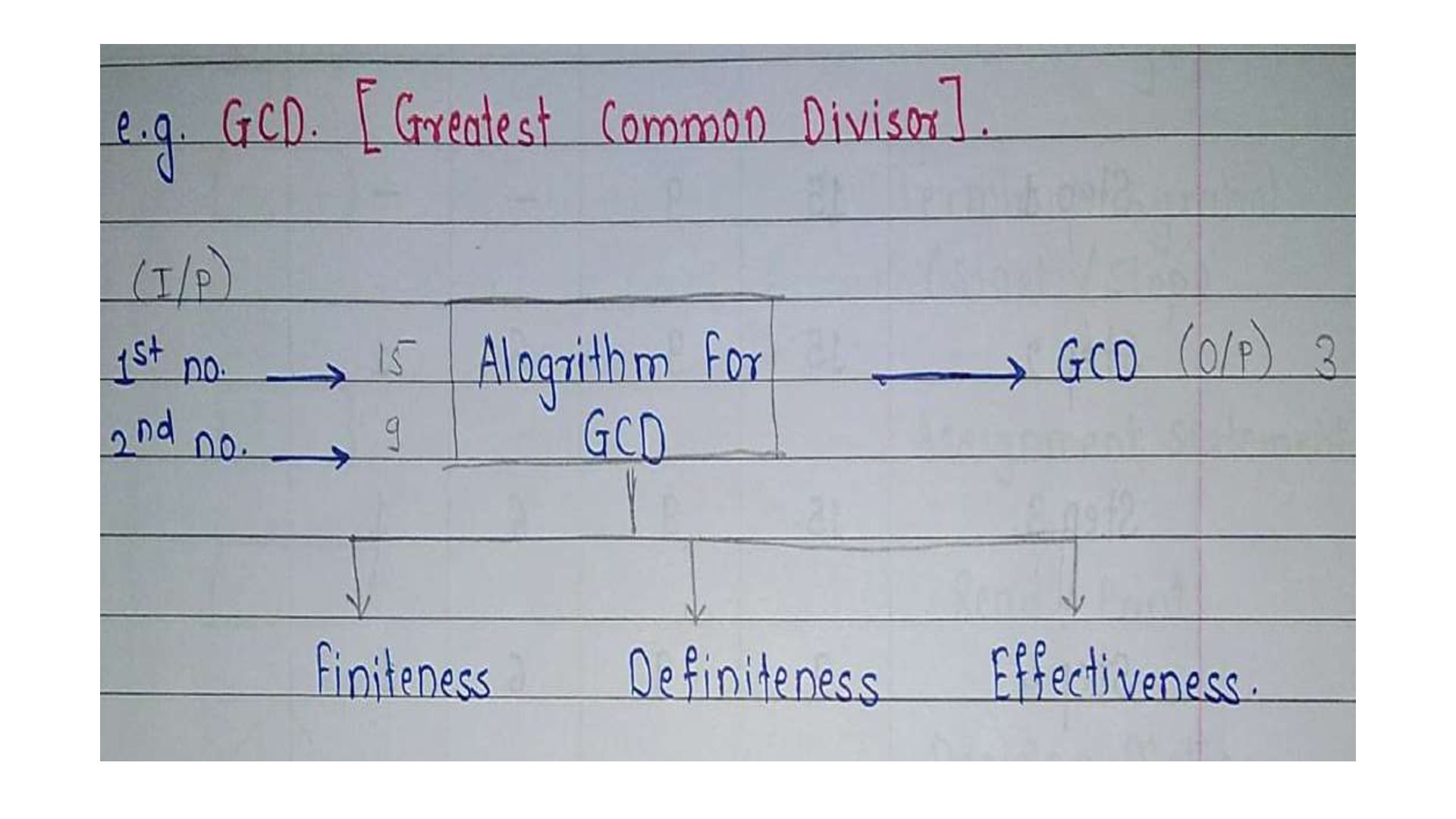
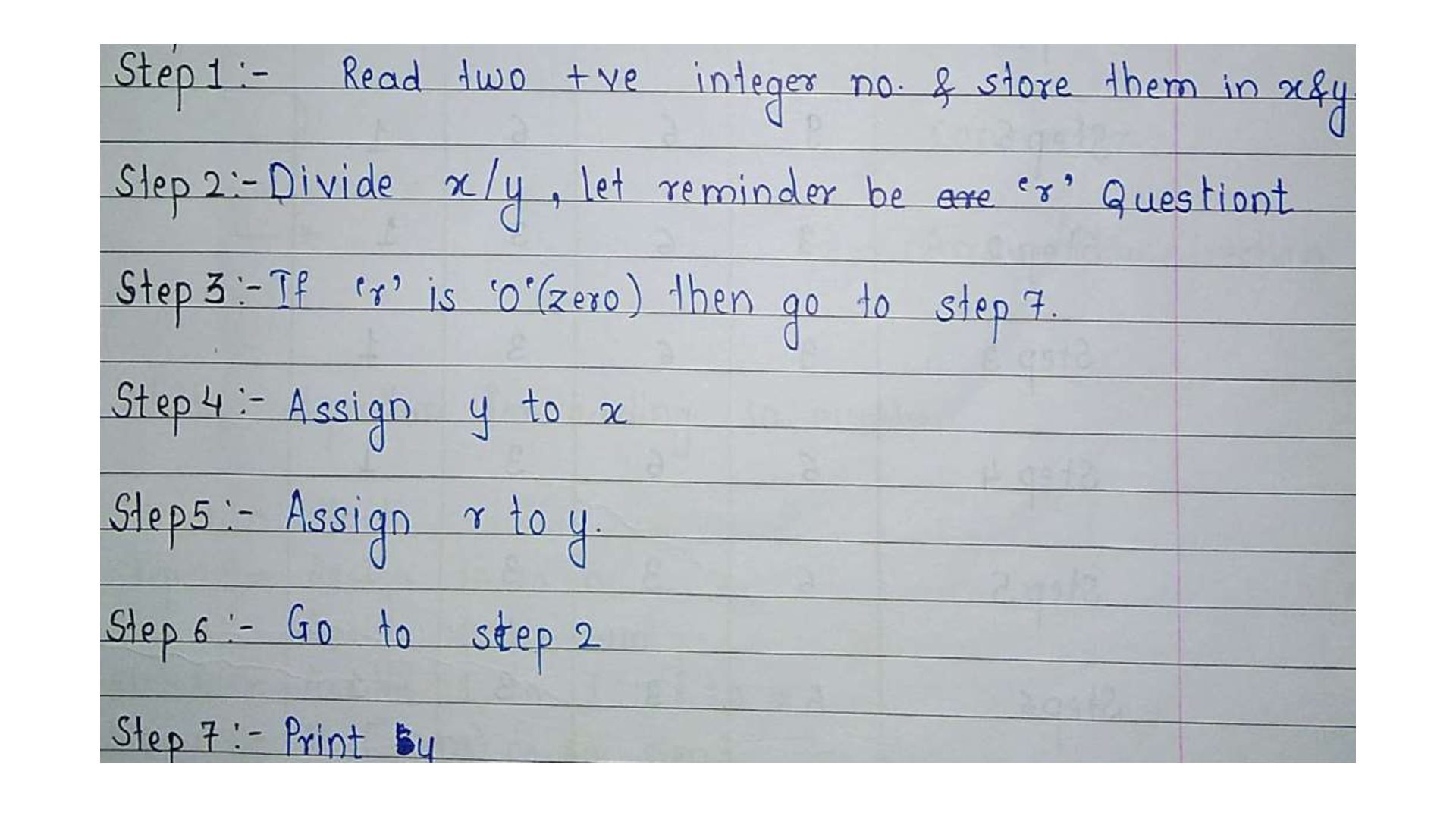
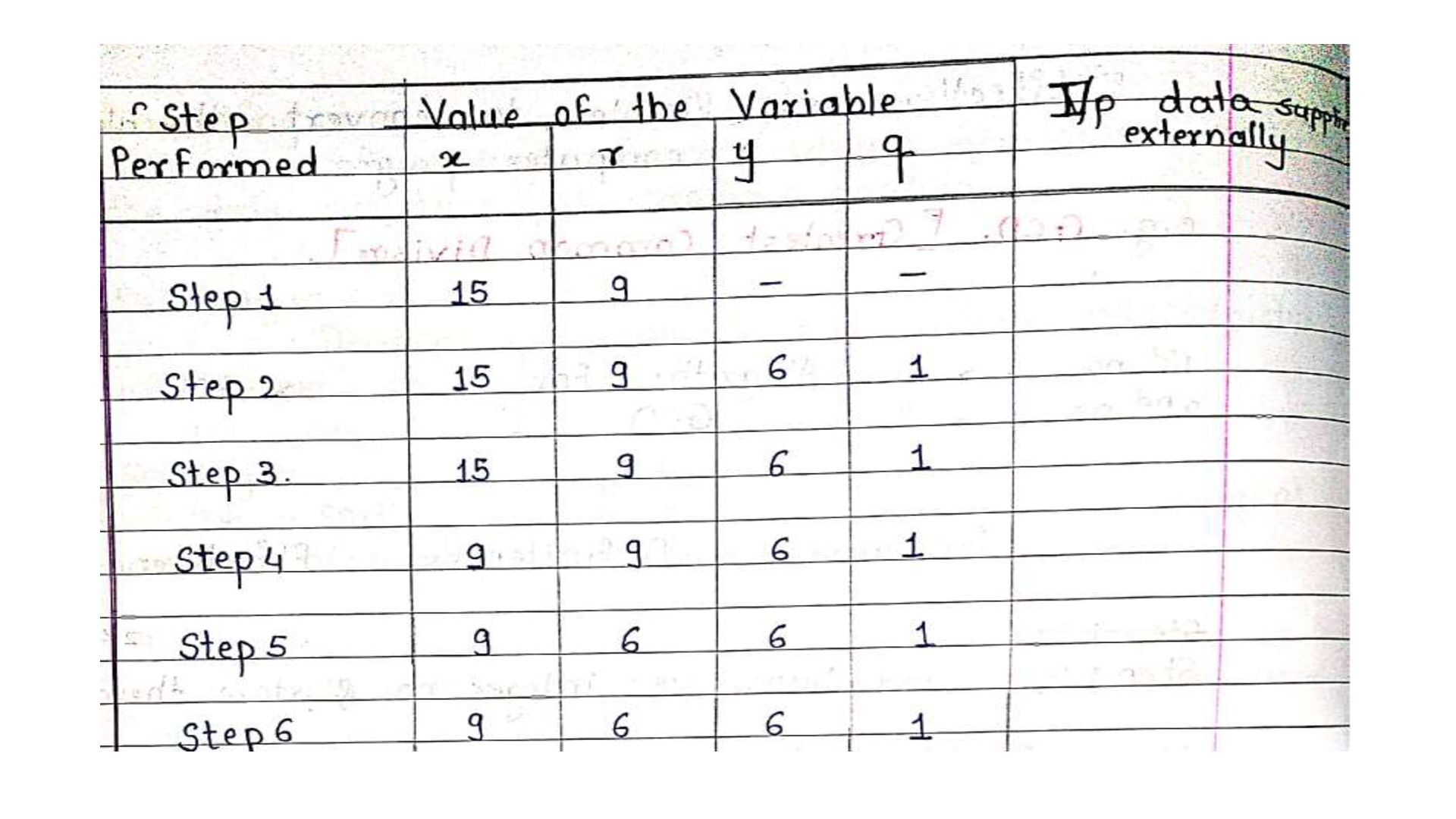
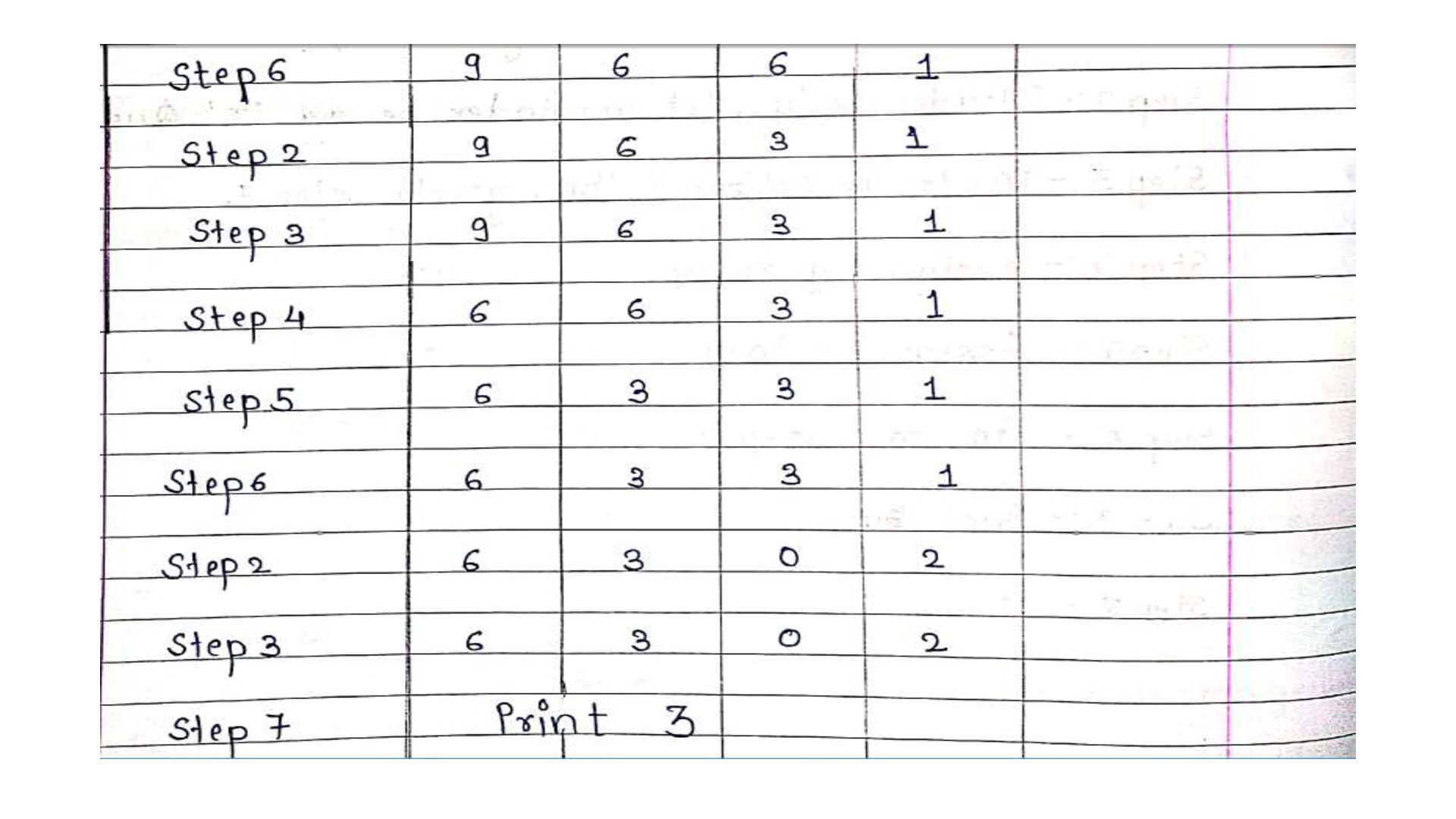
2. Output: Result of the Program 3. Finiteness: In every case algorithm terminates after a finite number of steps 4. Definiteness: All steps should be clear and unambiguous. 5. Effectiveness: easily converts the algorithms in a computer program. 6. Correctness: An algorithm must produce the correct output values for all legal input instances of the problem. • Example: Algorithm to find the Greatest Common Divisor (GCD).
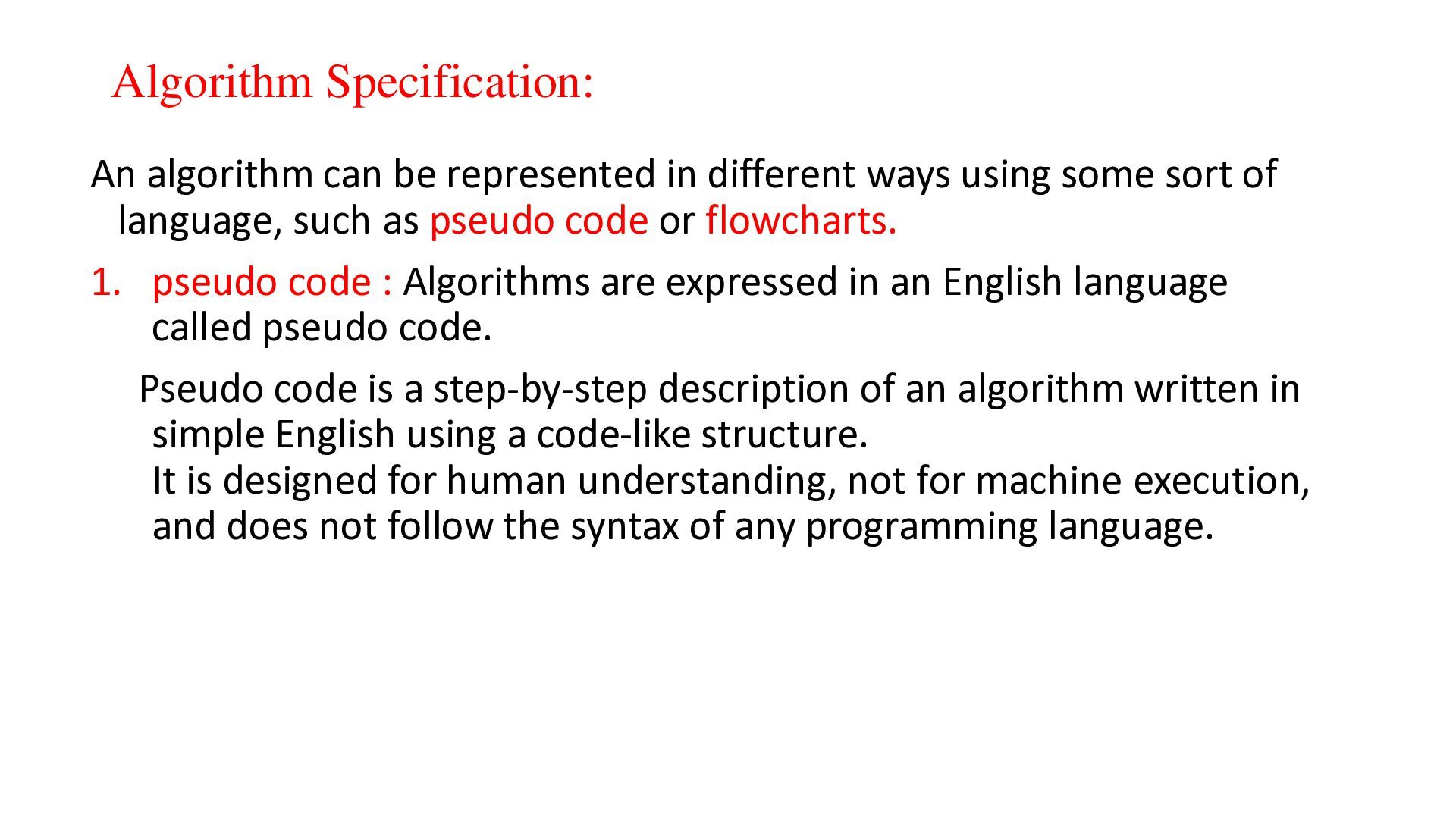
using some sort of language, such as pseudo code or flowcharts. 1. pseudo code : Algorithms are expressed in an English language called pseudo code. Pseudo code is a step-by-step description of an algorithm written in simple English using a code-like structure. It is designed for human understanding, not for machine execution, and does not follow the syntax of any programming language.
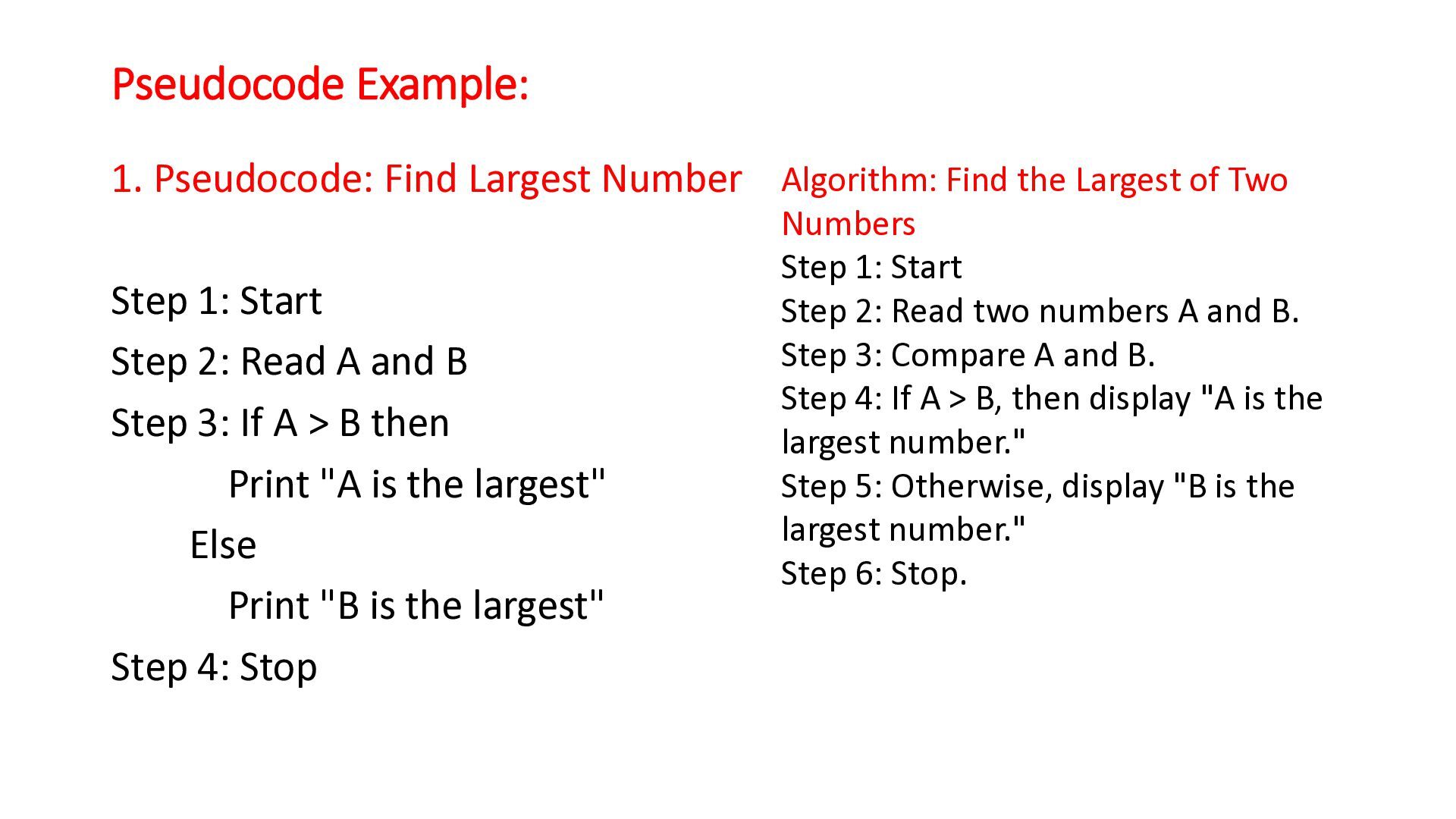
Largest of Two Step 1: Start Step 2: Read A and B Step 3: If A > B then Print "A is the largest" Else Print "B is the largest" Step 4: Stop Numbers Step 1: Start Step 2: Read two numbers A and B. Step 3: Compare A and B. Step 4: If A > B, then display "A is the largest number." Step 5: Otherwise, display "B is the largest number." Step 6: Stop.
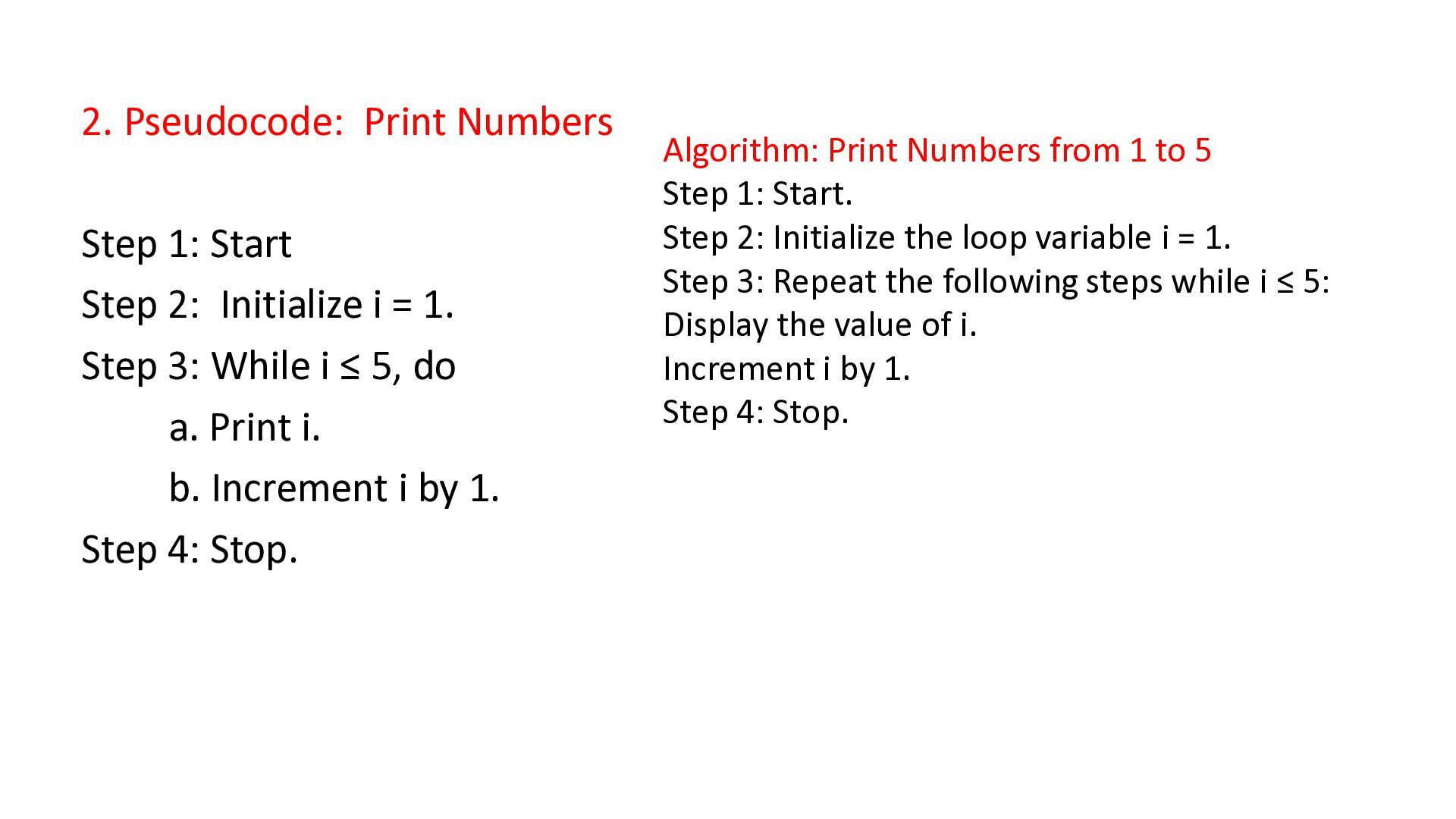
i = 1. Step 3: While i ≤ 5, do a. Print i. b. Increment i by 1. Step 4: Stop. Algorithm: Print Numbers from 1 to 5 Step 1: Start. Step 2: Initialize the loop variable i = 1. Step 3: Repeat the following steps while i ≤ 5: Display the value of i. Increment i by 1. Step 4: Stop.
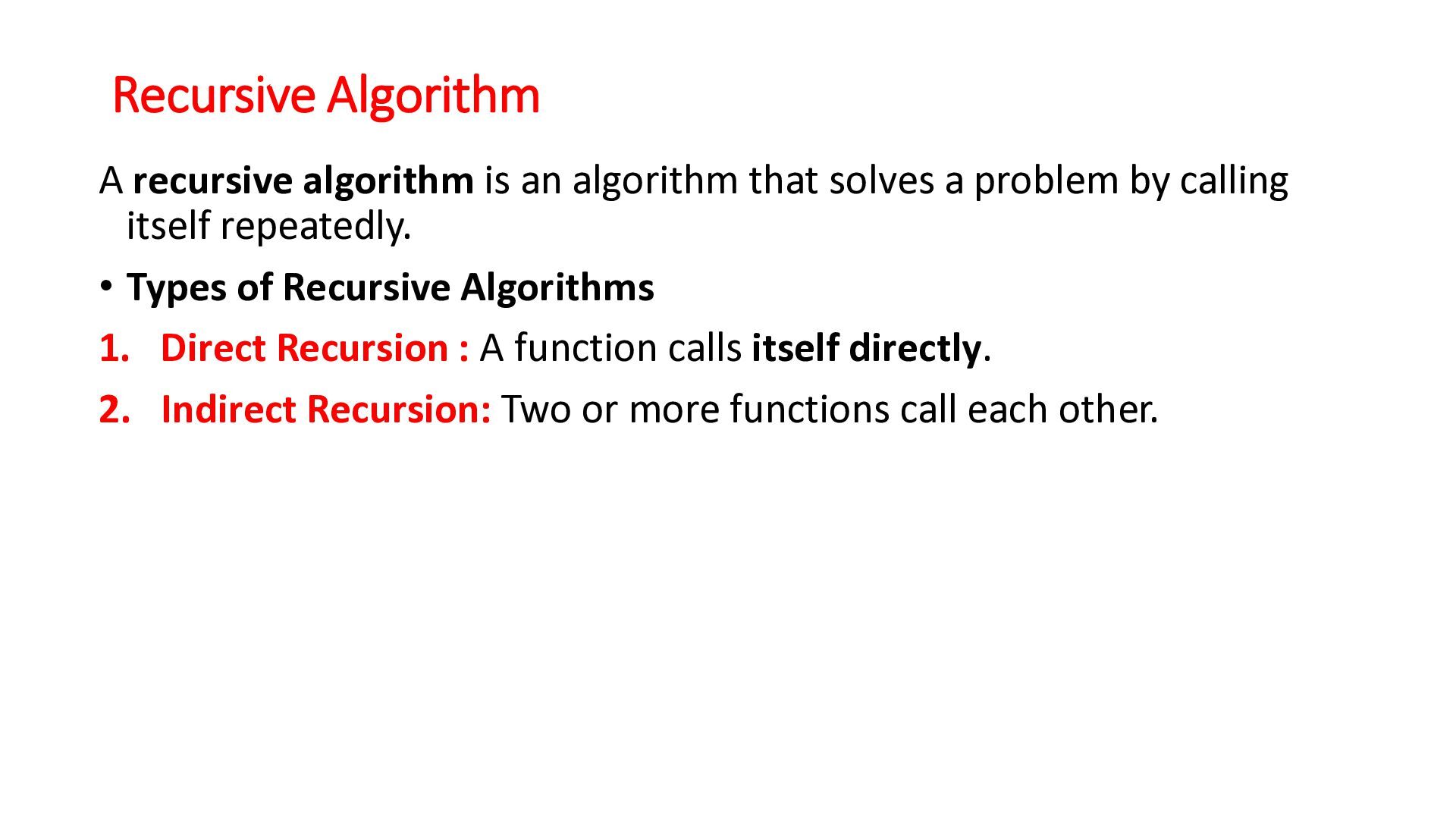
a problem by calling itself repeatedly. • Types of Recursive Algorithms 1. Direct Recursion : A function calls itself directly. 2. Indirect Recursion: Two or more functions call each other.
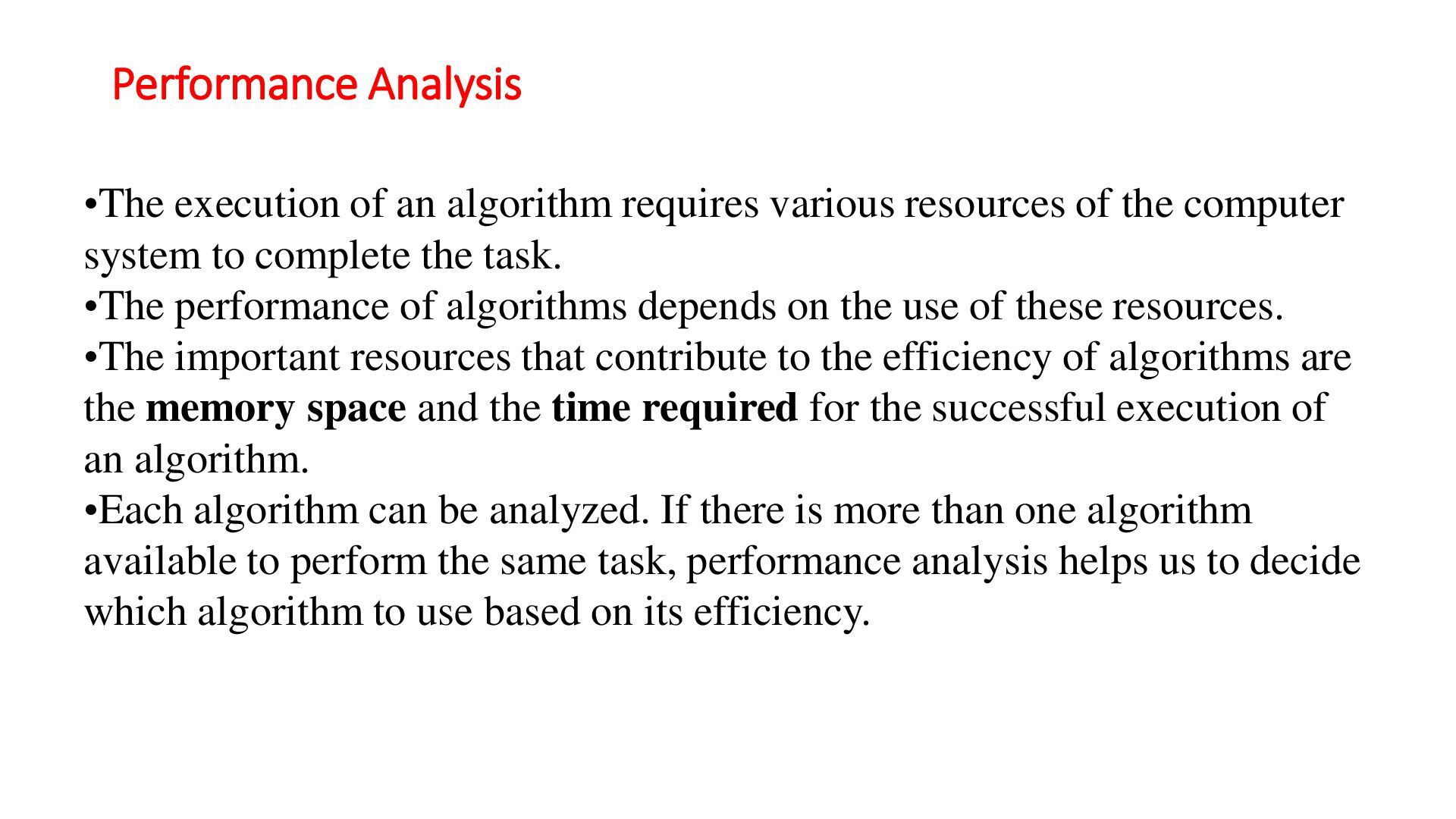
of the computer system to complete the task. •The performance of algorithms depends on the use of these resources. •The important resources that contribute to the efficiency of algorithms are the memory space and the time required for the successful execution of an algorithm. •Each algorithm can be analyzed. If there is more than one algorithm available to perform the same task, performance analysis helps us to decide which algorithm to use based on its efficiency.
possible. • The algorithms that require less space and time are said to be more efficient algorithms. • The efficiency of an algorithm is measured in terms of the time and space required for its execution. Therefore, the analysis of algorithms is divided into the following two categories: 1. Space Complexity 2. Time Complexity
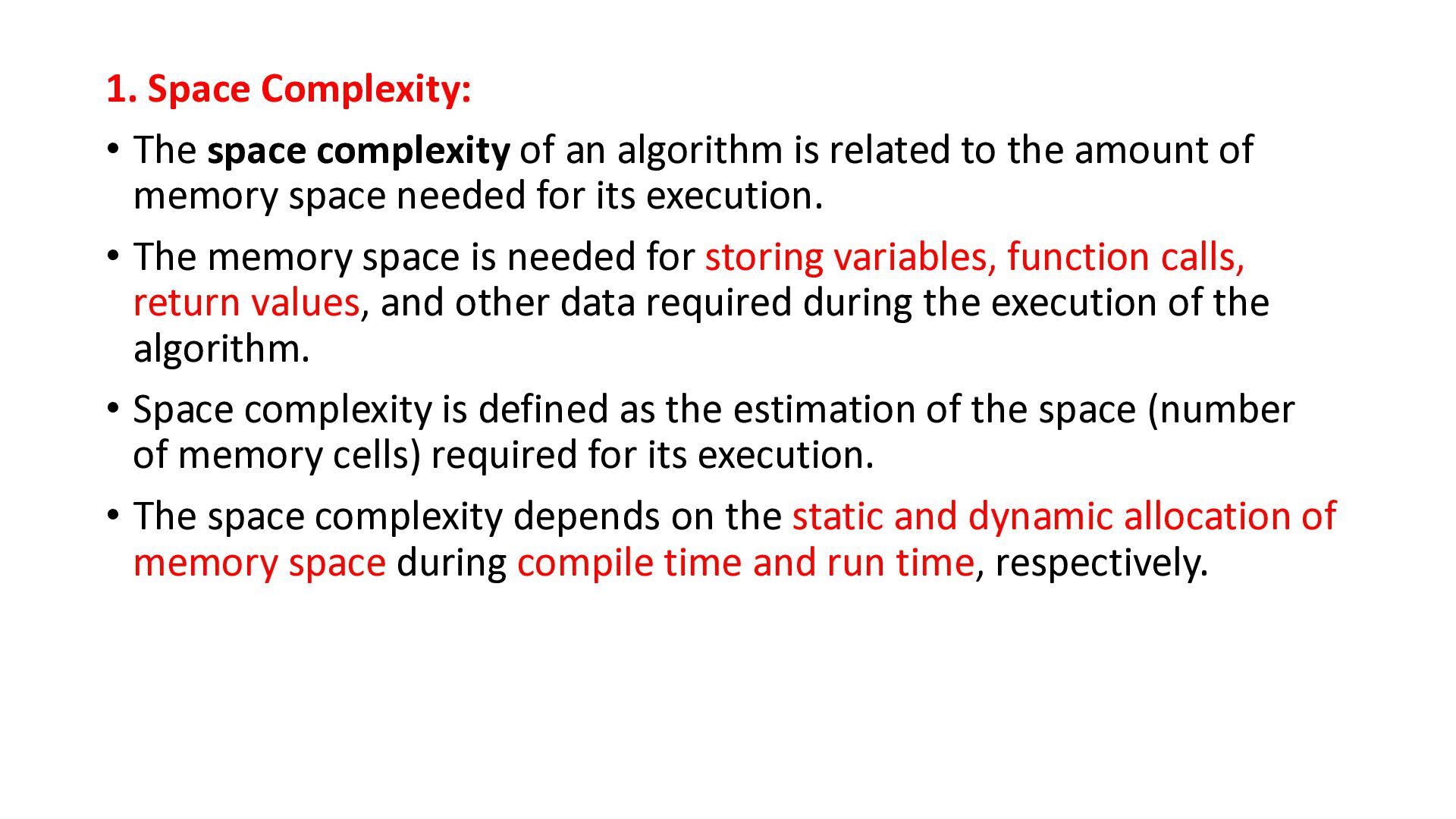
is related to the amount of memory space needed for its execution. • The memory space is needed for storing variables, function calls, return values, and other data required during the execution of the algorithm. • Space complexity is defined as the estimation of the space (number of memory cells) required for its execution. • The space complexity depends on the static and dynamic allocation of memory space during compile time and run time, respectively.
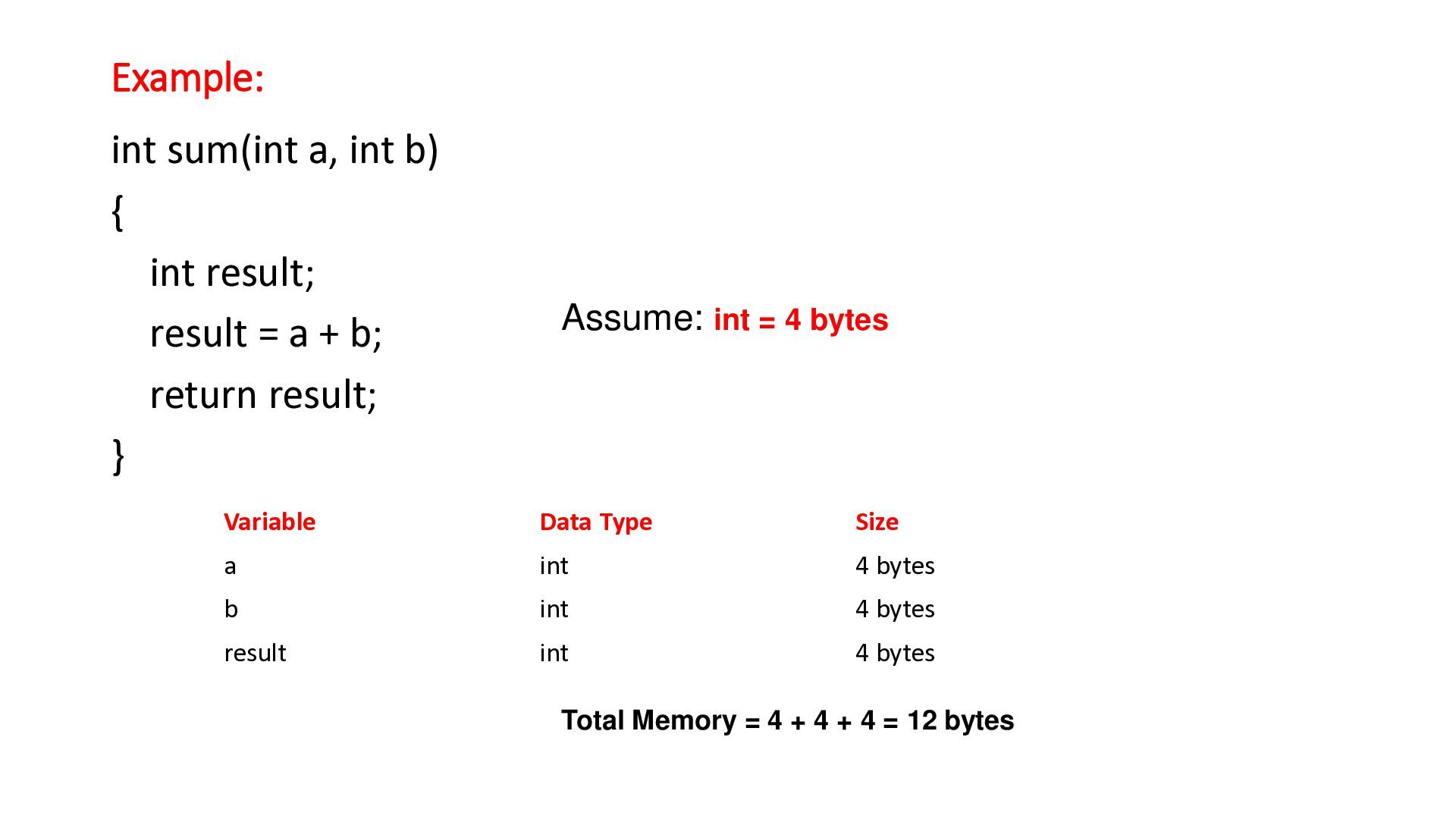
= a + b; return result; } Assume: int = 4 bytes Variable Data Type Size a int 4 bytes b int 4 bytes result int 4 bytes Total Memory = 4 + 4 + 4 = 12 bytes
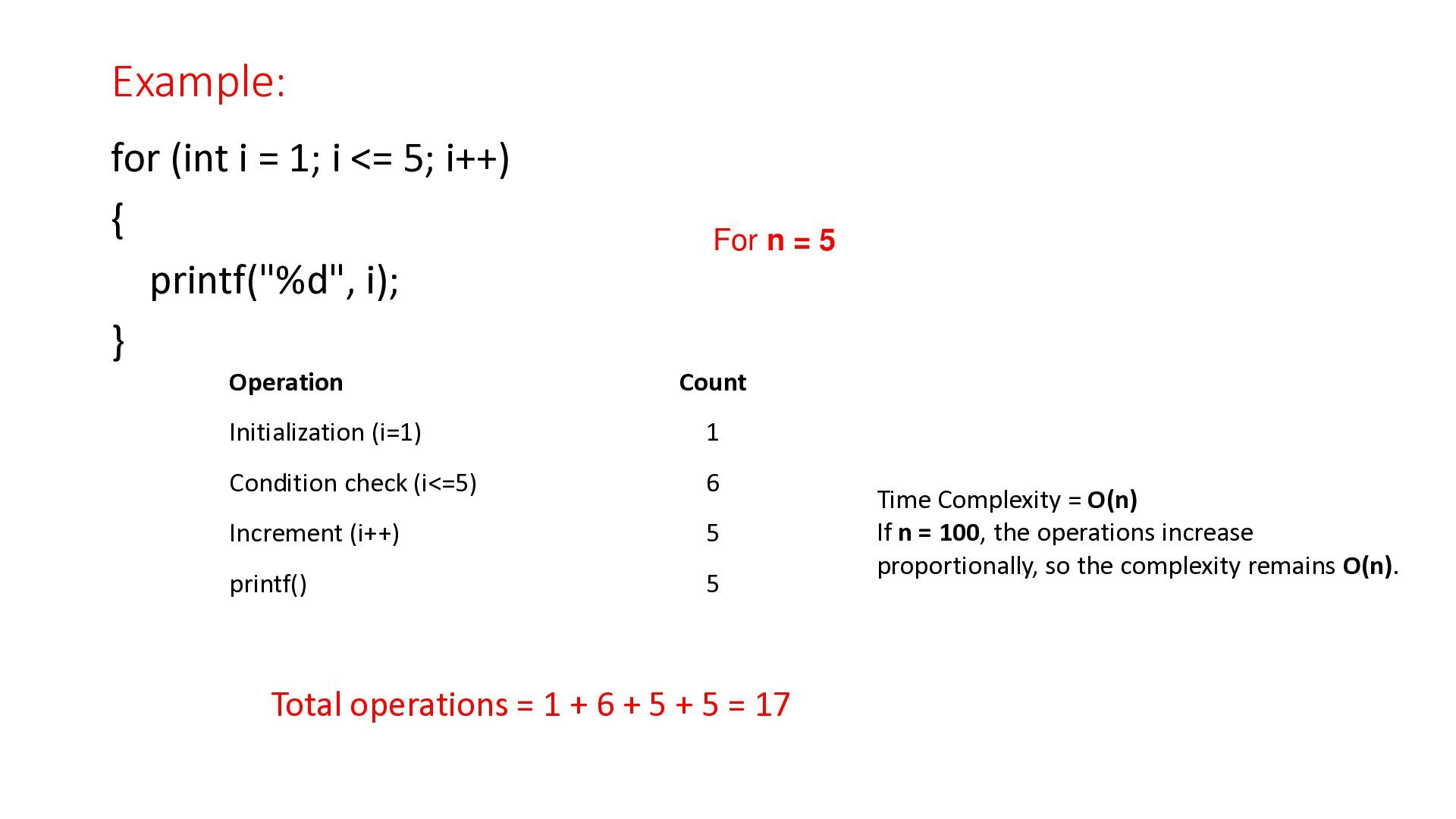
the time required for the execution of an algorithm. • In time complexity, we consider the run time. The execution time is not the actual physical time taken by the computer to execute the algorithm. Instead, it is measured by the number of machine instructions executed by the program during its running time.
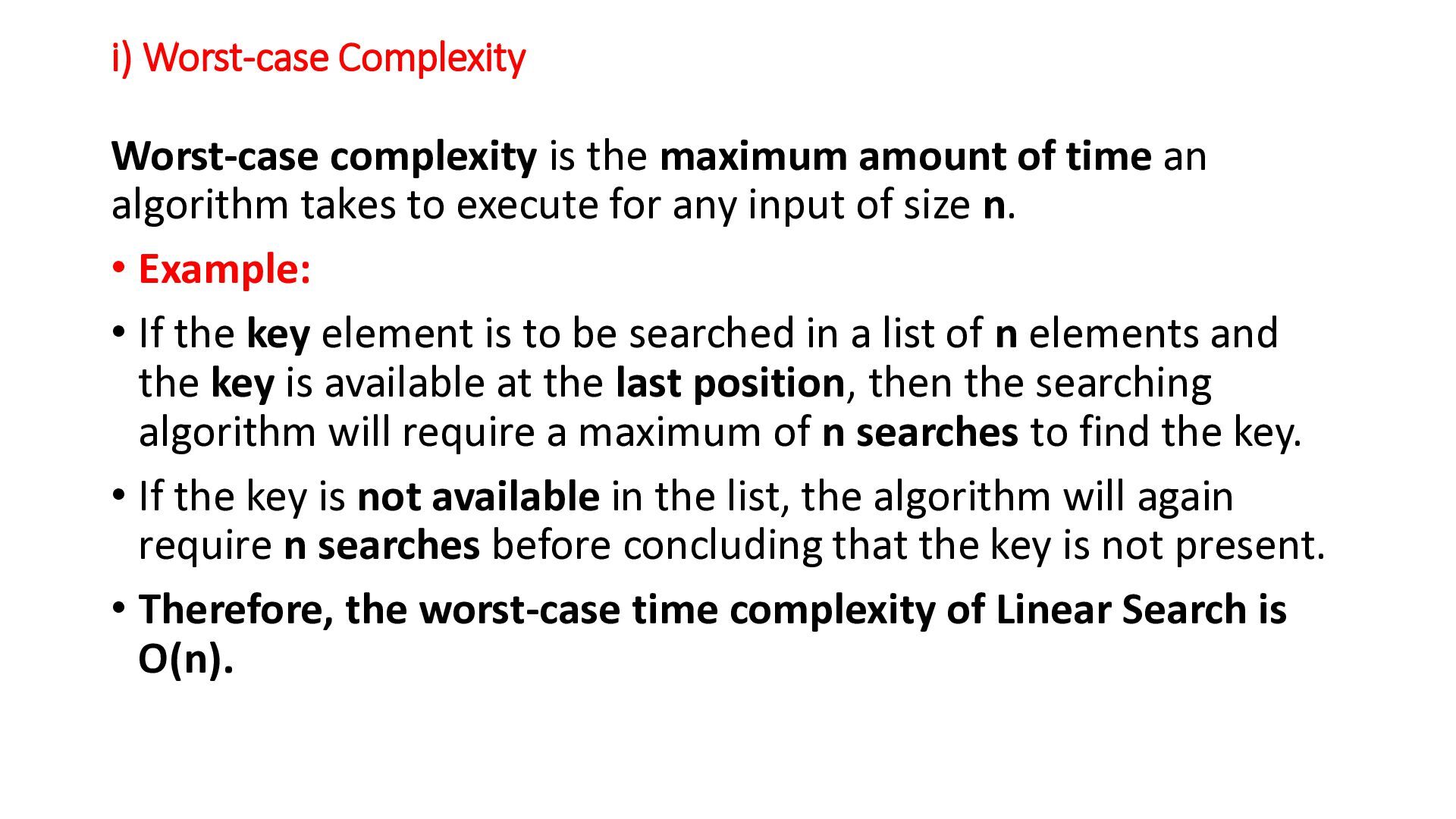
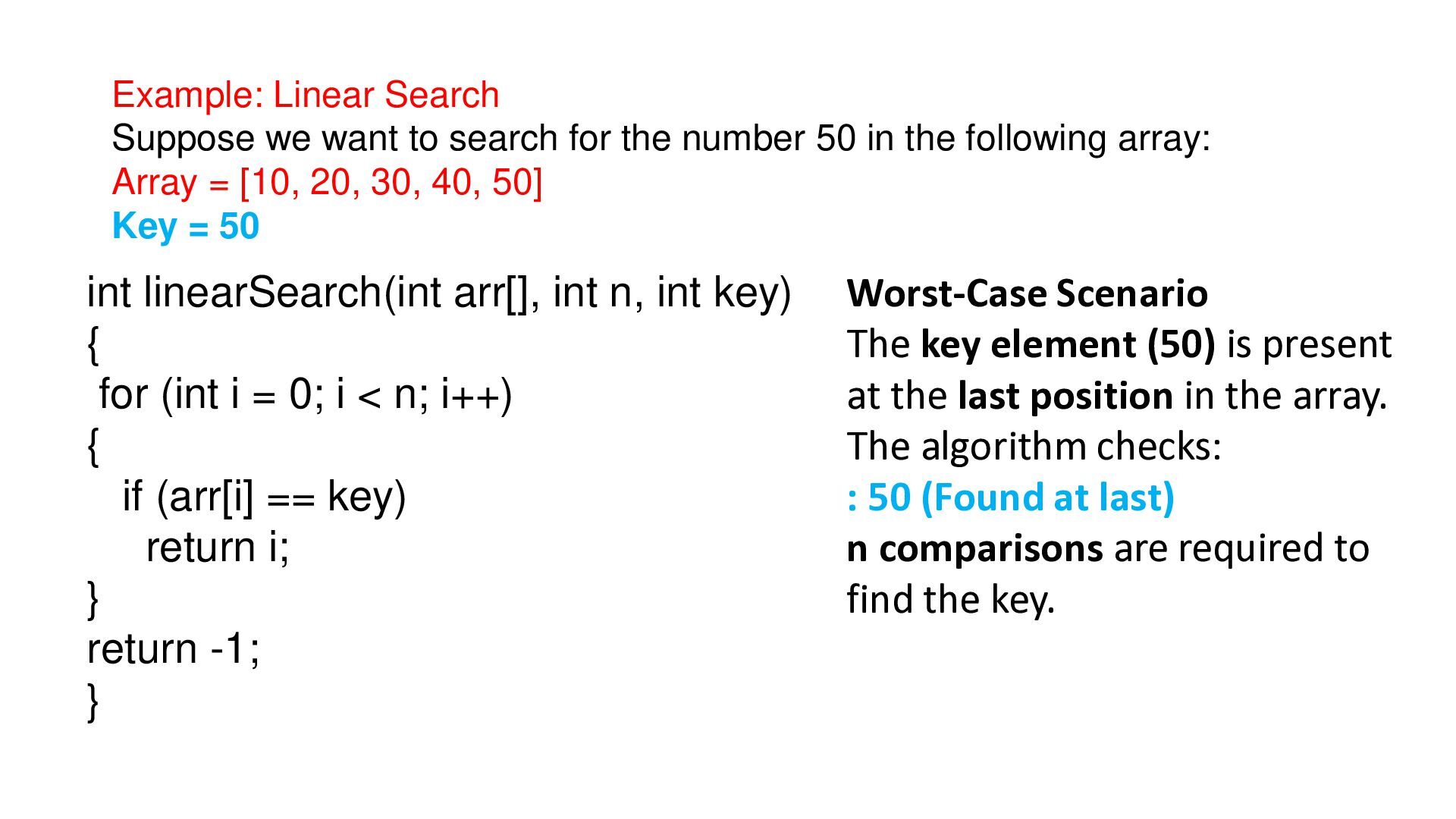
time an algorithm takes to execute for any input of size n. • Example: • If the key element is to be searched in a list of n elements and the key is available at the last position, then the searching algorithm will require a maximum of n searches to find the key. • If the key is not available in the list, the algorithm will again require n searches before concluding that the key is not present. • Therefore, the worst-case time complexity of Linear Search is O(n).
number 50 in the following array: Array = [10, 20, 30, 40, 50] Key = 50 int linearSearch(int arr[], int n, int key) { for (int i = 0; i < n; i++) { if (arr[i] == key) return i; } return -1; } Worst-Case Scenario The key element (50) is present at the last position in the array. The algorithm checks: : 50 (Found at last) n comparisons are required to find the key.
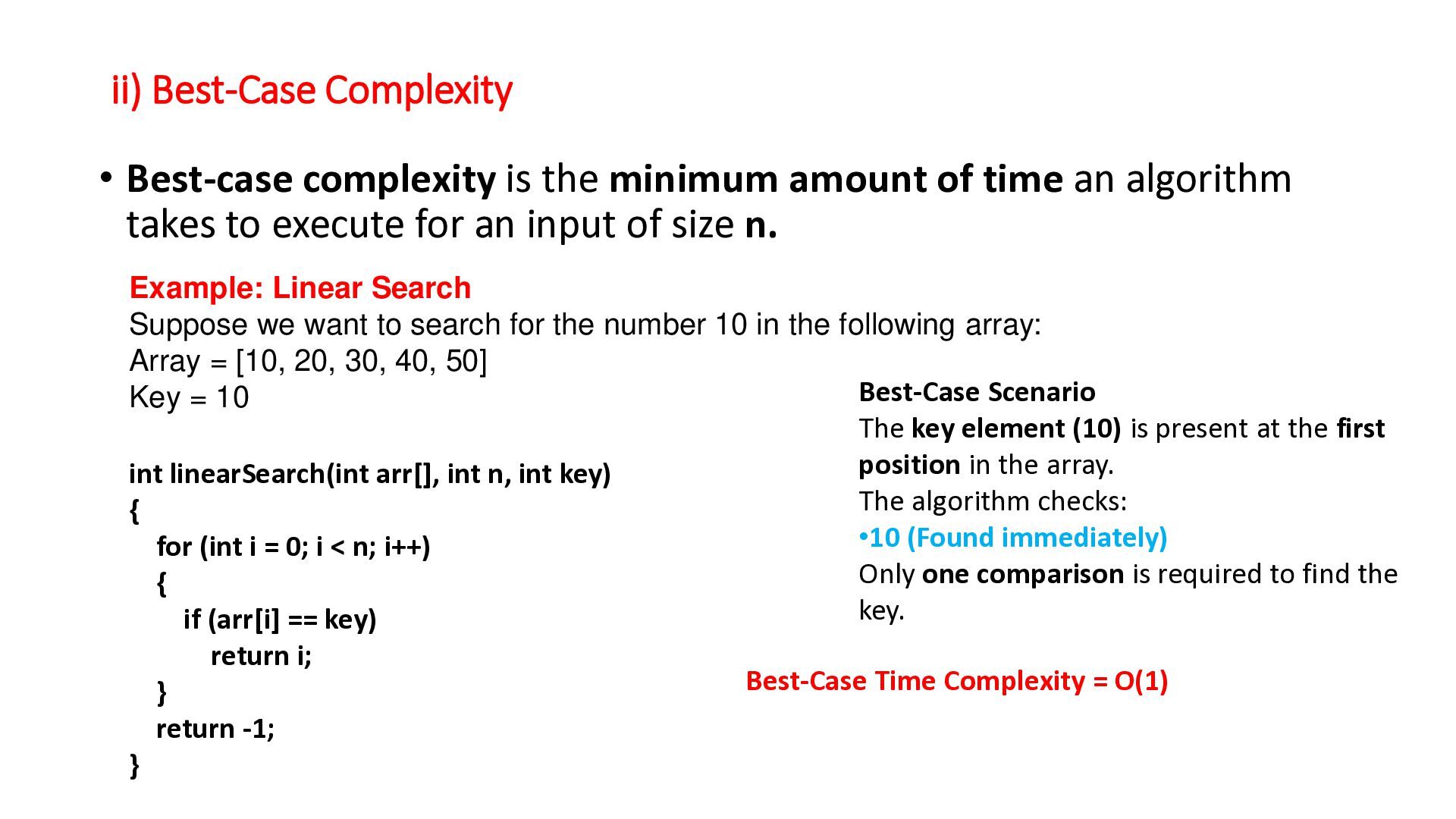
of time an algorithm takes to execute for an input of size n. Example: Linear Search Suppose we want to search for the number 10 in the following array: Array = [10, 20, 30, 40, 50] Best-Case Scenario Key = 10 The key element (10) is present at the first position in the array. int linearSearch(int arr[], int n, int key) The algorithm checks: { •10 (Found immediately) for (int i = 0; i < n; i++) Only one comparison is required to find the { key. if (arr[i] == key) return i; } return -1; } Best-Case Time Complexity = O(1)
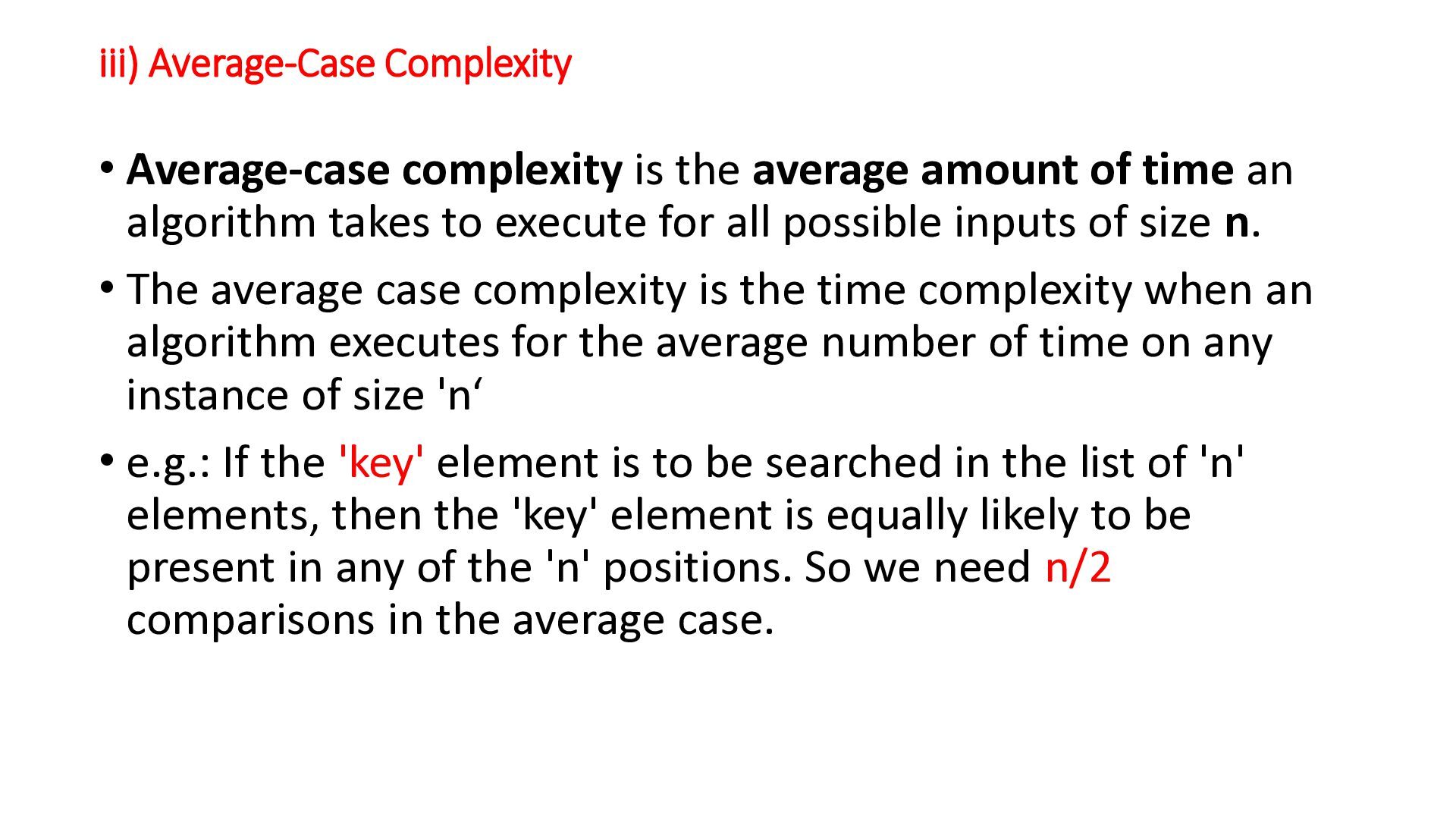
of time an algorithm takes to execute for all possible inputs of size n. • The average case complexity is the time complexity when an algorithm executes for the average number of time on any instance of size 'n‘ • e.g.: If the 'key' element is to be searched in the list of 'n' elements, then the 'key' element is equally likely to be present in any of the 'n' positions. So we need n/2 comparisons in the average case.
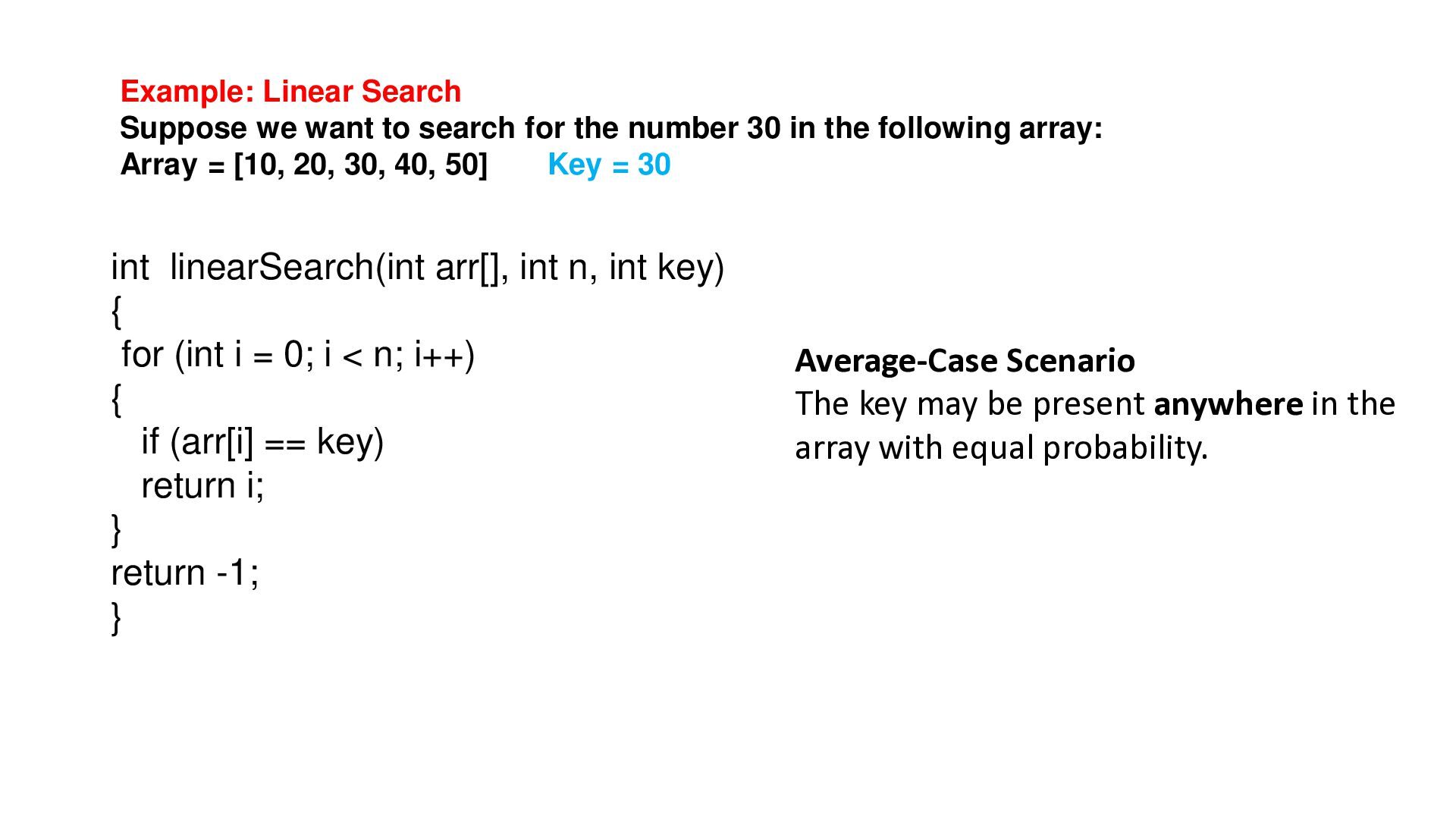
number 30 in the following array: Array = [10, 20, 30, 40, 50] Key = 30 int linearSearch(int arr[], int n, int key) { for (int i = 0; i < n; i++) { if (arr[i] == key) return i; } return -1; } Average-Case Scenario The key may be present anywhere in the array with equal probability.
uses random numbers during its execution to solve a problem. • Because it makes random decisions, the running time may vary for different executions, even with the same input. • Characteristics • Uses randomization while executing. • Running time may vary from one execution to another.
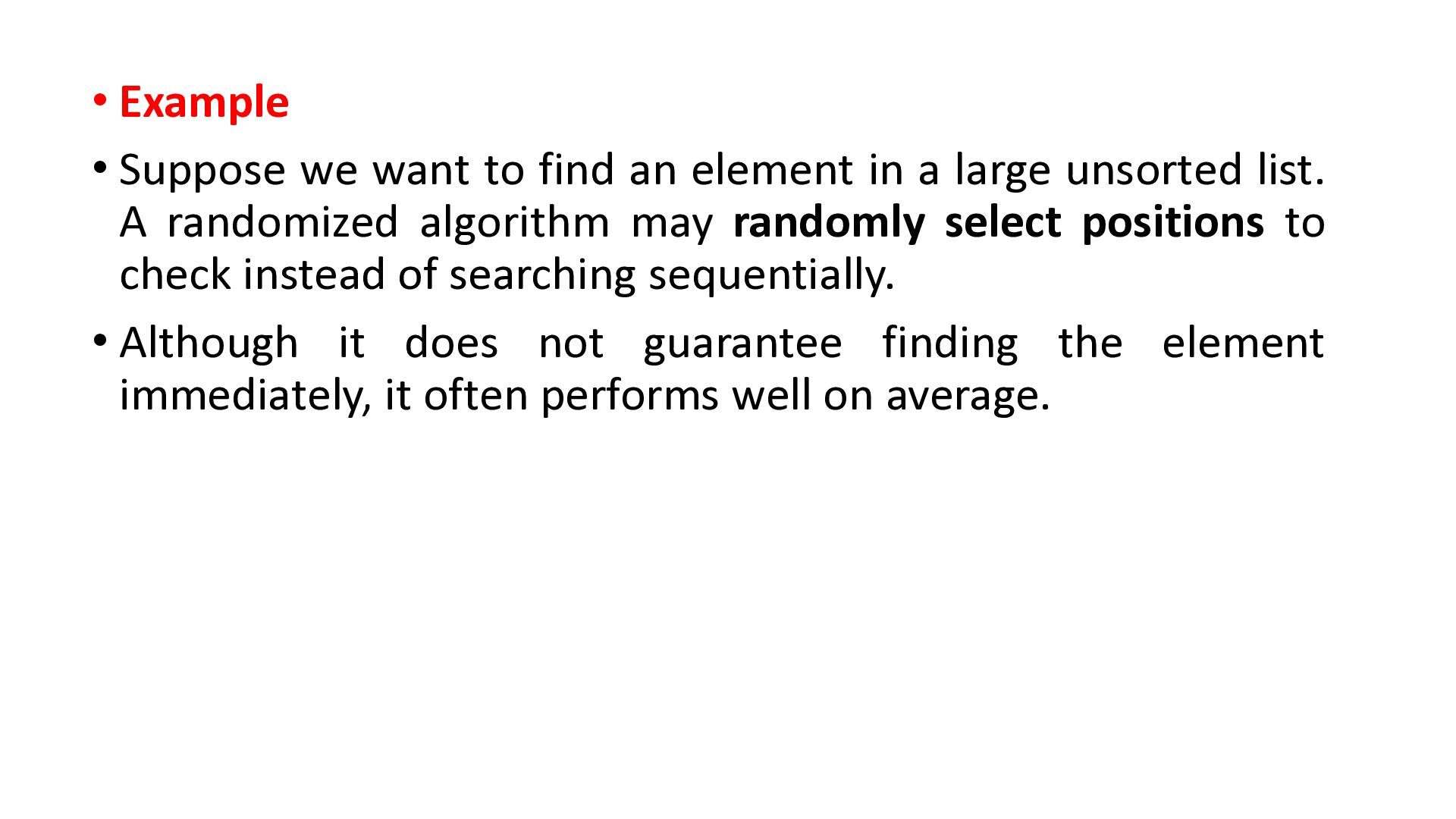
in a large unsorted list. A randomized algorithm may randomly select positions to check instead of searching sequentially. • Although it does not guarantee finding the element immediately, it often performs well on average.
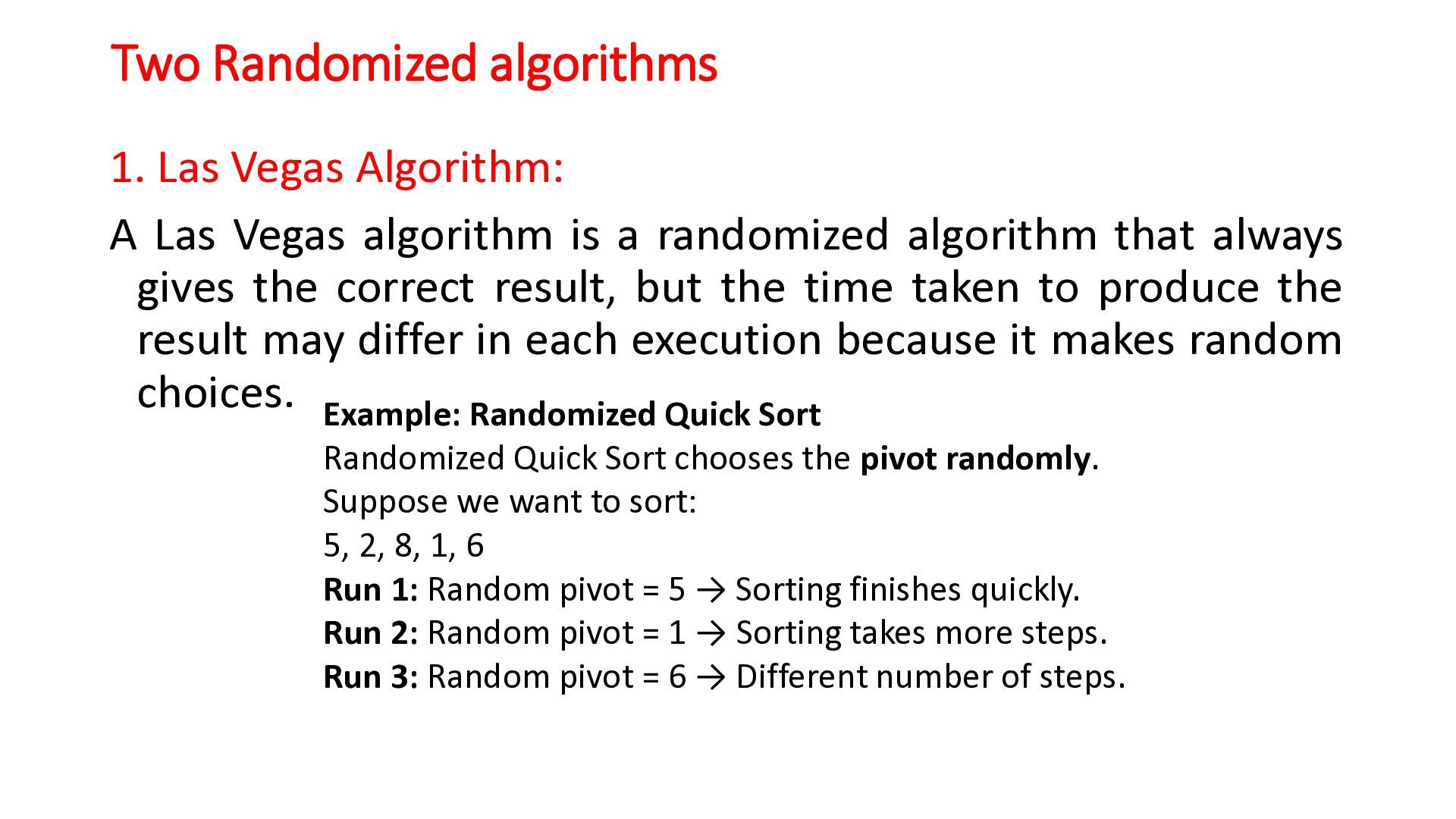
algorithm is a randomized algorithm that always gives the correct result, but the time taken to produce the result may differ in each execution because it makes random choices. Example: Randomized Quick Sort Randomized Quick Sort chooses the pivot randomly. Suppose we want to sort: 5, 2, 8, 1, 6 Run 1: Random pivot = 5 → Sorting finishes quickly. Run 2: Random pivot = 1 → Sorting takes more steps. Run 3: Random pivot = 6 → Different number of steps.
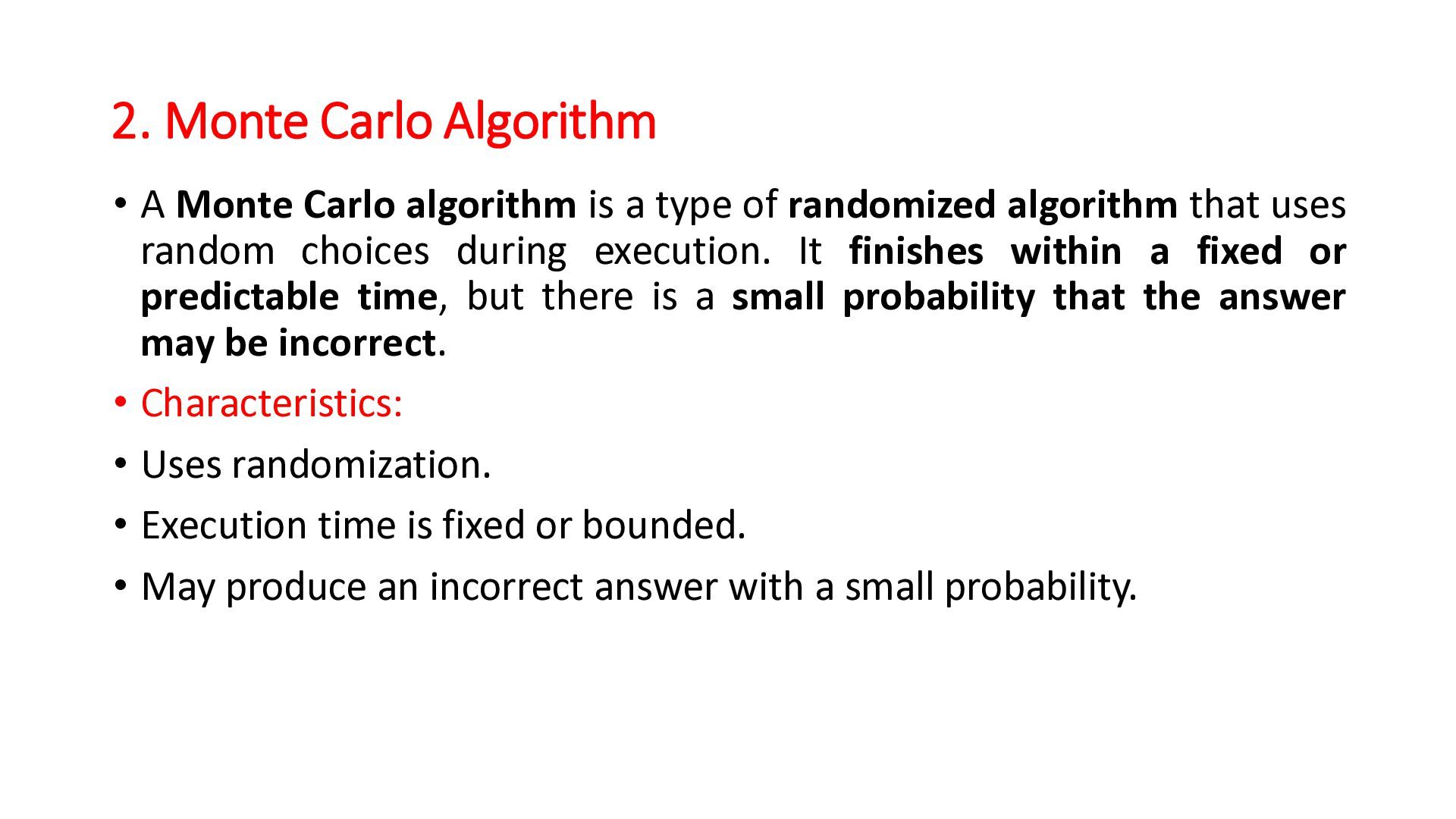
a type of randomized algorithm that uses random choices during execution. It finishes within a fixed or predictable time, but there is a small probability that the answer may be incorrect. • Characteristics: • Uses randomization. • Execution time is fixed or bounded. • May produce an incorrect answer with a small probability.
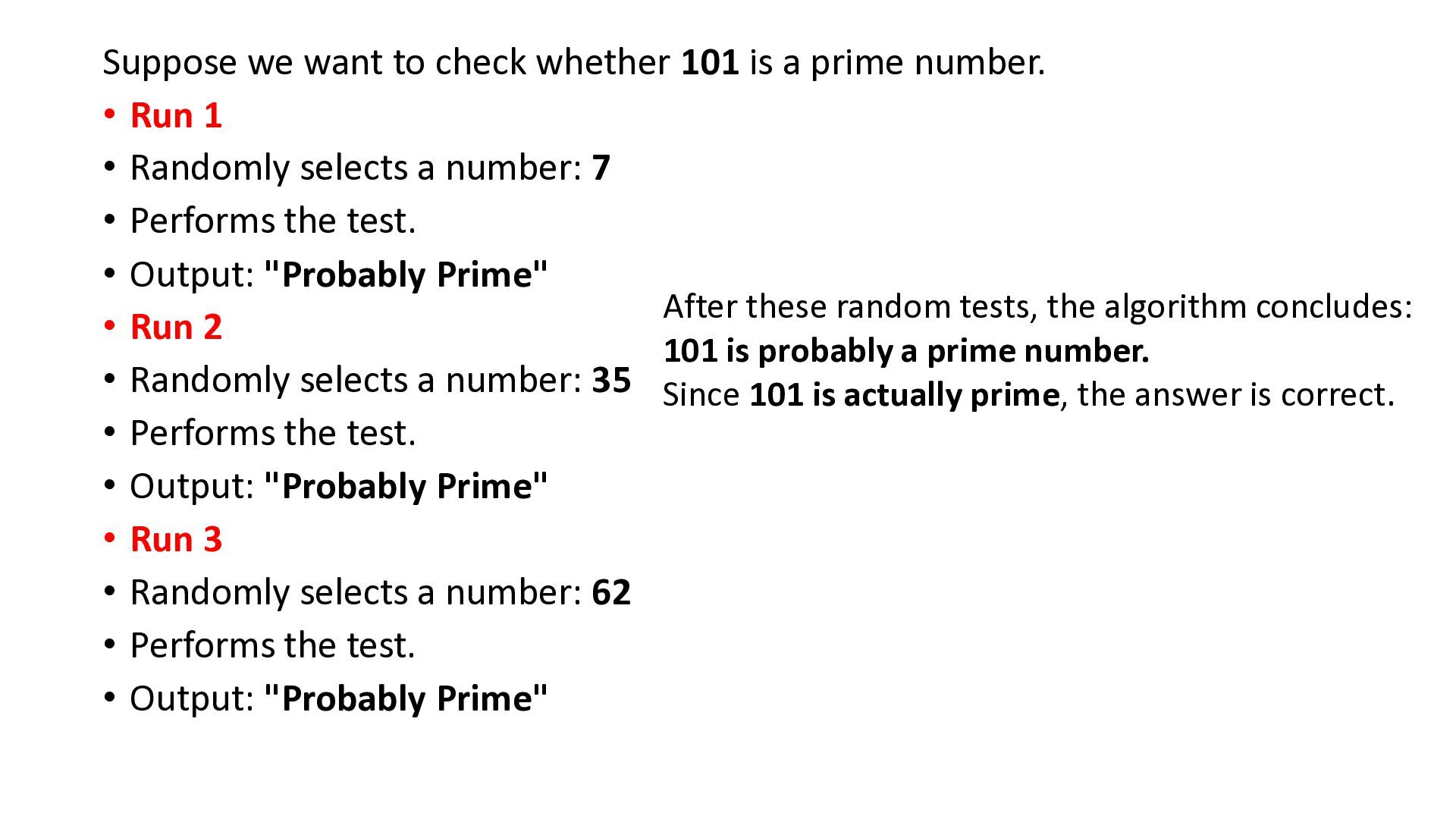
number. • Run 1 • Randomly selects a number: 7 • Performs the test. • Output: "Probably Prime" After these random tests, the algorithm concludes: • Run 2 101 is probably a prime number. • Randomly selects a number: 35 Since 101 is actually prime, the answer is correct. • Performs the test. • Output: "Probably Prime" • Run 3 • Randomly selects a number: 62 • Performs the test. • Output: "Probably Prime"
analyze the performance of algorithms by understanding how their efficiency changes as the input size grows. • These notations help us to understand how an algorithm performs when the input size increases. • Types of asymptotic notations are as follows: i) Big O (O) ii) Big Omega (Ω) iii) Big Theta (Θ) iv) Little o (o)
an asymptotic notation used to describe the upper bound (maximum running time) of an algorithm. • It represents the worst-case time complexity, showing the maximum amount of time an algorithm may take as the input size (n) becomes very large. • Big O notation tells us the maximum time or space an algorithm can take to complete its execution as the input size increases.
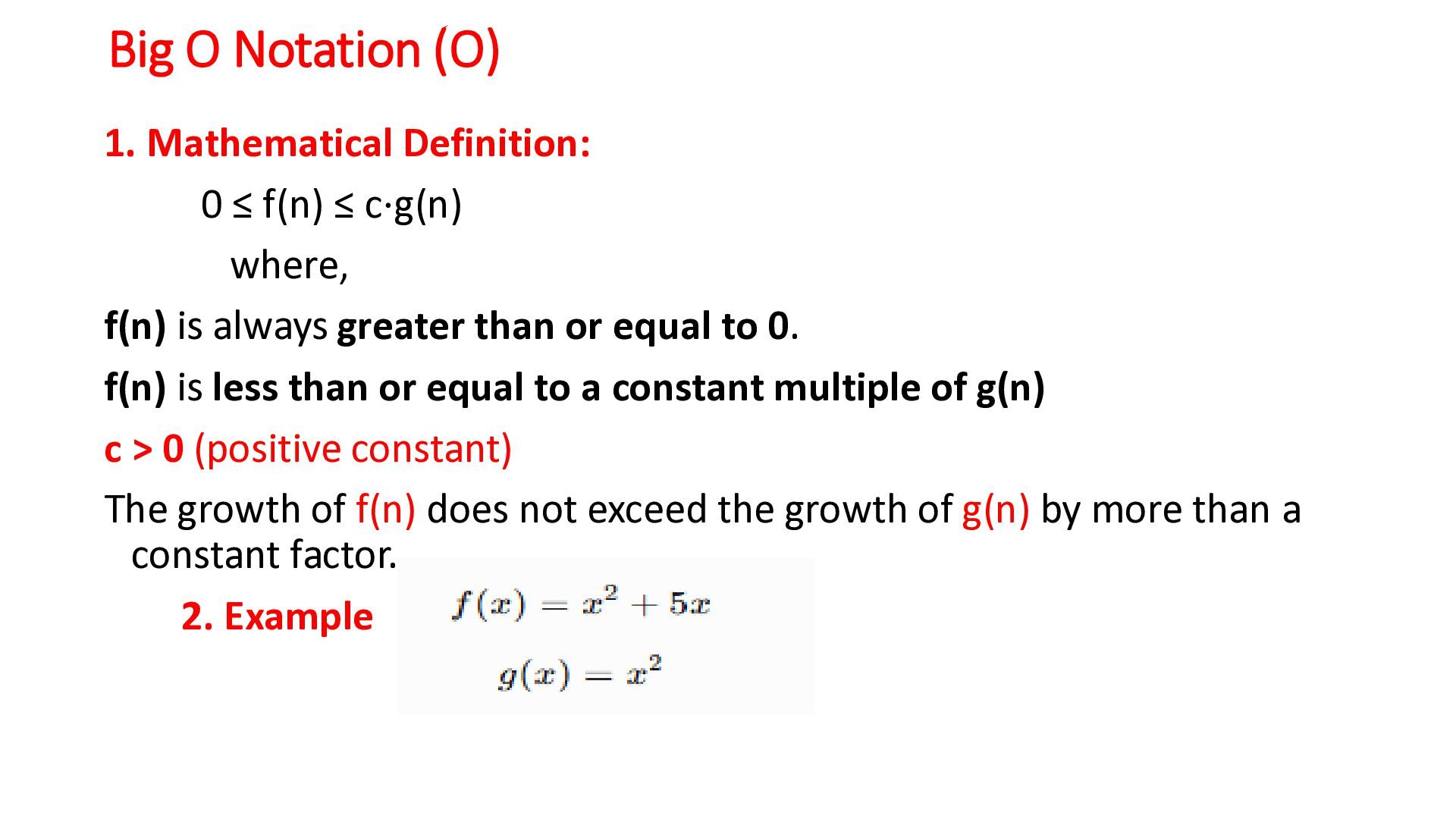
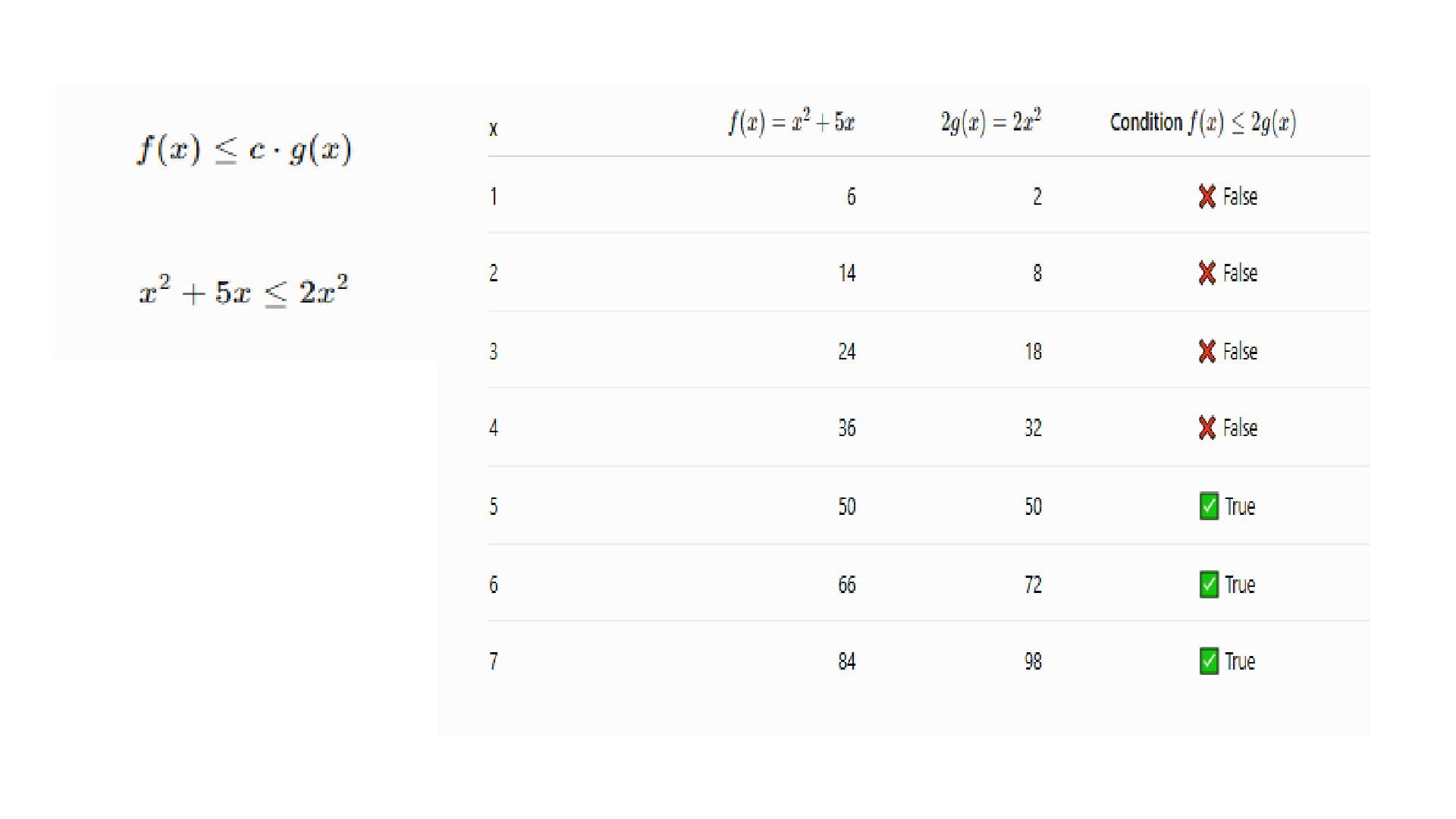
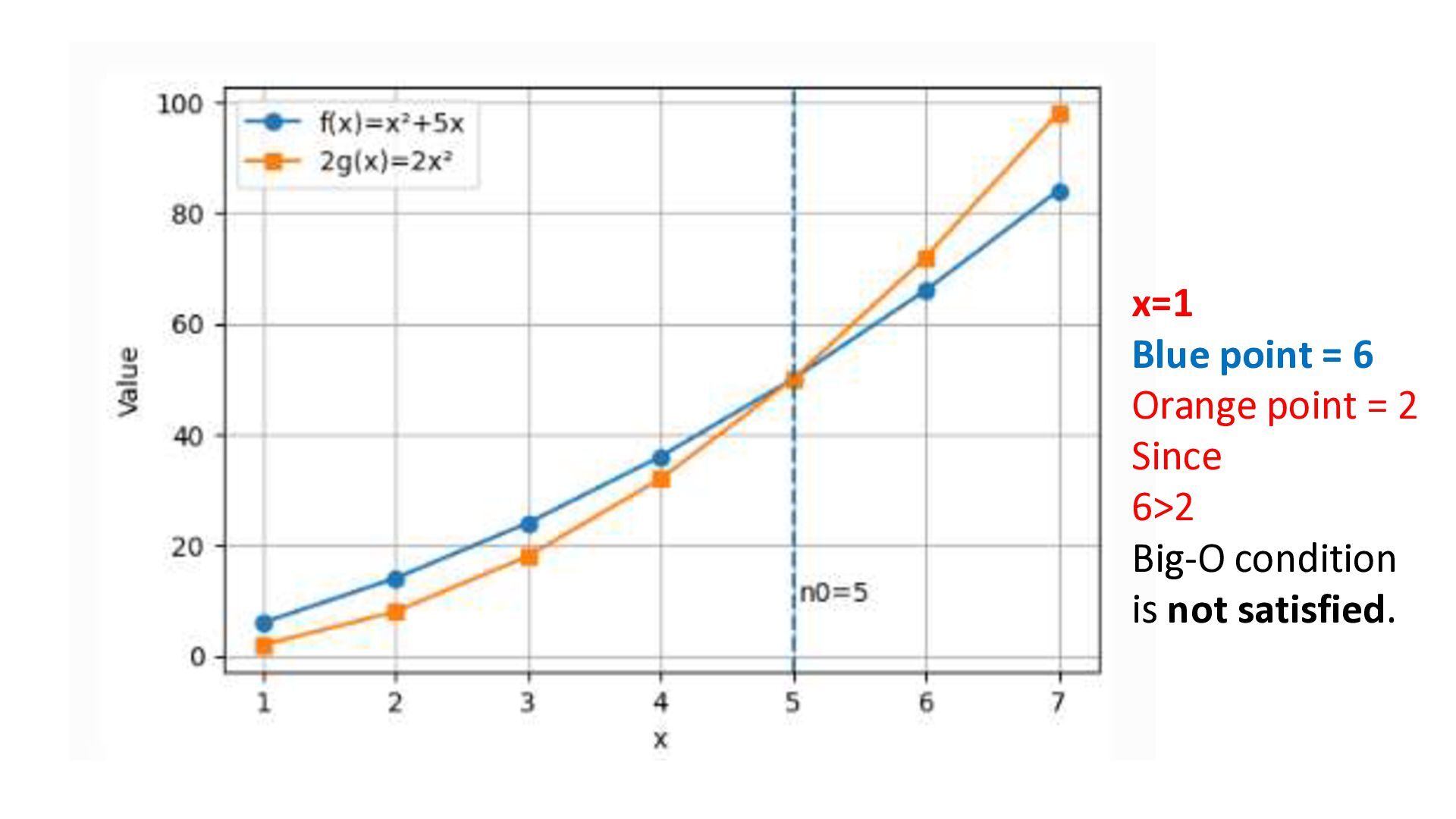
≤ c⋅g(n) where, f(n) is always greater than or equal to 0. f(n) is less than or equal to a constant multiple of g(n) c > 0 (positive constant) The growth of f(n) does not exceed the growth of g(n) by more than a constant factor. 2. Example
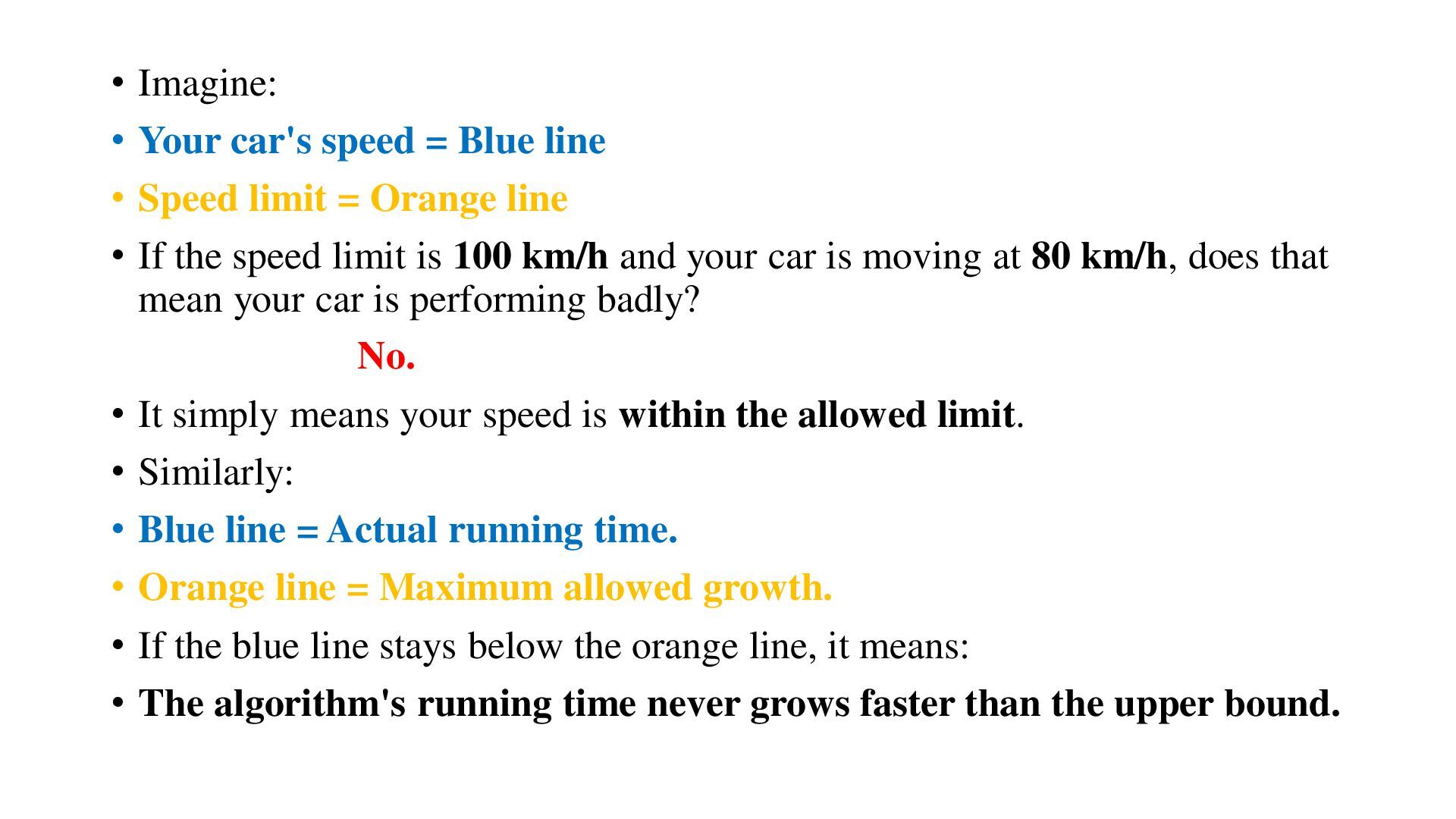
Speed limit = Orange line • If the speed limit is 100 km/h and your car is moving at 80 km/h, does that mean your car is performing badly? No. • It simply means your speed is within the allowed limit. • Similarly: • Blue line = Actual running time. • Orange line = Maximum allowed growth. • If the blue line stays below the orange line, it means: • The algorithm's running time never grows faster than the upper bound.
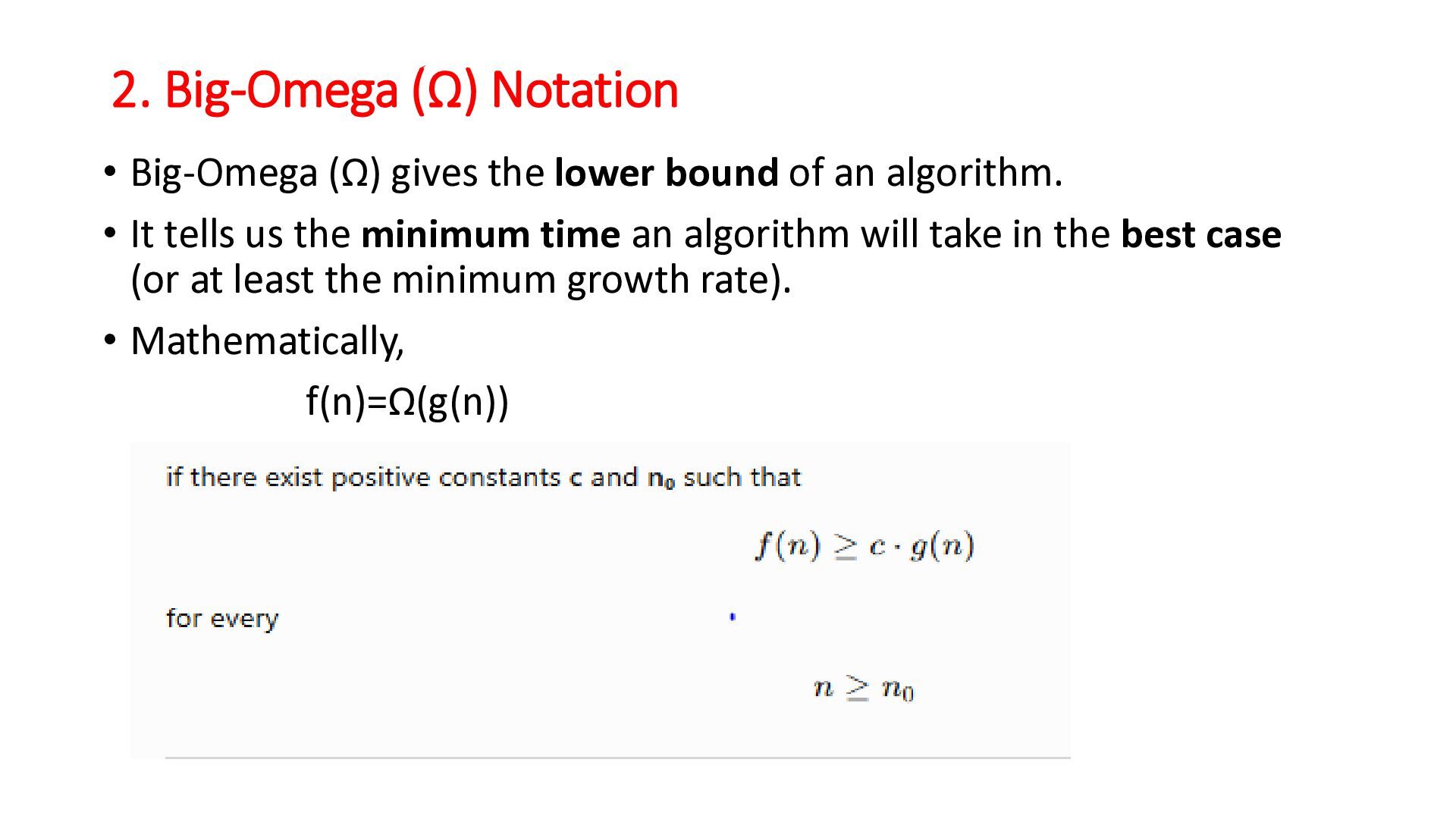
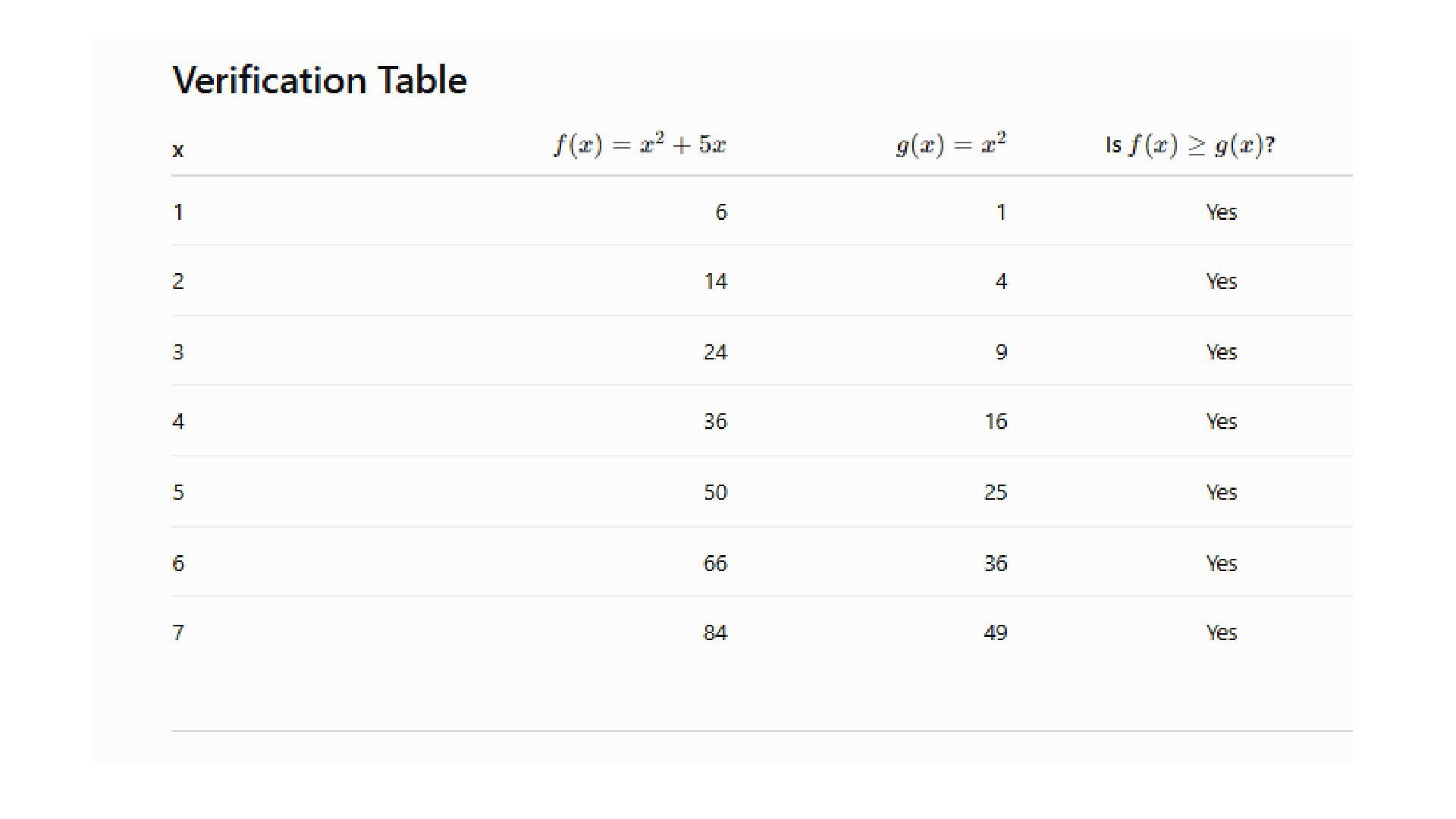
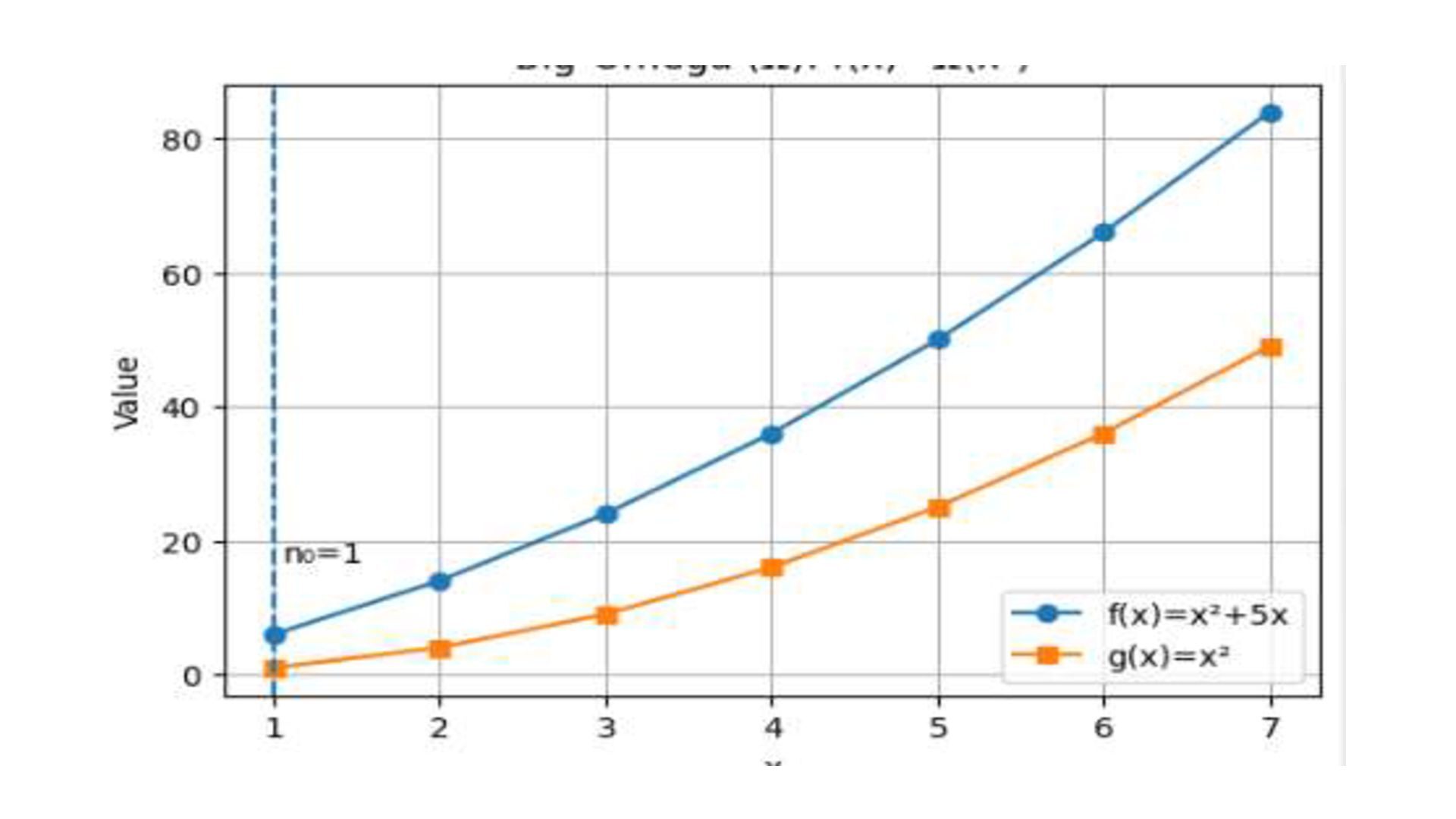
bound of an algorithm. • It tells us the minimum time an algorithm will take in the best case (or at least the minimum growth rate). • Mathematically, f(n)=Ω(g(n))
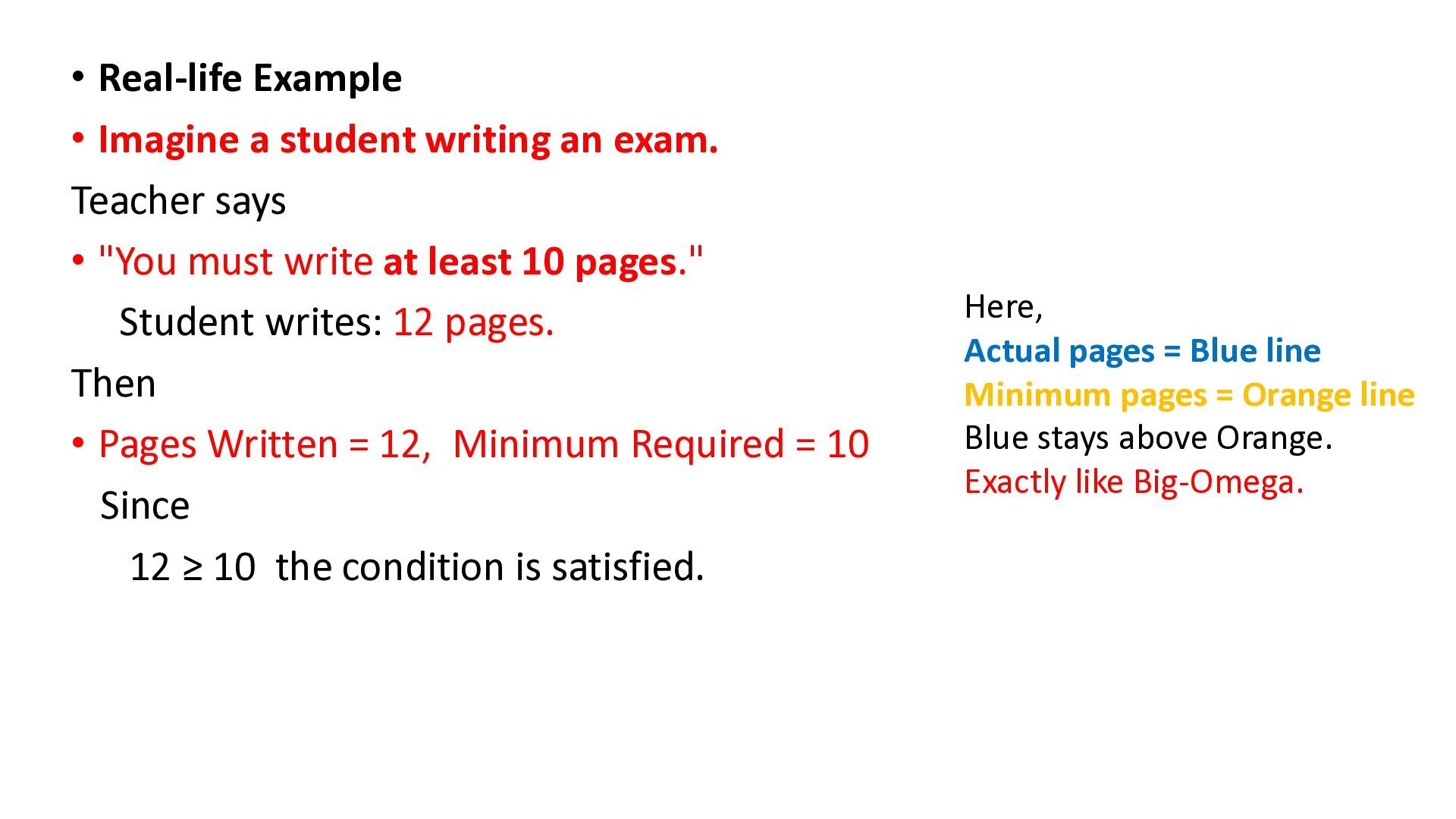
Teacher says • "You must write at least 10 pages." Student writes: 12 pages. Then • Pages Written = 12, Minimum Required = 10 Since 12 ≥ 10 the condition is satisfied. Here, Actual pages = Blue line Minimum pages = Orange line Blue stays above Orange. Exactly like Big-Omega.
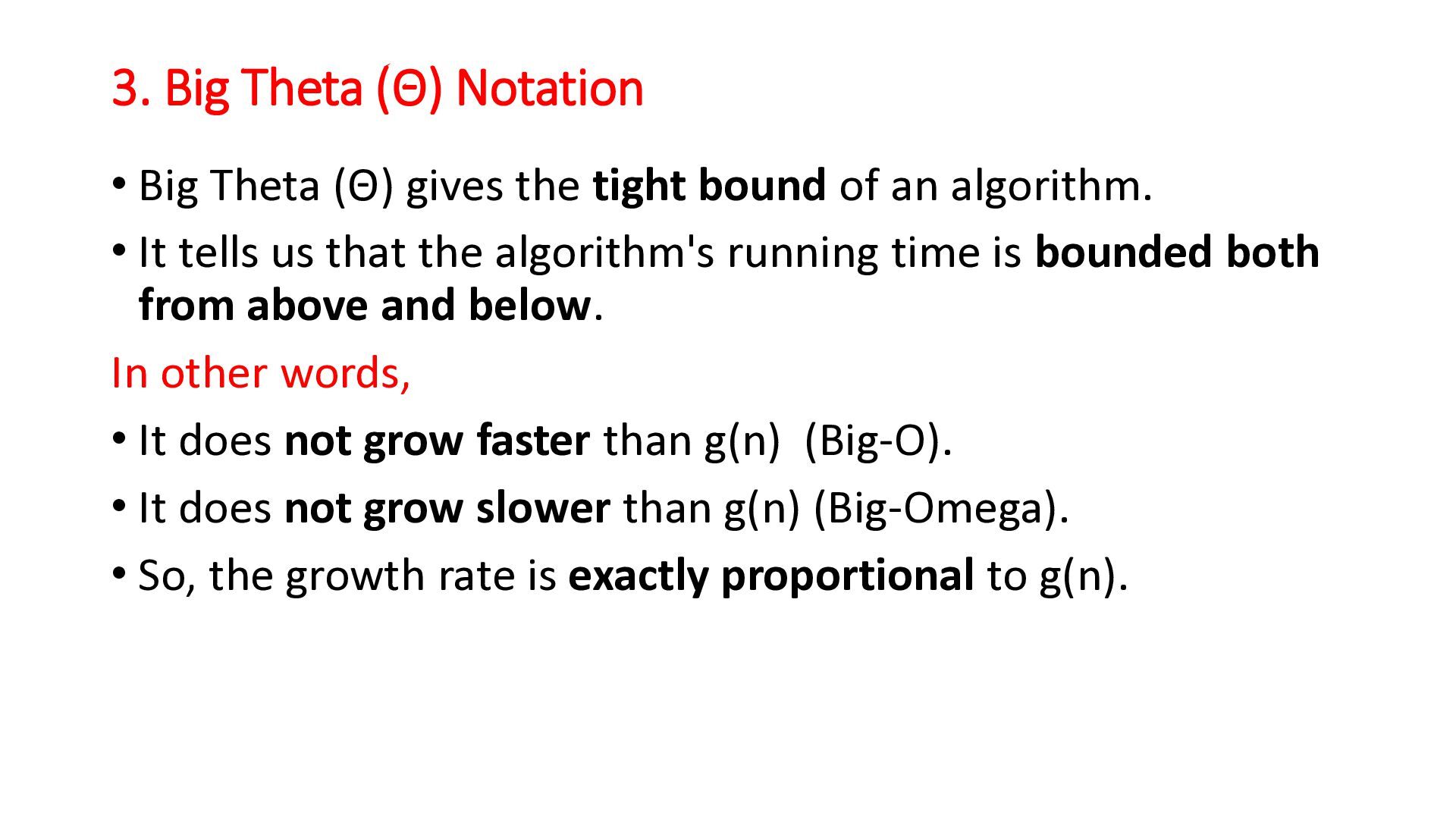
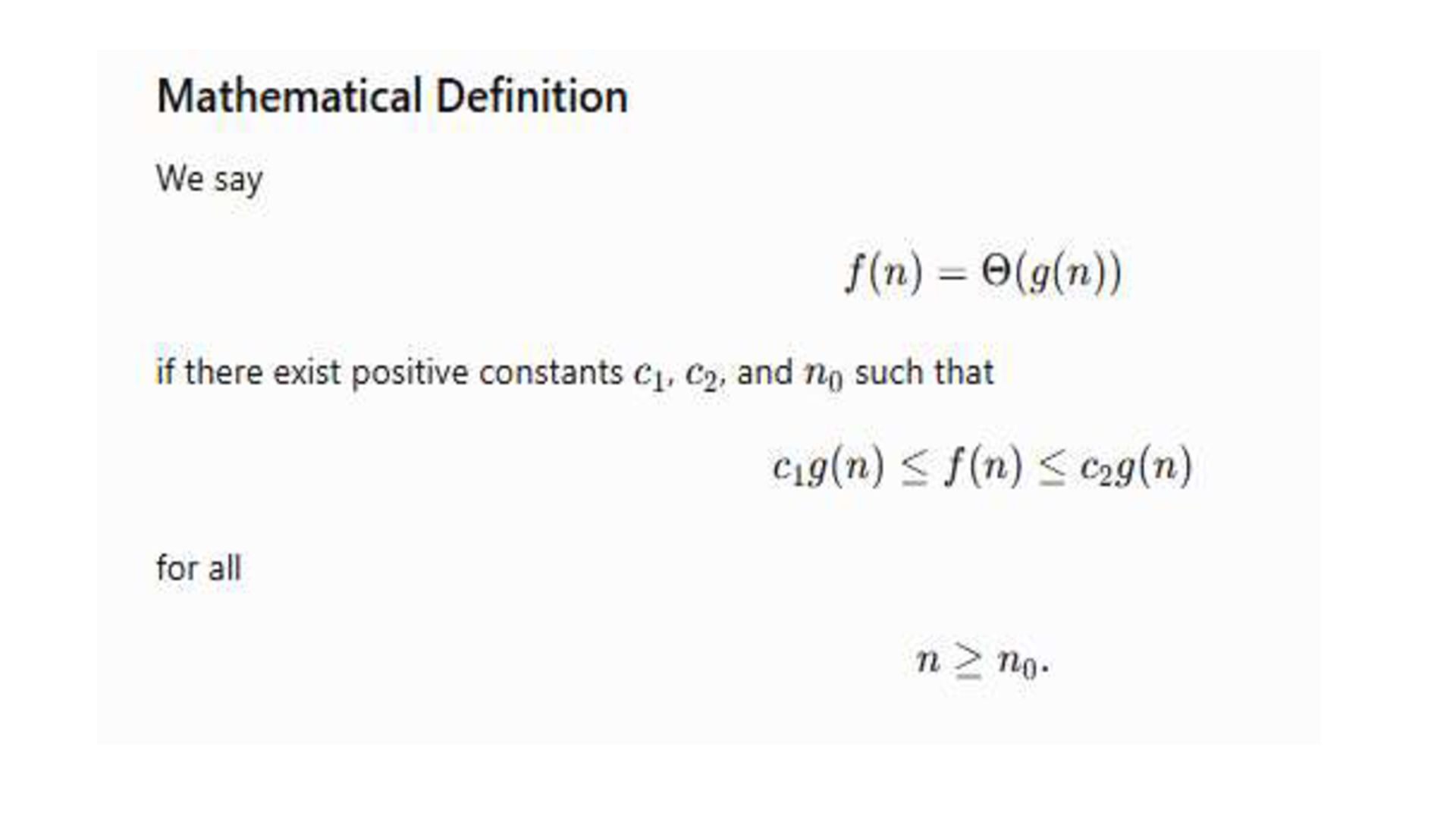
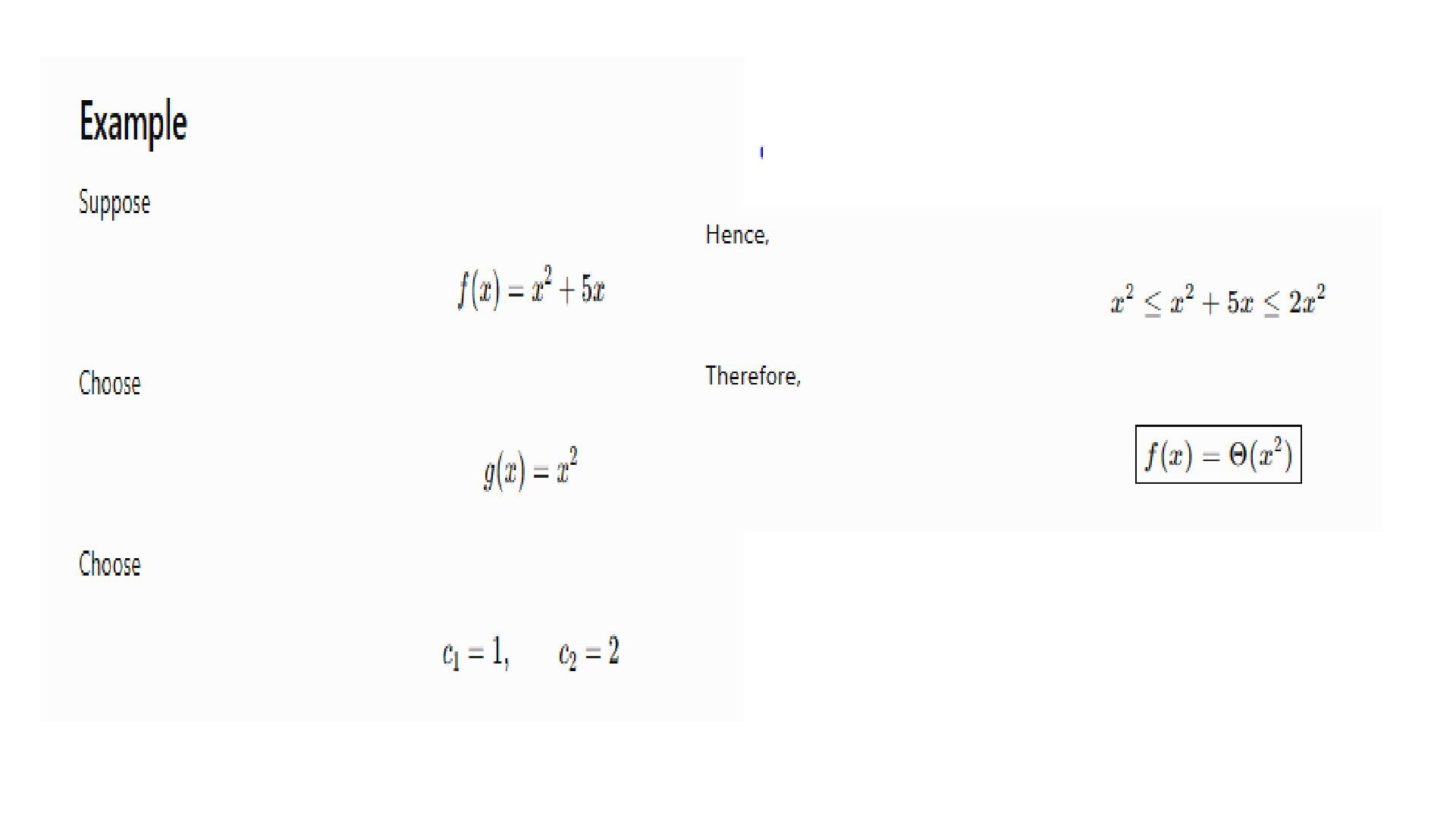
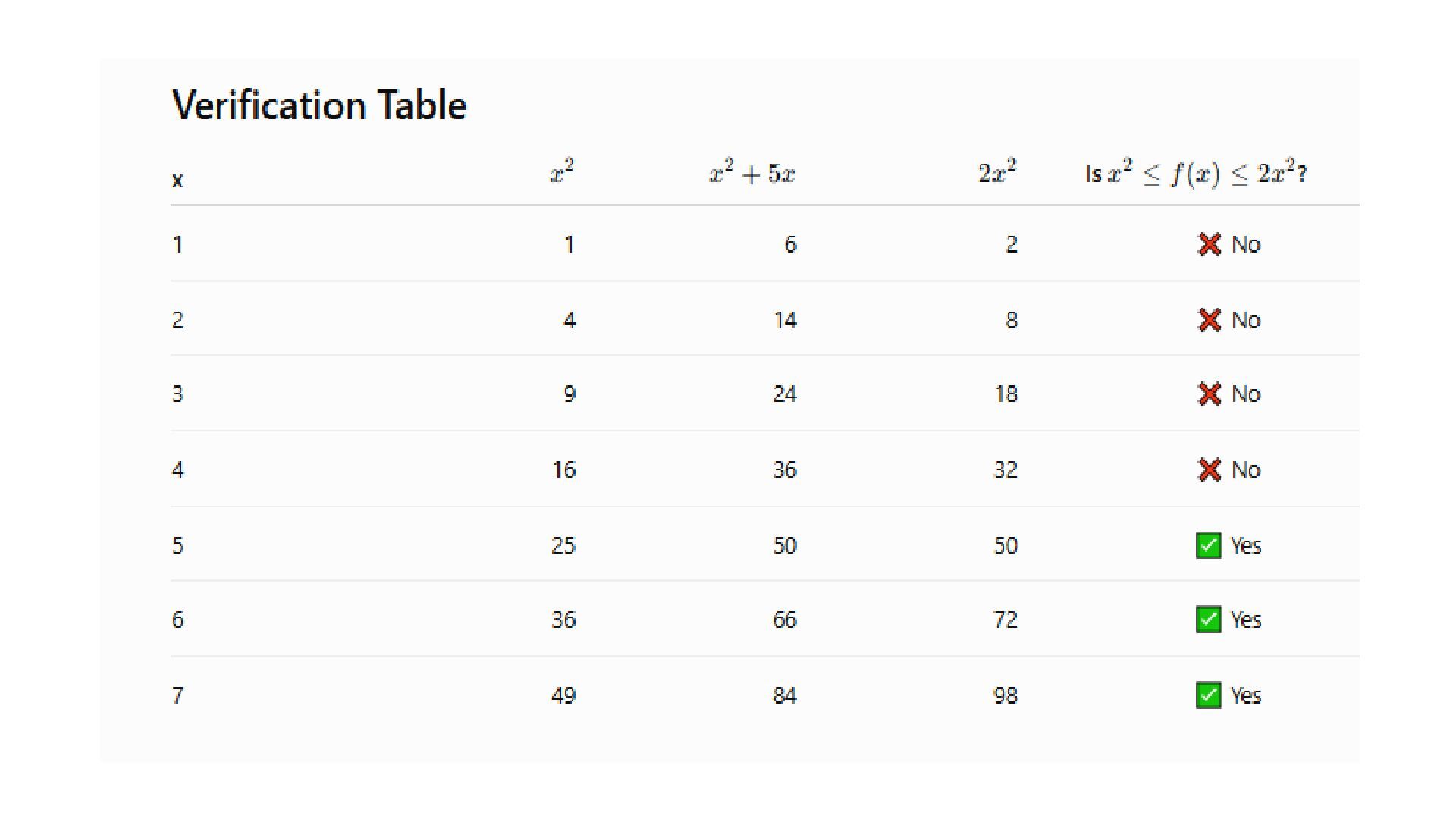
the tight bound of an algorithm. • It tells us that the algorithm's running time is bounded both from above and below. In other words, • It does not grow faster than g(n) (Big-O). • It does not grow slower than g(n) (Big-Omega). • So, the growth rate is exactly proportional to g(n).
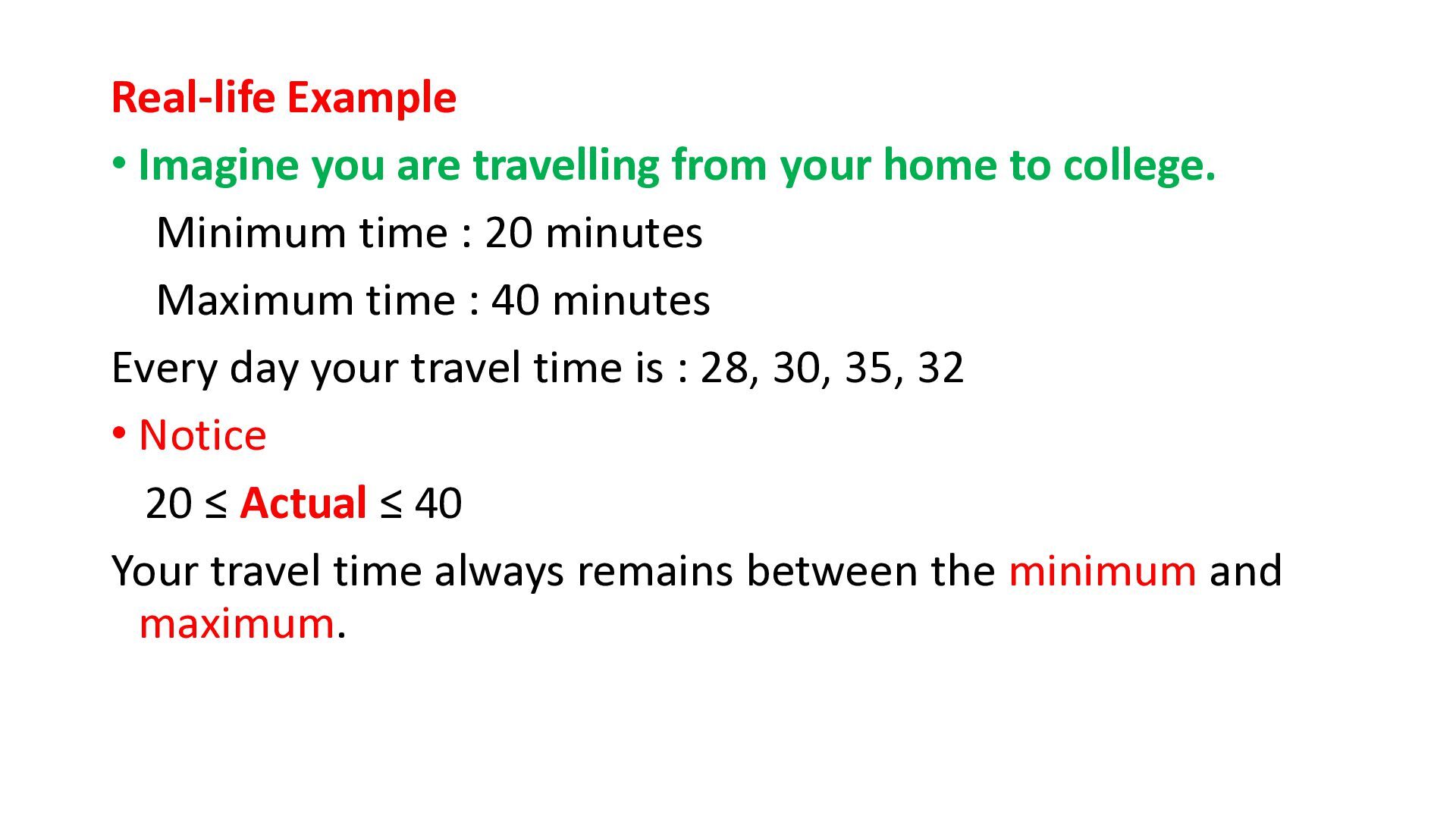
to college. Minimum time : 20 minutes Maximum time : 40 minutes Every day your travel time is : 28, 30, 35, 32 • Notice 20 ≤ Actual ≤ 40 Your travel time always remains between the minimum and maximum.
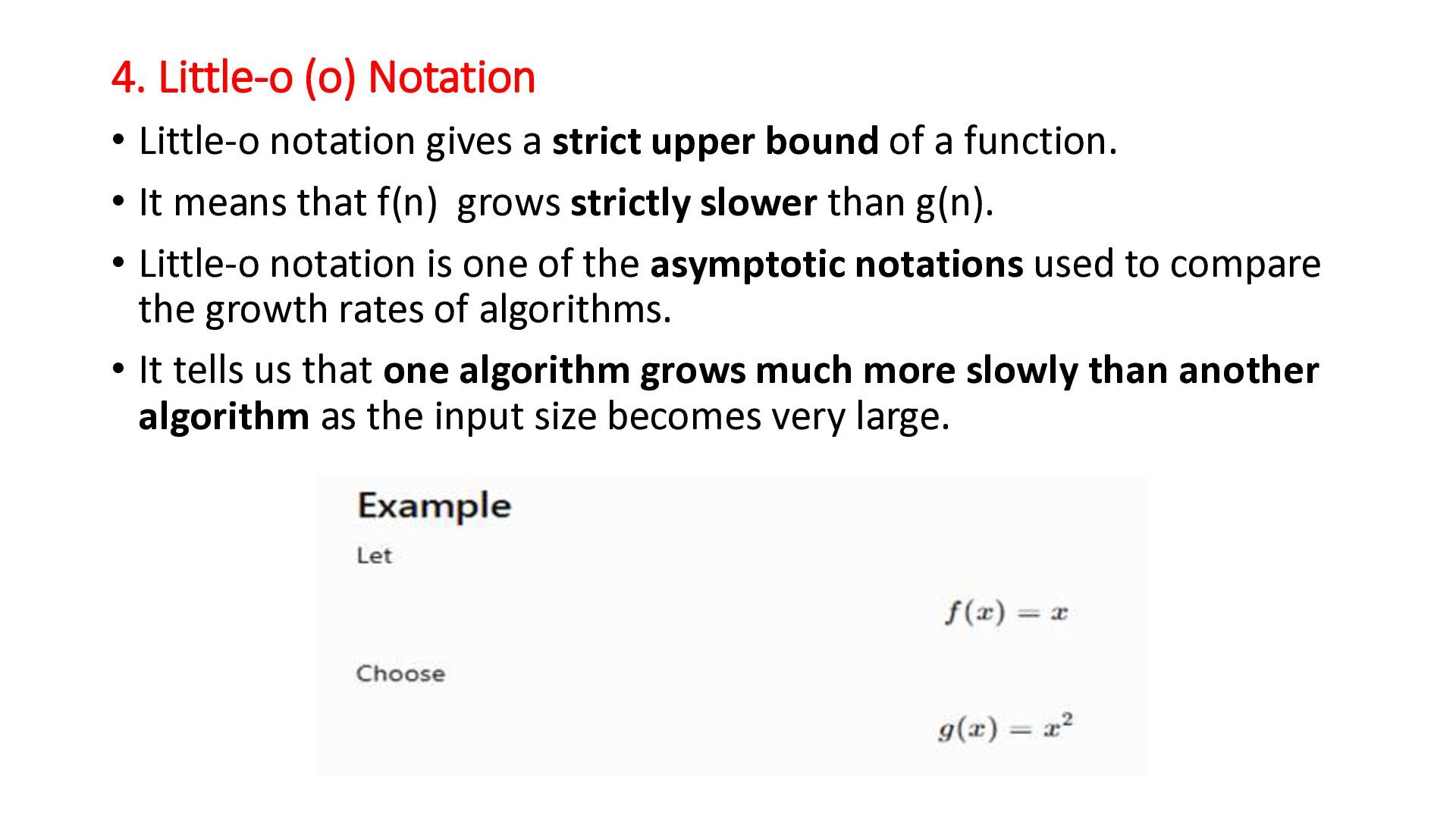
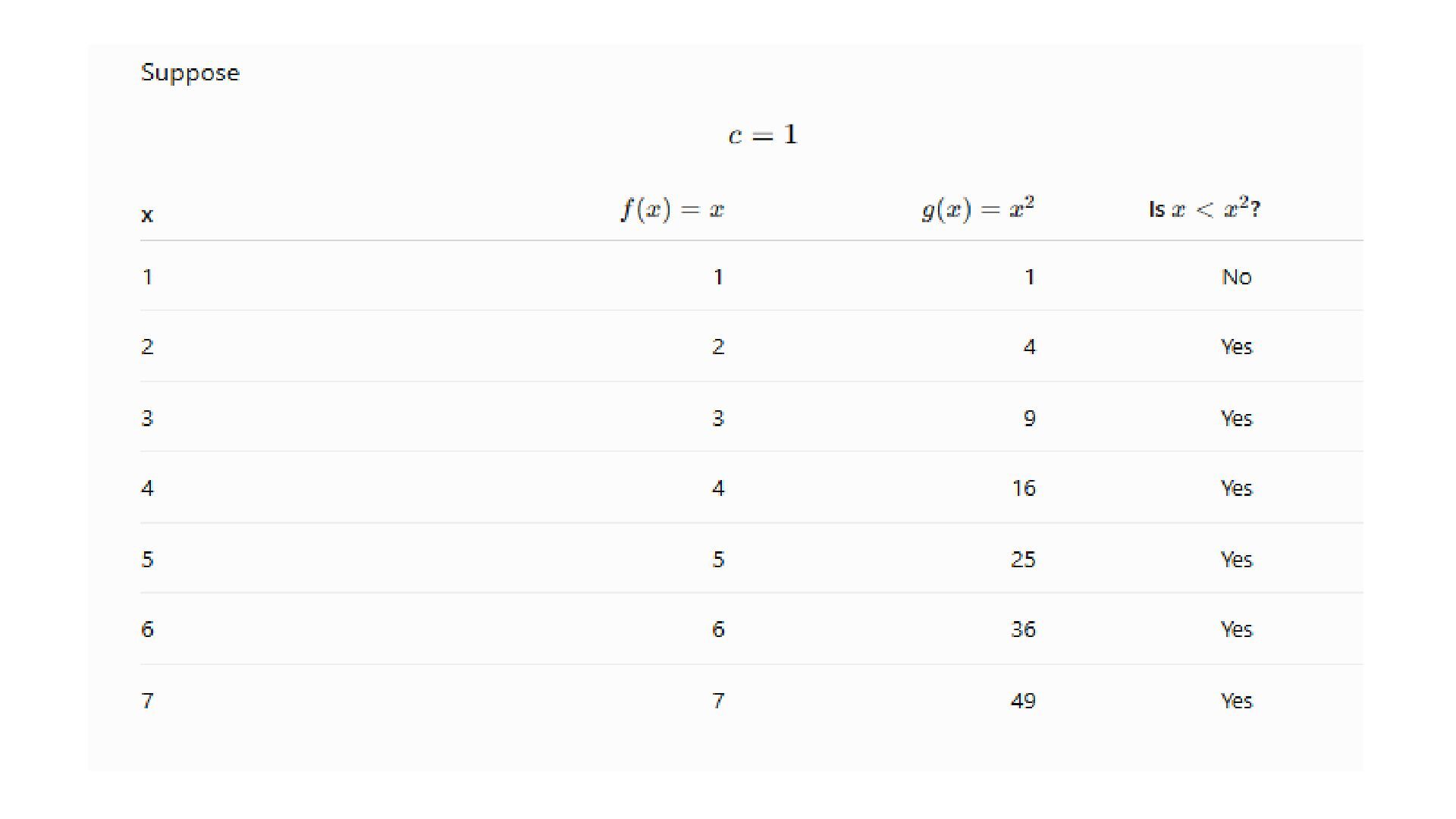
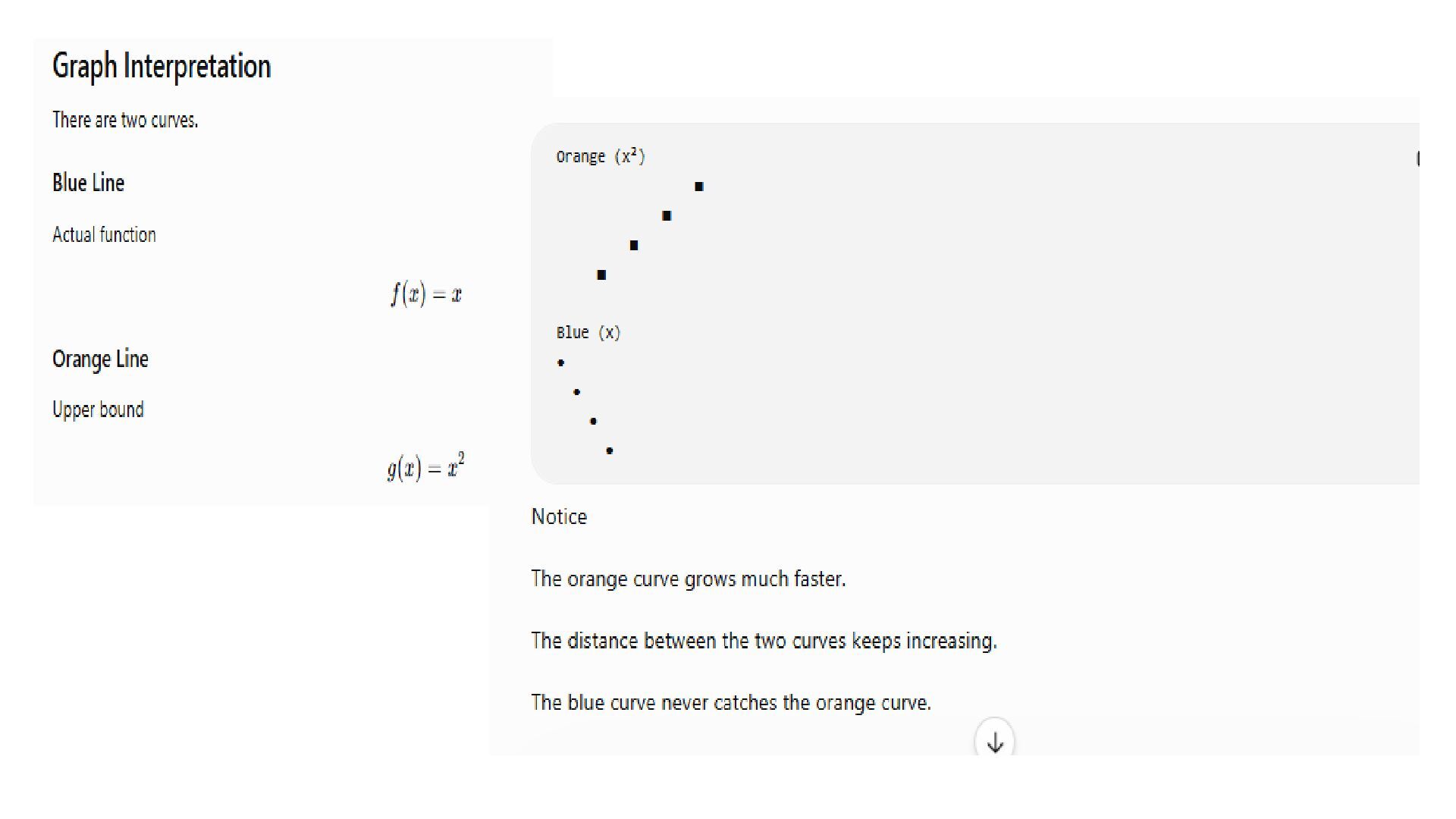
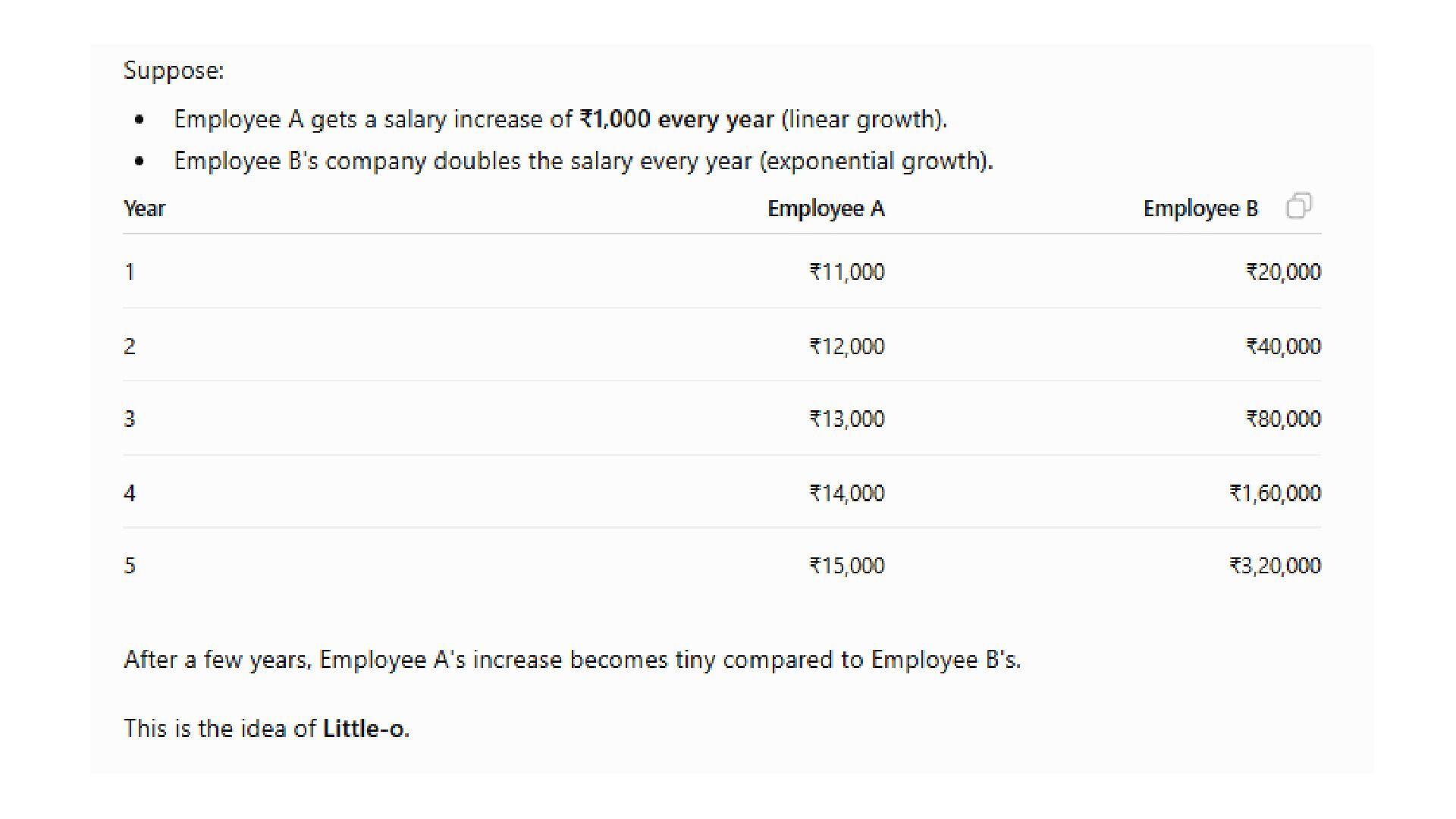
upper bound of a function. • It means that f(n) grows strictly slower than g(n). • Little-o notation is one of the asymptotic notations used to compare the growth rates of algorithms. • It tells us that one algorithm grows much more slowly than another algorithm as the input size becomes very large.
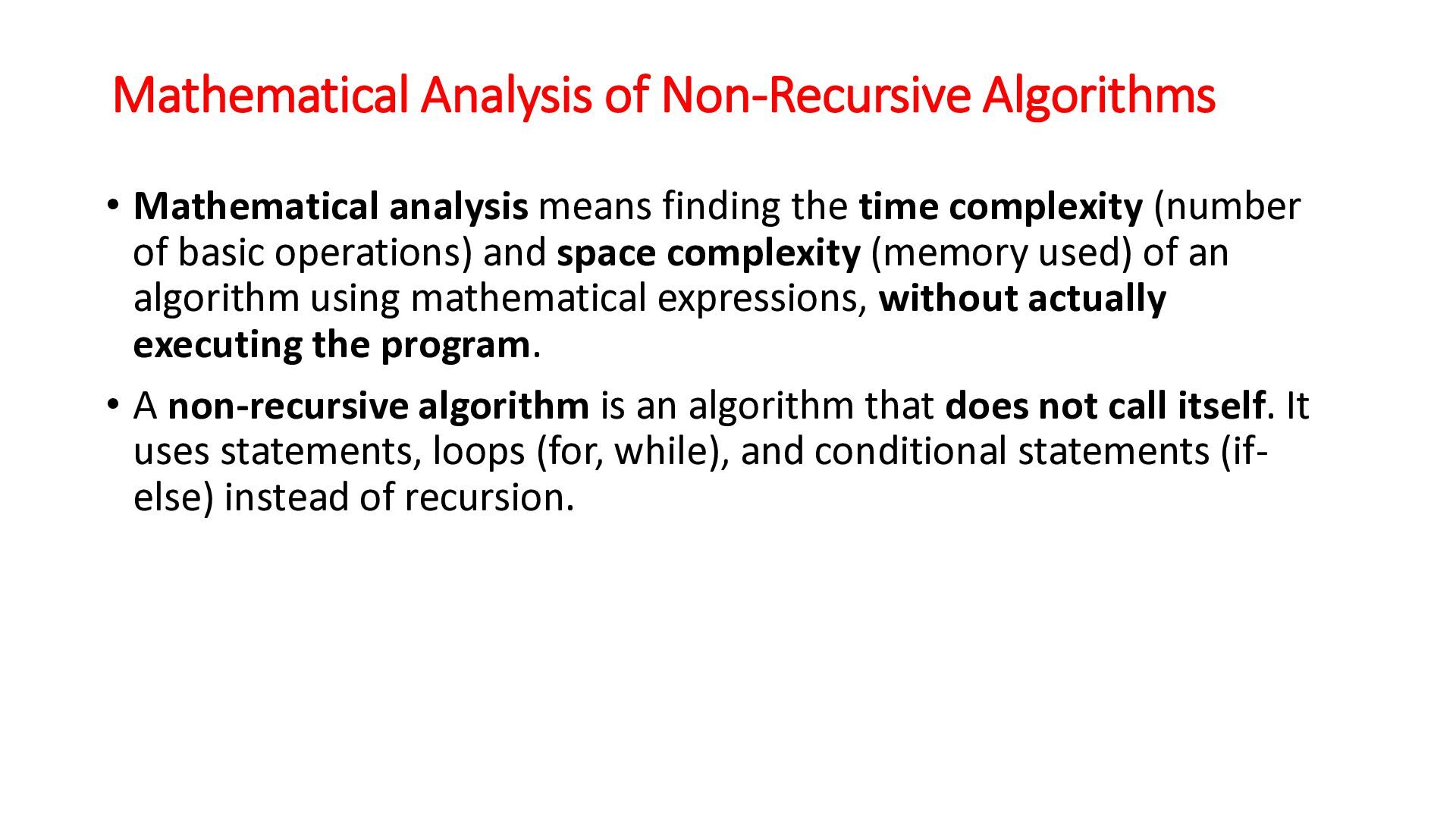
the time complexity (number of basic operations) and space complexity (memory used) of an algorithm using mathematical expressions, without actually executing the program. • A non-recursive algorithm is an algorithm that does not call itself. It uses statements, loops (for, while), and conditional statements (ifelse) instead of recursion.
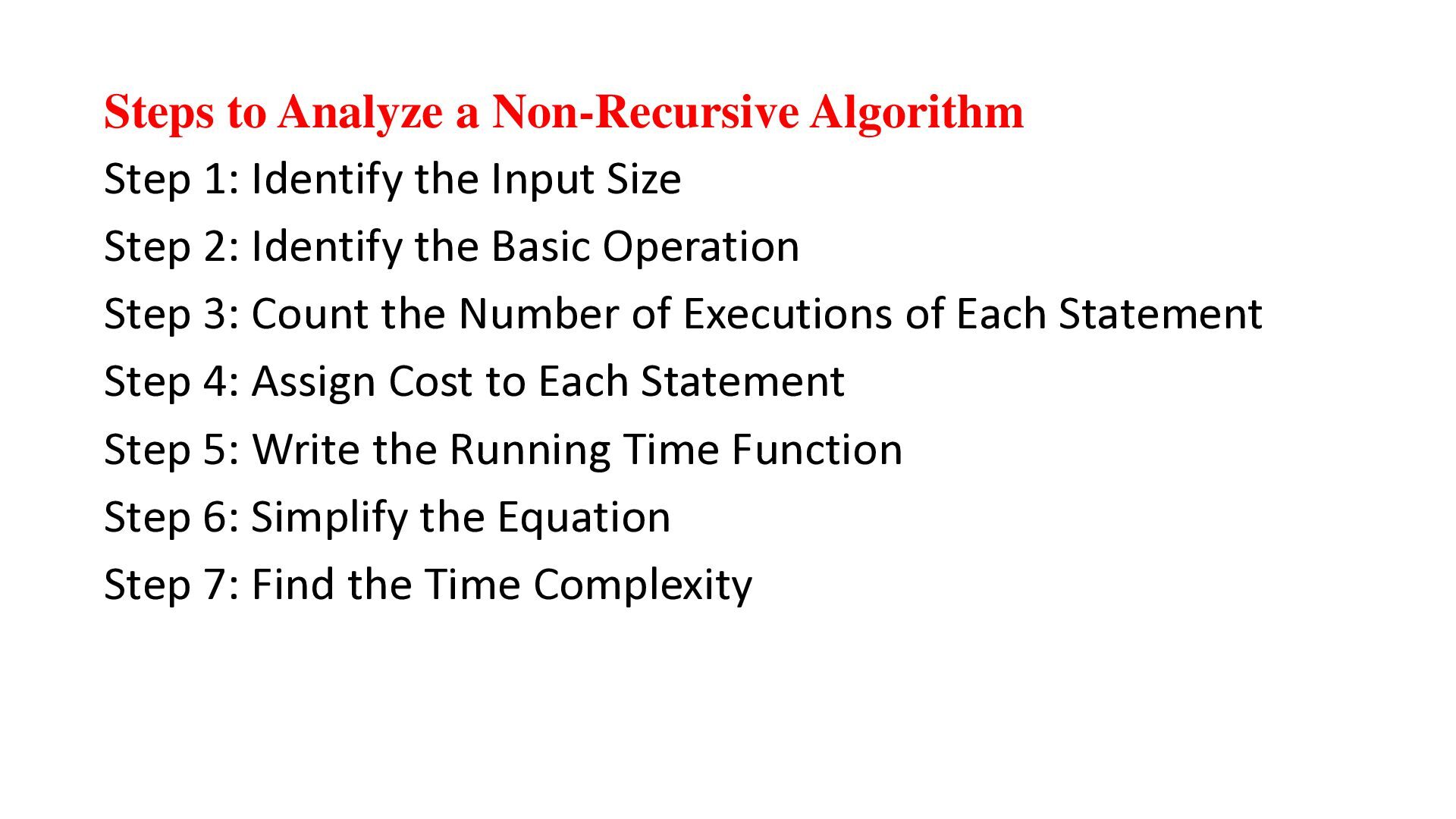
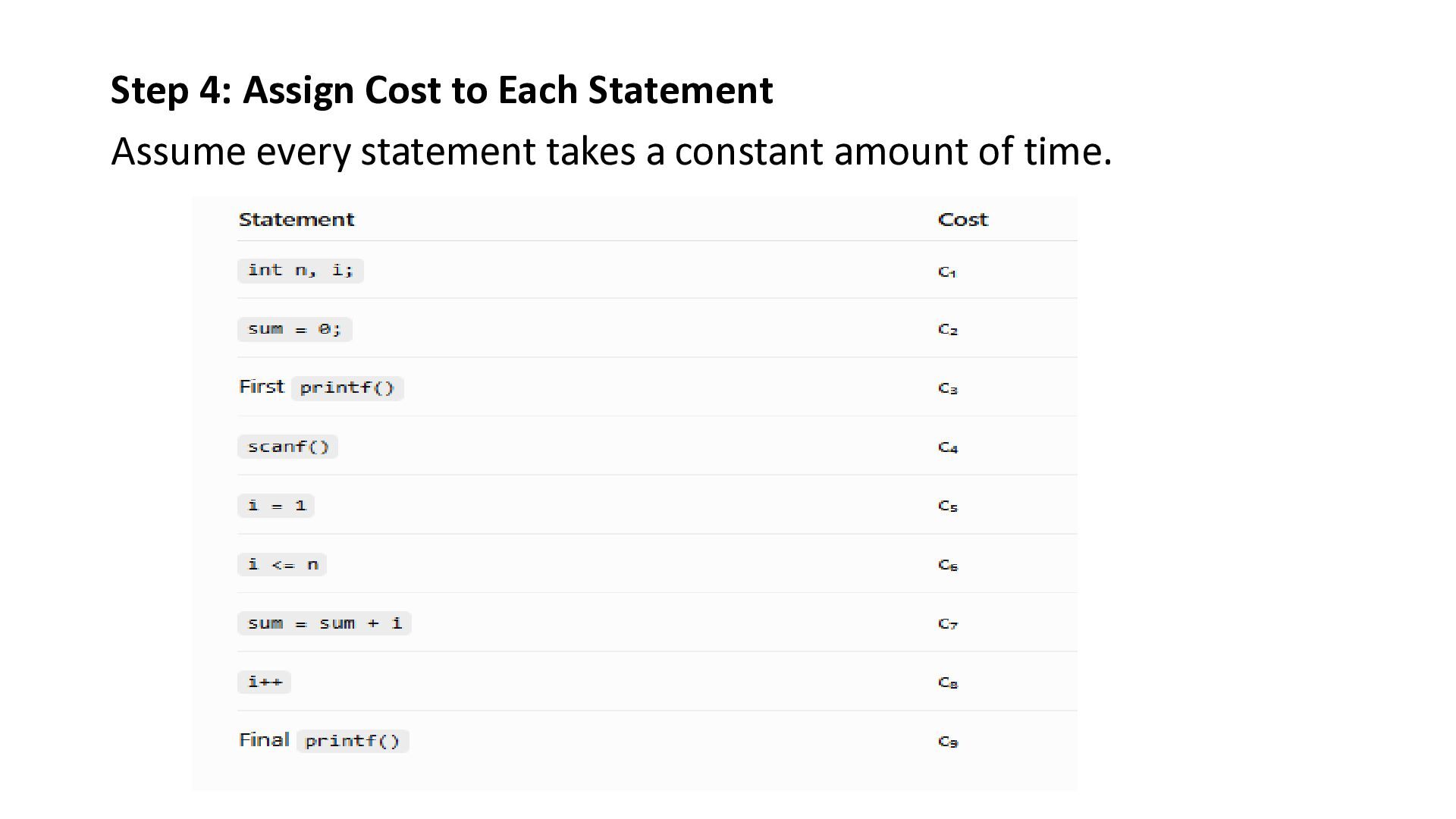
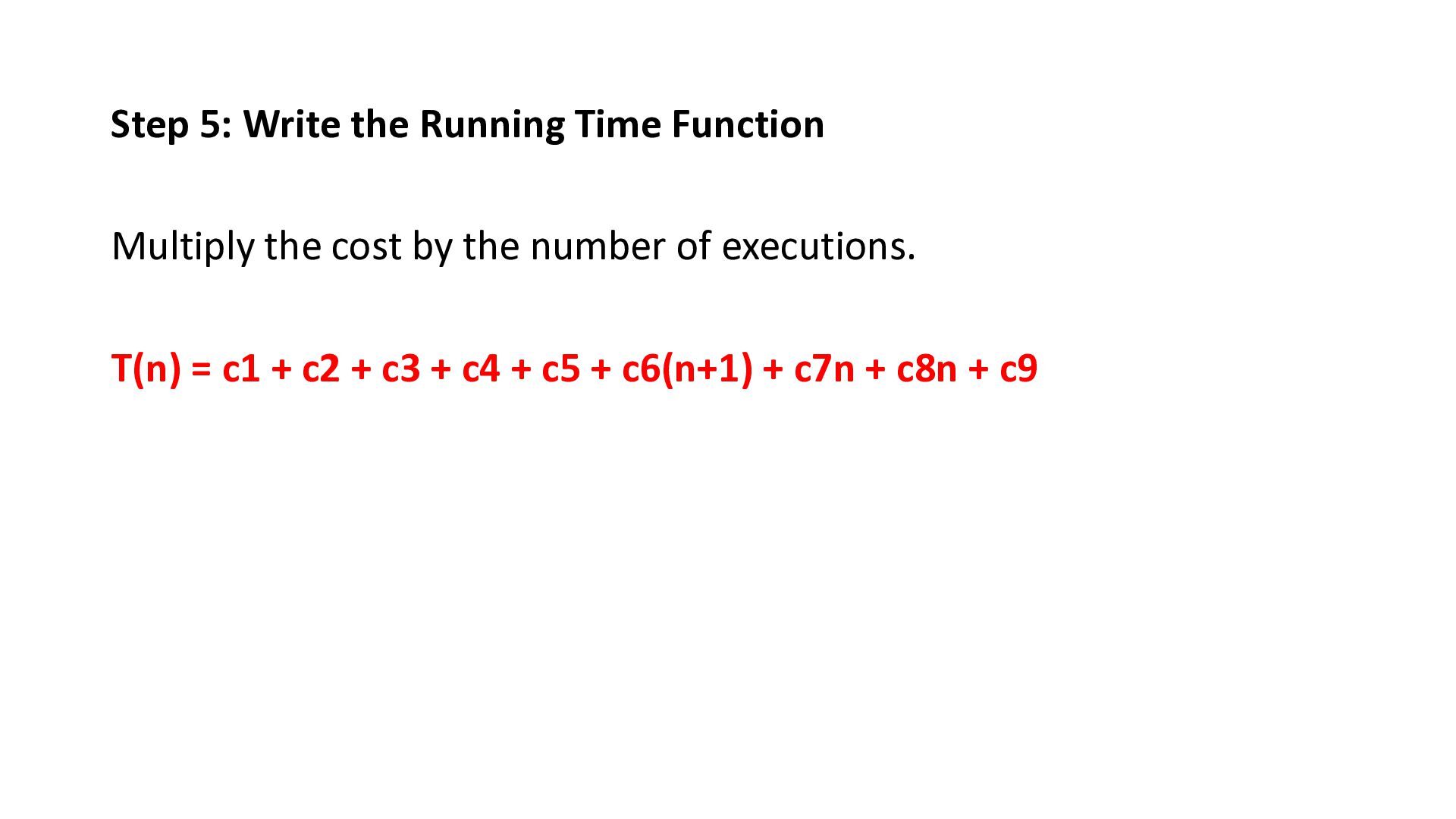
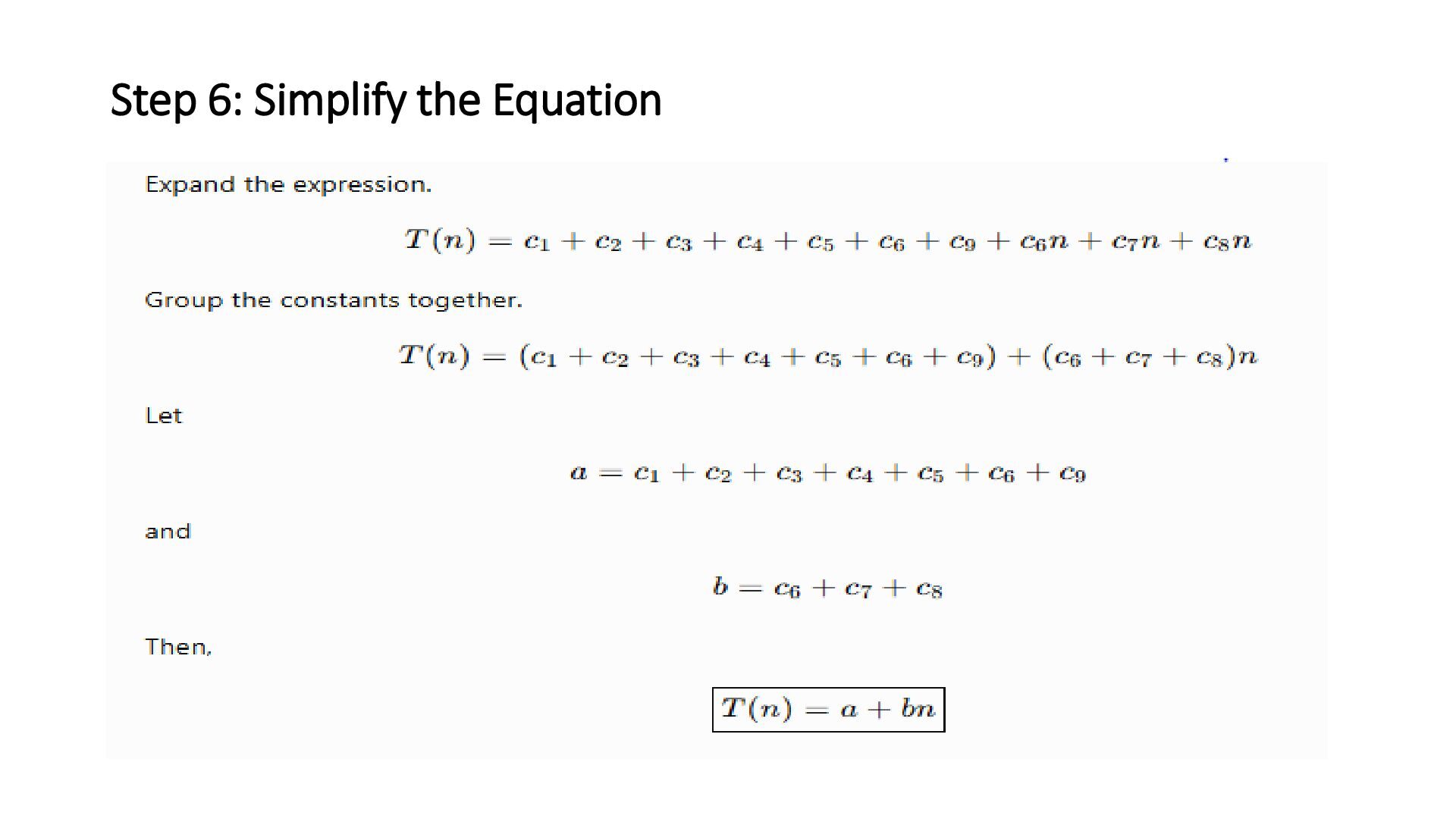
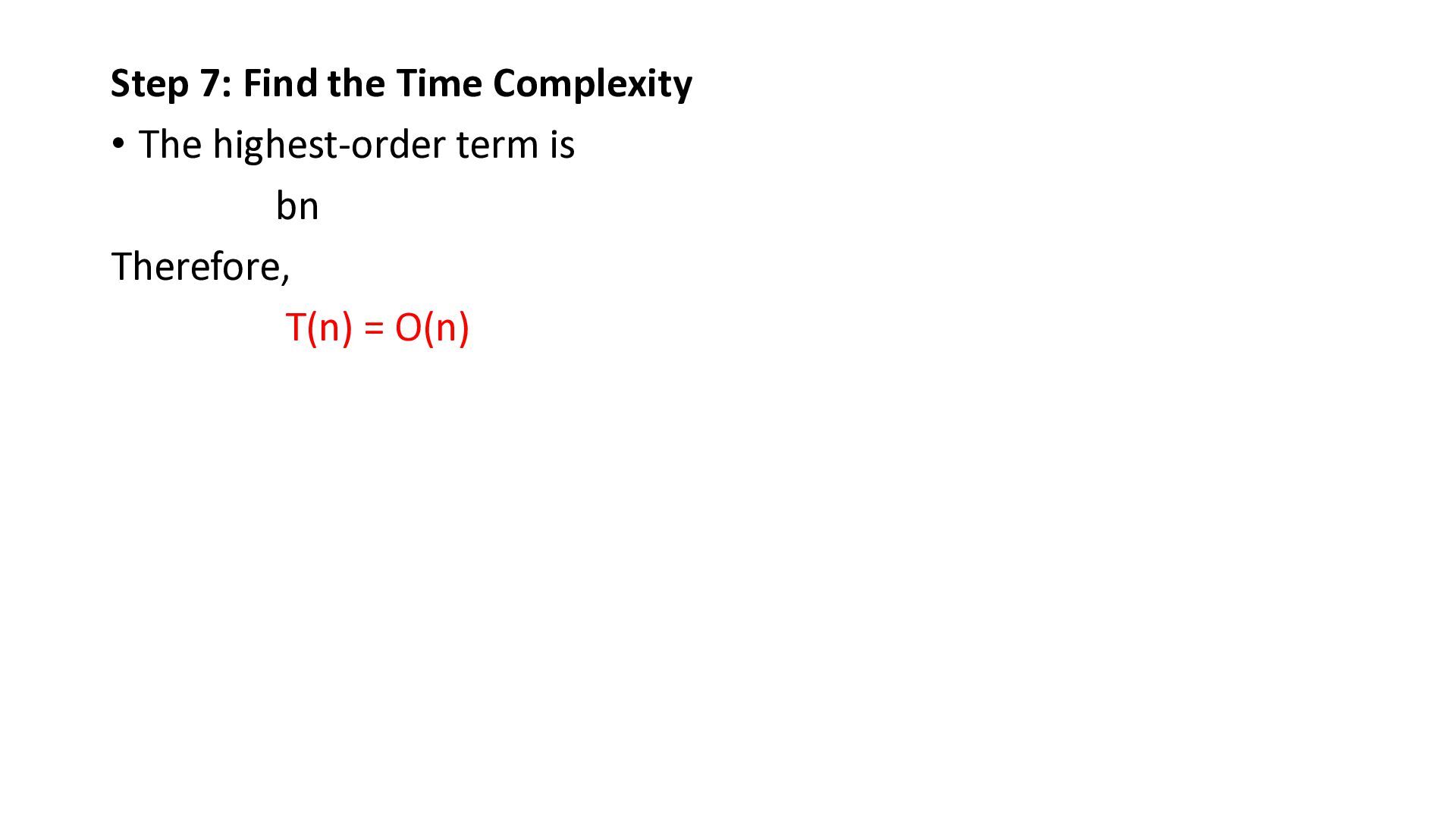
Input Size Step 2: Identify the Basic Operation Step 3: Count the Number of Executions of Each Statement Step 4: Assign Cost to Each Statement Step 5: Write the Running Time Function Step 6: Simplify the Equation Step 7: Find the Time Complexity
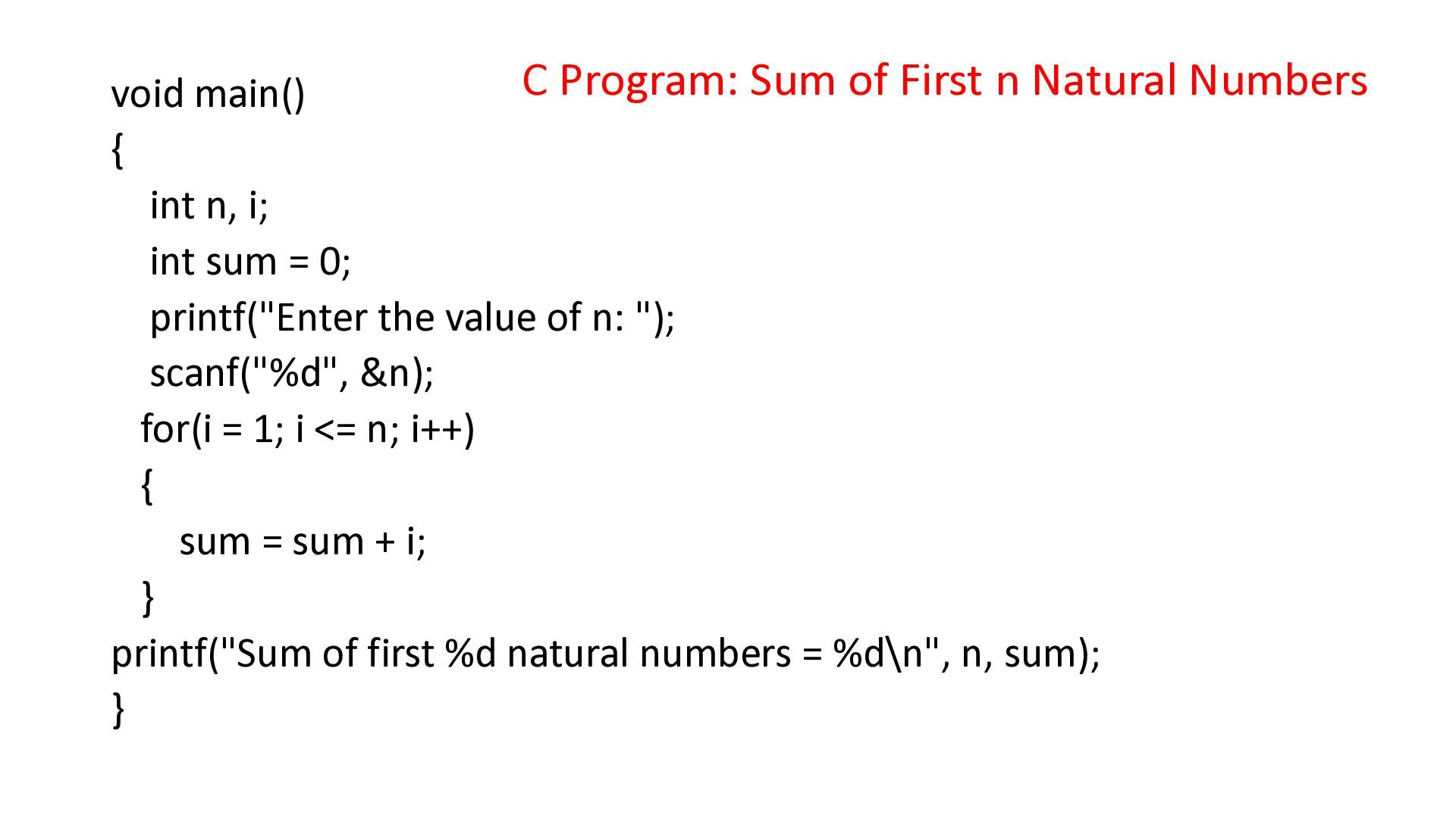
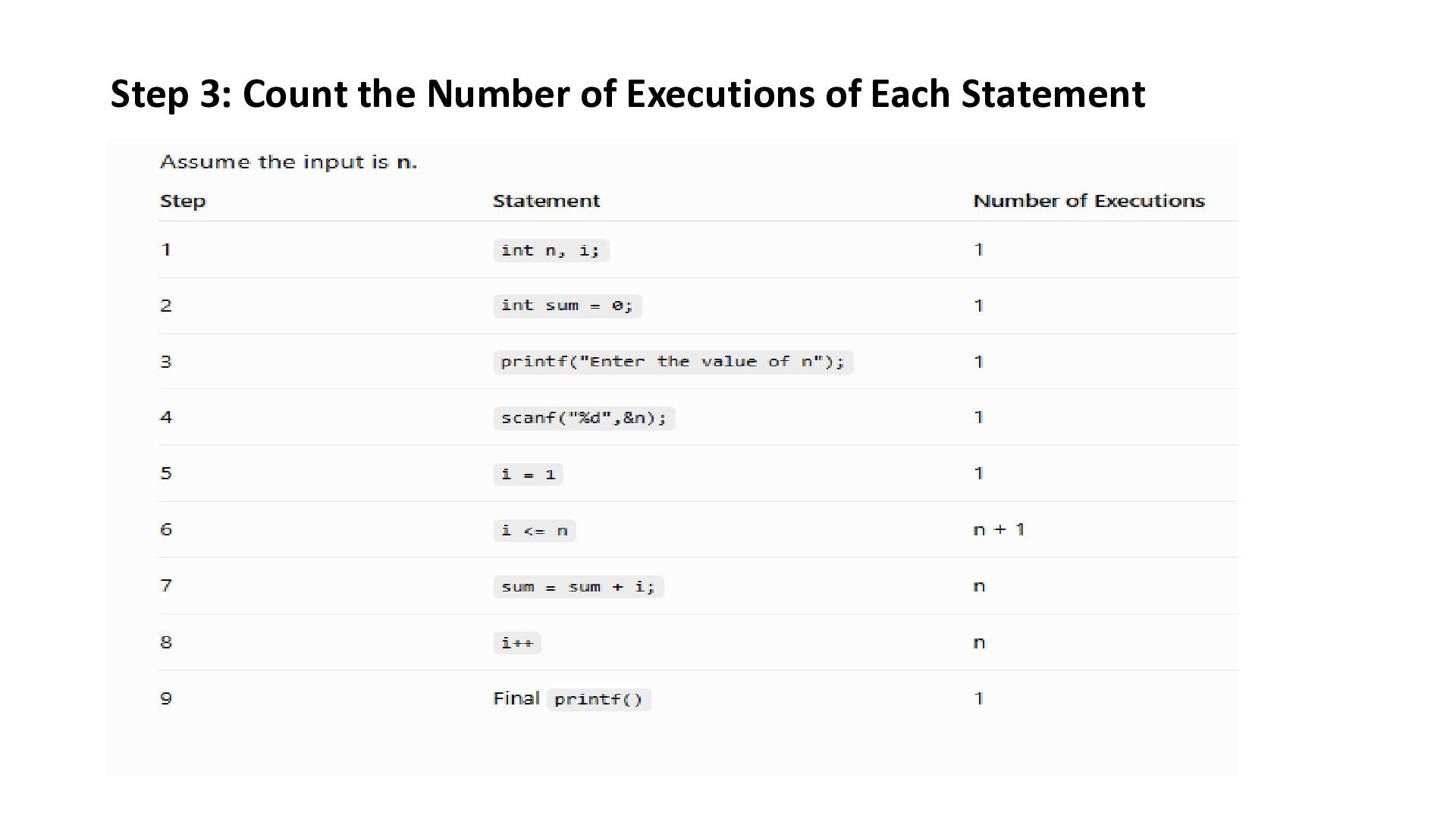
{ int n, i; int sum = 0; printf("Enter the value of n: "); scanf("%d", &n); for(i = 1; i <= n; i++) { sum = sum + i; } printf("Sum of first %d natural numbers = %d\n", n, sum); }
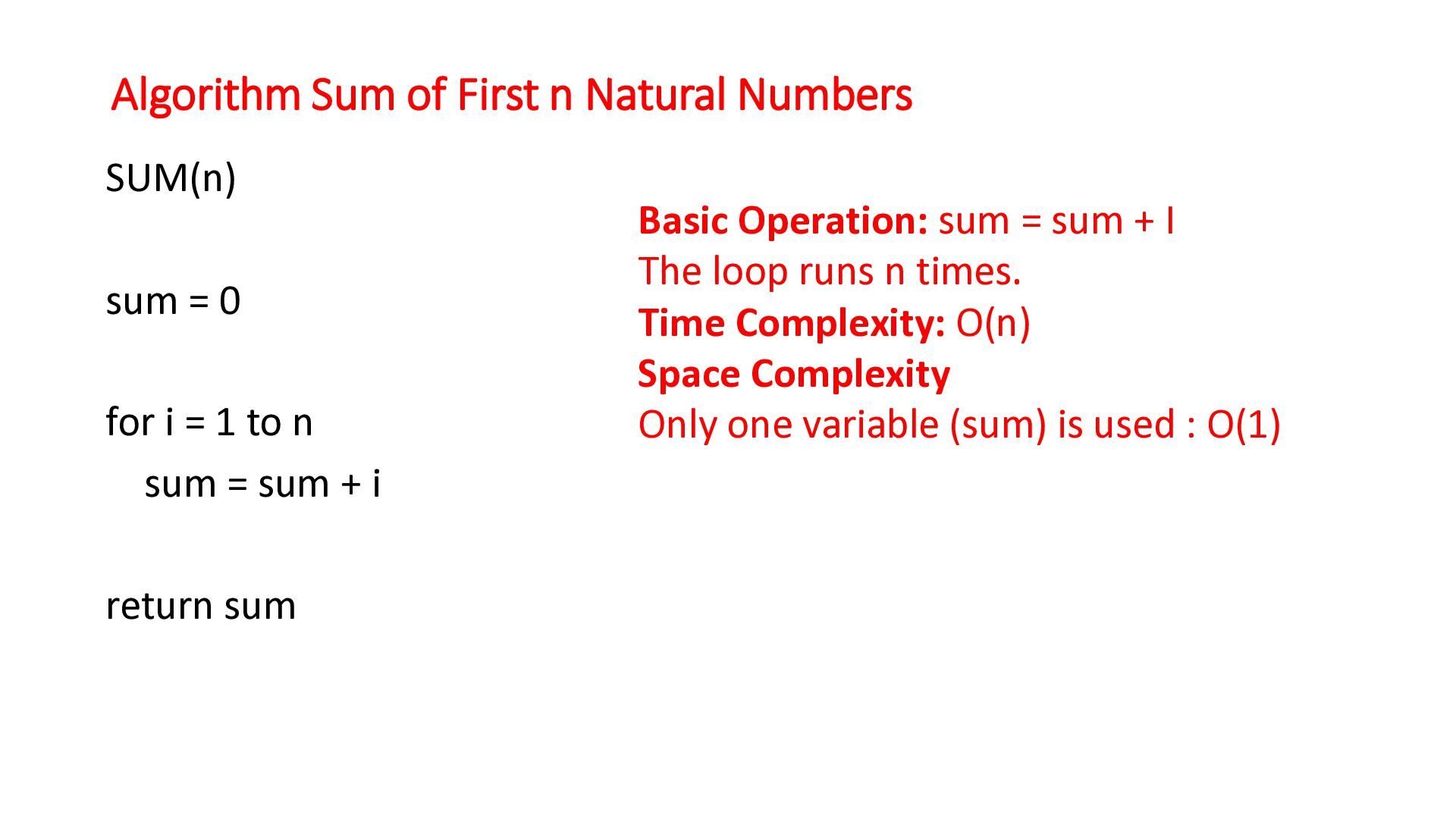
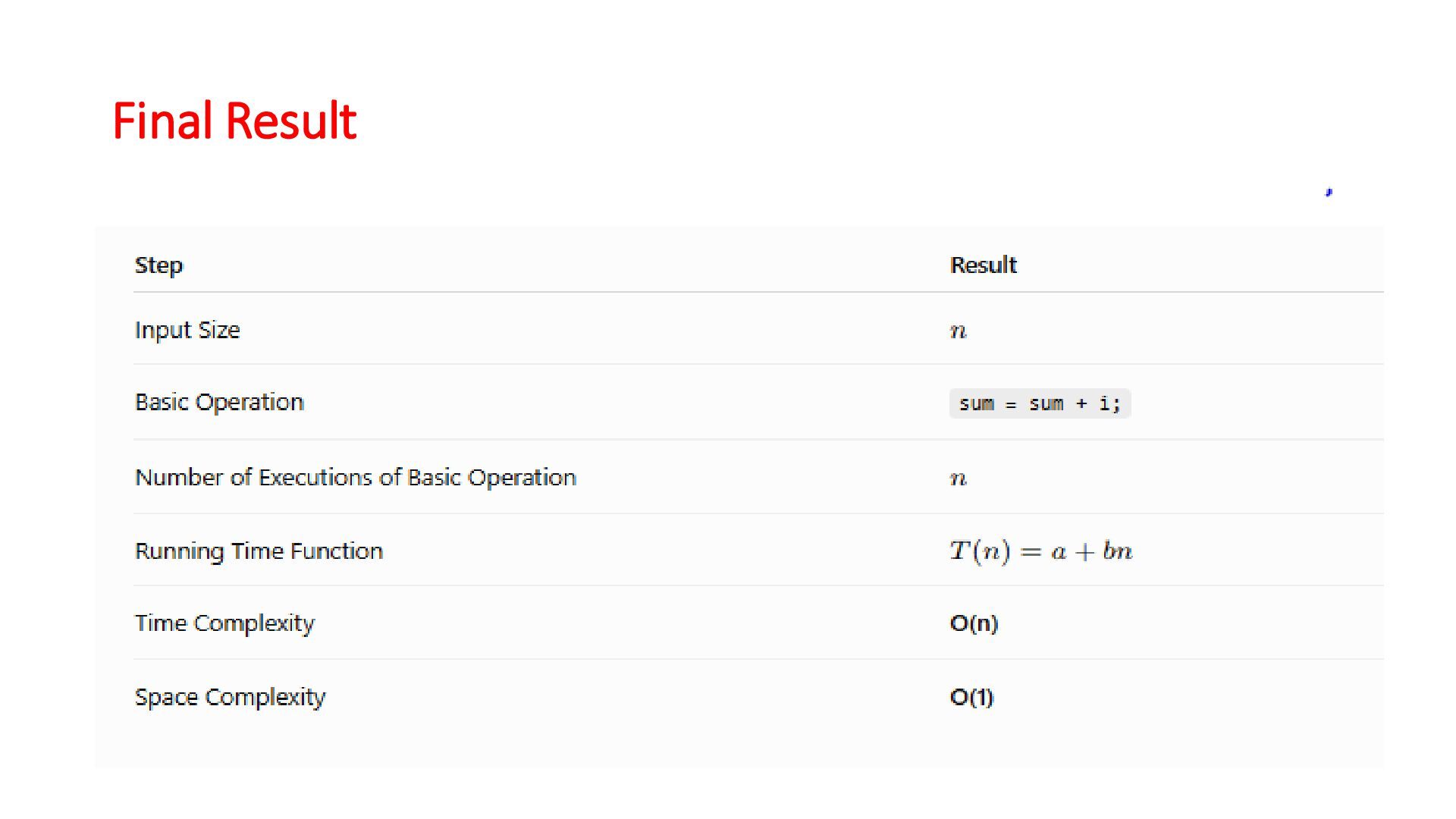
0 for i = 1 to n sum = sum + i return sum Basic Operation: sum = sum + I The loop runs n times. Time Complexity: O(n) Space Complexity Only one variable (sum) is used : O(1)
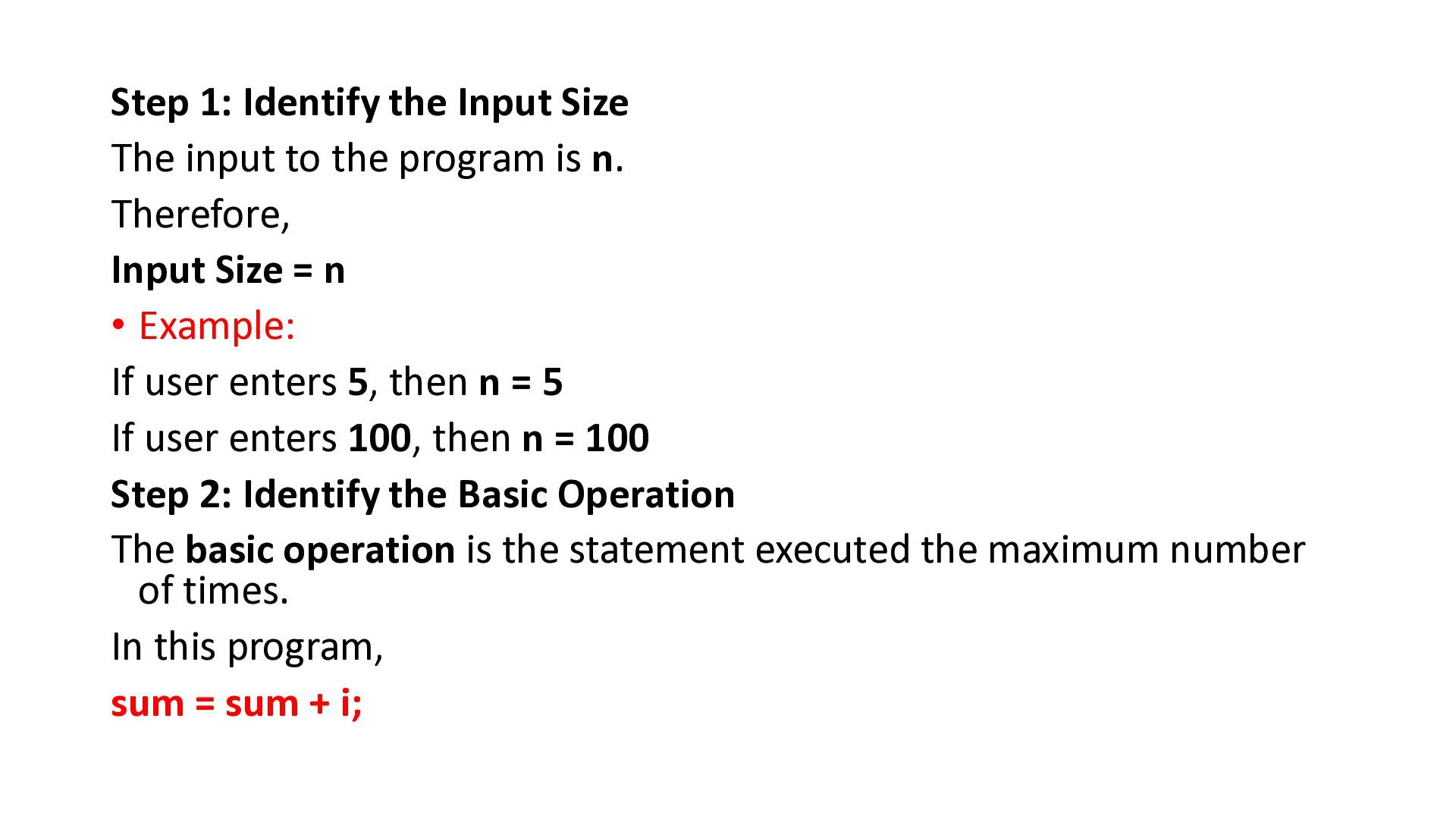
program is n. Therefore, Input Size = n • Example: If user enters 5, then n = 5 If user enters 100, then n = 100 Step 2: Identify the Basic Operation The basic operation is the statement executed the maximum number of times. In this program, sum = sum + i;
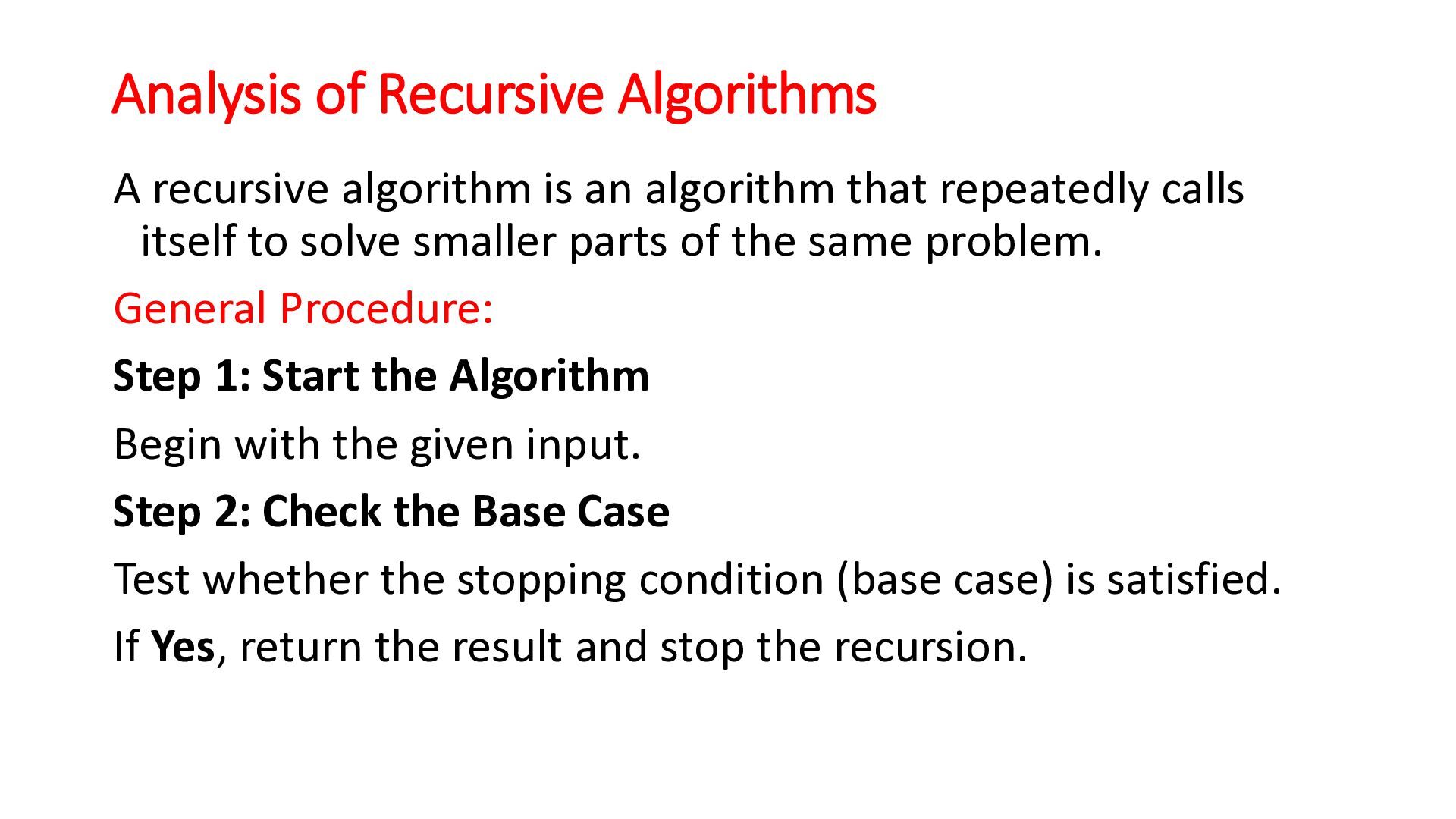
that repeatedly calls itself to solve smaller parts of the same problem. General Procedure: Step 1: Start the Algorithm Begin with the given input. Step 2: Check the Base Case Test whether the stopping condition (base case) is satisfied. If Yes, return the result and stop the recursion.
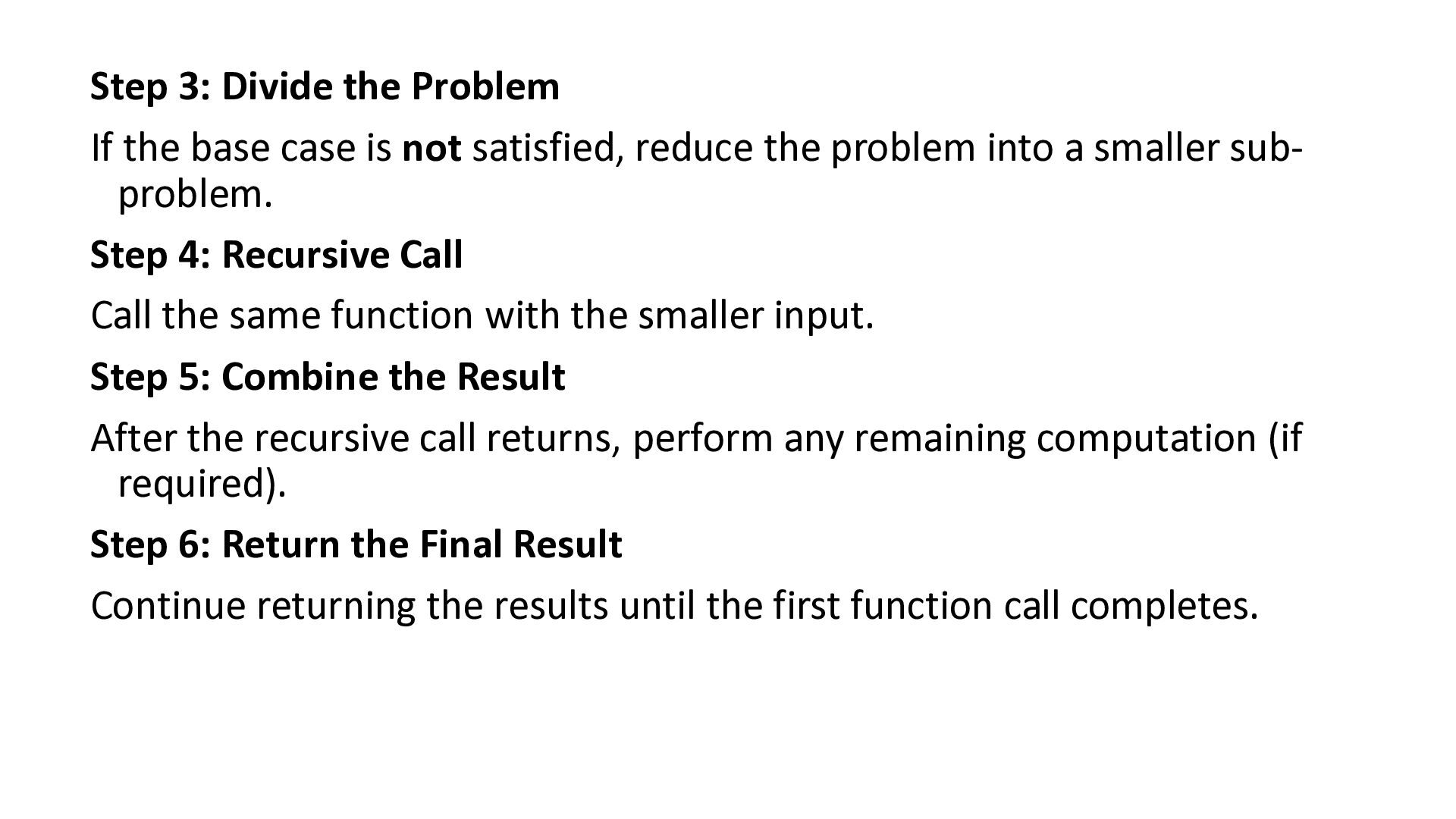
not satisfied, reduce the problem into a smaller subproblem. Step 4: Recursive Call Call the same function with the smaller input. Step 5: Combine the Result After the recursive call returns, perform any remaining computation (if required). Step 6: Return the Final Result Continue returning the results until the first function call completes.
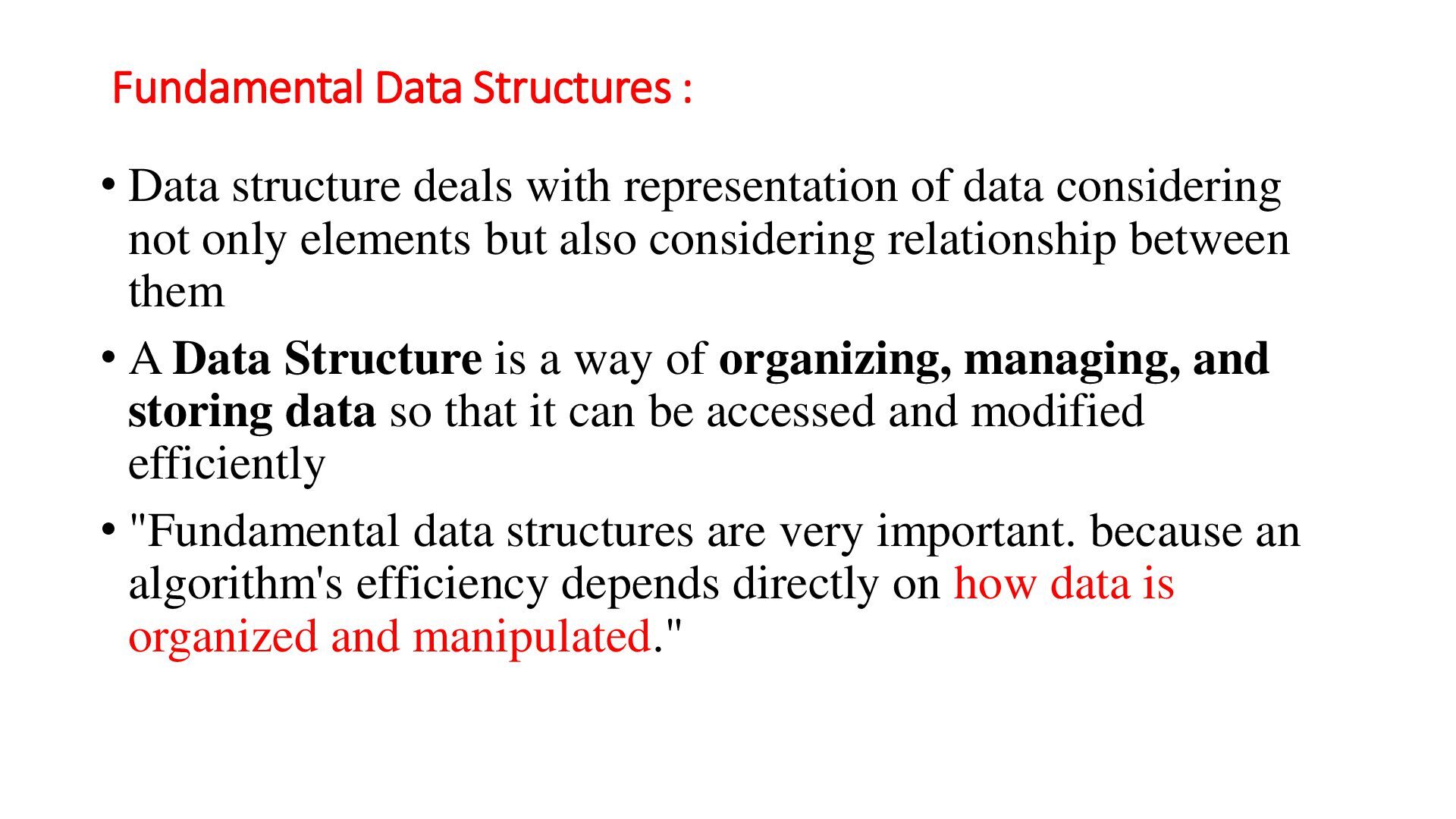
of data considering not only elements but also considering relationship between them • A Data Structure is a way of organizing, managing, and storing data so that it can be accessed and modified efficiently • "Fundamental data structures are very important. because an algorithm's efficiency depends directly on how data is organized and manipulated."
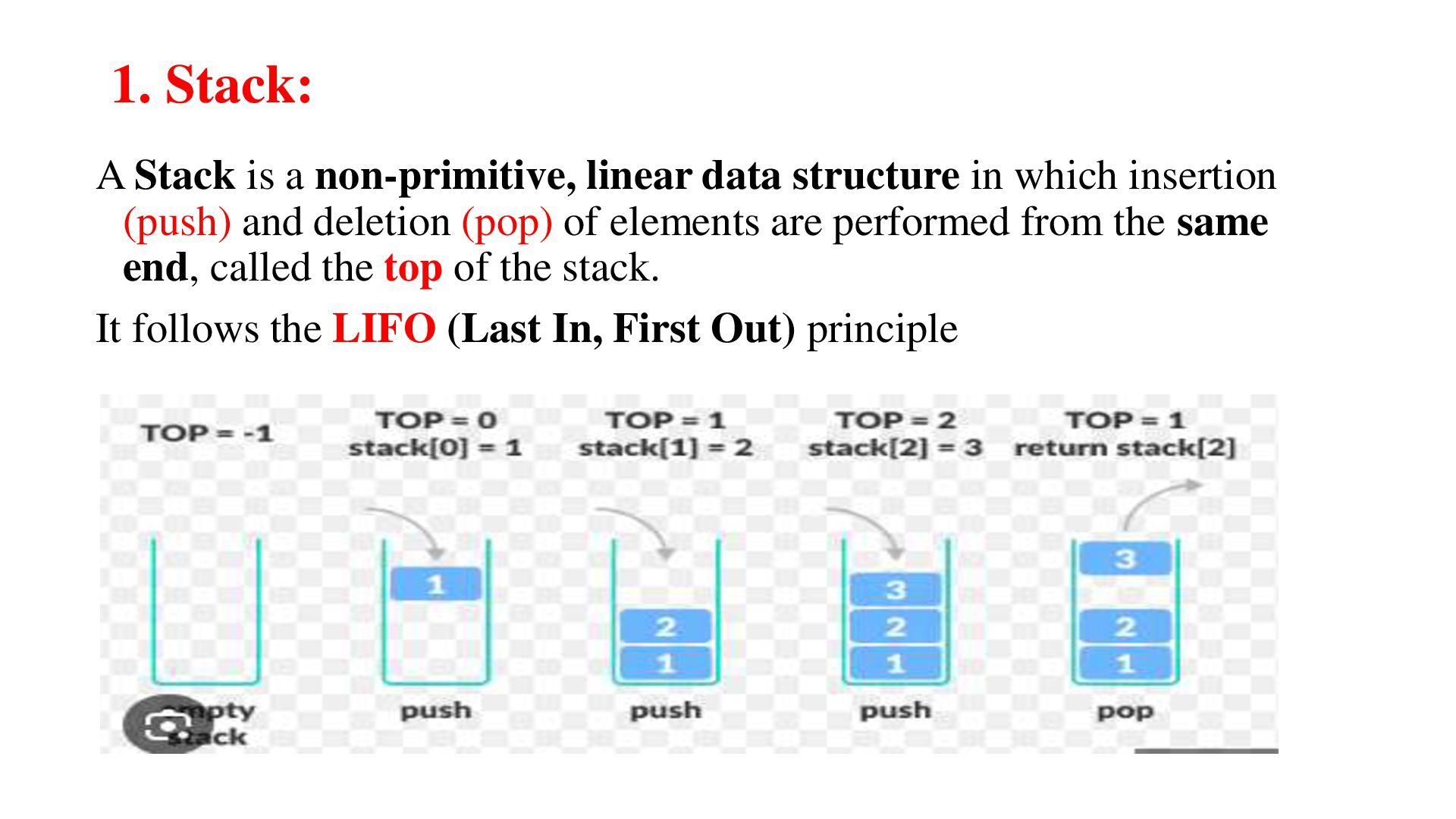
in which insertion (push) and deletion (pop) of elements are performed from the same end, called the top of the stack. It follows the LIFO (Last In, First Out) principle
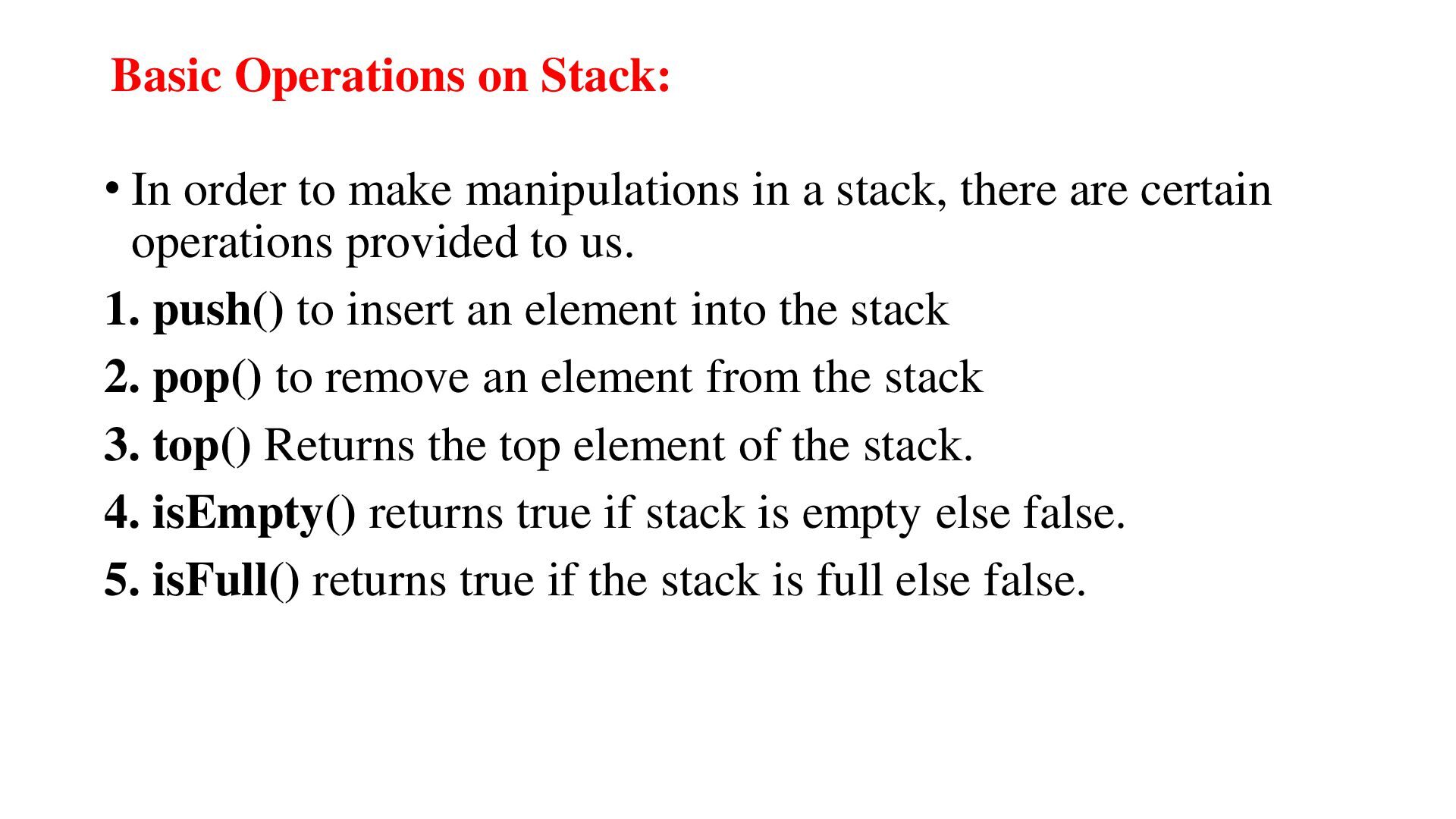
in a stack, there are certain operations provided to us. 1. push() to insert an element into the stack 2. pop() to remove an element from the stack 3. top() Returns the top element of the stack. 4. isEmpty() returns true if stack is empty else false. 5. isFull() returns true if the stack is full else false.
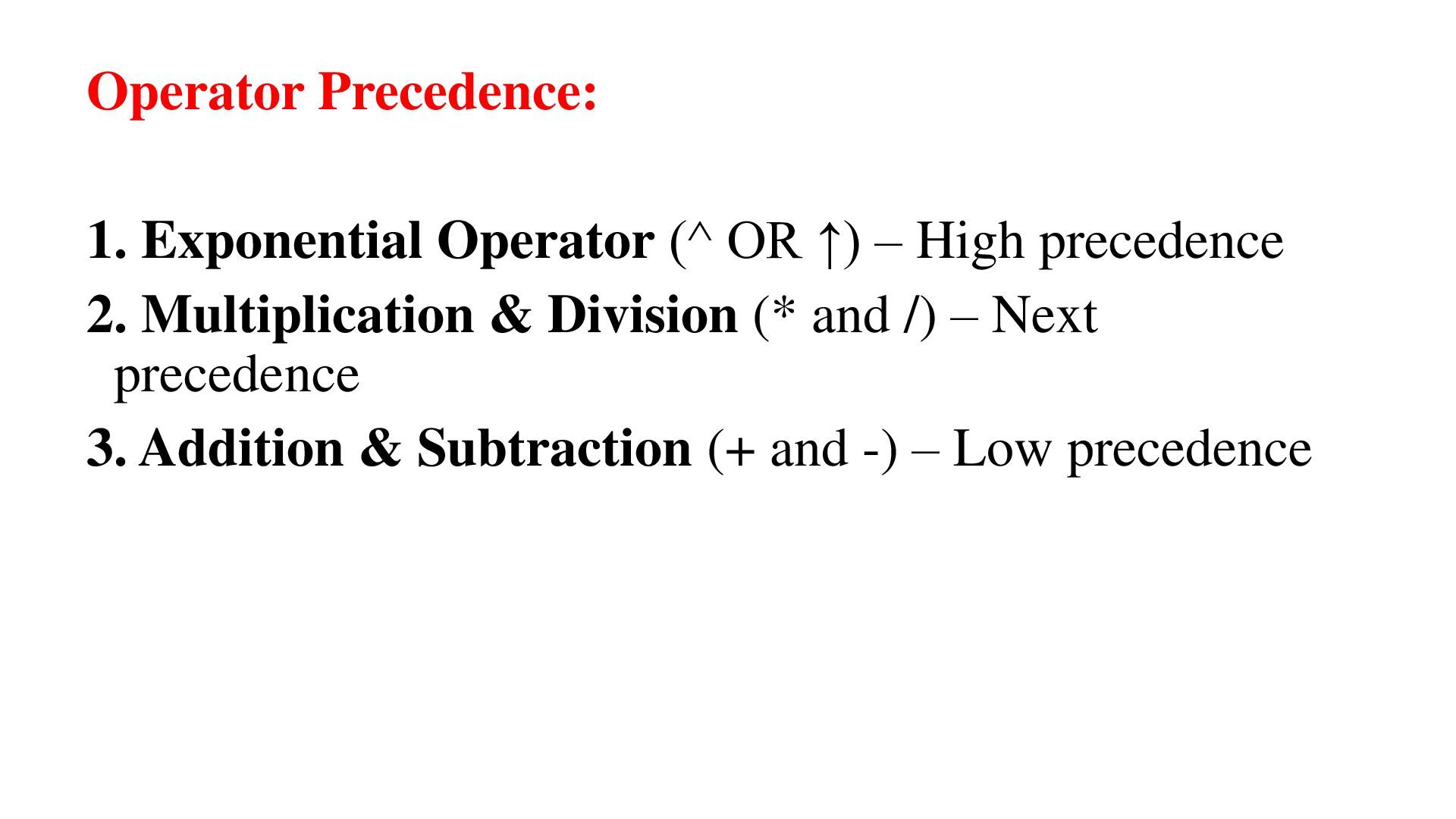
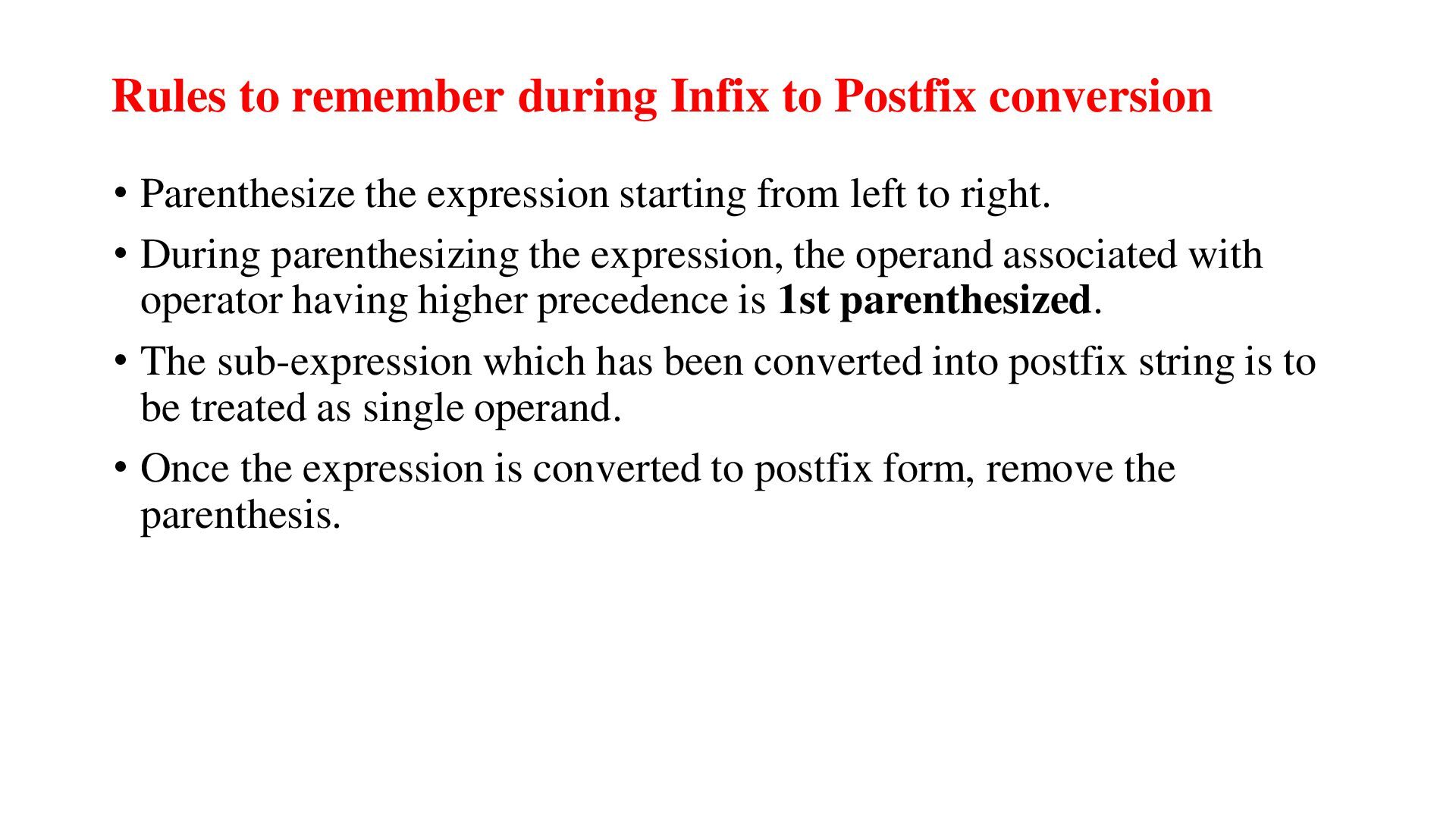
the expression starting from left to right. • During parenthesizing the expression, the operand associated with operator having higher precedence is 1st parenthesized. • The sub-expression which has been converted into postfix string is to be treated as single operand. • Once the expression is converted to postfix form, remove the parenthesis.
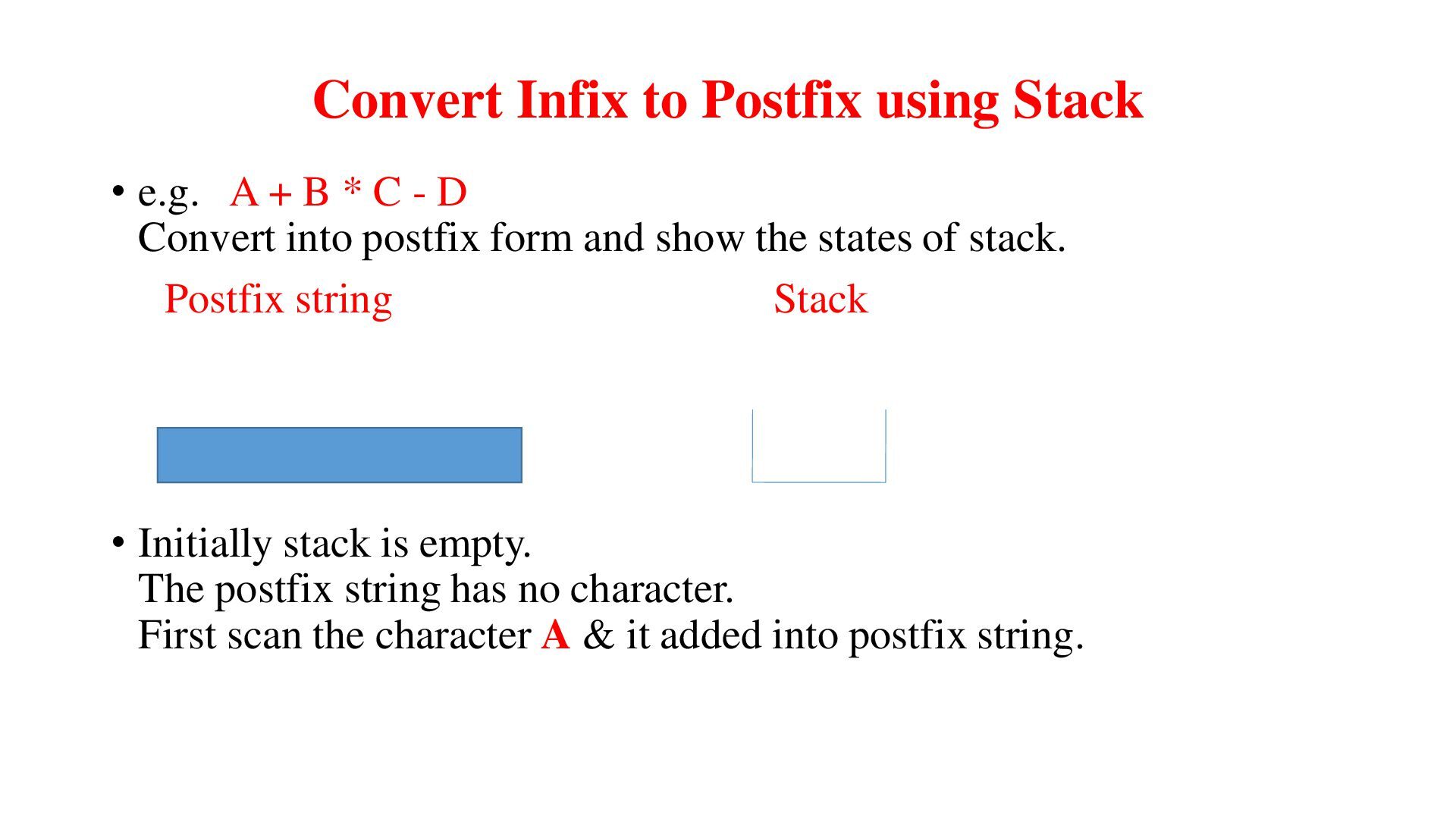
B * C - D Convert into postfix form and show the states of stack. Postfix string Stack • Initially stack is empty. The postfix string has no character. First scan the character A & it added into postfix string.
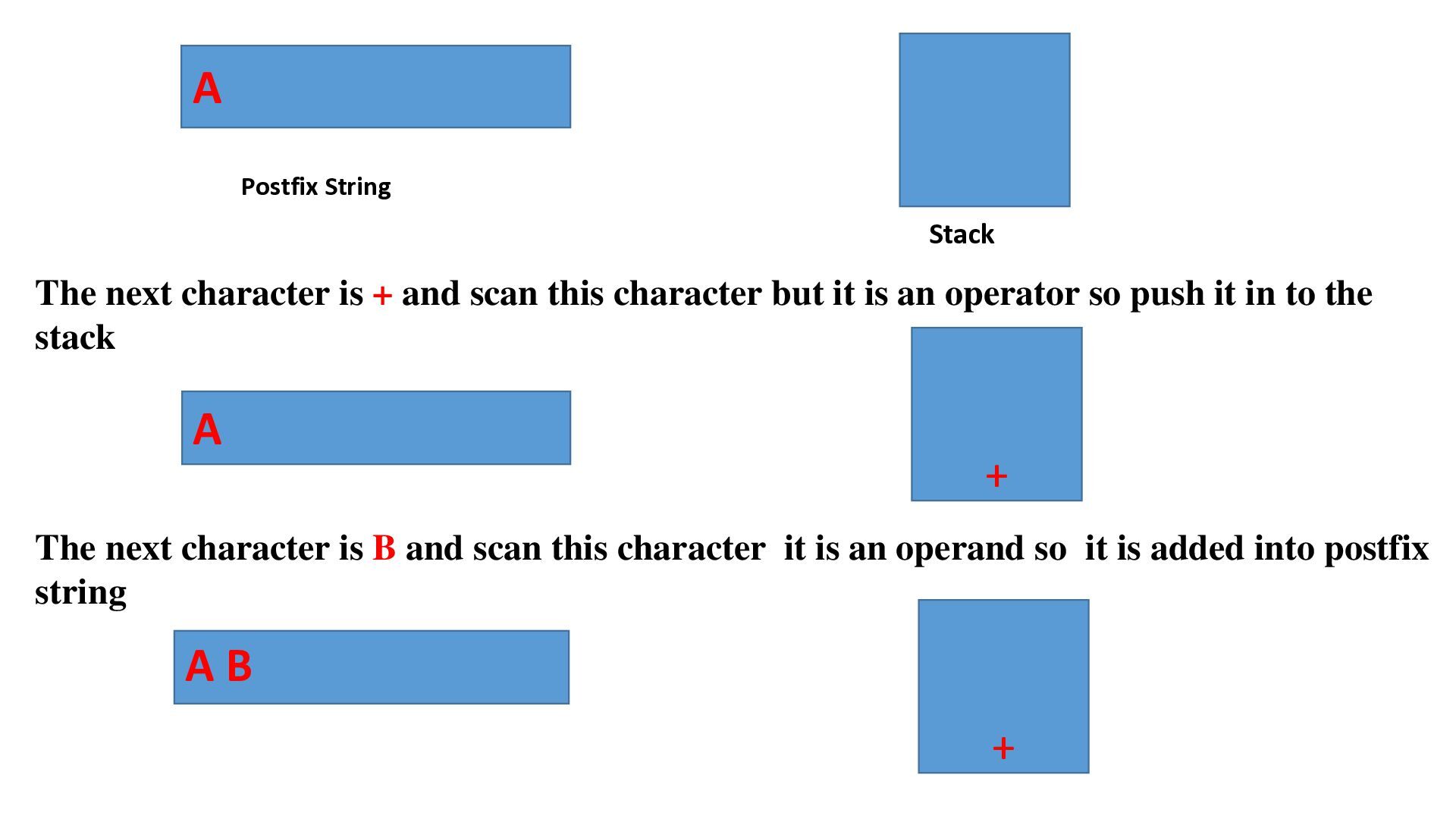
scan this character but it is an operator so push it in to the stack A + The next character is B and scan this character it is an operand so it is added into postfix string AB +
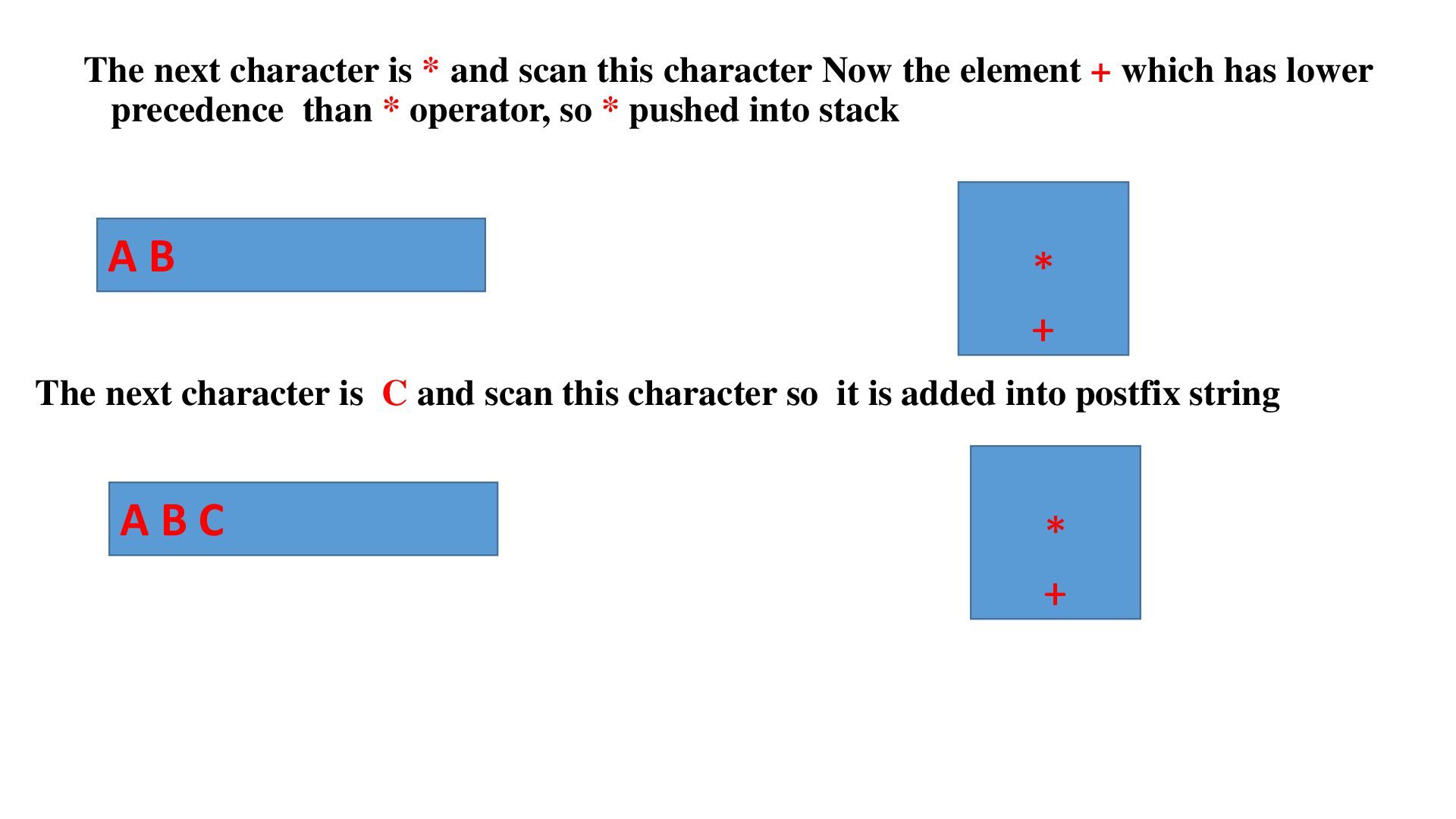
the element + which has lower precedence than * operator, so * pushed into stack AB * + The next character is C and scan this character so it is added into postfix string ABC * +
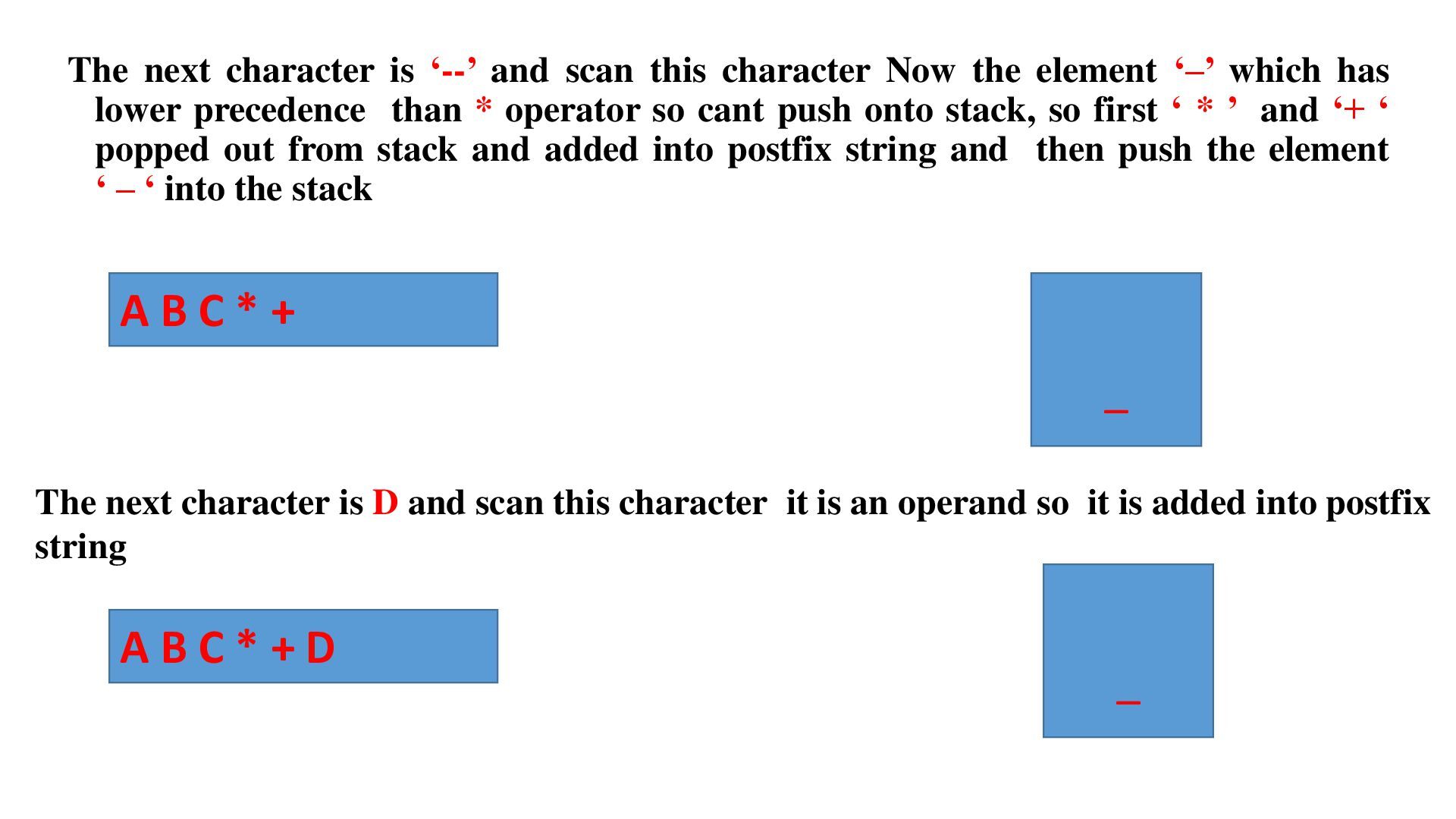
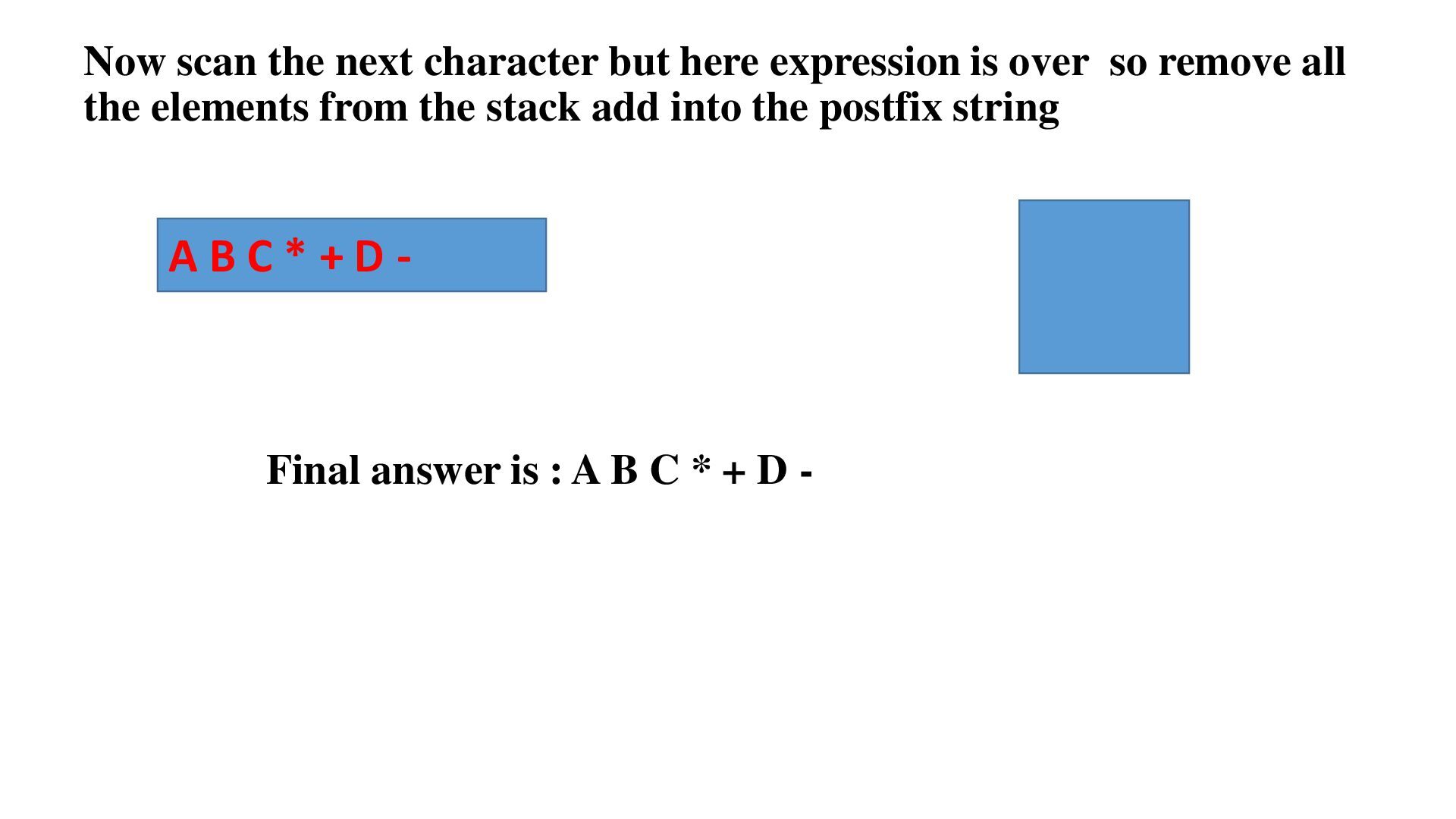
the element ‘–’ which has lower precedence than * operator so cant push onto stack, so first ‘ * ’ and ‘+ ‘ popped out from stack and added into postfix string and then push the element ‘ – ‘ into the stack ABC*+ _ The next character is D and scan this character it is an operand so it is added into postfix string ABC*+D _
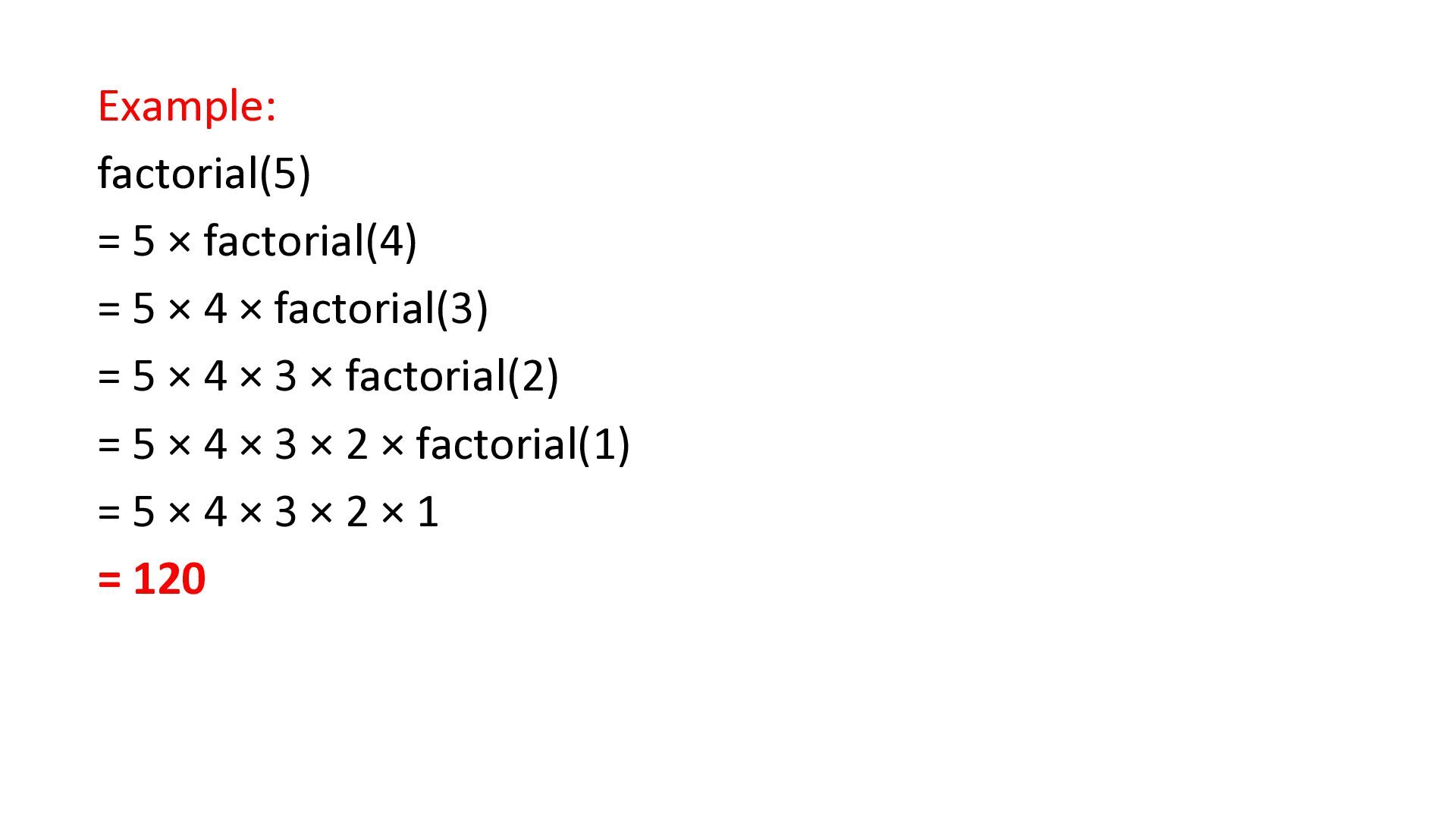
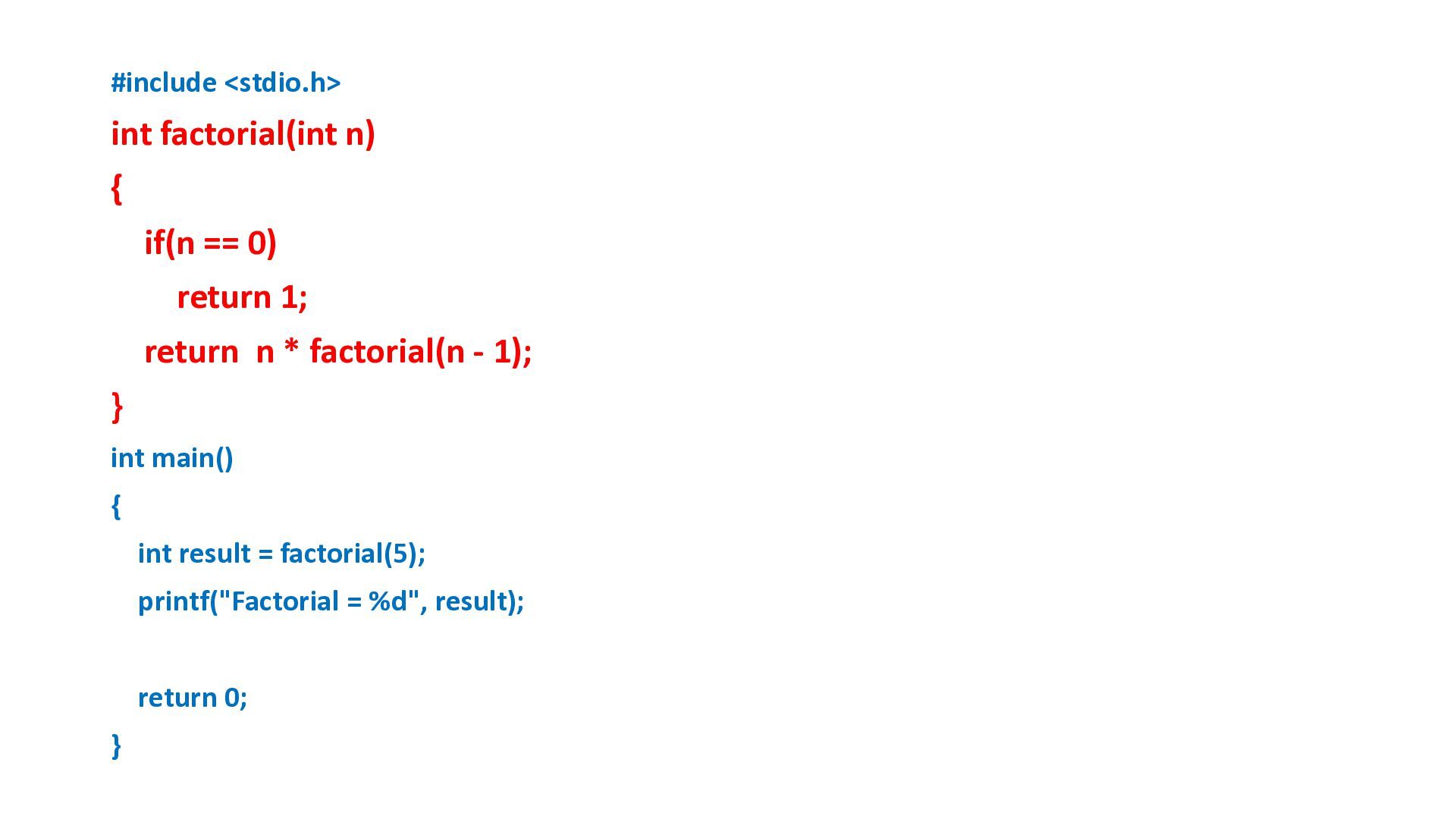
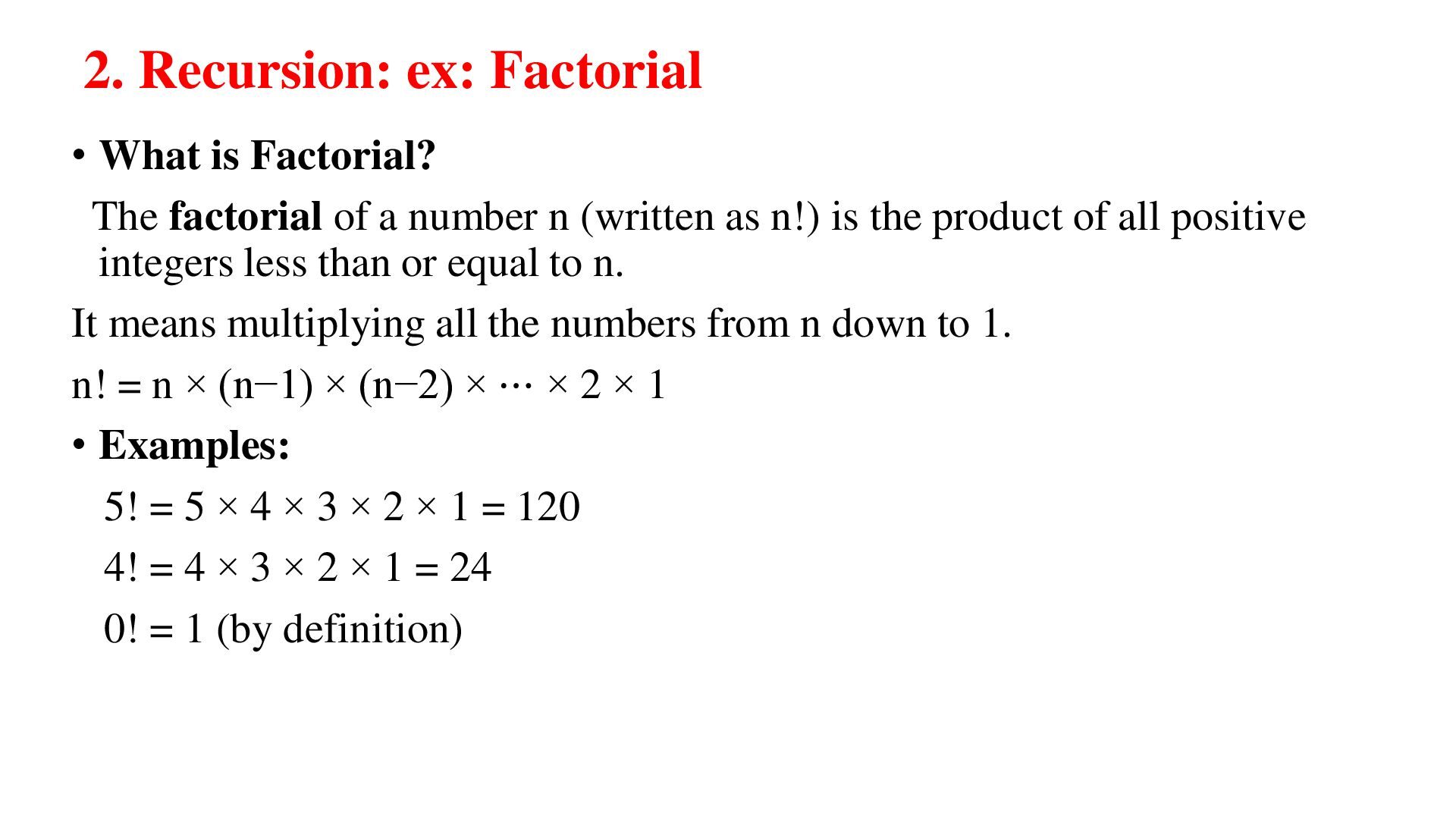
of a number n (written as n!) is the product of all positive integers less than or equal to n. It means multiplying all the numbers from n down to 1. n! = n × (n−1) × (n−2) × ⋯ × 2 × 1 • Examples: 5! = 5 × 4 × 3 × 2 × 1 = 120 4! = 4 × 3 × 2 × 1 = 24 0! = 1 (by definition)
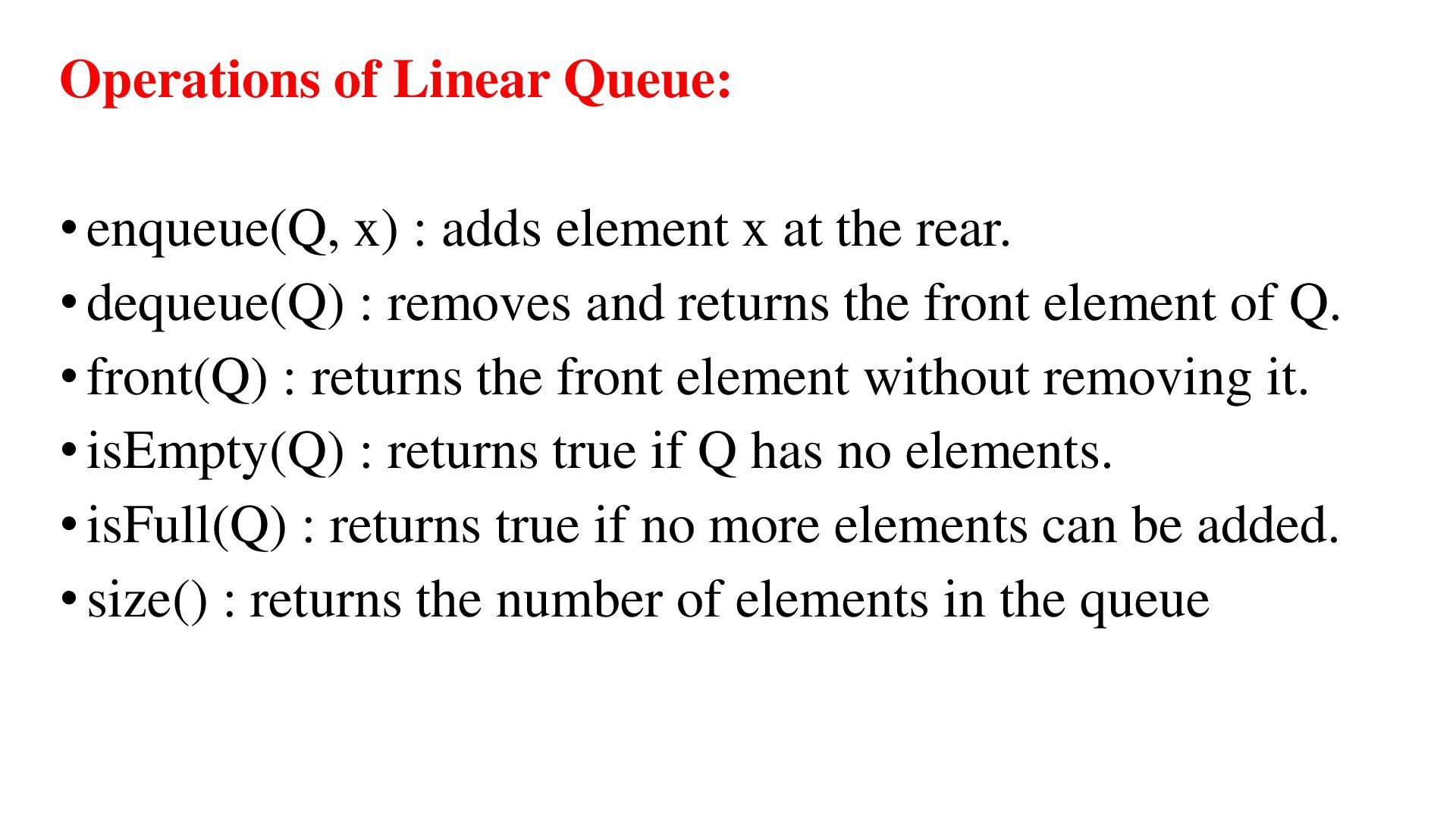
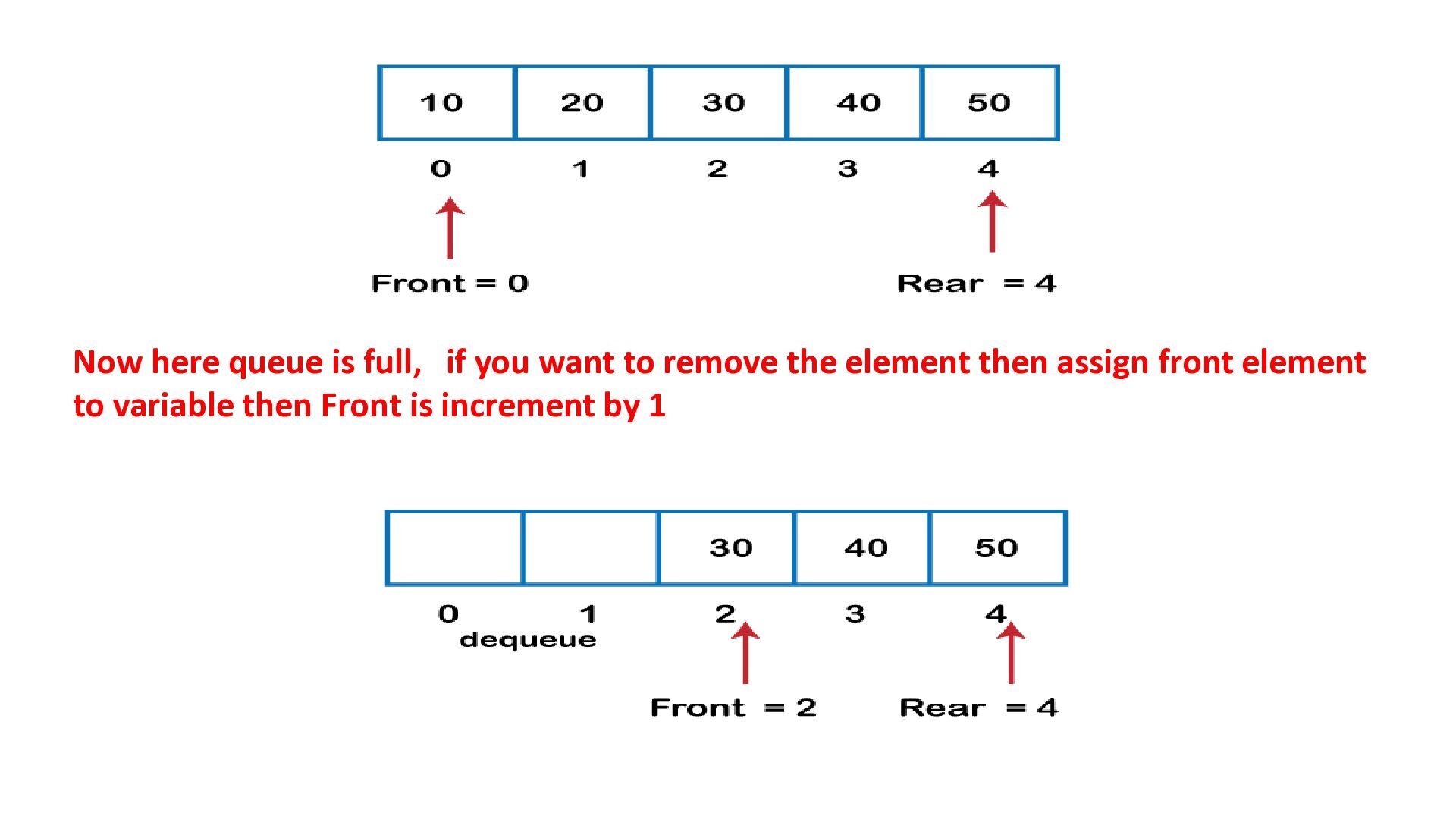
non primitive linear data structure in which insert operations to be performed at one end called REAR and delete operations to be performed at another end called FRONT • A queue is a linear data structure that follows the FIFO principle • FIFO stands for First In, First Out. • The first element added to the queue will be the first one to be removed. Ex: Think of it like a line of people waiting for a service — the first person to get in line is the first one to be served.
x at the rear. • dequeue(Q) : removes and returns the front element of Q. • front(Q) : returns the front element without removing it. • isEmpty(Q) : returns true if Q has no elements. • isFull(Q) : returns true if no more elements can be added. • size() : returns the number of elements in the queue
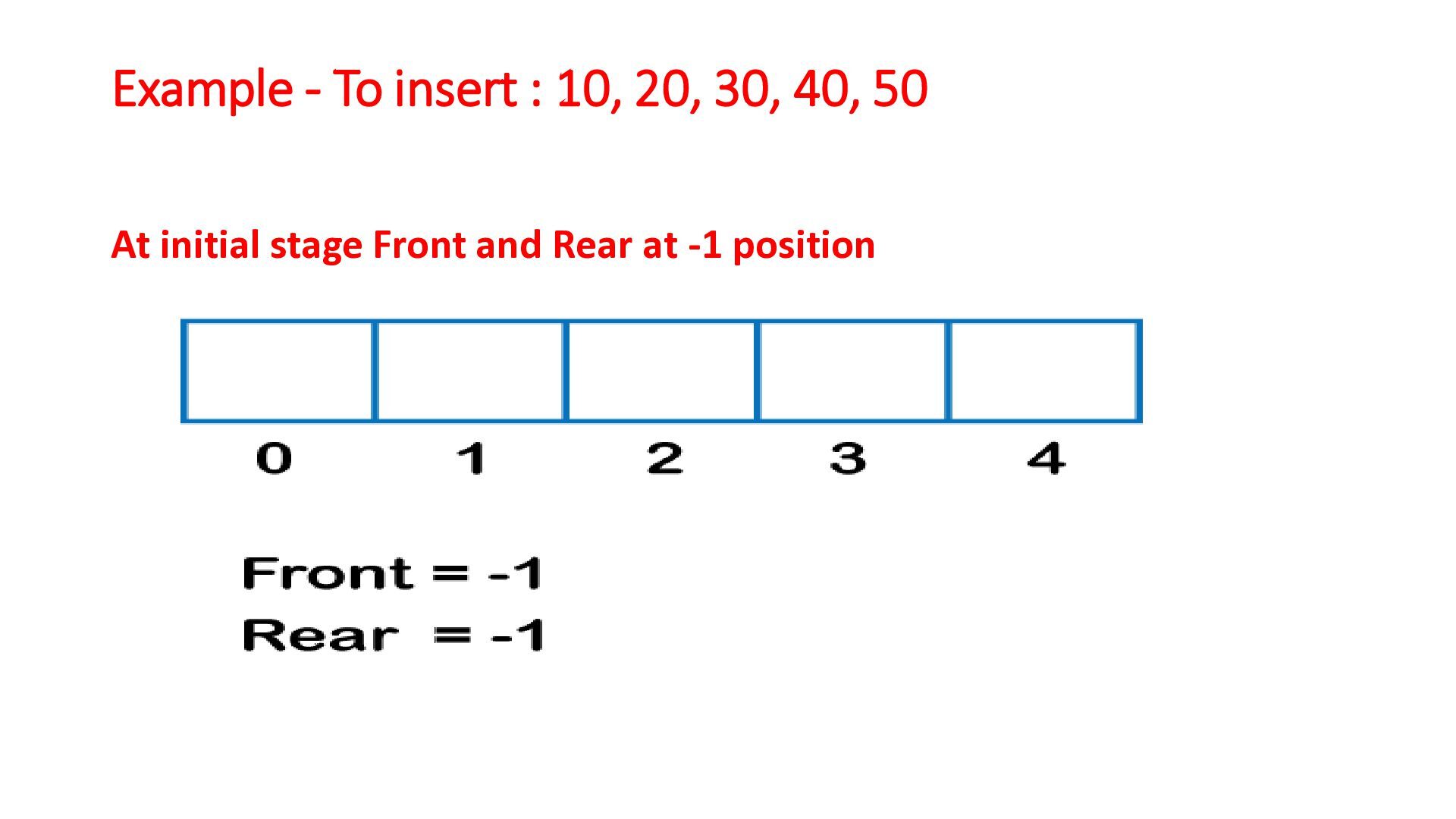
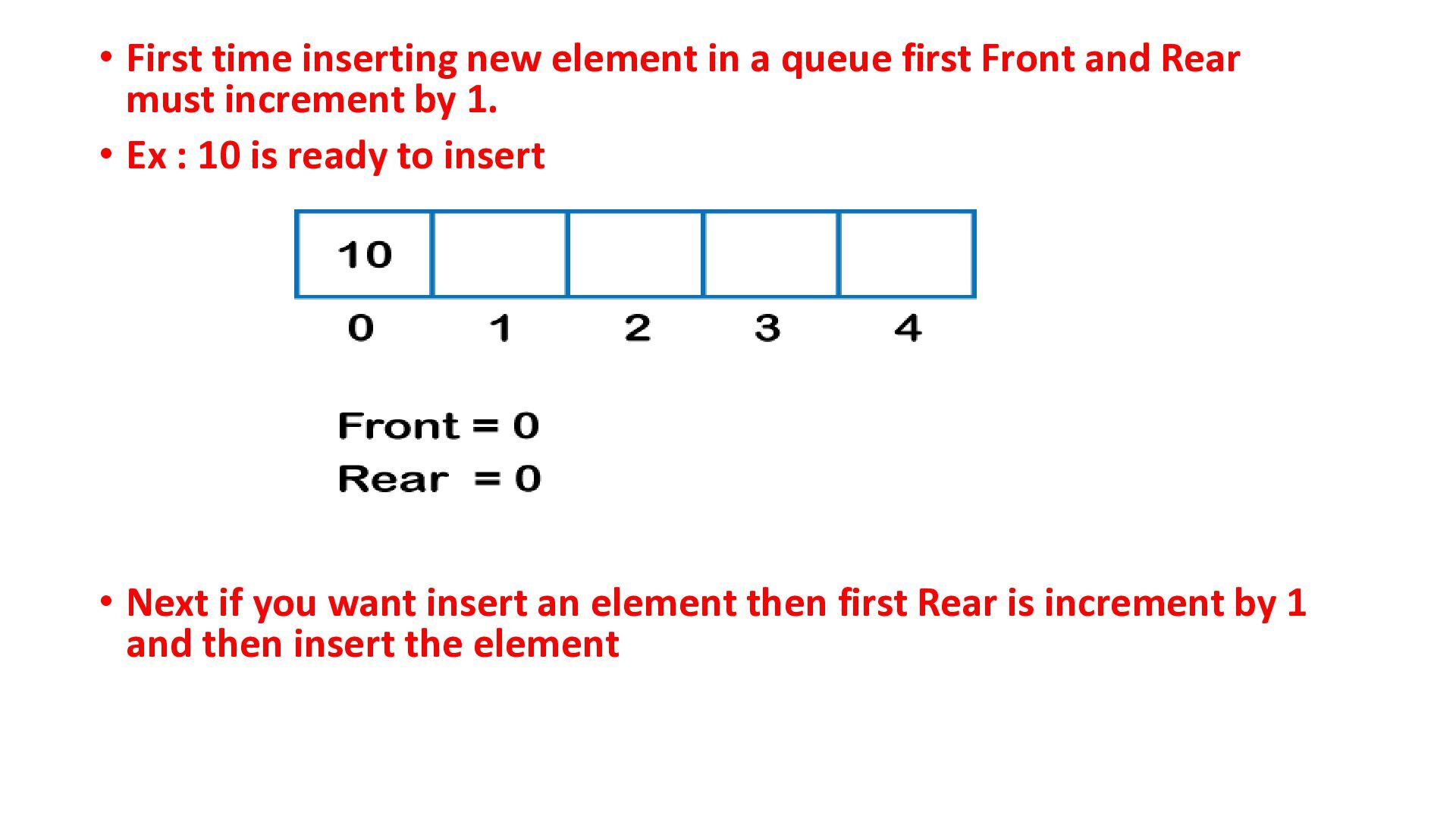
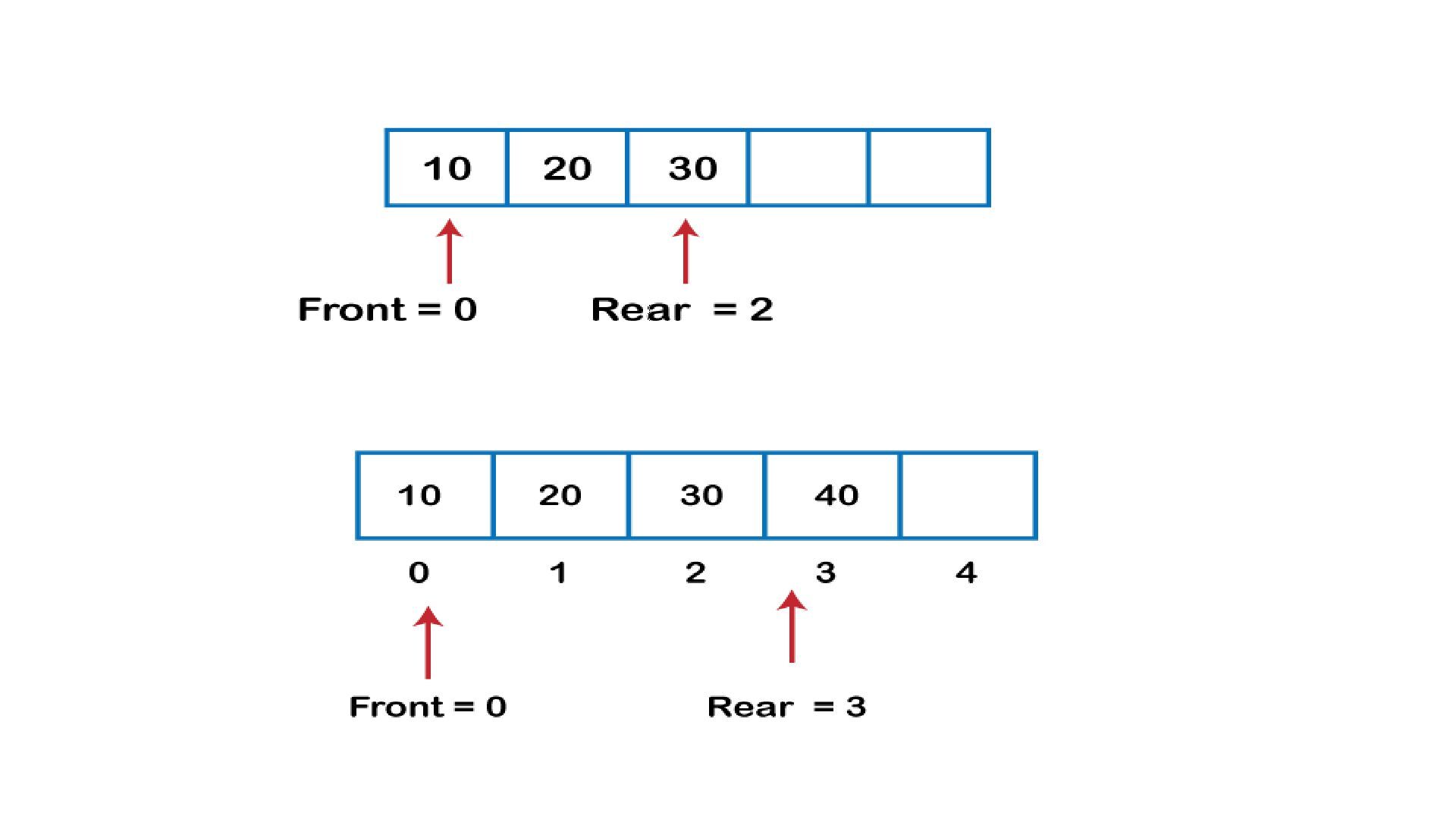
Front and Rear must increment by 1. • Ex : 10 is ready to insert • Next if you want insert an element then first Rear is increment by 1 and then insert the element
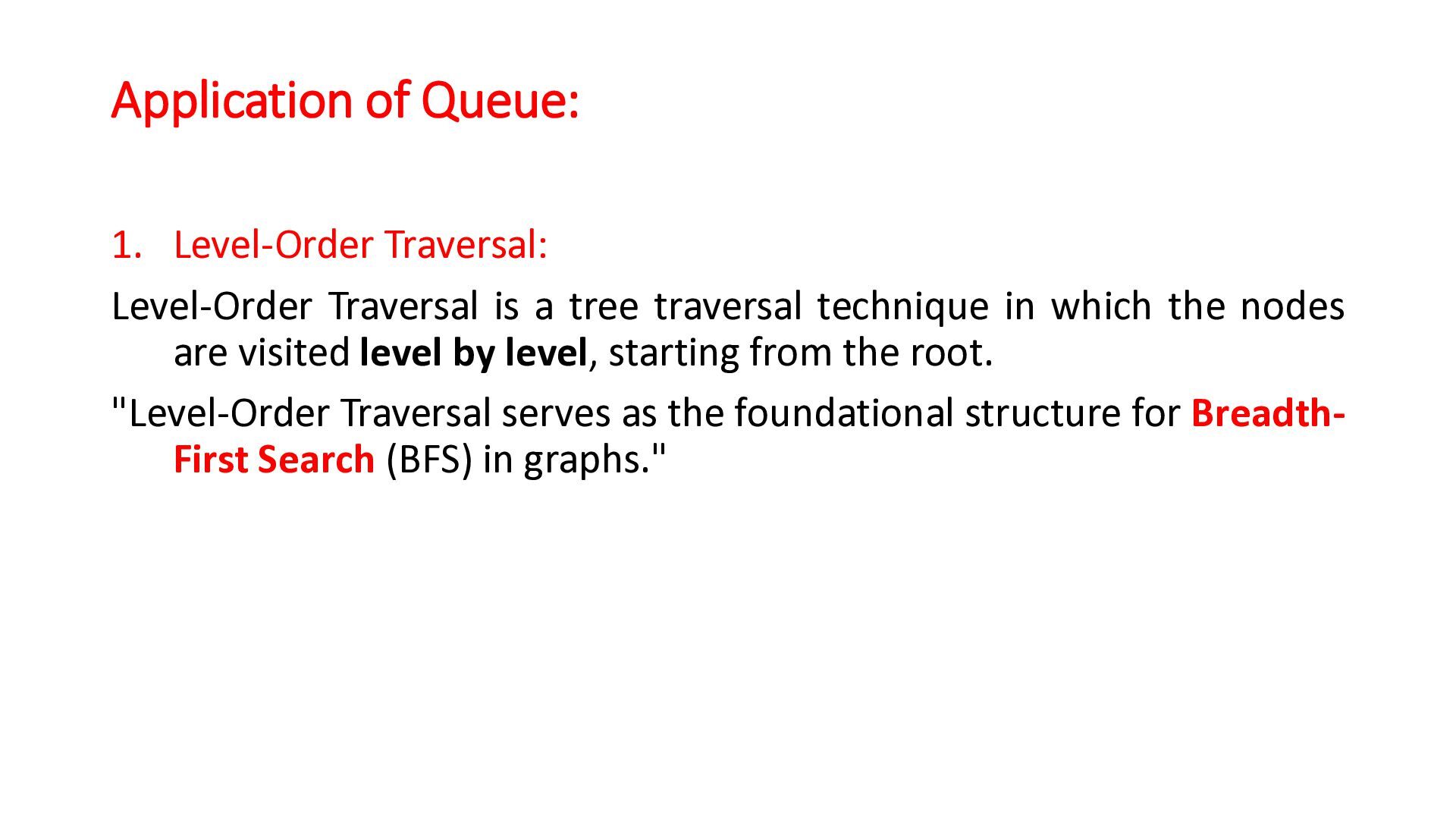
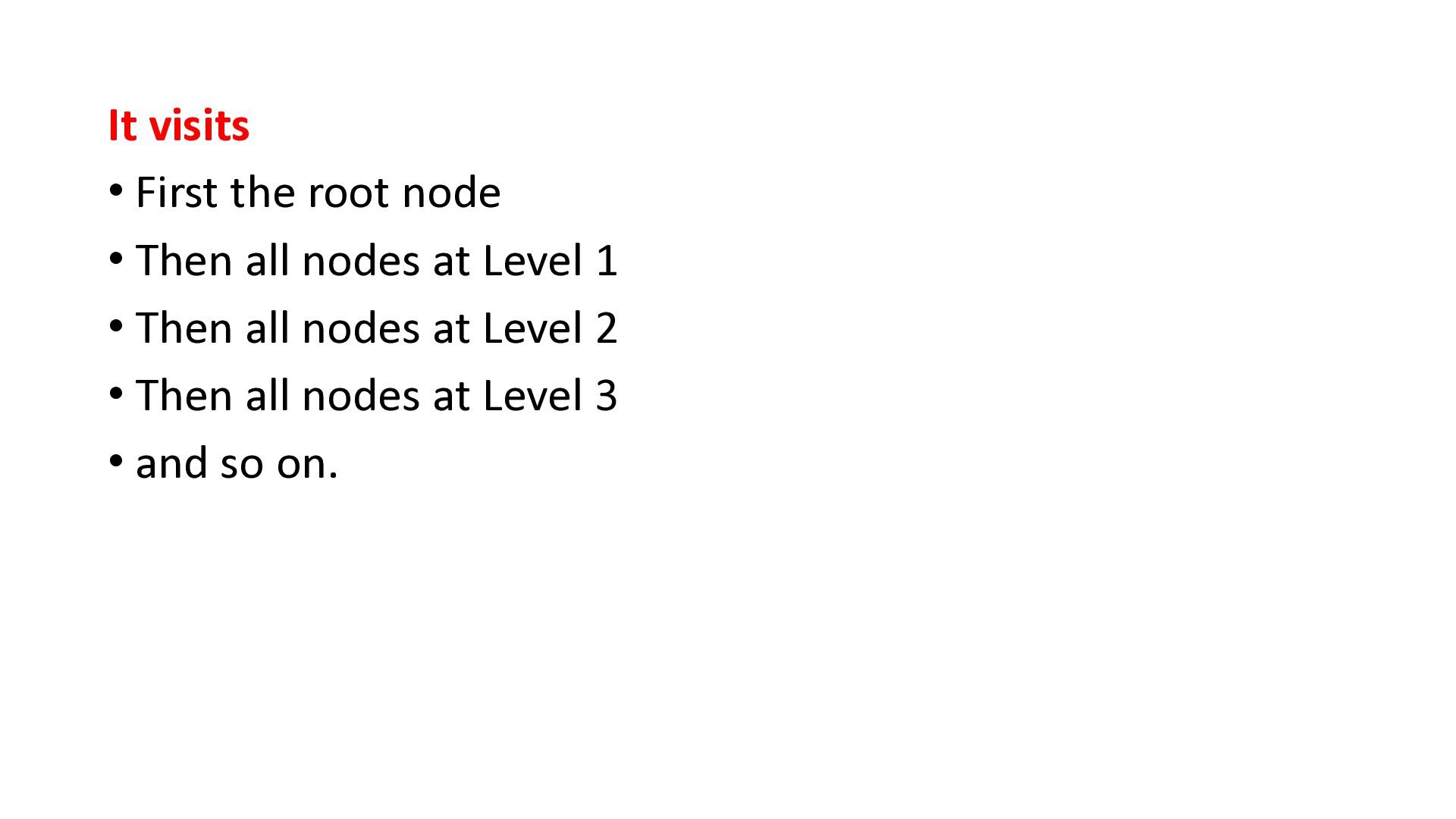
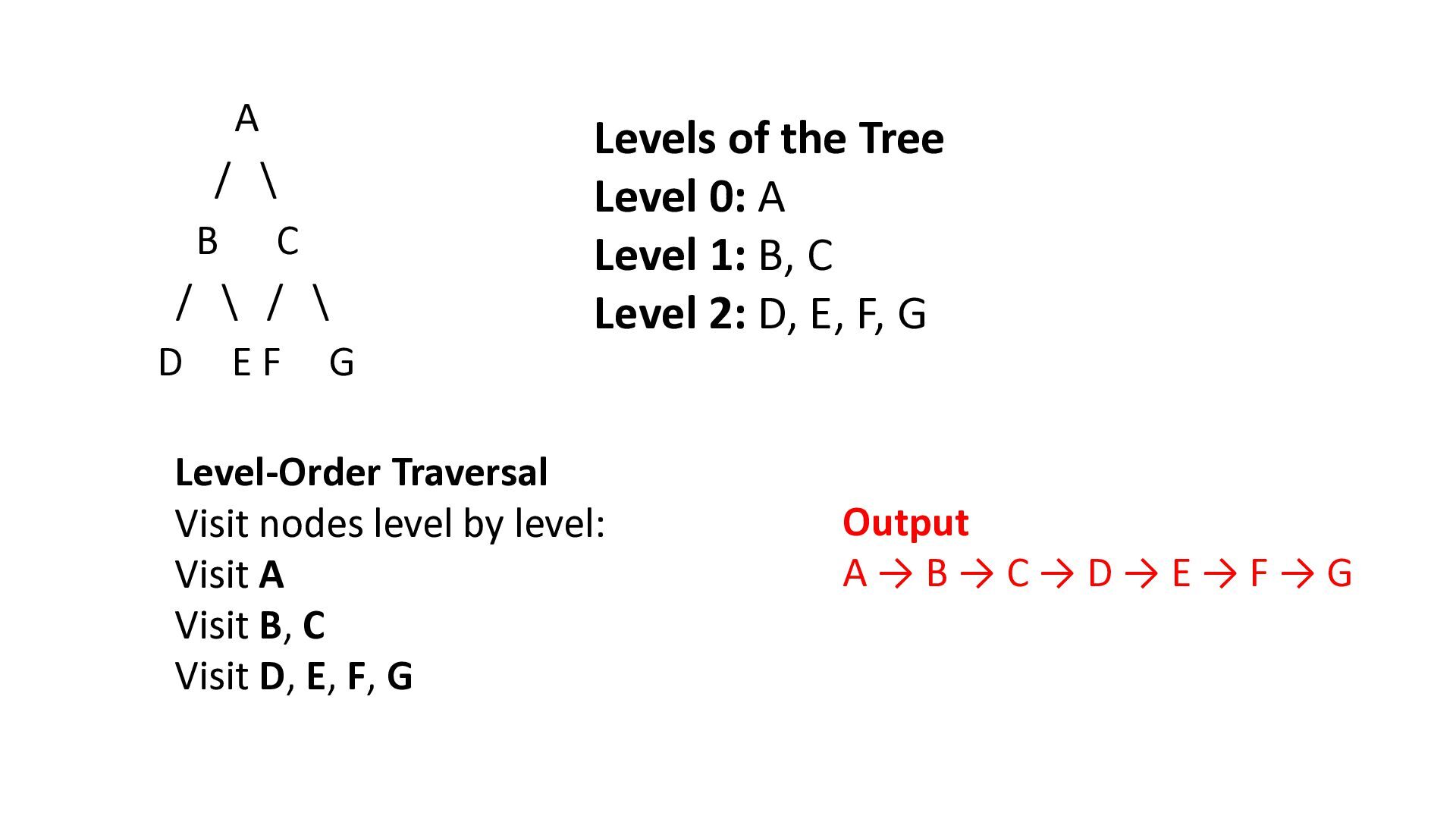
tree traversal technique in which the nodes are visited level by level, starting from the root. "Level-Order Traversal serves as the foundational structure for BreadthFirst Search (BFS) in graphs."
EF G Levels of the Tree Level 0: A Level 1: B, C Level 2: D, E, F, G Level-Order Traversal Visit nodes level by level: Visit A Visit B, C Visit D, E, F, G Output A→B→C→D→E→F→G
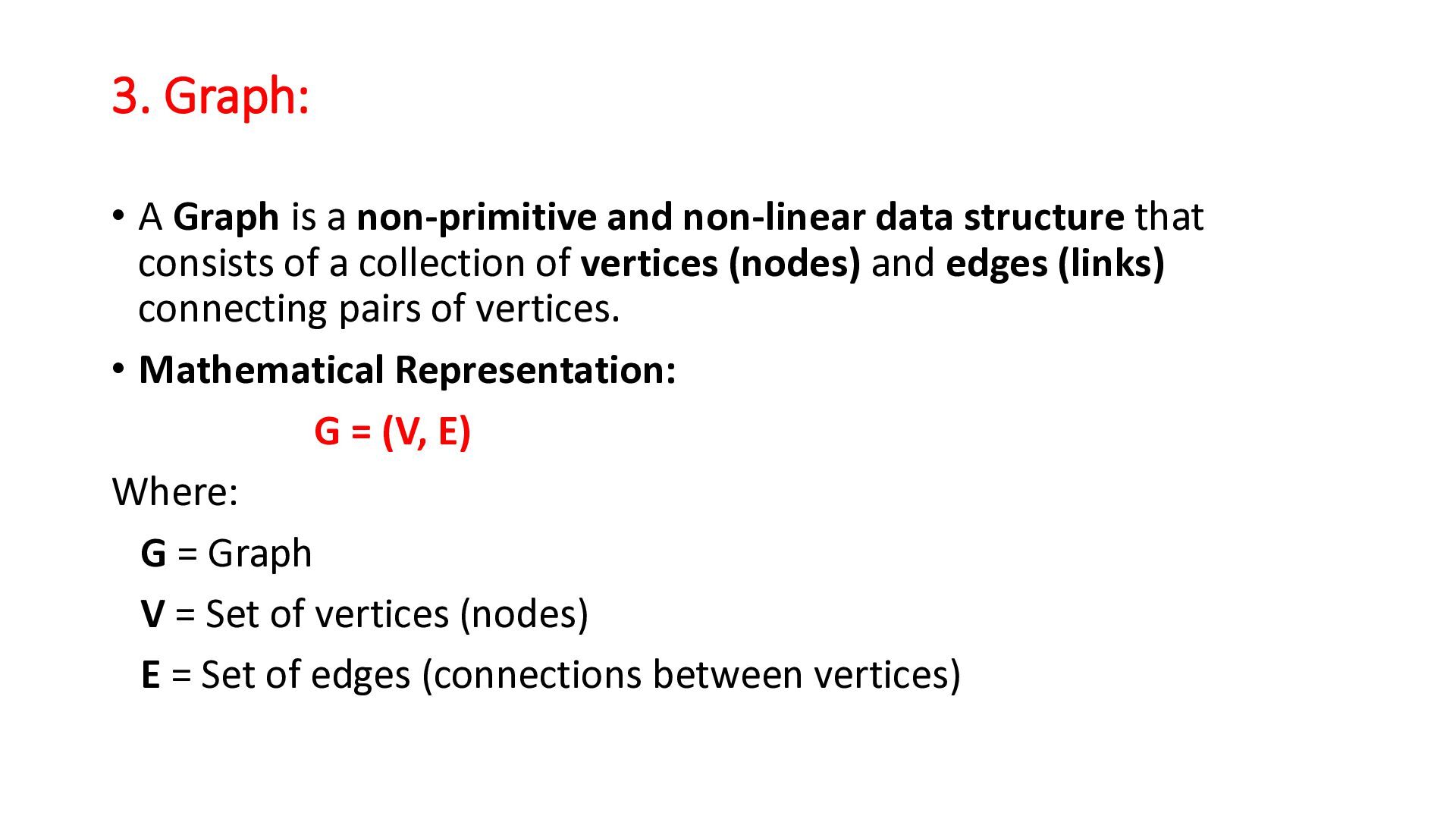
data structure that consists of a collection of vertices (nodes) and edges (links) connecting pairs of vertices. • Mathematical Representation: G = (V, E) Where: G = Graph V = Set of vertices (nodes) E = Set of edges (connections between vertices)
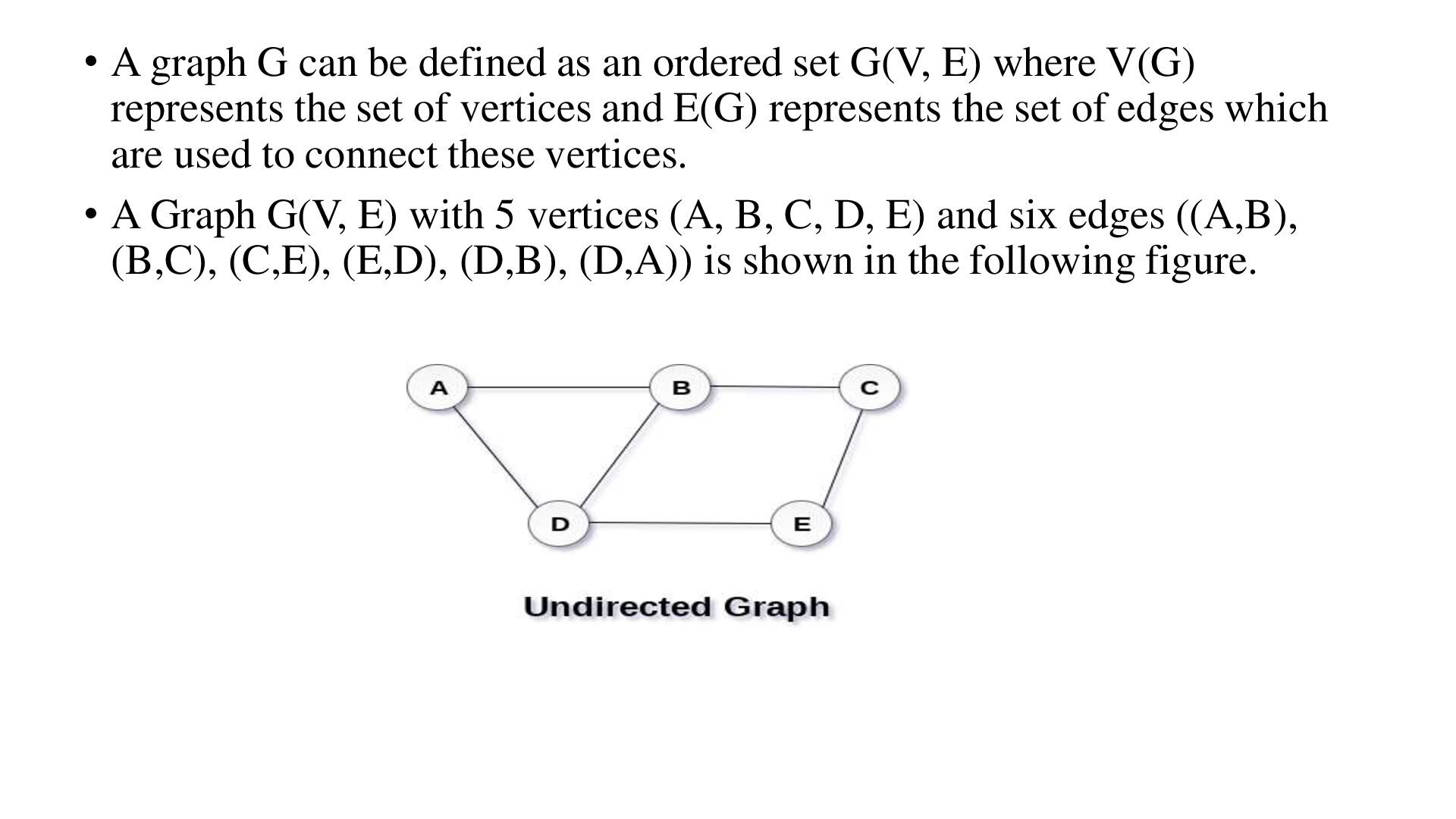
set G(V, E) where V(G) represents the set of vertices and E(G) represents the set of edges which are used to connect these vertices. • A Graph G(V, E) with 5 vertices (A, B, C, D, E) and six edges ((A,B), (B,C), (C,E), (E,D), (D,B), (D,A)) is shown in the following figure.
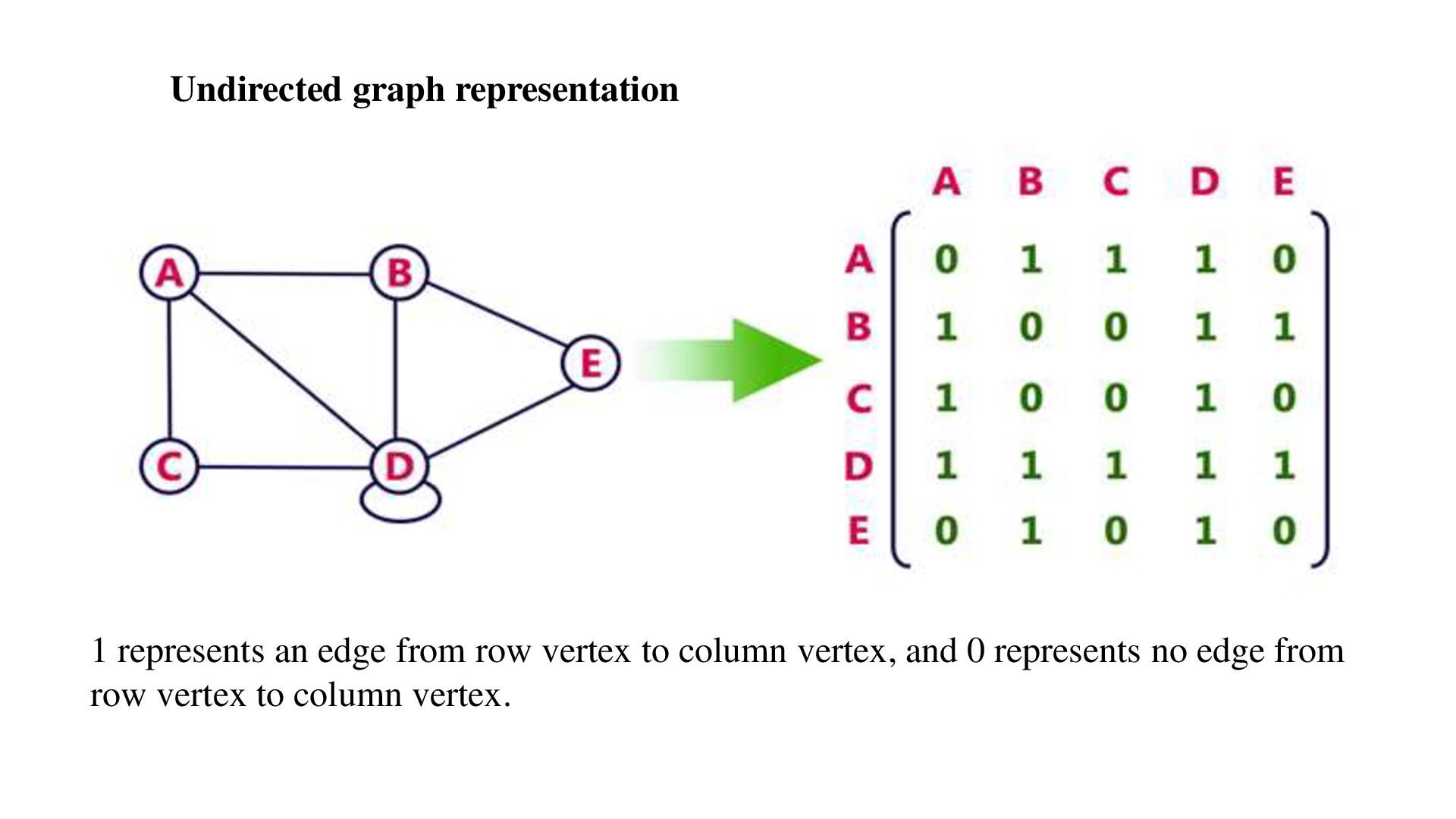
array (matrix) of size V × V, where V is the number of vertices in the graph. • Each cell matrix[i][j] indicates whether there is an edge between vertex i and vertex j. 1 → Edge exists 0 → Edge does not exist • For a weighted graph, the cell stores the weight of the edge instead of 1.
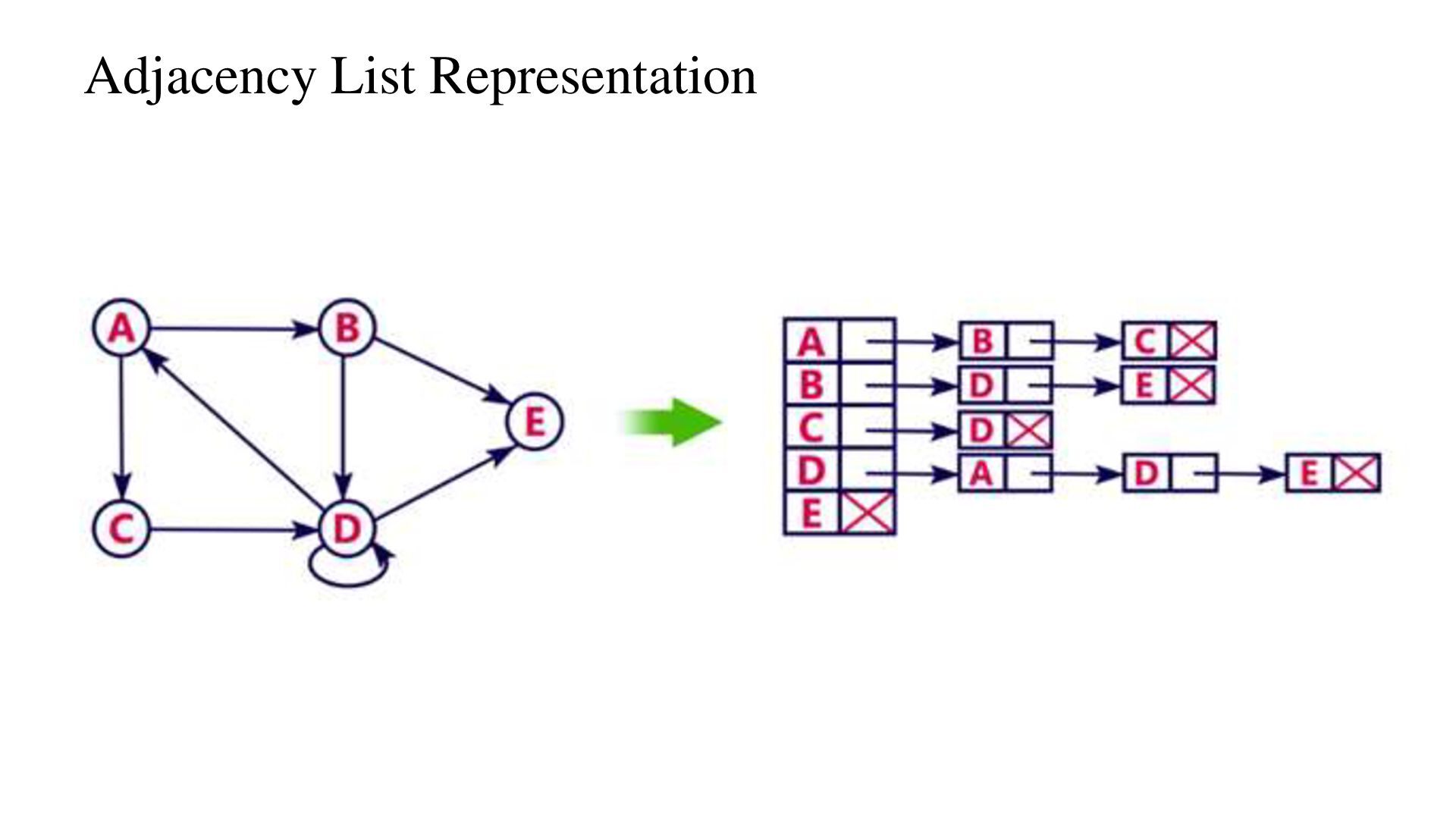
(or list) of linked lists, where each vertex stores a list of all its neighboring vertices. • In this representation, for each vertex in the graph, maintain the list of its neighbors. It means, every vertex of the graph contains list of its adjacent vertices.
widely used to represent networks, where: • Vertices (Nodes) represent locations, computers, routers, cities, or devices. • Edges represent the connections between them. • Weights on edges represent distance, time, cost, bandwidth, or delay.
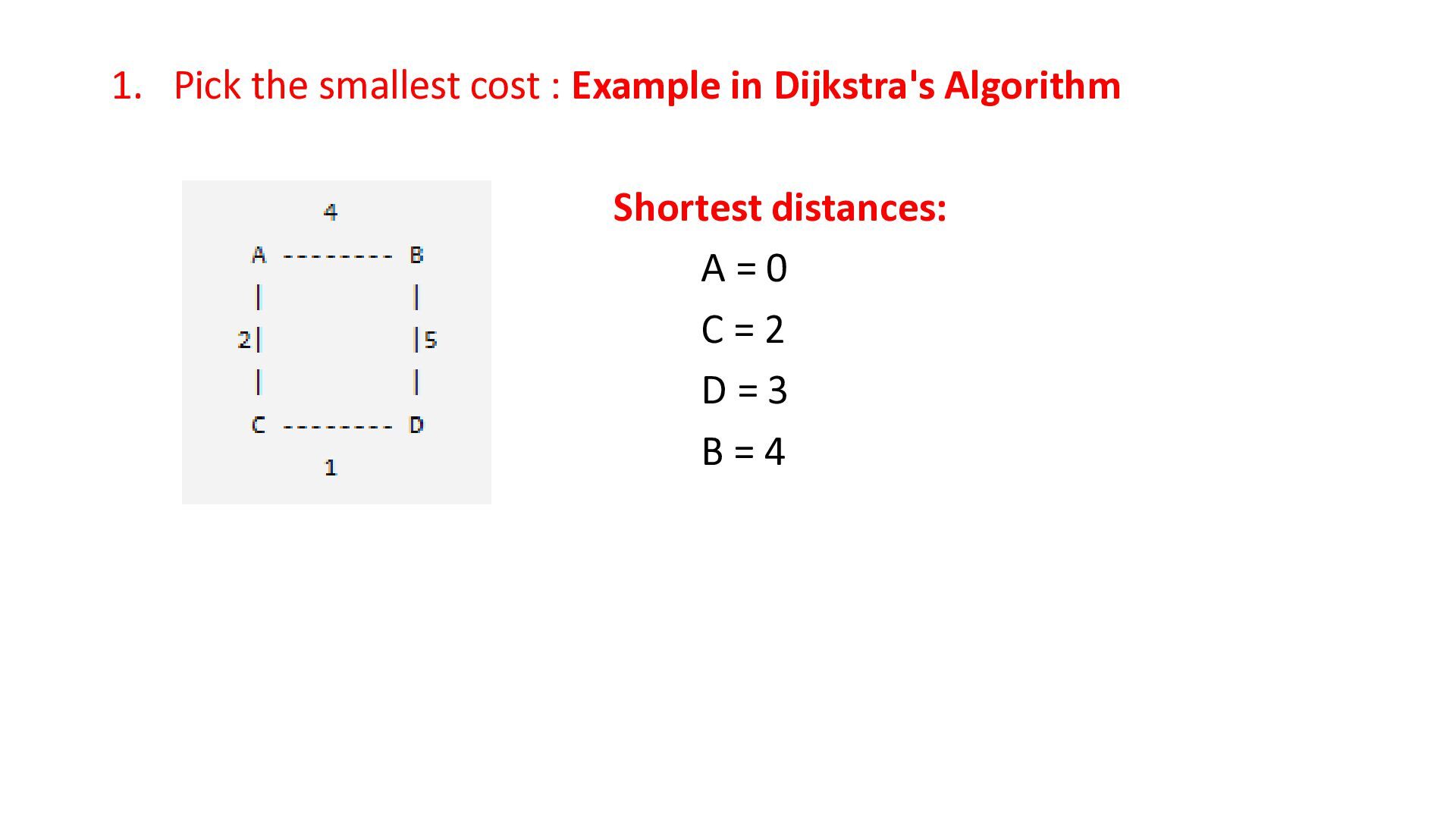
chooses the best available option at every step to obtain an optimal solution. Graph Algorithms • Prim's Algorithm • Kruskal's Algorithm • Dijkstra's Algorithm
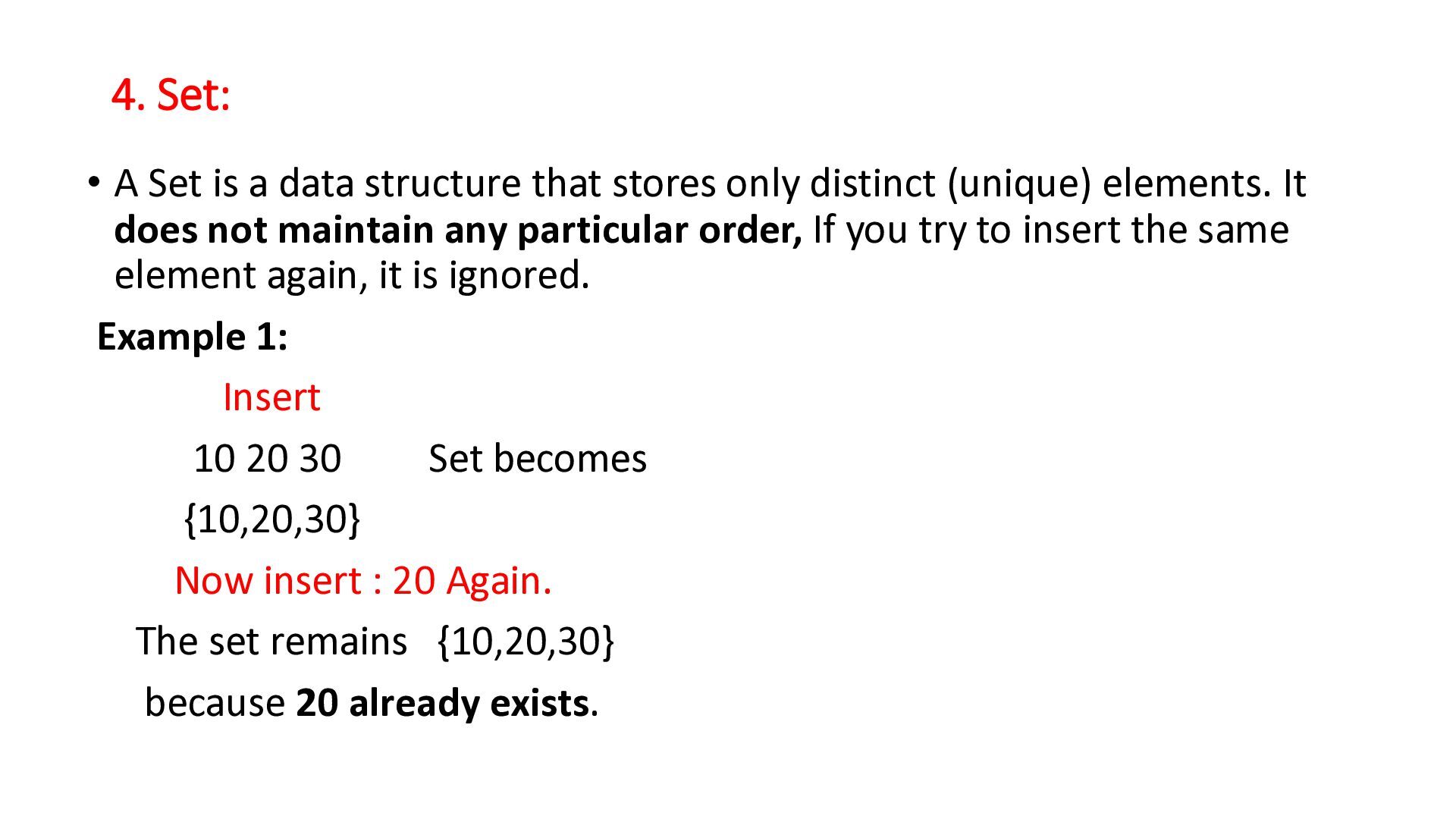
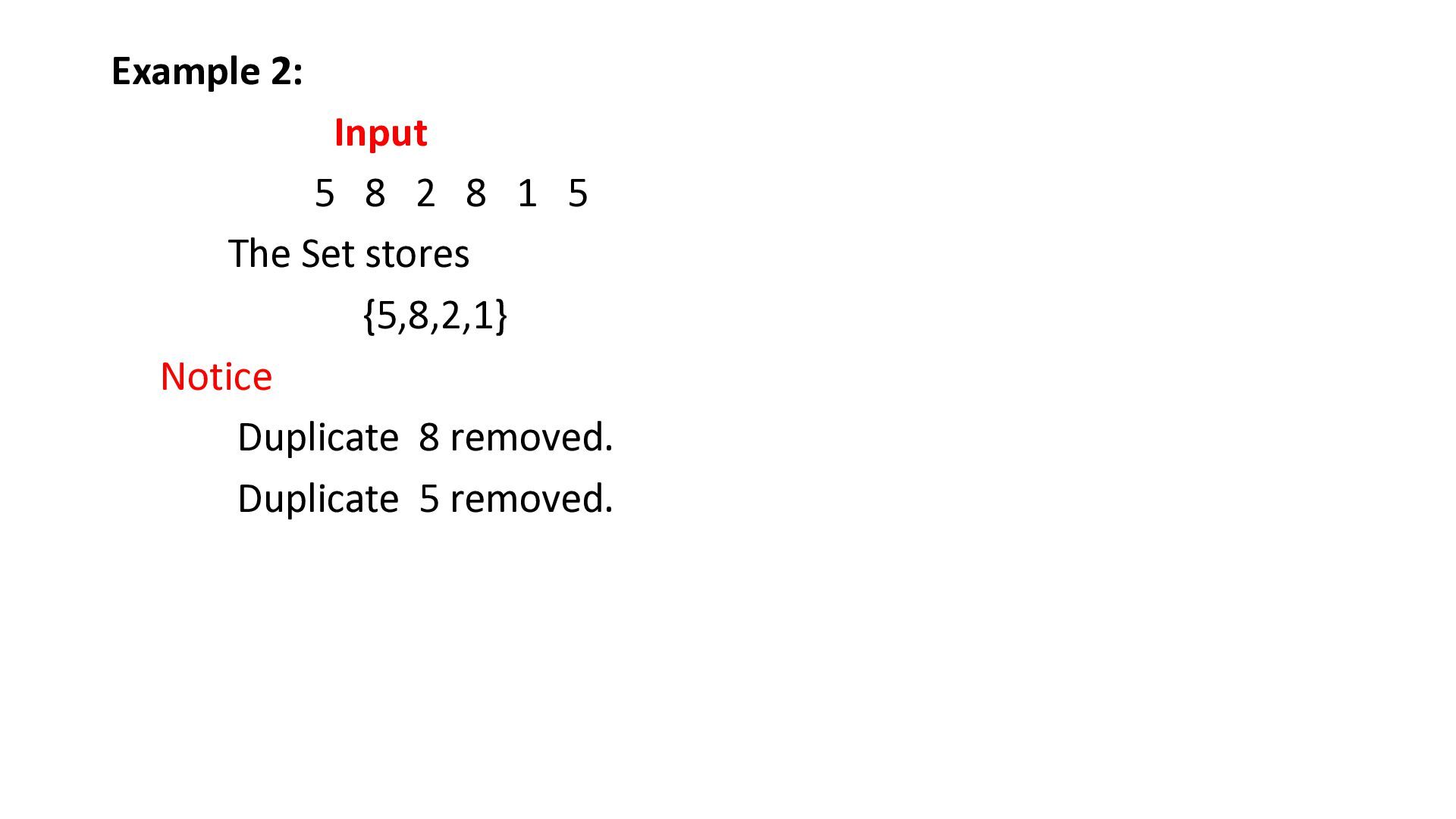
stores only distinct (unique) elements. It does not maintain any particular order, If you try to insert the same element again, it is ignored. Example 1: Insert 10 20 30 Set becomes {10,20,30} Now insert : 20 Again. The set remains {10,20,30} because 20 already exists.
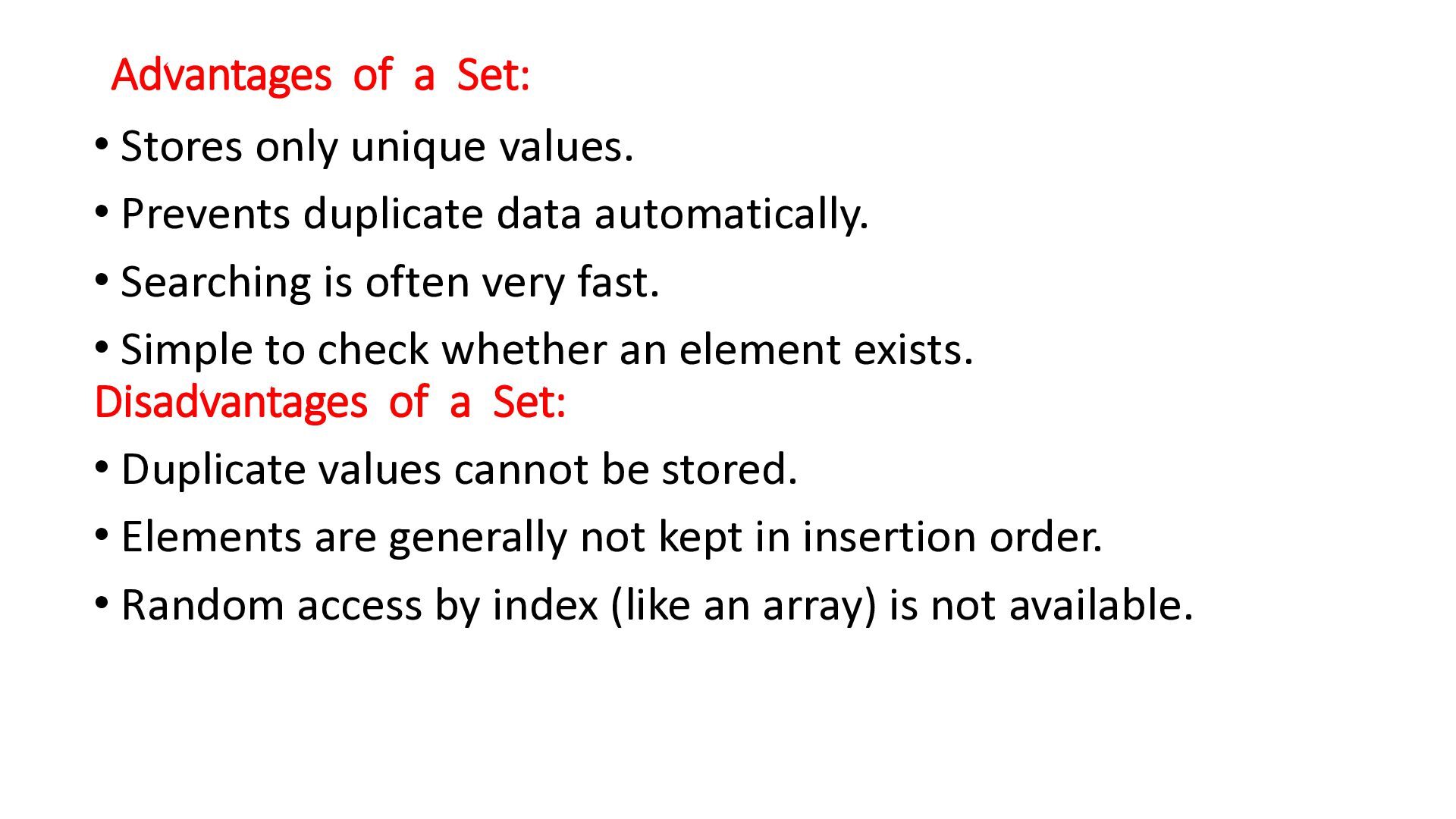
Prevents duplicate data automatically. • Searching is often very fast. • Simple to check whether an element exists. Disadvantages of a Set: • Duplicate values cannot be stored. • Elements are generally not kept in insertion order. • Random access by index (like an array) is not available.
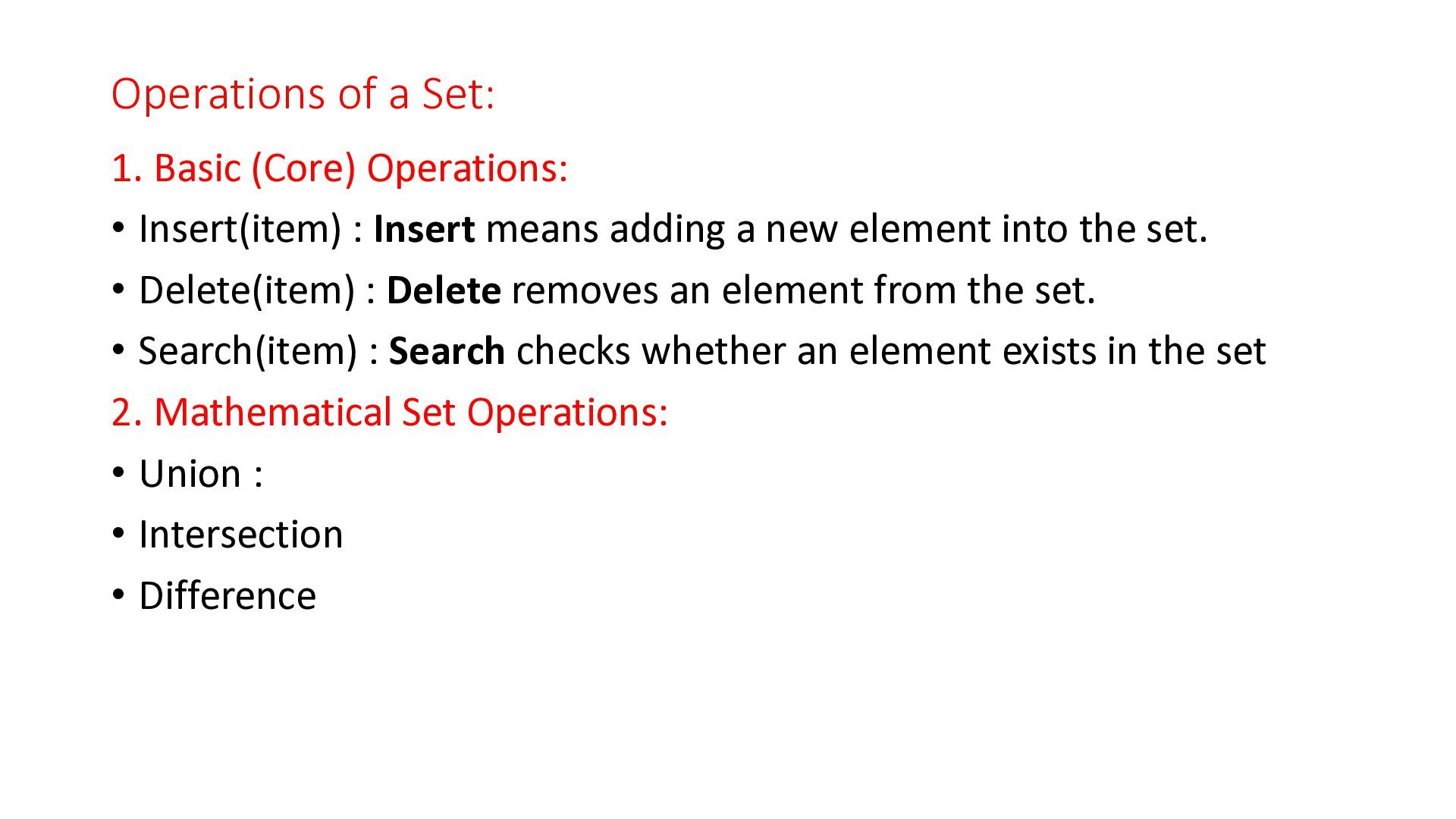
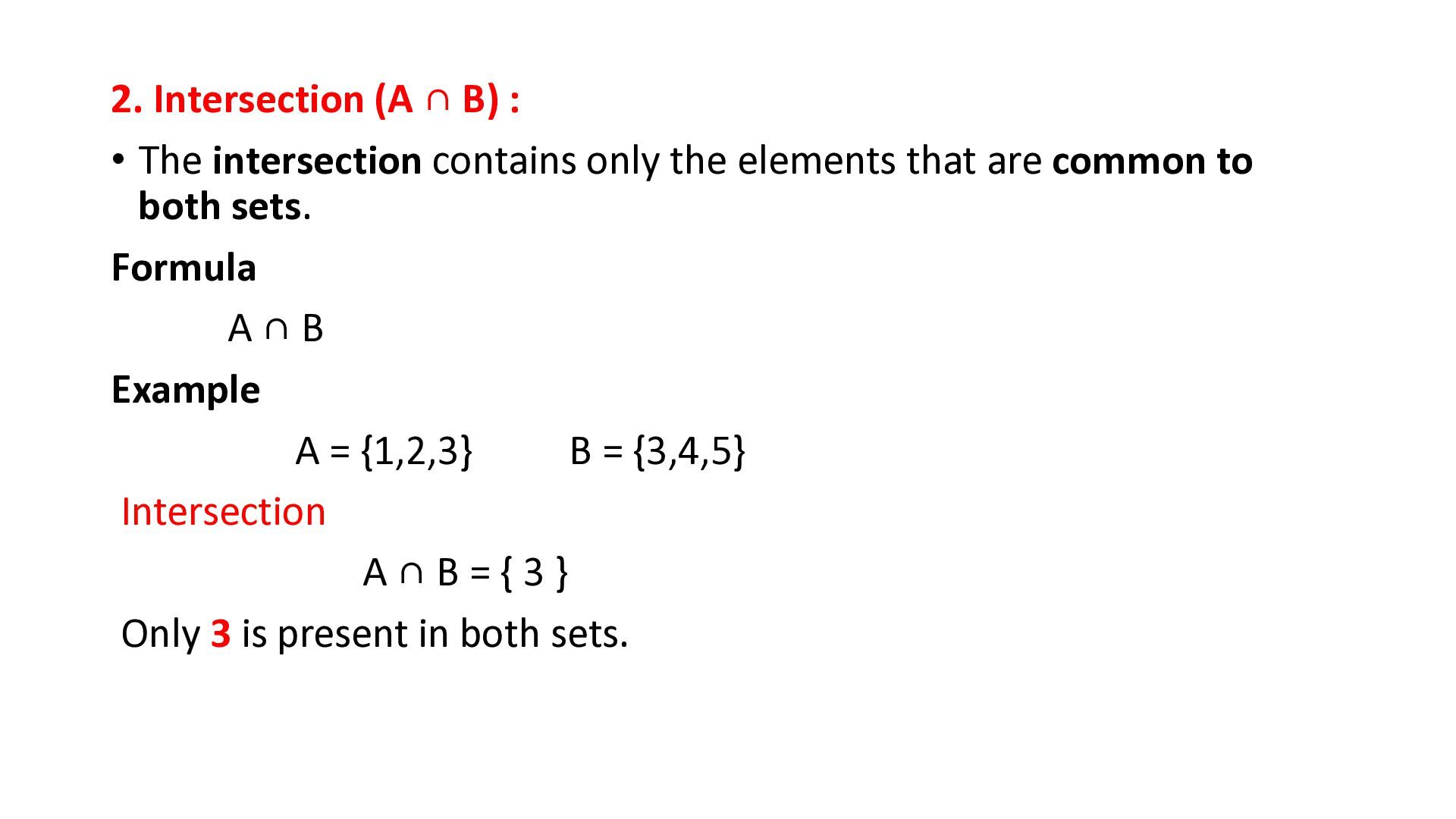
: Insert means adding a new element into the set. • Delete(item) : Delete removes an element from the set. • Search(item) : Search checks whether an element exists in the set 2. Mathematical Set Operations: • Union : • Intersection • Difference
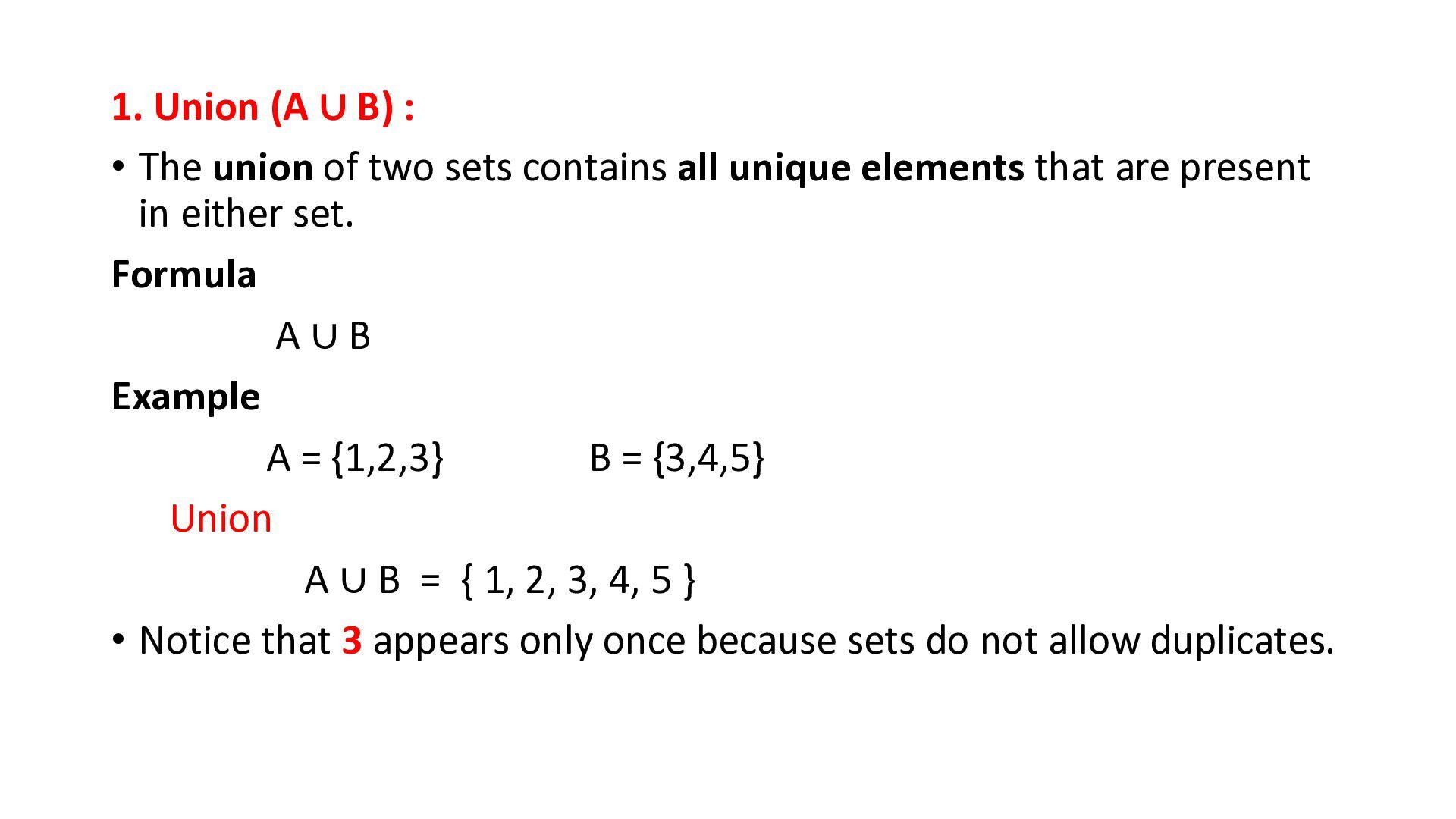
two sets contains all unique elements that are present in either set. Formula A∪B Example A = {1,2,3} B = {3,4,5} Union A ∪ B = { 1, 2, 3, 4, 5 } • Notice that 3 appears only once because sets do not allow duplicates.
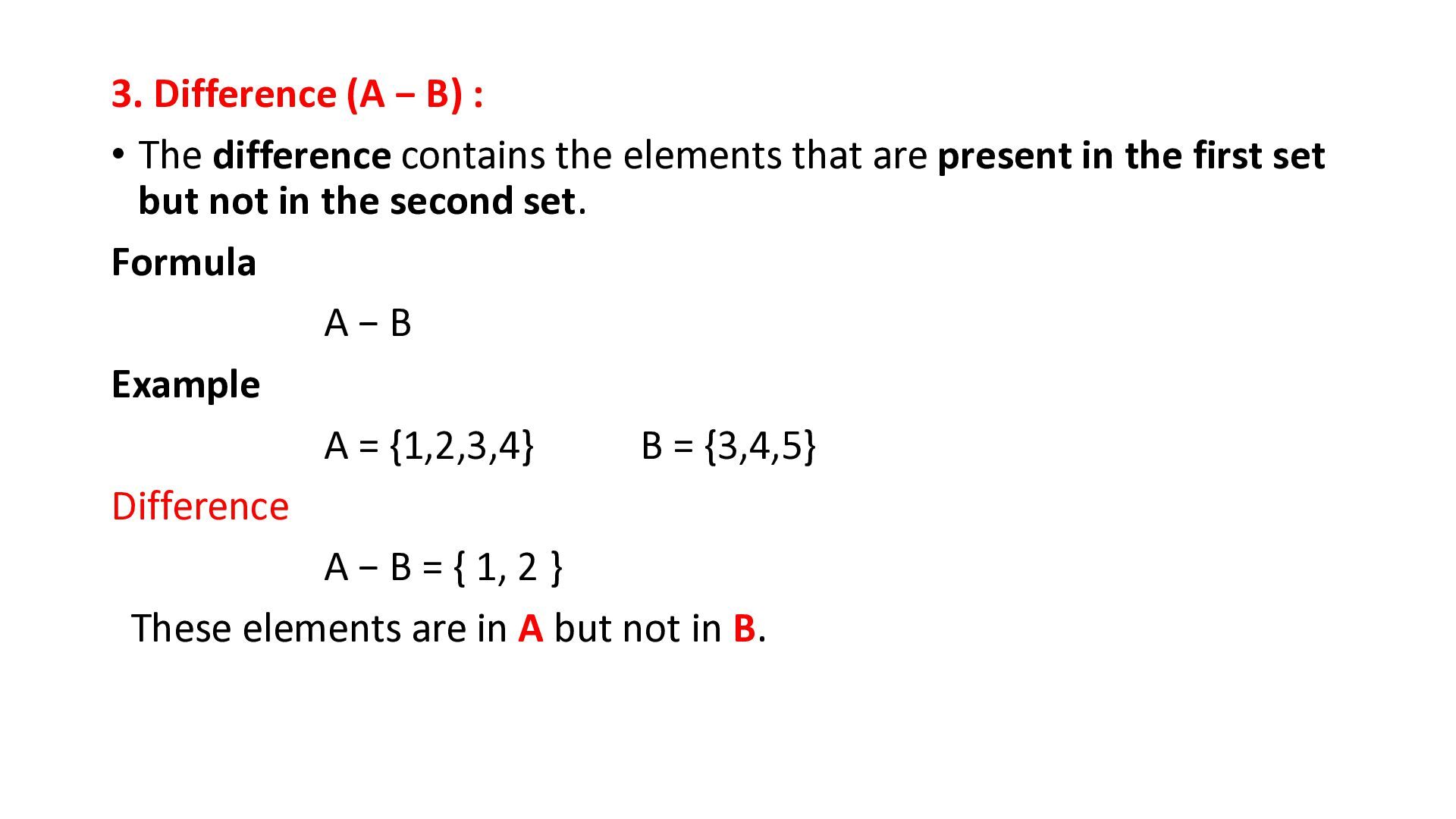
the elements that are present in the first set but not in the second set. Formula A−B Example A = {1,2,3,4} B = {3,4,5} Difference A − B = { 1, 2 } These elements are in A but not in B.
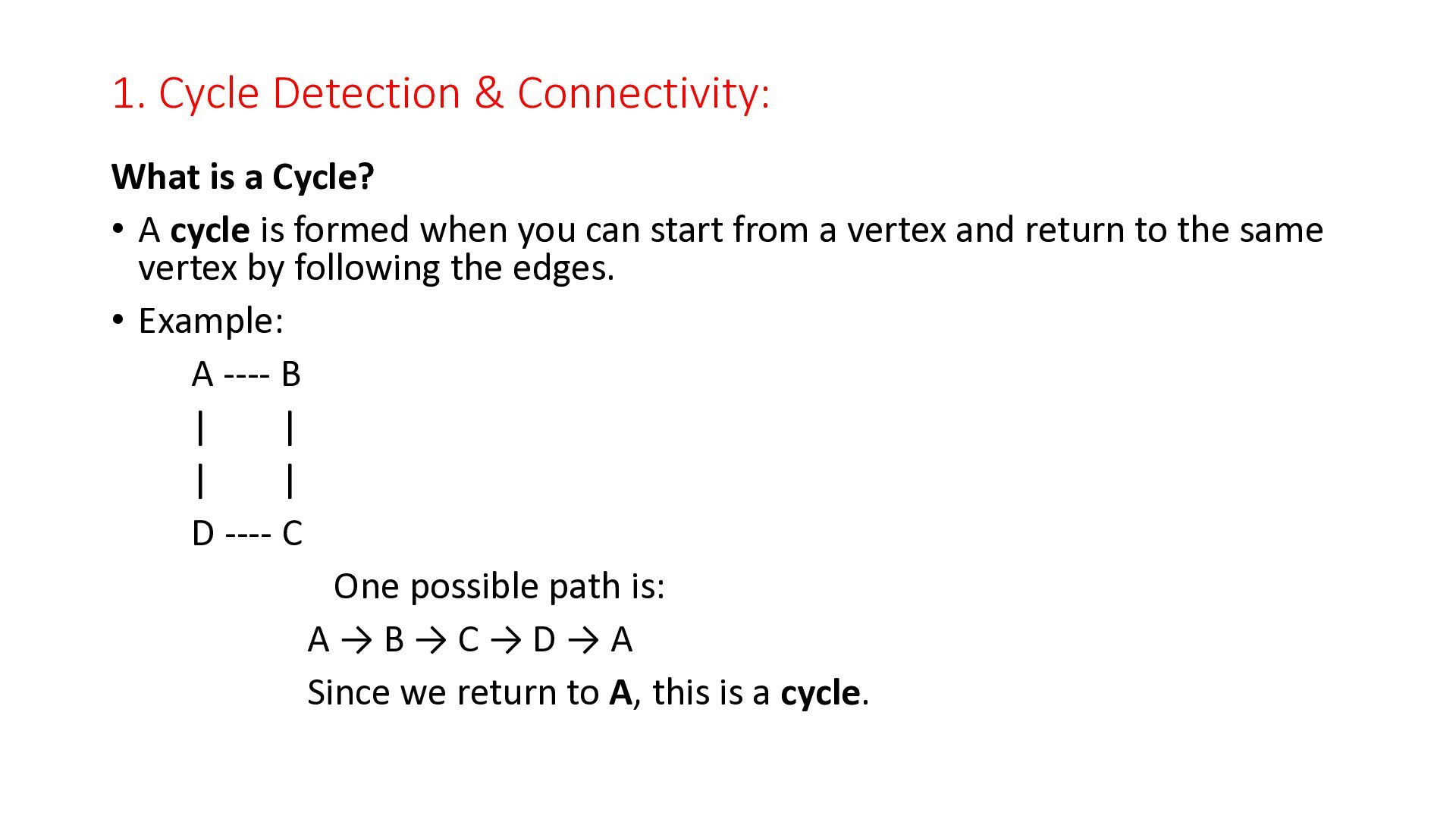
A cycle is formed when you can start from a vertex and return to the same vertex by following the edges. • Example: A ---- B | | | | D ---- C One possible path is: A→B→C→D→A Since we return to A, this is a cycle.


 cassininazir
 reverentgeek
 szymonslowik
 lynnandtonic
 jct
jct
 sugarenia
 mkilby
 csswizardry
 trallard
 minecr
 marcoroth
 techseoconnect