Upgrade to Pro — share decks privately, control downloads, hide ads and more …

The Big Easy: Cross Platform Mobile App Develop...

The Big Easy: Cross Platform Mobile App Development with JavaScript and Appcelerator

Presentation on cross platform mobile app development with Appcelerator Titanium from Jazzcon.tech 2017, held March 22 - 24 in The Big Easy, New Orleans!

Additional presentation notes can be found here: http://bit.ly/tijazzcon

App demo: https://github.com/adampax/TiJazzCon

Avatar for Adam Paxton

Adam Paxton

March 24, 2017

More Decks by Adam Paxton

Other Decks in Technology

Transcript

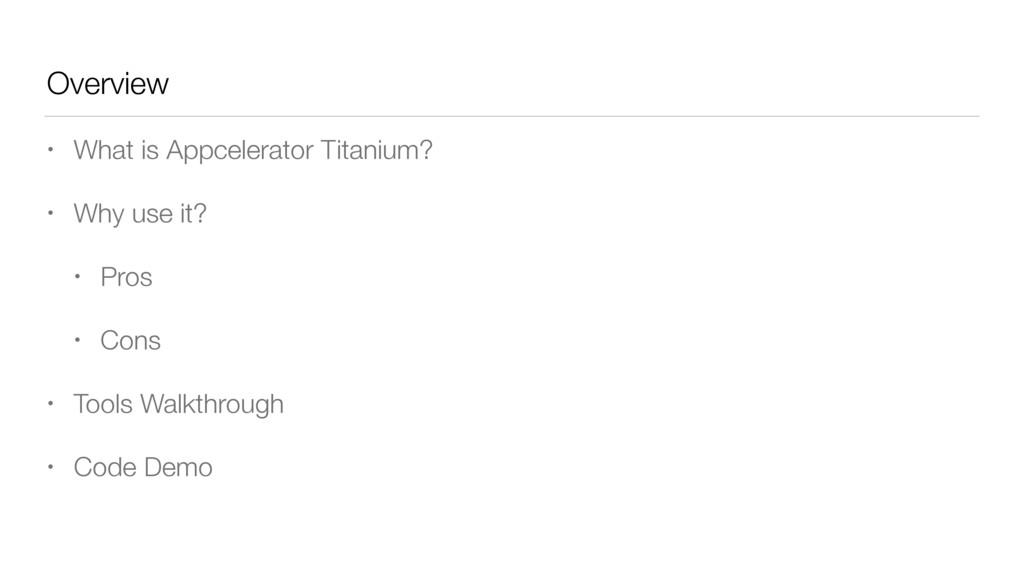
  1. Overview • What is Appcelerator Titanium? • Why use it?

    • Pros • Cons • Tools Walkthrough • Code Demo
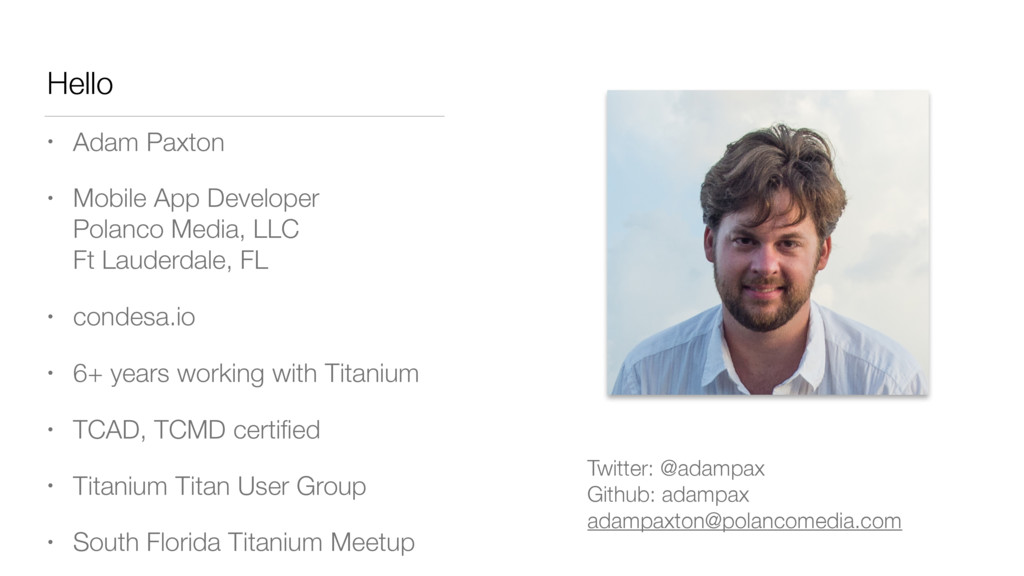
  2. Hello • Adam Paxton • Mobile App Developer
 Polanco Media,

    LLC
 Ft Lauderdale, FL • condesa.io • 6+ years working with Titanium • TCAD, TCMD certified • Titanium Titan User Group • South Florida Titanium Meetup Twitter: @adampax
 Github: adampax
 [email protected]
  3. We are: • Web developers • Companies with existing developer

    teams • Startups • Someone with an idea
  4. We want to build: • App for ourselves (or our

    community) • App for our client • App for our enterprise
  5. What do we use? • iOS - Objective C /

    Swift • Android - Java • Mobile Web - HTML5 • Windows Phone - C# / JavaScript
  6. Another Option: Appcelerator Titanium • Appcelerator, Inc - Based in

    San Jose, CA • Started with desktop apps in 2008, began focusing on mobile in 2009 • Titanium 1.0 released March 2010 • Acquired by Axway in January 2016 • Enterprise Cloud integration and API management software company • Based in Phoenix, AZ & France
  7. What’s in a name? • Appcelerator Titanium used to be

    one product • Appcelerator and Titanium now informally (or formally? idk) refer to the paid and free/OSS products • Titanium: Core sdk - free! • Appcelerator: additional paid services/features within the Appcelerator Platform • Ti == Titanium Appc == Appcelerator • Alloy is a MVC framework for developing Ti apps
  8. Titanium • Cross platform development environment for creating native mobile

    apps • Program with JavaScript • Free and open source • Not a webview wrapper or app generator - builds native apps! • Builds with platform SDKs • Android SDK toolset required for Android apps • Xcode (and a Mac) required for iOS Apps
  9. What’s in Appcelerator? • Everything in the free version •

    Appcelerator Studio IDE • Debugger • LiveView / hot reload • Arrow - API Builder, Backend Storage, push notifications, node.js hosting • Analytics • Test runner & crash analytics • Hyperloop - Direct API access • App Designer Beta
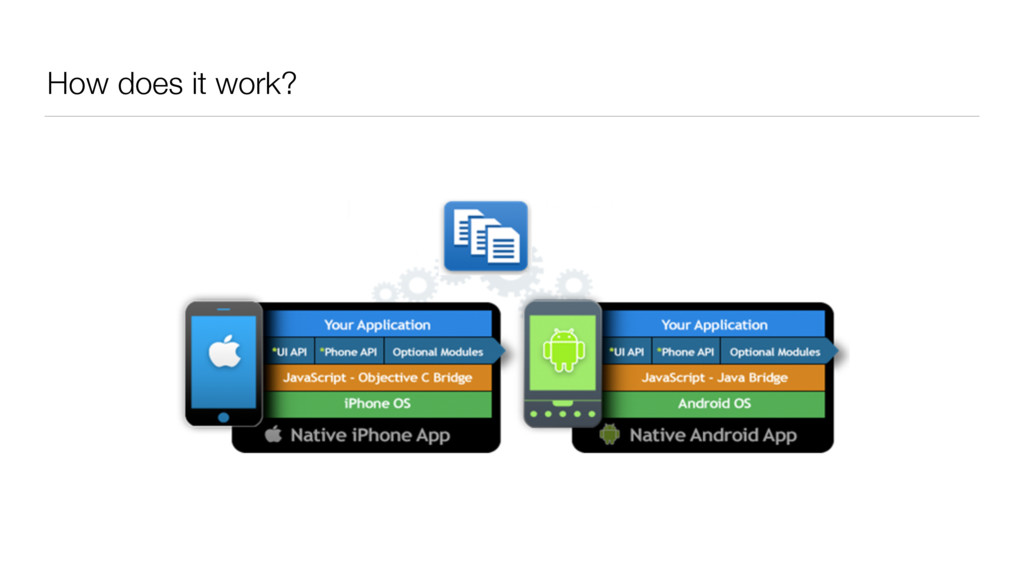
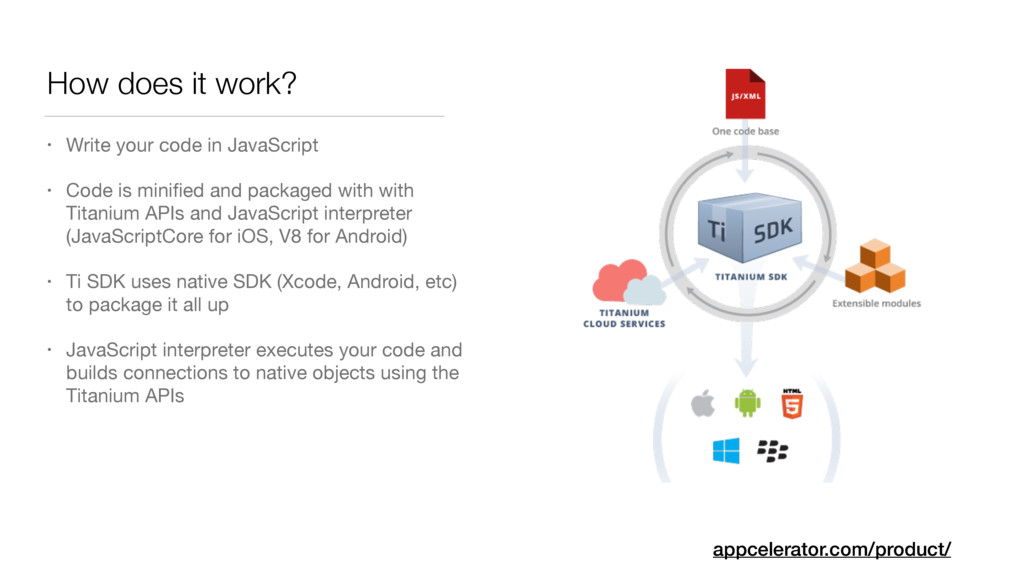
  10. How does it work? • Write your code in JavaScript

    • Code is minified and packaged with with Titanium APIs and JavaScript interpreter (JavaScriptCore for iOS, V8 for Android) • Ti SDK uses native SDK (Xcode, Android, etc) to package it all up • JavaScript interpreter executes your code and builds connections to native objects using the Titanium APIs appcelerator.com/product/
  11. Pros • Maintain a single code base across multiple platforms

    • 60% to 90% code re-use across platforms • Use your or your team’s existing JavaScript skills • Faster ramp up with JavaScript for new developers • Native interface, native controls, native experience appcelerator.com/titanium/titanium-sdk/
  12. Cons • Does not cover entire API for all platforms

    • Over 5000 APIs are supported • You can extend the API to access any additional APIs you need • Extra layer of abstraction means more to manage • New feature release / bug fix in iOS / Android — must wait until supported / fixed in Titanium (This is getting faster, often same day as iOS release) • Potential for bugs in Titanium
  13. The Tools • Titanium SDK • Appcelerator Studio* • Titanium

    CLI • Arrow Cloud Services* • Alloy MVC Framework • Hyperloop* *Paid
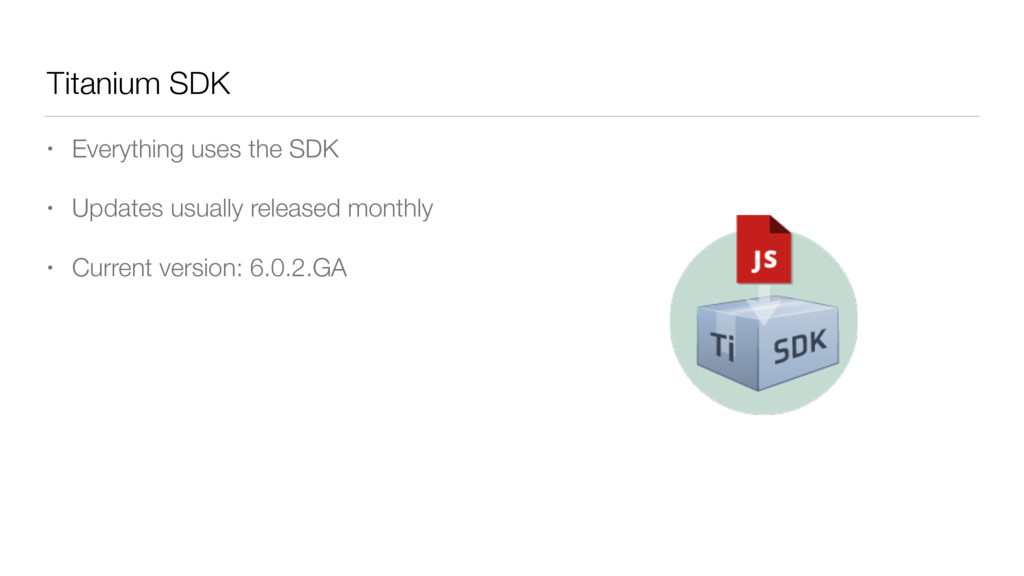
  14. Titanium SDK • Everything uses the SDK • Updates usually

    released monthly • Current version: 6.0.2.GA
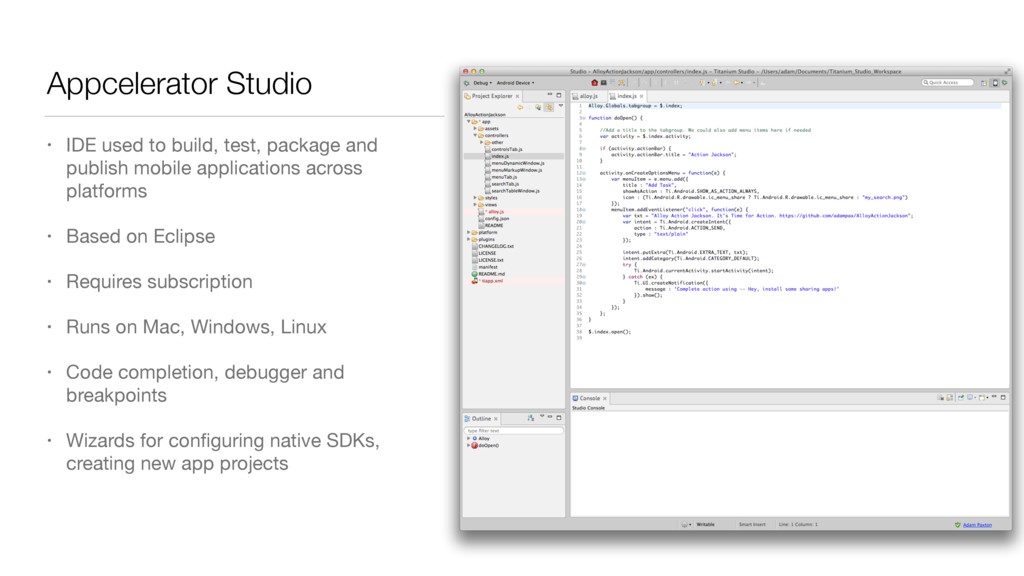
  15. Appcelerator Studio • IDE used to build, test, package and

    publish mobile applications across platforms • Based on Eclipse • Requires subscription • Runs on Mac, Windows, Linux • Code completion, debugger and breakpoints • Wizards for configuring native SDKs, creating new app projects
  16. Titanium Command Line Interface • Node.js-based command-line tool for managing,

    building, and deploying Titanium projects • Don’t want to use Eclipse/Studio? Use the CLI with your favorite editor • SublimeText, Atom, VIM, VS Code, etc. • titanium build --platform android • Appcelerator version: • appcelerator run build --platform android docs.appcelerator.com/platform/latest/#!/guide/Titanium_Command-Line_Interface_Reference
  17. Use Your Own IDE with Titanium • Sublime: https://github.com/MattTuttle/sublime-ti-build •

    Atom: • Package: https://github.com/yomybaby/atom-titanium • Guide: https://github.com/m1ga/titanium_with_atom • IntelliJ IDEA, NetBeans: https://github.com/navinpeiris/jsca2js • VS Code: ext install vscode-titanium
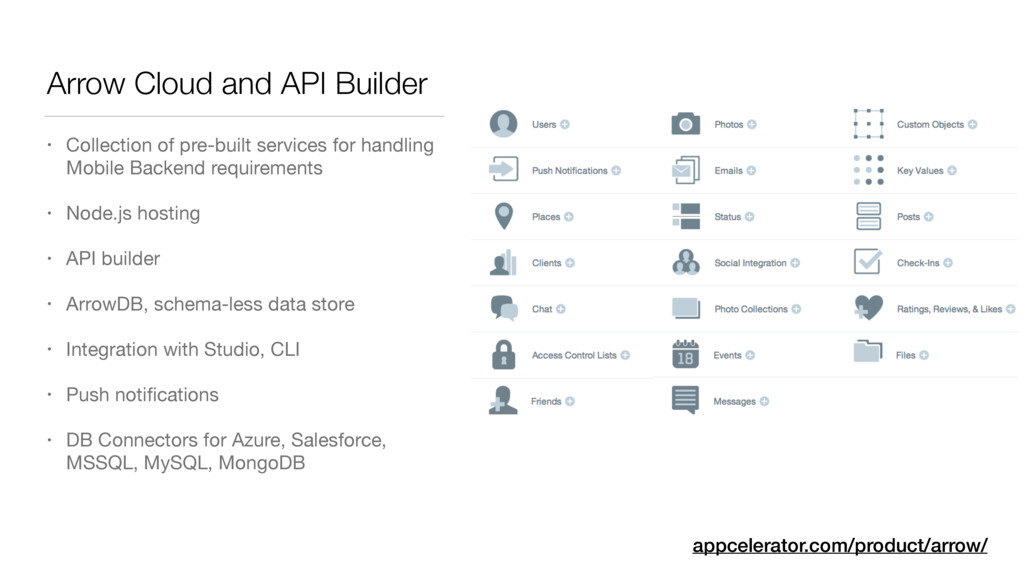
  18. Arrow Cloud and API Builder • Collection of pre-built services

    for handling Mobile Backend requirements • Node.js hosting • API builder • ArrowDB, schema-less data store • Integration with Studio, CLI • Push notifications • DB Connectors for Azure, Salesforce, MSSQL, MySQL, MongoDB appcelerator.com/product/arrow/
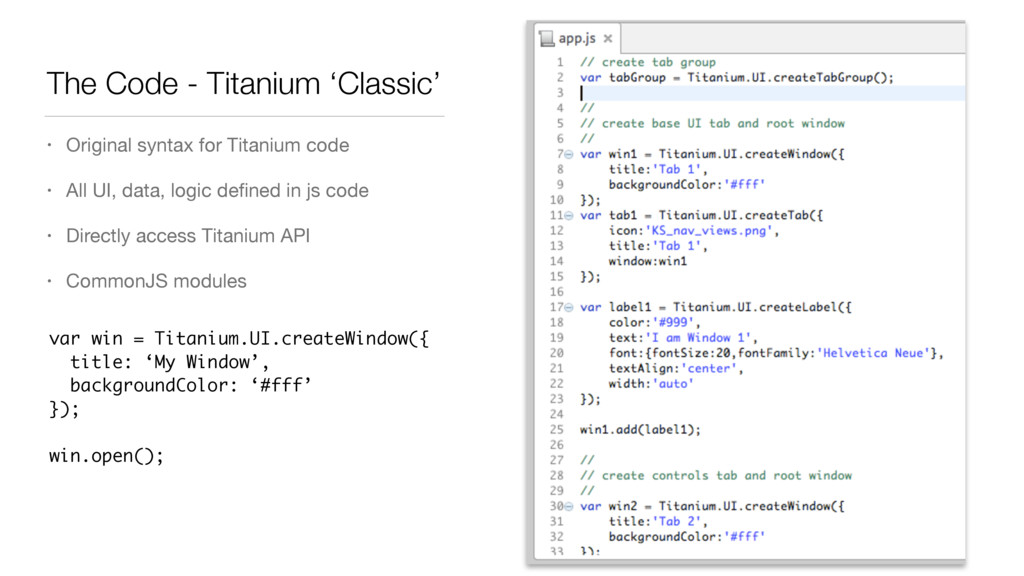
  19. The Code - Titanium ‘Classic’ • Original syntax for Titanium

    code • All UI, data, logic defined in js code • Directly access Titanium API • CommonJS modules var win = Titanium.UI.createWindow({ title: ‘My Window’, backgroundColor: ‘#fff’ }); win.open();
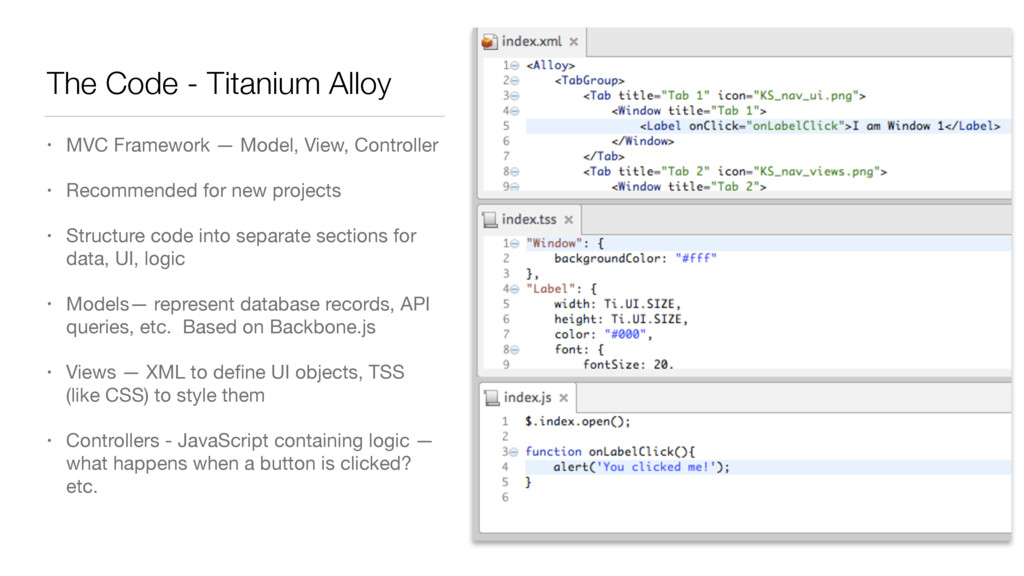
  20. The Code - Titanium Alloy • MVC Framework — Model,

    View, Controller • Recommended for new projects • Structure code into separate sections for data, UI, logic • Models— represent database records, API queries, etc. Based on Backbone.js • Views — XML to define UI objects, TSS (like CSS) to style them • Controllers - JavaScript containing logic — what happens when a button is clicked? etc.
  21. Alloy • Keeps your code cleaner, enabling re-use • Can

    still use CommonJS libraries with Alloy. Popular libraries underscore.js, moment.js already included • Built-ins for conditional code • TSS styling similar to CSS, easy to setup and re-use styling • Widgets - UI libraries / customer controls, easily transportable • A lot more features
  22. Hyperloop - New! • Direct access to every iOS and

    Android API using JavaScript • Incorporate 3rd party native libs, pods • Run Java, Obj-C, Swift alongside Titanium code. • Don’t need to pre-compile modules appcelerator.com/mobile-app-development-products/hyperloop/
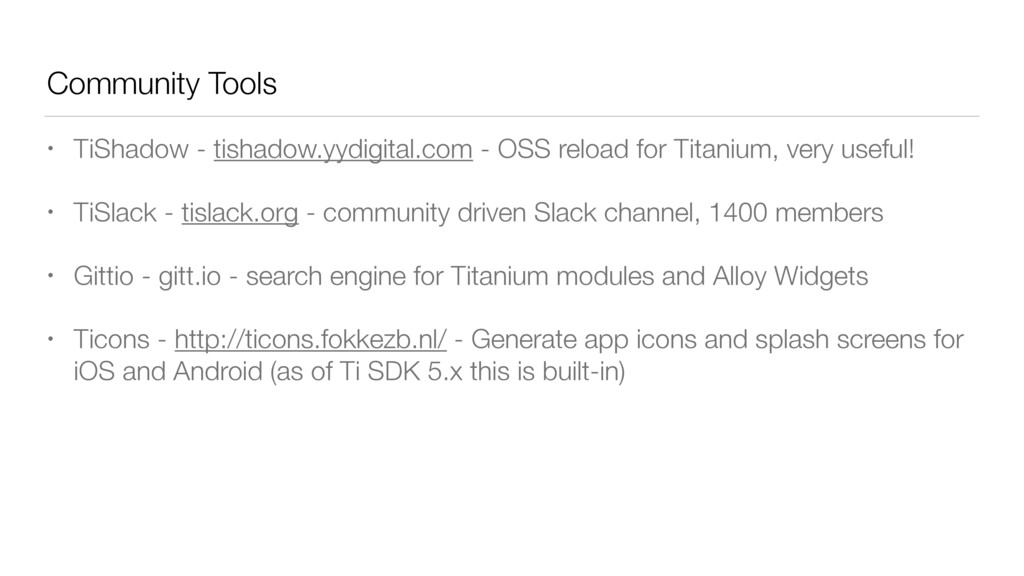
  23. Community Tools • TiShadow - tishadow.yydigital.com - OSS reload for

    Titanium, very useful! • TiSlack - tislack.org - community driven Slack channel, 1400 members • Gittio - gitt.io - search engine for Titanium modules and Alloy Widgets • Ticons - http://ticons.fokkezb.nl/ - Generate app icons and splash screens for iOS and Android (as of Ti SDK 5.x this is built-in)
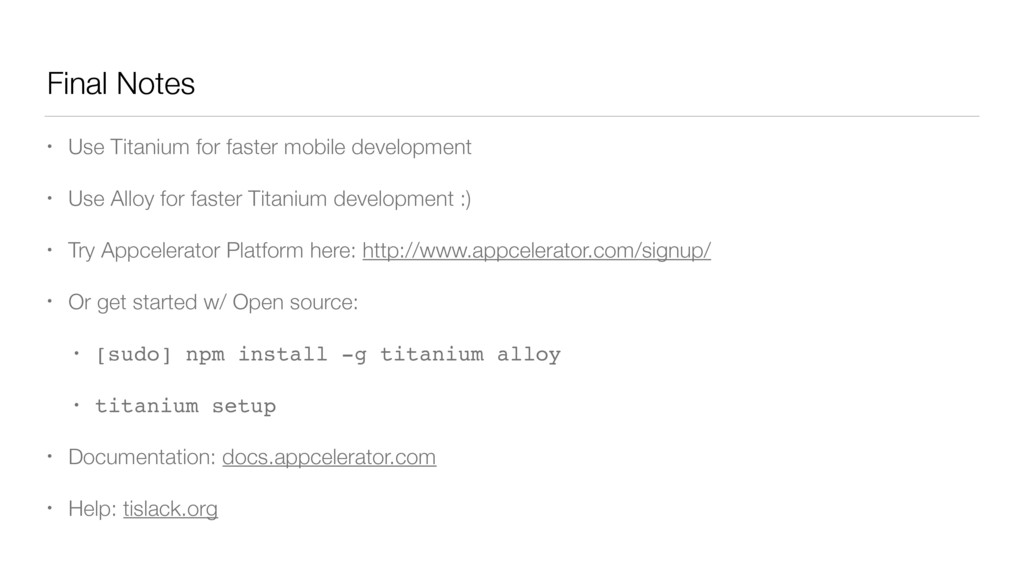
  24. Final Notes • Use Titanium for faster mobile development •

    Use Alloy for faster Titanium development :) • Try Appcelerator Platform here: http://www.appcelerator.com/signup/ • Or get started w/ Open source: • [sudo] npm install -g titanium alloy • titanium setup • Documentation: docs.appcelerator.com • Help: tislack.org
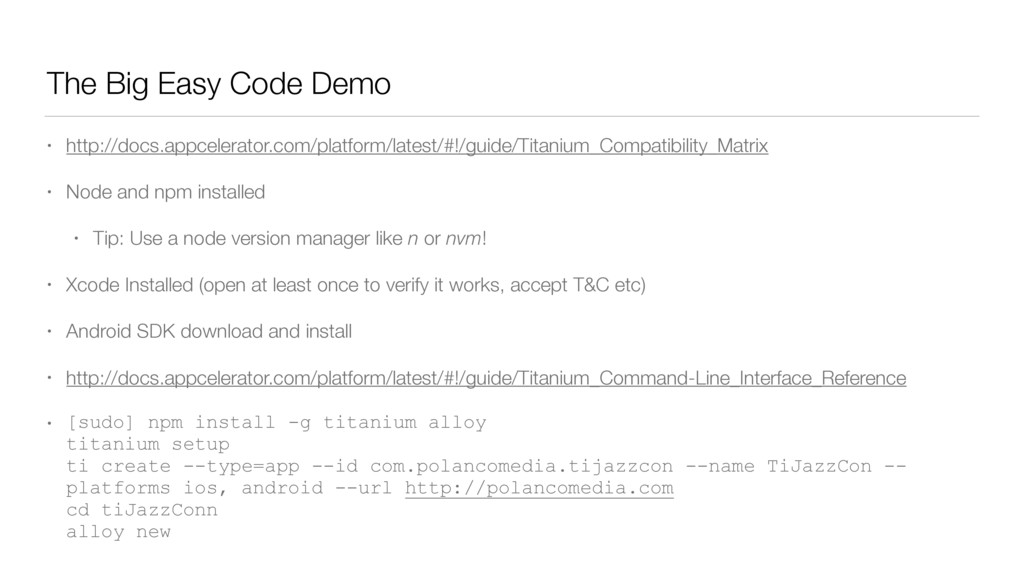
  25. The Big Easy Code Demo • http://docs.appcelerator.com/platform/latest/#!/guide/Titanium_Compatibility_Matrix • Node and

    npm installed • Tip: Use a node version manager like n or nvm! • Xcode Installed (open at least once to verify it works, accept T&C etc) • Android SDK download and install • http://docs.appcelerator.com/platform/latest/#!/guide/Titanium_Command-Line_Interface_Reference • [sudo] npm install -g titanium alloy
 titanium setup
 ti create --type=app --id com.polancomedia.tijazzcon --name TiJazzCon -- platforms ios, android --url http://polancomedia.com
 cd tiJazzConn
 alloy new