Upgrade to Pro
— share decks privately, control downloads, hide ads and more …
Speaker Deck
Sign up for free
Menu
Search
Features
All features
Private URLs
Password Protection
Custom URLS
Scheduled publishing
Remove Branding
Restrict embedding
Deck Collections
Notes
Features
All features
Private URLs
Password Protection
Custom URLS
Scheduled publishing
Remove Branding
Restrict embedding
Deck Collections
Notes
Explore
Featured decks
Featured speakers
Programming
Technology
Storyboards
Explore
Featured decks
Featured speakers
Programming
Technology
Storyboards
Pricing
Search
Sign in
Sign up for free
移动设备应用开发概述
Search
Sponsored
·
SiteGround - Reliable hosting with speed, security, and support you can count on.
→
Adolescent Developer Community
October 28, 2013
Programming
110
0
Share
Embed
Copy iframe code
Copy JS code
Copy link
Start on current slide
移动设备应用开发概述
时间:2013年7月27日 北京
演讲类型:学生演讲
讲者:黄野 - 来自澳大利亚
主要内容:移动设备应用开发概述
Adolescent Developer Community
October 28, 2013
More Decks by Adolescent Developer Community
See All by Adolescent Developer Community
密SQL指令与数据库的安全
adcmnt
0
210
数据挖掘与无障碍技术
adcmnt
0
190
编写更合理的 JavaScript 代码
adcmnt
1
320
小谈信息学竞赛与软件开发之间的关系
adcmnt
0
180
走进用户群,才能收获更多
adcmnt
0
110
探索电池
adcmnt
0
160
成长网介绍
adcmnt
0
97
青少年互联网开发与人机交互
adcmnt
0
94
Other Decks in Programming
See All in Programming
自サークルのIdPからログアウトできるようになるまで
taiseiue
1
140
ActionController meets Protocol Buffers
sorah
0
550
[JA] Domain Modeling with Vanilla Rails: 「操作」から再考するRailsの設計論
yasaichi
2
410
すこし踏み込む CancellationToken
htkym
2
1.7k
Agentic Software Factoryに、すごく賢いIF文を。 / super smart IF statement into the Agentic Software Factory.
rkaga
8
2.2k
カツオ、ご期待ください
suneo3476
0
190
phperだってパンチカードでコーディングしたい
o0h
PRO
0
340
Everything will be SERVERLESS — 信じて運用した10年の経験値 / Everything Will be Serverless — Lessons Learned from 10 Years of Operational Experience
seike460
PRO
1
1.1k
ハーネス設計入門 〜 基礎知識の整理から実務へのステップアップ 〜
kinopeee
28
33k
Atomic Design, Enforced: Scaling Mobile Design Systems (next.app devCon / droidCon Berlin 2026)
steliosf
PRO
0
170
【加筆修正版】Laravel のアプリケーションをどこにデプロイするか #phpcon_ehime
akase244
0
150
Apple Intelligence を用いた個人情報誤送信防止、及びユーザーリクエスト体験の改善について
yukiny
0
350
Featured
See All Featured
Public Speaking Without Barfing On Your Shoes - THAT 2023
reverentgeek
1
600
Build your cross-platform service in a week with App Engine
jlugia
234
19k
GraphQLとの向き合い方2022年版
quramy
50
15k
Ten Tips & Tricks for a 🌱 transition
stuffmc
1
270
The Invisible Side of Design
smashingmag
301
52k
SERP Conf. Vienna - Web Accessibility: Optimizing for Inclusivity and SEO
sarafernandez
2
1.6k
What's in a price? How to price your products and services
michaelherold
247
13k
It's Worth the Effort
3n
188
29k
How STYLIGHT went responsive
nonsquared
100
6.3k
ReactJS: Keep Simple. Everything can be a component!
pedronauck
666
130k
The Impact of AI in SEO - AI Overviews June 2024 Edition
aleyda
6
1.2k
A brief & incomplete history of UX Design for the World Wide Web: 1989–2019
jct
2
530
Transcript
移动设备应用开发概述 Edward.Huang
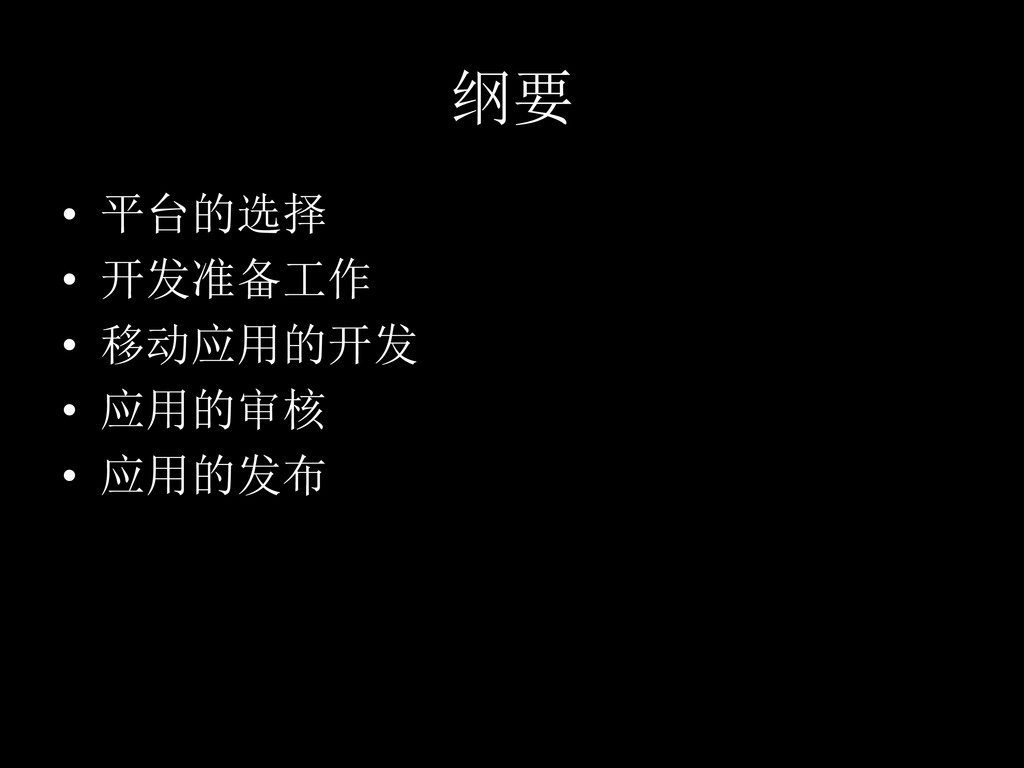
纲要 • 平台的选择 • 开发准备工作 • 移动应用的开发
• 应用的审核 • 应用的发布
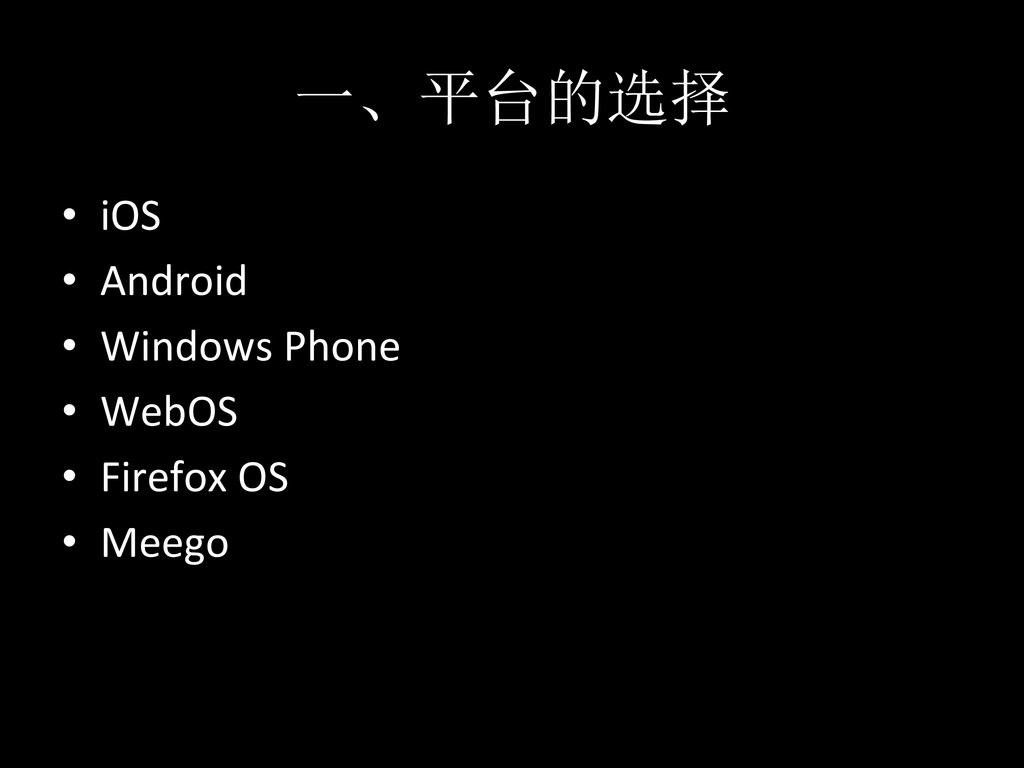
一、平台的选择 • iOS • Android • Windows Phone
• WebOS • Firefox OS • Meego
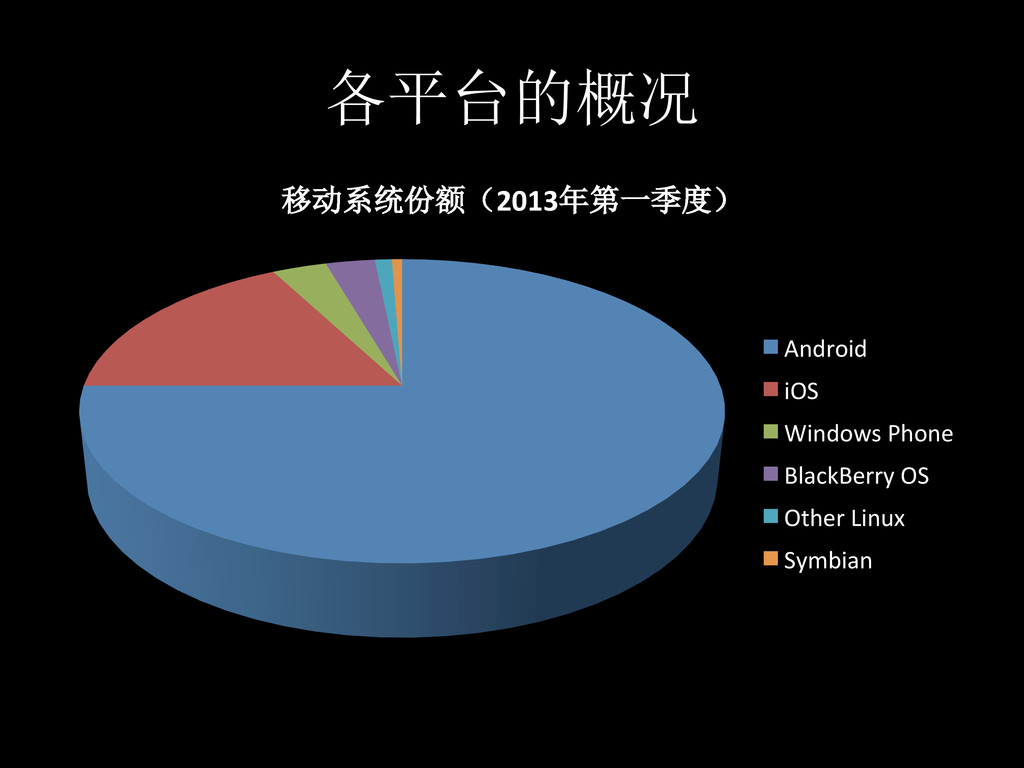
各平台的概况 移动系统份额(2013年第一季度) Android iOS Windows Phone BlackBerry
OS Other Linux Symbian
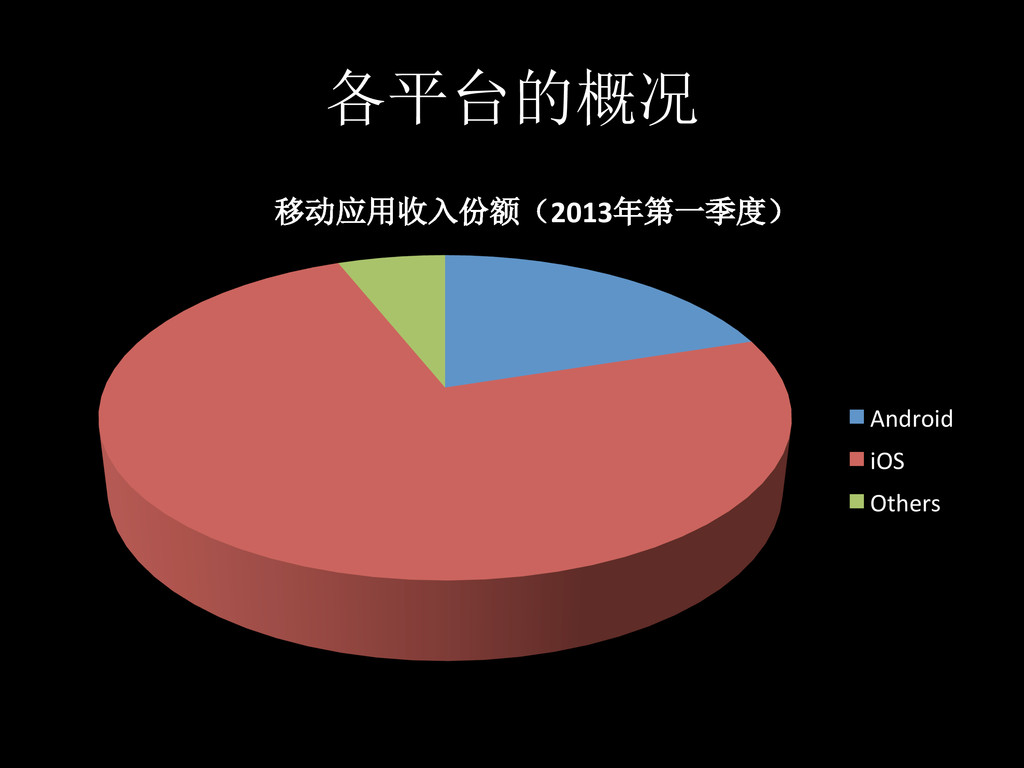
各平台的概况 移动应用收入份额(2013年第一季度) Android iOS Others
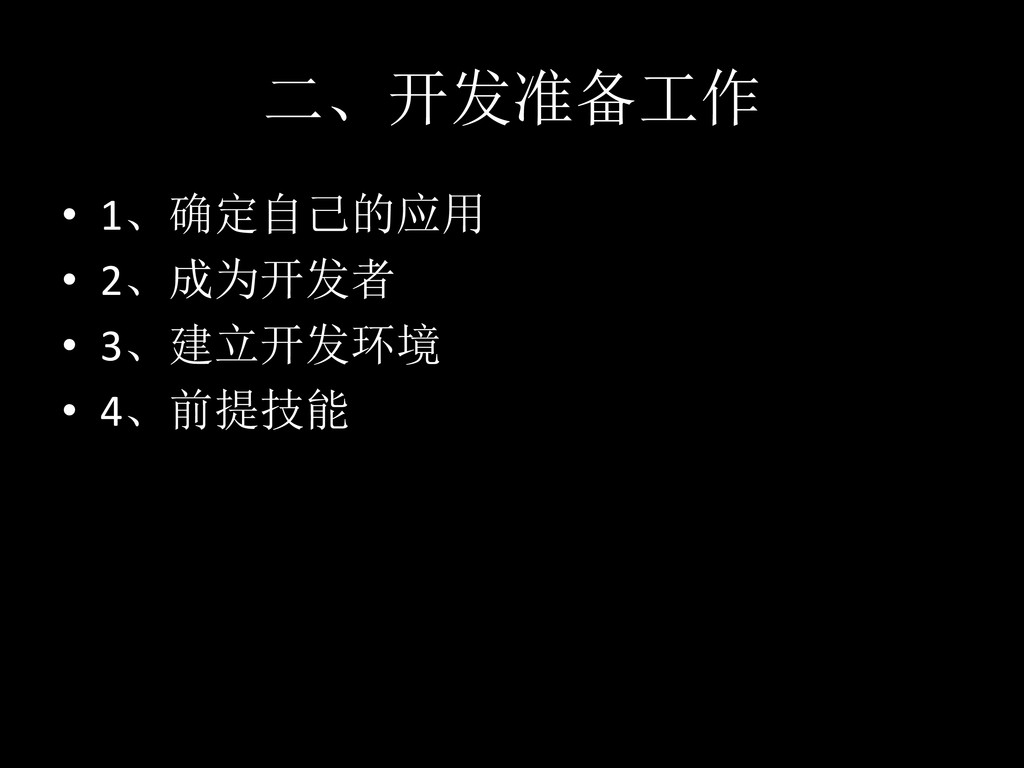
二、开发准备工作 • 1、确定自己的应用 • 2、成为开发者 • 3、建立开发环境
• 4、前提技能
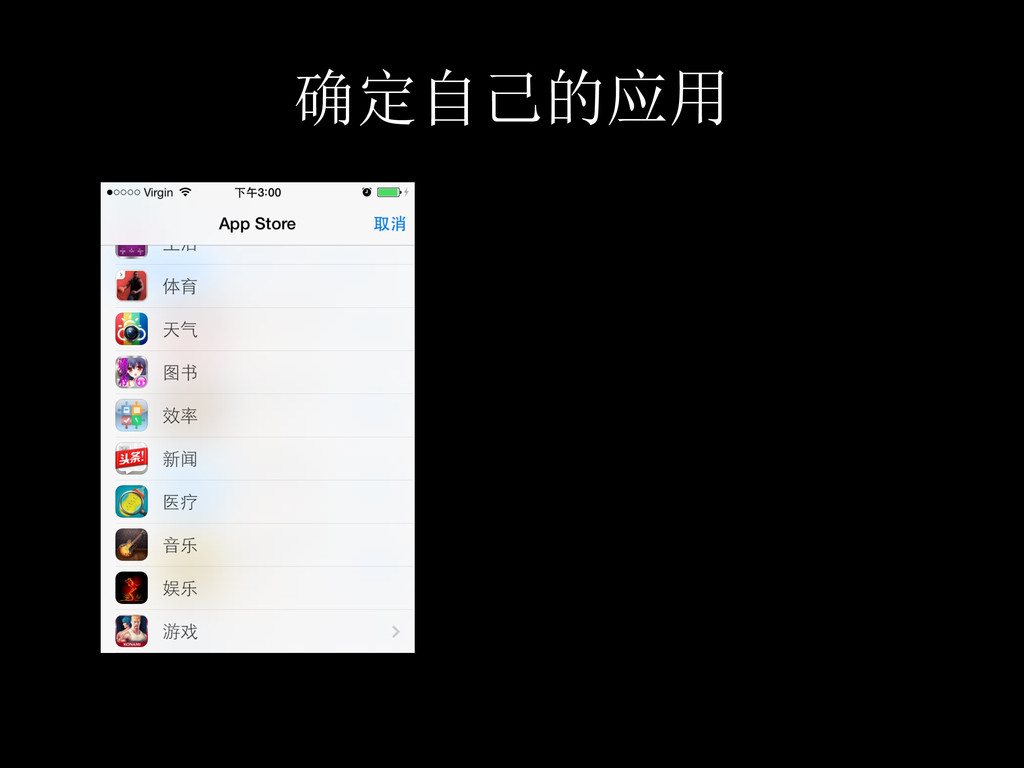
确定自己的应用 • v
成为iOS开发者 • 1、登录developer.apple.com • 2、注册一个免费的开发者账户 • 3、加入iOS开发者计划(99美元/年)
加入iOS开发者计划 • 现场演示
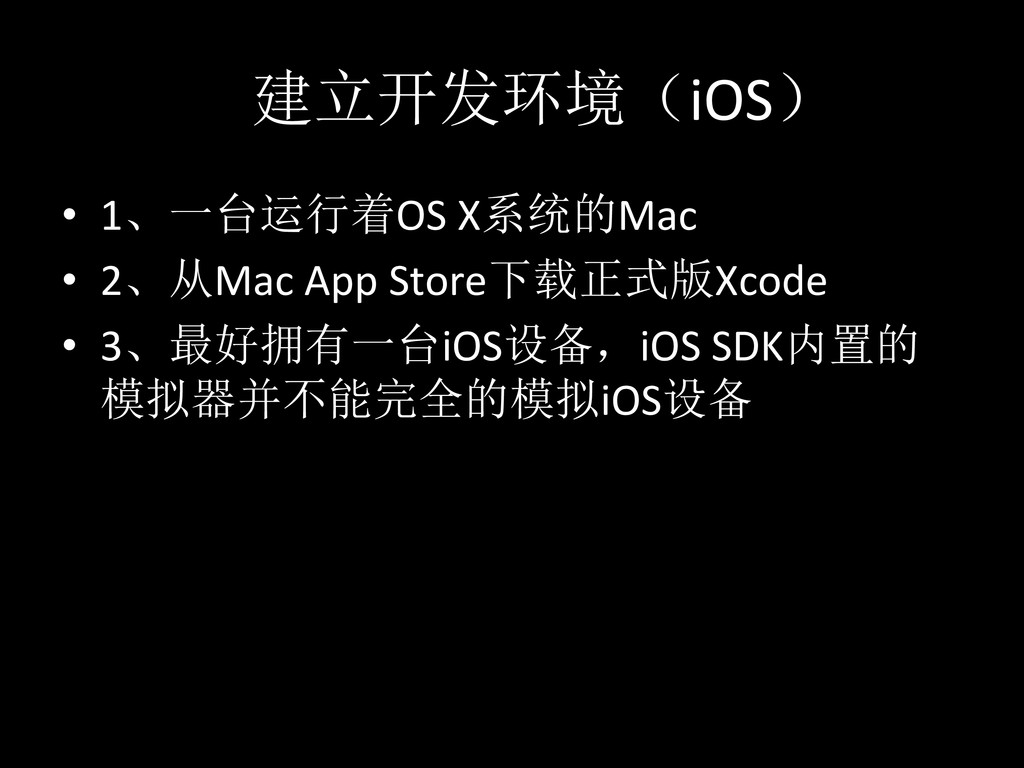
建立开发环境(iOS) • 1、一台运行着OS X系统的Mac • 2、从Mac App Store下载正式版Xcode
• 3、最好拥有一台iOS设备,iOS SDK内置的 模拟器并不能完全的模拟iOS设备
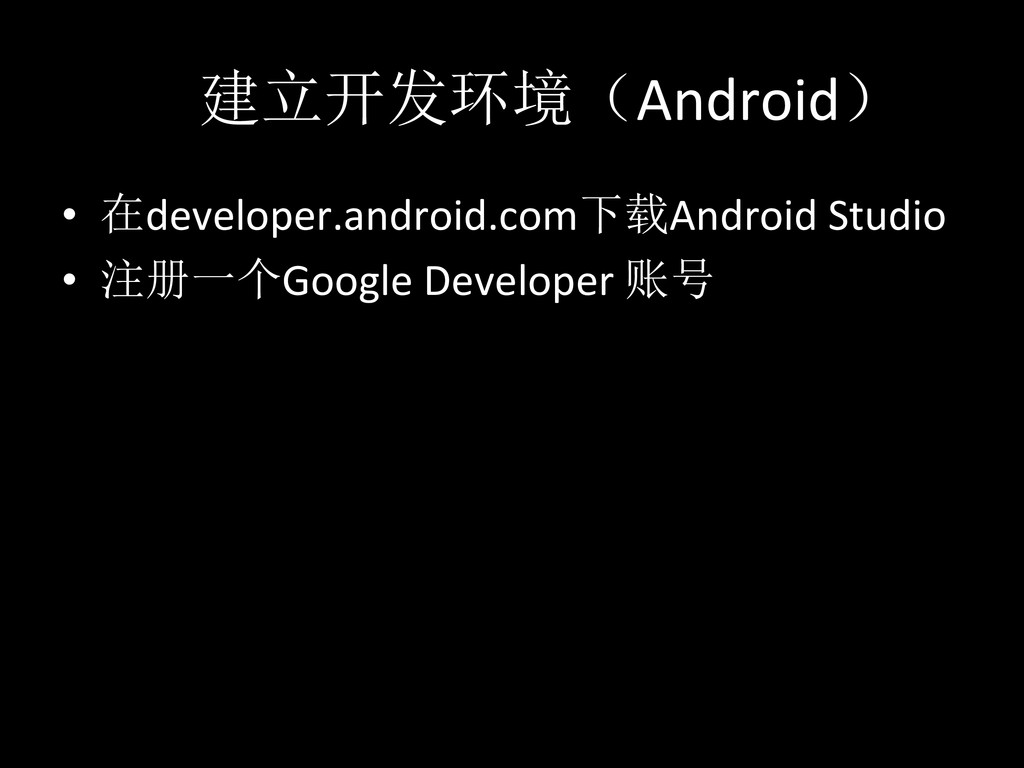
建立开发环境(Android) • 在developer.android.com下载Android Studio • 注册一个Google Developer 账号
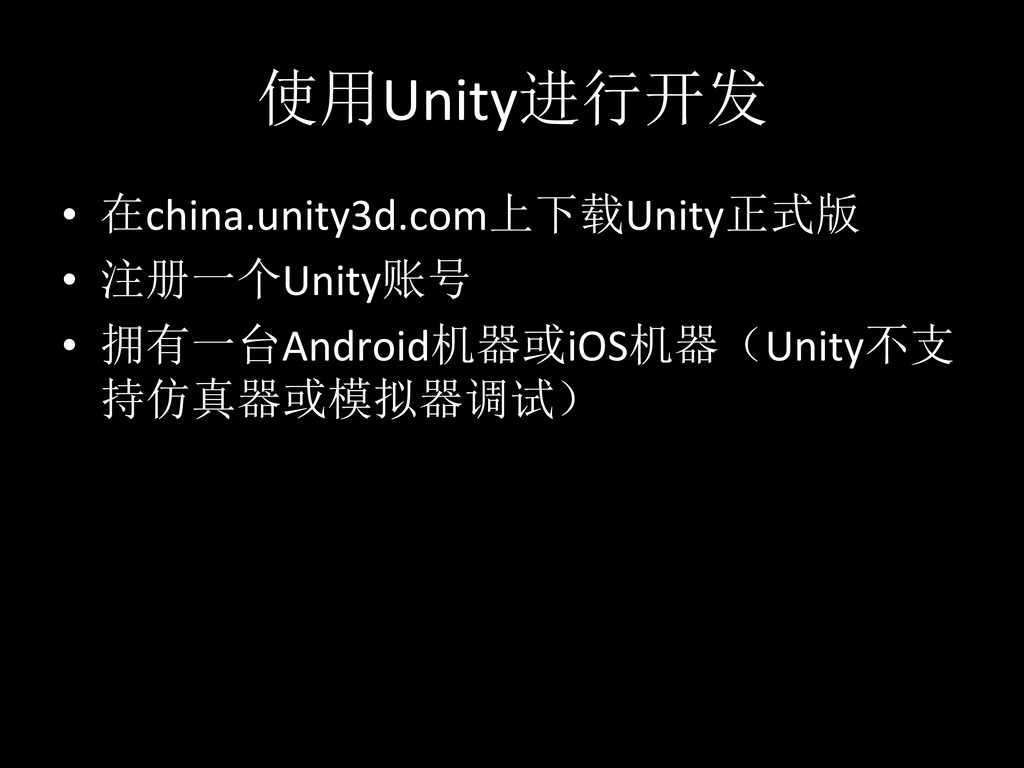
使用Unity进行开发 • 在china.unity3d.com上下载Unity正式版 • 注册一个Unity账号 • 拥有一台Android机器或iOS机器(Unity不支 持仿真器或模拟器调试)
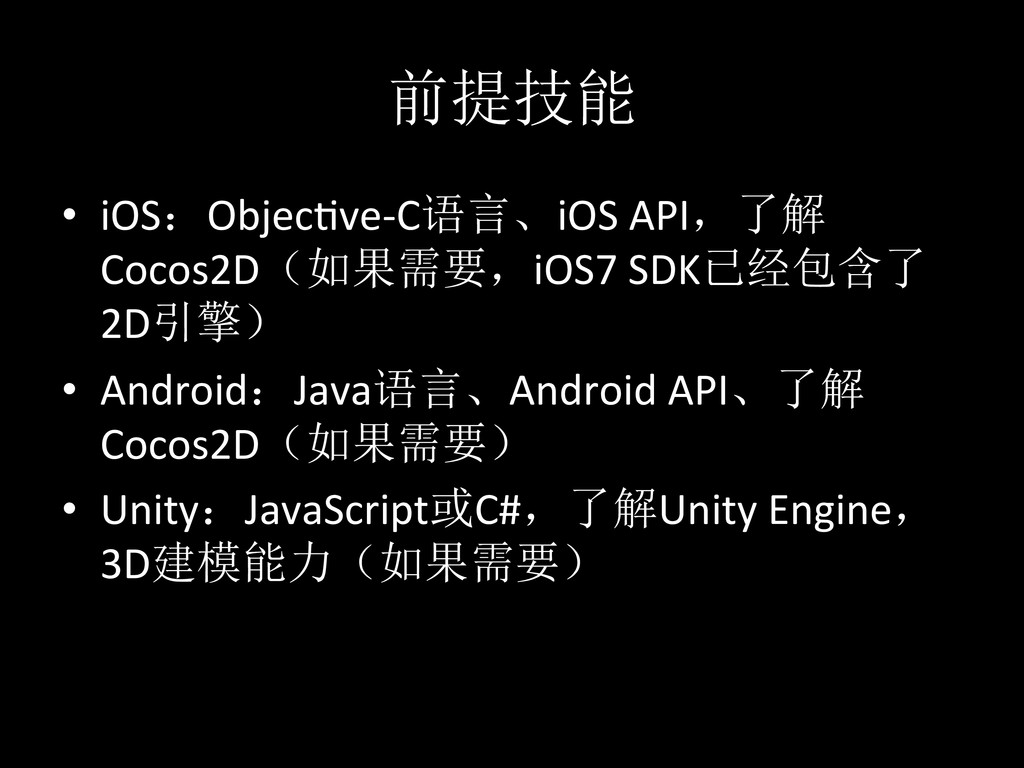
前提技能 • iOS:ObjecQve-‐C语言、iOS API,了解 Cocos2D(如果需要,iOS7 SDK已经包含了 2D引擎) • Android:Java语言、Android
API、了解 Cocos2D(如果需要) • Unity:JavaScript或C#,了解Unity Engine, 3D建模能力(如果需要)
应用程序的开发
应用的审核与发布(iOS) • 1、注册应用 • 2、提交应用 • 3、审核
• 4、上架
应用的注册与提交 • 1、登录developer.apple.com • 2、为自己的应用添加分发证书 • 3、在iTunes Connect中注册自己的应用(开
发者官网挂了,没法演示) • 4、在Xcode中配置分发证书 • 5、进行最终编译 • 6、提交应用到相应的版本
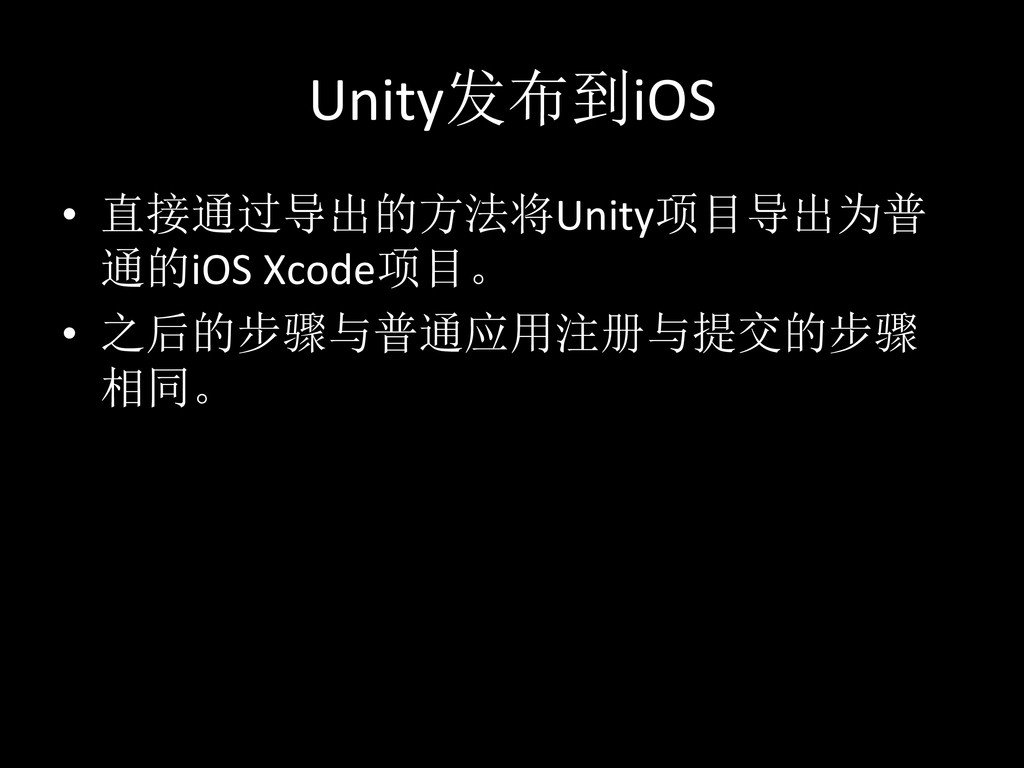
Unity发布到iOS • 直接通过导出的方法将Unity项目导出为普 通的iOS Xcode项目。 • 之后的步骤与普通应用注册与提交的步骤 相同。
应用的审核 应用的审核通常是介于1-‐2周左右,最长可达 1个多月,苹果的审核人员是非常的死板的, 所以开发者千万不要违反任何一条不允许的 规则(单词拼写错误也会被打回)。 如果开发者需要加急审核,就需要进行申请, 如果申请通过,那么该应用的审核时间会缩 短到1-‐2天。
应用审核结束与发布 • 1、如果应用审核通过,你可以选择立即发 布或者延期,当你点击发布后,该应用会 在半天内上架App Store • 2、如果审核失败,你需要根据官方的审核 信息进行修改并重新提交。重新提交的应
用将重新经历一次审核周期。
技巧 如果你在注册开发者方面遇到了问题,可以 毫不犹豫的打电话给苹果开发者部门,他们 会很耐心的解答你的问题。 iOS个人开发者一年内有2次苹果官方技术支 持。
谢谢 数据引用:h[p://roll.sohu.com/20130515/n375912393.shtml h[p://www.idc.com/getdoc.jsp?containerId=prUS24108913
None


 adcmnt
 taiseiue
 sorah
sorah
 yasaichi
 htkym
htkym
 rkaga
rkaga
 suneo3476
 o0h
o0h
 seike460
 kinopeee
 steliosf
 akase244
 yukiny
 reverentgeek
 jlugia
 quramy
 stuffmc
 smashingmag
 sarafernandez
 michaelherold
 3n
3n
 nonsquared
 pedronauck
 aleyda
 jct
jct