at the Olivetti Research Laboratory in Cambridge, England in the late 1990s. • VNC allows a user to remotely control a computer over a network connection. • The VNC server software runs on the computer that will be controlled, while the VNC viewer software is used to control that computer from another device. • When a viewer connects to a VNC server, the server sends a copy of the screen to the viewer. Any input from the viewer is sent back to the server and executed on the server's machine. • VNC operates on a client-server model, which means that a VNC server listens for incoming connections from VNC clients. • There are many VNC server implementations available, including the open source RealVNC and TightVNC. The History of VNC and How it Works
be sent individually which consumes a lot of bandwidth • Security is a concern as VNC is vulnerable to attacks • No audio support • No file transfer support
X Remote Desktop Protocol • XRDP is an open-source implementation of the Microsoft Remote Desktop Protocol (RDP) • XRDP allows users to access a remote desktop environment running on a Linux system • XRDP provides a graphical login to remote machines using Microsoft Remote Desktop Protocol (RDP) • XRDP is preferred over VNC for its better security and performance
Protocol • Allows a user to remotely control a computer over a network connection • RDP operates on a client-server model • RDP encodes the desktop of the remote computer and sends it to the client • Any input from the client is sent back to the server and executed on the remote system • Audio and file transfer support is available in RDP
for better security and performance • RDP provides audio and file transfer support which is not available in VNC • VNC is inefficient as each command has to be sent individually which consumes a lot of bandwidth • VNC is vulnerable to attacks as it lacks security features
on the xorg server sends input requests back to client Server vs client reversed Not necessarily on the same machine Rather Chatty Old, unwieldy codebase that has been hard to get developers
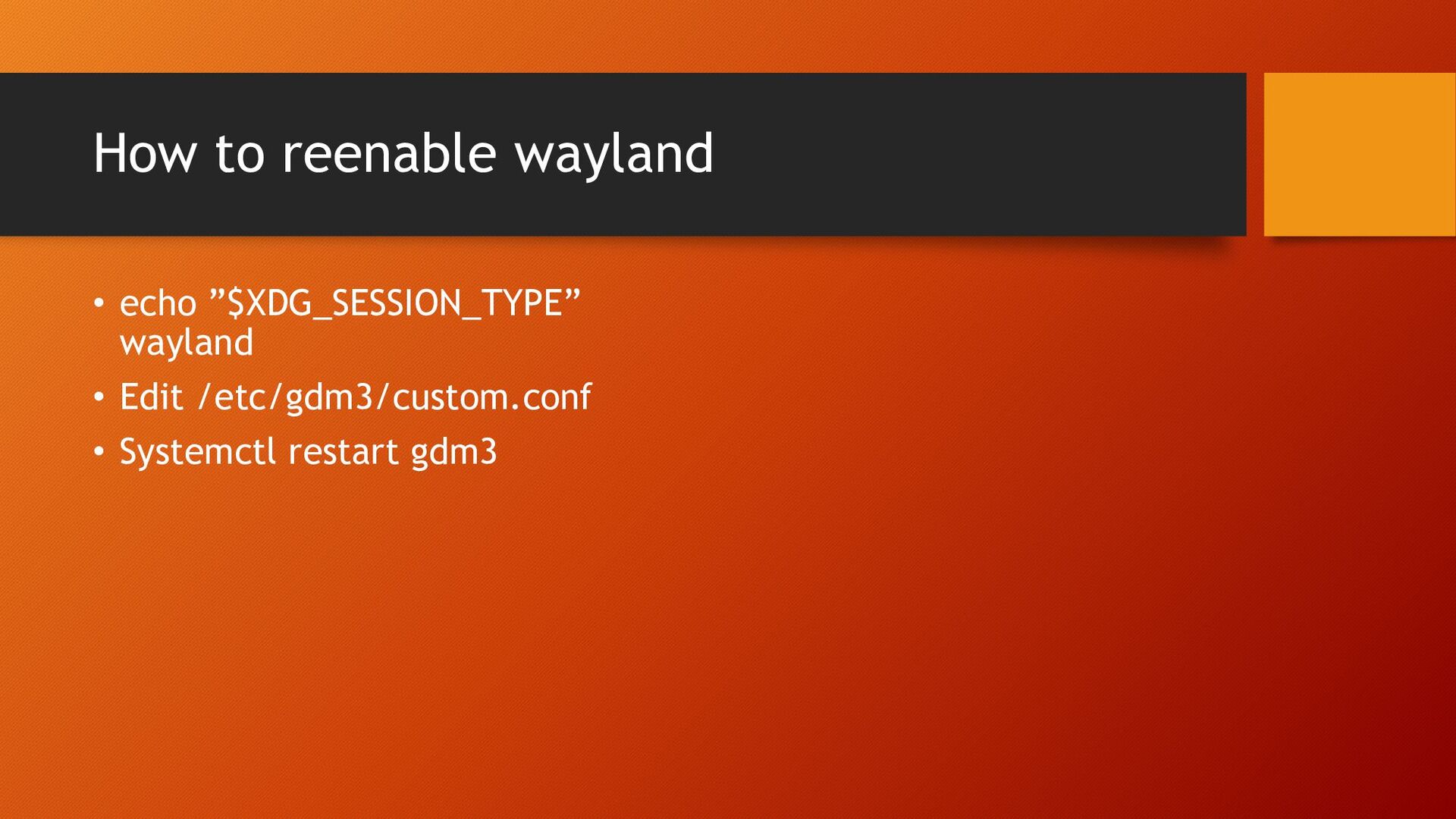
work • Still somewhat nacent but improving • Goal is simplicity and ease of maintainability • Biggest issue is there is no one xrdp solution currently most all windows managers are going rogue… see demo Wayland
as in beer • Free for personal use, but commercial use requires license • RDP like desktop experience, allows for • In theory should work with wayland, in actuality just forced over to xorg
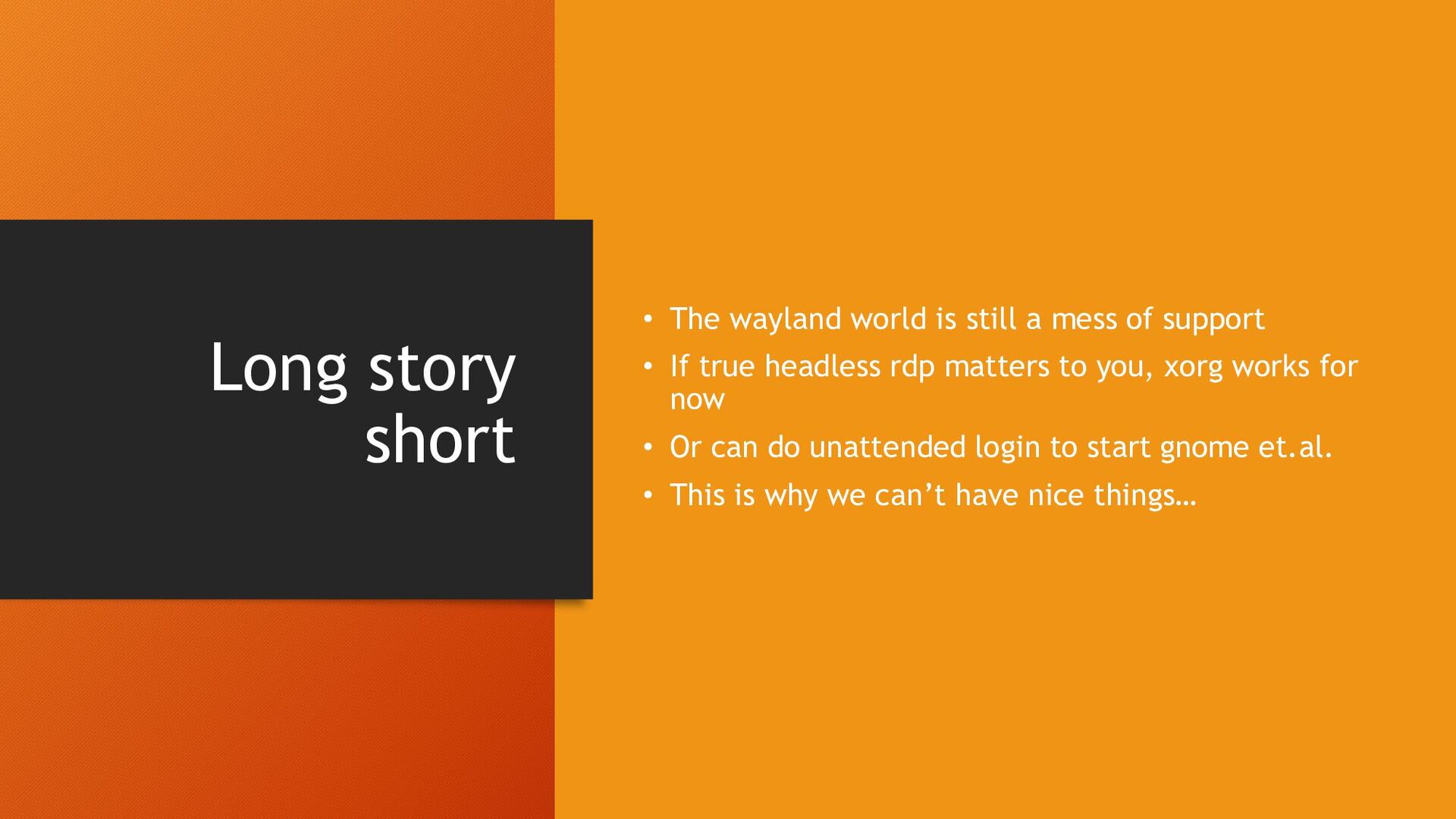
mess of support • If true headless rdp matters to you, xorg works for now • Or can do unattended login to start gnome et.al. • This is why we can’t have nice things…


 adenner
 mohab1
 teamlab
 kairim0
 oasis1994liveforever
 pfn
pfn
 jtakeda
 takuroabe
 usanchuu
 daidaidai
 hiracky16
 finengine
 tsukina_7mochi
 geshan
 jeffersonlam
 szymonslowik
 wjessup
 lauravandoore
 techseoconnect
 sarafernandez
 garrettdimon
 lfama
lfama
 sugarenia
 tammyeverts