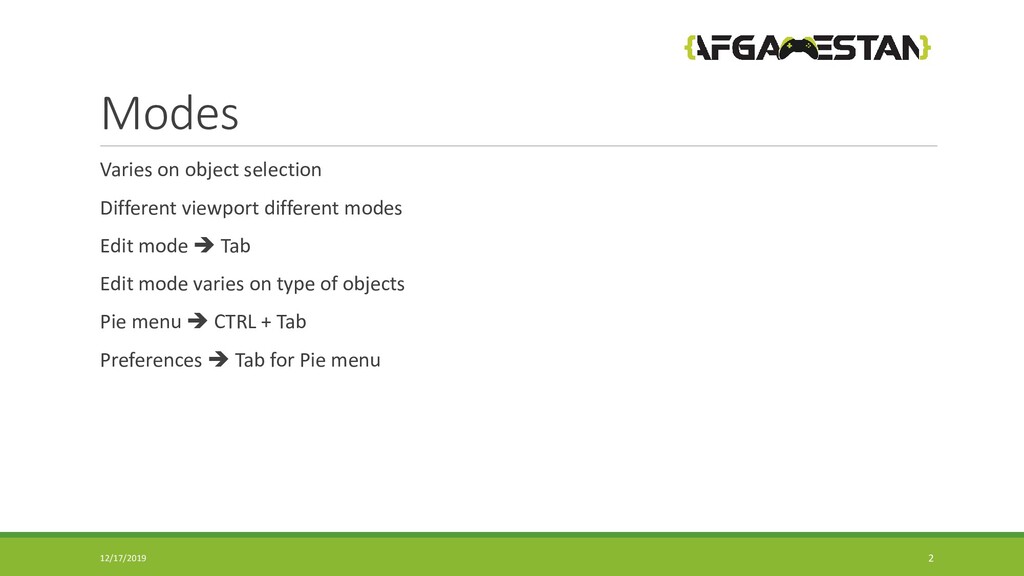
Modes.
OP Panel.
Add or Remove 3D objects.
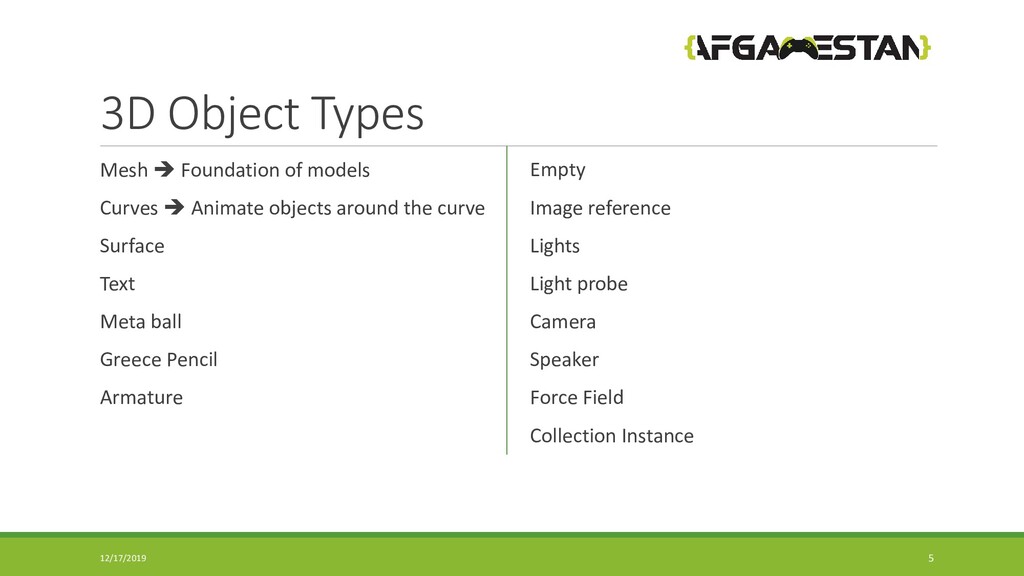
3D objects type.
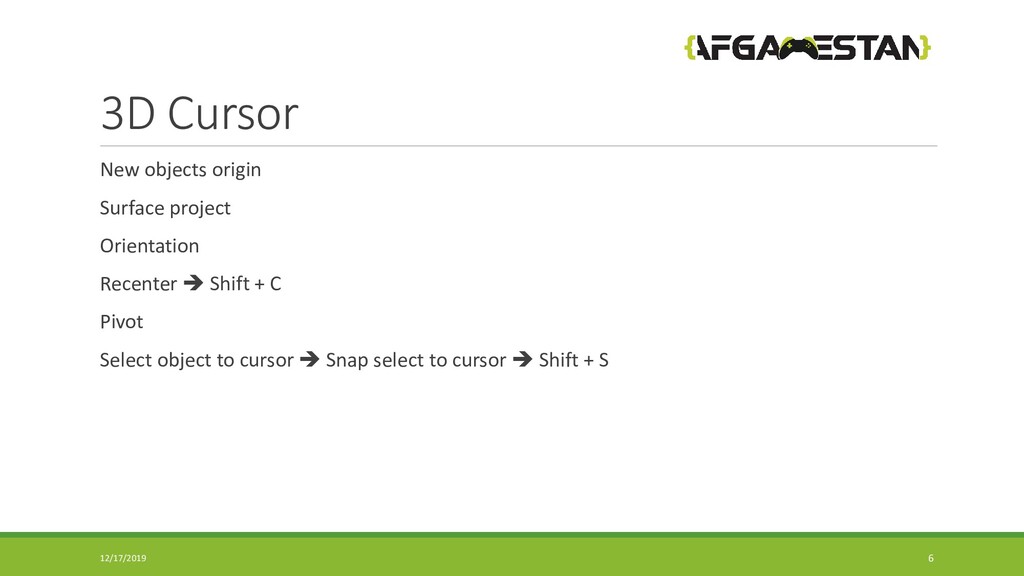
3D Cursor.
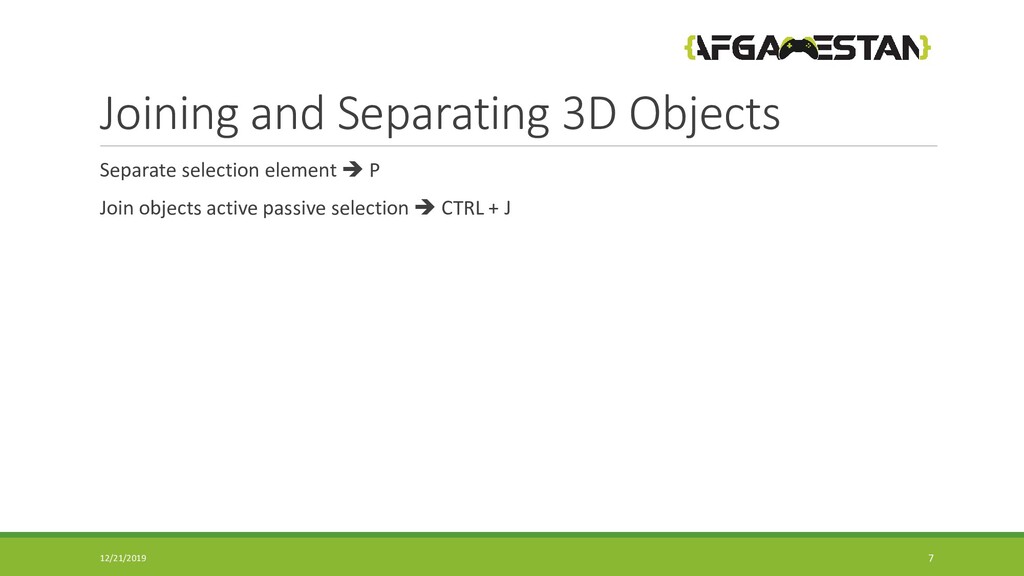
Joining and Separating 3D objects.
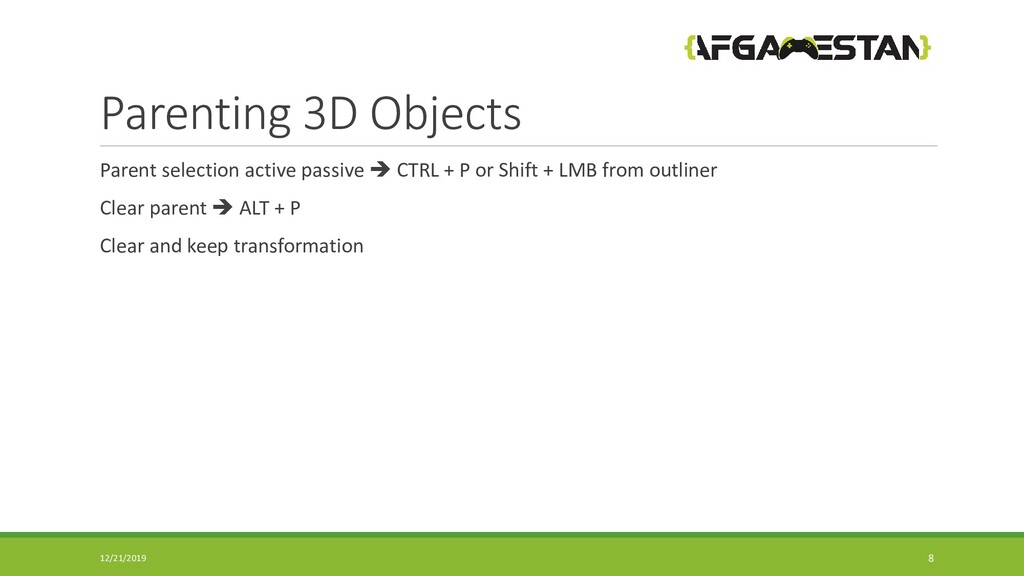
Parenting.
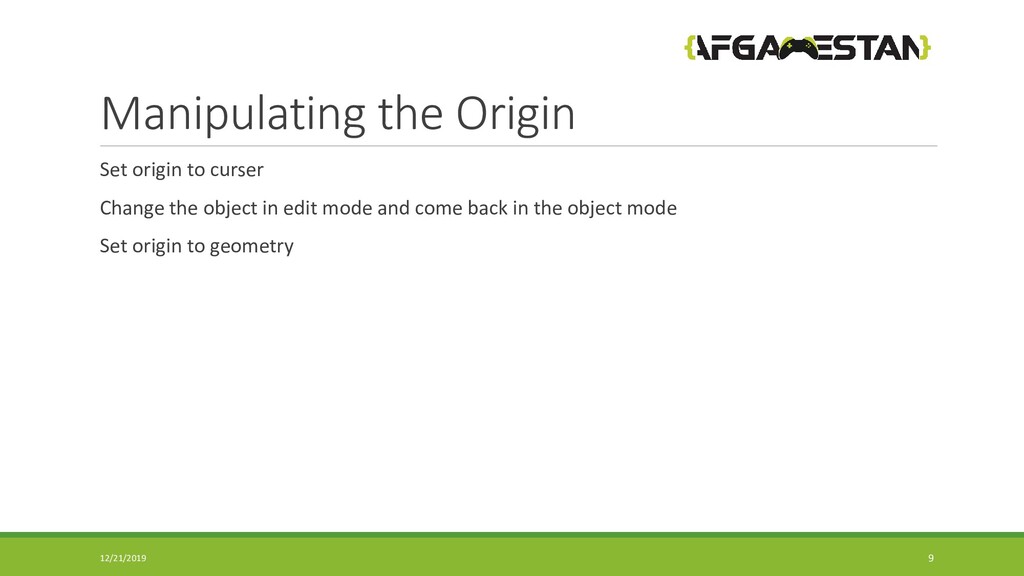
Manipulating the origins.
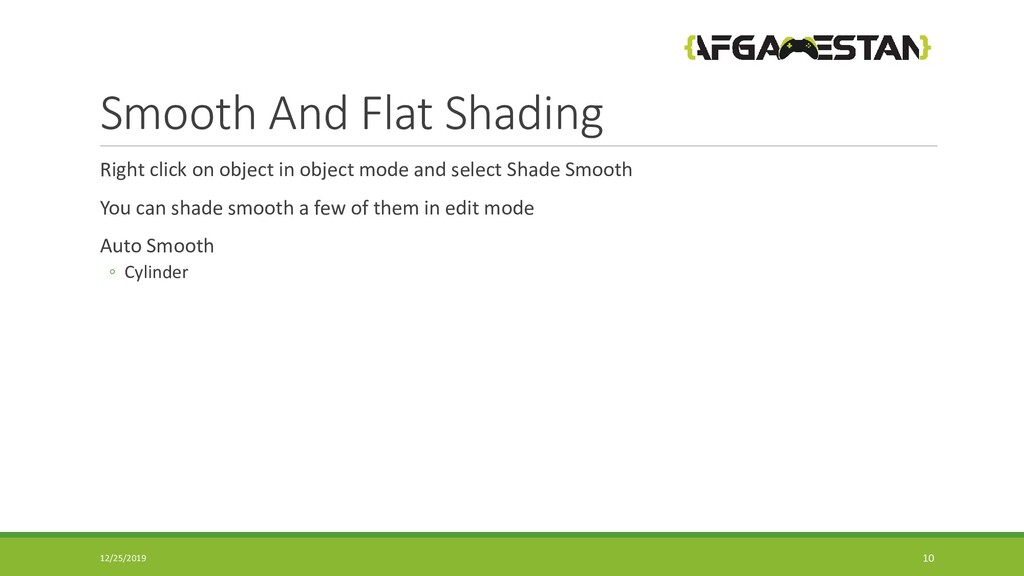
Smooth and Flat Shading.
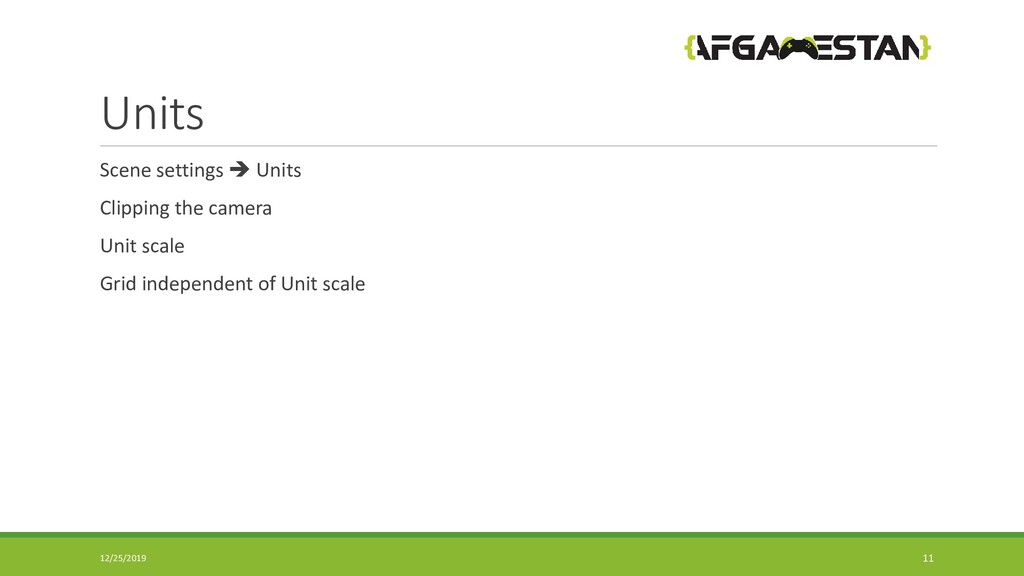
Units.
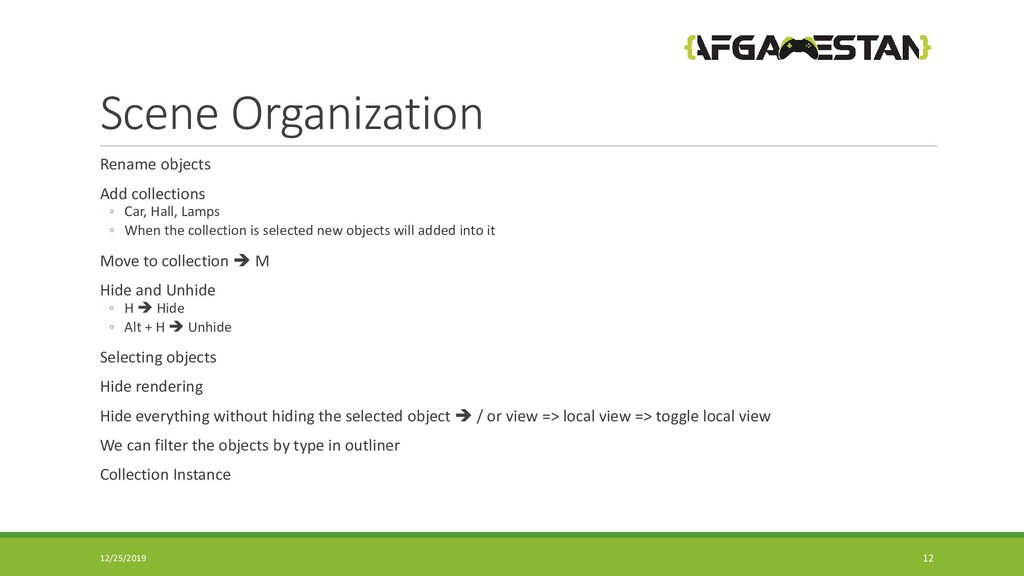
Scene Organization.
Viewport Overlays.
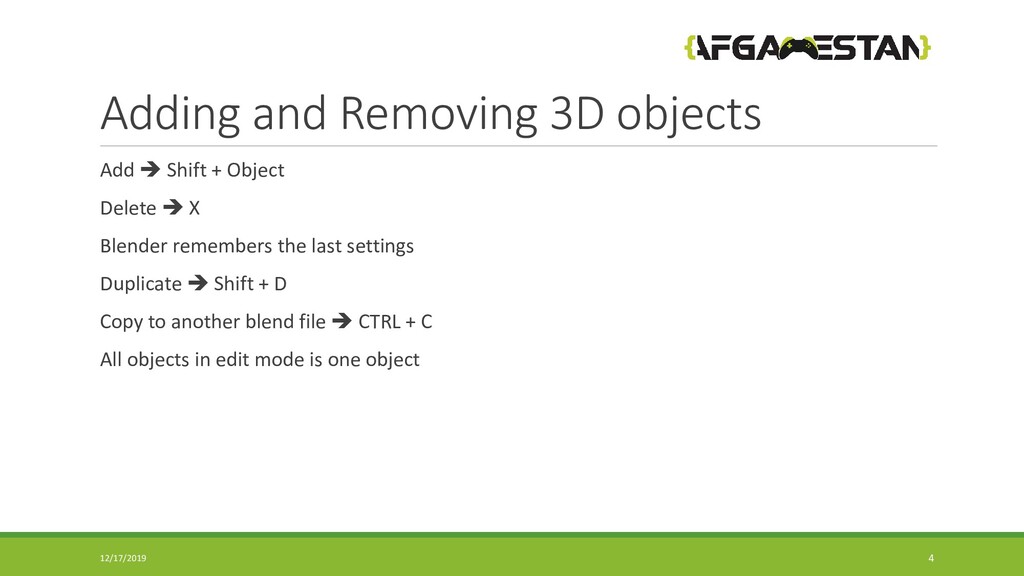
Delete X Blender remembers the last settings Duplicate Shift + D Copy to another blend file CTRL + C All objects in edit mode is one object 12/17/2019 4
Animate objects around the curve Surface Text Meta ball Greece Pencil Armature Empty Image reference Lights Light probe Camera Speaker Force Field Collection Instance 12/17/2019 5
◦ When the collection is selected new objects will added into it Move to collection M Hide and Unhide ◦ H Hide ◦ Alt + H Unhide Selecting objects Hide rendering Hide everything without hiding the selected object / or view => local view => toggle local view We can filter the objects by type in outliner Collection Instance 12/25/2019 12


 afgamestan
 kaminashi
 endonanana
 codmoninc
 occhi
occhi
 shugo
shugo
 bitkey
 akitoshiga
 jtakeda
 pfn
pfn
 ivry_presentationmaterials
 moznion
 ueponx
 marktimemedia
 kastner
 popppiees
 tammyeverts
 inesmontani
 jdejongh
.jpg) cargoodrich
cargoodrich
 asonas
 michaelherold
 lara
lara