Upgrade to Pro — share decks privately, control downloads, hide ads and more …

Blender Selection Tools

Sponsored · Ship Features Fearlessly Turn features on and off without deploys. Used by thousands of Ruby developers. →
Avatar for AFGAMESTAN AFGAMESTAN
January 01, 2020

Blender Selection Tools

Selection tools.
Active and Passive Selection.
Transformation Tools.
Gizmos.
Snapping.
Randomize Transform.

Avatar for AFGAMESTAN

AFGAMESTAN

January 01, 2020

More Decks by AFGAMESTAN

Other Decks in Technology

Transcript

  1. Selection Select Tool Select  LMB Multiple Select  Shift

    + LMB Select All  A Deselect All  ALT + A or Double A too fast Disable selection of objects in the outliner  Can enable / disable this feature using filter part 12/13/2019 2
  2. Selection Select Box Tool Select box  B Multiple box

     Shift + LMB Deselect some parts  CTRL + LMB New / Add / Subtract / Difference / Intersect 12/13/2019 3
  3. Selection Select Circle Tool Select box  C Multiple box

     Shift + LMB Loop through different tool  W Deselect some parts  CTRL + LMB New / Add / Subtract Radius  Scroll Cant rotate while using this tool 12/13/2019 4
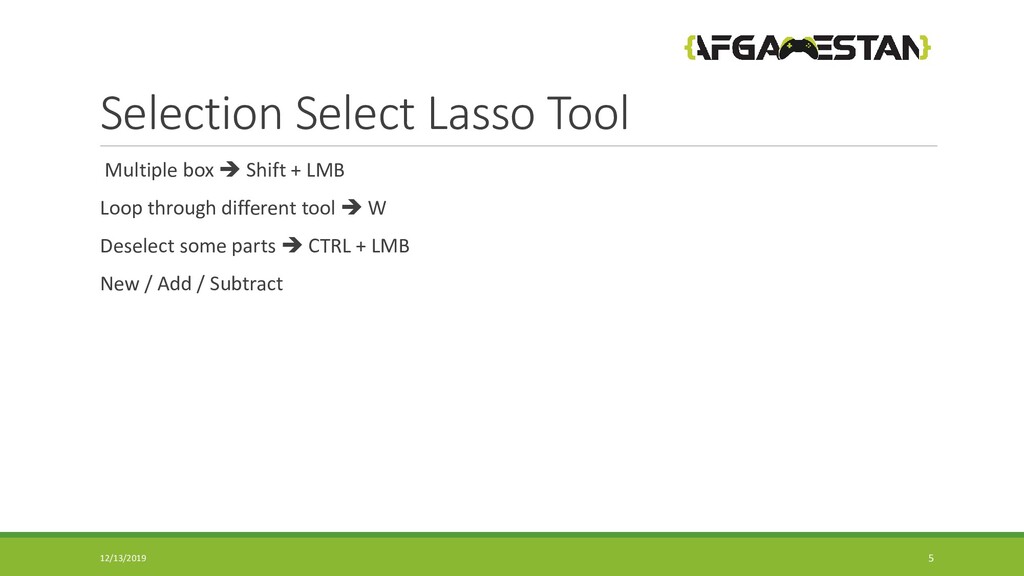
  4. Selection Select Lasso Tool Multiple box  Shift + LMB

    Loop through different tool  W Deselect some parts  CTRL + LMB New / Add / Subtract 12/13/2019 5
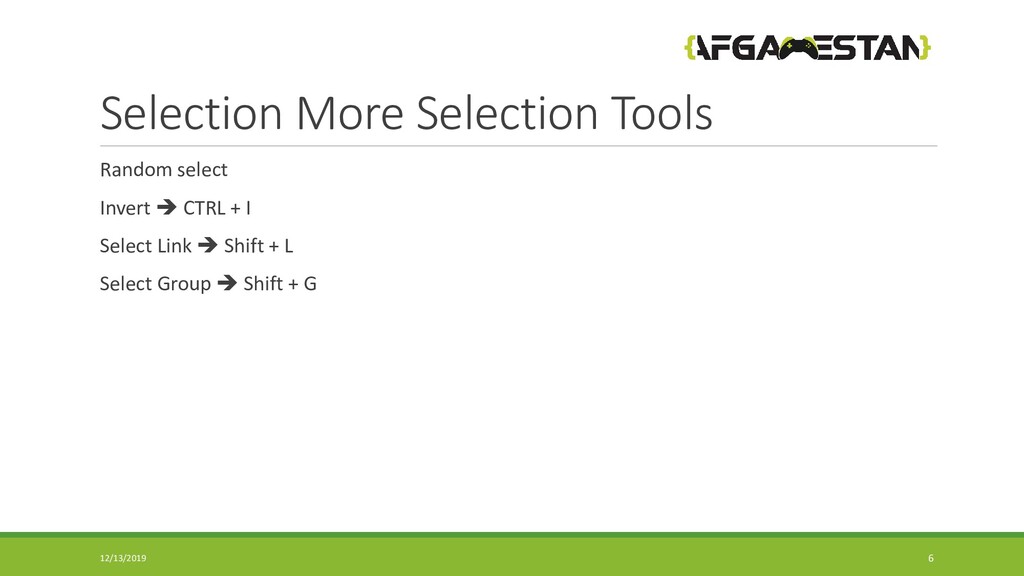
  5. Selection More Selection Tools Random select Invert  CTRL +

    I Select Link  Shift + L Select Group  Shift + G 12/13/2019 6
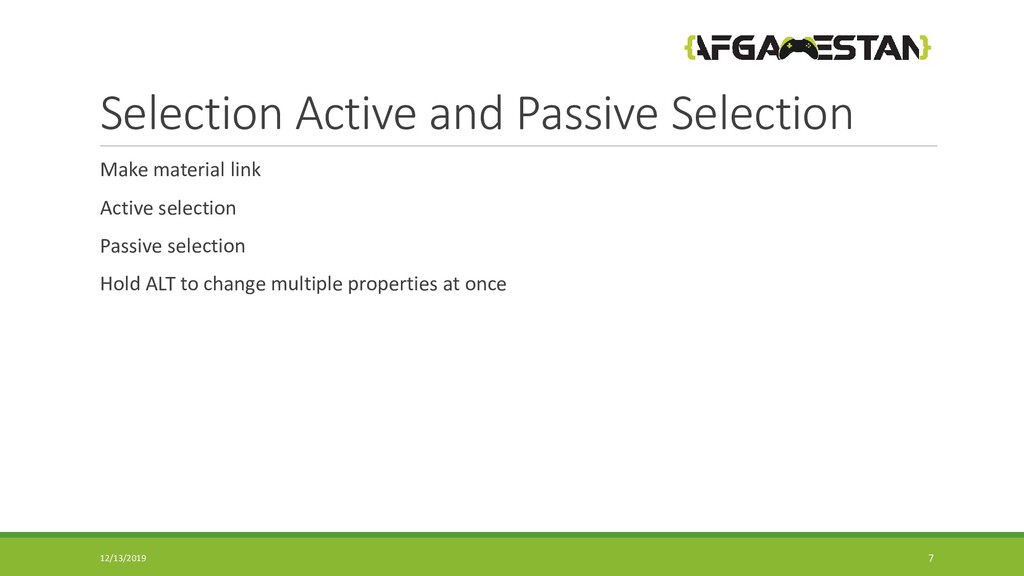
  6. Selection Active and Passive Selection Make material link Active selection

    Passive selection Hold ALT to change multiple properties at once 12/13/2019 7
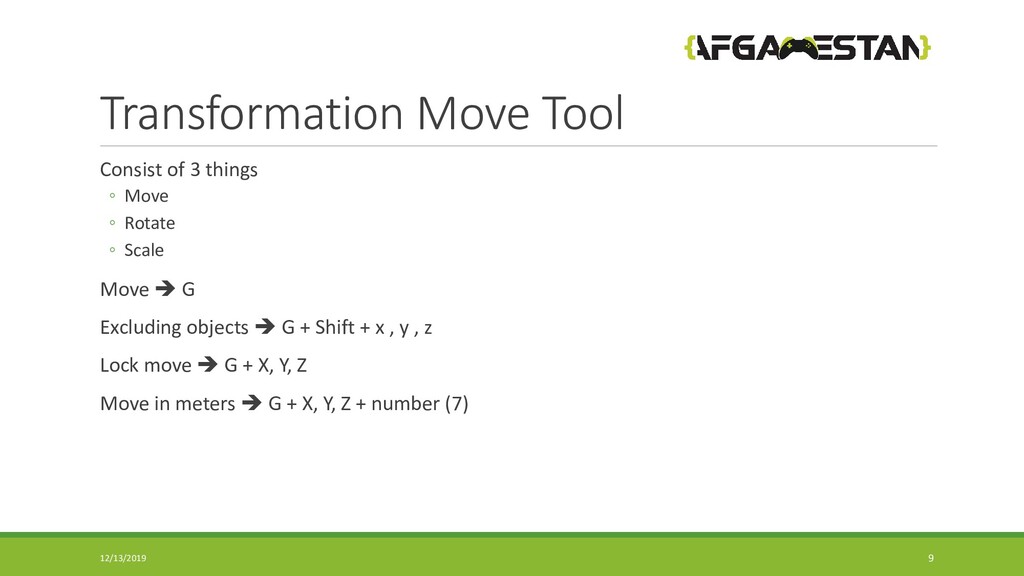
  7. Transformation Move Tool Consist of 3 things ◦ Move ◦

    Rotate ◦ Scale Move  G Excluding objects  G + Shift + x , y , z Lock move  G + X, Y, Z Move in meters  G + X, Y, Z + number (7) 12/13/2019 9
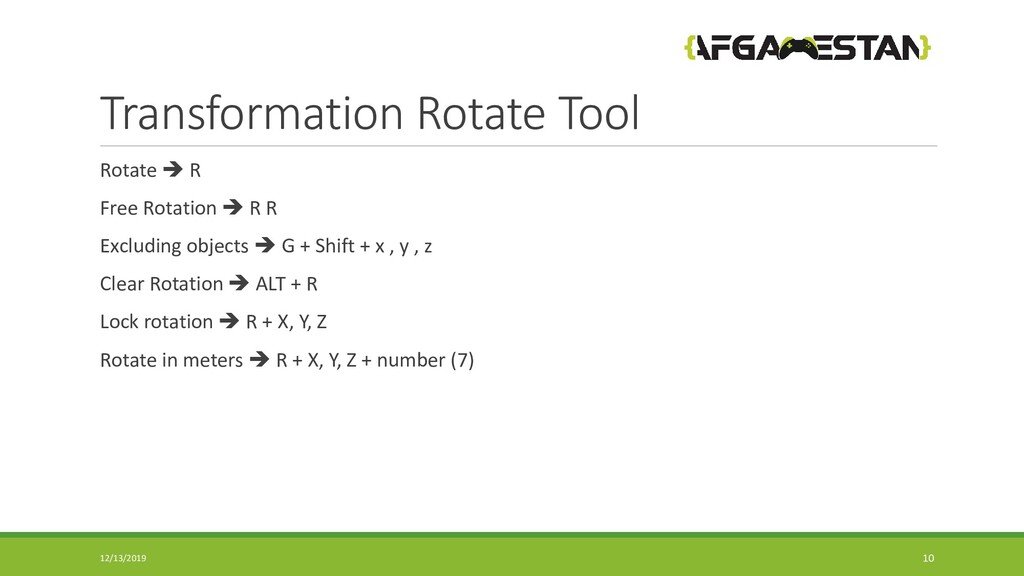
  8. Transformation Rotate Tool Rotate  R Free Rotation  R

    R Excluding objects  G + Shift + x , y , z Clear Rotation  ALT + R Lock rotation  R + X, Y, Z Rotate in meters  R + X, Y, Z + number (7) 12/13/2019 10
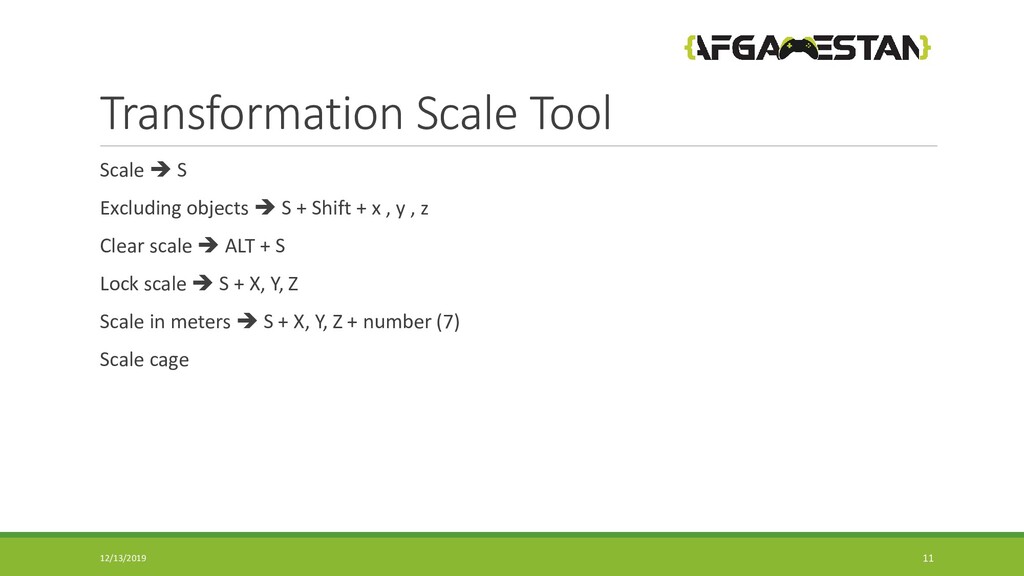
  9. Transformation Scale Tool Scale  S Excluding objects  S

    + Shift + x , y , z Clear scale  ALT + S Lock scale  S + X, Y, Z Scale in meters  S + X, Y, Z + number (7) Scale cage 12/13/2019 11
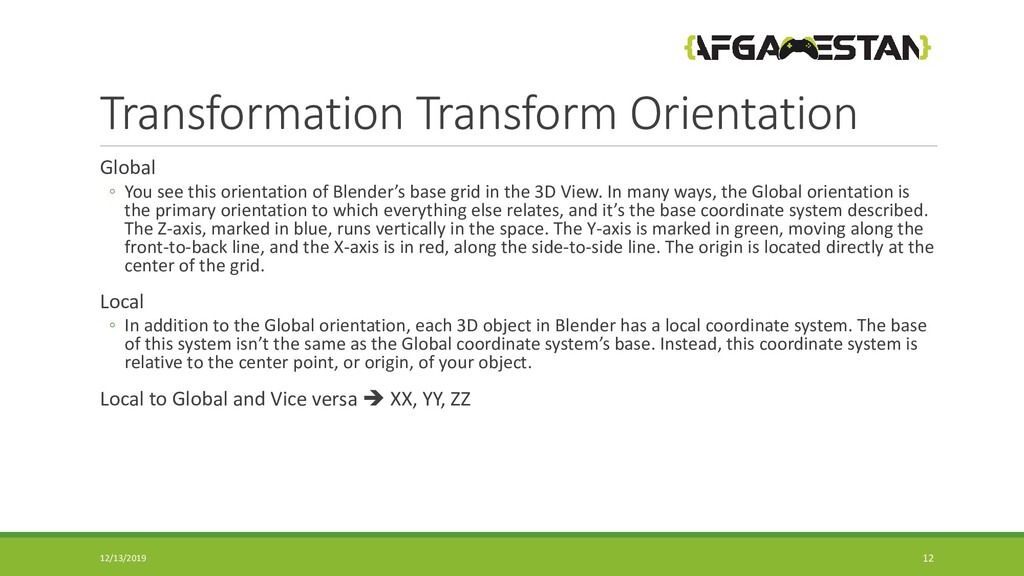
  10. Transformation Transform Orientation Global ◦ You see this orientation of

    Blender’s base grid in the 3D View. In many ways, the Global orientation is the primary orientation to which everything else relates, and it’s the base coordinate system described. The Z-axis, marked in blue, runs vertically in the space. The Y-axis is marked in green, moving along the front-to-back line, and the X-axis is in red, along the side-to-side line. The origin is located directly at the center of the grid. Local ◦ In addition to the Global orientation, each 3D object in Blender has a local coordinate system. The base of this system isn’t the same as the Global coordinate system’s base. Instead, this coordinate system is relative to the center point, or origin, of your object. Local to Global and Vice versa  XX, YY, ZZ 12/13/2019 12
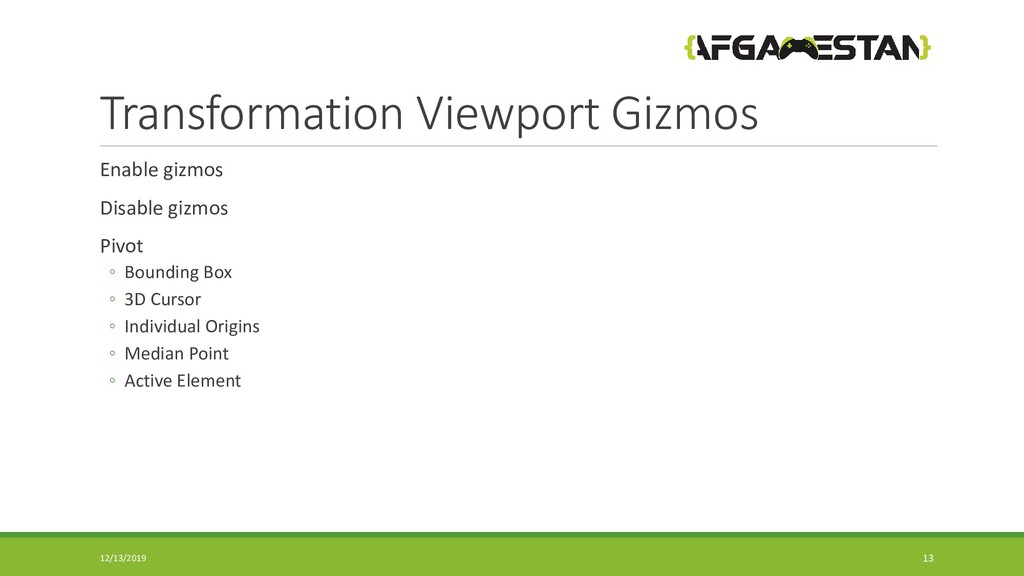
  11. Transformation Viewport Gizmos Enable gizmos Disable gizmos Pivot ◦ Bounding

    Box ◦ 3D Cursor ◦ Individual Origins ◦ Median Point ◦ Active Element 12/13/2019 13
  12. Transformation Snapping Snapping  Hold CTRL while dragging Snap ◦

    Increment ◦ Vertex ◦ Edge ◦ Face ◦ Volume 12/15/2019 14
  13. Transformation Randomize Transform Object = = > Transform = =

    > Randomize Transform Randomly rotate , scale , move 12/15/2019 15