It contains the below bullet points:
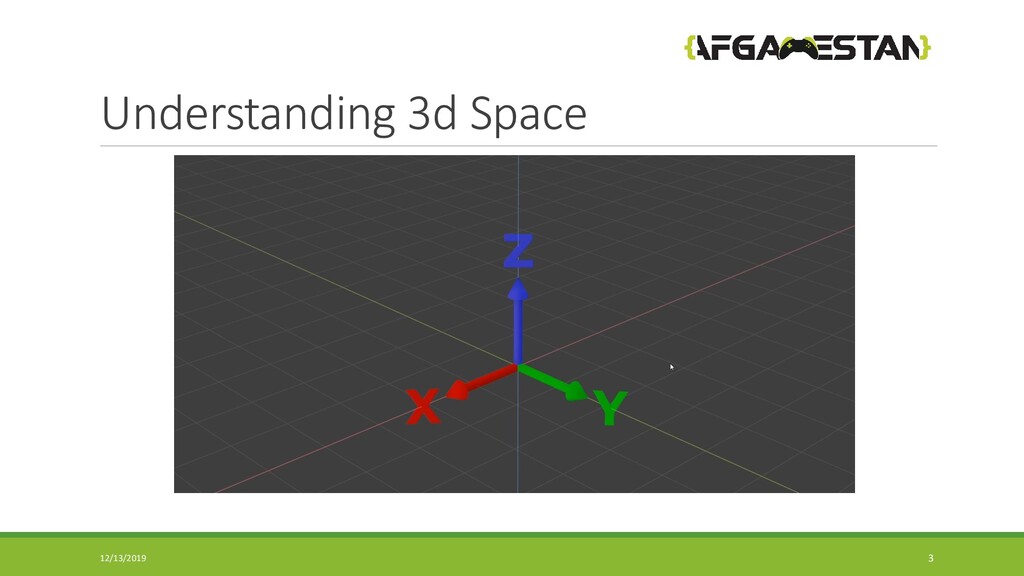
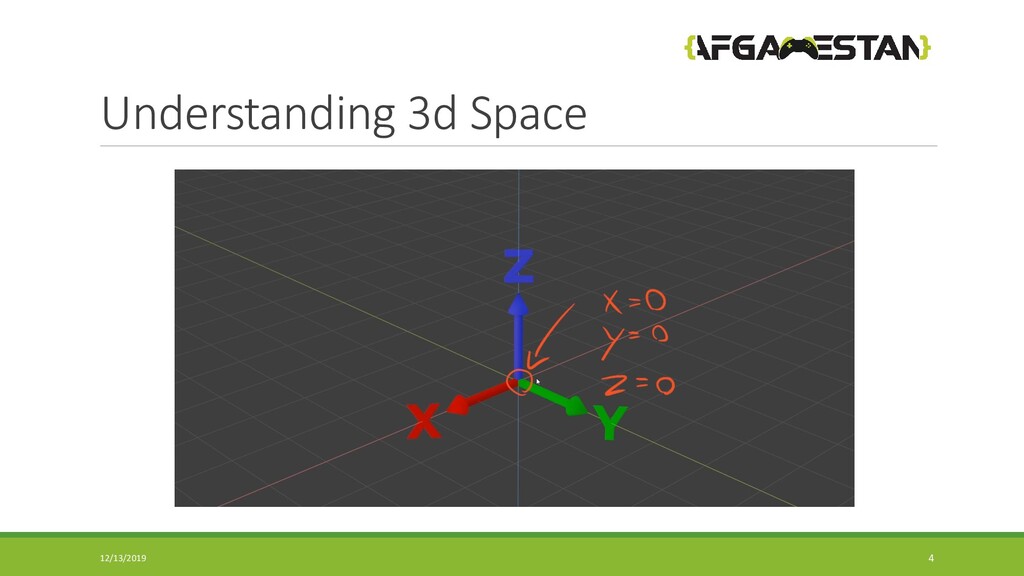
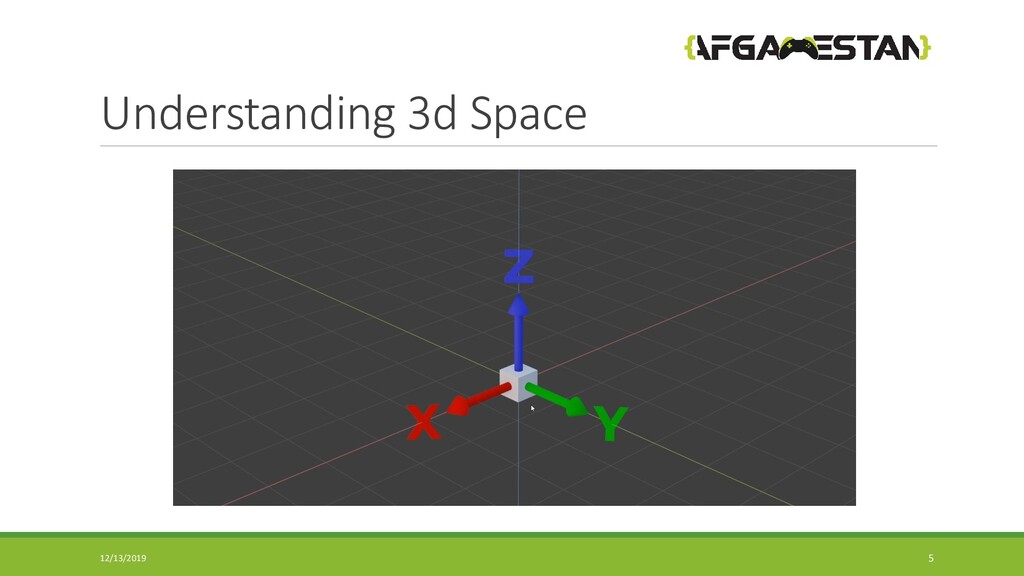
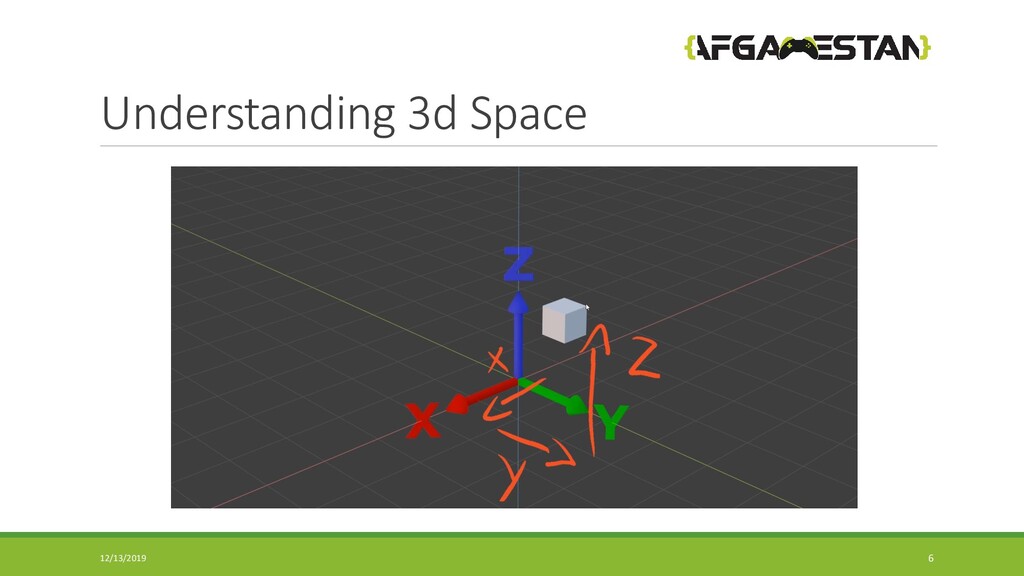
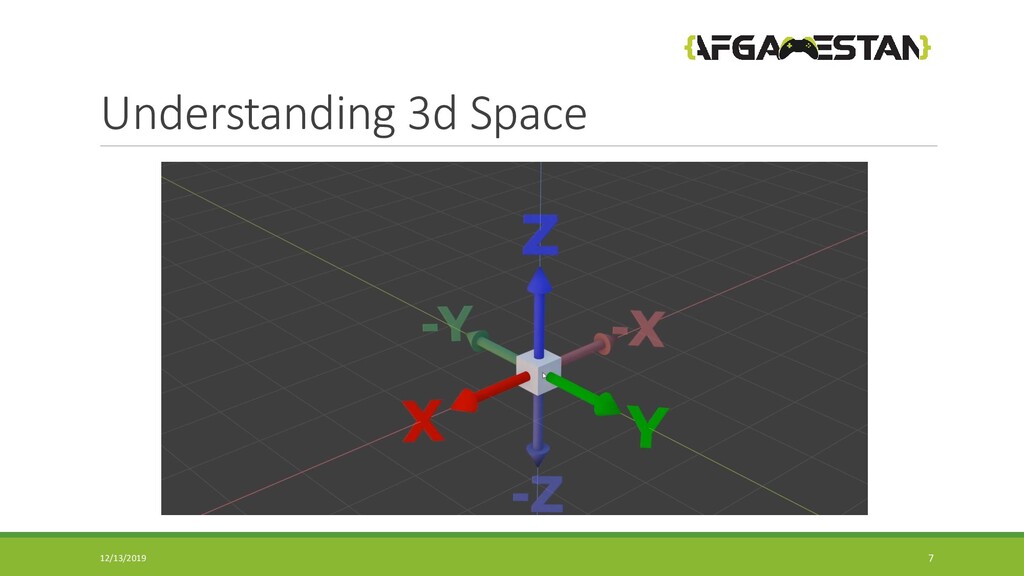
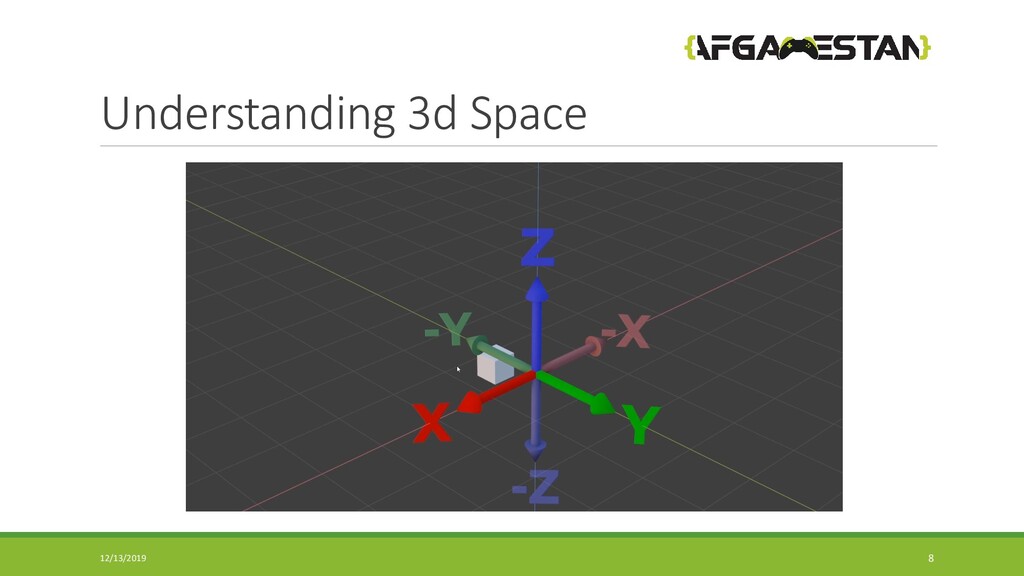
Understanding 3D space.
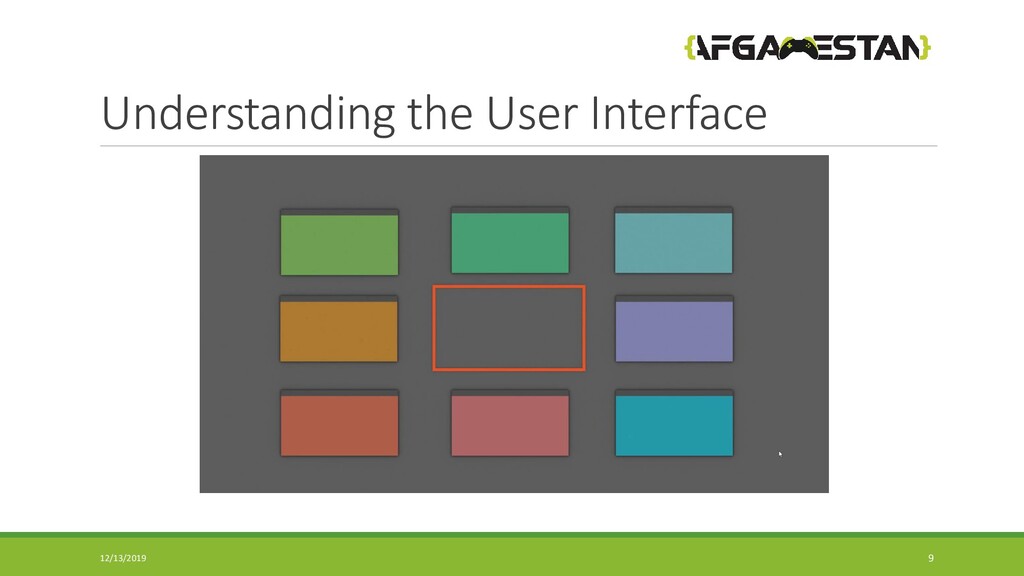
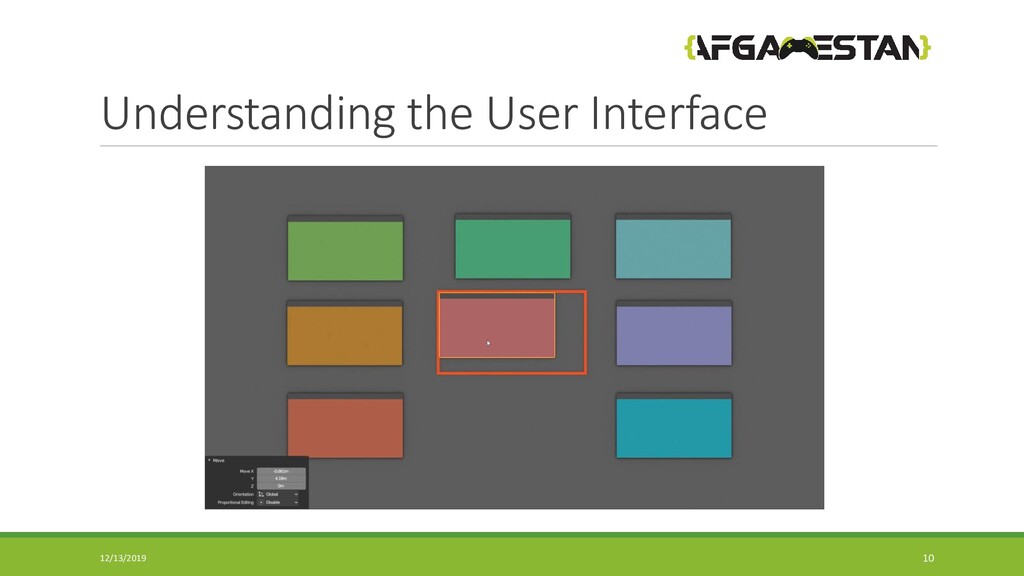
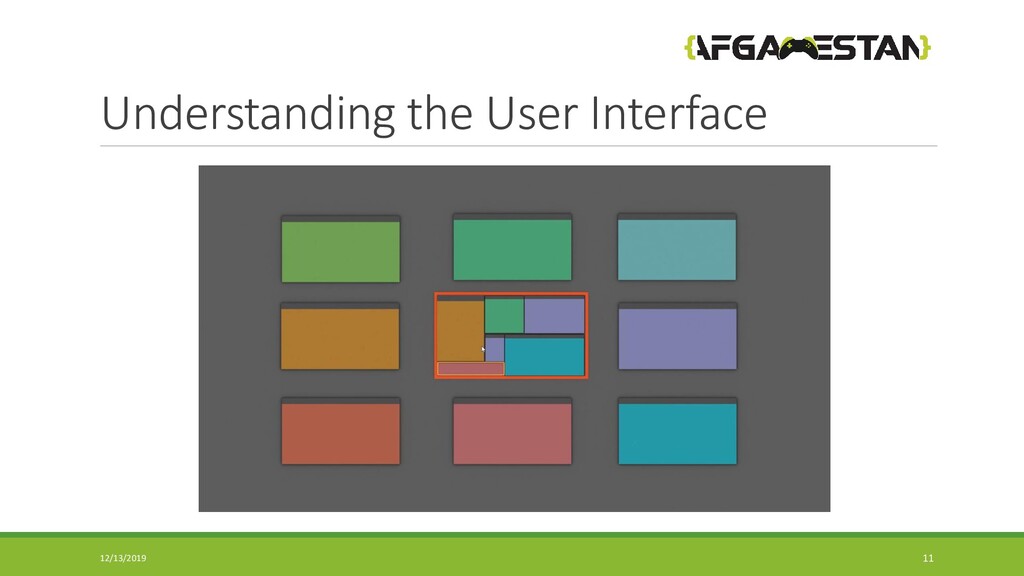
Understanding User Interface.
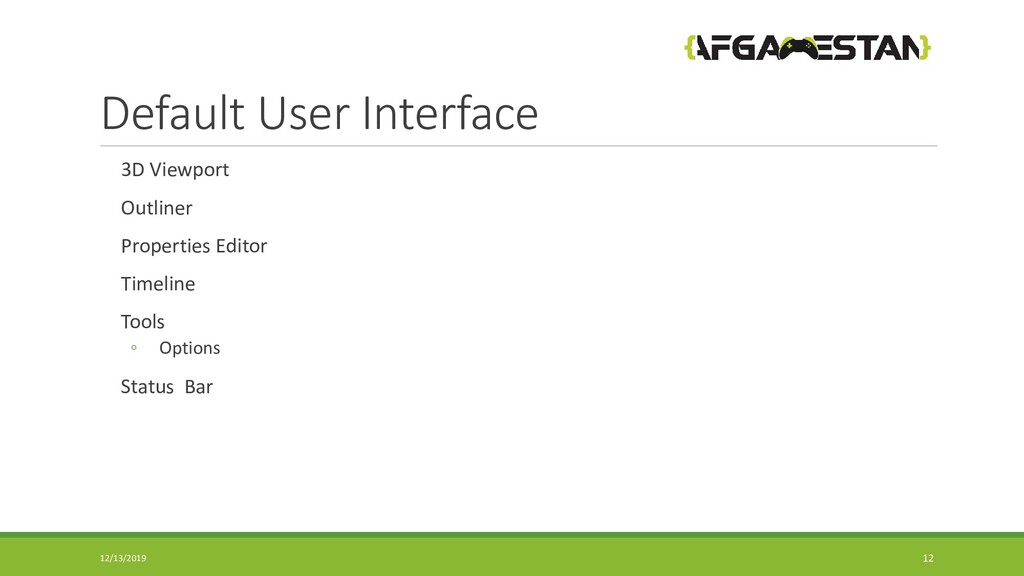
Default UI.
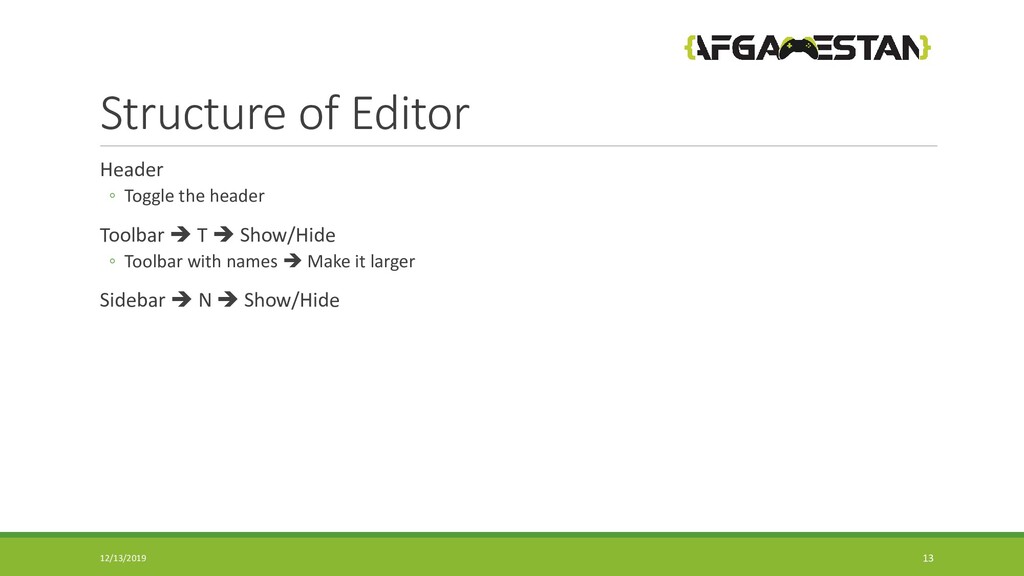
Stricture of Editor.
Editor types.
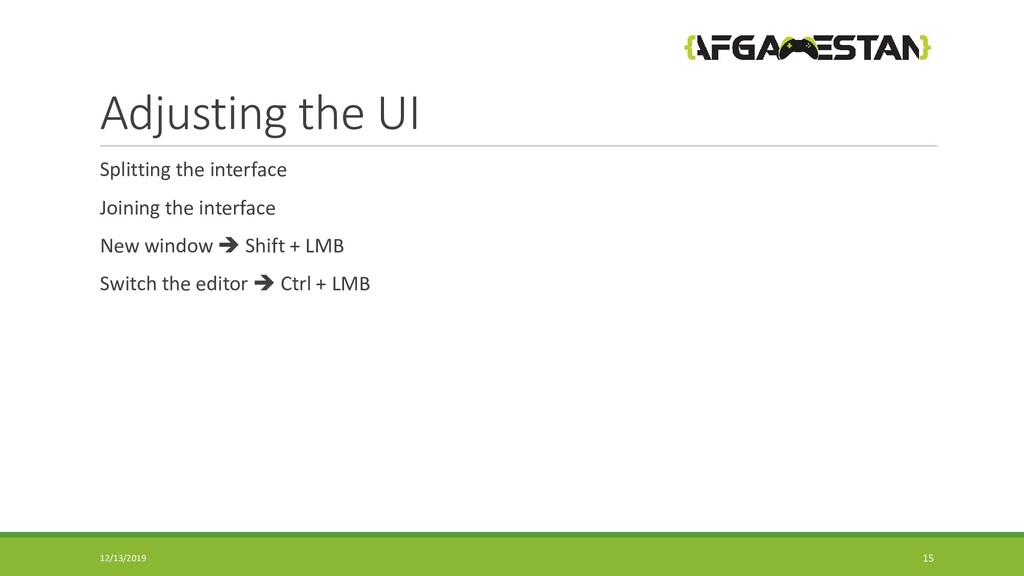
Adjusting the UI.
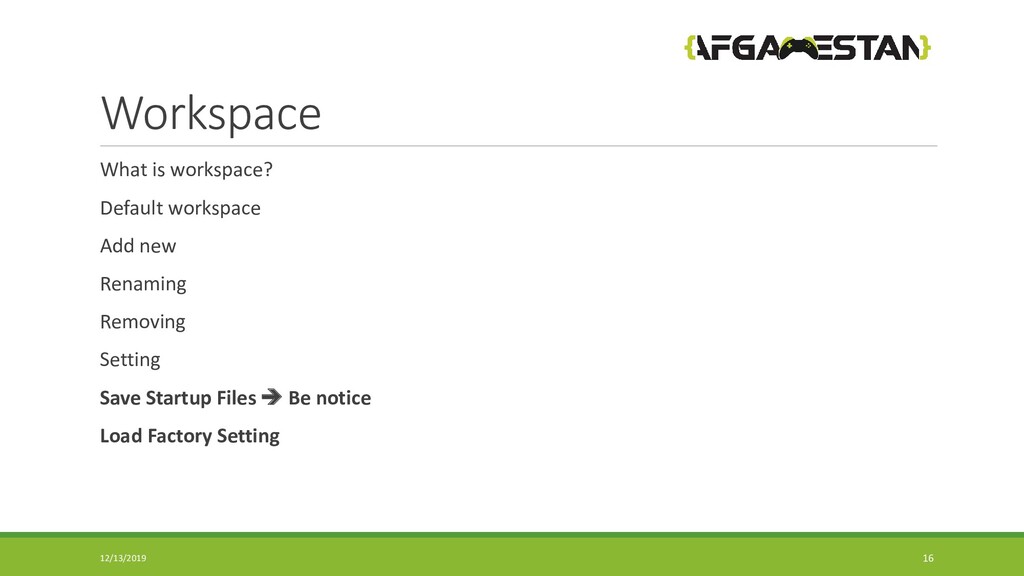
Work-space.
UI Professional tips.
3D creation suite. It supports the entirety of the 3D pipeline—modeling, rigging, animation, simulation, rendering, compositing and motion tracking, video editing and 2D animation pipeline. 12/13/2019 2
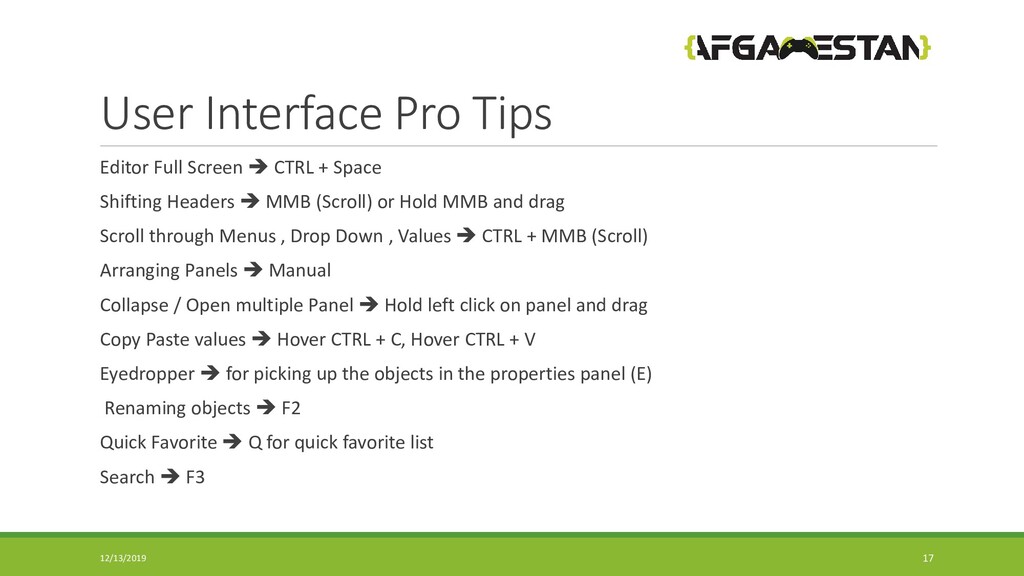
Space Shifting Headers MMB (Scroll) or Hold MMB and drag Scroll through Menus , Drop Down , Values CTRL + MMB (Scroll) Arranging Panels Manual Collapse / Open multiple Panel Hold left click on panel and drag Copy Paste values Hover CTRL + C, Hover CTRL + V Eyedropper for picking up the objects in the properties panel (E) Renaming objects F2 Quick Favorite Q for quick favorite list Search F3 12/13/2019 17


 afgamestan
 raspython3
 occhi
occhi
 ykanoh
 takahashim
 mohab1
 rfdnxbro
 techtekt
 pfn
pfn
 endonanana
 yahonda
 prog893
 akhino
 mkilby
 inesmontani
 jonoalderson
 geoffreycrofte
 rabernat
 jakevdp
 ipullrank
 rmw
rmw
 rocio
rocio
 codingconduct
 aleyda
 rasagy