Navigating in 3D Viewport.
Viewpoints.
Perspective vs Orthographic.
Camera View.
Walk Navigation.
Solving Navigation Problems.
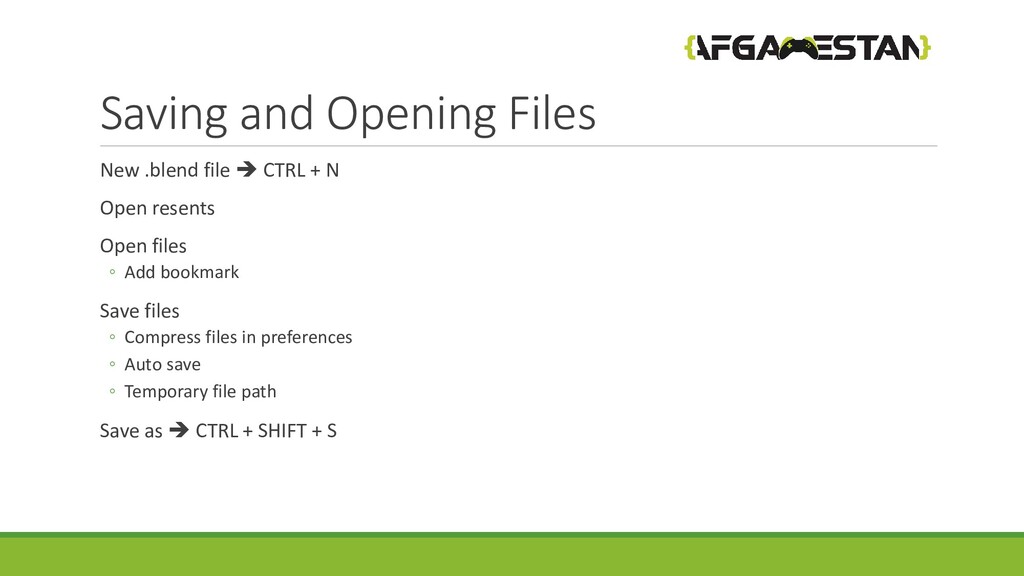
Saving and Opening Files.
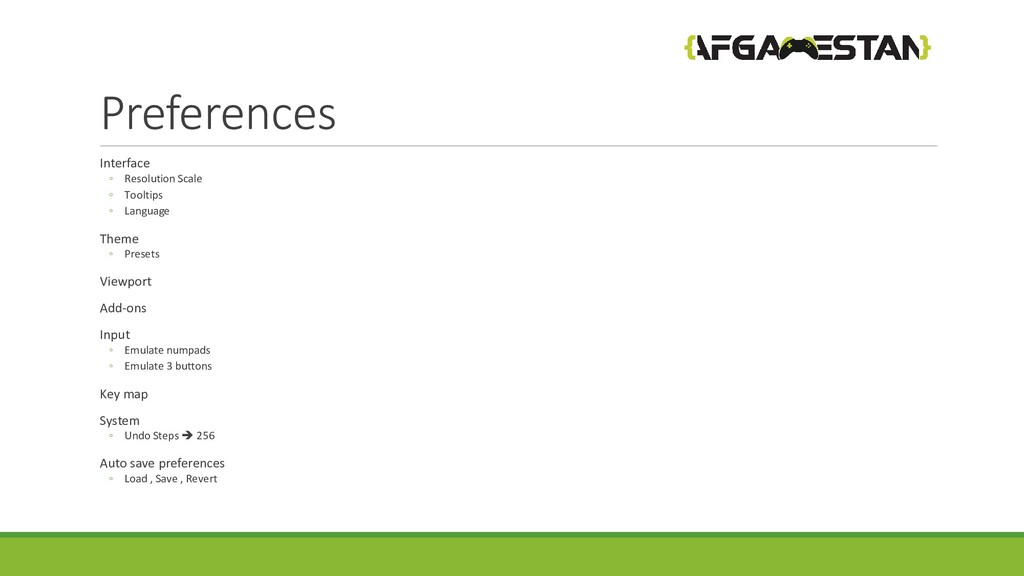
Preferences.
can't zoom in or out. There is no distance from the camera. Perspective has depth. You can zoom in and out. You can judge distances. Cameras can be distanced from the scene.


 afgamestan
 kentarofujii
 gogutan
 satomasahiro2005
 endonanana
 odashi
 willnet
 kakehashi
 satoshi7
 riyaamemiya
 occhi
occhi
 takahashim
 garrettdimon
 frankvandijk
 sergeychernyshev
 lfama
lfama
 jonoalderson
 rocio
rocio
 reverentgeek
 akademiya2063
 baasie
 sstephenson
 caitiem20
 gr2m
gr2m