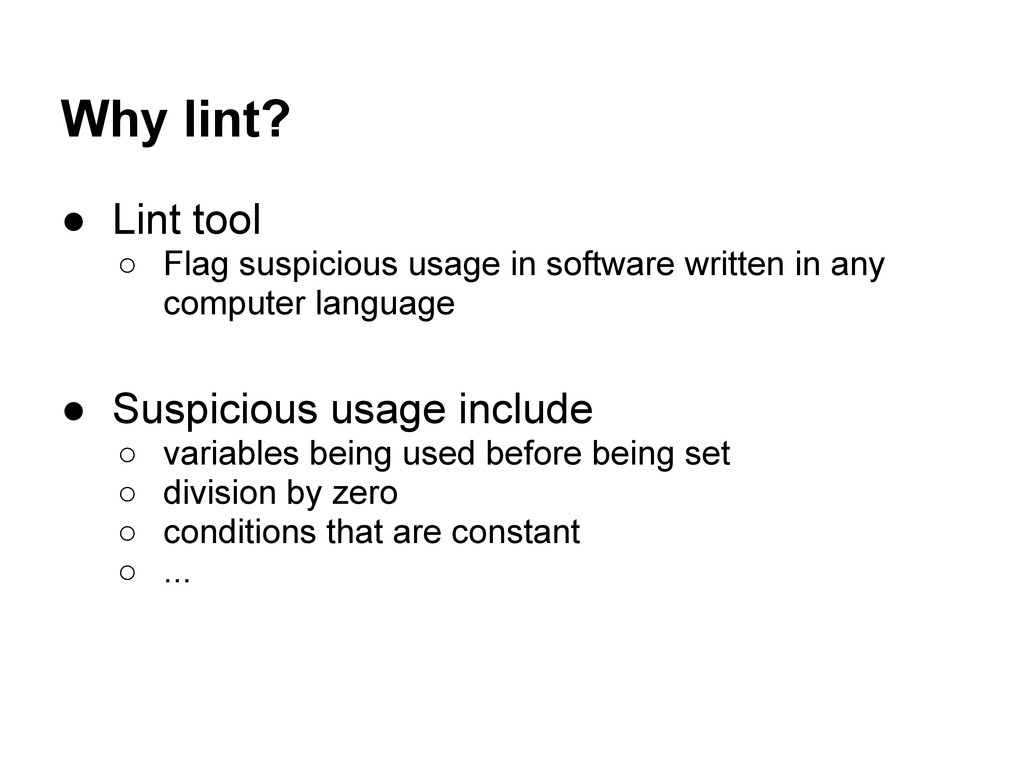
software written in any computer language • Suspicious usage include ◦ variables being used before being set ◦ division by zero ◦ conditions that are constant ◦ ...
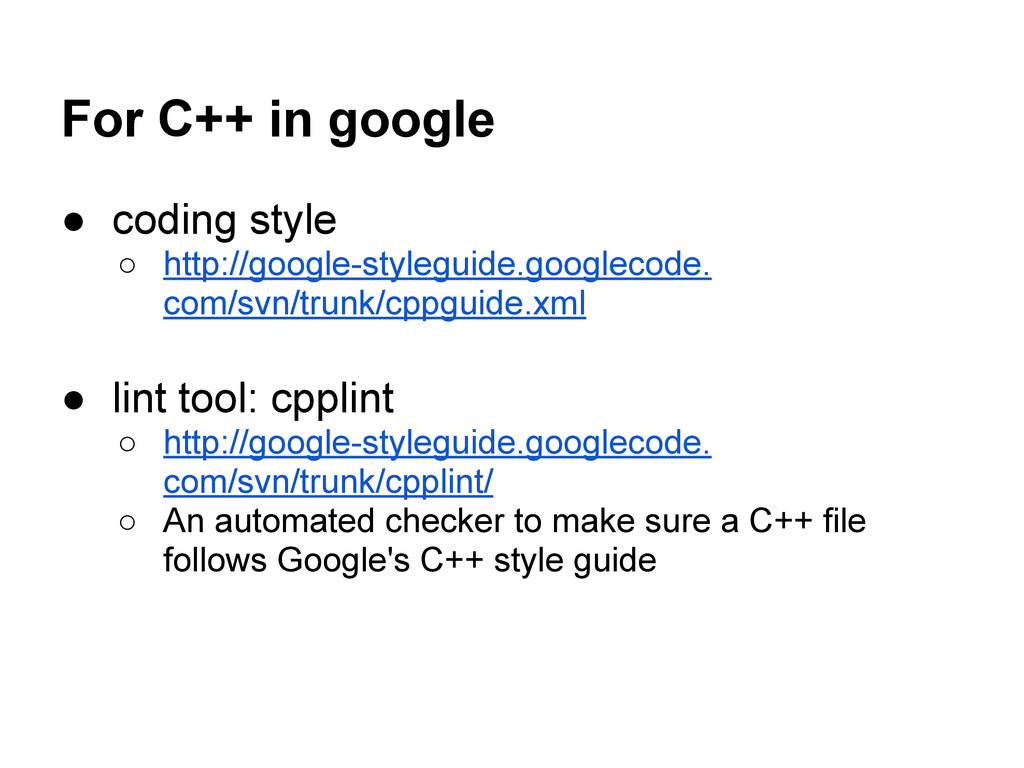
• lint tool: cpplint ◦ http://google-styleguide.googlecode. com/svn/trunk/cpplint/ ◦ An automated checker to make sure a C++ file follows Google's C++ style guide
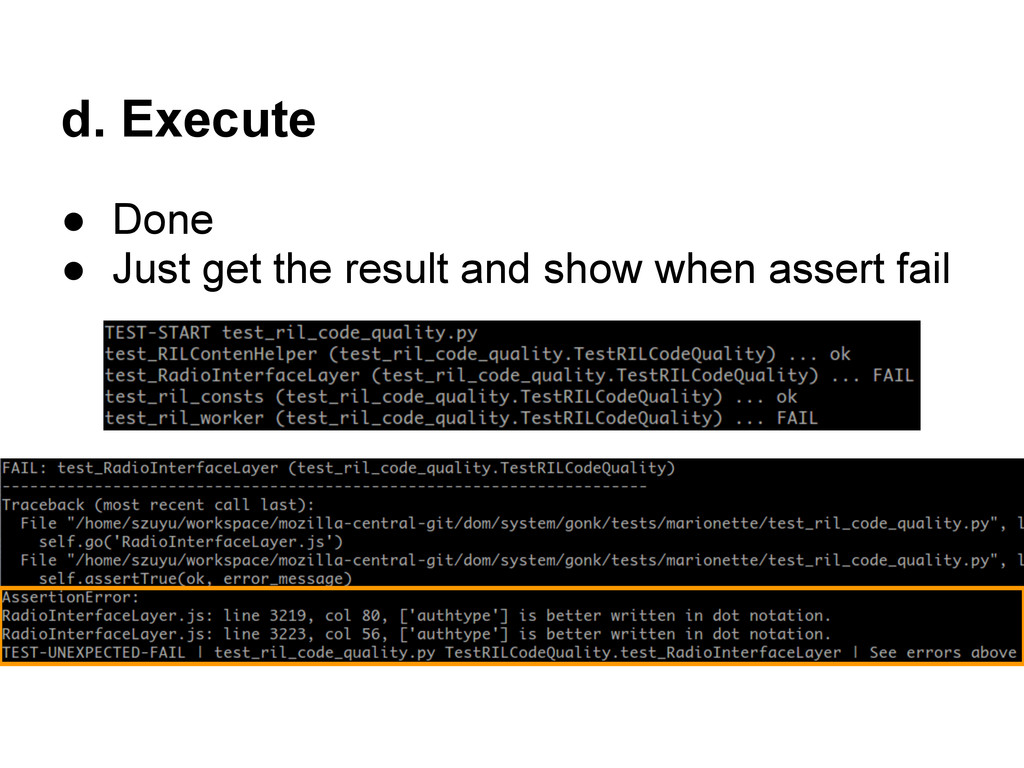
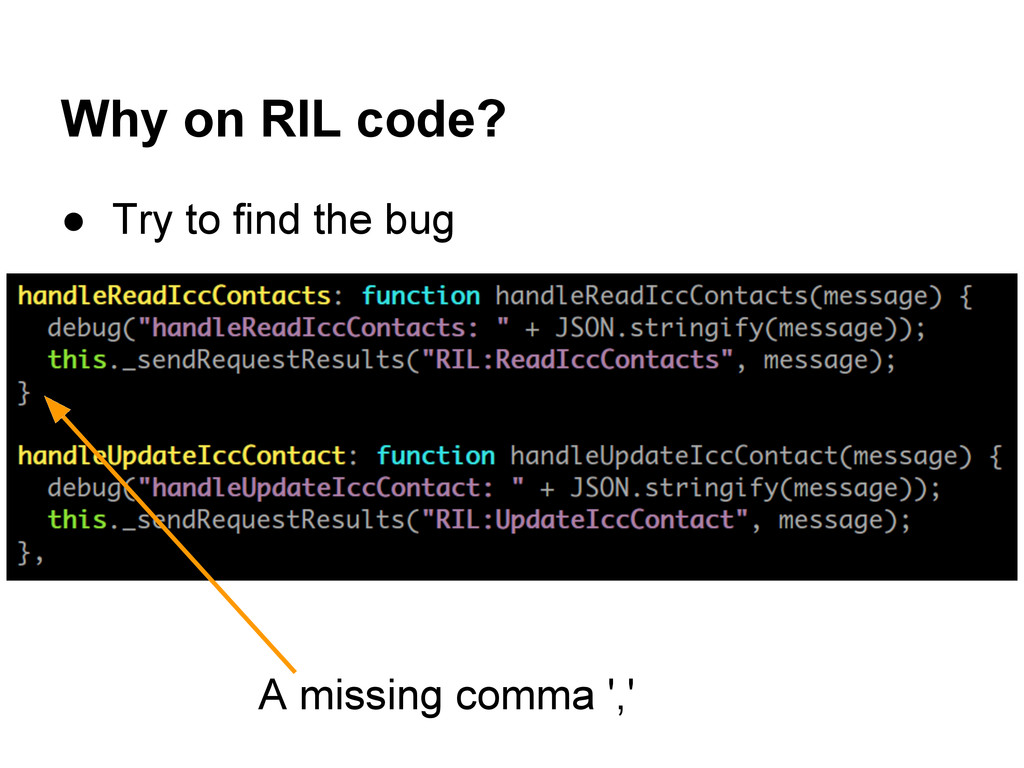
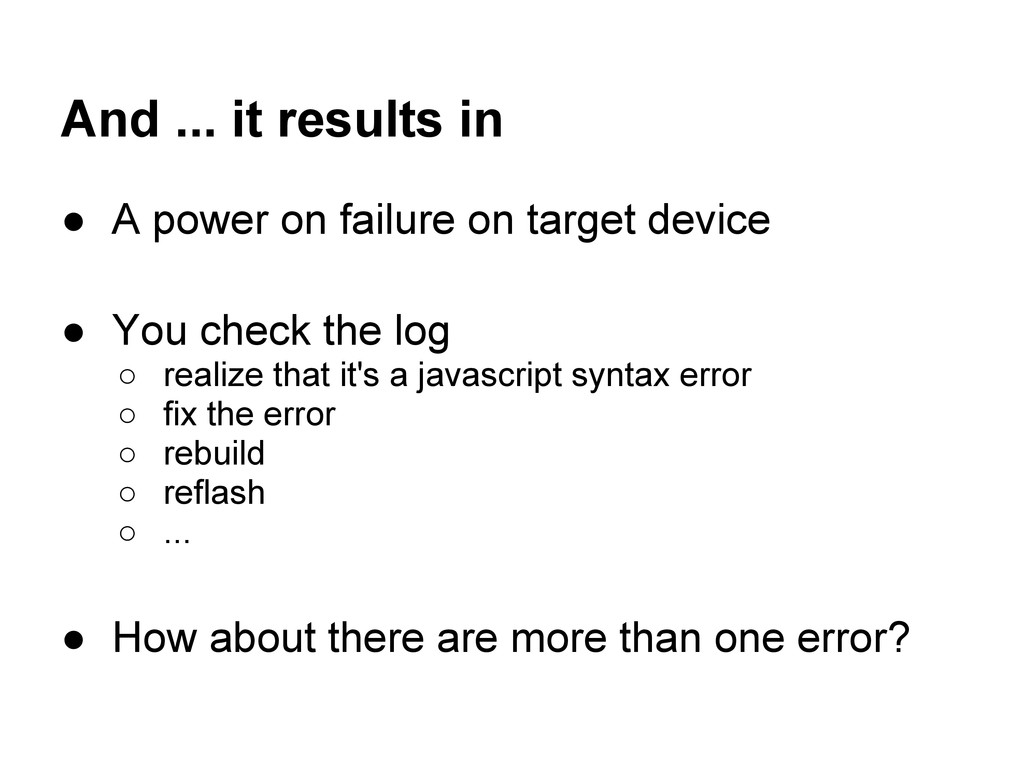
on target device • You check the log ◦ realize that it's a javascript syntax error ◦ fix the error ◦ rebuild ◦ reflash ◦ ... • How about there are more than one error?
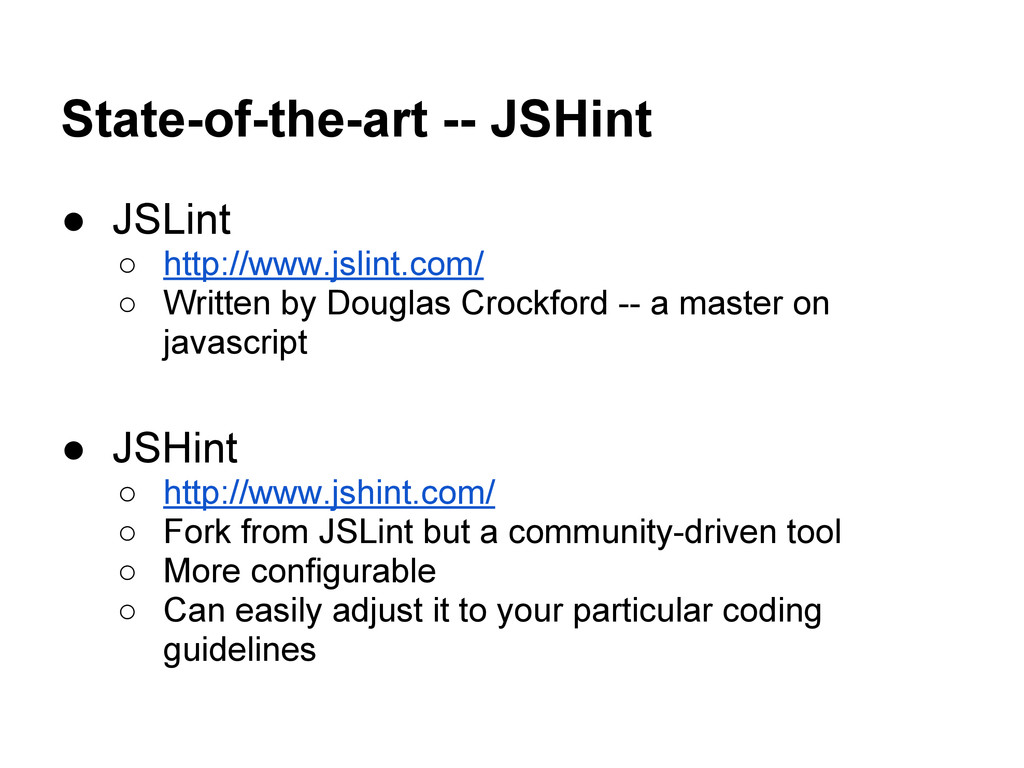
Douglas Crockford -- a master on javascript • JSHint ◦ http://www.jshint.com/ ◦ Fork from JSLint but a community-driven tool ◦ More configurable ◦ Can easily adjust it to your particular coding guidelines
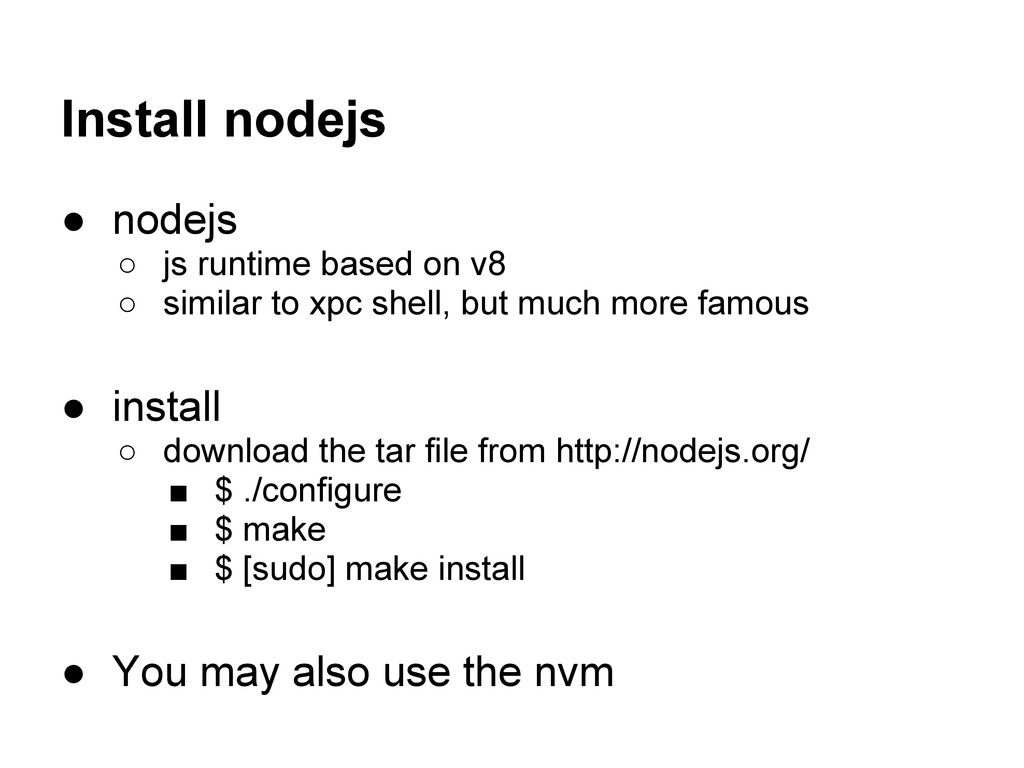
◦ similar to xpc shell, but much more famous • install ◦ download the tar file from http://nodejs.org/ ▪ $ ./configure ▪ $ make ▪ $ [sudo] make install • You may also use the nvm
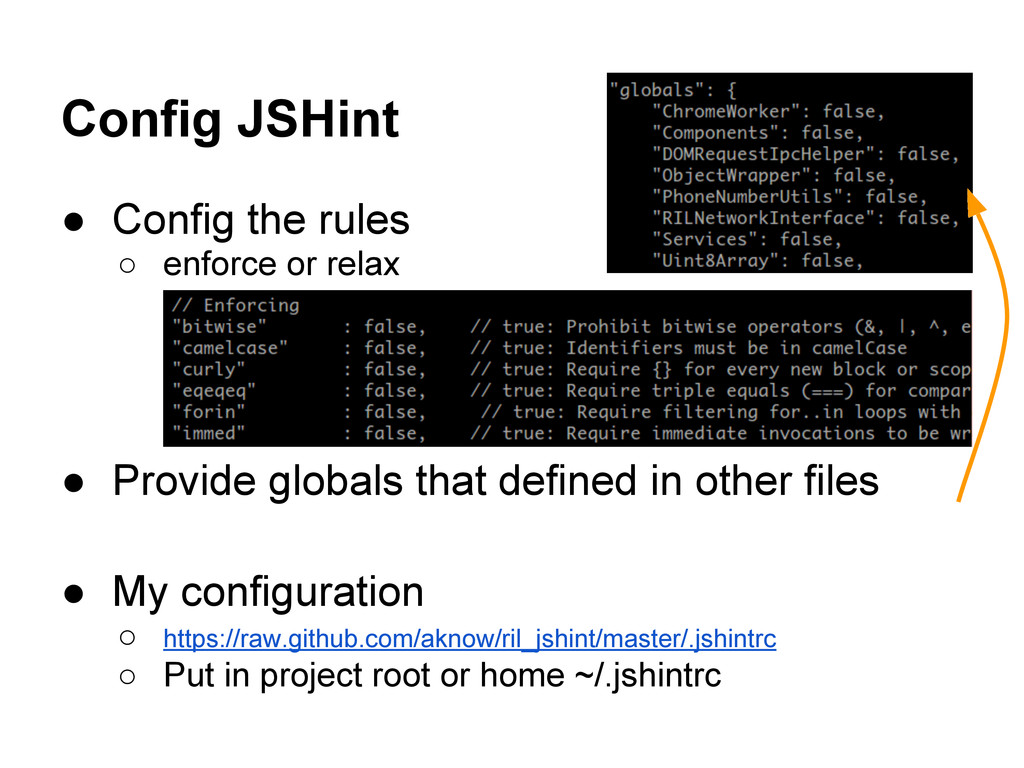
• Provide globals that defined in other files • My configuration ◦ https://raw.github.com/aknow/ril_jshint/master/.jshintrc ◦ Put in project root or home ~/.jshintrc
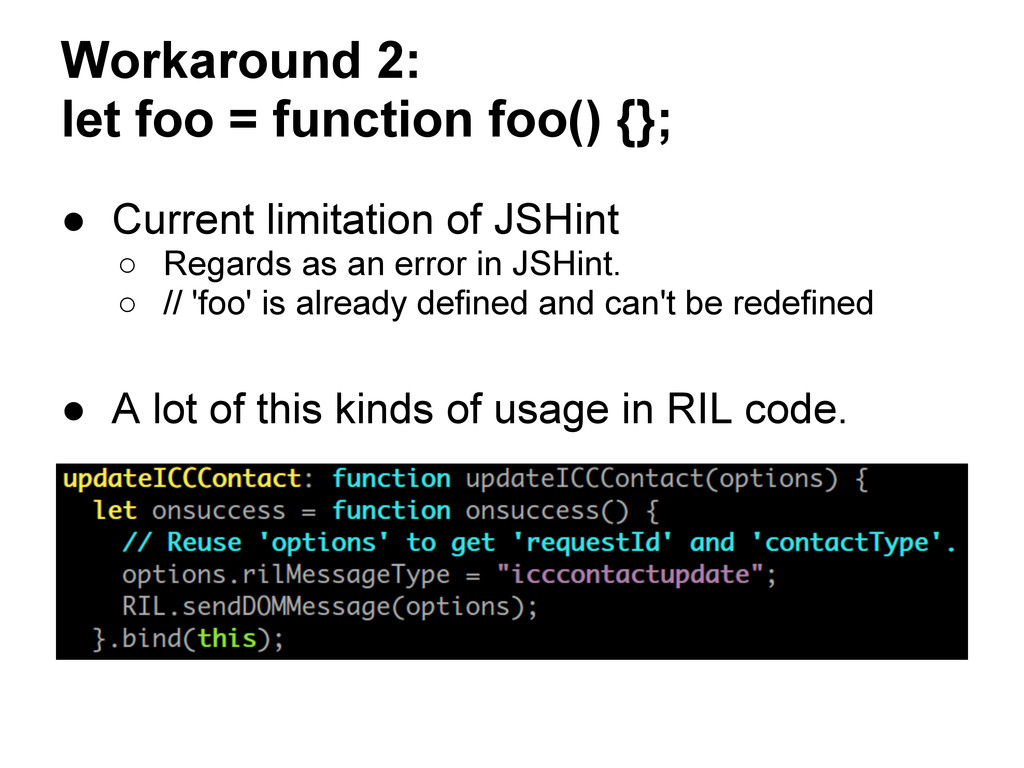
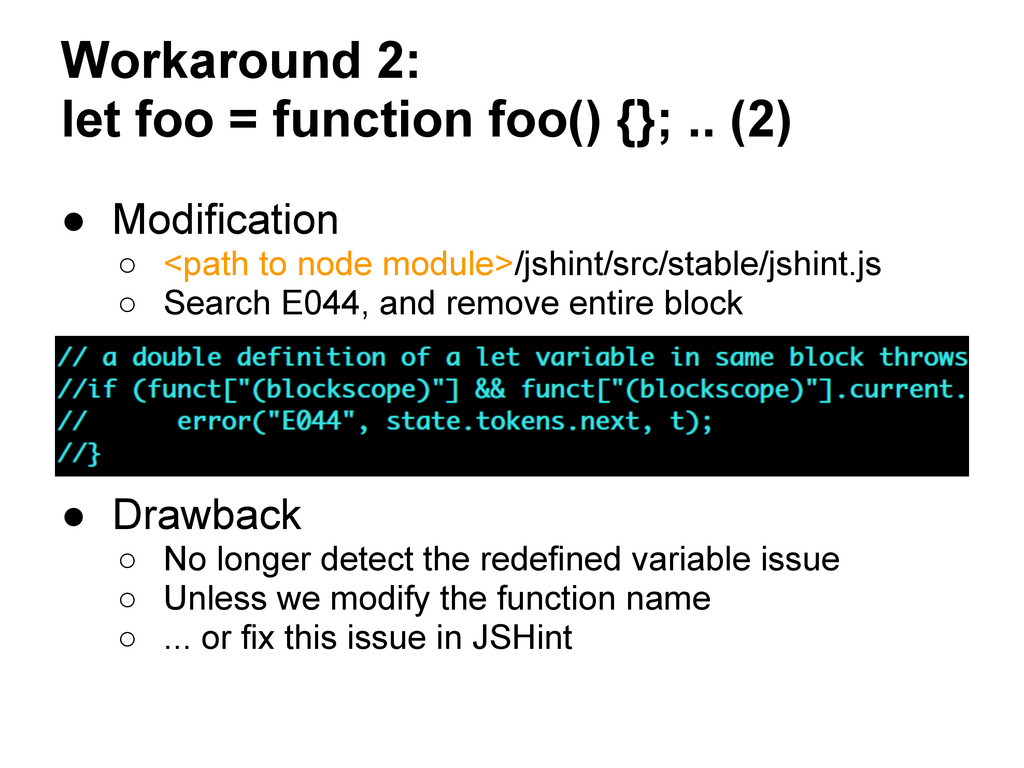
• Modification ◦ <path to node module>/jshint/src/stable/jshint.js ◦ Search E044, and remove entire block • Drawback ◦ No longer detect the redefined variable issue ◦ Unless we modify the function name ◦ ... or fix this issue in JSHint
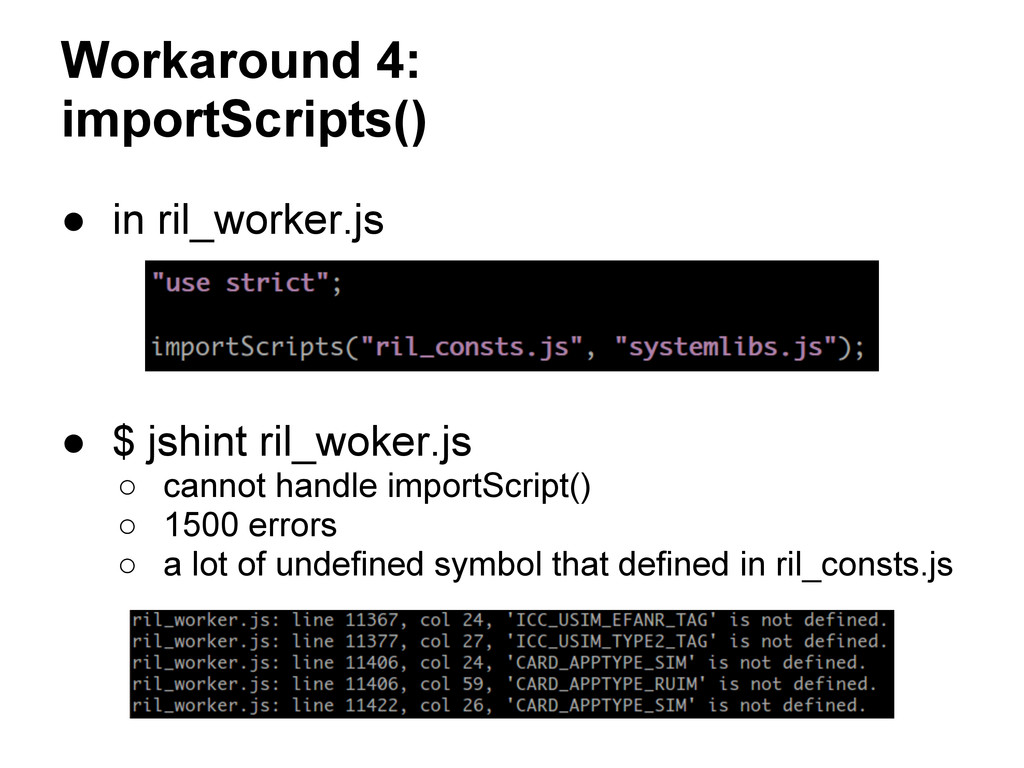
ril_consts.js] merge the scripts $ jshint tmp.js tmp.js line xxx tmp.js line ooo tmp.js line ### Error results map the results back ril_consts.js line xxx ril_worker.js line ooo ril_worker.js line ### correct filename and line number
ril_consts.js) ... ... (code from ril_worker.js) ... "use strict"; simple concate global "use strict"; should be declare before any statement [from ril_worker.js] [from ril_consts.js] (code from ril_worker.js) ... "use strict"; importScripts(...) (code from ril_consts.js) ... (code from ril_worker.js) simple nested the code in ril_consts.js now affected by "use strict";
... (function() { (code from ril_worker.js) ... "use strict"; importScripts(...) ... })(); concate with scope ril_consts.js: no strict ril_worker.js: has strict Not guarantee correct for general cases, but works for ril_worker.js
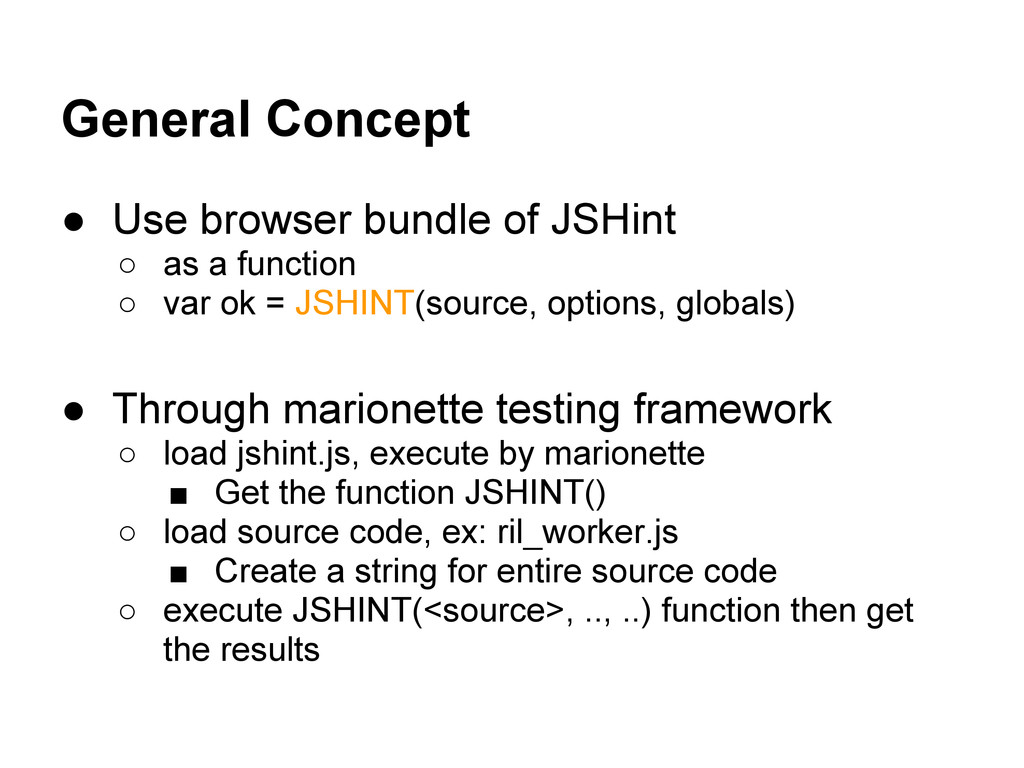
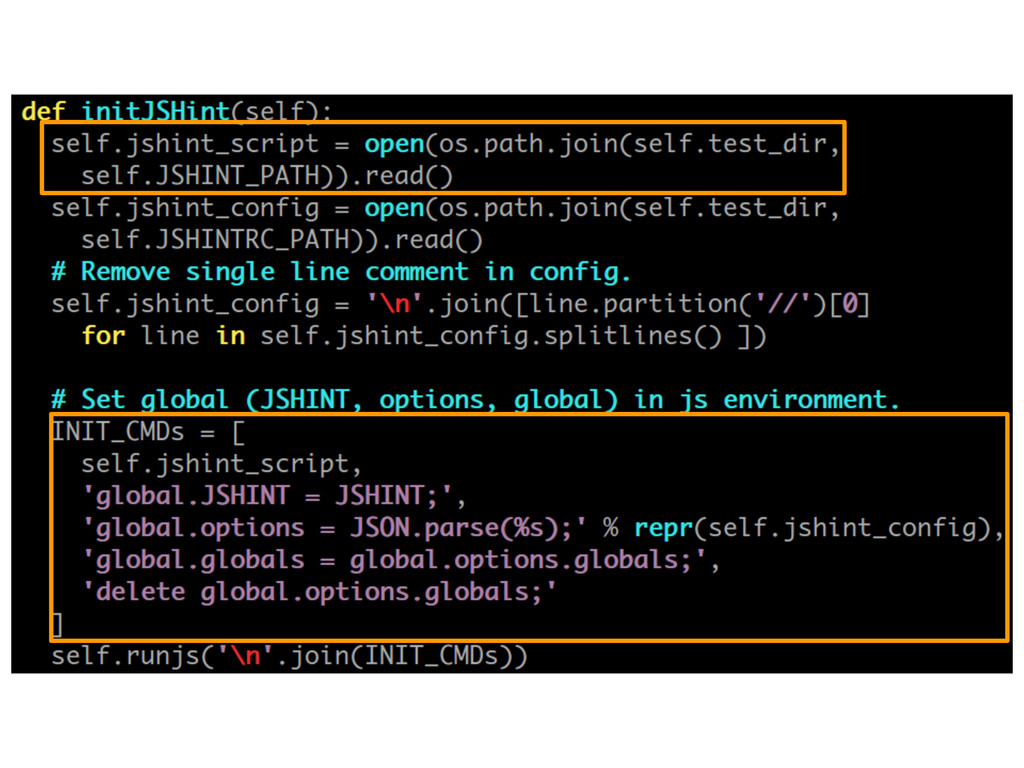
a function ◦ var ok = JSHINT(source, options, globals) • Through marionette testing framework ◦ load jshint.js, execute by marionette ▪ Get the function JSHINT() ◦ load source code, ex: ril_worker.js ▪ Create a string for entire source code ◦ execute JSHINT(<source>, .., ..) function then get the results
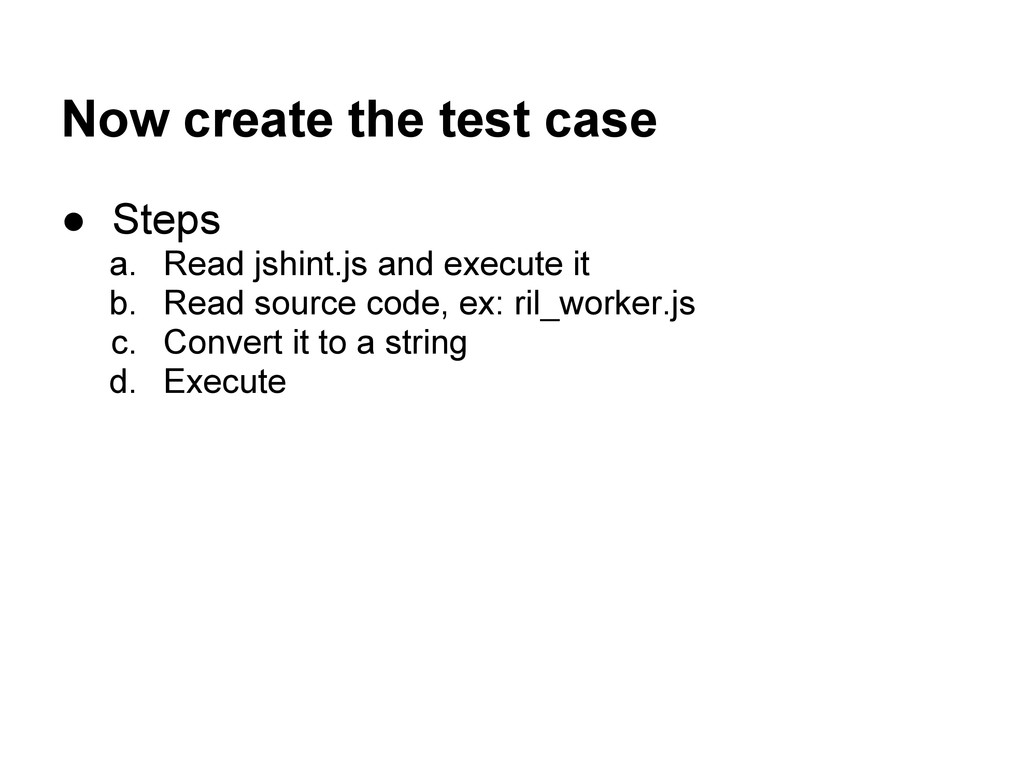
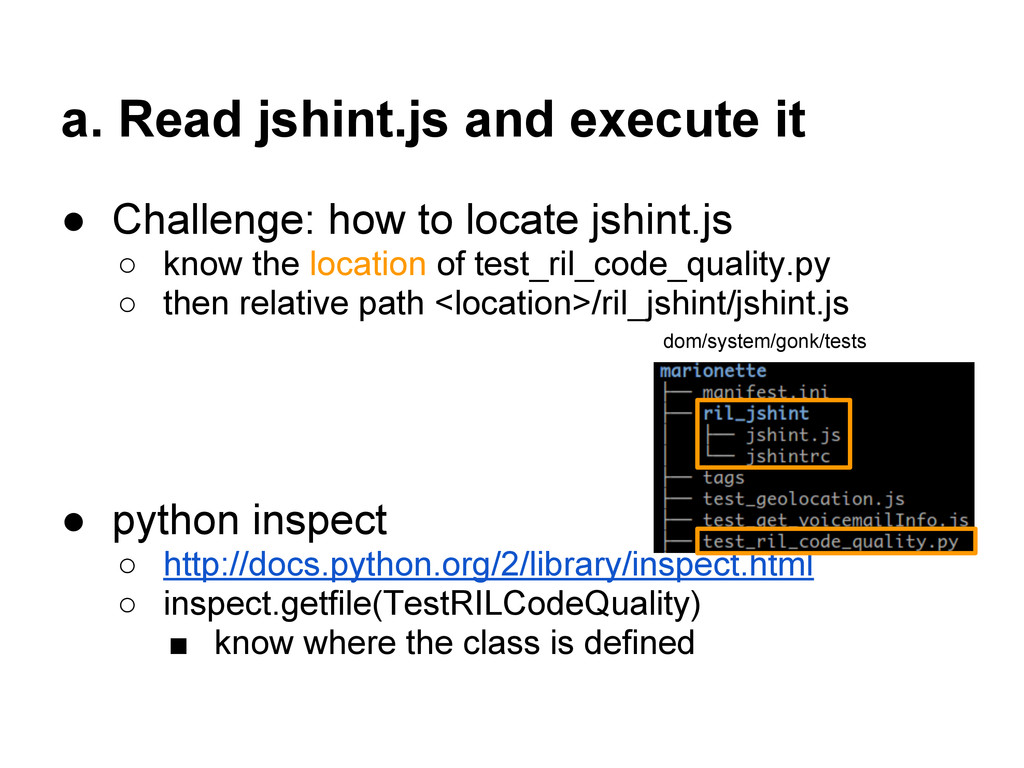
locate jshint.js ◦ know the location of test_ril_code_quality.py ◦ then relative path <location>/ril_jshint/jshint.js • python inspect ◦ http://docs.python.org/2/library/inspect.html ◦ inspect.getfile(TestRILCodeQuality) ▪ know where the class is defined dom/system/gonk/tests
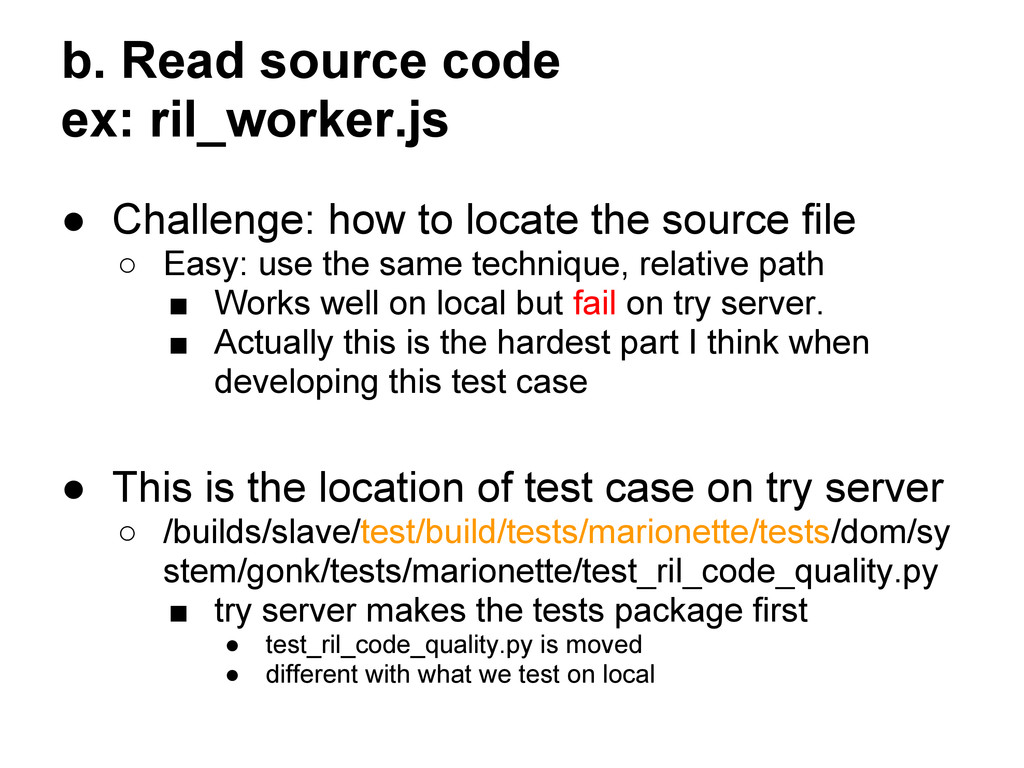
locate the source file ◦ Easy: use the same technique, relative path ▪ Works well on local but fail on try server. ▪ Actually this is the hardest part I think when developing this test case • This is the location of test case on try server ◦ /builds/slave/test/build/tests/marionette/tests/dom/sy stem/gonk/tests/marionette/test_ril_code_quality.py ▪ try server makes the tests package first • test_ril_code_quality.py is moved • different with what we test on local
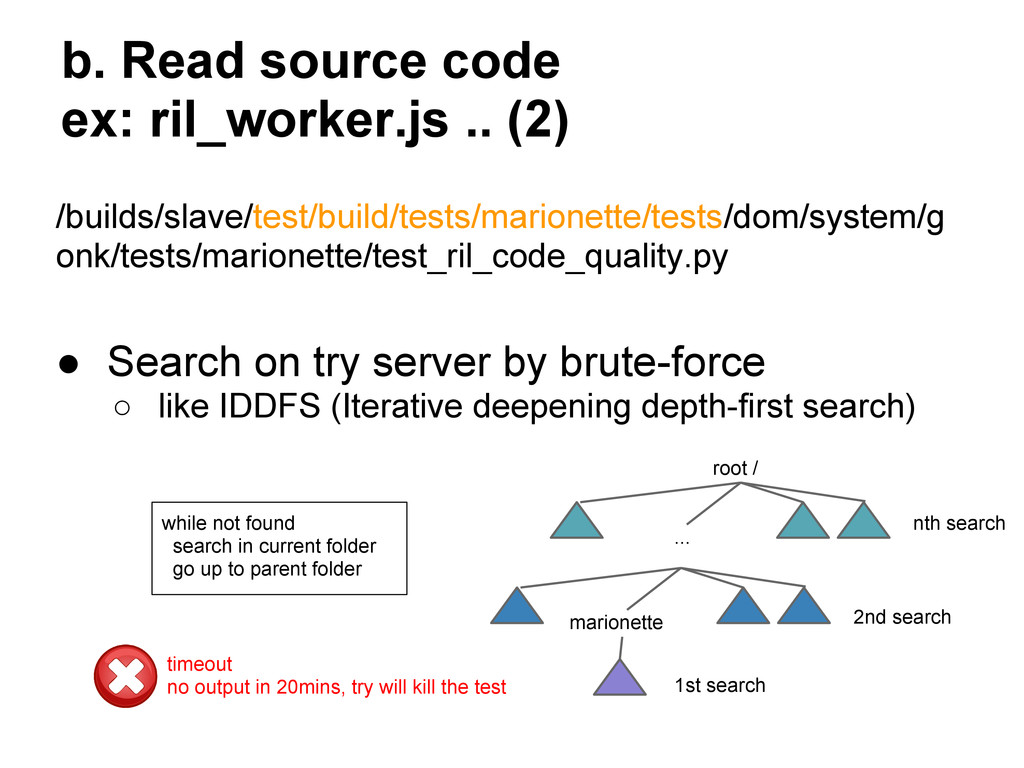
• Search on try server by brute-force ◦ like IDDFS (Iterative deepening depth-first search) root / ... marionette 1st search 2nd search nth search while not found search in current folder go up to parent folder timeout no output in 20mins, try will kill the test
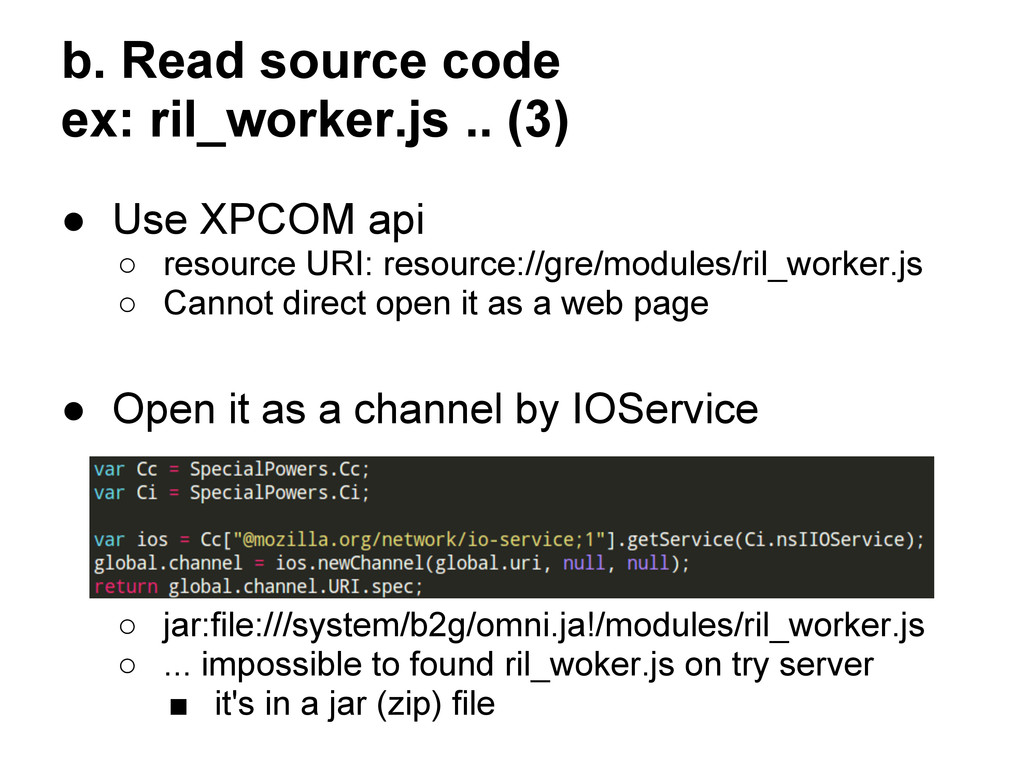
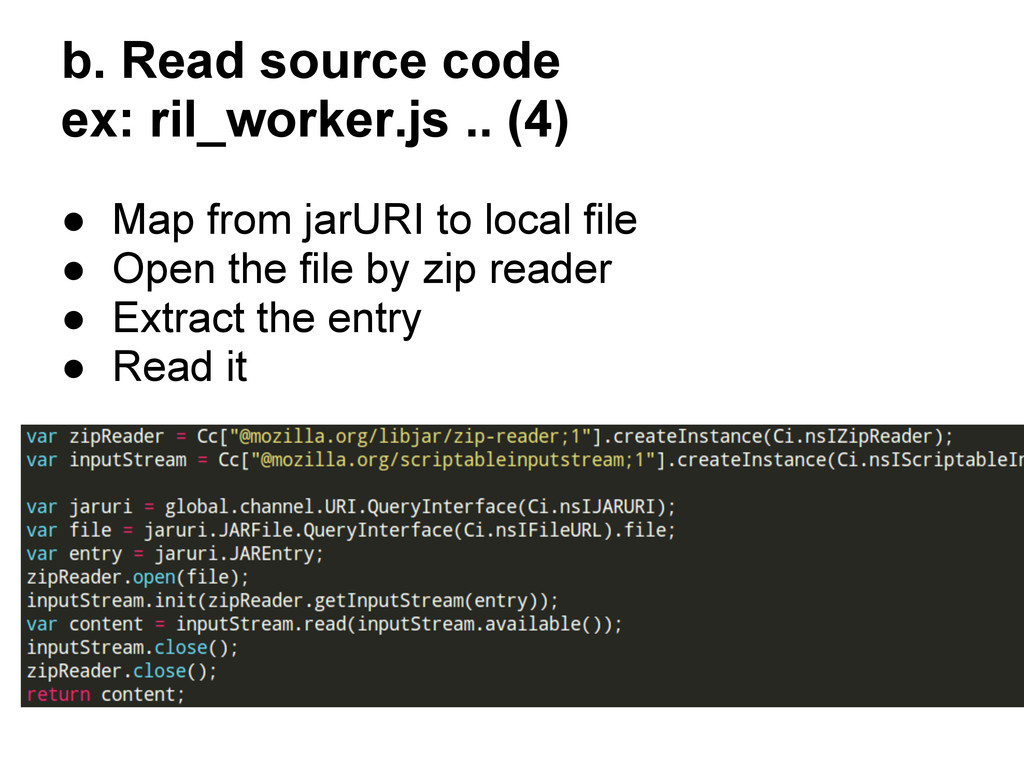
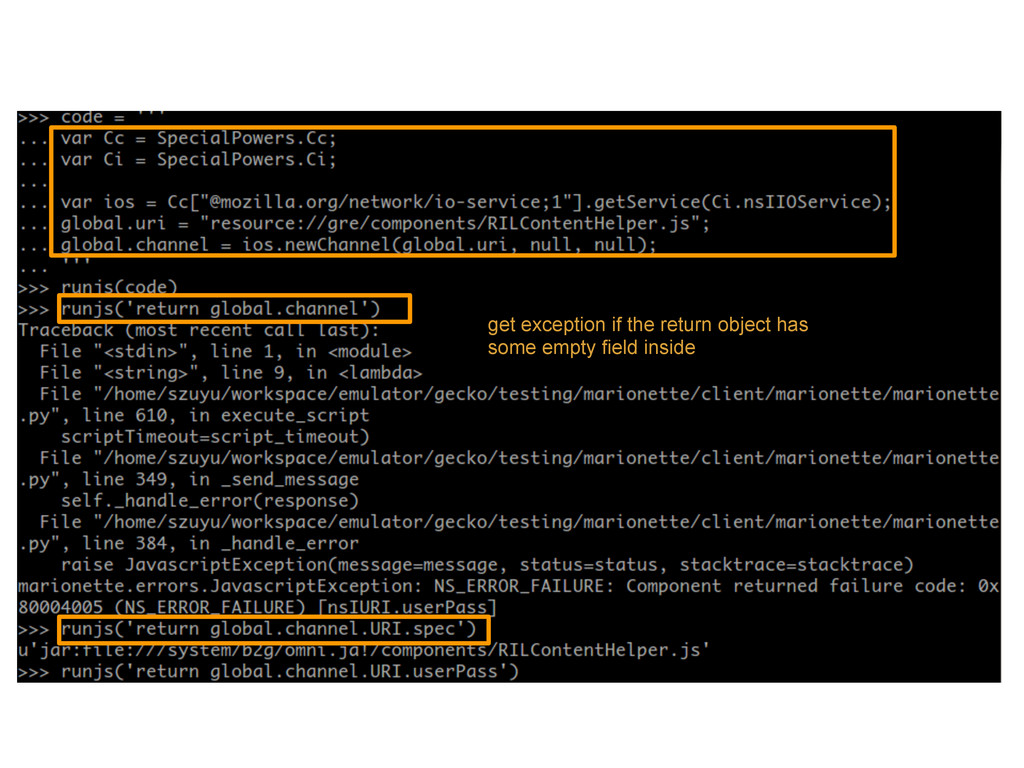
XPCOM api ◦ resource URI: resource://gre/modules/ril_worker.js ◦ Cannot direct open it as a web page • Open it as a channel by IOService ◦ jar:file:///system/b2g/omni.ja!/modules/ril_worker.js ◦ ... impossible to found ril_woker.js on try server ▪ it's in a jar (zip) file
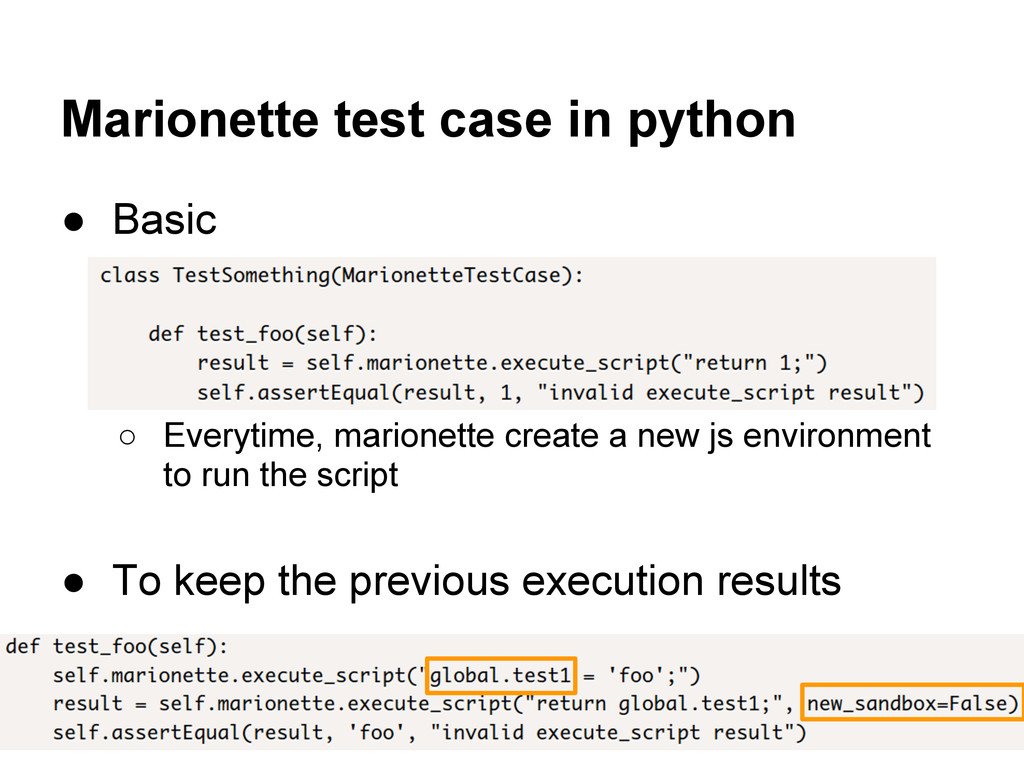
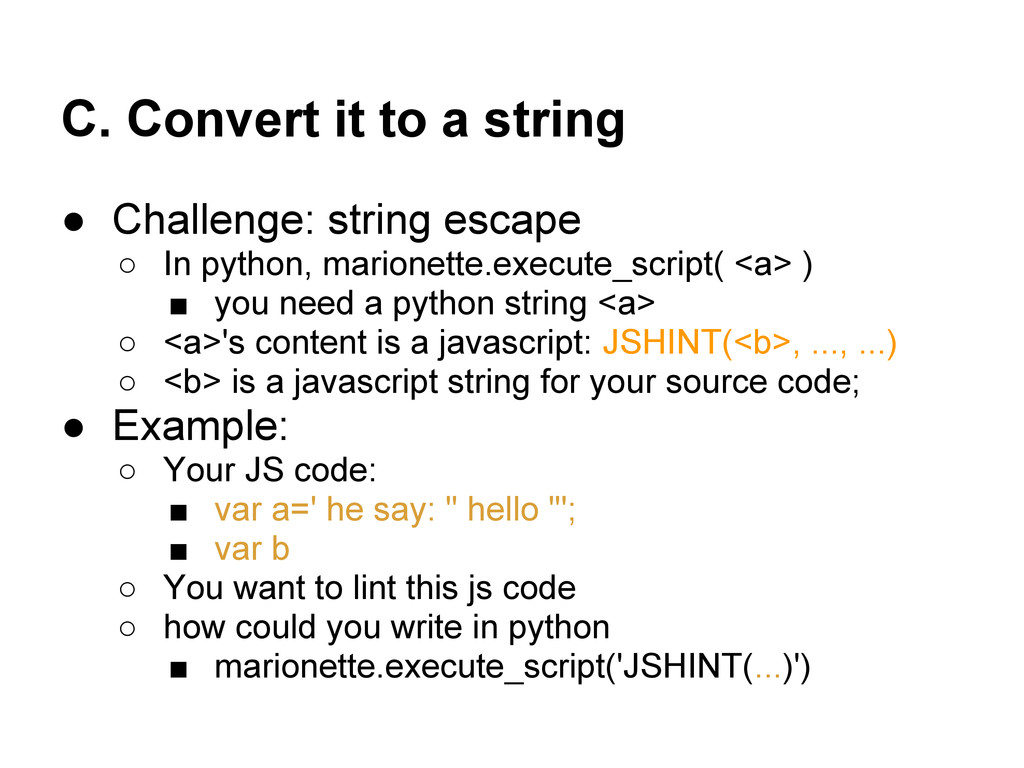
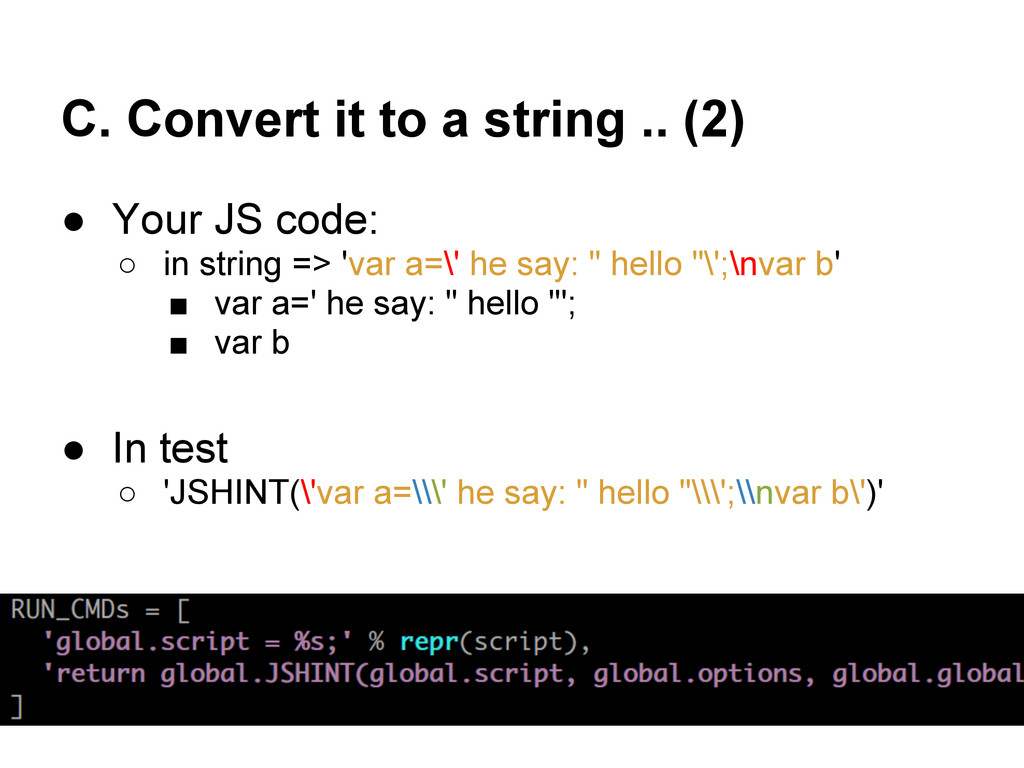
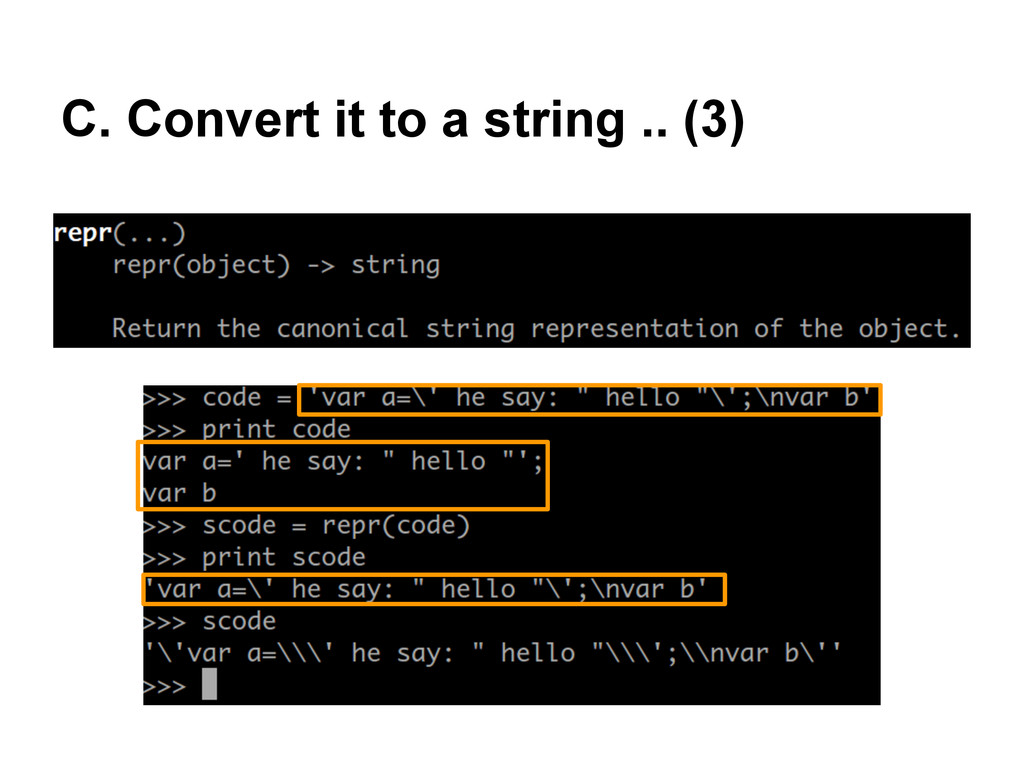
◦ In python, marionette.execute_script( <a> ) ▪ you need a python string <a> ◦ <a>'s content is a javascript: JSHINT(<b>, ..., ...) ◦ <b> is a javascript string for your source code; • Example: ◦ Your JS code: ▪ var a=' he say: " hello "'; ▪ var b ◦ You want to lint this js code ◦ how could you write in python ▪ marionette.execute_script('JSHINT(...)')
JS code: ◦ in string => 'var a=\' he say: " hello "\';\nvar b' ▪ var a=' he say: " hello "'; ▪ var b • In test ◦ 'JSHINT(\'var a=\\\' he say: " hello "\\\';\\nvar b\')'
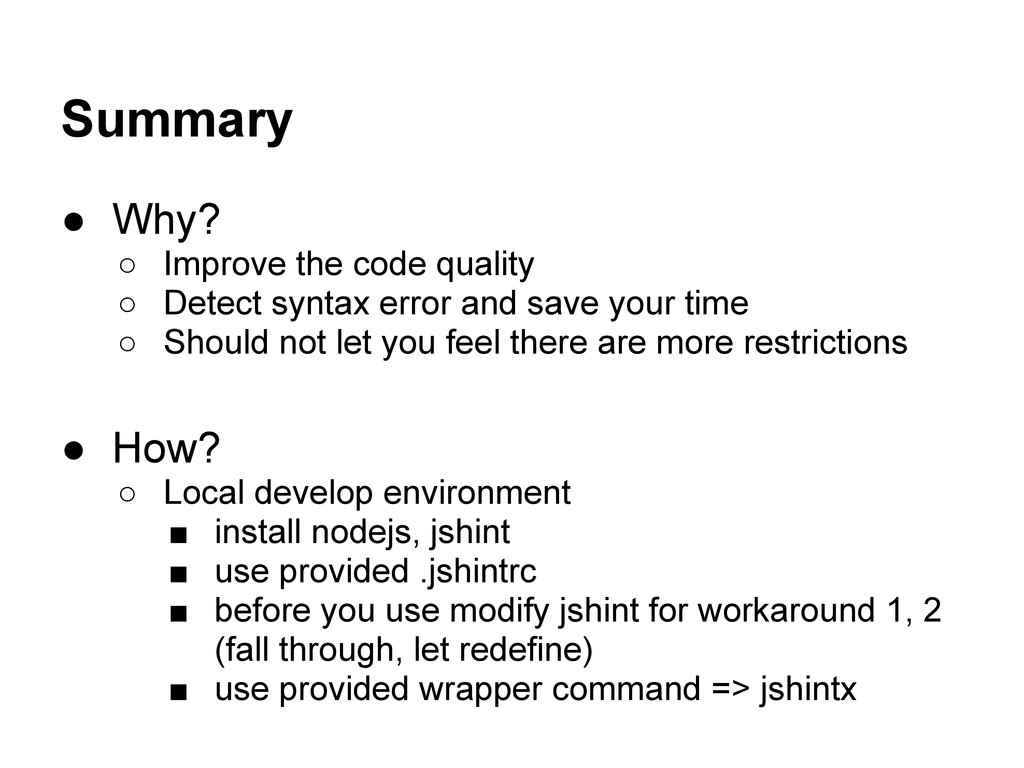
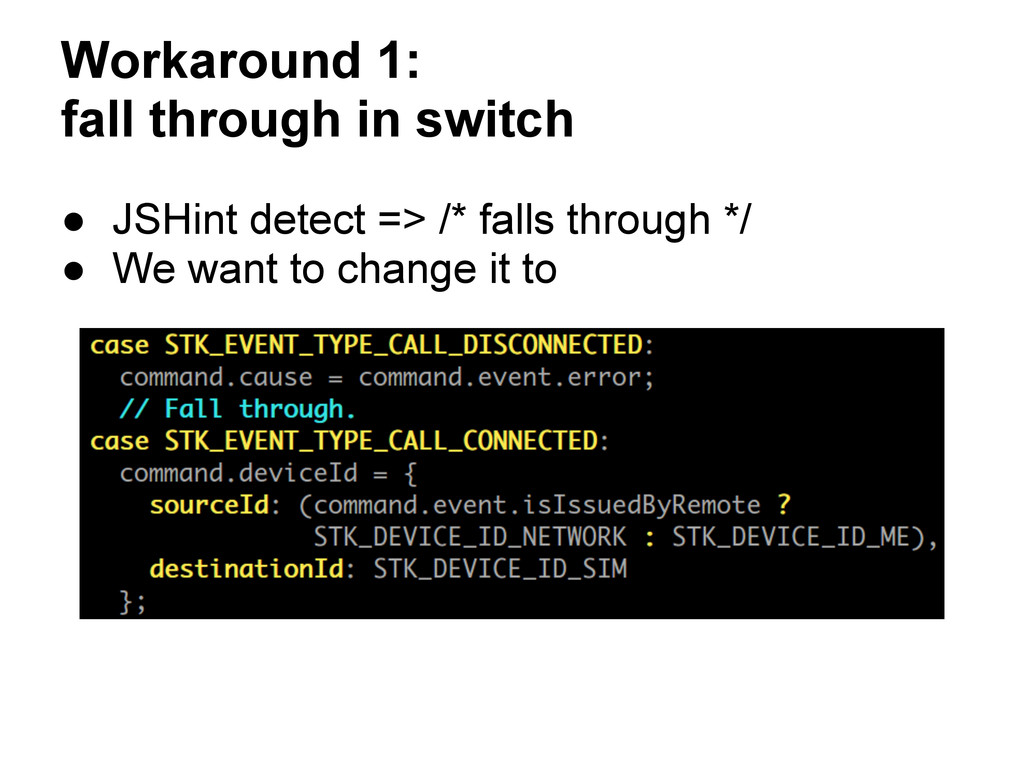
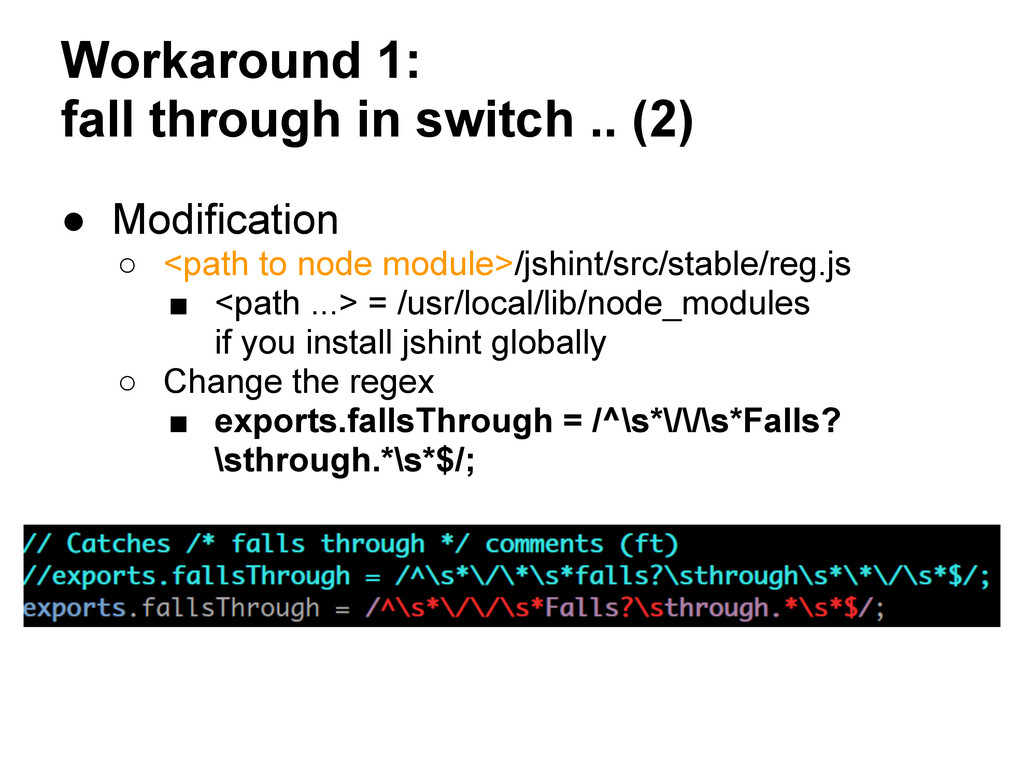
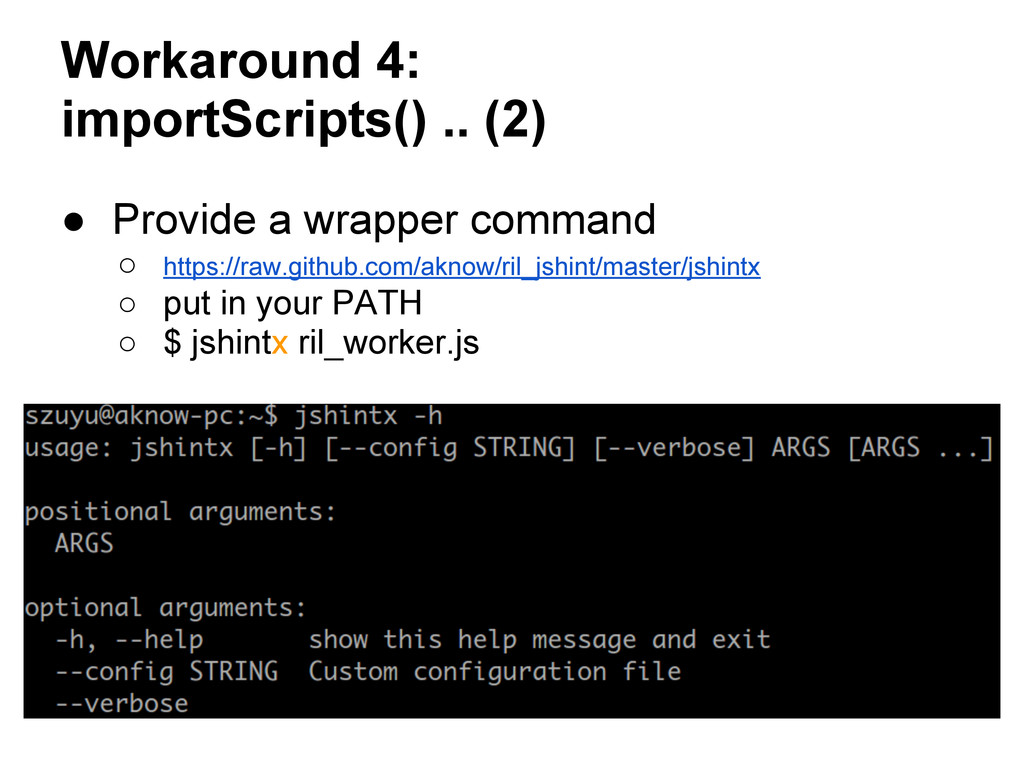
syntax error and save your time ◦ Should not let you feel there are more restrictions • How? ◦ Local develop environment ▪ install nodejs, jshint ▪ use provided .jshintrc ▪ before you use modify jshint for workaround 1, 2 (fall through, let redefine) ▪ use provided wrapper command => jshintx
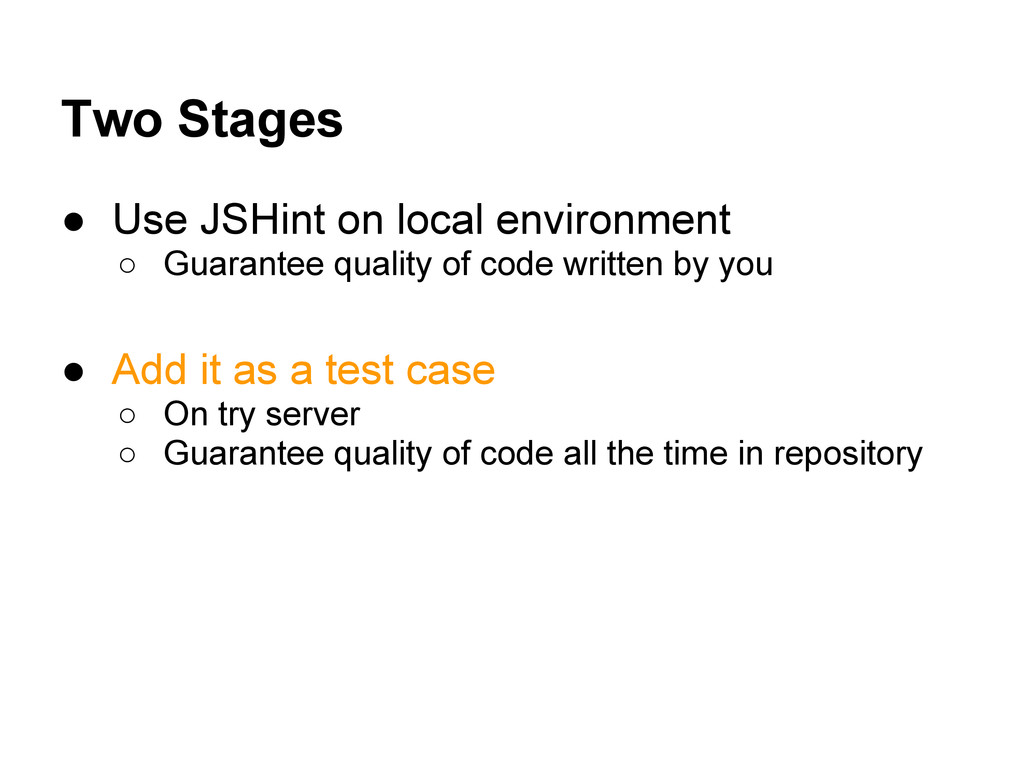
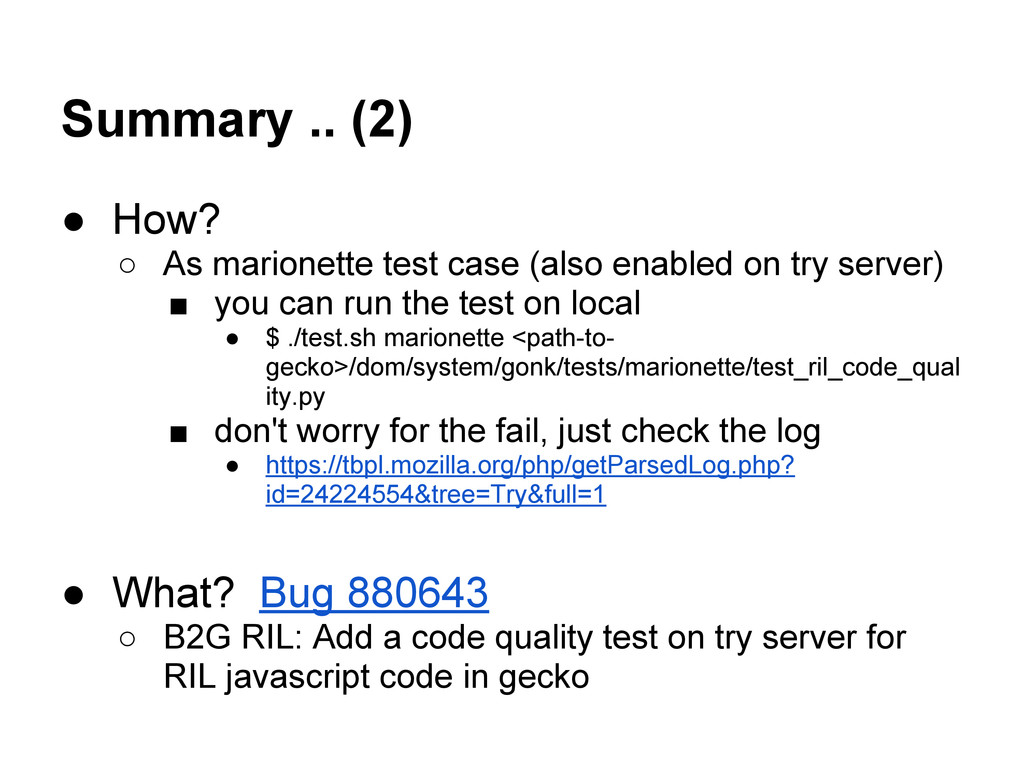
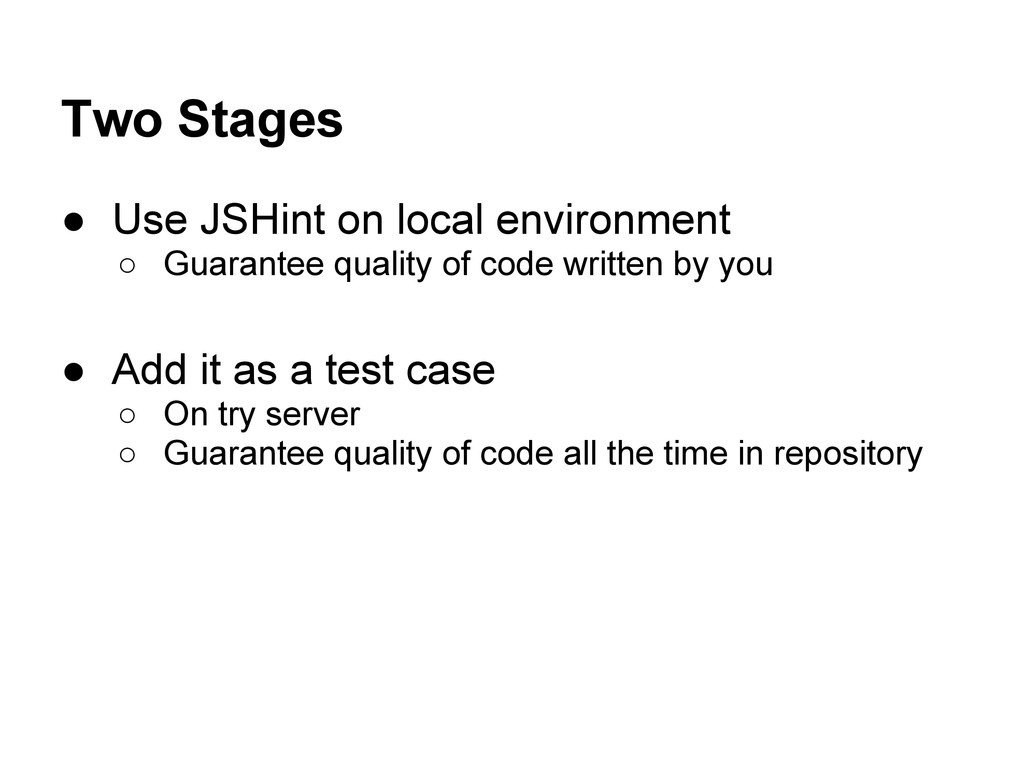
(also enabled on try server) ▪ you can run the test on local • $ ./test.sh marionette <path-to- gecko>/dom/system/gonk/tests/marionette/test_ril_code_qual ity.py ▪ don't worry for the fail, just check the log • https://tbpl.mozilla.org/php/getParsedLog.php? id=24224554&tree=Try&full=1 • What? Bug 880643 ◦ B2G RIL: Add a code quality test on try server for RIL javascript code in gecko
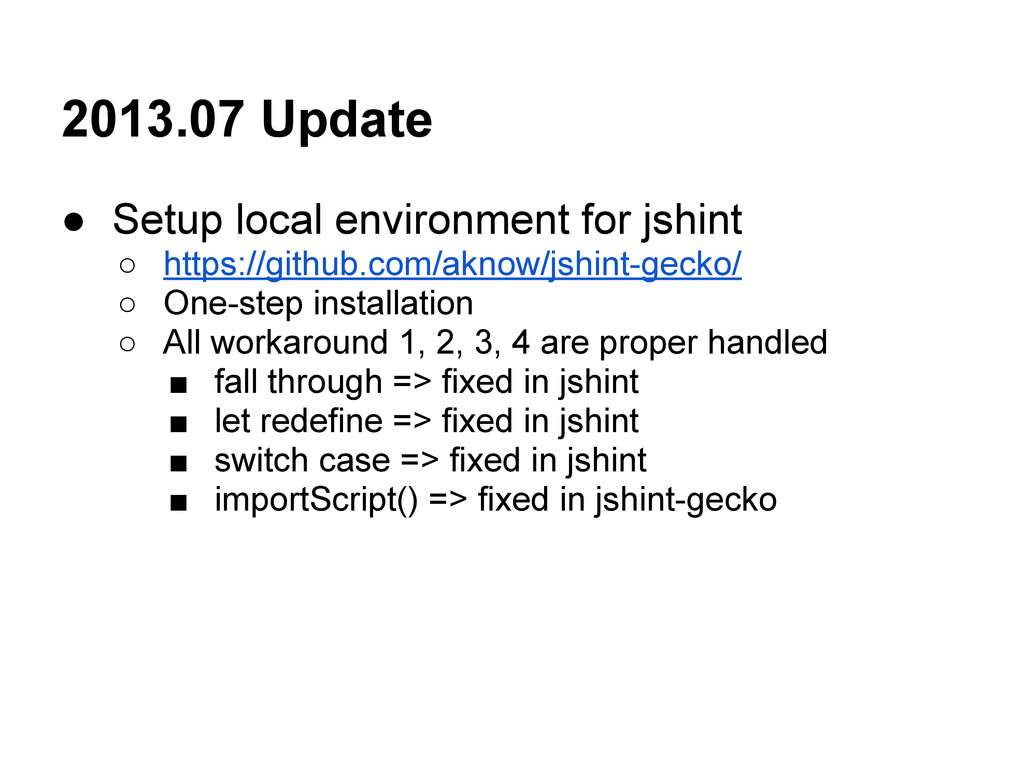
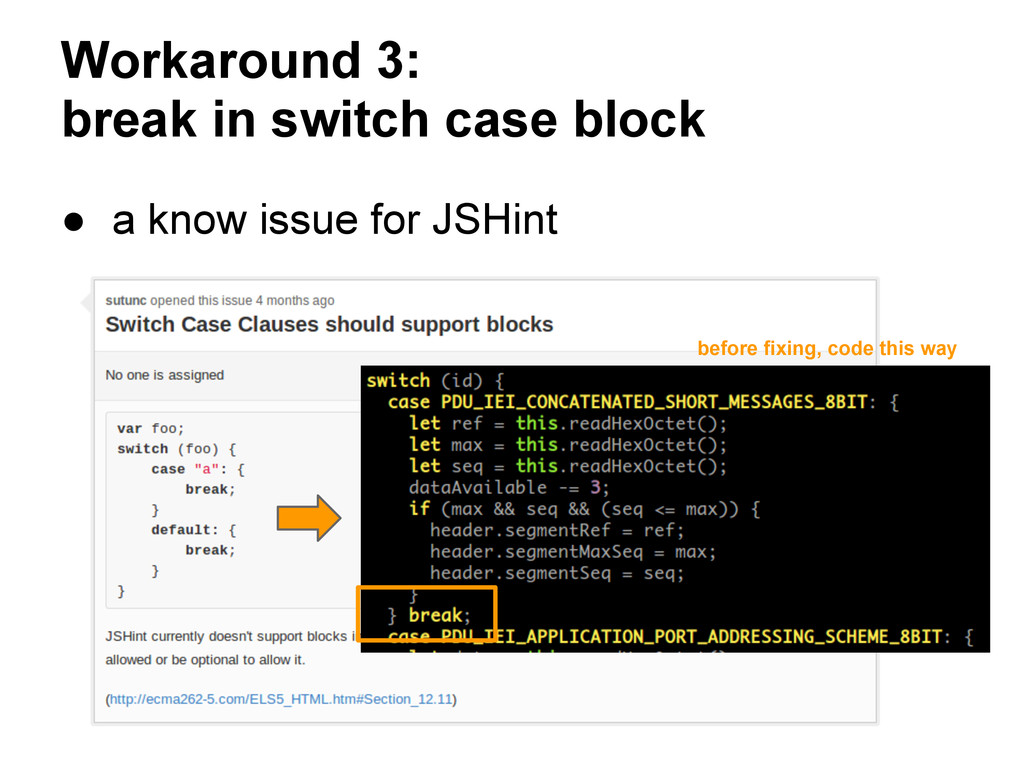
◦ One-step installation ◦ All workaround 1, 2, 3, 4 are proper handled ▪ fall through => fixed in jshint ▪ let redefine => fixed in jshint ▪ switch case => fixed in jshint ▪ importScript() => fixed in jshint-gecko


 steliosf
 mixplace
 naokihaba
 akihisaikeda
 marcoroth
 kenjiyoneyama
 tmikov2023
 satoshi256kbyte
 skydoves
 artoy
artoy
 rollbear
 sorah
sorah
 portentint
 aleyda
 tammyeverts
 ammeep
 codingconduct
 reverentgeek
 brad_frost
 pauljervisheath
 ianozsvald
 jnunemaker
 marktimemedia

![Behind the wrapper command importScripts('ril_consts.js') ril_worker.js [from ril_worker.js] tmp.js [from](https://files.speakerdeck.com/presentations/a5aed240b95d0130111c5a19c9759738/slide_23.jpg)
![Detailed of merge way [from ril_worker.js] [from ril_consts.js] (code from](https://files.speakerdeck.com/presentations/a5aed240b95d0130111c5a19c9759738/slide_24.jpg)
![Correct merge way [from ril_worker.js] [from ril_consts.js] (code from ril_consts.js)](https://files.speakerdeck.com/presentations/a5aed240b95d0130111c5a19c9759738/slide_25.jpg)