Upgrade to Pro — share decks privately, control downloads, hide ads and more …

How to develop internet apps with R and Node.js

How to develop internet apps with R and Node.js

Presented at the 1st Milano R meeting, Italy.

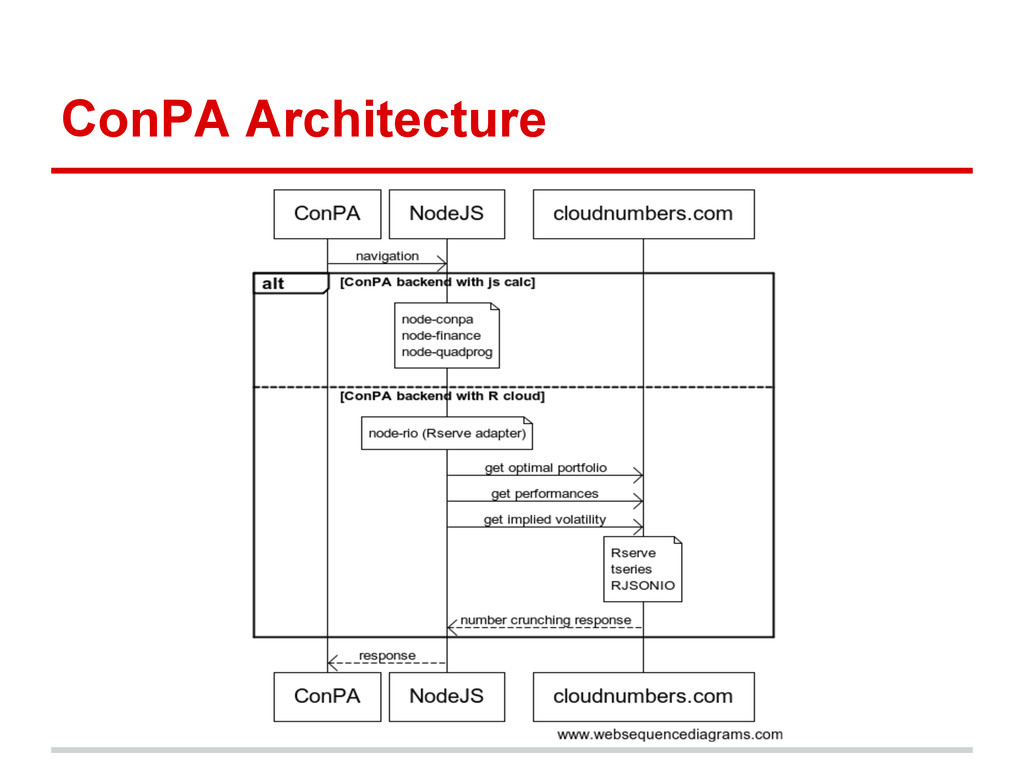
ConPA is an asset allocation application. It provides the optimal weights for each assets, retrieving the historical prices from Yahoo! Finance, applying the constraints and optimizing the weights with the Markowitz algorithm. It provides also the performances of the portfolio and the implied volatility of the assets.

Avatar for Alberto Santini

Alberto Santini

May 08, 2012

More Decks by Alberto Santini

Other Decks in Programming

Transcript

  1. Outline • What is ConPA? • ConPA Architecture. • Frontend

    with Yahoo! User Interface library. • Backend with Node.js. • node-rio, a Node.js module integrating R via Rserve.
  2. ConPA: open source finance app ConPA is an asset allocation

    application. It provides the optimal weights for each assets, retrieving the historical prices from Yahoo! Finance, applying the constraints and optimizing the weights with the Markowitz algorithm. It provides also the performances of the portfolio and the implied volatility of the assets.
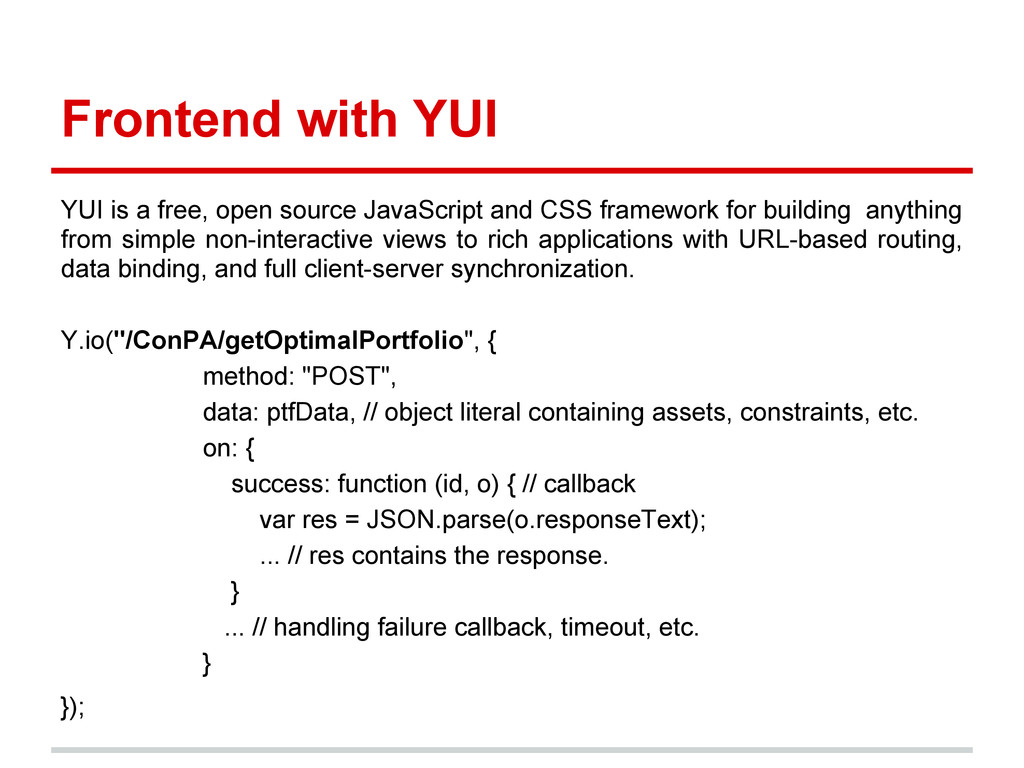
  3. Frontend with YUI YUI is a free, open source JavaScript

    and CSS framework for building anything from simple non-interactive views to rich applications with URL-based routing, data binding, and full client-server synchronization. Y.io("/ConPA/getOptimalPortfolio", { method: "POST", data: ptfData, // object literal containing assets, constraints, etc. on: { success: function (id, o) { // callback var res = JSON.parse(o.responseText); ... // res contains the response. } ... // handling failure callback, timeout, etc. } });
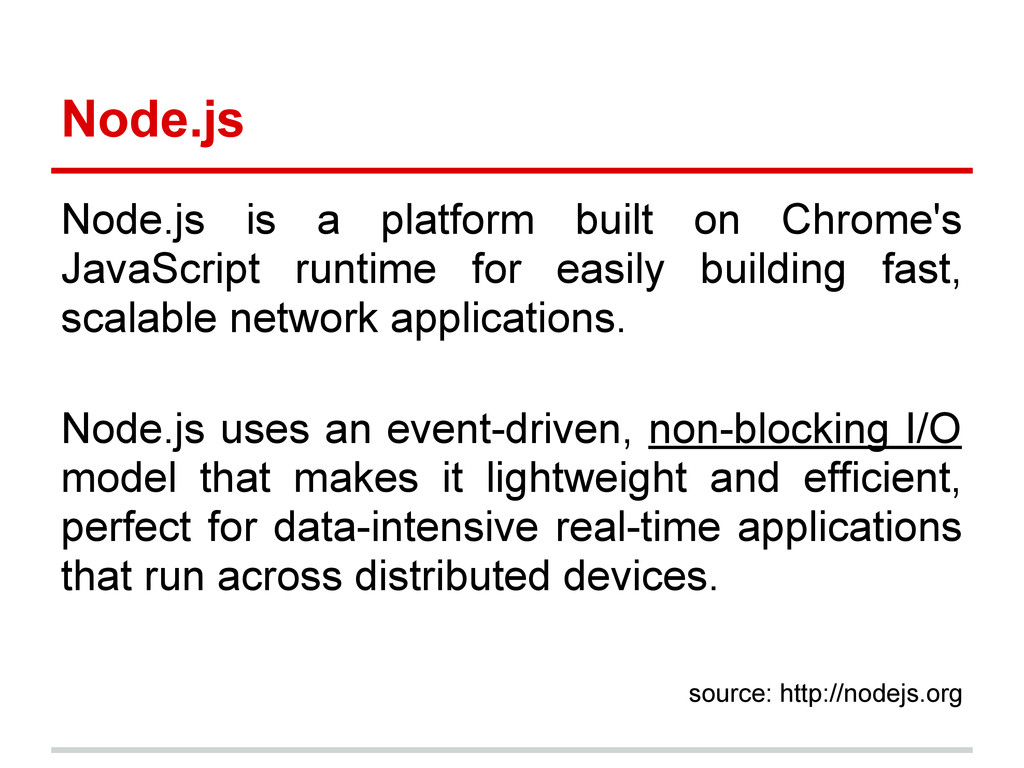
  4. Node.js Node.js is a platform built on Chrome's JavaScript runtime

    for easily building fast, scalable network applications. Node.js uses an event-driven, non-blocking I/O model that makes it lightweight and efficient, perfect for data-intensive real-time applications that run across distributed devices. source: http://nodejs.org
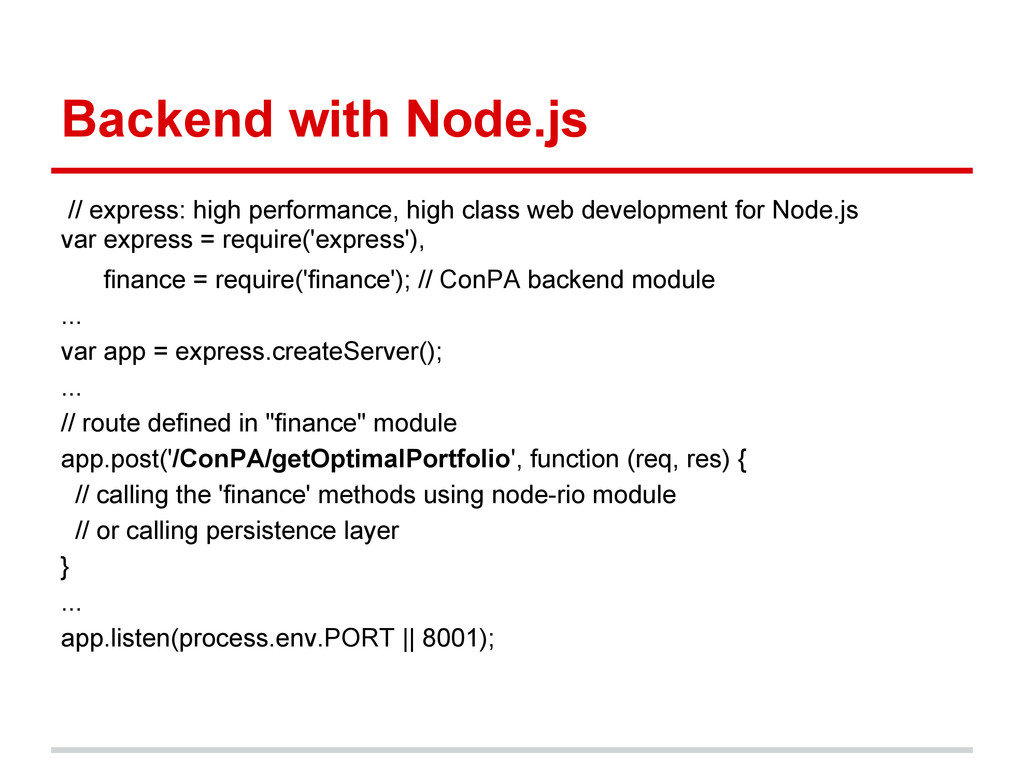
  5. Backend with Node.js // express: high performance, high class web

    development for Node.js var express = require('express'), finance = require('finance'); // ConPA backend module ... var app = express.createServer(); ... // route defined in "finance" module app.post('/ConPA/getOptimalPortfolio', function (req, res) { // calling the 'finance' methods using node-rio module // or calling persistence layer } ... app.listen(process.env.PORT || 8001);
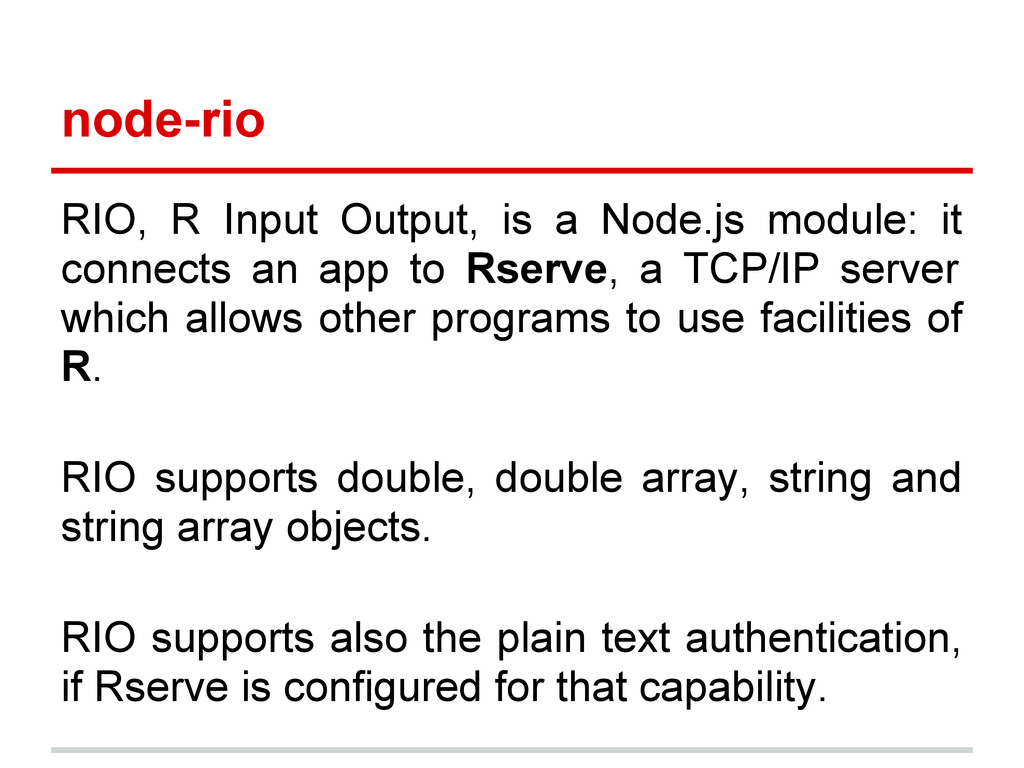
  6. node-rio RIO, R Input Output, is a Node.js module: it

    connects an app to Rserve, a TCP/IP server which allows other programs to use facilities of R. RIO supports double, double array, string and string array objects. RIO supports also the plain text authentication, if Rserve is configured for that capability.
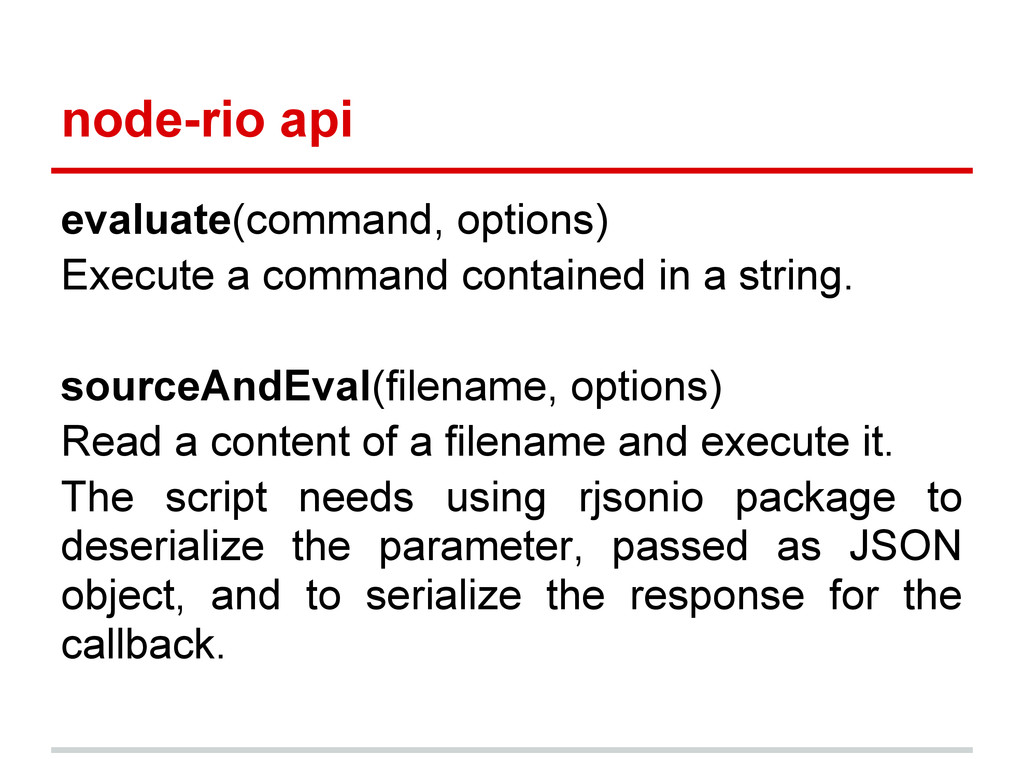
  7. node-rio api evaluate(command, options) Execute a command contained in a

    string. sourceAndEval(filename, options) Read a content of a filename and execute it. The script needs using rjsonio package to deserialize the parameter, passed as JSON object, and to serialize the response for the callback.
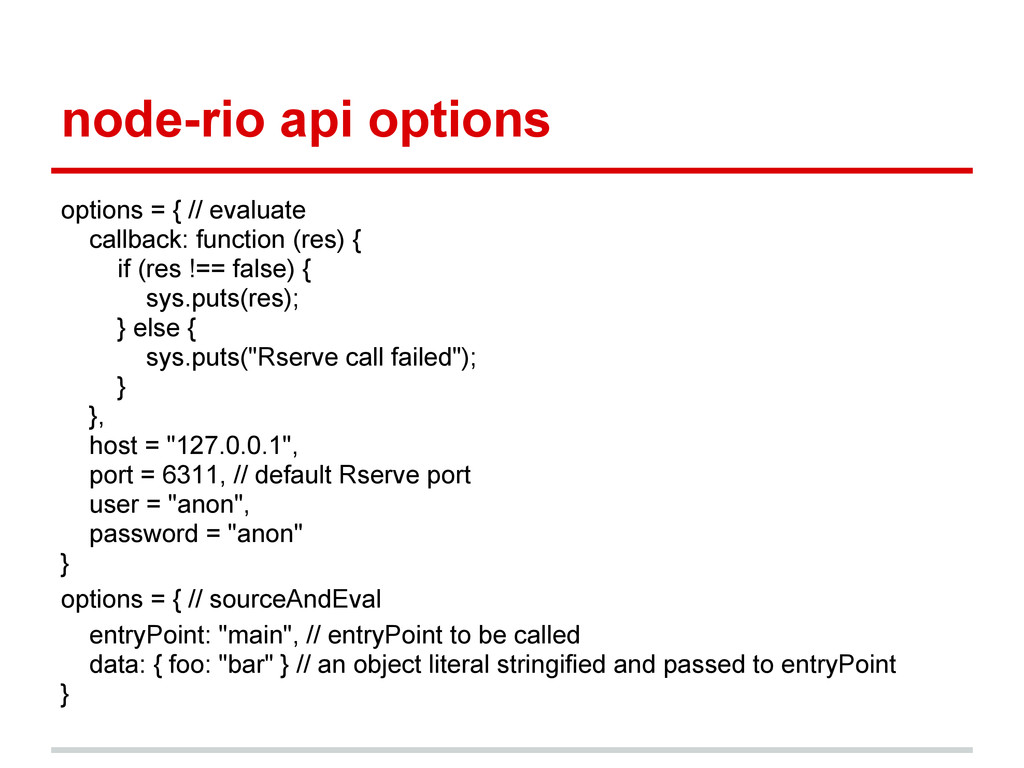
  8. node-rio api options options = { // evaluate callback: function

    (res) { if (res !== false) { sys.puts(res); } else { sys.puts("Rserve call failed"); } }, host = "127.0.0.1", port = 6311, // default Rserve port user = "anon", password = "anon" } options = { // sourceAndEval entryPoint: "main", // entryPoint to be called data: { foo: "bar" } // an object literal stringified and passed to entryPoint }
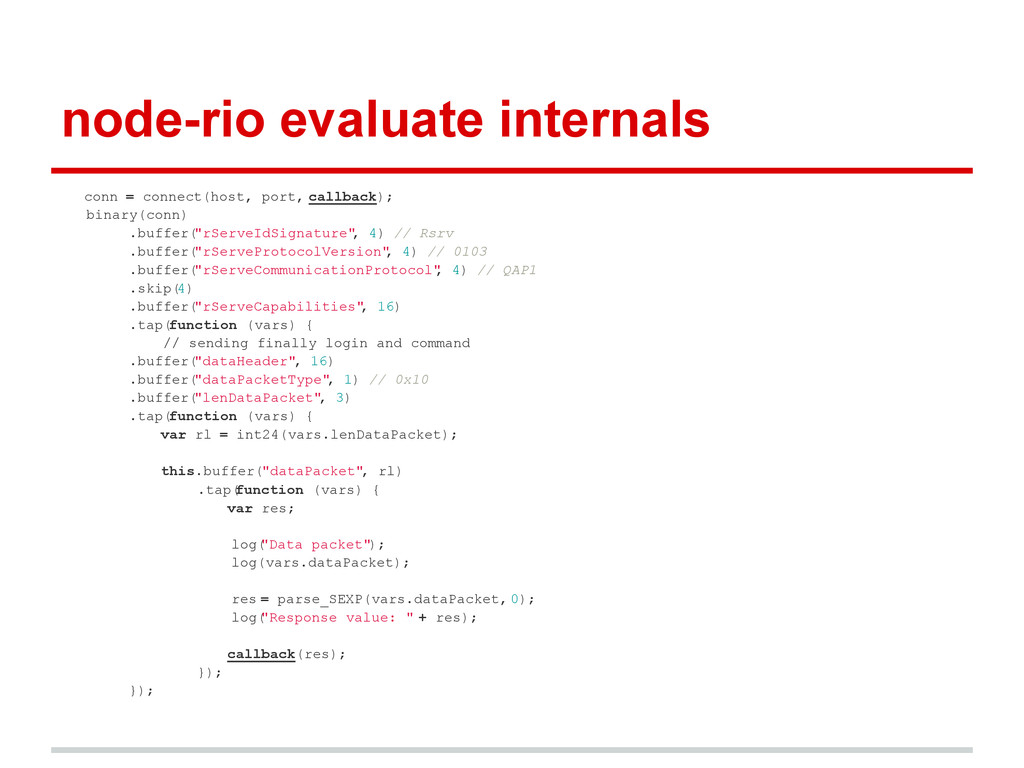
  9. node-rio evaluate internals conn = connect(host, port, callback); binary(conn) .buffer(

    "rServeIdSignature" , 4) // Rsrv .buffer( "rServeProtocolVersion" , 4) // 0103 .buffer( "rServeCommunicationProtocol" , 4) // QAP1 .skip( 4) .buffer( "rServeCapabilities" , 16) .tap(function (vars) { // sending finally login and command .buffer( "dataHeader", 16) .buffer( "dataPacketType" , 1) // 0x10 .buffer( "lenDataPacket" , 3) .tap(function (vars) { var rl = int24(vars.lenDataPacket); this.buffer("dataPacket", rl) .tap( function (vars) { var res; log( "Data packet"); log(vars.dataPacket); res = parse_SEXP(vars.dataPacket, 0); log( "Response value: " + res); callback(res); }); });
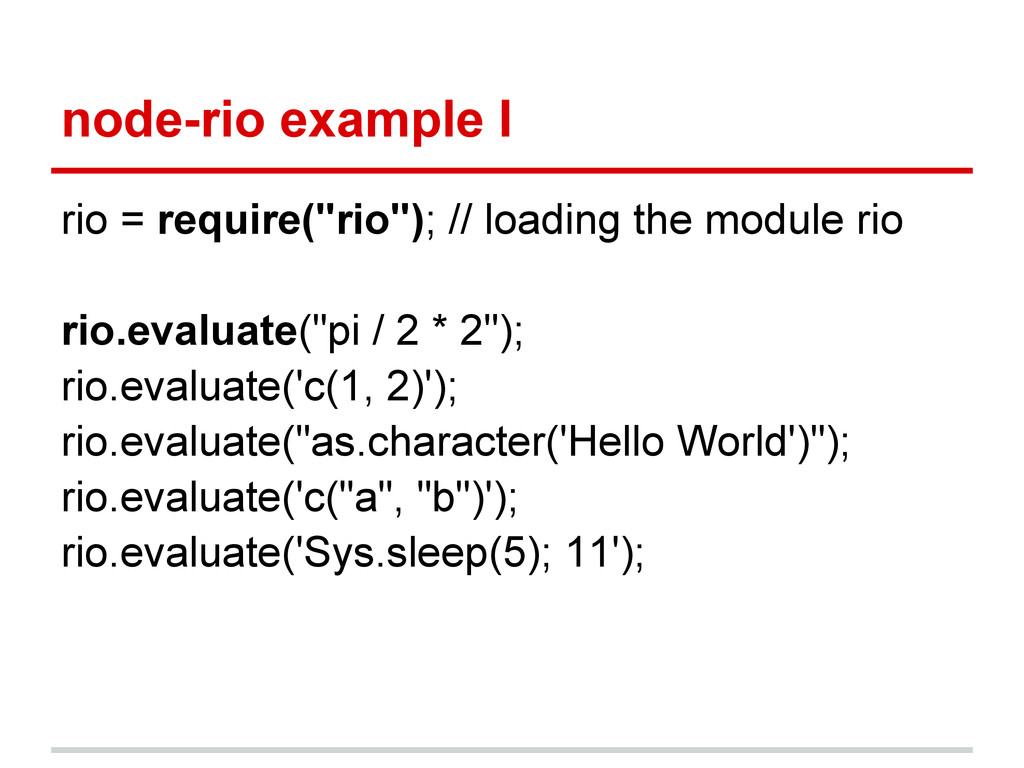
  10. node-rio example I rio = require("rio"); // loading the module

    rio rio.evaluate("pi / 2 * 2"); rio.evaluate('c(1, 2)'); rio.evaluate("as.character('Hello World')"); rio.evaluate('c("a", "b")'); rio.evaluate('Sys.sleep(5); 11');
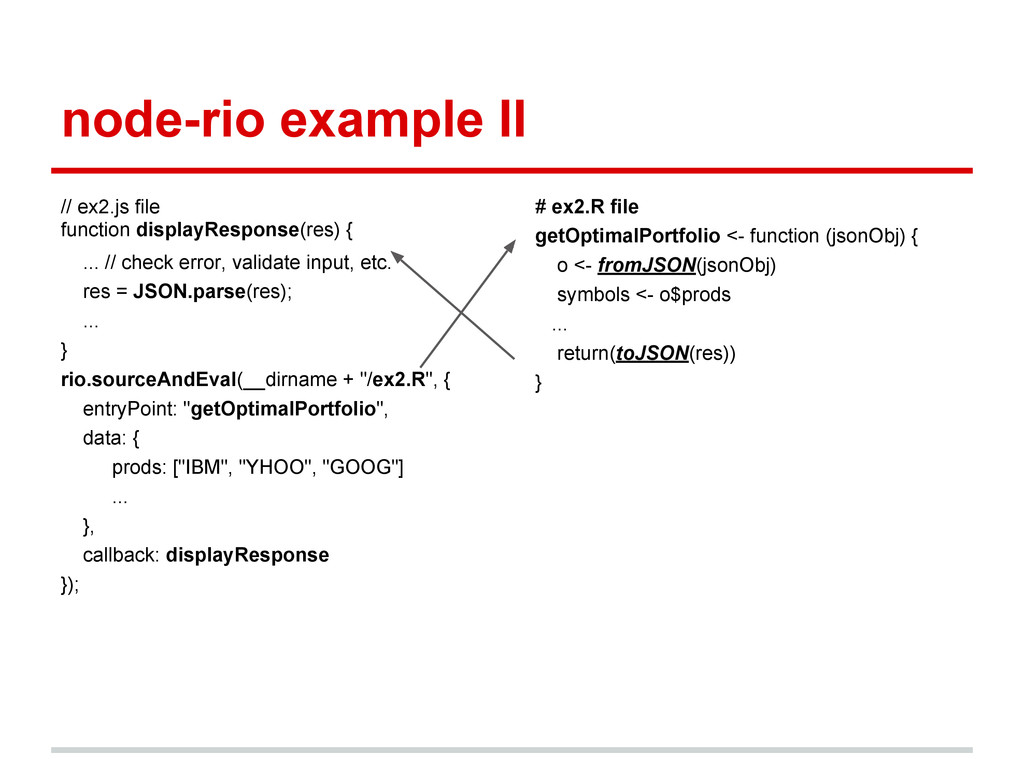
  11. node-rio example II // ex2.js file function displayResponse(res) { ...

    // check error, validate input, etc. res = JSON.parse(res); ... } rio.sourceAndEval(__dirname + "/ex2.R", { entryPoint: "getOptimalPortfolio", data: { prods: ["IBM", "YHOO", "GOOG"] ... }, callback: displayResponse }); # ex2.R file getOptimalPortfolio <- function (jsonObj) { o <- fromJSON(jsonObj) symbols <- o$prods ... return(toJSON(res)) }
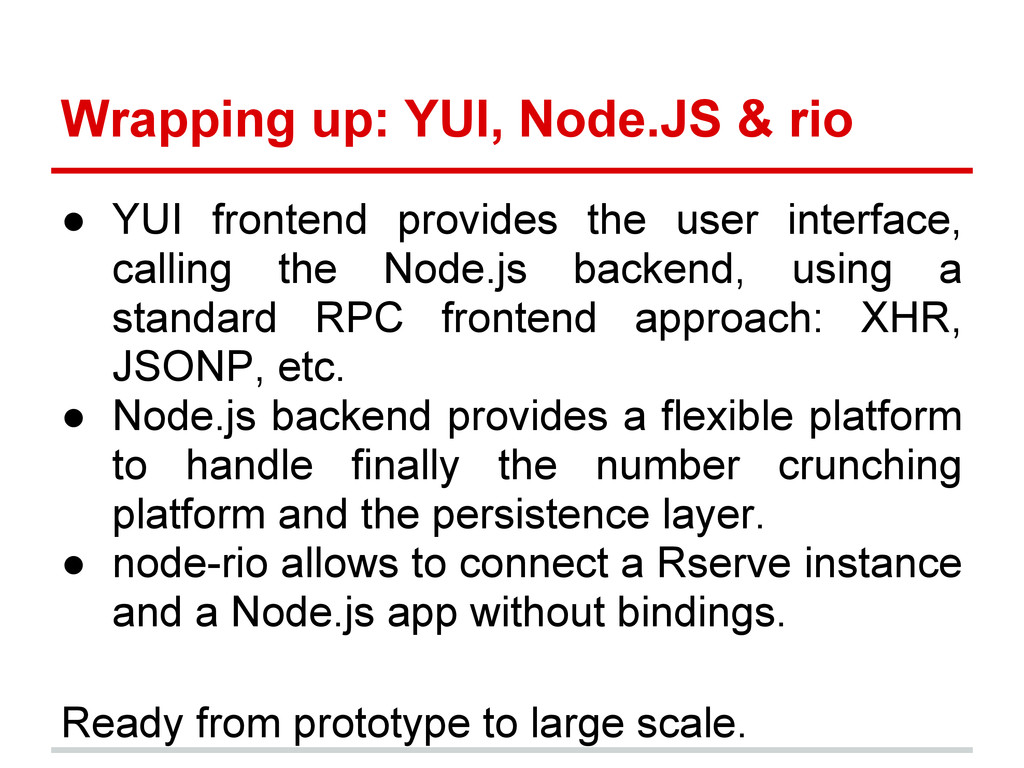
  12. Wrapping up: YUI, Node.JS & rio • YUI frontend provides

    the user interface, calling the Node.js backend, using a standard RPC frontend approach: XHR, JSONP, etc. • Node.js backend provides a flexible platform to handle finally the number crunching platform and the persistence layer. • node-rio allows to connect a Rserve instance and a Node.js app without bindings. Ready from prototype to large scale.