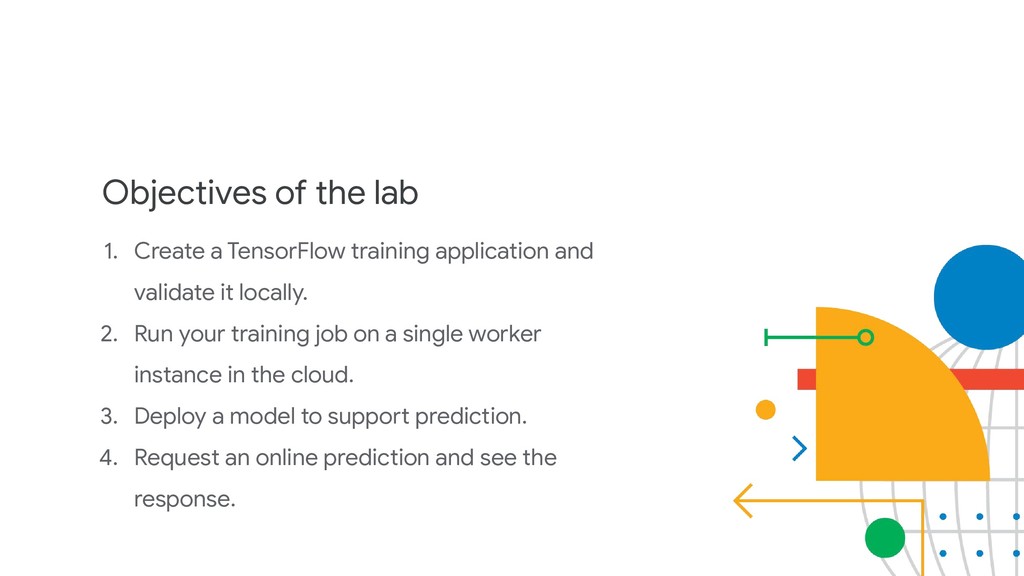
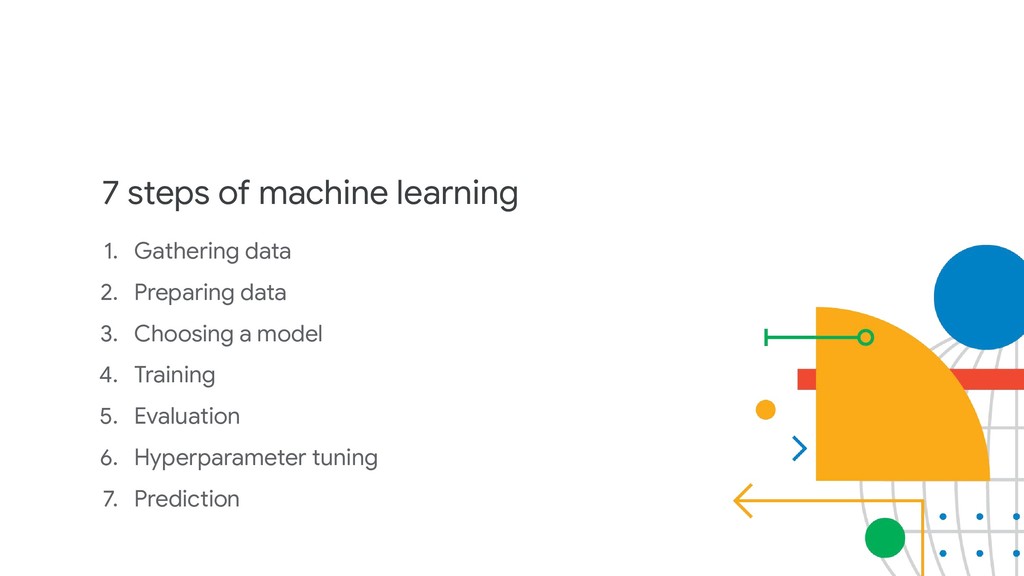
and validate it locally. 2. Run your training job on a single worker instance in the cloud. 3. Deploy a model to support prediction. 4. Request an online prediction and see the response.
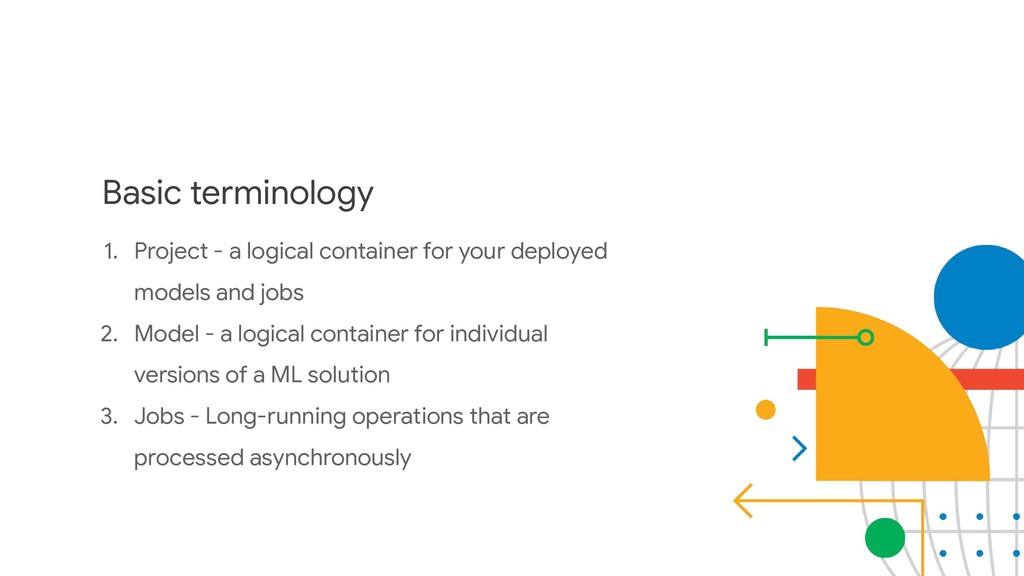
deployed models and jobs 2. Model - a logical container for individual versions of a ML solution 3. Jobs - Long-running operations that are processed asynchronously
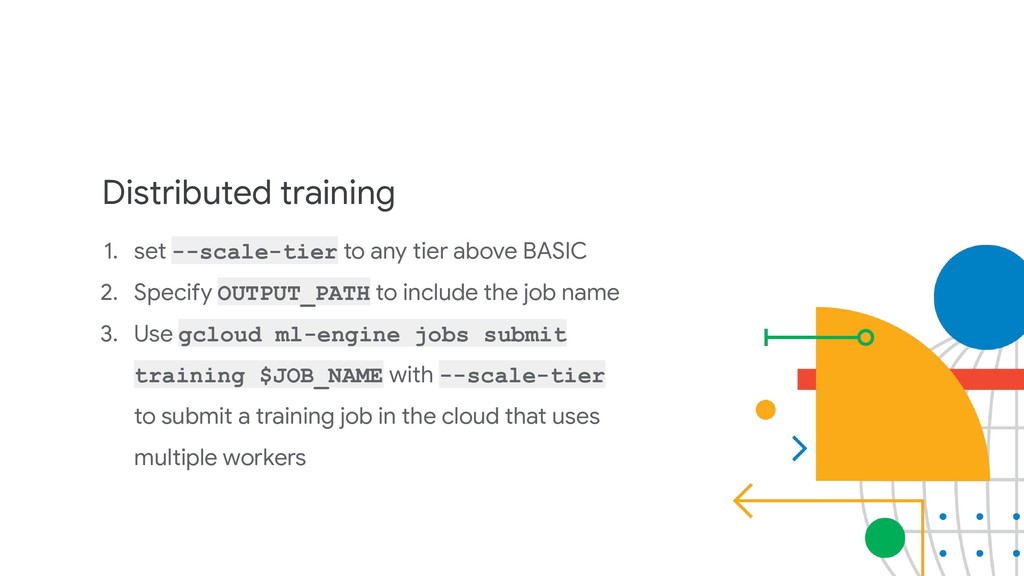
2. Specify OUTPUT_PATH to include the job name 3. Use gcloud ml-engine jobs submit training $JOB_NAME with --scale-tier to submit a training job in the cloud that uses multiple workers
YAML file named hptuning_config.yaml 2. Create a new job name and store the config file reference in a variable like HPTUNING_CONFIG=../hptuning_config. yaml


 alkesh47
 glaforge
 syuchimu
 carta_engineering
 tetsuya28
 yu23ki14
 mhrtech
 pfn
pfn
 sh_fk2
 nttcom
 namiki64
 iktakahiro
 teamlab
 tmiket
 marcduiker
 portentint
 lindahogenes
 addyosmani
 techseoconnect
 sstephenson
 elsirapls
 smashingmag
 sarafernandez
 bluesmoon
 skipperchong