Upgrade to Pro — share decks privately, control downloads, hide ads and more …

Building Actions for Google Assistant

Building Actions for Google Assistant

Slides for the talk at Google Developer Group New Delhi as a part of India Builds Actions initiative by Google.

Don’t you hate when your Google Assistant replies, “I don’t know that yet” or "I can't help you with that right now." Ever wondered if you could solve this problem and extend its functionality by building your own Actions? Wouldn’t you like to publish your Actions on the Google Assistant marketplace and have everyone use it?
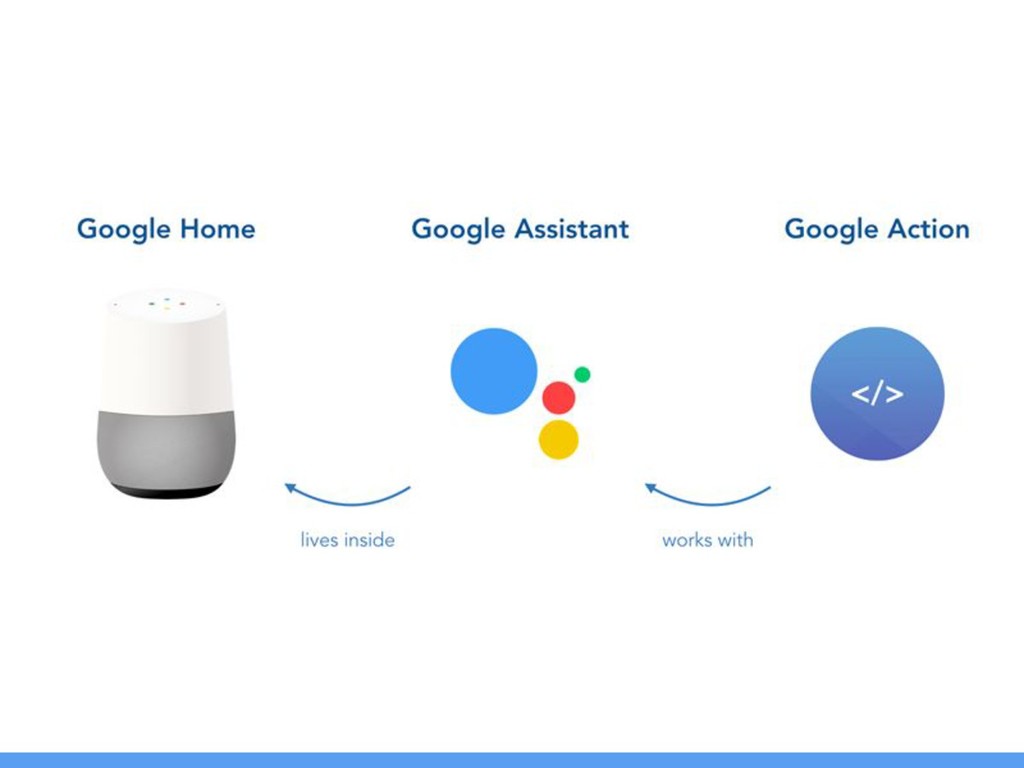
Google Assistant is quickly becoming the default voice assistant in a variety of hardware platforms ranging from smart speakers to smart home devices. Its functionality can be extended by building custom Actions for your specific use case.
In this hands-on workshop, you’ll learn all about Actions on Google, how to build your own custom Actions, test and publish them on the Google Assistant marketplace. You’ll also learn how to design great conversations using Dialogflow and integrate it into your Actions.

Avatar for Alkesh Srivastava

Alkesh Srivastava

July 15, 2018

More Decks by Alkesh Srivastava

Other Decks in Programming

Transcript

  1. Hello! I am Alkesh Srivastava I am here to help

    you build Actions for the Google Assistant You can find me at @_alkesh_ or alkeshsrivastava.com
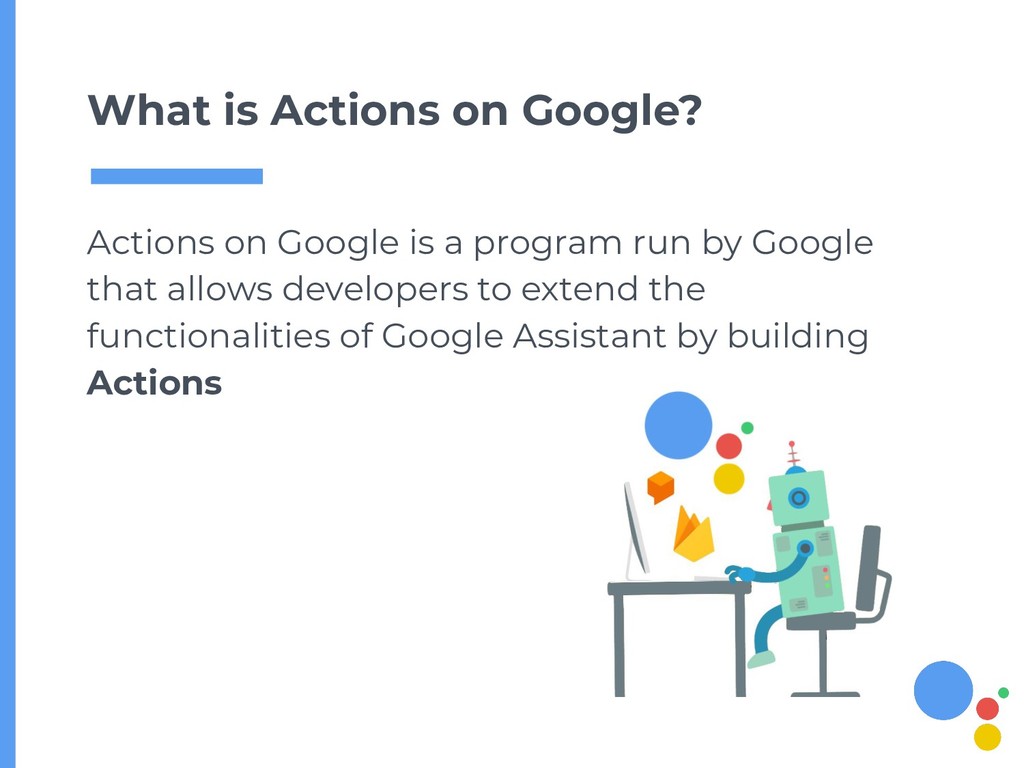
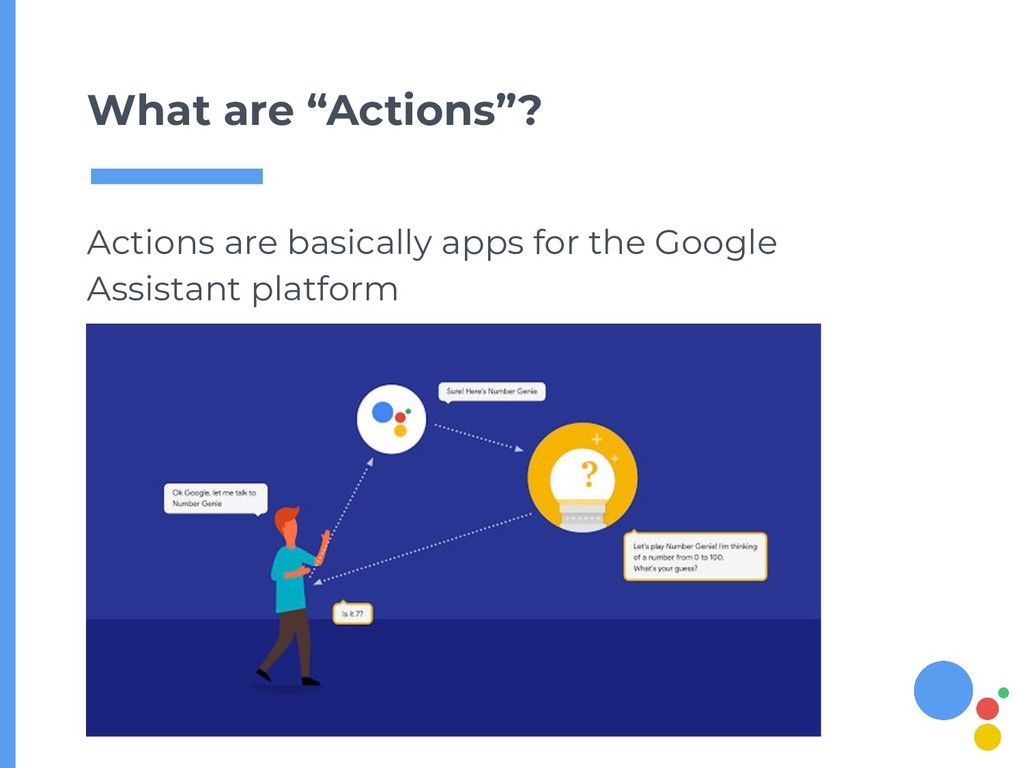
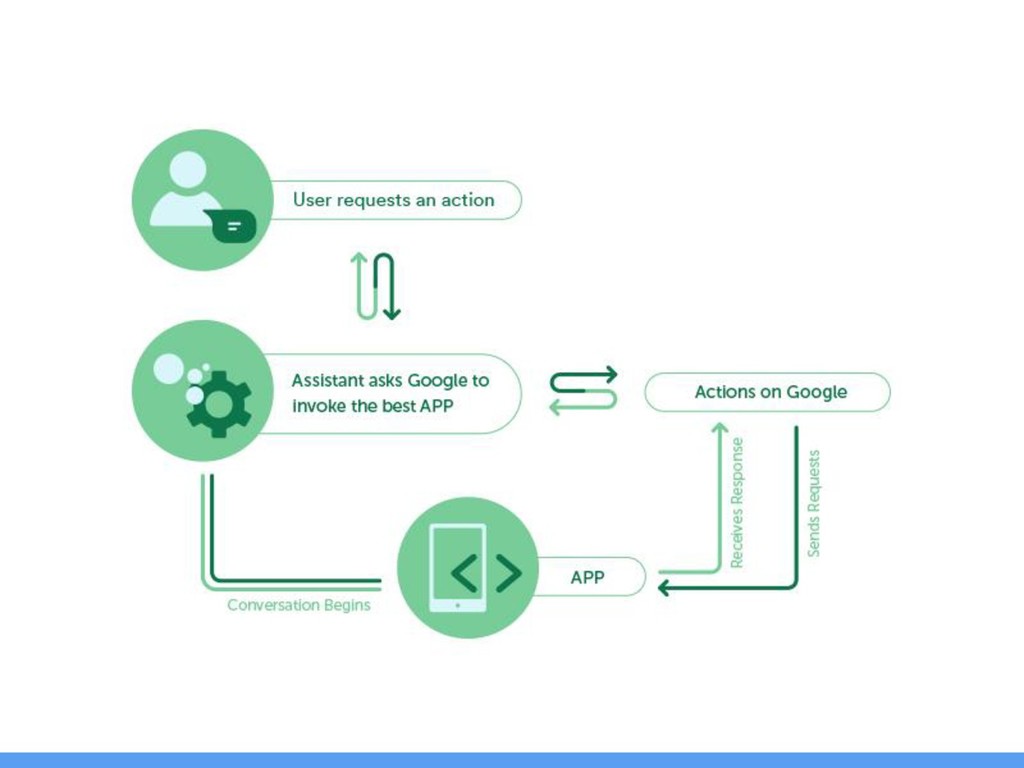
  2. What is Actions on Google? Actions on Google is a

    program run by Google that allows developers to extend the functionalities of Google Assistant by building Actions
  3. 6

  4. 8

  5. 9

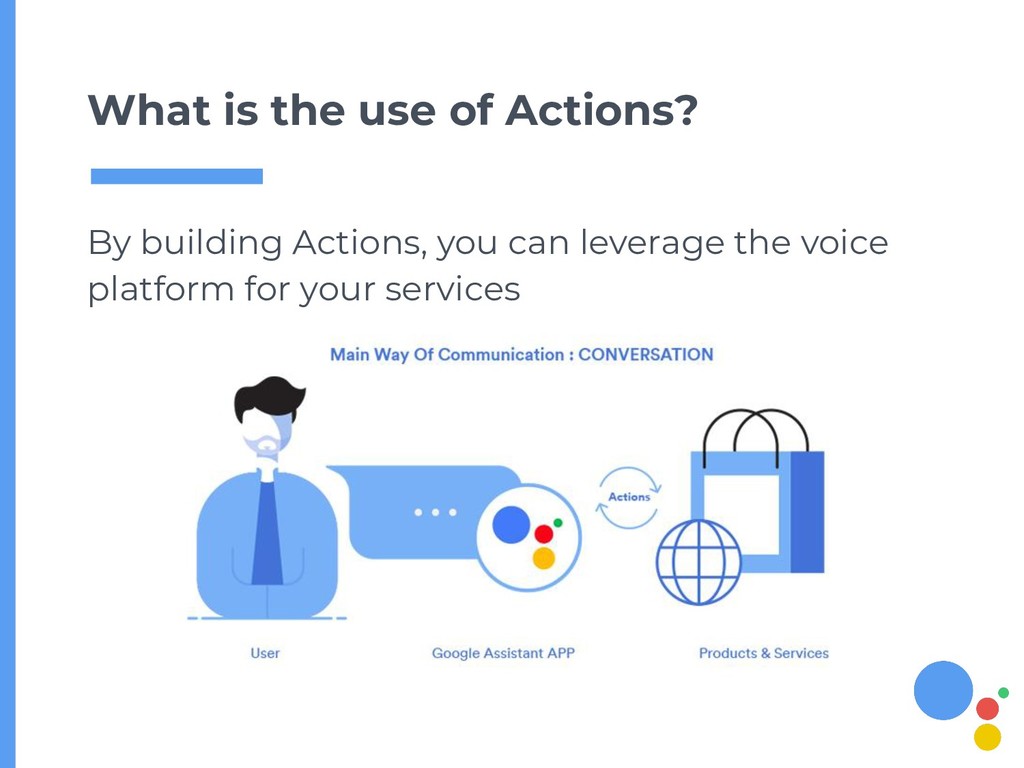
  6. By building Actions, you can leverage the voice platform for

    your services What is the use of Actions?
  7. Design 1. Create a persona 2. Draft a conversation 3.

    Understand context 4. Speech errors
  8. Develop 1. Create a Dialogflow agent 2. Define entities and

    intents 3. Define user phrases 4. Define actions and responses 5. Connect webhook
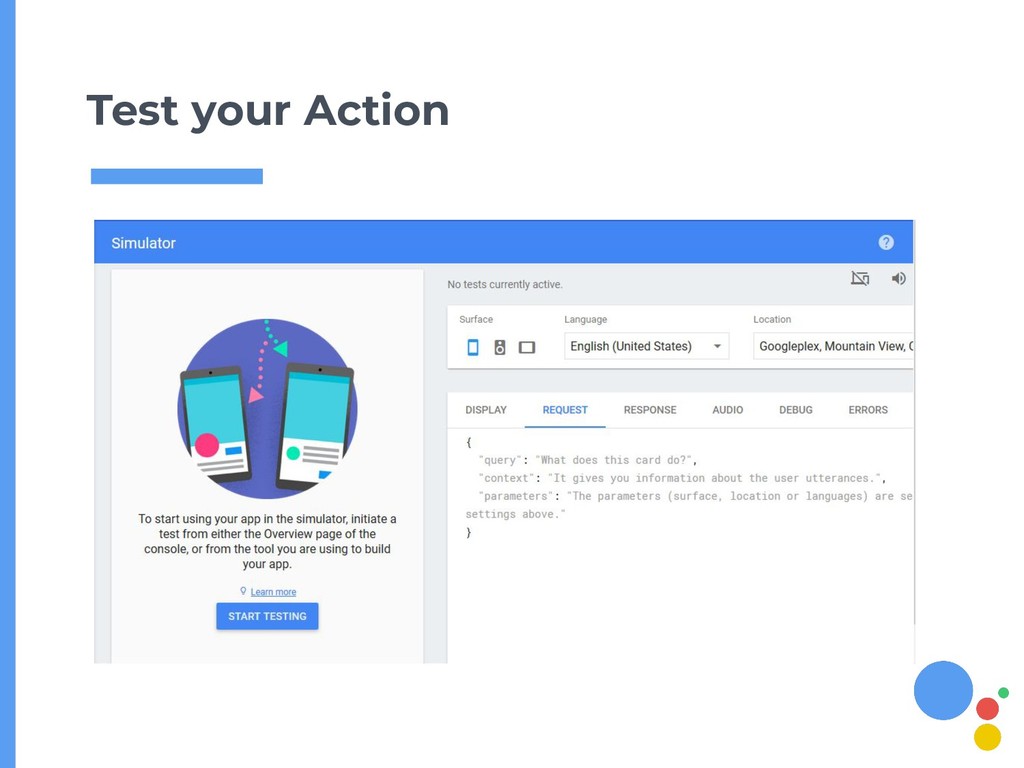
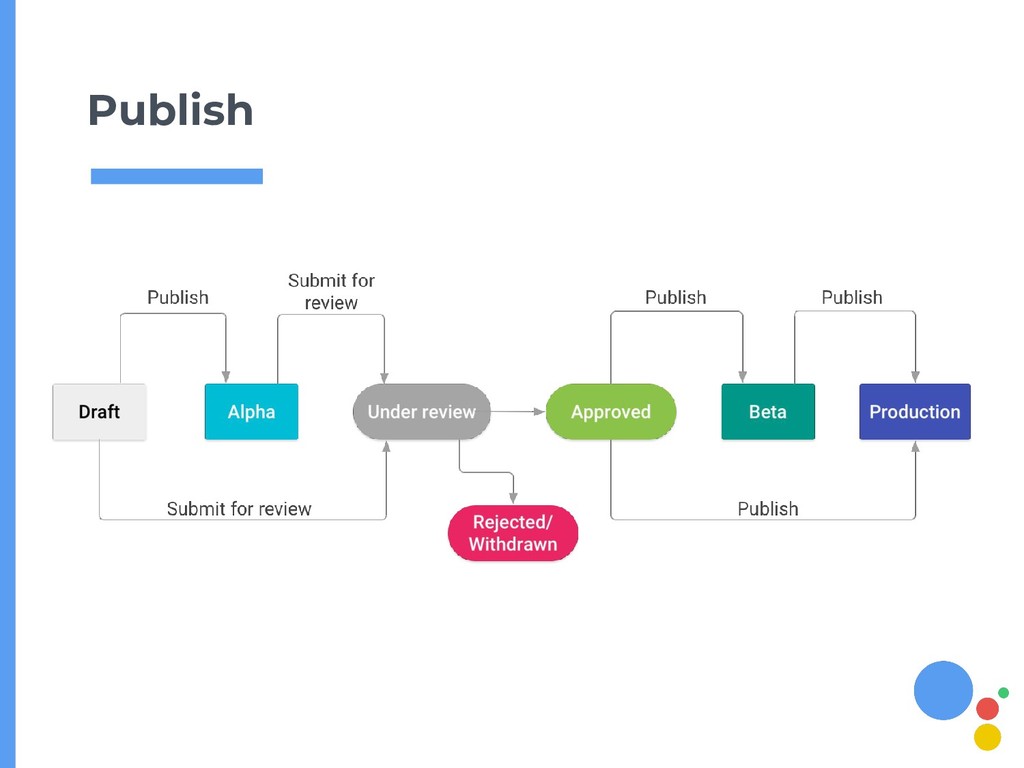
  9. Deploy 1. Register your Action 2. Test your Action 3.

    Review publishing checklist 4. Publish your Action
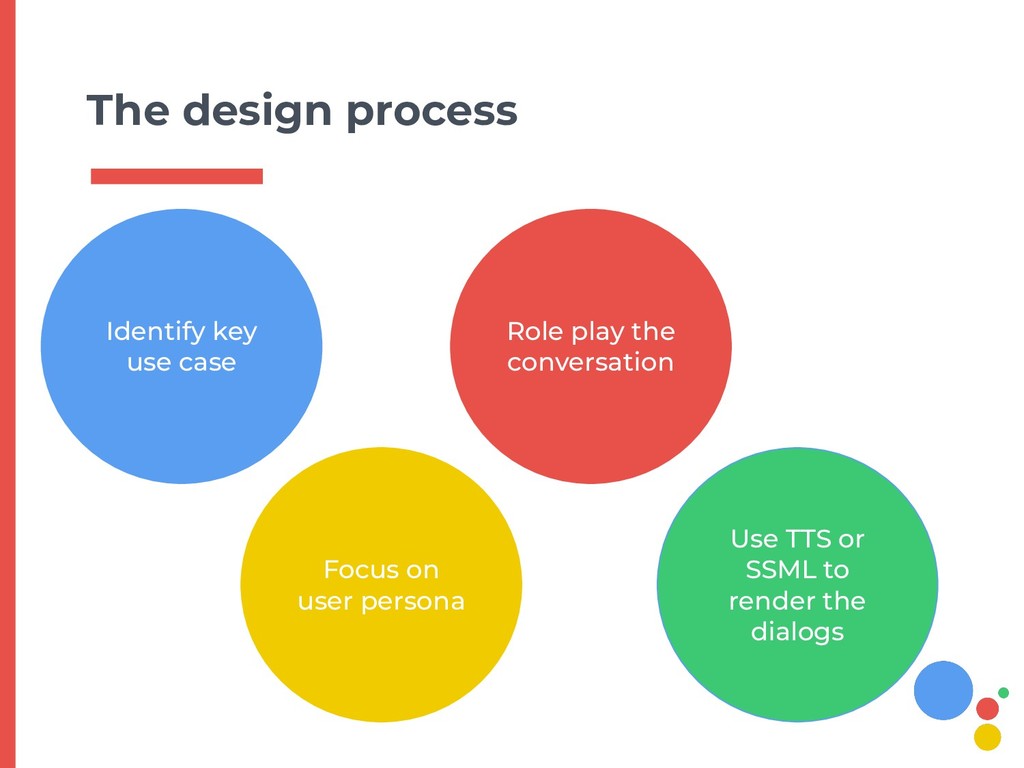
  10. The design process Identify key use case Focus on user

    persona Role play the conversation Use TTS or SSML to render the dialogs
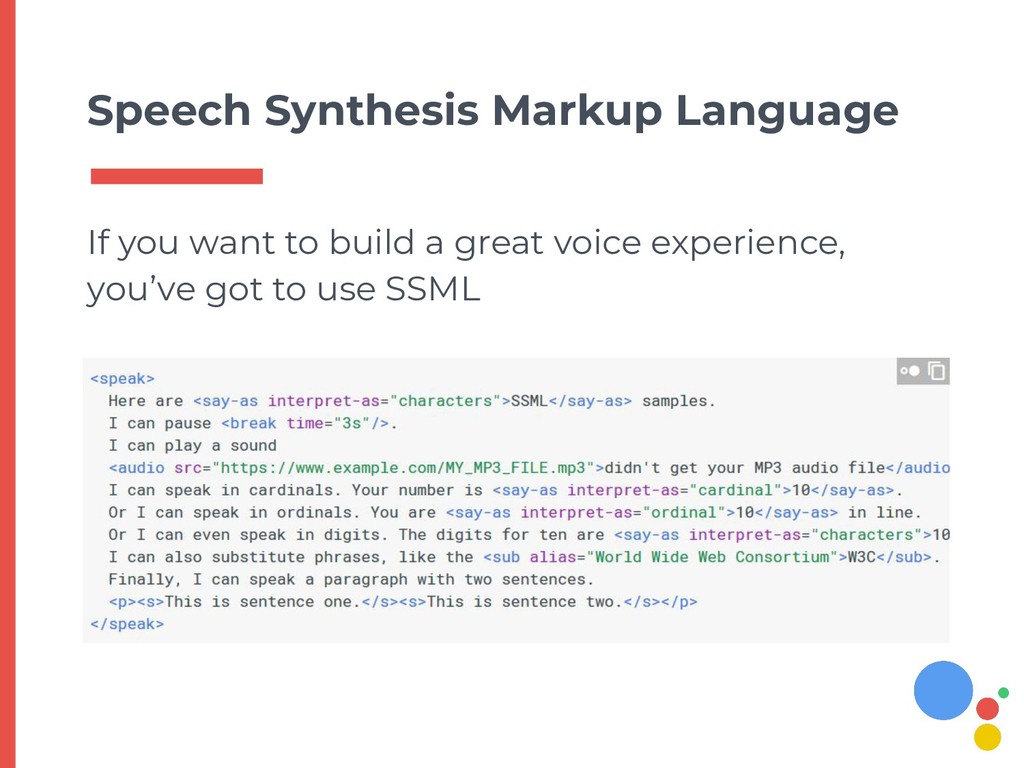
  11. Speech Synthesis Markup Language If you want to build a

    great voice experience, you’ve got to use SSML
  12. 23

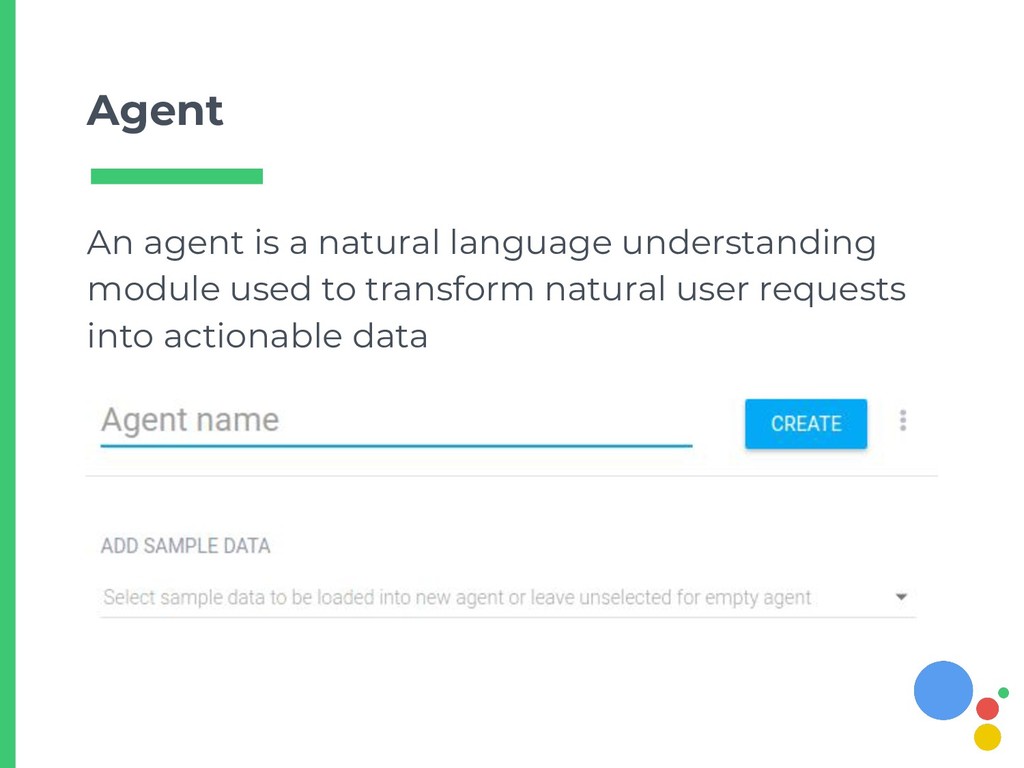
  13. Agent An agent is a natural language understanding module used

    to transform natural user requests into actionable data
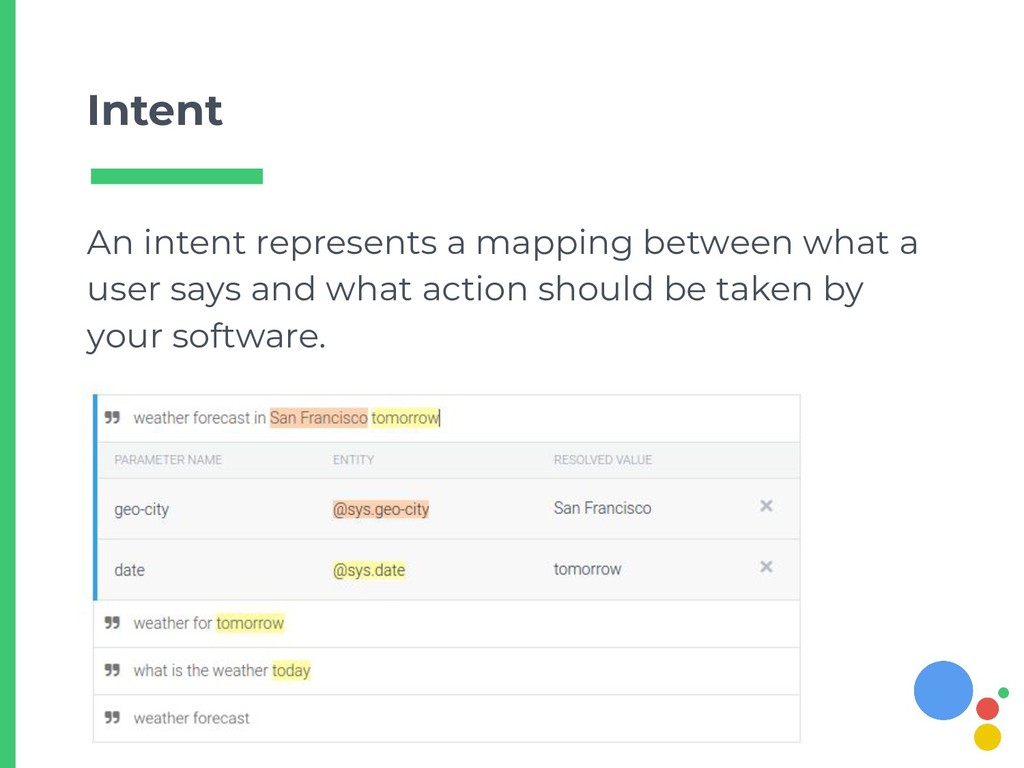
  14. Intent An intent represents a mapping between what a user

    says and what action should be taken by your software.
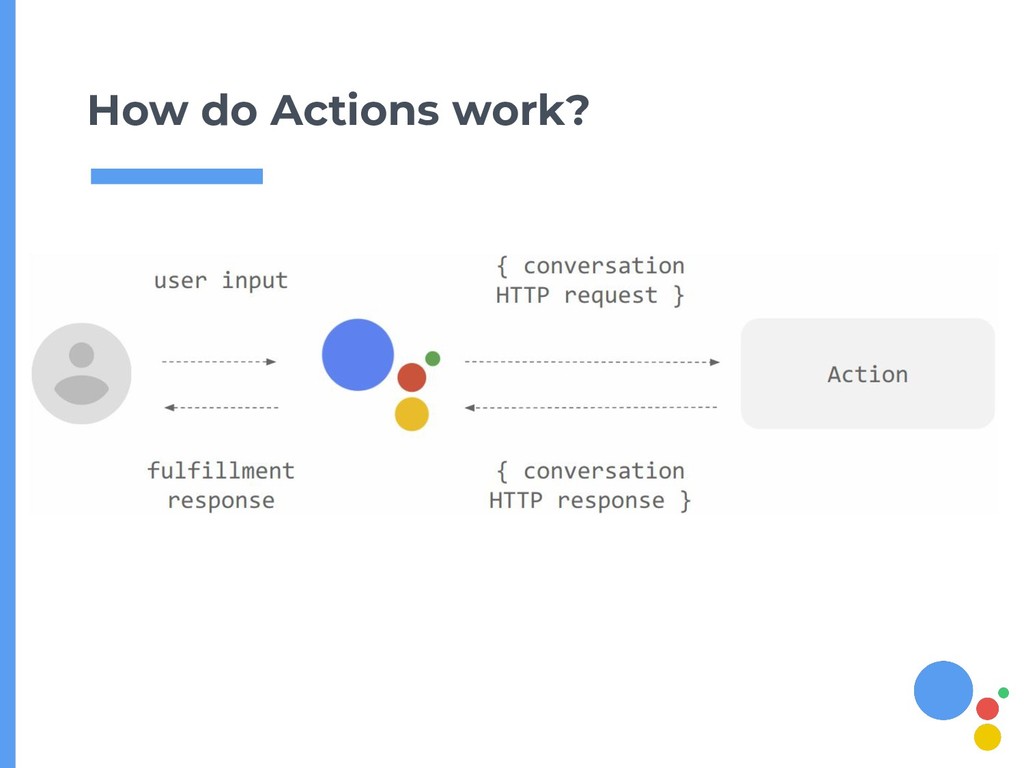
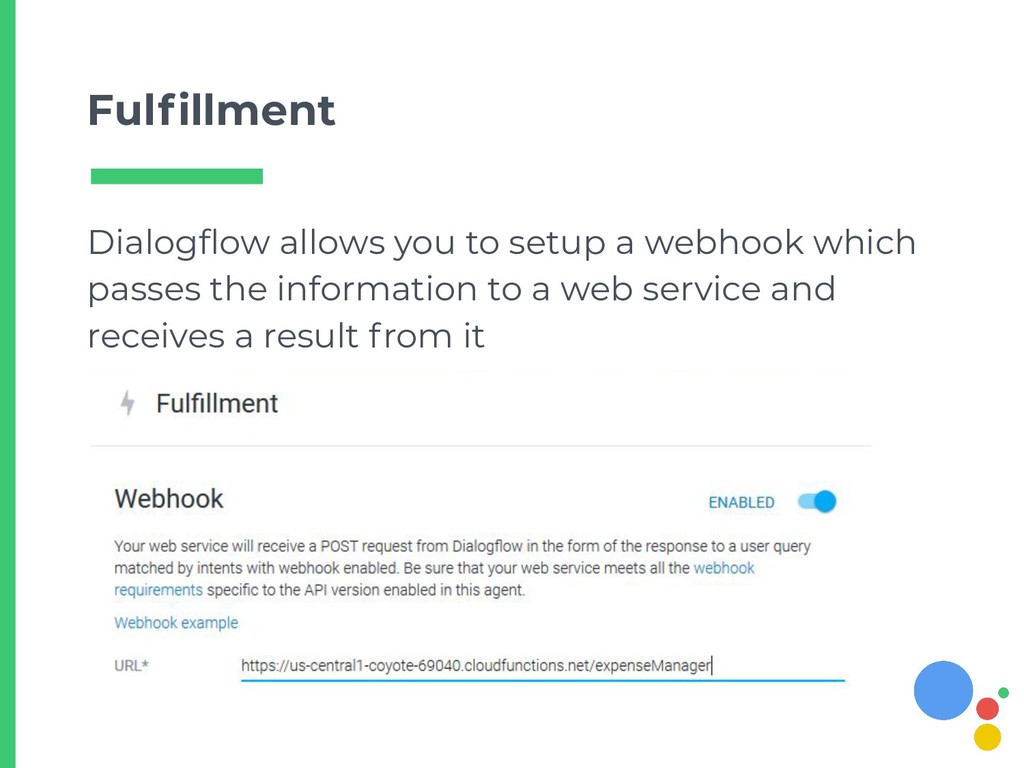
  15. Fulfillment Dialogflow allows you to setup a webhook which passes

    the information to a web service and receives a result from it
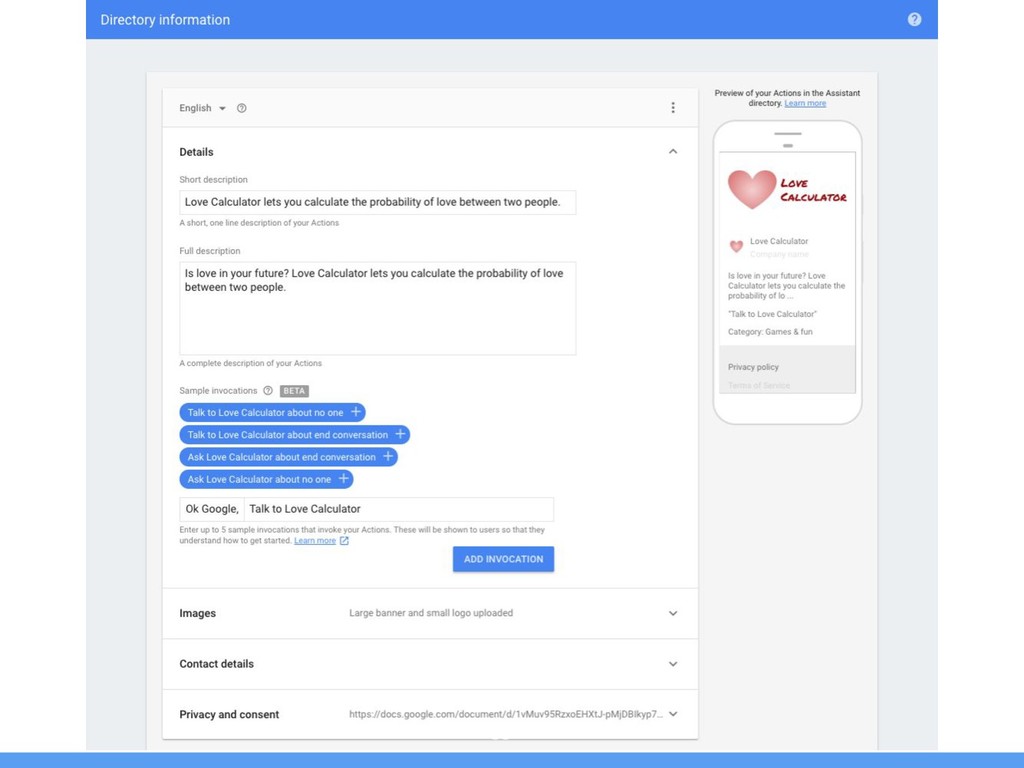
  16. Register your Action Before submitting you must provide the metadata

    for your Action, like trigger phrase, invocation name etc.
  17. 35

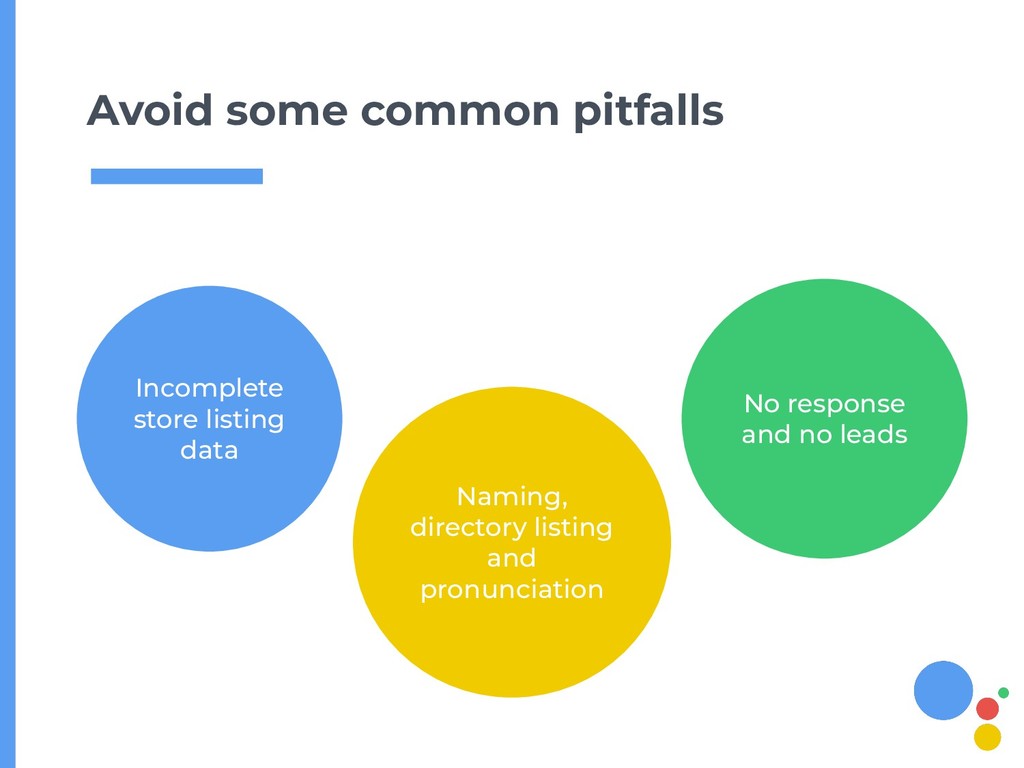
  18. Avoid some common pitfalls No response and no leads Incomplete

    store listing data Naming, directory listing and pronunciation
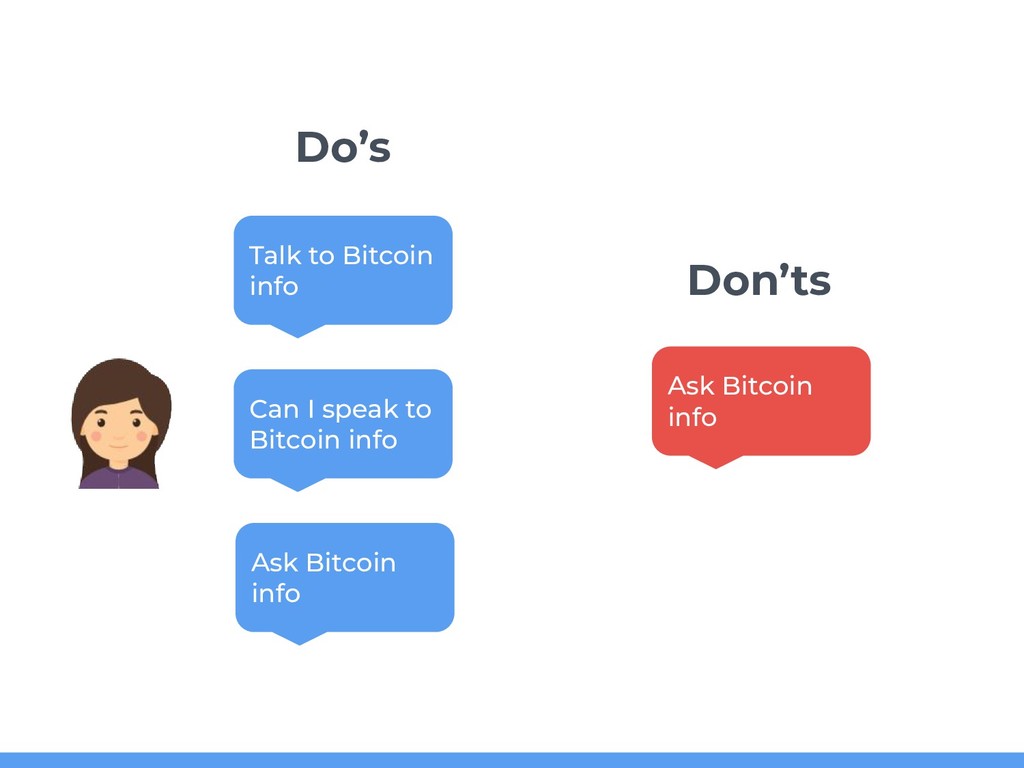
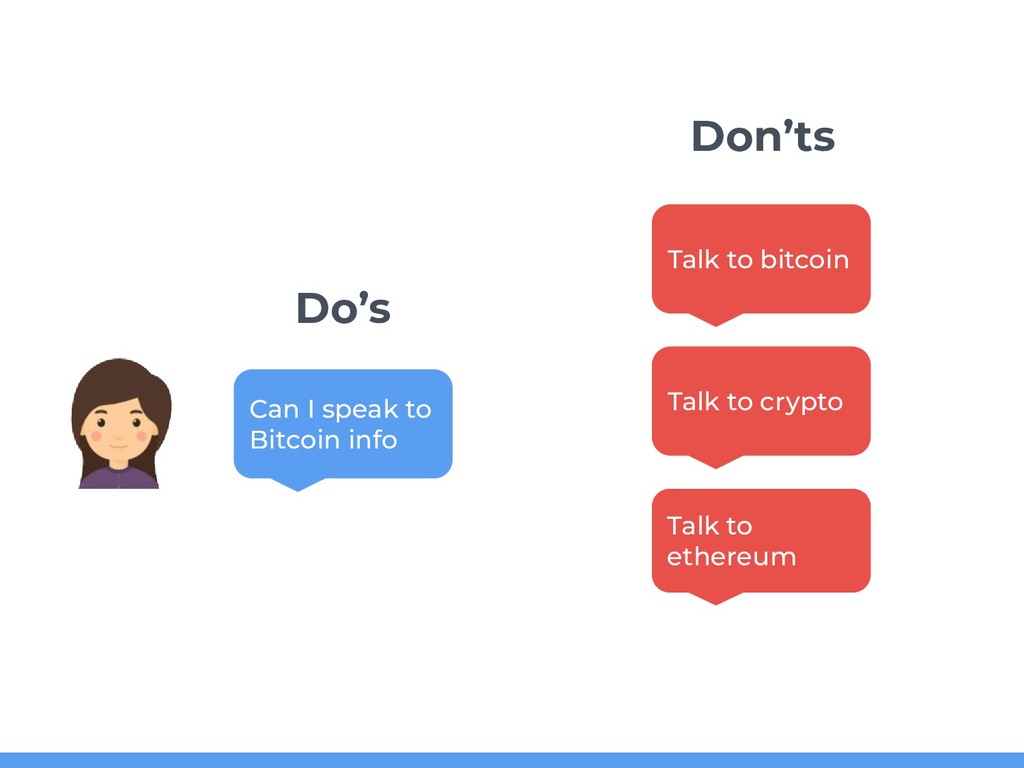
  19. 38 Talk to Bitcoin info Can I speak to Bitcoin

    info Ask Bitcoin info Do’s Don’ts Ask Bitcoin info
  20. 39 Can I speak to Bitcoin info Do’s Don’ts Talk

    to crypto Talk to bitcoin Talk to ethereum
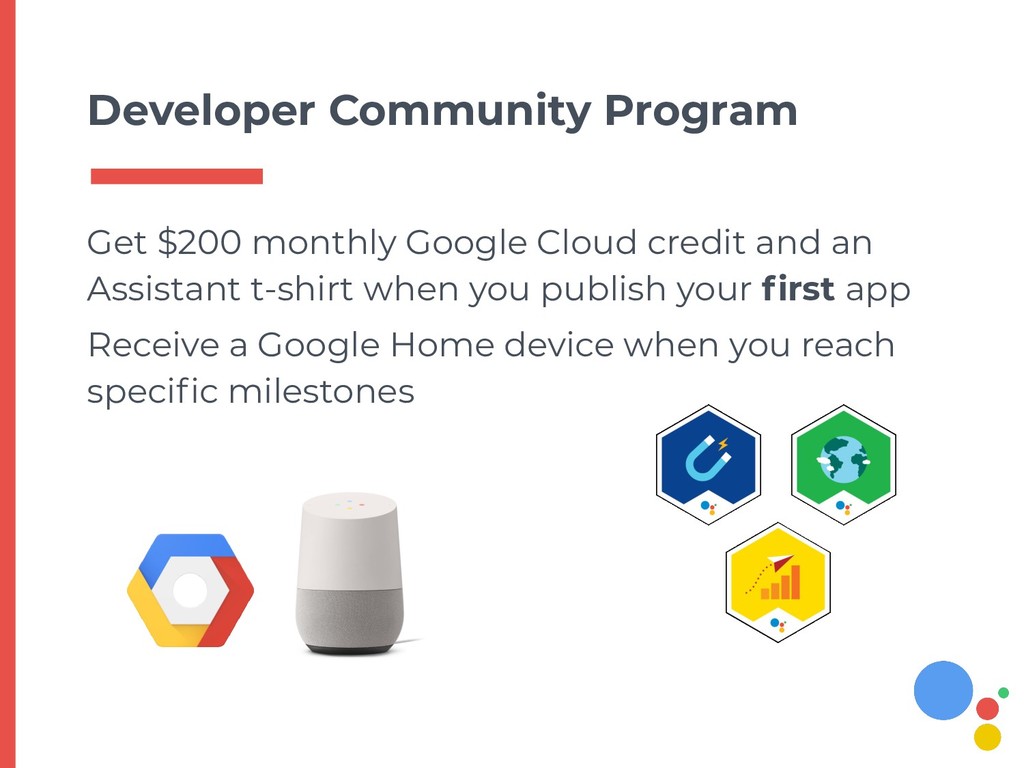
  21. Developer Community Program Get $200 monthly Google Cloud credit and

    an Assistant t-shirt when you publish your first app Receive a Google Home device when you reach specific milestones