Upgrade to Pro — share decks privately, control downloads, hide ads and more …

Actions on Google Assistant - a full stack guide

Actions on Google Assistant - a full stack guide

Slides for the talk at Google Devfest Mumbai 2018
While developing Actions for Google Assistant, developers often overlook the importance of testing, continuous integration and other software development best practices. This can lead to several problems down the line when developers try to scale their Actions or incorporate new features. Analytics is also a crucial part of an Action as it helps the developers gather more insight into the user’s behavior. This talk would help them understand the importance of these basic things and how to keep them in mind while building Actions for Google Assistant so that they may build truly robust, scalable and fault tolerant Actions.

Avatar for Alkesh Srivastava
Alkesh Srivastava

October 13, 2018

More Decks by Alkesh Srivastava

Other Decks in Technology

Transcript

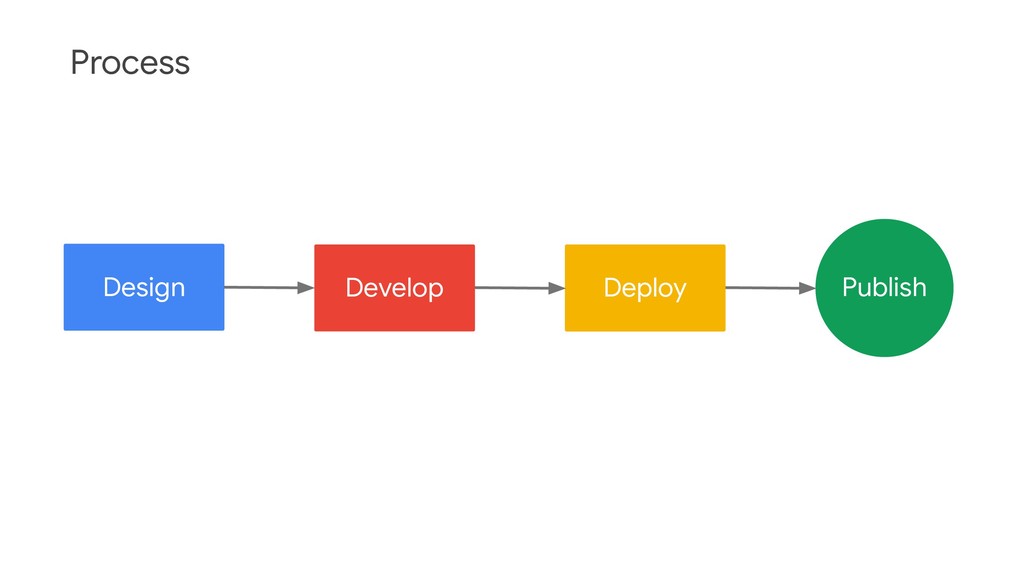
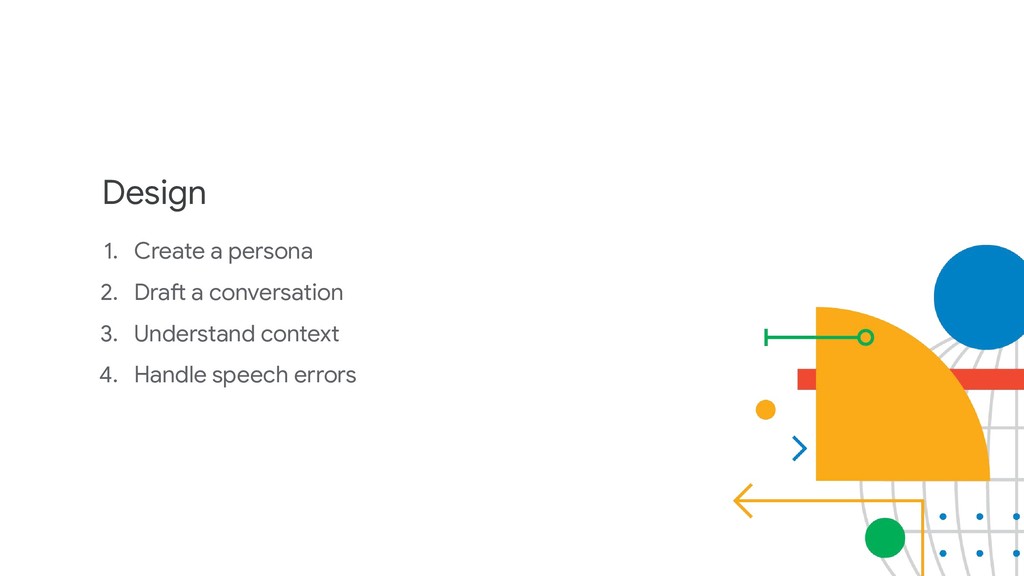
  1. Design 1. Create a persona 2. Draft a conversation 3.

    Understand context 4. Handle speech errors
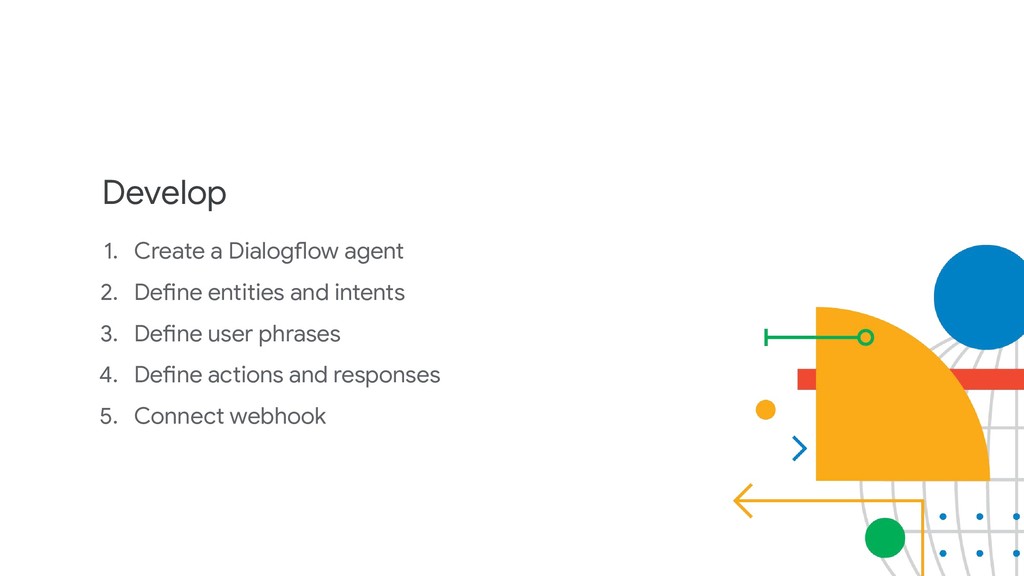
  2. Develop 1. Create a Dialogflow agent 2. Define entities and

    intents 3. Define user phrases 4. Define actions and responses 5. Connect webhook
  3. Deploy 1. Register your Action 2. Test your Action 3.

    Review publishing checklist 4. Publish your Action
  4. Why Typescript? 1. Optional static typing 2. Language features 3.

    Better suited for larger projects having multiple developers
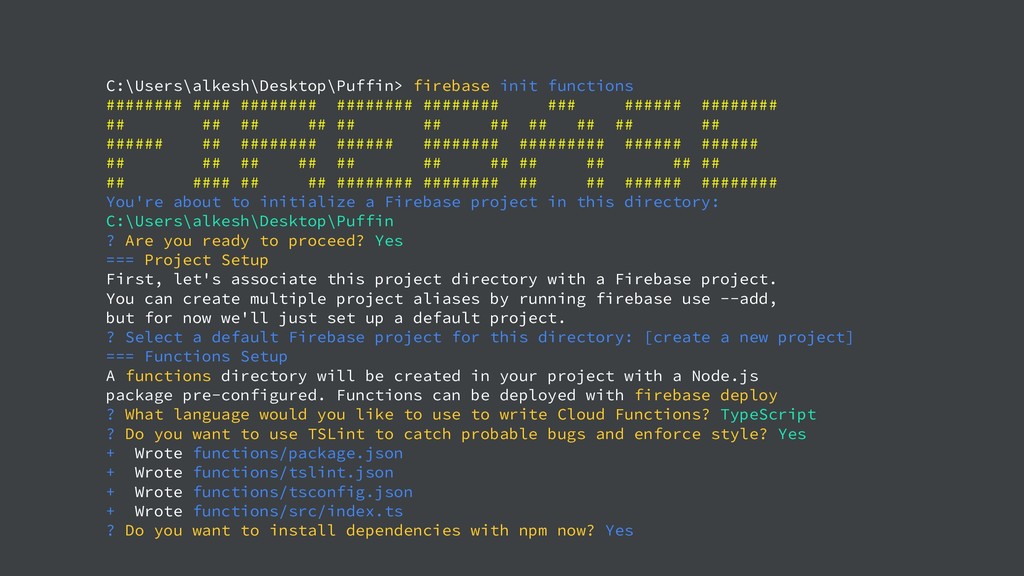
  5. C:\Users\alkesh\Desktop\Puffin> firebase init functions ######## #### ######## ######## ######## ###

    ###### ######## ## ## ## ## ## ## ## ## ## ## ## ###### ## ######## ###### ######## ######### ###### ###### ## ## ## ## ## ## ## ## ## ## ## ## #### ## ## ######## ######## ## ## ###### ######## You're about to initialize a Firebase project in this directory: C:\Users\alkesh\Desktop\Puffin ? Are you ready to proceed? Yes === Project Setup First, let's associate this project directory with a Firebase project. You can create multiple project aliases by running firebase use --add, but for now we'll just set up a default project. ? Select a default Firebase project for this directory: [create a new project] === Functions Setup A functions directory will be created in your project with a Node.js package pre-configured. Functions can be deployed with firebase deploy ? What language would you like to use to write Cloud Functions? TypeScript ? Do you want to use TSLint to catch probable bugs and enforce style? Yes + Wrote functions/package.json + Wrote functions/tslint.json + Wrote functions/tsconfig.json + Wrote functions/src/index.ts ? Do you want to install dependencies with npm now? Yes
  6. What is continuous integration? The practice of testing each change

    done to your codebase automatically and as early as possible
  7. Why use CI? 1. Bugs are detected early 2. Rapid

    feedback on bugs 3. Less time spent on debugging 4. Goodbye long integration!
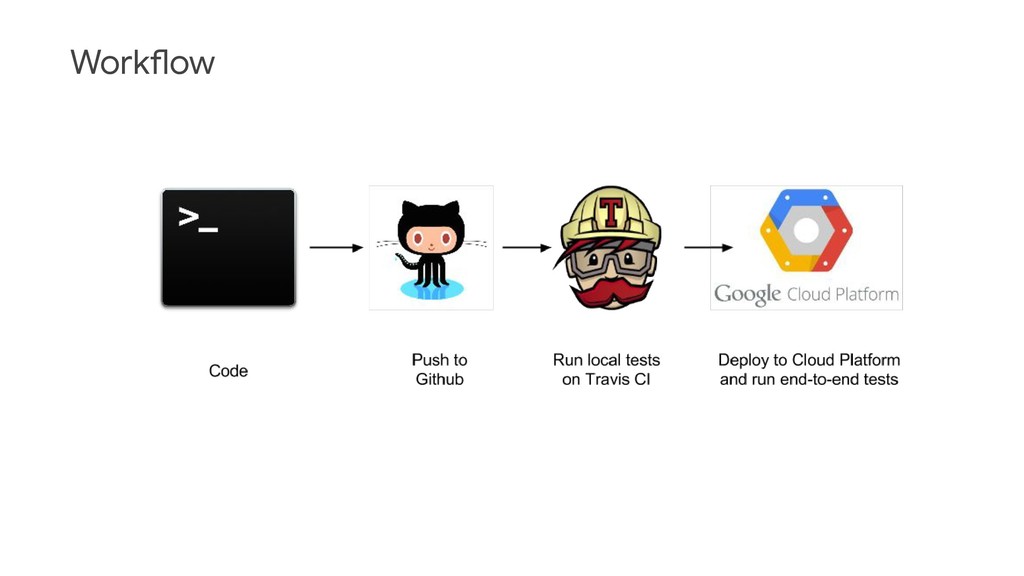
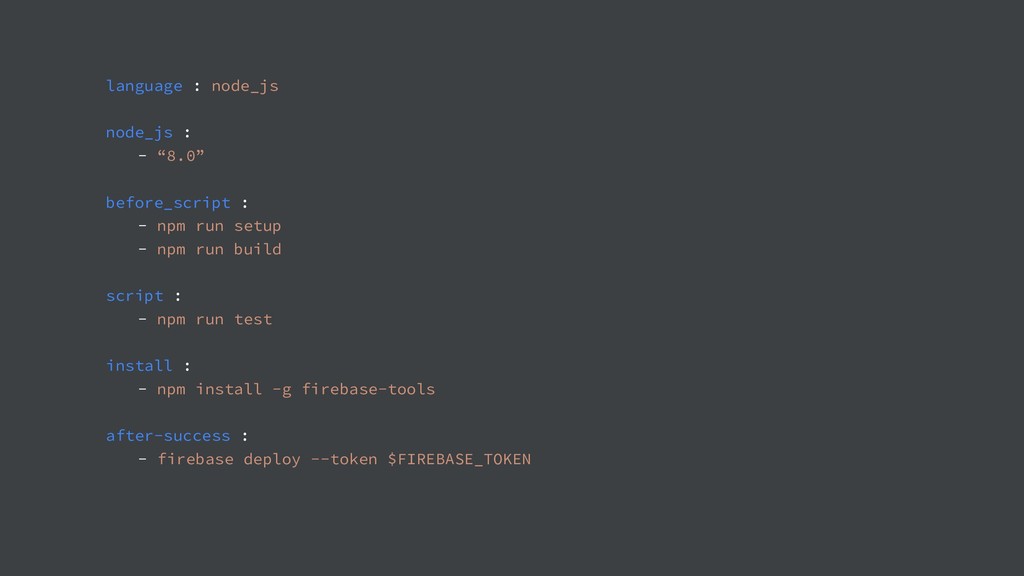
  8. How to implement CI in firebase 1. Create a .travis.yml

    2. Generate the firebase token 3. Deploy to project
  9. language : node_js node_js : - “8.0” before_script : -

    npm run setup - npm run build script : - npm run test install : - npm install -g firebase-tools after-success : - firebase deploy --token $FIREBASE_TOKEN
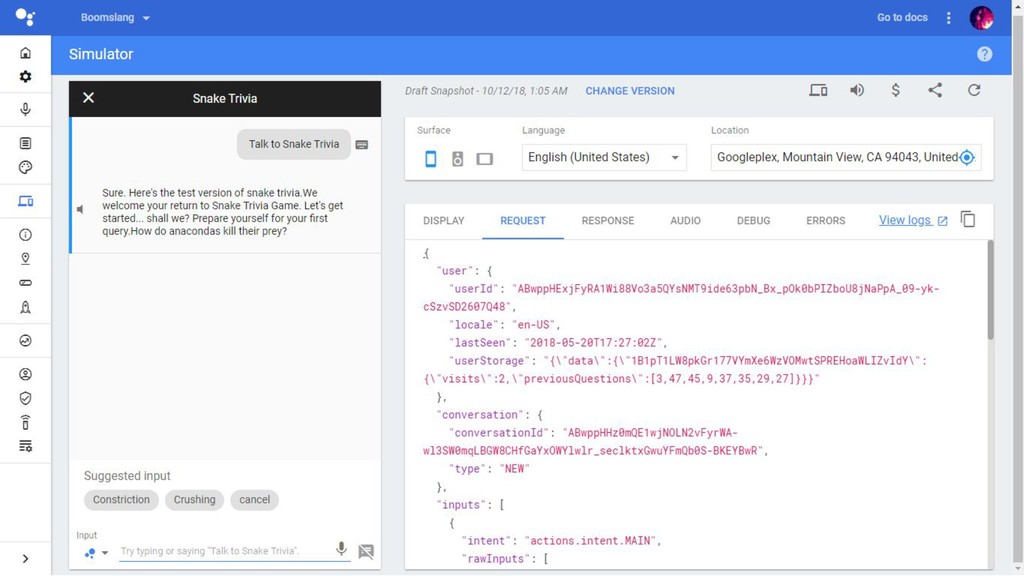
  10. Automated testing in Actions on Google 1. Allows you to

    send automatic text queries 2. Receive SSML, text or even rich responses 3. Uses your account to send the queries
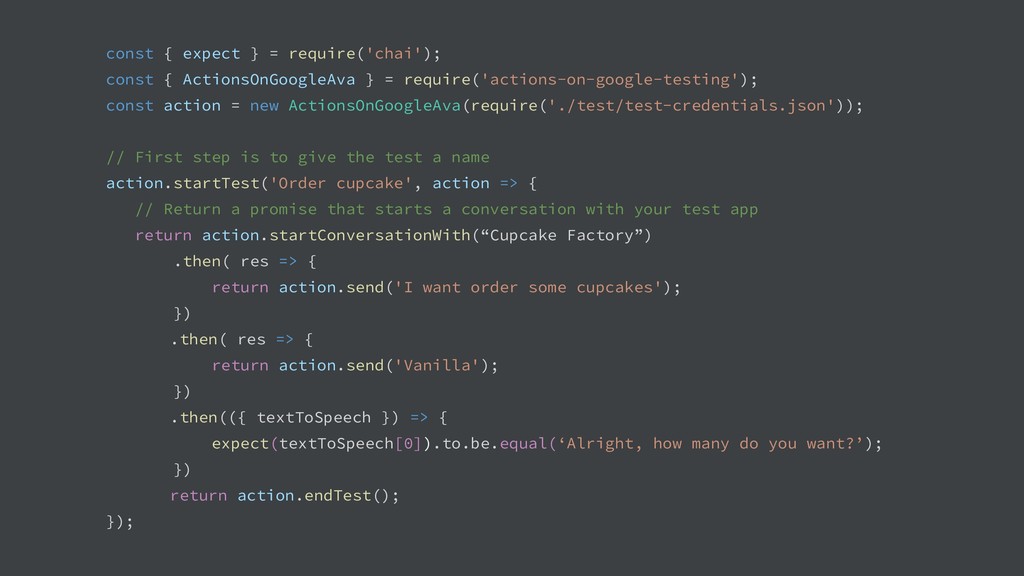
  11. const { expect } = require('chai'); const { ActionsOnGoogleAva }

    = require('actions-on-google-testing'); const action = new ActionsOnGoogleAva(require('./test/test-credentials.json')); // First step is to give the test a name action.startTest('Order cupcake', action => { // Return a promise that starts a conversation with your test app return action.startConversationWith(“Cupcake Factory”) .then( res => { return action.send('I want order some cupcakes'); }) .then( res => { return action.send('Vanilla'); }) .then(({ textToSpeech }) => { expect(textToSpeech[0]).to.be.equal(‘Alright, how many do you want?’); }) return action.endTest(); });
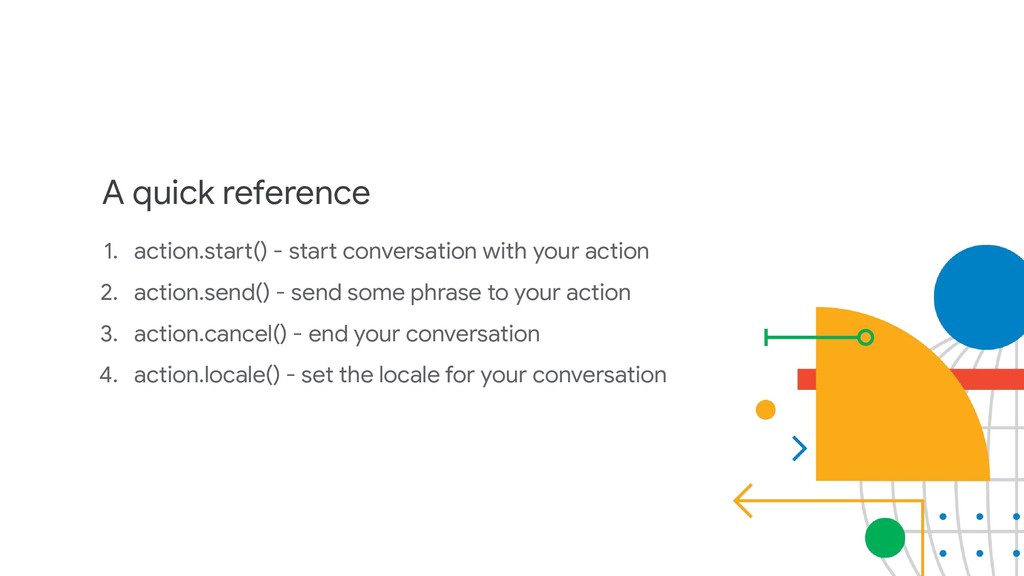
  12. A quick reference 1. action.start() - start conversation with your

    action 2. action.send() - send some phrase to your action 3. action.cancel() - end your conversation 4. action.locale() - set the locale for your conversation
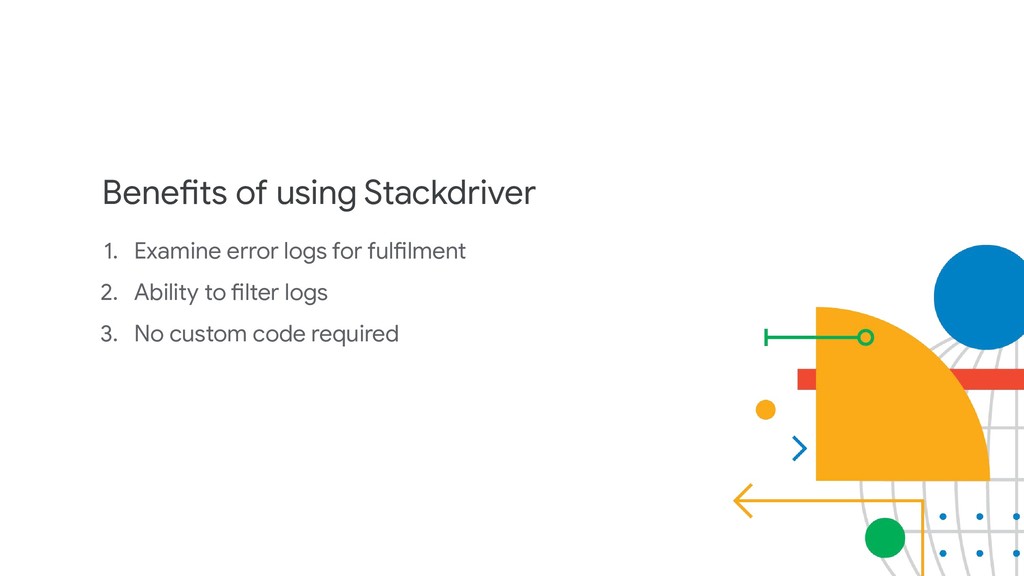
  13. Benefits of using Stackdriver 1. Examine error logs for fulfilment

    2. Ability to filter logs 3. No custom code required
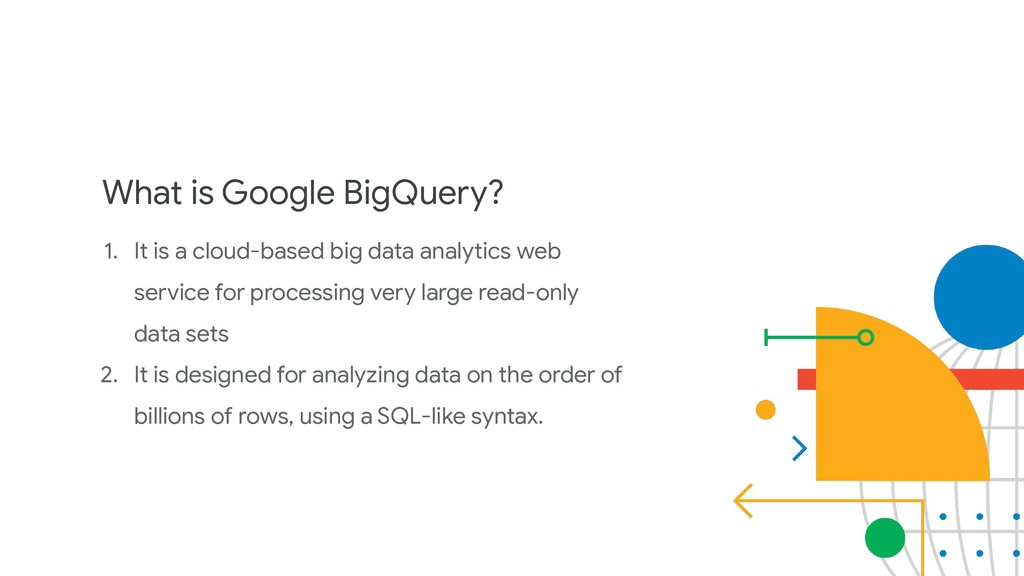
  14. What is Google BigQuery? 1. It is a cloud-based big

    data analytics web service for processing very large read-only data sets 2. It is designed for analyzing data on the order of billions of rows, using a SQL-like syntax.
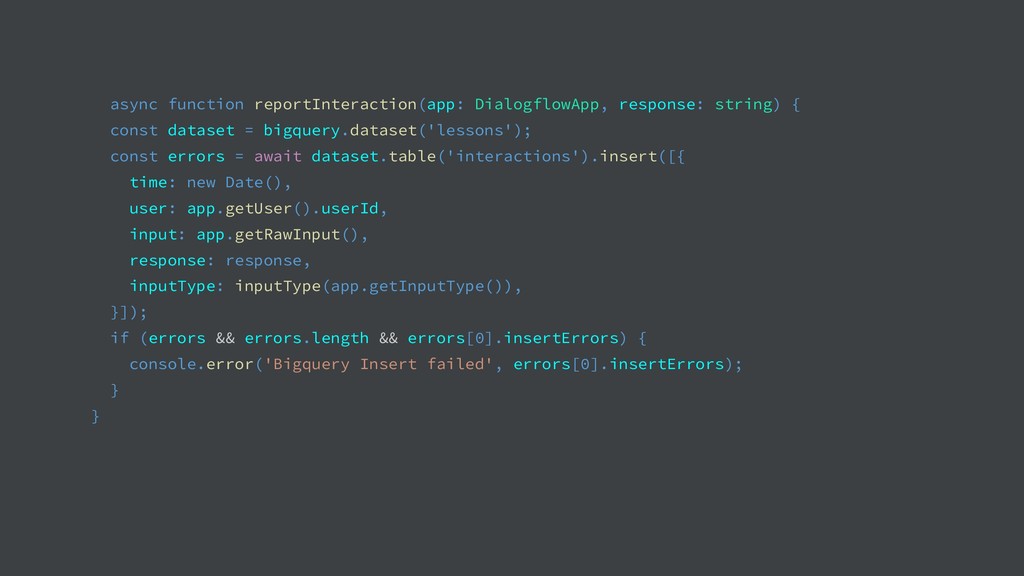
  15. async function reportInteraction(app: DialogflowApp, response: string) { const dataset =

    bigquery.dataset('lessons'); const errors = await dataset.table('interactions').insert([{ time: new Date(), user: app.getUser().userId, input: app.getRawInput(), response: response, inputType: inputType(app.getInputType()), }]); if (errors && errors.length && errors[0].insertErrors) { console.error('Bigquery Insert failed', errors[0].insertErrors); } }
  16. And Metabase? It’s a business intelligence tool for helping you

    gather insights from your data and ask questions from it
  17. Setting up metabase with BigQuery 1. Connect to BigQuery database

    2. Generate and copy client id to metabase 3. Copy and paste Auth Code to metabase 4. Start fetching data using SQL