Upgrade to Pro — share decks privately, control downloads, hide ads and more …

Make Friends with Marketing: Safely Implementin...

Sponsored · SiteGround - Reliable hosting with speed, security, and support you can count on. →

Make Friends with Marketing: Safely Implementing a Container Tag

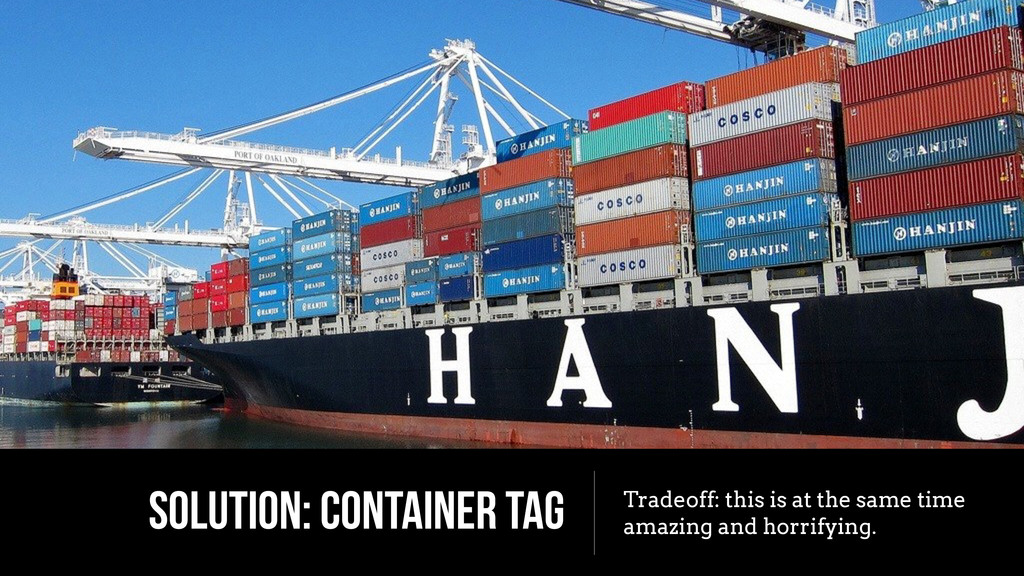
A container tag is a one-stop shop for placing third party tracking pixels and tags on your site; it's basically a script injection framework for your marketing department. I'll talk about how Gilt implemented a container tag and also kept the site running fast while minimizing bugs.

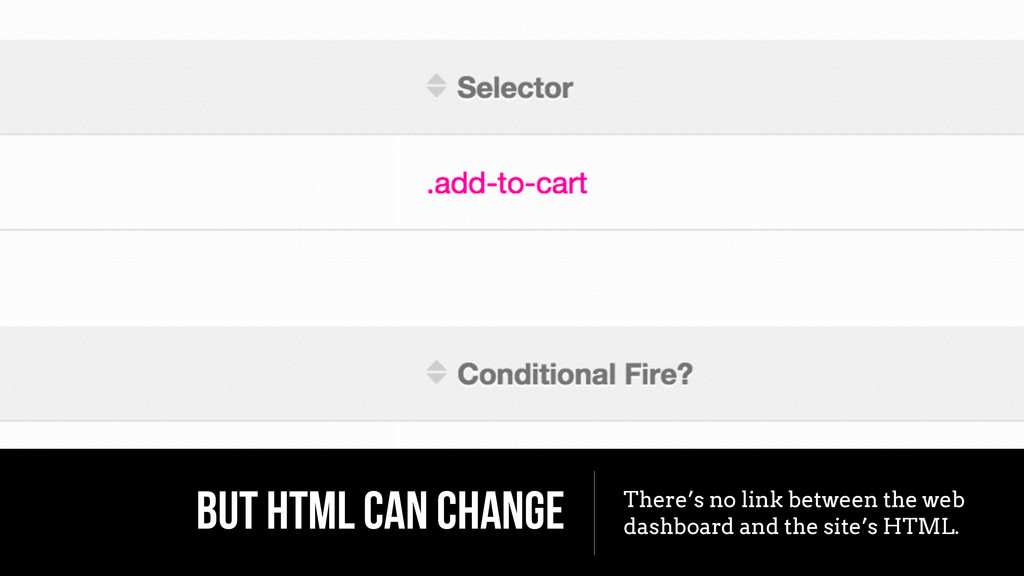
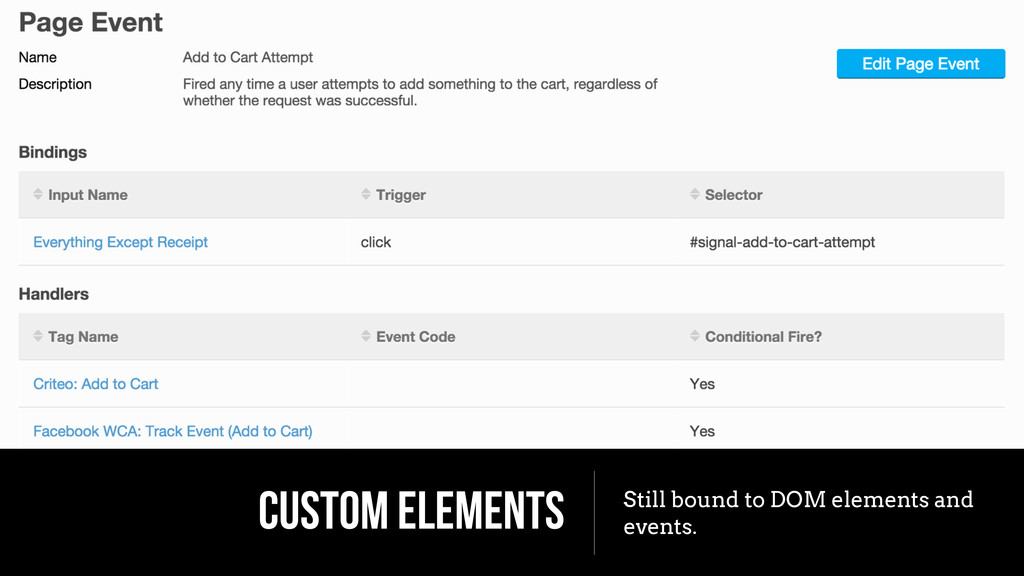
We hacked around the container tag code, creating an events API to ensure that HTML changes to the site won't break tags. We became partners with marketing rather than adversaries, teaching them to wield their great power with responsibility. Finally, we set up synthetic monitoring to keep tabs on the performance of third party tags and used our notion of tiered browser support to suppress tagging altogether from the most vulnerable devices.

Avatar for Eric Shepherd

Eric Shepherd

April 27, 2015

Other Decks in Programming

Transcript

  1. Make Friends with Marketing: Safely Implementing a Container Tag Eric

    Shepherd Principal Software Engineer Gilt Groupe @arkitrave
  2. ADD THIS SCRIPT, THEY SAID It’s only one line, they

    said. It’s asynchronous, they said.
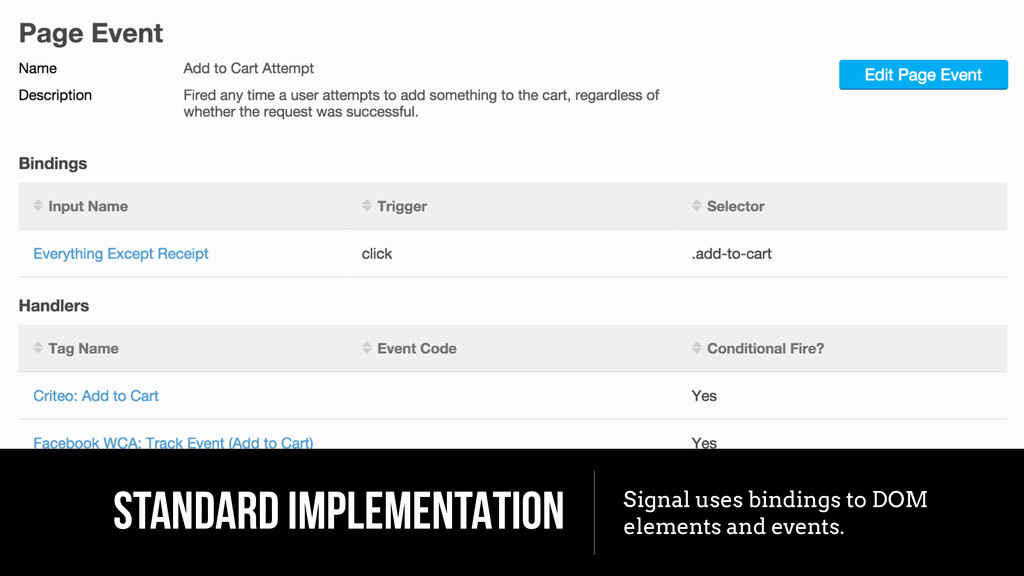
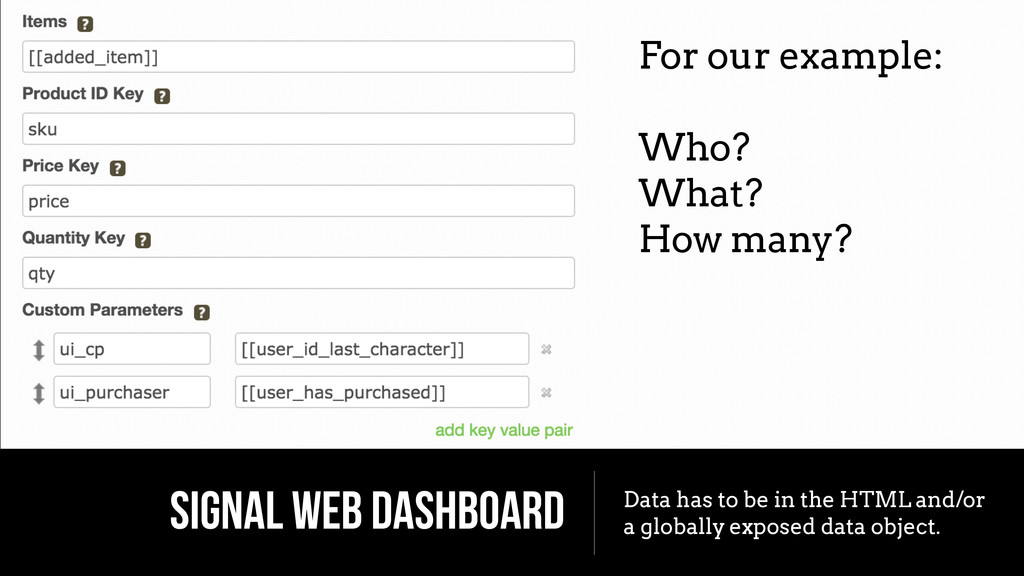
  3. SIGNAL WEB DASHBOARD Data has to be in the HTML

    and/or a globally exposed data object. For our example: ! Who? What? How many?
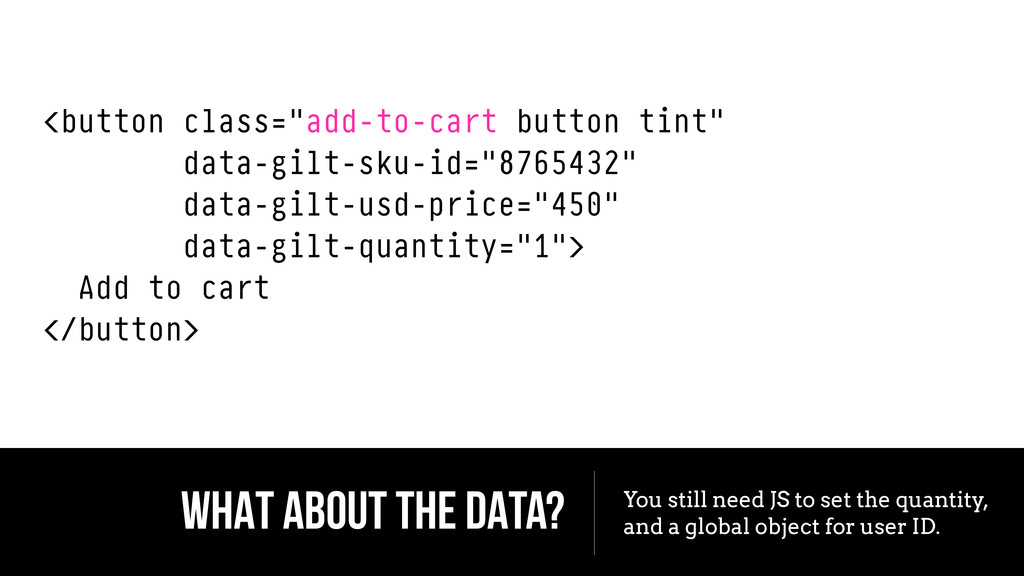
  4. WHAT ABOUT THE DATA? You still need JS to set

    the quantity, and a global object for user ID. <button class="add-to-cart button tint" data-gilt-sku-id="8765432" data-gilt-usd-price="450" data-gilt-quantity="1"> Add to cart </button>
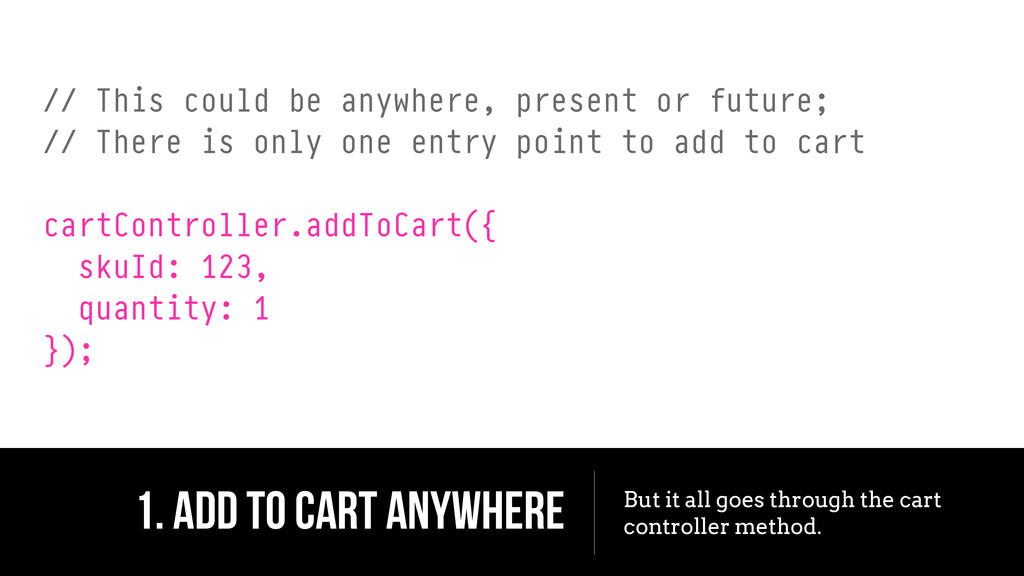
  5. 1. ADD TO CART ANYWHERE But it all goes through

    the cart controller method. // This could be anywhere, present or future; // There is only one entry point to add to cart ! cartController.addToCart({ skuId: 123, quantity: 1 });
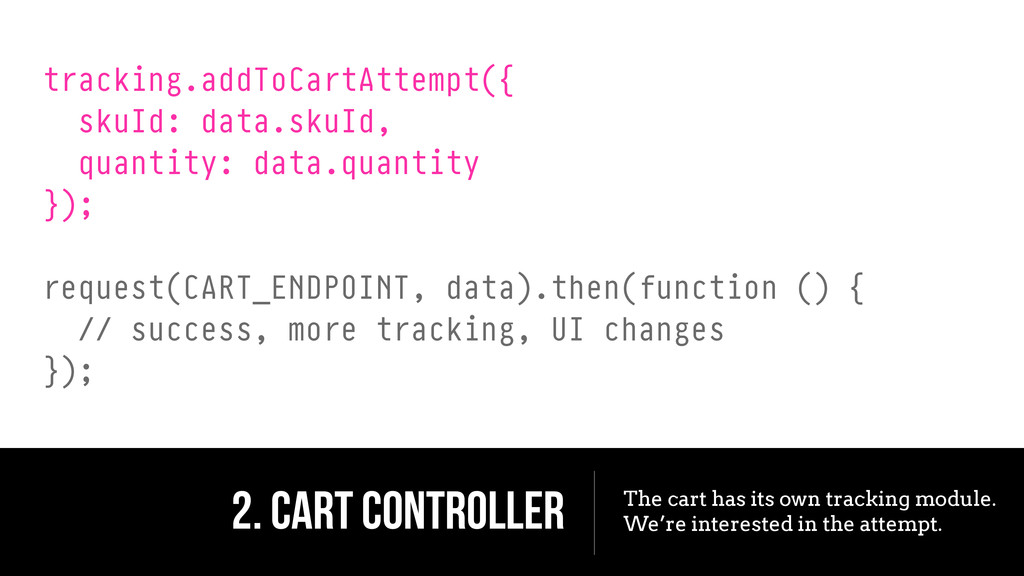
  6. 2. CART CONTROLLER The cart has its own tracking module.

    We’re interested in the attempt. tracking.addToCartAttempt({ skuId: data.skuId, quantity: data.quantity }); ! request(CART_ENDPOINT, data).then(function () { // success, more tracking, UI changes });
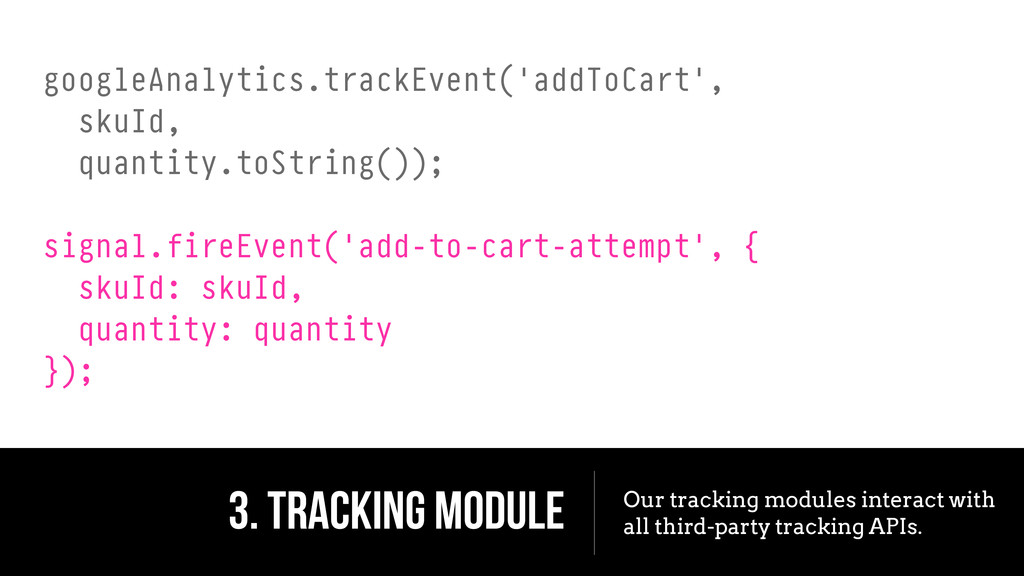
  7. 3. TRACKING MODULE Our tracking modules interact with all third-party

    tracking APIs. googleAnalytics.trackEvent('addToCart', skuId, quantity.toString()); ! signal.fireEvent('add-to-cart-attempt', { skuId: skuId, quantity: quantity });
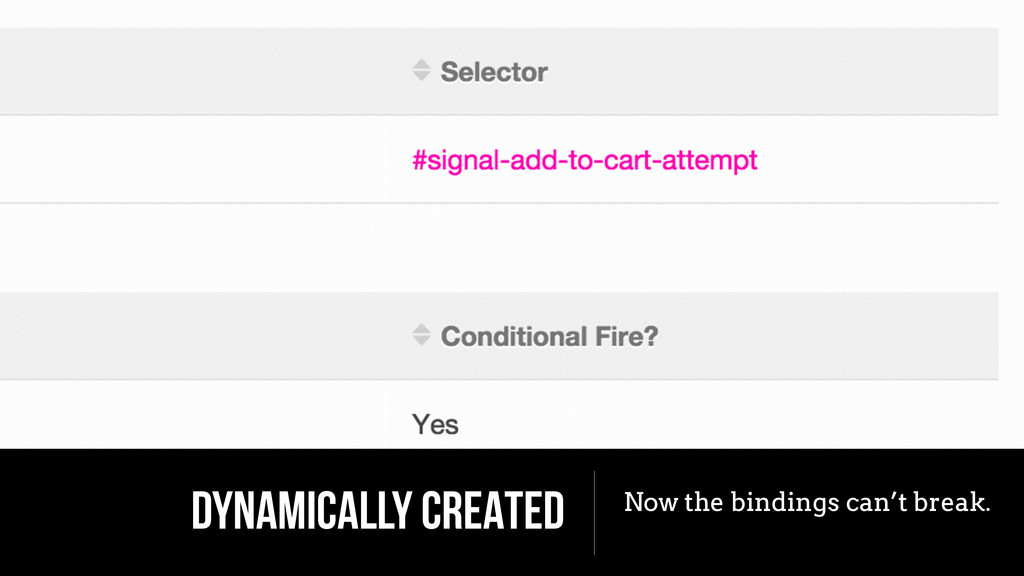
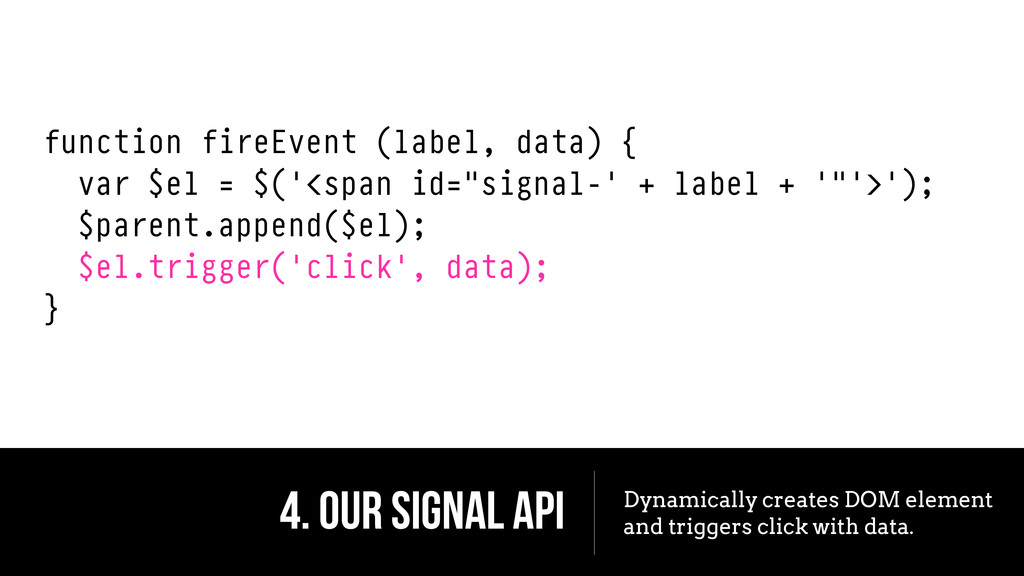
  8. 4. OUR SIGNAL API Dynamically creates DOM element and triggers

    click with data. function fireEvent (label, data) { var $el = $('<span id="signal-' + label + '"'>'); $parent.append($el); $el.trigger('click', data); }
  9. THANK YOU! Eric Shepherd @arkitrave Image Credits ! www.lingscars.com commons.wikimedia.org

    flickr.com/photos/41084246@N00 flickr.com/photos/stevensnodgrass flickr.com/photos/zieak flickr.com/photos/creative_tools