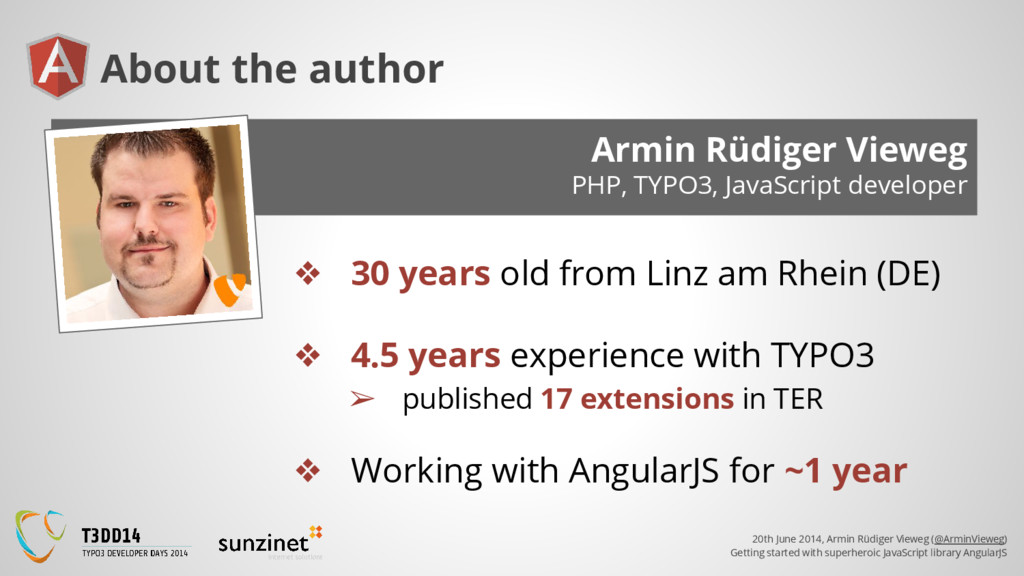
superheroic JavaScript library AngularJS Armin Rüdiger Vieweg PHP, TYPO3, JavaScript developer About the author ❖ 30 years old from Linz am Rhein (DE) ❖ 4.5 years experience with TYPO3 ➢ published 17 extensions in TER ❖ Working with AngularJS for ~1 year
superheroic JavaScript library AngularJS AngularJS is made for... ❖ Single page applications (SPA, like Twitter) ❖ Weba pps (eg. with Cordova Framework) ❖ More complex magic on your web project
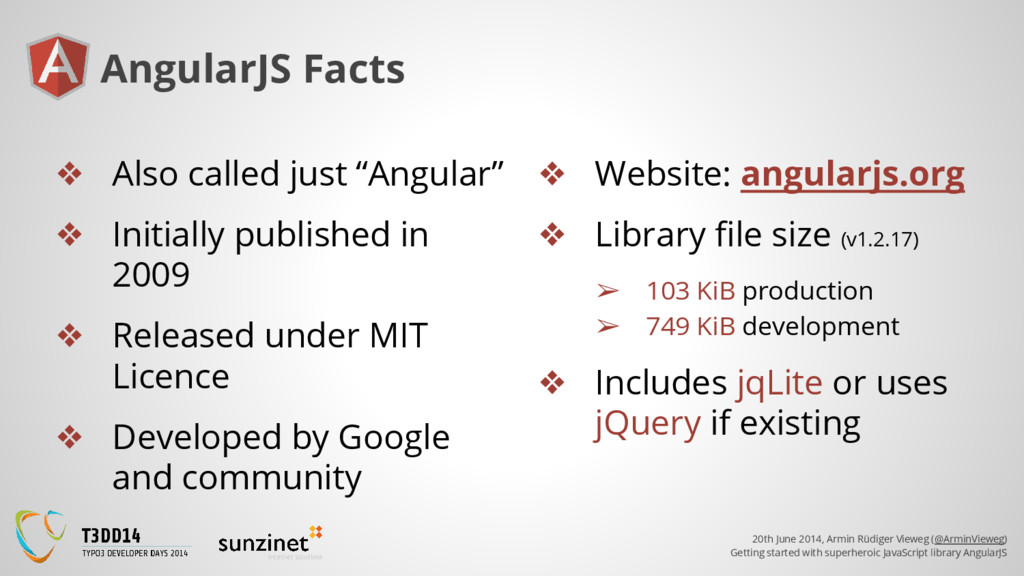
superheroic JavaScript library AngularJS AngularJS Facts ❖ Also called just “Angular” ❖ Initially published in 2009 ❖ Released under MIT Licence ❖ Developed by Google and community ❖ Website: angularjs.org ❖ Library file size (v1.2.17) ➢ 103 KiB production ➢ 749 KiB development ❖ Includes jqLite or uses jQuery if existing
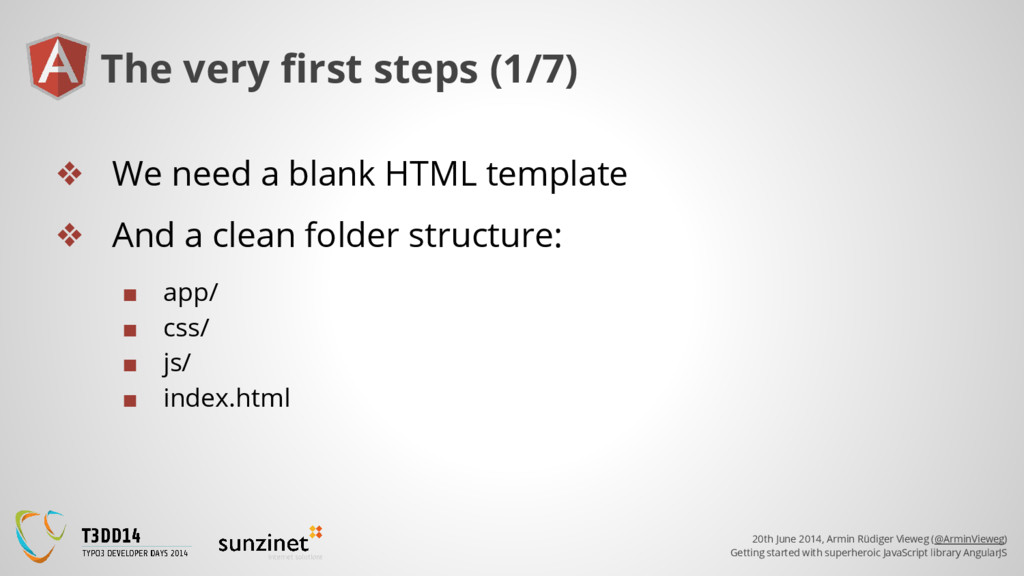
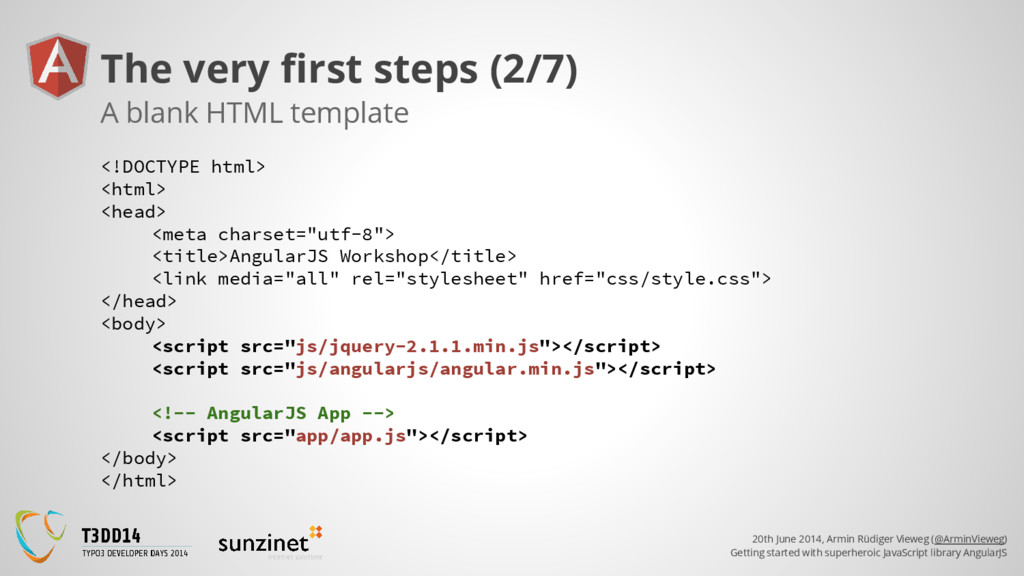
superheroic JavaScript library AngularJS The very first steps (1/7) ❖ We need a blank HTML template ❖ And a clean folder structure: ▪ app/ ▪ css/ ▪ js/ ▪ index.html
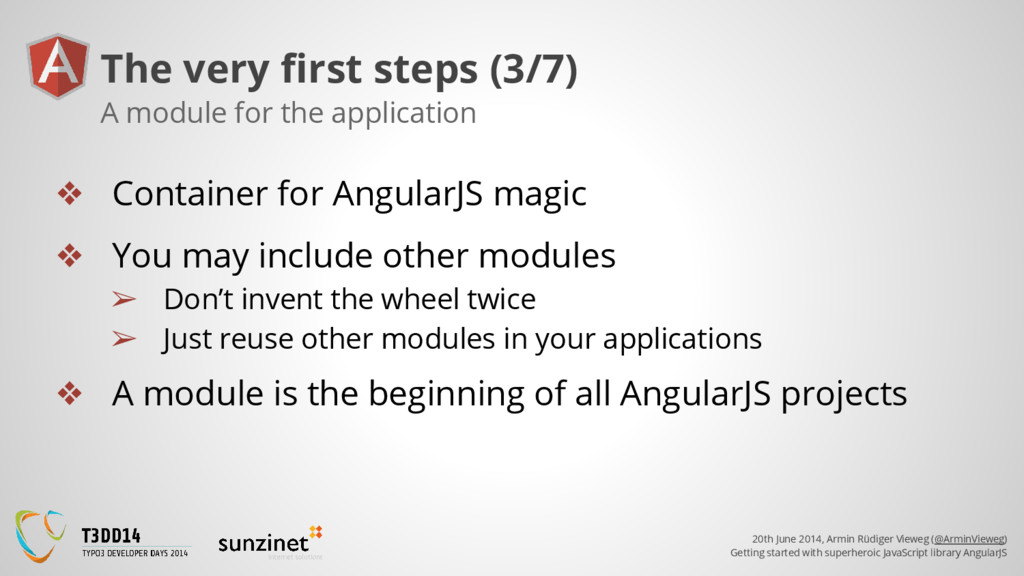
superheroic JavaScript library AngularJS The very first steps (3/7) ❖ Container for AngularJS magic ❖ You may include other modules ➢ Don’t invent the wheel twice ➢ Just reuse other modules in your applications ❖ A module is the beginning of all AngularJS projects A module for the application
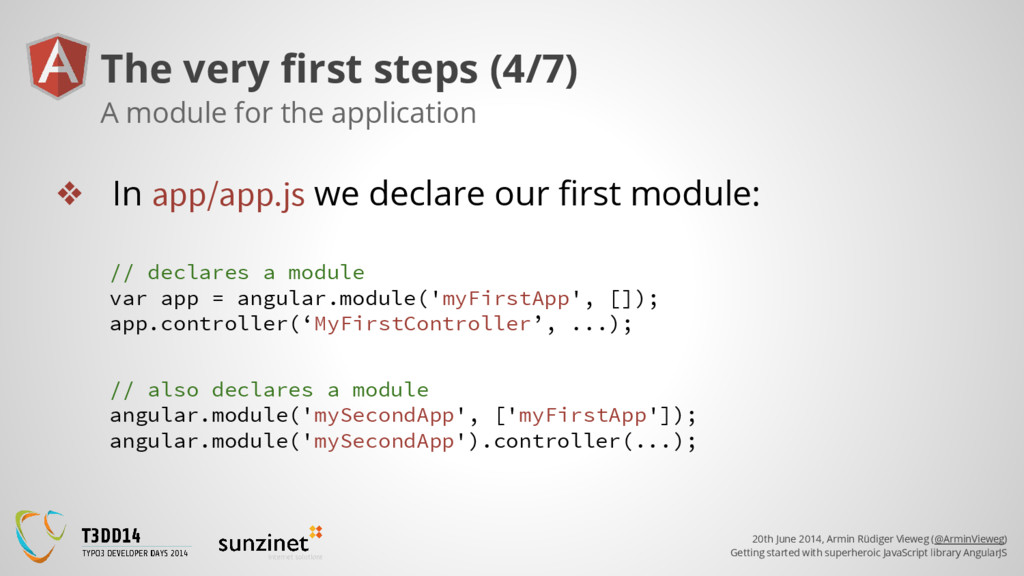
superheroic JavaScript library AngularJS The very first steps (4/7) ❖ In app/app.js we declare our first module: A module for the application // declares a module var app = angular.module('myFirstApp', []); app.controller(‘MyFirstController’, ...); // also declares a module angular.module('mySecondApp', ['myFirstApp']); angular.module('mySecondApp').controller(...);
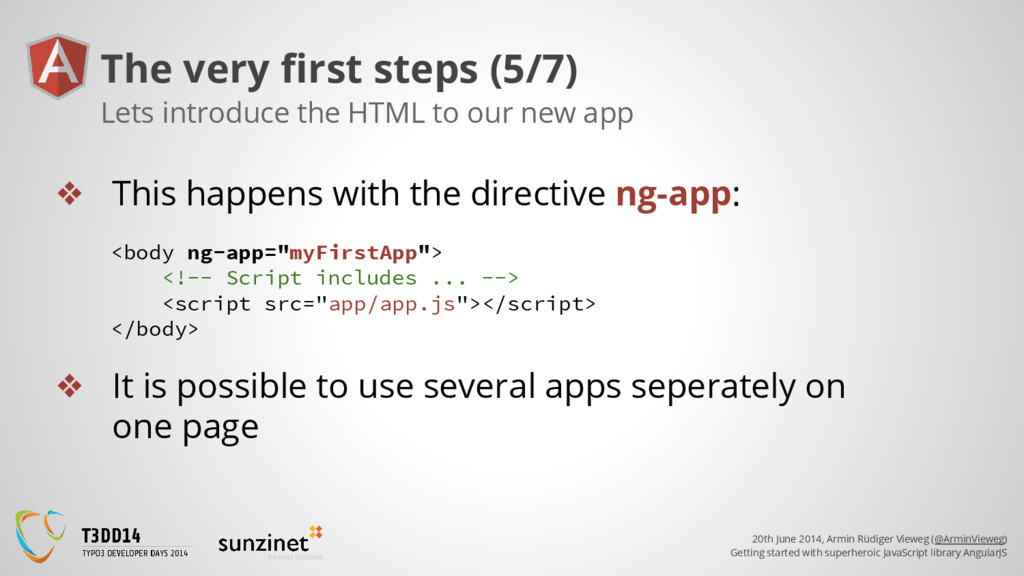
superheroic JavaScript library AngularJS The very first steps (5/7) ❖ This happens with the directive ng-app: Lets introduce the HTML to our new app <body ng-app="myFirstApp"> <!-- Script includes ... --> <script src="app/app.js"></script> </body> ❖ It is possible to use several apps seperately on one page
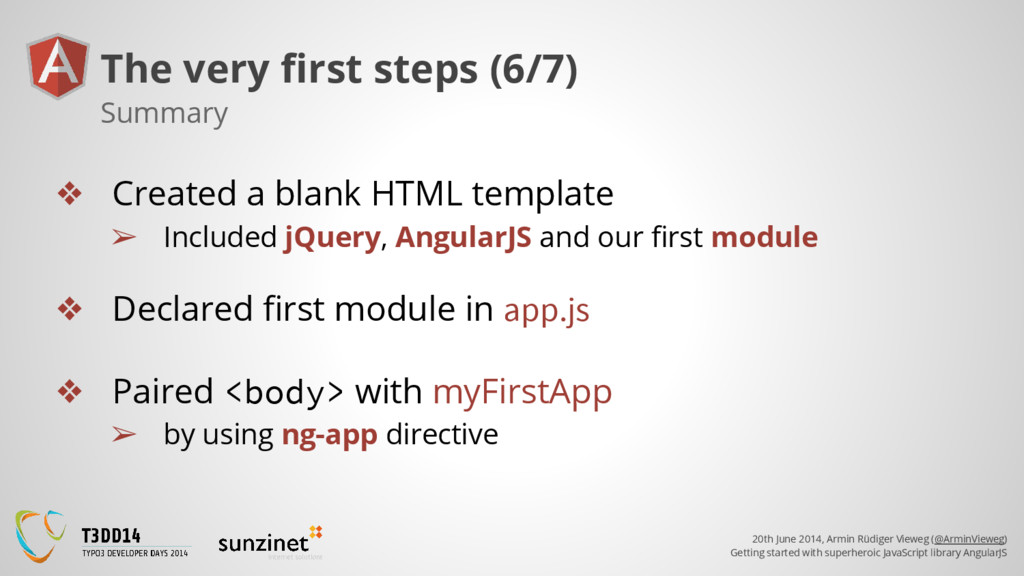
superheroic JavaScript library AngularJS The very first steps (6/7) ❖ Created a blank HTML template ➢ Included jQuery, AngularJS and our first module ❖ Declared first module in app.js ❖ Paired <body> with myFirstApp ➢ by using ng-app directive Summary
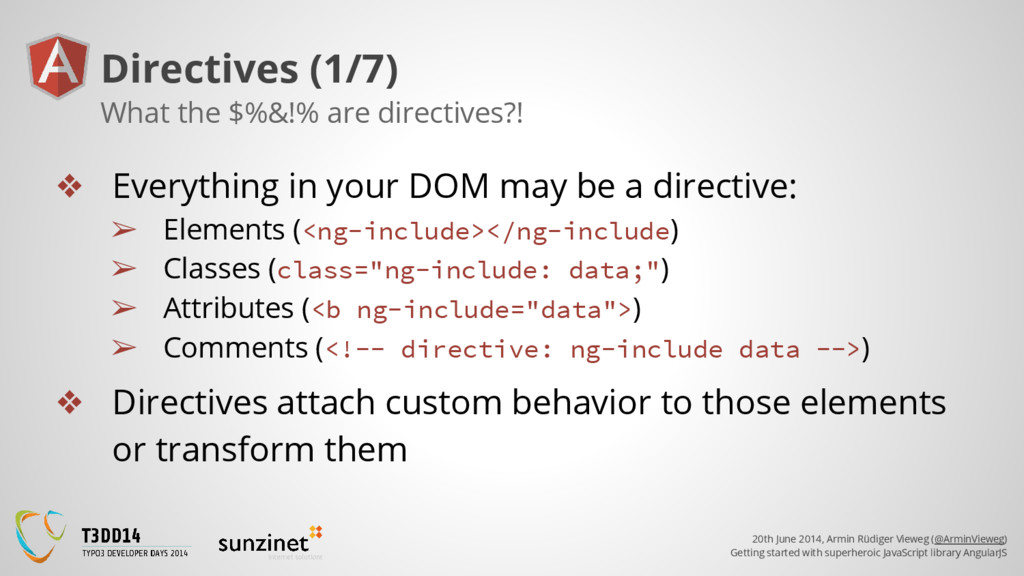
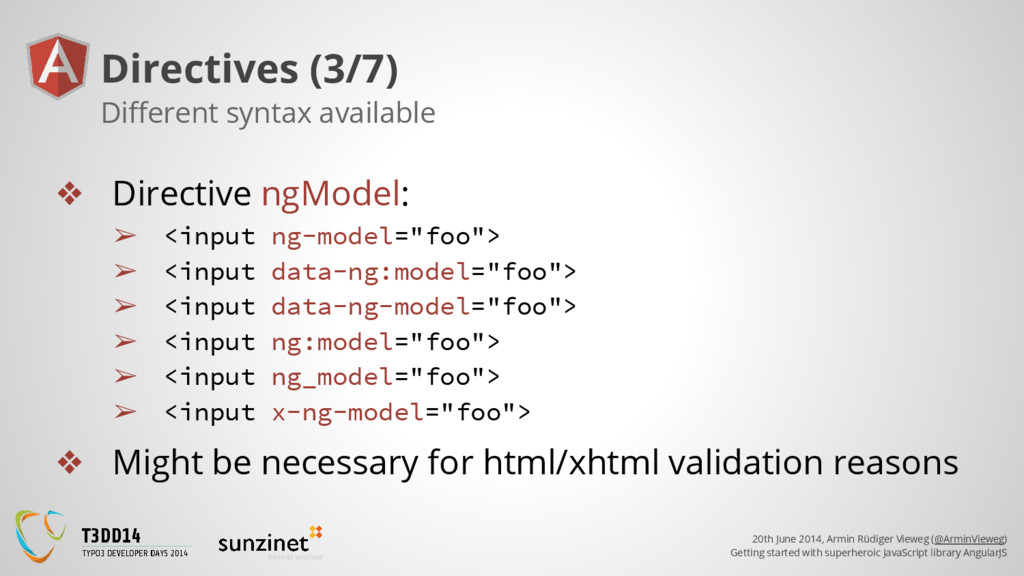
superheroic JavaScript library AngularJS Directives (1/7) ❖ Everything in your DOM may be a directive: ➢ Elements (<ng-include></ng-include) ➢ Classes (class="ng-include: data;") ➢ Attributes (<b ng-include="data">) ➢ Comments (<!-- directive: ng-include data -->) ❖ Directives attach custom behavior to those elements or transform them What the $%&!% are directives?!
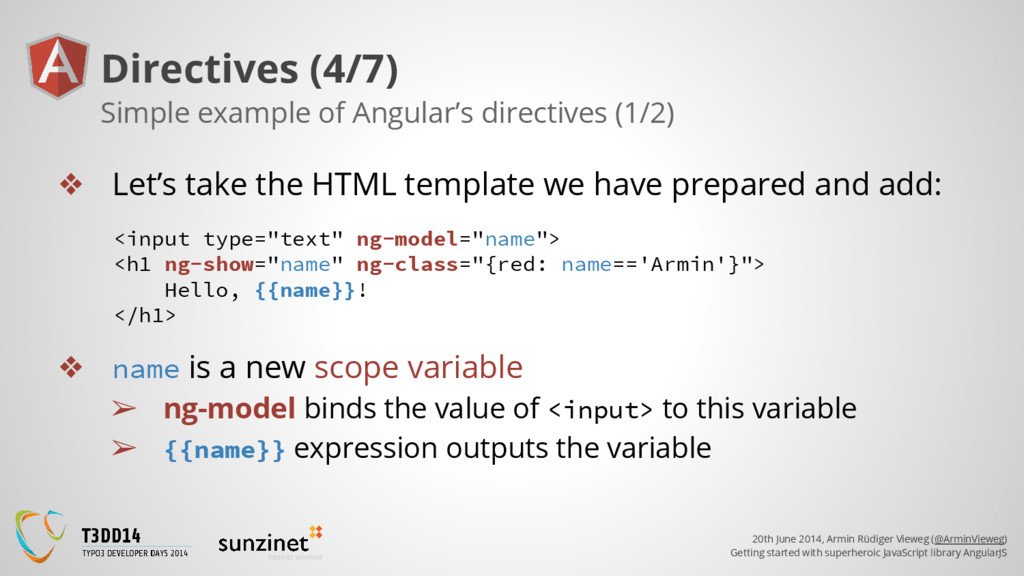
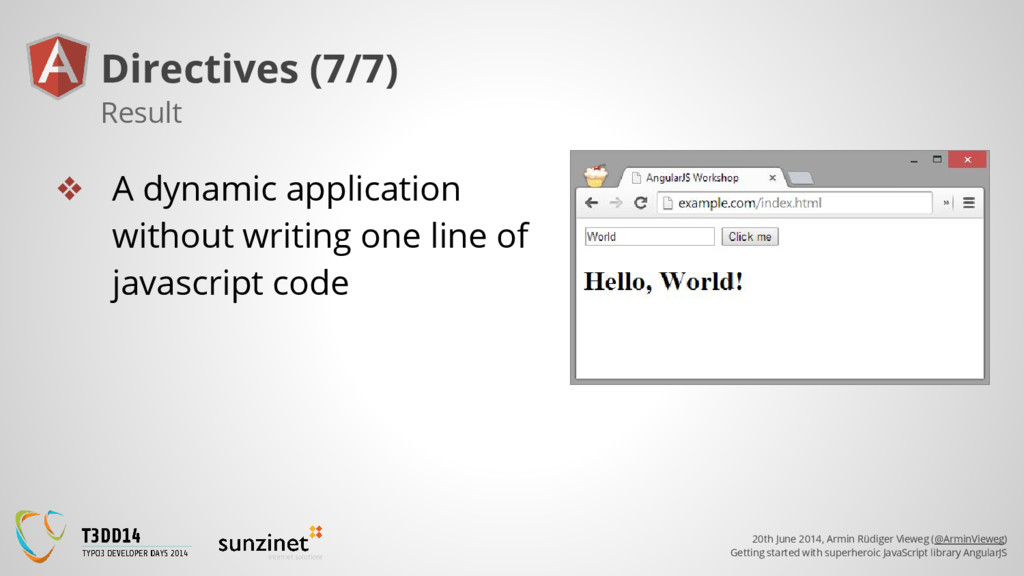
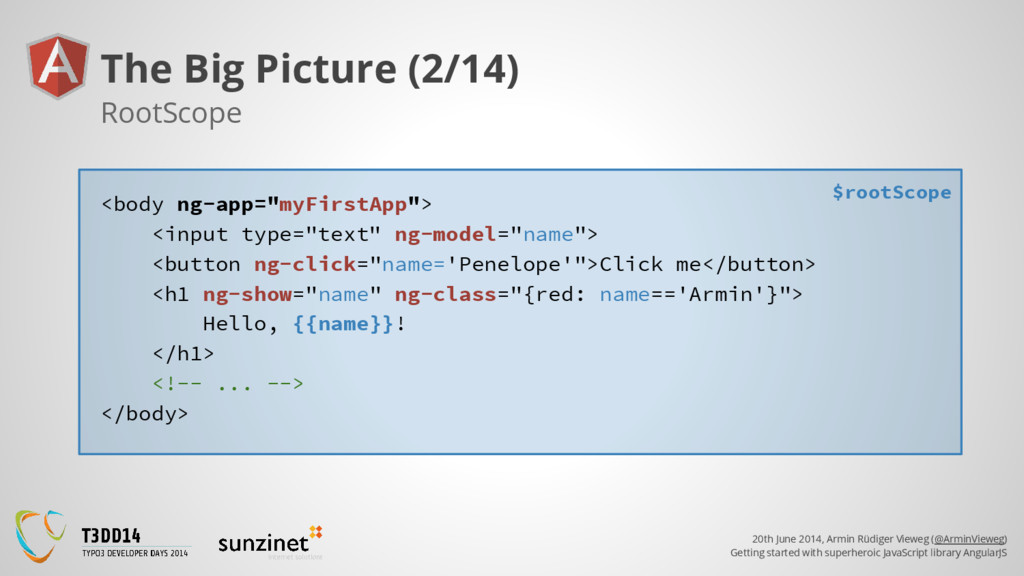
superheroic JavaScript library AngularJS Directives (4/7) ❖ Let’s take the HTML template we have prepared and add: Simple example of Angular’s directives (1/2) <input type="text" ng-model="name"> <h1 ng-show="name" ng-class="{red: name=='Armin'}"> Hello, {{name}}! </h1> ❖ name is a new scope variable ➢ ng-model binds the value of <input> to this variable ➢ {{name}} expression outputs the variable
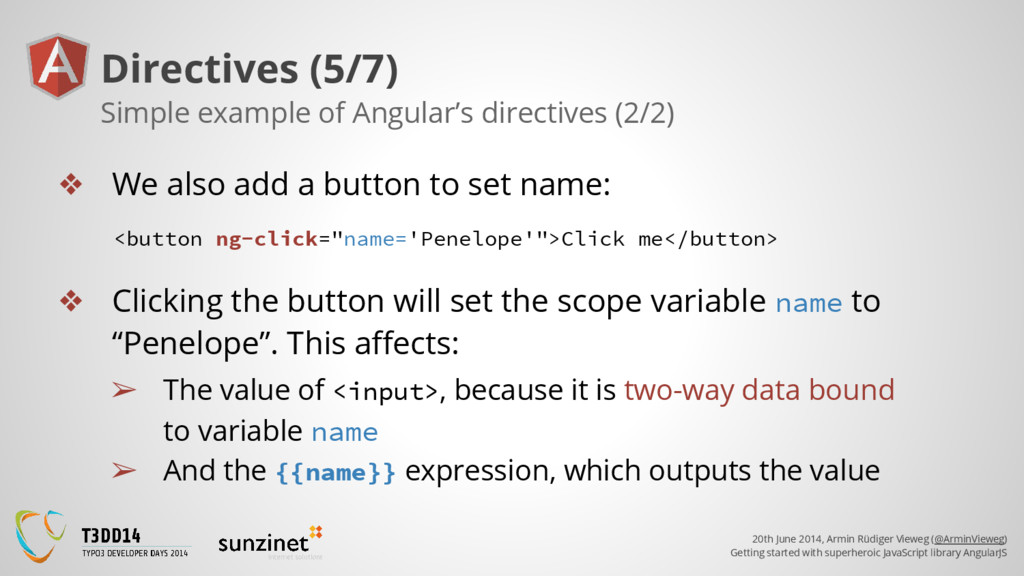
superheroic JavaScript library AngularJS Directives (5/7) ❖ We also add a button to set name: Simple example of Angular’s directives (2/2) <button ng-click="name='Penelope'">Click me</button> ❖ Clicking the button will set the scope variable name to “Penelope”. This affects: ➢ The value of <input>, because it is two-way data bound to variable name ➢ And the {{name}} expression, which outputs the value
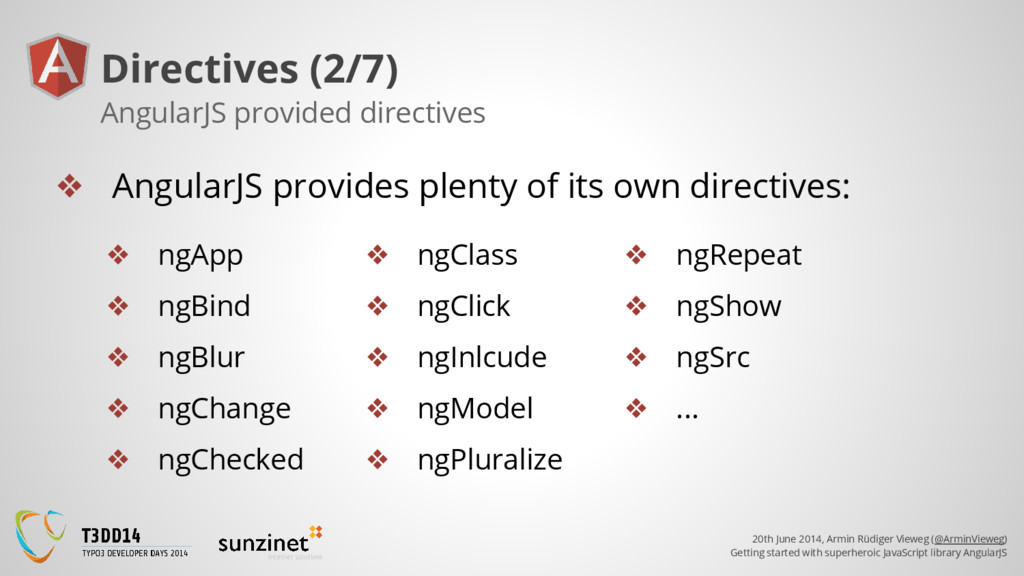
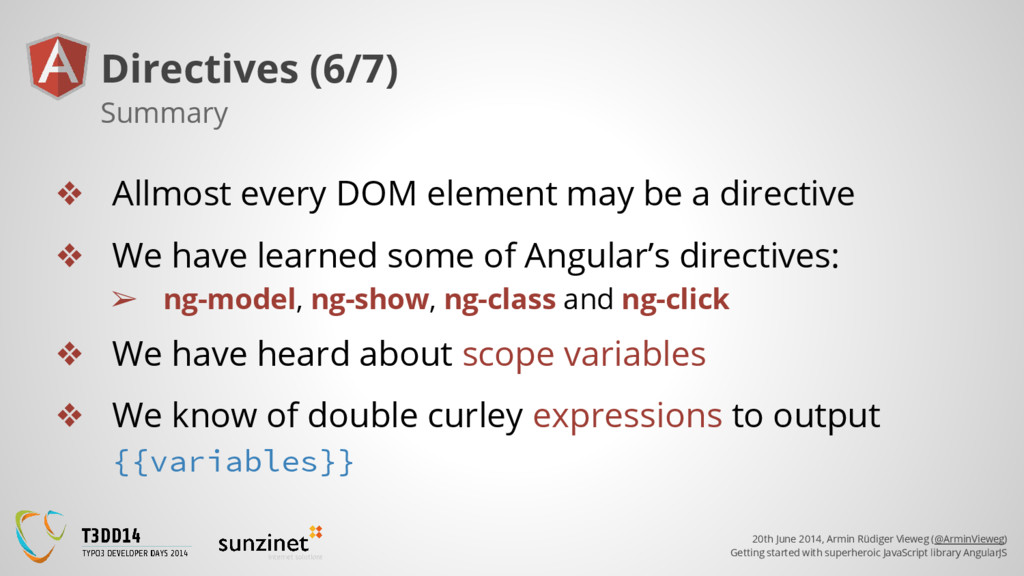
superheroic JavaScript library AngularJS Directives (6/7) ❖ Allmost every DOM element may be a directive ❖ We have learned some of Angular’s directives: ➢ ng-model, ng-show, ng-class and ng-click ❖ We have heard about scope variables ❖ We know of double curley expressions to output {{variables}} Summary
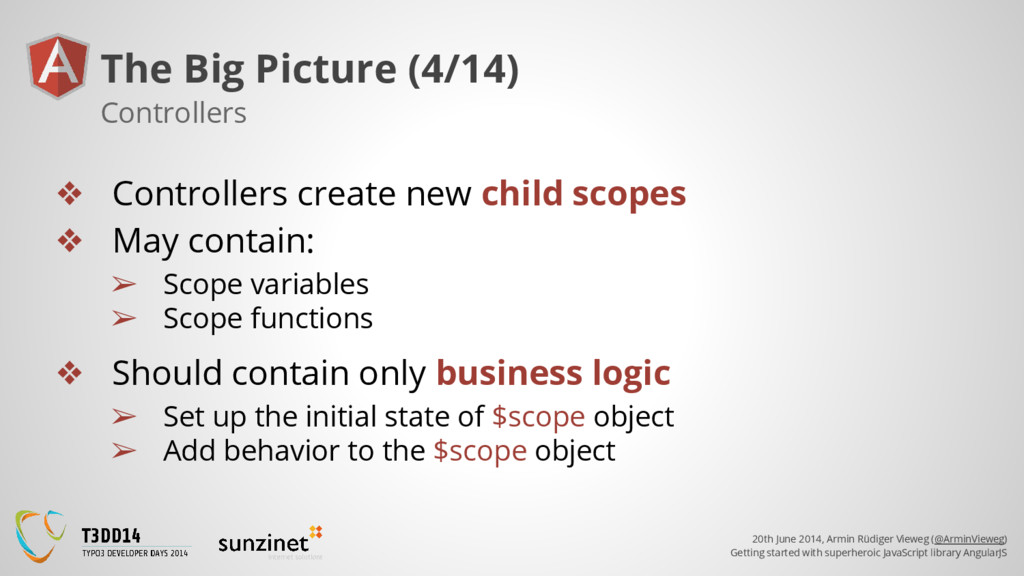
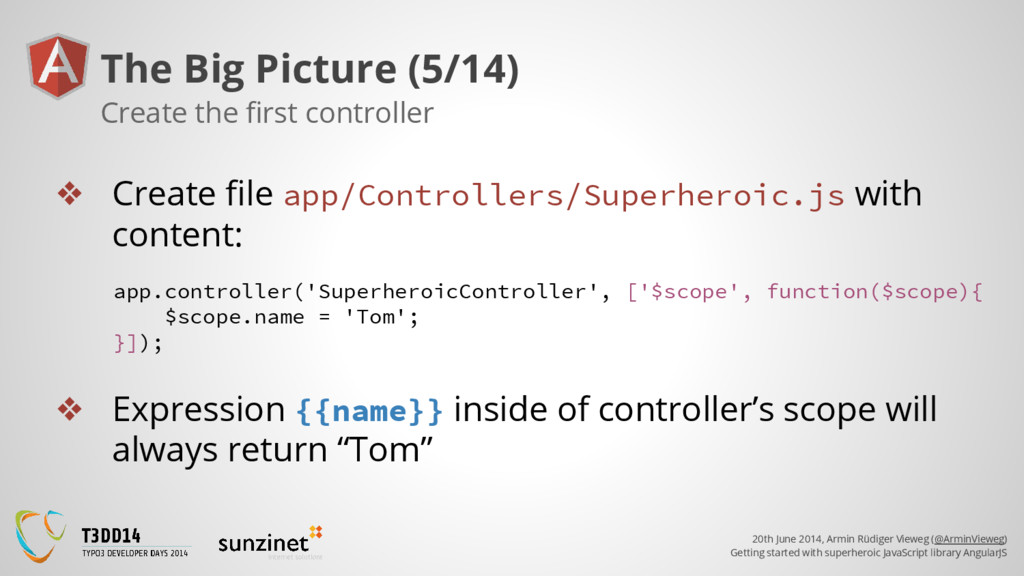
superheroic JavaScript library AngularJS The Big Picture (4/14) ❖ Controllers create new child scopes ❖ May contain: ➢ Scope variables ➢ Scope functions ❖ Should contain only business logic ➢ Set up the initial state of $scope object ➢ Add behavior to the $scope object Controllers
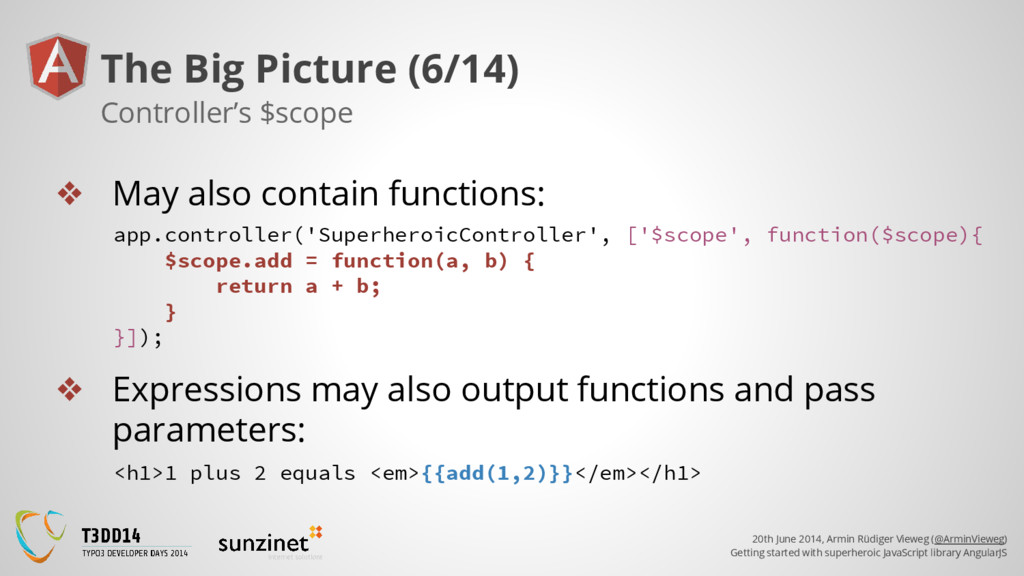
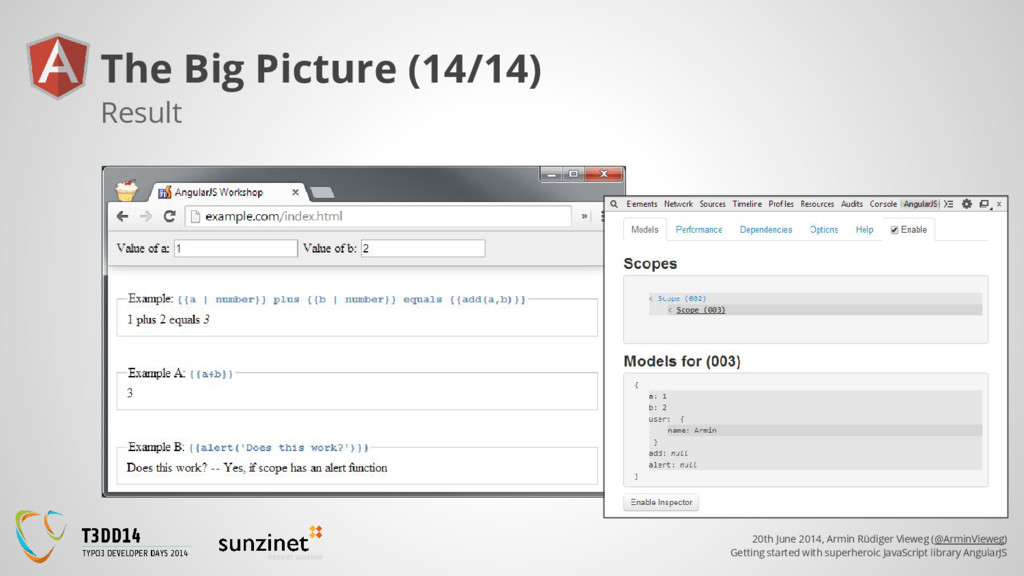
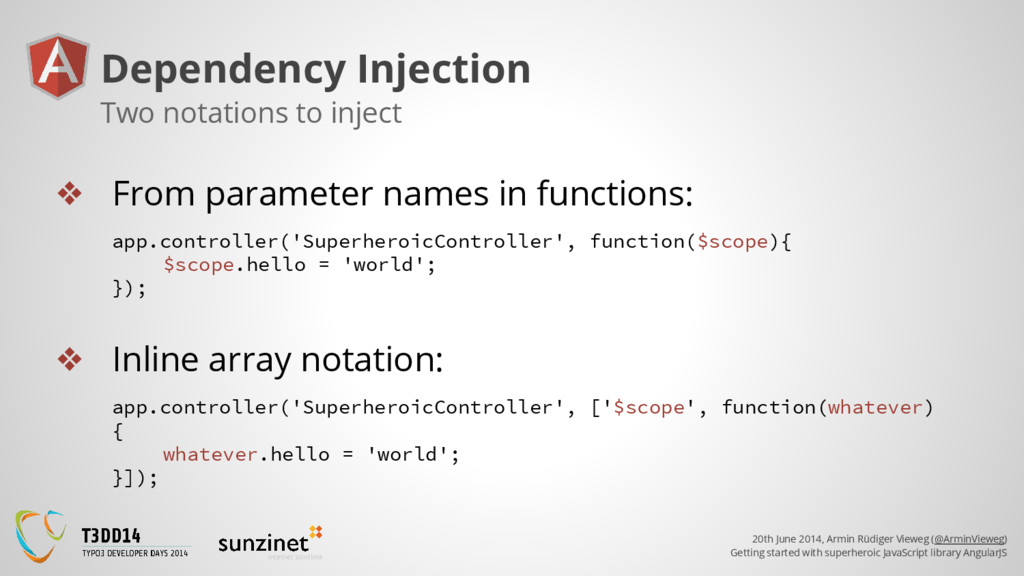
superheroic JavaScript library AngularJS The Big Picture (6/14) ❖ May also contain functions: Controller’s $scope app.controller('SuperheroicController', ['$scope', function($scope){ $scope.add = function(a, b) { return a + b; } }]); ❖ Expressions may also output functions and pass parameters: <h1>1 plus 2 equals <em>{{add(1,2)}}</em></h1>
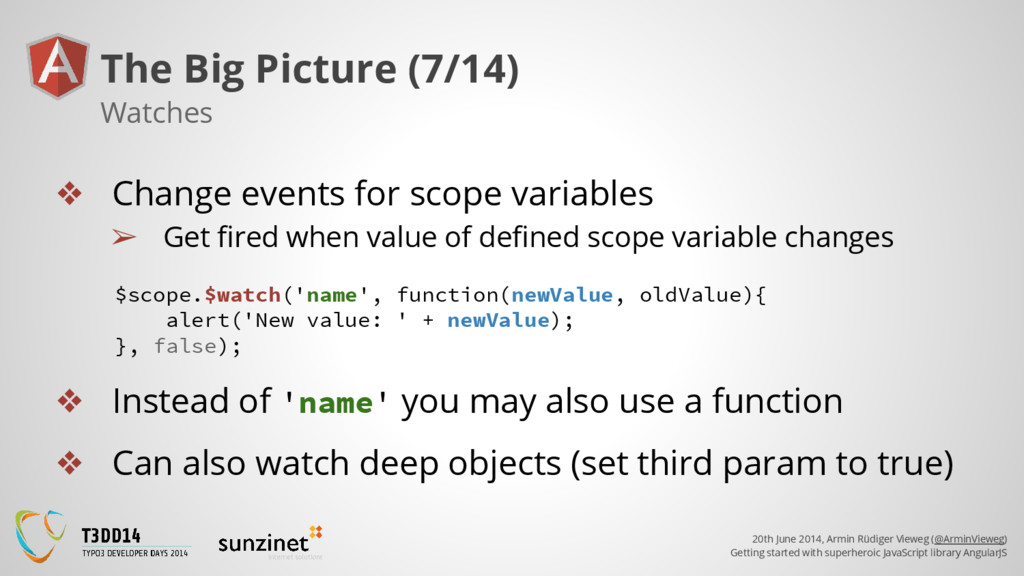
superheroic JavaScript library AngularJS The Big Picture (7/14) ❖ Change events for scope variables ➢ Get fired when value of defined scope variable changes Watches $scope.$watch('name', function(newValue, oldValue){ alert('New value: ' + newValue); }, false); ❖ Instead of 'name' you may also use a function ❖ Can also watch deep objects (set third param to true)
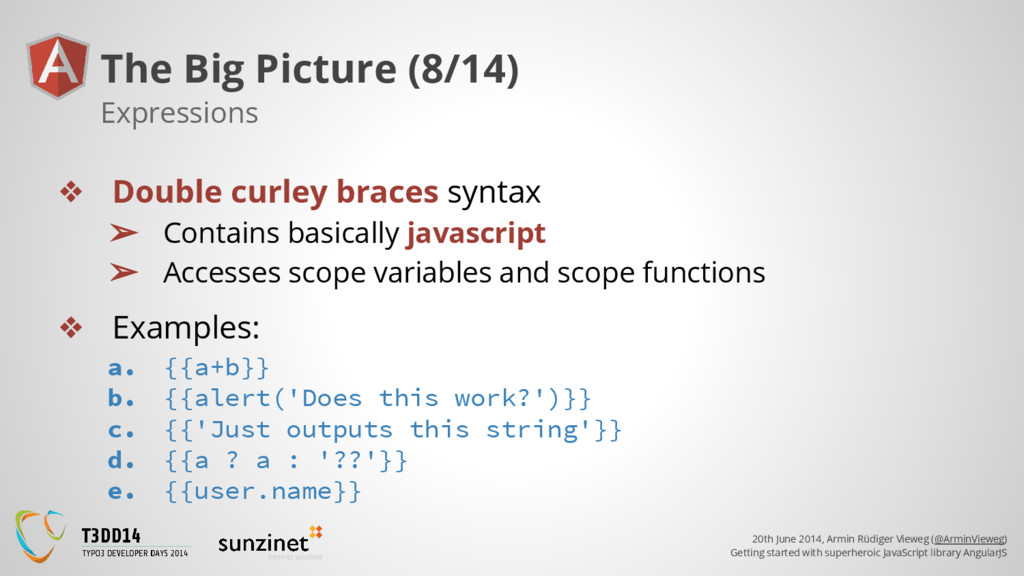
superheroic JavaScript library AngularJS The Big Picture (8/14) ❖ Double curley braces syntax ➢ Contains basically javascript ➢ Accesses scope variables and scope functions Expressions ❖ Examples: a. {{a+b}} b. {{alert('Does this work?')}} c. {{'Just outputs this string'}} d. {{a ? a : '??'}} e. {{user.name}}
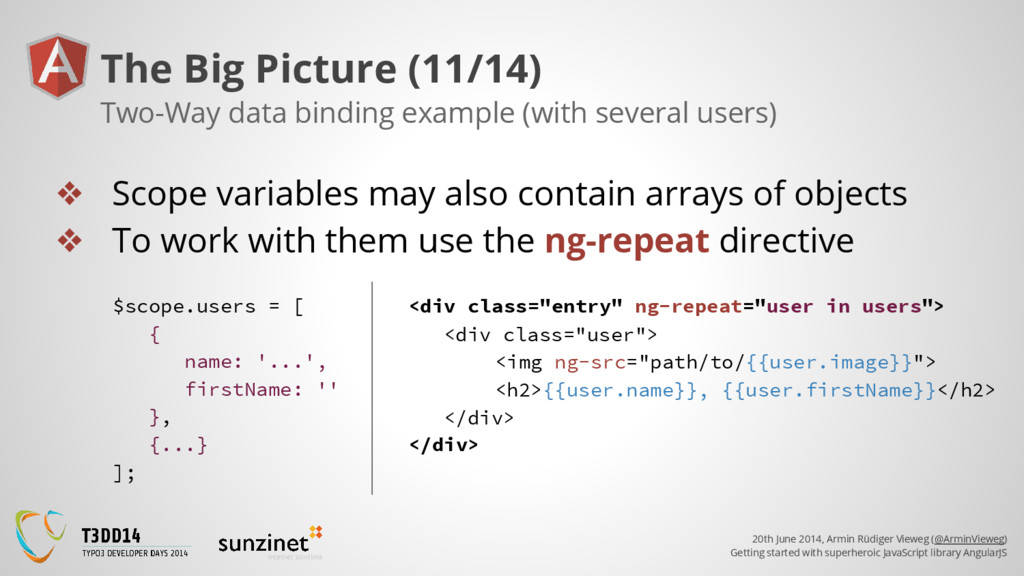
superheroic JavaScript library AngularJS The Big Picture (11/14) ❖ Scope variables may also contain arrays of objects ❖ To work with them use the ng-repeat directive Two-Way data binding example (with several users) <div class="user"> <img ng-src="path/to/{{user.image}}"> <h2>{{user.name}}, {{user.firstName}}</h2> </div> <div class="entry" ng-repeat="user in users"> </div> $scope.users = [ { name: '...', firstName: '' }, {...} ];
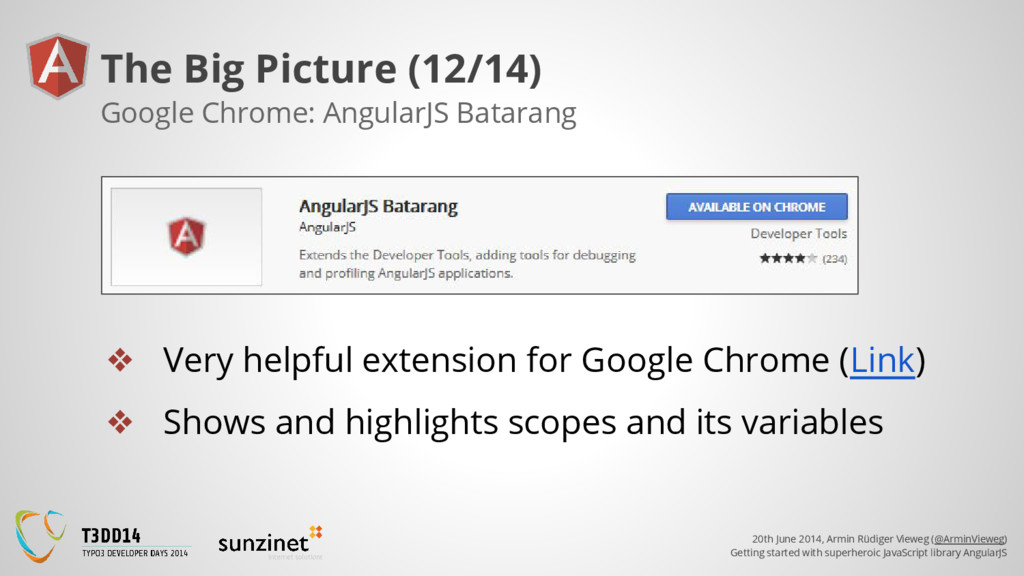
superheroic JavaScript library AngularJS The Big Picture (12/14) ❖ Very helpful extension for Google Chrome (Link) ❖ Shows and highlights scopes and its variables Google Chrome: AngularJS Batarang
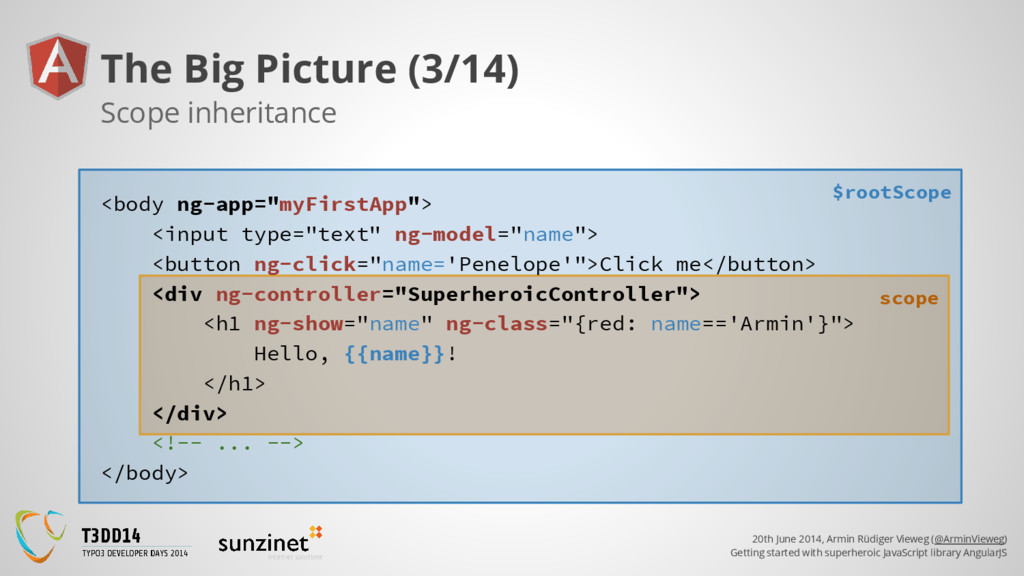
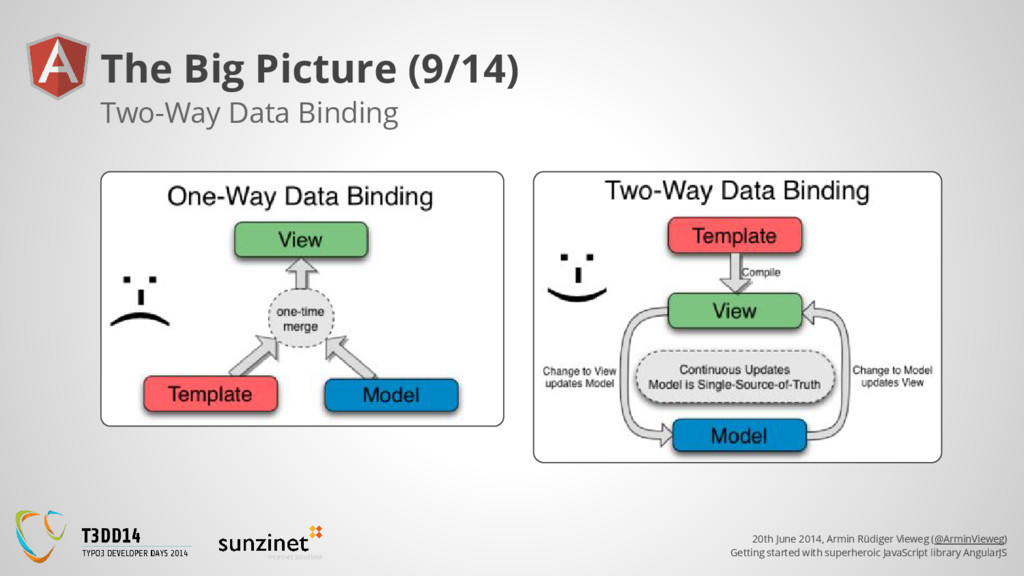
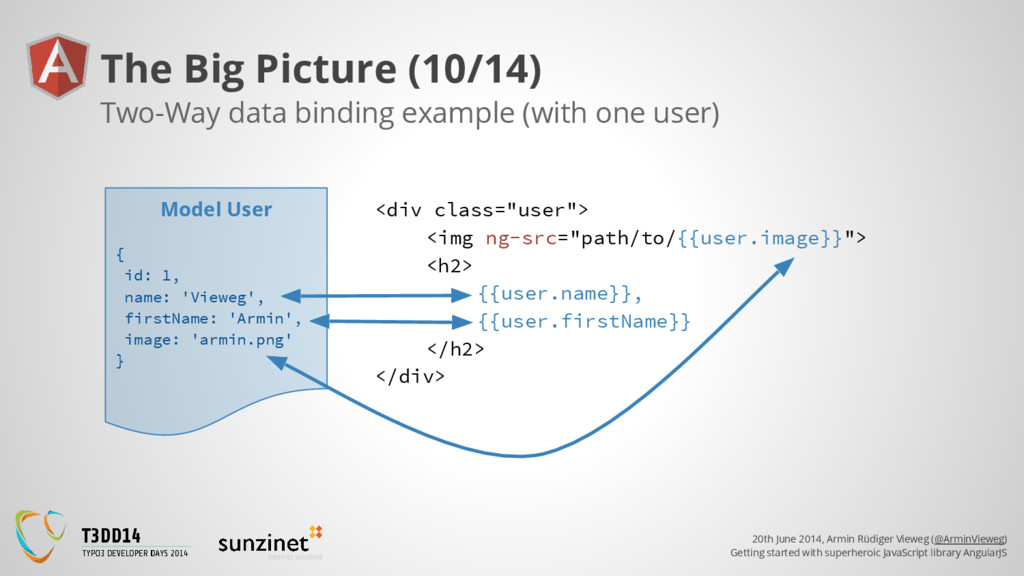
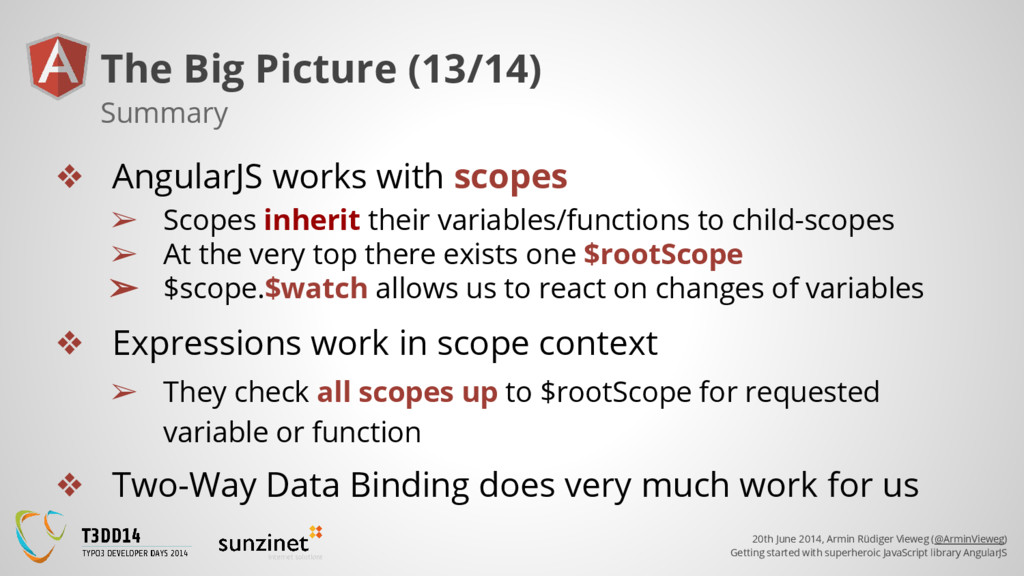
superheroic JavaScript library AngularJS The Big Picture (13/14) ❖ AngularJS works with scopes ➢ Scopes inherit their variables/functions to child-scopes ➢ At the very top there exists one $rootScope ➢ $scope.$watch allows us to react on changes of variables ❖ Expressions work in scope context ➢ They check all scopes up to $rootScope for requested variable or function ❖ Two-Way Data Binding does very much work for us Summary
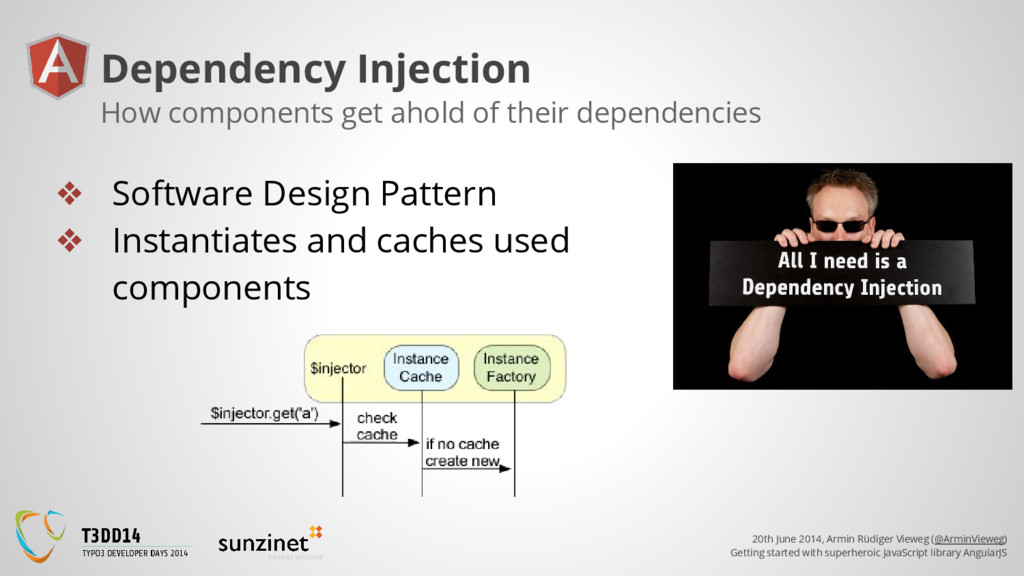
superheroic JavaScript library AngularJS Dependency Injection ❖ Software Design Pattern ❖ Instantiates and caches used components How components get ahold of their dependencies
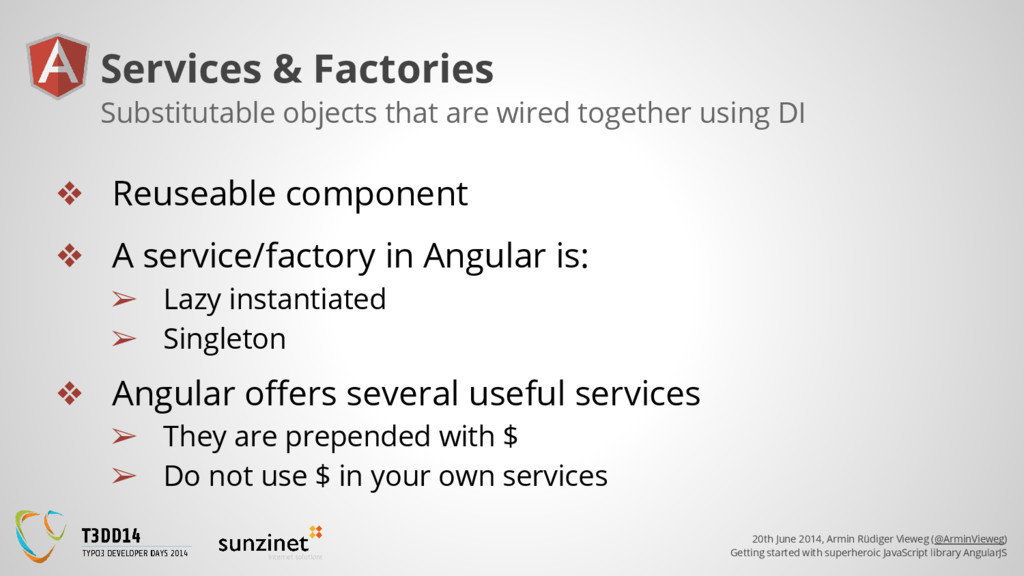
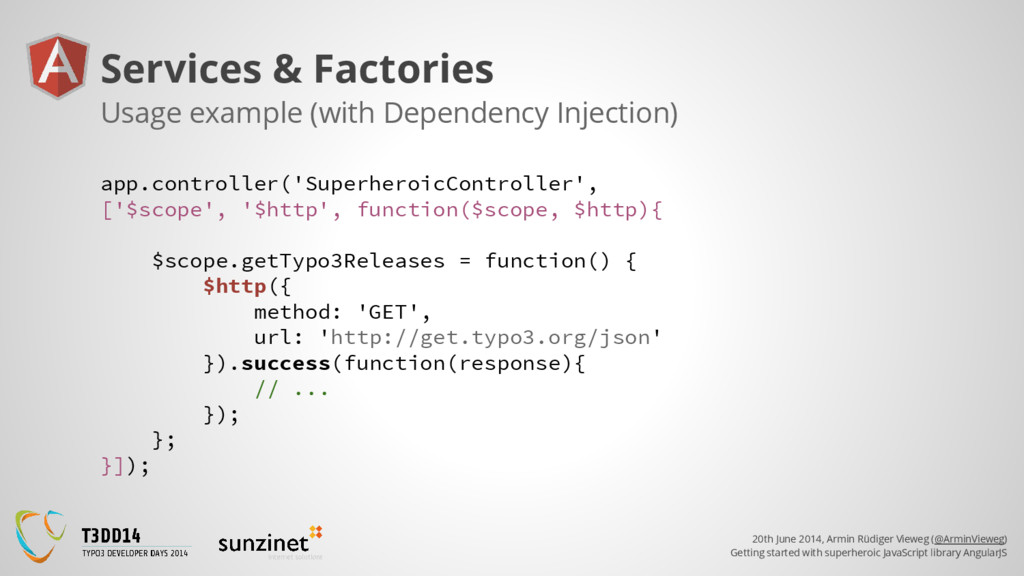
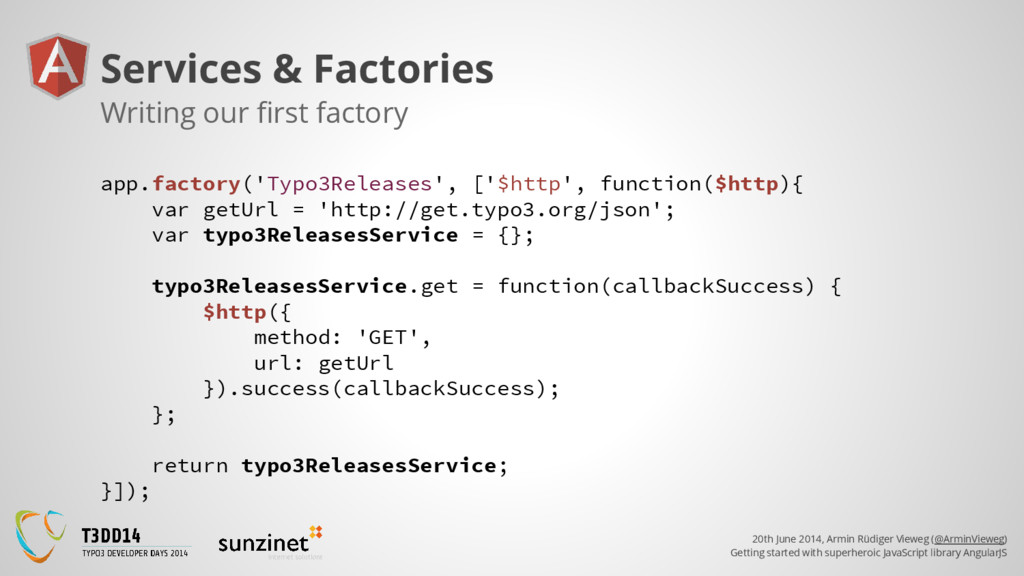
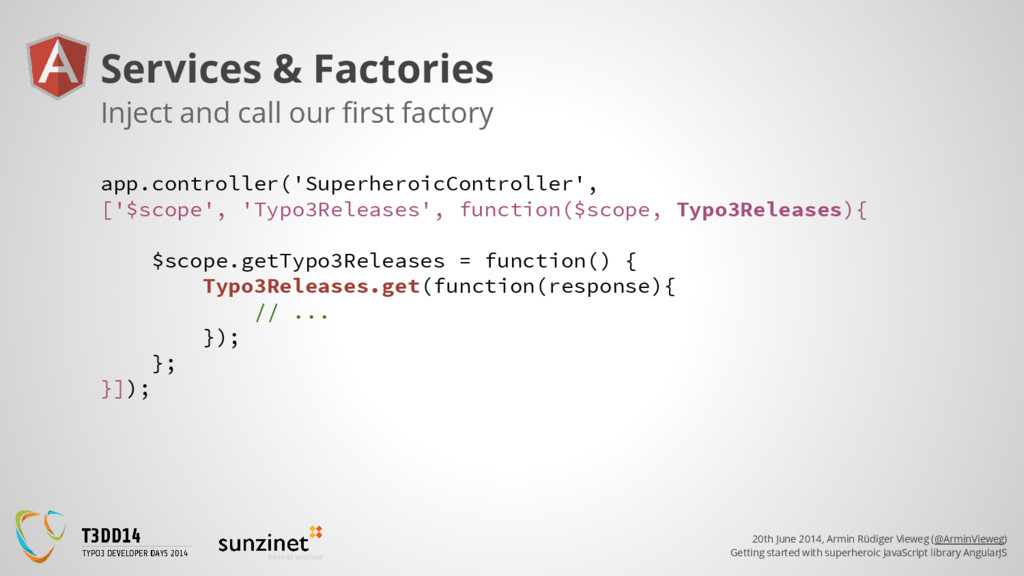
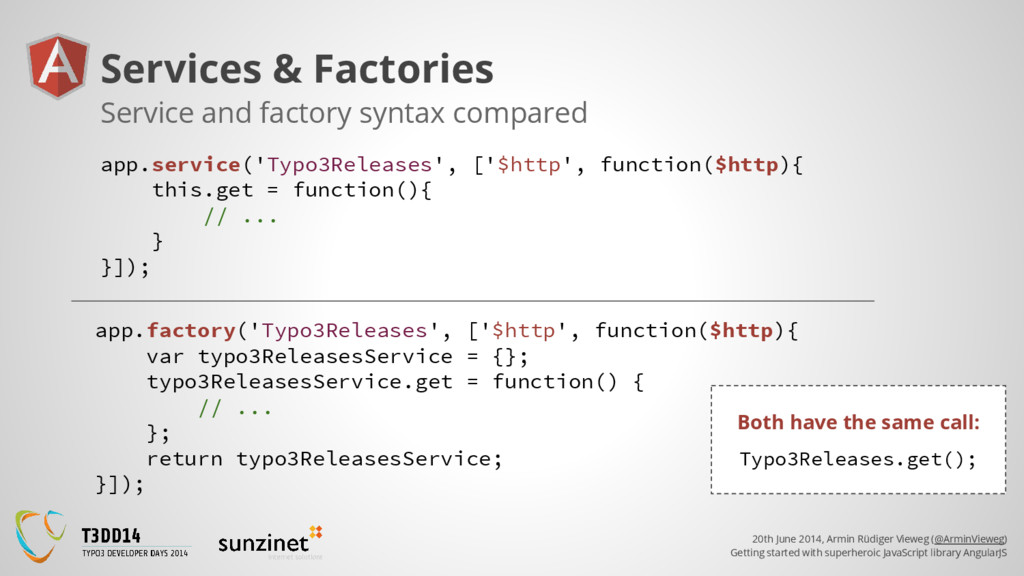
superheroic JavaScript library AngularJS Services & Factories ❖ Reuseable component ❖ A service/factory in Angular is: ➢ Lazy instantiated ➢ Singleton ❖ Angular offers several useful services ➢ They are prepended with $ ➢ Do not use $ in your own services Substitutable objects that are wired together using DI
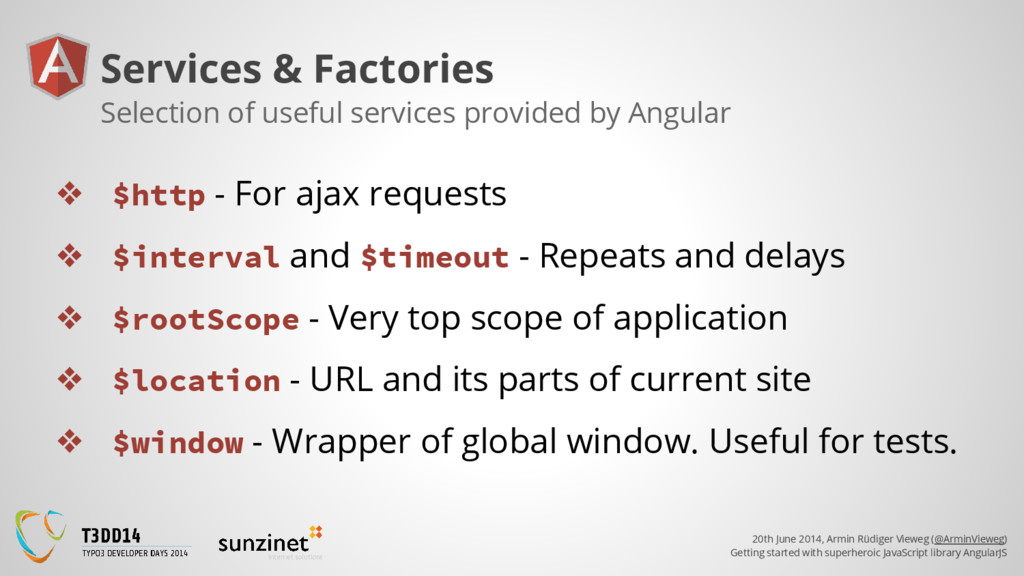
superheroic JavaScript library AngularJS Services & Factories ❖ $http - For ajax requests ❖ $interval and $timeout - Repeats and delays ❖ $rootScope - Very top scope of application ❖ $location - URL and its parts of current site ❖ $window - Wrapper of global window. Useful for tests. Selection of useful services provided by Angular
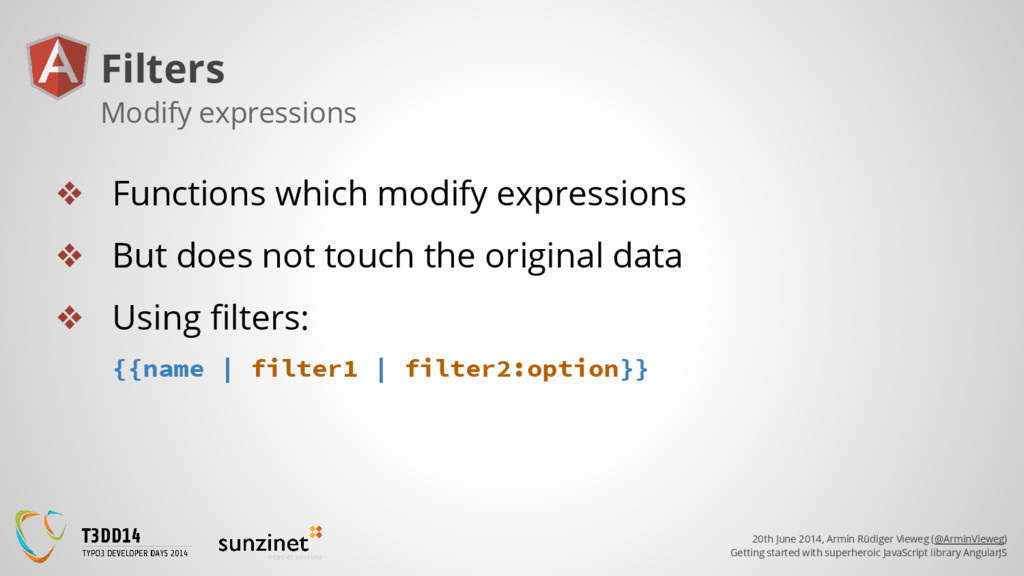
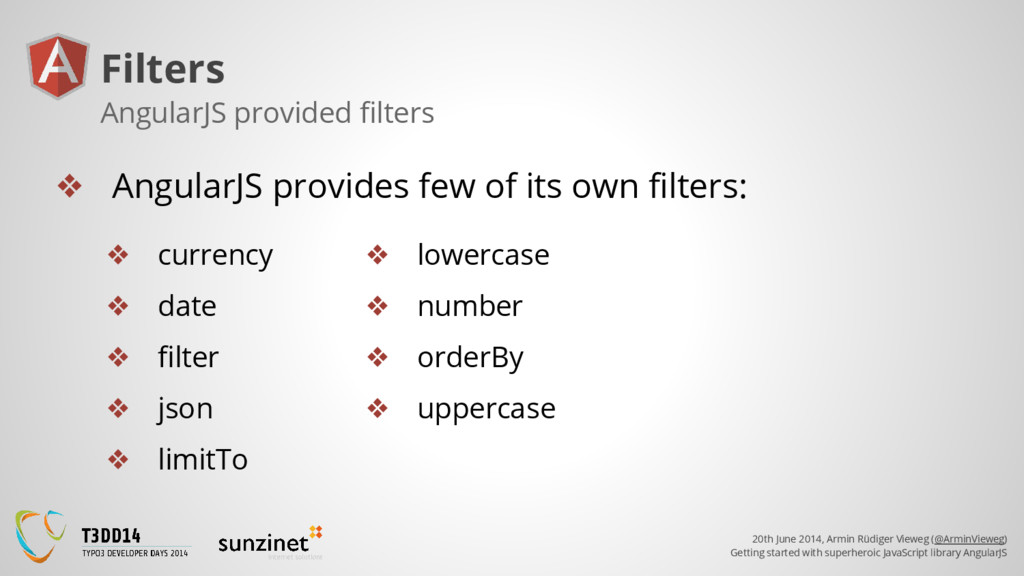
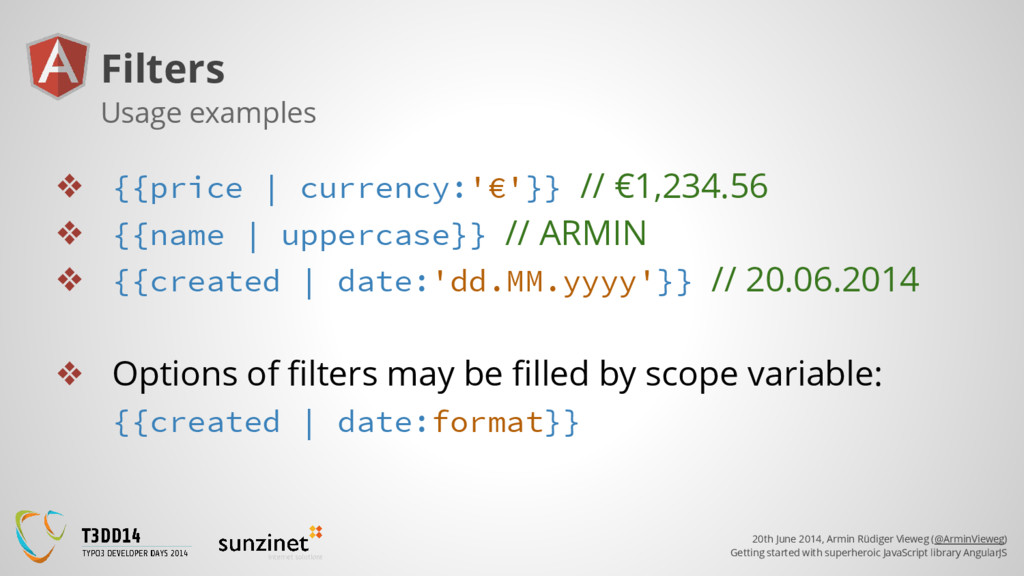
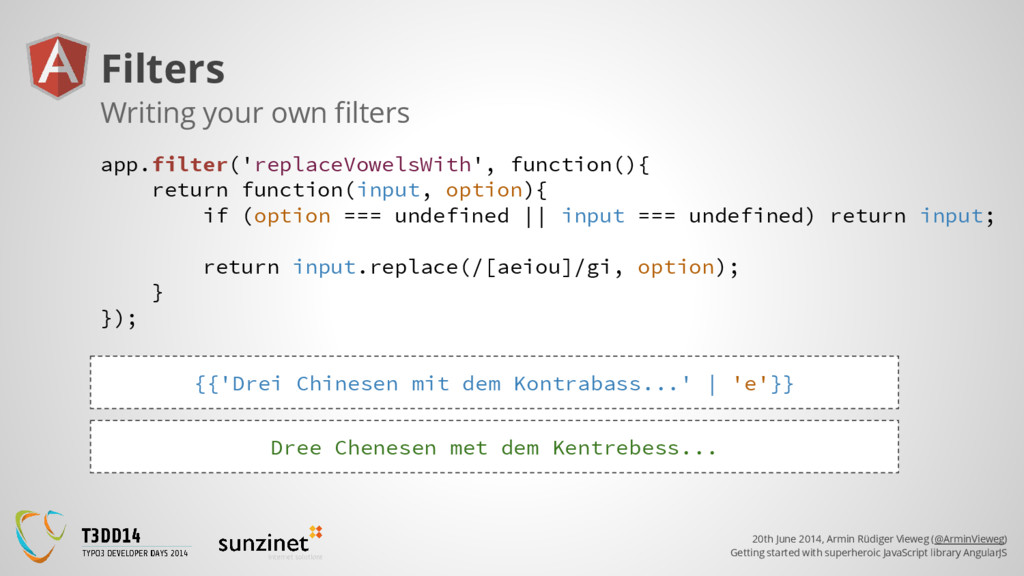
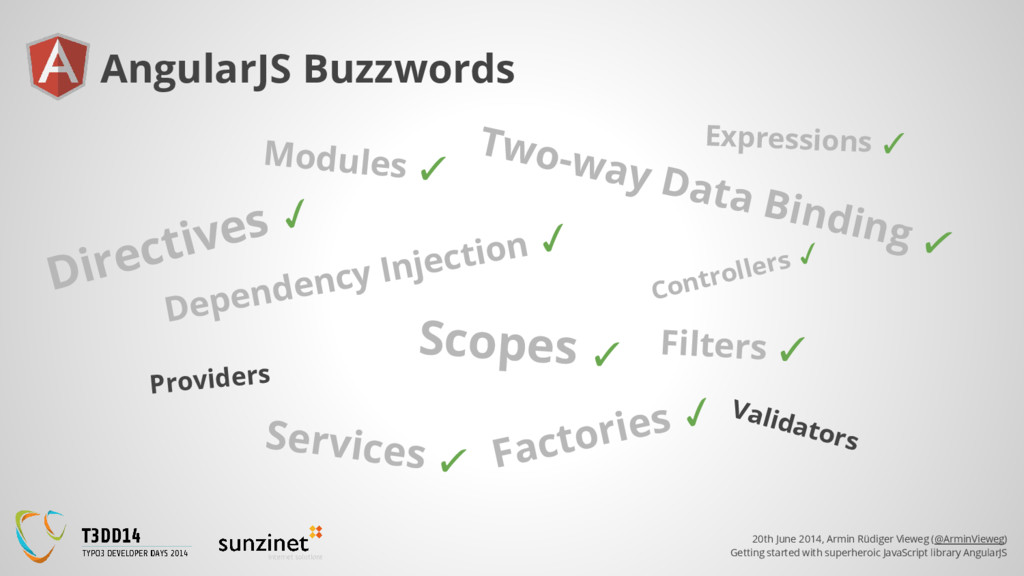
superheroic JavaScript library AngularJS Filters ❖ Functions which modify expressions ❖ But does not touch the original data ❖ Using filters: {{name | filter1 | filter2:option}} Modify expressions
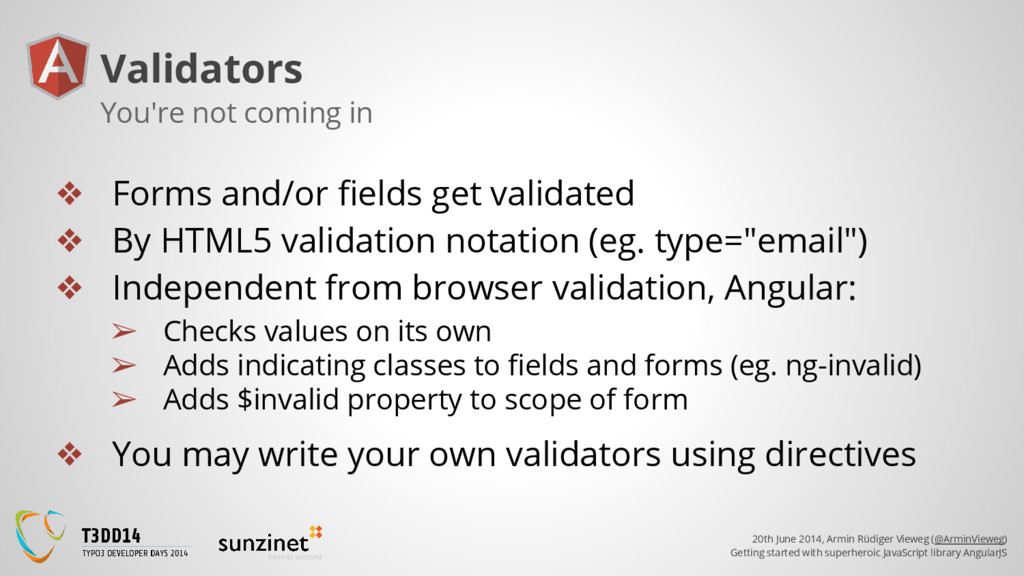
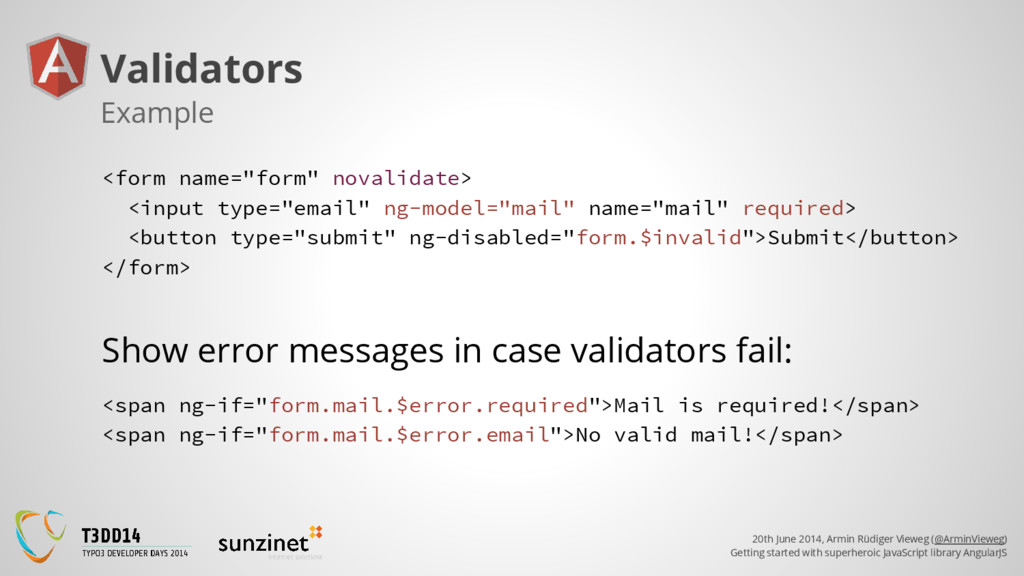
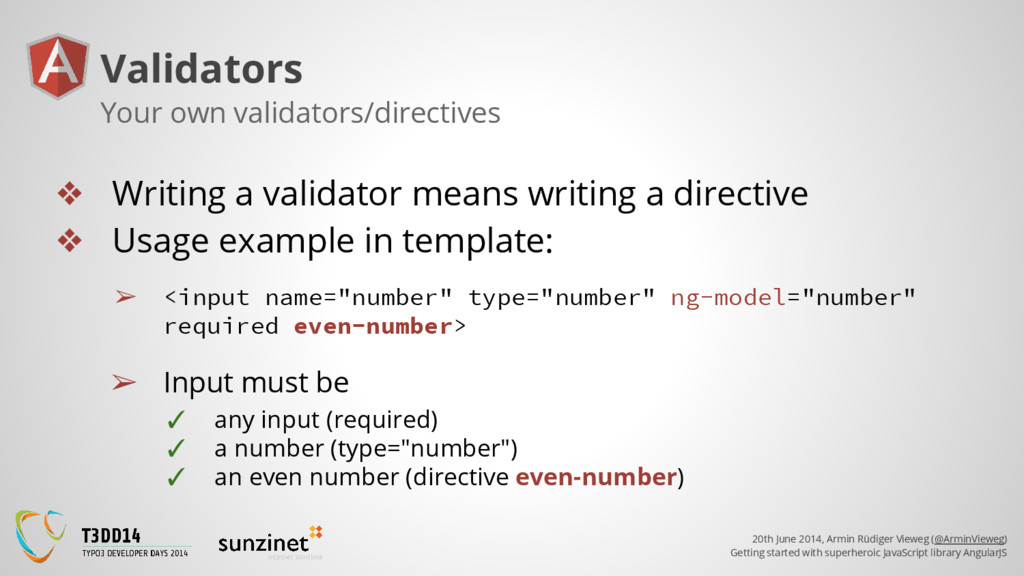
superheroic JavaScript library AngularJS Validators ❖ Forms and/or fields get validated ❖ By HTML5 validation notation (eg. type="email") ❖ Independent from browser validation, Angular: ➢ Checks values on its own ➢ Adds indicating classes to fields and forms (eg. ng-invalid) ➢ Adds $invalid property to scope of form ❖ You may write your own validators using directives You're not coming in
superheroic JavaScript library AngularJS Validators ❖ Writing a validator means writing a directive ❖ Usage example in template: ➢ <input name="number" type="number" ng-model="number" required even-number> ➢ Input must be ✓ any input (required) ✓ a number (type="number") ✓ an even number (directive even-number) Your own validators/directives
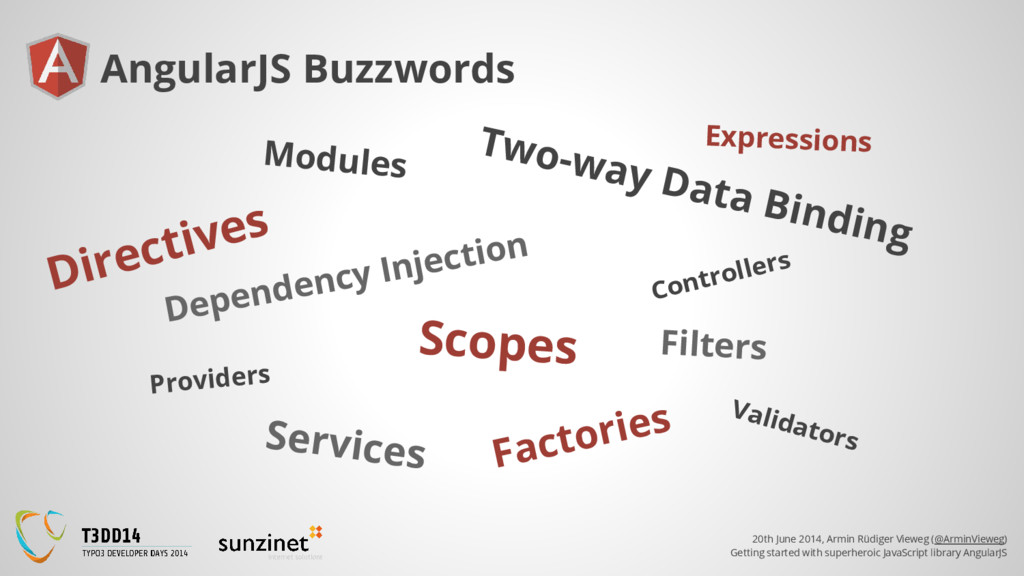
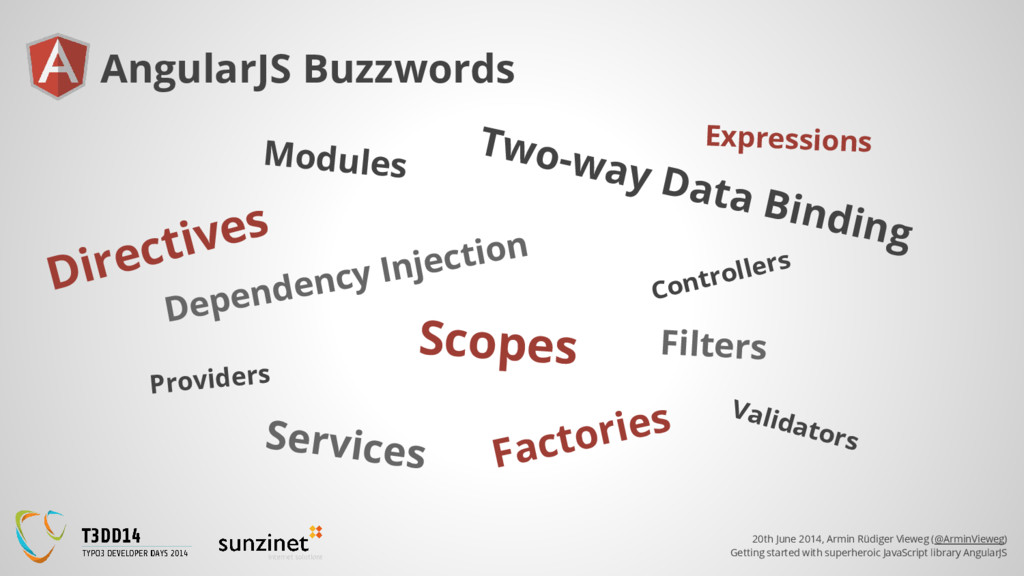
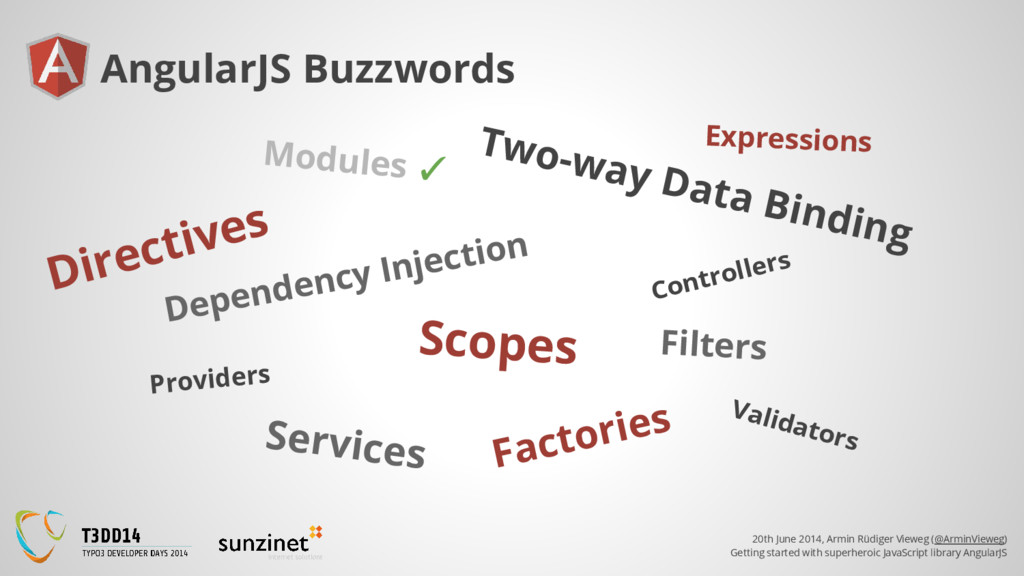
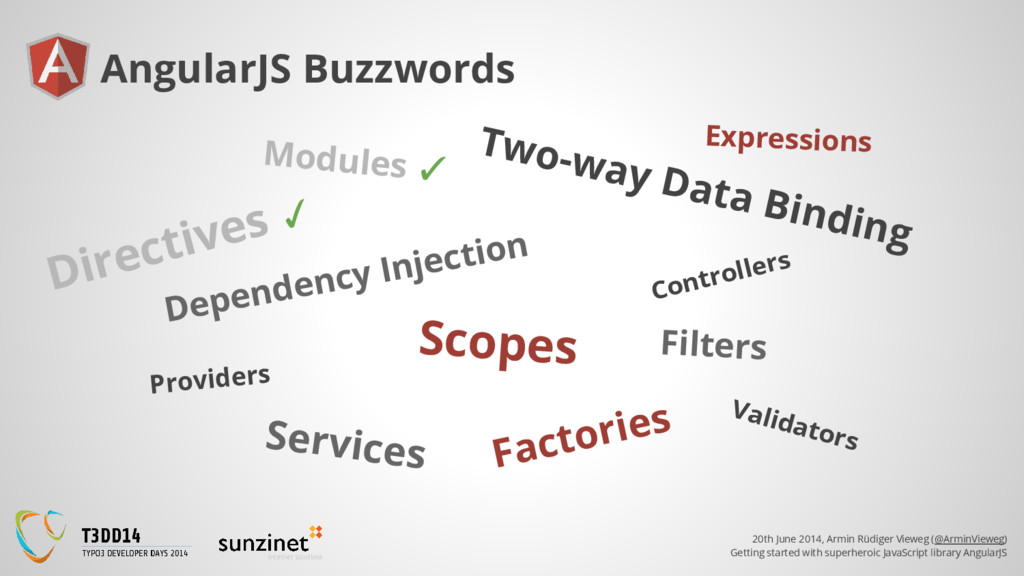
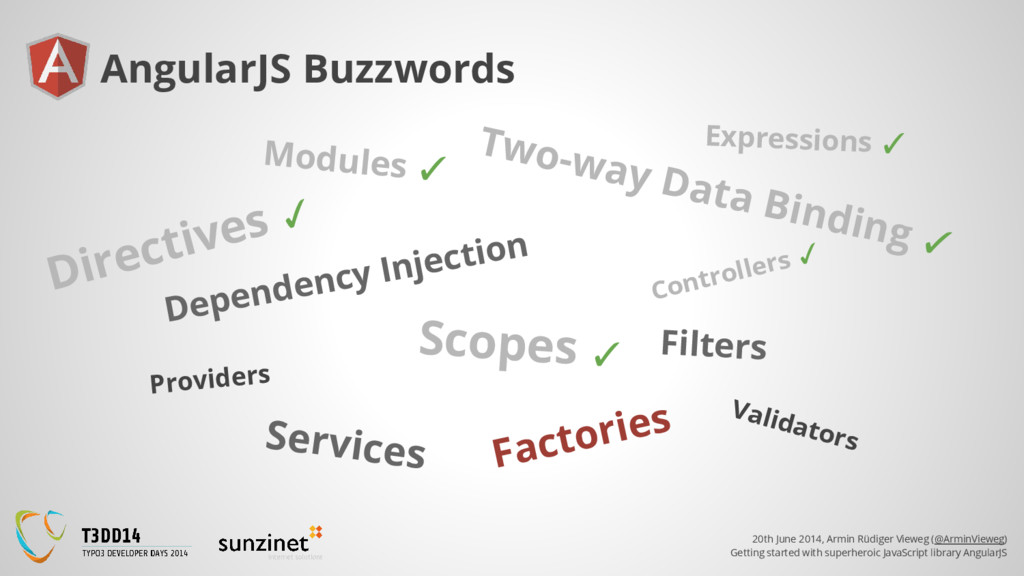
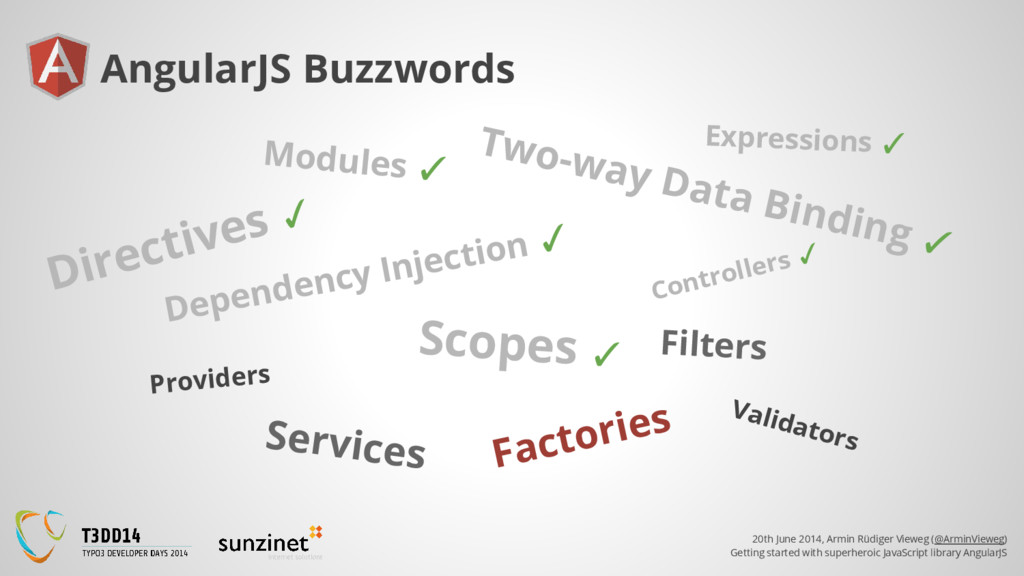
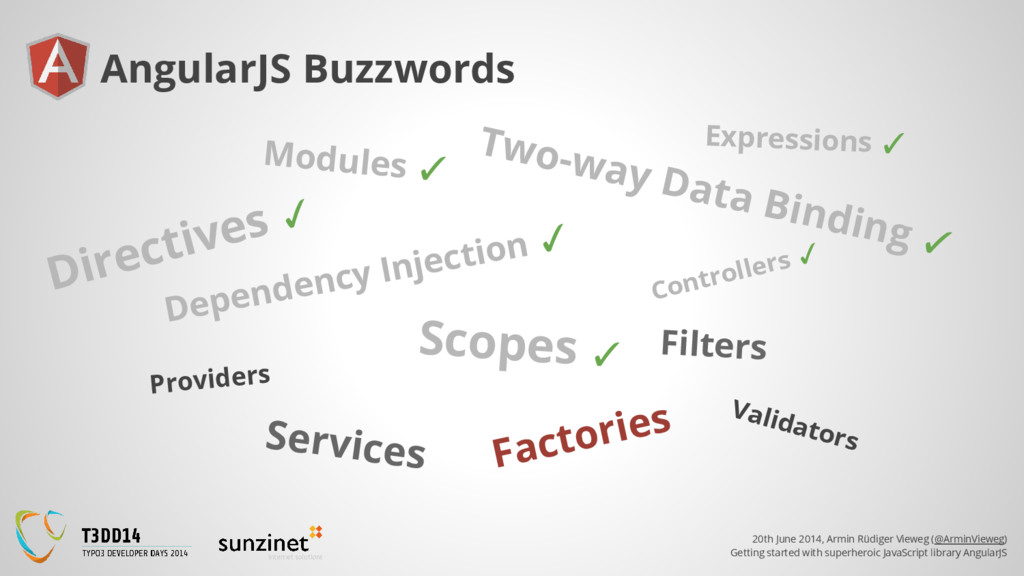
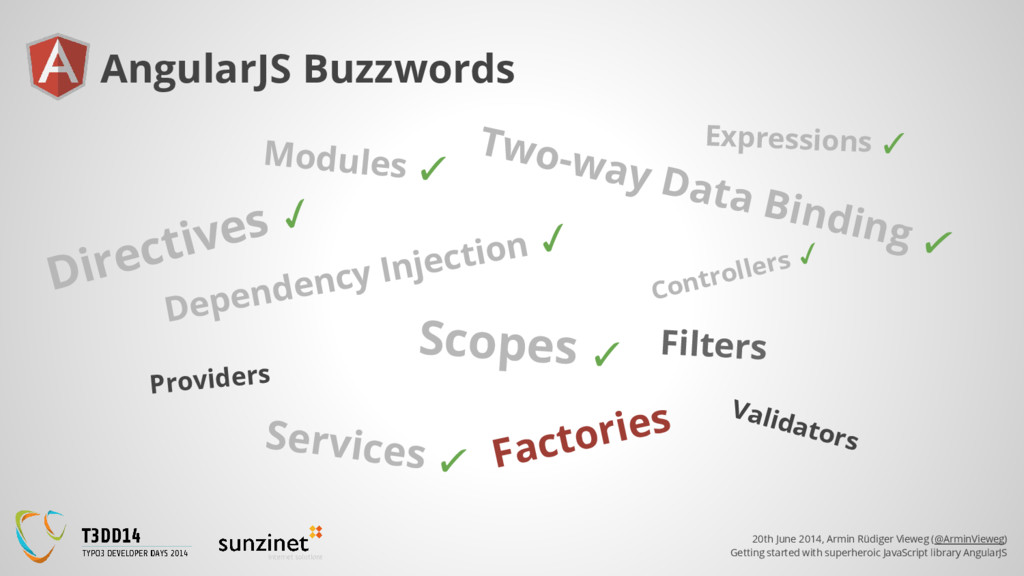
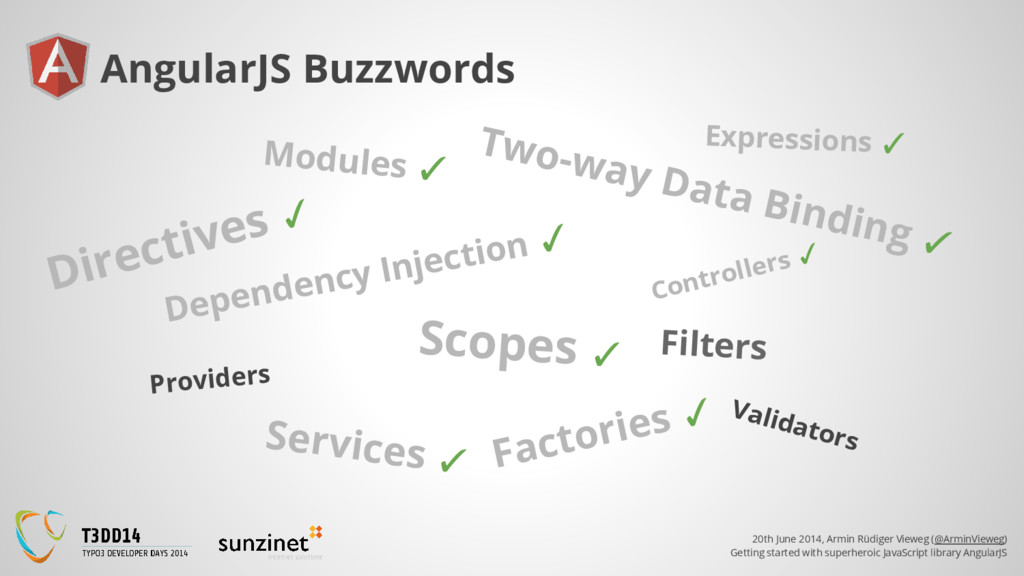
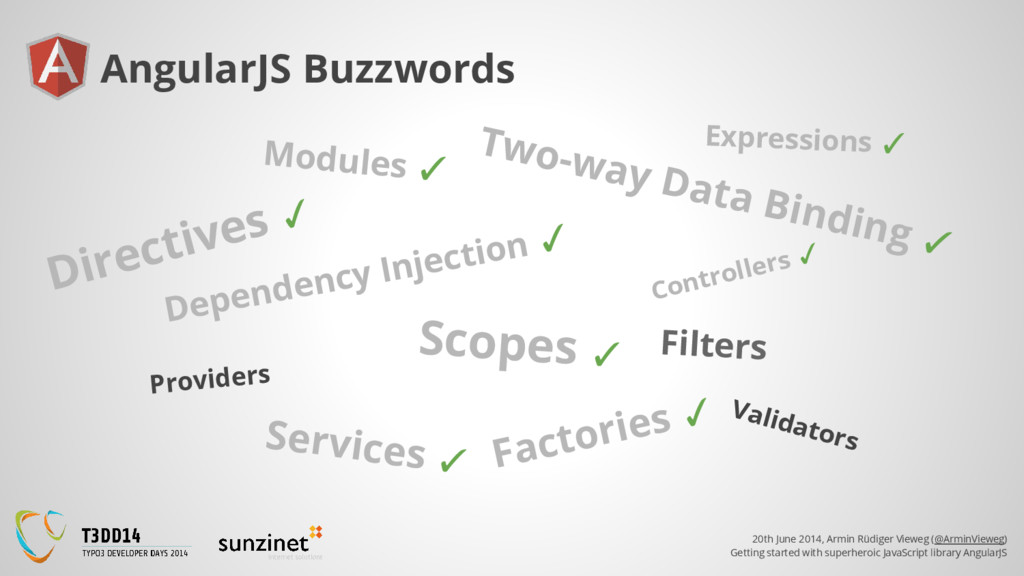
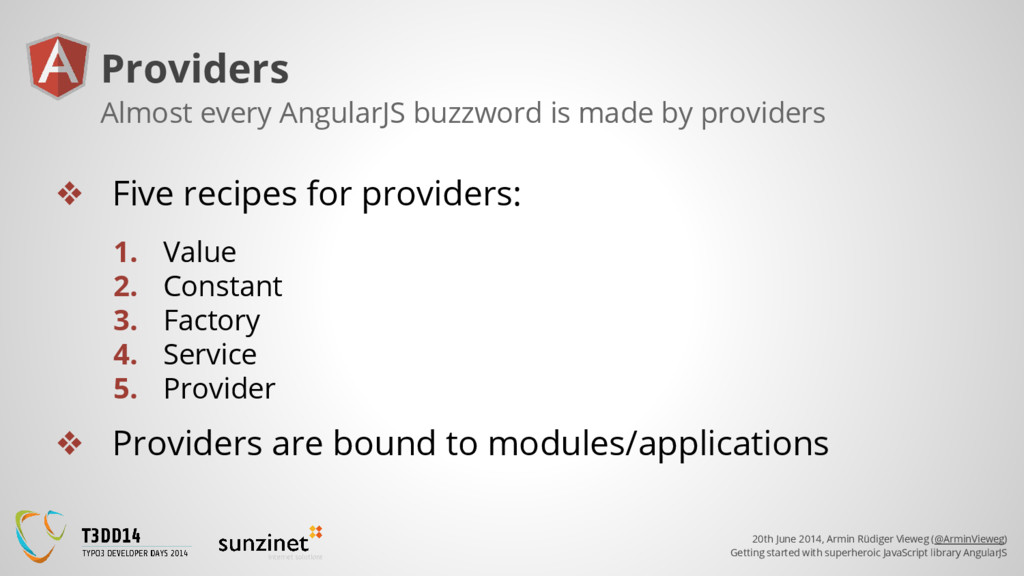
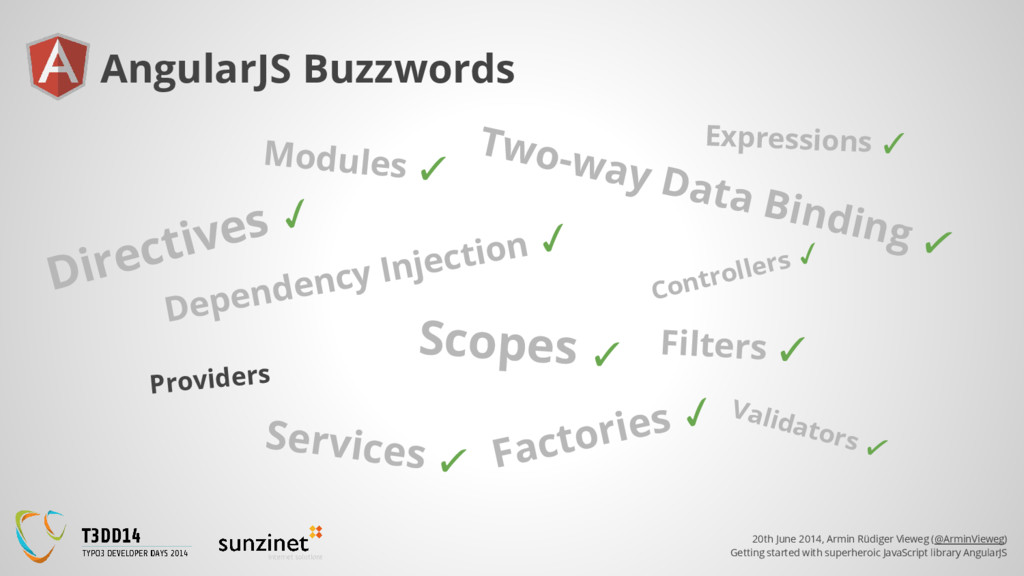
superheroic JavaScript library AngularJS Providers ❖ Five recipes for providers: 1. Value 2. Constant 3. Factory 4. Service 5. Provider ❖ Providers are bound to modules/applications Almost every AngularJS buzzword is made by providers
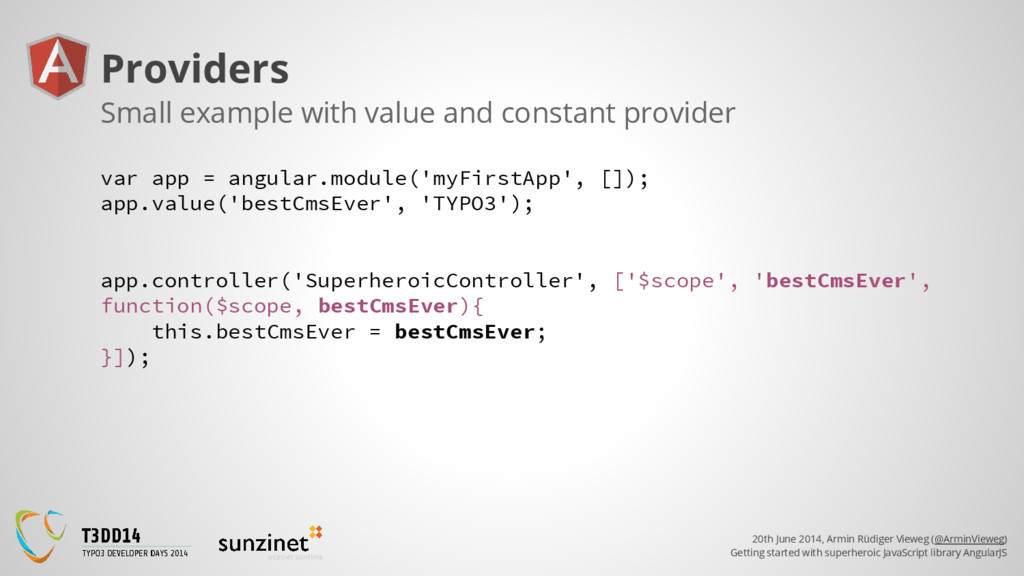
superheroic JavaScript library AngularJS Providers var app = angular.module('myFirstApp', []); app.value('bestCmsEver', 'TYPO3'); app.controller('SuperheroicController', ['$scope', 'bestCmsEver', function($scope, bestCmsEver){ this.bestCmsEver = bestCmsEver; }]); Small example with value and constant provider
superheroic JavaScript library AngularJS Advantages of AngularJS ❖ Allows you to work clean using reuseable modules ❖ Features of Angular ➢ enables completely new possibilites (2-way data binding) ➢ saves a lot of time for common tasks (like validation) ❖ Components are unittestable ❖ Further development of Angular, thanks to Google
superheroic JavaScript library AngularJS AngularJS help ❖ Guide: https://docs.angularjs.org/guide ❖ API: https://docs.angularjs.org/api ❖ Many many articles, videos and examples on ➢ YouTube ➢ StackOverflow ➢ all over the web


 arminvieweg
 minodriven
 mixplace
 chobishiba
 marcoroth
 rollbear
 taiseiue
 oku053
 tomokon
 sylph01
 drumath2237
 ryu1013
 akase244
 cassininazir
 tammyeverts
 aleyda
 uxyall
 baasie
 geshan
 hannesfritz
 inesmontani
 chrislema
 jcasabona
 kastner
 honzajavorek